
The top website design software depends less on a glossy feature list than on the work you need to finish: launching a branded site, shaping responsive layouts, producing a funnel, or turning a rough idea into a usable prototype. I compared 10 tools across those jobs, weighing design control, AI assistance, free access, pricing signals, learning curve, and audience fit. The result is a mixed but practical field guide: some picks are full website builders, while others are valuable adjacent tools for branding, content, prototyping, or visual production.
Start here
Use this quick cut before reading the full ranking. Design.com is the easiest starting point for a small business that needs a logo and coordinated brand assets. STUDIO AI is the more focused choice for designers who want AI-assisted layout work and responsive adaptation. CodeDesign.ai makes the most sense when a business site and sales funnel belong in the same workflow. Developers should look at Windframe, particularly if production-ready Tailwind CSS matters.
The remaining entries serve narrower needs. Microsoft Designer is strongest for social graphics and invitations that support a site launch. AI Web Designer and Pablo.Design prioritize rapid generation over deep control. SysDesigna is a prototyping and documentation specialist rather than a conventional marketing-site builder. AI Photo Editor Pro and C2Anime are broader visual tools that can support website content, but they should not be mistaken for complete website platforms.
Segment comparison
| Segment | Best starting point | What it does well | Main trade-off |
|---|---|---|---|
| Brand-first website launch | Design.com | Tgeneration, templates, fonts, and branded assets | Pricing and advanced download requirements need checking |
| AI-assisted visual web design | STUDIO AI | Design suggestions, task automation, responsive adaptation | AI may reduce creative control and takes time to learn |
| Business sites and funnels | CodeDesign.ai | AI website building, funnels, and hosting | Basic plan limits users to three projects |
| Developer-led production | Windframe | Tailwind templates, visual editing, code export | Tailwind knowledge is useful, and the editor has a learning curve |
| Rapid concepts and adjacent visual assets | Microsoft Designer | Social posts, invitations, and AI design suggestions | It is not a full website workflow, and mobile versions are unavailable |
This segmentation matters because the top web design software for a developer can be a poor fit for a founder who simply wants a polished first site. A tool with more controls is not automatically better; it may just move more work onto your team.
Shortlist paths
| Your priority | Start with | Why |
|---|---|---|
| Build a recognizable brand quickly | Design.com | It combines an AI logo maker with a large template library and branded assets. |
| Generate and refine a live responsive site | STUDIO AI | It pairs AI design suggestions with automated tasks and responsive adaptation. |
| Launch a site with a conversion path | CodeDesign.ai | The AI website builder and sales funnel builder address adjacent business needs. |
| Export Tailwind CSS for implementation | Windframe | Its visual editor and 1,000+ Tailwind CSS templates support developer handoff. |
| Turn a logo into a first branded site | Pablo.Design | It automatically generates a site and copy from a logo. |
If your shortlist includes a tool from the final group, define the job carefully. AI Photo Editor Pro may improve product imagery for a storefront, but it will not replace a site builder. C2Anime can produce promotional video content, while SysDesigna can help document an application concept. Those are useful additions to a website project, not substitutes for its core publishing layer.
Ranking snapshot
| Rank | Tool | Best for | Score | Starting price |
|---|---|---|---|---|
| #1 | Design.com | Small business owners | 93/100 | Free: $0 / month |
| #2 | Microsoft Designer | Social media managers | 93/100 | Check vendor pricing |
| #3 | STUDIO AI | Web designers | 93/100 | Check vendor pricing |
| #4 | CodeDesign.ai | Entrepreneurs | 92/100 | Portfolio Plan: SGD 9 |
| #5 | Windframe | Developers | 91/100 | Freelancer: $25/month |
| #6 | AI Web Designer | Entrepreneurs | 89/100 | Starter: $9 /per month |
| #7 | Pablo.Design | Small business owners | 89/100 | Check vendor pricing |
| #8 | SysDesigna | CRM consultants | 89/100 | Free Tier: Free |
| #9 | AI Photo Editor Pro | Online sellers | 87/100 | Lite: $9.99 per month |
| #10 | C2Anime | Anime creators | 87/100 | Creator: $29.00 per month |
How we grouped and ranked the list
This is a complex category, so a single feature checklist would produce a misleading result. We grouped the tools by the job they help complete: brand creation, visual website production, business conversion, code-oriented implementation, prototyping, and supporting media. A logo platform can rank highly for a new business without being the right answer for a front-end engineer.
Scores reflect the combination of stated feature depth, practical audience fit, free access, pricing clarity, and market signal. Monthly visits provide context rather than a verdict: large traffic can indicate familiarity, while a smaller specialist tool may still fit a demanding workflow better. We also treated limits honestly. Credit-based generation, project caps, missing mobile versions, limited customization information, and unclear paid tiers all affect the shortlist.
That approach is why Design.com leads the overall list while Windframe may be the better professional choice for a developer. It is also why the last two tools appear here as unexpected alternatives for website teams rather than conventional website builders.
Ranked field notes
1. Design.com
- Small business owners
- AI logo design, domain generation, branded assets
- Starts at Free: $0 / month
- Usage signal: 4.6M
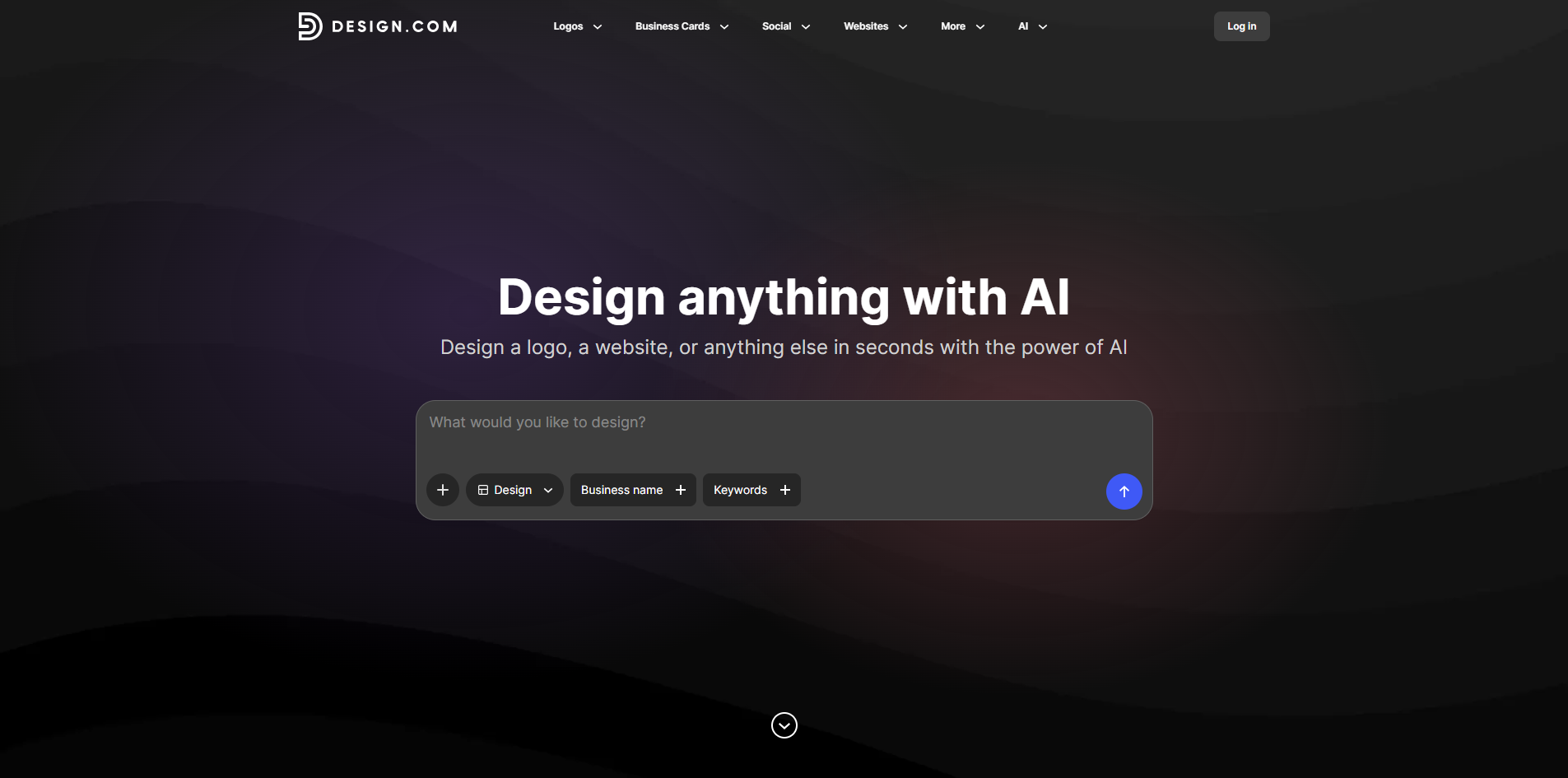
Why it matters A new website often fails before the first page is built: the logo, type, and supporting visuals do not feel like they belong together. Design.com addresses that early-stage branding problem with an AI-powered logo generator, more than 500,000 professionally designed logo templates, and a large font selection that includes 525+ exclusive fonts. Its strength is breadth. Small businesses can move from a basic identity to a set of branded assets without stitching together several design tools. The free entry point makes it the most approachable overall pick, though I would confirm what is included in downloads and advanced services before committing.
Best for
Small businesses creating a first visual identity
Founders who need a logo and supporting assets together
Teams that value templates over blank-canvas control
Limitations
Specific package pricing is not clear from the available offer
Some advanced downloads or services may require an account or payment
It is more brand-first than developer-first
Shortlist signal: Add Design.com when your website project starts with a logo, fonts, and a consistent small-business brand system.
2. Microsoft Designer

- Social media managers
- Free plan available
- Starts at Check vendor pricing
- Usage signal: 1.5M
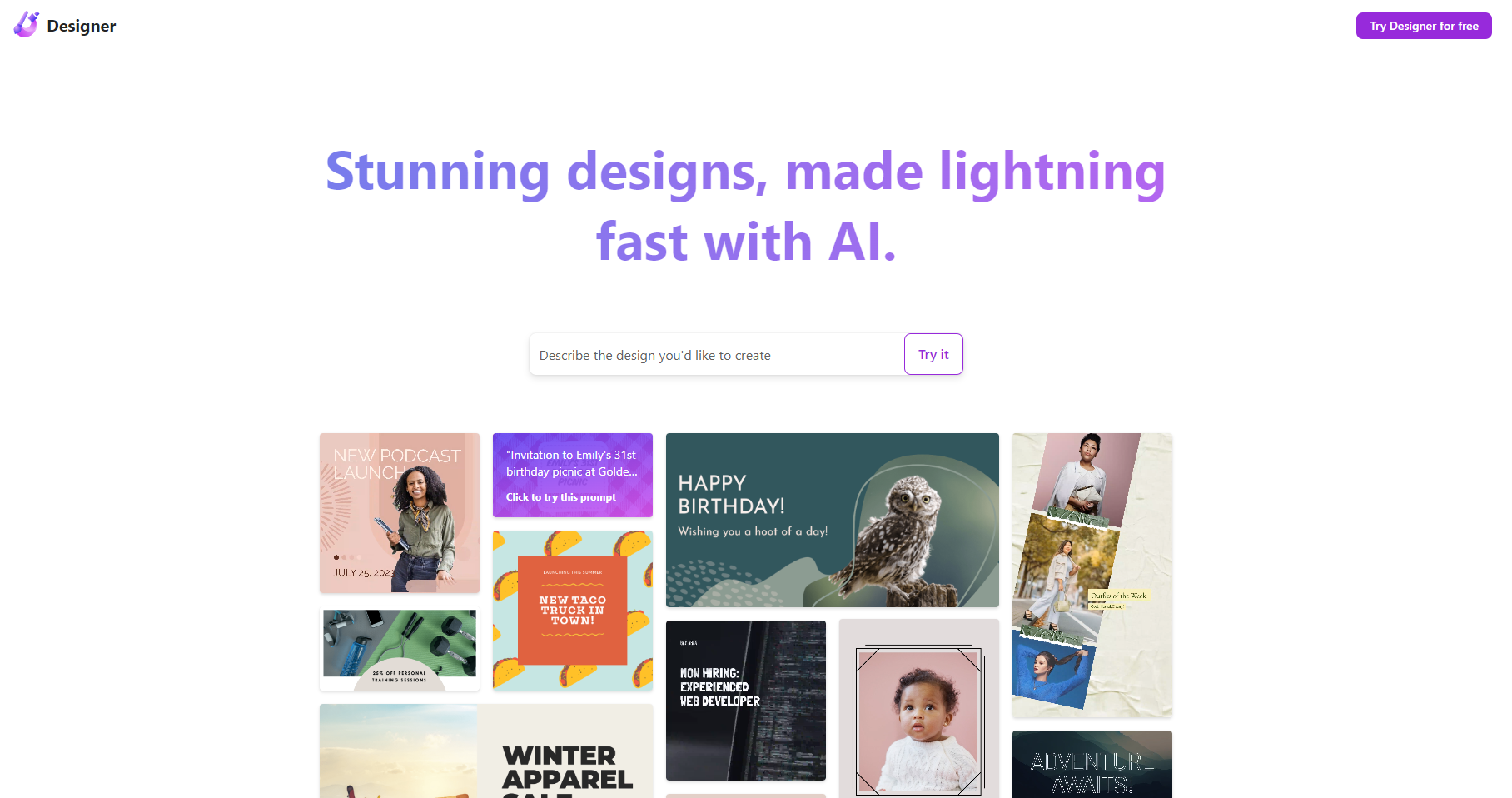
Why it matters Website launches need more than page layouts. They also need announcement graphics, invitations, campaign visuals, and social posts. Microsoft Designer is built around that quick-turnaround content loop: describe an idea, use AI-powered suggestions, and create social media posts or invitations. The interface is approachable for people who do not want to learn a complex editor, making it useful beside a website builder. Its score reflects speed and accessibility, not deep site architecture. Treat it as one of the top website design tools for launch collateral, not as your publishing system.
Best for
Social media managers supporting a website launch
Small teams creating promotional graphics quickly
Users who prefer describing an idea to starting from a blank canvas
Limitations
Mobile versions are not yet available
AI output may not match the intended result every time
Pricing details require verification with the vendor
Shortlist signal: Choose Microsoft Designer when the website is only one part of a fast-moving visual content campaign.
3. STUDIO AI

- Web designers
- 2,000 visitors/mo; AI design; automation; responsive design
- Starts at Check vendor pricing
- Usage signal: 800.5K
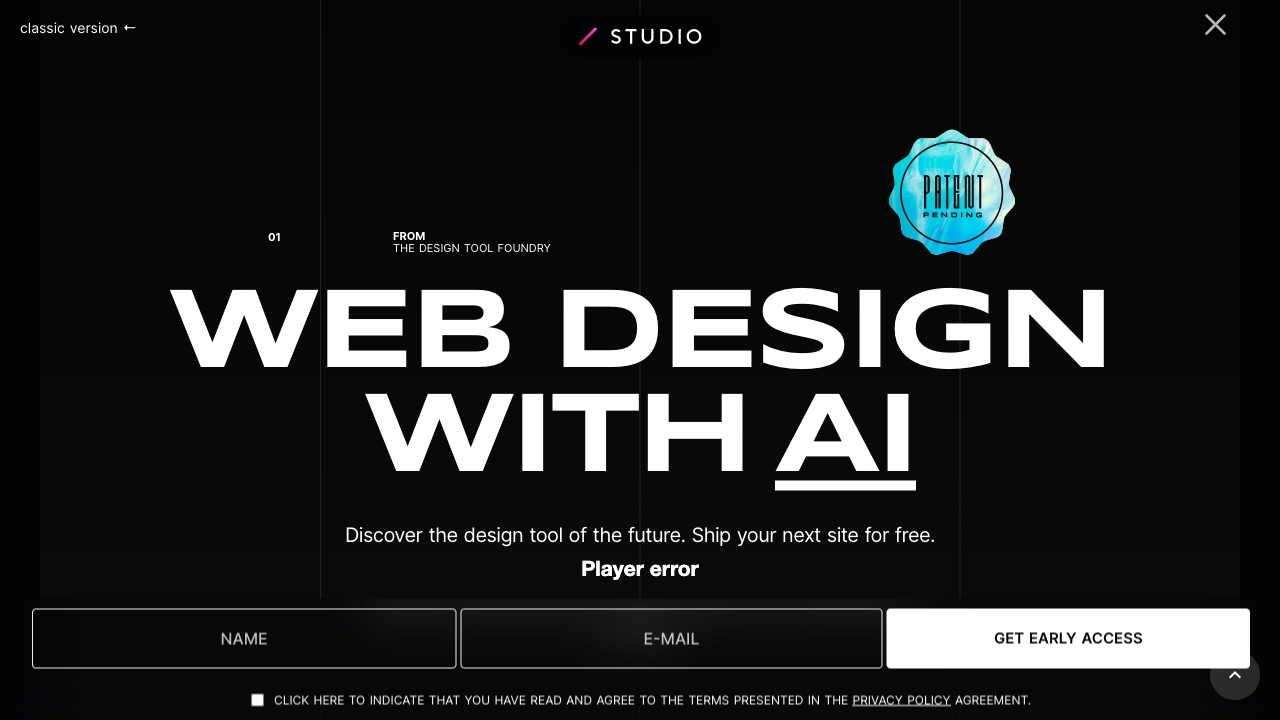
Why it matters STUDIO AI is the most directly relevant choice for designers who want AI to participate in the website workflow rather than merely generate an image. It offers AI-powered design suggestions, automated task completion, and responsive design adaptation. That combination can reduce repetitive layout work while keeping the designer in a visual environment. The free allowance of 2,000 visitors per month gives a useful way to test a small project. The catch is control: reliance on AI may frustrate designers who want every decision to remain manual, and advanced features may take time to learn.
Best for
Web designers producing responsive layouts
Teams automating repetitive design tasks
Small sites that can begin within a 2,000-visitor monthly allowance
Limitations
AI features may require a learning curve
Automated suggestions can limit creative control
The clean starting price needs to be confirmed directly
Shortlist signal: Put STUDIO AI first when responsive visual design and AI-assisted execution are the center of the project.
4. CodeDesign.ai
- Entrepreneurs
- Free 3 websites; AI builder; AI sales funnels
- Starts at Portfolio Plan: SGD 9
- Usage signal: 182.3K
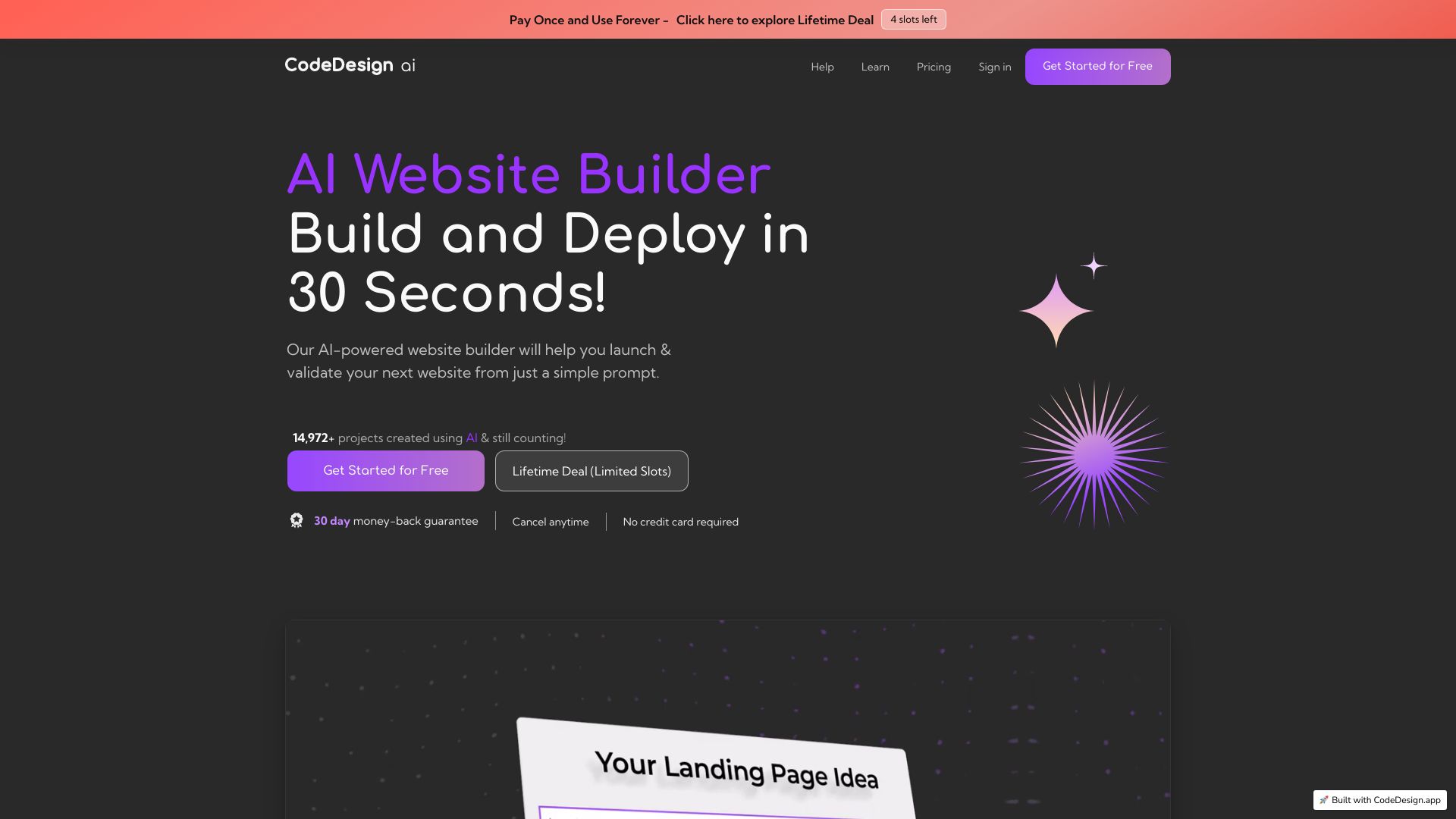
Why it matters CodeDesign.ai earns its place by connecting two tasks that are often separated: building the website and shaping the path visitors take toward a sale. Its AI Website Builder, AI Sales Funnel Builder, drag-and-drop approach, and cloud hosting give entrepreneurs a compact route from concept to published business presence. The free allowance of three websites is particularly useful for testing several ideas. This is a practical pick for a founder who wants momentum, but the three-project limit on the basic plan could become restrictive for a consultant or multi-brand operator.
Best for
Entrepreneurs testing business concepts
Small teams that need a site and sales funnel together
Users who prefer drag-and-drop editing and hosted delivery
Limitations
Some features require a paid plan
The basic plan limits users to three projects
The listed starting price is in Singapore dollars, so check currency and inclusions
Shortlist signal: Choose CodeDesign.ai when conversion flows matter as much as the visual site itself.
5. Windframe

- Developers
- AI visual editor and production-ready Tailwind CSS export
- Starts at Freelancer: $25/month
- Usage signal: 7.6K
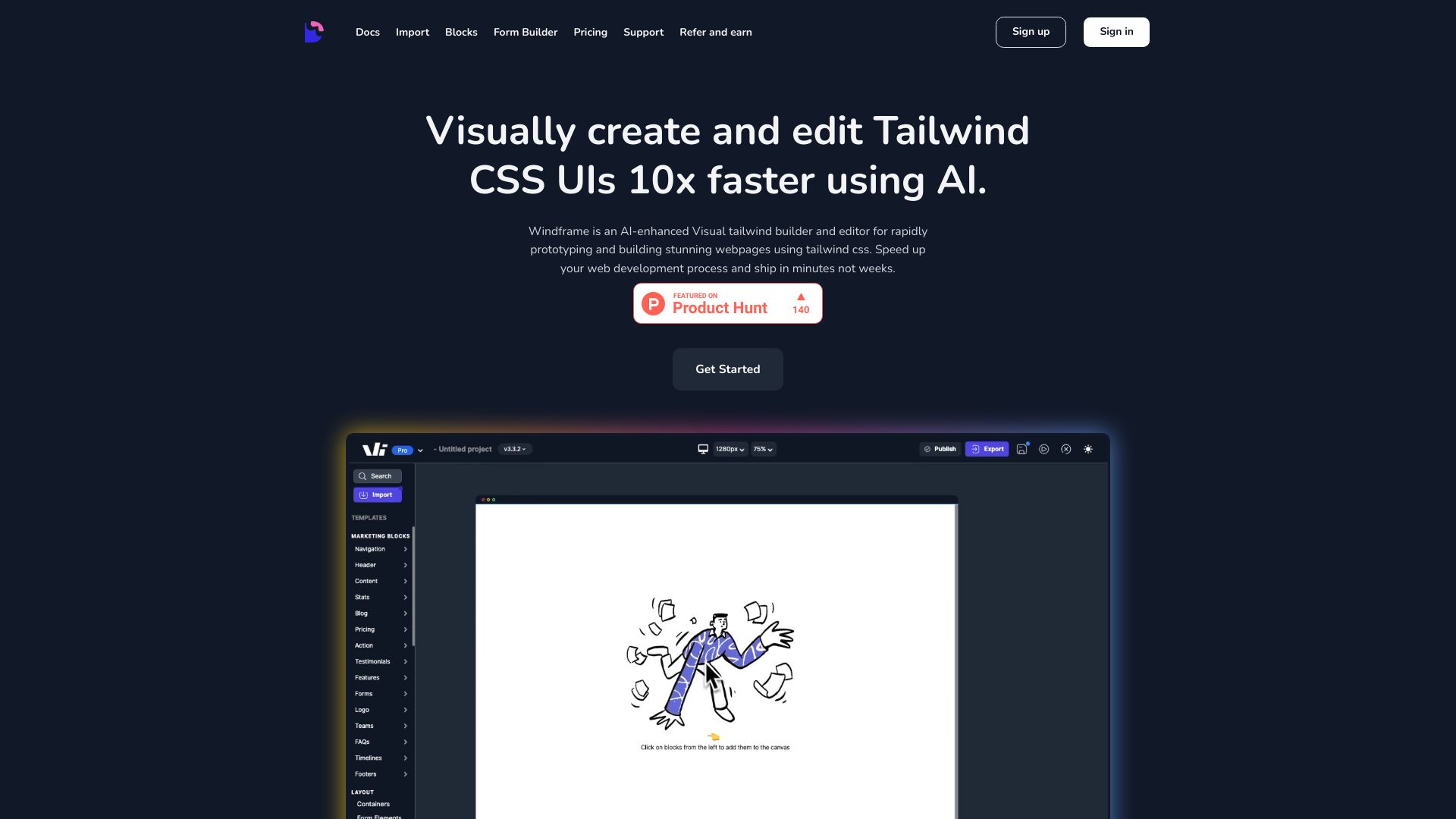
Why it matters Windframe makes a persuasive case for keeping visual exploration and implementation closer together. The AI-powered design generator, visual drag-and-drop editor, and 1,000+ prebuilt Tailwind CSS templates let developers move quickly without abandoning a familiar code framework. Exporting production-ready Tailwind CSS is the standout detail here; it gives the tool a clearer handoff story than a builder that only produces a hosted page. The trade-off is obvious but important: if Tailwind CSS is not already part of your workflow, Windframe may feel less visual and more technical than expected.
Best for
Developers building Tailwind CSS interfaces
Product teams that need quick UI exploration
Freelancers who want visual editing before code export
Limitations
Tailwind CSS knowledge is a meaningful prerequisite
The visual editor may take time to master
The $25/month freelancer price should be checked against current export limits
Shortlist signal: Add Windframe when a visual website tool must end with usable Tailwind CSS rather than a locked-in page.
6. AI Web Designer

- Entrepreneurs
- Build and edit AI-generated websites; custom domain publishing
- Starts at Starter: $9 /per month
- Usage signal: Not listed
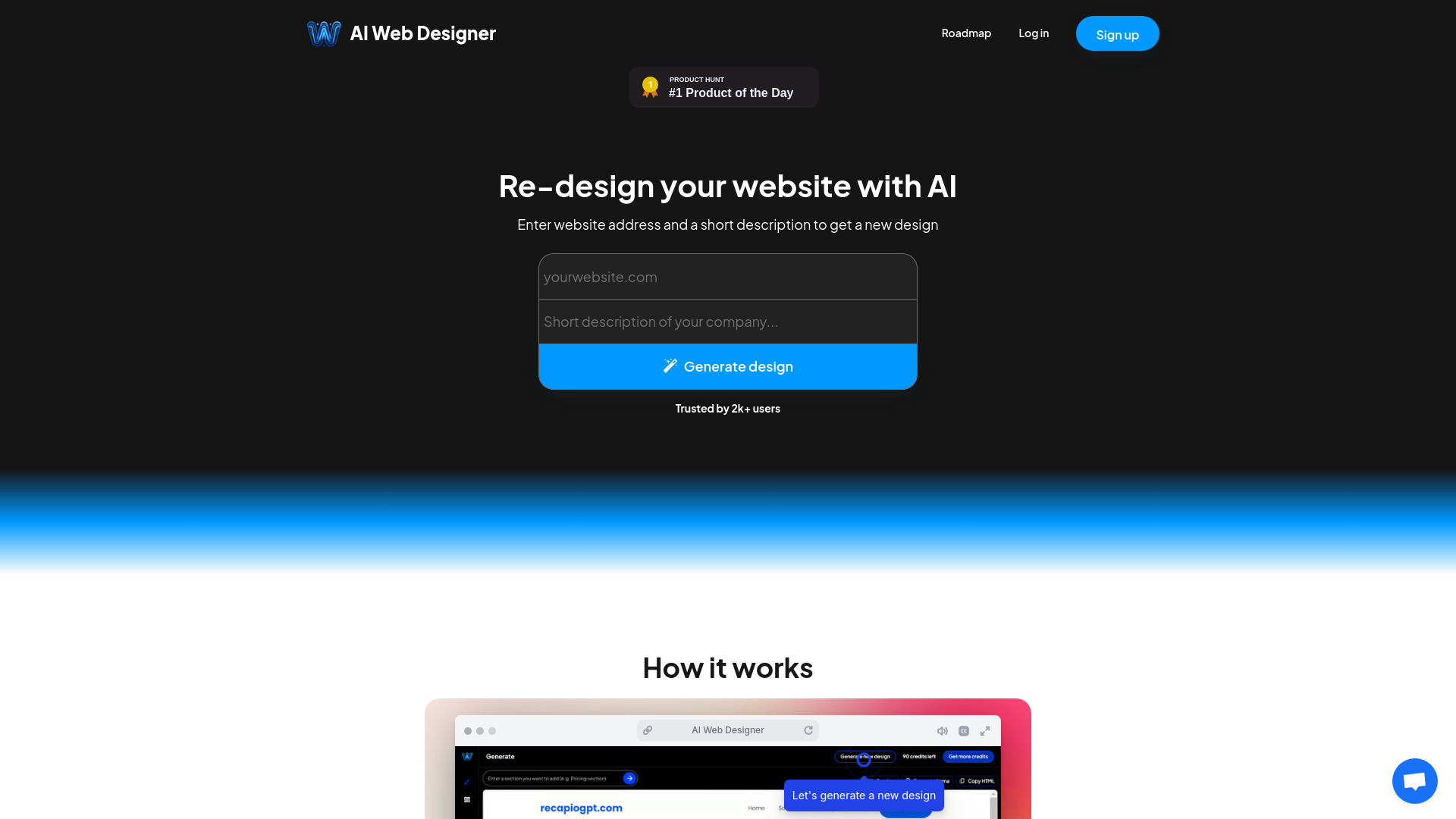
Why it matters The appeal here is the conversation-first workflow. AI Web Designer lets users chat with AI to build websites, generate designs, redesign existing work, edit content, and publish to a custom domain. That is a strong fit for an entrepreneur who has a clear business idea but no appetite for learning a traditional design system. It also makes redesign a first-class use case rather than treating generation as a one-shot event. Credits are required for AI interactions, however, so a low monthly entry price does not tell you how far a real project will go.
Best for
Entrepreneurs without technical or design experience
Users starting from a rough brief or existing website
Small projects that need custom-domain publishing
Limitations
AI interactions consume credits
Some capabilities are limited to premium plans
The shortened price listing needs careful plan verification
Shortlist signal: Choose AI Web Designer when conversational building and rapid redesign matter more than granular manual control.
7. Pablo.Design

- Small business owners
- Turns a logo into a branded website, copy, and design
- Starts at Check vendor pricing
- Usage signal: Not listed
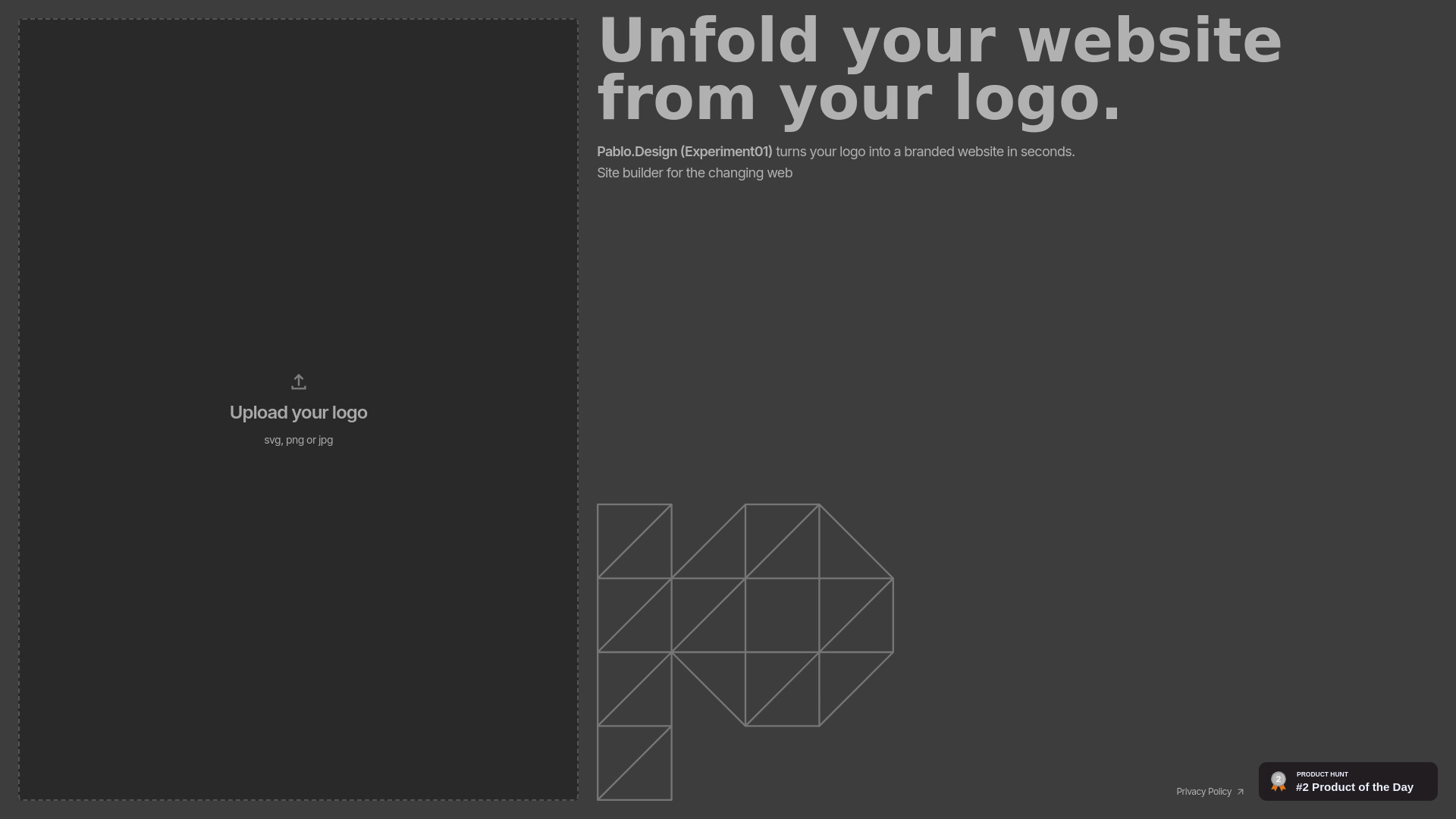
Why it matters Pablo.Design takes a very specific shortcut: start with the logo and let the platform generate a branded website around it. Automatic website generation, copywriting, and website design make the product attractive for a small business that has already settled on its identity and wants to get online quickly. That narrow focus is also its biggest uncertainty. There is limited information about customization options, so I would test how much control you retain after the first draft instead of assuming the generated page can support a complex content structure.
Best for
Small businesses with an existing logo
Owners who want a fast branded first draft
Users who need initial copy as well as visual design
Limitations
Customization options are not clearly detailed
Design flexibility may be limited
Pricing is hidden behind a vendor check
Shortlist signal: Put Pablo.Design on the list when speed from finished logo to first website matters more than extensive customization.
8. SysDesigna

- CRM consultants
- Free 2 projects per user; rapid prototyping; AI documentation
- Starts at Free Tier: Free
- Usage signal: Not listed
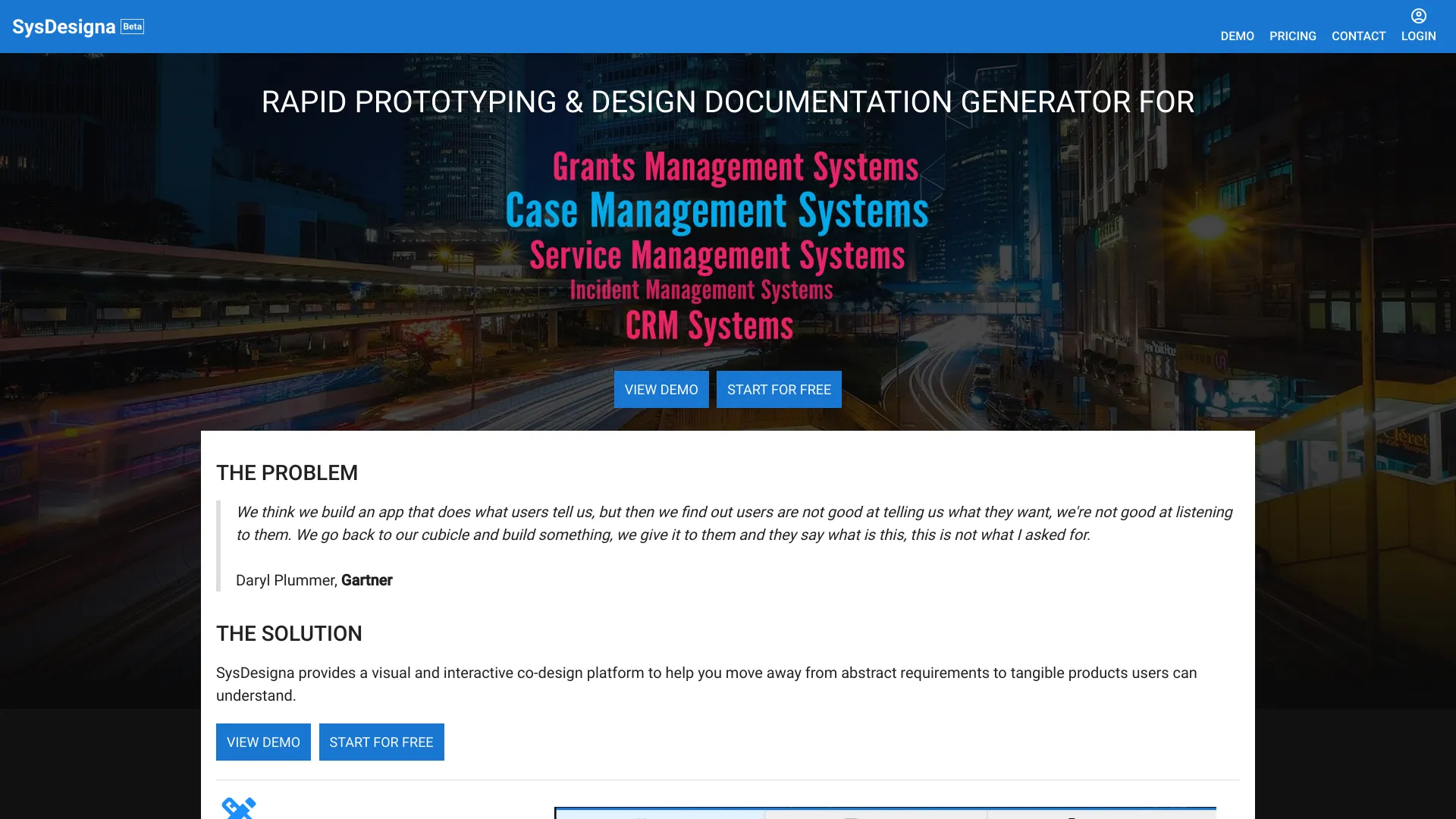
Why it matters SysDesigna belongs on this list for teams designing business applications, not because it behaves like a conventional marketing-site builder. Its rapid prototyping and AI-powered documentation generation address the part of web work that often gets neglected after the mockup: explaining how the system should function. CRM consultants and business-app teams can use that focus to move from an idea toward a documented concept. The free tier supports two projects per user, but the limited detail around customization means buyers should validate the depth of its visual and documentation workflows.
Best for
CRM consultants shaping business applications
Teams that need prototypes and design documentation
Early-stage system planning with a small project count
Limitations
Public product detail is limited
The free tier limits the number of projects
It is not the obvious choice for a polished marketing site
Shortlist signal: Choose SysDesigna when documenting a business-app concept is as important as showing its screens.
9. AI Photo Editor Pro

- Online sellers
- Natural-language editing, image generation, and background replacement
- Starts at Lite: $9.99 per month
- Usage signal: Not listed
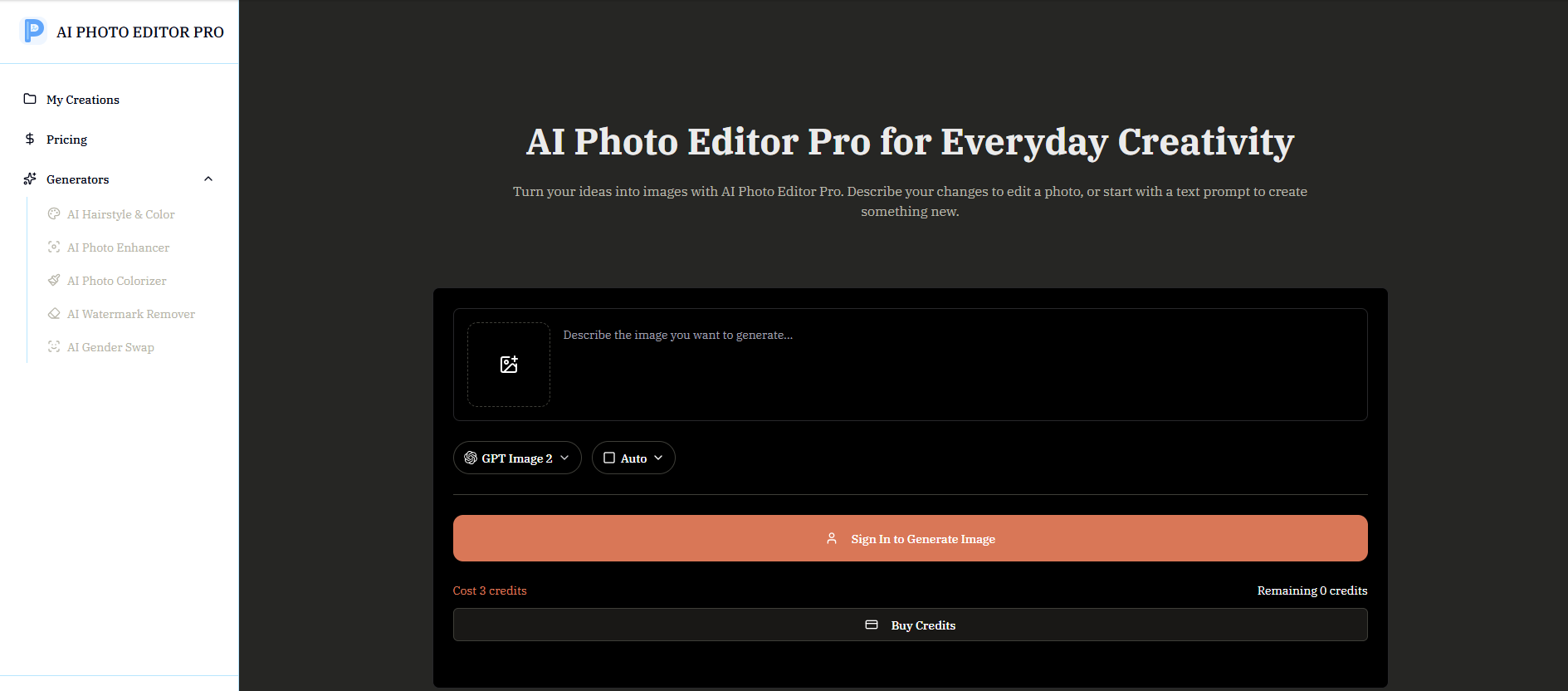
Why it matters A website can have a solid layout and still look unconvincing if its product imagery is weak. AI Photo Editor Pro supports that visual layer with natural-language editing, image generation, enhancement, restoration, colorization, watermark removal, background replacement, and scene preservation. Online sellers can use it to prepare product assets without advanced design skills. It is an adjacent tool rather than a website builder, but that distinction is useful: it may improve the content going into a storefront while another product handles pages, hosting, and publishing.
Best for
Online sellers preparing product images
Teams needing background replacement and enhancement
Users who prefer prompt-based editing to complex controls
Limitations
Image generation requires credits
No specific free generation quota is stated
It does not replace a website design or publishing platform
Shortlist signal: Add AI Photo Editor Pro when product imagery is the weak link in an otherwise capable website workflow.
10. C2Anime

- Anime creators
- First anime free; character references; story planning; voiced video
- Starts at Creator: $29.00 per month
- Usage signal: Not listed
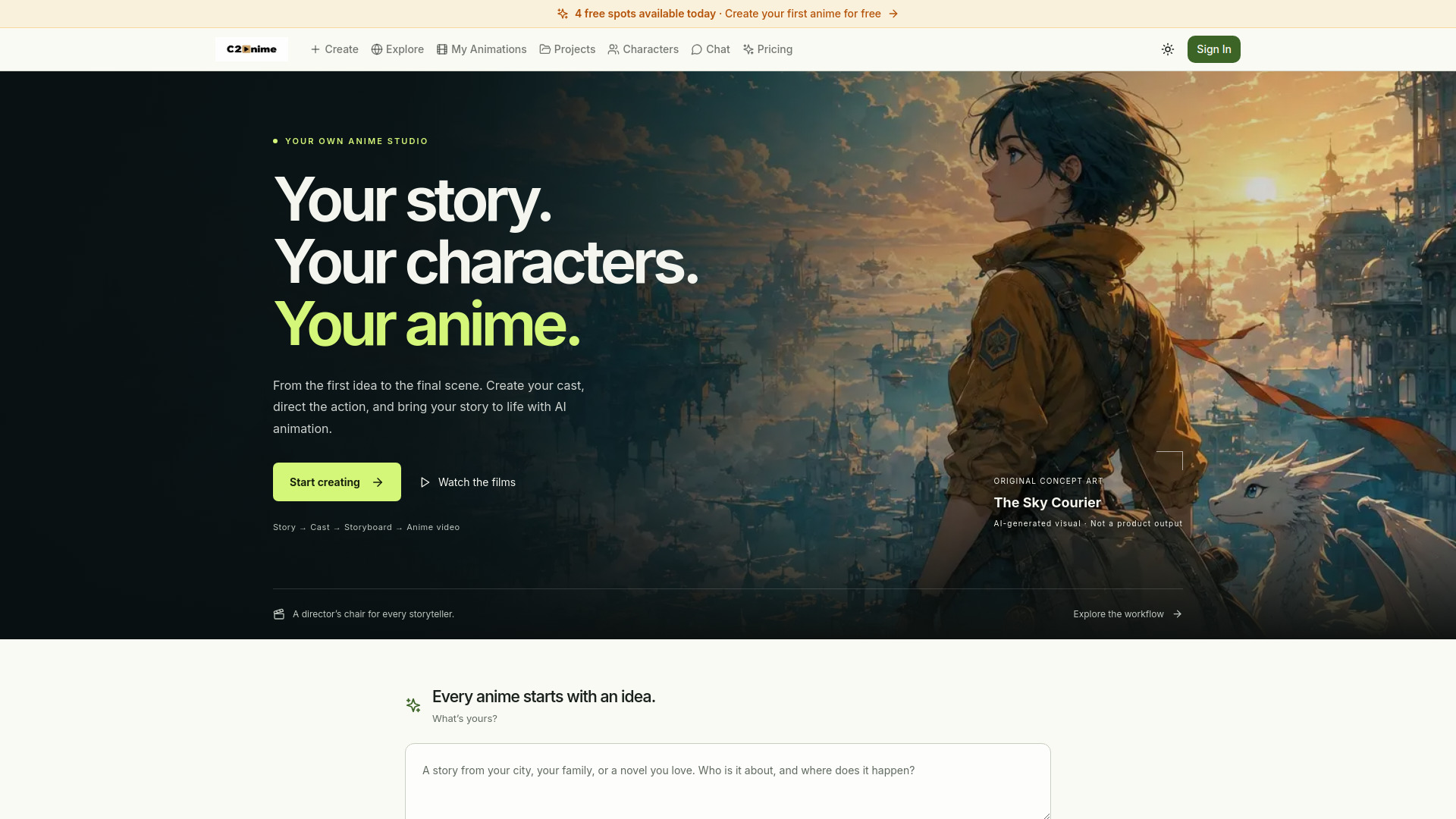
Why it matters C2Anime is the furthest-reaching alternative in this ranking, but it has a clear use case for visual storytelling on a website. The platform moves from a story, script, novel, or idea to an anime video, with screenplay planning, storyboard creation, and reusable character, location, and prop references. That consistency can help creators produce a recognizable promotional or editorial video rather than a collection of disconnected clips. Generation uses credits, higher-quality video tiers consume them faster, and scene re-renders require additional paid credits, so production budgeting matters.
Best for
Anime creators building a story-led web presence
Teams producing voiced promotional video
Creators who need recurring character and location references
Limitations
Generation and re-renders consume credits
Higher-quality video tiers use credits faster
It is a content-production companion, not a general website builder
Shortlist signal: Choose C2Anime only when animated storytelling is central to the website experience or promotion.
What to test before choosing
Start with the same small brief in every serious candidate: one homepage, one clear call to action, a short about section, and three supporting images. This reveals more than a feature tour. Watch how much cleanup the AI output needs, whether the hierarchy makes sense, and how easily you can change the result without starting over.
Then test the handoff. For STUDIO AI and CodeDesign.ai, check whether the generated structure remains editable. For Windframe, export a representative section and inspect the Tailwind CSS output. For Design.com and Pablo.Design, download or reuse the brand assets in a mock page. For SysDesigna, see whether the prototype documentation is detailed enough for someone who did not attend the original planning session.
Finally, test the limits that affect cost:
How many projects, visitors, generations, or exports does the entry plan include?
Are AI actions charged through credits, and what happens when credits run out?
Is a custom domain included, or merely supported on a higher plan?
Can you export your work, or must the site remain inside the platform?
Which features require an account or paid upgrade?
Does the workflow work for your team on the devices you actually use?
These checks separate genuinely useful top rated website design software from a tool that only looks impressive in a first-session demo.
What to do next
Pick two tools from different segments, not two near-identical builders. A founder might compare CodeDesign.ai with AI Web Designer; a designer might compare STUDIO AI with Windframe; a small business might compare Design.com with Pablo.Design. Build the same short page in both, then ask a colleague to make one content change without guidance. The tool that survives that handoff usually deserves the purchase conversation.
Before paying, confirm live pricing, credit rules, domain terms, export options, and project limits. The listed starting price is a useful orientation, not a promise that every required capability is included. If your project needs supporting media, add Microsoft Designer or AI Photo Editor Pro to the workflow rather than forcing a general builder to do every job.
Common mistakes when choosing from a complex top list
Mistake 1: Treating every entry as a complete website builder. Design.com, Microsoft Designer, AI Photo Editor Pro, and C2Anime can support a web project without replacing its core site platform.
Mistake 2: Ranking by AI generation speed alone. A fast first draft has little value if editing, responsive adaptation, export, or publishing becomes difficult.
Mistake 3: Ignoring the implementation audience. Windframe's Tailwind CSS workflow is useful for developers but may be unnecessary friction for a nontechnical founder.
Mistake 4: Assuming a free label means an unlimited workflow. Project allowances, visitor caps, credits, paid downloads, and premium features can change the real cost quickly.
Mistake 5: Confusing traffic with fit. Market reach is a useful signal, but a smaller specialist can be the better choice for code export, documented prototypes, or consistent animated content.
Mistake 6: Skipping the redesign test. Ask each tool to revise an existing page or asset. This exposes whether the product supports an ongoing workflow or only a polished first generation.
FAQ
Design.com ranks first because it offers a broad starting point for small businesses: AI logo generation, a very large template library, extensive font choices, domain name generation, and customizable branded assets. It is especially compelling when brand identity is part of the website project.