
The top crm software for one team can be the wrong choice for another. A recruiting agency needs an ATS beside its pipeline; a broker needs property records and team tasks; a solo professional may only need intelligent reminders. I compared 10 CRM tools across those very different workflows, weighing feature depth, audience fit, pricing clarity, free access, and practical setup friction. This guide is designed to help you move from a broad search to a shortlist you can actually test.
Start here
There is no universal winner here, and that is useful rather than frustrating. Recruit CRM leads the list because it combines recruitment-specific workflow with CRM fundamentals. Salesmate is the clearest conventional sales choice, while Relio CRM is much more compelling for real estate than a generic contact database. Iceburg CRM takes a different route: it helps small businesses turn a MySQL database or plain-language description into a CRM.
For a quick first pass, use this shortlist:
Best overall match for recruitment: Recruit CRM
Best for sales automation: Salesmate
Best specialist option for Web3: MetaCRM
Best for real estate brokers: Relio CRM
Best CRM builder for small businesses: Iceburg CRM
Best personal relationship manager: Rumo Personal CRM
Best lightweight sales automation option: Ctrl
A useful warning before you compare scores: this list includes both operating CRM products and one comparison resource, Best CRM Software. That makes the field broader than a conventional sales-only roundup, but it also reflects how buyers actually shop. Some teams need a system of record; others need a focused workflow or a way to narrow the market first.
Segment comparison
| Segment | Strongest fit | What it handles well | Main buying question |
|---|---|---|---|
| Recruitment | Recruit CRM | ATS, client relationships, workflow automation | Do you need temp and contractor management through partner products? |
| Sales and support | Salesmate | Sales automation, marketing automation, customer support | Will the price per user fit the team as it grows? |
| Real estate | Relio CRM | Prospecting, leads, properties, contacts, team work | Does the 30-day, one-seat trial cover your team test? |
| Small-business customization | Iceburg CRM | AI CRM creation, templates, MySQL conversion | Is your existing database hosted on MySQL? |
| Personal relationships | Rumo Personal CRM | Contact sync, reminders, relationship suggestions | Can you work with the Chrome extension requirement for full LinkedIn integration? |
The pattern is clear: the best CRM software for small businesses is often the product that matches the business model, not the one with the longest feature list. A generalist sales platform may be excessive for a solo consultant, while a personal CRM may be too narrow for a team that needs shared pipelines and reporting.
Shortlist paths
| Your situation | Start with | Why |
|---|---|---|
| You run a recruiting agency | Recruit CRM | ATS and CRM are combined in one workflow. |
| You need sales and marketing automation | Salesmate | Broad automation coverage across sales, marketing, and support. |
| You manage property prospects and teams | Relio CRM | Property, contact, prospecting, and team management sit together. |
| You want to build around existing data | Iceburg CRM | Creates CRMs with AI and converts MySQL databases. |
| You mainly manage personal contacts | Rumo Personal CRM | Syncs contacts and adds reminders for relationship maintenance. |
For a sales-led company, compare Salesmate, AI Marketing CRM Software, Dilmach CRM, and Ctrl in that order of breadth. For a specialist business, skip the generic comparison and go straight to the workflow that resembles your day-to-day work.
Ranking snapshot
| Rank | Tool | Score | Best for | Starting price |
|---|---|---|---|---|
| #1 | Recruit CRM | 92/100 | Recruitment agencies | Pro: Contact for Pricing |
| #2 | Salesmate | 91/100 | Sales reps | Basic: $23 per user / month |
| #3 | MetaCRM | 90/100 | Web3 projects | Check vendor pricing |
| #4 | Relio CRM | 90/100 | Real estate brokers | Trial: $0 / month per seat |
| #5 | AI Marketing CRM Software | 88/100 | Sales teams | Starter: $29.99 / Month |
| #6 | Iceburg CRM | 88/100 | Small businesses | Starter Plan: Free |
| #7 | Best CRM Software | 88/100 | Small business research | Check vendor pricing |
| #8 | Rumo Personal CRM | 88/100 | Individuals | Personal CRM: Free |
| #9 | Dilmach CRM | 87/100 | Digital teams | Check vendor pricing |
| #10 | Ctrl | 87/100 | Sales leaders | Starter: $0 |
Scores are directional, not a substitute for a hands-on trial. In particular, the products below solve different problems. A score of 90 for a Web3 CRM does not mean it is a better choice for a traditional sales team than a score of 88 for a general CRM.
How we grouped and ranked the list
I grouped the tools by the job they help a team perform: recruiting, selling, marketing, supporting customers, managing properties, maintaining personal relationships, or building a custom CRM. That prevents a familiar sales platform from automatically winning a category where it lacks the relevant workflow.
The ranking combines five practical signals:
- 1
Workflow match: Does the product directly support the audience named in its positioning?
- 2
Feature coverage: Are the core capabilities specific and useful, such as ATS functions, property management, contact synchronization, or automated CRM updates?
- 3
Automation value: Can the tool reduce repetitive entry, follow-up, or reporting work?
- 4
Access and price clarity: Is there a meaningful free plan or trial, and can a buyer understand the starting cost?
- 5
Market signal: Monthly visits and usage signals provide context, but they do not override product fit.
This method explains the unusual shape of the ranking. Recruit CRM wins on category fit; Salesmate wins on broad sales automation. Rumo scores well despite being aimed at individuals because its contact-sync and reminder workflow is sharply defined. Ctrl ranks tenth because its automation is useful, but its acquisition by Sana makes the longer-term product direction worth checking before a major rollout.
Ranked field notes
1. Recruit CRM

- Recruitment agencies
- Unlimited free trial with ATS, CRM, AI, and automation
- Starts at Pro: Contact for Pricing
- Usage signal: 943.8K
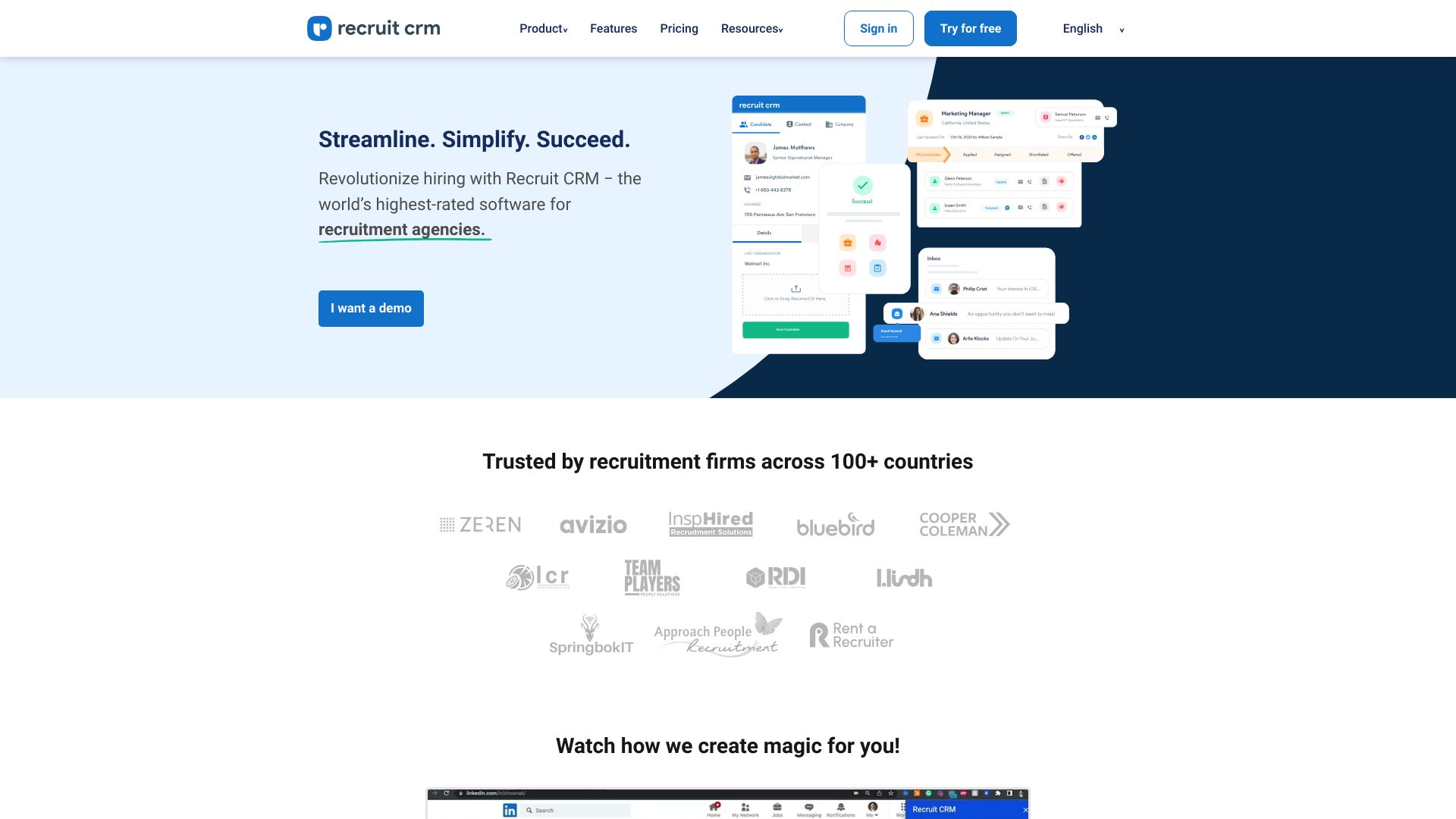
Why it matters Recruit CRM earns first place by connecting two workflows that recruiting agencies cannot realistically separate: tracking applicants and managing clients. Its ATS, CRM, and workflow automation give recruiters a more relevant operating model than a generic sales pipeline. The interface is described as easy to use and intuitive, while ongoing feature updates add confidence for teams that want a focused system rather than a collection of disconnected tools. The catch is scope: it is primarily a front-office solution, so temp and contractor management may require partner products, and some capabilities may sit behind add-ons.
Best for
Recruitment agencies coordinating applicants and client relationships.
Teams that want ATS and CRM functions in one workspace.
Recruiters looking for workflow automation without building a system from scratch.
Limitations
Temp and contractor management requires partner products.
Some features may require additional add-ons.
Pro pricing is presented as contact-for-pricing rather than a simple public figure.
Shortlist signal: Add Recruit CRM first if recruiting is your core business and you need ATS plus client management together.
2. Salesmate

- Sales reps
- 15-day free trial; no credit card required
- Starts at Basic: $23 per user / month
- Usage signal: 126.6K
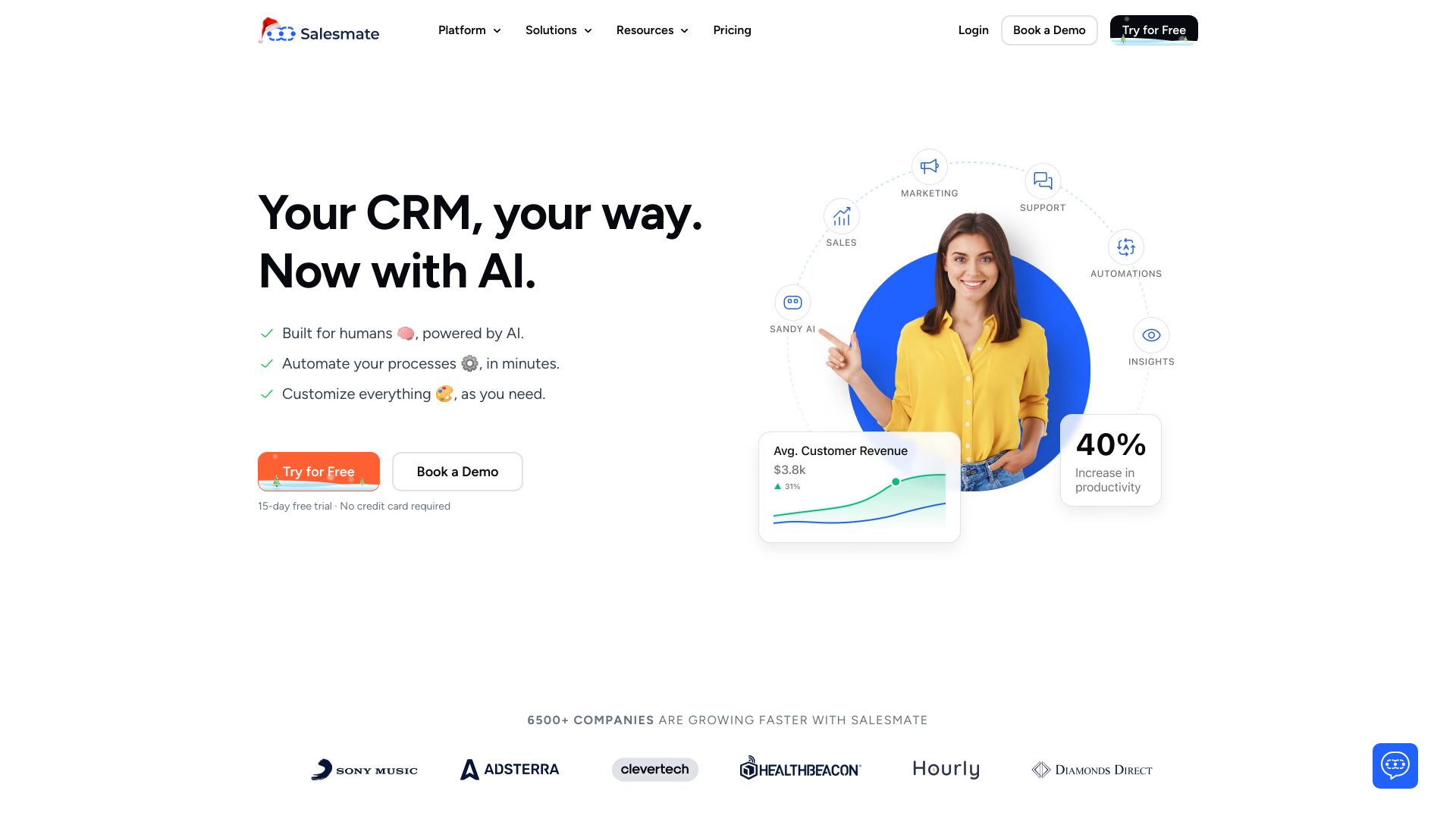
Why it matters Salesmate is the most straightforward contender for teams searching for top sales CRM software rather than a specialist industry system. It covers sales automation, marketing automation, and customer support, giving a revenue team room to connect outreach with follow-up and service. The $23-per-user monthly starting point is clear enough for an initial budget check, and the 15-day trial does not require a credit card. Still, per-user pricing can become significant for larger teams, and higher-tier plans may be necessary for the full feature set.
Best for
Sales reps who need structured automation around their pipeline.
Small revenue teams combining sales, marketing, and support workflows.
Buyers who prefer a conventional CRM with a defined starting price.
Limitations
Pricing can be a concern for smaller businesses.
Some features may require higher-tier plans.
Teams should model total per-user cost before expanding access.
Shortlist signal: Choose Salesmate when broad sales, marketing, and support automation matters more than industry-specific records.
3. MetaCRM

- Web3 projects
- Free access details are not clearly specified
- Starts at Check vendor pricing
- Usage signal: 8.0K
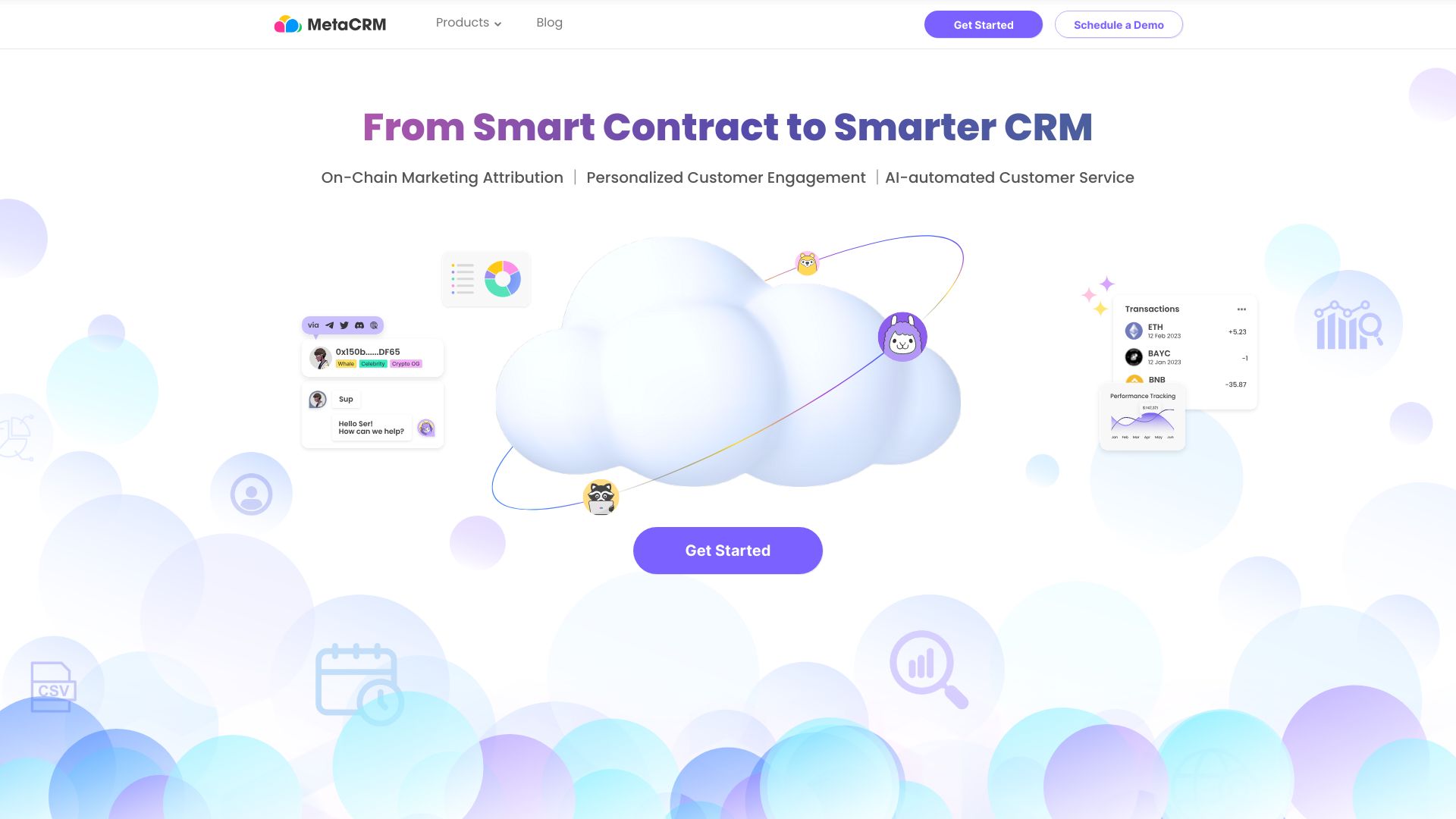
Why it matters MetaCRM takes CRM beyond ordinary email and account records with cross-chain marketing attribution, personalized customer engagement, and AI-automated customer service. For a Web3 project, that focus can be more valuable than a large menu of generic sales functions because user behavior may span multiple chains and touchpoints. It also offers insights into behavior patterns and personalized service. This is a specialist recommendation, not a default business CRM: integrating blockchain data may require technical expertise, and pricing is hidden behind a sales wall.
Best for
Web3 projects tracking activity across multiple chains.
Teams building personalized engagement around blockchain behavior.
Customer-service groups interested in AI-assisted responses in a Web3 context.
Limitations
Blockchain-data integration may require technical expertise.
Pricing is not readily available.
Its strongest value is tied to Web3 use cases rather than ordinary sales operations.
Shortlist signal: Put MetaCRM on the shortlist only when cross-chain attribution and Web3 engagement are central requirements.
4. Relio CRM
- Real estate brokers
- 30-day trial for 1 seat
- Starts at Trial: $0 / month per seat
- Usage signal: 1.3K
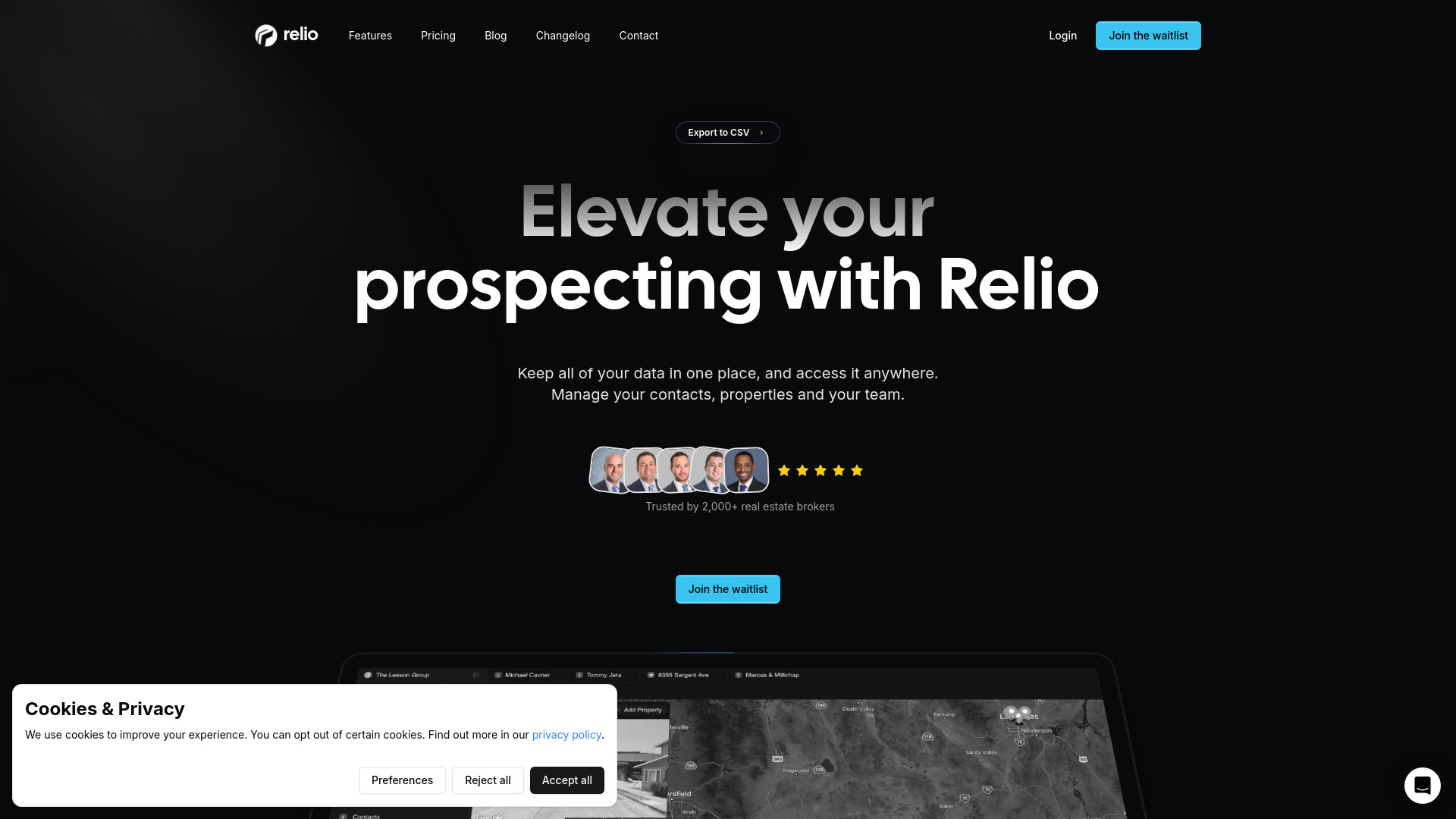
Why it matters Real estate teams need more than a list of leads. Relio CRM brings prospecting and lead management together with contacts, properties, and team operations. That combination makes it a credible choice for brokers who want meetings, tasks, and documents to live alongside the records they use to close business. The one-seat, 30-day trial is especially useful for a broker who wants to test the workflow before involving the whole team. The product information does not flag a specific disadvantage, so the practical test should focus on collaboration depth and whether the trial supports a representative process.
Best for
Real estate brokers managing prospects and properties.
Teams that need contact, property, and team management together.
Firms coordinating meetings, tasks, and documents around deals.
Limitations
The trial covers one seat for 30 days.
Buyers should test team collaboration before committing to a wider rollout.
A low-cost trial does not by itself establish the ongoing plan cost.
Shortlist signal: Start with Relio CRM when property records and broker-team coordination are as important as lead tracking.
5. AI Marketing CRM Software

- Sales teams
- Free access includes analytics, personalization, and workflows
- Starts at Starter: $29.99 / Month
- Usage signal: Not listed
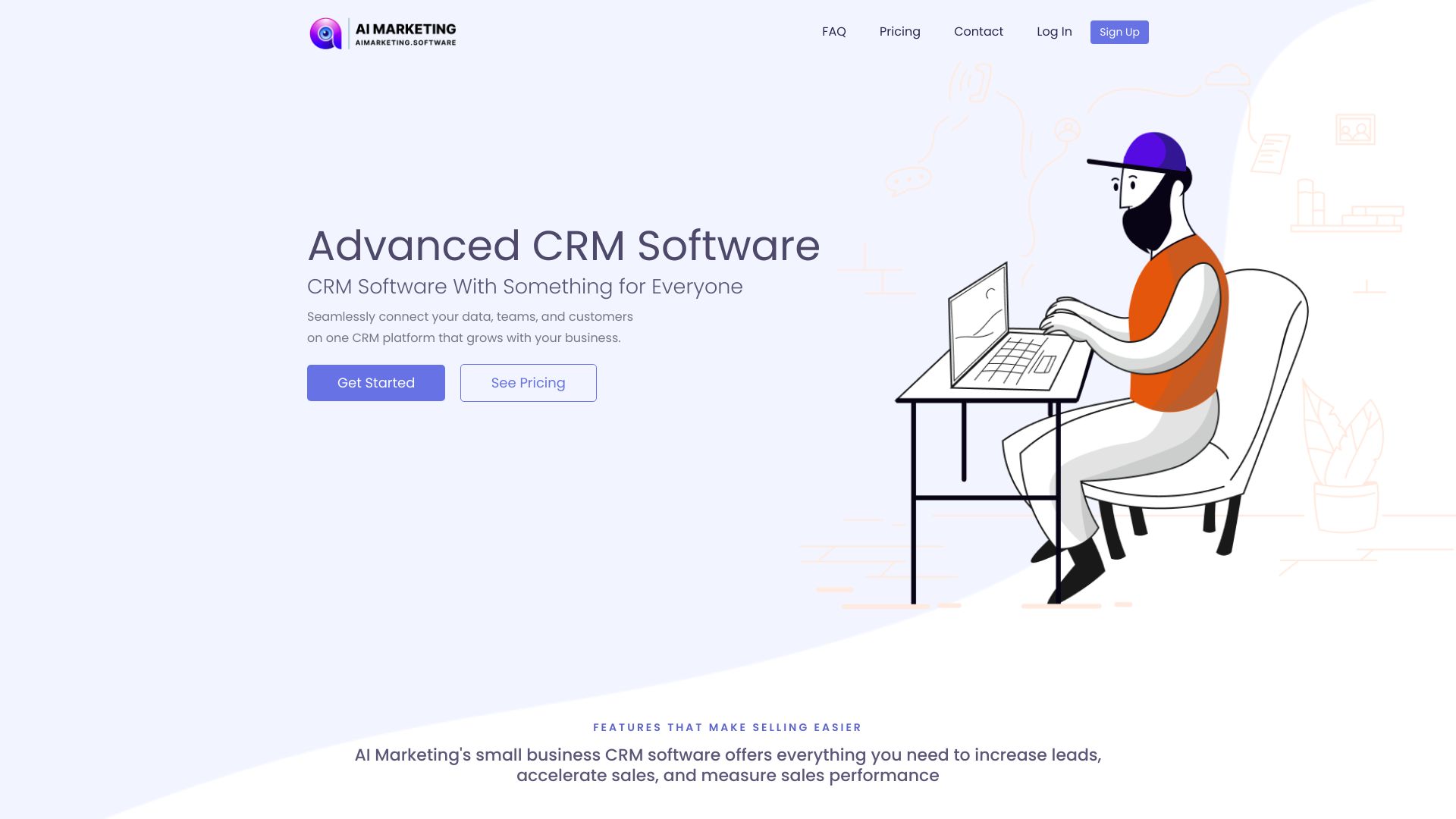
Why it matters AI Marketing CRM Software is built around the intersection of customer data and communication: real-time analytics, personalized communication, and automated workflows. That makes it a sensible candidate for sales teams that want more than pipeline storage and need repeatable engagement processes. Its positioning is broad and scalable, but that breadth comes with a learning curve. Teams may need training to use the full feature set, and the $29.99 monthly starter price may be a barrier for smaller businesses comparing the top free CRM software options.
Best for
Sales teams that rely on personalized customer communication.
Businesses that want analytics and automated workflows in one platform.
Growing organizations looking for a scalable CRM feature set.
Limitations
The breadth of features may require training.
Pricing may be difficult for some small businesses.
Usage signals are not listed, so buyers should rely more heavily on a live product test.
Shortlist signal: Consider it when analytics-driven personalization is a priority and your team can invest in onboarding.
6. Iceburg CRM
- Small businesses
- 2 CRMs for 7 days
- Starts at Starter Plan: Free
- Usage signal: Not listed
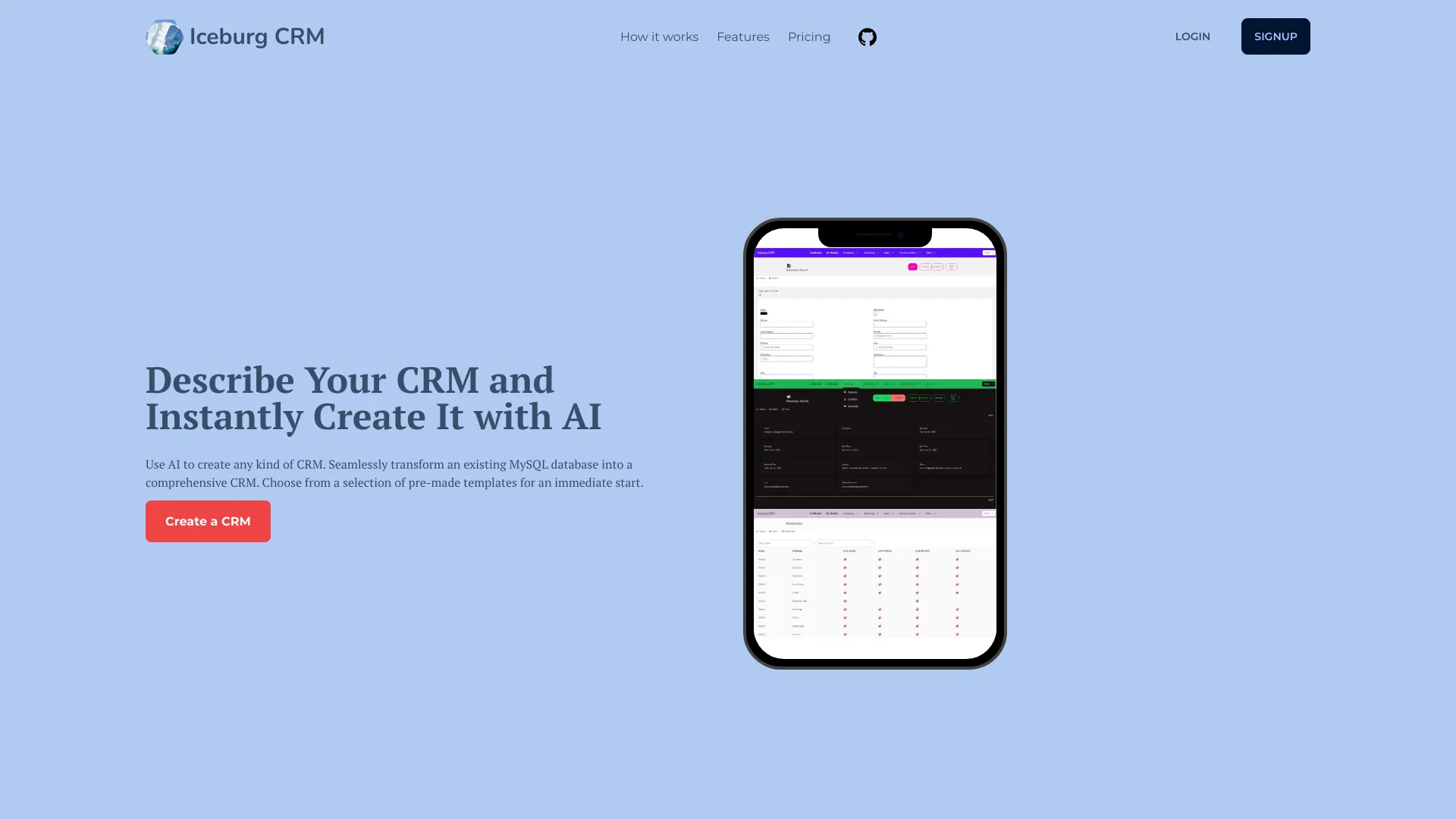
Why it matters Iceburg CRM stands apart by treating CRM creation as the product. It can create a CRM with AI, provide pre-made templates, and transform an existing MySQL database into a working CRM. That is a strong angle for a small business with a useful database but no appetite for a lengthy implementation project. The limitations are concrete: native support currently centers on MySQL-hosted databases, and the free plan expires a CRM after seven days. This is a prototyping-friendly option, but buyers should verify that their data model and migration process fit.
Best for
Small businesses starting from an existing MySQL database.
Teams that want to prototype a CRM with AI assistance.
Buyers who prefer templates over a blank configuration screen.
Limitations
Native database support is currently limited to MySQL hosted databases.
The free plan has a seven-day CRM expiration.
A database conversion workflow may still require careful data cleanup and testing.
Shortlist signal: Pick Iceburg CRM when speed of CRM creation and MySQL conversion matter more than a mature general-purpose suite.
7. Best CRM Software

- Small business research
- Free reviews and comparisons; no login required
- Starts at Check vendor pricing
- Usage signal: Not listed
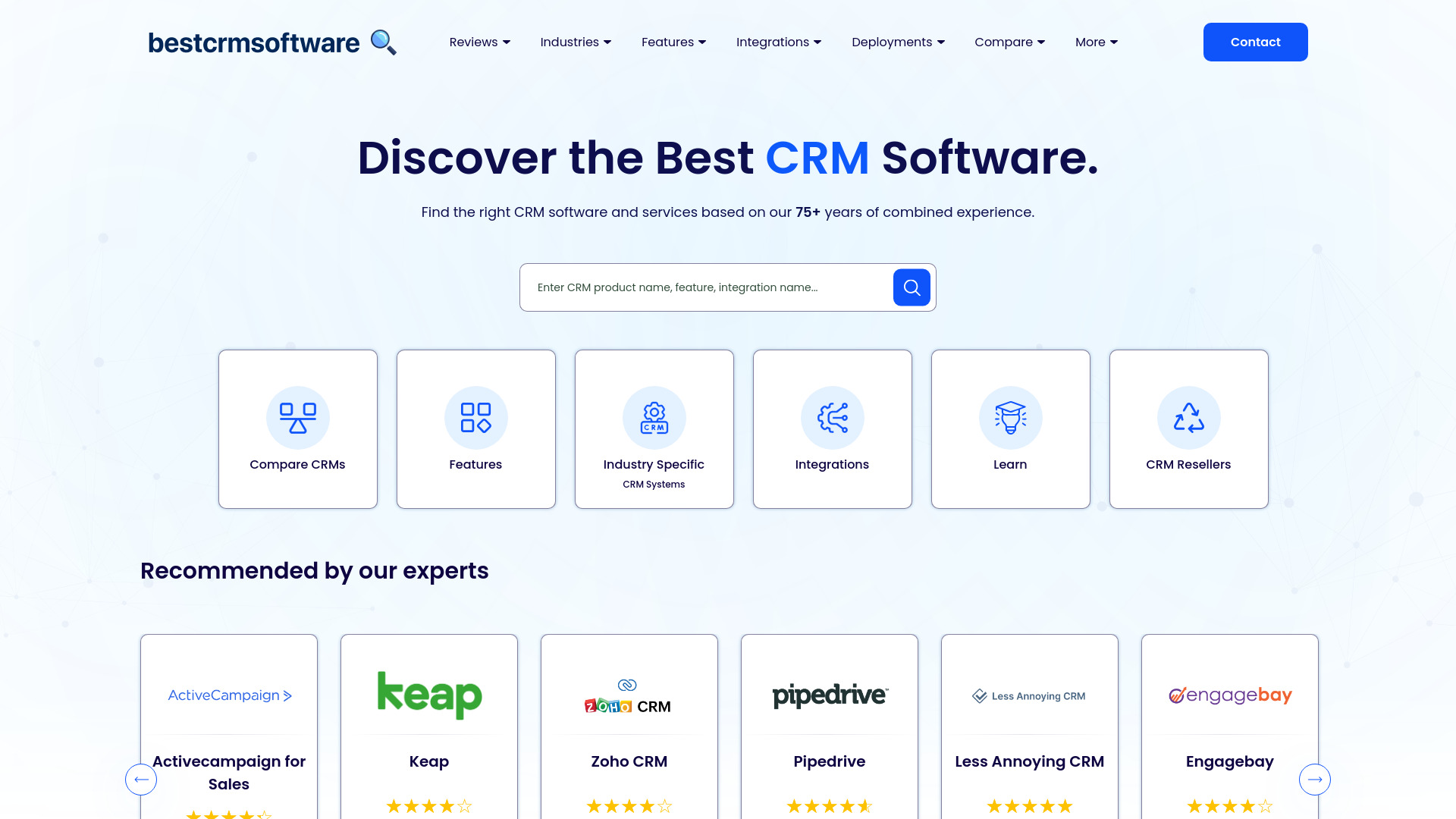
Why it matters Not every buyer needs another system to manage contacts. Best CRM Software is a research platform with CRM reviews, comparisons, industry-specific recommendations, and feature-based sorting. It belongs on this list because the evaluation stage is part of choosing CRM software, especially for a small business that has not yet defined its requirements. The tradeoff is information overload: the volume of detail can feel overwhelming, and some pricing requires contacting the vendor directly. Use it to narrow choices, not as a replacement for a product trial.
Best for
Small businesses researching CRM categories and vendors.
Buyers comparing features, integrations, and deployment options.
Teams that want industry-specific recommendations before booking demos.
Limitations
The amount of information can be overwhelming.
Some pricing details may require direct vendor contact.
It is a comparison resource rather than the operational CRM your team runs.
Shortlist signal: Use this resource early when you need to understand the market before selecting two or three products to test.
8. Rumo Personal CRM

- Individuals
- Free up to 5,000 contacts
- Starts at Personal CRM: Free
- Usage signal: Not listed
Why it matters Rumo Personal CRM is designed for the relationship work that conventional team CRMs often ignore: remembering people, timing follow-ups, and keeping context across personal and professional contacts. It can synchronize contacts from LinkedIn, WhatsApp, and Gmail, then add AI-powered relationship management plus reminders for birthdays, anniversaries, and follow-ups. Free access up to 5,000 contacts is generous for an individual. The important caveats are the 10,000-contact plan ceiling and the Chrome extension requirement for full LinkedIn integration.
Best for
Individuals managing a large personal and professional network.
Consultants, founders, and relationship-led professionals.
Users who want reminders rather than a sales-team pipeline.
Limitations
Plans accommodate up to 10,000 contacts unless support is contacted.
Full LinkedIn integration requires the Chrome extension.
It is aimed at individuals, so it may not replace a shared team CRM.
Shortlist signal: Choose Rumo when your main CRM problem is remembering relationships, not managing a multi-rep sales pipeline.
9. Dilmach CRM

- Digital teams
- Free plan with chat, deal control, and client profiles
- Starts at Check vendor pricing
- Usage signal: Not listed
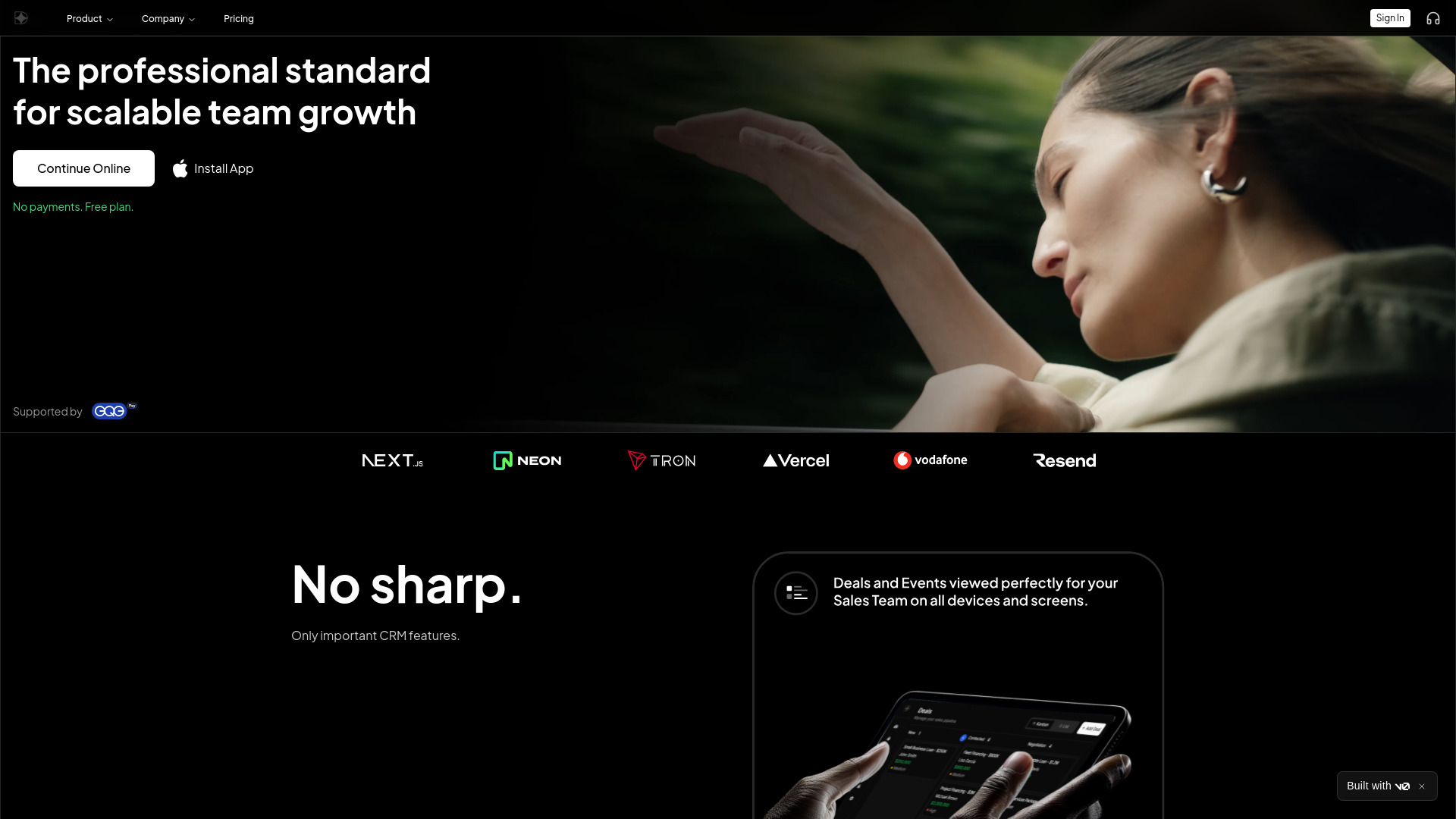
Why it matters Dilmach CRM focuses on the working surface digital teams need: comprehensive client profiles, visual deal management, and analytics and reporting. Its free plan includes real-time chat, visual deal control, and rich client profiles, which makes it worth testing for a team that wants a modern starting point without immediately committing to a paid plan. The product's fit and pricing should be checked carefully before purchase, and the depth of reporting should be tested with real deal data rather than a clean demo pipeline.
Best for
Digital teams managing multiple client relationships.
Groups that prefer visual deal control and rich profiles.
Buyers who want chat and core CRM functions on a free plan.
Limitations
Current product fit, pricing, and workflow limits should be verified before committing.
Pricing is not presented as a clean public starting figure.
Buyers should test analytics with their own reporting requirements.
Shortlist signal: Add Dilmach to the trial list when your digital team values visual deals, client context, and built-in chat.
10. Ctrl

- Sales leaders
- Up to 100 CRM updates and AI prompts free
- Starts at Starter: $0
- Usage signal: Not listed
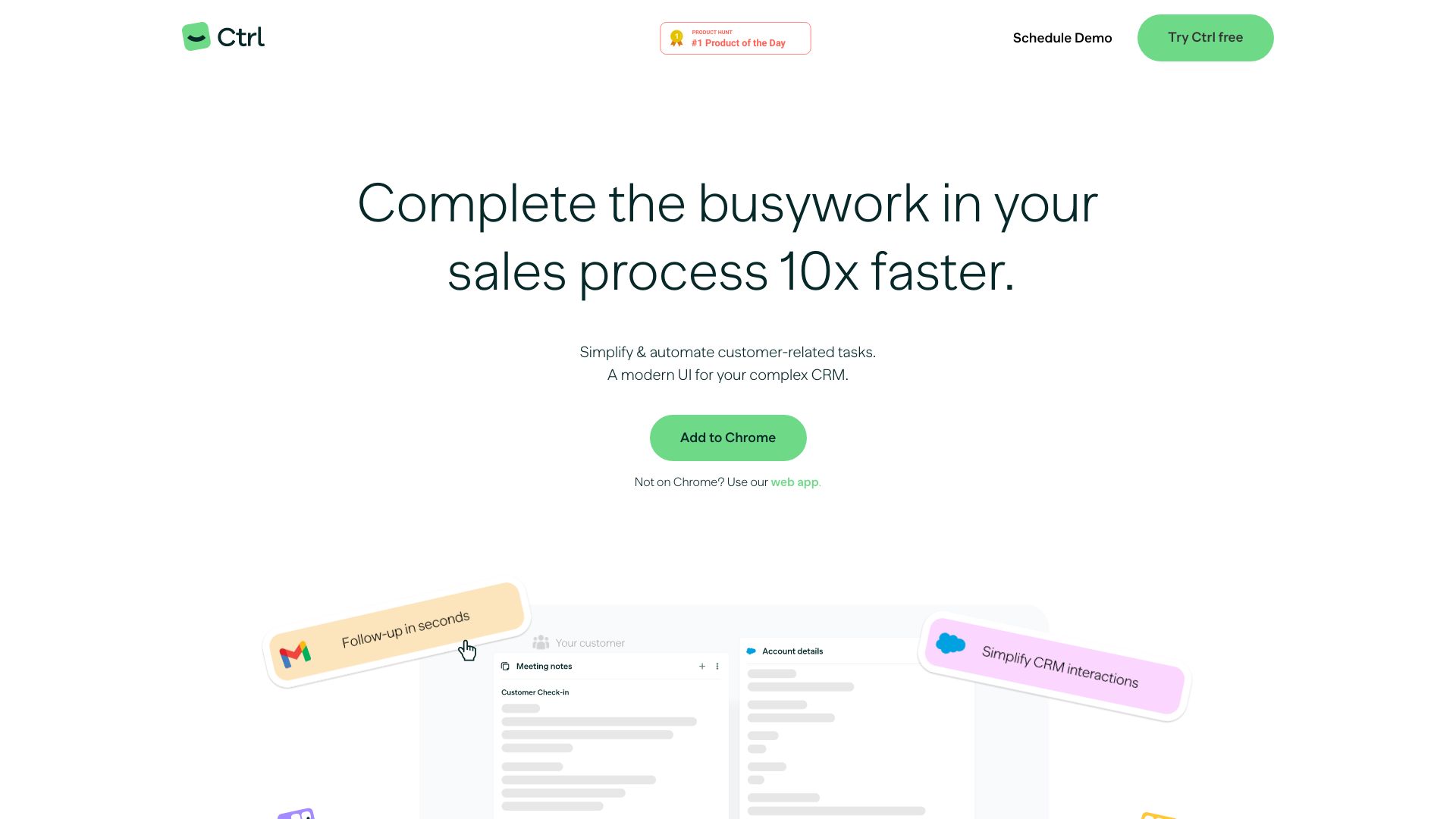
Why it matters Ctrl addresses a familiar sales complaint: the CRM becomes another task instead of a useful record of the work already happening. Its automated CRM updates, AI-generated follow-up emails, and customizable pipeline views target that administrative burden directly. The free allowance of up to 100 CRM updates and AI prompts makes a small pilot easy to justify. However, Ctrl was acquired by Sana, so future development direction deserves scrutiny, and the Business plan uses custom pricing. Test the quality of updates and generated notes before treating it as a system of record.
Best for
Sales leaders trying to reduce manual CRM administration.
Teams that need AI-assisted follow-ups and notes.
Small pilots evaluating automated updates before wider adoption.
Limitations
Acquisition by Sana may affect future product direction.
Business pricing requires contacting the company.
Automated records should be reviewed for accuracy during a pilot.
Shortlist signal: Try Ctrl when CRM adoption is being held back by data entry and follow-up writing rather than missing pipeline views.
What to test before choosing
A polished demo is not enough. Use a small but representative test and measure the work your team actually performs:
Create a real pipeline: Add several contacts, opportunities, applicants, or properties and check how quickly records can be found and updated.
Test the key specialist workflow: Recruiting teams should test ATS-to-client movement; brokers should test property and team records; Web3 teams should test cross-chain data requirements.
Measure automation quality: Create a follow-up, reminder, workflow, or CRM update and inspect whether the result is accurate enough to trust.
Check the free boundary: Confirm whether a free plan is permanent, time-limited, seat-limited, contact-limited, or feature-limited. Iceburg's seven-day CRM expiration and Rumo's contact ceiling are good examples of why this matters.
Invite the real users: A CRM that looks simple to an administrator may feel cumbersome to sales reps, recruiters, or brokers.
Ask for the complete price: Include add-ons, higher-tier features, partner products, extra contacts, and support in the cost comparison.
Export and ownership: Before importing valuable records, confirm how your team can export them and preserve useful context.
The most important test is not whether a platform has more features. It is whether people will keep records current without building a private workaround in spreadsheets, email, or chat.
What to do next
Start with the segment rather than the score. Recruiting agencies should trial Recruit CRM; sales teams should put Salesmate beside AI Marketing CRM Software or Ctrl; real estate brokers should begin with Relio CRM; and individuals should test Rumo Personal CRM. If you are still defining the problem, use Best CRM Software as a research companion before booking demos.
Then run a focused pilot with one workflow and a small group. Set a deadline, import only the records you need, and decide in advance what success means: faster follow-up, cleaner data, fewer manual updates, better visibility, or improved team coordination. Ask each user what they stopped doing manually and what still requires duplicate entry.
For buyers comparing the top 10 customer relationship management software options, this approach is more reliable than choosing the most familiar brand. The right decision is the tool that solves the highest-cost workflow with the least ongoing friction.
Common mistakes when choosing from a complex top list
Treating the ranking as universal: A Web3 specialist and a personal CRM should not be judged by the same daily workflow as a sales automation platform.
Confusing free with suitable: A free plan may expire, limit contacts, restrict seats, or omit the feature your team needs most.
Ignoring implementation effort: Iceburg can accelerate CRM creation, but database structure and migration still deserve testing. Other tools may require training or partner products.
Comparing headline prices only: Per-user pricing, add-ons, higher tiers, and custom enterprise quotes can change the real budget.
Overvaluing AI language: Ask what the AI actually changes: CRM updates, relationship suggestions, customer service, analytics, or follow-up emails.
Skipping data portability: Do not migrate critical contacts until you understand export options and ownership.
Letting one administrator decide: The people entering notes, updating deals, and following reminders should participate in the test.
Assuming more breadth means better fit: A focused property, recruitment, or personal relationship workflow can outperform a larger general CRM for the right audience.
FAQ
Recruit CRM ranks first because its ATS and CRM combination is a particularly strong match for recruitment agencies, supported by workflow automation and an intuitive interface. It is not automatically the best choice for a general sales team.