
The top social media management tools now split into several distinct camps: full publishing suites, AI-first schedulers, low-cost dashboards, and adjacent creative apps that help produce the content your calendar depends on. I compared 10 tools across scheduling, content creation, automation, analytics, platform coverage, free access, and purchasing friction. The first six are genuine social media workspaces; the final four are useful adjacent alternatives, but they solve narrower visual or content-production problems.
Start here
Most readers do not need ten trials. They need a sensible first two or three. Start with SocialBu if you want the broadest balance of publishing, automation, analytics, and AI assistance. SocialRails is the stronger first look for a solo operator who wants one dashboard across nine major platforms plus short-form video generation. SocialPlus deserves attention when avoiding a monthly subscription is the priority.
For a freelancer who wants a more structured content workflow, SocialBee is the more polished choice, although its feature depth can feel like overkill. SocialPika is the budget-friendly option for lightweight publishing. SocialPulse is the specialist pick when timing, content suggestions, and automated A/B testing matter more than a large feature list.
The remaining four tools belong on a different kind of shortlist. AI Photo Editor Pro can support a product-content pipeline, while h3max.io and C2Anime help create visual assets. InflammaScan is a particularly distant alternative: it is a meal-analysis app, not a social scheduler, but it demonstrates how a focused AI app can support a niche content or community workflow.
Segment comparison
| Segment | Strongest fit | Best starting point | Main trade-off |
|---|---|---|---|
| Full management suite | Agencies and social media managers | SocialBu | Pricing and lower-tier limits |
| Broad platform coverage | Individuals and solopreneurs | SocialRails | $1 trial fee and limited entry-level AI ideas |
| Free-first management | Managers testing a workflow | SocialPlus | Pricing and feature depth need verification |
| Structured creator workflow | Freelancers | SocialBee | Can overwhelm beginners |
| Lightweight publishing | Startups | SocialPika | Video posts are excluded from the basic plan |
This segmentation is more useful than treating every product as a direct substitute. A scheduler with nine platform connections is not automatically better than a focused publishing tool, and a content generator should not be judged by the same criteria as an analytics dashboard.
Shortlist paths
| Your priority | Shortlist | Why |
|---|---|---|
| One general-purpose workspace | SocialBu, SocialBee | Both combine publishing with AI-supported content workflows |
| Solo social operations | SocialRails, SocialPika | Practical coverage without starting with an agency-sized brief |
| Minimize subscription cost | SocialPlus, SocialPika | Free access is central to the buying case |
| Optimize timing and testing | SocialPulse | Precision scheduling, suggestions, and A/B testing are the core angle |
| Produce supporting creative | AI Photo Editor Pro, h3max.io | Useful when the bottleneck is assets rather than publishing |
Ranking snapshot
| Rank | Tool | Score | Best for | Starting price |
|---|---|---|---|---|
| #1 | SocialBu | 94/100 | Social media managers | $19/month |
| #2 | SocialRails | 93/100 | Individuals and solopreneurs | $29/month |
| #3 | SocialPlus | 93/100 | Social media managers | Check vendor pricing |
| #4 | SocialBee | 92/100 | Freelancers | $24.20/month yearly |
| #5 | SocialPika | 92/100 | Startups | $0 basic plan |
| #6 | SocialPulse | 90/100 | Social media managers | Check vendor pricing |
| 7-10 | Creative and niche alternatives | 87-88/100 | Visual or specialist workflows | Varies |
How we grouped and ranked the list
The ranking starts with category fit, not novelty. A social media management product earns more consideration when it handles the operational loop: create or refine a post, schedule it, publish across relevant networks, and learn from performance. SocialBu, SocialRails, SocialPlus, SocialBee, SocialPika, and SocialPulse all have direct management or scheduling capabilities in their feature descriptions, so they lead the field notes.
We then looked at audience fit. A solo creator may value platform breadth and templates, while a freelancer may prefer a more organized publishing and analytics system. Free access also matters, but it is not interchangeable with a sustainable free workflow. A free plan with 15 publications per month serves a very different buyer from a trial with a short expiration window.
Finally, we treated the last four products as adjacent tools rather than pretending they are conventional schedulers. Their scores reflect useful content-production or specialist AI capabilities, but buyers should not expect them to replace a publishing calendar. This is the distinction that many broad software lists miss.
Ranked field notes
1. SocialBu

- Social media managers
- Free: 2 accounts and 40 monthly posts
- Starts at Standard: $19/month; $15.80 annually
- Usage signal: 143.0K
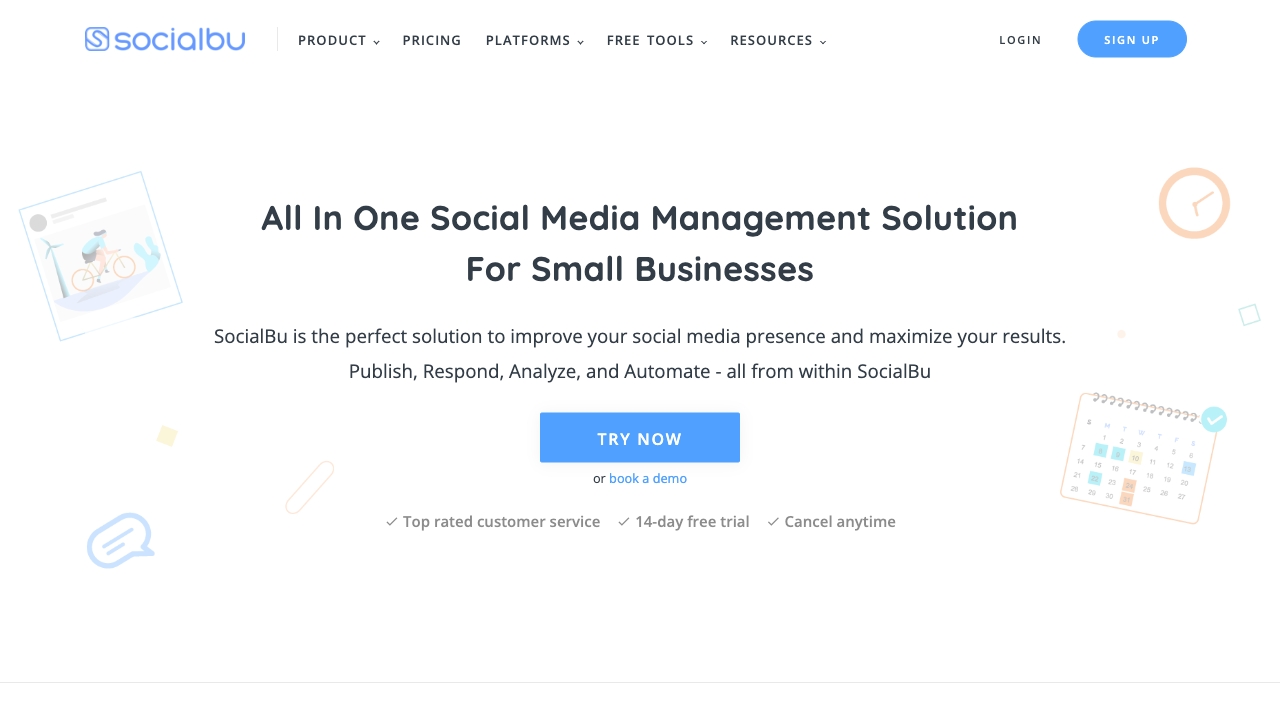
Why it matters SocialBu has the most complete category fit in this group. Its pitch is not limited to drafting captions: it combines social media management, automation, publishing, analytics, and an AI assistant. That combination makes it the safest first trial for a manager who wants one operating layer rather than a collection of small point tools. The free allowance of two accounts, 40 monthly posts, and one user gives a small team something concrete to test before committing. The catch is predictable: pricing may be a barrier, and some capabilities are limited on lower-tier plans.
Best for
Social media managers coordinating recurring publishing work
Small teams that need automation alongside content creation
Buyers who want to test a free quota before moving to a $19/month plan
Limitations
Pricing may be difficult for some budgets
Lower-tier plans restrict some features
Larger teams should verify account, user, and platform limits before purchase
Shortlist signal: Add SocialBu first when you need the broadest single-tool balance of scheduling, automation, analytics, and AI assistance.
2. SocialRails

- Individuals and solopreneurs
- 3-day trial; nine-platform scheduling and short-form content
- Starts at Creator: $29/month
- Usage signal: 45.0K
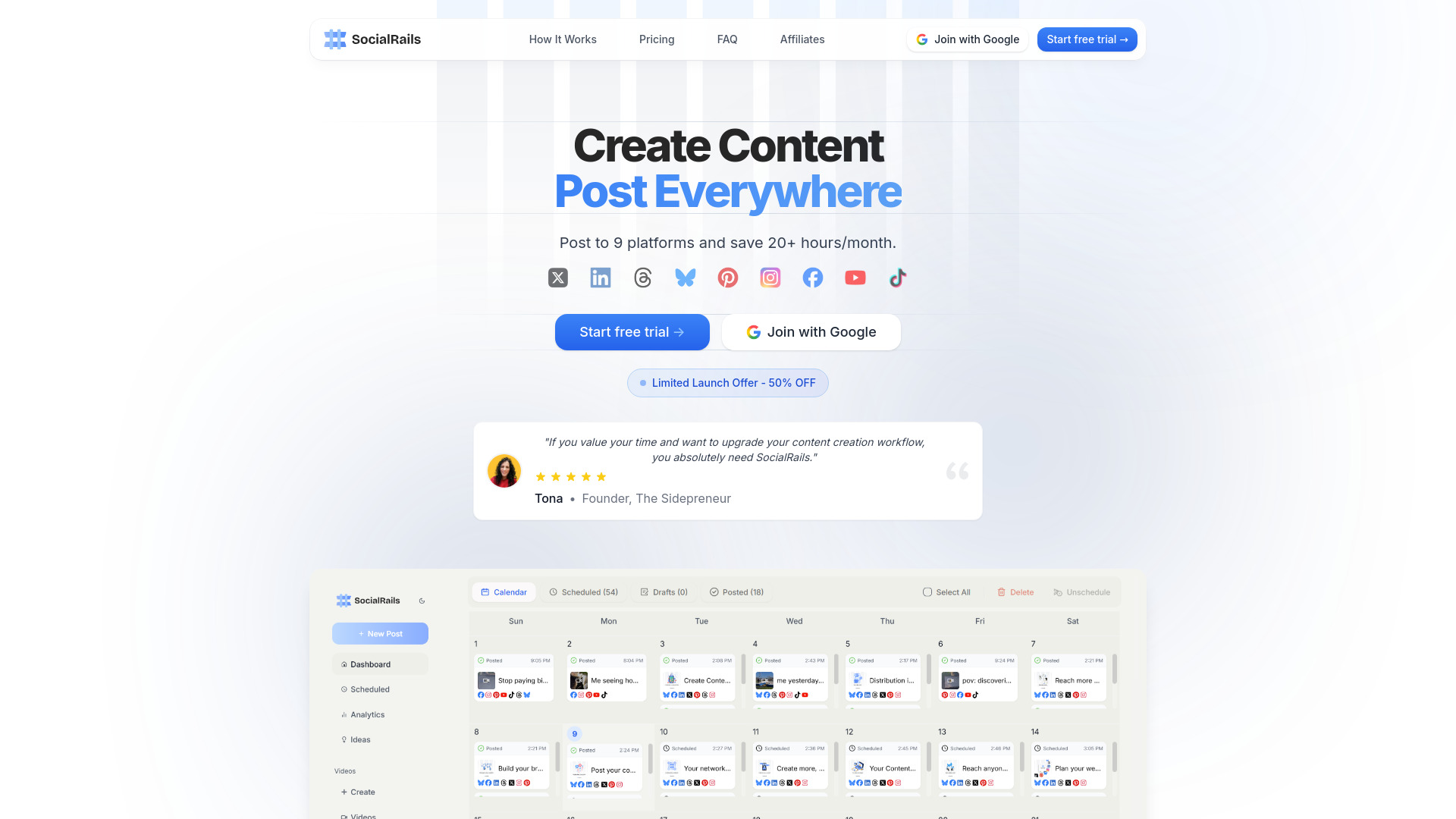
Why it matters SocialRails is built around concentration: nine major social platforms from one dashboard, with AI content generation layered on top. That includes post ideas, captions, hashtags, video content, and more than 350 templates for short-form videos such as TikToks and Reels. For a solopreneur, that breadth can remove a lot of tab switching. It is also more content-oriented than a plain queue manager. However, the three-day trial requires a $1 fee, and the Creator tier limits AI content ideas, so the trial needs a deliberate test plan.
Best for
Individuals publishing across many social networks
Solopreneurs who need captions, ideas, and short-form video support
Users who want platform breadth more than a highly specialized analytics workflow
Limitations
The free trial requires a $1 charge
AI content ideas are limited on the lowest-tier Creator plan
The trial is only three days, leaving little room for casual exploration
Shortlist signal: Choose SocialRails when nine-platform coverage and built-in short-form content creation are central to your workflow.
3. SocialPlus

- Social media managers
- Free plan available
- Starts at Check vendor pricing
- Usage signal: 17.6K
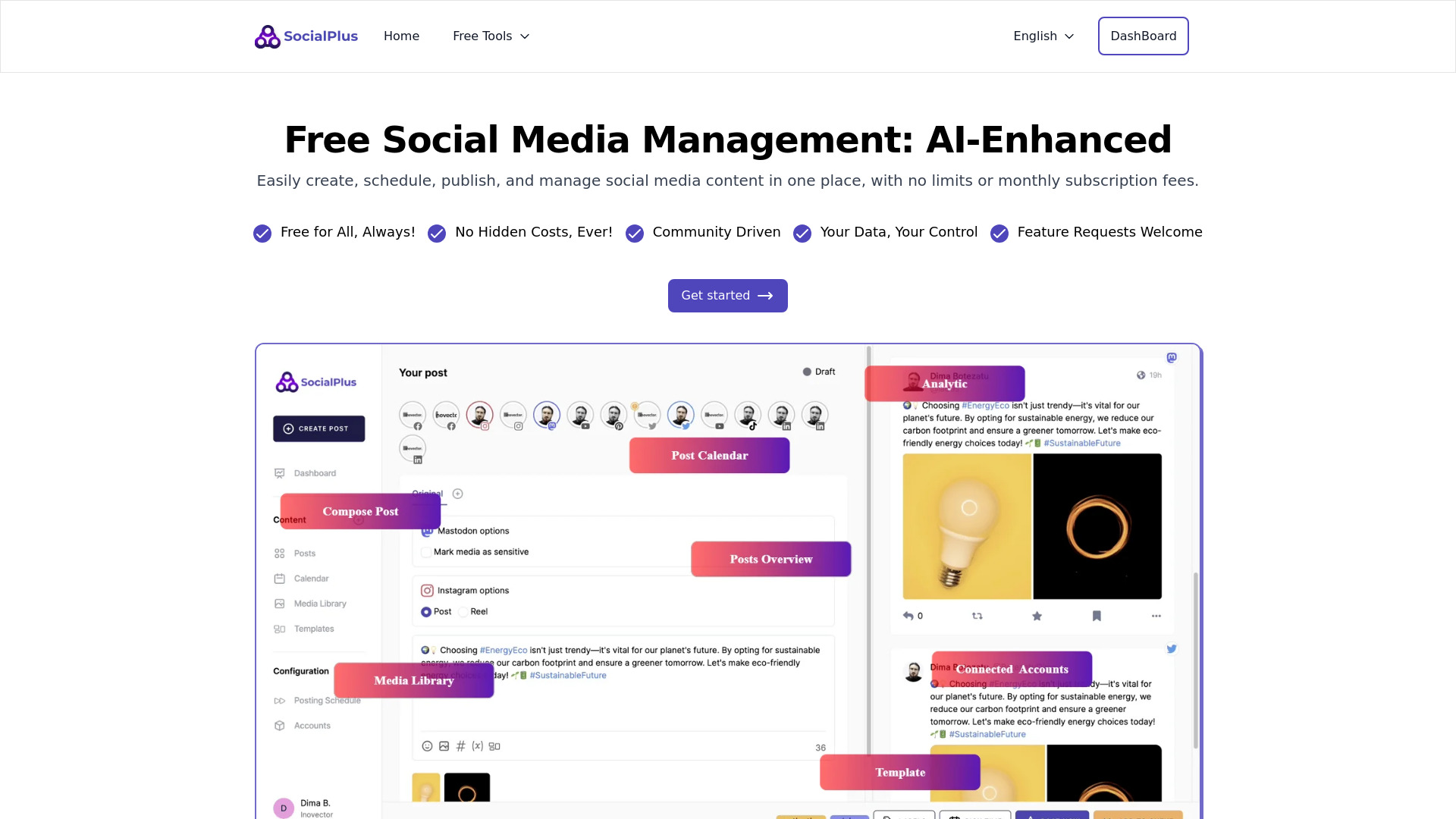
Why it matters The strongest reason to test SocialPlus is simple: it is free to use with no monthly subscription fees. It combines social media management, AI-powered content creation, and post scheduling across multiple platforms, which gives a manager a credible way to validate a workflow before introducing a recurring software bill. That makes it especially attractive for a new brand, a small community, or a team still deciding whether centralized publishing is worth adopting. Translation accuracy may improve with user feedback, and paid alternatives may offer a deeper feature set.
Best for
Managers who want to avoid a monthly subscription
Small teams testing multi-platform publishing
Users who value AI-assisted content creation inside a management tool
Limitations
Pricing and plan boundaries should be checked directly with the vendor
Translation accuracy may require user feedback
Feature depth may not match paid alternatives
Shortlist signal: Put SocialPlus on the list when free access is the deciding factor and you can verify its current plan limits before rollout.
4. SocialBee

- Freelancers
- 14-day free trial; no credit card required
- Starts at Bootstrap: $24.20 yearly or $29 monthly
- Usage signal: 1.3K
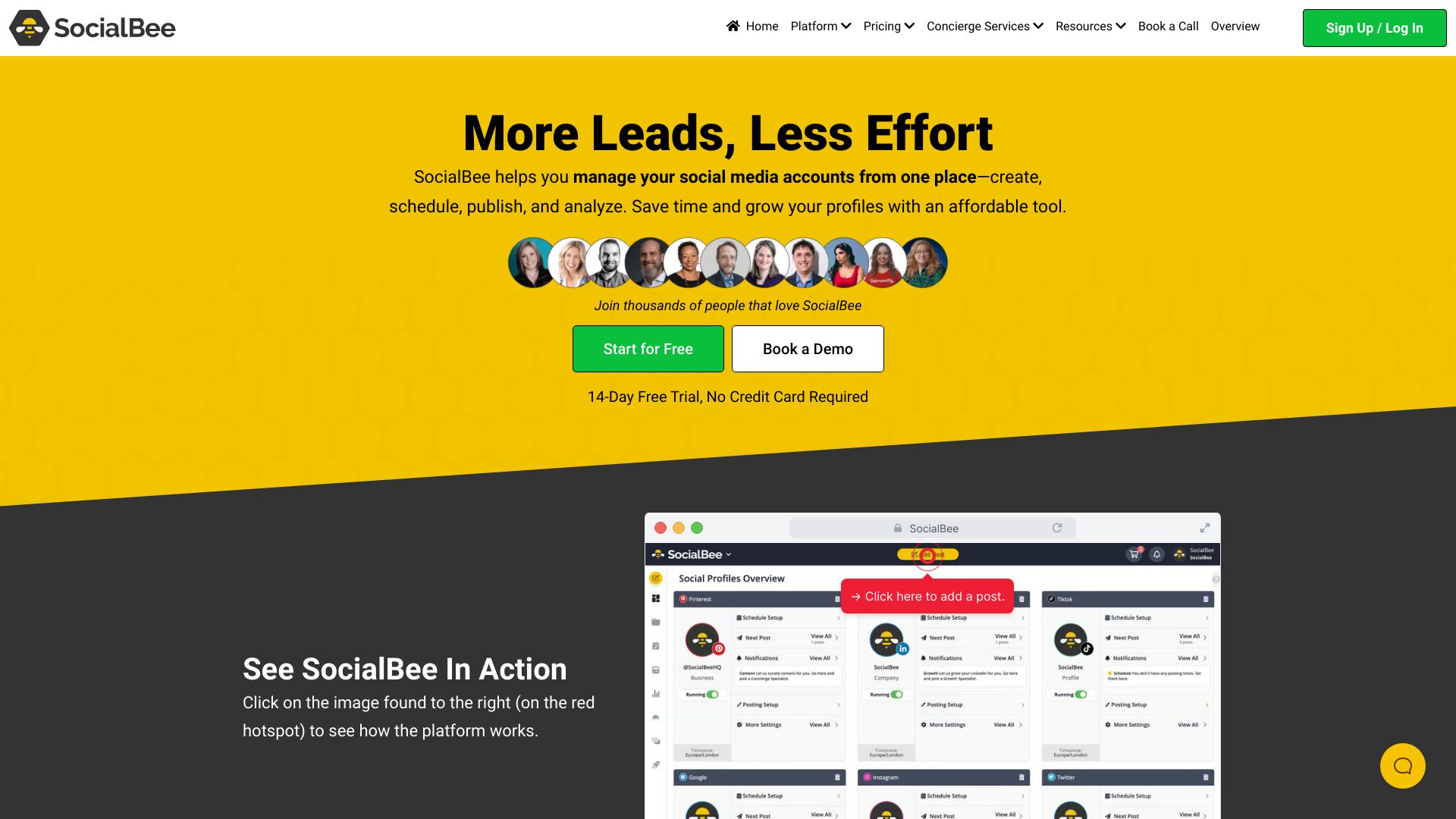
Why it matters SocialBee is a strong fit for freelancers who want publishing and content development to feel like one organized process. AI-powered content creation sits alongside scheduling, publishing, analytics, and engagement management, so the tool covers more than the outbound post itself. The 14-day trial does not require a credit card, which makes it easier to assess with a real content calendar. Its weakness is scale of interface and decision-making: comprehensive tools can overwhelm beginners, and pricing may be a barrier for a casual user.
Best for
Freelancers managing several recurring content streams
Users who want AI support alongside scheduling and analytics
Buyers willing to spend time learning a broader workspace
Limitations
The number of features can overwhelm beginners
Pricing may be high for occasional posting
Video posts such as Reels and TikToks should be checked against the chosen plan
Shortlist signal: Try SocialBee when you need a structured freelance workflow and are comfortable trading simplicity for broader management depth.
5. SocialPika

- Startups
- Free: 15 publications/month
- Starts at Basic: $0
- Usage signal: 840

Why it matters SocialPika keeps the core startup workflow understandable: create posts, schedule them, and review analytics, with AI capabilities intended to improve ad and post effectiveness. Its free basic plan allows 15 publications per month, which is enough to test a modest publishing rhythm without immediately adding a subscription. That makes it a practical low-cost comparison point against larger suites. The main limitation is content format: video posts, including Reels and TikTok posts, are not available on the basic plan, and several features remain paid.
Best for
Startups with a modest monthly publishing cadence
Teams prioritizing post creation, scheduling, and analytics
Buyers who want a $0 starting point before upgrading
Limitations
The free plan allows only 15 publications per month
Reels, TikTok posts, and other video posts are unavailable on the basic plan
Some features require a paid plan
Shortlist signal: Choose SocialPika for a budget-conscious startup workflow that can live with limited free publishing and paid video features.
6. SocialPulse
- Social media managers
- Free plan available
- Starts at Check vendor pricing
- Usage signal: Not listed
Why it matters SocialPulse takes a narrower, more optimization-focused route. AI Precision Scheduling aims to improve when posts go out, while Tailored Content Suggestions help shape what gets published. Automated A/B Testing gives the tool a useful experimental angle that many basic schedulers lack. It is a compelling shortlist candidate when the team already knows how to create content and wants help improving timing and iteration. The trade-off is that AI features may require a learning curve, and their usefulness depends on the accuracy of the underlying algorithms.
Best for
Managers optimizing timing and content performance
Teams interested in automated A/B testing
Experienced users who can evaluate AI suggestions critically
Limitations
Pricing should be confirmed with the vendor
The AI feature set may take time to learn
Algorithmic suggestions are only as useful as their accuracy for your audience
Shortlist signal: Add SocialPulse when optimization and testing matter more than having the broadest all-in-one feature set.
7. AI Photo Editor Pro

- Online sellers
- Free plan available
- Starts at Lite: $9.99/month
- Usage signal: Not listed
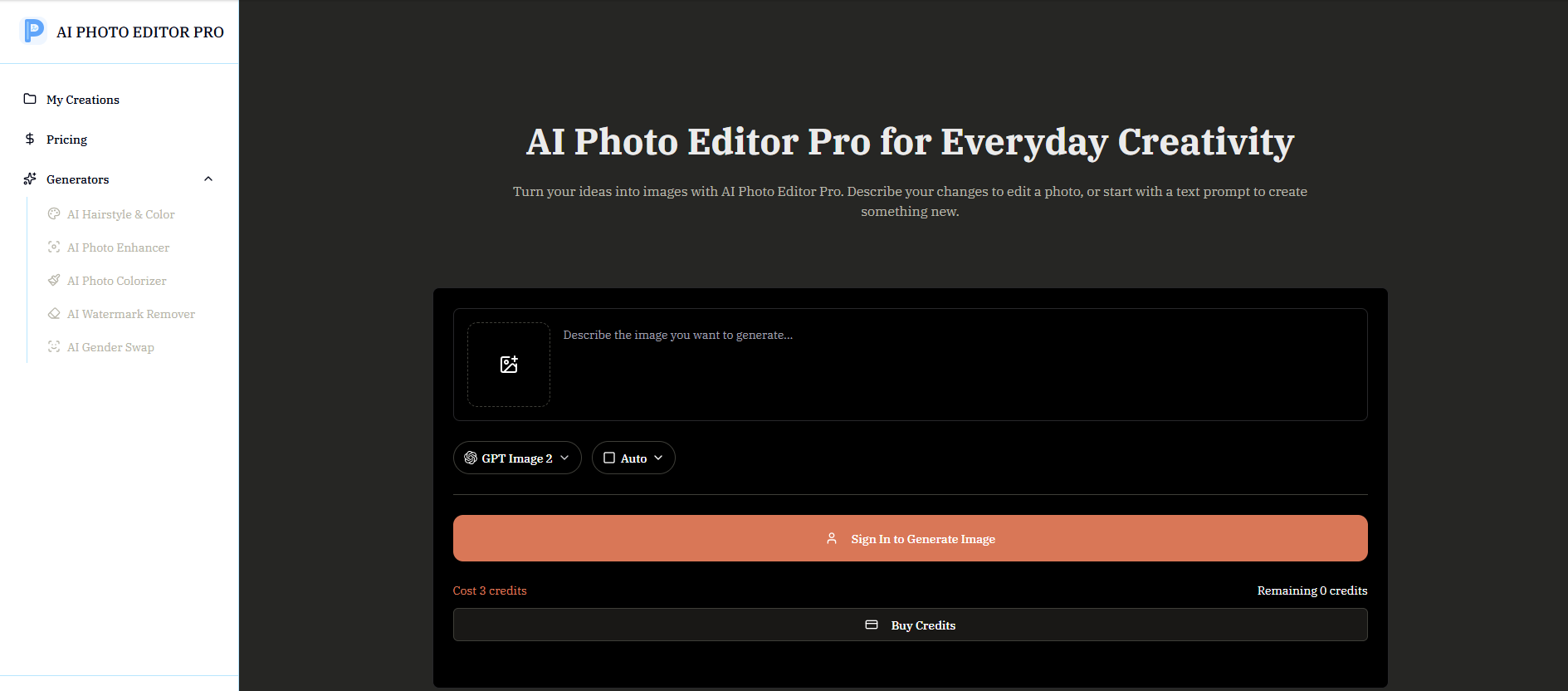
Why it matters AI Photo Editor Pro is an adjacent alternative for teams whose social bottleneck is asset preparation rather than scheduling. Natural-language prompts can handle photo editing and image generation, while enhancement, restoration, colorization, watermark removal, background replacement, and scene preservation support a product-content pipeline. Online sellers can use it to turn raw product imagery into more usable social assets before sending those files to a scheduler. Image generation requires credits, and no specific free generation quota is stated, so budget for experimentation rather than assuming unlimited use.
Best for
Online sellers preparing product images for social campaigns
Teams needing background replacement or photo enhancement
Users who prefer prompt-based editing over advanced design controls
Limitations
Image generation consumes credits
A specific free generation quota is not stated
It does not replace a publishing, scheduling, or analytics workspace
Shortlist signal: Use AI Photo Editor Pro alongside a manager when creating polished social assets is slowing down the calendar.
8. h3max.io

- Video creators
- Free plan available
- Starts at Lite: $29.90/month
- Usage signal: Not listed
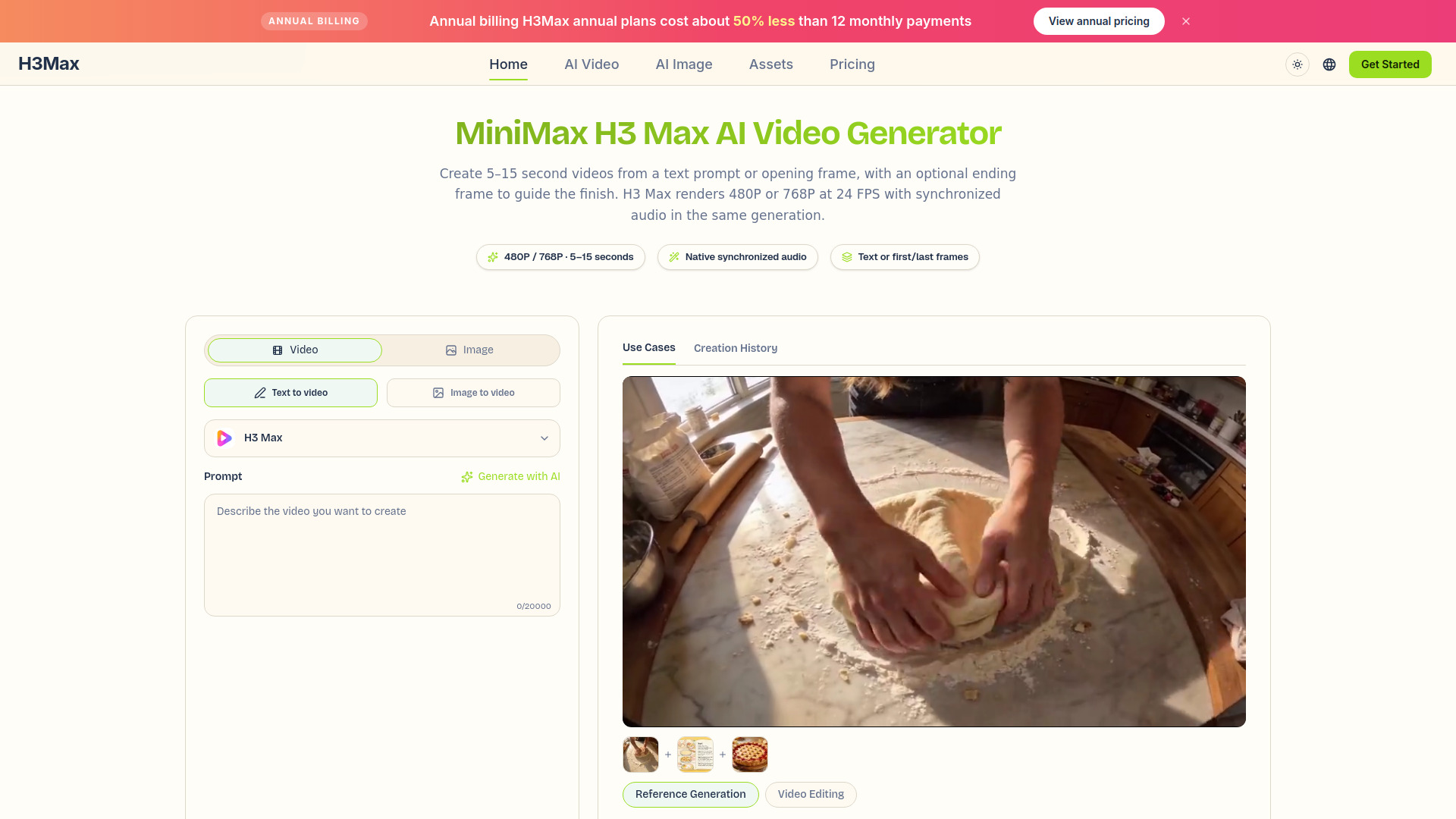
Why it matters h3max.io is a production tool for teams that need moving social content, not a conventional social media dashboard. It generates video from text prompts up to 7,000 characters or from first and optional last-frame images, and it creates synchronized stereo audio with ambience, music, dialogue, and sound effects in the same pass. That is useful for Reels, TikTok concepts, and campaign prototypes. The limits matter: H3 Max outputs 480P or 768P clips lasting five to 15 seconds, while multi-reference generation and editing existing video require standard H3.
Best for
Video creators producing short social clips
Teams that need synchronized audio with generated video
Marketers prototyping visual concepts from text or reference frames
Limitations
H3 Max is limited to 480P or 768P and five-to-15-second clips
Multi-reference generation requires standard H3
Existing-video editing requires standard H3 rather than H3 Max
Shortlist signal: Consider h3max.io when your publishing tool is ready but your short-form video pipeline is not.
9. C2Anime

- Anime creators
- Create your first anime for free
- Starts at Creator: $29/month
- Usage signal: Not listed

Why it matters C2Anime belongs here as a highly specific creative alternative. It moves from story, script, novel, or idea to anime video, with screenplay planning and storyboard creation built into the path. Reusable character, location, and prop references help maintain consistency across scenes, a useful property for serialized social content. It is not a replacement for scheduling or engagement management. Generation uses credits, higher-quality video consumes them faster, and scene re-renders require additional paid credits.
Best for
Anime creators building serialized social video
Story-led brands that need screenplay and storyboard planning
Creators who care about consistent characters and locations
Limitations
Generation uses credits
Higher-quality video tiers consume credits faster
Scene re-renders require additional paid credits
Shortlist signal: Choose C2Anime only when a distinctive anime production workflow is more important than traditional social management features.
10. InflammaScan | Anti-Inflammatory Diet App

- People managing inflammation
- 3-day free trial; photo meal scoring and symptom tracking
- Starts at Free trial: $0 for 3 days
- Usage signal: Not listed
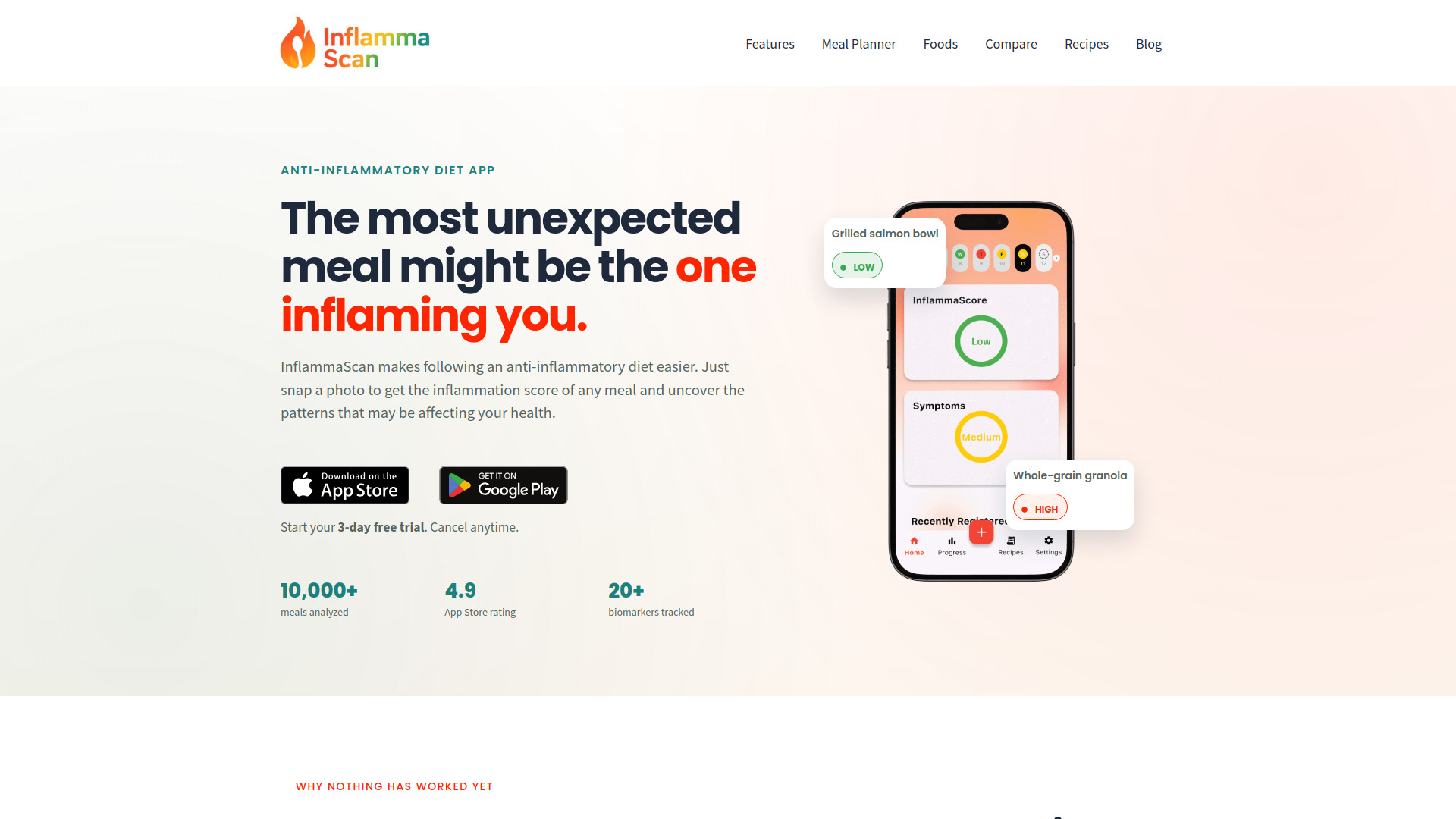
Why it matters InflammaScan is the most unexpected alternative in the ranking, and it should be treated as such. Its AI analyzes a meal photo, returns an InflammaScore with an ingredient-level breakdown, works with home-cooked or restaurant food, and suggests swaps. For a health-focused creator or community, that could generate a specialized content workflow or audience engagement concept. It is not a social media manager, scheduler, or analytics suite. The three-day trial requires a payment card and converts to a subscription after three days unless canceled.
Best for
People managing inflammation and tracking food patterns
Health communities built around photo-based meal analysis
Creators exploring a focused AI utility for niche audience content
Limitations
It does not manage social publishing or scheduling
A payment card is required to start the trial
The subscription begins after three days unless canceled
Shortlist signal: Consider InflammaScan only for a niche health-content workflow, never as a replacement for social management software.
What to test before choosing
Run the same small campaign through each serious candidate rather than clicking through isolated features. Prepare five posts: one text update, one image post, one short-form video concept, one promotional post, and one post requiring a revision. Then test the following:
Account setup: How many platforms, accounts, users, and permissions can you configure without contacting sales?
Scheduling: Can you queue a week of posts quickly, edit a scheduled item, and see the publishing status clearly?
AI quality: Does the assistant produce usable ideas and captions, or does it create extra editing work?
Format coverage: Check Reels, TikTok, video, images, and platform-specific variations before choosing a plan.
Analytics: Confirm which metrics are available and whether they are useful for the decisions your team makes.
Quota clarity: Record account limits, publication caps, credits, trial length, and what happens when a quota is exhausted.
Team friction: Invite the person who approves content. A tool that looks fast for one user may be slow once review enters the process.
For the first round, SocialBu, SocialRails, SocialPlus, and SocialPika make the cleanest comparison. Add SocialBee if your workflow is more structured, and SocialPulse if testing and timing are the central questions.
What to do next
Choose one primary management tool and, only if necessary, one creative companion. A sensible sequence is:
- 1
Write down the platforms, monthly post volume, users, and content formats you actually need.
- 2
Test the free plan or trial with a real week of content, not placeholder posts.
- 3
Check whether video, analytics, and AI quotas are included at the price you expect to pay.
- 4
Invite an approver and measure the time from draft to scheduled post.
- 5
Verify current pricing and cancellation terms on the vendor site before subscribing.
SocialBu is the default starting point for a broad workflow. SocialRails is the better branch for platform-heavy solo publishing, while SocialPlus and SocialPika keep the initial financial commitment low. Use the adjacent tools only when the creative production problem is clearly separate from the management problem.
Common mistakes when choosing from a complex top list
Comparing every tool as if it were a scheduler. The final four entries are creative or niche alternatives. Their presence is useful for adjacent workflows, but they should not be evaluated against a calendar, inbox, or reporting dashboard they were never designed to provide.
Treating free access as a complete free plan. SocialPika gives 15 publications per month, SocialRails offers a three-day trial with a $1 fee, and SocialBee offers a 14-day trial without a credit card. Those are materially different forms of access.
Ignoring format restrictions. SocialPika's basic plan excludes video posts, while h3max.io and C2Anime focus on producing video rather than distributing it. Confirm the handoff between creation and publishing.
Buying for AI features without testing edits. AI content ideas, captions, and suggestions save time only when the output is close to your brand voice. Test revision time, not just first-draft speed.
Skipping the cancellation check. InflammaScan starts a subscription after its three-day trial unless canceled. Other trials and credits can have their own rules, so verify the live terms before adding a card.
Overvaluing a score without checking audience fit. SocialBu's 94/100 reflects broad category coverage, but a startup with 15 monthly publications may get more practical value from SocialPika. The right tool is the one that fits the operating constraint.
FAQ
SocialBu ranks first because it combines social media management, automation, publishing, analytics, and AI assistance. Its free allowance covers two accounts and 40 monthly posts, while the Standard plan starts at $19/month. Check lower-tier feature limits before committing.