
Start here
Searching for the top approaches intelligent automation robotics ai logistics can lead to a category mismatch: a warehouse robot, a fleet-optimization system, and a general-purpose AI workflow builder do very different jobs. The 10 tools compared here are primarily software for AI agents, business workflows, and private AI-not verified warehouse robotics or transportation-management platforms. That distinction matters. They may help automate the information and decision work around logistics, but the listed capabilities do not establish that they control robots, optimize routes, or connect directly to warehouse equipment.
For a first pass, start with the workflow you need to improve. Logic is the clearest fit for turning written procedures into repeatable API-driven processes. Sim and Draft'n run suit teams building and observing AI workflows. Go.AI is worth a look when private deployment and governance lead the requirements. Workers Delos takes a more autonomous, role-based approach. The others offer useful but more specialized paths, from coordinating AI agents to automating general research.
| If your priority is... | Start with | Why it stands out |
|---|---|---|
| Turning written procedures into repeatable processes | Logic | Converts plain-English process documents into functional APIs. |
| Building AI workflows with broad integrations | Sim | Offers visual, conversational, and code-based agent building with 1,000+ integrations. |
| Keeping AI deployment on-premises | Go.AI | Focuses on private deployment, data retrieval, logged interactions, and policy governance. |
| Letting role-based agents run tasks proactively | Workers Delos | Its workers are designed for ongoing, goal-based execution and connect to 3,000+ tools. |
| Self-hosting visual AI workflows | Draft'n run | Combines a drag-and-drop builder, observability, and self-hosting. |
The shortlist is most useful when you map each candidate to a discrete, measurable workflow: document intake, exception triage, internal knowledge retrieval, or a recurring approval. Treat it as a software shortlist, then separately verify whether a vendor supports the physical systems, safety controls, and operational interfaces your logistics environment needs.
Segment comparison
These products fall into adjacent segments rather than one unified robotics category. The table is a quick way to choose which kind of evaluation to run first.
| Segment | Tools to compare | Best fit | Main trade-off |
|---|---|---|---|
| Process-to-API automation | Logic | Teams translating documented procedures into repeatable decisions and APIs | Usage guardrails and possible extra enterprise/API charges need review. |
| AI workflow builders | Sim, Draft'n run, Ekinox | Teams designing, connecting, and monitoring AI-powered workflows | Free tiers and paid execution limits differ; model costs may be separate. |
| Autonomous or collaborative agents | Workers Delos, OpenBot, aiOS, AI Agents Listing | Delegating recurring work or coordinating multi-step tasks | Autonomy increases the need for review, permission boundaries, and clear ownership. |
| Private AI infrastructure | Go.AI | Organizations prioritizing on-premises or air-gapped deployment | Pricing is quote-based, and deployment fit needs vendor validation. |
| Developer task agents | ML.ai | Software teams automating code changes, tests, and pull-request workflows | Private beta status and changing launch pricing make availability a key check. |
For logistics operations, the first two segments are often the practical starting point: they can help with information flows without implying physical automation. An agent that classifies an exception is not the same thing as a robot that moves a pallet. Keep that boundary clear during vendor demos.
Shortlist paths
Choose a path based on what your team is actually trying to automate-not on the broad label "AI logistics."
| Your first requirement | Shortlist path | What to validate |
|---|---|---|
| Convert documented steps into repeatable business logic | Logic → Ekinox | Can the workflow handle exceptions, approvals, and audit trails? |
| Build and monitor custom AI workflows | Sim → Draft'n run | Confirm execution limits, model costs, hosting, and run-level visibility. |
| Keep sensitive information inside controlled infrastructure | Go.AI → OpenBot | Ask about data boundaries, deployment responsibility, access controls, and support. |
| Delegate recurring work to agents | Workers Delos → aiOS | Define permitted actions, approval gates, and what happens when a task fails. |
A shortlist of two or three is usually more actionable than a broad demo tour. Include one tool that matches your workflow, one that matches your deployment constraints, and-if the automation is consequential-one that gives operators the visibility and control they need to intervene.
Ranking snapshot
The ranking reflects the tools' stated capabilities and their usefulness as candidates for intelligent business automation adjacent to logistics. It is not a ranking of autonomous mobile robots, warehouse control systems, or route-planning products.
| Rank | Tool | Score | Strongest reason to shortlist | Starting price |
|---|---|---|---|---|
| #1 | Logic | 92/100 | Turns plain-language processes into functional APIs | From $20/user/month |
| #2 | Go.AI | 92/100 | Private AI deployment for governed environments | Check vendor pricing |
| #3 | Sim | 92/100 | Flexible agent workflows with 1,000+ integrations | Free plan; paid limits apply |
| #4 | Workers Delos | 92/100 | Proactive AI workers connected to 3,000+ tools | Team: €50/month |
| #5 | aiOS | 91/100 | Business automation controlled through messaging | Free trial; paid plans from $20/month |
Ranks six through ten cover a desktop agent team, an open-source workflow builder, a developer coding agent, a general-purpose research agent, and a no-code workflow canvas. Their relative fit depends heavily on whether your priority is deployment control, developer ownership, or quick experimentation.
How we grouped and ranked the list
We grouped the 10 candidates by the work they appear designed to do: turn procedures into software actions, build AI workflows, delegate tasks to agents, deploy private AI, or automate developer work. That is a more useful lens than pretending all ten solve the same logistics problem. None of the listed product facts establish direct robot control, fleet management, route optimization, or warehouse execution capability, so we do not award points for those functions.
Within those boundaries, we prioritized practical workflow value, the breadth and specificity of stated capabilities, fit for the likely buyer, and available market signals. Scores are comparative shortlist signals, not guarantees of reliability or quantified performance. A larger audience signal can indicate product visibility; it does not prove that a tool is right for an operation.
We also considered the frictions a buyer will encounter early: unclear or quote-based pricing, usage caps, separate model charges, private-beta availability, and the level of human review an autonomous workflow may need. Those details can change the real cost and risk more than a polished demo suggests. Before committing, validate current commercial terms and run a controlled pilot against your own process data.
Ranked field notes
1. Logic

- Business teams automating recurring process decisions
- Free trial
- Starts at From $20/user/month
- Usage signal: 11.2K
Why it matters
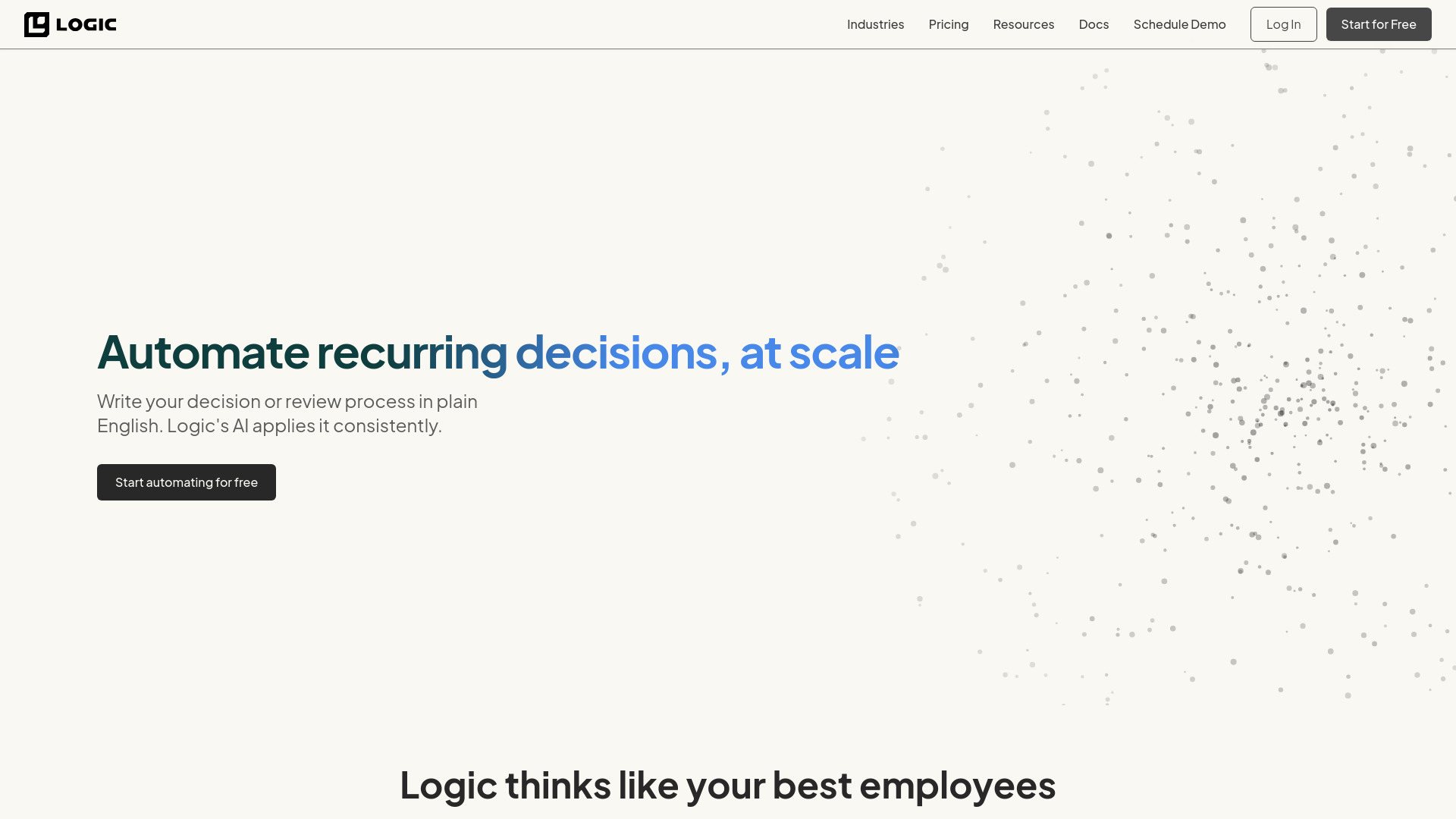
A logistics team often has process knowledge scattered across operating documents, escalation rules, and the heads of experienced staff. Logic's distinctive angle is turning plain-English process documents into functional APIs, then using those APIs to automate recurring decisions and reviews. That makes it a strong first candidate for structured information work-such as routing a request for review or applying a documented decision path-provided your own systems and governance needs are compatible. The value is less about creating a flashy chatbot and more about making an existing procedure executable without requiring teams to configure APIs or engineer prompts themselves.
Best for
Business teams with repeatable decisions already documented in plain language.
Operations groups exploring workflow automation without dedicated API configuration.
Buyers who want to test process automation before building a custom implementation.
Limitations
"Unlimited monthly tasks" on the Ultra plan is subject to abuse guardrails, so clarify practical limits.
Enterprise and API plans may incur additional usage charges beyond the base price.
The listed capabilities do not establish direct connection to warehouse robots or logistics hardware.
Shortlist signal: Add Logic when your first automation target is a documented decision or review process that should become a repeatable API-backed workflow.
2. Go.AI

- Regulated organizations evaluating private AI
- Starts at Check vendor pricing
- Usage signal: 150.5K
Why it matters
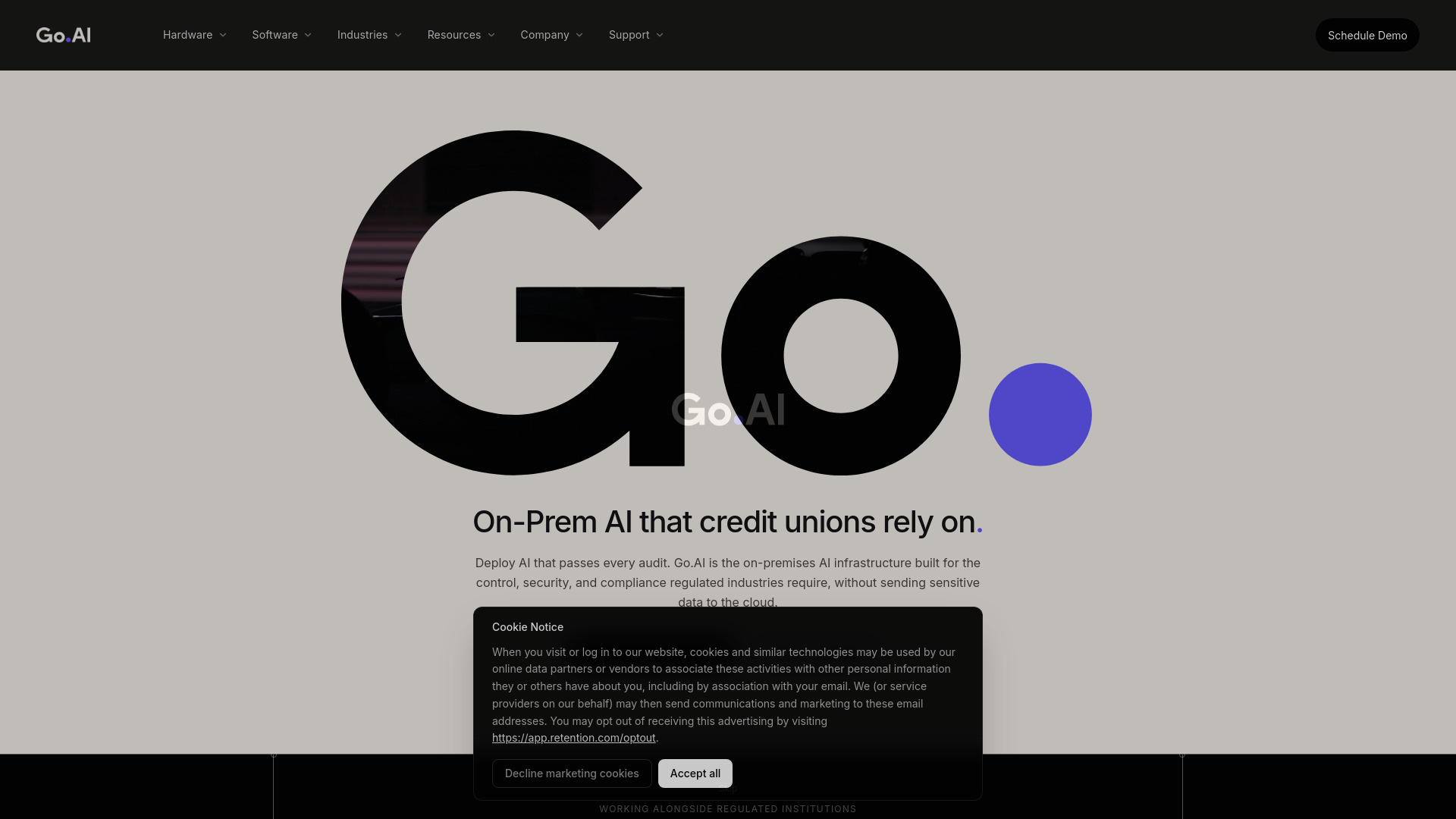
In a regulated operation, the deployment model can matter as much as the assistant itself. Go.AI offers on-premises AI hardware and software, including air-gapped deployment options, and describes indexing and retrieval across core systems, document stores, and data warehouses. Logged assistant interactions and policy governance tools give security and compliance teams a more concrete basis for evaluating use. That is a meaningful fit for organizations that cannot casually send operational information to an external service. It is not a shortcut around security review, though: infrastructure, integration, and governance details need to be confirmed directly with the vendor.
Best for
Banking and other regulated teams considering private AI infrastructure.
Organizations that need on-premises or air-gapped deployment options.
Teams seeking AI retrieval across internal systems with logged interactions.
Limitations
Pricing is custom and not published, so budgeting requires a vendor conversation.
No trial or pilot allowance is specified; ask what evaluation access is available.
Private deployment does not, by itself, prove compatibility with operational or robotics systems.
Shortlist signal: Add Go.AI when data control and governed private deployment are hard requirements, not optional preferences.
3. Sim

- AI engineers building integrated agent workflows
- 1,000 monthly credits; free plan limits apply
- Starts at Free: $0
- Usage signal: 116.9K
Why it matters
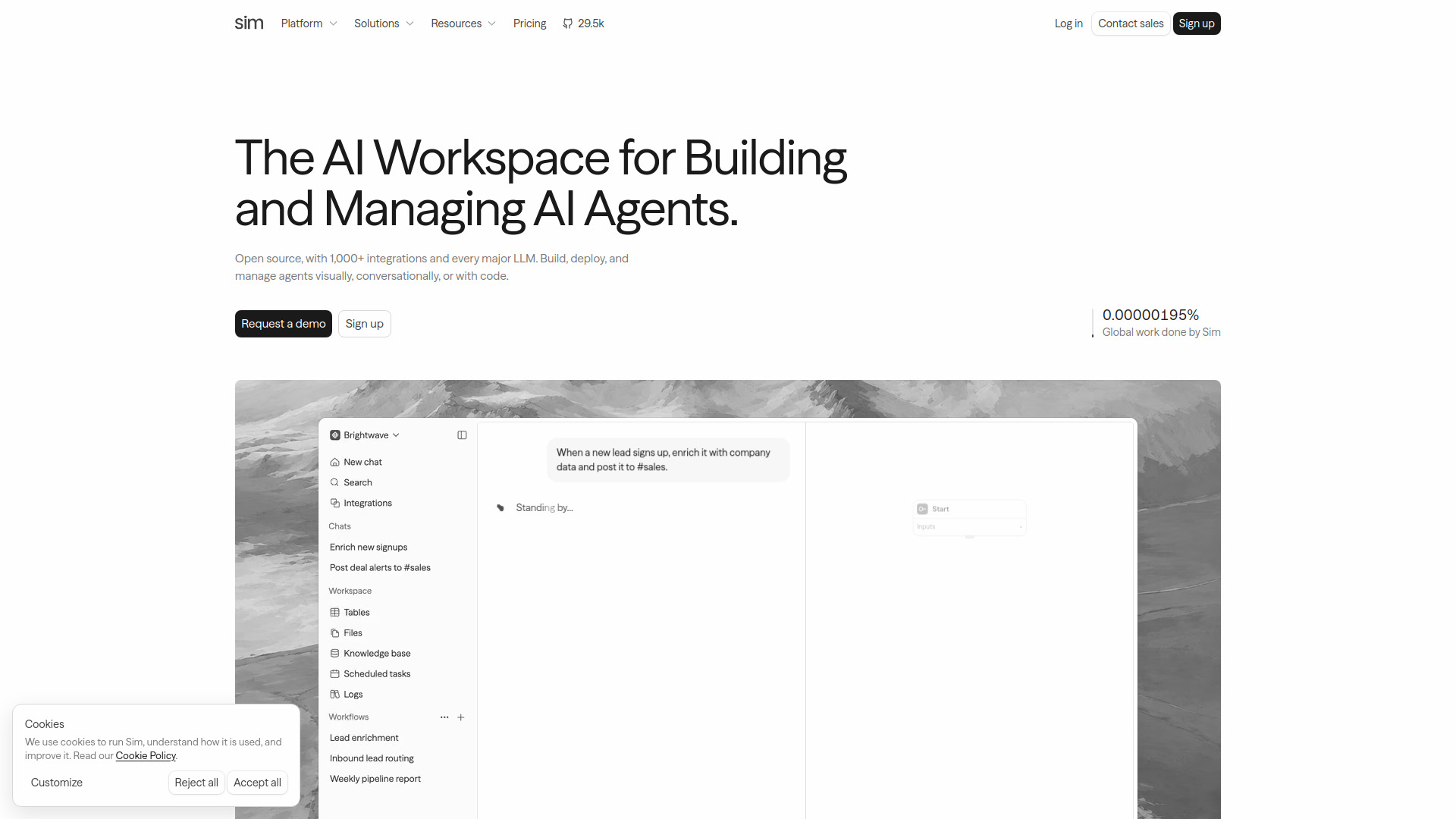
Sim gives teams several ways into agent development: a visual builder, conversational workflow creation, and code-based development. Its stated support for more than 1,000 integrations and major LLM providers makes it a flexible candidate when an automation needs to touch multiple business tools or when a team wants choice over its model stack. For a logistics-adjacent use case, that might mean prototyping a multi-step information workflow across existing services; the exact system connections and reliability still need to be tested. The free tier provides a low-friction starting point, but its workspace, storage, table, and log-retention limits are real constraints rather than fine print to ignore.
Best for
AI engineers who want visual and code-based ways to build agent workflows.
Teams connecting automation across existing business applications.
Groups that want to compare major model providers within one workflow environment.
Limitations
Higher execution limits and advanced capabilities require paid plans.
The free plan is limited to one workspace, five tables, 5 GB of storage, and 30-day log retention.
Integration breadth does not guarantee that a required operational system is supported in the way you need.
Shortlist signal: Add Sim when you need a flexible builder for multi-step AI workflows and want to test integration fit before scaling.
4. Workers Delos

- Managers delegating recurring business tasks
- Free trial; duration and quota not specified
- Starts at Team: €50/month
- Usage signal: 107.6K
Why it matters
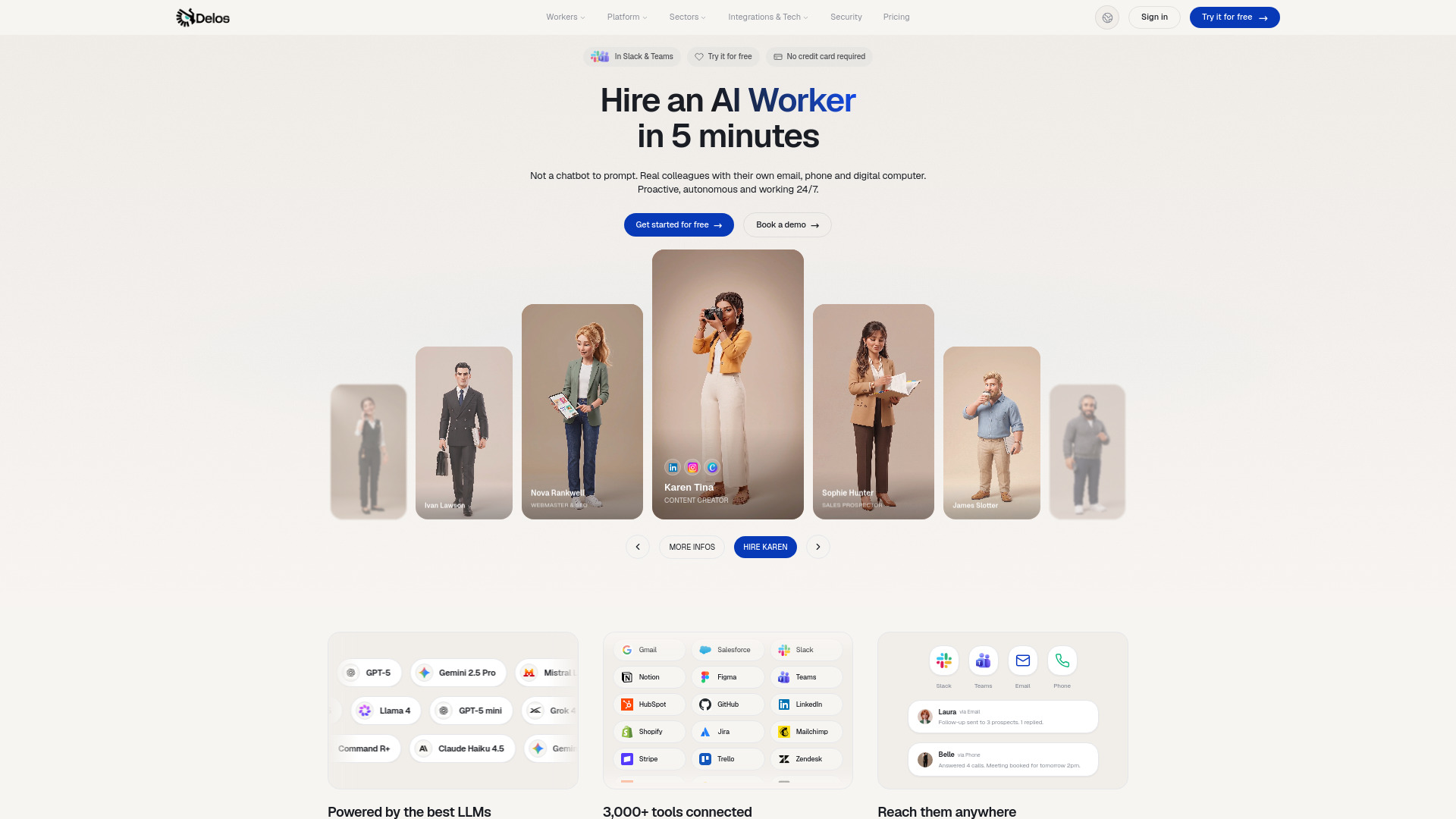
Many agent tools wait for a person to start each task. Workers Delos instead describes specialized workers that can operate continuously and proactively around goals, with connections to Slack, Teams, email, phone, and more than 3,000 tools. That approach could suit recurring coordination work where a team wants an agent to monitor or advance tasks rather than merely answer a prompt. It also shifts the evaluation burden: buyers need to understand what each worker may do, when it acts, and how people supervise it. The broad integration count is a useful starting signal, not proof that a specific logistics system or action is supported.
Best for
Managers exploring task delegation to role-based AI workers.
Teams with recurring work that benefits from proactive follow-up.
Organizations whose communication and work tools may be covered by its integrations.
Limitations
The free-trial duration and quota are not specified; confirm before planning a pilot.
The Team plan is listed at €50 per month, which may not suit an individual user.
Continuous execution requires clear permissions, review rules, and failure handling.
Shortlist signal: Add Workers Delos when you want to evaluate proactive task execution rather than a prompt-and-response assistant.
5. aiOS

- Founders coordinating business tasks by message
- 5 lifetime messages per device
- Starts at From $20/month
- Usage signal: 17.8K
Why it matters
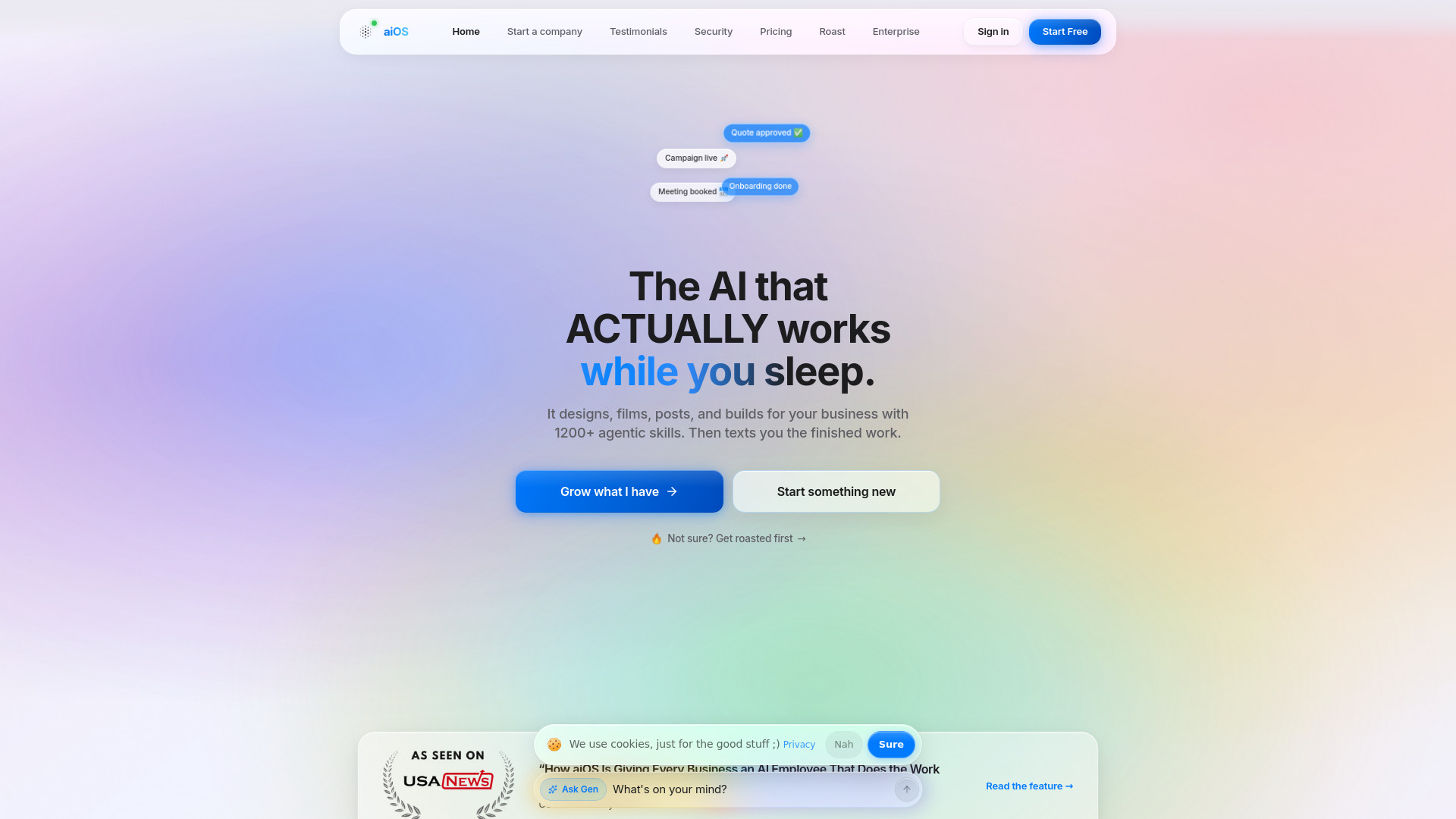
aiOS puts the control surface somewhere many busy operators already work: a text conversation. Its AI employee can be controlled through iMessage, the web, WhatsApp, Telegram, and phone, while the product also lists content generation for posts, images, video, and websites. That makes it a broader business assistant than a dedicated logistics automation system, but messaging-led control may be appealing for founders or small teams that want a single place to issue requests. The free access is particularly narrow-five lifetime messages per device-so treat it as a quick taste, not a meaningful evaluation environment.
Best for
Founders seeking a message-based interface for general business automation.
Small teams that want access through familiar messaging channels.
Users who value a unified assistant for operational and content tasks.
Limitations
The free allowance is five lifetime messages per device, not an ongoing free tier.
Pricing tiers and usage limits can be complex; compare the plan details carefully.
Advanced capabilities require higher-priced plans, and content tools do not equal logistics execution.
Shortlist signal: Add aiOS when ease of access through messaging matters more than a specialized workflow-builder interface.
6. OpenBot

- Developers coordinating multiple AI agents
- Free desktop app; bring your own AI provider or local model
- Starts at Check vendor pricing
- Usage signal: 5.3K
Why it matters
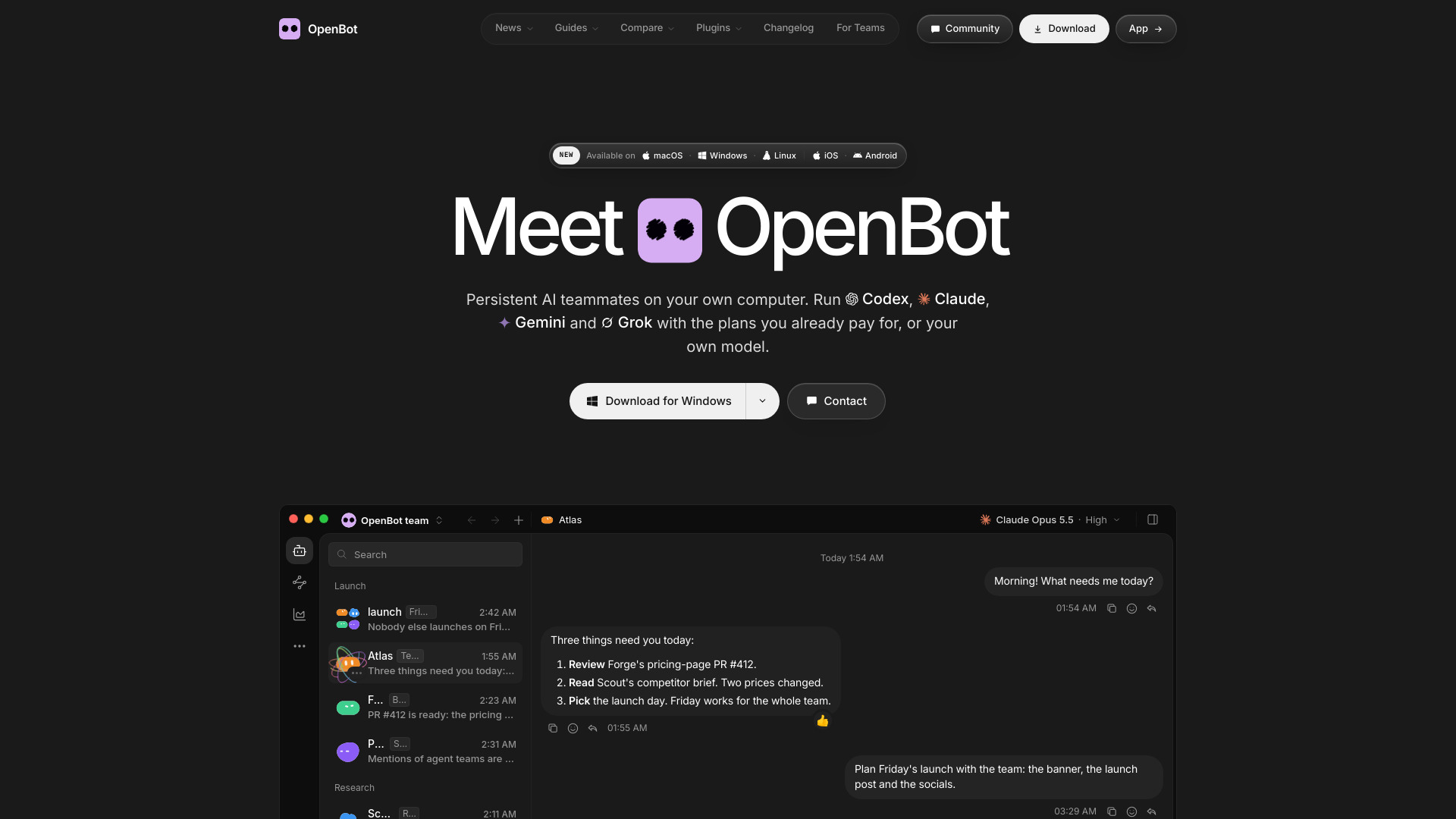
OpenBot treats agents less like isolated chat windows and more like a small team: users can give agents distinct names, instructions, and workspaces, then let them message one another, hand off tasks, review work, and share files. The desktop app is free with no locked features, and it supports multiple commercial providers, compatible endpoints, and local models. For developers experimenting with structured agent collaboration, that combination offers flexibility and a degree of local control. The trade-off is that the app does not remove the cost or setup burden of the models behind it.
Best for
Developers who want to coordinate several agents in a desktop workspace.
Teams that need agents to hand off, review, or share work with one another.
Users who want a choice of commercial providers, compatible endpoints, or local models.
Limitations
Users must supply their own AI provider plan, API access, or local model.
Hosted server pricing is not stated; confirm the full deployment cost.
Agent collaboration is not the same as validated control over physical equipment.
Shortlist signal: Add OpenBot when you want to experiment with collaborative agent roles and are comfortable managing model access yourself.
7. Draft'n run

- Developers building self-hosted AI workflows
- 1,000 daily credits on managed cloud
- Starts at Free
- Usage signal: 1.3K
Why it matters
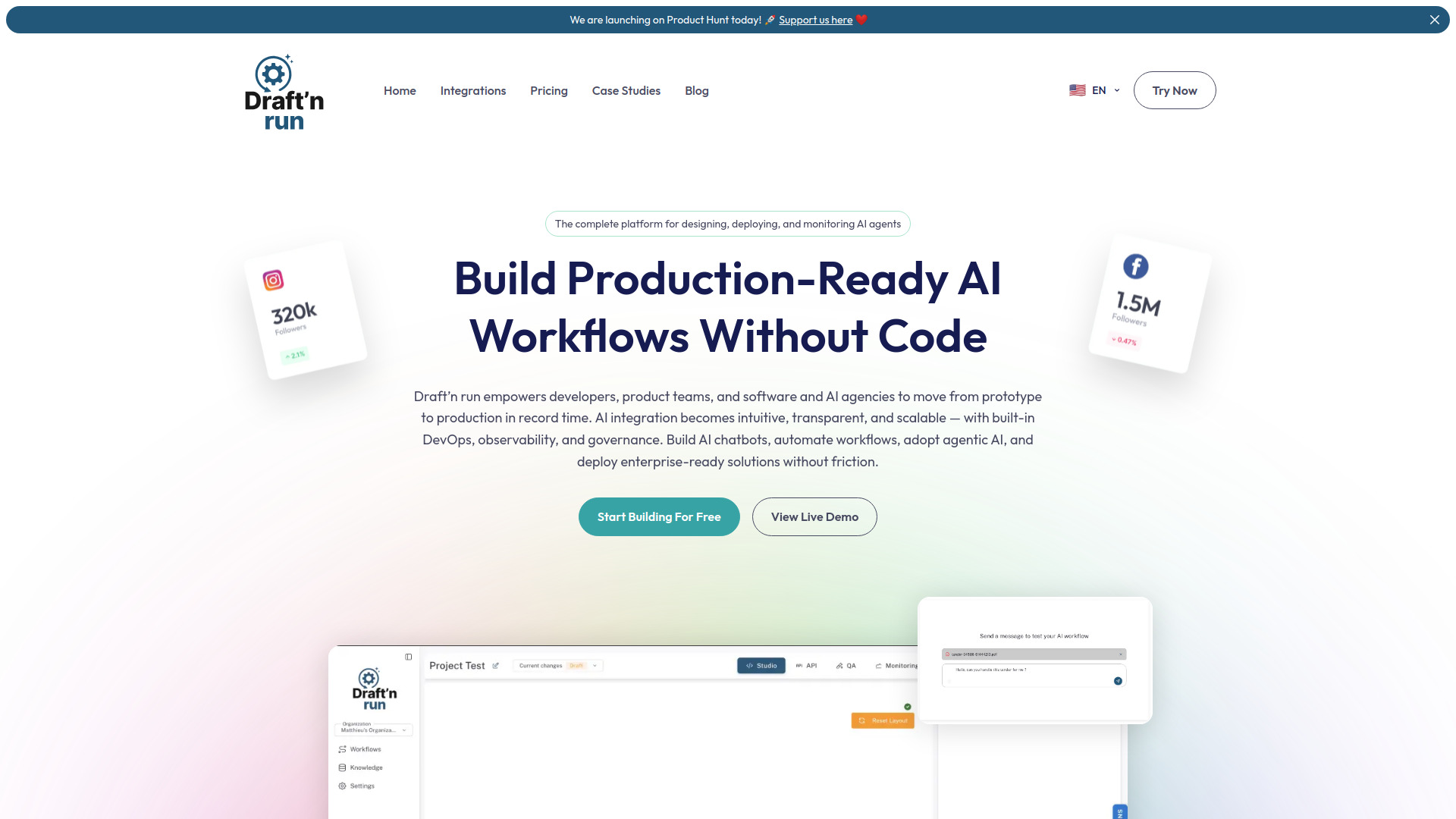
Draft'n run combines a visual, drag-and-drop workflow builder with open-source availability, self-hosting, and AI observability. That mix is attractive to teams that want to prototype without writing every workflow from scratch but still care about data control and avoiding vendor lock-in. Monitoring also matters once a workflow becomes operational: teams need to inspect what ran and spot where it broke, rather than trusting a green demo. The managed cloud's free allowance is 1,000 credits per day unless you bring your own API keys, and model usage costs remain separate even on the free plan.
Best for
Developers who want to build AI workflows visually and retain hosting options.
Teams that value open-source access and control over their deployment.
Operators who want observability as part of workflow development.
Limitations
Managed-cloud usage is limited to 1,000 daily credits unless you bring your own API keys.
LLM usage costs are separate, including on the free plan.
Self-hosting offers control but also means your team must evaluate and manage its environment.
Shortlist signal: Add Draft'n run when visual workflow authoring, observability, and self-hosting matter more than a fully managed experience.
8. ML.ai

- Developers automating code, testing, and pull requests
- Starts at Check vendor pricing
- Usage signal: Not listed
Why it matters
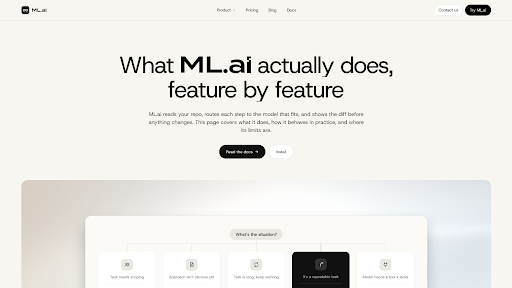
ML.ai is a specialist rather than a general operations tool: it is designed to carry software tasks through code changes, testing, and pull-request creation. Its four surfaces-IDE extension, desktop app, PR Reviewer, and CLI-share an agent engine, settings, and repository memory. The described workflow also keeps changes reviewable: focused agents explore, architect, and plan, while only the General agent can change code. Cost-aware model routing is another stated feature. This could help a software team maintaining operational applications, but it does not automate warehouse or transport work directly.
Best for
Software developers who want an agent to handle multi-step coding tasks.
Engineering teams that want diffs and approvals before changes are written.
Teams using VS Code, Cursor, desktop tools, pull requests, or a CLI workflow.
Limitations
The product is described as private beta, India first; confirm access in your region.
Individual plan pricing is private-beta launch pricing and may change at general availability.
Usage signals and a clear starting price are not listed, so validate availability and commercial terms.
Shortlist signal: Add ML.ai when your target is engineering work on the software that supports operations-not frontline logistics execution.
9. AI Agents Listing

- Researchers handling web-based multi-step tasks
- Starts at Check vendor pricing
- Usage signal: Not listed
Why it matters
The listed capabilities center on general-purpose autonomous task execution: web browsing, research, and multi-step planning. That makes this a possible fit for desk-based research or information-gathering tasks around an operation, rather than a workflow engine for equipment or a specialized logistics platform. The promise of autonomy should be tested with a narrow assignment and a clear acceptance checklist. Research outputs can be useful starting points, but they may still contain errors or omit context; a human should verify important findings before they influence an operational decision.
Best for
Researchers who need web browsing and information gathering across multiple steps.
Teams evaluating general-purpose task agents for low-risk desk work.
Users who can review and validate generated reports before acting on them.
Limitations
The listing identifies Manus as a paid service but does not provide package prices.
Autonomous outputs may still require user review.
The stated features do not establish logistics-specific integrations or physical automation.
Shortlist signal: Add this option when your first use case is web research or report preparation, and a reviewer can check the result.
10. Ekinox

- Operations managers creating no-code AI workflows
- $5 AI credits; 10 workflows/minute
- Starts at Free
- Usage signal: Not listed
Why it matters
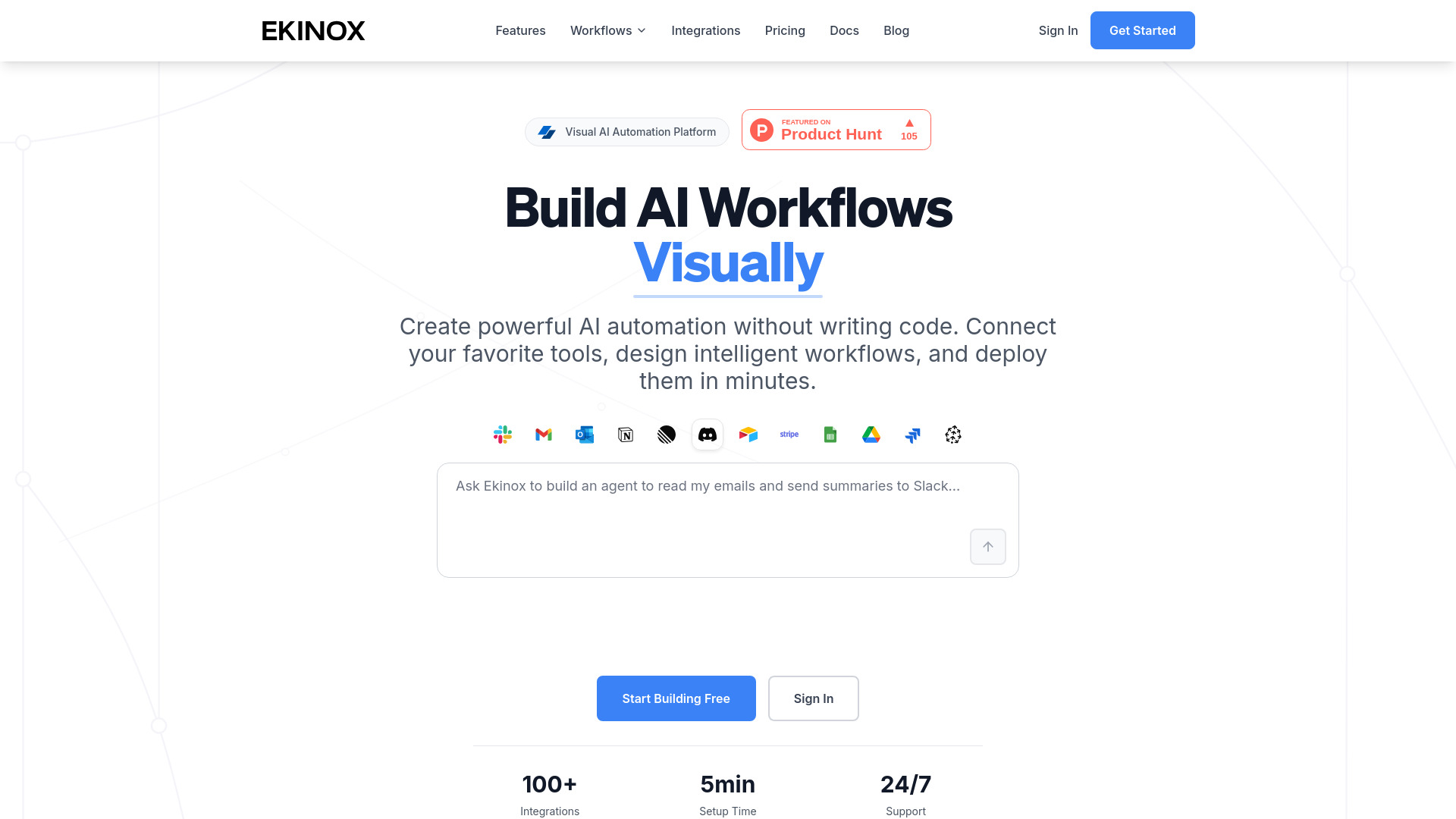
Ekinox offers a visual canvas for building AI workflows without code, with AI-powered decision-making and more than 100 integrations. That can make it approachable for an operations manager who wants to prototype a process before asking engineering to build a custom system. The free tier provides $5 in AI credits and a stated limit of 10 workflows per minute, which is enough to explore the interface but not a reason to assume production-scale capacity. Its fit will depend on the exact services your workflow needs and whether its paid controls meet your organization's requirements.
Best for
Operations managers who want to create visual workflows without coding.
Teams prototyping AI-assisted decisions across supported services.
Buyers comparing a straightforward canvas with more developer-oriented tools.
Limitations
The free plan has limited AI credits, workflow throughput, and basic integrations.
SSO and SAML, dedicated support, and custom integrations are reserved for higher tiers.
A broad integration count does not confirm a specific logistics-system connection or physical control capability.
Shortlist signal: Add Ekinox when a no-code canvas is important and your first pilot can fit within its free-tier limits.
What to test before choosing
Run a small pilot using a real process, not a generic demo prompt. Keep the scope narrow enough that a person can review every output and action.
Define the boundary. Write down whether the workflow only recommends an action, updates a business system, or is expected to affect physical equipment. The tools here are listed for software workflows and agents; verify any claimed hardware or robotics control separately.
Use representative cases. Include ordinary requests, missing information, conflicting instructions, and exceptions. A clean happy path does not show how the system behaves when an order, shipment, or record is incomplete.
Check human controls. Confirm whether actions can require approval, be paused, or be reversed. Establish who owns errors and how operators can inspect a run.
Verify data handling. Ask where prompts, documents, logs, and connected-system data are processed and stored. For private deployment candidates, confirm what "on-premises" or "air-gapped" means in your specific configuration.
Calculate the actual cost. Include subscriptions, execution limits, AI credits, model-provider charges, hosting, and any enterprise or API usage fees. A free plan may be a useful sandbox, not a representative production budget.
Test integration depth. Confirm the exact actions and fields available in the systems you rely on. "1,000+ integrations" or "100+ integrations" is not the same as a verified connection to your particular operations stack.
Measure a baseline. Record current handling time, error rate, review effort, and exception volume. Compare the pilot against those measures instead of judging it by how convincing a demo feels.
For a workflow that could affect safety, service levels, or financial outcomes, keep the initial automation advisory or approval-gated. Expand permissions only after the team understands failure modes and has a way to audit decisions.
What to do next
Pick one routine, information-heavy process and write down its inputs, decision rules, exceptions, and desired outcome. Then select two candidates from the segment comparison: one that fits the workflow and one that fits your deployment or oversight requirements. Ask both vendors to demonstrate the same test cases, including an exception and a failed run.
If your actual requirement is autonomous warehouse robotics, fleet orchestration, or route optimization, use this guide only as a starting point for the software surrounding that work. Request evidence of the specific hardware, safety, and logistics-system capabilities you need before treating any tool here as a fit. A well-defined workflow and a focused vendor test will save more time than adding another broad AI demo to the calendar.
Common mistakes when choosing from a complex top list
Treating adjacent software as robotics. An AI agent that processes information is not automatically able to control a robot, vehicle, or conveyor.
Choosing by integration count alone. Confirm the exact connector, permissions, data fields, and actions available for your systems.
Assuming autonomous means dependable. Test edge cases and establish review, escalation, and rollback procedures.
Comparing free tiers as if they were production plans. Credits, execution limits, storage, log retention, and model charges can materially change the evaluation.
Ignoring deployment and governance until procurement. Data residency, auditability, private hosting, and access controls can rule out a tool early.
Reading a score as a performance guarantee. The ranking is a shortlist aid; your own process, systems, and operational constraints decide the final fit.
FAQ
The listed products are chiefly AI workflow builders, agents, business automation tools, and private AI software. The product facts here do not establish direct control of robots, warehouse systems, vehicles, or fleets. If physical automation is the requirement, verify that specific capability with the vendor and evaluate the relevant hardware and safety controls separately.