
Finding the top free logo maker is less about generating the most designs and more about getting a usable mark without an unpleasant surprise at download time. I compared 10 tools across AI generation, customization, file formats, free access, speed, and the amount of cleanup each logo may need before it reaches a website, social profile, or business card. This field guide separates genuinely free options from tools that let you design for free but charge for the final file.
Start here
Use this shortlist if you want to narrow the field before opening ten browser tabs:
Best overall match: LogoAI.ai - The strongest balance of AI generation, customization, and watermark-free output, with five inspirations per day on its free access path.
Best for a fast first draft: Logo Maker - A straightforward AI workflow for small business owners who do not want to learn design software.
Best pay-as-you-go option: CreateLogo - A useful fit when PNG and SVG files matter and you would rather buy credits than commit to a subscription.
Best genuinely free side toolkit: FreeCreate - Adds thumbnail and ad-banner tools to its logo maker, making it practical for a quick launch kit.
Best for free file downloads: LogoGratuit.fr - A smaller, more curated route to professional-looking SVG and PNG logos.
The rest of the list is worth exploring when you need a particular balance of customization, speed, output control, or free availability.
Segment comparison
| Segment | Strongest pick | What it does well | Main trade-off |
|---|---|---|---|
| AI-first brand creation | LogoAI.ai | Generates logo ideas and supports advanced customization | Paid subscription for advanced features |
| Quick small-business branding | Logo Maker | Fast generation with no design skills required | Full access may require a subscription |
| Flexible file delivery | CreateLogo | PNG and SVG generation with pay-as-you-go pricing | Free credits run out quickly |
| Broader free design toolkit | FreeCreate | Logos, thumbnails, and ad banners in one place | Customization and quality can vary |
| Ready-made free marks | LogoGratuit.fr | Instant SVG and PNG downloads | Smaller selection and less originality |
Shortlist paths
| Your situation | Start with | Why |
|---|---|---|
| You need a startup identity today | LogoAI.ai or CreateLogo | Both support AI generation; CreateLogo adds PNG/SVG output and pay-as-you-go access |
| You want to spend nothing | FreeCreate, LogoGratuit.fr, or AI Logo Generator | Each advertises a free route, though the workflows differ considerably |
| You want many style controls | LogoCreate Online | Extensive customization, container shapes, and design styles |
| You need a logo in under a minute | LogoGeneratorAI | Fast generation plus cropping and background removal |
| You prefer typography-led branding | AI Logo Generator | Easy font, color, and layout customization with free downloads |
Ranking snapshot
| Rank | Tool | Score | Best for | Free access |
|---|---|---|---|---|
| #1 | LogoAI.ai | 94/100 | Startups | 5 AI-generated logo inspirations per day |
| #2 | Logo Maker | 93/100 | Small business owners | Free trial credits |
| #3 | CreateLogo | 92/100 | Startups | 5 free credits |
| #4 | FreeCreate | 90/100 | Entrepreneurs | Free logo maker and related tools |
| #5 | LogoGratuit.fr | 90/100 | Startups | Free SVG and PNG downloads |
| #6 | AI Logo Maker | 90/100 | Startups | 1 free logo |
| #7 | Logo Galleria | 89/100 | Startups | Free generation; watermark removal may require subscription |
| #8 | LogoCreate Online | 89/100 | Startups | Free access advertised; verify download terms |
| #9 | LogoGeneratorAI | 89/100 | Small business owners | Free generation path advertised; credits required for logo generation |
| #10 | AI Logo Generator | 89/100 | Freelancers | Free creation and downloads |
How we grouped and ranked the list
A logo maker has to clear two different hurdles: it must produce a credible design, and it must let you do something useful with that design. We therefore grouped the tools by their primary workflow rather than treating every AI generator as interchangeable.
The ranking weighs five practical questions. How quickly can a non-designer reach a solid first concept? Can the user adjust colors, fonts, layout, or style without starting over? Are PNG and SVG outputs available? What can be done without paying? And does the product offer a sensible upgrade path when a free experiment becomes a real brand asset?
Scores also reflect audience fit and usage signals where those signals are listed. That does not mean the most visited tool automatically wins. A smaller product with SVG output or transparent free access can be a better choice for a freelancer than a larger generator that locks downloads behind a subscription. Treat the ranking as a starting point, then test the actual export flow with your business name and preferred style.
Ranked field notes
1. LogoAI.ai

- Startup brand identity
- 5 AI-generated logo inspirations per day
- Starts at Free: $0
- Usage signal: 81.2K
Why it matters
LogoAI.ai takes the most balanced approach in this group. Its AI-powered logo generation gives a new company several directions quickly, while advanced customization helps move beyond the first generic result. Watermark-free logos are especially important when you are testing a brand on a live site or pitch deck. The catch is that the free version is limited, and the more serious customization workflow requires a paid subscription. Still, its combination of daily inspiration, control, and clean output gives it the strongest overall case.
Best for
Startups building an initial visual identity
Founders who want several AI concepts before refining one
Teams that care about watermark-free presentation
Limitations
The free version has meaningful limits
Advanced features require a paid subscription
AI concepts may still need human brand judgment
Shortlist signal: Add it when you want the safest all-around starting point and can tolerate a paid upgrade for deeper control.
2. Logo Maker
- Small-business logo creation
- Free trial credits
- Starts at Check vendor pricing
- Usage signal: 6.4K
Why it matters
Speed is the central appeal here. Logo Maker combines AI-powered generation with an accessible creation process that does not assume design experience. Its customization and high-resolution download claims make it more useful than a novelty generator, particularly for a local business that needs a professional-looking mark without hiring a designer. Full access may require a subscription, and AI-generated designs can need refinement, so inspect the final files rather than judging only the thumbnail previews.
Best for
Small business owners working without a designer
Quick logo exploration before a launch
Users who want customization without a complex interface
Limitations
Full access may require a subscription
First-pass AI designs may need further refinement
Pricing should be confirmed on the vendor site
Shortlist signal: Choose it when a fast, low-friction first draft matters more than extensive brand-system controls.
3. CreateLogo

- Startup logos with flexible exports
- 5 credits free
- Starts at Premium models: $5
- Usage signal: 251
Why it matters
CreateLogo stands out because the output format is part of the pitch, not an afterthought. PNG and SVG logo generation gives you a better chance of using the mark across both digital and scalable print contexts. Five free credits are enough to test the workflow, while the pay-as-you-go approach can make sense for a one-off project. The limitation is clear: once the initial credits are gone, generation costs money, and SVG editing may be limited to selected models.
Best for
Startups that need both PNG and SVG files
Buyers who prefer credits over a recurring plan
Non-designers testing several logo directions
Limitations
Free credits are limited
SVG editing may apply only to select models
A small usage signal means you should test the product carefully
Shortlist signal: Put it near the top when scalable SVG output and one-time spending are more important than unlimited experimentation.
4. FreeCreate

- Entrepreneur launch assets
- Free logo maker, thumbnail maker, and ad banner generator
- Starts at Check vendor pricing
- Usage signal: Not listed
Why it matters
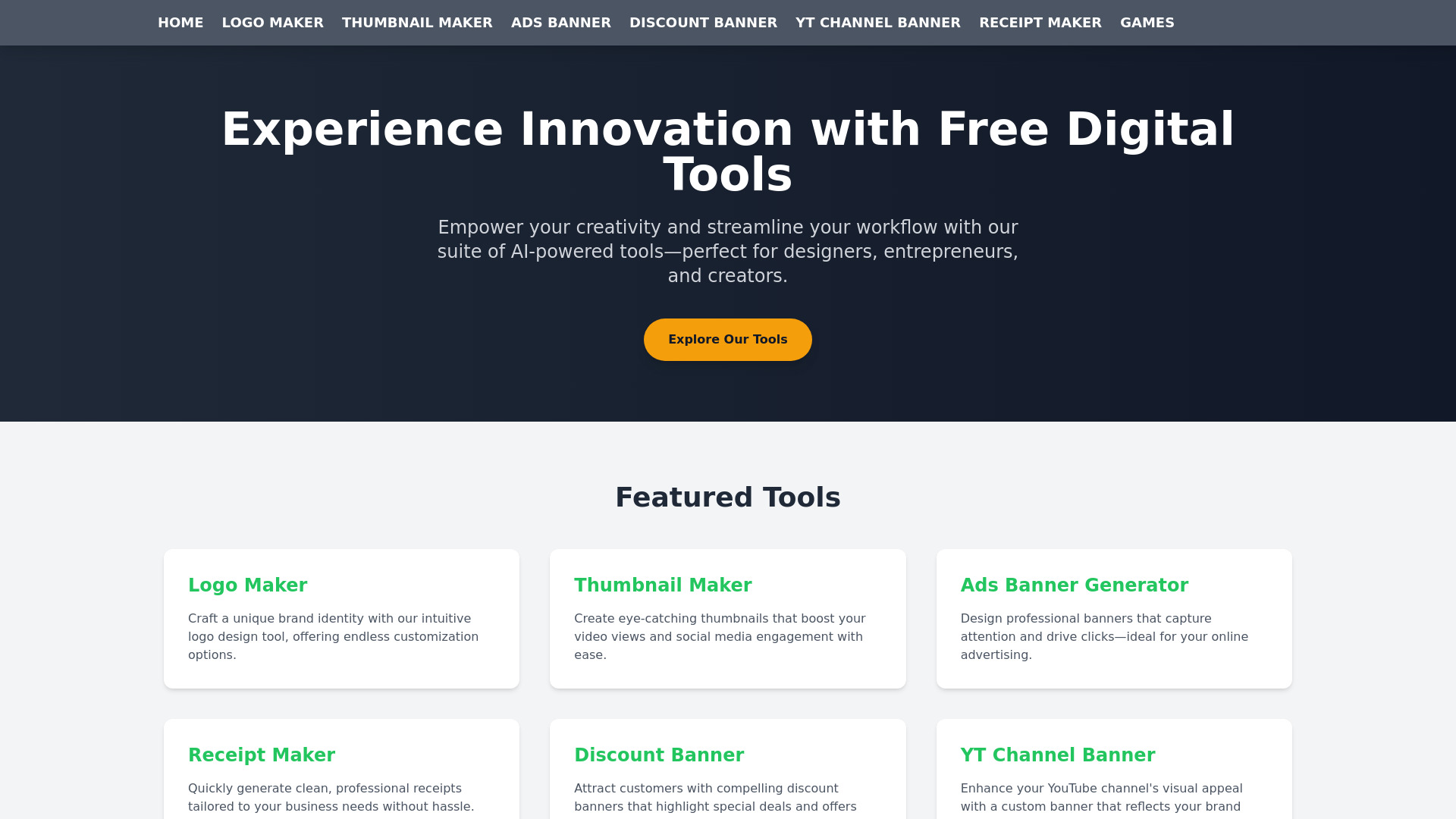
A logo rarely travels alone. FreeCreate earns its place by pairing a Logo Maker with thumbnail and ads banner generators, which is useful for an entrepreneur preparing a basic launch presence. That broader workflow can save time when you need a logo, a social image, and a promotional asset in the same sitting. It is less compelling for a brand team seeking precise identity controls, and the quality of generated work may vary with the input and AI result.
Best for
Entrepreneurs assembling basic launch graphics
Small projects that need logos and promotional images
Users prioritizing free access over advanced controls
Limitations
Customization may be narrower than paid design software
Output quality can vary
Pricing and download terms should be checked before commercial use
Shortlist signal: Choose it when your real need is a small free asset toolkit, not just a standalone logo.
5. LogoGratuit.fr

- Ready-made startup logos
- Free SVG and PNG logo downloads
- Starts at Check vendor pricing
- Usage signal: Not listed
Why it matters
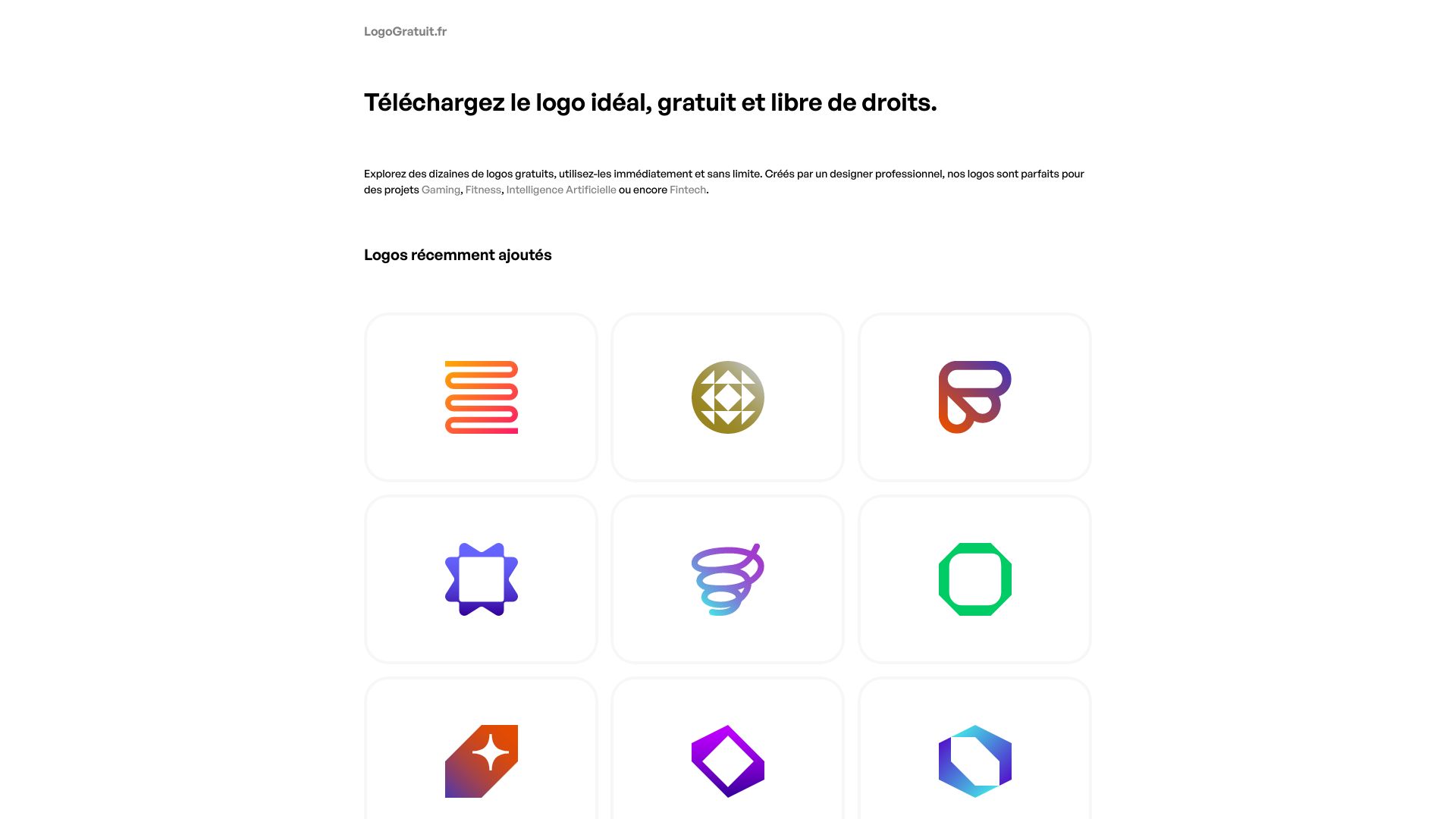
Not every buyer needs an AI conversation or a dozen rounds of prompting. LogoGratuit.fr takes the more direct route: choose from professionally designed options and download in SVG or PNG format. That is appealing for a side project or early-stage startup that wants a respectable mark immediately. The trade-off is originality and range. A limited selection means you may not find a logo that matches a specific brief, and you have less control than you would in a full editor.
Best for
Startups that need a usable logo quickly
Projects where free SVG and PNG files are priorities
Buyers comfortable selecting from a curated set
Limitations
The selection is limited
A chosen design may not perfectly match your brief
Ready-made options may offer less brand distinctiveness
Shortlist signal: Start here when a clean, free download matters more than generating a deeply original concept.
6. AI Logo Maker

- Customizable startup concepts
- 1 logo free
- Starts at Free: $0/month
- Usage signal: Not listed
Why it matters
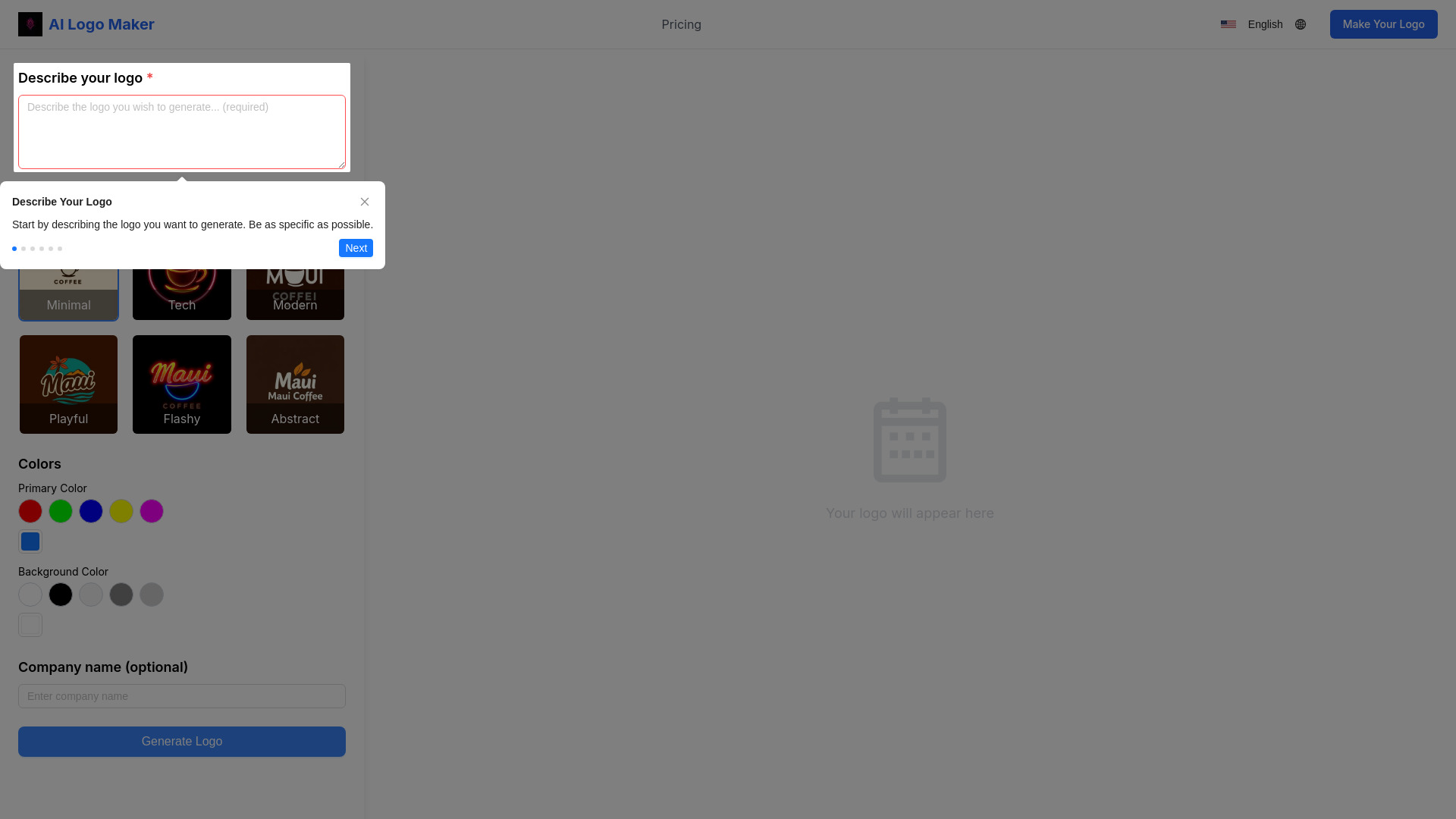
AI Logo Maker focuses on reducing the blank-page problem. It generates multiple options quickly, then lets users customize logo styles and colors before downloading a high-resolution result. That is a sensible workflow for founders who have a rough direction but no design vocabulary. The downside is creative control: the result relies heavily on the quality of the description and style input, and customization is not a replacement for a professional identity system.
Best for
Startup founders without design experience
Users who want multiple concepts quickly
Simple projects needing a high-resolution logo
Limitations
The free allowance is one logo
Customization is less extensive than professional design software
Strong results depend on clear user input
Shortlist signal: Add it when you want a guided first pass and only need one free logo to evaluate.
7. Logo Galleria

- Affordable startup logo concepts
- Rapid generation and customizable designs
- Starts at Check vendor pricing
- Usage signal: Not listed
Why it matters
Logo Galleria is built around quick generation and customization, making it a reasonable option for founders who want to explore several directions before committing. Its watermark-free options are useful, but there is an important purchasing caveat: watermark removal options require a subscription. That detail changes the economics of a supposedly free workflow. Use it for concept exploration first, then confirm exactly what the downloadable asset includes.
Best for
Startups exploring several early concepts
Users who want AI generation with editable designs
Buyers comparing affordable alternatives to a designer
Limitations
Watermark removal requires a subscription
Free output terms need close inspection
It may not provide the control of a dedicated designer
Shortlist signal: Consider it for exploration, but only shortlist it for launch use after confirming the watermark policy.
8. LogoCreate Online
- Multi-category logo customization
- AI logo creation and extensive customization
- Starts at Check vendor pricing
- Usage signal: Not listed
Why it matters
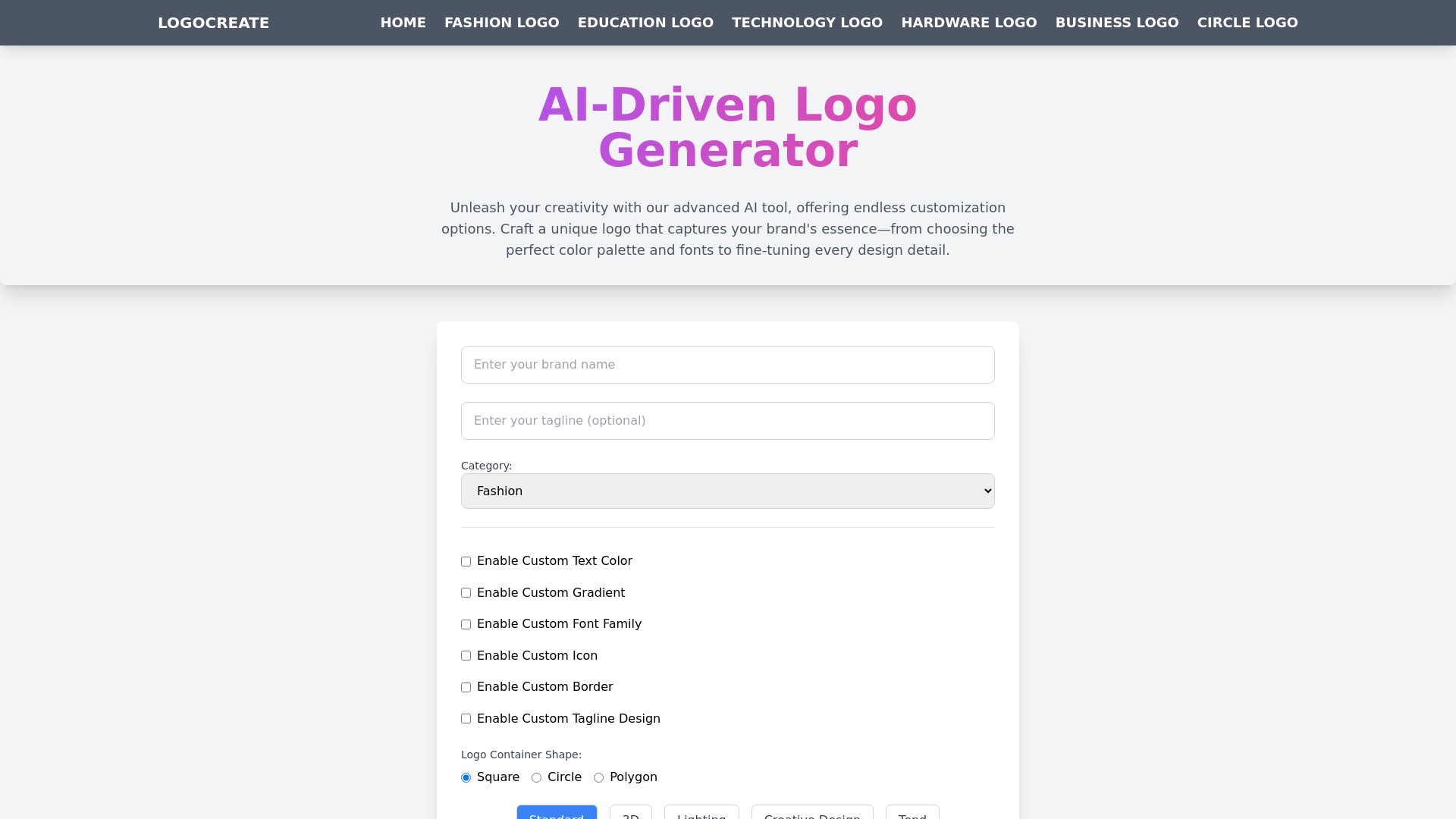
LogoCreate Online is the choice for people who do not want to stop at the first AI suggestion. It offers extensive customization, multiple logo container shapes, and a range of design styles across categories. That breadth can produce a more tailored result, but it also creates the classic trade-off of flexible editors: you may need to experiment before the interface feels efficient. Beginners should start with a narrow brief rather than changing every setting at once.
Best for
Startups working across different business categories
Users who want shape and style control
Buyers willing to refine AI suggestions manually
Limitations
Reaching the desired result may take experimentation
Many customization options can overwhelm beginners
Pricing and final export terms should be verified
Shortlist signal: Pick it when customization depth is your priority and you are willing to spend time refining the output.
9. LogoGeneratorAI

- Fast small-business logo generation
- AI generation, cropping, background removal, and SVG conversion
- Starts at Basic: $5
- Usage signal: Not listed
Why it matters
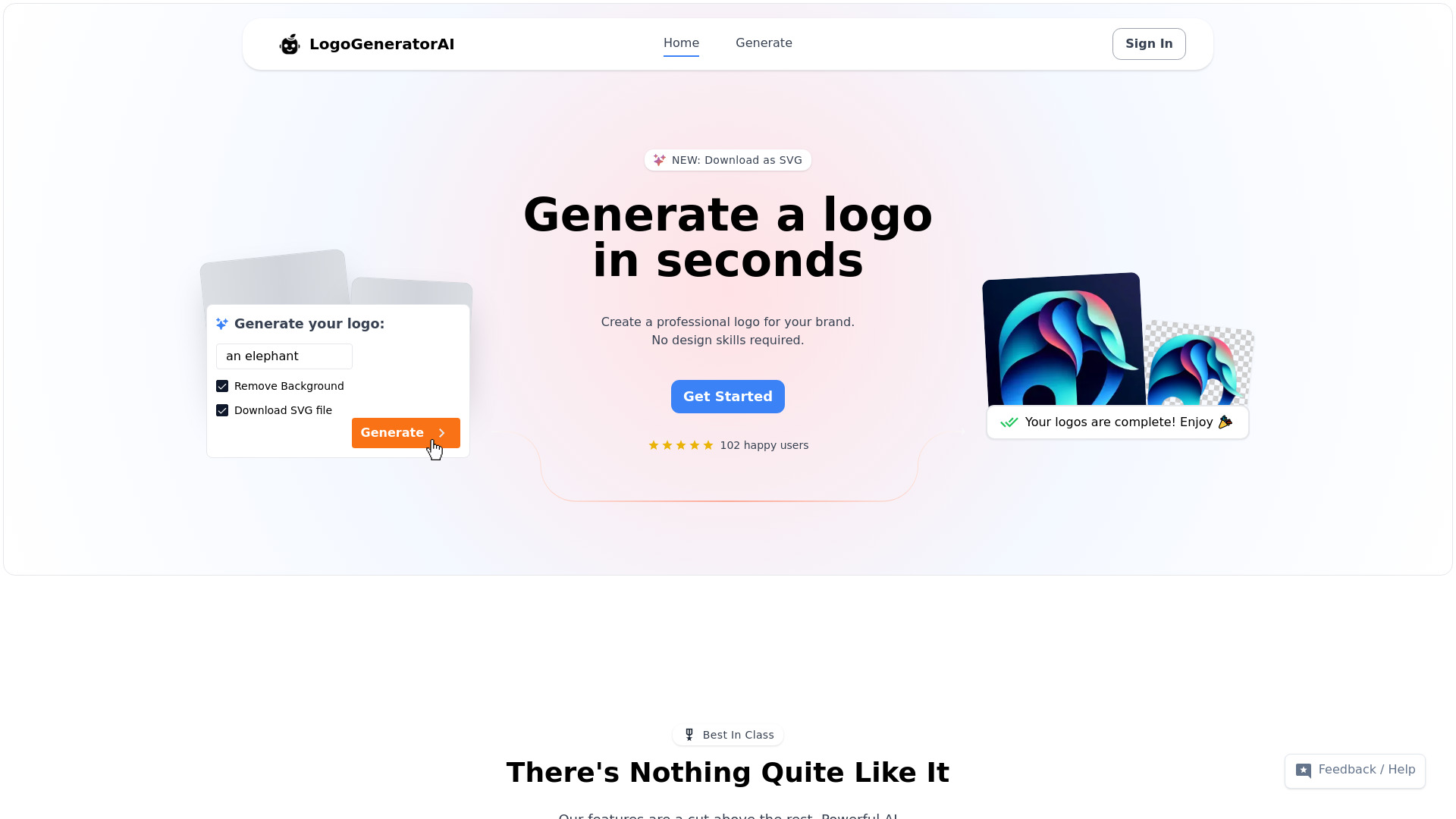
LogoGeneratorAI is designed for momentum. The stated generation time is under a minute, and automatic cropping, background removal, and SVG conversion address several annoying cleanup tasks that often follow an AI-generated logo. That makes it attractive for a small business that needs something serviceable now. Credits are required for logo generation, however, and reliance on AI can limit the creative control available to a hands-on designer.
Best for
Small business owners working to a short deadline
Users who need cropping and background removal
Buyers who value fast production over deep art direction
Limitations
Logo generation requires purchased credits
AI output can limit creative control
A fast result may still need brand-quality review
Shortlist signal: Use it when speed and built-in cleanup matter more than extensive manual design control.
10. AI Logo Generator

- Freelancer typography-led branding
- Free logo creation and download
- Starts at Check vendor pricing
- Usage signal: Not listed
Why it matters
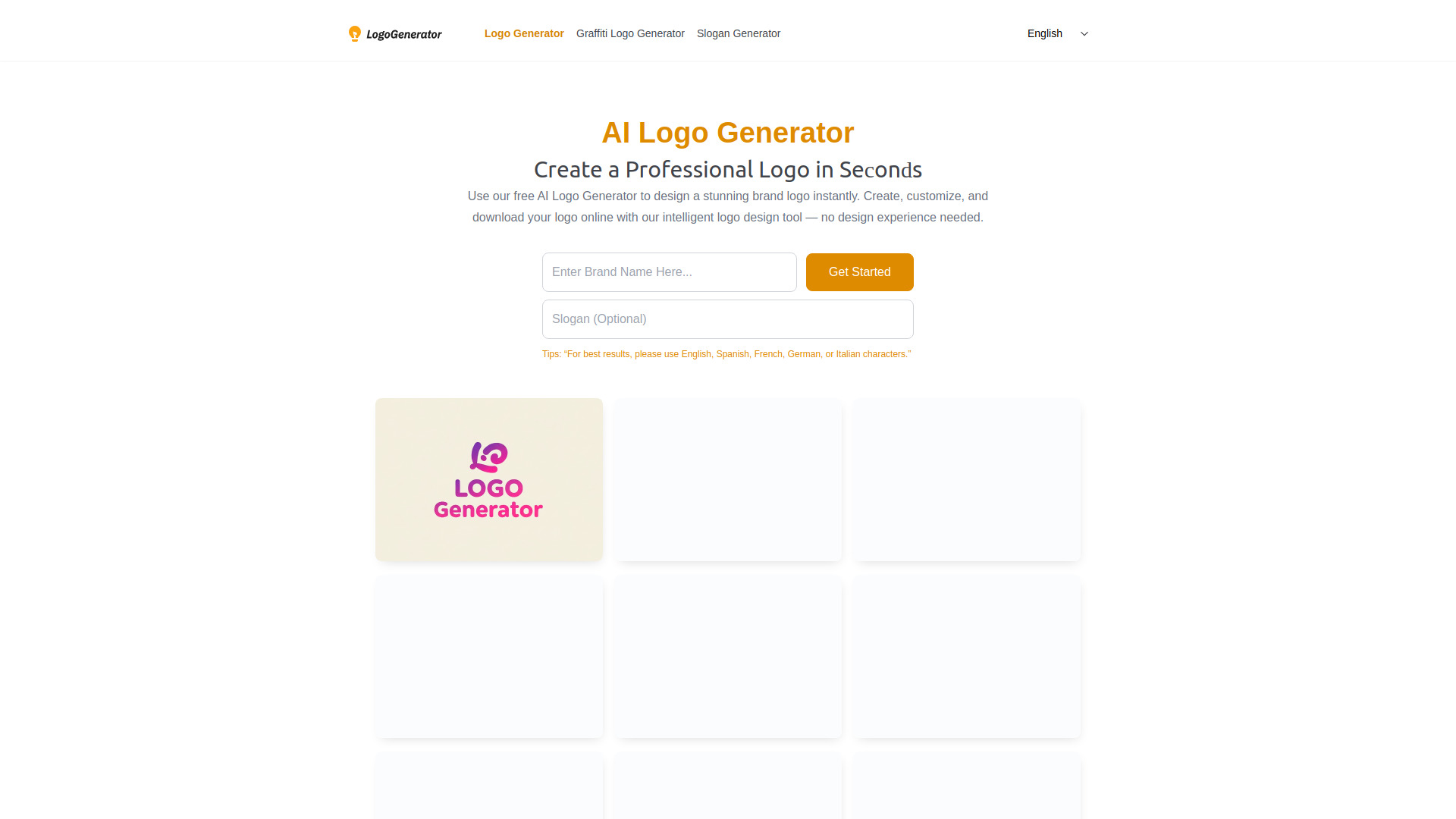
AI Logo Generator is a practical final stop for freelancers who want to create and download a logo without design experience. Its easy controls for fonts, colors, and layouts make it particularly suitable for text-led marks, personal brands, and simple service businesses. That focus is also its boundary: users seeking a distinctive icon-based identity may need several attempts or a different tool altogether.
Best for
Freelancers and personal brands
Text-based logos and wordmarks
Users who want free creation and downloads
Limitations
Multiple attempts may be needed for the right result
The emphasis on text styles may not suit icon-led brands
Advanced identity work will require more than this workflow
Shortlist signal: Choose it when a clean wordmark is enough and free downloading is non-negotiable.
What to test before choosing
Do not judge a logo maker only by its gallery. Run the same short brief through two or three finalists: business name, industry, preferred tone, two colors, and whether you want an icon or wordmark. Then check the following:
Export reality: Confirm whether the free download is PNG, SVG, or both. A small raster file may look fine on a profile image but fail on signage.
Watermarks: Inspect the downloaded file, not just the editor preview. Logo Galleria is a reminder that watermark removal can sit behind a subscription.
Editability: Change the font, color, spacing, and layout. If a promising concept cannot be adjusted, it may not survive real use.
Small-size clarity: View the mark as a favicon or social avatar. Detail that looks impressive at full size can turn into visual noise.
Commercial terms: Verify current pricing and usage rights with the vendor before putting the logo on packaging or paid advertising.
Brand consistency: Test whether the same colors and type choices can work across a website, social graphics, and documents.
What to do next
Start with one tool from the shortlist path that matches your actual constraint. Generate several directions, save the strongest two, and compare them at large and small sizes. If you need SVG, test that requirement first rather than spending an hour polishing a design that cannot be exported in a scalable format.
For most startups, LogoAI.ai is the sensible first trial. CreateLogo is the better experiment when pay-as-you-go access and SVG matter. For a completely free, low-stakes launch, compare FreeCreate, LogoGratuit.fr, and AI Logo Generator. Once you select a direction, ask whether it still looks distinctive beside competitors; an easy download is not the same thing as a strong brand.
Common mistakes when choosing from a complex top list
Confusing free design with free delivery: Many tools let you generate concepts at no cost but charge for the final file, watermark removal, or additional credits.
Ignoring the file format: PNG is useful for many digital placements, while SVG is important when you need a logo to scale cleanly.
Choosing the most elaborate preview: A busy AI concept may not work at favicon size or in one color.
Treating customization as brand strategy: Adjusting colors and fonts helps, but it does not guarantee a coherent identity.
Overvaluing a generic free plan: A free tool with a limited logo selection may be better for a temporary project than for a company planning to grow.
Skipping the input test: AI results depend on the description, style direction, and industry context you provide. Use the same brief when comparing tools.
Forgetting future edits: Save the source files and confirm whether you can recreate or adjust the design later.
FAQ
LogoAI.ai ranks first because it combines AI-powered generation, advanced customization, and watermark-free logos. Its free version is limited, so it is best viewed as a strong starting point with a paid upgrade path rather than an unlimited free design suite.