
The phrase top ai-powered support queue management solutions suggests a tidy field of tools that classify, route, and resolve customer requests. The reality here is less tidy: among these 10 products, only a small subset directly handles customer-support conversations, while others address business automation, private AI infrastructure, or unrelated workflows. That distinction matters. We compared all 10 candidates, highlighting the closest support fits first and labeling adjacent options so you can build a shortlist without mistaking broad AI automation for a support queue platform.
Start here
For a real support queue, begin with Giga. It is the clearest match in this group: its AI agents handle conversations across voice, chat, and email, and can work through complex requests and follow-ups. aiOS is a broader business automation option that may interest founders looking to coordinate AI tasks through familiar messaging channels, but it is not described as a dedicated support queue product.
The remaining candidates are better understood as adjacent tools or specialist infrastructure. Phare focuses on uptime and incident management, not customer support tickets. Go.AI offers private AI deployment for organizations with governance and data-control needs. Airtap automates actions inside mobile apps. The others target developer tooling, cloud agent environments, marketing, app generation, or general productivity. Those distinctions are more useful than treating every product with AI in its pitch as a queue manager.
| If your priority is... | Start with | Why it makes the shortlist |
|---|---|---|
| Automating customer conversations | Giga | AI agents handle support across voice, chat, and email |
| General business automation by text | aiOS | An AI employee controlled through messaging channels |
| Website uptime and incident response | Phare | Monitoring, incident management, and status pages |
| Private AI deployment | Go.AI | On-premises options and governance features |
Segment comparison
A queue-management buyer should separate customer-facing resolution from operational incident response and general-purpose AI. Giga is the only candidate whose listed features explicitly cover customer support conversations across multiple channels. The other entries may help with surrounding operations, but that is not the same as routing and resolving incoming support requests.
| Segment | Tool | What it does | Main caveat |
|---|---|---|---|
| Customer support automation | Giga | AI agents resolve conversations across voice, chat, and email | Demo-led buying; pricing is not published |
| Broad business automation | aiOS | AI employee and text-based control across several channels | Not presented as a dedicated support queue |
| Website incident operations | Phare | Uptime monitoring, incidents, and status pages | Focuses on service reliability, not customer ticket handling |
| Private AI foundation | Go.AI | On-premises AI, retrieval, and policy governance | Custom quote; no stated trial or pilot |
| General AI workspaces | Panzoe Technologies Inc | Shared AI memory, assistants, and productivity tools | Broad personal and business scope rather than queue management |
Shortlist paths
Use these paths to keep evaluation anchored to the workflow you actually need. In particular, do not shortlist an adjacent product merely because it automates tasks: ask whether it receives support conversations, decides where they go, and tracks whether they were resolved.
| Your situation | First look | Next step |
|---|---|---|
| You need AI to handle inbound customer conversations | Giga | Request a demo and test a complex case from first message through follow-up |
| You want a general AI operator for a founder-led business | aiOS | Trial a repeatable business task, then check usage limits and plan tiers |
| Your urgent queue is technical incidents, not customer tickets | Phare | Verify alert channels, notification costs, and incident workflows |
| Private deployment and auditability are non-negotiable | Go.AI | Discuss data boundaries, deployment, governance, and quote terms |
| You are exploring software around an AI operation | VPS AI | Confirm whether an always-on cloud desktop solves a real operational need |
Ranking snapshot
The ordering reflects the fit and evidence available for this specific category, not a claim that every entry is a dedicated support queue platform. Giga leads on direct support relevance. The remaining scores should be read in context: several tools are useful in their own lanes but have a substantial workflow gap for support queue management.
| Rank | Tool | Score | Best for | Starting price |
|---|---|---|---|---|
| #1 | aiOS | 91/100 | Founders | Try: Free |
| #2 | Giga | 91/100 | Customer Support Leaders | Check vendor pricing |
| #3 | Airtap | 91/100 | Frequent travelers | Check vendor pricing |
| #4 | Phare | 90/100 | Startups | Hobby: Free |
| #5 | CLI Manager | 89/100 | Developers | Monthly: $4.99 /mo |
| Rank | Tool | Score | Best for | Starting price |
|---|---|---|---|---|
| #6 | VPS AI | 87/100 | AI agent developers | Spark: $19/month |
| #7 | Go.AI | 87/100 | Banking professionals | Check vendor pricing |
| #8 | Yo MaaS (Marketing-as-a-Service) | 87/100 | Small business owners | Free: $0 |
| #9 | JBOX | 87/100 | Startup founders | JBOX Pro: Free |
| #10 | Panzoe Technologies Inc | 87/100 | Business owners | Starter: $11.68/month USD |
How we grouped and ranked the list
We treated support relevance as the first question, not the mere presence of AI. A product belongs near the front when its stated features cover customer-facing conversations or can plausibly support the operating workflow around them. That is why Giga is the most direct fit even though aiOS appears first in the supplied rank order: aiOS has a strong overall score and a broad automation proposition, while Giga is more specifically aligned with support teams.
We also considered the listed capabilities, intended audience, practical limits, and buying friction. These are not interchangeable categories. A service that watches website uptime and publishes incident status can help a support organization communicate during outages, but it does not thereby become a ticket queue. Likewise, an AI assistant, app builder, developer dashboard, or cloud computer may support a company's AI work without managing customer requests.
The ranking is therefore most useful as a field guide to the candidates and adjacent options, not as proof that all 10 are direct substitutes. Before purchasing, validate the actual workflow with the vendor: conversation intake, routing, escalation, agent handoff, knowledge controls, reporting, and any existing help-desk connection your team depends on. The listed facts do not establish those capabilities for most of these products.
Ranked field notes
1. aiOS

- Founders coordinating business automation through messaging
- 5 lifetime messages per device; no sign-up or card
- Starts at Try: Free
- Usage signal: 17.8K
Why it matters
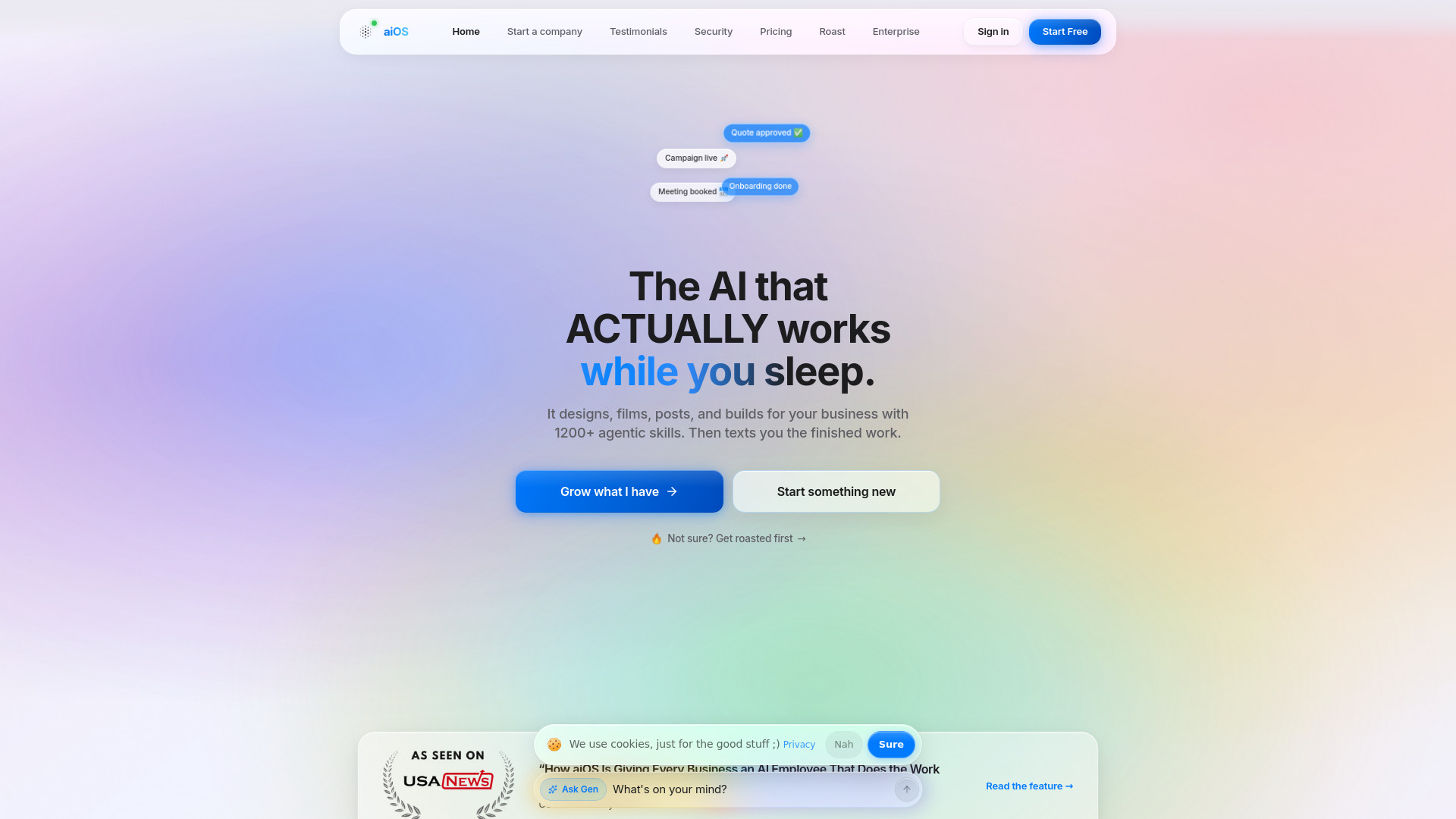
aiOS takes a broad, operator-style approach: rather than presenting itself as a support queue, it offers an AI employee for business automation that users can control through iMessage, web, WhatsApp, Telegram, and phone. That can appeal to a founder who wants one interface for delegating varied tasks, and its content generation spans posts, carousels, images, video, and websites. But queue management is a specific operational discipline. The listed capabilities do not establish ticket intake, prioritization, routing, escalation, or support-team reporting, so treat aiOS as a potential automation layer rather than a direct replacement for a help desk.
Best for
Founders who want to trigger business tasks from familiar messaging apps.
Small teams exploring a unified AI assistant across several kinds of work.
Buyers who want to try a limited free experience before evaluating a subscription.
Limitations
It is not described as a customer support queue or ticket-routing product.
Pricing tiers and usage limits can be complex, and advanced capabilities require higher-priced plans.
A lifetime allowance of five free messages is useful for a quick taste, not a meaningful long-term evaluation.
Shortlist signal: Add aiOS if your main goal is broad, text-controlled business automation; do not shortlist it as your support queue until the vendor demonstrates the exact intake and routing workflow you need.
2. Giga

- Customer support leaders automating multichannel conversations
- AI agents for voice, chat, and email; request a demo
- Starts at Check vendor pricing
- Usage signal: 118.2K
Why it matters
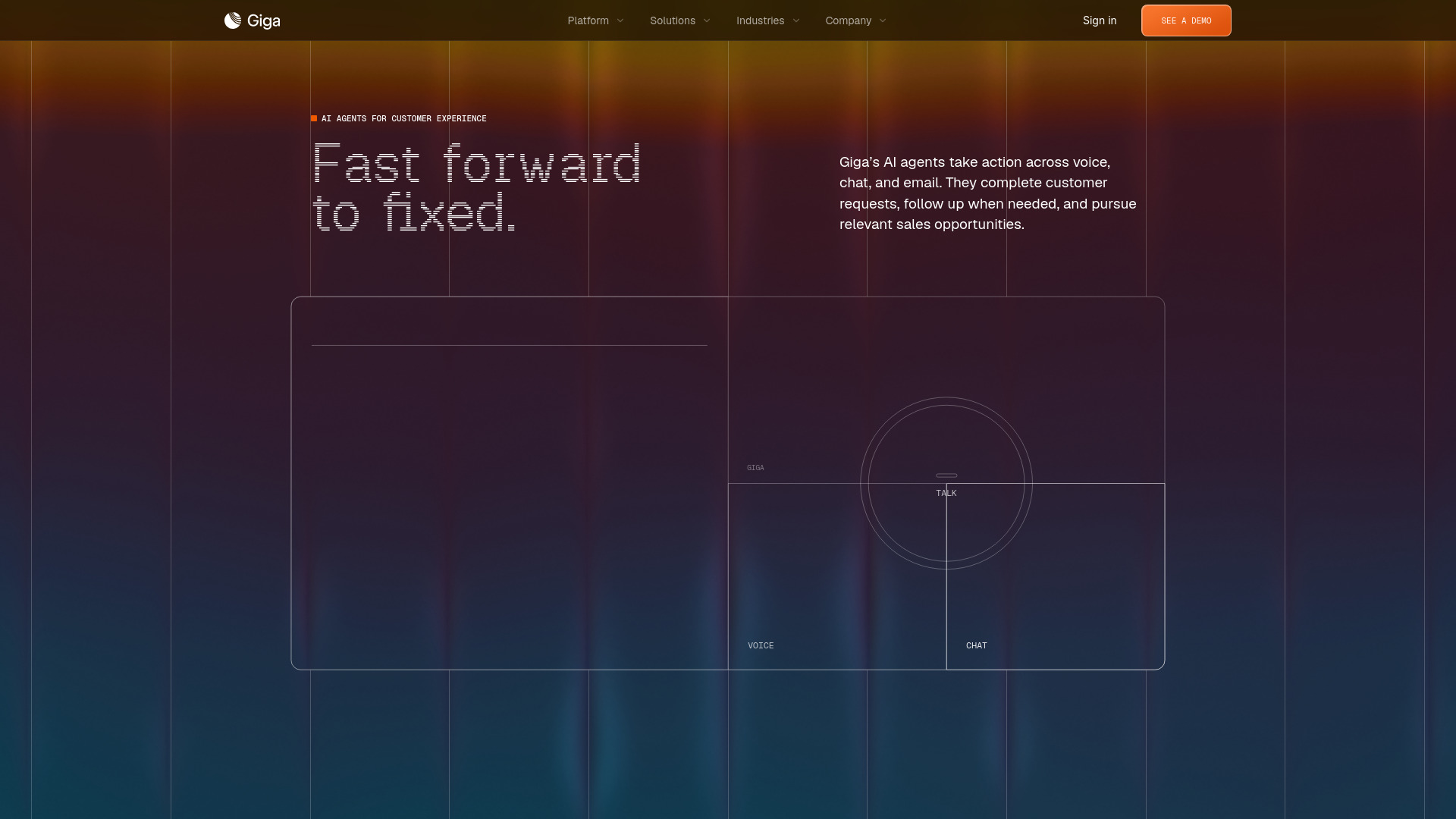
Giga is the most compelling candidate for a support queue shortlist because its product description is centered on customer conversations, not generic AI assistance. Its agents work across voice, chat, and email, with an emphasis on resolving complex requests and taking follow-up actions. Agent Canvas lets teams configure agents with policies, knowledge, and tools, while outcome monitoring connects performance metrics to the conversations behind them. That combination gives support leaders a concrete starting point for testing automation quality. The catch is procurement: prospective customers are directed toward a demo, and pricing is not published, so teams should arrive with realistic volumes and clear success criteria.
Best for
Support leaders evaluating AI resolution across voice, chat, and email.
Teams with requests that require follow-up actions rather than a one-shot answer.
Organizations that need to connect performance measures to underlying conversations.
Limitations
Pricing is hidden behind a sales-led process; request a quote and clarify what each plan includes.
Self-serve access and a trial allowance are not specified.
The supplied product details do not confirm every queue feature, such as specific routing rules or existing help-desk integrations; verify these in a demo.
Shortlist signal: Put Giga at the top of your evaluation if you need AI agents to resolve customer conversations across multiple support channels, then validate policies, handoffs, and reporting in a live demo.
3. Airtap

- Frequent travelers automating tasks in mobile apps
- Text-based app automation; recurring routines; cloud phone streaming
- Starts at Check vendor pricing
- Usage signal: 50.7K
Why it matters
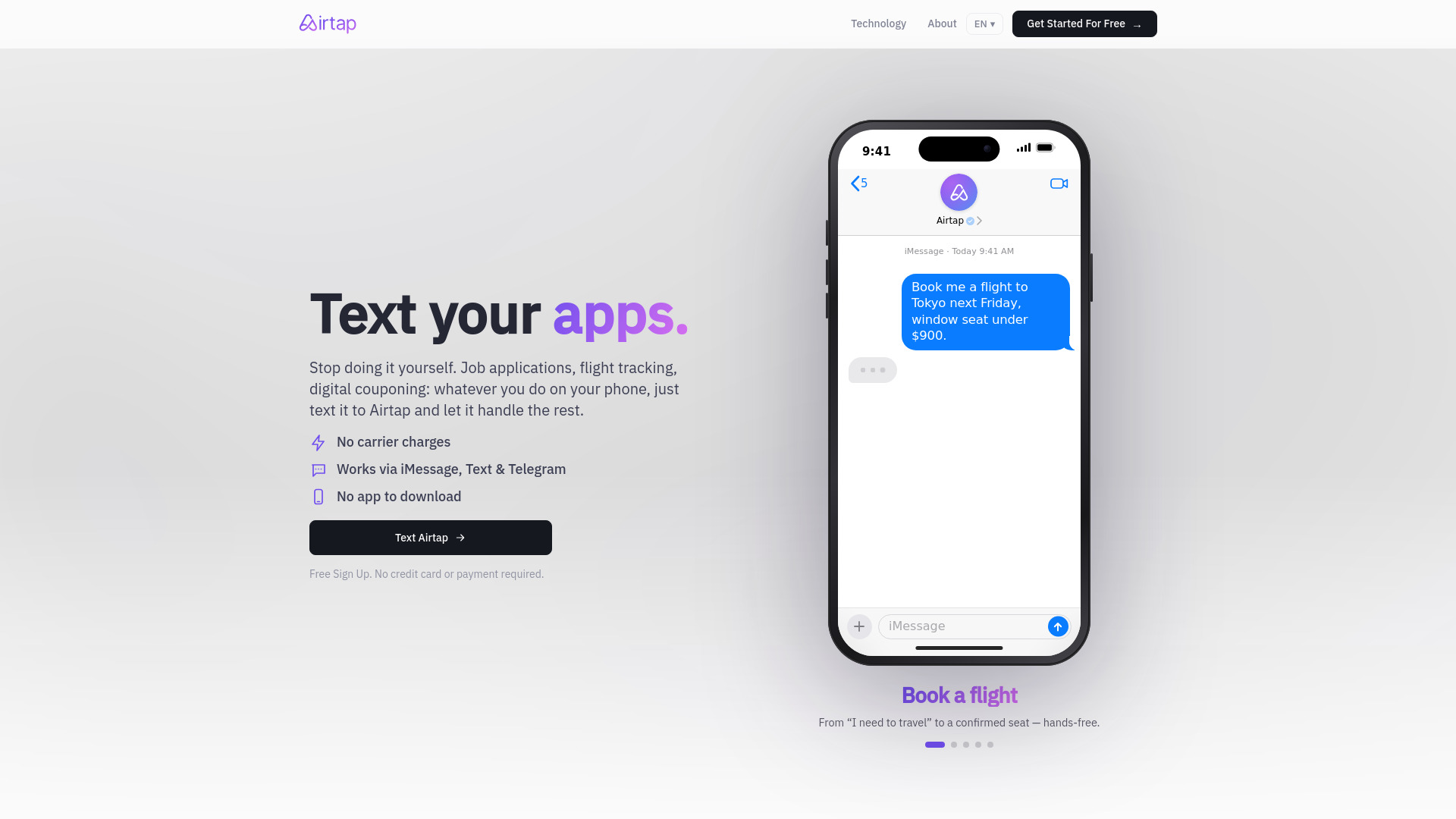
Airtap makes automation feel less like configuring a bot and more like sending a request: describe a task in plain English through iMessage, SMS, or Telegram, and its agent carries it out inside real mobile apps. It can also provide a cloud Android phone or connect to a user's own Android device for autopilot-style tasks. That is a distinctive angle for personal app workflows, but it is a long way from managing an incoming support queue. A support team should only consider Airtap for a narrow app-operation use case after testing the precise actions and approvals involved; it should not be mistaken for customer-service conversation handling.
Best for
Frequent travelers who want to automate actions in mobile apps.
Users comfortable delegating routine phone tasks through text.
People who need scheduled routines or a cloud phone environment.
Limitations
Its listed focus is mobile app automation, not customer support intake or ticket management.
Some tasks require approval or answers, so the workflow may not be fully hands-off.
Advanced dashboard access requires signing in, and pricing is not clearly listed here.
Shortlist signal: Consider Airtap only when the bottleneck is executing repeatable actions inside mobile apps, not when you need to route or resolve customer support conversations.
4. Phare

- Startups monitoring website reliability and incidents
- 100,000 monitoring events and 10 AI summaries
- Starts at Hobby: Free
- Usage signal: 3.7K
Why it matters
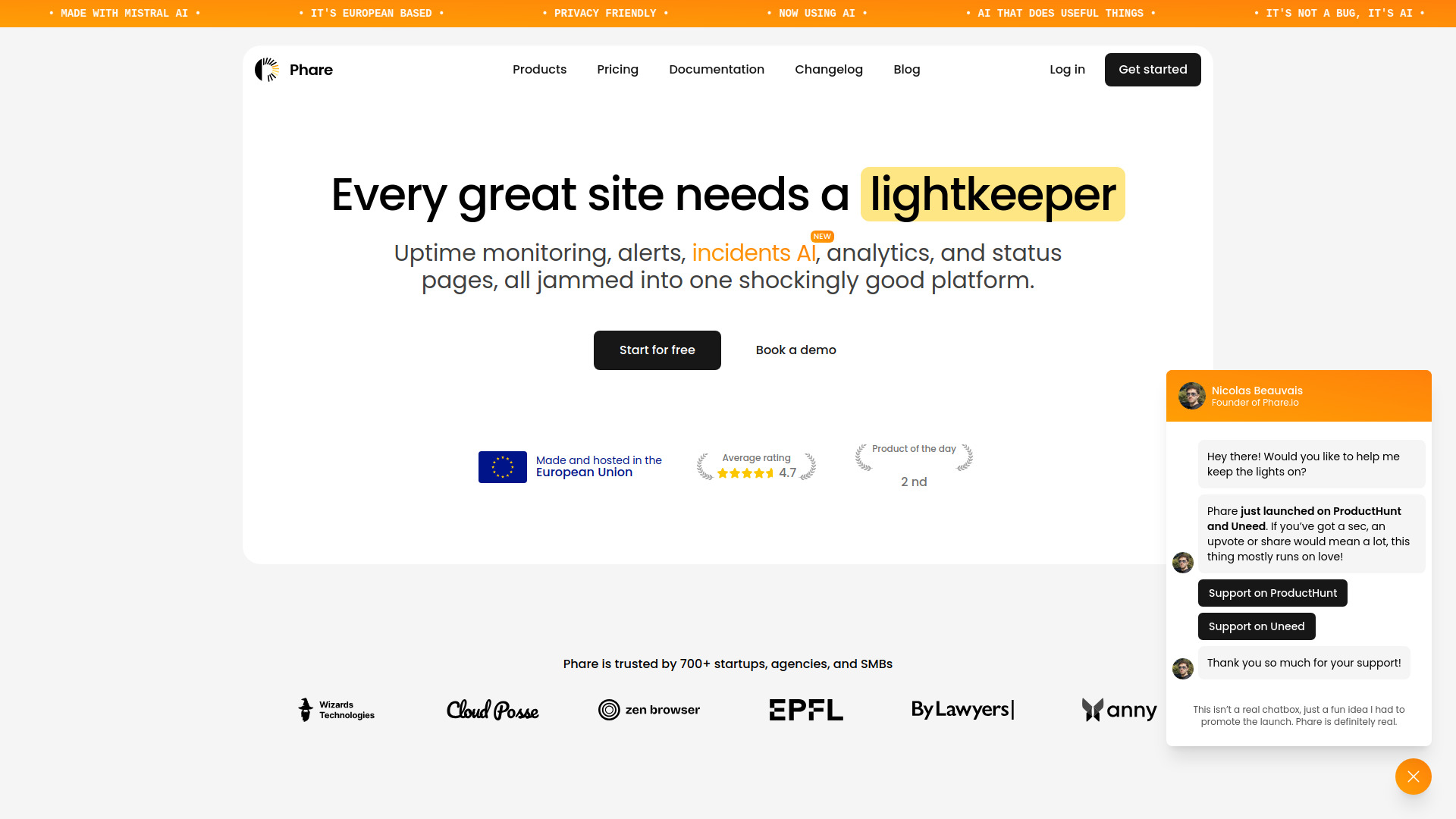
Phare belongs in this guide as an operational neighbor to support queue software. It brings uptime monitoring, incident management, and status pages together, which can help a startup detect service trouble and communicate during an outage. That matters to support teams because reliability incidents often create a surge of customer questions. Still, Phare manages the incident and status-page side of the equation, not the customer conversation queue itself. Its free plan and quick setup lower the barrier to testing, but review the alert limits and costs before depending on SMS or voice notifications.
Best for
Startups that need monitoring and incident response in one platform.
Teams that want status pages to communicate service issues.
Small operations teams looking for a free starting plan without a credit card.
Limitations
It is designed for website reliability and incidents, not customer ticket routing.
SMS and voice alerts have plan limits and may incur overage charges.
Analytics availability was listed as a limitation; confirm the current product status before relying on it.
Shortlist signal: Shortlist Phare when outage detection and incident communication are part of your support problem; pair it with a dedicated customer conversation system if you need queue management.
5. CLI Manager
- Developers coordinating multiple AI CLI agents
- Free tier; manage multiple AI CLI agents
- Starts at $4.99/month
- Usage signal: 313
Why it matters
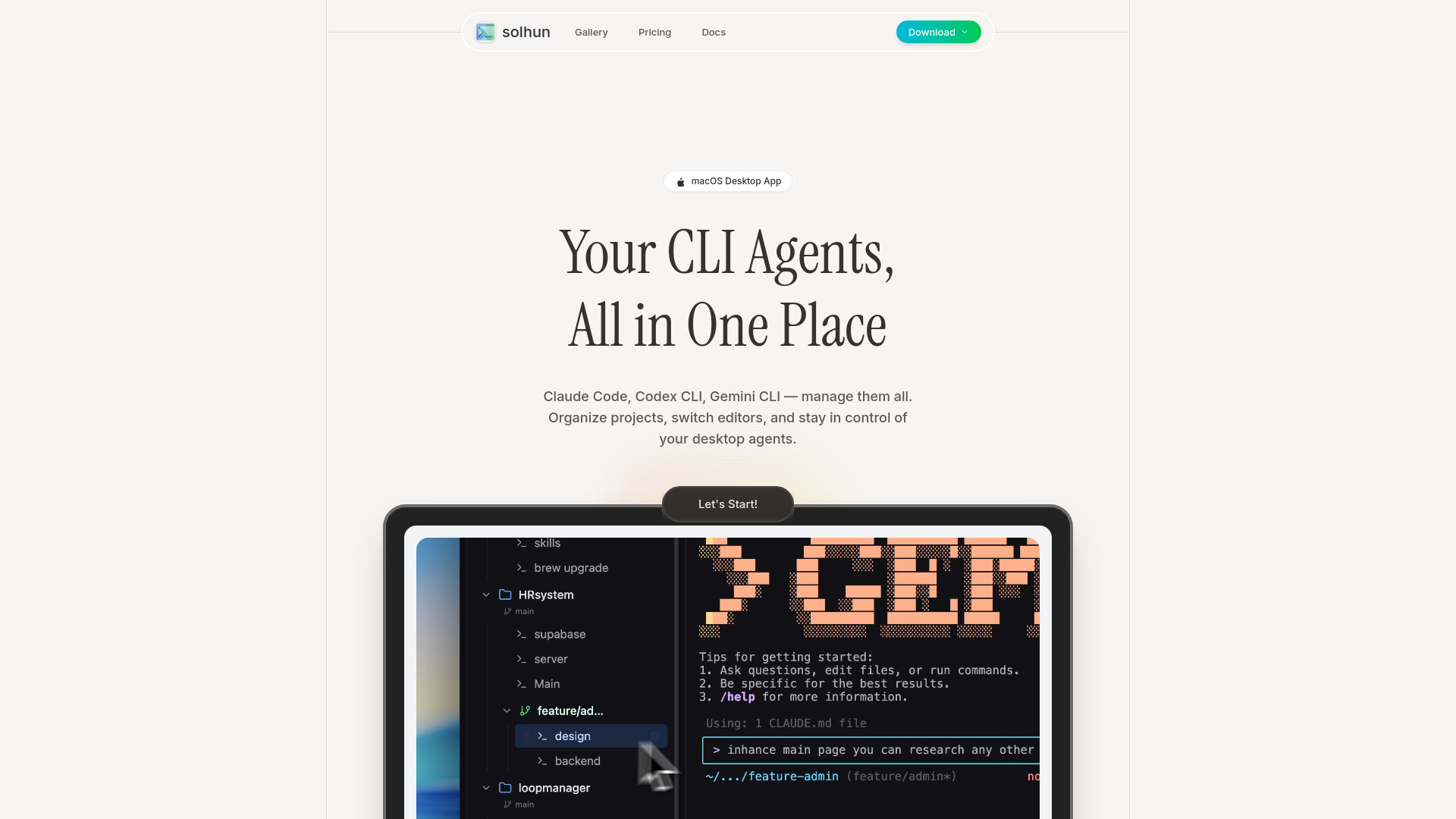
CLI Manager is a developer workflow tool, not a customer-service product. It centralizes multiple AI command-line agents in one dashboard, lets users rename and categorize them, and makes it easier to switch between editors such as VS Code and Cursor. That can reduce context switching for a developer building or maintaining an AI support stack. It does not, based on its listed features, take customer requests, assign them to agents, or measure support outcomes. Its place on this list is strictly adjacent: useful to a technical team working on AI tooling, not a practical queue manager for a service desk.
Best for
Developers juggling multiple AI CLI agents.
macOS-oriented workflows that move between terminals and code editors.
Technical teams that want a central place to organize agent sessions.
Limitations
It does not list customer support queue capabilities.
The free tier's specific included features are not detailed.
Its audience and download options appear focused on macOS users.
Shortlist signal: Add CLI Manager only if your support initiative includes developers coordinating AI coding agents; it is not a substitute for a customer support platform.
6. VPS AI

- AI agent developers needing an always-on cloud desktop
- Always-on cloud desktop with live browser streaming
- Starts at Spark: $19/month
- Usage signal: Usage signal not listed
Why it matters
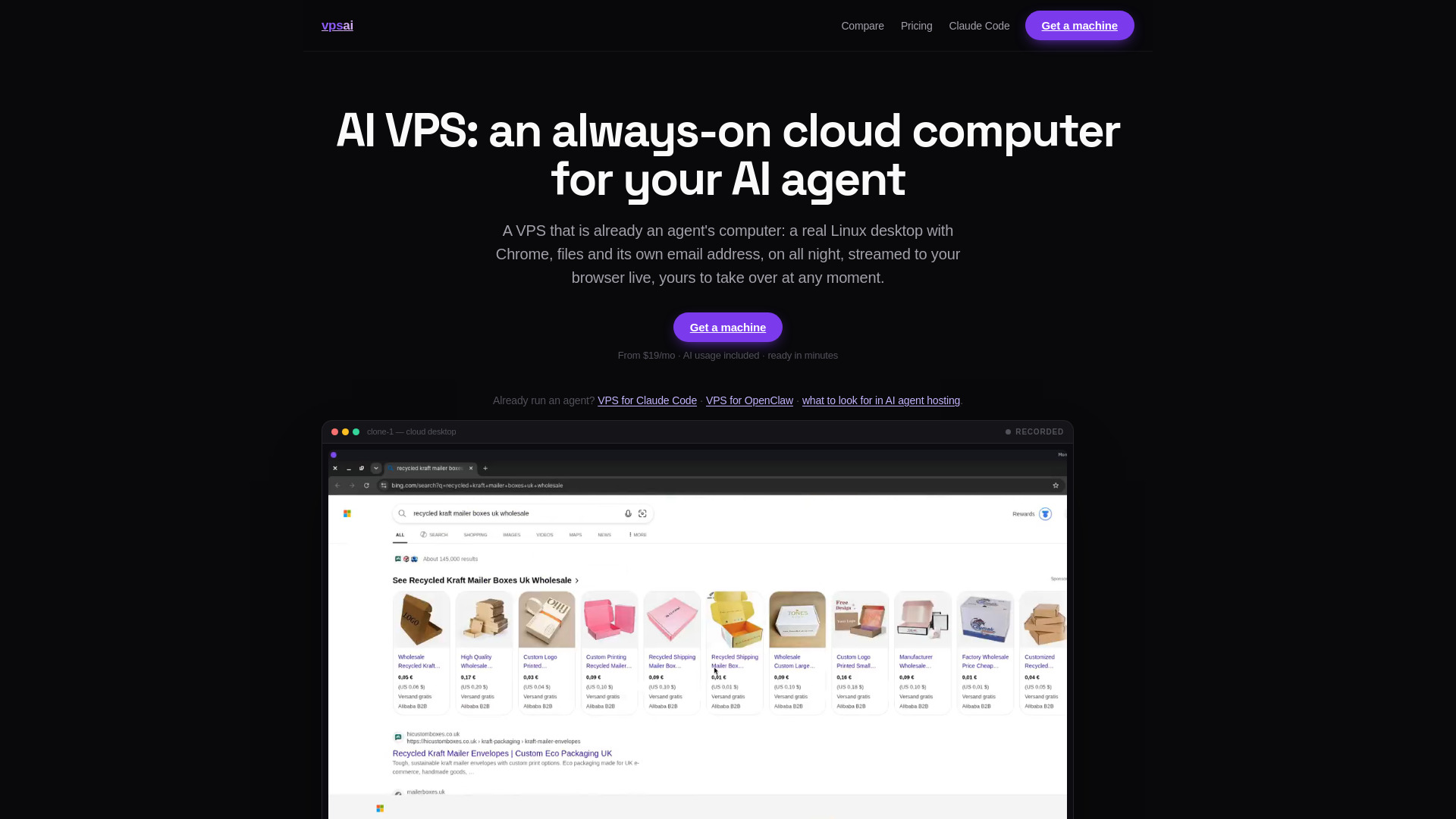
VPS AI offers an always-on dedicated cloud computer for AI agents, with a persistent Linux desktop, Chrome, files, terminal, browser logins, and live screen streaming. The practical benefit is continuity: an agent can keep running while its owner's laptop is asleep or offline, and a person can view or take over through a browser. This might help a technical team hosting an agent that supports internal operations, but it does not provide customer queue management by itself. Treat the desktop as infrastructure, not a support workflow. The paid plan requirement and additional top-ups also deserve a close look when estimating ongoing cost.
Best for
AI agent developers who need a persistent cloud environment.
Teams whose agents require a browser, files, and a graphical desktop.
Operators who need live remote visibility and takeover.
Limitations
Chat and tasks require a paid plan, starting at $19 per month, with top-ups potentially adding cost.
It is an agent runtime environment, not a support queue or conversation-management suite.
Usage signal is not listed, so market activity is harder to compare on that measure.
Shortlist signal: Consider VPS AI when your agent needs an always-on desktop to run a support-related task; keep the queue, routing, and customer records in a purpose-built system.
7. Go.AI

- Banking teams requiring private, governed AI
- On-premises deployment; zero data egress and auditability
- Starts at Check vendor pricing
- Usage signal: Usage signal not listed
Why it matters
Go.AI targets organizations that need private AI deployment, including on-premises and air-gapped options. Its capabilities include indexing and retrieval across core systems, document stores, and data warehouses, alongside an assistant with logged interactions and policy governance tools. For a regulated support organization, those controls may be relevant to how AI can access internal knowledge or handle sensitive information. But Go.AI is an infrastructure and governance choice, not a documented customer queue manager. The buying conversation should establish how it would fit into the support stack, where data resides, and what the custom quote covers.
Best for
Regulated organizations exploring private AI deployment.
Banking teams that need governance and logged assistant interactions.
Buyers seeking retrieval across internal systems and document stores.
Limitations
Pricing is custom, and a free trial or pilot allowance is not specified.
Its listed strengths center on AI deployment, retrieval, and governance rather than support queue operations.
Teams need to verify how it connects to their customer-service workflow and existing tools.
Shortlist signal: Add Go.AI when deployment control and auditability are prerequisites for AI in your support environment, then require a concrete workflow demonstration before treating it as a queue solution.
8. Yo MaaS (Marketing-as-a-Service)

- Small business owners improving website marketing
- 7-day Essential trial; AI website grading and growth roadmap
- Starts at Free: $0
- Usage signal: Usage signal not listed
Why it matters
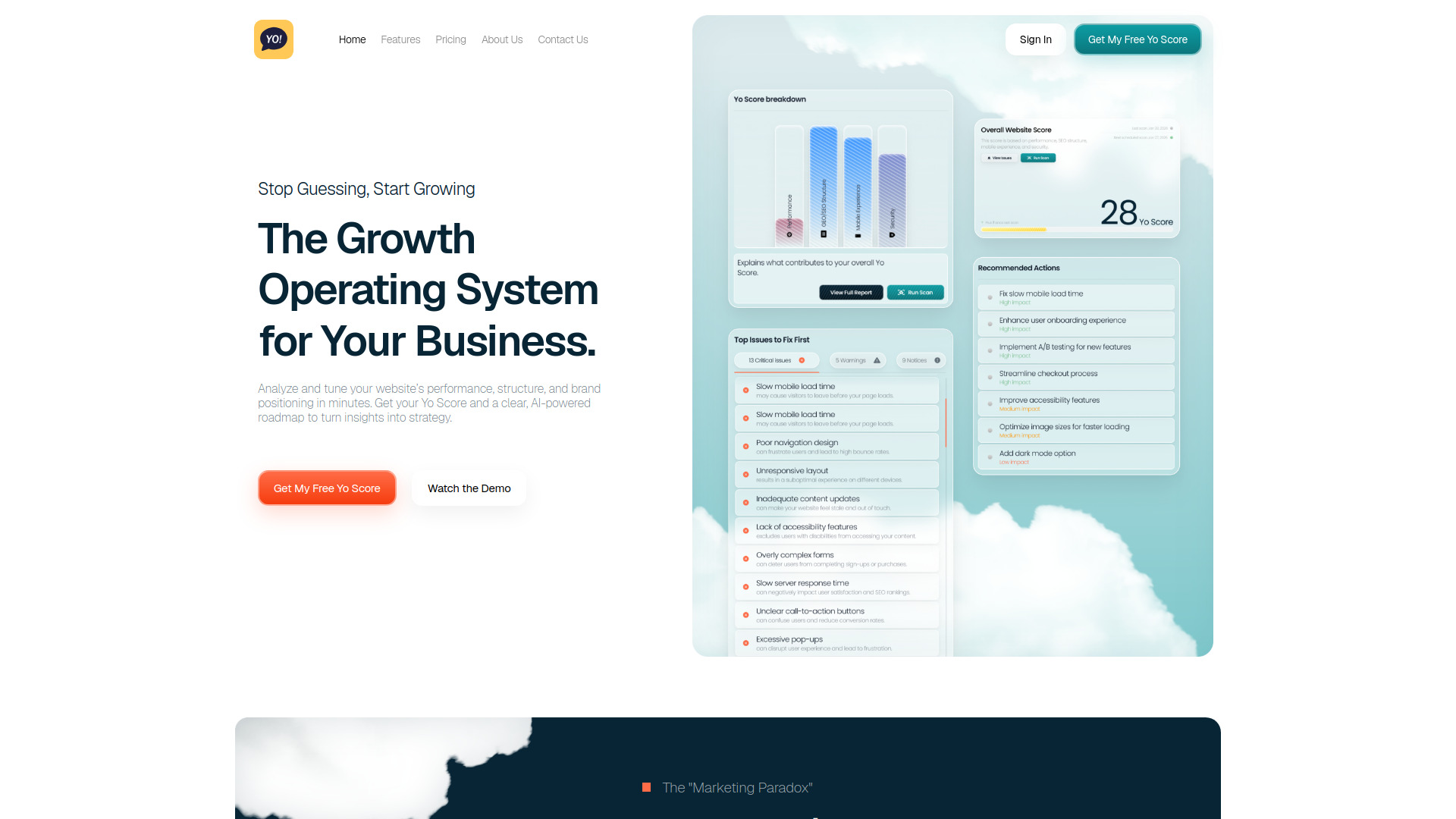
Yo MaaS brings together website diagnostics, brand strategy, and execution guidance. Its Yo Score audits technical and SEO issues, while its platform also covers generative engine optimization and buyer-persona strategy. Those tools may help a small business improve the website that generates customer inquiries, but they do not manage those inquiries once they arrive. That distinction makes this an especially distant alternative for queue management. The free plan is also constrained: it shows only the top three issues and scans the homepage weekly, while full-site deep-dive scans cost $49.95 each on every plan.
Best for
Small business owners seeking website and marketing diagnostics.
Teams that want prioritized recommendations rather than raw technical metrics.
Businesses exploring SEO and generative engine optimization workflows.
Limitations
It does not list customer support routing, conversation automation, or queue analytics.
Deep-dive scans cost $49.95 per scan on every plan.
The free plan limits visibility to three issues and scans the homepage weekly.
Shortlist signal: Choose Yo MaaS for website growth diagnostics, not support operations; only include it in a broader evaluation if the website itself is the source of your customer-service problem.
9. JBOX

- Startup founders generating full-stack Next.js apps
- 100 free credits for full-stack app generation
- Starts at JBOX Pro: Free
- Usage signal: Usage signal not listed
Why it matters
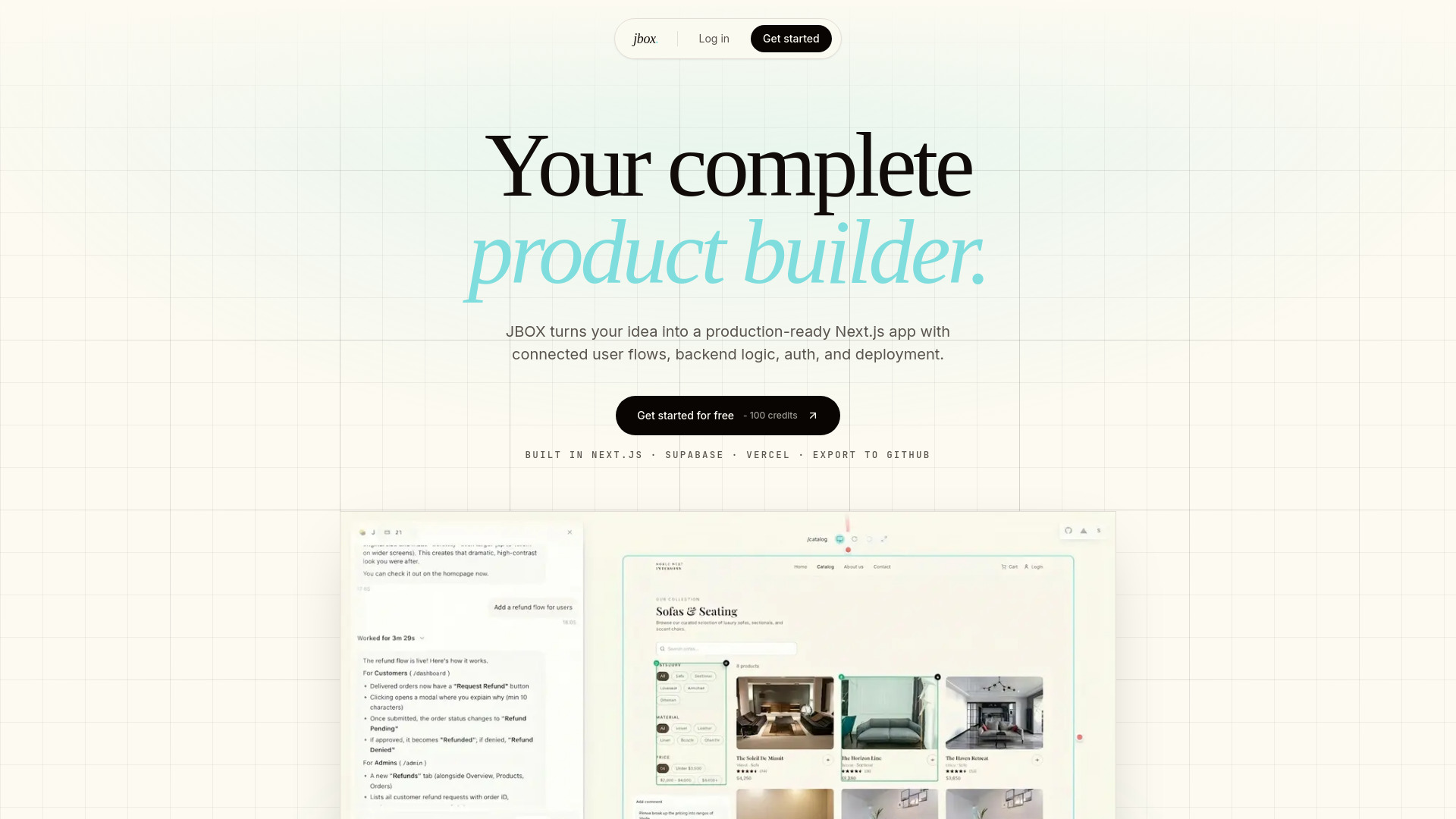
JBOX aims beyond isolated mockups: it generates full-stack Next.js apps from prompts and maps connected user flows, roles, edge cases, permissions, and failure states. That emphasis on complete product systems may help a startup prototype an internal support tool or customer-facing workflow. It is still an app-generation platform, not an existing queue-management solution. The 100 free credits provide a way to explore the workflow, but additional usage requires $20 credit top-ups, and the product is focused on the Next.js, Supabase, and Vercel stack.
Best for
Startup founders prototyping a full-stack product from prompts.
Teams that need to map multi-role flows and edge cases early.
Builders working within the Next.js, Supabase, and Vercel ecosystem.
Limitations
It does not list ready-made support queue or customer conversation features.
Additional usage requires $20 credit top-ups.
The stack focus may not fit teams using a different application platform.
Shortlist signal: Consider JBOX if you are building a custom support application and want AI-assisted full-stack generation; do not treat it as an off-the-shelf queue manager.
10. Panzoe Technolgies Inc

- Business owners consolidating AI assistants and productivity tools
- 7-day free trial; 25 assistants and 15 AI tools
- Starts at Starter: $11.68/month USD
- Usage signal: Usage signal not listed

Why it matters
Panzoe offers a broad workspace built around a shared AI Brain, cross-assistant memory, and a collection of 25 specialist assistants and 15 AI tools. It also lists daily briefings, summaries, calendar management, voice conversations, and workflow automation. That breadth may suit a business owner looking to consolidate general-purpose AI helpers, but it is not evidence of support queue capabilities. The useful evaluation question is whether a specific assistant can reliably perform a support task within the team's existing process. Starter limits apply to AI usage, memory, briefings, and connected integrations, and the advertised annual pricing requires a 12-month commitment.
Best for
Business owners who want a collection of assistants and productivity tools in one place.
Users who value shared context across different assistant workflows.
Buyers who can test the 7-day trial against clearly defined everyday tasks.
Limitations
Its listed scope is broad productivity, not customer support queue management.
Starter limits affect usage, memory, daily briefings, and integrations.
Advertised annual monthly rates require a 12-month commitment.
Shortlist signal: Shortlist Panzoe for a general AI productivity workspace; include it in support procurement only if a vendor demo proves it can handle your actual queue workflow.
What to test before choosing
A polished demo can make a broad AI assistant look more like a queue product than it is. Before you commit, use a realistic test set and make the vendor show the full path from customer request to outcome.
Intake: Can the tool receive the channels your customers actually use, including voice, chat, and email where required?
Triage and routing: Can it classify requests, apply your policies, and send work to the right team or person? Ask for a live example rather than accepting a general claim about automation.
Resolution quality: Test common questions, ambiguous requests, multi-step cases, and edge cases. Check what happens when the AI lacks confidence or the customer changes direction.
Human handoff: Confirm how an agent takes over, what conversation context they see, and whether the AI can resume after the handoff.
Knowledge and controls: For tools such as Giga or Go.AI, ask how policies, knowledge, permissions, and sensitive information are handled in practice.
Measurement: Determine whether you can connect outcomes to the underlying conversations and define success in operational terms, such as correct resolution or appropriate escalation.
Commercial fit: Check plan limits, usage charges, trial terms, and any implementation or quote process. Giga and Go.AI, in particular, require a vendor conversation to clarify pricing.
Keep the evaluation honest: Phare can be tested for incident alerts and status-page communication, while aiOS can be tested for text-triggered business automation. Neither should pass a support queue acceptance test unless it demonstrates the queue functions your team needs.
What to do next
Start with Giga if your problem is automating customer conversations. Bring a small set of real, representative cases to a demo and ask the team to show policies, follow-ups, escalation, and outcome monitoring. If your actual pain is outages that flood the support inbox, evaluate Phare for incident response alongside-not instead of-a customer support system.
For broader automation or private deployment, explore aiOS or Go.AI only against a clearly scoped use case. Write down the workflow, the data it needs, who approves actions, and what a successful result looks like. That simple discipline will prevent an adjacent AI tool from taking the place of the queue capabilities you set out to buy.
Common mistakes when choosing from a complex top list
Equating AI with support automation. A tool can use AI without receiving, routing, or resolving customer requests.
Confusing incident management with customer queue management. Monitoring and status pages help during outages, but they solve a different operational problem.
Ranking by score alone. A high score does not erase a mismatch between a tool's audience and your workflow.
Assuming a broad assistant is a help desk. Ask for evidence of intake, escalation, and conversation-level outcomes before you put it on the shortlist.
Ignoring the sales process. Demo-led and custom-quote tools require time to evaluate; plan for that before comparing total cost.
Testing only easy requests. Include complex, ambiguous, and policy-sensitive cases so you can see where human review is necessary.
FAQ
Giga is the clearest fit in this group. It describes AI agents that handle customer conversations across voice, chat, and email, resolve complex requests, and take follow-up actions. Confirm the specific routing, handoff, and reporting workflows you need in a demo.