
The top ai for excel is not necessarily the tool with the most impressive demo. The right choice depends on whether you need a trustworthy formula, a VBA script, an interactive dashboard, or a faster way to ask questions of a spreadsheet. I compared 10 tools across those jobs, including focused Excel assistants, broader spreadsheet workbenches, and two unexpected visual alternatives that only make sense for specialized workflows. Use the guide below to narrow the field before you upload a real workbook or put AI-generated code into production.
Start here
For most Excel professionals, ExcelMaster.ai is the strongest starting point. It combines formula generation, VBA generation, and a Python assistant while understanding complex Excel structures and relationships. Ajelix is the more accessible choice for managers who want formula help, explanations, VBA scripts, and quick data insights without committing to a deeply technical workflow.
Choose AI Excel Bot when the job is translating plain-English instructions into Excel or Google Sheets formulas. For reporting, ExcelDashboard Ai stands apart with Excel-to-dashboard conversion, AI-generated analysis, and interactive dashboards. Array Assistant is worth a look when the spreadsheet needs cleaning as well as formulas.
| Your priority | Start with | Why it stands out |
|---|---|---|
| Complex formulas, VBA, and Python | ExcelMaster.ai | Handles formulas, VBA automation, and Python assistance |
| Manager-friendly spreadsheet automation | Ajelix | Formula generation, explanation, VBA, and data insights |
| Plain-English formula help | AI Excel Bot | Generates and explains Excel and Google Sheets formulas |
| Dashboards and reports | ExcelDashboard Ai | Converts Excel files into dashboards and reports |
| Cleaning and summarizing workbook content | Array Assistant | Adds data cleaning and text summarization to formula work |
Segment comparison
The tools divide into useful segments rather than competing on exactly the same task. Focused formula assistants are usually easier to try, while dashboard products are better suited to turning a finished workbook into something a team can read. Broader assistants can be convenient, but their wider scope may mean less Excel-specific depth.
| Segment | Best match | Core workflow | Main trade-off |
|---|---|---|---|
| Excel engineering | ExcelMaster.ai | Formulas, VBA, Python, complex workbook logic | Higher subscription fee and occasional code inaccuracies |
| Formula learning and automation | Ajelix, AI Excel Bot | Generate, explain, and adapt formulas or scripts | Free access is limited on some tools; output still needs review |
| Analysis and reporting | ExcelDashboard Ai, AskExcel | Ask questions, analyze data, build reports | Interpretation depends on input quality and cloud workflow |
| In-sheet productivity | Array Assistant, AIexcelsheet.com | Formulas, cleaning, templates, and spreadsheet tasks | Microsoft Excel or precise prompting may be required |
| Adjacent visual production | AI Photo Editor Pro, h3max.io | Product imagery or presentation video | These are not spreadsheet assistants and belong in specialist workflows |
Shortlist paths
A good shortlist should reflect the work you actually repeat. Start with the path that resembles your next spreadsheet project, not the tool with the broadest feature list.
| If you need to... | Shortlist these | Decision question |
|---|---|---|
| Build or repair complicated formulas | ExcelMaster.ai, AI Excel Bot, AIexcelsheet.com | Does the generated formula preserve your workbook's logic? |
| Automate recurring Excel work | ExcelMaster.ai, Ajelix, AI OFFICE BOT | Can you review and safely adapt the generated code? |
| Turn data into a report | ExcelDashboard Ai, AskExcel | Are the charts and conclusions useful without manual rebuilding? |
| Clean messy data or text-heavy sheets | Array Assistant, Ajelix | Does it reduce cleanup time without changing important values? |
| Work across spreadsheet ecosystems | AI Excel Bot, AI OFFICE BOT, AIexcelsheet.com | Does it support the spreadsheet app your team already uses? |
Ranking snapshot
Scores are a useful first filter, not a promise that rank one fits every buyer. The ordering favors Excel relevance, breadth within the spreadsheet workflow, audience fit, and the practical usefulness of the stated free access or entry price.
| Rank | Tool | Score | Best for | Starting price |
|---|---|---|---|---|
| #1 | ExcelMaster.ai | 96/100 | Excel professionals | Starter: $1/month, then $6.9/month |
| #2 | Ajelix | 94/100 | Business managers | Free: $0 |
| #3 | AI Excel Bot | 94/100 | Data analysts | Free: $0/month |
| #4 | ExcelDashboard Ai | 93/100 | Data analysts | Free: $0 |
| #5 | AI OFFICE BOT | 92/100 | Data analysts | Check vendor pricing |
| #6 | AIexcelsheet.com | 91/100 | Data analysts | Check vendor pricing |
| #7 | Array Assistant | 90/100 | Data analysts | Basic: Free |
| #8 | AskExcel | 90/100 | Students | Check vendor pricing |
| #9 | AI Photo Editor Pro | 88/100 | Online sellers | Lite: $9.99/month |
| #10 | h3max.io | 87/100 | Video creators | Lite: $29.90/month |
How we grouped and ranked the list
This is a complex category because "AI for Excel" covers several very different jobs. A formula generator may be excellent for a single analyst but unhelpful to a manager who needs a report. Likewise, a dashboard builder can save hours after the data is ready, but it does not replace a tool that writes VBA.
I grouped the list around five practical questions:
Can it work with spreadsheet logic? Formula generation and formula explanation received the most weight because they are the clearest recurring Excel tasks in this category.
Does it support automation? VBA generation, VBA explanation, Python assistance, and workflow automation separate a basic prompt helper from a more capable workbench.
Can it analyze finished data? Dashboard conversion, conversational analysis, report generation, and plain-English data questions matter when the output must be shared.
How easy is it to start? Free requests, free credits, free generation, and clear starter pricing make experimentation less risky.
What can go wrong? We treated code accuracy, input quality, limited free access, subscription requirements, and cloud reliance as real buying considerations rather than footnotes.
The final two entries are intentionally framed as adjacent alternatives. AI Photo Editor Pro may help an online seller turn spreadsheet-driven product operations into better imagery, while h3max.io can help create video assets for a data-backed campaign. Neither should replace an Excel assistant, but both are relevant when a spreadsheet workflow ends in visual content.
Ranked field notes
1. ExcelMaster.ai

- Excel professionals
- Free plan available
- Starts at Starter: $1/month (Then $6.9/month)
- Usage signal: 45.6K
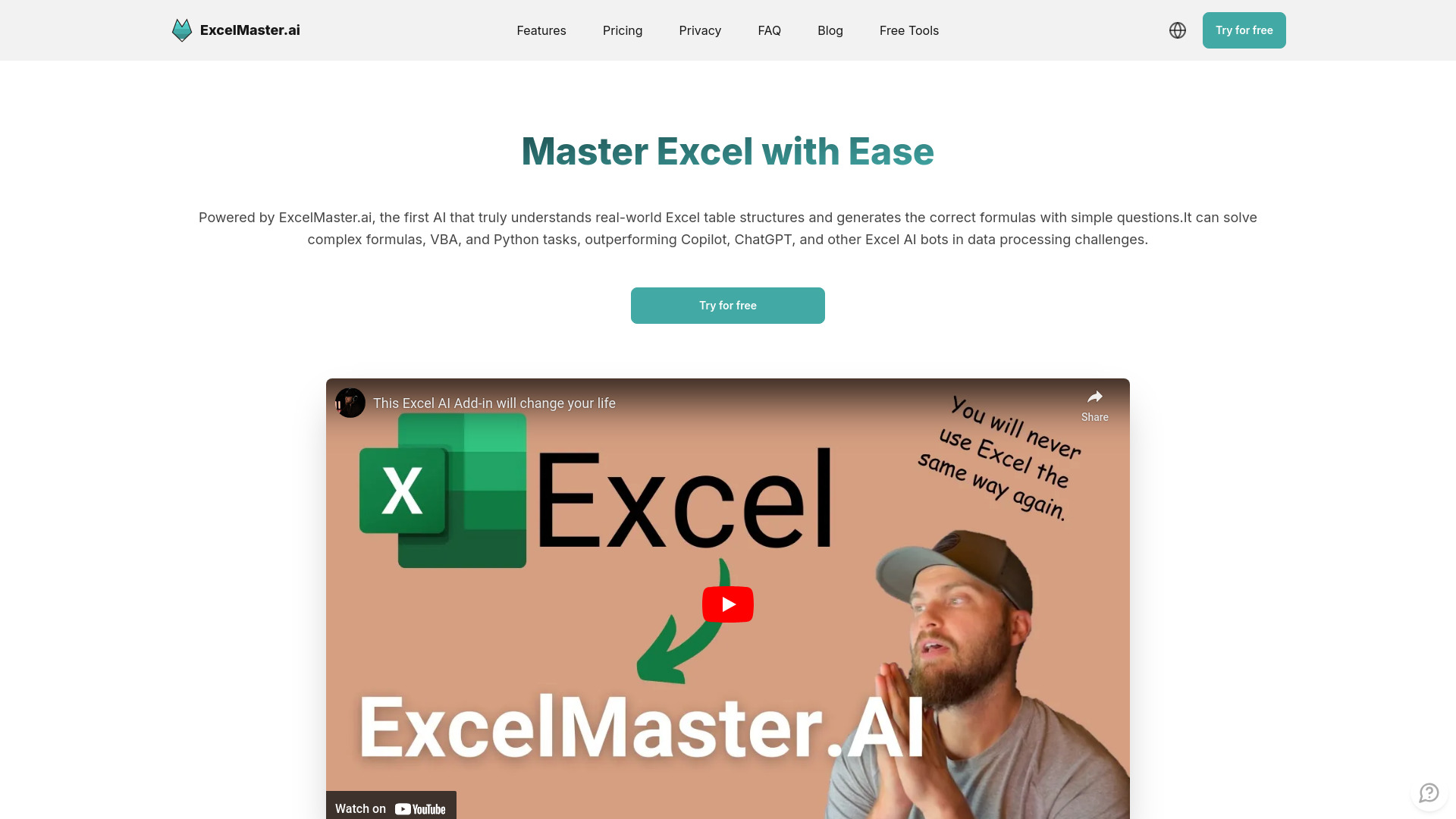
Why it matters The strongest case for ExcelMaster.ai is its combination of depth and range. It is built around AI-powered formula generation, but it also produces VBA code and includes a Python assistant in Excel. That makes it more useful for professionals who move from a quick formula fix to a repeatable automation task. Its stated ability to understand complex Excel structures and relationships is the reason it leads this list rather than sitting in the formula-bot pack. The catch is important: generated code can occasionally be inaccurate, so this is an accelerator for experienced Excel users, not a substitute for testing.
Best for
Excel professionals working with complex workbook logic
Users who need formulas and VBA in the same workflow
Analysts who want Python assistance alongside Excel tasks
Limitations
The subscription fee is higher than some competing formula bots
AI-generated code may occasionally be inaccurate
Beginners may need to validate more of the output themselves
Shortlist signal: Add ExcelMaster.ai first when your spreadsheet work includes complex formulas, VBA automation, or Python assistance.
2. Ajelix

- Business managers
- 5 AI tool requests free
- Starts at Free: $0
- Usage signal: 119.1K

Why it matters Ajelix covers the most common "I know what I want, but not the Excel syntax" moments. Its Excel Formula Generator can turn a plain-language requirement into a starting formula, while the Formula Explainer helps a manager understand what an existing formula is doing. The VBA Script Generator extends that help into automation. It also promises actionable insights from data, which gives it a broader business-use angle than a formula-only utility. The five free AI tool requests make it easy to test, although the quality of the result still depends on how clearly you describe the data and task.
Best for
Business managers who need spreadsheet help without writing every formula manually
Teams automating recurring Excel tasks with VBA scripts
Users who want both formula creation and explanation
Limitations
Some features may require a paid subscription
Effectiveness depends on the quality of the input data
Generated outputs still need review before being used in important reports
Shortlist signal: Choose Ajelix when accessibility and a broad set of spreadsheet helpers matter more than specialist Excel engineering.
3. AI Excel Bot

- Data analysts
- 5 formula, code, or task requests per month
- Starts at Free: $0/month
- Usage signal: 36.4K
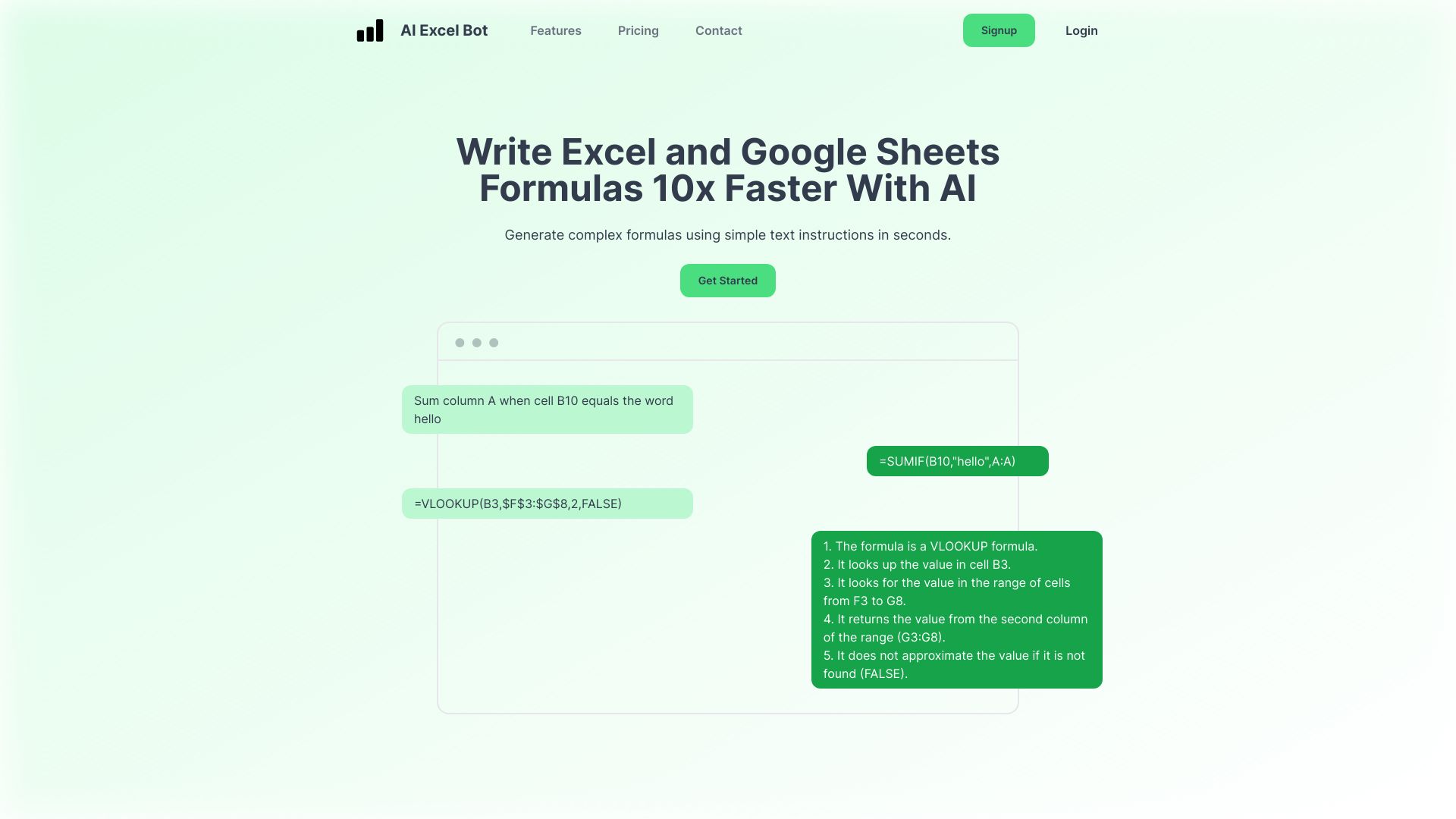
Why it matters AI Excel Bot stays focused on the translation layer between a human request and spreadsheet syntax. You can use it to generate Excel and Google Sheets formulas, explain formulas that are difficult to audit, and generate or explain VBA code. That narrow focus is a strength for analysts who do not need a dashboard studio attached to every request. Five monthly formula, code, or task generations and explanations provide a useful starting point, but the free allowance is small enough that frequent users will need to think about paid access. Manual adjustments remain part of the workflow because AI output is not guaranteed to be correct.
Best for
Data analysts translating requirements into formulas
Excel and Google Sheets users who need explanations
People learning how formulas or VBA scripts work
Limitations
The free plan limits access to five generations or explanations per month
AI accuracy can require occasional manual adjustments
It is less suited to users looking primarily for dashboards or finished reports
Shortlist signal: Put AI Excel Bot on your list when formula generation and explanation are the main job.
4. ExcelDashboard Ai

- Data analysts
- 250 AI credits and 1 file upload free
- Starts at Free: $0
- Usage signal: 10.3K
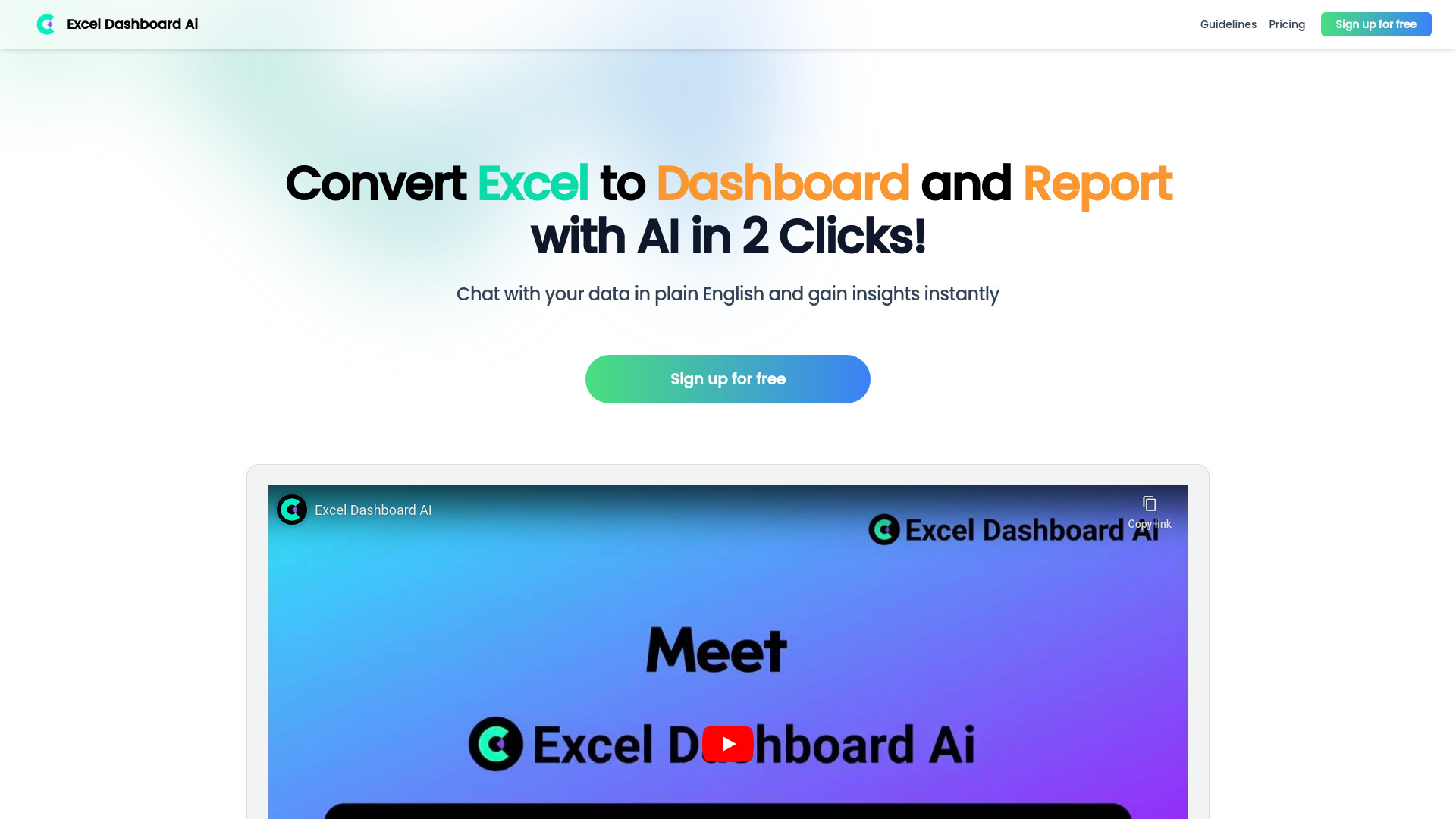
Why it matters When the workbook is already full of data and the next task is explaining it, ExcelDashboard Ai takes a different route from formula assistants. It converts Excel files into dashboards and reports, generates data analysis, and lets users chat with the data in plain English. The free entry point includes 250 AI credits and one file upload, which is enough to test the workflow against a representative file. This is a strong option for analysts who spend too much time turning spreadsheet findings into something stakeholders can read. Its limitation is also its premise: you are trusting an AI layer to interpret the data, so the resulting analysis needs a human check.
Best for
Data analysts building dashboards from Excel files
Teams that need reports without manually assembling every view
Users who prefer asking questions in plain English
Limitations
Dependence on AI may limit development of manual analytical skills
Data interpretation can create platform dependency
A dashboard workflow is not the same as formula or VBA automation
Shortlist signal: Choose ExcelDashboard Ai when the output needs to be a dashboard or report rather than another formula.
5. AI OFFICE BOT

- Data analysts
- Free plan available
- Starts at Check vendor pricing
- Usage signal: 324
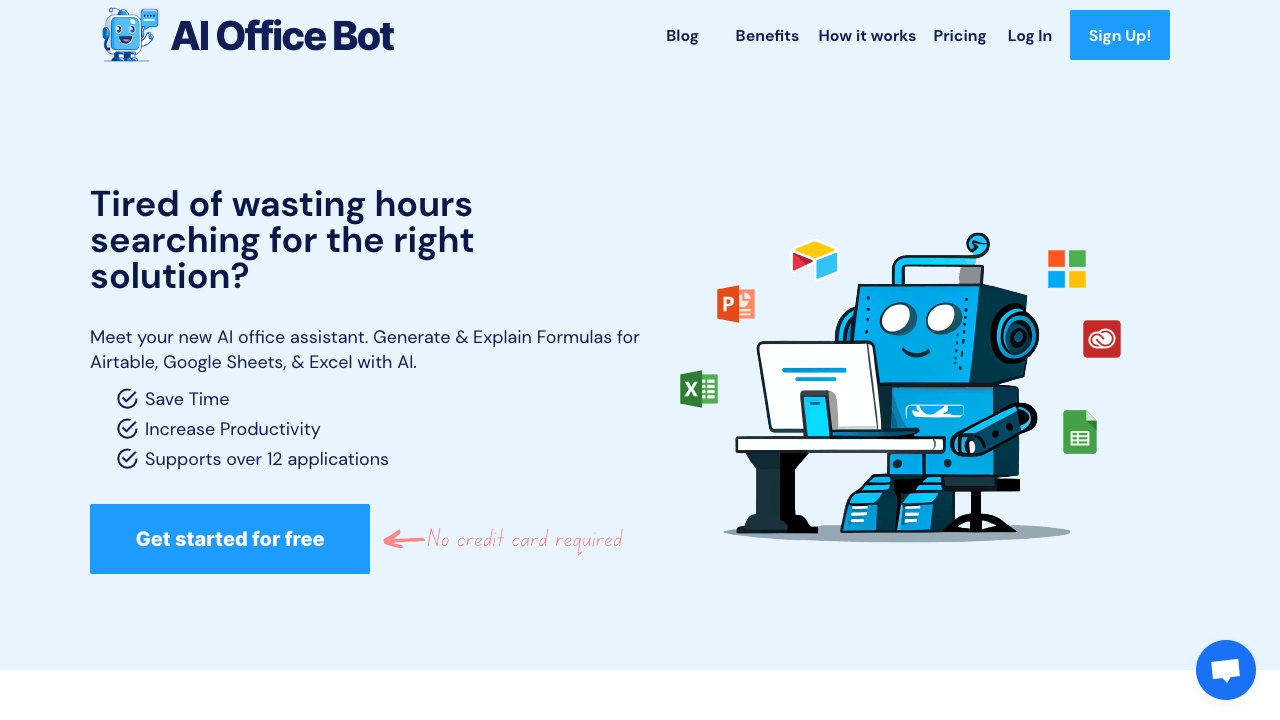
Why it matters AI OFFICE BOT is appealing when Excel is only one part of the workday. It generates and explains formulas for Airtable, Google Sheets, and Excel, then stretches into creative applications such as Photoshop and Premiere Pro. That cross-app support can reduce the need to switch between separate AI utilities. For spreadsheet users, the core value remains straightforward: describe a formula or ask for an explanation, then use the response as a working draft. Pricing is hidden behind a less clear presentation here, so verify the current offer before treating it as a long-term standard.
Best for
Analysts working across Excel, Google Sheets, and Airtable
Users who also need help in creative applications
Teams that want one formula explanation workflow across several apps
Limitations
Pricing needs to be confirmed with the vendor
AI output may require accuracy checks
Some users may still need to understand the underlying concepts to use the result safely
Shortlist signal: Add AI OFFICE BOT when cross-app support is more valuable than a deeply Excel-specific feature set.
6. AIexcelsheet.com
- Data analysts
- Free formula generation and template generation
- Starts at Check vendor pricing
- Usage signal: Usage signal not listed
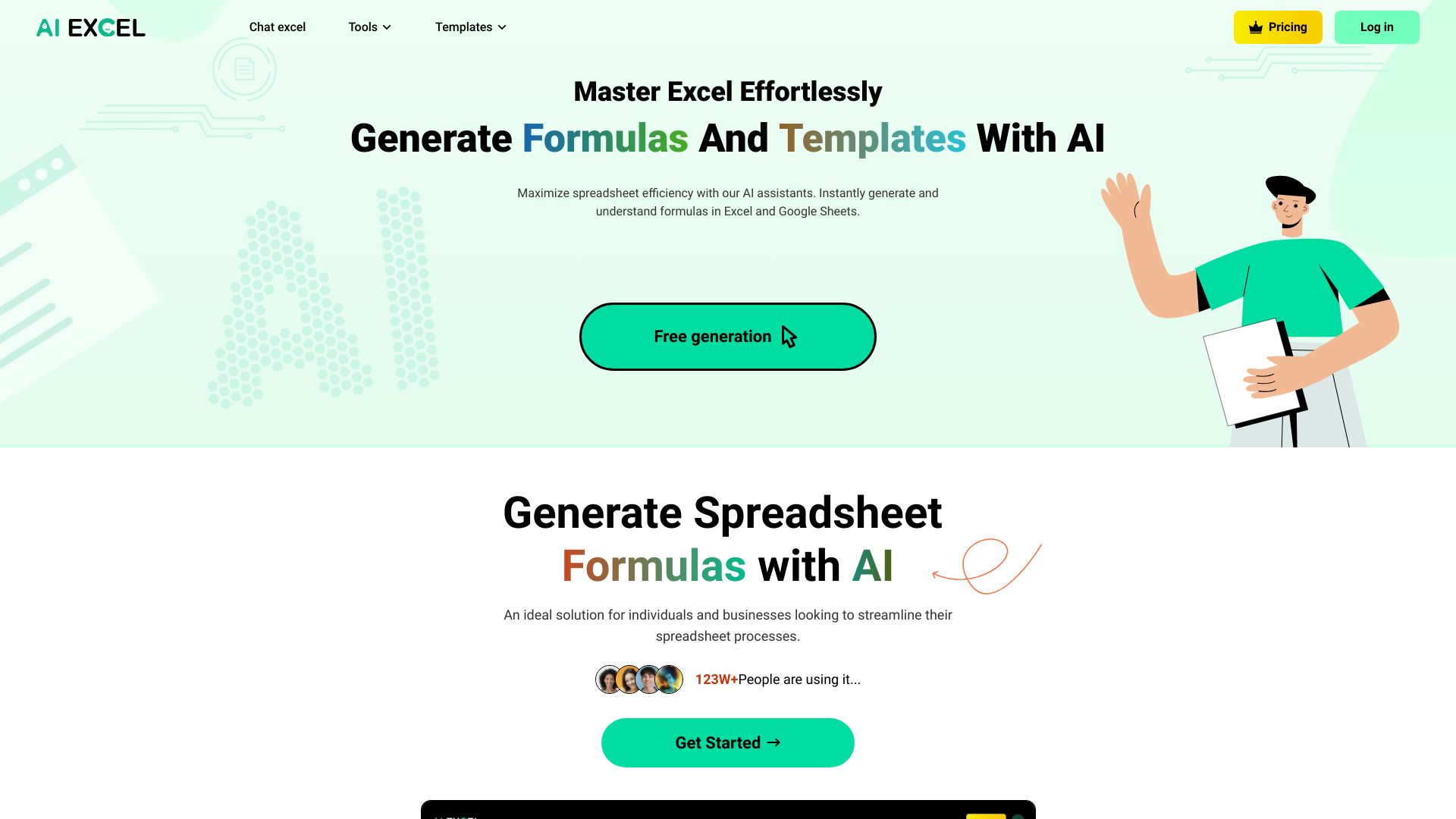
Why it matters AIexcelsheet.com combines an AI Excel formula generator with Google Sheets tools and template generation. That combination makes it useful for people who are not simply repairing a cell; they may also be starting a tracker, building a table, or adapting a spreadsheet structure for a new process. Free generation lowers the barrier to experimenting with formulas and templates. The trade-off is that the tool may require specific input to produce the desired result, and pricing is not presented as a clean starting figure, so test it with your actual prompts before making a commitment.
Best for
Analysts creating formulas and spreadsheet templates
Users moving between Excel and Google Sheets
People who want a faster starting structure for a new workbook
Limitations
Specific, well-formed input may be necessary for the desired result
Reliance on AI can reduce hands-on skill development
Current paid pricing should be confirmed with the vendor
Shortlist signal: Pick AIexcelsheet.com when template creation and cross-platform spreadsheet support belong in the same shortlist.
7. Array Assistant
- Data analysts
- 200 requests per month
- Starts at Basic: Free
- Usage signal: Usage signal not listed
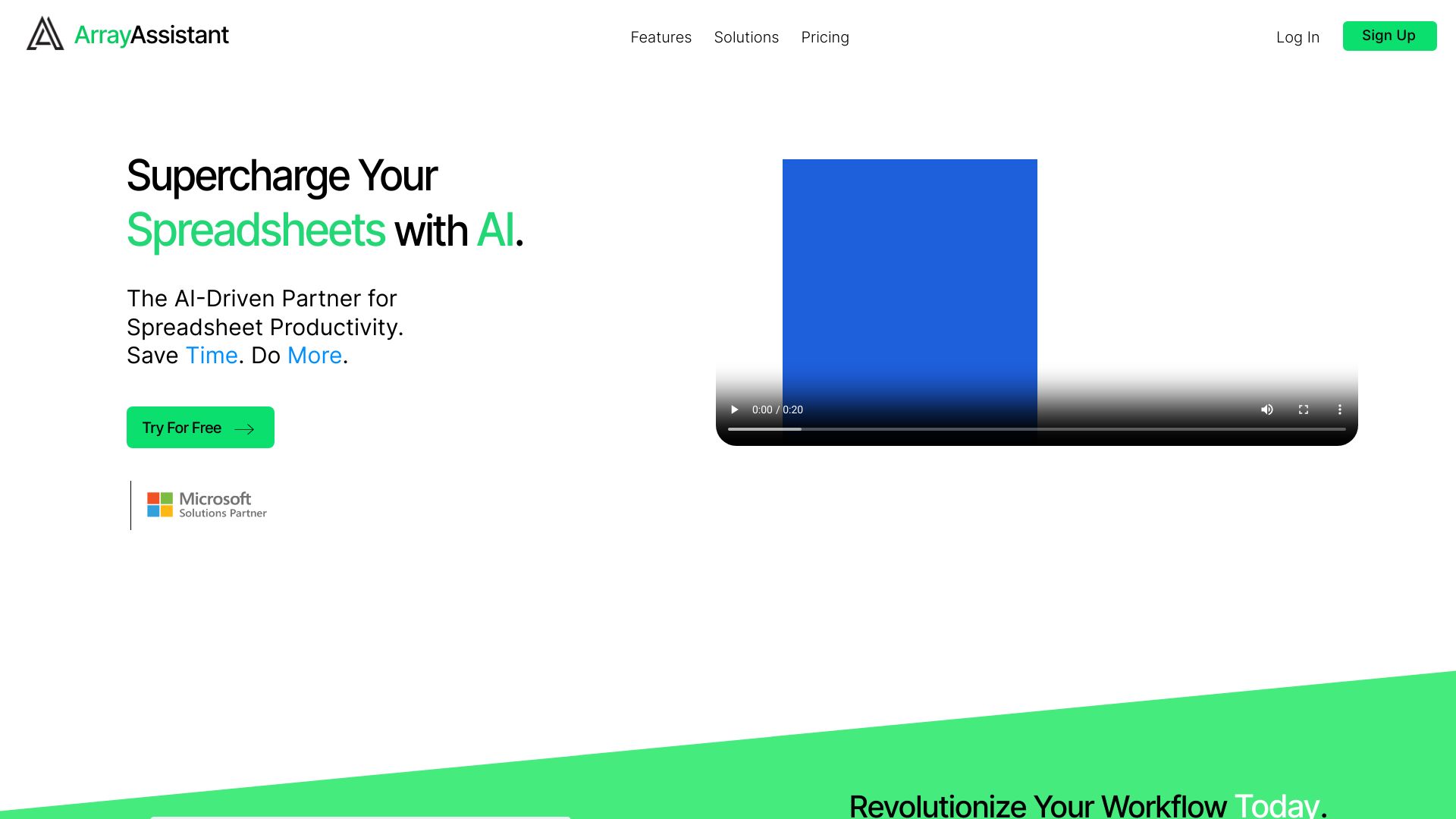
Why it matters Array Assistant earns its place by going beyond formula creation. Its feature set includes data cleaning and text summarization, which are practical additions when a workbook contains inconsistent entries, notes, or narrative fields. The 200-request allowance gives prospective users a meaningful way to exercise the workflow before paying, while the stated $14.99 monthly option indicates where heavier use may land. Because it requires a Microsoft Excel subscription, it makes the most sense for people already committed to Excel rather than shoppers looking for a standalone spreadsheet environment.
Best for
Analysts cleaning spreadsheet data before analysis
Excel users working with text-heavy columns
Teams that need formulas and lightweight summarization together
Limitations
Requires a Microsoft Excel subscription
Results depend on the quality and consistency of the input data
Cleaning actions should be checked so meaningful values are not altered
Shortlist signal: Choose Array Assistant when data cleanup is as important as generating the formula that uses the data.
8. AskExcel

- Students
- Free AI data analysis tools
- Starts at Check vendor pricing
- Usage signal: Usage signal not listed
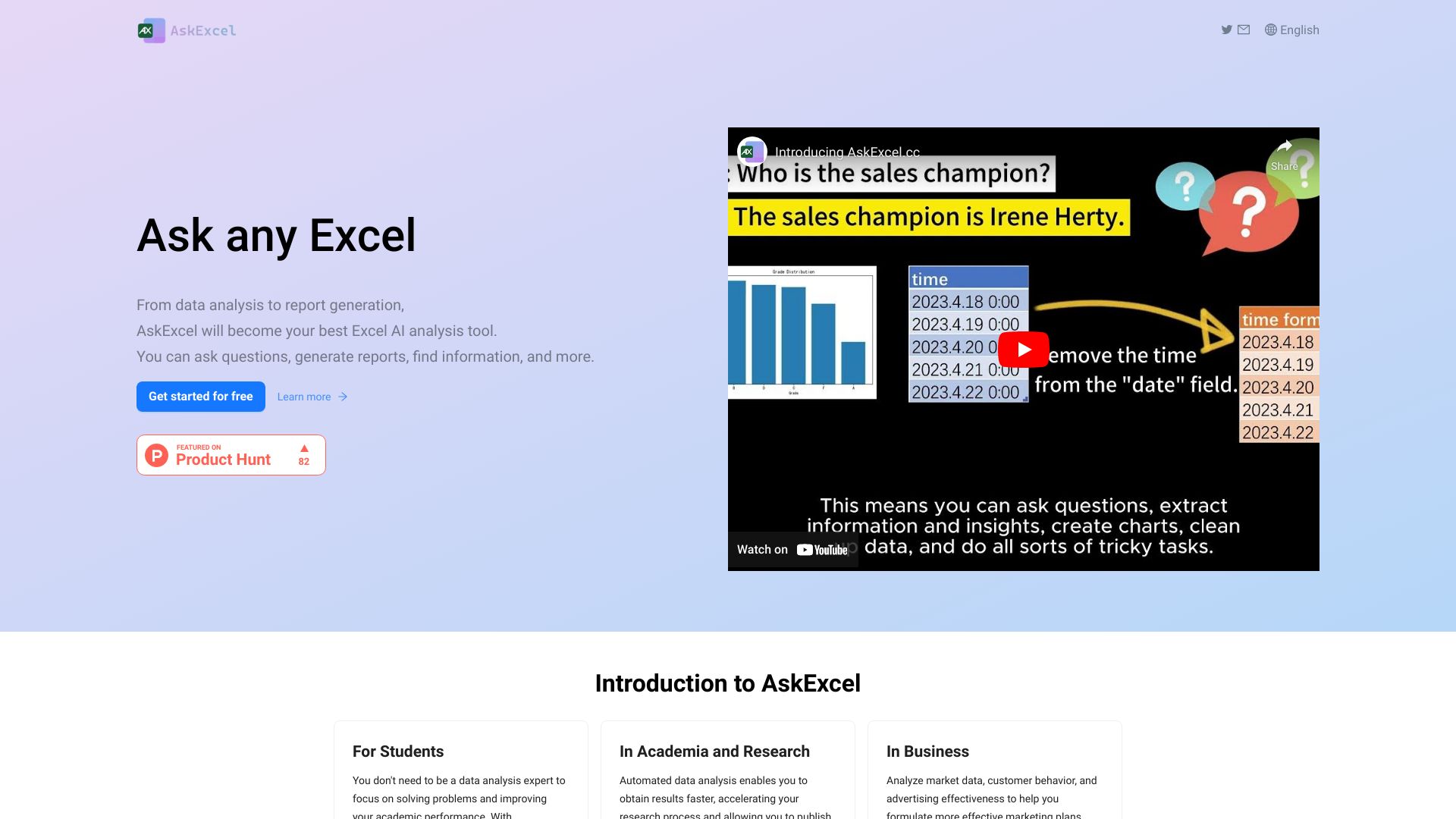
Why it matters AskExcel takes a conversational approach to spreadsheet analysis. Instead of starting with a formula request, users can work through AI-powered data analysis and report generation in a dialogue. That makes it a natural fit for students and newer spreadsheet users who need to explore a dataset or turn findings into a report. It is also described as fast and easy to use and supports multiple languages. The practical caveat is cloud reliance and the possibility that a subscription is needed for full access, so privacy and ongoing access deserve a place in the buying conversation.
Best for
Students learning to analyze spreadsheet data
Users who prefer conversational assistance to formula syntax
People generating reports from an analysis workflow
Limitations
Full access may require a subscription
Reliance on cloud storage may not suit every workbook
Pricing should be checked before using it for recurring work
Shortlist signal: Put AskExcel on the shortlist when conversational analysis and report generation matter more than VBA.
9. AI Photo Editor Pro

- Online sellers
- Natural-language editing and background replacement
- Starts at Lite: $9.99 per month
- Usage signal: Usage signal not listed
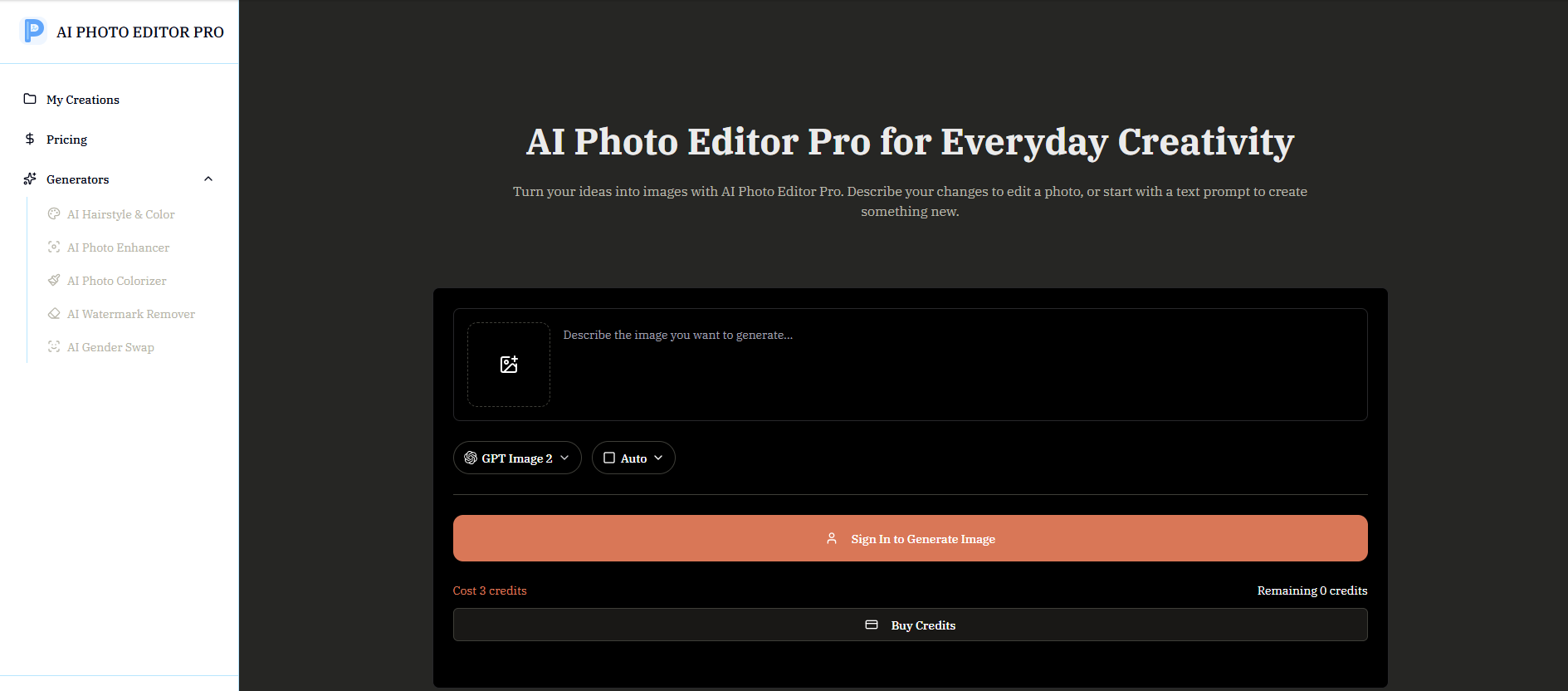
Why it matters AI Photo Editor Pro is an adjacent alternative rather than an Excel assistant. It becomes relevant when spreadsheet analysis feeds an online selling workflow: product lists, inventory operations, and campaign planning may end with a need for cleaner product imagery. The tool supports natural-language photo editing and image generation, plus enhancement, restoration, colorization, watermark removal, background replacement, and scene preservation. That is a broad visual toolkit, but it should not be selected for formula work. Image generation uses credits, and no specific free generation quota is stated.
Best for
Online sellers whose spreadsheet work leads to product-image updates
Teams needing prompt-based background replacement or enhancement
Users without advanced design skills who need straightforward edits
Limitations
It does not provide Excel formulas, dashboards, or spreadsheet analysis
Image generation requires credits
No specific free image-generation quota is stated
Shortlist signal: Consider AI Photo Editor Pro only when the Excel workflow ends in product imagery, not when the spreadsheet itself is the problem.
10. h3max.io

- Video creators
- Native audio and 5-15 second video creation
- Starts at Lite: $29.90 per month
- Usage signal: Usage signal not listed
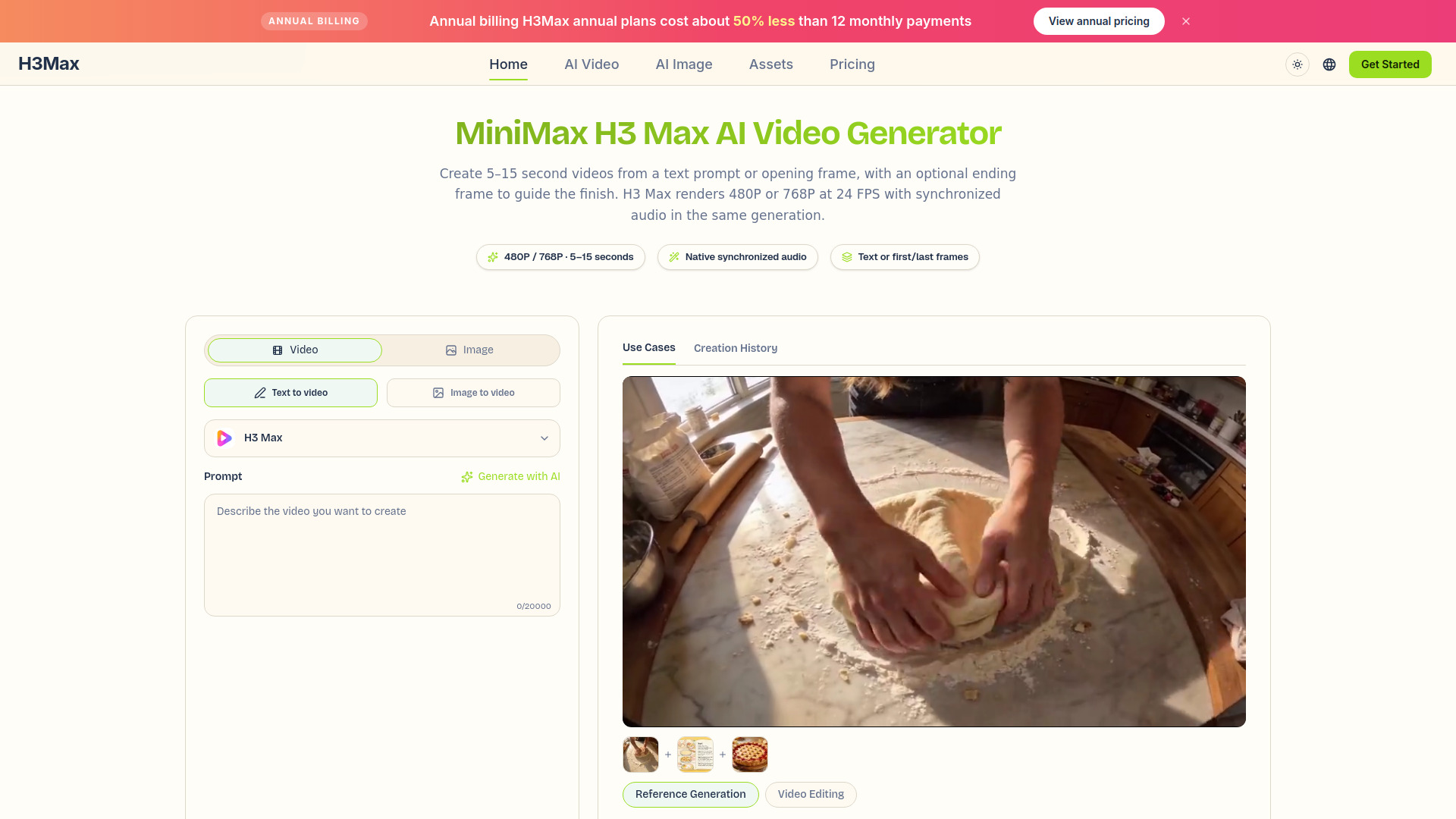
Why it matters h3max.io is the second broader visual studio in this ranking. It generates video from text prompts up to 7,000 characters or from first and optional last frames, and it creates synchronized stereo audio with ambience, music, dialogue, and sound effects. For a spreadsheet-heavy marketing or reporting workflow, that could mean turning a campaign brief or product narrative into a short visual asset. It is not a tool for formulas, data cleaning, or dashboards, so its low placement is deliberate. H3 Max is limited to 480P or 768P output and 5-15 second clips, while multi-reference generation and existing-video editing require standard H3.
Best for
Video creators producing short assets from text or images
Marketing workflows that begin with spreadsheet planning
Users who value synchronized audio in the same generation pass
Limitations
It does not analyze Excel data or automate spreadsheet tasks
H3 Max is limited to 480P or 768P and 5-15 second clips
Some reference and editing features require standard H3, not H3 Max
Shortlist signal: Use h3max.io as an adjacent creative tool when your spreadsheet project needs a short video deliverable.
What to test before choosing
Do not judge an Excel AI tool with a toy prompt such as "sum these numbers." Use a small, representative workbook or a sanitized copy and run the same test across two or three finalists.
- 1
Formula translation: Describe a real requirement in plain English, including conditions, lookup behavior, and expected output. Check whether the result uses the right ranges and handles blank or duplicate values.
- 2
Explanation quality: Paste in a formula your team already uses. A useful explanation should make the logic easier to audit, not merely restate the function names.
- 3
Automation safety: If VBA or Python is generated, inspect the code before running it. Test it on a copy and verify what sheets, ranges, and files it touches.
- 4
Data interpretation: Ask the tool to identify a trend or summarize a table, then compare its answer with a manual check. This exposes whether it understands the columns or is guessing from labels.
- 5
Messy input: Try inconsistent text, blank cells, and a few malformed values. Data cleaning claims matter only if the tool handles the kind of mess your workbook actually contains.
- 6
Output handoff: For dashboard and report tools, check whether the result is usable by someone who did not build the workbook. A technically correct analysis can still be a poor report.
- 7
Limits and cost: Record how many requests, credits, uploads, or generations the test consumes. Verify the current pricing page, especially for tools where the starting price is not clearly presented.
What to do next
Start with one recurring task and define success in minutes saved or errors avoided. If that task is formula and VBA work, test ExcelMaster.ai, Ajelix, and AI Excel Bot. If it is reporting, compare ExcelDashboard Ai with AskExcel using the same sanitized file. Add Array Assistant when cleaning and summarizing text are regular parts of the process.
Keep the first pilot narrow. Save the original workbook, record the prompt that produced a useful result, and have a person review every generated formula or script. Once the workflow is reliable, decide whether the free allowance is enough or whether a paid plan is justified by the time saved. For AI Photo Editor Pro and h3max.io, only branch into those tools when the spreadsheet project has a clear visual-content output.
Common mistakes when choosing from a complex top list
Treating every entry as a direct substitute: A dashboard builder, formula assistant, and video generator solve different stages of work.
Ranking by score alone: A 94/100 formula tool may be a worse choice than a 90/100 cleanup tool if your bottleneck is dirty data.
Skipping code review: VBA and Python can accelerate work, but occasional inaccuracies make testing non-negotiable.
Using vague prompts: Spreadsheet AI needs context about columns, conditions, ranges, and the intended result.
Assuming free means unlimited: Several tools specify request, credit, upload, or feature limits. Read the allowance literally.
Ignoring the source workbook: AI cannot reliably compensate for mislabeled columns, inconsistent values, or incomplete data.
Forgetting privacy and storage: Cloud-based analysis may not suit sensitive financial, customer, or operational files.
Failing to verify live pricing: Starter prices, subscriptions, and credit systems can change; confirm them before rollout.
FAQ
For the broadest Excel-focused workflow in this ranking, ExcelMaster.ai is the strongest choice. It combines formula generation, VBA code generation, and a Python assistant in Excel, and it is positioned for users working with complex Excel structures. The best choice changes if your priority is dashboards, data cleanup, or conversational analysis.