
Finding the top free website maker is less about choosing the tool with the flashiest AI prompt and more about matching the editor to the site you actually need. We compared 10 tools across no-code editing, AI generation, publishing, templates, responsiveness, and free-plan practicality. The list includes straightforward business builders, rapid prompt-to-site products, and one unexpected visual-production alternative that belongs on the radar of creators comparing broader web and media workflows.
Start here
Best overall match: Mobirise AI Website Builder combines AI generation, drag-and-drop editing, offline mode, and export and publish flexibility.
Best for stores: Universe Website Builder adds e-commerce capabilities to a visual no-code editor.
Best for prompt-to-site speed: Makeweb.ai turns text prompts and screenshots into sites, then supports AI-driven UI editing.
Best for built-in improvements: GoodWeb focuses on automatic improvements and an SEO Booster.
Best for a small business landing page: Front Maker emphasizes fast generation, mobile responsiveness, and a simple dashboard.
Best for a quick experiment: MakeMyWeb.ai offers free unlimited designs that can be saved for 24 hours.
The practical dividing line is simple: choose a visual builder when you expect to refine layout yourself, and choose a prompt-led builder when speed matters more than granular control. Free access also varies sharply. Some products provide a meaningful quota or free site, while others give you a trial-like experience that may not include a custom domain or full publishing workflow.
Segment comparison
| Segment | Strongest match | What stands out | Main watch-out |
|---|---|---|---|
| Small-business sites | Mobirise AI Website Builder | AI generation, drag-and-drop, offline mode | Advanced free features are limited |
| Online stores | Universe Website Builder | Visual editor with e-commerce capabilities | Transaction fees may apply on some plans |
| Prompt and screenshot builds | Makeweb.ai | Generates sites from text or screenshots | No backend or CMS support |
| Freelancer portfolios and service pages | GoodWeb | Automatic improvements and SEO Booster | Free plan includes ads and limited features |
| Ultra-fast visual experiments | MakeMyWeb.ai | One-word prompts and responsive designs | Free-plan customization is limited |
This comparison is deliberately workflow-first. A free website maker can be excellent for a brochure site and still be a poor choice for a blog, dynamic application, or store with complex requirements. The right shortlist depends on where you expect friction after the first draft: editing, publishing, SEO, commerce, or content volume.
Shortlist paths
| Your priority | Start with | Why |
|---|---|---|
| Publish a no-code business site with room to export | Mobirise AI Website Builder | Combines AI generation with visual editing and export options |
| Build an online store without coding | Universe Website Builder | Includes e-commerce capabilities in its drag-and-drop workflow |
| Turn a rough idea into a site quickly | Makeweb.ai | Accepts text prompts and screenshots, with one-click publishing |
| Keep a compact site fast and SEO-oriented | CreateWebsite.io | Offers up to three free pages, AI content, and Core Web Vitals optimization |
| Create a quick founder or micro-SaaS site | WeBuilda | Pairs templates and drag-and-drop editing with AI content generation |
A useful test is to write down the first five pages you need before opening a builder. If that list already includes a blog, account area, database-backed feature, or substantial catalog, the free plan may not be the deciding factor. If it is a home page, services page, about page, and contact route, the products near the top of this list are much easier to evaluate fairly.
Ranking snapshot
| Rank | Tool | Score | Best fit | Free access signal |
|---|---|---|---|---|
| #1 | Mobirise AI Website Builder | 93/100 | Small business owners | AI generation and no-code building |
| #2 | Universe Website Builder | 93/100 | Entrepreneurs | 5 image/text generations free |
| #3 | Makeweb.ai | 90/100 | Entrepreneurs | Text- and screenshot-based generation |
| #4 | GoodWeb | 90/100 | Freelancers | Free limited-features plan |
| #5 | Front Maker | 90/100 | Small business owners | AI website builder access |
| #6 | MakeMyWeb.ai | 90/100 | Freelancers | Unlimited designs saved for 24 hours |
| 7-8 | CreateWebsite.io and WeBuilda | 89/100 | Small businesses and founders | Free pages, site creation, or trial access |
| 9-10 | Makeasite and h3max.io | 89/100 and 88/100 | Prompt experiments and video creators | Prompt-based sites or adjacent media creation |
Scores are close because these tools solve different versions of the same problem. Mobirise and Universe lead on practical breadth, while Makeweb.ai leads on the idea-to-first-draft workflow. The last entry, h3max.io, is intentionally treated as an adjacent alternative rather than a conventional website builder: its core product is video generation with synchronized audio, so it is relevant mainly when your "website" project is really a visual-content project.
How we grouped and ranked the list
We grouped the tools by the job they make easiest, not by whether their home page uses the word AI. A no-code editor with templates belongs in a different lane from a generator that interprets a screenshot, and both differ from a product built around automatic SEO or rapid media creation.
The ranking weighs five practical signals:
- 1
Launch speed: How directly the product moves from a prompt, template, or blank canvas to a usable first version.
- 2
Editing control: Whether you can adjust the result through drag-and-drop tools, UI component selection, templates, or other visible controls.
- 3
Free-plan usefulness: The amount of work possible before a paid upgrade, including page, storage, generation, domain, and time limits where stated.
- 4
Audience fit: Whether the workflow makes sense for a freelancer, founder, store owner, small business, or creator.
- 5
Product and market signals: Score, monthly visits, usage signals when listed, and the clarity of the product's stated capabilities.
This approach favors tools that can get a real project moving without coding. It does not assume that every buyer needs a CMS, backend, custom domain, or online store. Those requirements should be tested directly before committing, especially because several free plans are intentionally narrow.
Ranked field notes
1. Mobirise AI Website Builder

- Small business owners
- AI generation and no-code building available
- Starts at KIT: $149
- Usage signal: 437.7K
Why it matters
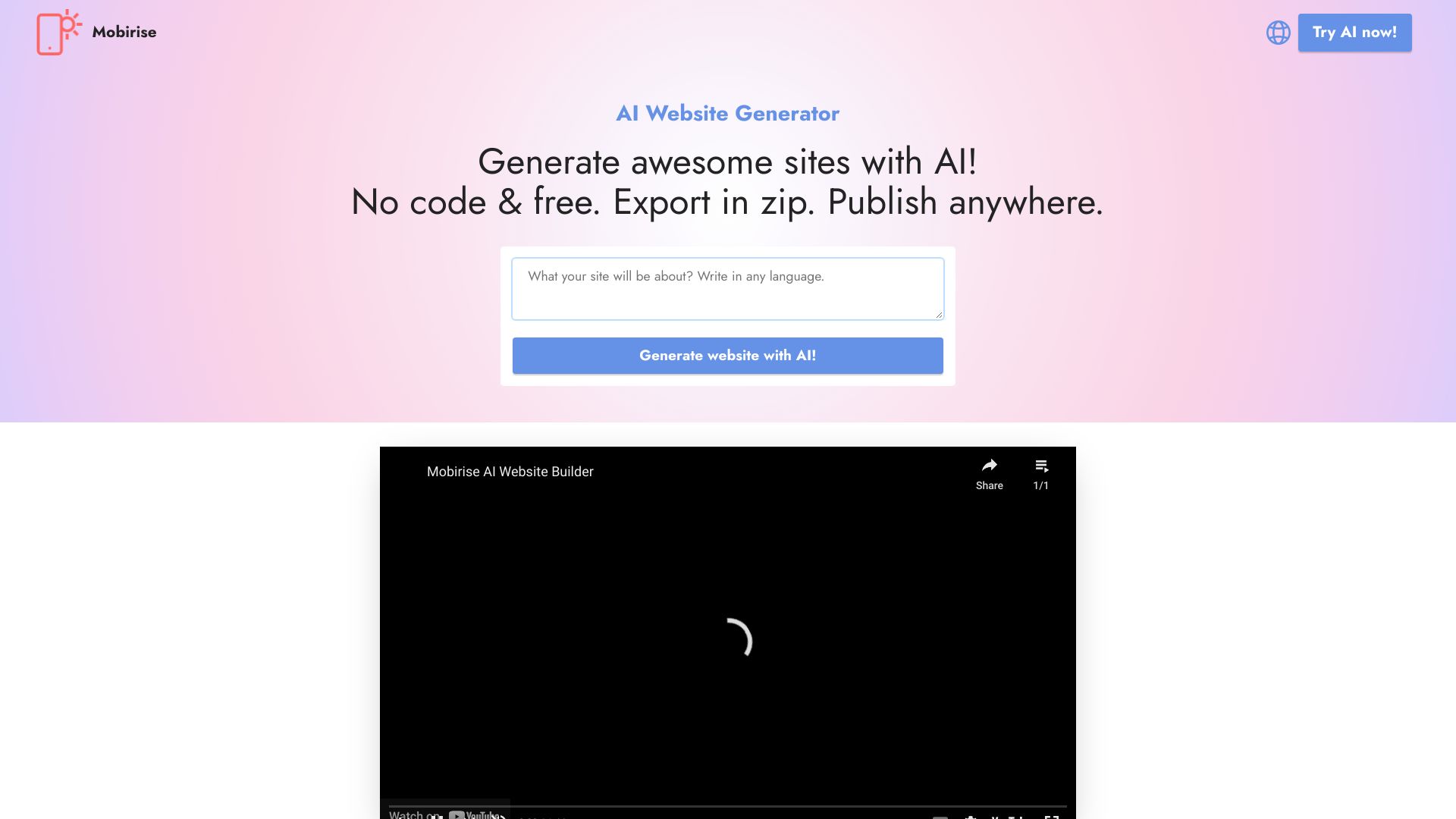
Mobirise earns the first position because it balances the two things beginners usually need at once: a fast starting point and enough visual control to fix the result. Its AI generation gets the project moving, while the intuitive drag-and-drop interface keeps the user from being trapped in a prompt-only workflow. Export and publish anywhere is particularly important for buyers who want more control over where a site lives, and offline mode gives the product a distinct angle among browser-first builders. The free experience has limits, but the core no-code path is clear and practical for a small business site.
Best for
Small business owners building a service or brochure site
Non-developers who want AI help followed by visual editing
Users who value offline work and export flexibility
Limitations
The free version has limited advanced features
Template options may feel restrictive for a highly distinctive brand
The pricing display includes a KIT at $149, so verify what is included before upgrading
Shortlist signal: Add Mobirise first when you want the broadest no-code starting point rather than the fastest one-click draft.
2. Universe Website Builder

- Entrepreneurs
- 5 image/text generations free
- Starts at Free: $0.00
- Usage signal: 182.4K
Why it matters
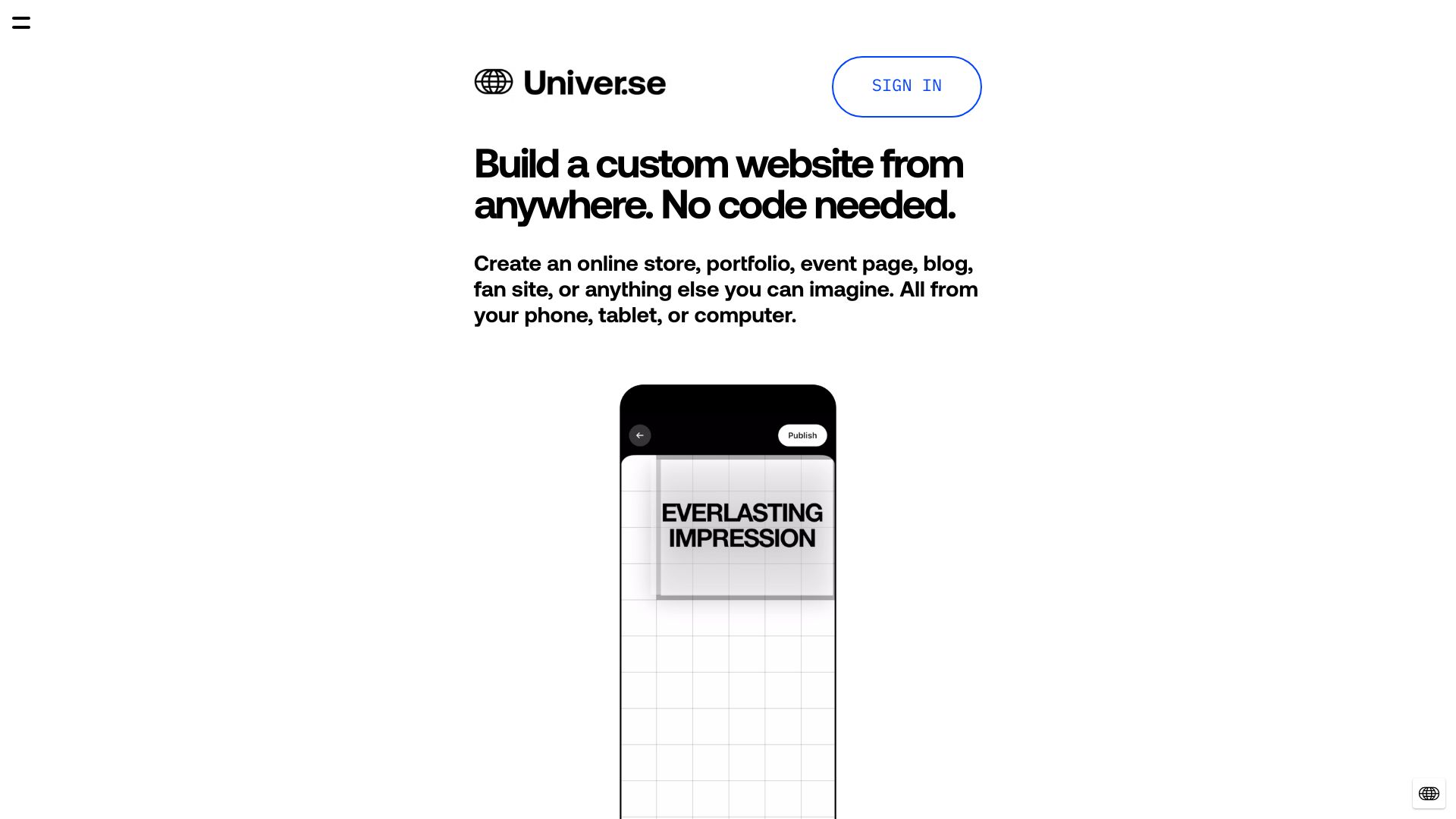
Universe is the more commerce-aware choice near the top of the list. Its visual drag-and-drop editor makes the starting experience approachable, but the presence of e-commerce capabilities gives it a clearer path for entrepreneurs who need more than a static landing page. That breadth is why it ties for the highest score. The trade-off is that visual simplicity should not be confused with unlimited control: customization is more constrained than coding, and transaction fees may affect the economics of selling through the platform.
Best for
Entrepreneurs launching a small online store
First-time site owners who prefer a visual editor
Projects that need no-code creation plus commerce features
Limitations
Some plans may include transaction fees
Customization is more limited than a coded build
The free generation allowance is specific: five image/text generations
Shortlist signal: Choose Universe when selling online is part of the brief, not an afterthought.
3. Makeweb.ai

- Entrepreneurs
- Text or screenshot generation and one-click publishing
- Starts at Basic: $14 per month
- Usage signal: Not listed
Why it matters
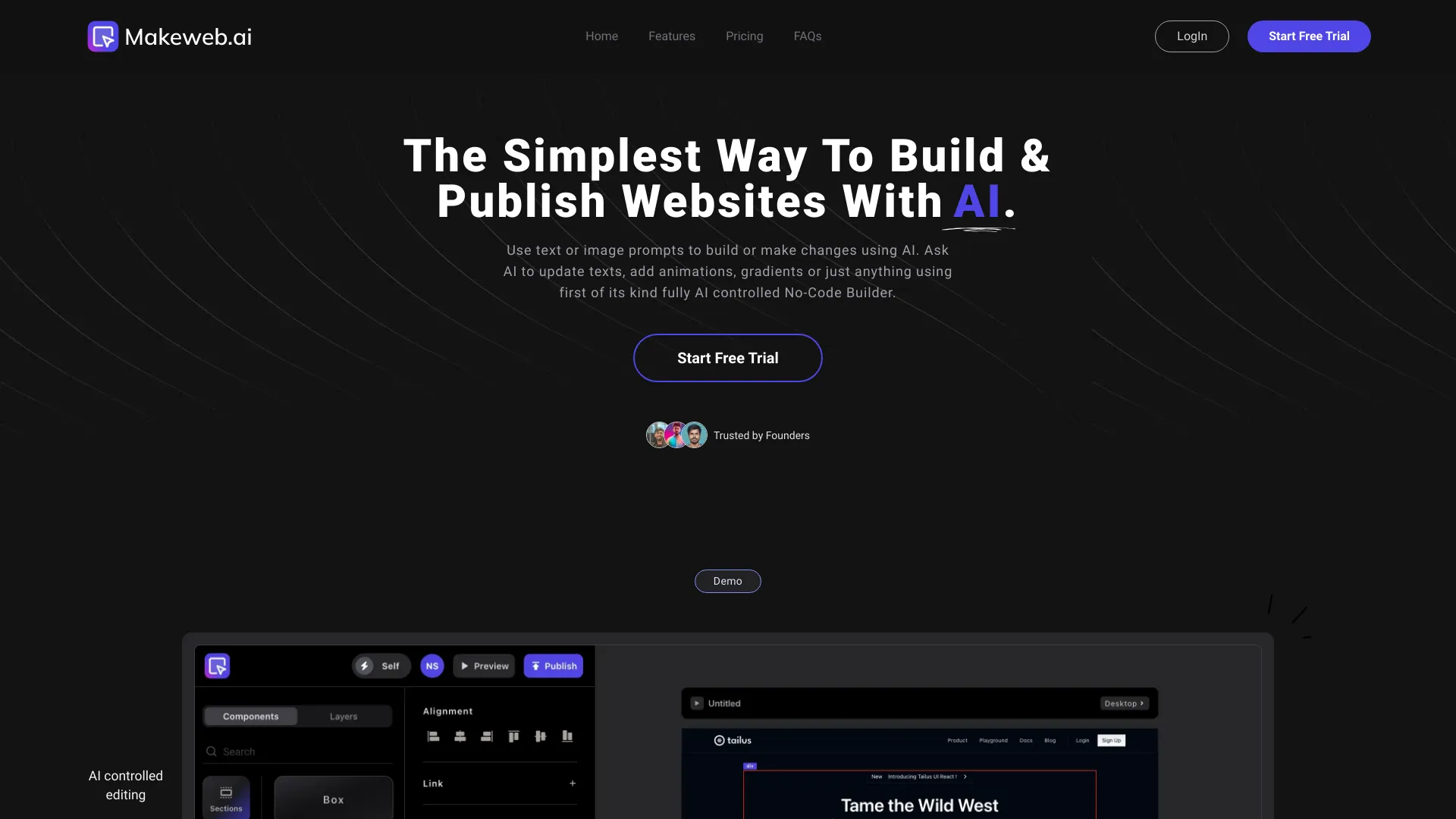
The strongest part of Makeweb.ai is its input flexibility. You can start with a written idea or a screenshot, then select UI components and edit them with AI rather than rebuilding the page from scratch. That makes it a compelling option for entrepreneurs who already have a visual reference or a rough direction but do not want to translate it into code. One-click publishing and automated hosting keep the path short. It is less suitable for projects that need application logic or a built-in publishing system, however, because backend and CMS support are explicitly absent.
Best for
Entrepreneurs validating a landing-page concept
Users with screenshots or existing visual references
Teams that want AI-assisted component editing and quick publishing
Limitations
No backend support for dynamic websites
No CMS support for blog publishing
Basic pricing starts at $14 per month after the free workflow
Shortlist signal: Put Makeweb.ai near the top when the fastest route from reference image to published front end matters most.
4. GoodWeb
- Freelancers
- Free plan with limited features
- Starts at Free limited features: $0.00 USD
- Usage signal: Not listed

Why it matters
GoodWeb takes a more maintenance-oriented approach than the pure prompt generators. Its no-code builder is paired with automatic improvements and an SEO Booster, which makes the product interesting for freelancers who need to produce a service site and keep improving it without becoming a developer. That focus can save time after launch, when the first draft is no longer the hard part. The free plan is clearly a sampling tier, though: limited features and ads may make it less comfortable for a client-facing site until you upgrade.
Best for
Freelancers building service pages or simple portfolios
Users who want automated improvement suggestions
Small sites where SEO assistance is part of the workflow
Limitations
The free plan has limited features
Ads appear in the free plan
Paid pricing starts from $4.17 per month, so check the current package details
Shortlist signal: Pick GoodWeb when ongoing automatic improvements matter more than maximum design freedom.
5. Front Maker
- Small business owners
- AI website builder and instant website creation
- Starts at Check vendor pricing
- Usage signal: Not listed
Why it matters
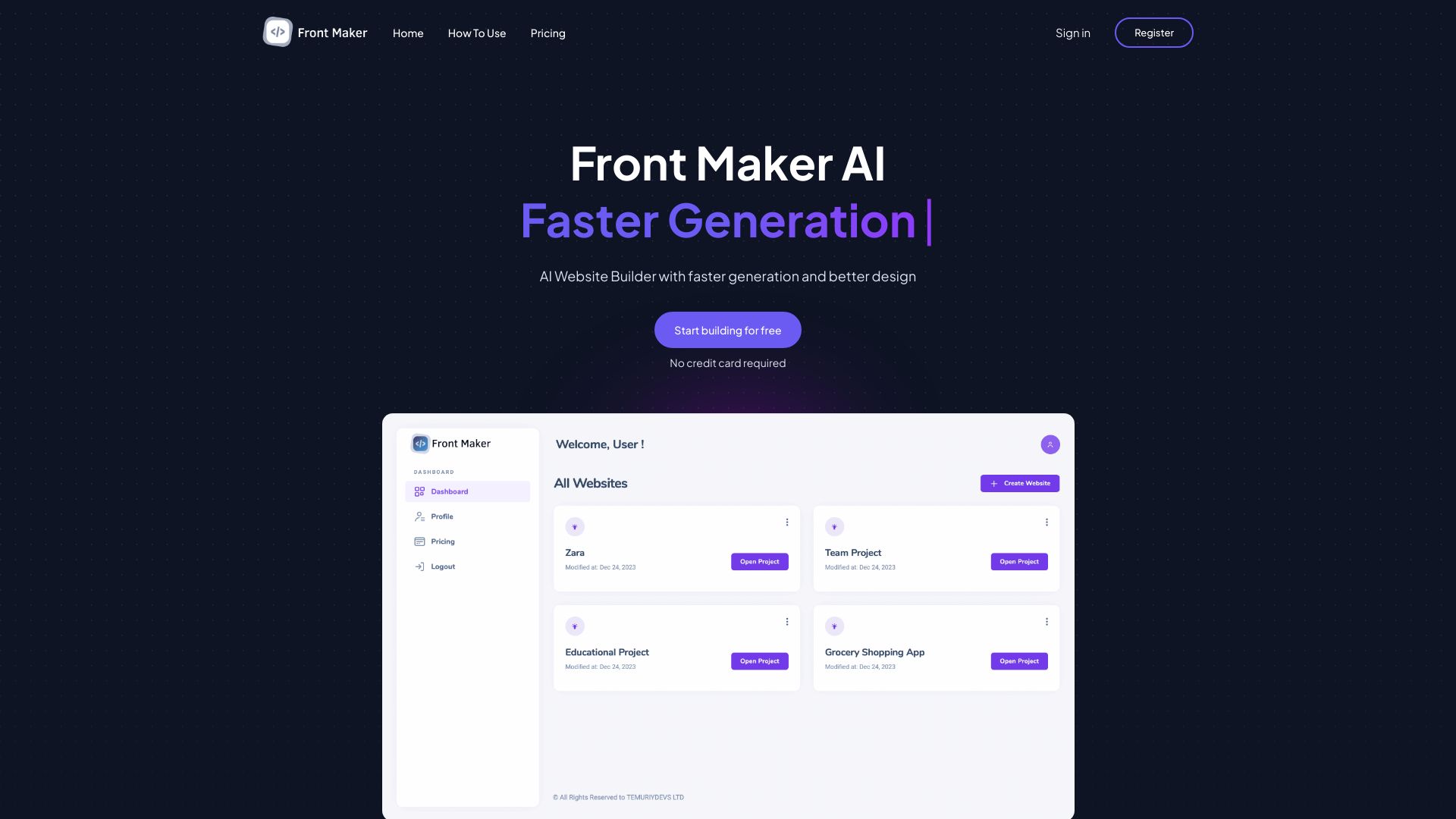
Front Maker keeps its promise narrow and useful: generate a site quickly, make sure it works responsively, and manage it through a simple dashboard. That is a sensible combination for a small business owner who needs a presentable landing page without a sprawling design system. I like the restraint here, but AI-led design always needs a review pass. If the generated layout, copy, or visual direction misses the mark, the product may not offer the same flexibility as a manually coded build. Pricing is also hidden behind a vendor check, so evaluate the complete publishing path before choosing it.
Best for
Small business owners launching a basic website quickly
Users who prioritize mobile-responsive output
Buyers who prefer a simple dashboard over a complex editor
Limitations
AI-generated design may require manual adjustments
Design flexibility may be narrower than manual coding
Pricing details require checking with the vendor
Shortlist signal: Use Front Maker as a quick first choice when responsive output and a low-friction dashboard beat deep customization.
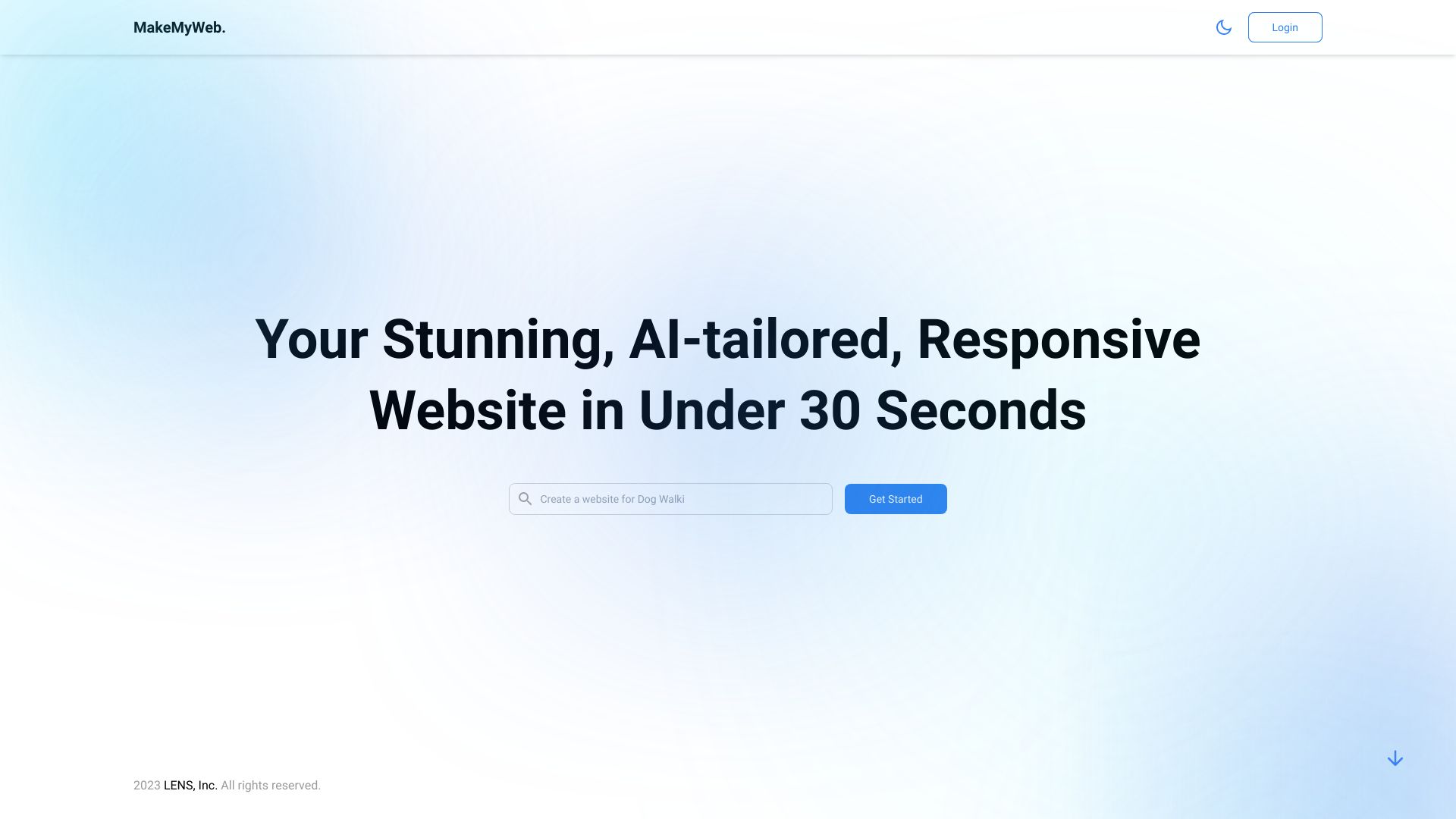
6. MakeMyWeb.ai

- Freelancers
- Free unlimited designs saved for 24 hours
- Starts at Free: INR 0
- Usage signal: Not listed
Why it matters
MakeMyWeb.ai is built for the moment when a freelancer needs several directions quickly. One-word prompts and AI-tailored designs reduce the distance between a vague concept and a responsive website, while e-commerce and blog capabilities give the output more range than a simple landing-page generator. The unusual free condition is worth taking seriously: designs can be created freely but are saved for 24 hours. That makes the free experience useful for exploration, not necessarily a complete long-term publishing plan.
Best for
Freelancers producing quick concepts for client discussions
Users who want responsive designs from minimal prompts
Projects that may eventually include a blog or e-commerce feature
Limitations
Free designs are saved for only 24 hours
Free-plan customization is limited
Reliance on AI may not suit users with a precise visual preference
Shortlist signal: Shortlist MakeMyWeb.ai when speed of ideation matters and you can decide quickly which concept to keep.
7. CreateWebsite.io

- Small businesses
- Up to 3 pages free
- Starts at Free: $0/month
- Usage signal: Not listed
Why it matters
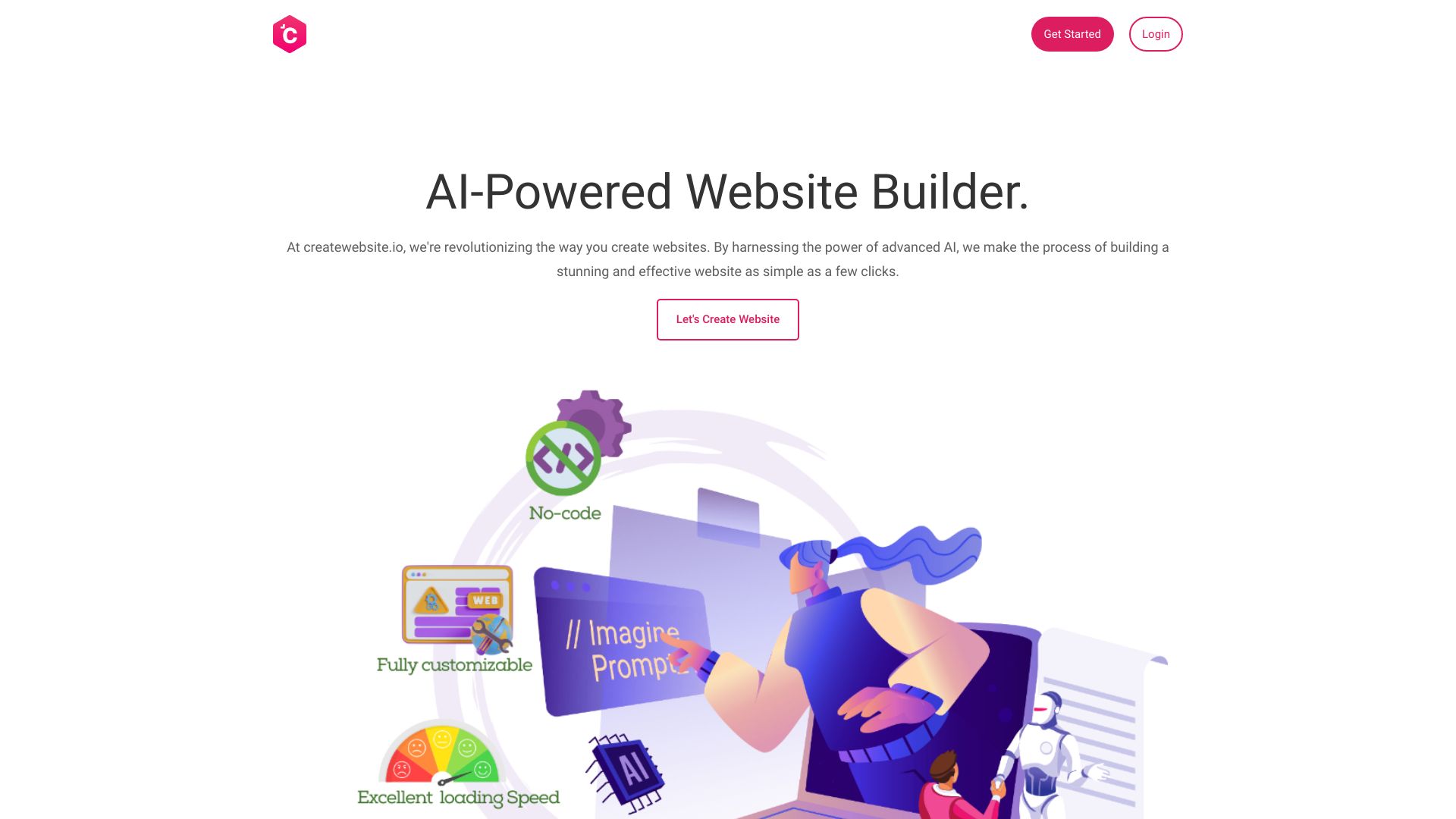
CreateWebsite.io is a sensible fit for a small business that can keep its first site compact. The free plan allows up to three pages, and the product adds an AI content generator plus Core Web Vitals optimization. Those details make it more practical than a builder that only produces a pretty first screen: there is at least a stated focus on content and loading performance. The page and storage limits will matter quickly for expanding businesses, and a custom domain requires a paid plan.
Best for
Small businesses with a three-page launch plan
Owners who want AI help with site copy
Users who care about fast-loading, SEO-oriented pages
Limitations
The free plan limits storage and pages
A custom domain requires a paid plan
The free allowance may be too narrow for a growing content site
Shortlist signal: Choose CreateWebsite.io when three polished pages are enough and performance is a stated priority.
8. WeBuilda
- Founders
- 1 site, 100 AI tokens, and 2 AI images free
- Starts at Free trial: $0
- Usage signal: Not listed
Why it matters
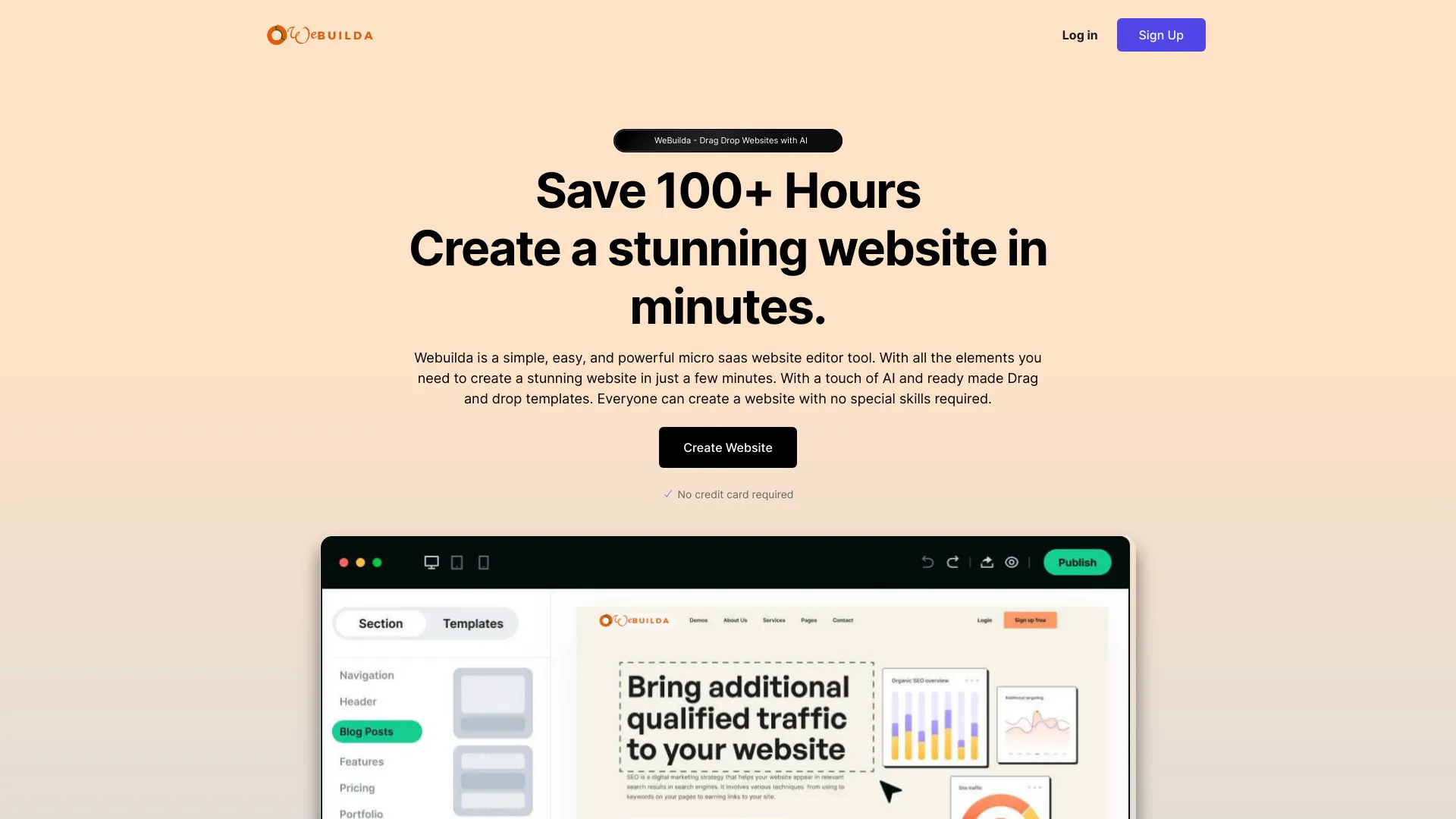
WeBuilda has a useful mix for founders who need a small product or company site without assembling every section manually. The drag-and-drop builder supplies direct layout control, pre-made templates reduce the blank-canvas problem, and OpenAI integration supports content generation. The free allowance is concrete rather than vague: one site, 100 AI tokens, and two AI images. That is enough to test the workflow and build a focused first version, but frequent iteration may push you toward a paid plan quickly.
Best for
Founders creating a micro-SaaS or startup site
Users who want templates plus drag-and-drop control
Projects needing AI-generated copy and a small number of visuals
Limitations
The free access is limited to one site, 100 AI tokens, and two AI images
The product may be better suited to focused launches than broad site systems
There are no explicit disadvantages stated, so test the editor against your exact layout needs
Shortlist signal: Add WeBuilda when you want a template-led founder site with a modest, clearly defined AI allowance.
9. Makeasite

- Entrepreneurs
- Prompt-based site creation and fast sharing
- Starts at Check vendor pricing
- Usage signal: Not listed
Why it matters
Makeasite strips website creation down to a prompt and a sharing action. That is appealing for entrepreneurs who need to communicate an idea, test a page, or send a draft to someone quickly. It is not trying to replace a full development workflow; its value is in reducing setup time. The catch is predictable but important: output quality depends on the prompt and the generated result, while customization may be limited. Treat it as a rapid concept and sharing tool until you confirm that it can support the final site you have in mind.
Best for
Entrepreneurs validating a website idea
Users who need a shareable draft quickly
Lightweight projects where prompt-based creation is sufficient
Limitations
Functionality depends on the quality of AI generation
Customization options may be limited
Pricing is not clearly presented, so check the vendor before relying on it for a long-term site
Shortlist signal: Use Makeasite when you need to show a concept now and can tolerate a lighter editing workflow.
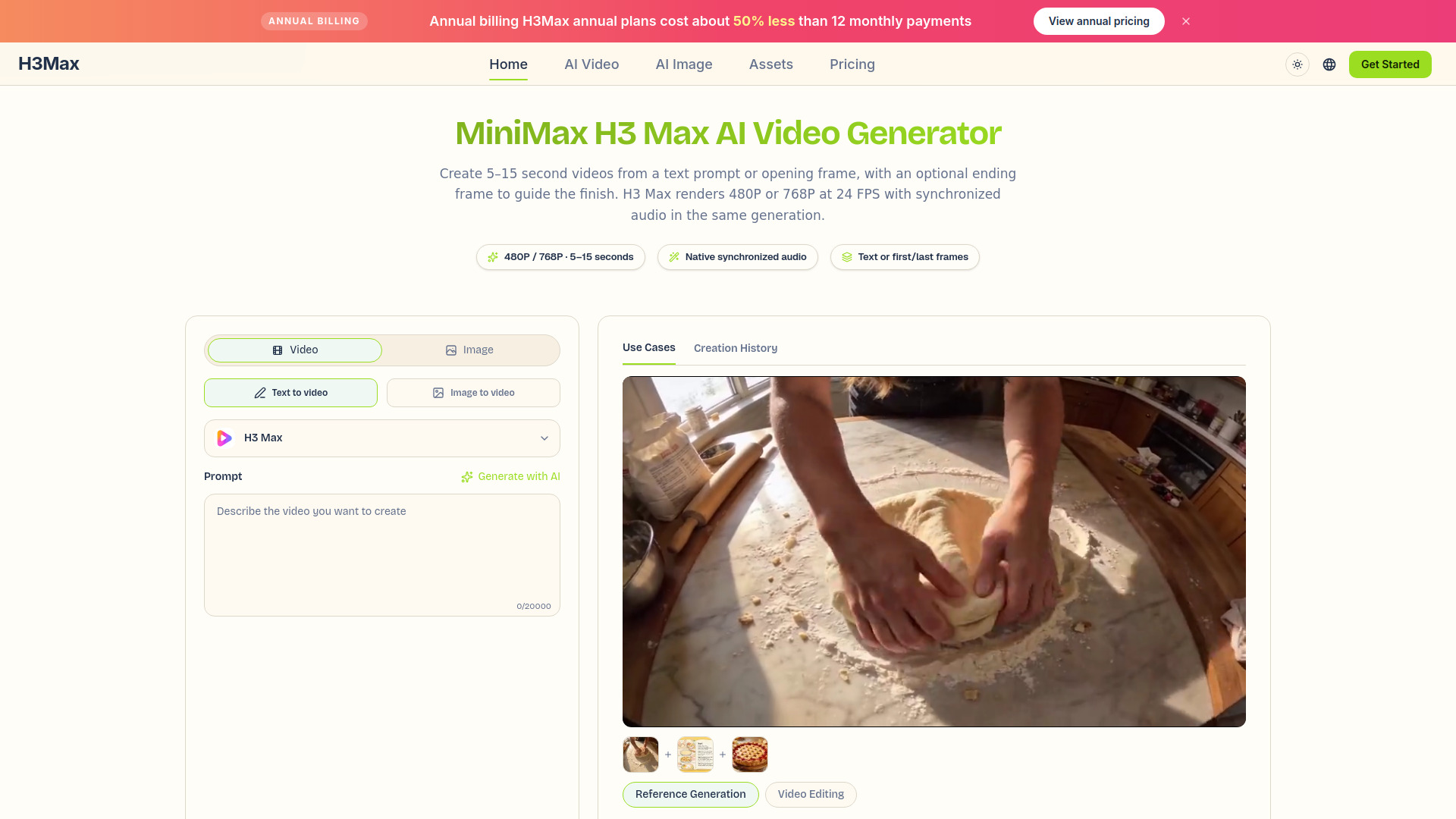
10. h3max.io

- Video creators
- Text/image-to-video with synchronized audio
- Starts at Lite: $29.90 per month
- Usage signal: Not listed
Why it matters
h3max.io is the list's outlier and should be considered an adjacent alternative, not a conventional website builder. Its strength is visual content: text-to-video prompts up to 7,000 characters, first-frame and optional last-frame image guidance, and native synchronized stereo audio covering ambience, music, dialogue, and effects. For a creator building a media-heavy site, product launch page, or campaign asset, that capability may matter more than another template library. It ranks last for this category because the core task is video generation rather than no-code website creation, and the H3 Max variant is limited to 480P or 768P output and five- to 15-second clips.
Best for
Video creators producing assets for a broader web project
Teams that need synchronized audio generated with video
Users experimenting with text-to-video or image-to-video workflows
Limitations
It is an adjacent visual-production tool, not a standard website builder
H3 Max is limited to 480P or 768P and five- to 15-second clips
Multi-reference generation and existing-video editing require standard H3 rather than H3 Max
Shortlist signal: Consider h3max.io only when the website project depends heavily on original video and synchronized audio.
What to test before choosing
A polished AI draft can hide the parts that determine whether a site is genuinely usable. Run the same short test brief through your finalists: business name, audience, three services, one call to action, and the pages you need. Then check the following before comparing another feature list:
Editing recovery: Can you fix a wrong headline, section order, image, or button without regenerating the entire page?
Free-plan boundaries: Confirm page counts, storage, AI generations, saved-design duration, ads, and custom-domain rules.
Publishing path: Look for the steps between preview and a live site. Export, hosting, and one-click publishing are not interchangeable.
Mobile behavior: Resize the preview and inspect navigation, text wrapping, buttons, and image crops.
Content ownership and portability: If export matters, verify exactly what can be downloaded or moved elsewhere.
Growth requirements: Test whether the product supports the next likely need, such as a blog, store, additional pages, or dynamic behavior.
Pricing clarity: Front Maker and Makeasite require a vendor pricing check, while other products show specific entry points or free allowances.
The best free website maker is the one that survives this test with the fewest unpleasant surprises. A smaller free allowance can still be worthwhile if the editor, publishing route, and upgrade path fit your project.
What to do next
Start with two tools, not all 10. For most small-business buyers, that means Mobirise plus either Universe or CreateWebsite.io. For a prompt-first experiment, compare Makeweb.ai with Makeasite. For a freelancer producing several concepts, compare GoodWeb with MakeMyWeb.ai.
Build the same one-page brief in both finalists and record three things: how long it takes to reach a credible draft, how easy it is to correct the draft, and what is blocked by the free plan. Then check the vendor's current pricing, domain rules, and publishing terms immediately before launch. This process is more reliable than choosing solely by score, because the top two tools can be equally strong while serving very different workflows.
Common mistakes when choosing from a complex top list
Treating a free plan as a permanent business plan: A free site may include ads, limited pages, short save periods, or no custom domain.
Confusing generation with editing: A fast first draft does not guarantee that the builder lets you make precise changes afterward.
Ignoring the site type: Static business pages, stores, blogs, and dynamic websites have different technical needs.
Overvaluing a single AI feature: Screenshot generation or one-word prompts are useful only if the resulting site can be edited and published effectively.
Skipping mobile review: Responsive design should be inspected, not assumed from a product description.
Comparing unlike tools as if they were substitutes: h3max.io can be valuable for web-content production, but it does not replace a no-code site builder.
Assuming the cheapest visible price is the real cost: Check transaction fees, domain upgrades, storage, page limits, and what the listed package actually includes.
Failing to test export or migration: If you may move hosts later, portability should be part of the first trial, not an emergency discovery.
FAQ
Mobirise AI Website Builder ranks first because it combines AI generation, no-code drag-and-drop editing, offline mode, and export and publish flexibility. Its free version still has limited advanced features, so confirm the exact plan before building a business-critical site.