
Finding the top ai avatar generator depends less on a flashy sample image than on what you need to do after generation. A polished executive portrait, an anime profile picture, a talking avatar video, and a set of pet illustrations are different jobs. This field guide compares 10 tools across those use cases, with a close look at input requirements, free access, output style, pricing, and the friction you will encounter before downloading a finished image.
Start here
Use this quick path before reading every review:
For polished professional video and executive content: AvatarCraft AI
For a free, easy social avatar maker: Avatar Maker
For quick style experiments: Avatarify AI
For prompt-driven image and face-swap work: BikinAvatar.com
For photorealistic creator and influencer images: Photo AI
For anime, manga, and chibi profiles: mangaavatar
For pet portraits without creating an account: AiPetAvatar.com
The important split is between tools that create one-off profile images and platforms that build a reusable visual identity. The former are cheap and immediate. The latter usually ask for more photos, more patience, or a paid plan, but they can support a much wider content workflow.
Segment comparison
| Segment | Strongest fit | What it does well | Main trade-off |
|---|---|---|---|
| Professional and video avatars | AvatarCraft AI | Talking avatars, ads, lip-sync video | Requires personal photo uploads |
| Free social portraits | Avatar Maker | Anime, 3D, and cartoon styles | Output quality depends on the input photo |
| Prompt-led visual creation | BikinAvatar.com | Text-to-image, image-to-image, faceswap | Pay-per-image workflow and prompt learning curve |
| Photorealistic creator content | Photo AI | Personal AI models and influencer imagery | Model training can take 1-2 hours |
| Character and pet avatars | mangaavatar / AiPetAvatar.com | Fast stylized portraits and pet sets | Narrower use cases than general portrait tools |
Shortlist paths
| Your priority | Start with | Why |
|---|---|---|
| Spend nothing before testing | Avatar Maker | Free access and a simple style-first workflow |
| Produce a professional avatar video | AvatarCraft AI | Text or audio can become talking avatar content |
| Get many anime styles quickly | mangaavatar | Anime, manga, cartoon, chibi, pixel art, and western comic styles |
| Create a batch of realistic personal images | Photo AI | Trains an AI model from selfies for photorealistic output |
| Make nine pet images from one upload | AiPetAvatar.com | Simple three-step process and no account required |
Ranking snapshot
| Rank | Tool | Score | Best for | Starting price |
|---|---|---|---|---|
| #1 | AvatarCraft AI | 96/100 | Executives | Free: 0 |
| #2 | Avatar Maker | 95/100 | Social media users | Check vendor pricing |
| #3 | Avatarify AI | 95/100 | Social media users | Download: $0.97 |
| #4 | BikinAvatar.com | 95/100 | Social media users | Check vendor pricing |
| #5 | AI Avatar | 92/100 | Content creators | Check vendor pricing |
| #6 | AI Avatar Generator | 92/100 | Social media users | Free: $0 |
| #7 | Photo AI | 92/100 | Photographers | Starter: $19/month |
| #8 | AI Avatar Generator | 92/100 | Gamers | Check vendor pricing |
| #9 | mangaavatar | 92/100 | Gaming streamers | Starter: $4.9/month |
| #10 | AiPetAvatar.com | 92/100 | Pet owners | 9 images: $4.99 |
How we grouped and ranked the list
We treated avatar generation as a set of related workflows rather than a single feature. First, we separated one-click photo stylizers from tools that support prompts, faceswaps, talking avatars, or a trained personal model. That distinction matters: a tool can be excellent for a profile image and still be a poor choice for a campaign with repeated characters.
The score reflects the usefulness of the stated feature set, clarity of the intended audience, free access, price visibility, and the practical limits attached to each workflow. We also considered market signals where they were available. A missing usage signal did not automatically hurt a tool, but unclear pricing and restrictive downloads affect the buying experience. Because avatar results depend heavily on the source photo, upload requirements are called out repeatedly rather than buried in a footnote.
Ranked field notes
1. AvatarCraft AI

- Executives
- Free access mentioned
- Starts at Free: 0
- Usage signal: 12.1K
Why it matters
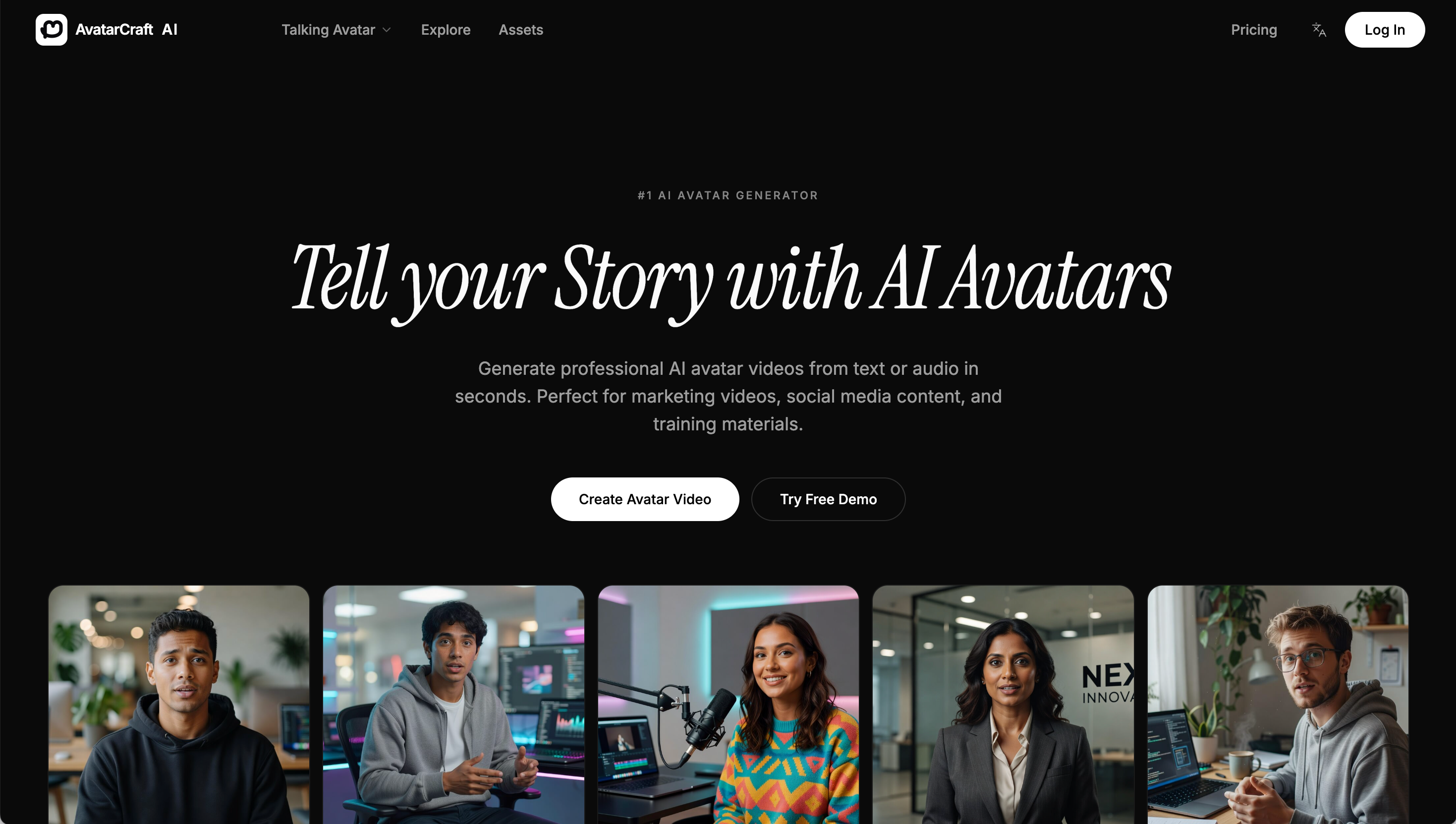
AvatarCraft AI earns the first position because it reaches beyond a static profile picture. Its AI talking avatars, avatar video ads, and lip-sync video generation make it the most useful choice here when the finished asset needs to speak, sell, or teach. Executives can turn text or audio into professional avatar videos for marketing, social media, and training materials without stitching together several separate tools. The catch is that this is a photo-dependent workflow: better source images should produce more convincing results, and the product requires uploading personal photos.
Best for
Executives building repeatable video introductions or training content
Marketing teams creating avatar-led video ads
Users who want talking and lip-synced content instead of a still image
Limitations
Requires uploading personal photos
Results depend on the quality of uploaded photos
Its strongest features are video-oriented, so it may be more than you need for one profile image
Shortlist signal: Add AvatarCraft AI when your avatar needs to speak, lip-sync, or appear in recurring business video content.
2. Avatar Maker

- Social media users
- Free plan available
- Starts at Check vendor pricing
- Usage signal: 1.3K
Why it matters
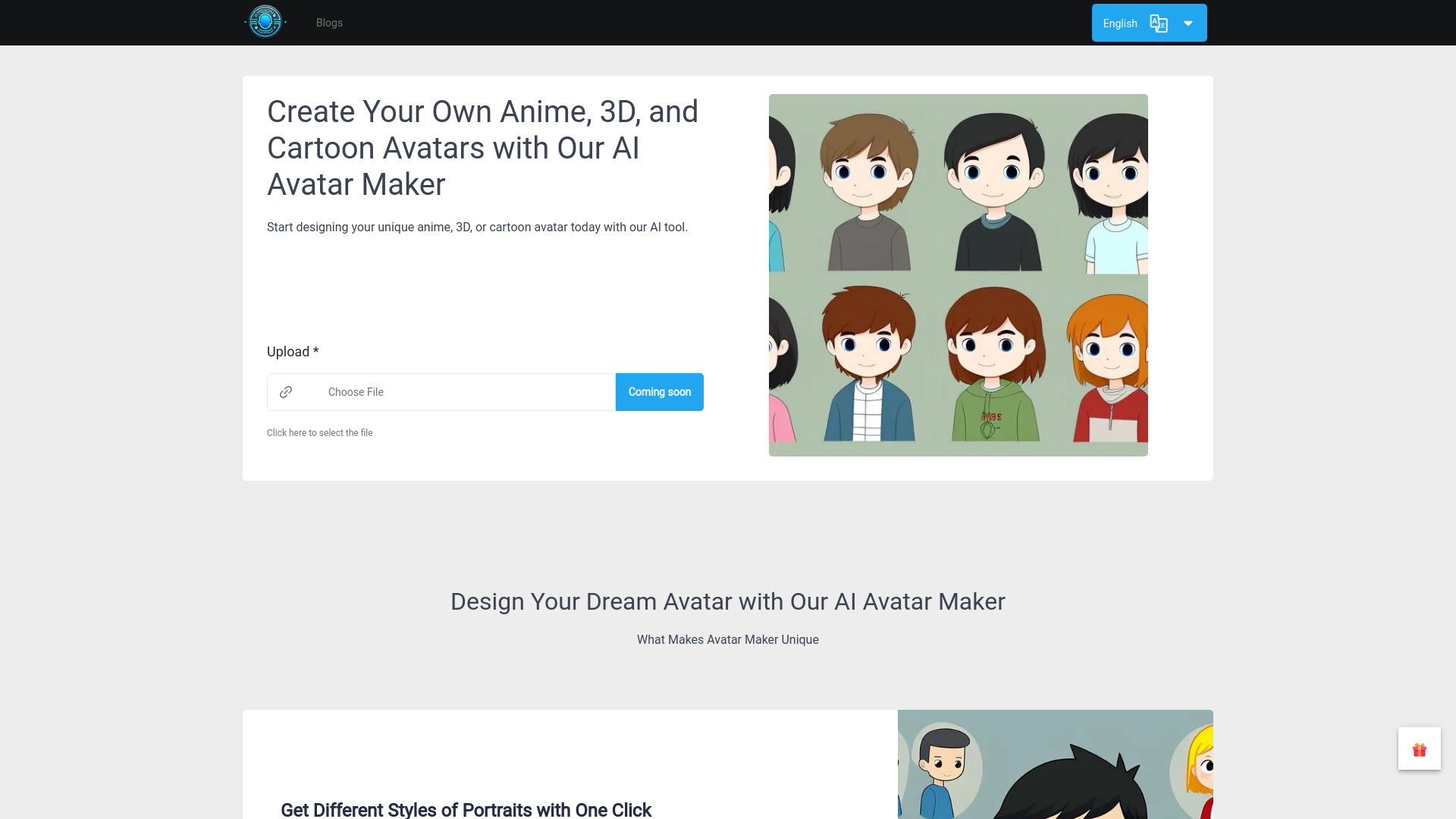
A broad style menu is the reason Avatar Maker lands so high. It focuses on AI-powered avatar generation with anime, 3D, and cartoon treatments, plus customizable expressions. That makes it a practical starting point for anyone who wants a recognizable social profile image without learning a complicated prompt interface. I would choose it before a more expensive personal-model platform when the goal is experimentation rather than photorealistic brand consistency. Photo input still matters, and the exact paid terms are something to confirm before relying on it for bulk work.
Best for
Social media users testing several visual identities
People who want anime, cartoon, or 3D options in one place
Beginners who value a user-friendly interface
Limitations
May require a photo upload
Output quality depends on the input photo
Pricing details should be checked with the vendor before purchase
Shortlist signal: Choose Avatar Maker when you want a free, low-friction way to compare cartoon, anime, and 3D profile styles.
3. Avatarify AI

- Social media users
- 10 free previews daily
- Starts at Download Avatar: $0.97
- Usage signal: 1.0K
Why it matters
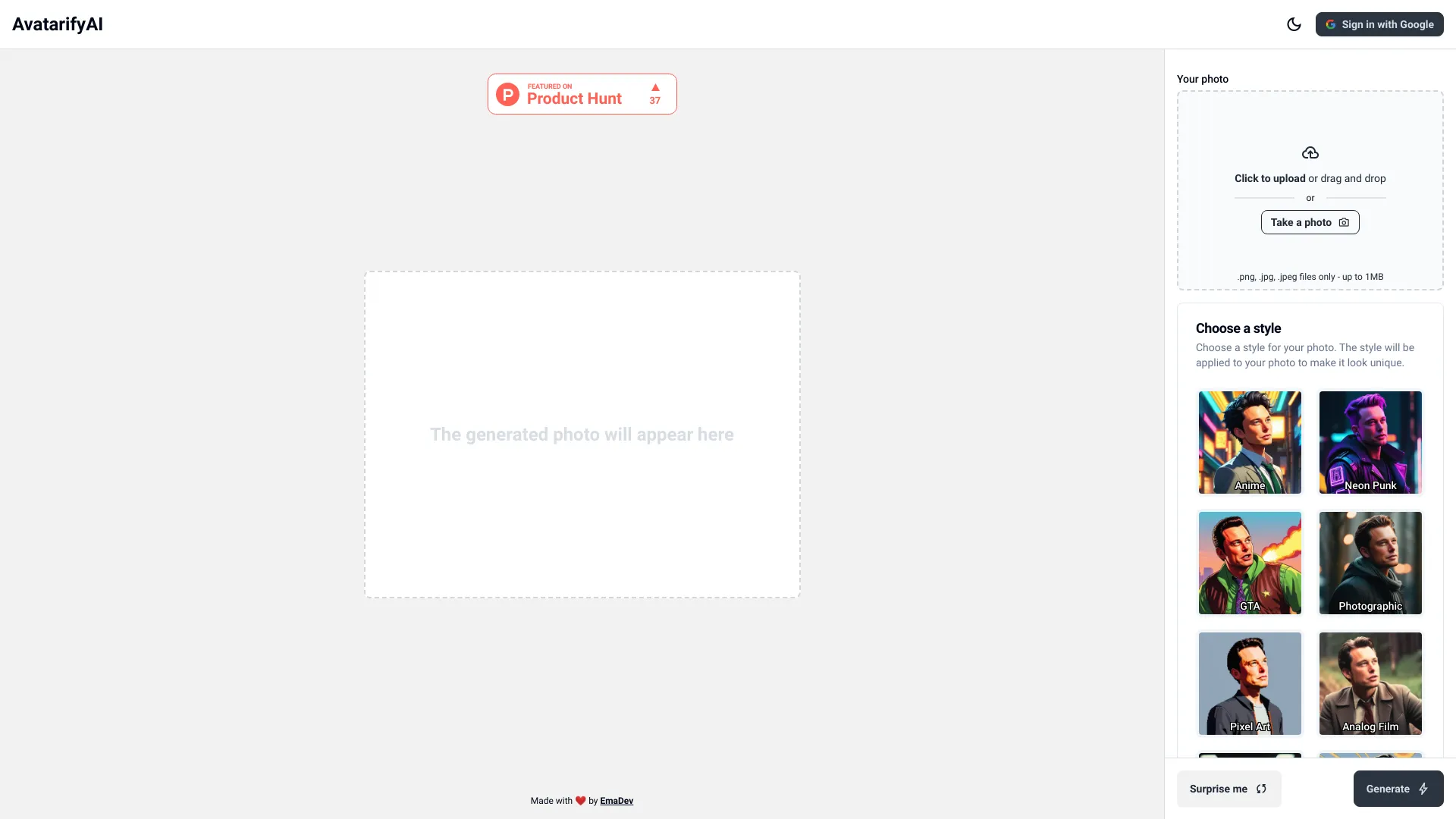
Avatarify AI keeps the interaction straightforward: upload a photo, choose a direction, and explore multiple avatar styles. The menu includes familiar anime treatments and a Studio Ghibli-style option, while custom style creation gives adventurous users more control than a fixed filter collection. Ten free previews per day are enough to compare ideas, but the economics change at download time. You can preview freely, yet downloading costs money, starting at $0.97 per avatar. That is reasonable for a single image, less attractive when you need a large batch.
Best for
Social users who want fast style exploration
Buyers comparing several looks before committing to a download
People who prefer photo-based generation over text prompting
Limitations
Downloads require payment
The free preview allowance is limited to 10 per day
Results still depend on the quality and suitability of the source photo
Shortlist signal: Put Avatarify AI on your list when previews matter more than an unlimited free download tier.
4. BikinAvatar.com
- Social media users
- Free plan available
- Starts at Check vendor pricing
- Usage signal: 621
Why it matters
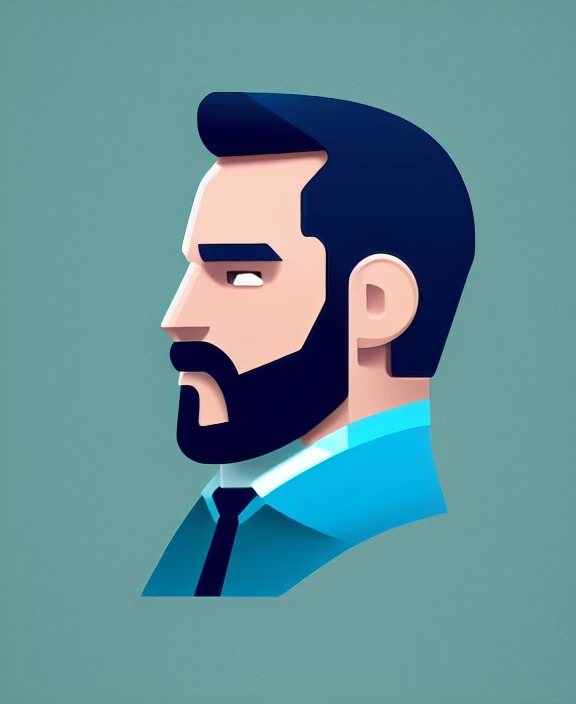
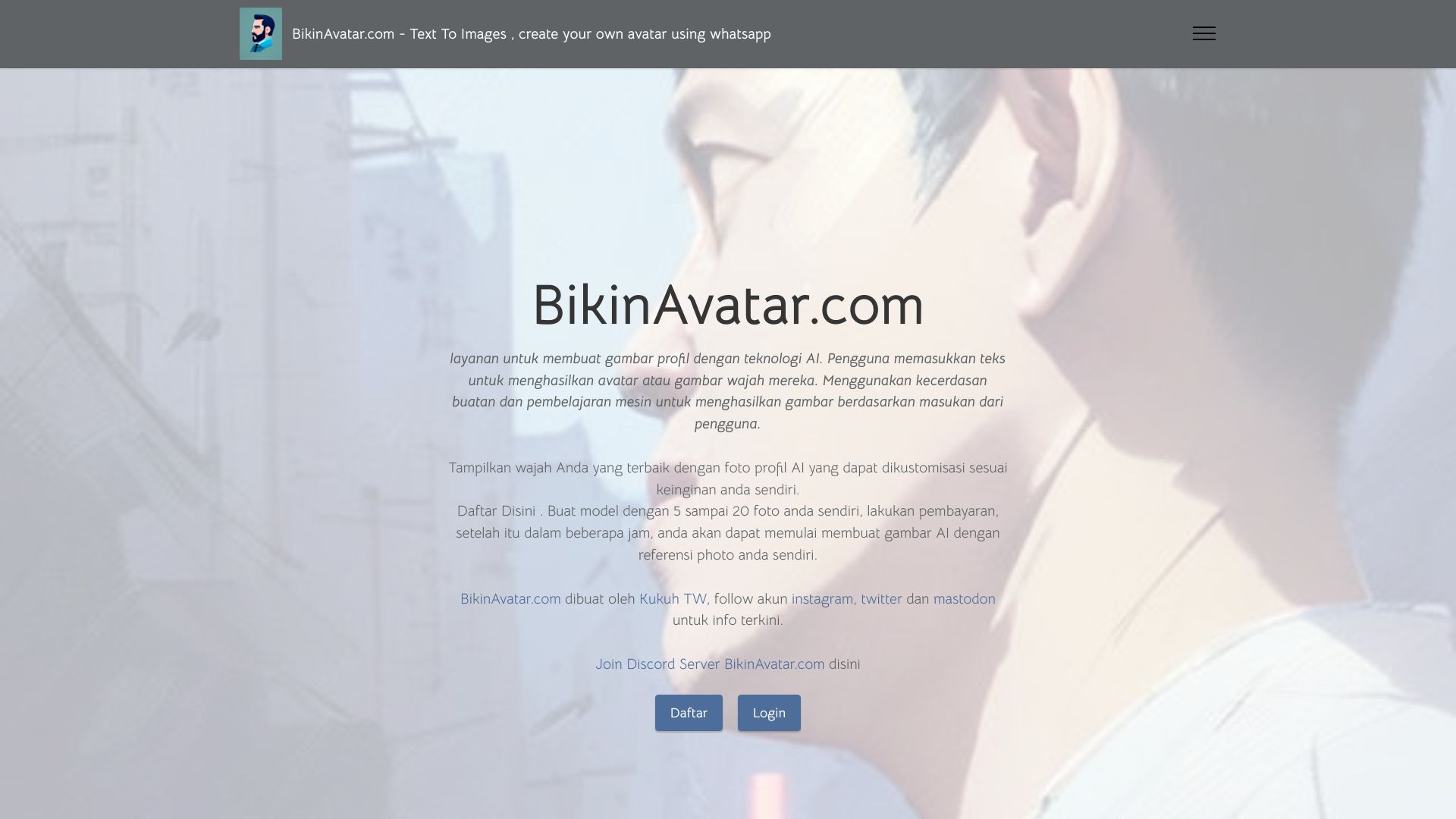
BikinAvatar.com is the outlier for users who want to direct the image rather than simply select a preset. Text-to-image and image-to-image generation support more open-ended avatar concepts, while faceswap and talking avatar features broaden the possible output. Access to Midjourney, Stable Diffusion, and D-ID technologies gives the platform an unusually wide technical mix for this list. That flexibility comes with a cost: per-image payment and the need for reasonably specific prompts. It is better suited to an experimental creator than to someone seeking a single automatic headshot.
Best for
Social creators who want prompt-led profile artwork
Users combining uploaded photos with generated scenes
Experimenters interested in faceswap and talking avatar workflows
Limitations
Requires payment per image
Best results may require specific prompting skills
The broad toolset can feel less focused than a one-click avatar maker
Shortlist signal: Choose BikinAvatar.com when control over prompts, scenes, and image transformations matters more than simplicity.
5. AI Avatar
- Content creators
- 12 free AI-generated avatars
- Starts at Check vendor pricing
- Usage signal: Usage signal not listed
Why it matters
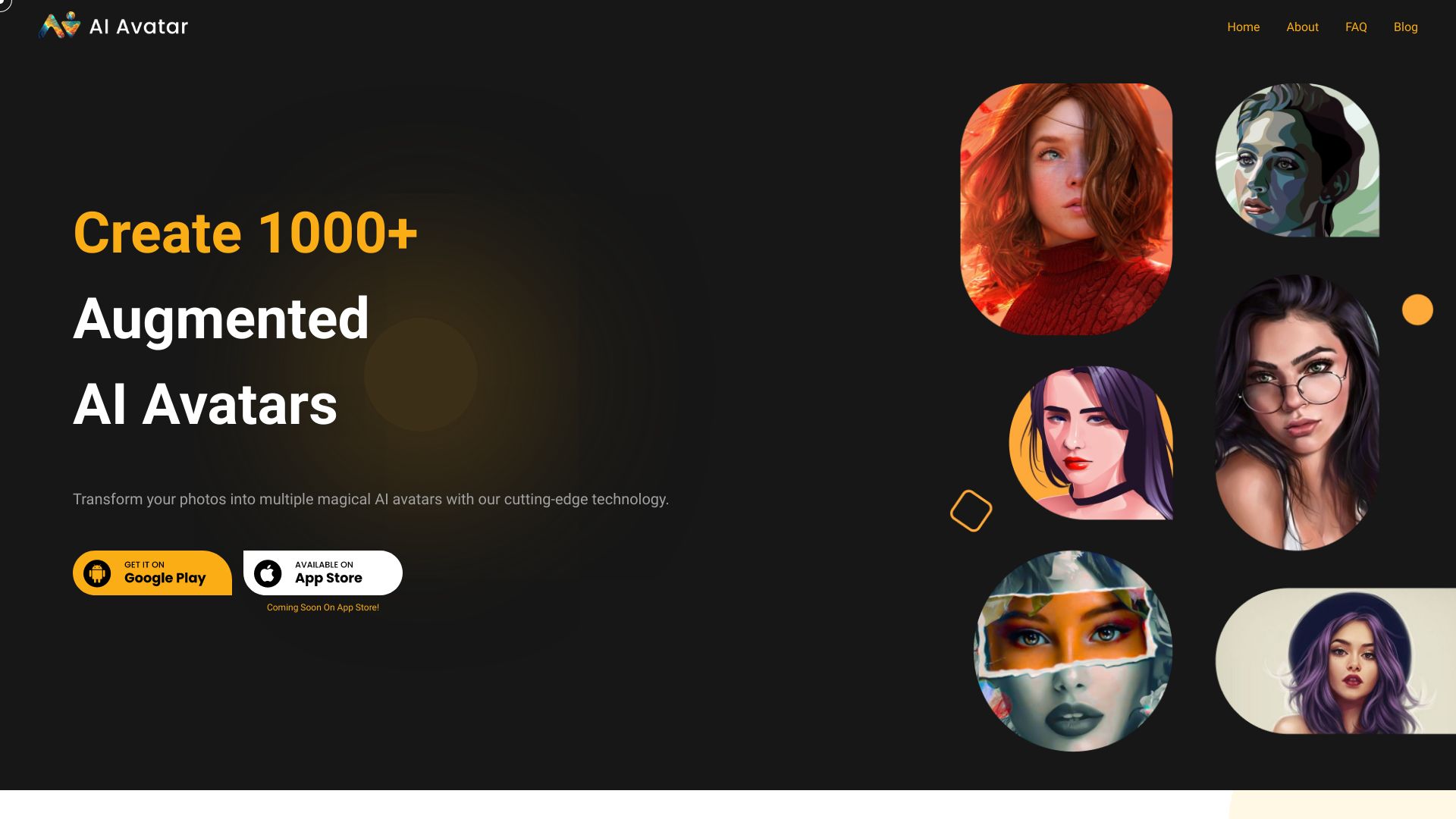
AI Avatar takes a collection-first approach. It combines AI avatar generation with photo enhancement and creative AI collections, giving content creators a way to produce a set of picturesque portrait variations from their photos. Twelve free generated avatars make the first test relatively approachable. The limitation is important, though: the generated avatars cannot currently be customized, and avatar generation is not entirely free. This works best when you are happy to curate from the results rather than fine-tune every detail.
Best for
Content creators assembling a selection of portrait looks
Users who want photo enhancement alongside avatar generation
Buyers who prefer a guided collection over prompt engineering
Limitations
Generated avatars cannot currently be customized
Avatar generation is not free beyond the stated free allowance
Pricing should be confirmed before planning a larger content batch
Shortlist signal: Add AI Avatar when you want several polished portrait options and can accept limited post-generation control.
6. AI Avatar Generator

- Social media users
- 1 free generation
- Starts at Free: $0
- Usage signal: Usage signal not listed
Why it matters
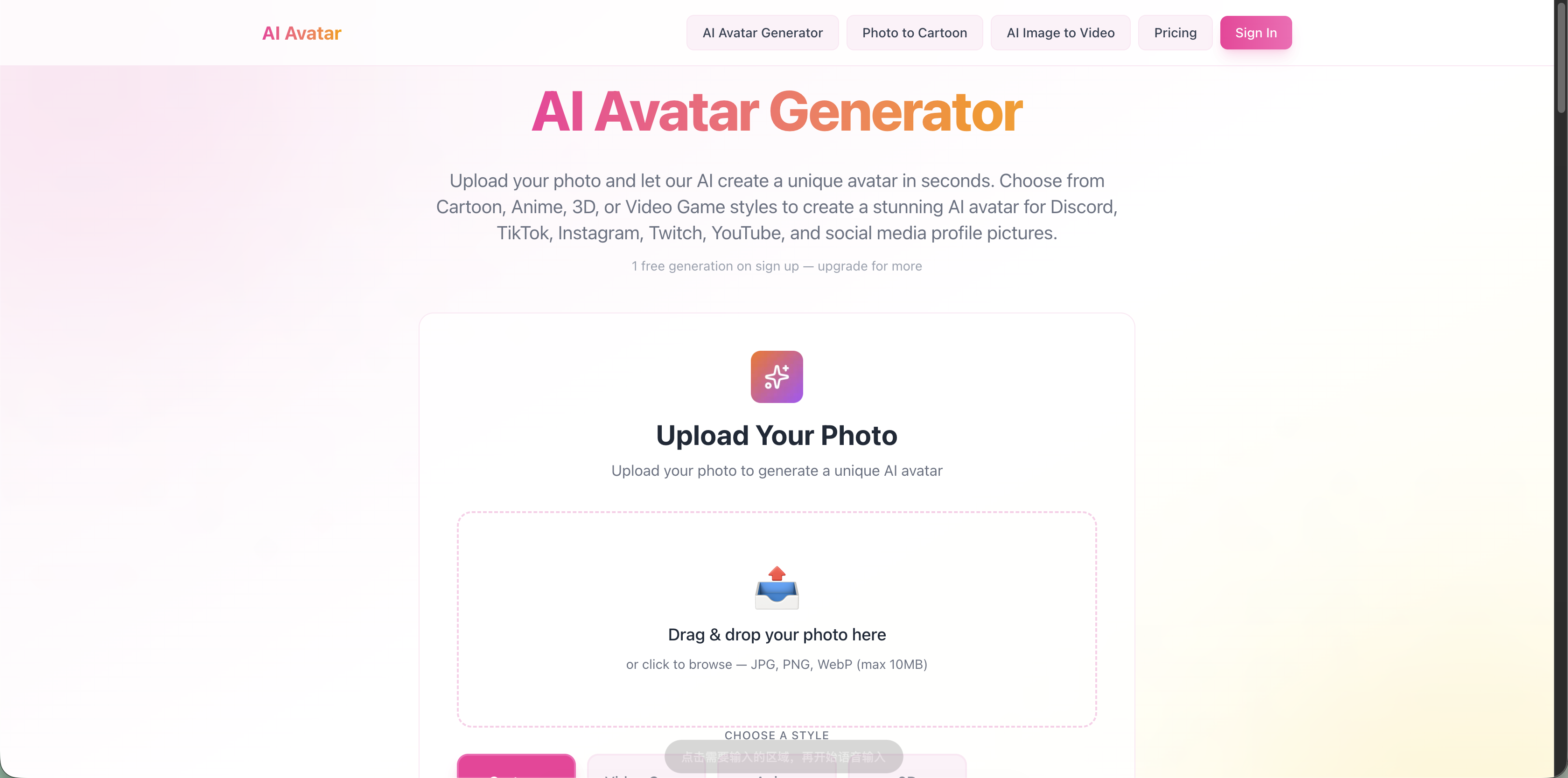
Speed and simplicity define this AI Avatar Generator. Automatic style transformation turns a photo into a cartoon, anime, 3D, or video-game avatar, with output up to 1024x1024. That is a useful resolution for many social profiles and digital communities, and the workflow does not demand design skills. The free tier is intentionally narrow: it includes one generation and a watermark. Treat it as a quick proof of concept, not as a full free production plan; the listed paid access starts at $9.99 per month.
Best for
Social media users who need a fast profile image
Beginners who want automatic style selection
Users looking for cartoon, anime, 3D, or video-game treatments
Limitations
The free version includes a watermark
The free tier allows only one generation
Ongoing use requires weighing the $9.99/month starting point
Shortlist signal: Use this option when fast, high-resolution style transformation is more important than a generous free tier.
7. Photo AI

- Photographers
- 48 free photos per AI model
- Starts at Starter: $19 per month
- Usage signal: Usage signal not listed
Why it matters
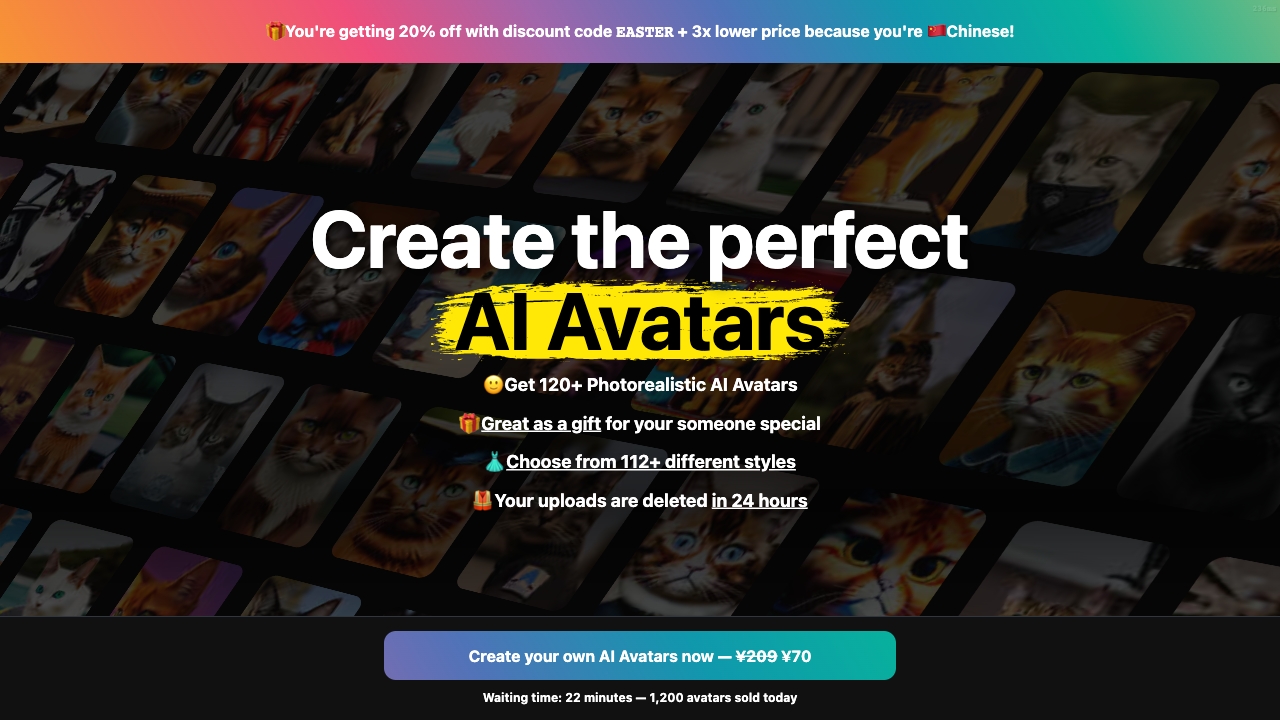
Photo AI is the serious option for people who need more than a single avatar. It creates an AI model from selfies, then uses that model for photorealistic images and videos. The AI influencer design feature also points toward repeatable creator work rather than a one-off profile refresh. Forty-eight free photos per AI model provides a meaningful way to evaluate the workflow, while the Starter plan is listed at $19 per month. Expect a longer setup: training can take one to two hours, and you need to upload personal photos before the model becomes useful.
Best for
Photographers and creators producing multiple realistic looks
Users building an AI influencer or recurring visual persona
People who value photorealistic image and video generation
Limitations
Requires uploading personal photos to create the model
Training can take 1-2 hours
A personal-model workflow is unnecessary if you only need one stylized icon
Shortlist signal: Pick Photo AI when you need a reusable photorealistic identity for a series of images or videos.
8. AI Avatar Generator
- Gamers
- Free plan available
- Starts at Check vendor pricing
- Usage signal: Usage signal not listed
Why it matters
This AI Avatar Generator is aimed at users who want more than a face conversion. Face-swapping technology, customizable styles and details, and Midjourney integration for scene creation make it a natural fit for gaming identities and imaginative profile art. The free access makes it worth testing before paying, but the experience remains input-sensitive: a weak source photo can limit the result. An optional occupation field may also be less useful for users who are building fictional or gaming personas.
Best for
Gamers creating a recognizable online identity
Users who want customizable styles and scene creation
People experimenting with face swaps and Midjourney-based compositions
Limitations
Results depend on the quality of the uploaded photo
The optional occupation field may not suit every user
Pricing details should be verified before committing to repeated use
Shortlist signal: Consider it when your avatar needs to live inside a broader scene, not just sit in a square profile frame.
9. mangaavatar

- Gaming streamers
- Generate anime avatars instantly
- Starts at Starter: $4.9 / month
- Usage signal: Usage signal not listed
Why it matters
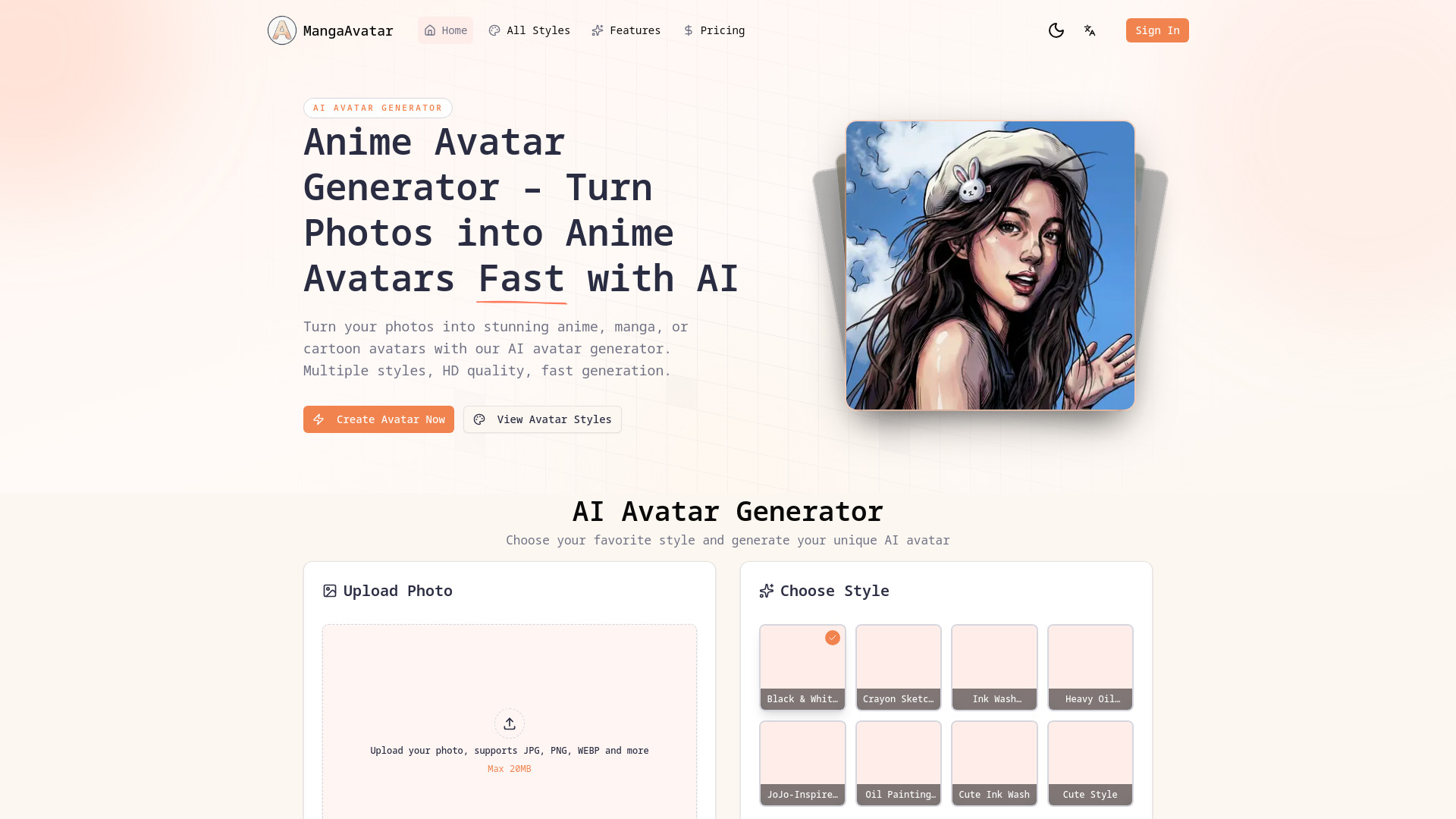
For anime and manga identities, mangaavatar is the focused specialist. It supports anime, manga, cartoon, chibi, pixel art, and western comic styles, and its facial and feature recognition also works with people and pets. Generation takes roughly 10-30 seconds, which suits streamers and community users who want to iterate quickly. You do need to sign in, and generations cost credits, so the free wording should not be mistaken for unlimited production access. The $4.9/month Starter price is comparatively accessible for recurring stylized work.
Best for
Gaming streamers refreshing profile and channel artwork
Anime, manga, chibi, and pixel-art fans
Users who want fast generation from photos of people or pets
Limitations
Sign-in is required to generate avatars
Generations use credits, implying a paid usage model
It is less suitable for realistic executive or corporate portraits
Shortlist signal: Choose mangaavatar when a strong anime or gaming aesthetic is the point of the avatar, not an optional style.
10. AiPetAvatar.com
- Pet owners
- Free plan available
- Starts at 9 AI generated images: $4.99
- Usage signal: Usage signal not listed
Why it matters
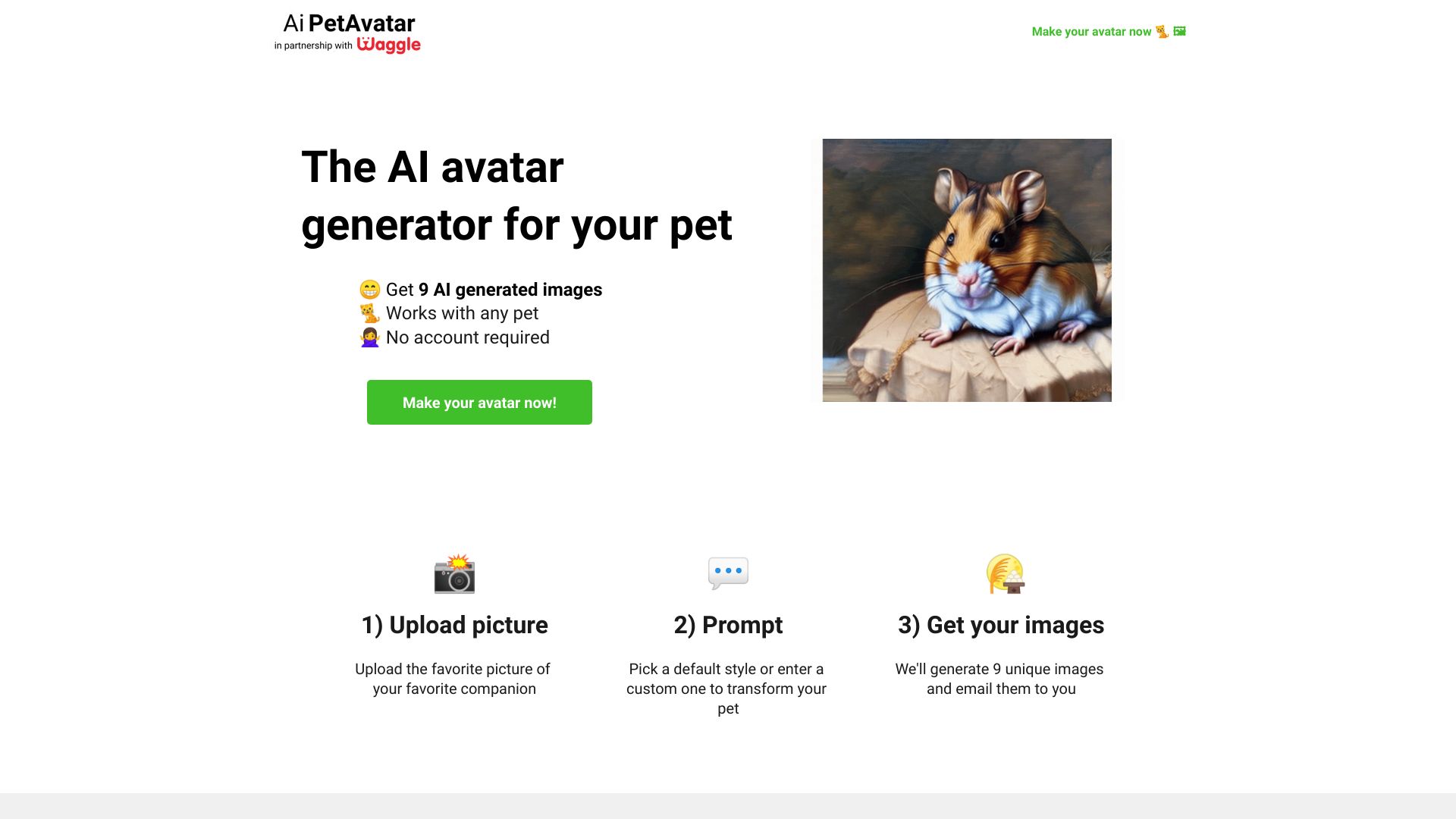
AiPetAvatar.com earns its place by doing one narrow job cleanly. Upload a pet photo, choose or prompt a style, and receive nine generated images. The three-step process requires no account, which removes the registration friction found in many creative tools. At $4.99 for nine images, it is easy to understand as a one-time purchase. This is not the right choice for a professional human headshot or a reusable video character, but for pet owners it is more relevant than a general portrait generator with a dozen unrelated settings.
Best for
Pet owners creating a set of themed portraits
Buyers who want a simple upload-and-generate workflow
Users who do not want to create an account first
Limitations
Requires a one-time payment
No refunds are offered
The product is specialized for pets rather than general human avatars
Shortlist signal: Put AiPetAvatar.com first for pet artwork, but skip it for professional or human social avatars.
What to test before choosing
A convincing demo image is not enough. Run the same small test across your finalists:
- 1
Use a representative source photo. Test a head-and-shoulders image with the lighting and framing you normally have. Since several tools explicitly depend on input quality, a perfect studio photo can create an unrealistic impression of everyday results.
- 2
Check identity retention. Compare eyes, hair, face shape, glasses, facial hair, and other details. Stylized tools can be attractive while quietly losing the traits that make an avatar recognizable.
- 3
Try the intended format. A square social image, a photorealistic creator series, a talking video, and a pet image are not interchangeable. Test the exact format you plan to publish.
- 4
Read the download rules. Avatarify AI separates free previews from paid downloads, while the squarefacegenerator.ai tool places a watermark on its free output. These details can matter more than the headline free offer.
- 5
Measure setup time. A one-click generator and a personal AI model solve different problems. Photo AI can take 1-2 hours to train, which is acceptable for repeat content but excessive for a single profile image.
- 6
Price a real batch. Do not compare a monthly plan with a single-image price until you know your expected volume. Count previews, downloads, credits, and the number of usable images you receive.
- 7
Consider photo sensitivity. Uploading personal photos is central to several tools. Before using an avatar for work, confirm how the vendor handles those images and whether the result fits your privacy expectations.
What to do next
Start with one tool from the segment that matches your actual output. For a professional talking avatar, test AvatarCraft AI. For a free style comparison, begin with Avatar Maker or Avatarify AI. For repeated photorealistic creator images, allow time for Photo AI's model workflow. For a specialized identity, use mangaavatar for anime work or AiPetAvatar.com for pets.
Then make a small, consistent test set: one source photo, three styles, and the final download format you need. Keep only tools that produce a usable result without an uncomfortable pricing or account step. This approach is more reliable than chasing the highest score alone, especially when several tools cluster around the same rating.
Common mistakes when choosing from a complex top list
Treating every avatar as the same product. A still cartoon portrait and a talking video avatar serve different jobs.
Equating free previews with free ownership. Preview quotas, watermarks, paid downloads, and credits can change the real cost.
Ignoring the source-photo requirement. A tool that needs personal photos may not fit your privacy policy or content workflow.
Choosing customization before testing quality. More controls do not help if the generator loses the subject's identity.
Comparing one-time purchases with subscriptions without doing the math. Price per usable image is the better comparison for occasional users.
Overlooking style mismatch. A photorealistic generator may be wrong for a gaming channel, while an anime specialist may be wrong for a company profile.
Assuming a high score guarantees the best avatar. The best ai avatar generator for one audience can be a poor fit for another.
FAQ
AvatarCraft AI ranks first because it combines realistic avatar creation with talking avatars, avatar video ads, and lip-sync video generation. It is the strongest overall match when you need business or training video, not only a static profile image.