
Choosing accounting software is less about finding one universal winner and more about matching the product to the way your finance work actually happens. This field guide compares the top accounting software across 10 tools, from CFO-grade reporting and real-time reconciliations to freelancer invoicing, AI bookkeeping, accounting research, and embedded finance infrastructure. The result is a practical shortlist for readers comparing different segments rather than another generic list of invoicing apps.
Start here
The strongest choice depends on your operating model. A CFO comparing financial reporting platforms should start with insightsoftware, while a freelancer who wants invoicing and tax workflows will get a much better fit from Accountable. Kick and Tabby are the most direct places to investigate if you want bookkeeping automation without building a finance stack yourself.
Best overall match for CFOs: insightsoftware - Broad reporting, business intelligence, budgeting, and planning across 140+ ERP and EPM solutions.
Best for freelancers: Accountable - Invoicing, E-Rechnungen, expense scanning, and tax management with a free invoicing option.
Best for automated bookkeeping: Kick - Self-driving bookkeeping, transaction categorization, and deduction identification.
Best free AI bookkeeping option: Tabby - Automates up to 80% of bookkeeping tasks and starts at $0 per month.
Best for software-company finance: Quanta - Real-time accounting, reconciliations, revenue recognition, and access to a dedicated accounting expert in Slack.
The remaining tools are more specialized. Fortune is built around decision support and cash flow, AIAccountingApps.com helps accountants discover other products, Accounting Solver AI is a lightweight educational and task-automation tool, and AccelBooks targets SaaS platforms that want accounting inside their own product. C2Anime is the clear category outlier: it is a broader creative studio, not a conventional accounting product, but it appears in this comparison as an adjacent tool rather than a finance recommendation.
Segment comparison
| Segment | Best fit | Standout capability | Main buying question |
|---|---|---|---|
| Enterprise finance | insightsoftware | Reporting and business intelligence | Do you need broad ERP/EPM connectivity? |
| Freelancer accounting | Accountable | E-invoicing and expense recognition | Does the tax workflow fit your business structure? |
| Automated bookkeeping | Kick | Self-driving categorization | How much review do you want to retain? |
| Small-business AI | Tabby | Expense tracking and deductions | Is a free starting point enough for your books? |
| Embedded accounting | AccelBooks | APIs, components, and report builder | Are you building finance into a SaaS product? |
This segmentation matters because a high score does not make every product interchangeable. The comparison of top accounting software is really a comparison of workflows: close and report, invoice and file, categorize and reconcile, or embed financial functionality inside another application.
Shortlist paths
| Your situation | Start with | Add to the shortlist if... |
|---|---|---|
| You run finance for a complex organization | insightsoftware | You need reporting across multiple ERP or EPM systems |
| You are a freelancer or sole operator | Accountable | E-Rechnungen and expense scans are central to your work |
| You want bookkeeping to run with minimal manual input | Kick | You are comfortable reviewing automated categorization |
| You want free or low-cost AI bookkeeping | Tabby | Automated expense tracking and tax-ready reports cover your needs |
| You sell software and need native accounting features | AccelBooks | APIs and white-label UI matter more than a standalone ledger |
For a broader top 10 accounting software search, use these paths as filters rather than treating the ranking as a one-size-fits-all verdict. The right product is the one that reduces the most important source of financial friction without creating a new review burden.
Ranking snapshot
| Rank | Tool | Score | Best for | Starting price |
|---|---|---|---|---|
| #1 | insightsoftware | 93/100 | CFOs | Check vendor pricing |
| #2 | Accountable | 93/100 | Freelancers | FREE invoicing: 0€ |
| #3 | Kick | 93/100 | Entrepreneurs | Check vendor pricing |
| #4 | Tabby | 92/100 | Small businesses | FREE: $0 |
| #5 | Quanta | 92/100 | Founders | Check vendor pricing |
| #6 | Fortune App | 92/100 | Entrepreneurs | Basic: $10/mo |
| #7 | AIAccountingApps.com | 92/100 | Accountants | Check vendor pricing |
| #8 | Accounting Solver AI | 91/100 | Students | Check vendor pricing |
| #9 | AccelBooks | 89/100 | SaaS platforms | Check vendor pricing |
| #10 | C2Anime | 87/100 | Anime creators | Creator: $29.00 per month |
How we grouped and ranked the list
We grouped the tools by the job they appear designed to perform, not by forcing every product into the same traditional accounting-software bucket. Reporting and business intelligence deserve different criteria from freelancer tax management, while an embedded accounting API should be judged on integration value rather than on the experience of a small-business bookkeeper.
Scores combine three practical signals: feature depth, audience fit, and market activity. Feature depth looks at the capabilities explicitly associated with each product, such as reporting, reconciliations, auto-categorization, expense tracking, or APIs. Audience fit asks whether those capabilities line up with the intended buyer. Market activity uses the supplied monthly-visit signal where available, but traffic is not a substitute for accounting quality.
That approach explains the tight scores near the top. insightsoftware, Accountable, and Kick all score 93/100, but they solve very different problems. A high score means a strong match within a segment, not that a freelancer should buy an enterprise reporting suite. Pricing also deserves caution: where a vendor requires a sales conversation or does not present a clean starting price, we say so instead of guessing.
Ranked field notes
1. insightsoftware

- CFOs managing reporting and planning
- Free access details not listed
- Starts at Check vendor pricing
- Usage signal: 247.7K
Why it matters
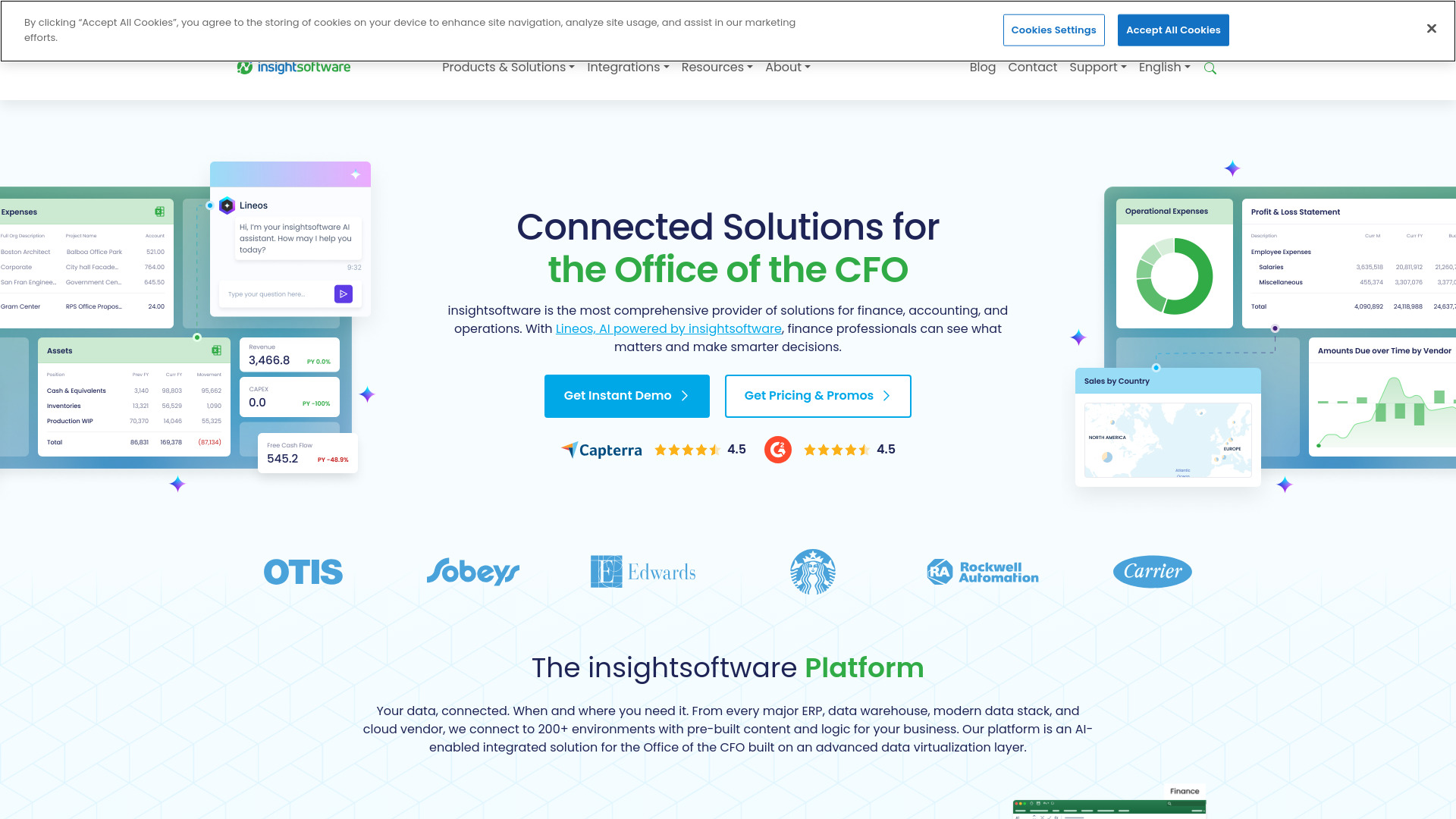
CFOs rarely need just a ledger. They need reporting, business intelligence, budgeting, and planning that can draw from the systems already running the organization. insightsoftware stands out because it connects to 140+ ERP and EPM solutions while pairing financial reporting with fast analytics dashboards. That combination gives it the broadest strategic-finance profile in this ranking. The catch is predictable: the product breadth can feel overwhelming, and pricing is behind a sales conversation, so smaller teams should confirm the implementation scope before investing time.
Best for
CFOs and finance leaders coordinating data across ERP or EPM systems
Teams that need financial reporting alongside business intelligence
Organizations building budgeting and planning workflows
Limitations
Pricing requires contacting the company
The wide solution set may be more than a smaller team needs
Buyers should clarify which modules and integrations are included
Shortlist signal: Add insightsoftware when cross-system reporting and planning matter more than a simple, low-cost bookkeeping app.
2. Accountable

- Freelancers handling invoices and tax tasks
- 14-day trial; 5 expense scans free; unlimited e-invoices
- Starts at FREE invoicing: 0€
- Usage signal: 228.3K
Why it matters
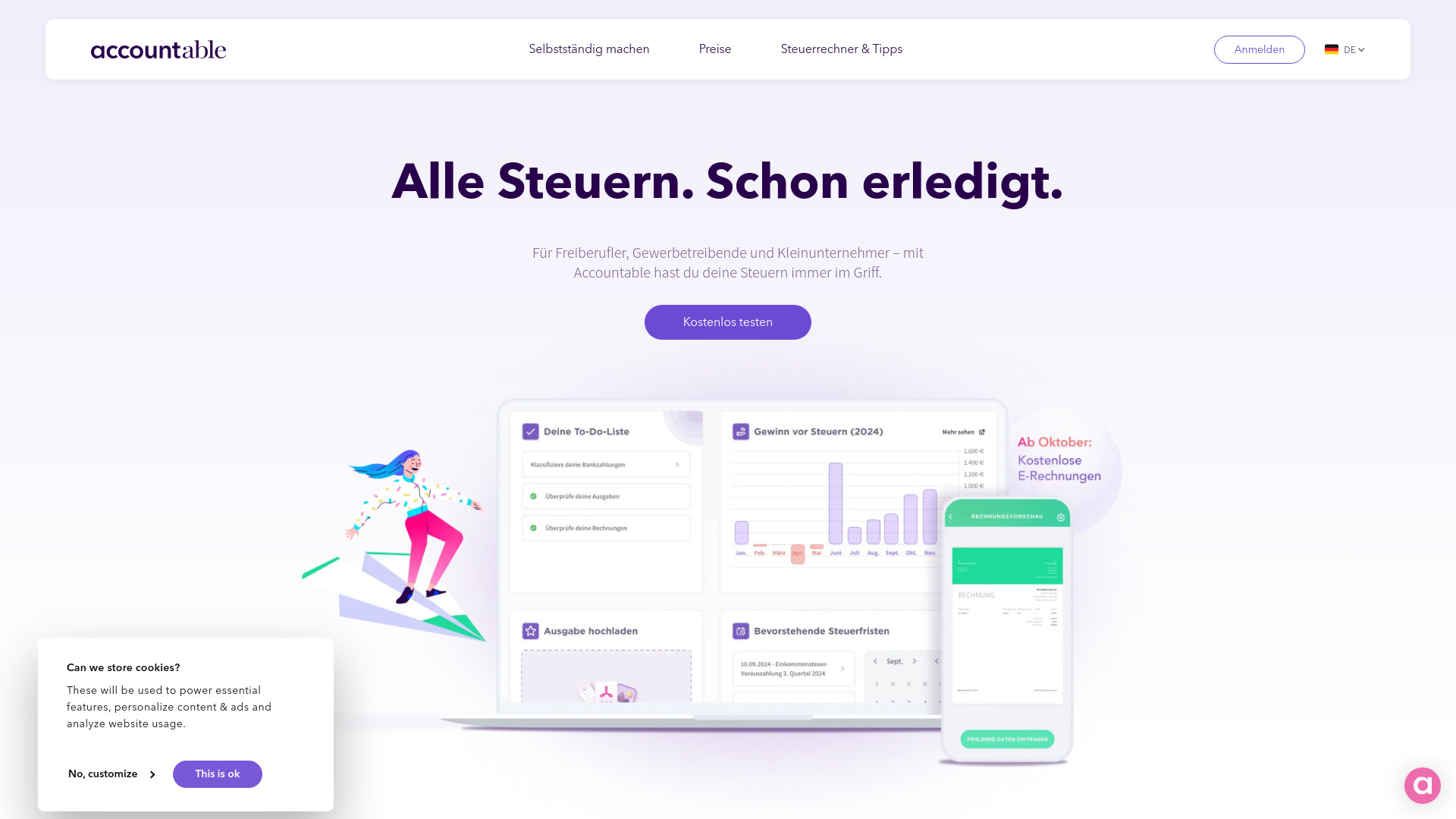
Accountable takes a focused route into accounting: make invoicing, E-Rechnungen, expenses, and tax management easier for independent workers. Text recognition for expenses is a useful detail because it targets the annoying administrative step between receiving a receipt and recording it correctly. The free business account and free invoicing option make it easy to test the workflow before committing. It is not a universal fit, though. The product is optimized for Freiberufler and Einzelunternehmer and is not suitable for Soll-Versteuerung, so business structure and tax treatment need to be checked first.
Best for
Freelancers and independent professionals
Sole operators who need invoicing and E-Rechnungen
Users who want expense tracking with text recognition
Limitations
Not suitable for Soll-Versteuerung
Optimized primarily for Freiberufler and Einzelunternehmer
Tax coverage should be verified for your specific situation
Shortlist signal: Choose Accountable when freelancer invoicing, receipts, and tax administration are the center of your accounting workflow.
3. Kick

- Entrepreneurs automating everyday bookkeeping
- Free to use
- Starts at Check vendor pricing
- Usage signal: 124.5K
Why it matters
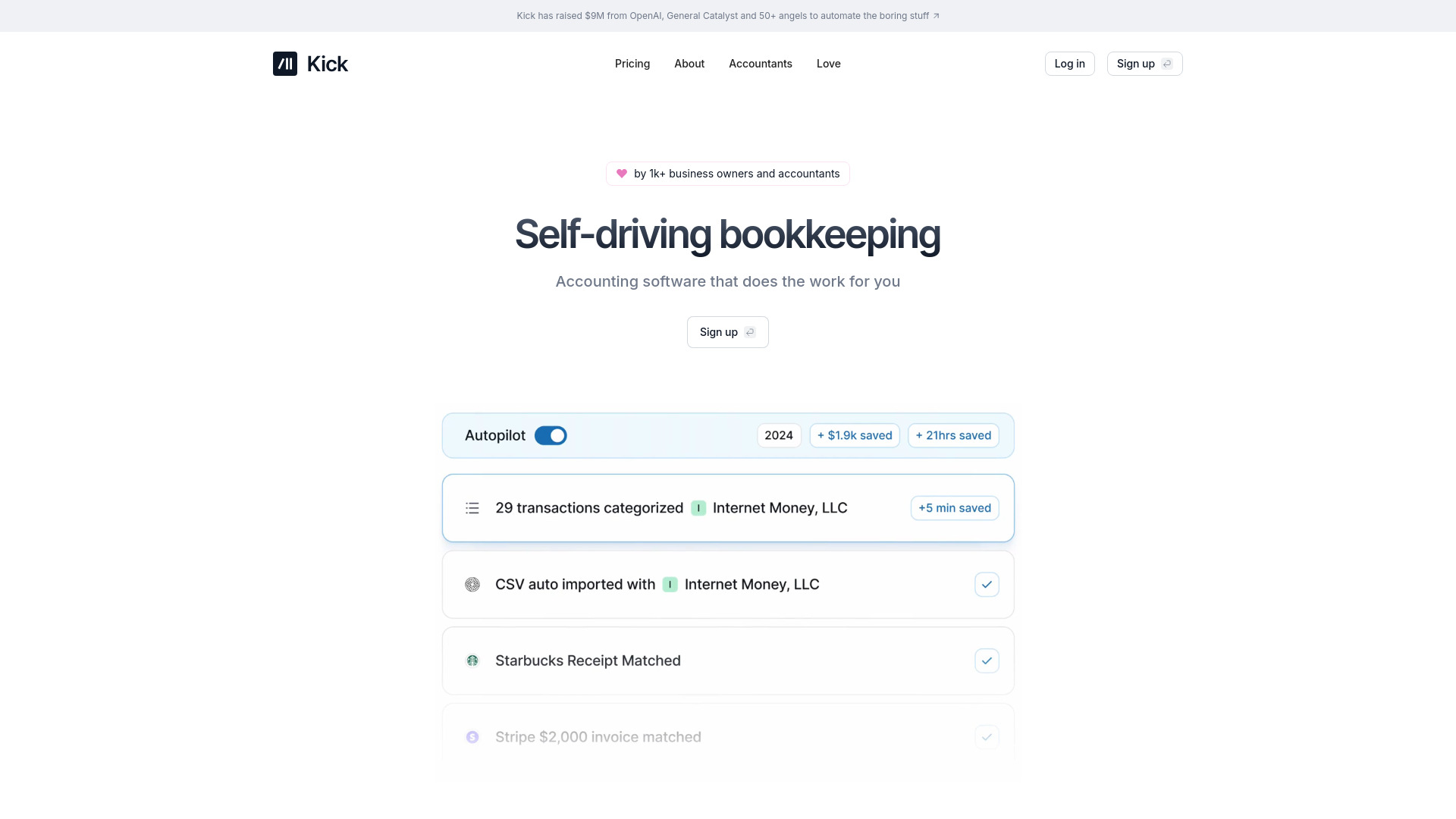
Kick is aimed at the entrepreneur who would rather review a prepared set of books than manually maintain every transaction. Its self-driving bookkeeping, automatic transaction categorization, and deduction identification create a clear automation-first workflow. That makes it one of the more compelling options for reducing recurring bookkeeping effort. Automation still needs supervision: categorization can require occasional accuracy checks, and the specific limits of the Basic Plan are not detailed here. Treat it as a time-saving system, not a reason to stop reviewing financial records.
Best for
Entrepreneurs who want routine bookkeeping automated
Small teams looking for transaction categorization and deductions
Accountants exploring automated bookkeeping workflows
Limitations
Automated categorization may need occasional manual review
Basic Plan limitations are not clearly detailed
Buyers should confirm how the product handles their tax workflow
Shortlist signal: Put Kick on your list when reducing manual categorization is your main accounting priority.
4. Tabby

- Small businesses wanting AI-assisted bookkeeping
- Forever free; AI bookkeeping and tax-ready reports
- Starts at FREE: $0
- Usage signal: 15.7K
Why it matters
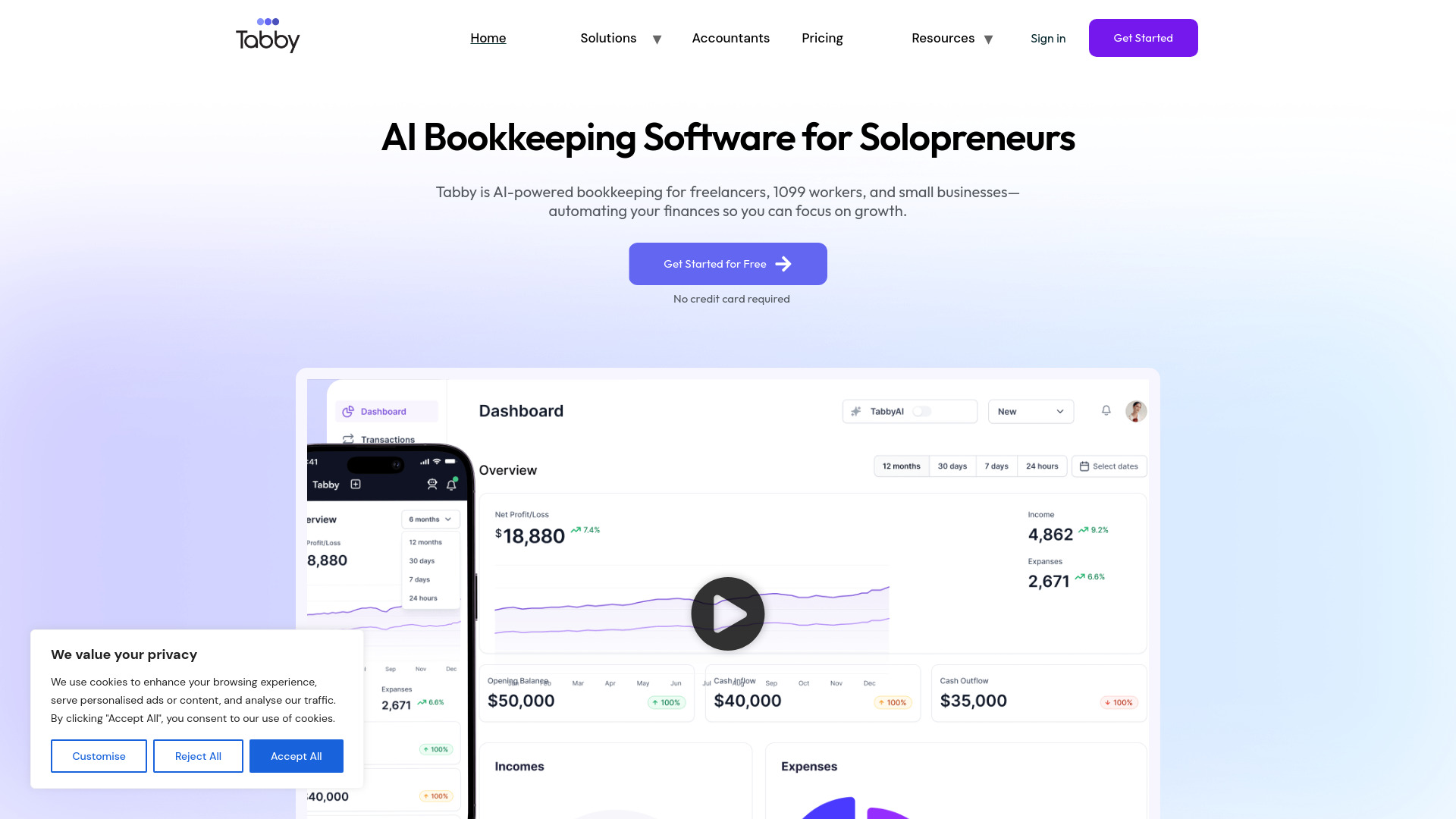
Tabby makes a strong case for small businesses that want to try AI bookkeeping without an immediate subscription decision. It claims to automate up to 80% of bookkeeping tasks and combines AI-powered transaction categorization with automated expense tracking and a tax-deduction finder. The free tier is the headline advantage, but the real question is whether its automated output matches the complexity of your books. There are no explicit disadvantages listed, so test the review and correction workflow carefully before trusting it with a busy or unusual set of transactions.
Best for
Small businesses testing AI-powered bookkeeping
Self-employed users tracking expenses and deductions
Teams that want tax-ready reports from a free starting point
Limitations
The workflow should be checked against less typical transactions
No detailed disadvantage or plan limitation is specified
Automation still deserves human review before filing or reporting
Shortlist signal: Start with Tabby if a free, AI-led expense and bookkeeping workflow is more important than a large feature catalog.
5. Quanta

- Software founders needing real-time finance
- 7-day trial; dedicated accounting expert in Slack
- Starts at Check vendor pricing
- Usage signal: 11.3K
Why it matters
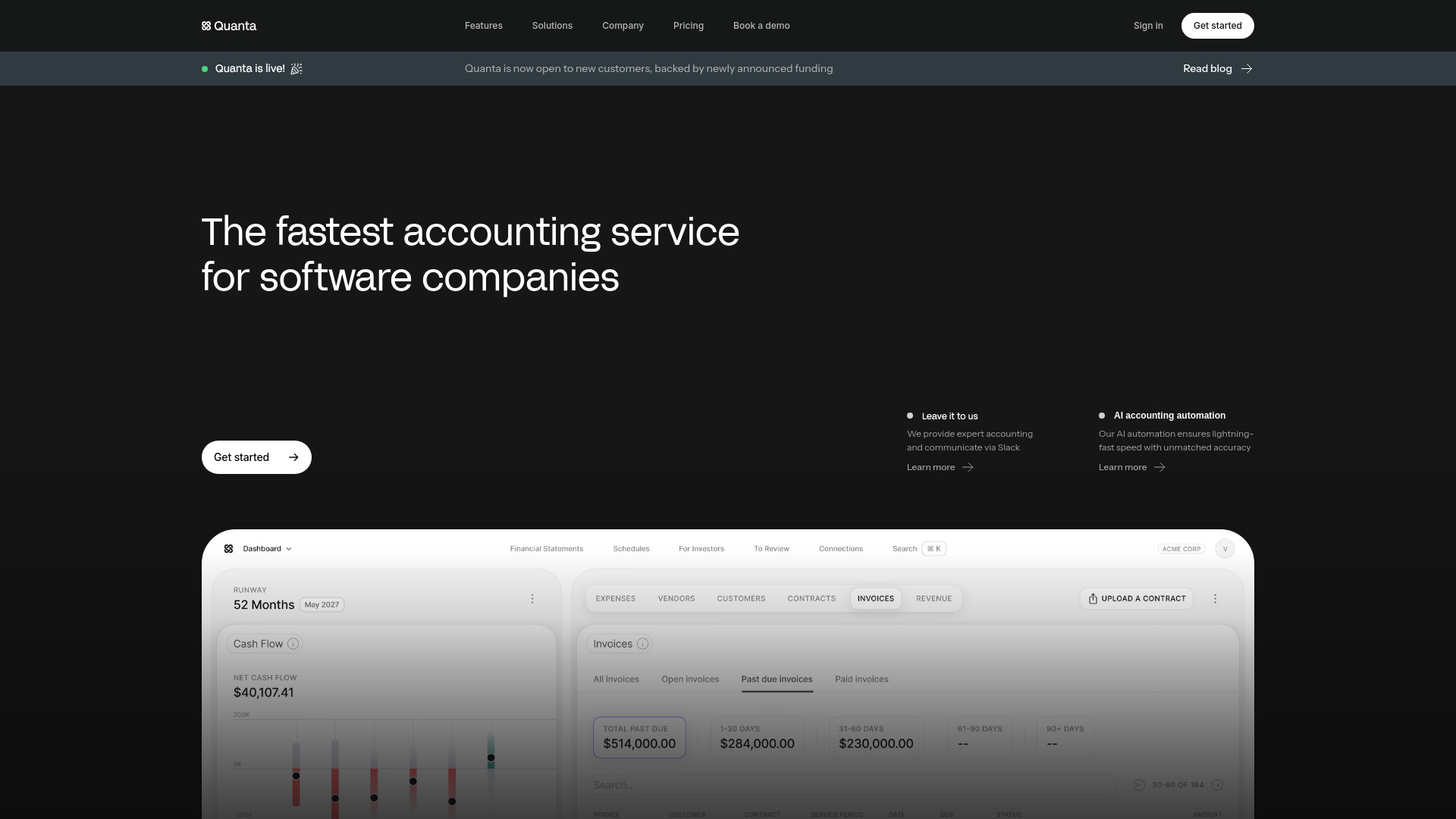
Quanta is more than an automation layer: it presents real-time accounting and reconciliations alongside full-service accounting and a dedicated accounting expert in Slack. Revenue recognition is especially relevant for software businesses, where a basic income-and-expense view can quickly become inadequate. AI-powered automation is positioned around speed and accuracy, but the product's focus on software companies may make it a poor match for other industries. Pricing is not explicit on the main page, so founders should ask for a full breakdown of service and software costs.
Best for
Founders of software businesses
Teams that need real-time accounting and reconciliations
Companies dealing with revenue recognition and expert support
Limitations
Primarily focused on software businesses
Pricing is not explicitly detailed on the main page
Buyers should confirm the scope of full-service accounting
Shortlist signal: Shortlist Quanta when real-time books, revenue recognition, and expert support in Slack fit a software-company operating model.
6. Fortune App

- Entrepreneurs monitoring cash flow and forecasts
- AI automation and multi-bank analysis
- Starts at Basic: $10/mo
- Usage signal: 2.1K
Why it matters
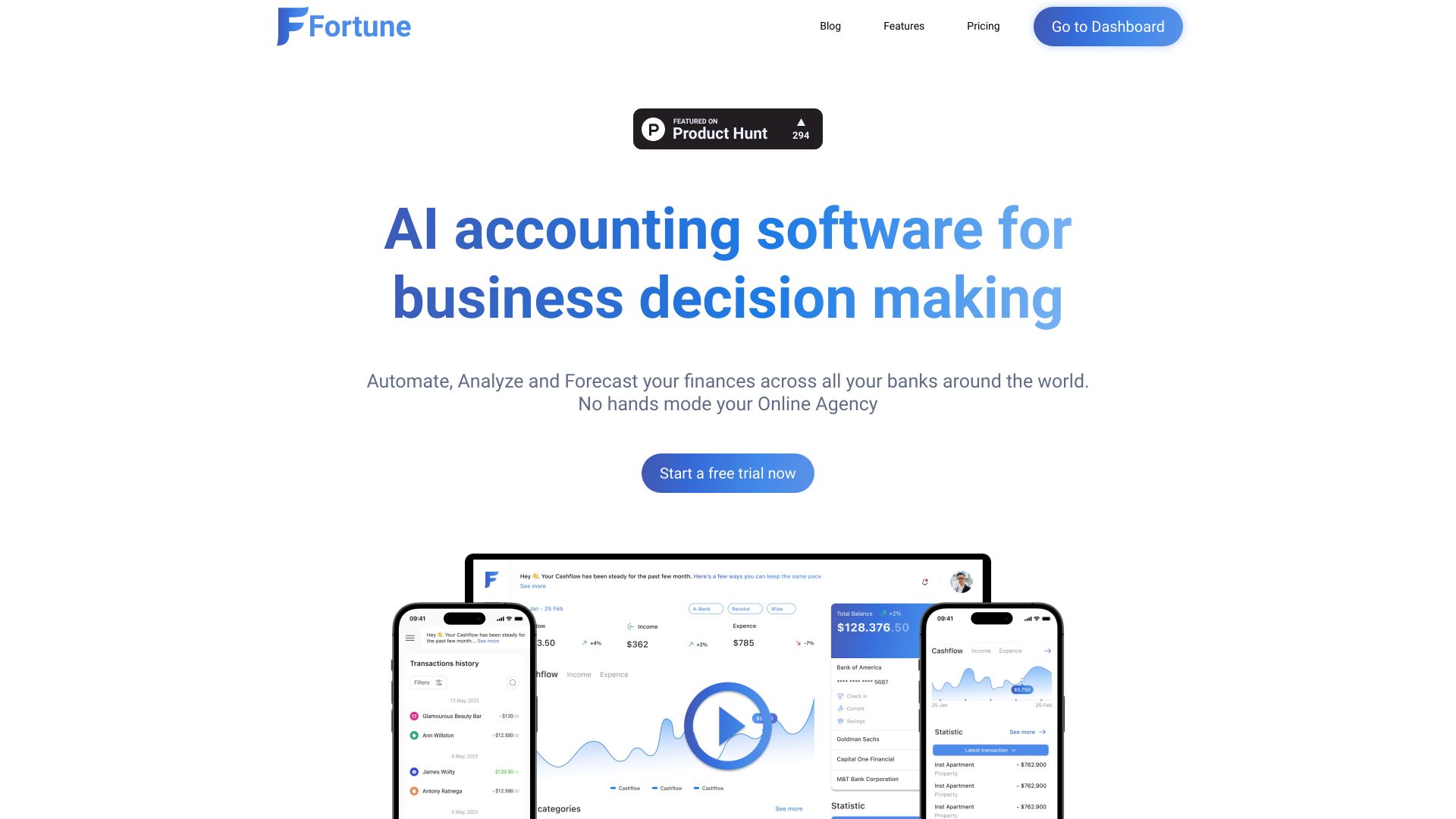
Fortune App puts decision support near the center of the accounting experience. AI-powered accounting automation is paired with connections to more than 17,000 financial institutions, plus cash-flow tracking and forecasting. That makes it attractive to entrepreneurs who want to understand what their numbers mean, not merely record them. The $10/month Basic starting point is clearer than several products here, although pricing may still be a barrier for some users. AI categorization can also need manual adjustment, particularly when transactions do not fit obvious patterns.
Best for
Entrepreneurs who monitor cash flow regularly
Businesses using multiple banks or financial institutions
Users who want forecasting and financial insights
Limitations
Pricing may be a barrier for some users
AI categorization can require manual adjustments
Confirm the bank connections needed for your accounts
Shortlist signal: Choose Fortune App when cash-flow tracking, forecasting, and multi-bank analysis are more valuable than complex enterprise reporting.
7. AIAccountingApps.com

- Accountants researching AI finance tools
- Free to use
- Starts at Check vendor pricing
- Usage signal: 953
Why it matters
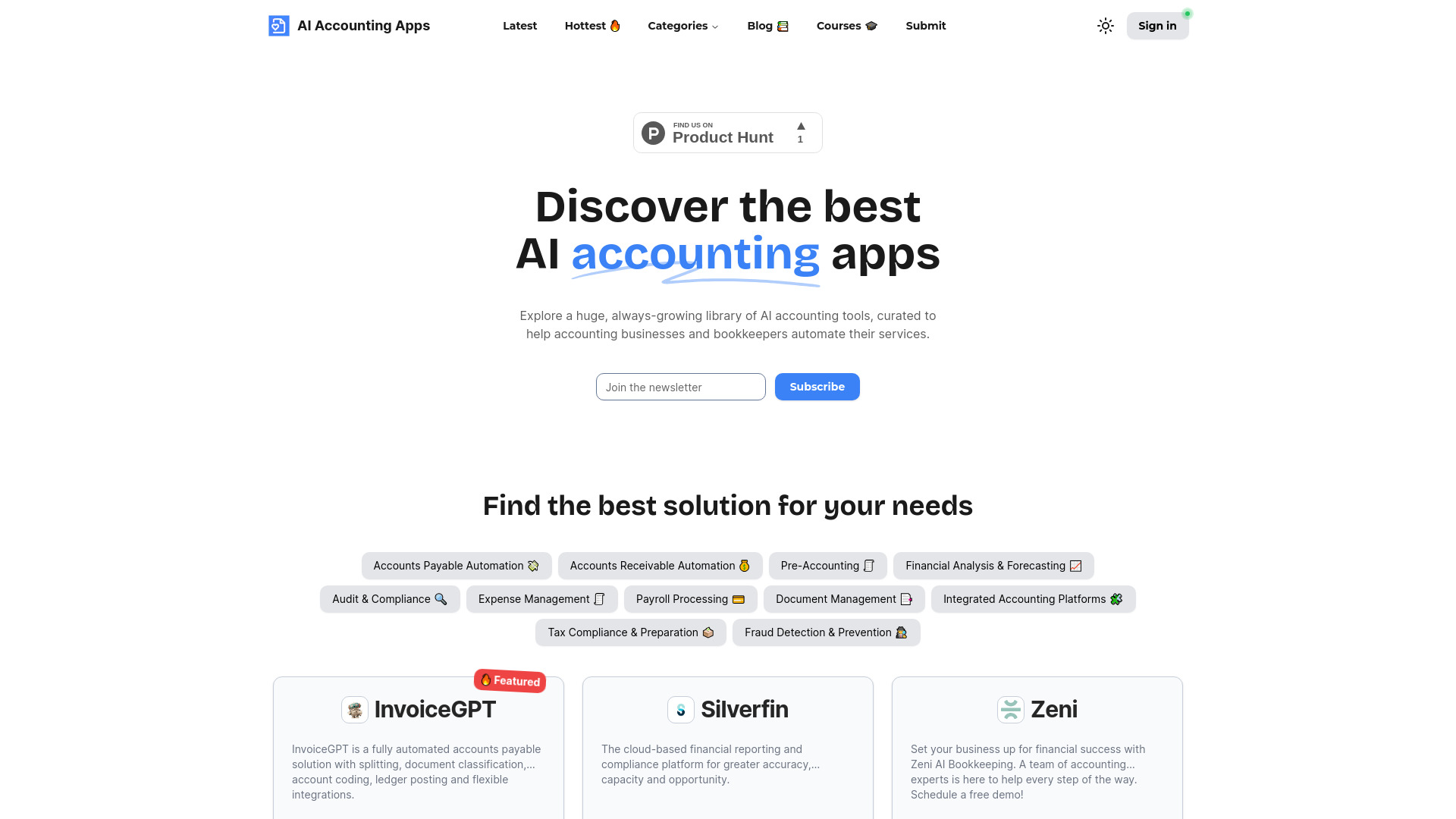
Not every useful accounting resource is itself a bookkeeping system. AIAccountingApps.com works as a centralized, categorized library for discovering AI accounting tools, with app submissions included. That is valuable at the research stage, especially for accountants comparing narrowly focused automation products before presenting options to clients. It should not be mistaken for a replacement ledger or tax platform. The directory relies on vendor-provided information, so independent verification is essential, and the idea of the "best" app remains dependent on the buyer's workflow.
Best for
Accountants researching AI-powered accounting tools
Teams building a longlist before formal product testing
Buyers who want categorized browsing and app discovery
Limitations
Vendor-provided information needs independent verification
It is a discovery platform rather than a full accounting system
"Best" choices still depend on individual requirements
Shortlist signal: Use AIAccountingApps.com when you need to discover and compare specialized AI accounting tools before choosing a production system.
8. Accounting Solver AI

- Students learning accounting workflows
- Free accounting problem solving and automated bookkeeping
- Starts at Check vendor pricing
- Usage signal: 78
Why it matters
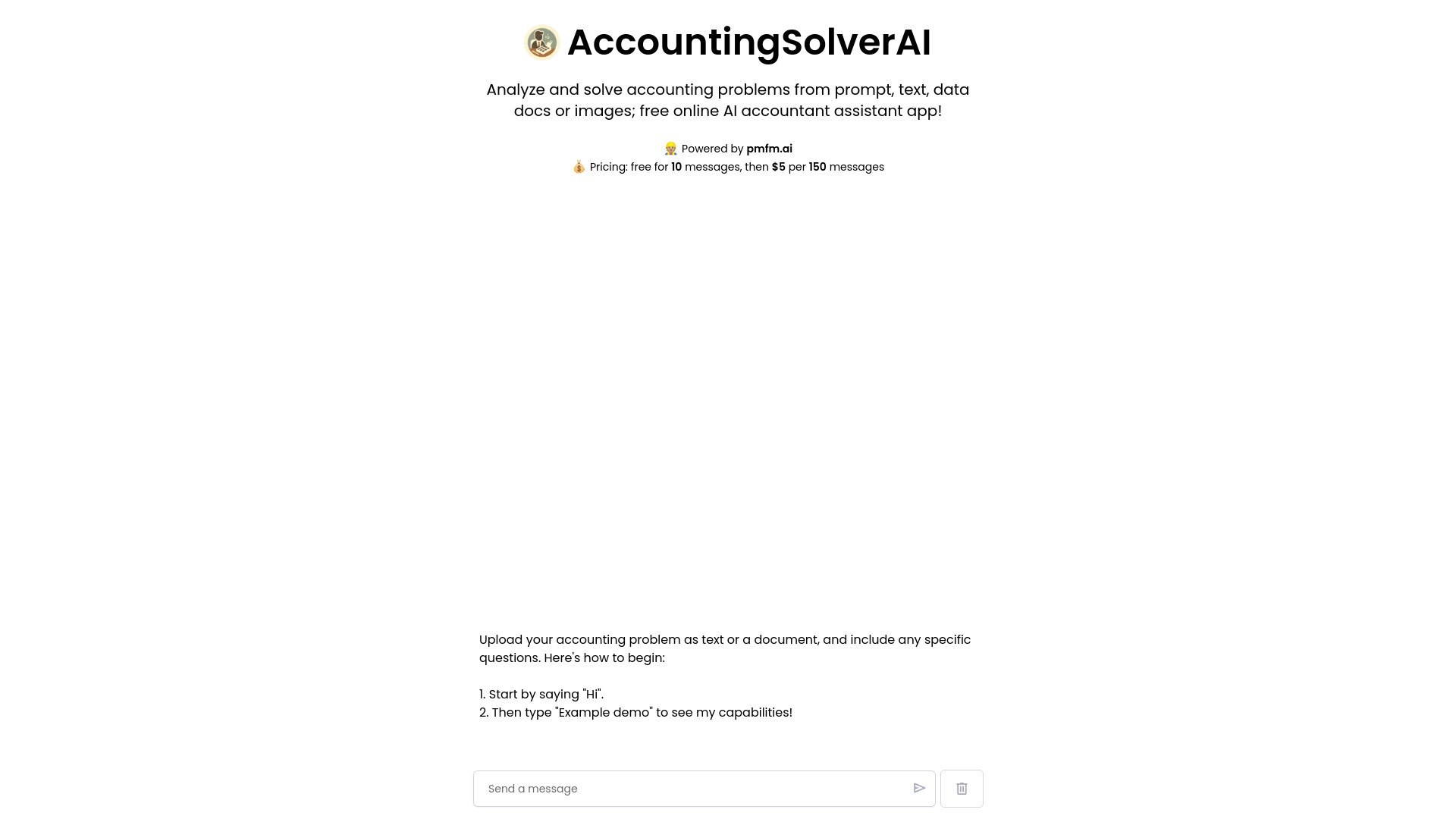
Accounting Solver AI takes a lightweight, accessible approach to accounting tasks. It can solve accounting problems, automate bookkeeping, generate financial reports, and categorize expenses, making it particularly relevant to students and users experimenting with AI assistance. Free access lowers the barrier to trying it. The trade-off is trust and setup: it may require an OpenAI API key, and AI-generated categorization or reports should be checked rather than accepted as authoritative records. That makes it better for learning and exploration than as an unattended financial system.
Best for
Students practicing accounting problems
Users exploring automated bookkeeping and report generation
Small experiments where manual verification is acceptable
Limitations
May require an OpenAI API key
Reliance on AI accuracy means outputs need review
Its free availability does not establish tax or filing suitability
Shortlist signal: Add Accounting Solver AI for education, prototypes, and low-risk experiments rather than as your only production accounting system.
9. AccelBooks

- SaaS platforms embedding accounting features
- Embeddable accounting software and AI categorization
- Starts at Check vendor pricing
- Usage signal: Usage signal not listed
Why it matters
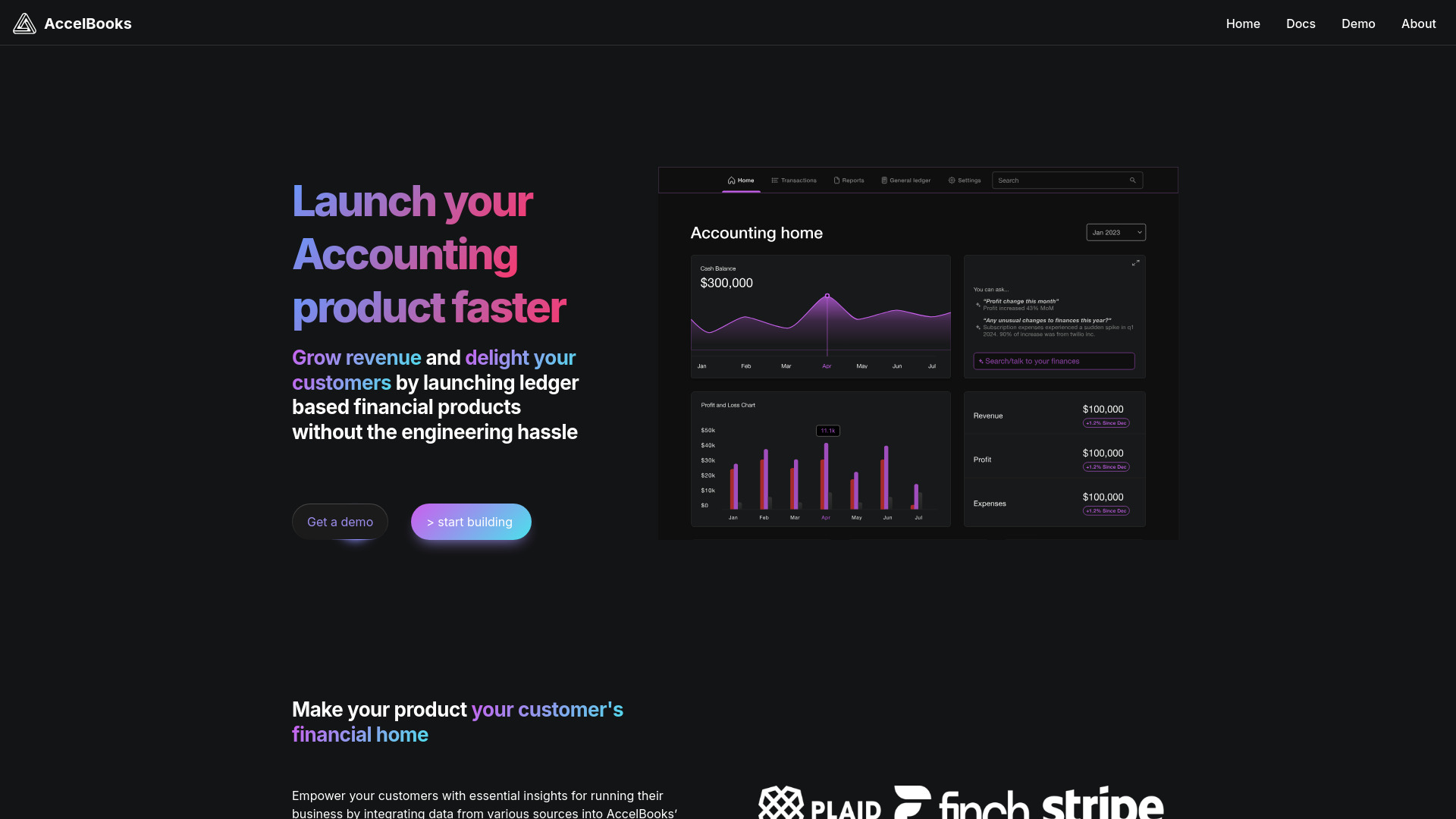
AccelBooks belongs on a different shortlist from most accounting apps. It offers embeddable accounting software, transaction categorization, a report builder, APIs, and UI components for a customizable, white-label experience. For a SaaS company, that can be more useful than sending customers to an external accounting product because finance functionality can live inside the existing application. The cost is technical dependence: your team relies on AccelBooks infrastructure and APIs, and the npm component library or APIs may introduce a learning curve.
Best for
SaaS platforms building accounting into their product
Product and engineering teams needing white-label finance features
Businesses that want customizable reports and transaction categorization
Limitations
Dependence on vendor infrastructure and APIs
The npm components and APIs may require technical ramp-up
Pricing is not clearly presented as a clean starting point
Shortlist signal: Shortlist AccelBooks only when embedded accounting is a product requirement, not when you simply need books for your own business.
10. C2Anime

- Anime creators building story-driven videos
- First anime free; character references and storyboard planning
- Starts at Creator: $29.00 per month
- Usage signal: Usage signal not listed

Why it matters
C2Anime is the outlier in this field guide and should be treated as an adjacent creative tool, not a conventional accounting recommendation. It turns story ideas, scripts, novels, and concepts into voiced anime videos, with screenplay planning, storyboards, and reusable character, location, and prop references across scenes. For readers who arrived through broader AI software research, it is a useful reminder to inspect category fit before buying from any ranked list. The workflow uses credits, higher-quality video tiers consume credits faster, and scene re-renders require additional paid credits.
Best for
Anime creators developing story-driven video projects
Teams that need screenplay and storyboard planning
Creators who value consistent characters and locations across scenes
Limitations
It does not provide standard accounting workflows
Generation uses credits, with faster consumption at higher quality
Scene re-renders require additional paid credits
Shortlist signal: Consider C2Anime only as an unexpected adjacent AI studio; accounting buyers should return to the finance-specific options above.
What to test before choosing
A polished product page is not enough. Run the same small test across two or three finalists so you can compare friction rather than promises.
- 1
Enter representative transactions. Include ordinary income and expenses plus at least one transaction that needs a correction. Watch how easily you can override an automated category.
- 2
Test the review loop. AI bookkeeping is useful only if exceptions are easy to find, explain, and fix. Check whether the product makes human review visible.
- 3
Create the report you actually use. For a CFO, that may be a management dashboard or planning report. For an entrepreneur, it may be a cash-flow forecast or tax-ready report.
- 4
Check regional fit. Accountable's business-structure limitations show why tax treatment, E-Rechnungen, and filing requirements need direct confirmation.
- 5
Measure integration effort. Enterprise buyers should verify ERP/EPM coverage. SaaS teams considering AccelBooks should ask about APIs, UI components, and implementation ownership.
- 6
Ask for the complete price. Request module, user, service, integration, and support costs where pricing is hidden behind a sales wall.
- 7
Verify export and handoff. Before committing, establish how your accountant or finance team receives reports and corrects mistakes.
What to do next
Start with the segment table, select two likely fits, and add one deliberately different option as a control. For example, compare insightsoftware with Fortune App if your team is debating enterprise reporting versus cash-flow visibility. Compare Accountable with Kick if you are deciding between a freelancer-centered tax workflow and broader bookkeeping automation. If you are building a SaaS product, skip the standalone-app comparison and test AccelBooks' integration model directly.
Then run a short pilot using real but low-risk records. Evaluate time to first useful report, correction effort, tax workflow fit, and the clarity of the final price. The best accounting software is rarely the one with the longest feature list; it is the one your team can operate consistently and review with confidence.
Common mistakes when choosing from a complex top list
Treating the rank as a universal order. The scores compare fit across segments. Rank 1 is not automatically right for a freelancer, and rank 9 may be exactly right for a SaaS product team.
Confusing automation with accuracy. Auto-categorization and deduction finding save time, but financial outputs still need review.
Ignoring legal and tax structure. A freelancer's tax setup can make an otherwise attractive product unsuitable.
Comparing a directory with a ledger. AIAccountingApps.com helps you discover tools; it is not the same kind of product as a bookkeeping system.
Skipping the integration question. ERP/EPM connectivity, bank connections, APIs, and white-label components solve very different problems.
Assuming free means complete. Free access can be a valuable way to test a workflow, but confirm limits, exports, reports, and support before relying on it.
Taking traffic as proof of quality. Market activity is a useful signal, not an audit of accounting accuracy or compliance.
Overlooking the outlier. C2Anime demonstrates why buyers should confirm category fit before spending time on a tool that solves an entirely different problem.
FAQ
insightsoftware ranks first for its combination of financial reporting, business intelligence, budgeting, planning, and connectivity with 140+ ERP and EPM solutions. It is best overall for complex finance teams, not necessarily for freelancers or small businesses seeking a simple ledger.