
Generative AI for digital art and media now spans far more than prompt-to-image experiments. The right platform might help a designer iterate on a logo in realtime, a studio de-age an actor, a marketer turn product photos into videos, or an artist work through layered compositions. I compared 10 tools across those workflows, weighing creative control, media coverage, accessibility, pricing signals, and practical audience fit. This guide to the top generative ai for digital art and media is designed to help you build a useful shortlist rather than chase the loudest feature list.
Start here
There is no single winner for every creative workflow. Krea AI is the clearest starting point for designers who want realtime generation and enhancement in one workspace. ArtRoom AI makes more sense for artists who want a painting-oriented environment with layers and LoRAs. Film teams should skip straight to Metaphysic.ai, while small businesses will get more practical value from Dreamik AI's marketing-focused video and image workflow.
For broader experimentation, neural.love and Muse Art AI collect multiple media capabilities under one roof. The tradeoff is that credit systems can make costs harder to predict. Meanwhile, Humans of Generative Art is not a production tool at all; it is a useful editorial resource for understanding how artists and developers are using generative systems. That distinction matters when comparing a complex category like this one.
Segment comparison
| Segment | Strongest match | What it does well | Main caution |
|---|---|---|---|
| Realtime design and enhancement | Krea AI | Realtime AI generation, image and video enhancement, logo illusions | Compute units and paid features affect heavy use |
| Broad image, video, and audio experimentation | neural.love | Image generation, enhancement, and video editing | Limited free access and watermarks |
| Photorealistic synthetic production | Metaphysic.ai | Face swaps, actor de-aging, dubbing, and lip syncing | Requires careful ethics and production expertise |
| Hands-on AI art creation | ArtRoom AI | Layered painting, art generation, and unlimited LoRAs | Larger workloads may require a paid plan |
| Team and marketing media workflows | ArtVenture or Dreamik AI | Recipes, collaboration, product images, and marketing video | Different tools suit teams and small businesses |
Shortlist paths
| Your priority | Start with | Why |
|---|---|---|
| Fast visual iteration | Krea AI | Realtime generation reduces the wait between an idea and a usable direction |
| Layered digital painting | ArtRoom AI | Its full-service painting workflow is more relevant than a basic image generator |
| Professional synthetic video | Metaphysic.ai | Built around photorealistic face and performance effects |
| Multi-model image and video creation | Muse Art AI | Routes work across several models and includes text-to-video and image-to-video |
| Marketing content from product assets | Dreamik AI | Targets product enhancement, narration, and promotional video creation |
Ranking snapshot
| Rank | Tool | Score | Best for | Starting price |
|---|---|---|---|---|
| #1 | Krea AI | 94/100 | Graphic designers | Free: $0 |
| #2 | neural.love | 93/100 | Content creators | Free plan: Free |
| #3 | Metaphysic.ai | 92/100 | Film studios | Check vendor pricing |
| #4 | ArtRoom AI | 92/100 | Artists | Free: $0 /month |
| #5 | AI Art Generator | 92/100 | Creatives | Check vendor pricing |
| #6 | Muse Art AI | 92/100 | Content creators | Starter: $9.90/month |
| #7 | Netwrck.com | 91/100 | Artists | Check vendor pricing |
| #8 | Humans of Generative Art | 90/100 | Generative artists | Check vendor pricing |
| #9 | Dreamik AI | 90/100 | Small business owners | Check vendor pricing |
| #10 | ArtVenture | 90/100 | Design teams | Check vendor pricing |
How we grouped and ranked the list
This is a deliberately broad field guide. Some entries are image-first creative studios, some are media production systems, and one is a publication rather than a generator. They remain useful in the same buying conversation because digital artists and media teams rarely work in one format from start to finish.
I grouped the tools by the job they help with: creating images, refining existing assets, producing video, managing synthetic performances, or supporting creative research and collaboration. Ranking then considered how clearly each tool serves its audience, how substantial its stated capabilities are, whether free access gives buyers a meaningful way to test it, and what friction appears around credits, subscriptions, beta status, or specialist expertise.
Usage signals provide context, not a verdict. Krea AI's 4.2 million monthly visits suggest broad interest, but a smaller specialist tool can still be the better choice for a film studio or a layered-painting workflow. Likewise, a free plan is only useful if its quota, watermark, and export restrictions fit the work you actually need to deliver.
Ranked field notes
1. Krea AI

- Graphic designers
- Free daily generations; image and video generation
- Starts at Free: $0
- Usage signal: 4.2M
Why it matters
Krea AI earns the top spot because it connects ideation and refinement instead of treating them as separate jobs. Realtime AI generation is particularly useful when a designer is exploring composition, style, or visual direction and wants feedback immediately. Image and video enhancement broaden its role beyond making a first draft, while logo illusions give brand and graphic work a more specific entry point than a generic prompt box. The free access makes it easy to test the core workflow, although frequent production use will run into compute-unit consumption and paid feature limits.
Best for
Graphic designers developing visual directions quickly
Creators who need both generation and image or video enhancement
Teams testing generative workflows before committing to a larger platform
Limitations
Pro features require a paid subscription
Compute units are consumed with usage, so high-volume experimentation needs monitoring
It may be broader than needed if you only want a narrowly focused art generator
Shortlist signal: Add Krea AI first when realtime iteration and mixed image-video workflows matter more than a specialist production pipeline.
2. neural.love

- Content creators
- Image generation and AI enhancement
- Starts at Free plan: Free
- Usage signal: 562.9K
Why it matters
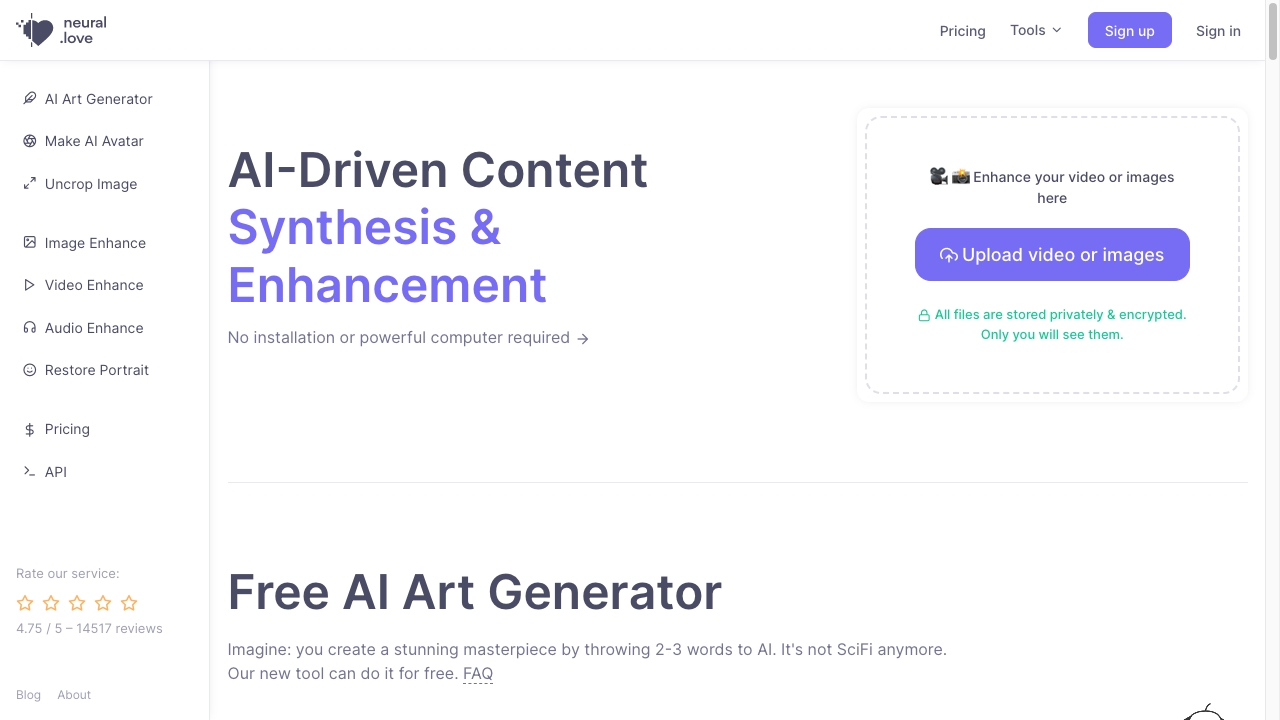
neural.love is a sensible choice for creators who do not want to assemble separate tools for every visual task. AI image generation, enhancement, and video editing sit in the same overall offering, giving it a practical advantage for social content and recurring asset production. That breadth is the reason it ranks ahead of more narrowly defined art tools. The catch is familiar but important: the free plan is limited and watermarked, and a credit-based system means casual users should understand how quickly a batch of experiments consumes their allowance.
Best for
Content creators producing a mix of generated and enhanced visuals
Users who want one online workspace for image and video tasks
Early-stage experimentation with a free tier
Limitations
Free access has limited availability and watermarked content
Credit-based usage can make frequent generation harder to forecast
Buyers needing a dedicated, deeply specialized painting environment may prefer ArtRoom AI
Shortlist signal: Choose neural.love when convenience across image generation, enhancement, and video editing beats maximum control in one medium.
3. Metaphysic.ai

- Film studios
- Free access details vary by production workflow
- Starts at Check vendor pricing
- Usage signal: 5.1K

Why it matters
A film studio has a different definition of useful than a solo illustrator. Metaphysic.ai focuses on photorealistic synthetic media, with AI-powered face swaps, actor de-aging, realistic dubbing, and lip syncing. Those are production effects with high potential value when a team has the expertise and approvals to use them responsibly. Its specialist focus explains both its high ranking and its smaller usage signal: this is not a casual creative playground. Pricing is behind a vendor conversation, so studios should ask about workflow requirements, rights, safeguards, and implementation before treating it as a standard self-serve subscription.
Best for
Film and television teams handling photorealistic visual effects
Production workflows involving de-aging or face replacement
Teams with legal, ethical, and technical review processes for synthetic media
Limitations
Face-swap and deepfake-related work raises serious consent and ethical questions
The technology can require specialist expertise
Pricing is not presented as a simple public starting plan
Shortlist signal: Put Metaphysic.ai on the list only when your project needs realistic synthetic performances and you can support rigorous approvals.
4. ArtRoom AI

- Artists
- 120 shards/day; AI art generation; unlimited LoRAs
- Starts at Free: $0/month
- Usage signal: 2.3K
Why it matters
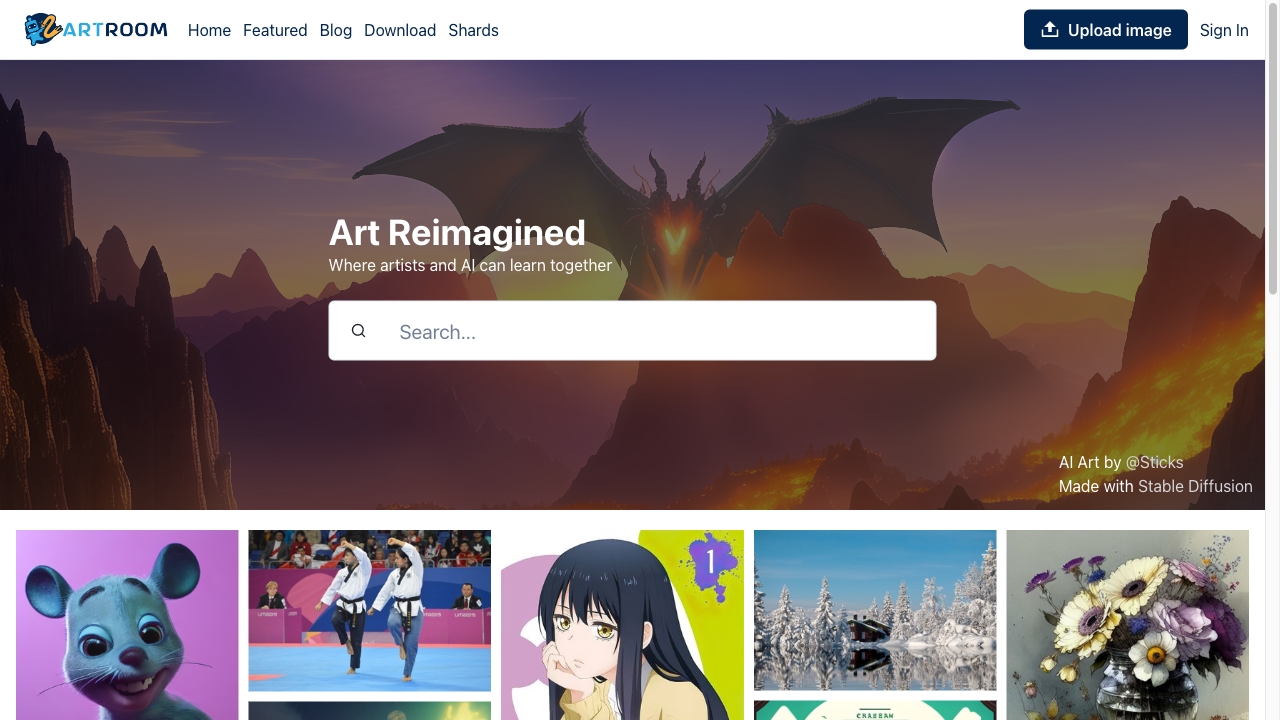
ArtRoom AI stands out because it speaks to artists who want to do more than generate a finished-looking image from a sentence. Its full-service painting with layers gives the workflow a more hands-on shape, while AI art generation and unlimited LoRAs add room for style and character experimentation. The free allowance of 120 shards per day is a concrete way to explore the product, but extensive use may require a paid plan. The platform also does not allow NSFW images to be published, a publishing constraint worth checking before you build a portfolio workflow around it.
Best for
Artists who want layered painting rather than one-click output
Creators exploring LoRA-based customization
Users who value a friendly interface while learning AI-assisted art tools
Limitations
Extensive work may require a paid pricing plan
NSFW images cannot be published on the platform
Smaller usage signals mean buyers should personally test the workflow before adopting it broadly
Shortlist signal: Pick ArtRoom AI when layered control and artist-led editing are central to the project.
5. AI Art Generator

- Creatives
- Text-to-image generation for original artwork
- Starts at Check vendor pricing
- Usage signal: 1.7K
Why it matters
Sometimes the best tool is the one that gets a creative from a blank page to a visual reference without unnecessary setup. AI Art Generator centers text-to-image creation and uses Stable Diffusion technology to produce original artwork, illustrations, concept art, book covers, and logos. That makes it appealing for creatives who want breadth of output and a straightforward prompt-led experience. It ranks below tools with stronger enhancement, collaboration, or production features, and pricing needs to be confirmed directly with the vendor, but its focused purpose can be a virtue for quick concept work.
Best for
Creatives generating illustrations and early visual concepts
Authors and publishers exploring book-cover directions
Users who want a prompt-driven Stable Diffusion experience
Limitations
Prompt quality has a direct effect on the result
Pricing is not available as a clean public starting point here
It may not be the right fit for teams needing layered editing or real-time collaboration
Shortlist signal: Start with AI Art Generator when fast text-to-image exploration is the main job and you do not need a full media suite.
6. Muse Art AI

- Content creators
- Up to 65 free credits; image and video generation
- Starts at Starter: $9.90/month
- Usage signal: 2.2K
Why it matters
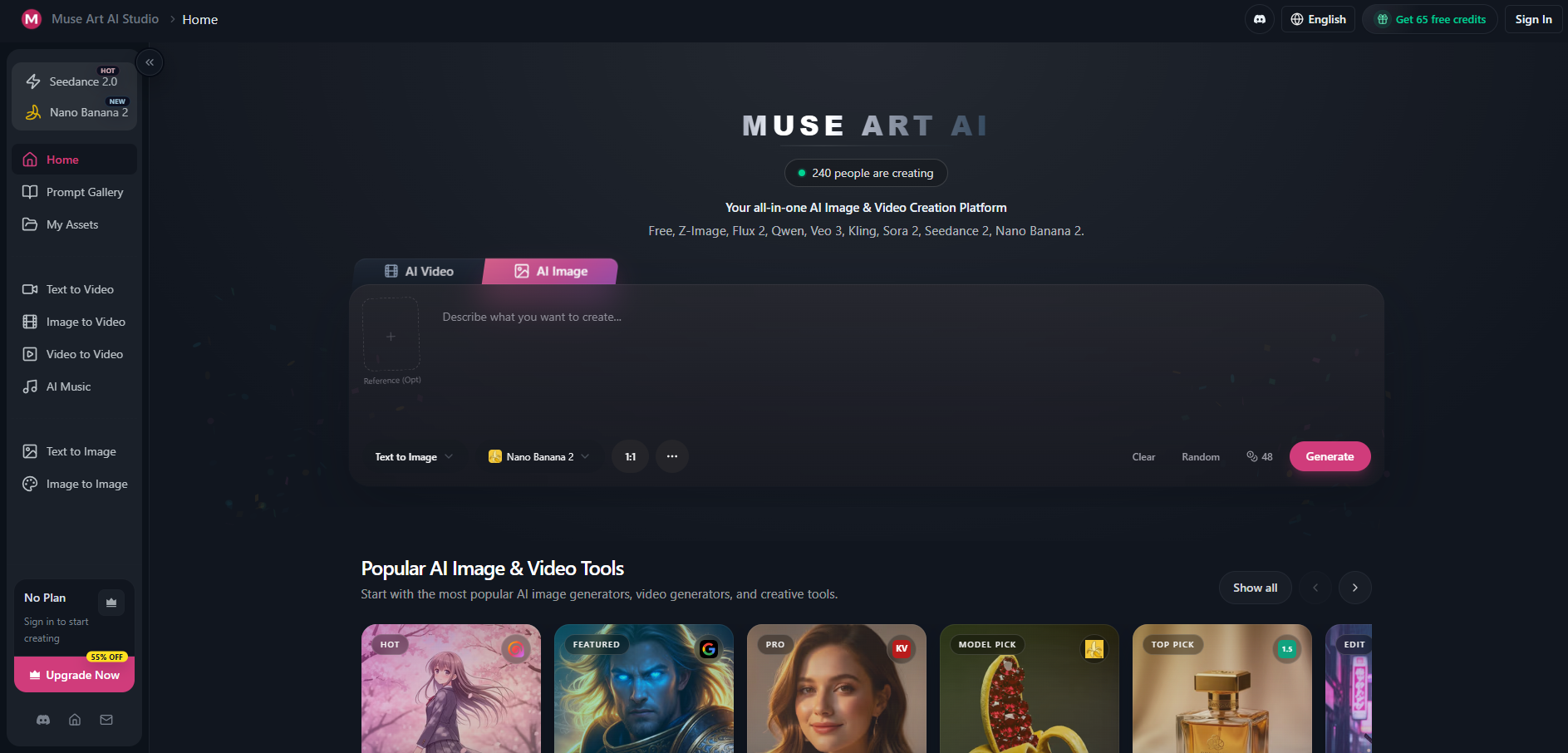
Muse Art AI takes a hub approach: it routes work across multiple models, including Kling, Flux 2, and Veo 3, while supporting high-speed 4K image generation with Nano Banana 2. It also covers text-to-video and image-to-video creation, which gives content teams a wider playground than a single-purpose image generator. The benefit is model variety without managing as many separate interfaces. The cost model needs attention, though. Free usage is capped at 65 credits, and no-watermark outputs require a subscription, so a prolific creator should compare actual credit consumption rather than relying on the headline monthly price.
Best for
Content creators comparing outputs from multiple AI models
Teams producing both high-resolution images and short-form video
Users who value speed and a broad media menu
Limitations
Credit-based usage limits free experimentation
A subscription is required for no-watermark outputs
Model routing can add complexity when you need highly predictable results
Shortlist signal: Choose Muse Art AI when model variety, fast 4K images, and image-to-video work justify a credit-based platform.
7. Netwrck.com

- Artists
- AI art generator and AI chatbots
- Starts at Check vendor pricing
- Usage signal: 143
Why it matters
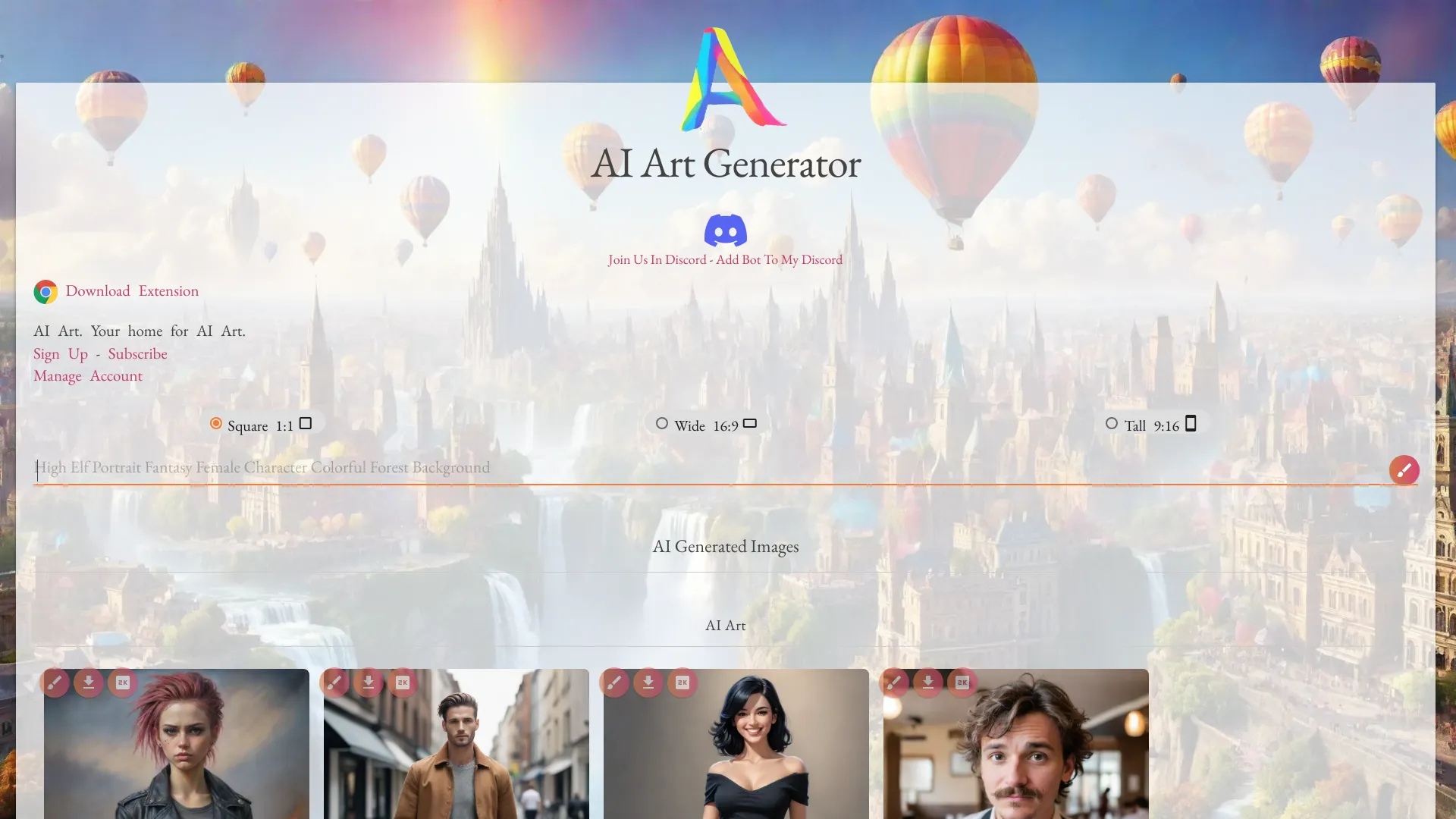
Netwrck.com combines an AI art generator with stock art search, AI chatbots, and other AI tools. That mix makes it an adjacent option for artists who use conversation and visual references as part of the same ideation loop. It is less clearly optimized for a professional production pipeline than Krea AI or Metaphysic.ai, but it can be useful for exploratory work where prompts, image discovery, and chatbot assistance overlap. The quality of generated art depends heavily on prompting, and full access may require a subscription, so treat it as a tool to test rather than an automatic studio standard.
Best for
Artists combining image exploration with chatbot-based ideation
Users looking for a collection of creative AI tools in one place
Early concept work and reference gathering
Limitations
Full access may require a subscription
Output quality depends substantially on the prompt
The very small usage signal makes hands-on validation especially important
Shortlist signal: Add Netwrck.com when an artist benefits from art generation, stock search, and chat in one exploratory workspace.
8. Humans of Generative Art

- Generative artists
- Artist interviews and stories about generative art
- Starts at Check vendor pricing
- Usage signal: Not listed
Why it matters
Not every useful destination in a media stack generates pixels or video. Humans of Generative Art is a Substack publication featuring interviews with generative artists and developers, along with an archive of articles and a newsletter. It belongs in this field guide as a research and inspiration resource rather than a production application. For artists building a practice, its value is context: understanding creative processes, choices, and the people behind generative work can lead to better tool decisions than copying prompt recipes blindly.
Best for
Generative artists looking for process-focused interviews
Developers and creatives researching how artists collaborate with AI
Teams building vocabulary before choosing a production tool
Limitations
It provides interviews and articles, not an image or video generation workspace
A Substack subscription is required to fully engage
Pricing and usage signals are not presented as a standard software plan
Shortlist signal: Choose Humans of Generative Art as a companion resource when creative research matters as much as production output.
9. Dreamik AI

- Small business owners
- Product images and text-to-video with narration
- Starts at Check vendor pricing
- Usage signal: Not listed
Why it matters
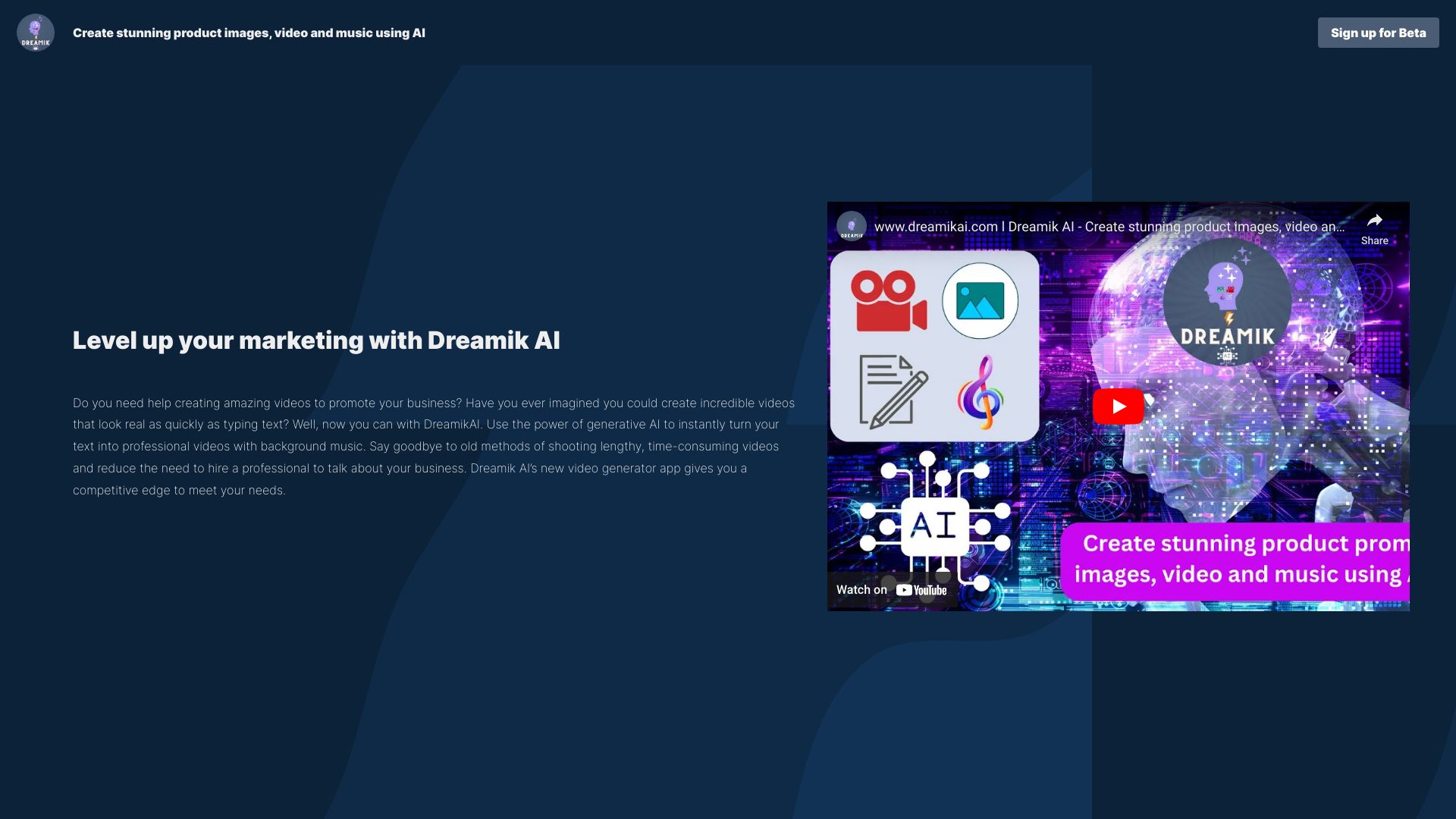
Dreamik AI is aimed at the practical end of generative media: turning product images or an idea into professional images and videos, adding background music, and creating text-to-video content with virtual human narration. That makes it a natural fit for small businesses that need promotional assets but do not have a full video team. Its beta status is the central caveat. Buyers should expect limitations and test consistency, editing control, and brand fit before relying on it for a high-volume campaign.
Best for
Small businesses creating product-led marketing content
Owners who need image enhancement and simple promotional videos
Teams experimenting with virtual human narration
Limitations
The product is currently in beta
Reliance on AI can reduce creative control
Pricing and usage signals need to be confirmed with the vendor
Shortlist signal: Put Dreamik AI on your list when speed-to-marketing-asset matters more than fine-grained video direction.
10. ArtVenture
- Design teams
- AI-driven workflows and team collaboration
- Starts at Check vendor pricing
- Usage signal: Not listed
Why it matters
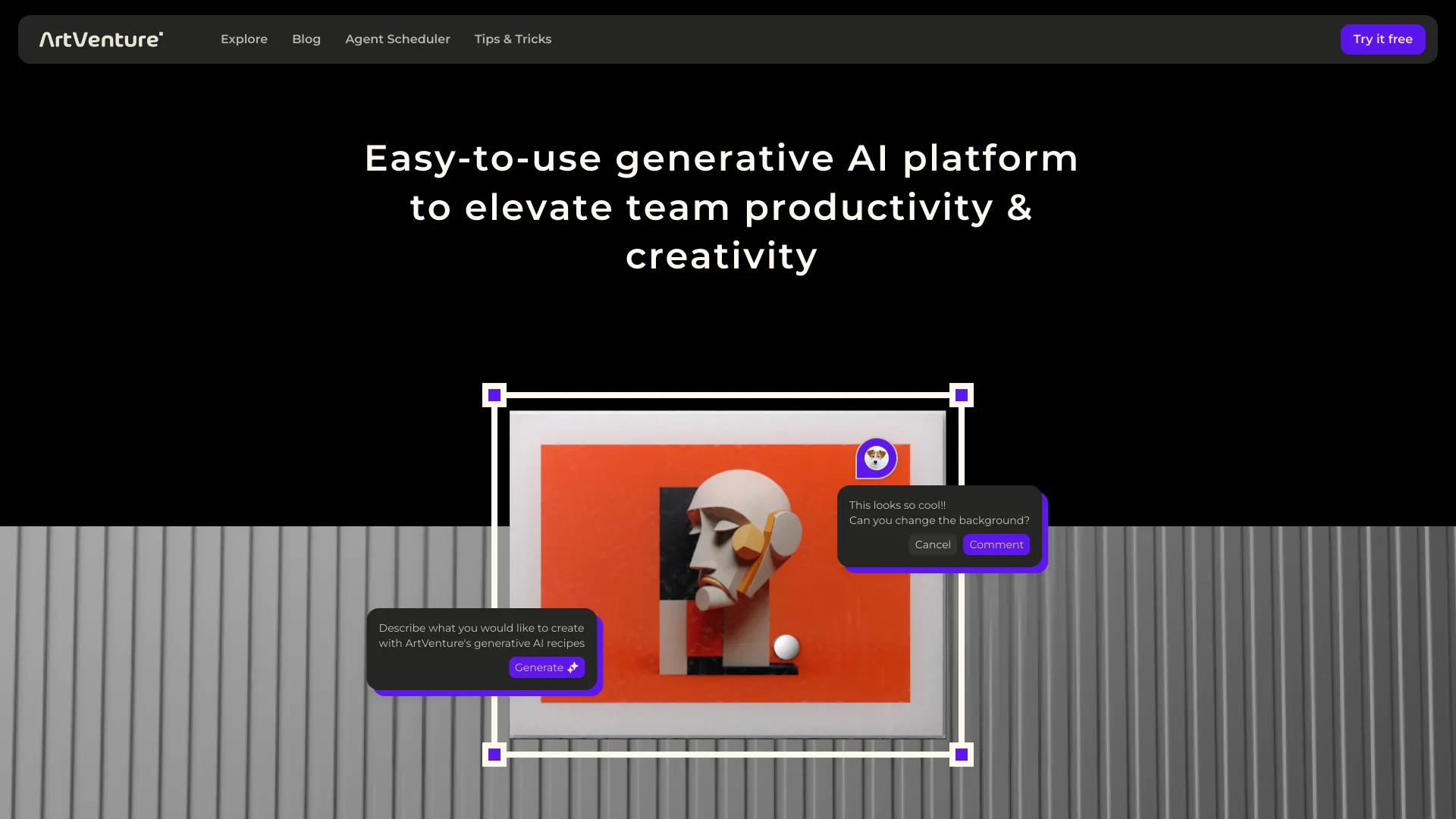
ArtVenture is the operational choice in this ranking. Its ready-to-use AI-driven recipes and workflows, browser-based access, real-time collaboration, and Agent Scheduler point toward teams that need repeatable creative processes rather than isolated prompt sessions. That makes it a useful counterweight to image-first tools: the question is not only what can the model create, but how can a design team share, schedule, and reuse the work? Expect a learning curve while teams understand the available workflows, and remember that cloud reliance affects access and storage decisions.
Best for
Design teams coordinating AI-assisted creative work
Browser-based collaboration across distributed teams
Groups that want reusable recipes and scheduled automation
Limitations
The feature set may take time to learn fully
Cloud services are required for access and storage
Public pricing is not presented as a simple starting plan
Shortlist signal: Choose ArtVenture when collaboration, repeatable recipes, and workflow scheduling are more important than a standalone art canvas.
What to test before choosing
Run the same small test across your leading candidates. A useful test set includes one text-to-image prompt, one existing image that needs enhancement, and one short media task if video matters. Save the prompts and inputs so you compare products rather than comparing different creative attempts.
Pay attention to the following details:
Iteration speed: Can you move from rough idea to useful variation without waiting or navigating several screens?
Control: Check whether the tool supports the kind of control your work needs, such as layers, LoRAs, enhancement, model selection, or workflow recipes.
Media fit: Image generation, video editing, image-to-video, narration, and synthetic performance are different jobs. Do not assume strength in one transfers to another.
Usage economics: Record how many credits, shards, or compute units a typical experiment consumes. Free access can look generous until you run a real batch.
Output restrictions: Check watermarks, publishing rules, beta limitations, and any content restrictions before using a tool for client work.
Team workflow: If more than one person will use the platform, test browser access, collaboration, repeatability, and handoffs rather than only judging the first image.
Trust and consent: For face swaps, de-aging, dubbing, or other synthetic performance work, establish approval and rights procedures before production.
What to do next
Start with two tools, not all 10. Pick one based on your primary medium and one based on your biggest workflow gap. For example, a graphic designer could compare Krea AI with ArtRoom AI, while a marketing team could compare Dreamik AI with neural.love. A studio working with actors should test Metaphysic.ai separately because its requirements and risks are fundamentally different.
Use the same brief, input assets, and success criteria for both trials. Then calculate the cost of producing one finished asset, not merely the cost of opening an account. If the shortlist is for a team, include one collaborator in the trial and test whether a repeatable process emerges. Finally, verify current pricing, commercial usage terms, export rules, and content policies on the vendor's site before purchasing.
Common mistakes when choosing from a complex top list
Treating every entry as the same kind of product: A publication, a synthetic-media specialist, and an image generator should not be judged by identical criteria.
Choosing by score alone: Scores summarize fit across the category. Your workflow may favor a lower-ranked specialist.
Ignoring credit mechanics: Credits, shards, and compute units can change the real cost of experimentation.
Confusing free access with production readiness: A free tier may include watermarks, limited access, or publishing restrictions.
Assuming more media types means better output: A broad platform is convenient, but a focused tool may offer a better workflow for one important task.
Skipping the ethics review: Face swaps, de-aging, dubbing, and photorealistic synthetic media need consent and governance, not just technical testing.
Failing to test the handoff: A beautiful first result is less useful if a team cannot revise, share, schedule, or export it efficiently.
FAQ
For the broadest match, Krea AI is the strongest starting point because it combines realtime generation with image and video enhancement and offers free daily generations. The right answer changes by segment: ArtRoom AI is more relevant for layered art, Metaphysic.ai for photorealistic synthetic production, and Dreamik AI for small-business marketing assets.