
The top ai photoeditors are no longer one-size-fits-all retouching apps. Some are built for natural-language edits, some handle thousands of property photos, and others are really image-generation studios with editing tools attached. We compared 10 tools across those segments, paying close attention to edit control, free access, workflow speed, output formats, and the point where credits or subscriptions start to matter.
Start here
The fastest way to choose is to start with the job, not the feature list. For ordinary edits, AI Photo Editor has the cleanest prompt-first proposition. BeautyPlus is a better fit when enhancement and creator-friendly tools need to sit together. For property photography, AutoHDR is the obvious specialist, although its paid entry point is much higher than the rest.
Designers who need editable construction rather than a flattened result should look at Image to Layers. imagerework is especially useful for catalog teams that want to compare an edit and refine a marked area. Meanwhile, Animate Image AI belongs on a social team's shortlist when a still image needs to become a short motion asset.
| Start with this need | First tool to test | Why it earns the first test | Watch first |
|---|---|---|---|
| Natural-language photo changes | AI Photo Editor | Prompt editing, restoration, colorization, and appearance changes | Credit use for generation |
| Fast enhancement and creator content | BeautyPlus | Enhancement, generation, blur correction, and noise removal | Confirm current pricing after trial |
| High-volume property imagery | AutoHDR | HDR, sky replacement, staging, and bulk workflows | The $265/month lowest listed paid plan |
| Layer-based design work | Image to Layers | Transparent RGBA layer extraction and reconstruction | Credit-based processing |
| Product-image revisions | imagerework | Upload, prompt, compare, and refine loop | Three credits per successful edit |
Segment comparison
This is a deliberately broad category. A tool can rank well without being the right tool for every photo. The table below separates the main working styles so you do not mistake a generation studio for a precision retouching system.
| Segment | Strongest match | Typical workflow | Main trade-off |
|---|---|---|---|
| Prompt-first editing | AI Photo Editor | Describe an object, appearance, or restoration change | Less traditional layer control |
| Enhancement and portraits | BeautyPlus | Improve clarity, color, contrast, or a portrait | Pricing needs confirmation |
| Real estate production | AutoHDR | Process batches of interiors and exteriors | Expensive for occasional users |
| Compositing preparation | Image to Layers | Split a flattened image into editable layers | Precision mode has input requirements |
| Generative creator studio | Photogenerator AI | Create, edit, upscale, and extend visual assets | Free plan has only 10 monthly credits |
Shortlist paths
Use these paths when two tools seem close. They focus on the decision that will affect your day-to-day experience: whether you need speed, control, volume, or a broad asset pipeline.
| Your priority | Shortlist | Best reason to choose this path | Check before buying |
|---|---|---|---|
| Lowest-friction experimentation | NovaFlick AI, kavel ai | Free or free-credit access and one-click tools | Limits and export workflow |
| Professional creative control | AI Photo Editor, Image to Layers | Prompt changes plus editable layer output | How much manual cleanup remains |
| Social-ready motion | Animate Image AI, BeautyPlus | Turn stills into polished content or improve them quickly | Watermarks, animations, and export limits |
| Catalog and commerce edits | imagerework, GPT Image 2 | Targeted refinements or broad generative edits | Repeatability across a product set |
| Image plus wider media creation | Photogenerator AI, kavel ai | Images sit alongside video and other creator tools | Shared-credit consumption |
Ranking snapshot
Scores reflect the balance of capability, audience fit, workflow clarity, and usage signals rather than raw feature count. A specialist can outrank a broader platform when it solves one demanding job substantially better.
| Rank | Tool | Score | Best for | Usage signal |
|---|---|---|---|---|
| #1 | AI Photo Editor | 93/100 | Graphic designers | 90.6K visits/month |
| #2 | BeautyPlus | 92/100 | Content creators | 878.5K visits/month |
| #3 | AutoHDR | 91/100 | Real estate photographers | 110.3K visits/month |
| #4 | GPT Image 2 | 91/100 | Creators | 16.8K visits/month |
| #5 | Image to Layers | 91/100 | Graphic designers | 14.3K visits/month |
| #6 | Animate Image AI | 91/100 | Social media managers | 11.2K visits/month |
| #7 | Photogenerator AI | 90/100 | Photographers | 1.0K visits/month |
| #8 | NovaFlick AI | 90/100 | Busy parents | 826 visits/month |
| #9 | imagerework | 88/100 | E-commerce managers | Not listed |
| #10 | kavel ai | 88/100 | Content creators | Not listed |
How we grouped and ranked the list
A useful AI photo editor has to do more than produce an attractive demo. We grouped the tools by the kind of work they support: direct photo editing, enhancement, generation, production automation, layer extraction, and motion output. That prevents a one-click portrait app from being judged by the same standard as a real estate batch processor.
We then looked at four practical signals. First was feature depth: can the tool change a specific area, restore an older image, or produce an editable result? Second was workflow friction: whether a user can start without an account, whether prompts are easy to refine, and whether a before-and-after view is available. Third was economics: free quotas, credits, trial access, and the listed entry price. Finally, we considered audience fit and monthly usage signals as context, not as a substitute for product quality.
The result favors tools that make their main workflow obvious. It also penalizes hidden constraints when those constraints affect a real project, such as a 10-photo monthly allowance, a minimum image size, or a credit charge on every successful edit. For the broader top photo editing ai category, that distinction matters: the best-looking output is not always the most practical editing system.
Ranked field notes
1. AI Photo Editor

- Graphic designers
- Free access; no sign-up or credit card to start
- Starts at Basic: $7.90/month
- Usage signal: 90.6K
Why it matters
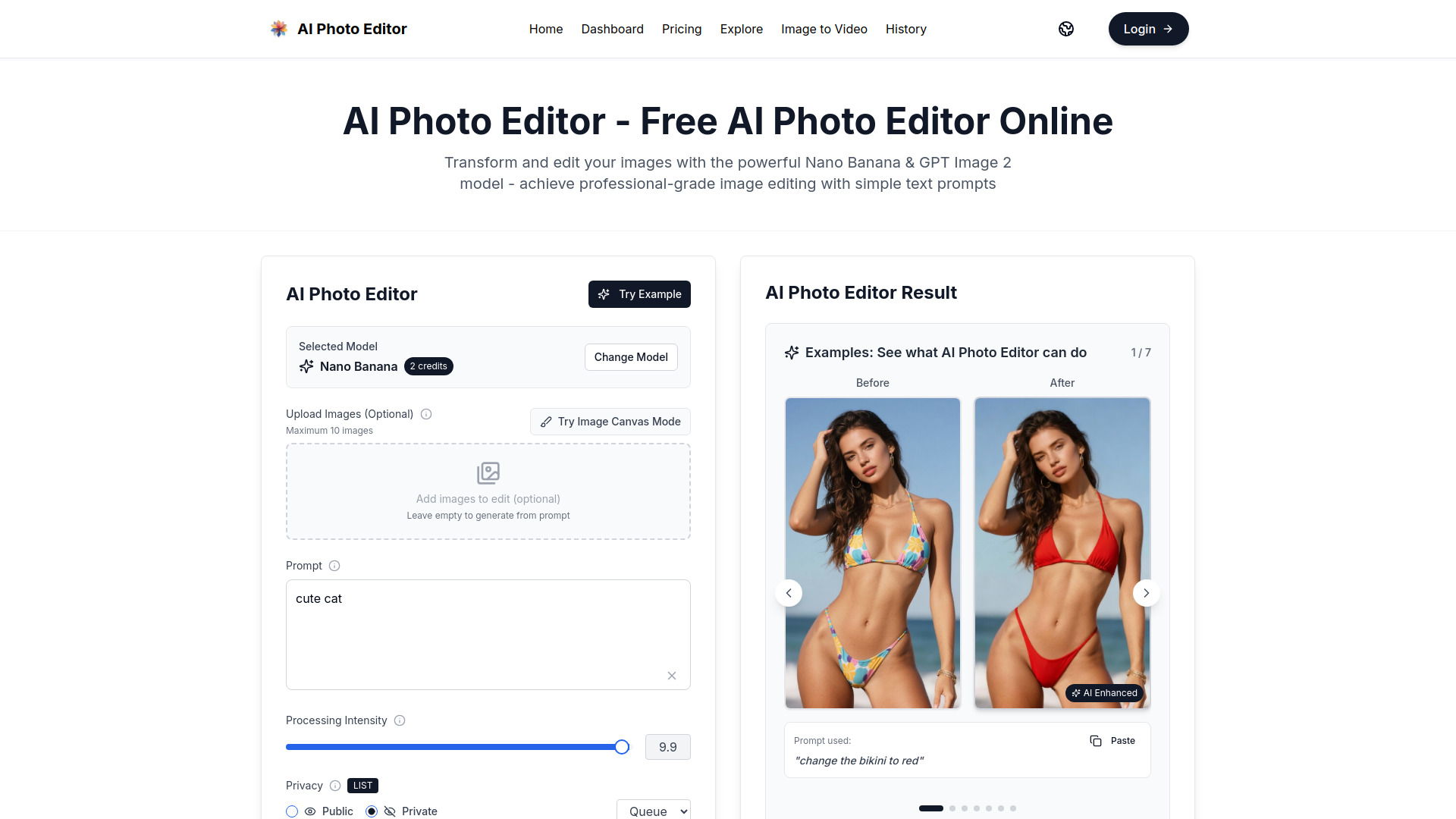
The strongest case for AI Photo Editor is its directness. Instead of making a designer hunt through layers, masks, and adjustment panels, it accepts natural-language instructions for edits and image generation. Restoration, colorization, style transfer, object changes, appearance changes, face completion, and consistent character editing give it a useful range without losing the central prompt-based workflow. We found that combination more practical than a tool that only generates new images, particularly when the starting photo already has value and needs controlled improvement.
Best for
Graphic designers handling fast concept revisions and image cleanup
Users who prefer describing a change instead of building a mask manually
Restoration, colorization, style-transfer, and character-consistency work
Limitations
Image generation consumes credits
The free access quota is not clearly specified
It is a weaker fit for users who require conventional, fully manual layer editing
Shortlist signal: Add it when you want one prompt-first workspace for both photo repair and imaginative image changes.
2. BeautyPlus

- Content creators
- 7-day free trial
- Starts at Check vendor pricing
- Usage signal: 878.5K
Why it matters
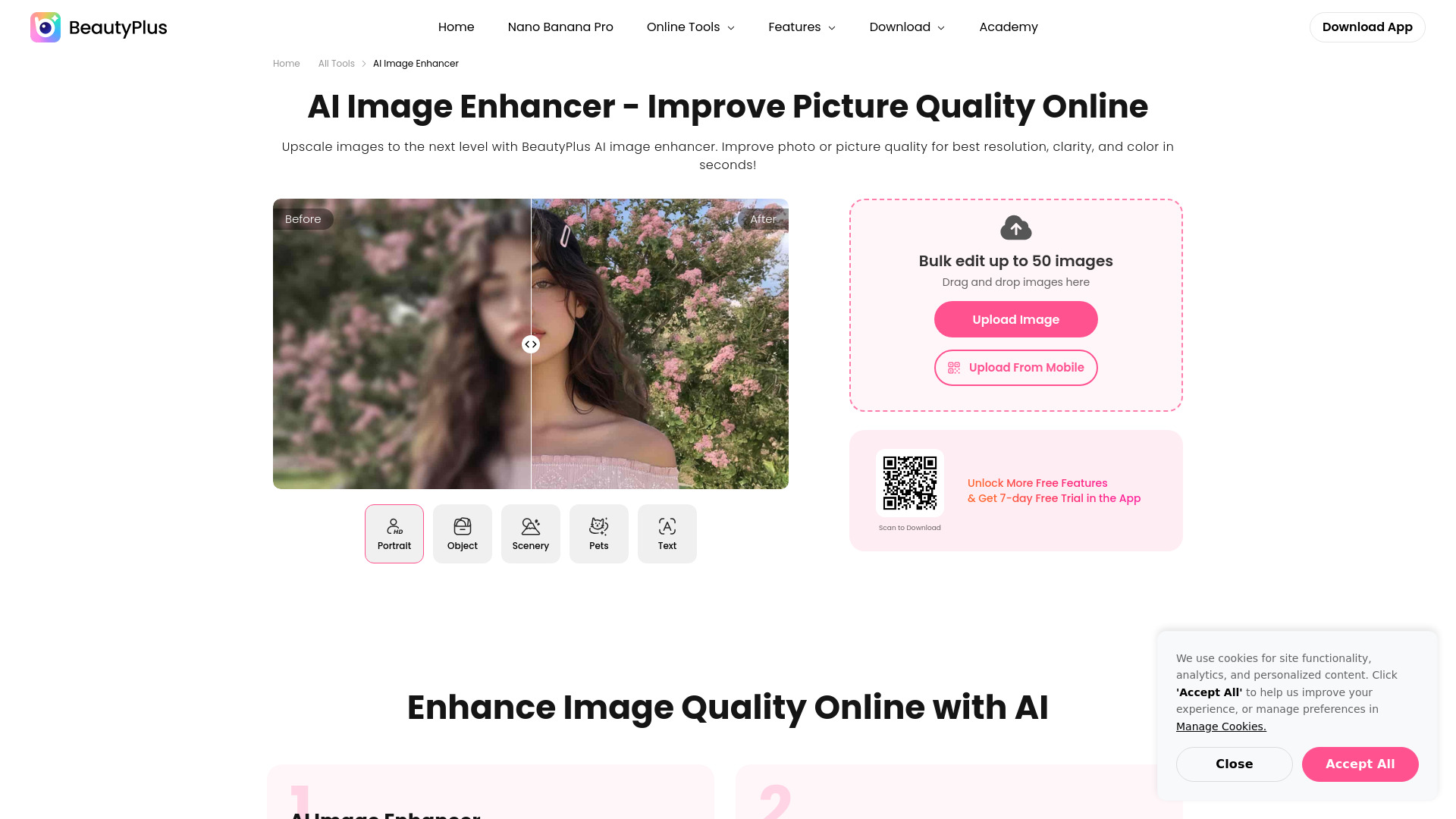
BeautyPlus takes a broad, creator-oriented approach to image work. Its AI image enhancer targets resolution, color, contrast, and clarity, while blurry-photo correction and noise removal address the problems that show up in real social and marketing libraries. The image generator adds text-to-image and image-to-image workflows, including Nano Banana Pro, so users can move from cleanup to creation without changing platforms. That breadth, paired with the strongest monthly usage signal in this group, makes it an easy first test for teams producing a steady stream of visual content.
Best for
Content creators improving batches of portraits or social images
Users who need enhancement and generation in the same workspace
Quick fixes for blur, noise, contrast, color, and clarity
Limitations
Pricing details should be confirmed after the trial
Its broad tool collection may be more than a single-purpose retoucher needs
Teams needing a documented, high-volume production price should validate the commercial fit
Shortlist signal: Choose it when fast enhancement matters as much as creative generation.
3. AutoHDR

- Real estate photographers
- 10 photos per month free
- Starts at Free: $0.00 per month
- Usage signal: 110.3K
Why it matters
Property photography is where generic AI photo editors often run out of road. AutoHDR is built around that production reality: AI HDR editing, virtual twilights, sky replacement, grass greening, staging, generative fill, object removal, TV screens, fireplace fire, lot lines, blurring, and bulk editing. Those are not novelty effects; they map closely to the repeated corrections real estate teams make across interior and exterior listings. The workflow becomes compelling when consistency and throughput matter more than artistic experimentation.
Best for
Real estate photographers processing repeatable property shoots
Agencies that need HDR and exterior enhancements at volume
Teams using bulk edits and property-specific replacements
Limitations
The free plan is limited to 10 photos per month
The lowest listed paid plan starts at $265 per month
Occasional photographers may not process enough images to justify the cost
Shortlist signal: Put it first for property batches, but calculate monthly volume before moving beyond the free allowance.
4. GPT Image 2

- Creators
- Free trial
- Starts at Check vendor pricing
- Usage signal: 16.8K
Why it matters
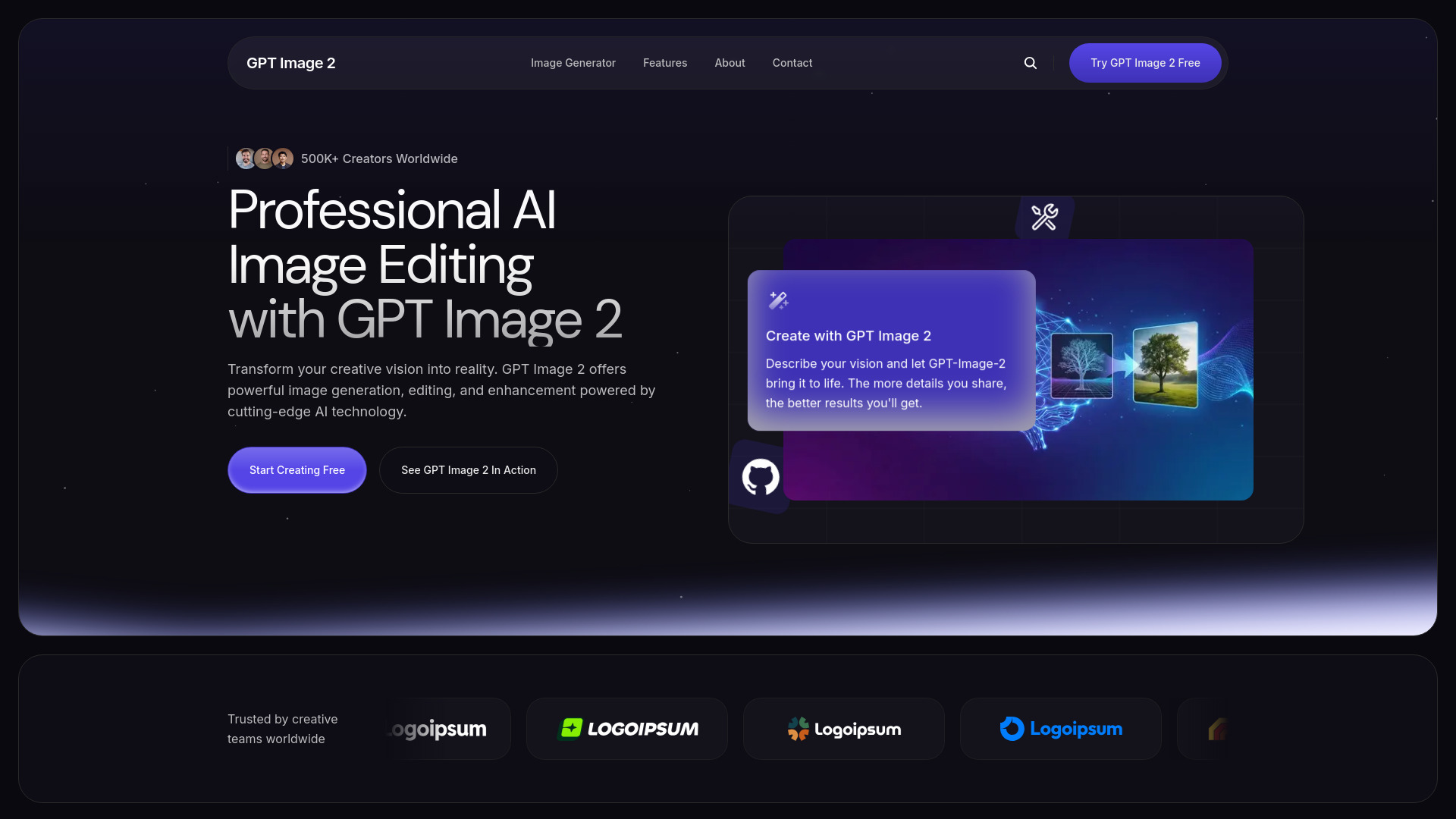
GPT Image 2 sits on the generative end of the field, but its value is not limited to typing a prompt and accepting the first result. Text-based image generation, natural-language smart editing, enhancement, and style transfer make it suitable for creators who need to explore an idea, alter an existing visual, and push it toward a particular look. It is a good alternative when the editing brief is conceptual rather than strictly photographic, such as changing a scene or translating an image into a different visual style.
Best for
Creators developing visual concepts from text
Image-to-image experimentation and style transfer
Users who want enhancement alongside generation
Limitations
Pricing details should be checked directly with the vendor
A generative workflow may not provide the predictable pixel control required for production retouching
Test repeatability if the same subject must be edited across many images
Shortlist signal: Choose it when the brief mixes photo editing with substantial image creation.
5. Image to Layers

- Graphic designers
- No free quota listed
- Starts at Quick Layers: $0.05 per output layer
- Usage signal: 14.3K
Why it matters
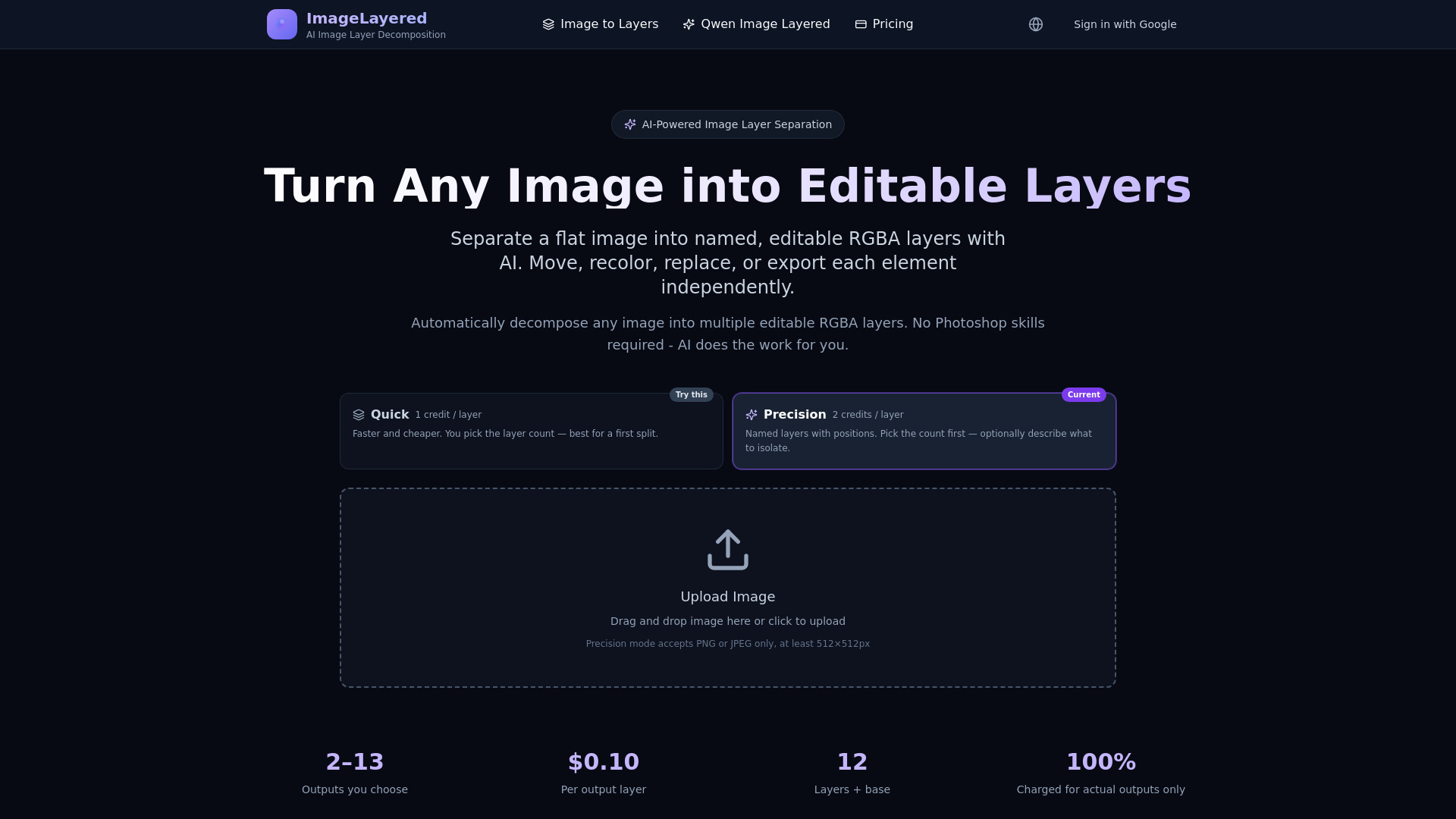
Image to Layers solves a very specific frustration: receiving a flattened image when you need to move, recolor, or replace its components. Its AI decomposes an image into transparent, editable RGBA layers and reconstructs hidden background areas, removing much of the manual masking work. That makes it less of a general photo editor and more of a production utility for designers preparing an asset for continued editing. The per-output-layer Quick Layers price is also easier to reason about than an opaque all-in-one subscription when the job is occasional.
Best for
Graphic designers rebuilding editable assets from flattened images
Compositing workflows that need transparent RGBA outputs
Users who want automatic separation instead of manual masking
Limitations
Usage is credit-based and paid processing is required
Precision mode accepts PNG or JPEG images of at least 512x512 pixels
Layer separation may still require cleanup before a final design is ready
Shortlist signal: Add it when editability matters more than one-click retouching.
6. Animate Image AI

- Social media managers
- 10 images daily free
- Starts at Check vendor pricing
- Usage signal: 11.2K
Why it matters
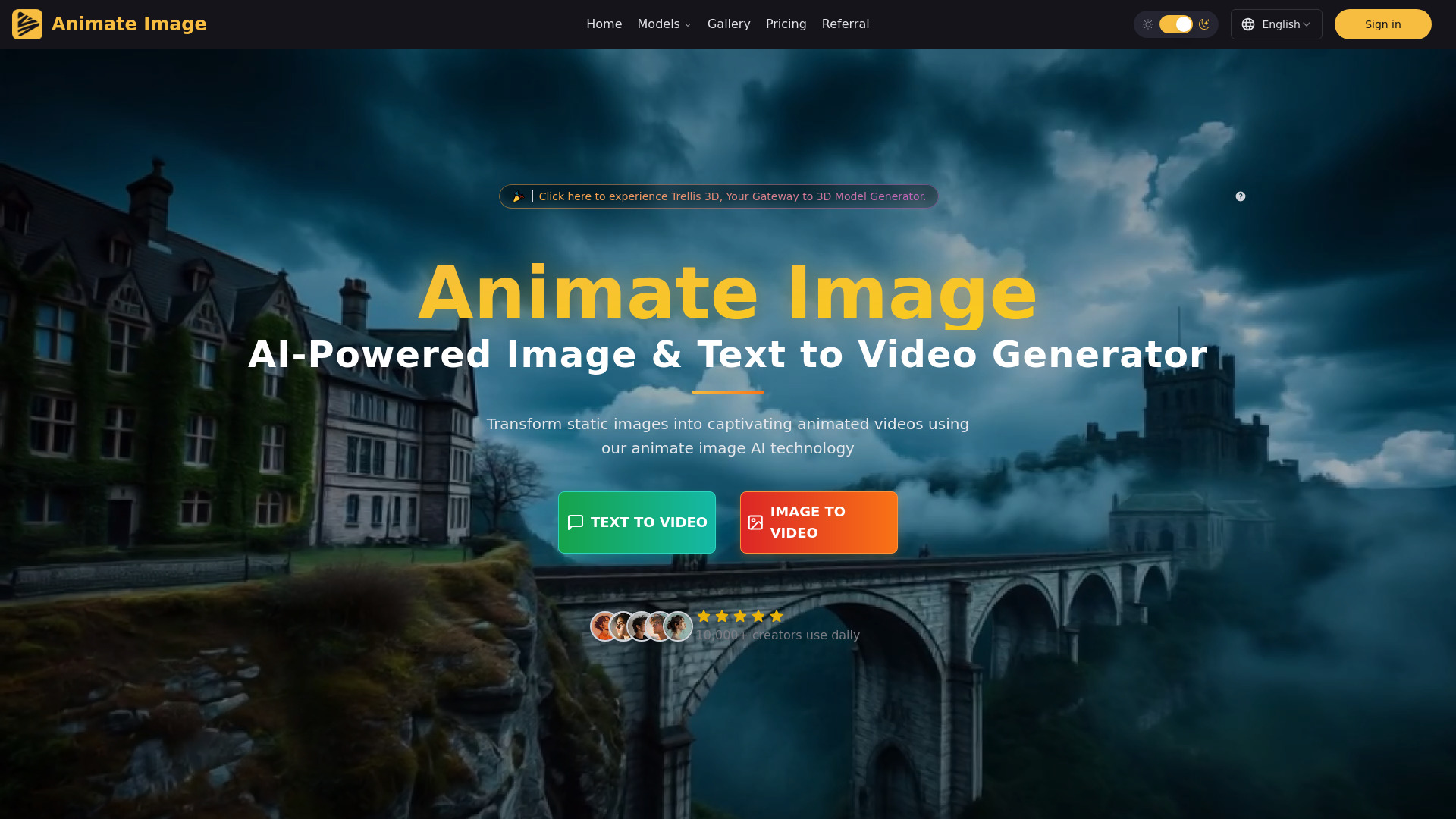
A polished still is not always enough for a social calendar. Animate Image AI turns photos and text into video, with one-click photo animation and exports to MP4, GIF, WebM, and MOV. That makes it a useful adjacent choice for teams whose real goal is to create motion from an existing image rather than retouch the image itself. The daily free allowance gives social managers room to test movement styles before committing, though final production requirements can quickly make the premium tier relevant.
Best for
Social media managers repurposing still images into short videos
Teams working across MP4, GIF, WebM, and MOV formats
Users who want one-click animation without technical skills
Limitations
The free plan is limited to 10 images daily
Premium is required for unlimited animations, watermark-free exports, and priority rendering
It is not the right primary editor for precise photographic corrections
Shortlist signal: Pick it when the deliverable is an animated post, not just a better still photo.
7. Photogenerator AI

- Photographers
- 10 credits per month
- Starts at Free: $0/month
- Usage signal: 1.0K
Why it matters
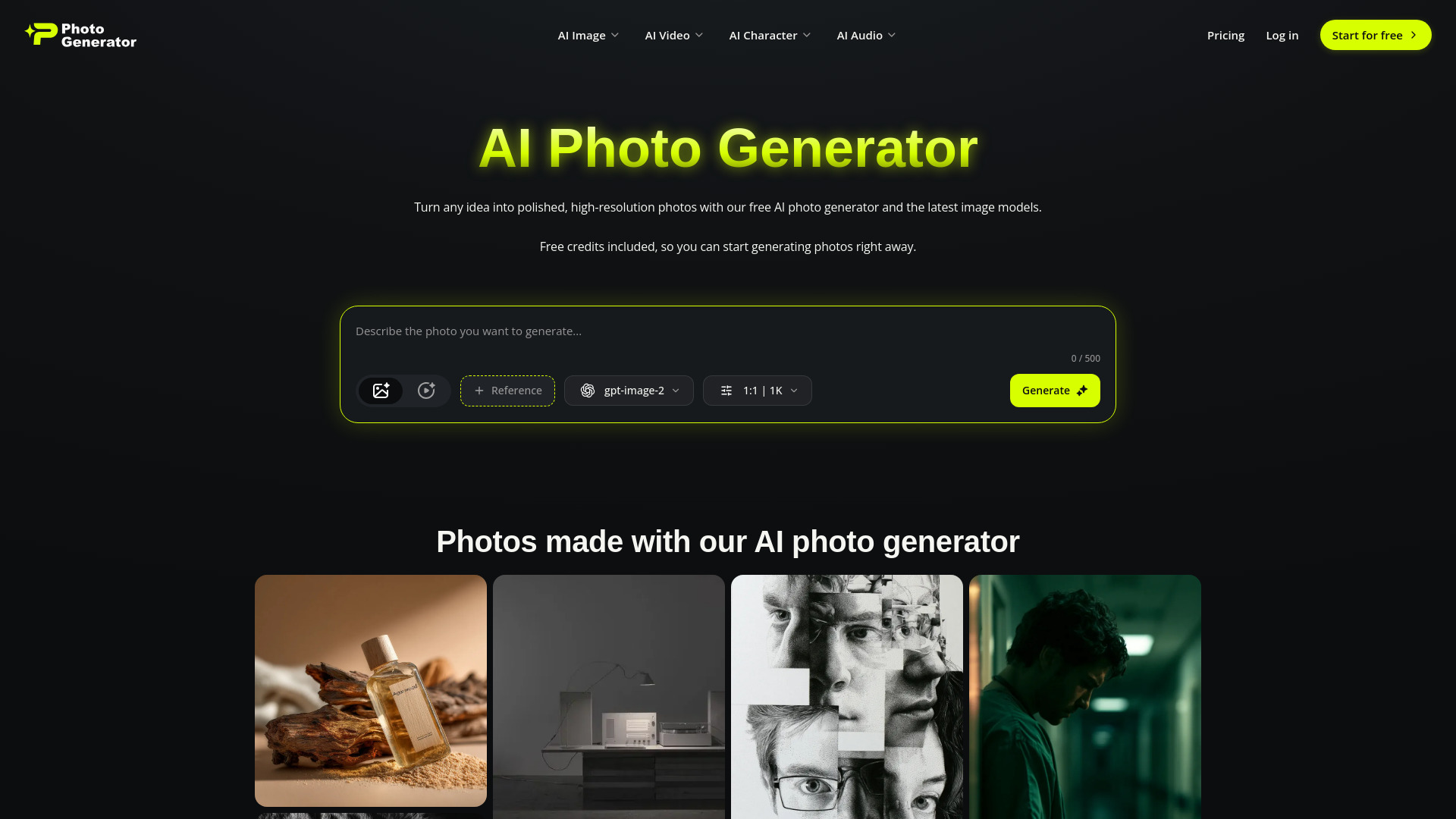
Photogenerator AI is aimed at photographers who want a wider creative pipeline than conventional editing alone. Its image tools cover high-resolution text-to-image creation, image-to-image editing, face swap, and 4K upscaling. It also includes a cinematic video suite with text/frame-to-video, Smart Shot, Motion Sync, and video upscaling, plus custom audio generation. That is a lot of territory, but it can be useful for a solo creator who would rather explore images, motion, and audio in one place than stitch together several specialist apps.
Best for
Photographers experimenting with generated and edited image assets
Solo creators building image, video, and audio content together
Users who can work within a small monthly credit allowance
Limitations
The free plan is limited to 10 credits per month
Free access requires login
A shared creator suite can be less focused than a dedicated photo retoucher
Shortlist signal: Choose it when image editing is one part of a broader multimedia creation workflow.
8. NovaFlick AI

- Busy parents
- Free usage
- Starts at Check vendor pricing
- Usage signal: 826

Why it matters
NovaFlick AI is deliberately uncomplicated. One-click edits, blur fixes, background erasing, spot removal, portrait enhancement, and image generation cover the routine jobs that do not justify learning a complex editor. That simplicity is its strongest editorial case: users can move quickly from an imperfect photo to a usable result without needing editing experience. It is a sensible low-commitment option for personal images and quick social content, provided the current workflow and limits suit your needs.
Best for
Busy parents and casual users making quick photo fixes
One-click background, blur, spot, and portrait improvements
People who want free access before considering a paid plan
Limitations
Check current product fit, pricing, and workflow limits before committing
It may not satisfy designers who need detailed layer or mask control
Usage and export expectations should be tested on your own images
Shortlist signal: Start here when ease of use and free access matter more than deep production controls.
9. imagerework

- E-commerce managers
- 6 free credits
- Starts at Signup credits: Free
- Usage signal: Not listed
Why it matters
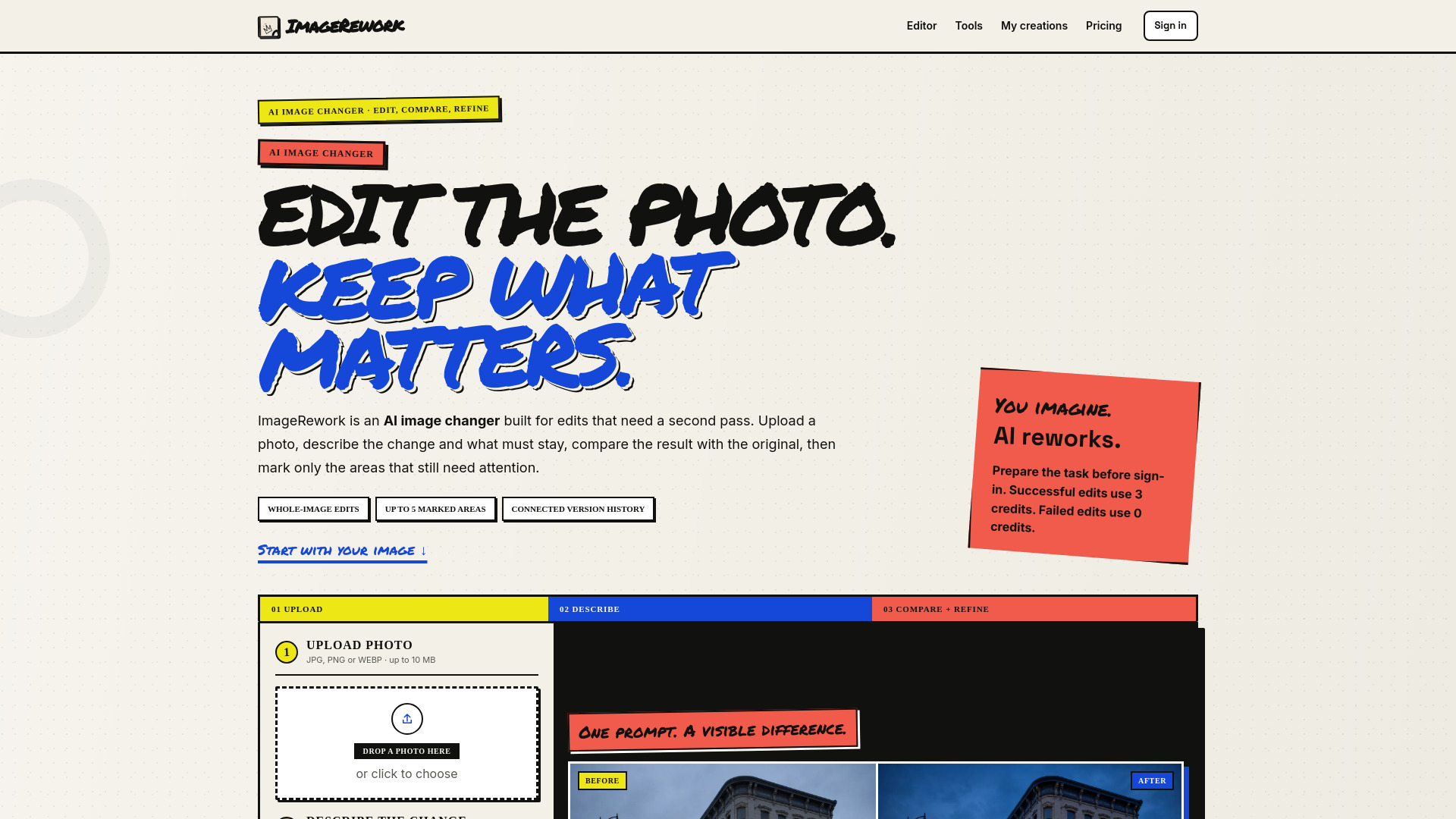
Product teams often need a controlled edit loop rather than a single dramatic transformation. imagerework makes that loop explicit: upload, describe the change, compare before and after, then refine up to five marked areas. It supports whole-image changes and targeted fixes, which is useful when a catalog image needs a background adjustment or a small visual correction without rewriting the entire composition. The interface concept is strong for e-commerce review cycles because comparison is part of the workflow instead of an afterthought.
Best for
E-commerce managers revising product and catalog images
Teams that need before-and-after comparison
Targeted fixes across as many as five marked areas
Limitations
Successful edits cost 3 credits each
Marked areas guide the edit but are not strict pixel-perfect masks
The six free credits are enough for testing, not sustained catalog production
Shortlist signal: Add it when review-and-refine cycles are more important than unlimited experimentation.
10. kavel ai

- Content creators
- 10 free credits
- Starts at Free credits: Free
- Usage signal: Not listed
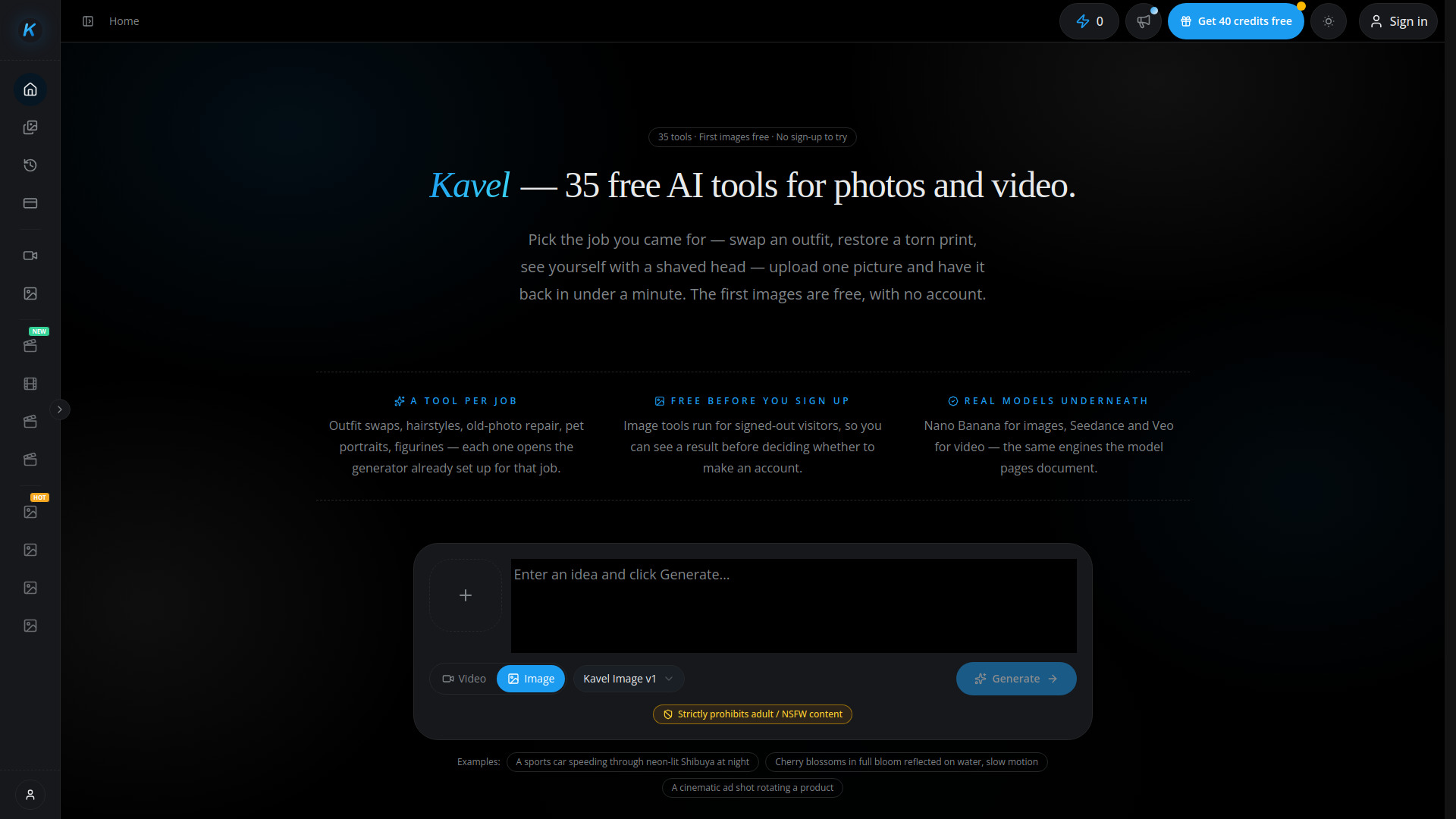
Why it matters
Kavel ai works like a menu of ready-made visual operations rather than a single narrow editor. It offers 35 AI photo and video tools, free image trials without an account for some tools, and one shared credit pool with a cost preview before generation. That preview is a useful touch: users can see the likely cost before spending credits, which makes experimentation easier to manage. It is a good choice for creators who regularly switch between different image and video jobs, rather than someone who wants one deep retouching workflow.
Best for
Content creators who need a variety of ready-made tools
Users testing image workflows before creating an account
Mixed photo and video production with a shared credit budget
Limitations
Video generation can consume credits quickly
Adult and NSFW content is prohibited
A large menu of tools may feel less focused than a specialist editor
Shortlist signal: Test it when breadth and visible credit costs matter more than advanced manual control.
What to test before choosing
Do not judge an AI photo editor from a single flattering sample. Run the same small test set through two or three finalists: a portrait, a busy interior, a product image with text, and a low-quality or blurry photo. The differences usually appear in edges, faces, reflections, and background reconstruction rather than in the first overall impression.
1. Test targeted control
Ask for one small change, such as removing an object or changing a background, and then inspect everything around it. Tools that use prompts may interpret a marked area as guidance rather than a strict mask. That distinction is explicit in imagerework and worth checking elsewhere too. If the edit alters the subject, shadows, or product shape, it may be unsuitable for catalog or client work even if the result looks attractive at a glance.
2. Test consistency
Use three photos of the same subject or property. Check whether color, facial features, perspective, and replacement elements remain consistent. AI Photo Editor highlights consistent character editing, while AutoHDR is designed around repeatable property adjustments. A tool that performs well once but drifts across a set can create more cleanup than it saves.
3. Test output usefulness
Look beyond resolution. Designers should check whether the output is a flattened image or transparent RGBA layers. Social teams should check MP4, GIF, WebM, or MOV export needs. Commerce teams should compare the edited product against the original and inspect fine edges. Image to Layers and Animate Image AI demonstrate why output format can be as important as the visual result.
4. Test the real cost
Count credits for a complete task, including retries. A free trial can look generous until a successful edit consumes three credits, or a generated video uses substantially more than a still image. AutoHDR's 10-photo free plan and Photogenerator AI's 10 monthly credits serve very different volumes. Write down the number of images you process in a normal month before comparing subscription prices.
5. Test account and privacy friction
Note whether you can upload and preview without signing up, when login is required, and what happens when a trial ends. Kavel ai allows some tools to be tried without an account, while Photogenerator AI requires login for free access. For client, family, or confidential images, also read the vendor's current data and retention terms before uploading anything sensitive.
What to do next
Choose two finalists from the shortlist paths, not all 10. Give each the same five-image test set and the same written instructions. Keep the original files, exported results, credit count, and time spent in a simple comparison sheet. This will reveal more than a feature checklist.
For a general starting point, test AI Photo Editor and BeautyPlus. Add AutoHDR if real estate is your workload, Image to Layers if editable design assets are the goal, or imagerework if product revisions drive the work. Choose Animate Image AI for motion, and use Photogenerator AI or kavel ai when your workflow extends beyond still-photo editing.
Before paying, confirm the current price, free quota, credit rollover rules, export restrictions, and whether watermarks disappear on the plan you need. Pricing can change, and several tools in this field expose the full commercial details only after a trial or account step.
Common mistakes when choosing from a complex top list
Choosing by score alone. A 91/100 specialist may be much better for your workflow than a broad 93/100 editor. AutoHDR and Image to Layers are good examples of tools whose value depends heavily on the job.
Treating generation as editing. Text-to-image creation is useful, but it does not automatically provide reliable object removal, restoration, or controlled retouching.
Ignoring the output format. A visually good flattened JPEG is not a replacement for editable RGBA layers, and a still image is not a video export.
Confusing a free trial with a free workflow. Check quotas, login requirements, credit charges, watermarks, and premium export rules.
Testing only perfect images. Blurry photos, difficult edges, reflections, small text, and uneven lighting expose the real limitations.
Overlooking volume economics. A per-edit credit model can be affordable for occasional work and expensive for a catalog or property pipeline.
Assuming one tool should do everything. A focused two-tool workflow can be faster than forcing a general creator studio to handle precision production work.
FAQ
AI Photo Editor is the strongest general starting point in this ranking because it combines prompt-based editing with restoration, colorization, style transfer, object and appearance changes, and image generation. It also lets users start without a sign-up or credit card. Confirm the free quota and credit economics before making it your everyday editor.