
Start here
Searching for a top ai wireframe generator can lead you into a surprisingly broad market. Some products turn sketches into floor plans or rendered spaces; others build websites, generate visual references, or create 3D assets. That matters because a wireframe is often only the first handoff in a larger design process. The right tool should help you move from rough structure to something a client, teammate, or developer can actually react to.
We compared 10 tools, but only a few are natural first stops for a conventional product or web workflow. AI Frame is the clearest fit for website creation, especially if you already work in Framer. AI Floor Plan Generator and VisualizeAI are stronger when the "wireframe" is architectural or spatial. Trellis.2 AI 3D and Gen3D make sense when a rough concept needs a 3D object rather than a clickable interface. The remaining options are useful adjacent tools, not direct replacements for a screen-by-screen wireframe.
A quick shortlist:
For website concepts: AI Frame
For architectural layouts: AI Floor Plan Generator
For interior visualization: VisualizeAI
For 3D assets: Trellis.2 AI 3D or Gen3D - AI 3D Generator
For a no-cost visual experiment: Drawing AI
The important distinction is output. A rendered image can communicate mood and materials, but it does not automatically provide navigation, components, states, or developer-ready structure. Treat the list below as a field guide to AI-assisted visual planning, with AI wireframing tools grouped by the job they actually perform.
Segment comparison
| Segment | Best starting point | What it produces | Main trade-off |
|---|---|---|---|
| Website and content workflow | AI Frame | AI-built sites, generated copy, site audits | Requires a Framer account and prompt quality matters |
| Interior and spatial concepts | VisualizeAI | Rendered drawings and realistic 3D visuals | Beta access and AI accuracy can affect results |
| Floor-plan planning | AI Floor Plan Generator | 2D/3D plans, text-to-plan, sketch-to-plan | Credits and watermarks shape the free experience |
| 3D model creation | Trellis.2 AI 3D | AI-generated, private 3D models | Credit limits and queue priority vary by plan |
| Concept imagery and references | Visual Electric | Photorealistic images and mockups | More generations and features require a subscription |
Shortlist paths
| Your starting point | Shortlist | Why this path works |
|---|---|---|
| I need a rough website direction | AI Frame | It combines site building, copy generation, and auditing in one Framer-oriented workflow. |
| I need to show a client a space | VisualizeAI | Wireframe-to-render conversion and 100+ style options make spatial ideas easier to discuss. |
| I need a plan before styling | AI Floor Plan Generator | It handles text-to-plan and sketch-to-plan, then adds interior and exterior styles. |
| I need a reusable 3D asset | Trellis.2 AI 3D, Gen3D | Both focus on turning prompts or images into 3D geometry. |
| I want to test without signing up | Drawing AI, AI Maze generator | Both advertise free access, though their outputs serve very different purposes. |
Ranking snapshot
| Rank | Tool | Score | Best for | Starting price |
|---|---|---|---|---|
| #1 | VisualizeAI | 94/100 | Interior designers | Basic: $21/mo, billed annually |
| #2 | neural frames | 93/100 | Musicians | Neural Navigator: $13/month |
| #3 | Trellis.2 AI 3D | 93/100 | 3D artists | Free |
| #4 | Gen3D - AI 3D Generator | 92/100 | Product designers | Check vendor pricing |
| #5 | Visual Electric | 92/100 | Designers | Basic: $8/month |
| #6 | AI Maze generator | 91/100 | Educators | Check vendor pricing |
| #7 | AI Floor Plan Generator | 91/100 | Architects | Free: $0/month |
| #8 | AI Frame | 90/100 | Web designers | Check vendor pricing |
| #9 | Drawing AI | 89/100 | E-commerce owners | Basic: $5 |
| #10 | AI Character Generator | 89/100 | Writers | Check vendor pricing |
How we grouped and ranked the list
This is a complex category, so a single "wireframe quality" score would be misleading. We grouped each product by the artifact it helps create: website structure, spatial layout, 3D model, visual reference, or another form of generated concept. That keeps a floor-plan tool from being judged as though it were a UX prototyping app while still showing where it can be a useful alternative.
The ranking weighs four practical questions. First, does the tool have a clear input-to-output workflow, such as sketch-to-plan, image-to-3D, or prompt-to-site? Second, can the result be refined through styles, parameters, models, or customization? Third, is there a realistic way to try it before paying? Finally, do market signals and audience fit support the score? Monthly visits are a directional usage signal, not a quality guarantee.
Because the candidate pool includes broader visual studios, the list is best read by segment. Neural frames, for example, is much more relevant to musicians creating motion visuals than to a UX team documenting user flows. AI Character Generator helps writers build structured fictional profiles, but it does not create character images directly. Those tools remain useful in adjacent concept workflows; they simply should not be mistaken for conventional interface wireframing software.
Ranked field notes
1. VisualizeAI

- Interior designers visualizing spatial concepts
- 3 designs free
- Starts at Basic: $21/mo, billed annually
- Usage signal: 37.5K
Why it matters
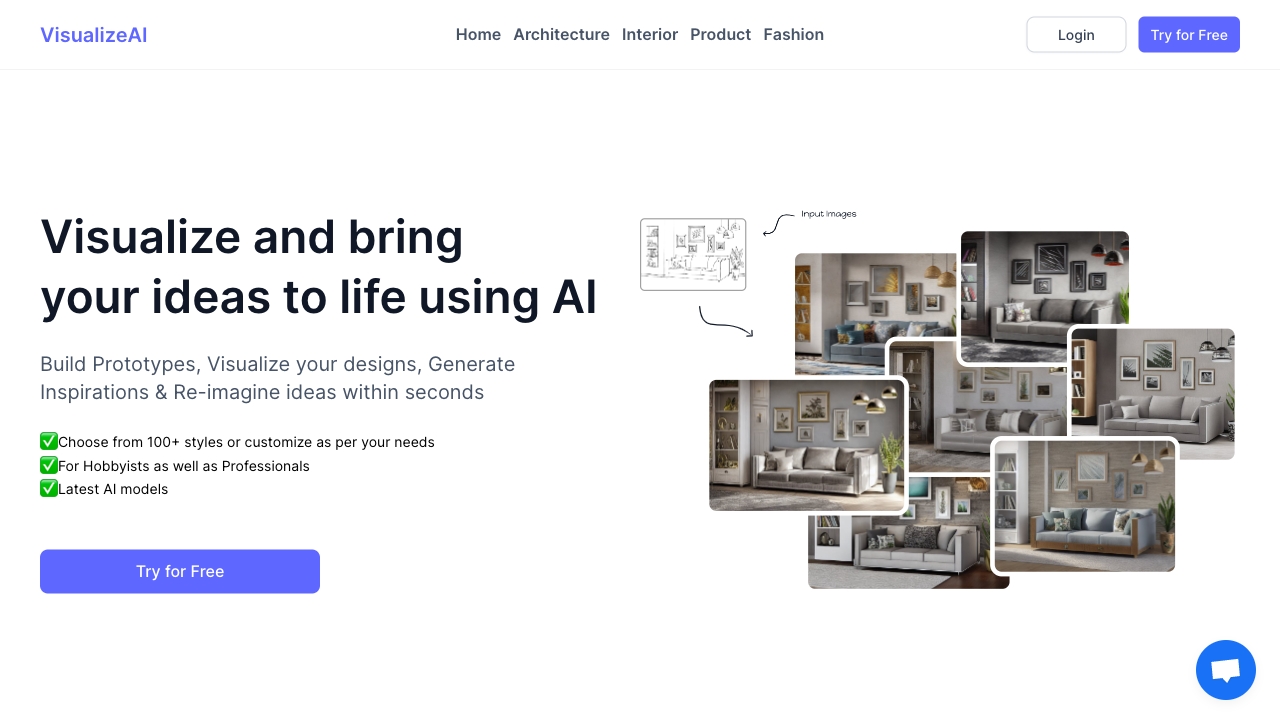
VisualizeAI is the strongest overall match when a wireframe means a rough spatial drawing that needs to become persuasive quickly. Its wireframe-to-rendered-drawing conversion gives interior designers a direct bridge from structure to presentation, while realistic 3D rendering and more than 100 styles support rapid visual iteration. I particularly like this positioning for stakeholder conversations: a client can respond to a concrete room concept instead of trying to imagine the finished space from a sparse plan. The catch is that this is a visualization workflow, not a conventional interface prototyping environment, and AI accuracy still deserves a human review.
Best for
Interior designers presenting early concepts
Teams exploring multiple room styles quickly
Stakeholder reviews where realistic visuals matter
Limitations
Some features may remain in beta access
AI-generated details may require correction or refinement
It is a poor fit for clickable product flows or UI component libraries
Shortlist signal: Add VisualizeAI first when your "wireframe" is a room, space, or interior concept that needs a realistic client-facing render.
2. neural frames

- Musicians creating AI-assisted music visuals
- Free cartoon transformation; no login required
- Starts at Neural Navigator: $13/month
- Usage signal: 375.2K

Why it matters
Neural frames earns its place as an unexpected alternative because it turns a creative brief into motion-oriented visual material rather than static interface boxes. The product covers AI music video generation, lyric video creation, and text-to-video conversion, making it a useful next step when a storyboard or visual direction needs to become something watchable. Its freemium model and range of AI models make experimentation accessible. For a wireframe comparison, though, think of it as a visual storyboard companion, not a screen layout tool.
Best for
Musicians shaping a visual identity for a track
Lyric-video and music-video concepts
Creators who want model and customization choices
Limitations
Subscription tiers limit some features
Stem extraction and audioreactive effects are not available on every plan
It does not replace a UX flow, website layout, or clickable prototype
Shortlist signal: Choose neural frames when the deliverable is a music-led visual sequence rather than a conventional product wireframe.
3. Trellis.2 AI 3D

- 3D artists generating private model concepts
- Free experience
- Starts at From $13.90/month
- Usage signal: 82.3K
Why it matters
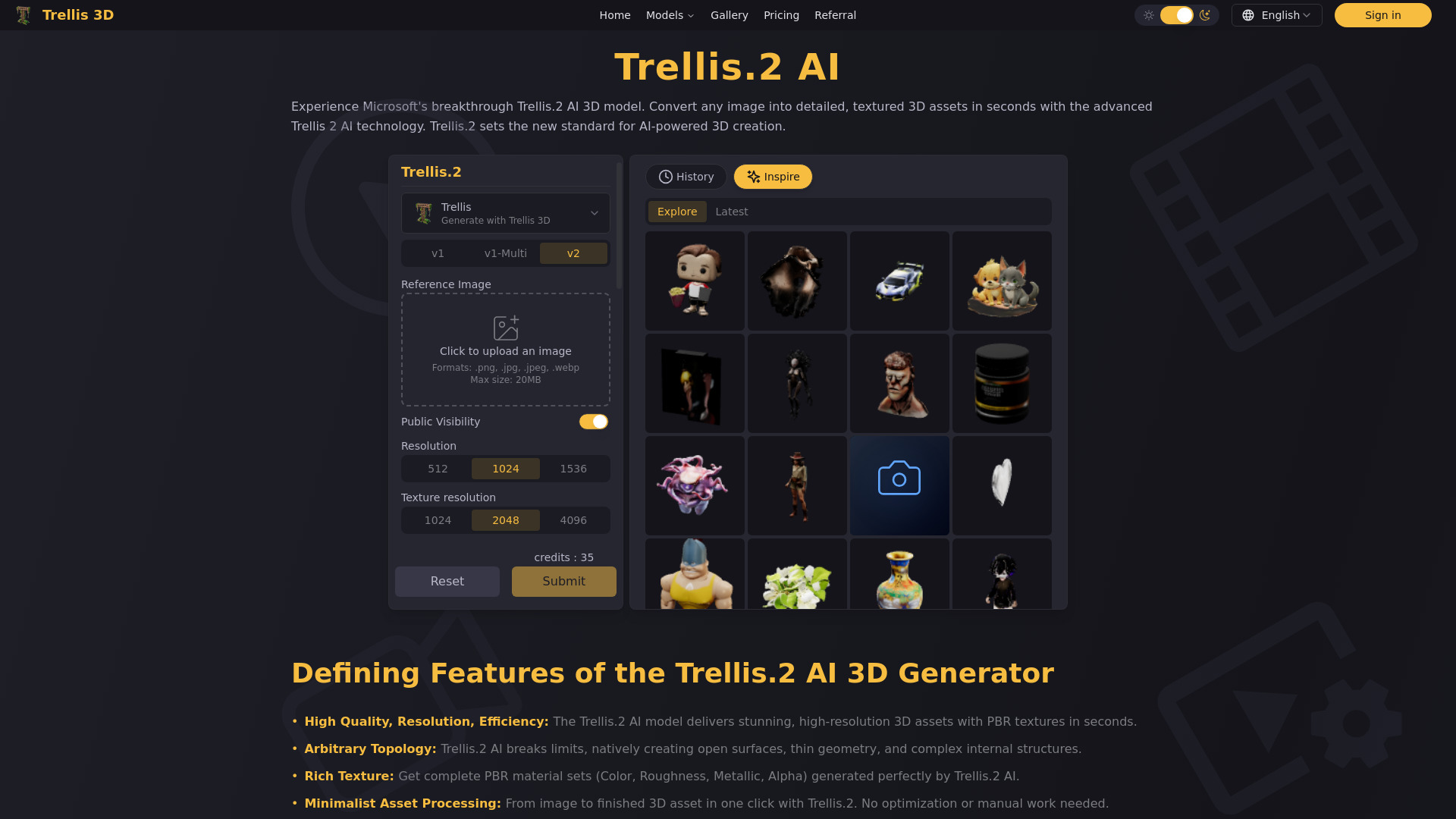
Trellis.2 AI 3D is a practical choice when a rough idea needs to become a manipulable 3D model. AI 3D model generation keeps early exploration moving, while private and customer-owned creations make the workflow easier to consider for client work. The ability to download community creations adds another route for reference and experimentation. This is one of the better top ai wireframe generators alternatives for product or environment teams that communicate in forms and objects rather than browser screens.
Best for
3D artists creating early model studies
Product and environment concept exploration
Users who need private, customer-owned creations
Limitations
A credit-based system limits monthly usage
Queue priority changes between subscription tiers
Generated geometry should be inspected before production use
Shortlist signal: Put Trellis.2 on the list when a 3D object is the most useful wireframe for your team.
4. Gen3D - AI 3D Generator

- Product designers moving from concept to 3D geometry
- Free image-to-3D and text-to-3D access
- Starts at Check vendor pricing
- Usage signal: 5.1K
Why it matters
Gen3D focuses on speed and accessibility: image-to-3D and text-to-3D creation are designed for people who do not want to start with manual modeling. Its more specialized image-to-CAD workflow is the standout feature, promising a path from concept to manufacturing-ready AI 3D geometry. That makes it more relevant to product design than a generic image generator. Pricing needs a live check before adoption, and "manufacturing-ready" output should be validated carefully rather than accepted without technical review.
Best for
Product designers exploring form quickly
Beginners who need image-to-3D or text-to-3D
Teams testing an early CAD direction
Limitations
Pricing is hidden behind a vendor check
CAD output still needs technical validation
It does not provide conventional user-flow or screen wireframes
Shortlist signal: Consider Gen3D when your early design question is about physical form, manufacturability, or 3D geometry.
5. Visual Electric

- Designers creating realistic visual references and mockups
- Hyper-realistic photos and realistic mockups
- Starts at Basic: $8/month
- Usage signal: 3.6K
Why it matters
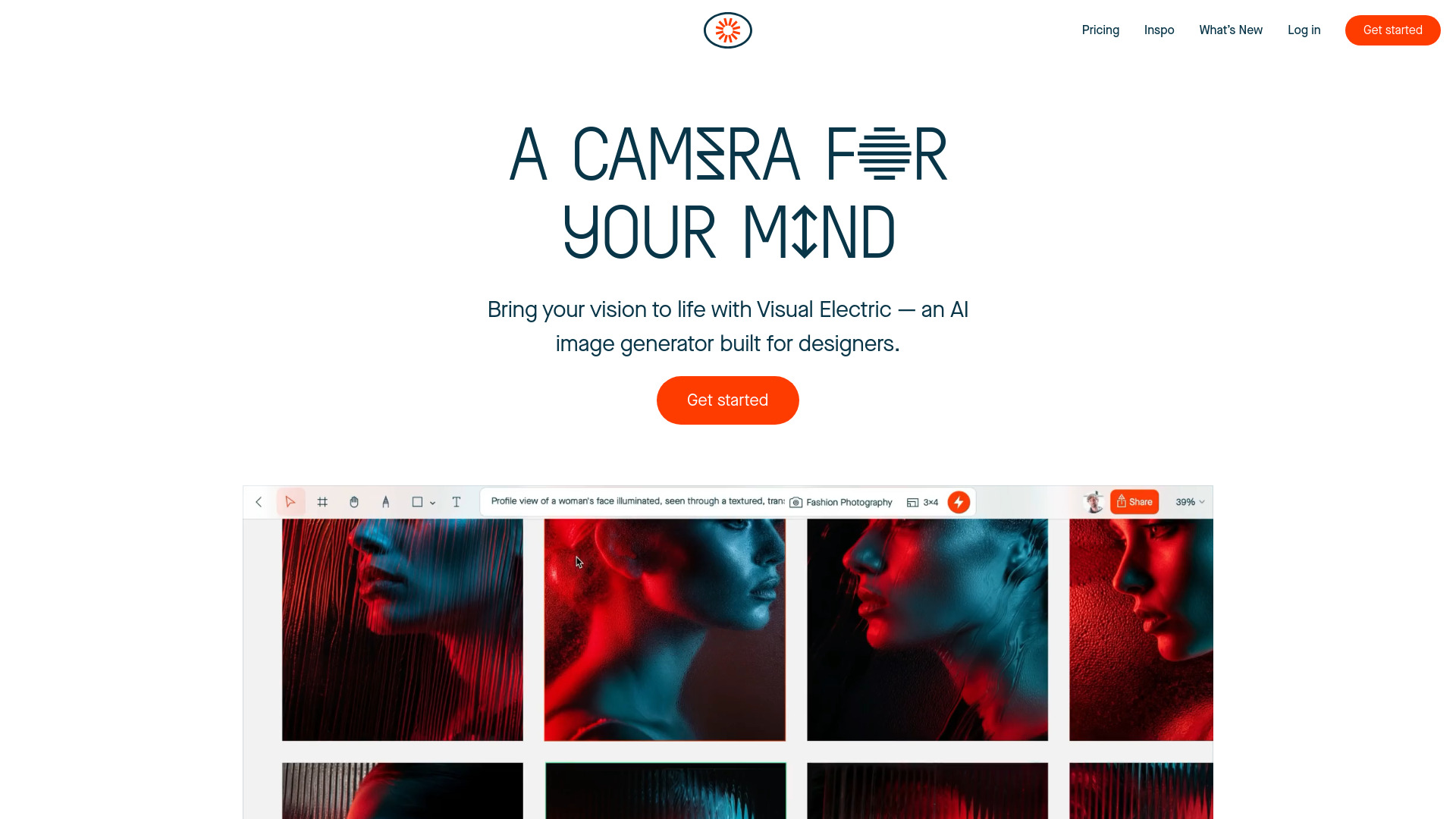
Visual Electric belongs in the conversation when the first stage of a design process is visual direction. Hyper-realistic photo generation, accurate text rendering, and a fast image mode can help designers test a look, mock up an idea, or communicate an intended finish before investing in a polished production asset. It is more useful as a visual reference board than as a wireframe canvas. That distinction is important: realistic output can clarify a concept while still leaving layout, interaction, and responsive behavior unresolved.
Best for
Designers building mood and visual direction
Realistic mockups with readable text
Fast exploration of image-led concepts
Limitations
More generations and features require a subscription
Strong results may depend on specific prompting skills
It does not provide a dedicated UX wireframing workflow
Shortlist signal: Add Visual Electric when visual fidelity and mockups matter more than interaction mapping.
6. AI Maze generator

- Educators creating customizable maze activities
- Free maze creation, solving, and downloads
- Starts at Check vendor pricing
- Usage signal: 958
Why it matters
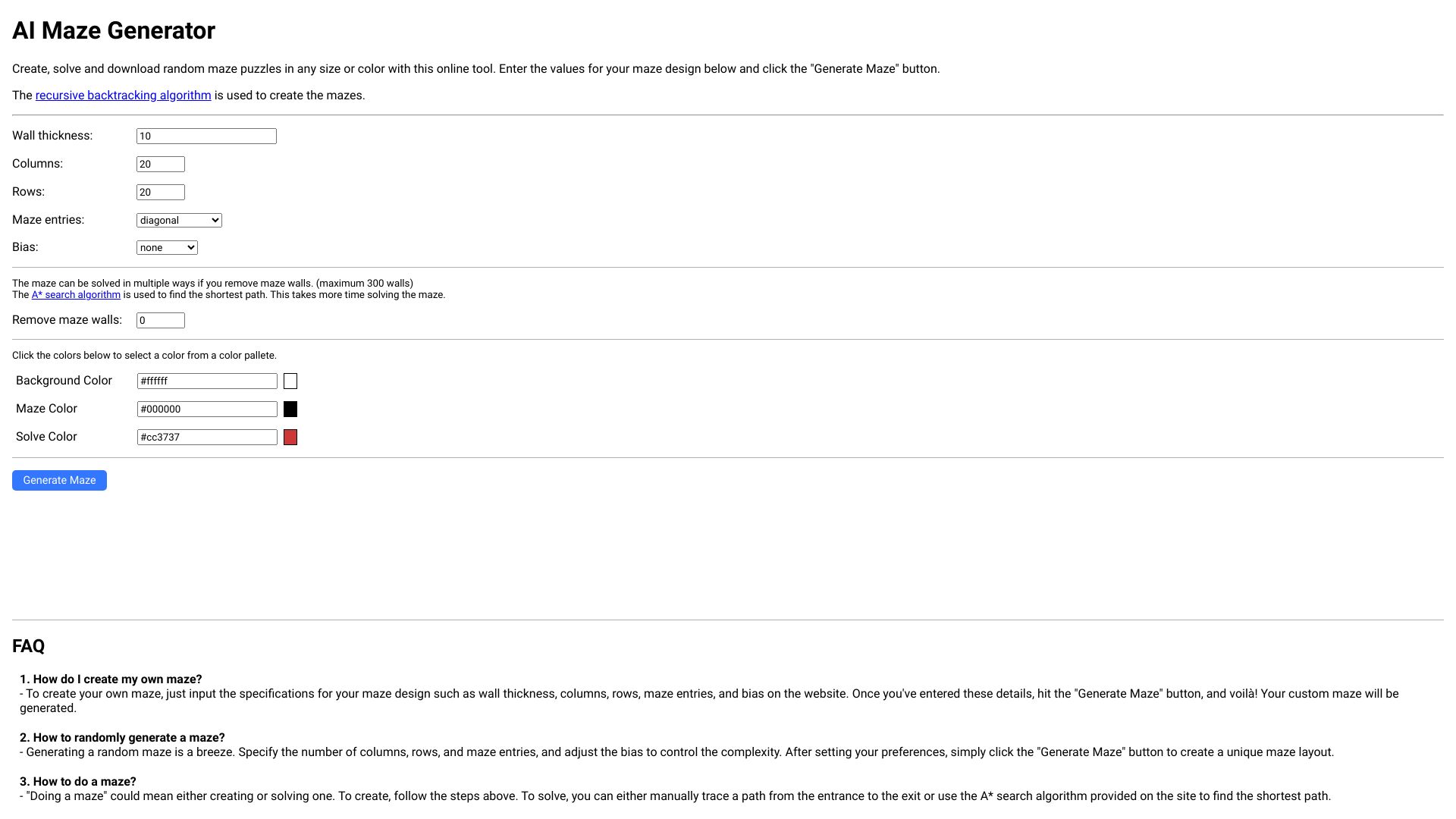
AI Maze generator is a narrow but clean example of parameter-driven generation. Users can create mazes with customizable parameters, solve them with the A* search algorithm, and download them in different sizes and colors. That makes it valuable for educators and puzzle creators who need repeatable printable activities. It appears on this broader field guide because it demonstrates a useful principle for evaluating AI wireframing tools: controlled inputs and predictable exports can matter more than flashy generation when the output has a defined job.
Best for
Educators making classroom puzzle materials
Users who need adjustable maze parameters
Simple generate, solve, and download workflows
Limitations
JavaScript must be enabled
Maze design options are limited beyond basic parameters
It is not suitable for interface, architectural, or product wireframes
Shortlist signal: Choose this only for structured puzzle generation; do not treat it as a general design or UX tool.
7. AI Floor Plan Generator

- Architects planning and styling floor layouts
- 20 sign-up credits
- Starts at Free: $0/month
- Usage signal: 232
Why it matters
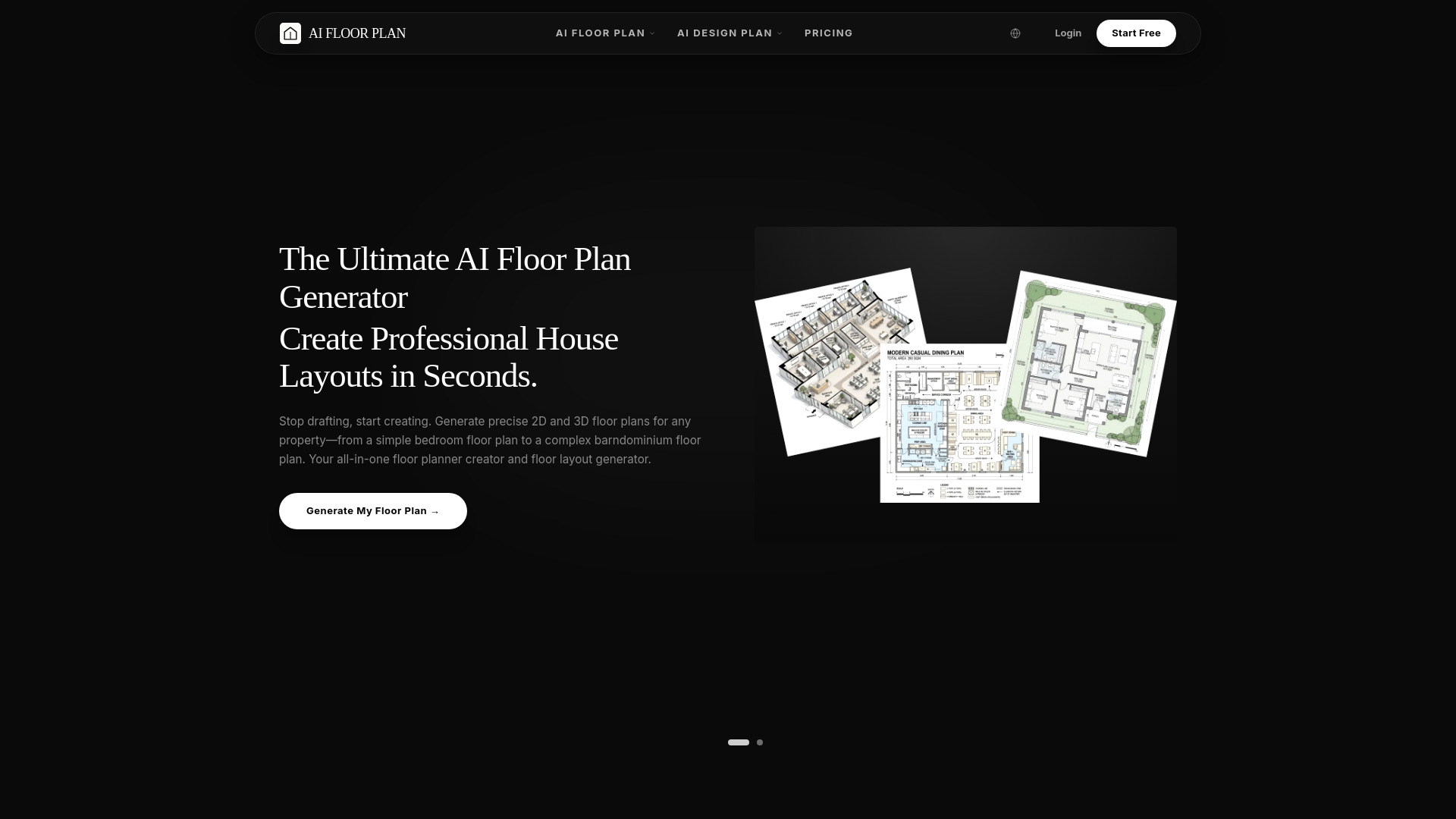
AI Floor Plan Generator is one of the most direct fits for a spatial version of wireframing. It supports AI-powered 2D and 3D floor plans, text-to-plan and sketch-to-plan conversion, then extends the workflow into interior and exterior styling with more than 50 styles. The stated ability to reduce initial drafting time by up to 70% makes it attractive for early-stage planning, where speed matters more than final construction documentation. The free tier is useful for testing, but watermarks and credit limits should be part of the buying decision.
Best for
Architects developing early layout options
Interior and exterior concept planning
Teams moving from a sketch to a presentable visual
Limitations
Free-tier outputs are watermarked
Credit-based usage limits generations per cycle
Generated plans should not replace professional review or documentation
Shortlist signal: Shortlist it when you need to turn a text prompt or rough sketch into a 2D/3D spatial plan.
8. AI Frame

- Web designers building and auditing Framer sites
- Build sites in seconds and optimize copy
- Starts at Check vendor pricing
- Usage signal: Not listed
Why it matters
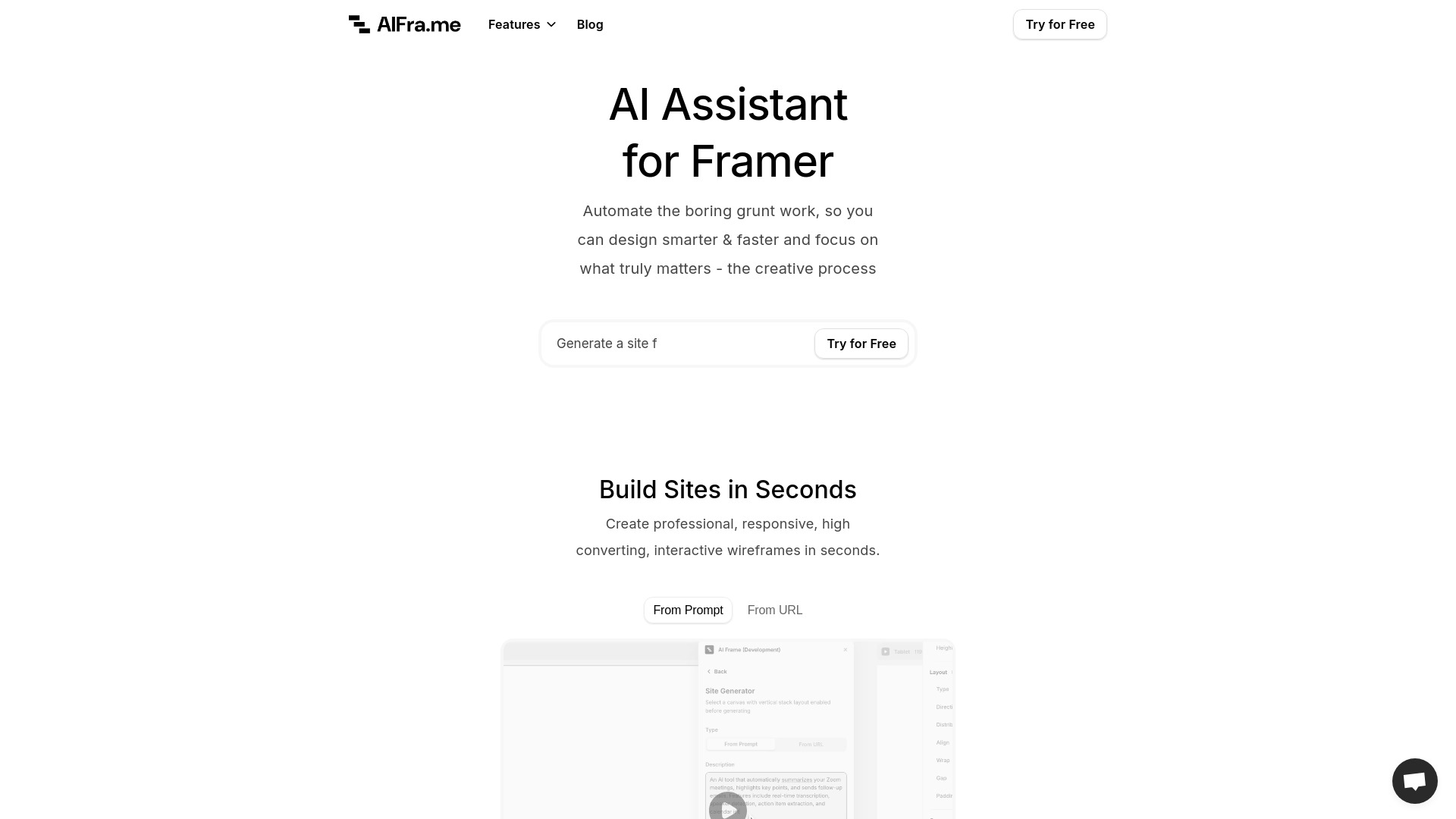
AI Frame is the clearest conventional web-design option in this group. Its AI Site Builder addresses the initial structure, while the AI Content Generator and AI Site Audit cover two common follow-up chores: filling pages with copy and checking the result. That broader workflow is why it deserves a serious place among top ai wireframing tools, even though it is built around Framer rather than a standalone wireframe editor. If your team already uses Framer, the account requirement is a manageable constraint; otherwise, it is the first qualification question to answer.
Best for
Web designers working in Framer
Teams moving quickly from idea to website draft
Users who want content and site auditing alongside layout creation
Limitations
Requires a Framer account
Results depend on prompt quality and input URLs
Vendor pricing should be confirmed before purchase
Shortlist signal: Start with AI Frame when your desired output is a live Framer site direction, not merely a static wireframe file.
9. Drawing AI

- E-commerce owners turning rough ideas into images
- Free unlimited generations; no login required
- Starts at Basic: $5
- Usage signal: Not listed
Why it matters
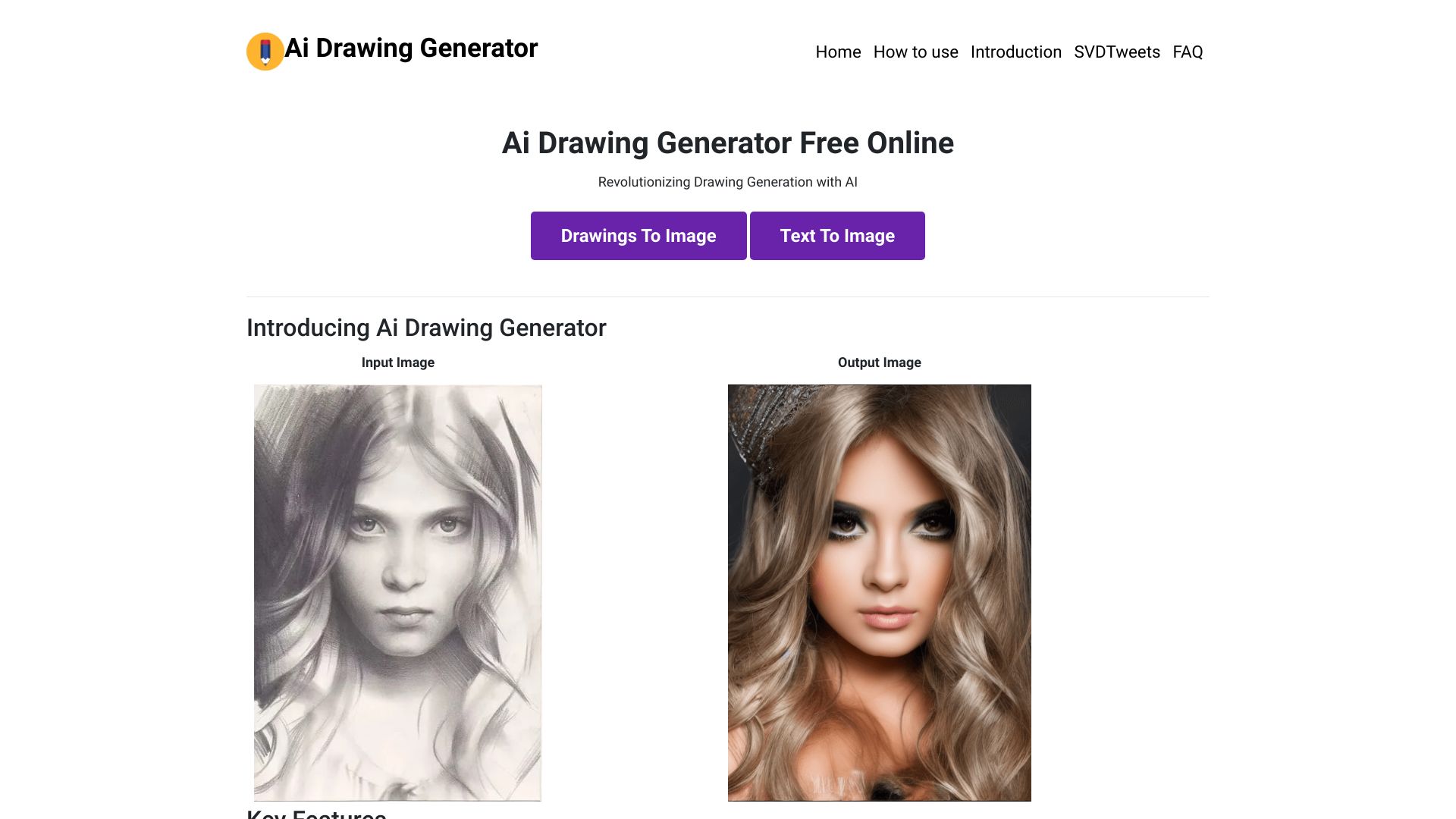
Drawing AI is compelling for one reason: it removes much of the friction between a rough visual idea and a usable image. Free, unlimited generation with no sign-up requirement makes it easy to test sketches, product concepts, or simple creative directions before choosing a paid workflow. Its FLUX.1-Dev-powered output and fast generation are useful for e-commerce owners who need visual exploration. Still, it is an image generator, not a product wireframe system, so use it to communicate appearance rather than hierarchy or interaction.
Best for
E-commerce owners exploring product visuals
Quick sketch-to-image experiments
Users who want to test generation without an account
Limitations
English prompts produce the best results
Image generation can occasionally fail
It does not map screens, flows, or responsive states
Shortlist signal: Use Drawing AI as a low-friction visual ideation companion when you need images, not interface structure.
10. AI Character Generator

- Writers developing detailed fictional characters
- Free to use
- Starts at Check vendor pricing
- Usage signal: Not listed
Why it matters
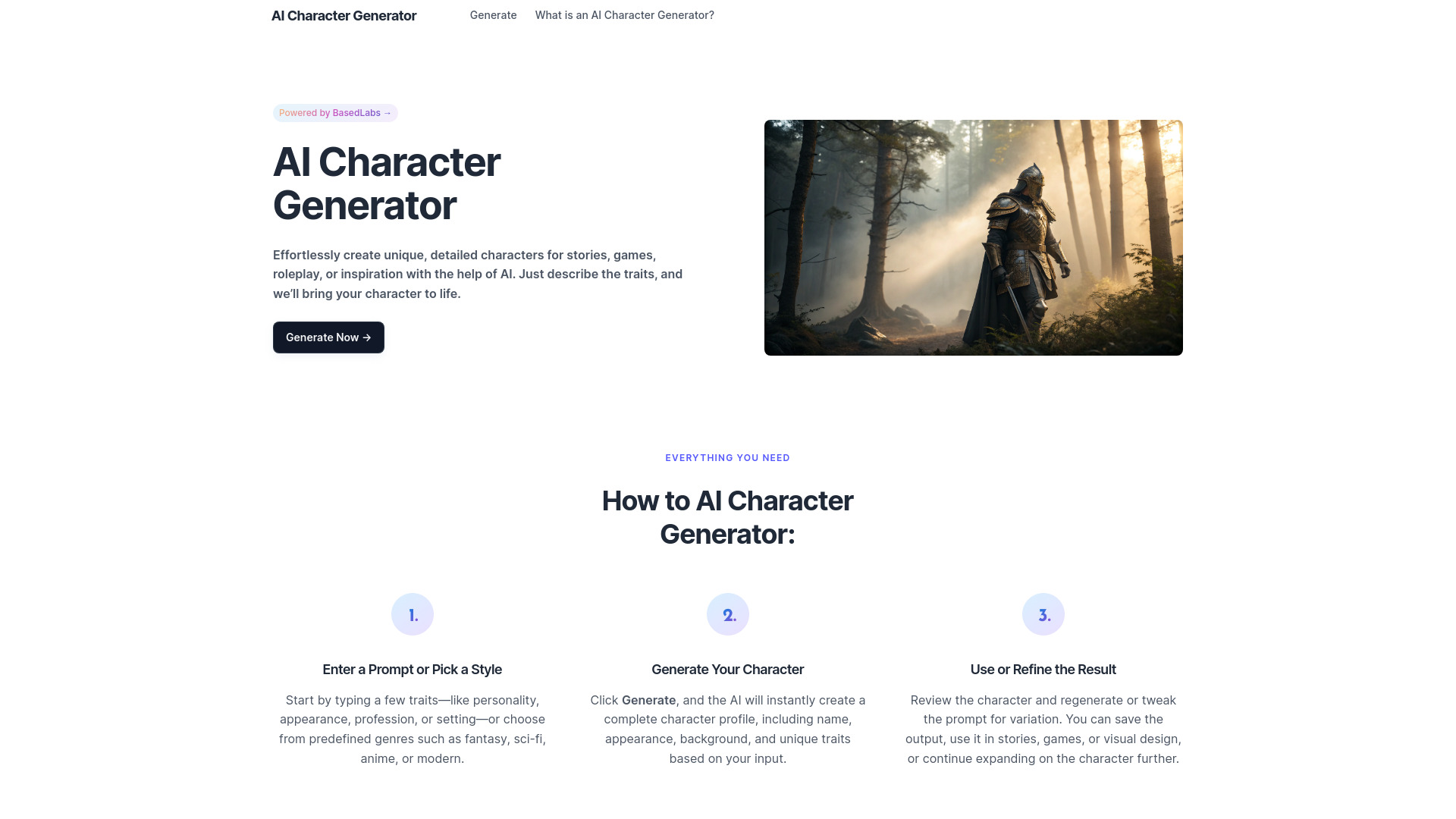
AI Character Generator takes the idea of a "wireframe" in a different direction: it gives a story concept a structured human profile. In one click, it can generate a name, appearance, background, traits, motivations, and quirks, with customization for setting, tone, genre, and age group. Writers and game creators can use that structure to test a concept before developing it further. It is a useful adjacent tool for narrative design, but it does not generate character images directly and may need to be paired with another visual product.
Best for
Writers building story and roleplay characters
Game teams exploring narrative concepts
Users who need profiles tailored to a genre or setting
Limitations
It does not generate character images directly
Some features may require login or have usage limits
It is not a screen, site, or architectural wireframe tool
Shortlist signal: Choose it when the thing you need to structure first is a character profile, not a visual interface.
What to test before choosing
A polished first output is not enough. Run the same small brief through two or three tools in the segment that matches your work, then inspect what survives revision.
- 1
Use a real input. Try an actual sketch, URL, text description, or product reference from your workflow. Generic prompts hide the friction that appears in production.
- 2
Test the second pass. Ask for a change: another style, a different layout, a revised character tone, or a new model variation. The speed and consistency of iteration matter more than the first result.
- 3
Check the artifact type. Confirm whether you receive a rendered image, 3D model, floor plan, generated site, or profile. Do not assume a visual result includes editable structure.
- 4
Inspect ownership and privacy. Trellis.2 AI 3D explicitly highlights private and customer-owned creations. For every other tool, verify current terms before uploading confidential work.
- 5
Measure free usage. Three designs, 20 sign-up credits, unlimited generations, and a free experience are very different tests. Note watermarks, queues, credit consumption, and sign-up requirements.
- 6
Review failure behavior. AI accuracy, failed image generations, English-only prompting, and prompt sensitivity can all add manual work. A tool that is fast on a demo may be slower on a messy real brief.
What to do next
Start with the output your team needs, not with the phrase "AI wireframe generator." For a website, test AI Frame first. For a floor layout, compare AI Floor Plan Generator with VisualizeAI. For 3D form, run the same reference through Trellis.2 AI 3D and Gen3D. If you are still at the moodboard stage, Visual Electric or Drawing AI will likely be more useful than a formal planning tool.
Keep the first test deliberately small: one brief, two revisions, and one export or handoff. Record how much cleanup each result needs. Then check current pricing, plan limits, account requirements, ownership terms, and whether the output fits the next person in your process. That final handoff test is where many promising tools stop being practical.
Common mistakes when choosing from a complex top list
Confusing a render with a wireframe. A photorealistic image can explain appearance but says little about interaction, hierarchy, or responsive behavior.
Ranking by score alone. A 94/100 spatial visualization tool may be a worse choice for a web team than a lower-ranked site builder.
Ignoring the audience label. Musicians, architects, writers, and 3D artists have different definitions of a useful first draft.
Treating free access as unlimited production use. Credits, watermarks, queue priority, and feature locks can change the economics quickly.
Skipping the second iteration. Prompt-to-output speed matters less if every revision breaks the structure or requires extensive cleanup.
Assuming "AI-generated" means editable. Ask what the product actually returns and how the result moves into the next tool.
Using market traffic as proof of quality. Usage signals provide context, but audience fit and workflow reliability should decide the purchase.
FAQ
For the broad category represented here, VisualizeAI ranks first because it combines wireframe-to-rendered-drawing conversion, realistic 3D rendering, and more than 100 styles. It is best for interior and spatial visualization, not for conventional app or website prototyping. Web designers should look at AI Frame first.