
The phrase top ai search optimization tools covers more ground than a conventional SEO software list. Some products measure how brands appear in AI answers, while others improve the assets that feed discovery: app-store screenshots, ad creative, product imagery, or written content. This field guide compares 10 tools so you can separate genuine AI-search support from useful but broader marketing and productivity platforms. Searchify is the clearest direct fit; the remaining options are adjacent choices that may make sense when your visibility problem begins somewhere else.
Start here
Use this shortlist to avoid comparing unlike products on the same feature checklist.
| Best fit | Start with | Why it belongs on the shortlist |
|---|---|---|
| AI visibility measurement and recommendations | Searchify | Provides an AI Search Score, actionable recommendations, and content creation. |
| App discovery and store listing optimization | AppLaunchFlow | Combines store-ready screenshots, ASO copy, and localization in one workflow. |
| Free, no-sign-up content utilities | BukiTools | Offers five AI tools, including an ATS optimizer, rewriter, and PDF assistant. |
| Automated paid acquisition | Didoo AI | Builds, launches, targets, and optimizes Meta campaigns from a URL. |
| Product-led ecommerce visibility | MakeAD | Turns one source product image into ecommerce, lifestyle, and advertising visuals. |
The practical takeaway is simple: do not buy a broad AI workspace just because it mentions search. Start with the part of the funnel you can actually improve. If you cannot measure AI visibility, Searchify is the natural first evaluation. If the real bottleneck is weak app-store conversion, AppLaunchFlow may produce a more immediate result.
Segment comparison
The list splits into one direct AI-search platform and several adjacent segments. That distinction matters because the right tool depends on whether you need diagnosis, content production, conversion assets, or campaign execution.
| Segment | Tools | Primary job | Main buyer |
|---|---|---|---|
| AI search visibility | Searchify | Score visibility in AI responses and recommend actions | SEO professionals |
| App-store optimization | AppLaunchFlow | Generate screenshots, ASO copy, and translations | Indie developers |
| Business automation and content | aiOS, BukiTools | Control workflows or handle focused writing tasks | Founders and content writers |
| Paid advertising and product creative | Didoo AI, Muze AI, MakeAD | Create, run, optimize, or stage advertising assets | SMBs, Shopify brands, and sellers |
| Specialist or experimental workflows | Aisa.to, SpeedAI, AI World Generator | Assess AI skills, rewrite academic text, or generate 3D worlds | Operations managers, researchers, and game studios |
This is not a claim that every entry directly optimizes an AI search result. It is a buying map for teams whose discovery work touches AI search from different directions. A product page, app listing, or ad creative can influence the information users encounter before they ever ask an AI assistant for a recommendation.
Shortlist paths
Choose a path based on the job you need completed, not on the broadest feature list.
| Your situation | Recommended path | What to validate first |
|---|---|---|
| You need to know whether AI systems mention your brand | Searchify | How its score is calculated and which AI search platforms it covers |
| You publish an app and lack design resources | AppLaunchFlow | Export limits, supported languages, and screenshot quality |
| You want one conversational operator for routine business tasks | aiOS | Message quotas, plan limits, and which channels are supported on your tier |
| You need more ad variations without building an agency workflow | Didoo AI or Muze AI | Platform coverage, budget controls, and approval safeguards |
| You sell products online and need better visual assets | MakeAD | Product fidelity, source-image requirements, and credit consumption |
The best path is often narrower than expected. A founder may prefer aiOS for general automation, but that does not make it a substitute for an AI visibility score. Likewise, a content writer may appreciate BukiTools for free rewriting and PDF assistance without getting the monitoring and recommendations an SEO team needs.
Ranking snapshot
Scores are editorial comparison signals, not guarantees of search placement or campaign performance.
| Rank | Tool | Best for | Score | Starting price |
|---|---|---|---|---|
| #1 | AppLaunchFlow | Indie developers | 92/100 | Free: EUR0 /mo |
| #2 | Aisa.to | Operations managers | 91/100 | Check vendor pricing |
| #3 | aiOS | Founders | 91/100 | Try: Free |
| #4 | Didoo AI | SMBs | 91/100 | Starter: $69/month |
| #5 | Searchify | SEO professionals | 91/100 | Check vendor pricing |
| #6 | Muze AI | Shopify brands | 91/100 | Free: $0 for 7 days |
| #7 | SpeedAI | Academic researchers | 91/100 | Free: CNY0 |
| #8 | AI World Generator | Game studios | 90/100 | Free: $0/month |
| #9 | BukiTools | Content writers | 88/100 | Free: $0 |
| #10 | MakeAD | Ecommerce sellers | 87/100 | Plus: $19.90/month |
How we grouped and ranked the list
A conventional ranking would reward only dedicated SEO dashboards. That would be neat, but not especially useful for readers comparing complex workflows. We grouped these products by the work they help complete: measuring AI visibility, improving app-store assets, automating marketing, producing content, or creating specialist outputs.
We weighted four practical questions:
Directness: Does the product explicitly measure or improve discovery in AI responses, or does it support an adjacent visibility workflow?
Workflow depth: Can a buyer complete a meaningful job inside the product, rather than generating one isolated asset?
Audience fit: Is the value clear for the stated buyer, such as an indie developer, SEO professional, or Shopify brand?
Access and friction: Are there free credits, a trial, no-sign-up access, or purchasing caveats that change how easily a team can evaluate it?
This explains why AppLaunchFlow leads the overall list even though Searchify is the most direct AI-search match. AppLaunchFlow combines three connected app-discovery tasks and has a clear entry point for indie developers. Searchify is the specialist recommendation for AI visibility measurement and would be my first demo for an SEO team.
The rankings also reflect limitations. Didoo AI is focused exclusively on Meta Ads, Muze AI has a $10,000 monthly ad-spend limit on its lower Power plan, and BukiTools intentionally stays small rather than offering a large enterprise platform. Those constraints are not footnotes; they determine whether a tool belongs in your working stack.
Ranked field notes
1. AppLaunchFlow

- Indie developers launching and localizing mobile apps
- Free 1 project; preview-only export
- Starts at Free: EUR0 /mo
- Usage signal: 31.7K
Why it matters
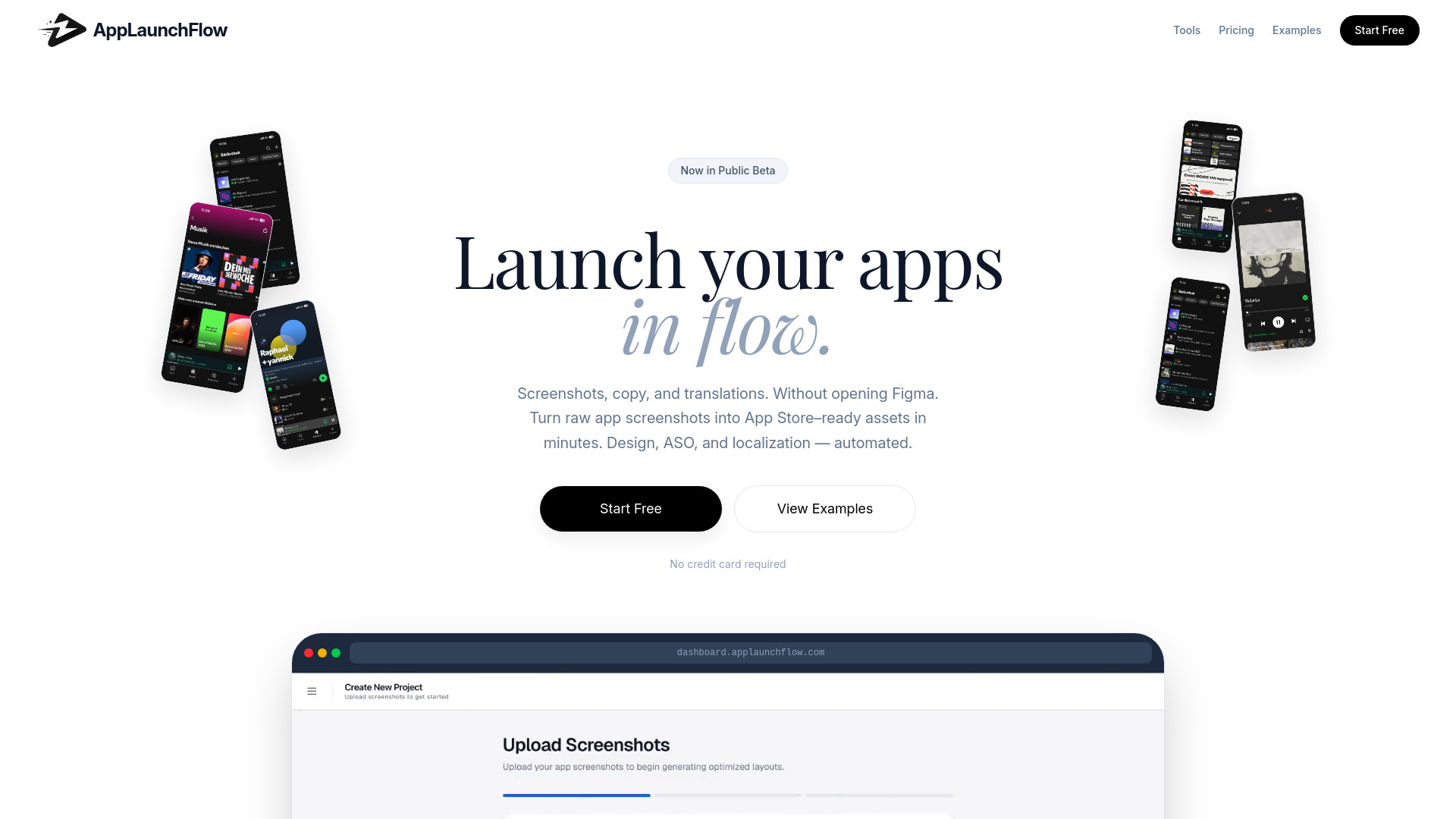
AppLaunchFlow tackles a very specific discovery problem: making an app listing look credible and persuasive before a potential user installs it. Its workflow combines store-ready mobile and tablet screenshots with AI ASO copy generation and localization in more than 20 major languages. That combination is more useful than a standalone image generator because the listing's visuals, copy, and language coverage can be developed together. For an indie developer without Figma experience, the no-design workflow is a meaningful reduction in production friction. It is adjacent to AI search optimization rather than a general AI-search monitoring suite, but app-store text and visuals remain important parts of how products get discovered.
Best for
Indie developers preparing a first app-store listing
Small app teams that need mobile and tablet screenshots
Teams localizing ASO copy into multiple languages
Limitations
The free plan limits screenshot export to preview-only output.
Starter limits the number of illustrations and supported languages.
It is built around app-store assets, not a broad AI-answer visibility dashboard.
Shortlist signal: Add AppLaunchFlow when your AI-search or app-discovery problem starts with an underpowered store listing and limited design capacity.
2. Aisa.to

- Operations managers assessing workplace AI skills
- Free AI skills test and certificate
- Starts at Check vendor pricing
- Usage signal: 25.4K
Why it matters
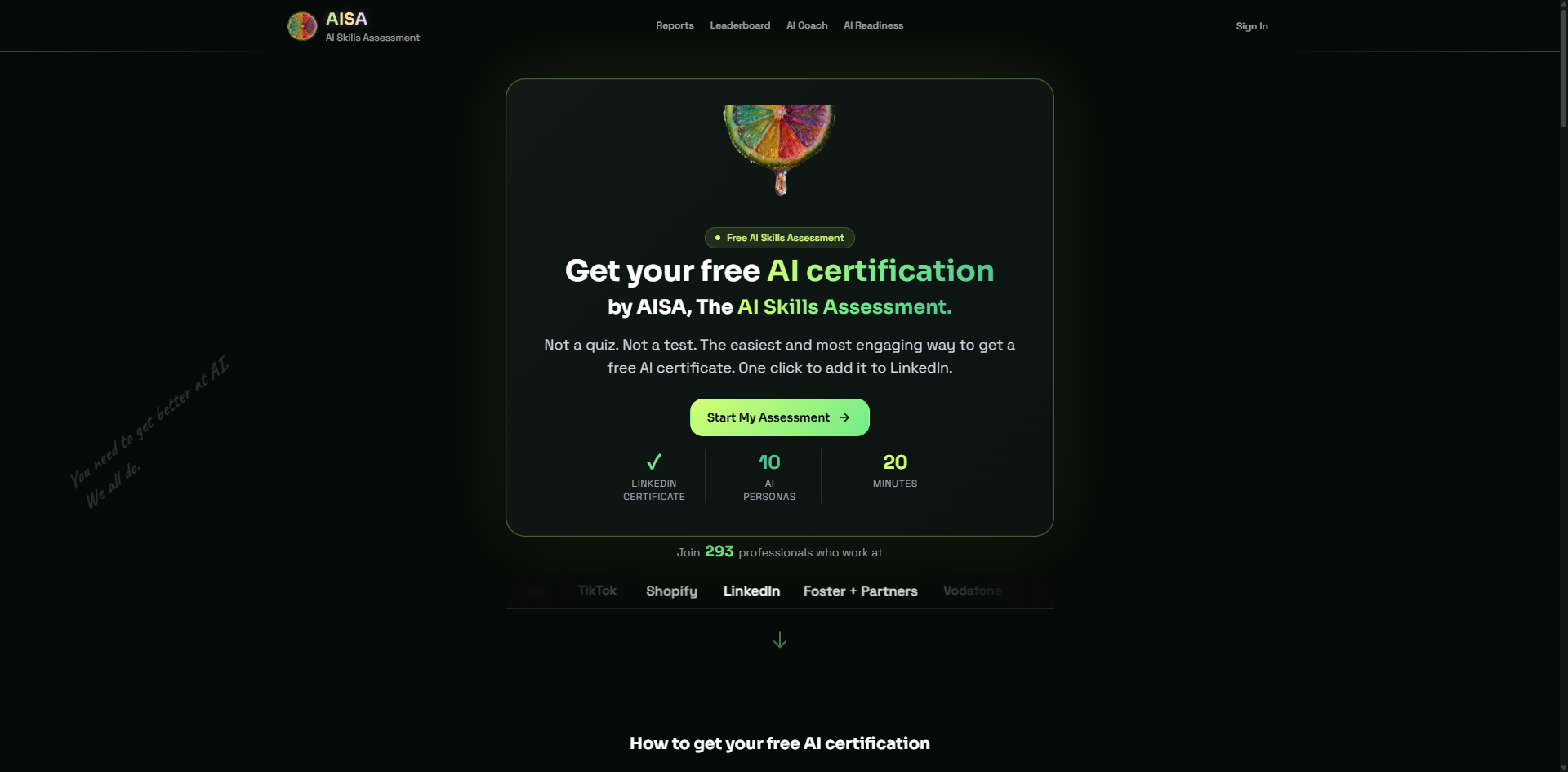
Aisa.to takes a noticeably different route from typical assessment software. Instead of presenting a static multiple-choice quiz, it runs an adaptive 20-minute conversational AI interview. The evaluation covers five dimensions and 11 criteria, including prompt engineering, critical thinking, and workflow-related skills, then produces a skills report tied to one of 10 AI personas and a prioritized learning plan. For an operations manager, this is useful when the goal is not merely to count course completions but to understand how someone reasons through AI-enabled work. It does not optimize search visibility directly, yet it can help a company identify the people and skills needed to execute an AI content or discovery program.
Best for
Operations managers assessing individual AI fluency
Teams that want a data-backed skills report
Professionals who value a free certificate and LinkedIn-verifiable credentials
Limitations
The interview requires a continuous 20-minute time commitment.
Advanced team upskilling and workplace-management dashboards may require a specialized conversation with the vendor.
It evaluates people and readiness, not brand visibility in AI search results.
Shortlist signal: Choose Aisa.to when the missing piece in your AI-search program is team capability rather than another content dashboard.
3. aiOS

- Founders coordinating AI-assisted business workflows
- 5 lifetime messages per device
- Starts at Try: Free
- Usage signal: 16.5K
Why it matters
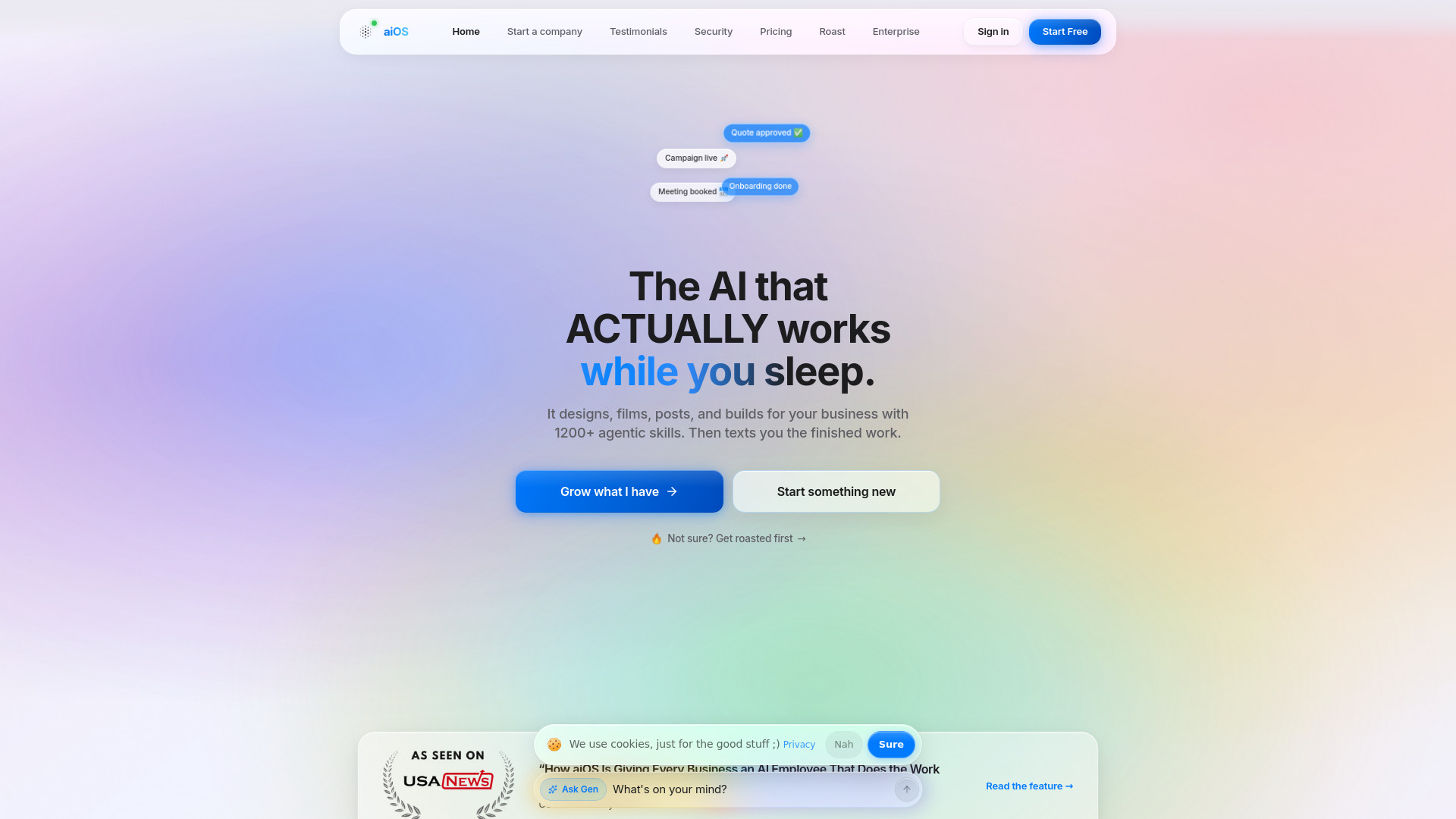
The appeal of aiOS is control from familiar communication channels. Its AI employee can be directed through iMessage, the web, WhatsApp, Telegram, and phone, while the platform also handles content generation for carousels, posts, images, video, and websites. That makes it a plausible operating layer for a founder who wants to move a marketing task forward without opening several specialized applications. The free trial requires no sign-up and no card, which is a sensible way to test whether conversational control fits your habits. The catch is scope: aiOS can support an AI-search content workflow, but its strongest promise is business automation rather than search measurement.
Best for
Founders managing many recurring marketing and operational tasks
Small teams that prefer text-based instructions
Users seeking one subscription across several AI content formats
Limitations
Pricing tiers and usage limits can be complex.
Advanced capabilities require higher-priced plans.
It does not present the dedicated AI Search Score and recommendations associated with Searchify.
Shortlist signal: Put aiOS on your list when you need to execute many content and business tasks from one conversational control point.
4. Didoo AI - URL in, Meta ads out. One Click to Outperform.

- Small and medium businesses running Meta campaigns
- Free 7-day trial
- Starts at Starter: $69/month
- Usage signal: 11.9K
Why it matters
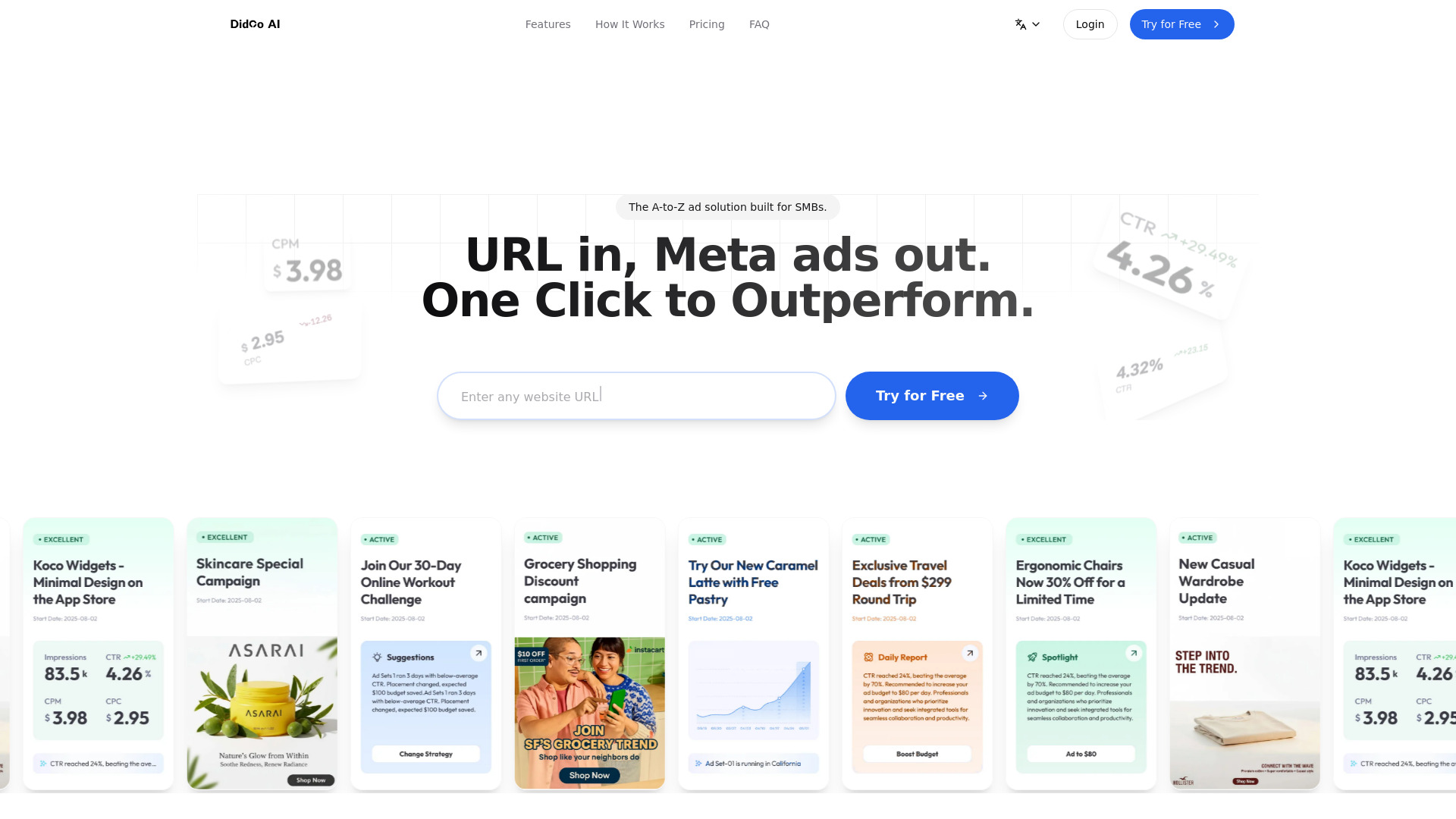
Didoo AI compresses the distance between a landing page and a live Meta campaign. Give it a URL and it can create and launch ads, generate creative and copy, target audiences, and optimize budgets. For an SMB without a dedicated paid-media specialist, that end-to-end shape is the important differentiator. It can also contribute to a broader discovery strategy by turning a product page into campaigns that test which messages attract attention. However, do not mistake paid social optimization for AI-search optimization. Didoo AI is a focused execution tool, and its value depends on whether Facebook and Instagram are central to your acquisition mix.
Best for
SMBs that primarily advertise on Facebook and Instagram
Teams that need rapid ad creation from an existing URL
Buyers looking for automated targeting and budget optimization
Limitations
It focuses exclusively on Meta Ads rather than covering other ad platforms.
Monthly and quarterly pricing can be confusingly presented.
Automated campaign decisions still need business-level review and approval.
Shortlist signal: Choose Didoo AI when your immediate visibility test is a Meta campaign and you want automation from URL to optimization.
5. Searchify

- SEO professionals tracking brand visibility in AI responses
- Free analysis; no sign-up required
- Starts at Check vendor pricing
- Usage signal: 3.5K
Why it matters
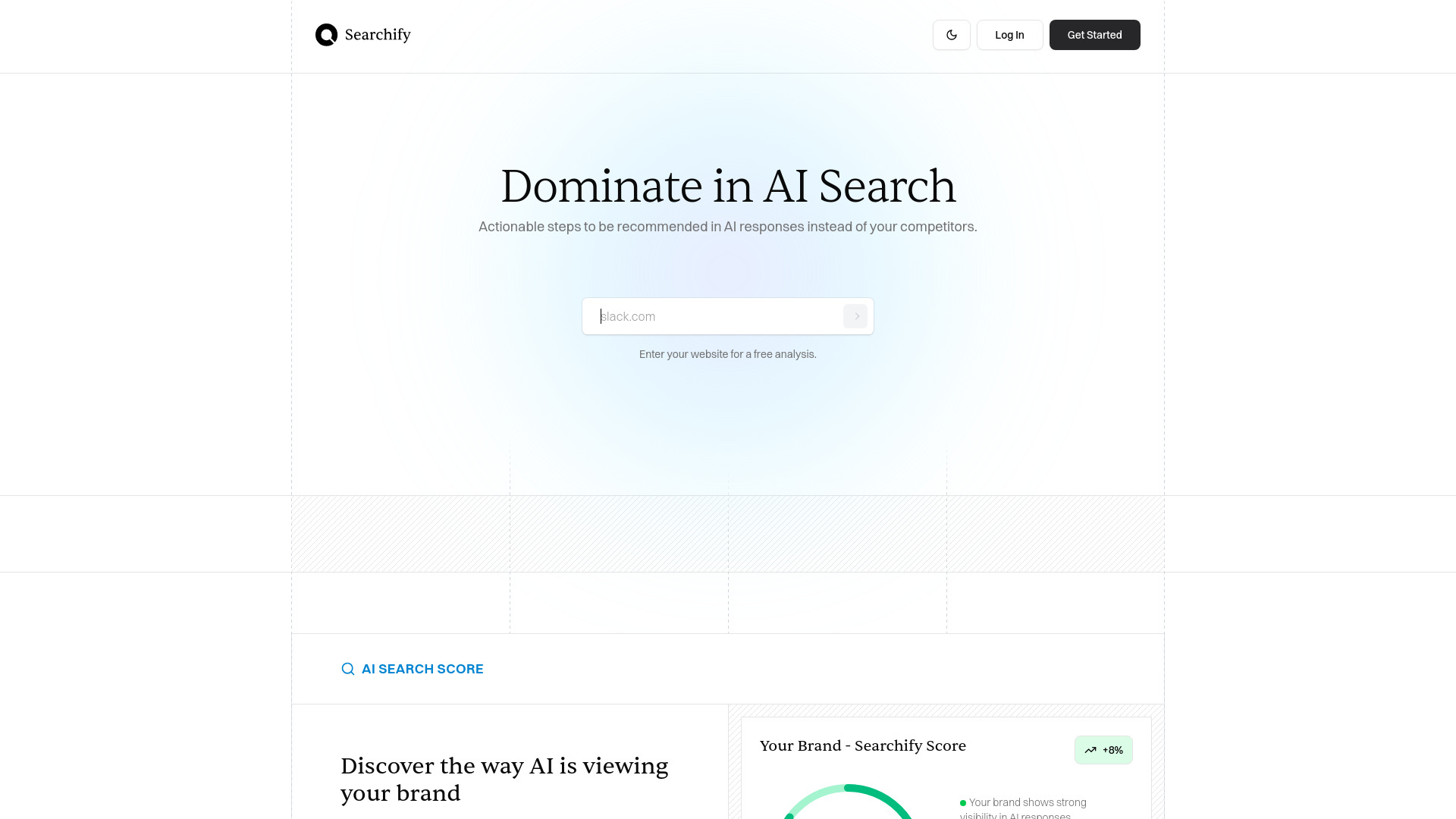
Searchify is the clearest match for a buyer specifically researching AI-search visibility. Its core workflow includes an AI Search Score, actionable recommendations, and content creation. That sequence is exactly what a useful optimization product should offer: establish a baseline, identify concrete changes, and help produce the material needed to improve. The free analysis and no-sign-up access lower the barrier to a first assessment, which is valuable when your team is still deciding whether AI-answer monitoring deserves a permanent budget. Before committing, I would ask which major AI search platforms it tracks, how often scores refresh, and whether recommendations are tied to source citations or only to broad content patterns.
Best for
SEO professionals measuring how brands appear across AI search platforms
Teams that need recommendations rather than a raw visibility score
Marketers wanting a content-creation step inside the same workflow
Limitations
Pricing details are behind a vendor conversation rather than a clean public starting price.
You should confirm current platform coverage and tracking depth before purchase.
The product's value depends on whether its recommendations map to your actual pages and content process.
Shortlist signal: Make Searchify your first demo when the question is specifically, 'How visible is our brand in AI-generated answers, and what should we change?'
6. Muze AI

- Shopify brands managing performance advertising
- 7-day free trial
- Starts at Free: $0 for 7 days
- Usage signal: 10.5K
Why it matters
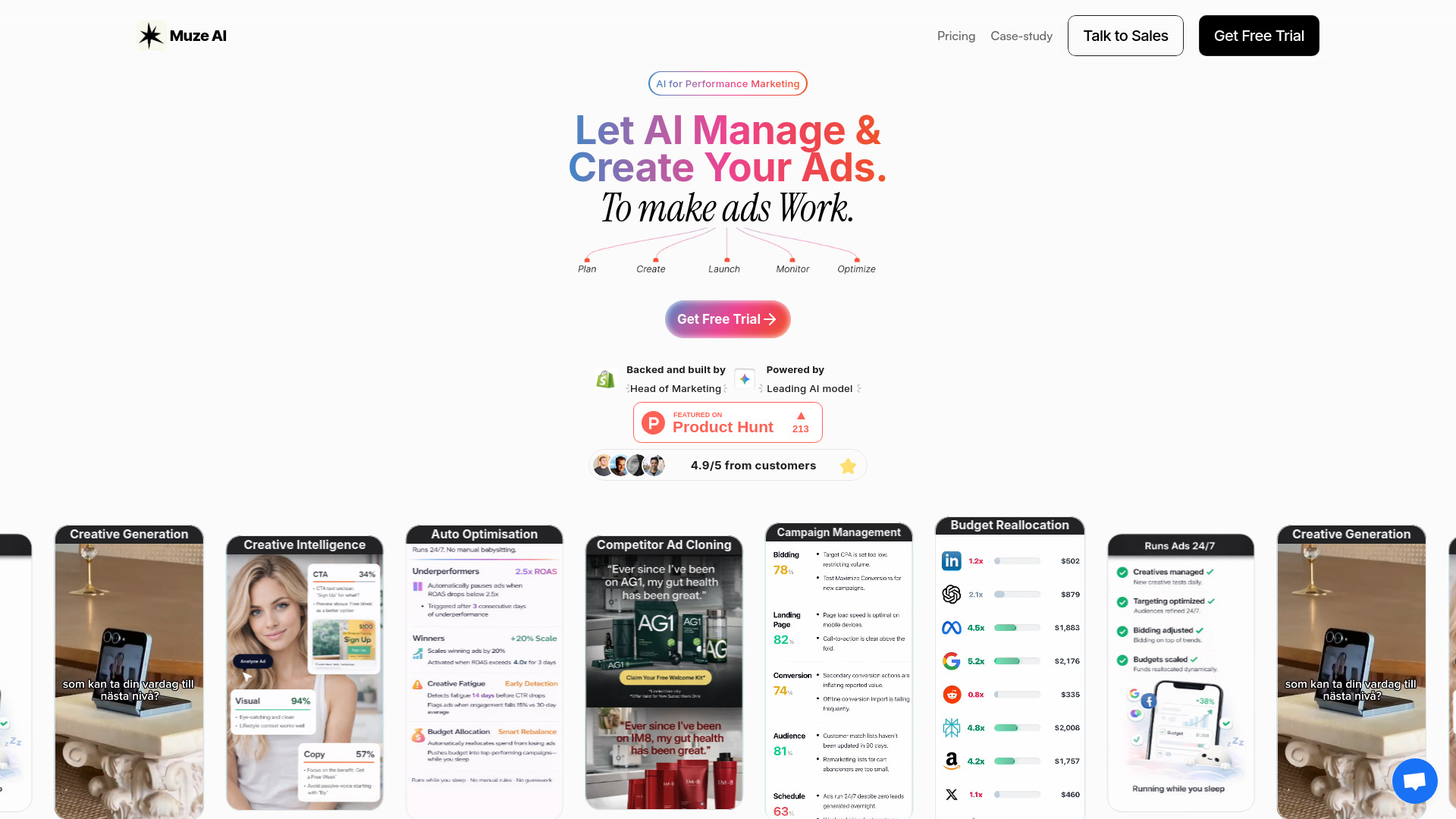
Muze AI is designed for brands that want advertising to run as an ongoing system rather than a series of manual launches. It creates image and video ads, manages performance marketing, and provides 24/7 optimization and budget reallocation across Meta and Google. The speed claim is concrete: the platform generates 10 ad variations in 90 seconds. That matters for ecommerce teams that need to test creative frequently but cannot support an in-house team or agency process. Its role here is adjacent to AI search optimization: it improves paid discovery and the creative assets surrounding product demand, not organic AI-answer ranking.
Best for
Shopify brands running Meta and Google advertising
Teams that need frequent image and video ad variations
Buyers seeking end-to-end performance marketing management
Limitations
It places critical performance-marketing strategy and execution in the platform.
The lower-tier Power plan limits supported ad spend to $10,000 per month.
The starting paid plan is materially more expensive than simple creative tools.
Shortlist signal: Add Muze AI when creative volume and ongoing paid optimization matter more than a dedicated AI-search reporting layer.
7. SpeedAI

- Academic researchers revising AI-flagged manuscripts
- 500 points free trial
- Starts at Free: CNY0
- Usage signal: 8.2K
Why it matters
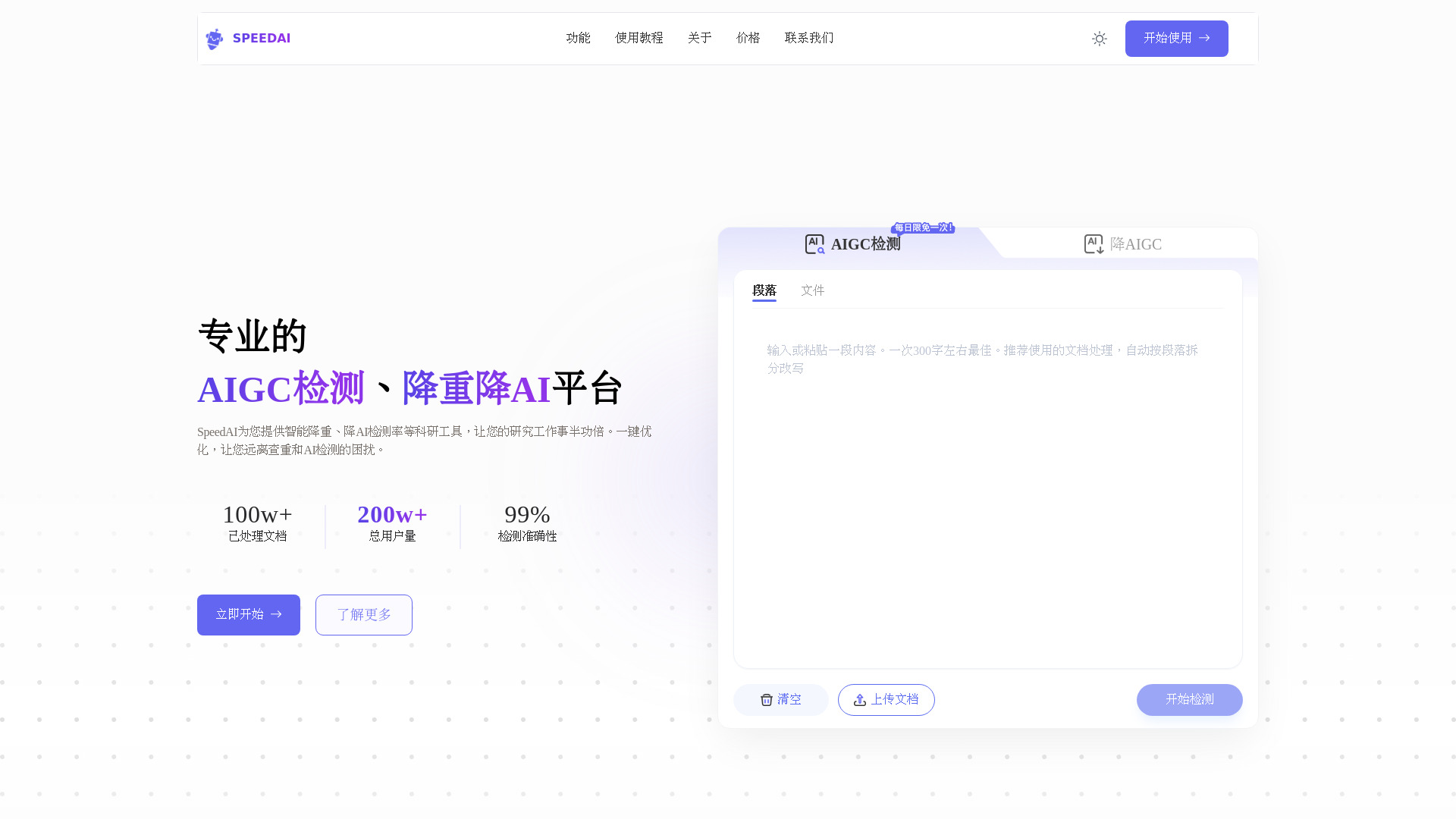
SpeedAI serves a specialist writing problem: reducing AI-detection signals and repetition while preserving document structure. It is optimized for Turnitin, CNKI, VIP, and Gezida, and its non-destructive formatting is intended to keep fonts, headers, and citations intact. For researchers, that can be more relevant than a generic AI writer because the workflow acknowledges academic formatting and multiple detection environments. It is not an SEO or AI-search visibility platform, and buyers should use it carefully: rewriting must not compromise authorship, meaning, citations, or institutional policies. The free 500-point trial makes an initial document test possible before purchasing credits.
Best for
Academic researchers working with structured papers and reports
Users who need rewriting while retaining headers and citations
Buyers testing text against multiple named detection platforms
Limitations
Full functionality requires purchasing points or credits.
The workflow may require paraphrasing before AI reduction for the best result.
Academic users should verify that any rewriting complies with their institution's rules.
Shortlist signal: Consider SpeedAI only when academic text integrity and formatting are the actual bottleneck behind your content workflow.
8. AI World Generator

- Game studios prototyping interactive 3D environments
- 6 world-builder credits free
- Starts at Free: $0/month
- Usage signal: 1.7K
Why it matters
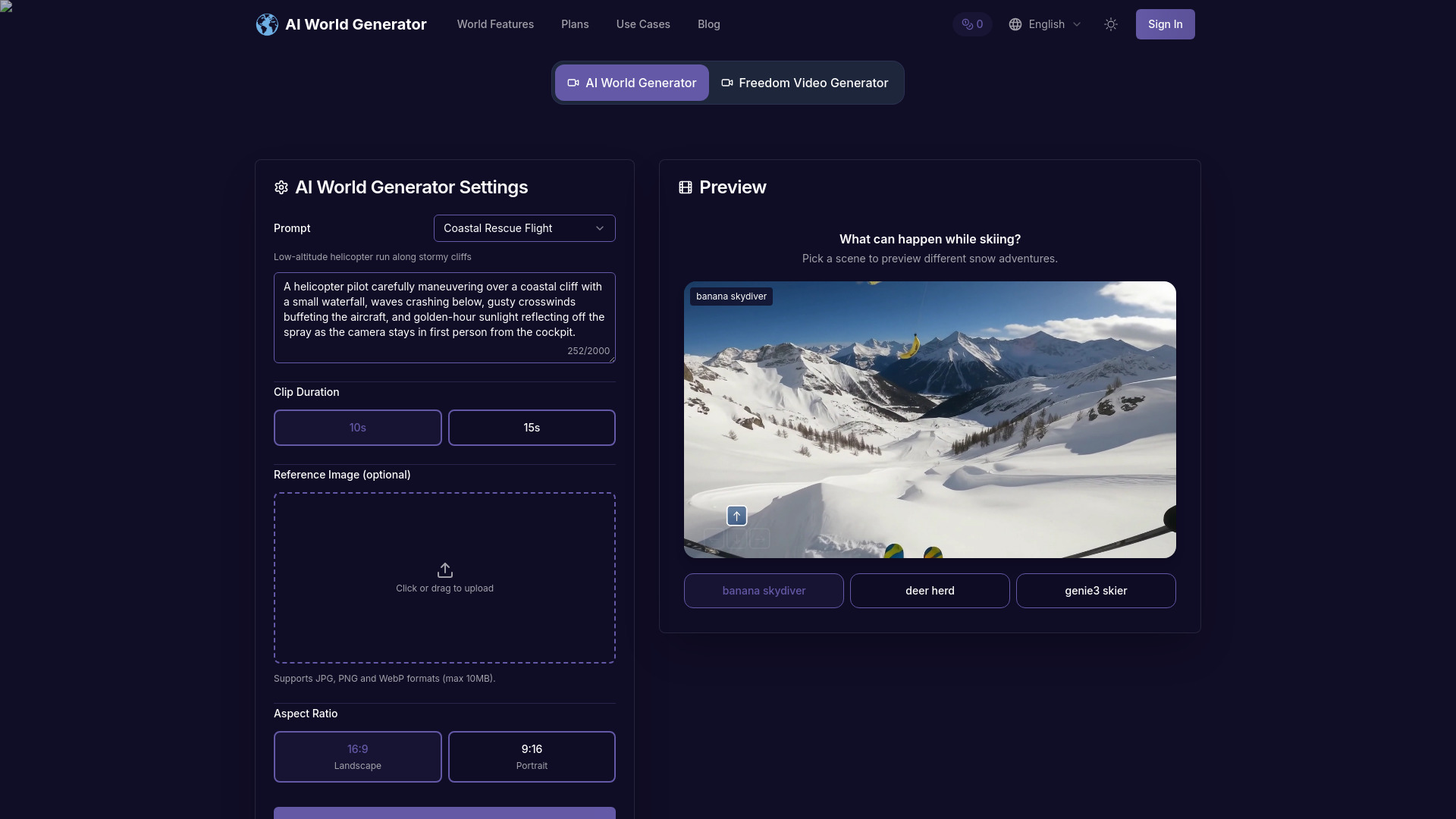
AI World Generator is an unexpected alternative for teams whose discovery work happens inside interactive experiences. It creates explorable 3D spaces from text in seconds, renders them in real time at 24 FPS, and supports persistent world memory for several minutes. Natural-language events such as weather, lighting, or character changes can be triggered during a session. For a game studio, that offers a quick way to prototype an environment or test a narrative concept before investing in conventional production. It has little direct connection to AI search optimization, but it represents a broader visual studio category worth knowing when your product is itself an experience.
Best for
Game studios prototyping explorable environments
Teams testing interactive narrative concepts quickly
Developers experimenting with promptable world events
Limitations
World memory can fade during extremely long runs, causing gradual drift.
The action space remains constrained.
Multi-agent choreography is still experimental.
Shortlist signal: Use AI World Generator as an adjacent option when interactive product demos or game worlds-not search reporting-drive discovery.
9. BukiTools
- Content writers needing free, focused AI utilities
- Free forever; no sign-up or credit card
- Starts at Free: $0
- Usage signal: Not listed
Why it matters
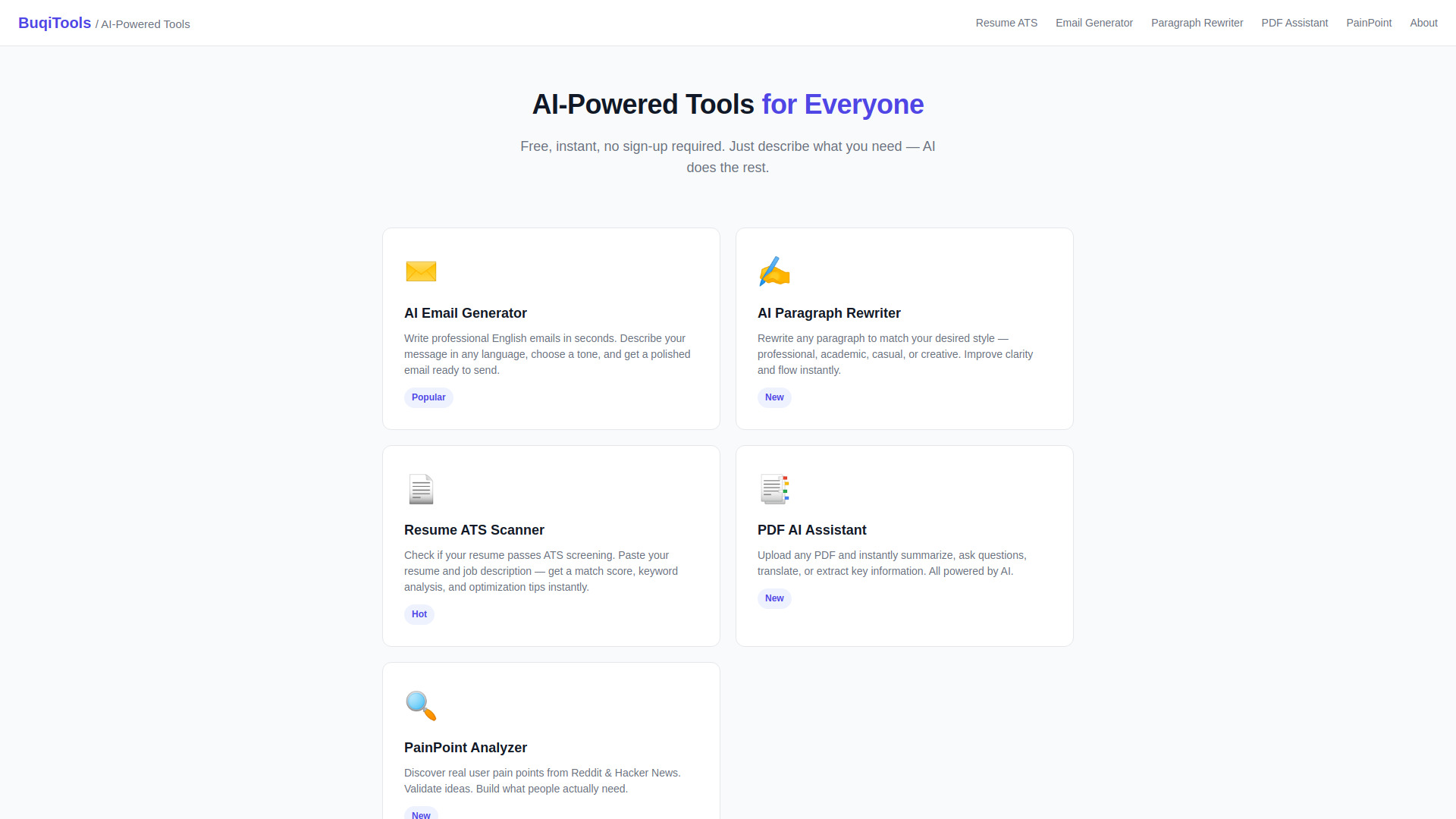
BukiTools wins by keeping the commitment low. The site offers five AI tools without registration, including a Resume ATS Optimizer, professional email generation, paragraph rewriting, a PDF AI Assistant, and a PainPoint Analyzer. It also takes a privacy-first position by stating that data is not stored. That makes it useful for a writer or small team that needs to clean up a paragraph, draft an email, or inspect a PDF without adopting another subscription. It cannot replace the monitoring and recommendation workflow of an AI-search specialist, but it can remove small content bottlenecks that slow a broader optimization program.
Best for
Content writers handling quick rewriting and email tasks
Users who want to test AI utilities without creating an account
Small teams that value a free, lightweight toolbox
Limitations
The product is limited to the tools listed on the site.
There are no pricing tiers or advanced plans for larger workflows.
It does not provide a dedicated AI-search score or visibility tracker.
Shortlist signal: Pick BukiTools when you need free, immediate content assistance and do not yet need a full search-optimization platform.
10. MakeAD

- Ecommerce sellers creating product and lifestyle imagery
- 16 free credits
- Starts at Plus: $19.90/month
- Usage signal: Not listed

Why it matters
MakeAD starts with an existing product image and expands it into a usable visual library. It supports polished ecommerce photos, lifestyle scenes, product ads, white-background images, packshots, flat lays, ghost mannequin visuals, and 360-degree product imagery. That range makes it more than a background remover: it is a product-imaging workspace for sellers who need variations for storefronts and campaigns. The free 16-credit allowance and no-card starting point make it easy to test. As with any generative product-image tool, the review step is non-negotiable. A visually attractive image that changes a product's shape, label, or color can create more problems than it solves.
Best for
Ecommerce sellers building product and lifestyle visuals
Teams starting from a single clear source image
Advertisers needing product staging and background variations
Limitations
It requires a clear source product image to work well.
Generated imagery needs careful review for product accuracy.
It supports visual asset creation, not AI-search measurement or content recommendations.
Shortlist signal: Add MakeAD when better product imagery is the practical lever for improving storefront, campaign, and content discovery.
What to test before choosing
A polished demo is not enough for this category. Run a small, repeatable test that reflects the work your team actually does.
1. Establish the input
For Searchify, use a real brand, product, or URL that already has some public presence. For AppLaunchFlow, bring one app listing and the source information needed for screenshots and ASO copy. For MakeAD, use a clean product image rather than a low-resolution cutout. Input quality affects nearly every result in this category.
2. Record the output, not just the preview
Save the generated copy, recommendation, screenshot, or ad variation. Check whether it is specific enough to publish, whether it preserves important facts, and whether a human can edit it quickly. Preview-only output is particularly important for AppLaunchFlow's free plan, while credit-based systems such as SpeedAI require you to record how many points a real document consumes.
3. Test the workflow's boundary
Ask what happens after the first successful result. Can you localize another language? Export the asset? Refresh the score? Re-run a campaign? Maintain formatting? This is where limitations become visible. A free trial that produces one impressive output may still be a poor operational fit if the next step requires a costly plan or manual work outside the product.
4. Verify the meaning of optimization
The word optimization is used for very different jobs here. Searchify's optimization centers on visibility in AI responses. AppLaunchFlow optimizes app-store copy and presentation. Didoo AI and Muze AI optimize paid campaigns. SpeedAI optimizes text against repetition and AI-detection concerns. Compare tools only after defining which result you want to improve.
What to do next
Start with one measurable visibility problem and one tool. If your team needs an answer about AI mentions, run Searchify's free analysis and document the recommendations. If you publish an app, build one listing in AppLaunchFlow and compare the time required with your current design process. If you run ecommerce ads, test MakeAD for product accuracy before expanding into a full creative workflow, or use the Didoo AI and Muze AI trials to assess campaign automation.
Keep the first evaluation narrow: one brand, one product, one app, or one document. Record time to first usable output, revision time, export limits, and the cost of repeating the workflow. Those four measures will tell you more than a long feature checklist. Once a tool passes that test, invite the person who owns the downstream result-SEO, paid acquisition, app growth, ecommerce, or operations-to review it.
Common mistakes when choosing from a complex top list
Treating every tool as a direct AI-search platform. Searchify is the direct fit here; the rest support adjacent discovery, content, advertising, assessment, or visual workflows.
Comparing scores without comparing jobs. A 91/100 assessment tool and a 91/100 ad platform do not solve the same problem.
Ignoring the free-plan boundary. Preview-only exports, credits, message quotas, and short trials can change the economics of a workflow.
Assuming automated execution removes accountability. Campaign budgets, academic rewriting, product accuracy, and public-facing copy all need human review.
Skipping platform coverage checks. Didoo AI is focused on Meta Ads, while Muze AI covers Meta and Google. Confirm that the channels you actually use are supported.
Buying for a broad promise instead of a repeatable task. The best tool is the one your team can use weekly with a clear input, output, and success measure.
Overlooking specialist strengths. BukiTools may be the right answer for a free paragraph rewrite, even though it is not a full SEO suite. MakeAD may be the better investment when the issue is weak product imagery.
FAQ
They are software products that help a team improve how its brand, content, products, or campaigns are discovered through AI-driven search and related channels. The category includes direct visibility tools, such as Searchify, plus adjacent platforms for ASO, content production, advertising, and product imagery.