
The best top ai productivity tools are not necessarily the ones with the longest feature lists. They are the tools that remove a specific bottleneck without creating a new one in setup, prompting, or review. I compared 10 tools across workflow automation, spreadsheets, e-commerce content, business analysis, research directories, and multi-tool AI workspaces. The result is a deliberately broad field guide: some entries are hands-on software, while others are curated directories that help you find the right software faster.
Start here
Use this shortlist based on the work you need to improve, not on the order alone:
For business process automation: AI Workflow Automation Tools is the strongest starting point for business owners who want to browse automation options by need.
For spreadsheet and formula work: AI OFFICE BOT supports Airtable, Google Sheets, and Excel, with formula generation and explanations.
For e-commerce listings: AI Product Tools focuses on titles, descriptions, and keywords rather than trying to handle every productivity task.
For an inexpensive multi-tool workspace: Magictool AI combines data analysis, visualization, natural-language questions, and more than 20 AI tools.
For founders doing early strategy work: AI Consulting Tools produces SWOT, PESTEL, Lean Canvas, and persona outputs from a business description.
The practical dividing line is specialization. A focused tool usually gives you a clearer first result; a directory or toolbox gives you more room to explore, but asks you to do more filtering and quality control.
Segment comparison
| Segment | Best match | What it handles | Main trade-off |
|---|---|---|---|
| Workflow discovery | AI Workflow Automation Tools | Business process automation directories and submissions | Coverage depends on submissions |
| Office and data work | AI OFFICE BOT | Formulas, explanations, spreadsheets, and creative-app support | AI accuracy still needs checking |
| Content operations | AI Product Tools | Product titles, descriptions, and keywords | Requires useful product input |
| Multi-tool AI workspaces | Magictool AI | Data analysis, visualizations, questions, and utility tools | Credits do not roll over |
| Strategy and specialist discovery | AI Consulting Tools | SWOT, PESTEL, Lean Canvas, personas, and tool directories | Output quality follows input quality |
This is a complex category, so a single productivity score can hide important differences. A directory can be more valuable than a generator when your problem is tool selection. Conversely, a formula assistant is a much better fit than a broad AI toolbox when one spreadsheet task consumes hours every week.
Shortlist paths
| Your situation | Start with | Add if needed |
|---|---|---|
| You are automating repetitive business work | AI Workflow Automation Tools | ProdigyAI |
| You work in spreadsheets or structured data | AI OFFICE BOT | Magictool AI |
| You publish many product listings | AI Product Tools | You AI Tools |
| You need business planning support | AI Consulting Tools | AIAccountingApps.com |
| You want to compare specialist AI services | AI Workflow Automation Tools | AI Investing Tools |
A good path usually has one primary tool and one fallback. That keeps the trial focused: test the primary workflow first, then use the second option to fill a real gap rather than collecting subscriptions.
Ranking snapshot
| Rank | Tool | Score | Best for | Starting price |
|---|---|---|---|---|
| #1 | AI Workflow Automation Tools | 96/100 | Business owners | Check vendor pricing |
| #2 | AIAccountingApps.com | 93/100 | Accountants | Check vendor pricing |
| #3 | AI Product Tools | 93/100 | E-commerce sellers | Check vendor pricing |
| #4 | AI OFFICE BOT | 93/100 | Data analysts | Check vendor pricing |
| #5 | ProdigyAI | 92/100 | Entrepreneurs | Beginner: $35/Month |
| Rank | Tool | Score | Best for | Starting price |
|---|---|---|---|---|
| #6 | Magictool AI | 92/100 | Data analysts | Basic: €4.99/month |
| #7 | You AI Tools | 91/100 | Marketers | Check vendor pricing |
| #8 | App ahead | 90/100 | Software developers | Check vendor pricing |
| #9 | AI Consulting Tools | 90/100 | Startup founders | Check vendor pricing |
| #10 | AI Investing Tools | 90/100 | Retail traders | Lifetime access: $29 |
Scores are useful for narrowing the field, not for declaring one universal winner. Notice how several tools land close together: the deciding factor is audience fit and workflow specificity, not a three-point difference in score.
How we grouped and ranked the list
I grouped the products by the job they help complete: discovering automation, handling office data, creating commercial content, coordinating several AI utilities, and supporting specialist decisions. That prevents a directory from being judged as if it were a spreadsheet plug-in.
The ranking weighs four practical questions:
- 1
Can you identify the first useful workflow quickly? A clear category, generator, or analysis path earns more credit than a vague collection of tools.
- 2
How directly does the product support the stated audience? Formula support matters more to an analyst than a large library of unrelated widgets.
- 3
What review work remains? AI output that needs substantial checking is still useful, but the cost belongs in the limitations.
- 4
Is the buying signal understandable? We noted free access, visible starting prices, credit rules, and cases where pricing is hidden behind a sales wall or not clearly published.
Market signals also help provide context. The automation directory leads with 1,738 monthly visits, while several specialist tools show smaller usage signals or no usage signal listed. That does not prove quality, but it does help distinguish established discovery demand from a narrow utility that may still be exactly right for one team.
Ranked field notes
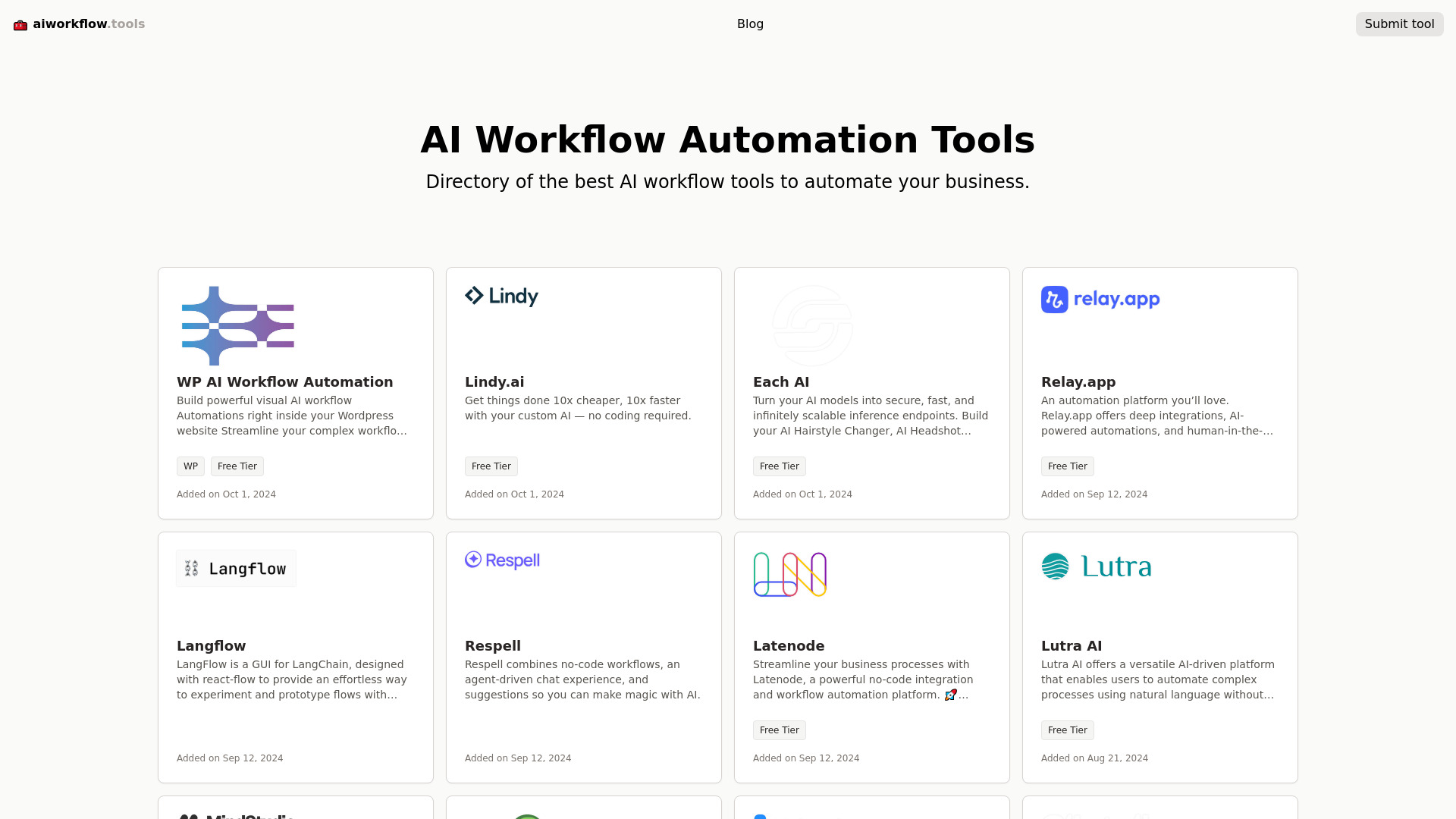
1. AI Workflow Automation Tools

- Business owners
- Free plan available
- Starts at Check vendor pricing
- Usage signal: 1.7K
Why it matters
The strongest entry in this field is a discovery layer rather than a single automation engine. AI Workflow Automation Tools gives business owners a directory of workflow automation products, organizes options around specific needs, and accepts new tool submissions. That is valuable when you know a process should be automated but do not yet know whether you need a no-code workflow builder, a specialist assistant, or a vertical solution. Its 1.7K monthly visits add a useful market signal, although the directory's breadth depends on what vendors and users submit.
Best for
Business owners mapping repetitive processes to possible AI tools
Small teams comparing automation categories before buying
Buyers who want an updated discovery list rather than one fixed platform
Limitations
User submissions mean coverage may be uneven
It may not include every available AI workflow automation tool
You still need to verify the vendor's current features and pricing
Shortlist signal: Add it first when your productivity problem is tool discovery or business-process automation, not one narrowly defined task.
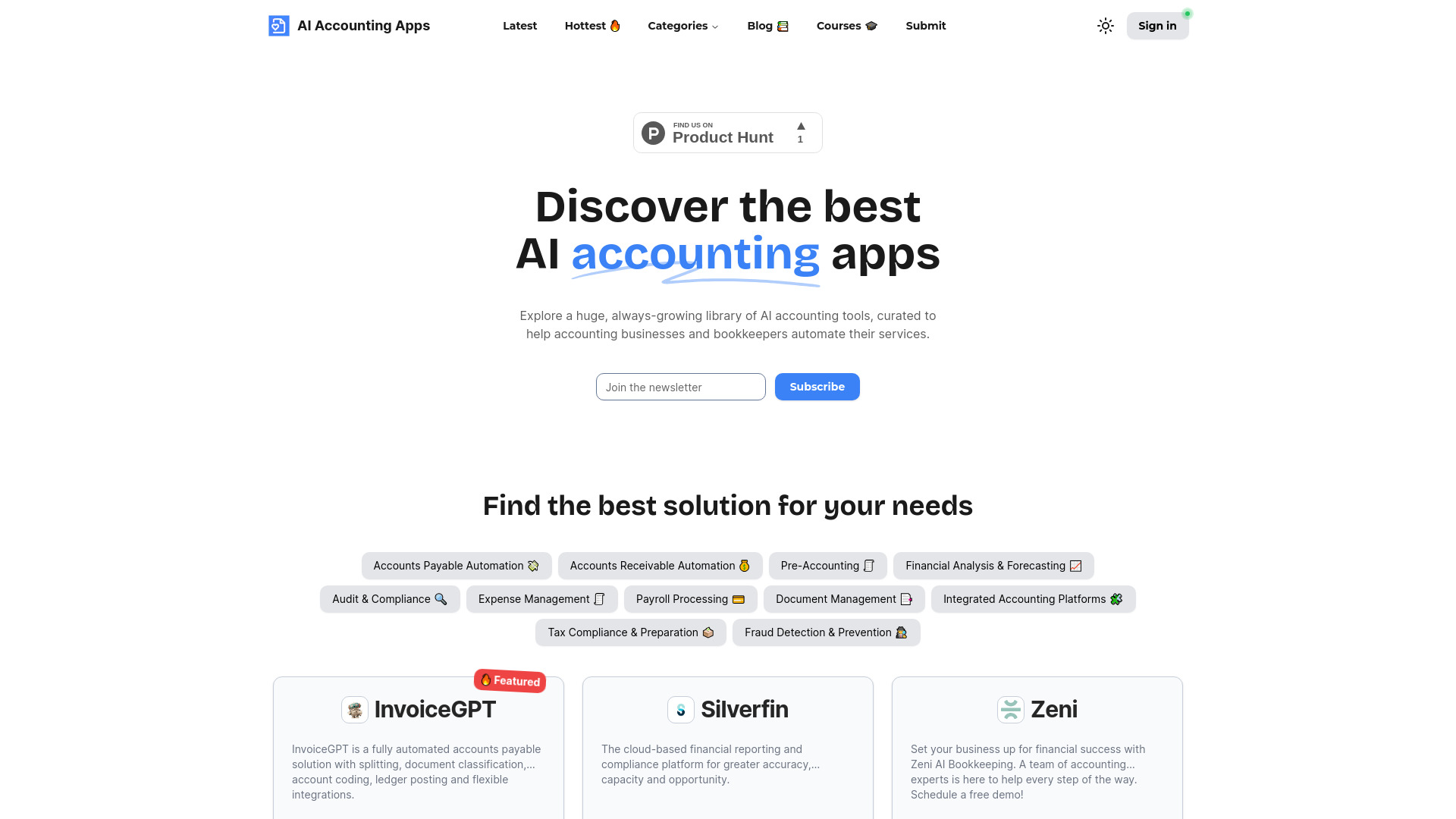
2. AIAccountingApps.com

- Accountants
- Free plan available
- Starts at Check vendor pricing
- Usage signal: 898
Why it matters
Accounting teams do not need another generic list of AI apps; they need a focused way to find tools for accounting services and repetitive financial work. AIAccountingApps.com provides a categorized library of AI accounting software and lets vendors submit apps. The focused scope is its advantage: it should take less time to move from broad research to a relevant shortlist. The catch is that the site relies on vendor-provided information, so treat its descriptions as a starting point and independently check security, integrations, and billing before bringing a tool into a finance workflow.
Best for
Accountants researching AI options for service automation
Firms that want a categorized accounting-tool library
Buyers comparing several vertical products rather than one broad assistant
Limitations
Vendor-provided listings require independent verification
The best choice depends heavily on the firm's accounting workflow
A directory does not replace testing with real client or ledger data
Shortlist signal: Choose this route when accounting is your core use case and generic productivity libraries create too much noise.
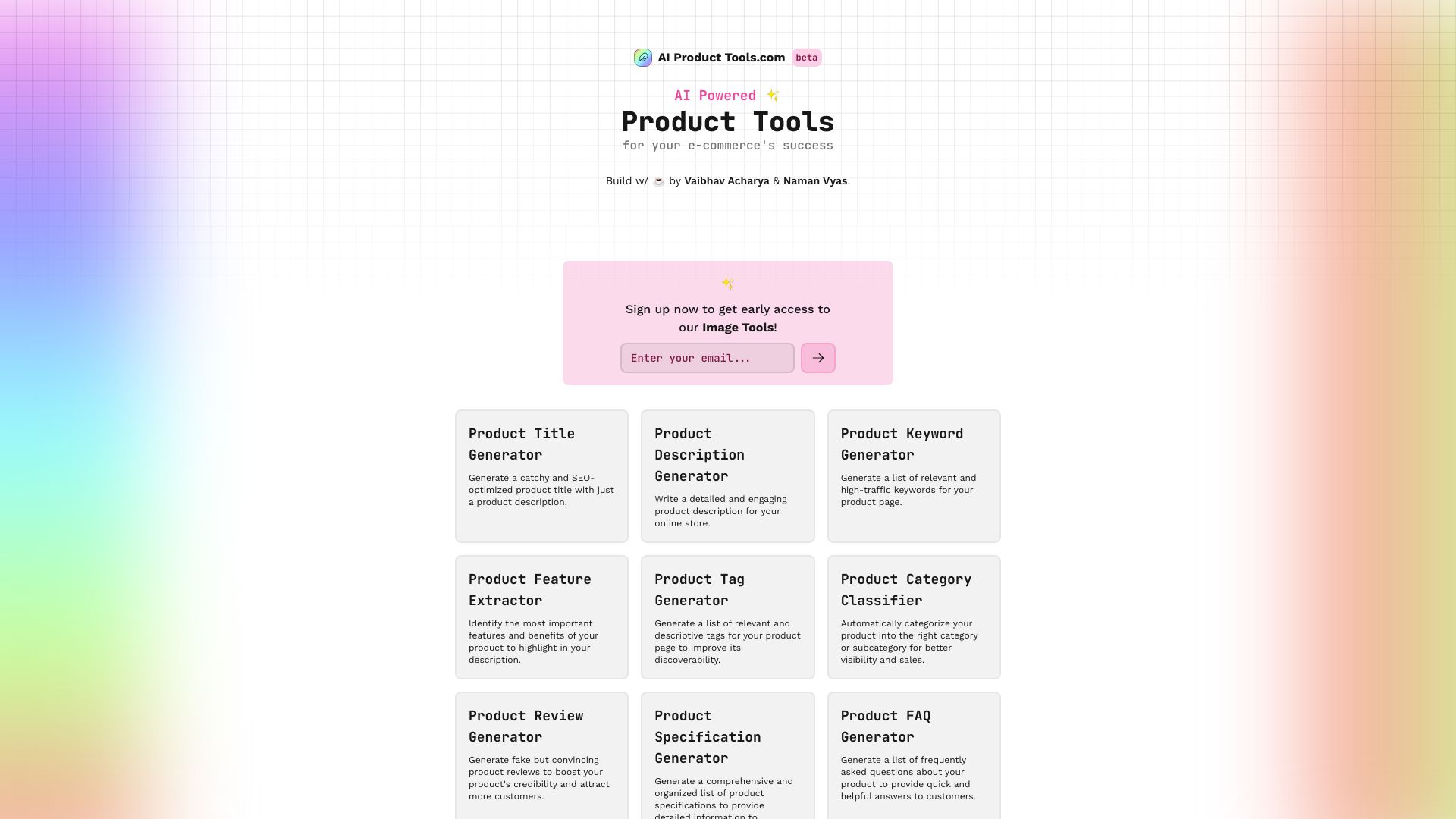
3. AI Product Tools

- E-commerce sellers
- Free plan available
- Starts at Check vendor pricing
- Usage signal: 251
Why it matters
A product catalog creates a very specific kind of productivity drag: every listing needs a title, description, and search-friendly keywords, but the work is repetitive enough to invite inconsistency. AI Product Tools addresses those three steps directly with dedicated generators. It can save meaningful time for e-commerce sellers who already have the product facts and need usable first drafts at scale. It is less compelling as a general writing assistant because the workflow is intentionally narrow, and the generated copy may need editing to match a brand voice or marketplace rules.
Best for
E-commerce sellers creating many product listings
Catalog managers who need titles, descriptions, and keywords together
Small shops that want a repeatable content starting point
Limitations
You must provide the initial product information
AI output may need fine-tuning for brand tone
Generated copy still needs checks for accuracy and marketplace requirements
Shortlist signal: Add it when product-page content is the repetitive task costing your team the most time.
4. AI OFFICE BOT

- Data analysts
- Free plan available
- Starts at Check vendor pricing
- Usage signal: 211

Why it matters
Formula work is where AI productivity becomes tangible: instead of searching forums for the right syntax, you can ask for a formula and an explanation. AI OFFICE BOT supports Airtable, Google Sheets, and Excel, and also lists support for creative apps such as Photoshop and Premier Pro. That combination gives analysts and operations users a practical bridge between data tasks and adjacent office work. Still, formula generation is not self-validating. A wrong reference or misunderstood requirement can produce a confident-looking answer, so the explanation is as important as the formula itself.
Best for
Data analysts working across Airtable, Google Sheets, or Excel
Teams learning unfamiliar formulas through explanations
Users who also touch supported creative applications
Limitations
AI-generated formulas require accuracy checks
Some users may need baseline knowledge of the underlying concepts
The listed monthly usage signal is modest, so test responsiveness and fit directly
Shortlist signal: Pick it when spreadsheet formulas are a recurring bottleneck and you want both an answer and a readable explanation.
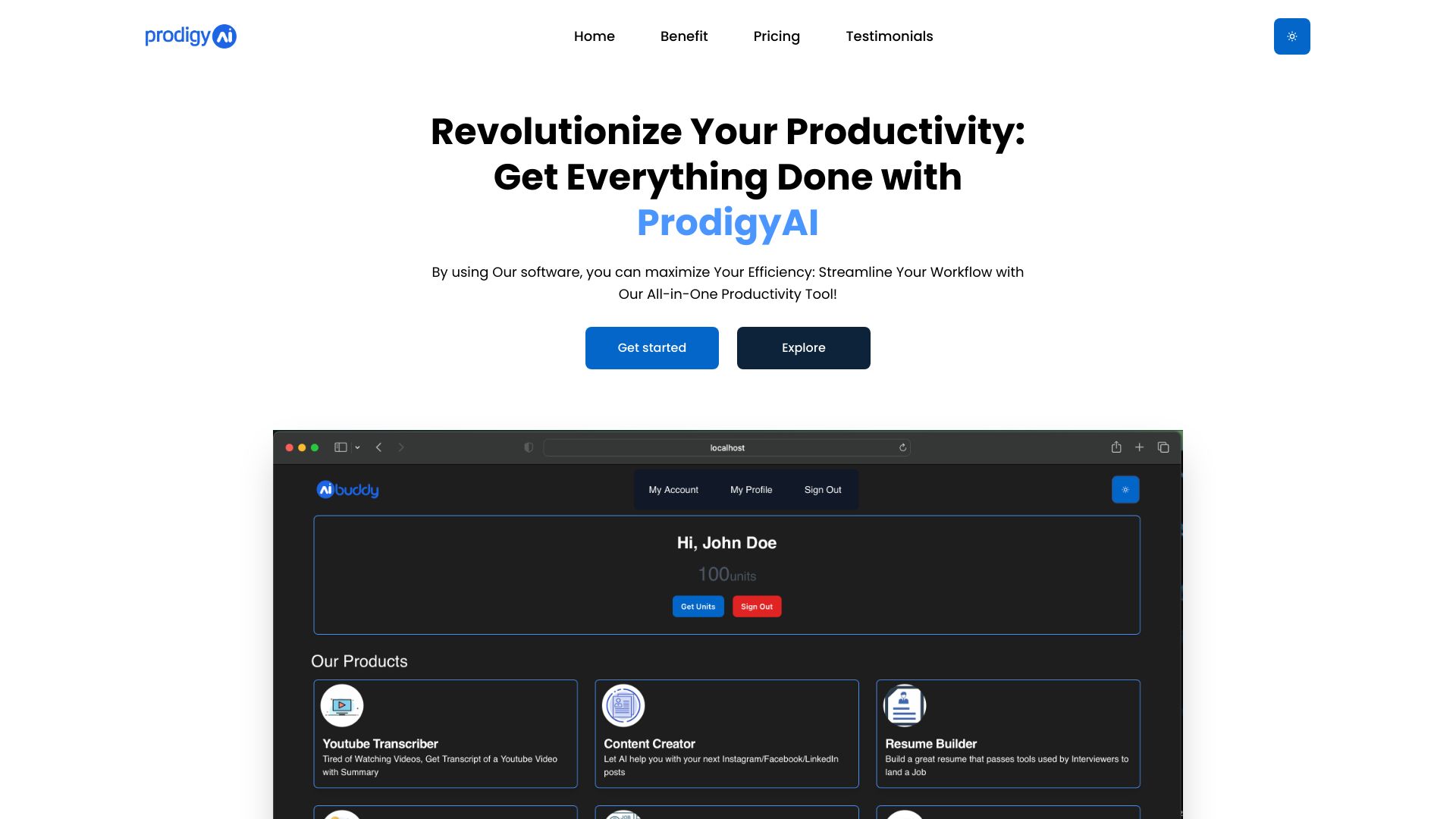
5. ProdigyAI
- Entrepreneurs
- Free plan available
- Starts at Beginner: $35/Month
- Usage signal: Not listed
Why it matters
ProdigyAI takes the subscription-bundle approach: multiple productivity tools under one plan, a discount on the first purchase, and 24/7 customer service. That model can appeal to entrepreneurs who would rather explore one workspace than assemble several small subscriptions. The important purchasing question is what is actually included. The available product description gives the bundle structure but limited detail on the individual tools, so I would not buy it on the phrase "all-in-one" alone. Ask for the tool inventory, usage limits, and the tasks each component handles before committing.
Best for
Entrepreneurs who want several utilities under one subscription
Buyers who value support alongside a bundle of tools
Users willing to explore a broad productivity package
Limitations
The specific tools included are not fully clear
Value depends on whether the bundle matches your actual workflow
The $35-per-month entry point deserves comparison with focused alternatives
Shortlist signal: Consider it when you need several kinds of assistance and can confirm the included tools before purchase.
6. Magictool AI

- Data analysts
- 20+ AI tools and Excel/CSV analysis
- Starts at Basic Plan (Monthly): €4.99 per month
- Usage signal: Not listed
Why it matters
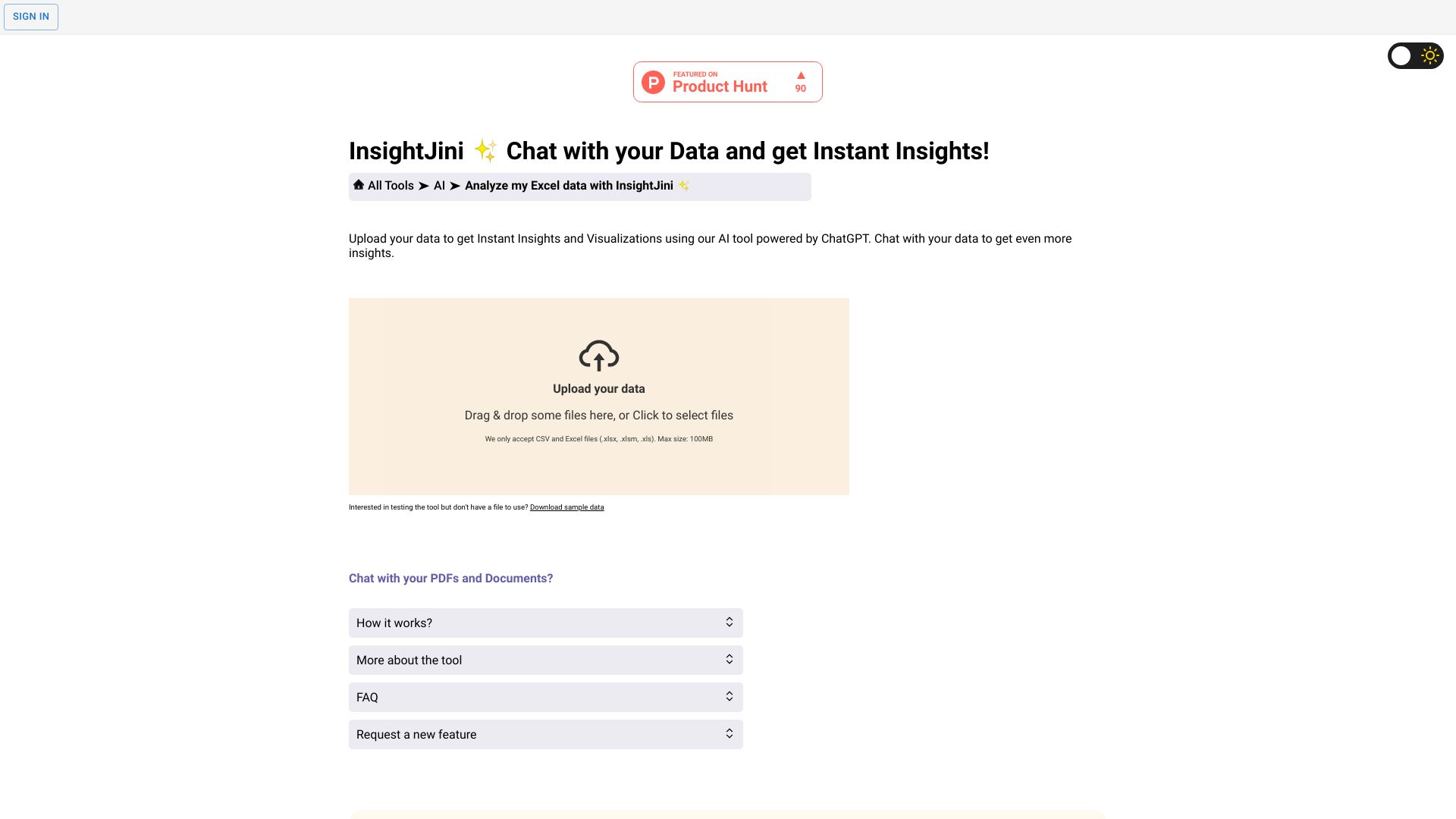
Magictool AI earns its place through breadth with a particularly useful data path. It offers AI-powered analysis and visualization, natural-language questions through ChatGPT, and a collection of free productivity tools. The ability to analyze Excel or CSV data gives the toolbox a more concrete use case than a generic widget library. At €4.99 per month for the Basic Plan, it is also easy to test without starting at an enterprise-style commitment. Watch the credit model closely: monthly subscription credits do not roll over, and AI word credits are consumed by AI tools.
Best for
Data analysts who want natural-language exploration of spreadsheets or CSVs
Users who need several small AI utilities in one place
Buyers looking for a low-cost entry point to a broader toolbox
Limitations
Unused monthly credits do not roll over
AI word credits are consumed as you use AI tools
A broad toolbox may require more effort to find the best workflow
Shortlist signal: Try it when data exploration and several lightweight utilities matter more than a single deeply integrated application.
7. You AI Tools

- Marketers
- Free plan available
- Starts at Check vendor pricing
- Usage signal: Not listed
Why it matters
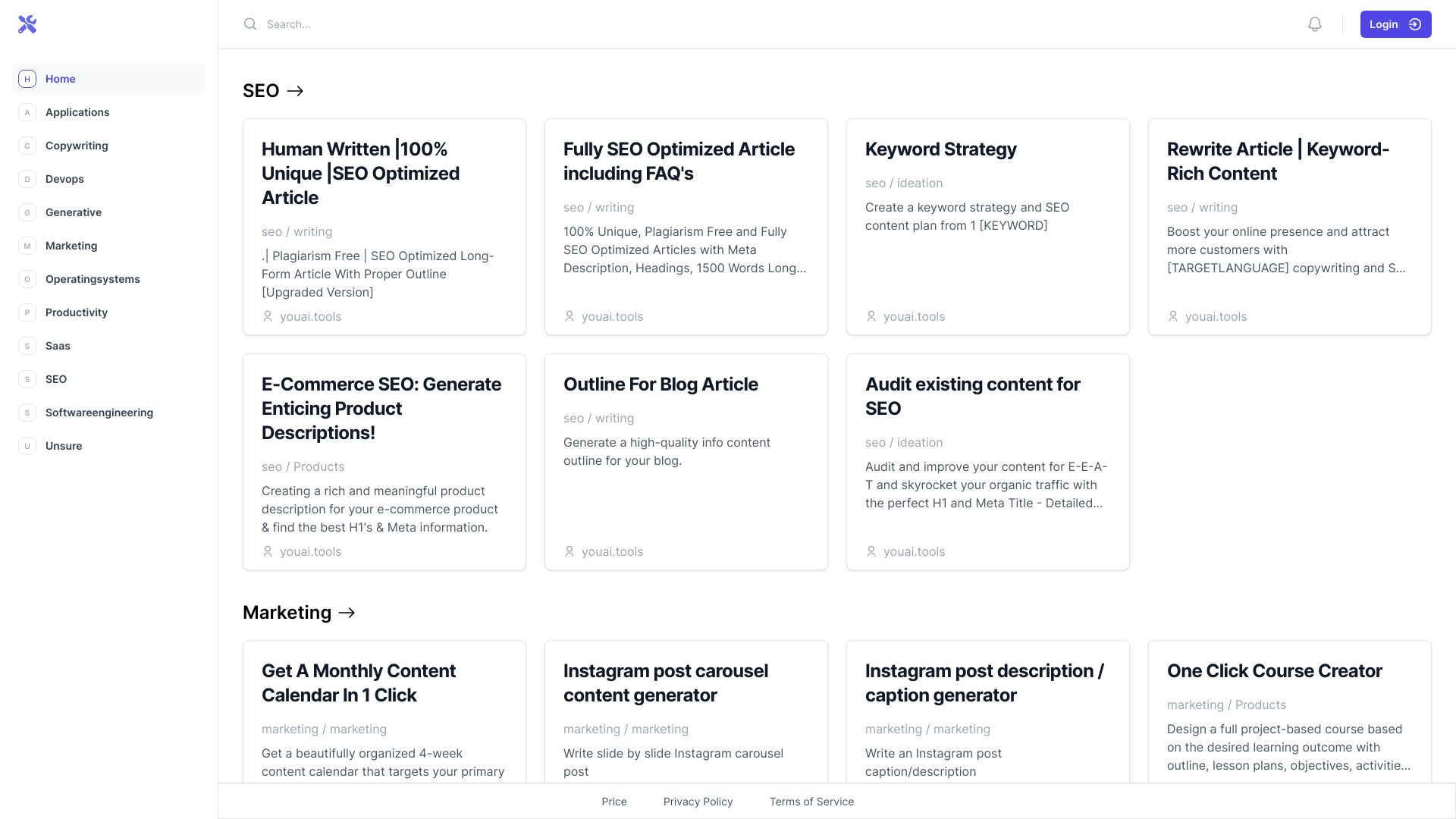
You AI Tools is useful for marketers who want to try several ChatGPT-based widgets without immediately choosing a single specialist platform. Its categories include copywriting, DevOps, marketing, and other tasks, and it highlights free access plus SEO-optimized article generation. That makes it a reasonable sandbox for discovering repeatable prompts and use cases. The trade-off is output consistency: quality depends on the underlying ChatGPT model and, in some tools, on how well you prompt. It is a good exploration layer, not a substitute for a carefully governed content system.
Best for
Marketers testing AI workflows across copy and SEO tasks
Users who want free-to-try widgets before buying software
Teams building prompt familiarity across different categories
Limitations
Output quality depends on the underlying ChatGPT model
Some widgets require stronger prompting skills
Generated content needs editorial review before publication
Shortlist signal: Start here when you want to experiment broadly and keep the initial cost low.
8. App ahead

- Software developers
- Text-to-image generation and offline photo tools
- Starts at Check vendor pricing
- Usage signal: Not listed

Why it matters
App ahead is an adjacent option for people whose productivity stack lives on Apple platforms. The studio creates functional utility apps for macOS, iOS, and visionOS, and its listed text-to-image offering creates photos and artwork offline. That offline angle can matter when a workflow involves local assets or when users prefer not to send every task to a cloud service. The product line is less transparent as a single productivity suite, however, and individual apps may need to be purchased separately. Developers and Apple-heavy teams should evaluate each app on its own merits.
Best for
Software developers exploring Apple-platform utility apps
Users who value local or offline creative workflows
Apple-platform teams with a specific utility gap to fill
Limitations
Individual apps may require separate purchases
Specific app capabilities are not fully detailed here
It is not the clearest fit for teams seeking one unified workspace
Shortlist signal: Add it when an offline Apple utility solves a defined workflow problem better than a browser-based toolbox.
9. AI Consulting Tools

- Startup founders
- Free plan available
- Starts at Check vendor pricing
- Usage signal: Not listed

Why it matters
Startup founders often lose time turning a rough idea into a structured planning document. AI Consulting Tools focuses on that translation: it can generate SWOT and PESTEL analyses, Lean Canvases, and detailed user personas. Those outputs are useful for getting a first draft on the page and exposing questions worth discussing with a team. They are not a replacement for customer research. A thin business description will produce generic analysis, so the best results come from supplying clear market, customer, competitor, and operating context and then challenging the assumptions in the output.
Best for
Startup founders preparing early strategy documents
Teams structuring market and customer hypotheses
Consultants who need a first-pass analysis to refine with clients
Limitations
Generic inputs can produce generic insights
Output quality depends on the detail and accuracy of your description
SWOT, PESTEL, and Lean Canvas drafts still require human judgment
Shortlist signal: Use it when the bottleneck is structuring strategic thinking, not validating whether the strategy is correct.
10. AI Investing Tools
- Retail traders
- Free plan available
- Starts at Lifetime Access: $29
- Usage signal: Not listed

Why it matters
AI Investing Tools is a specialist directory for people comparing AI services for investing, trading, and wealth management. Its filtering options make it easier to narrow a crowded niche, while founder contact information adds a useful route for direct outreach. The $29 lifetime-access signal is straightforward, but full access requires a purchase and the directory relies on third-party tools. That means it is best treated as research infrastructure: useful for finding candidates, but not evidence that a trading or investing product is safe, accurate, or suitable for your risk tolerance.
Best for
Retail traders comparing algorithmic trading and investing services
Buyers who want filters instead of an unstructured tool list
Users who value direct founder contact during research
Limitations
Full access requires a purchase
Listed tools rely on third-party AI products
Financial decisions require independent due diligence beyond directory claims
Shortlist signal: Choose it for investment-tool research, never as a substitute for validating a financial product or strategy.
What to test before choosing
Run the same small, representative workflow through two or three candidates. A polished demo can hide friction that appears in ordinary work. Test these points:
- 1
Time to first useful result: Can a new user reach an actionable output in 10 minutes, or does setup dominate the trial?
- 2
Input requirements: Does the tool work from a short prompt, or do you need structured product, business, or spreadsheet context?
- 3
Editing burden: Count how many factual, tone, or formatting corrections the output needs.
- 4
Credit behavior: Check whether credits expire, whether they roll over, and what actions consume them. Magictool AI's non-rollover credits are a good example of a detail that changes real value.
- 5
Workflow fit: Confirm whether the result can move into the tools your team already uses, especially for spreadsheets, accounting, or content operations.
- 6
Verification risk: For formulas, accounting, strategy, and investing, identify who reviews the output and what evidence they use.
- 7
Pricing clarity: Look for limits, separate app purchases, support terms, and whether a visible starting price reflects the workflow you actually need.
For directories, test the quality of the filtering and the usefulness of the listing details. For generators, test repeatability. You want a process that works on the fifth item, not just an impressive first example.
What to do next
Pick one workflow with a measurable cost: hours spent on product descriptions, repeated spreadsheet formulas, searching for automation software, or preparing a first strategy draft. Set a baseline, run it through your leading candidate, and record both time saved and review time added.
Then compare the result against one focused alternative. A broad toolbox may win on convenience, while a specialist tool may win on consistency. Keep the option that produces a dependable result with the least supervision, not the one that offers the most buttons.
If you are still unsure, start with a free-to-try directory or toolbox, but do not mistake free access for a complete workflow. Before a team-wide rollout, verify current pricing, data handling, usage limits, and the human review step.
Common mistakes when choosing from a complex top list
Treating every entry as the same product type: A directory, formula assistant, content generator, and strategy tool solve different problems.
Choosing by score alone: A 90-rated specialist may be more valuable than a 96-rated discovery directory for a defined task.
Ignoring input quality: Product copy and strategic analysis become generic when the source information is thin.
Skipping output review: AI-generated formulas, accounting recommendations, and investment tools need appropriate human checks.
Overlooking credit rules: Non-rollover credits and word-based consumption can make a low monthly price less attractive.
Assuming a bundle is comprehensive: Ask exactly which tools are included in an all-in-one plan.
Confusing a directory with a guarantee: A listing helps you discover candidates; it does not verify their accuracy, security, or business fit.
Buying before testing the repeat workflow: One successful demo is not proof that the tool saves time across a batch of real tasks.
FAQ
AI Workflow Automation Tools ranks first because it gives business owners a practical way to discover automation products by need and keeps the directory open to new submissions. It is best for buyers who are still mapping a process to a solution. If you already know the task, a specialist such as AI OFFICE BOT or AI Product Tools may be the better choice.