
Finding the top ai services connect sql servers is less about picking the flashiest chatbot and more about matching the tool to the job: generating a query, understanding a large schema, answering business questions, or automating SQL Server operations. We compared 10 tools across those workflows, including dedicated text-to-SQL products, conversational database assistants, and broader AI data-connectivity platforms. The result is a practical field guide for developers, analysts, DBAs, and teams that want faster database work without handing critical decisions to an unchecked prompt.
Start here
The tools split into three practical groups. AI2sql and SQLAI.ai are the strongest starting points when the immediate need is reliable SQL generation, explanation, fixing, and optimization. Blaze SQL is the more approachable option for non-technical users who need a database-aware analytics chatbot rather than a query editor. DB24.ai deserves attention from SQL Server administrators focused on operations, performance, and stability.
The rest are useful when your requirements broaden. Text2SQL.ai supports multiple database types and schema-aware query generation. OpenSQL.ai leans into conversational database interaction, while ProbeAI focuses on helping analysts identify relevant tables and repair SQL. AIsa and Navera are broader infrastructure or AI-connectivity plays, so they make more sense for engineering teams than for someone who simply wants to write a SELECT statement.
| Need | Start with | Why |
|---|---|---|
| Generate and explain SQL quickly | AI2sql | Natural-language SQL, explanations, and optimization in one workflow |
| Work with schemas and validation | SQLAI.ai | Query generation, optimization, syntax validation, and fixing |
| Let non-technical users ask data questions | Blaze SQL | Database connection, metadata understanding, and visualization |
| Automate SQL Server operations | DB24.ai | Operations automation with performance and stability goals |
| Build a broader AI data platform | AIsa | Unified access to more than 50 AI models and composable skills |
Segment comparison
A key distinction: not every tool here is a direct database connector. Several are SQL copilots that become useful after you provide schema context, while others address the surrounding data infrastructure. That makes the list more useful for complex buying decisions, but it also means you should confirm the exact connection method, permissions model, and supported SQL Server setup before deployment.
| Segment | Best fit | Standout tools | Main trade-off |
|---|---|---|---|
| SQL generation and repair | Developers who write or debug queries | AI2sql, SQLAI.ai | Output still needs technical review for complex requests |
| Schema-aware analytics | Analysts and business users | Blaze SQL, ProbeAI | Accuracy depends on schema and prompt quality |
| Multi-database assistance | Teams working across database types | Text2SQL.ai, SQLAI.ai | Subscription limits can affect frequent usage |
| SQL Server operations | DBAs and database operations teams | DB24.ai | Setup and third-party dependency need investigation |
| AI platform and data infrastructure | AI engineers building systems around data | AIsa, Navera | Broader scope may be unnecessary for query-only work |
Shortlist paths
Use these paths to avoid comparing unlike products on the wrong axis. A query generator should not lose simply because it lacks infrastructure automation; conversely, an infrastructure platform should not be bought just because it can sit near an AI workflow.
| Your situation | Shortlist | What to verify next |
|---|---|---|
| You know SQL but want to move faster | AI2sql, SQLAI.ai | Complex joins, dialect accuracy, and query limits |
| You need analysts to self-serve | Blaze SQL, ProbeAI | Schema onboarding, visual outputs, and correction workflow |
| You work across SQL and NoSQL systems | Text2SQL.ai, SQLAI.ai | Supported database types and plan quotas |
| You run production SQL Server estates | DB24.ai, OpenSQL.ai | Approval controls, setup requirements, and operational scope |
| You are building an AI data stack | AIsa, Navera | API behavior, model access, connectivity, and pricing |
Ranking snapshot
Scores here should be read as shortlist signals, not guarantees that generated SQL is production-ready. The top of the list favors focused SQL workflows; broader platforms appear lower because their value is less directly tied to connecting and querying SQL Server databases.
| Rank | Tool | Score | Best for | Starting price |
|---|---|---|---|---|
| #1 | AI2sql | 92/100 | Developers | Starter: $9 /mo |
| #2 | AIsa | 92/100 | AI engineers | New Account Credits: Free |
| #3 | SQLAI.ai | 92/100 | Developers | Explorer: $6 |
| #4 | Blaze SQL | 91/100 | Non-technical users | Blaze Team: $249/month |
| #5 | Text2SQL.ai | 91/100 | Data analysts | Basic: $8 USD / month billed annually ($4) |
| #6 | SQLAI.ai | 88/100 | Developers | Explorer: $6/mo |
| #7 | DB24.ai | 88/100 | Database administrators | Check vendor pricing |
| #8 | OpenSQL.ai | 88/100 | DBAs | Check vendor pricing |
| #9 | ProbeAI | 88/100 | Data analysts | Check vendor pricing |
| #10 | Navera | 88/100 | AI developers | Free: $0 |
How we grouped and ranked the list
We grouped the tools by the job they perform around a database, not by their marketing category. Query generation, explanation, optimization, validation, schema awareness, visualization, SQL Server automation, and AI data connectivity all matter, but they solve different problems.
The ranking gives the most weight to direct usefulness for SQL work and the clarity of the intended audience. A tool that can generate a query but cannot understand the relevant tables is less useful than one that can work from schema context. Likewise, an operations product should be judged on automation and stability rather than on the polish of its text-to-SQL interface.
We also considered practical buying friction: free quotas, trial access, stated starting prices, usage signals, and known limitations. These products still require human review. AI-generated SQL can be syntactically valid and logically wrong, especially when prompts omit relationships, filters, business definitions, or permissions constraints.
Ranked field notes
1. AI2sql

- Developers who need faster SQL drafting and debugging
- 5 queries/month free
- Starts at Starter: $9 /mo
- Usage signal: 72.6K
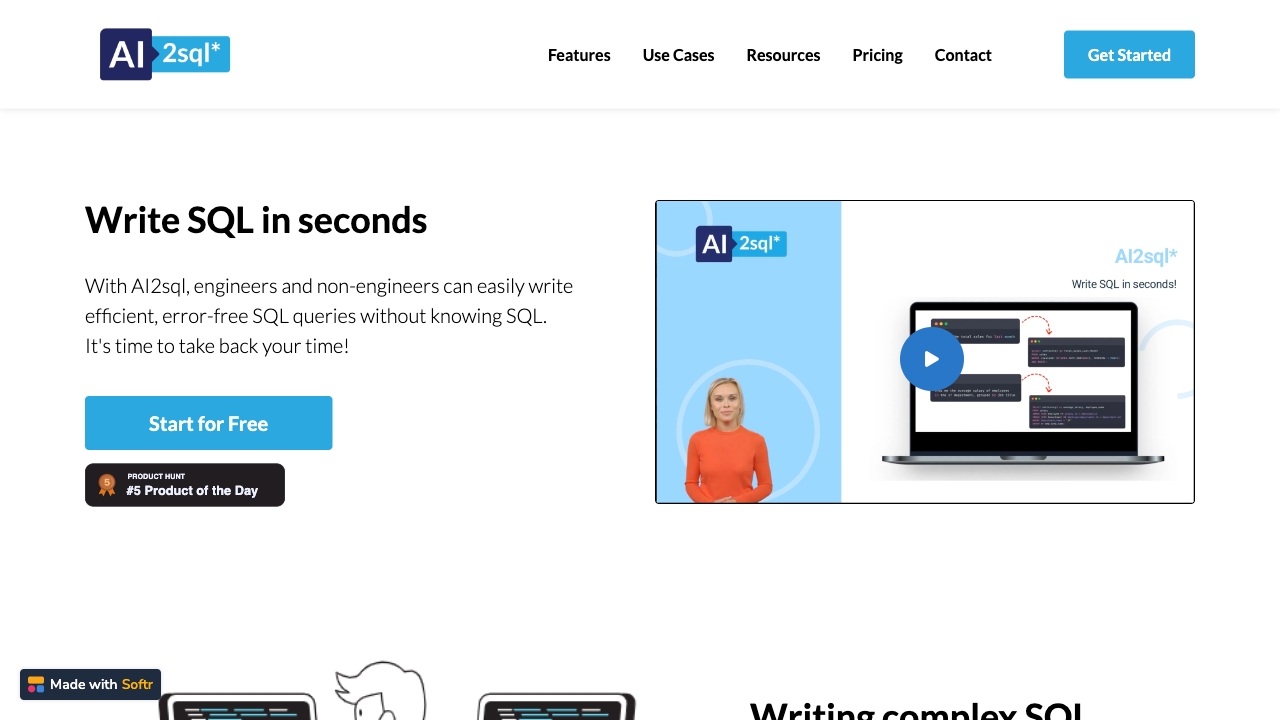
Why it matters Natural-language SQL conversion is only the beginning here. AI2sql also explains queries and optimizes them, which makes it useful across the full loop from first draft to review. That combination is why it leads this field guide: it serves developers who already understand database work but want to spend less time on repetitive syntax and troubleshooting. The catch is familiar with all AI SQL tools: complex requests can still require prior knowledge and careful validation.
Best for
Developers translating plain-English requirements into SQL
Teams that want query explanations for review or handoff
Repetitive query generation, fixing, and optimization tasks
Limitations
Complex queries may still require SQL knowledge
Accuracy varies with request complexity
A free allowance of five queries per month is narrow for regular use
Shortlist signal: Add AI2sql first when you want one focused workspace for generating, understanding, and improving SQL.
2. AIsa

- AI engineers building model-driven data workflows
- $1.00 free credits
- Starts at New Account Credits: Free
- Usage signal: 71.9K
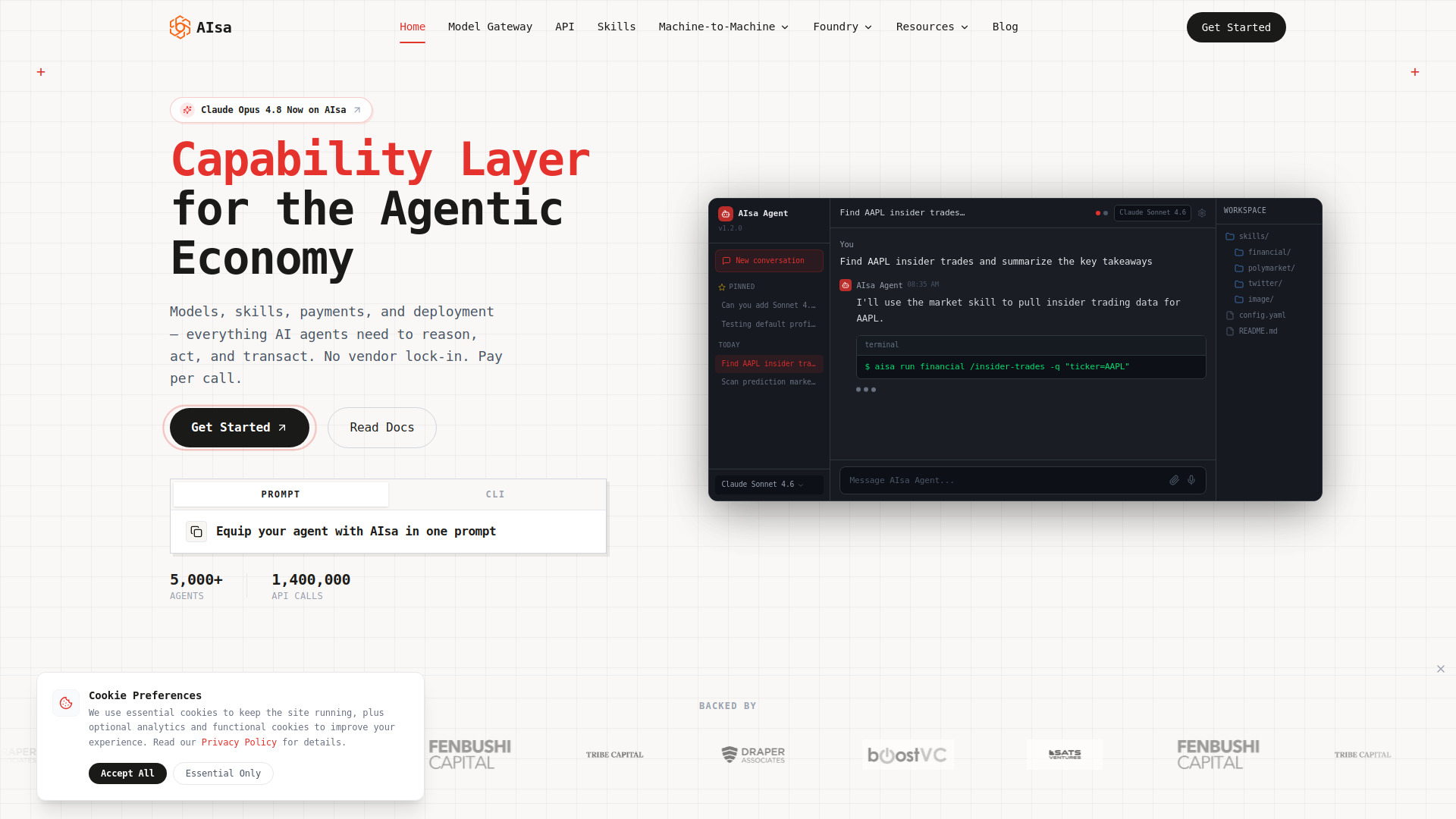
Why it matters AIsa is the outlier near the top of the list. It is not a narrow SQL query assistant; it provides a unified model gateway for more than 50 frontier and open-source models, plus a composable skills marketplace for capabilities such as web search and data enrichment. For an AI engineering team building a service that needs to reason over data, that broader capability layer can matter more than a polished query box. Its pay-per-call, pay-as-you-go approach also avoids a platform subscription, although buyers need to understand the architecture before treating it as a database solution.
Best for
AI engineers designing agent or model-routing workflows
Teams that want one API key across many models
Projects needing composable skills and usage-based spending
Limitations
AIsa Foundry hosting features are listed as coming soon
Machine-to-machine payment protocols are in private beta
Its broad platform scope may be excessive for simple SQL generation
Shortlist signal: Choose AIsa when SQL access is one component of a larger AI agent or model infrastructure stack.
3. SQLAI.ai

- Developers working with large database schemas
- 7-day free trial
- Starts at Explorer: $6
- Usage signal: 26.4K
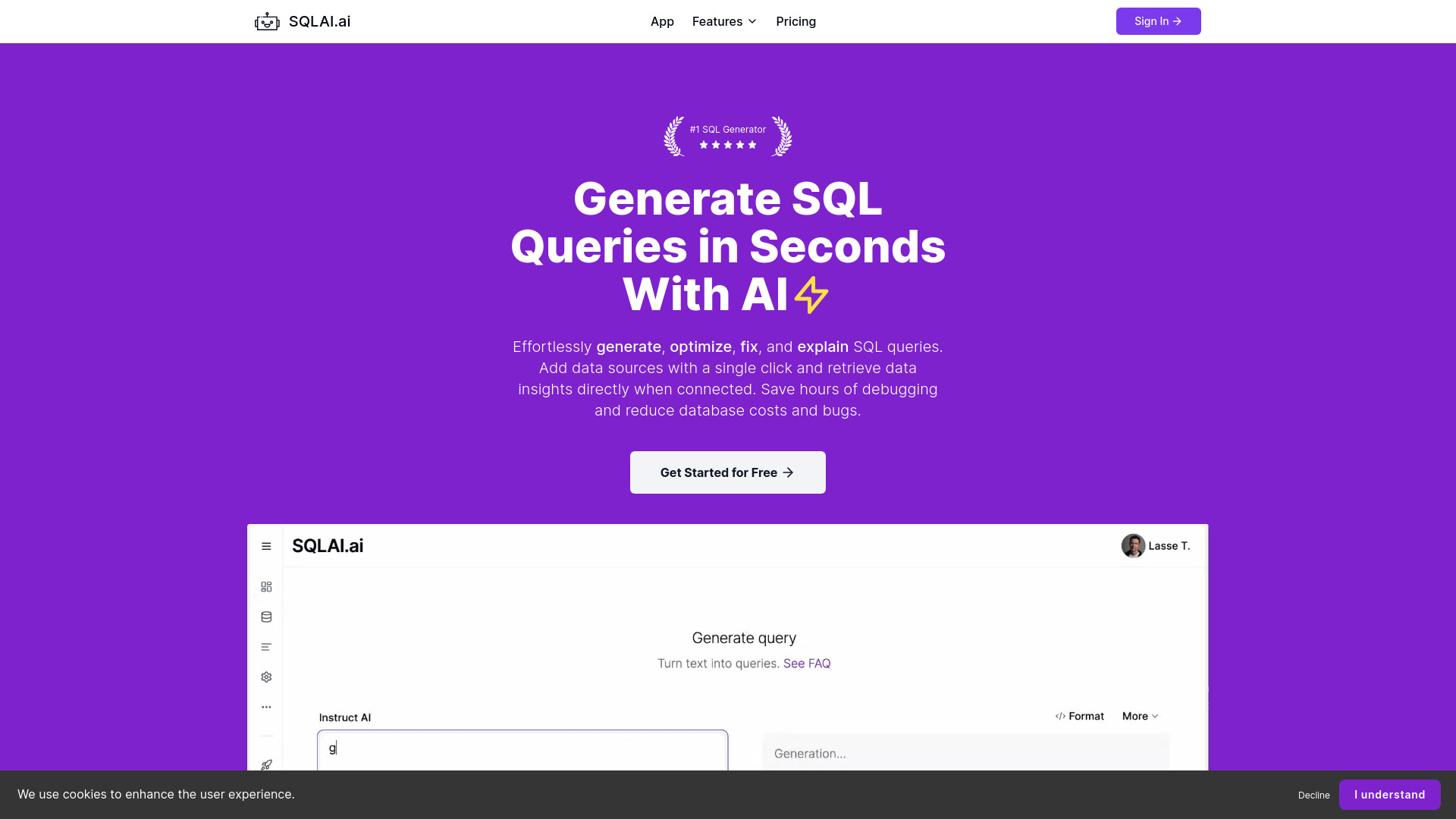
Why it matters When a database is large, the quality of schema context often determines whether an AI query assistant helps or hinders. SQLAI.ai is positioned around that reality, combining SQL generation with optimization, syntax validation, and fixing. It is a strong fit for developers who want an assistant that does more than produce a first-pass query. The Explorer plan starts at $6 and includes a seven-day trial, but monthly query limits and paid feature gates should be checked before adopting it for a busy team.
Best for
Developers handling sizable or complicated schemas
Query generation followed by validation and correction
Teams that want optimization alongside text-to-SQL
Limitations
Monthly query limits vary by subscription
Some features require a paid plan
Generated output still needs testing against real data and business logic
Shortlist signal: Put SQLAI.ai on your shortlist when schema handling and query repair matter as much as initial generation.
4. Blaze SQL

- Non-technical users exploring connected business data
- 14-day free trial
- Starts at Blaze Team: $249/month
- Usage signal: 18.9K
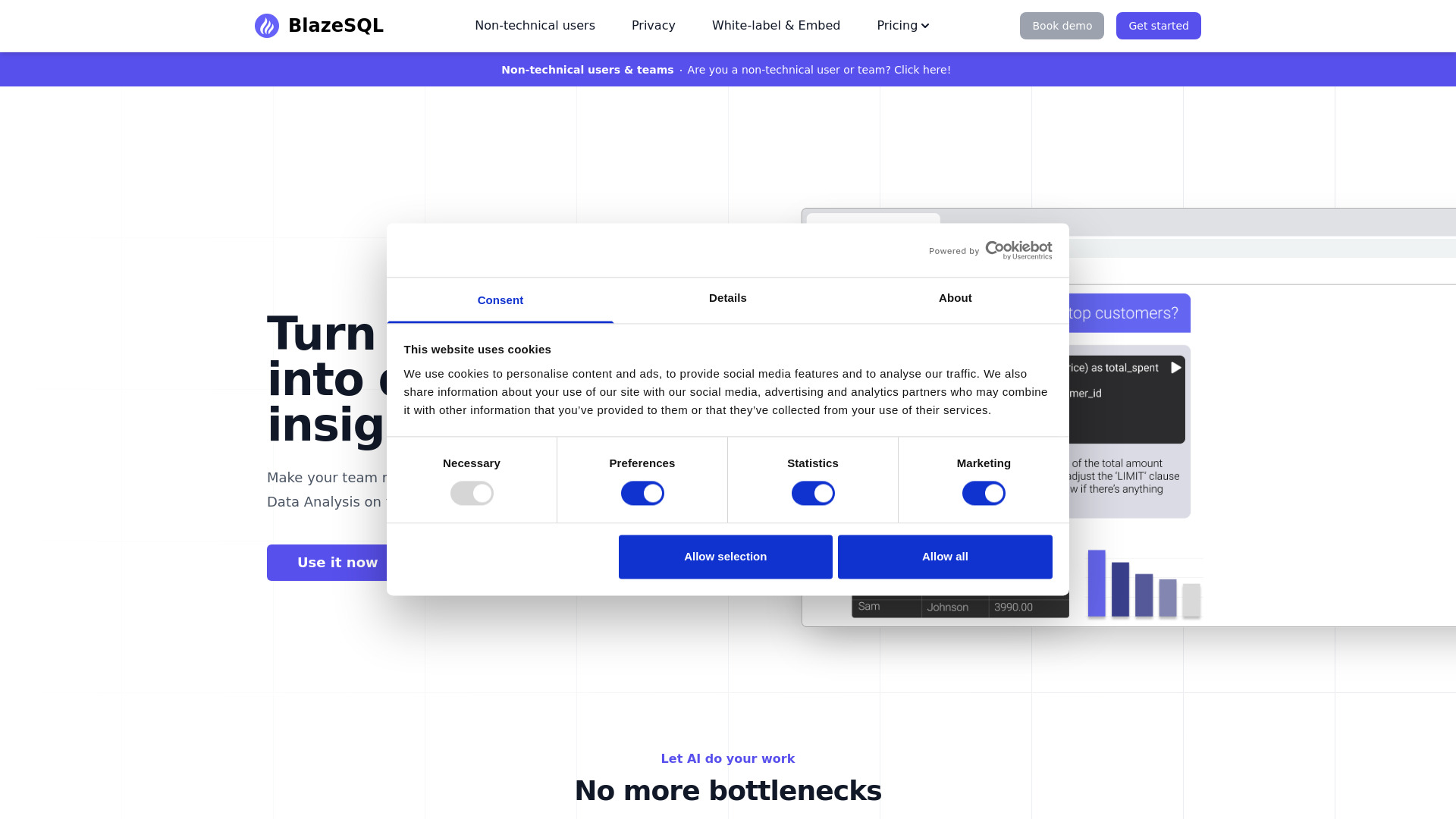
Why it matters Blaze SQL takes the conversation beyond query writing. Its AI data analytics chatbot connects with a database, understands metadata, generates SQL, and supports data visualization. That is a compelling workflow for analysts or business users who want to ask questions without living in a SQL editor. It is also the clearest example of why connection and generation should be evaluated together. The major barrier is price: the listed Blaze Team plan starts at $249 per month and includes three users, making this a team purchase rather than a casual utility.
Best for
Non-technical users asking questions of connected databases
Teams that want SQL generation plus visual analysis
Organizations building a self-service analytics workflow
Limitations
Complex queries can be wrong when context is insufficient
The system needs database schema information to understand the data
$249 per month is a serious commitment for small teams
Shortlist signal: Choose Blaze SQL when the audience needs answers and visualizations, not merely raw SQL text.
5. Text2SQL.ai

- Data analysts working across database types
- Free query generation available
- Starts at Basic: $8 USD / month billed annually ($4)
- Usage signal: 9.8K
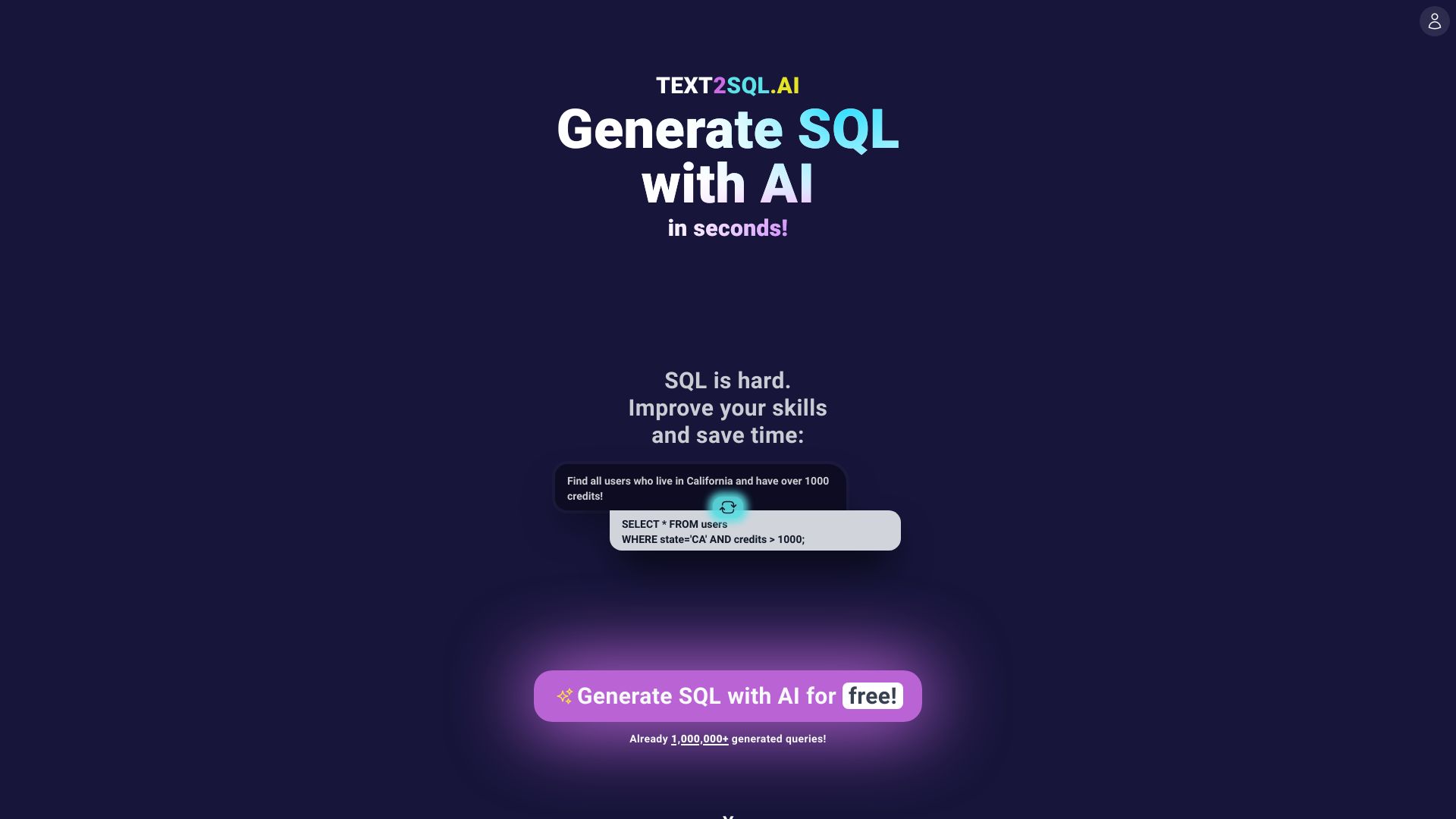
Why it matters Text2SQL.ai is built for analysts who need a broad SQL assistant rather than a single-purpose generator. It supports text-to-SQL conversion, explanation, fixing, optimization, and multiple database types, with schema support intended to improve accuracy. That breadth makes it useful in mixed environments where the team moves between systems. The trade-off is that both prompt quality and schema quality directly affect results, while the pricing presentation is easiest to understand when read with its annual billing context.
Best for
Analysts translating business questions into queries
Teams working with more than one database type
Users who want explanation, fixing, and optimization in one tool
Limitations
Poor or incomplete schema information reduces accuracy
Ambiguous text can produce incorrect queries
Pricing plans may be a barrier for some users
Shortlist signal: Shortlist Text2SQL.ai when database portability and a complete query-assistance workflow are priorities.
6. SQLAI.ai
- Developers working across SQL and NoSQL queries
- 7-day free trial
- Starts at Explorer: $6/mo
- Usage signal: Not listed
Why it matters This entry represents the AIHelperBot product handle while the supplied product name is SQLAI.ai, so buyers should confirm the branding and destination before signing up. Its differentiator is support for both SQL and NoSQL query generation, alongside optimization, syntax validation, and fixing. That makes it a useful candidate for developers whose work does not stop at relational databases. The product is less compelling if you only need a focused SQL Server assistant and want an extensively documented usage allowance.
Best for
Developers switching between SQL and NoSQL systems
Beginners who need help creating and correcting queries
Professional workflows that benefit from optimization assistance
Limitations
Query allowances depend on the subscription plan
Full access requires a subscription
Usage signal is not listed, so external market traction is harder to gauge
Shortlist signal: Consider this tool when SQL and NoSQL coverage is more valuable than a narrowly SQL Server-focused experience.
7. DB24.ai
- Database administrators running SQL Server operations
- Free plan available
- Starts at Check vendor pricing
- Usage signal: Not listed
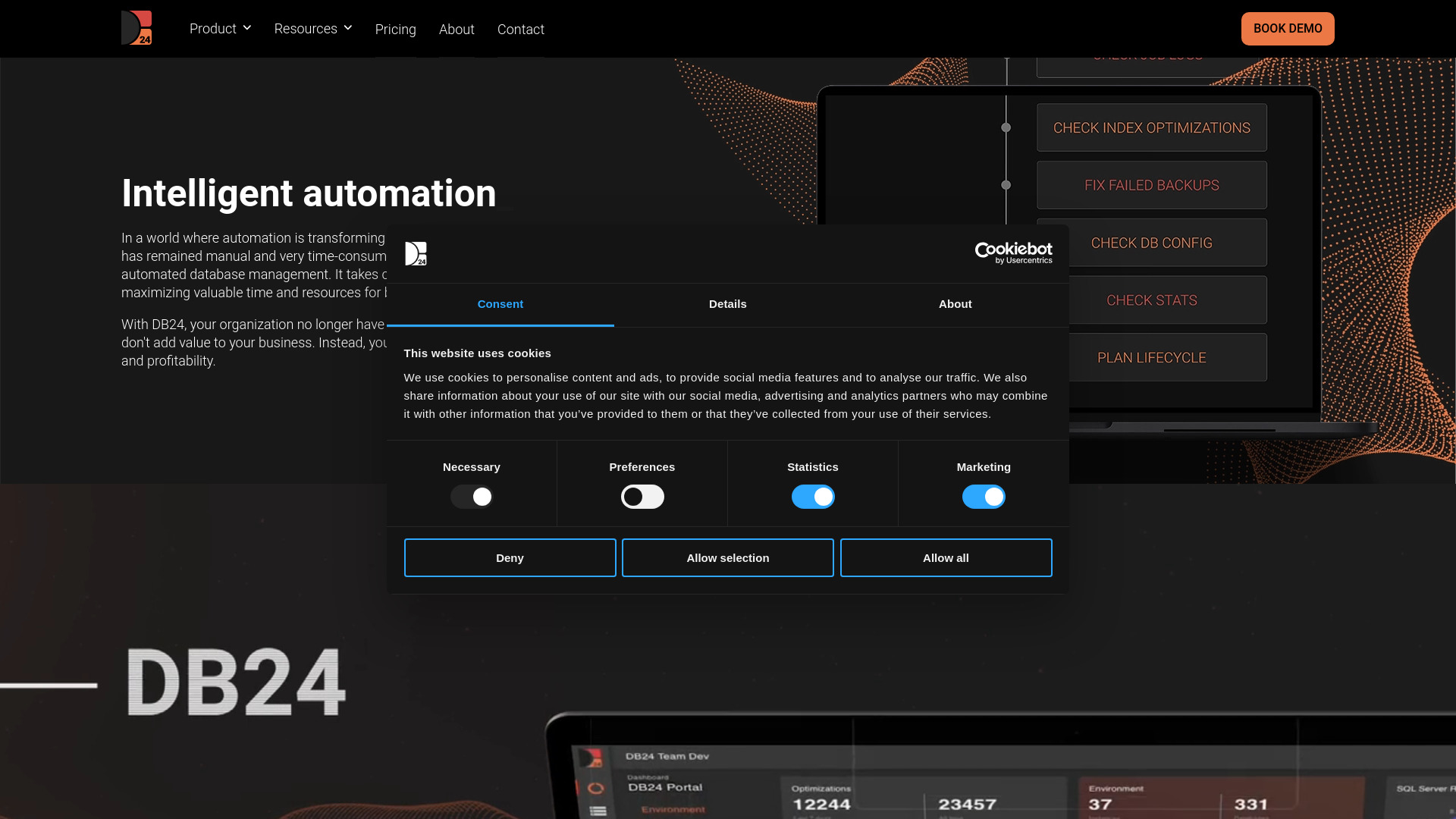
Why it matters DB24.ai is one of the few entries aimed squarely at ongoing SQL Server operations rather than just query composition. Its stated focus is automating daily database operations while improving performance and stability. That is a different buying conversation: DBAs should evaluate what can be automated, what remains approval-based, and how the service fits existing operational controls. Pricing is hidden behind a vendor check, and the initial setup may be more involved than opening a browser-based SQL helper.
Best for
DBAs responsible for SQL Server performance
Teams trying to automate recurring database operations
Environments where stability and operational efficiency are central goals
Limitations
Pricing is not presented as a clean public starting point
Initial setup and configuration may be required
Dependence on a third-party service needs technical and governance review
Shortlist signal: Add DB24.ai when the real problem is operating SQL Server reliably, not simply writing queries faster.
8. OpenSQL.ai

- DBAs exploring conversational database interaction
- Free plan available
- Starts at Check vendor pricing
- Usage signal: Not listed
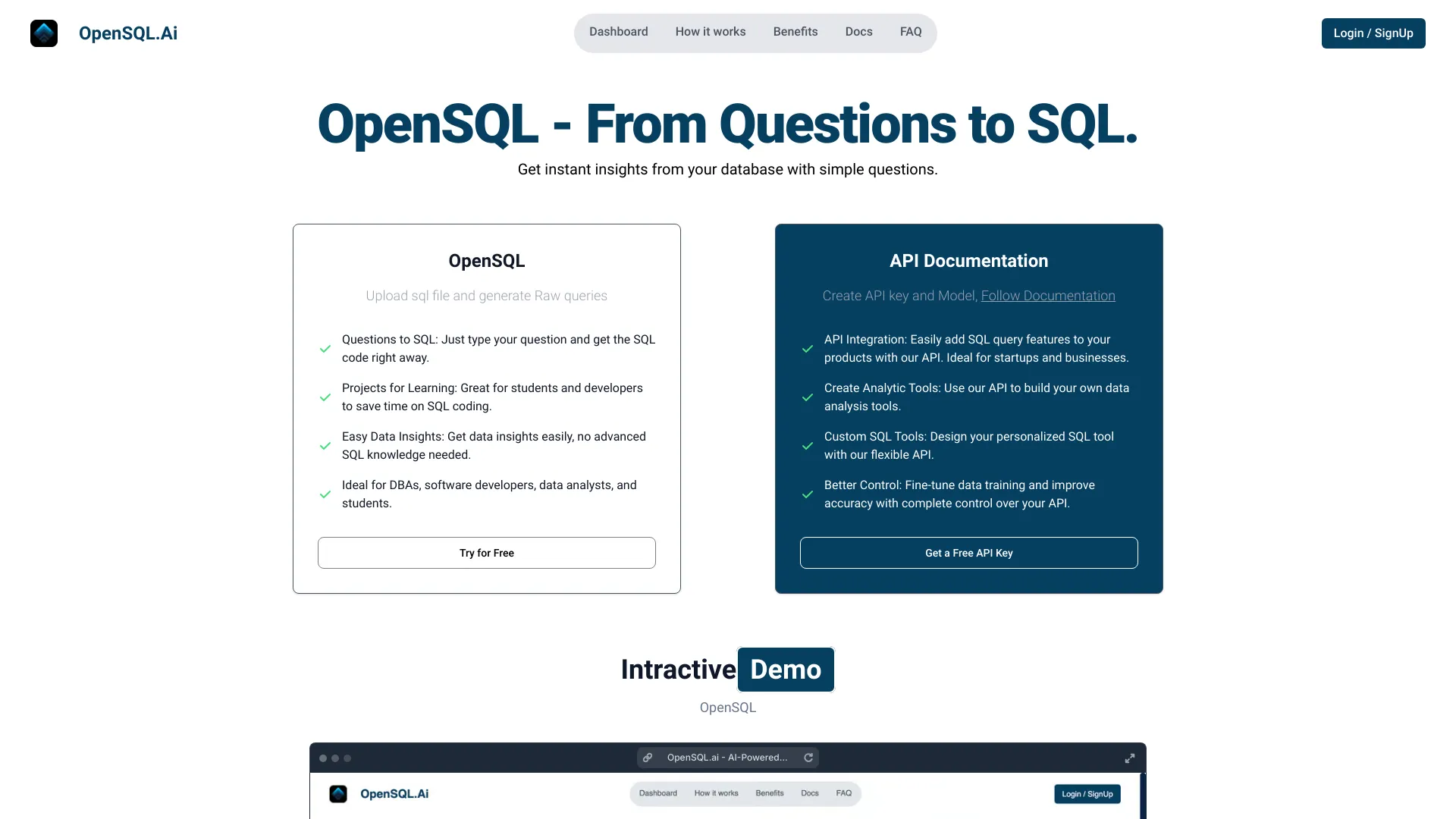
Why it matters OpenSQL.ai puts natural-language interaction at the center of the experience. It can generate SQL from questions, support conversational database interaction, and automate SQL generation. That makes it an interesting bridge between a traditional database interface and a chat-based workflow. DBAs and technically minded users may appreciate the shorter path from question to query, but they should not mistake conversational ease for automatic correctness. Pricing and the customization available in the free version need direct confirmation.
Best for
DBAs testing natural-language database workflows
Users who prefer conversation over a blank query editor
Teams automating repeated SQL-generation tasks
Limitations
AI accuracy may require fine-tuning and review
Free-version customization is unclear
Public pricing is not presented as a clean starting point
Shortlist signal: Try OpenSQL.ai when conversational database access is the primary workflow you want to validate.
9. ProbeAI

- Data analysts finding tables and fixing SQL
- Free plan available
- Starts at Check vendor pricing
- Usage signal: Not listed
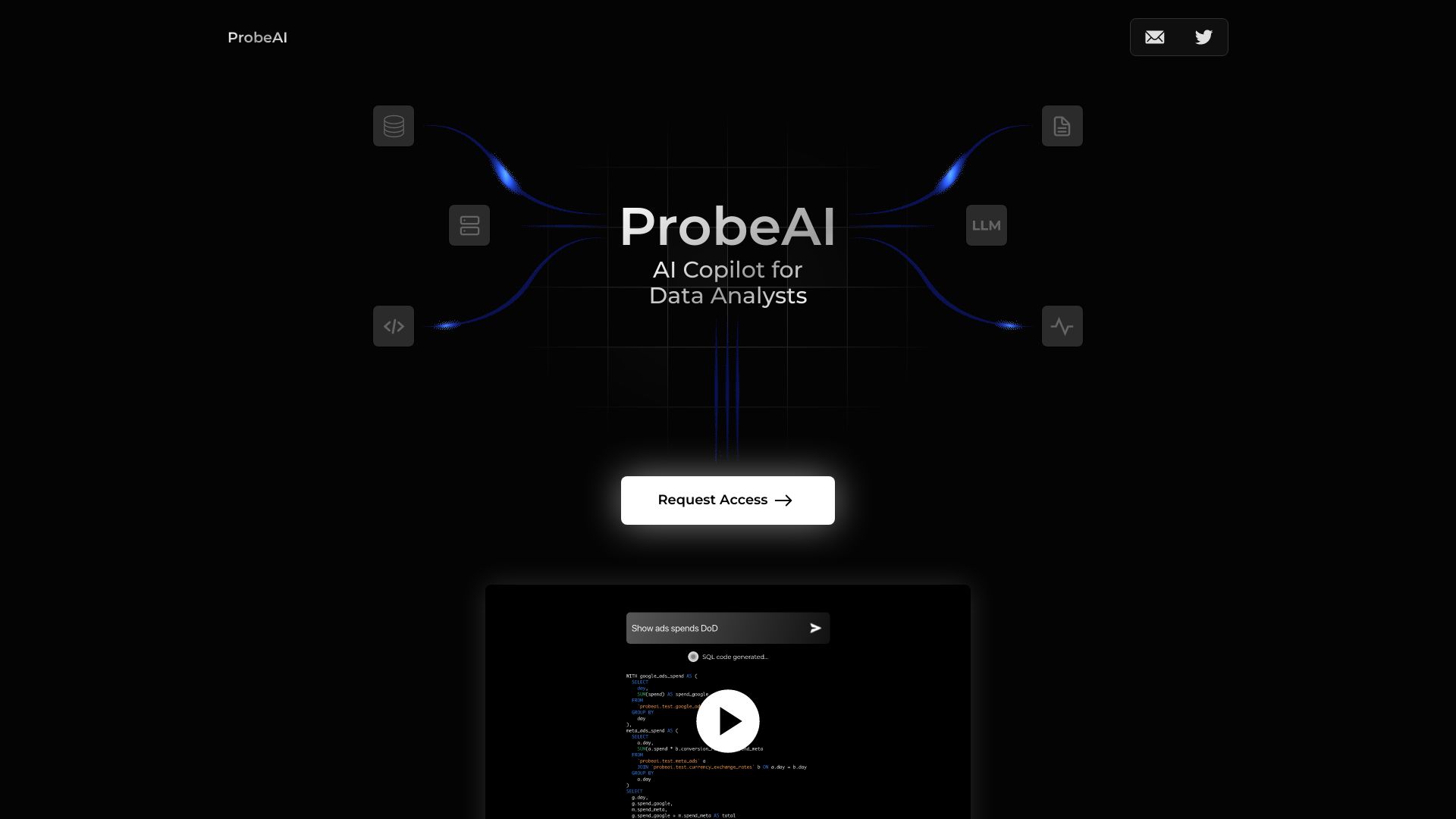
Why it matters ProbeAI focuses on the parts of analytics work that consume time before a query ever runs. It can identify relevant tables for a question, generate complex SQL, and optimize or fix code in real time. That table-discovery angle is particularly useful when the analyst knows the business question but not the exact structure of the warehouse. ProbeAI may require initial database setup, and its effectiveness depends heavily on how clearly the prompt describes the desired result.
Best for
Analysts navigating unfamiliar schemas
Users who need help locating relevant tables
Teams that want real-time SQL correction and optimization
Limitations
Connecting databases may require initial setup
Prompt quality strongly affects the output
Pricing details require a direct vendor check
Shortlist signal: Shortlist ProbeAI when table discovery is the bottleneck behind slow or inconsistent analysis.
10. Navera

- AI developers building data infrastructure
- Up to 500 resources per month
- Starts at Free: $0
- Usage signal: Not listed
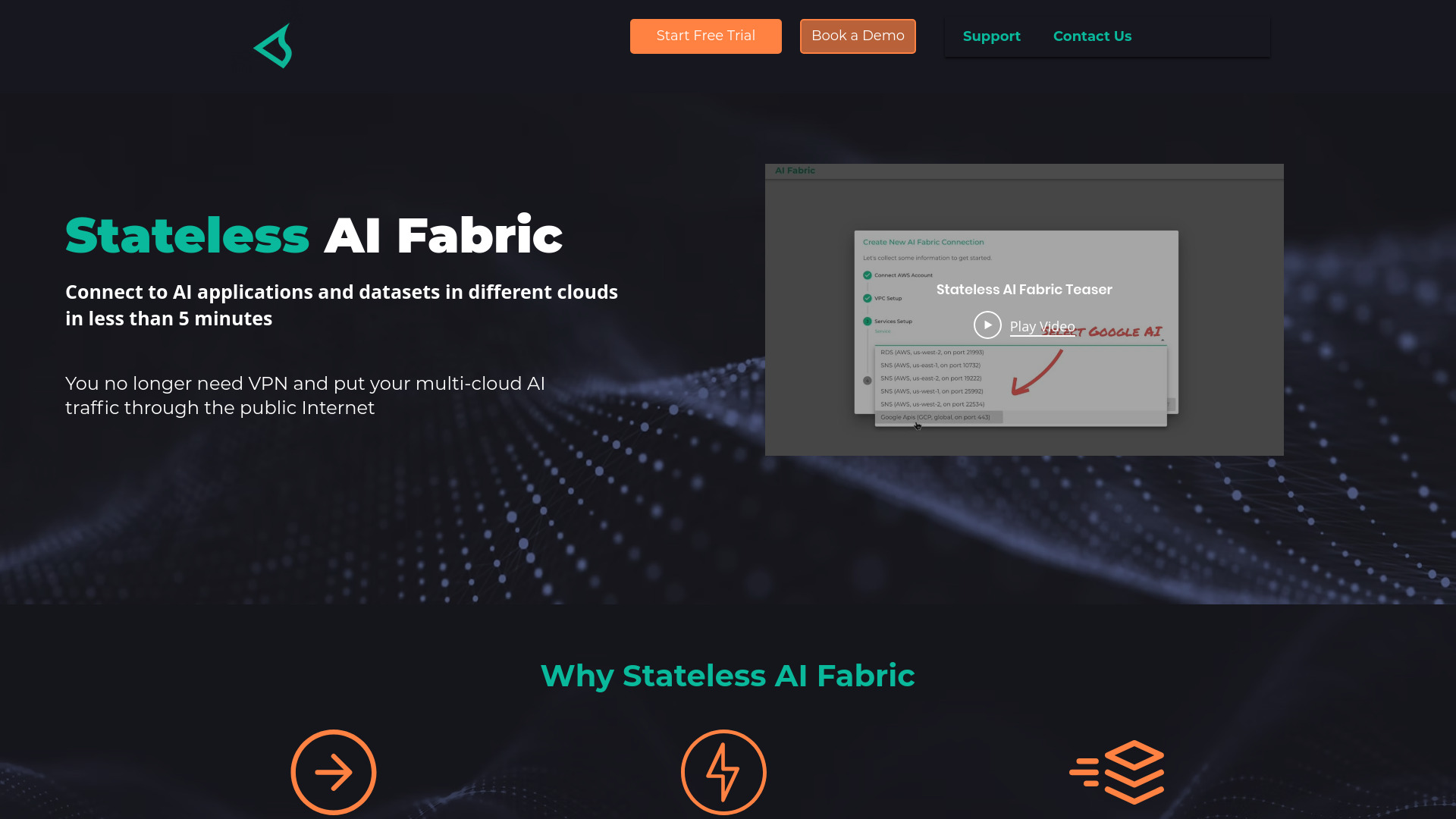
Why it matters Navera is an adjacent option for teams whose SQL connectivity challenge is really an infrastructure challenge. It offers an on-demand platform for AI data connectivity, simplified infrastructure-as-code practices, and pre-built abstracted IaC modules. That places it well outside the everyday text-to-SQL assistant category, but it can be relevant when developers are assembling repeatable AI data environments. The free offer covers up to 500 resources per month, while details about AI Fabric pricing and free-tier scalability deserve a closer vendor conversation.
Best for
AI developers managing data infrastructure
Teams standardizing infrastructure-as-code workflows
Projects that need on-demand connectivity around AI systems
Limitations
It may be too broad for a query-generation requirement
AI Fabric pricing is not directly available on the pricing page
Free-tier scalability limits are not specified
Shortlist signal: Choose Navera only when infrastructure automation and AI data connectivity are part of the same project.
What to test before choosing
Run the same controlled test across two or three finalists. Use a realistic schema with table names, relationships, and a few business definitions, then ask each tool to produce a query with joins, date filters, aggregation, and a clearly stated output. Do not compare only whether the SQL parses. Compare whether it uses the right tables, preserves the intended grain, handles nulls correctly, and avoids unnecessary scans.
Then test the correction loop. Give the tool a deliberately flawed query and see whether it identifies the syntax issue, explains the change, and preserves the business intent. For connected products such as Blaze SQL or operational products such as DB24.ai, test the workflow around the query: schema onboarding, metadata understanding, permissions, approvals, visualization, and rollback or review controls.
Finally, measure limits rather than relying on a single successful prompt. Check monthly quotas, trial expiration, supported database types, setup time, and what happens when the prompt lacks enough information. A five-query free allowance can be useful for evaluation but irrelevant for daily work, while a low entry price can become expensive if every analyst needs a separate subscription.
What to do next
Start with the narrowest workflow that represents your actual problem. Developers should test AI2sql and SQLAI.ai first. Analysts should compare Text2SQL.ai, ProbeAI, and Blaze SQL using a shared schema. DBAs should put DB24.ai and OpenSQL.ai through an operational and governance review rather than judging them only on generated SQL. AI platform teams can investigate AIsa or Navera after defining the required connectivity and deployment architecture.
Before connecting production data, create a restricted test environment. Use read-only credentials where possible, remove sensitive values from prompts and examples, and require a human review before generated statements execute. Ask each vendor how schema information is handled, what logs are retained, and which controls exist around database access. Those answers matter more than a polished demo.
Common mistakes when choosing from a complex top list
Treating every tool as a database connector. Some products generate SQL from supplied context; others connect to metadata or automate operations. Confirm the actual connection workflow.
Ranking by query fluency alone. A persuasive explanation does not prove that the joins, filters, or aggregation are correct.
Ignoring schema preparation. Several tools depend on database schema information. Poor metadata produces poor context.
Comparing a DBA platform with a text-to-SQL helper. Their success measures are different: automation and stability versus drafting speed and query accuracy.
Skipping the usage math. Trials, free credits, and monthly query limits can make a tool look cheaper than it is for a team.
Letting an AI tool execute unchecked. Generated queries should pass permission, performance, security, and business-logic review before they touch production.
Assuming a broad AI platform is automatically better. A model gateway or infrastructure layer may add value to an engineering stack while adding unnecessary complexity to a simple analytics workflow.
FAQ
AI2sql is the clearest first test for developers because it combines natural-language SQL conversion with query explanation and optimization. SQLAI.ai is a close alternative when validation, fixing, and work with large schemas are especially important.