
Choosing the top rated llm for chat is less about finding one universally smartest model and more about matching the tool around the model to your workflow. I compared 5 tools across local inference, agent-style work, AI visibility tracking, multi-model APIs, and developer operations. That makes this an intentionally broad field guide: some picks are direct chat infrastructure, while others are practical ways to run, evaluate, or manage LLM-powered work.
Start here
The first decision is whether you need a chat product, a way to run models, or an operating layer around several AI services. The five tools below sit in different parts of that stack, so comparing them on raw intelligence alone would be misleading.
Want fast local inference on a Mac? Start with oMLX. Its Apple Silicon optimization, SSD KV caching, and compatible APIs make it the strongest all-around infrastructure pick here.
Want an AI coworker without terminals or configuration? Lily is the most approachable choice for knowledge workers who want Claude Code-level agent capabilities without learning a developer workflow.
Need to see how brands appear in AI answers? Llumo tracks visibility across ChatGPT, Gemini, Perplexity, Copilot, Google AI Overviews, and other surfaces.
Need one endpoint for many models? you.bot is the clearest fit for backend teams that want access to 70+ models and pay-as-you-go pricing.
Already use several AI coding agents? CLI Manager reduces the mess of switching among CLI agents, terminals, and editors.
The short version: oMLX wins the overall match for technical users, Lily wins on accessibility, and you.bot wins when model breadth matters more than a polished end-user chat interface.
Segment comparison
| Tool | Segment | Best for | Standout capability |
|---|---|---|---|
| oMLX | Local LLM server | Software developers | SSD KV caching and continuous batching on Apple Silicon |
| Lily | No-code agent workspace | Knowledge workers | Claude Code-level Agent and Skills without setup |
| Llumo | AI visibility analytics | SEO professionals | Prompt-level visibility and share-of-voice tracking |
| you.bot | Multi-model API gateway | Backend developers | 70+ models behind one endpoint |
| CLI Manager | Developer workflow manager | Developers | Central dashboard for multiple AI CLI agents |
This table reveals an important distinction. Only some of these tools are destinations for conversational use. The others help you deploy, monitor, or control LLM-based chat workflows. For a personal chatbot, that distinction matters; for a product team, it is often the difference between a convenient demo and a maintainable system.
Shortlist paths
| Your priority | Start with | Why |
|---|---|---|
| Local control and lower response delays | oMLX | Paged SSD KV caching is designed to reduce time-to-first-token |
| No-code agent work | Lily | No terminals, setup, or configuration required |
| Tracking brand presence in chat answers | Llumo | Measures visibility across major answer engines |
| Calling many models through one integration | you.bot | One endpoint covers 70+ AI models across several media types |
| Keeping coding agents organized | CLI Manager | Centralizes agents and editor switching |
If you are shopping for a consumer-facing chat assistant, begin with Lily and then test oMLX only if you are comfortable managing a local technical setup. If you are building an application, reverse that order: evaluate API economics and latency first, then consider a local server for specific workloads.
Ranking snapshot
| Rank | Tool | Score | Monthly visits | Starting price | Editorial pick |
|---|---|---|---|---|---|
| #1 | oMLX | 91/100 | 127.5K | Check vendor pricing | Best overall match |
| #2 | Lily | 89/100 | 2.5K | Plus: $20.00/month | Best for non-coders |
| #3 | Llumo | 87/100 | Not listed | Free: $0 | Best for AI visibility |
| #4 | you.bot | 87/100 | Not listed | Pay-as-you-go: From $0.005 per call | Best API value |
| #5 | CLI Manager | 87/100 | Not listed | Monthly: $4.99 /mo | Best for agent organization |
The scores are close because these tools solve different problems. oMLX earns first place through technical depth and a strong fit for local model serving. Lily comes close because it removes the setup burden that makes many powerful AI tools inaccessible. The remaining three are more specialized, but each can be the correct pick when its segment matches your needs.
How we grouped and ranked the list
A conventional chatbot ranking would reward answer quality, conversation memory, writing controls, and model selection. That would not make sense here. This field includes infrastructure and workflow tools, so I used a broader set of questions:
- 1
Does the tool make LLM-powered chat more useful? A faster local server, simpler agent interface, or unified API all qualify, but in different ways.
- 2
How much setup does the intended user face? Lily scores well because it removes terminals and configuration. oMLX and CLI Manager are more technical by design.
- 3
Is the feature set specific enough to matter? SSD KV caching, prompt-level visibility scores, and pay-only-for-successful-calls are more useful ranking signals than generic claims about AI.
- 4
Who should shortlist it? Audience fit carries substantial weight. A developer may value APIs and batching; an SEO professional needs competitor monitoring and citations.
- 5
What could stop a purchase? Platform requirements, API keys, backend integration, unclear trial limits, and provider usage costs all reduce practical fit.
This also explains why the list includes adjacent tools rather than five interchangeable chat apps. The best LLM for chat depends on whether you are chatting with a model, building the chat layer, measuring its answers, or coordinating the agents that use it.
Ranked field notes
1. oMLX

- Software developers
- Starts at Check vendor pricing
- Usage signal: 127.5K
Why it matters
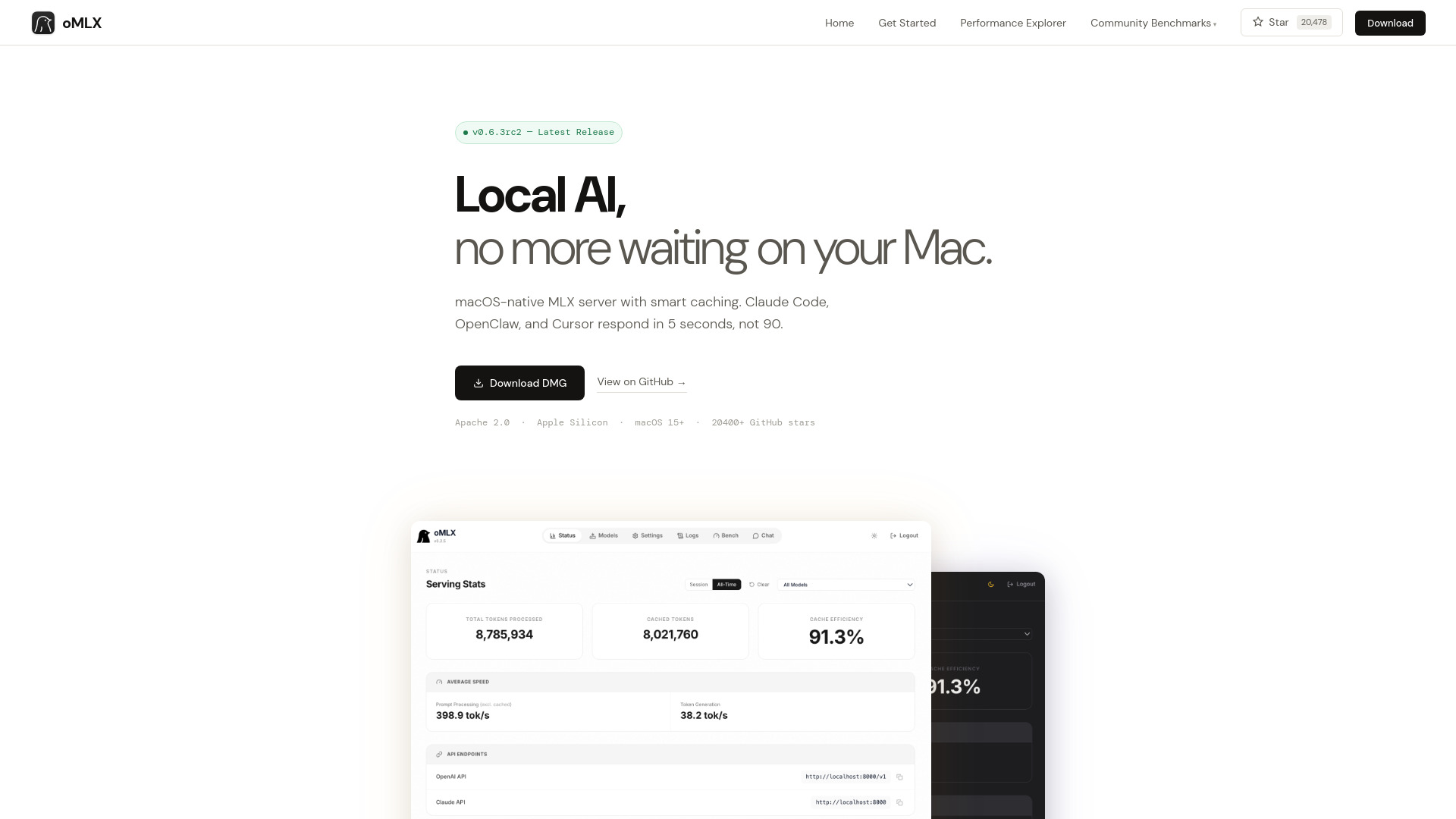
Local LLM serving usually involves a trade-off between privacy, hardware constraints, and response speed. oMLX tackles the performance side directly for Apple Silicon and macOS users. Paged SSD KV caching is the headline feature: it can reduce time-to-first-token and agent response delays by keeping useful context closer to the workload. Continuous batching also matters if several requests need to run concurrently. Add OpenAI-compatible and Anthropic-compatible APIs, and oMLX becomes more than a local chat window; it can serve as a practical backend for existing tools and experiments. That combination makes it the strongest overall match in this comparison, provided you are already in the Apple ecosystem.
Best for
Developers running LLM inference locally on Apple Silicon
Teams experimenting with agent workflows and concurrent requests
Users who need OpenAI-compatible or Anthropic-compatible API access
Limitations
Requires Apple Silicon and macOS 15 or later
At least 16GB of RAM is required, with larger models needing substantially more
Pricing details are not presented as a simple public starting tier
Shortlist signal: Add oMLX when local inference speed, API compatibility, and Mac-native deployment matter more than cross-platform access.
2. Lily: Crawdbot level agent with built-in skills, for non-coders

- Knowledge workers
- Try it free
- Starts at Plus: $20.00/month
- Usage signal: 2.5K
Why it matters
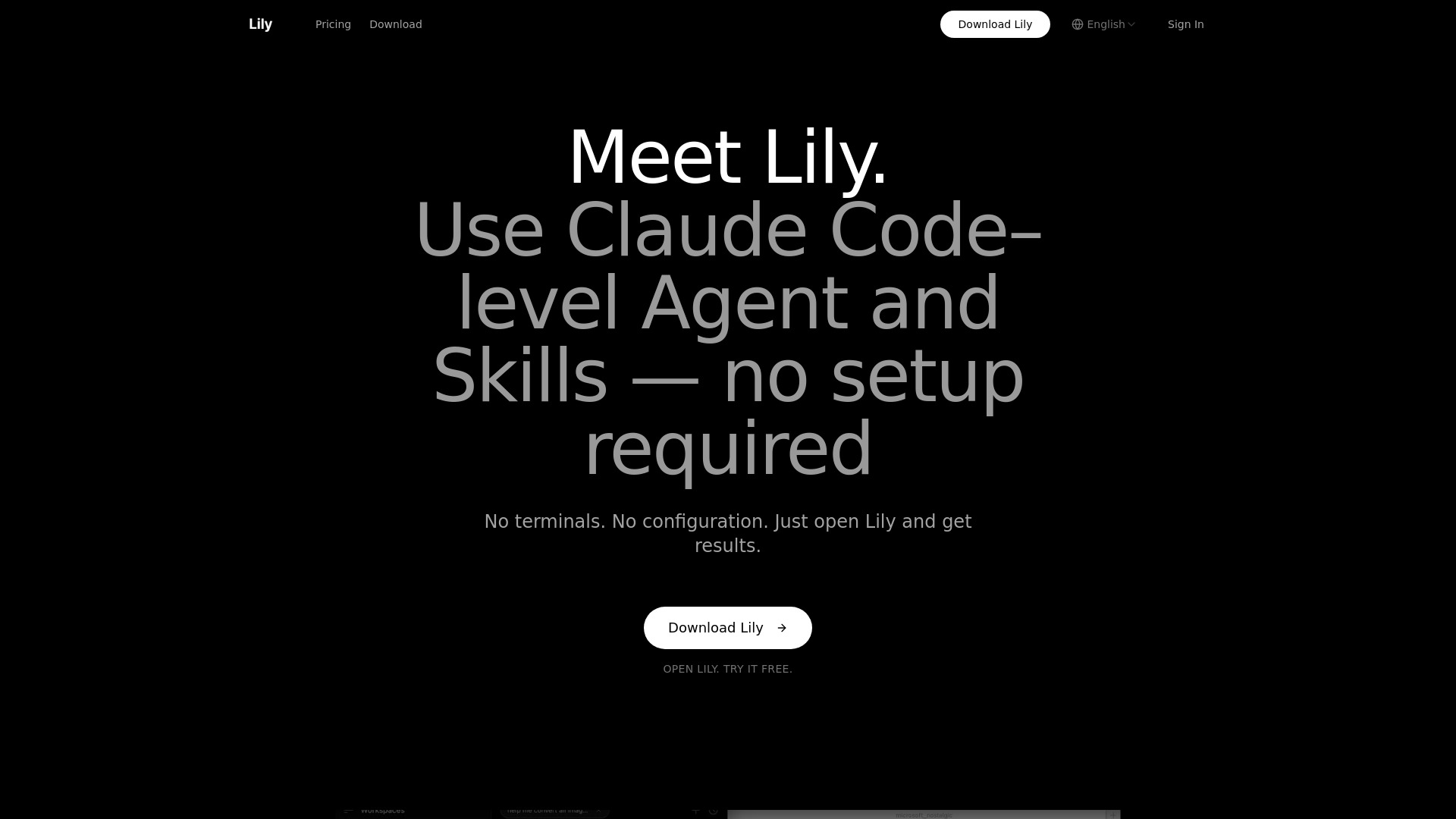
The most impressive part of Lily is not a long model menu; it is the decision to hide the machinery. Lily brings Claude Code-level Agent and Skills capabilities to people who do not want to open a terminal, configure a project, or write scripts. Its broader context handling and ability to work across multiple files make it feel closer to a coworker than a one-prompt chatbot. That is a meaningful distinction for research, document-heavy work, and operational tasks where the user needs the system to understand surrounding material. The catch is that Lily requires a software download, so it is not a frictionless browser-only experience.
Best for
Knowledge workers who want agent-style help without coding
Users working across multiple files or a broader project context
Teams that value zero configuration over granular technical control
Limitations
Requires downloading the Lily software
The duration and limits of the free trial are not clearly specified
Users seeking terminal-level control may find the abstraction limiting
Shortlist signal: Choose Lily when the real barrier is setup complexity and you want powerful agent behavior without learning a developer toolchain.
3. Llumo

- SEO professionals
- Unlimited prompts
- Starts at Free: $0
- Usage signal: Not listed
Why it matters
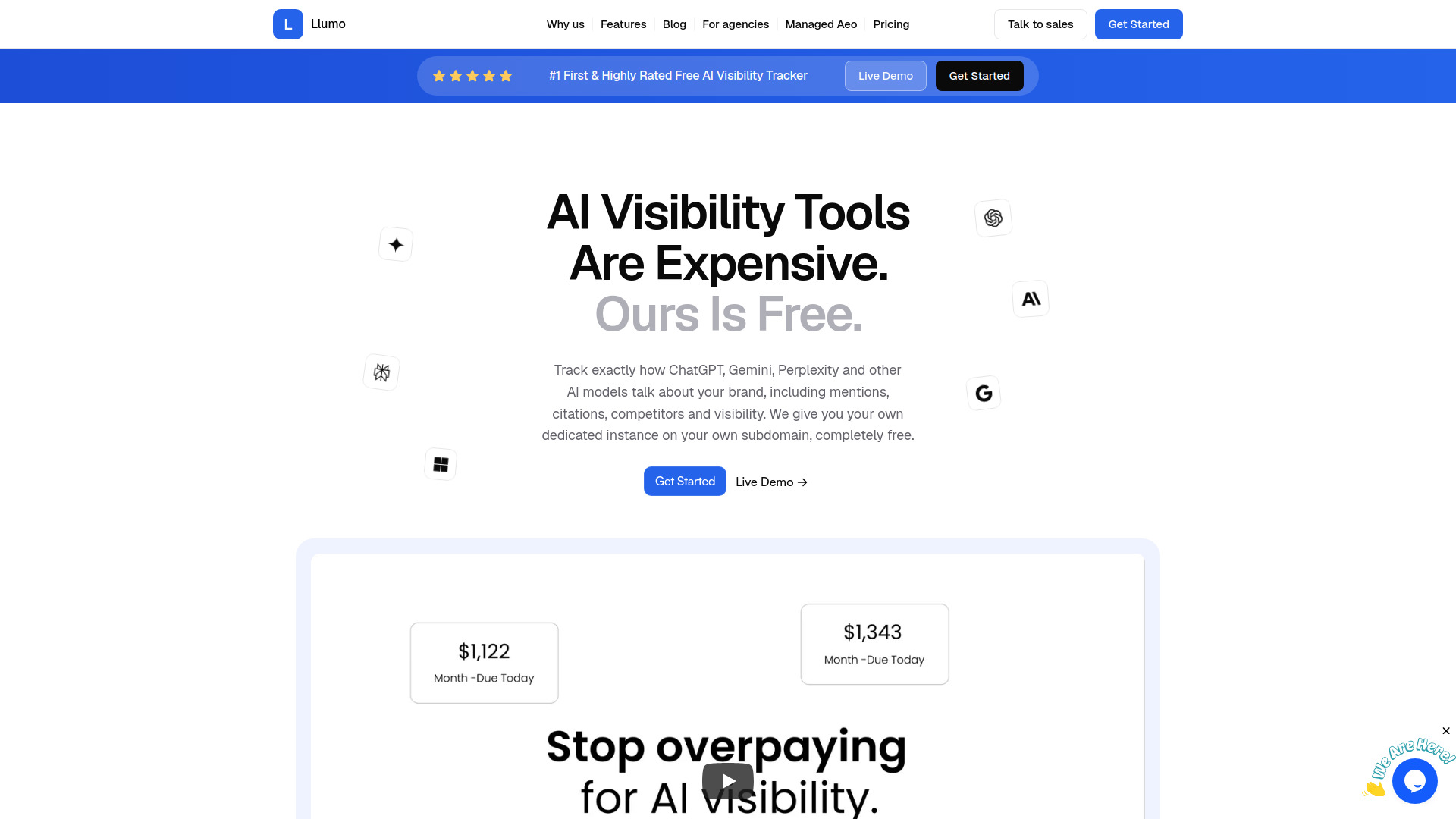
A chat model can produce a useful answer while still giving a brand zero visibility. Llumo is built for that measurement problem rather than for casual conversation. It tracks how brands appear across ChatGPT, Gemini, Perplexity, Copilot, Google AI Overviews, and other models, then turns individual prompts into visibility scores and share-of-voice comparisons. Competitor monitoring and citation analysis make the output more actionable for SEO teams: you can inspect not just whether a brand appears, but how often it appears relative to alternatives. It is an unexpected but valuable choice in a chat-focused field because it helps teams understand the answer engines their customers increasingly use.
Best for
SEO teams measuring brand presence in AI-generated answers
Marketers comparing share of voice against competitors
Teams that need prompt-level visibility and citation analysis
Limitations
The free platform requires users to provide their own API keys
AI provider usage costs still apply at higher tracking volumes
It measures visibility across chat surfaces rather than serving as a general chat assistant
Shortlist signal: Add Llumo when your core question is how often an AI answer recommends your brand, not which chatbot you should personally use.
4. you.bot

- Backend developers
- Free credits on signup
- Starts at Pay-as-you-go: From $0.005 per call
- Usage signal: Not listed
Why it matters
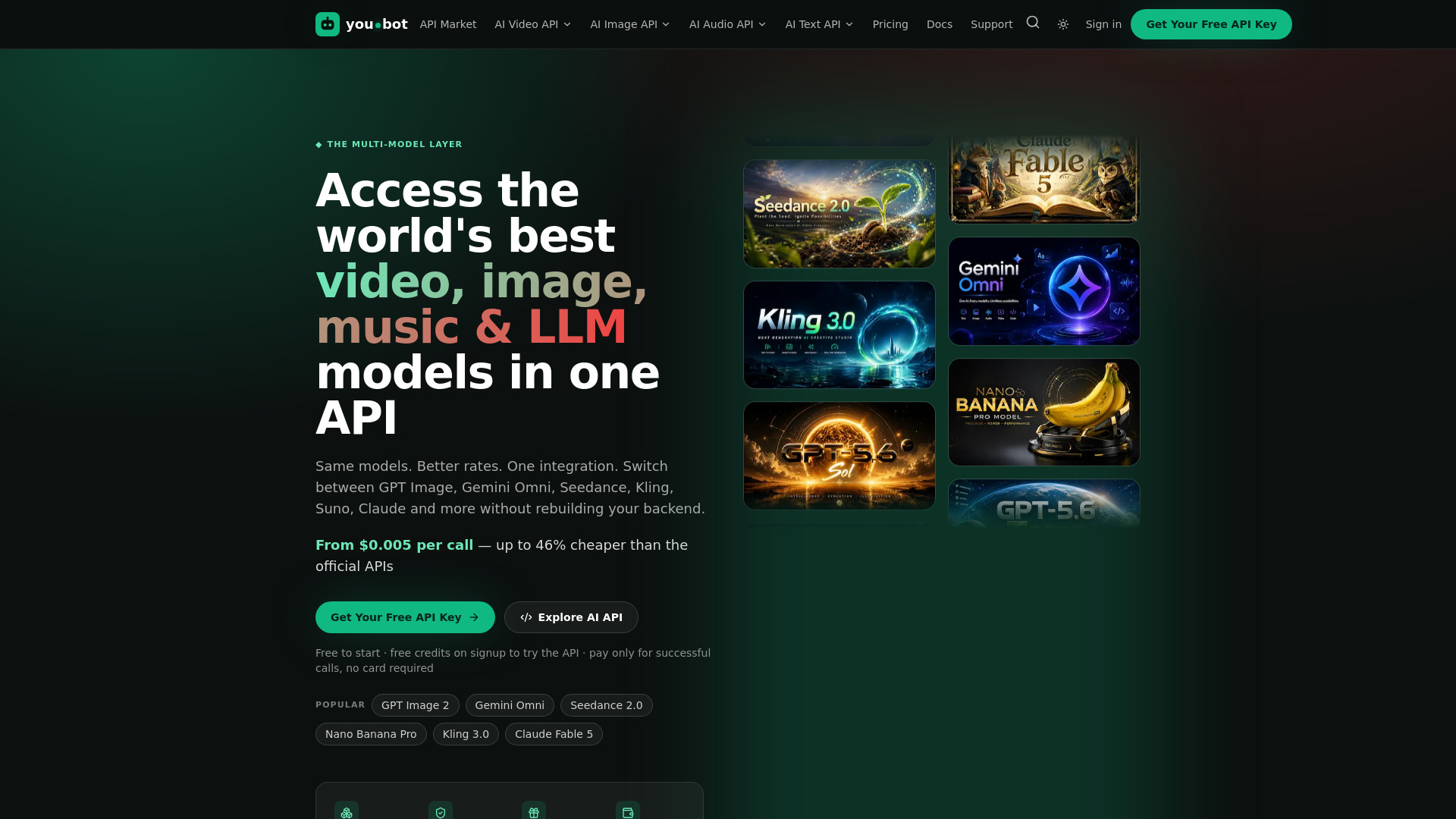
For product teams, the question is rarely just which LLM gives the best answer. It is how quickly the team can test several models, control spend, and avoid rebuilding integrations every time the preferred provider changes. you.bot offers one endpoint for more than 70 AI models spanning LLM, image, video, and music workloads. Its pay-as-you-go approach starts at $0.005 per call, and failed, errored, or empty runs are automatically refunded. That last detail is especially practical for experimentation, where failed requests can quietly inflate bills. The trade-off is clear: this is an API gateway for builders, not an instant chat experience for nontechnical users.
Best for
Backend teams comparing multiple LLM providers through one integration
Products that may use text, image, video, and music models
Developers prioritizing usage-based economics and automatic refunds on failed calls
Limitations
Requires API integration and backend setup
An asynchronous task flow may be less convenient than instant responses
Provider usage costs still need to be evaluated at real production volume
Shortlist signal: Choose you.bot when model breadth and a single integration are more valuable than a dedicated conversational interface.
5. CLI Manager
- Developers
- Free tier
- Starts at Monthly: $4.99 /mo
- Usage signal: Not listed
Why it matters
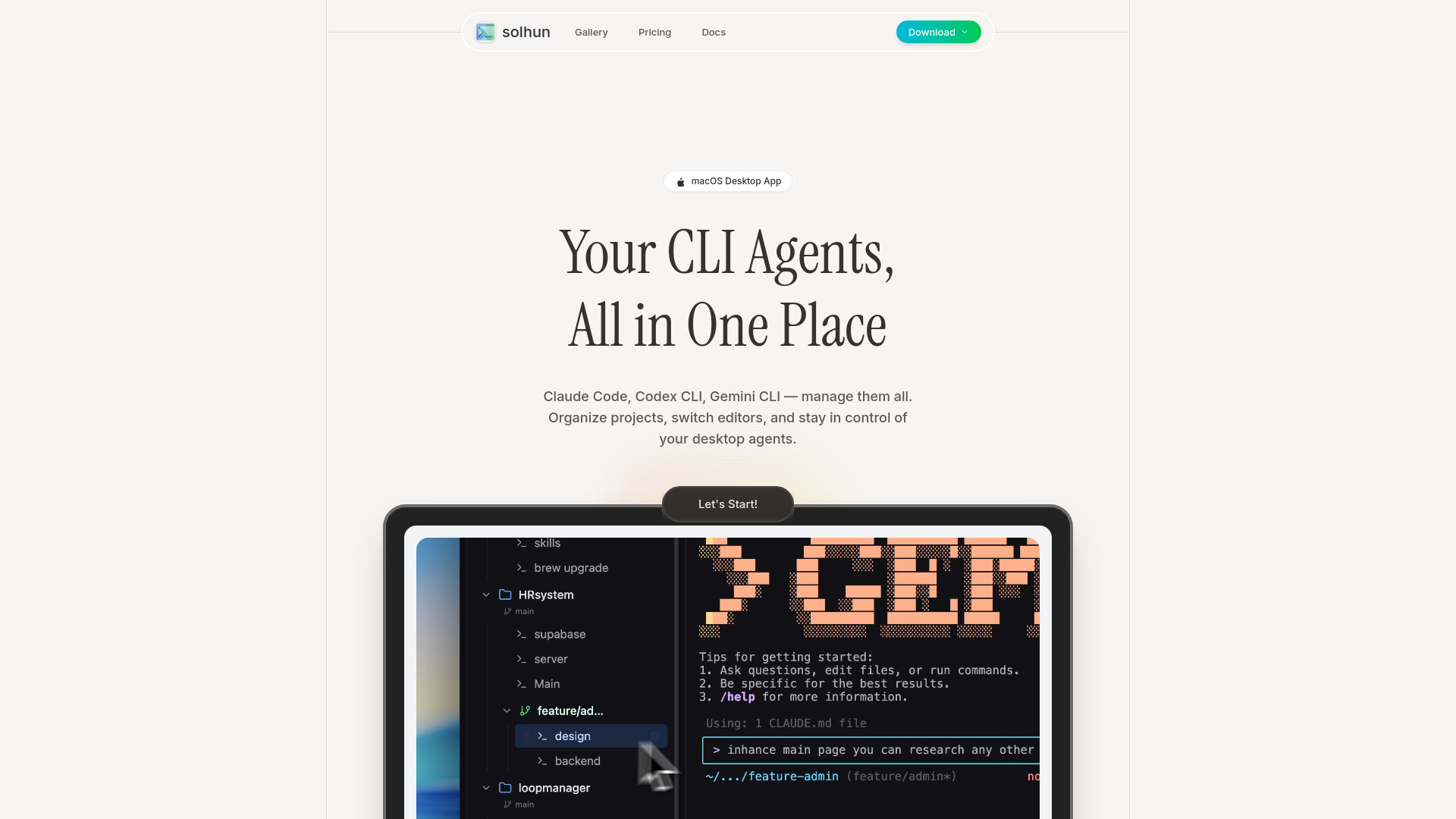
Developers who use several AI coding agents quickly accumulate context switching: one terminal for one agent, an editor for another, and a growing collection of project names that are hard to distinguish. CLI Manager addresses that operational nuisance with a single dashboard for multiple AI CLI agents. Renaming and categorizing agents sounds basic, but it becomes useful once several projects share similar workflows. Instant switching among editors such as VS Code and Cursor IDE adds another layer of convenience. This is not a model or a chatbot, but it can make a multi-agent development setup easier to manage for a low monthly entry price.
Best for
Developers coordinating several AI CLI agents
Users moving between terminals, projects, and code editors
Mac-oriented workflows that need a centralized agent dashboard
Limitations
The specific features included in the free tier are not detailed
Download options primarily target macOS users
It organizes agents rather than improving the underlying model's responses
Shortlist signal: Add CLI Manager when your productivity bottleneck is juggling AI coding agents, not selecting another LLM.
What to test before choosing
A polished demo will not tell you whether a tool belongs in your daily workflow. Run a small, repeatable evaluation instead.
For local inference with oMLX
Use the same prompt and context length across several sessions.
Measure time-to-first-token, not just total completion time.
Test concurrent requests if you expect agents or teammates to share the server.
Confirm that your Apple Silicon Mac runs macOS 15 or later and has enough RAM for the models you plan to use.
Check whether your current client can use the OpenAI-compatible or Anthropic-compatible API without additional adaptation.
For agent work with Lily
Give it a task that spans multiple files rather than a one-line question.
Check how much context it understands before you start explaining everything manually.
Try the workflow with no terminal or configuration step; that is the product's central promise.
Confirm what the free trial includes and how long it lasts before committing to Plus.
For AI visibility with Llumo
Build a prompt set that includes branded, non-branded, and competitor queries.
Compare visibility scores and citations across the answer engines you care about.
Supply your own API keys and estimate provider costs at your intended prompt volume.
Look for repeatable competitor comparisons rather than relying on one impressive result.
For API routing with you.bot
Call several models through the same endpoint and compare latency, output quality, and cost.
Test failed, errored, and empty calls to understand how refunds behave in practice.
Confirm whether asynchronous tasks fit your application's response requirements.
Model costs at production volume instead of treating the $0.005 starting point as a complete forecast.
For developer operations with CLI Manager
Import or connect every CLI agent you actually use.
See whether renaming and categorization remain useful once projects multiply.
Switch between your preferred editors and check for workflow interruptions.
Verify the free-tier boundary and macOS compatibility before standardizing on it.
What to do next
Start with the workflow you need to improve, not the most impressive model name. Developers with compatible Apple hardware should put oMLX through a latency and concurrency test. Nontechnical users should try Lily on a real multi-file task. SEO teams should create a prompt monitoring set in Llumo. Product engineers should compare you.bot's unified endpoint against the effort of maintaining several direct integrations. If your problem is simply agent sprawl, CLI Manager is the focused fix.
For a team choosing between two close options, run a one-week pilot with the same prompts, files, and success criteria. Track setup time, useful outputs, failed runs, response delays, and total spend. That evidence will tell you more than a generic leaderboard, particularly because these five tools occupy different layers of the LLM-for-chat stack.
Common mistakes when choosing from a complex top list
Treating every entry as a chatbot. Llumo measures AI visibility, you.bot provides an API gateway, and CLI Manager organizes coding agents. Their value is adjacent to chat rather than identical to it.
Ignoring the deployment environment. oMLX requires Apple Silicon and macOS 15 or later. A technically strong local option is irrelevant if your team works on unsupported hardware.
Confusing a free platform with free model usage. Llumo has a $0 platform option, but users provide their own API keys and provider costs still apply.
Comparing sticker prices without comparing billing units. Lily uses a monthly Plus price, CLI Manager has a monthly price, and you.bot starts with pay-as-you-go calls. Those are different purchasing models.
Assuming zero setup means zero trade-offs. Lily removes configuration, while oMLX and you.bot expose more technical control at the cost of more implementation work.
Overlooking response architecture. you.bot's asynchronous task flow may not suit an instant-response product, even if its model selection is attractive.
Using traffic as a quality score. oMLX has a listed 127.5K monthly visit signal, while several other tools do not list one. Visibility is context, not proof of fit.
Skipping the real task test. A tool should be tested against your documents, prompts, agents, or API workload before it earns a place in production.
FAQ
oMLX ranks first with a score of 91/100. Its Apple Silicon optimization, paged SSD KV caching, continuous batching, and OpenAI-compatible and Anthropic-compatible APIs make it the strongest overall match for developers running local AI inference. It is not the right choice for every user because it requires Apple Silicon and macOS 15 or later.