
Centralized AI operations become difficult when models, data, GPU capacity, agents, and business applications live in different places. The top solutions for centralized control over ai model operations bring at least one of those layers into a more manageable workspace. I compared 8 tools across infrastructure control, model deployment, private operation, document workflows, local inference, and agent hosting. The result is a deliberately broad field guide: Scale AI and ClearML suit serious AI engineering, while Local AI Playground and Mantlecore AI make more focused bets on local experimentation and managed agents.
Start here
Use this shortlist to narrow the field before comparing individual features:
Best overall match: Scale AI - The broadest combination of training data, data management, labeling, and full-stack generative AI development.
Best for infrastructure control: ClearML - A strong fit when GPU resources, model development, testing, and LLM deployment need to sit in one operating layer.
Best for private enterprise AI: basebox AI - Designed around centralized AI usage, existing IT systems, and on-premise or private-cloud operation.
Best for multi-cloud deployment: EfficientAI - A focused option for one-click deployment and centralized monitoring across cloud providers.
Best for local experimentation: Local AI Playground - The least demanding route into local model management when a GPU is not available.
Best for managed agents: Mantlecore AI - A no-code workspace for hosting agents with persistent memory and isolated environments.
The important distinction is scope. Some products centralize the technical machinery behind models; others centralize how employees use AI. Those are related problems, but they are not interchangeable buying decisions.
Segment comparison
| Segment | Strongest fit | What gets centralized | Main trade-off |
|---|---|---|---|
| AI development and data operations | Scale AI | Training data, labeling, evaluation, and GenAI development | Can be expensive and complex for smaller teams |
| GPU and model infrastructure | ClearML | GPU resources, development, testing, and deployment | Requires setup and configuration |
| Enterprise workflow and knowledge | ERP.AI | Applications, agents, and enterprise knowledge | Existing ERP integration matters |
| Private and controlled AI usage | basebox AI | AI access, workflows, data, and operating environment | Needs suitable IT infrastructure |
| Deployment and agent operations | EfficientAI | Multi-cloud assets, deployments, and observability | Dependence on the orchestration platform |
Shortlist paths
| Your situation | Start with | Why |
|---|---|---|
| You need a broad AI development partner | Scale AI | It covers data operations and full-stack generative AI work rather than just inference |
| You manage GPU clusters or an ML platform | ClearML | Its Infrastructure Control Plane addresses resource management directly |
| You need AI inside ERP-led operations | ERP.AI | Its applications, autonomous agents, and unified knowledge angle match enterprise workflows |
| You cannot send sensitive work to a standard cloud setup | basebox AI | Private-cloud and on-premise operation are central to the product proposition |
| You want to test models without buying a GPU | Local AI Playground | CPU inferencing and a simplified setup lower the starting barrier |
Ranking snapshot
| Rank | Tool | Score | Best for | Starting price |
|---|---|---|---|---|
| #1 | Scale AI | 93/100 | AI/ML engineers | Check vendor pricing |
| #2 | ClearML | 92/100 | AI builders | Check vendor pricing |
| #3 | ERP.AI | 92/100 | Leading organizations | Check vendor pricing |
| #4 | Capitol AI | 92/100 | Publishers | $10/month, billed monthly |
| #5 | basebox AI | 91/100 | Healthcare organizations | Check vendor pricing |
| #6 | Local AI Playground | 91/100 | AI enthusiasts | Check vendor pricing |
| #7 | EfficientAI | 89/100 | Data scientists | Check vendor pricing |
| #8 | Mantlecore AI | 89/100 | Researchers | Starter: $19/month |
How we grouped and ranked the list
Centralized control can mean several things in practice. For an ML team, it may mean managing GPU clusters, experiments, model versions, and deployments. For an enterprise, it may mean controlling where AI runs, how data moves, and which workflows employees can automate. For an individual researcher, it may simply mean having a reliable place to run models or agents without stitching together several tools.
I grouped the products by their operating center: AI development and data, infrastructure, enterprise applications, private deployment, local inference, multi-cloud orchestration, and agent hosting. Scores reflect how clearly each product addresses its stated use case, how much of the workflow it brings together, and how practical its limits are. Market signals such as monthly visits provide context, but they do not override product fit. A smaller specialist can be a better choice than a broad platform when the deployment requirement is narrow.
Ranked field notes
1. Scale AI

- AI/ML engineers building and evaluating generative AI systems
- Free plan available
- Starts at Check vendor pricing
- Usage signal: 569.9K
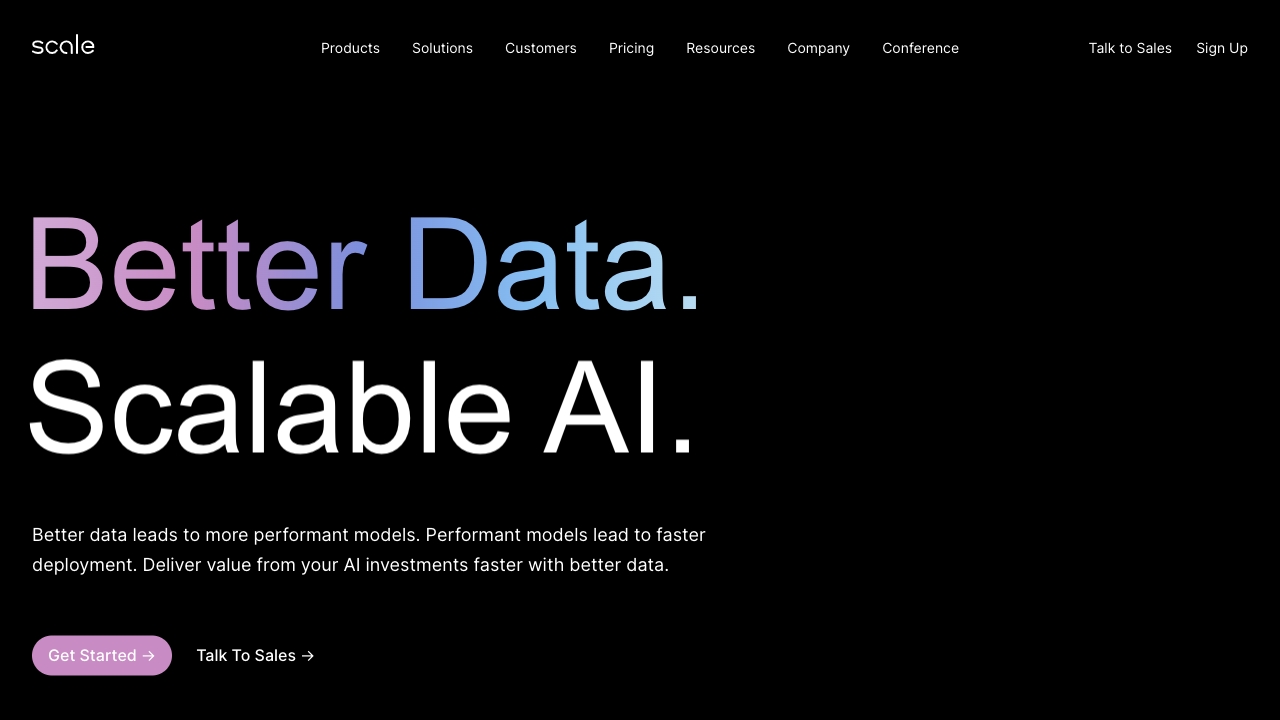
Why it matters Scale AI earns the first position because it addresses the upstream work that determines whether model operations are useful in the first place: high-quality training data, data management, labeling, and generative AI development. The Scale Data Engine gives teams a defined place to manage data, while the Scale GenAI Platform extends the scope into full-stack application work. That combination makes it more than a deployment console. It is a plausible central operating partner for teams that need to improve model performance and accelerate AI application development together.
Best for
AI/ML engineering teams managing training data and labeling
Organizations developing or evaluating generative AI applications
Teams that want one vendor spanning data operations and GenAI development
Limitations
Pricing may be a barrier for smaller organizations
The platform's breadth can create a meaningful learning curve
Buyers should clarify which capabilities and services are included in their quote
Shortlist signal: Add Scale AI when data quality and full-stack generative AI development matter as much as deployment control.
2. ClearML

- AI builders managing GPU-backed development workflows
- Free for up to 3 users, 100GB storage, and 1GB metric events
- Starts at Check vendor pricing
- Usage signal: 49.4K
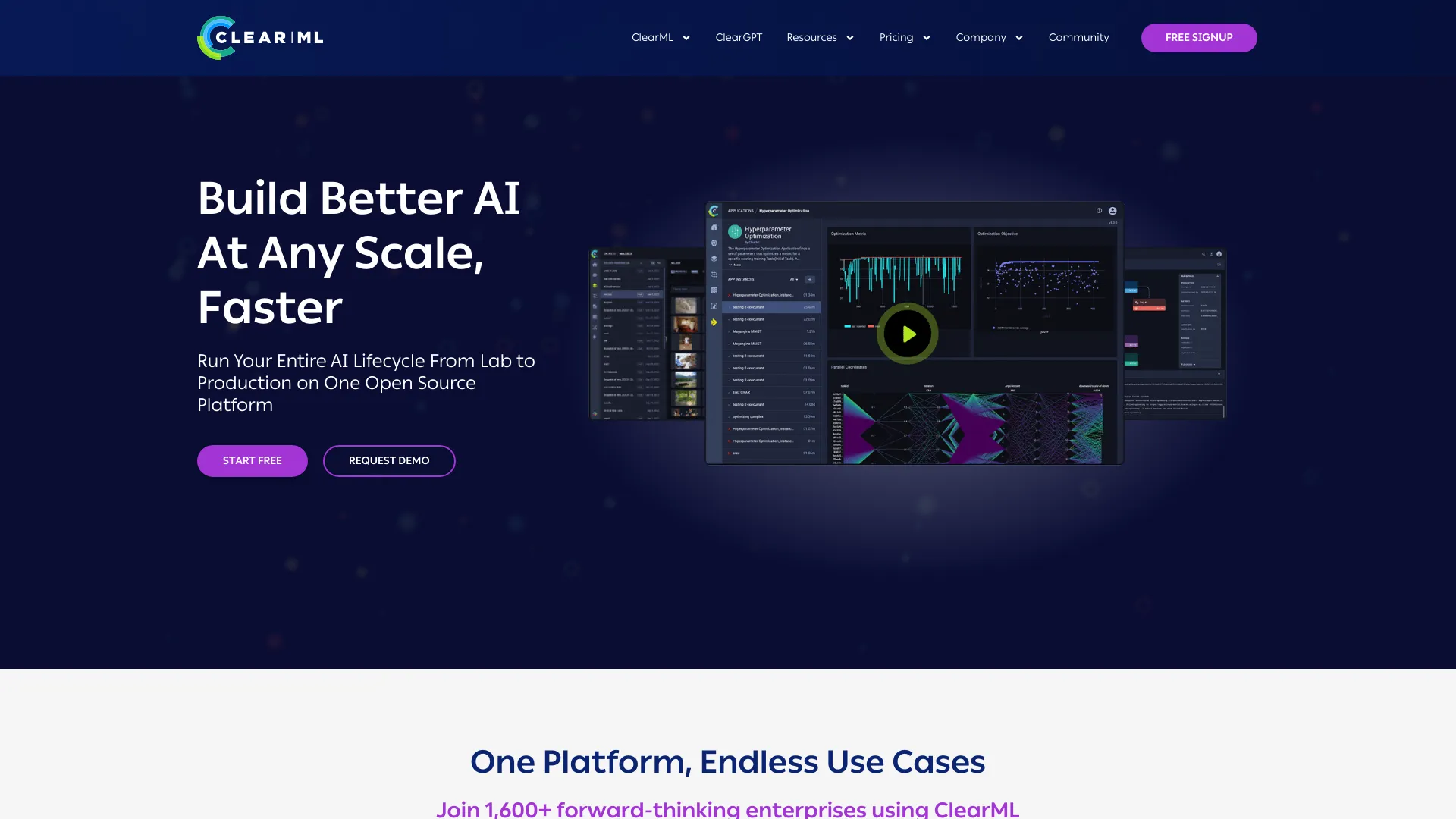
Why it matters ClearML is the most direct fit for teams that view centralized AI operations as an infrastructure problem. Its Infrastructure Control Plane targets GPU resource management, while the AI Development Center covers model development and testing. The GenAI App Engine adds a route to LLM deployment. I like this division because it maps to how ML teams actually work: resources must be available, experiments must be traceable, and the resulting application must have somewhere to run.
Best for
AI builders managing shared GPU resources
Teams that want development, testing, and deployment in one platform
Organizations standardizing repeatable ML workflows
Limitations
Plans and costs may vary based on the chosen configuration
Initial setup and infrastructure configuration are still required
Teams without an existing ML workflow may need time to define one
Shortlist signal: Choose ClearML when GPU management and the model lifecycle need a common control plane.
3. ERP.AI

- Leading organizations extending ERP workflows with AI
- Free for 10 users, 1,000 agent credits, and 1,000 records
- Starts at Check vendor pricing
- Usage signal: 26.5K
Why it matters ERP.AI takes a different route to centralized AI operations. Rather than leading with GPU infrastructure or model experimentation, it places AI-powered applications, autonomous agents, and unified enterprise knowledge around ERP systems. That makes it relevant to organizations where the hard part is not simply hosting a model; it is connecting AI to governed business records and repeatable operational workflows. The product is especially interesting for teams that want to turn an existing ERP environment into a more intelligent application layer.
Best for
Organizations already relying on ERP systems
Teams automating business workflows with autonomous agents
Enterprises that need AI applications tied to business knowledge and records
Limitations
Existing ERP integration is a meaningful prerequisite
On-premise deployment may require substantial IT resources
Validate data governance and deployment responsibilities before purchase
Shortlist signal: Add ERP.AI when centralized AI operations must stay close to enterprise systems, records, and workflow automation.
4. Capitol AI

- Publishers coordinating AI-assisted document workflows
- 7-day free trial
- Starts at Billed monthly: $10/month
- Usage signal: 15.2K
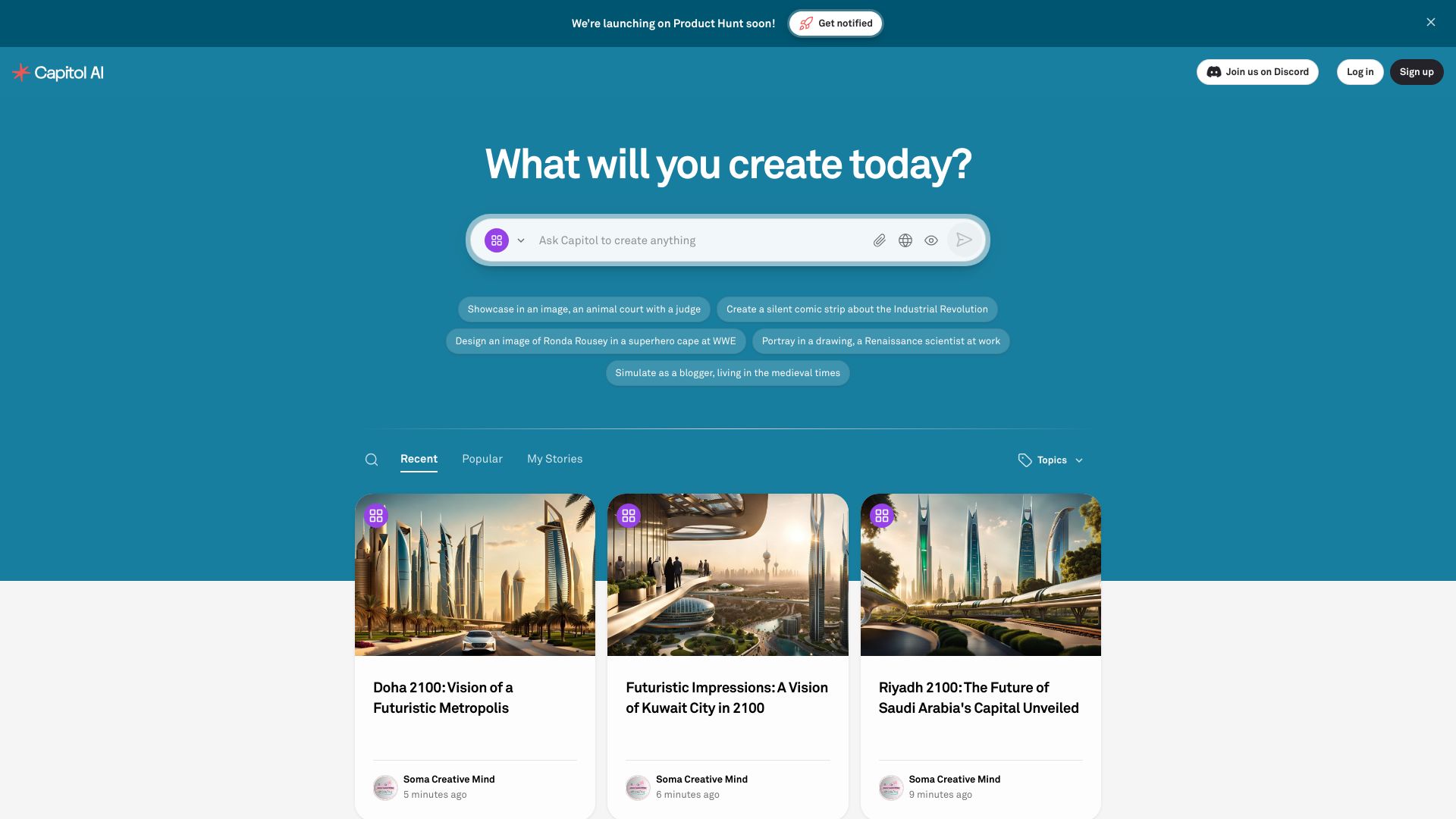
Why it matters Capitol AI is a narrower but useful interpretation of centralized model control. Its all-in-one AI platform brings multiple AI models into one place, then applies them to smart document creation and content generation. Advanced API and SDK integration give technical teams a way to connect the workflow to other systems. For publishers, the value is less about operating GPU clusters and more about reducing the friction of choosing and coordinating models during document production.
Best for
Publishers and editorial teams creating structured documents
Content operations that use more than one AI model
Technical teams that need API or SDK access around document workflows
Limitations
Pricing may be a barrier for some users
Customization and integration can require technical expertise
It is a less natural fit for teams seeking deep infrastructure observability
Shortlist signal: Choose Capitol AI when the centralization problem is model-assisted document production rather than cluster management.
5. basebox AI

- Healthcare organizations requiring controlled AI environments
- Free for 2 users and 1M cloud tokens
- Starts at Check vendor pricing
- Usage signal: 3.8K

Why it matters basebox AI makes control and data location the center of the buying conversation. It provides centralized AI usage, integration with existing IT systems, and operation on-premise or in a private cloud. That positioning is particularly relevant to healthcare organizations and other teams that cannot treat data movement as an afterthought. The product is not trying to win by being the easiest consumer AI workspace; it is aimed at organizations that need more authority over processes, costs, and information.
Best for
Healthcare organizations with strict data handling requirements
Teams operating private-cloud or on-premise infrastructure
Businesses seeking centralized AI workflows without a standard public-cloud dependency
Limitations
Existing IT infrastructure is required for private operation
Initial setup and configuration may take meaningful effort
Confirm supported integrations and operational ownership during evaluation
Shortlist signal: Put basebox AI on the shortlist when data control and deployment location are non-negotiable.
6. Local AI Playground

- AI enthusiasts experimenting with local models
- Free
- Starts at Check vendor pricing
- Usage signal: 3.7K
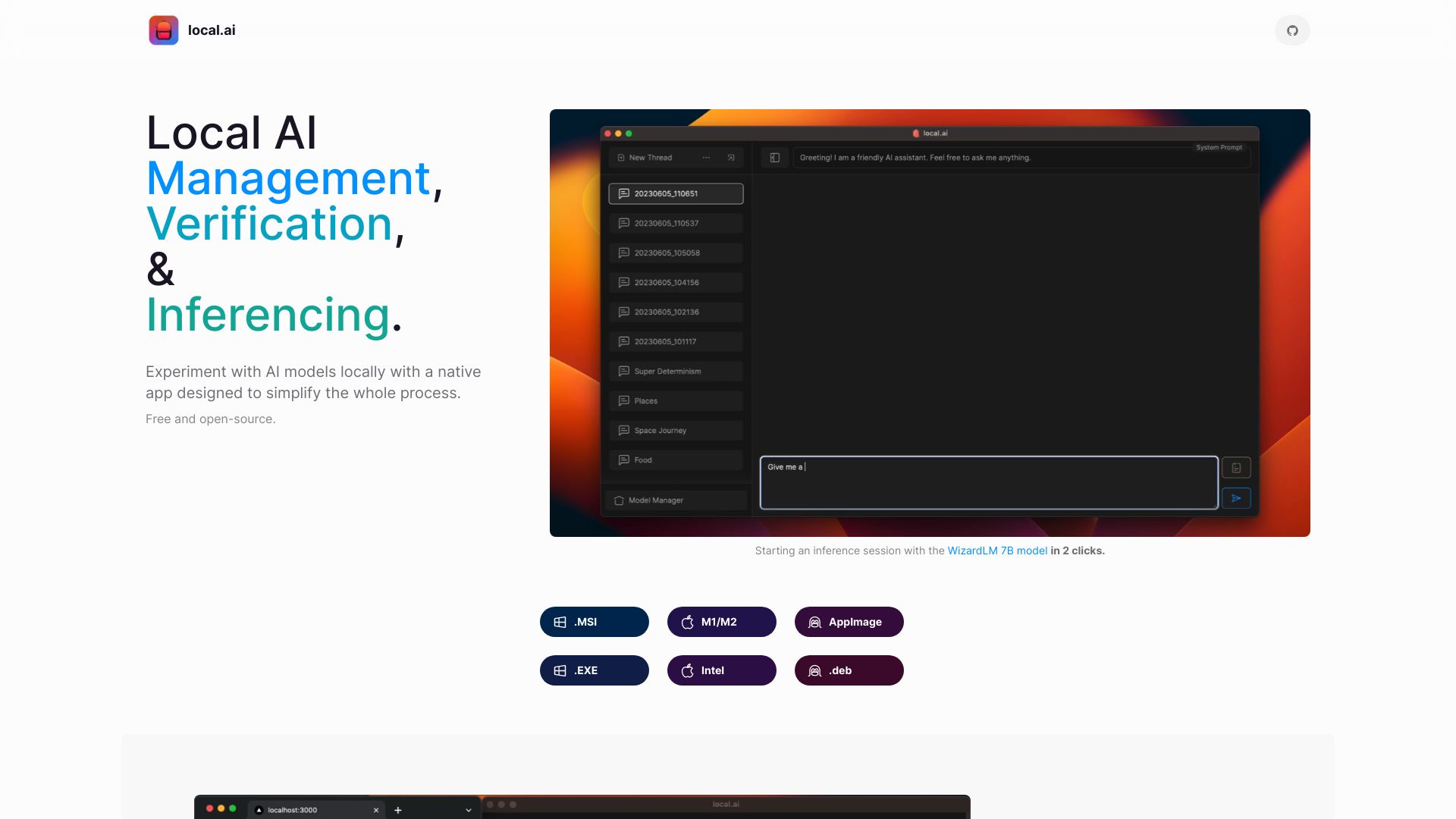
Why it matters Local AI Playground strips centralized model operations down to a manageable desktop-scale problem. Users can download, sort, and verify models, then use a streaming inference server and quick inference UI. The standout detail is CPU inferencing: you do not need a GPU to begin experimenting. That makes it a practical learning and prototyping tool for people who want local control without assembling a complicated stack first.
Best for
AI enthusiasts learning how local model management works
Developers testing models on machines without a GPU
Small experiments where a simple inference UI is preferable to cloud setup
Limitations
GPU inferencing is not currently available
CPU-only operation may not suit computationally intensive models
It is not a substitute for production-scale infrastructure management
Shortlist signal: Choose Local AI Playground when easy local experimentation matters more than high-throughput production inference.
7. EfficientAI

- Data scientists deploying models across cloud providers
- Free plan available
- Starts at Check vendor pricing
- Usage signal: Not listed
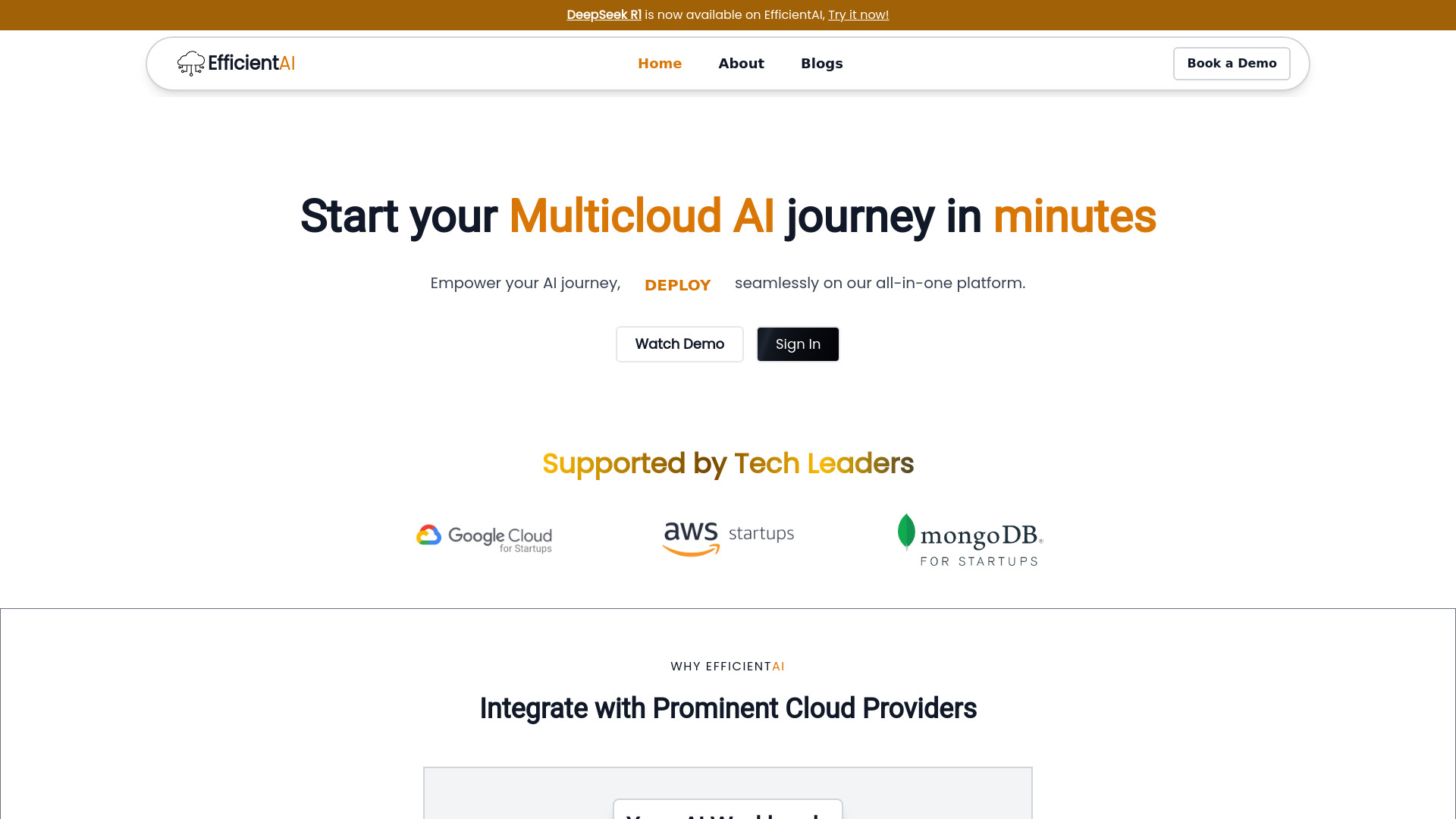
Why it matters EfficientAI focuses on the point where many AI projects become operationally awkward: moving from a working model to repeatable deployment across clouds. Its multi-cloud AI platform, one-click model deployments, and centralized monitoring and observability create a focused control layer for data scientists. This is a good example of a tool that does not need to own every part of the model lifecycle to be useful. It targets deployment coordination and visibility, two areas that often become fragmented as infrastructure grows.
Best for
Data scientists managing deployments across multiple cloud providers
Teams that want one-click model deployment workflows
Organizations that need centralized monitoring and observability
Limitations
Initial setup and configuration are still part of the implementation
Teams rely on EfficientAI's platform for orchestration
Validate cloud coverage and monitoring depth against your current stack
Shortlist signal: Add EfficientAI when multi-cloud deployment is the main source of operational friction.
8. Mantlecore AI

- Researchers hosting persistent AI agents without coding
- 7-day free trial
- Starts at Starter: $19/month
- Usage signal: Not listed
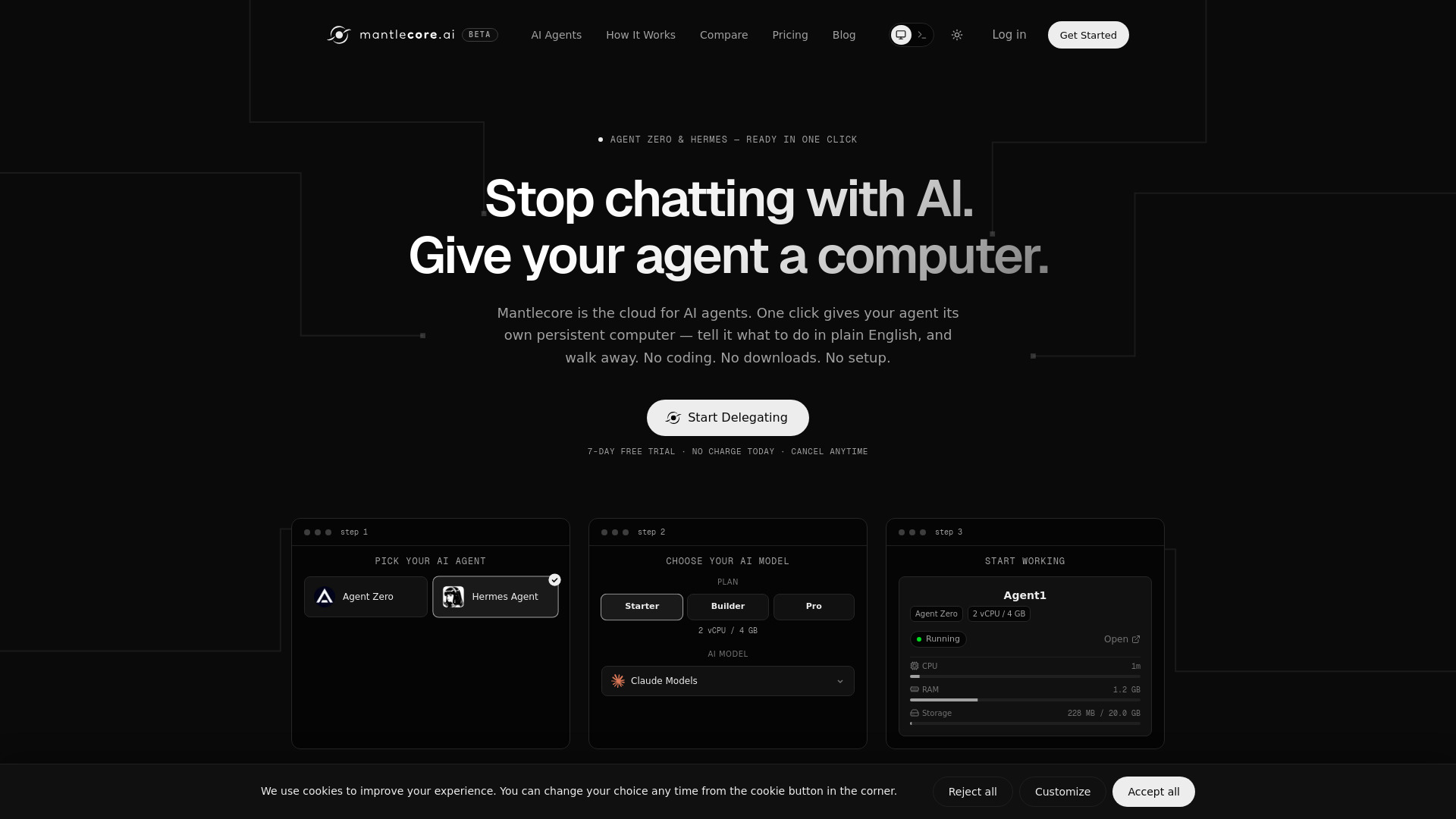
Why it matters Mantlecore AI is the most specialized entry in this field guide. It provides one-click hosting for Hermes Agent and Agent Zero, along with a private AI agent workspace that uses kernel-level isolation. The key benefit is persistence: agents keep working with memory and an environment rather than starting from a blank session every time. For researchers and no-code users, that can be more valuable than a sprawling platform full of infrastructure controls they will never touch.
Best for
Researchers exploring hosted open-source AI agents
Users who want no-code delegation and persistent workspaces
Teams that value isolated agent environments over broad ML tooling
Limitations
The free trial ends and requires a paid subscription
Value depends on choosing a plan size that matches the workload
It is focused on agent hosting rather than general model operations
Shortlist signal: Choose Mantlecore AI when persistent, hosted agents are the operational unit you need to manage.
What to test before choosing
A polished demo can hide the difference between a genuine control plane and a collection of adjacent AI features. Run the same practical checks across your finalists:
- 1
Map the control boundary. Identify whether the product controls data, models, compute, deployments, agents, or only the user interface. Do not assume that an all-in-one label means every layer is covered.
- 2
Test a complete workflow. Import a model or dataset, run an operation, inspect the result, and deploy or share it. Friction between these steps is often more revealing than the feature list.
- 3
Check deployment reality. Confirm whether the tool supports public cloud, private cloud, on-premise, local CPU, or some combination that matches your constraints.
- 4
Measure operational visibility. Look for the information your team actually needs: resource usage, model status, deployment health, experiment history, or agent activity.
- 5
Ask who owns setup. ClearML, basebox AI, EfficientAI, and ERP.AI can all require integration or configuration work. Establish whether your team or the vendor handles that work.
- 6
Verify cost drivers. Ask about users, storage, API calls, credits, tokens, GPU resources, deployments, and support. Pricing is hidden behind a sales conversation for several products here.
- 7
Run a security review early. This matters especially when comparing public-cloud tools with private, on-premise, or local options.
What to do next
Start with the segment rather than the score. If your immediate problem is GPU resource management, test ClearML before a document-focused platform. If data location is the blocker, compare basebox AI with your existing private infrastructure. If the team is still deciding how to use models, Local AI Playground offers a low-friction learning path, while Scale AI is the stronger candidate for a serious data and GenAI program.
Then select two or three finalists and reproduce one real workflow. Bring the same model, dataset, business process, or agent task to each evaluation. Record setup time, handoffs, visibility, output quality, and the work required from your internal team. Finally, request current pricing and deployment terms directly from the vendor; several products in this category do not expose a simple public starting price.
Common mistakes when choosing from a complex top list
Treating every centralized platform as the same product category. A GPU control plane, private AI environment, document workspace, and agent host solve different problems.
Ranking by feature count alone. A smaller platform may fit your workflow better if it owns the one layer causing the most pain.
Ignoring integration effort. ERP, private-cloud, and multi-cloud products can be powerful while still requiring substantial implementation work.
Confusing local control with production readiness. CPU inference is useful for experimentation, but it does not automatically satisfy throughput, monitoring, or availability requirements.
Assuming a free tier proves commercial fit. Quotas for users, tokens, storage, credits, or API calls can change the economics quickly.
Skipping the data-location conversation. For sensitive workflows, where the system runs may matter more than how many models it supports.
Using traffic as a quality score. Monthly visits help indicate market attention, but they cannot tell you whether a platform fits your architecture.
FAQ
It can include model development, training data, GPU resources, deployment, monitoring, access, agent hosting, and data-location controls. No single product in this comparison handles every layer equally. Scale AI and ClearML cover broader development and infrastructure needs, while basebox AI emphasizes controlled deployment and Mantlecore AI focuses on persistent agents.