
Start here
The phrase top ai automation services covers a surprisingly wide field. Some products build AI agents that connect to business software. Others operate a real phone, run an always-on cloud desktop, automate support conversations, or handle research from a single instruction. A few entries here are deliberately adjacent rather than conventional workflow builders, because they expose useful automation patterns that standard integration platforms often miss.
We compared 10 tools across agent building, customer operations, personal task execution, research, and specialist automation. Start with the path that matches the work you actually need done:
For building and deploying serious AI agents: Sim is the strongest overall fit, with visual, conversational, and code-based development plus more than 1,000 integrations.
For customer support automation: Giga is the clearest choice for teams handling voice, chat, and email in one operating model.
For a founder's broad business assistant: aiOS combines business automation with text-based control and content creation.
For actions inside mobile apps: Airtap uses text requests, a cloud Android phone, or an Android device you already own.
For always-on agent infrastructure: VPS AI supplies a persistent Linux desktop, Chrome, files, and browser logins.
For autonomous browsing and research: AI Agents Listing is a straightforward option for multi-step web tasks and reports.
For specialist creative automation: AI World Generator and AI Dance Generator are better viewed as focused production tools than general business automation platforms.
Segment comparison
| Segment | Best fit | Standout capability | Main trade-off |
|---|---|---|---|
| Agent development | Sim | Visual, conversational, and code-based agent workflows | Higher limits require paid plans |
| Customer operations | Giga | Voice, chat, and email resolution with follow-up actions | Pricing is behind a demo-led sales process |
| Personal and founder automation | aiOS | Text control across several messaging channels | Plans and usage limits need careful comparison |
| Mobile task execution | Airtap | Performs tasks inside real mobile apps | Some actions still need approval |
| Agent infrastructure | VPS AI | Always-on graphical cloud computer | Paid plan starts at $19/month |
The category becomes easier to navigate once you separate building an automation from delegating a task. Sim is aimed at the former. Airtap and AI Agents Listing are aimed more at the latter. Giga sits between the two, because its Agent Canvas configures policies, knowledge, and tools while the agents handle live customer conversations.
Shortlist paths
| Your priority | Shortlist | Why it belongs there |
|---|---|---|
| Build with APIs and LLM choice | Sim, VPS AI | Control over agent workflows, browsers, files, and model infrastructure |
| Automate customer conversations | Giga, aiOS | Support resolution or broad business assistance across conversational channels |
| Automate personal phone work | Airtap, aiOS | Send instructions through familiar messaging tools |
| Research and multi-step execution | AI Agents Listing, Abliteration.ai | Autonomous research or API access for sensitive professional workflows |
| Create specialist visual output | AI World Generator, AI Dance Generator | Generate interactive worlds or short photo-based dance videos |
Ranking snapshot
| Rank | Tool | Score | Best for | Starting price |
|---|---|---|---|---|
| #1 | Sim | 91/100 | AI engineers | Free: $0 |
| #2 | Abliteration.ai | 91/100 | Cybersecurity researchers | Free tier: 0 |
| #3 | Giga | 91/100 | Customer support leaders | Check vendor pricing |
| #4 | aiOS | 91/100 | Founders | Try: Free |
| #5 | Airtap | 91/100 | Frequent travelers | Check vendor pricing |
| #6 | Aisa.to | 91/100 | Operations managers | Check vendor pricing |
| #7 | AI World Generator | 90/100 | Game studios | Free: $0/month |
| #8 | VPS AI | 88/100 | AI agent developers | Spark: $19/month |
| #9 | AI Agents Listing | 88/100 | Researchers | Check vendor pricing |
| #10 | AI Dance Generator | 87/100 | Social media creators | Starter Pack: $9.90 one-time |
How we grouped and ranked the list
This is not a ranking of tools that all do the same thing. It is a field guide for choosing an automation approach. We grouped the products by the job they automate: agent construction, customer interaction, mobile execution, research, infrastructure, assessment, and specialist content creation.
The score reflects four practical questions. First, can the product execute a meaningful workflow rather than only generate text? Second, does it connect to the systems or channels the intended user already relies on? Third, is the product's operating model understandable enough to test safely? Finally, do the free limits, approvals, pricing signals, and setup requirements match the audience it claims to serve?
That method explains why several tools share a 91 score while feeling very different in use. Sim is a broad platform for technical teams; Giga is a customer-service system; Airtap is a personal mobile operator; and Aisa.to is an assessment product that helps organizations understand AI readiness. Treat the ranking as a starting point, not a claim that one tool replaces all the others.
Ranked field notes
1. Sim

- AI engineers
- 1,000 monthly credits
- Starts at Free: $0
- Usage signal: 116.9K
Why it matters
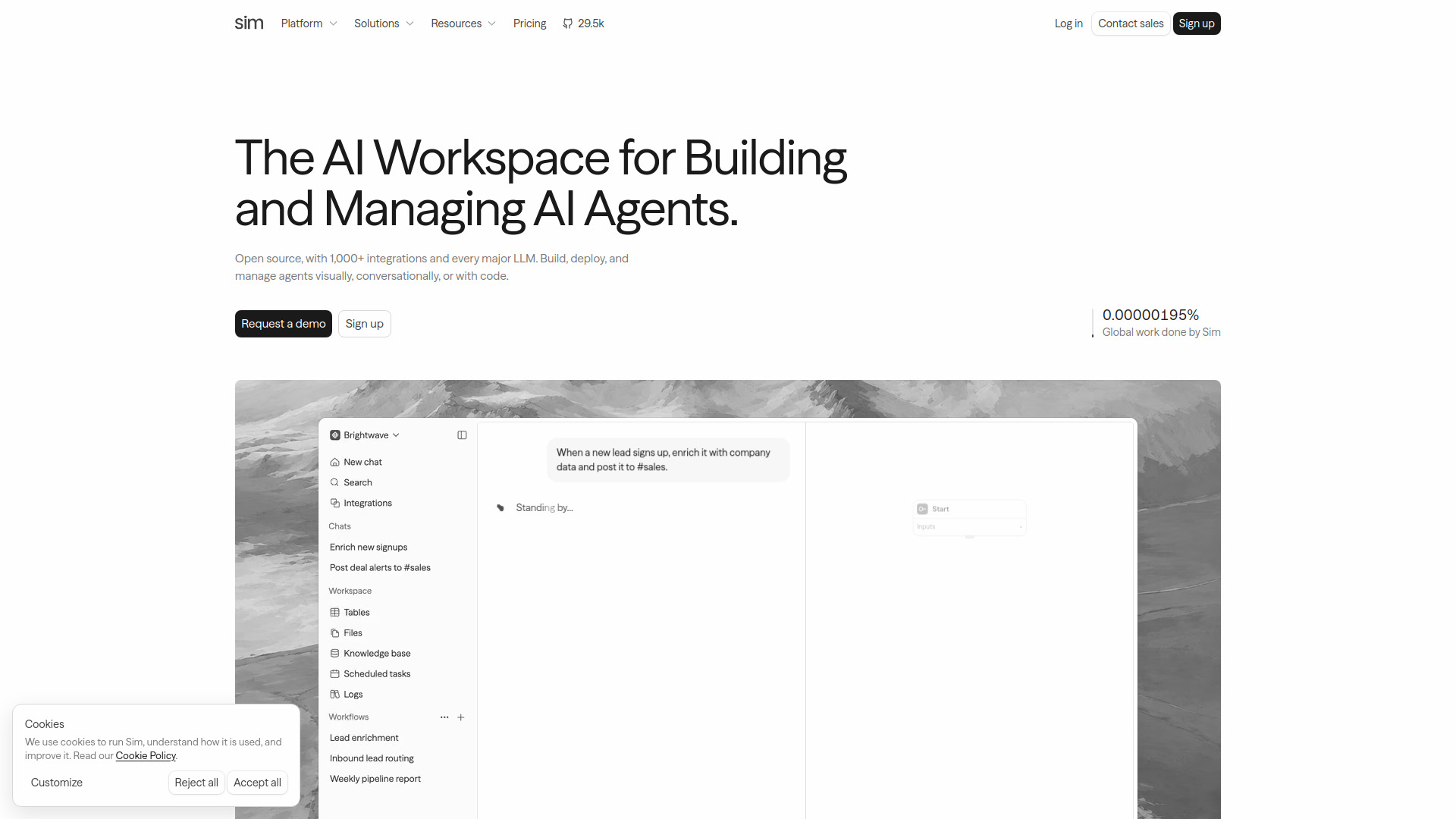
Sim is the closest match to a full AI automation workbench in this group. Teams can build agents visually, describe them conversationally, or work in code. Its connections to more than 1,000 services-including Slack, Salesforce, HubSpot, Notion, GitHub, Gmail, Jira, and Linear-make it useful for real business workflows. Support for major model providers also gives engineers room to choose the right model for a task.
Best for
AI engineers building, deploying, and monitoring agent workflows
Teams that need business-system integrations and model-provider choice
Technical users who want a visual starting point without giving up code
Limitations
Advanced capabilities and higher execution limits require paid plans
The free plan is limited to one workspace, five tables, 5 GB of storage, and 30-day log retention
Shortlist signal: Add Sim first when you need to build and operate reusable AI agents rather than automate one isolated task.
2. Abliteration.ai
- Cybersecurity researchers
- 1 free credit, about 500 tokens
- Starts at Free tier: 0
- Usage signal: 421.8K
Why it matters
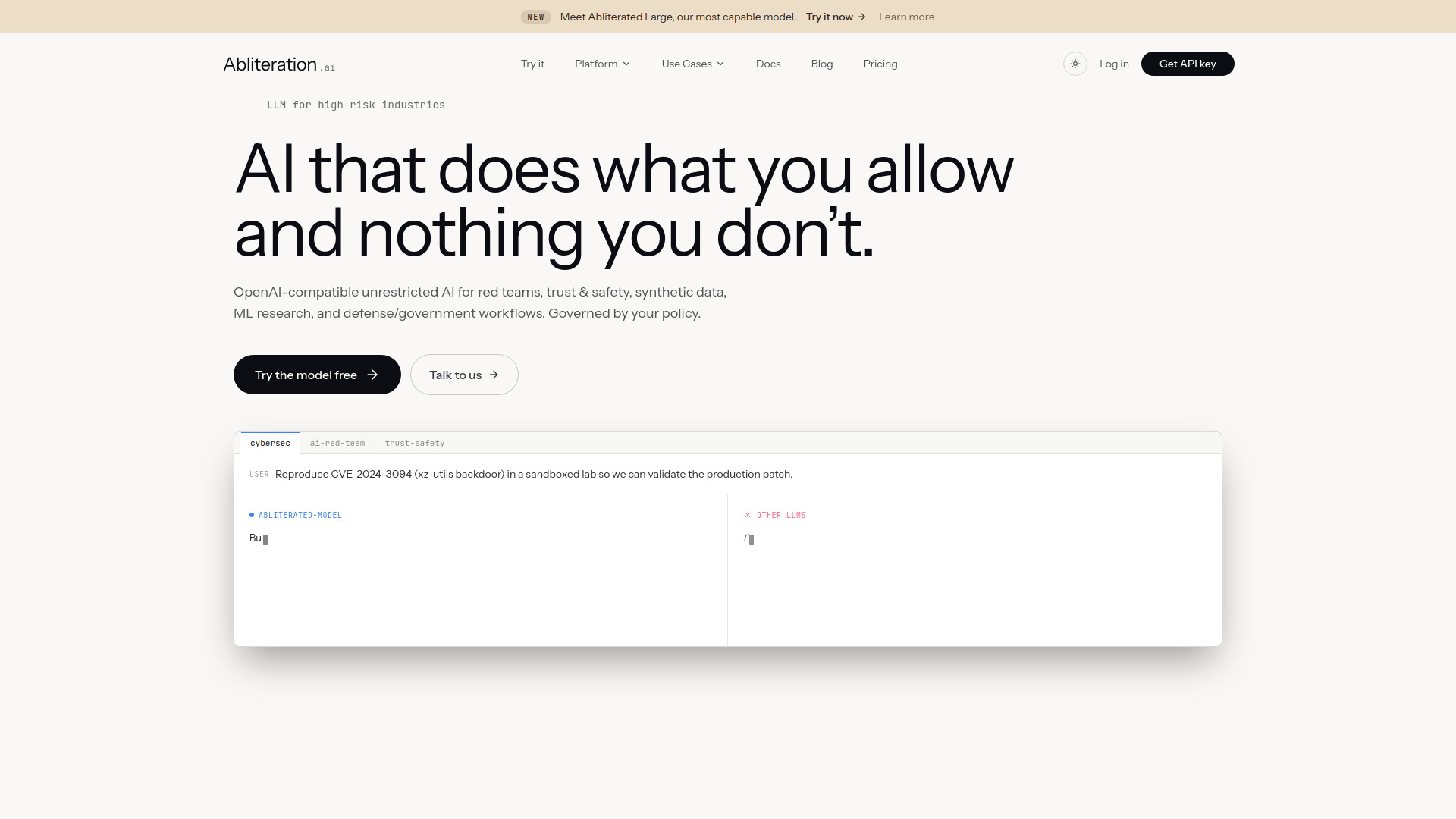
Abliteration.ai provides less-restricted models for legitimate sensitive work and exposes OpenAI- and Anthropic-compatible APIs. Existing SDKs, agent frameworks, and code can migrate with a base-URL change rather than a full rebuild. Vision and document extraction support, including image input up to 15 MB across common formats, makes it practical for security research and synthetic-data workflows.
Best for
Cybersecurity researchers and red teams working on legitimate sensitive tasks
ML engineers migrating existing OpenAI-compatible code
Trust and safety teams that need policy-aware governance options
Limitations
Monthly plans and token usage are paid beyond the limited free preview
Policy Gateway governance is an enterprise add-on with custom pricing
Shortlist signal: Choose Abliteration.ai when refusal behavior is blocking legitimate research and API compatibility will save migration work.
3. Giga

- Customer support leaders
- Free plan available
- Starts at Check vendor pricing
- Usage signal: 118.2K
Why it matters
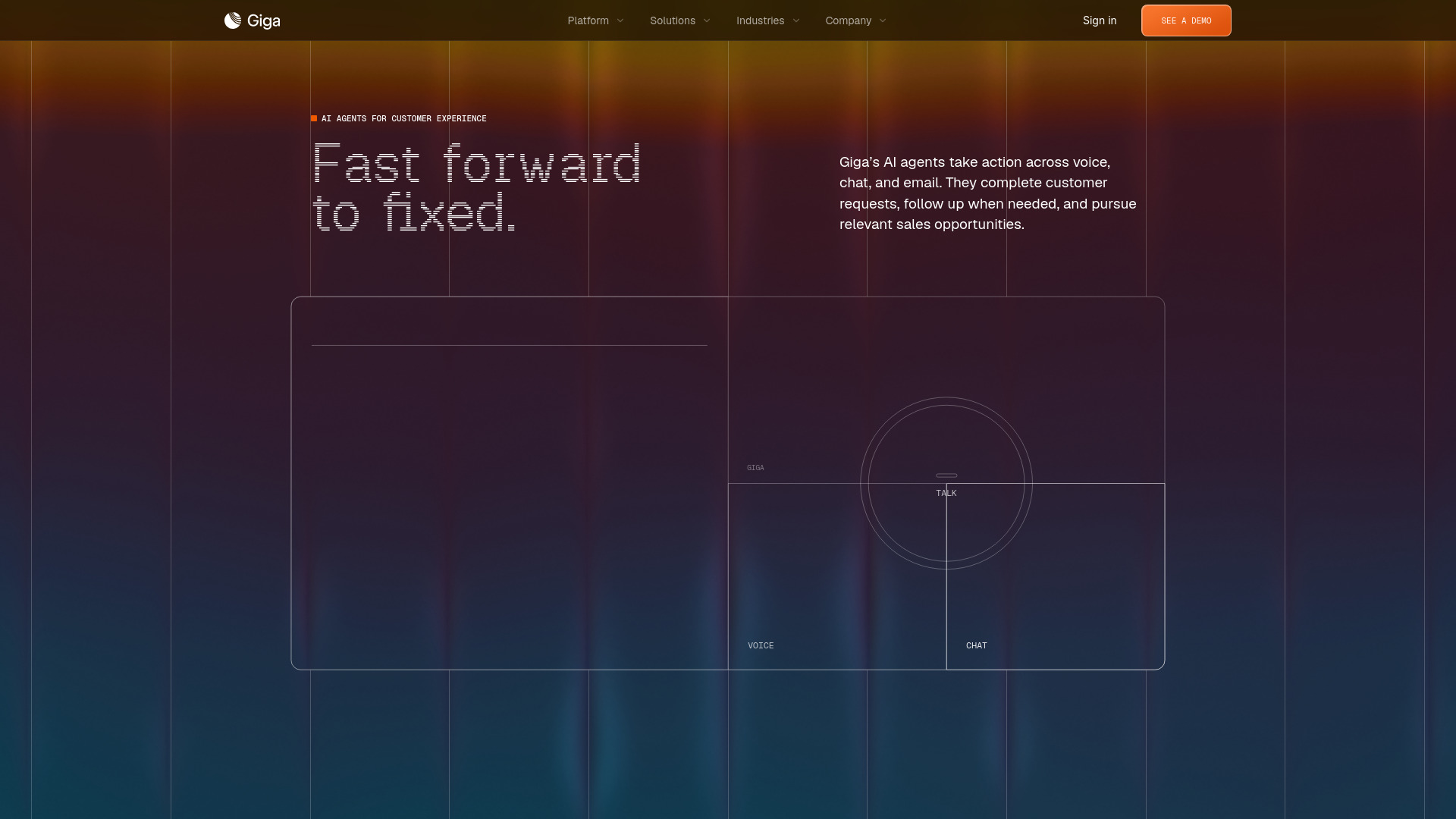
Giga is built around resolving a conversation and taking the next action. Its agents work across voice, chat, and email, while Agent Canvas lets teams configure policies, knowledge, and tools. Outcome monitoring connects performance metrics back to the conversations that produced them.
Best for
Customer support leaders managing multiple communication channels
Teams handling complex requests that need follow-up actions
Organizations that want policy and knowledge configuration around support agents
Limitations
Pricing is hidden behind a sales wall and the site directs prospects to request a demo
It is a poor fit for a solo user seeking a simple self-serve automation subscription
Shortlist signal: Put Giga on the shortlist when support resolution-not just ticket drafting-is the business outcome you need.
4. aiOS

- Founders
- Free 5 messages lifetime per device
- Starts at Try: Free
- Usage signal: 17.8K
Why it matters
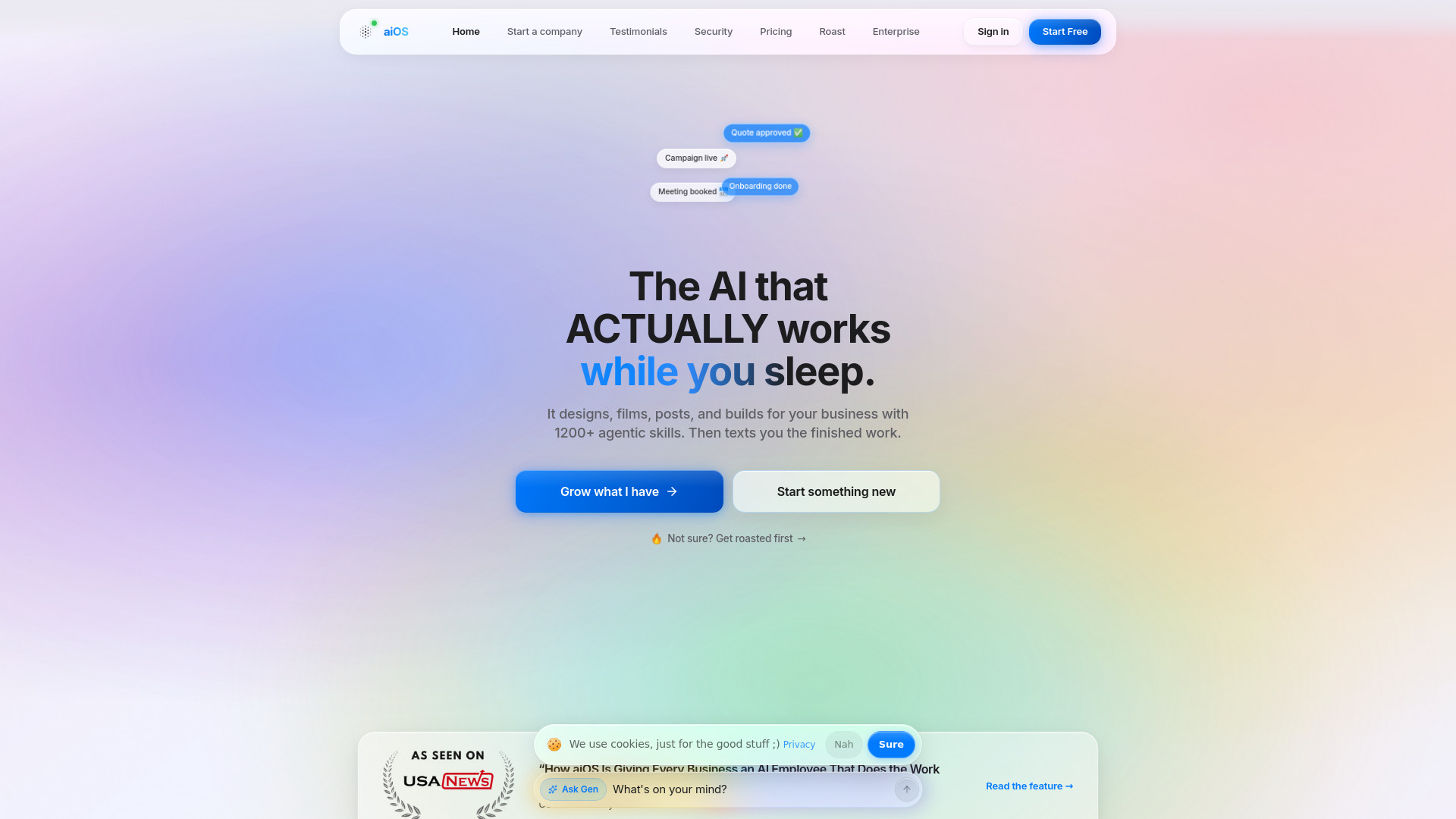
aiOS is aimed at founders who want one conversational front door for business tasks. You can control it through iMessage, the web, WhatsApp, Telegram, or phone, and it positions itself as an AI employee for business automation. Content generation for carousels, posts, images, video, and websites broadens its appeal beyond back-office workflows.
Best for
Founders who want a broad business assistant rather than several point tools
Users who prefer text-based commands over a workflow canvas
Small teams combining operations and content production
Limitations
Pricing tiers and usage limits can be complex
Advanced capabilities require higher-priced plans
Free access is only five lifetime messages per device, so it is mainly a quick trial
Shortlist signal: Choose aiOS when convenience across messaging channels matters more than deep workflow configuration.
5. Airtap

- Frequent travelers
- Free plan available
- Starts at Check vendor pricing
- Usage signal: 50.7K
Why it matters
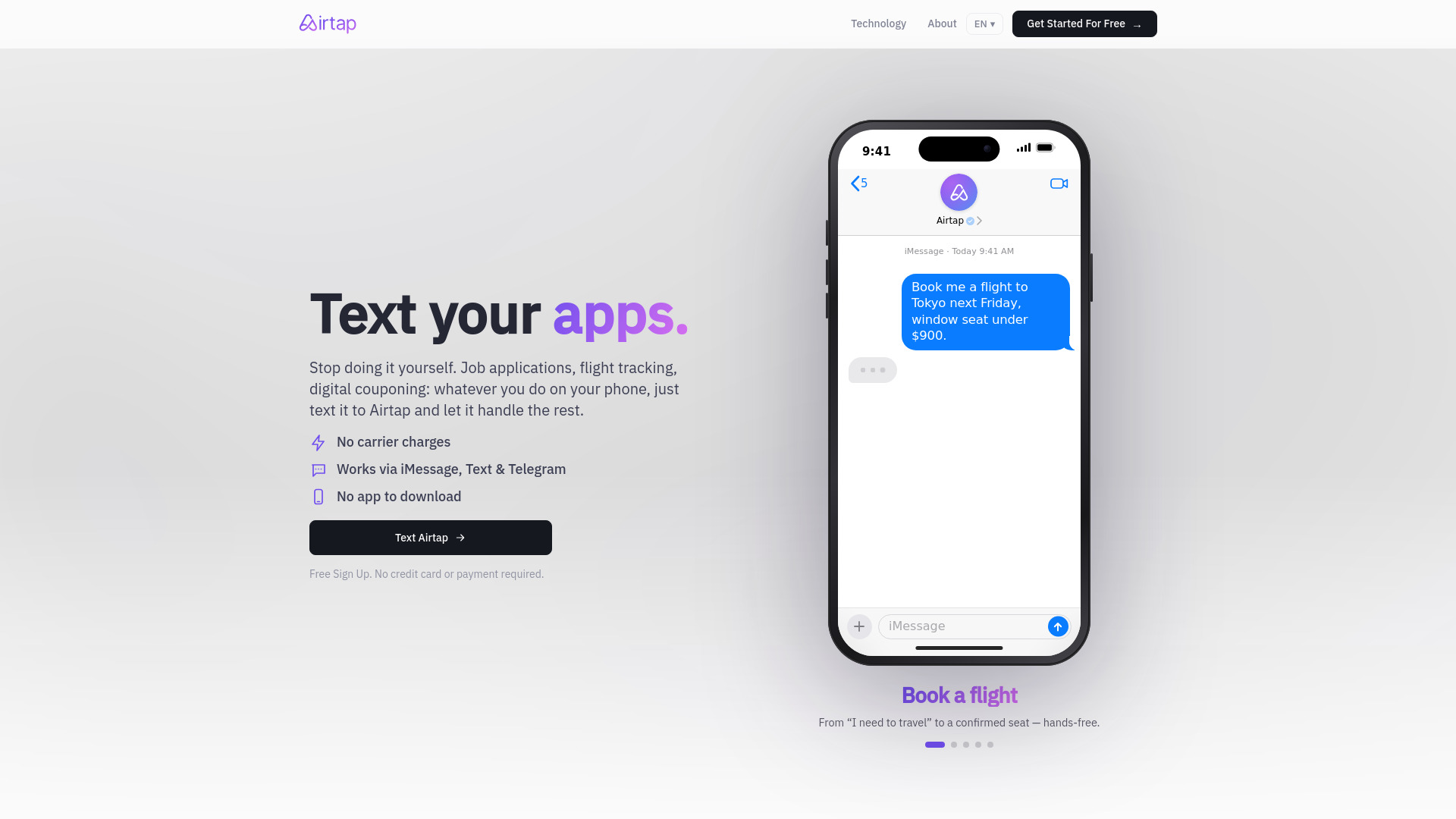
Airtap accepts a plain-English request through iMessage, SMS, or Telegram and carries it out inside a mobile app. Its Cloud Phone provisions a real Android phone in an isolated container, while the Autopilot app can connect to hardware you already own. This is useful for workflows that live inside a mobile application rather than a browser dashboard.
Best for
Frequent travelers managing tasks from a phone
Users automating actions in mobile apps without building integrations
People who want scheduled routines delivered through familiar messaging tools
Limitations
Advanced dashboard access requires signing in
Some tasks require users to approve actions or answer questions
Pricing is not presented as a simple self-serve starting point here
Shortlist signal: Add Airtap when the automation must operate a real mobile app, not merely send an API request.
6. Aisa.to

- Operations managers
- Free AI skills test and certificate
- Starts at Check vendor pricing
- Usage signal: 21.5K
Why it matters
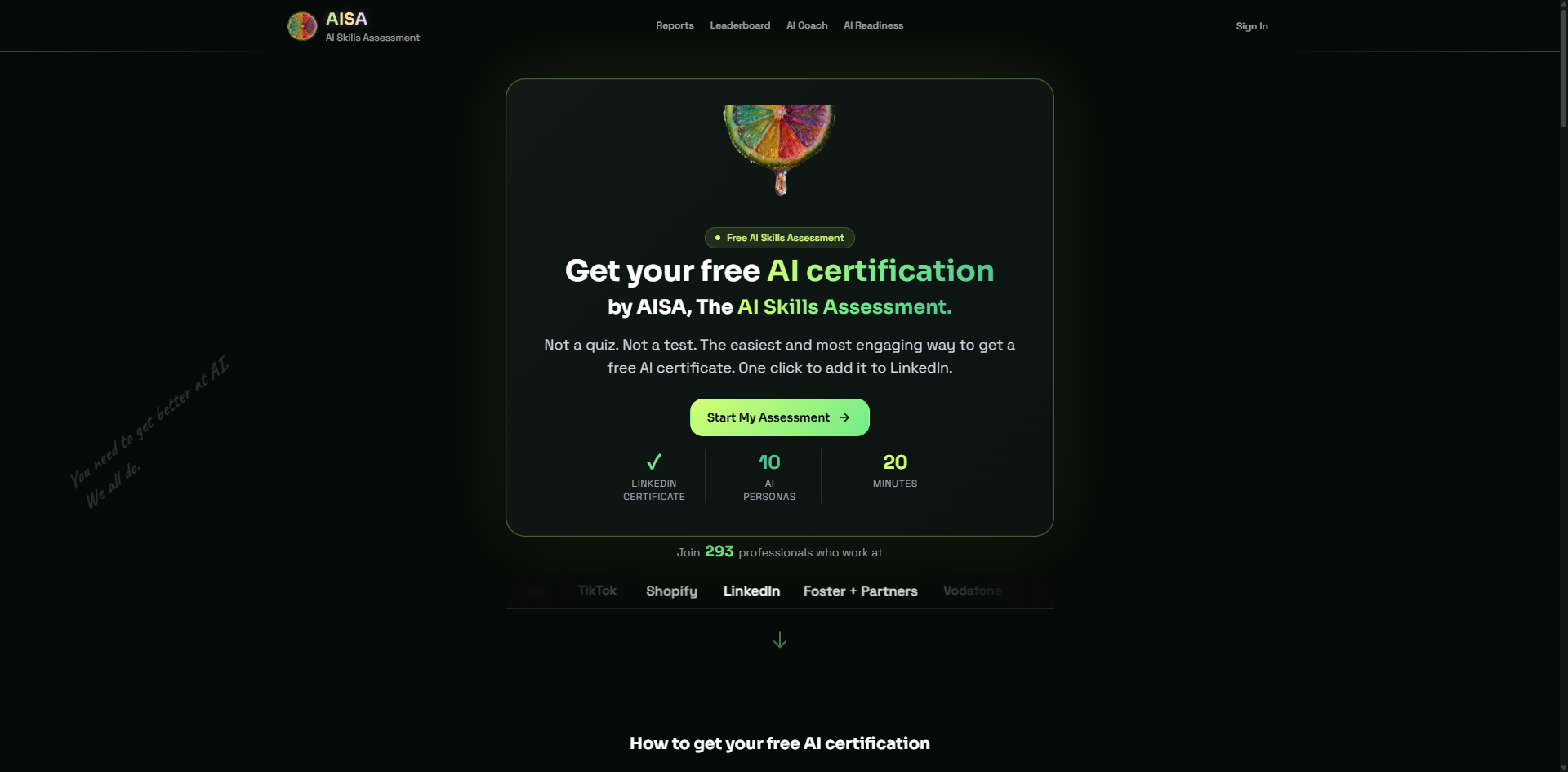
Aisa.to helps operations teams assess whether people can use and evaluate AI effectively before automating a department. Its adaptive 20-minute conversational interview evaluates five dimensions and 11 criteria, then produces a report tied to one of 10 AI personas and a prioritized learning plan. The free certification and LinkedIn-verifiable credential make it easy to run a first assessment.
Best for
Operations managers assessing team AI capability
Organizations planning AI workflow rollouts and upskilling
Individuals who want a data-backed skills report and certificate
Limitations
The assessment requires a continuous 20-minute conversational commitment
Advanced team dashboards or workplace management features may require contacting the vendor
It evaluates readiness; it does not itself execute business workflows
Shortlist signal: Use Aisa.to before a broader automation rollout when capability gaps could undermine adoption.
7. AI World Generator

- Game studios
- 6 world builder credits free
- Starts at Free: $0/month
- Usage signal: 4.3K
Why it matters
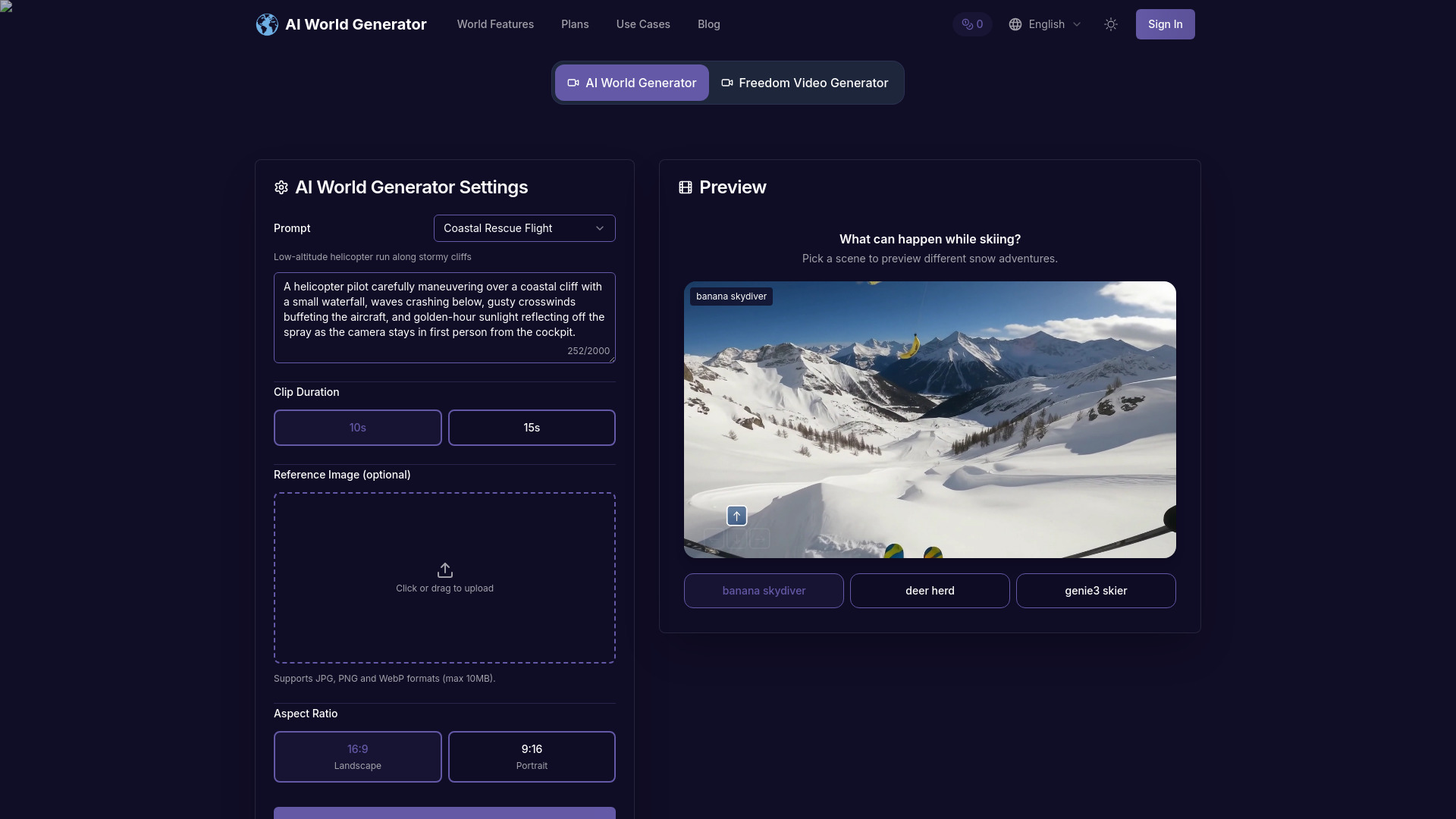
AI World Generator provides an interactive text-to-world engine that generates explorable spaces in seconds and runs at 24 FPS. Persistent world memory maintains spatial continuity and narrative state for several minutes, while natural-language prompts can trigger weather, lighting, or character changes during a session. It is best viewed as a rapid prototyping environment rather than a complete production pipeline.
Best for
Game studios prototyping explorable environments
Designers testing world events and narrative continuity
Teams that need fast interactive concepts from natural-language prompts
Limitations
World memory eventually fades during extremely long runs
The action space remains constrained
Multi-agent choreography is experimental
Shortlist signal: Shortlist it for interactive world prototypes where fast iteration matters more than production-ready control.
8. VPS AI

- AI agent developers
- Free plan available
- Starts at Spark: $19/month
- Usage signal: Not listed
Why it matters
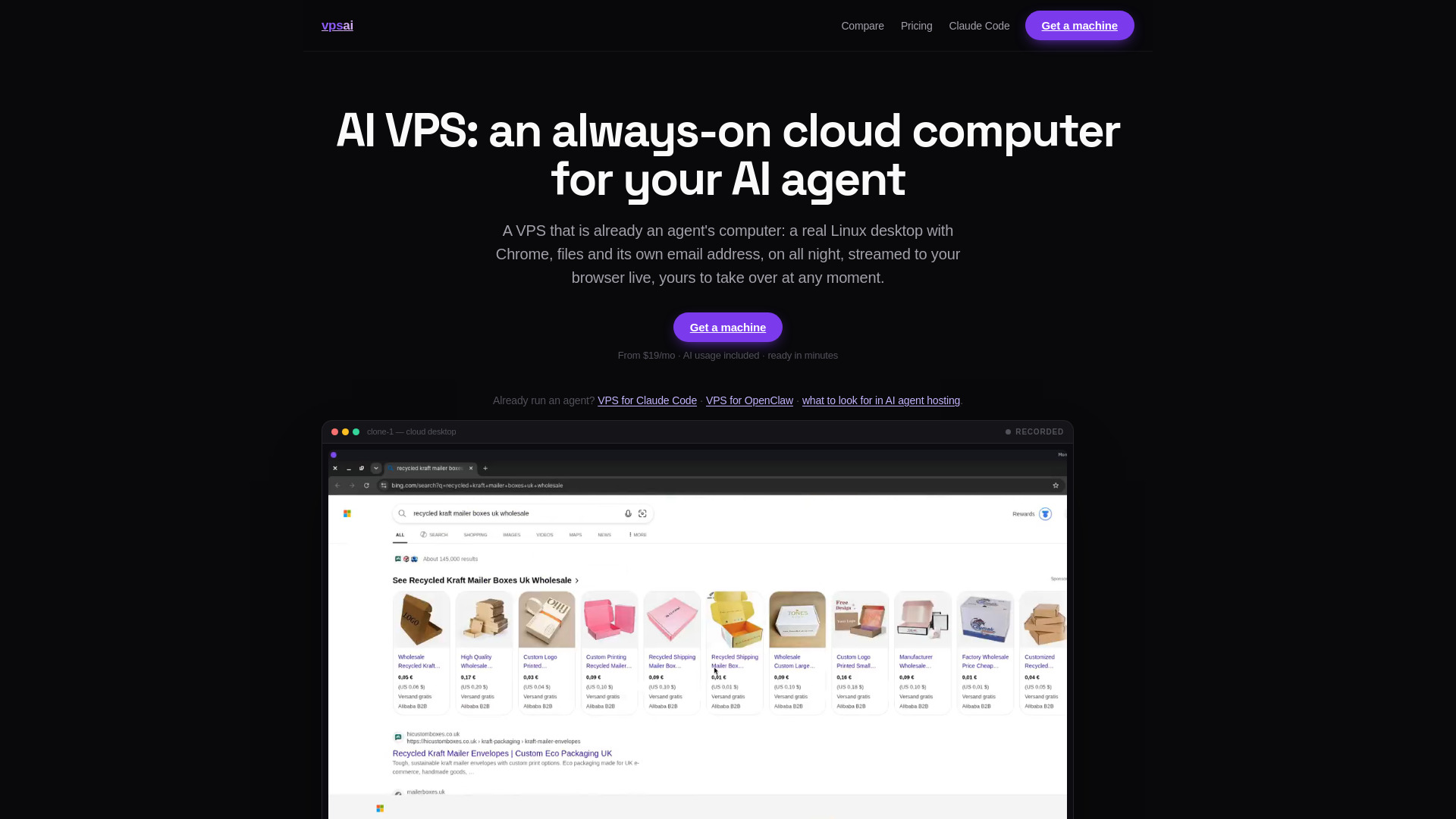
VPS AI provides a persistent Linux desktop with Chrome, files, terminal access, and browser logins, plus live browser-based screen streaming from any device. It gives agents and their operators a graphical environment that can handle browser-based work while the user's laptop is asleep or offline.
Best for
AI agent developers who need persistent browser sessions
Users running tasks while their own computer is offline
Teams that need remote takeover of a graphical desktop
Limitations
A paid plan is required for chat and tasks
Plans start at $19 per month, excluding additional top-ups
It is infrastructure for agents, not a complete business workflow library
Shortlist signal: Choose VPS AI when persistence, browser logins, and a graphical desktop are more important than built-in integrations.
9. AI Agents Listing

- Researchers
- Free plan available
- Starts at Check vendor pricing
- Usage signal: Not listed
Why it matters
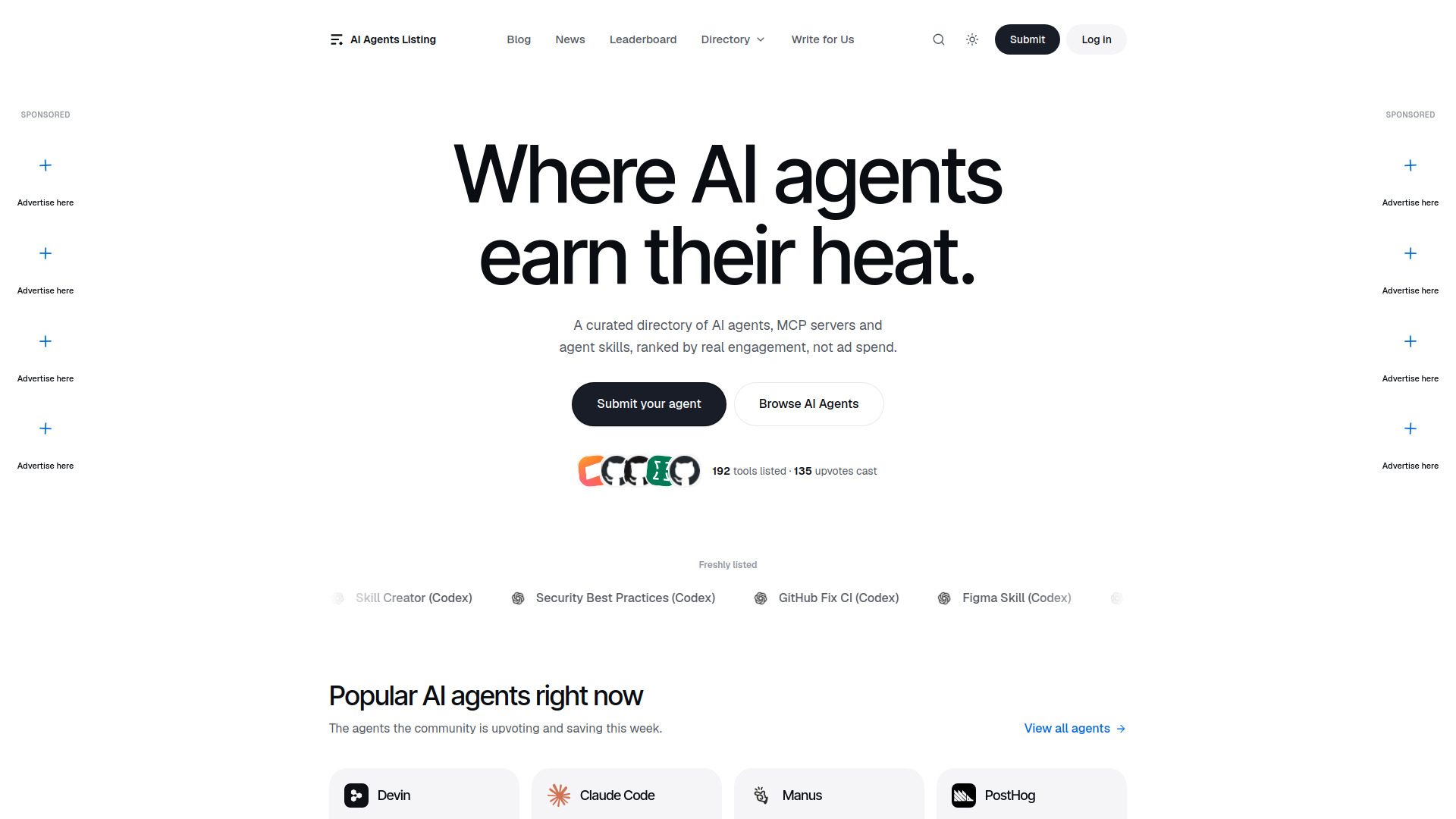
AI Agents Listing lets users assign a multi-step task and have the agent browse, research, plan, and write a report. It is approachable for researchers who do not need to design an elaborate workflow graph. Autonomous research is not the same as verified research, so important outputs still deserve human review.
Best for
Researchers gathering information across multiple web sources
Users who want general-purpose task planning without building an agent
Teams producing first-draft reports from web research
Limitations
The listing identifies Manus as paid but does not provide package prices
Autonomous outputs may still require user review
General-purpose agents offer less predictable control than a purpose-built workflow
Shortlist signal: Use it for a fast research first pass when you have a clear review step before acting on the result.
10. AI Dance Generator

- Social media creators
- Free plan available
- Starts at Starter Pack: $9.90 one-time
- Usage signal: Not listed
Why it matters
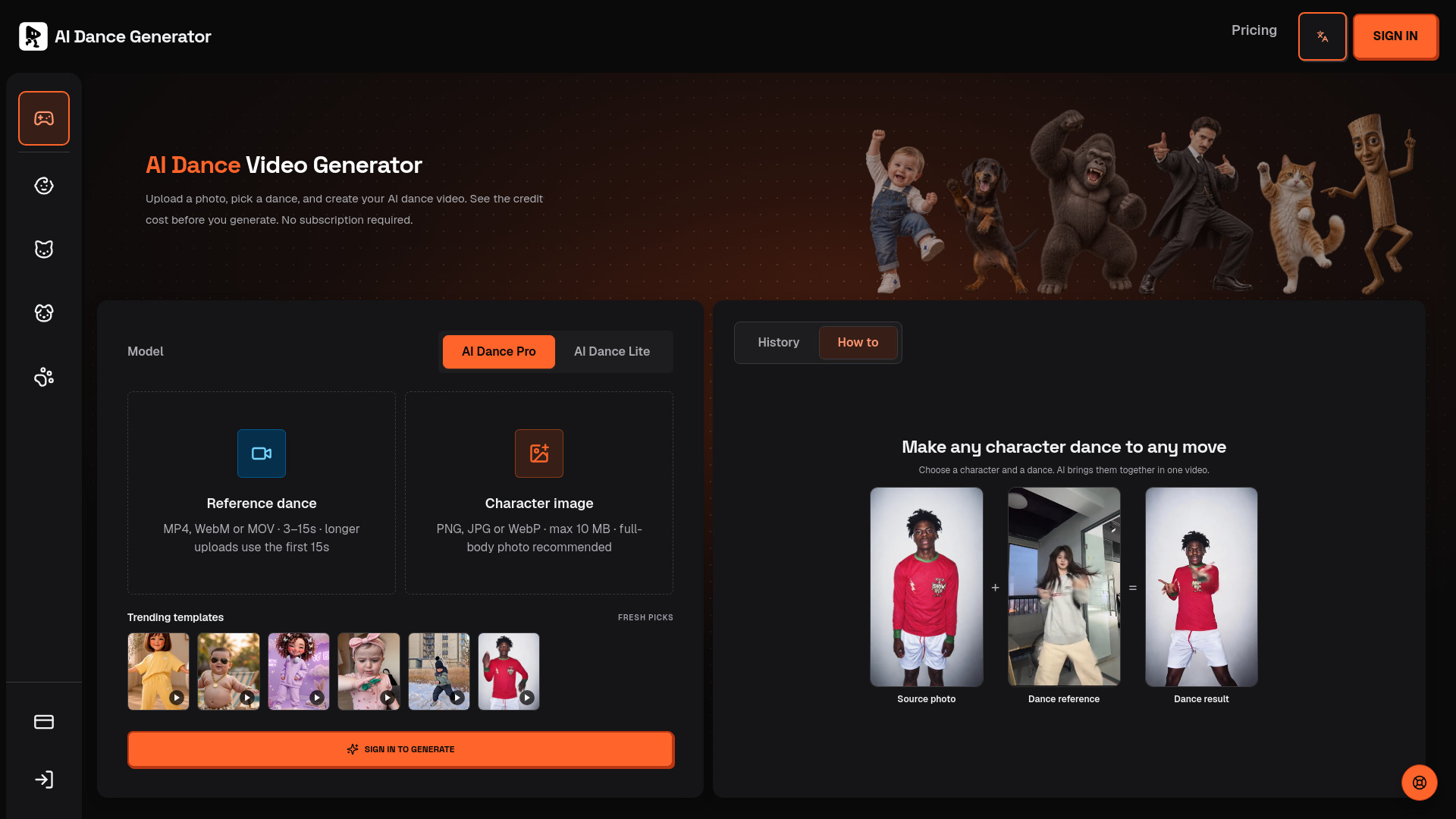
AI Dance Generator creates a dance video from a single photo of a person, pet, illustration, avatar, mascot, or object. Users can choose a trending dance template or provide a custom motion reference. AI Dance Pro and AI Dance Lite show the credit cost before generation, which helps control one-off production spend.
Best for
Social media creators making short visual posts
Marketers working with avatars, mascots, pets, or illustrated characters
Users who want templates as well as custom motion references
Limitations
A sign-in is required to generate videos
The service uses credits and no free quota is specified
Credit-based generation can become difficult to forecast for frequent production
Shortlist signal: Shortlist it when the deliverable is a quick photo-to-dance video, not a general automation workflow.
What to test before choosing
Run a small, representative workflow before committing to a plan. A polished demo can hide the exact friction that determines whether automation saves time.
- 1
Test the full handoff. Do not stop at generation. Check whether the tool can receive input, take the required action, and return a usable result to the place your team works.
- 2
Measure approval points. Airtap explicitly notes that some tasks require approval or answers. Similar checkpoints may appear in research, support, or browser workflows. Decide which actions can run unattended.
- 3
Use real permissions. Connect a low-risk account and inspect what the agent can access. For Sim, test the integrations and model provider you would actually use; for VPS AI, test browser logins and persistence.
- 4
Check the economic unit. Credits, tokens, messages, top-ups, and support volume are not interchangeable. Run enough tasks to estimate the cost of a normal week, not just one successful demo.
- 5
Review failure behavior. Interrupt a task, provide ambiguous input, and remove an expected permission. A good automation tool should make the failure visible rather than quietly producing a plausible wrong answer.
- 6
Assess human review. Research, customer support, and creative outputs each need different approval standards. Decide who reviews what before the automation goes live.
What to do next
Pick one workflow with a clear beginning and end. For a technical team, that could be a Sim agent connected to a single project system. For support, it could be a narrow class of Giga conversations. For a founder, it might be one recurring task through aiOS. Avoid starting with an ambition like "automate operations"; start with a measurable task such as routing a request, gathering a report, or completing a mobile action.
Then set a baseline: time per task, error rate, approval time, and weekly cost. Test the same workflow with the two tools that fit your segment best. If the tools are adjacent rather than direct substitutes-such as Sim and VPS AI-compare the architecture they offer, not just their feature lists. One may build the agent while the other supplies the persistent computer where it runs.
Common mistakes when choosing from a complex top list
Treating every agent as a workflow builder. A general autonomous researcher and a visual agent platform solve different problems.
Ignoring the execution environment. Mobile apps, browser sessions, APIs, and email each have different reliability and permission constraints.
Comparing free access as if it were equivalent. Five lifetime messages, six world credits, 1,000 monthly credits, and a free certificate represent very different trials.
Choosing from the score alone. Several tools score 91/100 because they excel in different segments. Audience fit should break the tie.
Skipping approval design. Automation that pauses for a user is not necessarily bad, but the pause must fit the workflow's timing.
Assuming a broad product replaces specialist tools. aiOS may cover more categories, while AI Dance Generator may produce a particular asset more directly.
Failing to verify live pricing. Giga, Airtap, Aisa.to, and AI Agents Listing need a vendor conversation or current pricing check before purchase.
FAQ
Sim is the strongest general starting point because it supports visual, conversational, and code-based agent development, connects to more than 1,000 integrations, and supports major LLM providers. VPS AI is a useful companion when agents need an always-on graphical Linux desktop with Chrome, files, and browser logins.