
Start here
The phrase "top ai note taking apps" covers more ground than it first appears. Some tools are genuine note workspaces; others are transcription engines, learning companions, automation agents, or content tools that help you capture and reuse information. That matters because the best choice depends on where your notes begin: a lecture, a research PDF, a voice memo, a chat, or a visual idea board.
We compared 10 tools and found one clear category leader: Flexnote. It combines local-first storage, Markdown cards, bidirectional links, an infinite canvas, mind maps, and PDF annotation. It is the closest fit for serious knowledge management. For spoken material, Transcribe Audio to Text is the more practical pick, while EchoSnap offers a simpler voice-note workflow. The remaining entries are adjacent options worth considering when note taking is part of a wider learning, automation, audio, or creative process.
The quick shortlist
Best overall match: Flexnote for researchers building a connected knowledge base.
Best for lectures and recordings: Transcribe Audio to Text for searchable audio and video transcripts.
Best for lightweight voice notes: EchoSnap for recording, transcription, summaries, folders, and tags.
Best for structured learning: Wondering for short AI-generated lessons and personalized paths.
Best for text-driven automation: Airtap when the task involves operating real mobile apps rather than filing notes.
The important distinction is simple: a transcription tool captures information, a note system organizes it, and an AI assistant may help you act on it. Do not assume those are the same job.
Segment comparison
| Segment | Strongest fit | What it does well | Main trade-off |
|---|---|---|---|
| Connected research workspace | Flexnote | Links cards, PDFs, Markdown notes, canvases, and mind maps | Paid plan needed for cloud sync and multi-device support |
| Audio and video capture | Transcribe Audio to Text | Converts recordings, videos, and YouTube links into searchable text | Advanced transcription consumes two credits per minute |
| Voice-note summarization | EchoSnap | Records, transcribes, summarizes, and organizes spoken notes | Free plan allows 10 notes per month with three minutes per note |
| Learning companion | Wondering | Turns topics into short, structured lessons and learning paths | Subscription details are not clearly available |
| Broader AI workspace | aiOS | Uses text commands for automation and content generation | Pricing tiers and usage limits can be complex |
The category boundaries become less useful once you define the workflow. A student may need transcription first and organization later. A researcher may care more about links and local storage than automatic summaries. A founder may want notes to become tasks, messages, or content without opening another app.
Shortlist paths
| Your starting point | Start with | Why |
|---|---|---|
| Research papers, PDFs, and linked ideas | Flexnote | Its cards, bidirectional links, infinite canvas, and PDF annotation are built around connected thinking |
| Lectures, interviews, and videos | Transcribe Audio to Text | It accepts audio, video, YouTube links, and recordings |
| Quick spoken reminders | EchoSnap | One-tap recording, transcription, summaries, folders, and tags keep the workflow compact |
| Three-minute learning sessions | Wondering | AI-generated courses and personalized paths turn a topic into small lessons |
| Notes that should trigger actions | Airtap | Plain-English requests can operate tasks inside real mobile apps |
| Audio narration or spoken study material | 2Speech AI | Converts text and files into speech and can transcribe audio |
Ranking snapshot
| Rank | Tool | Score | Best for | Starting price |
|---|---|---|---|---|
| #1 | Flexnote | 92/100 | Researchers | Free: 0 |
| #2 | Transcribe Audio to Text | 91/100 | Students | Free: $0 /month |
| #3 | Airtap | 91/100 | Frequent travelers | Check vendor pricing |
| #4 | Wondering | 91/100 | Students | Check vendor pricing |
| #5 | aiOS | 90/100 | Founders | Try: Free |
| #6 | EchoSnap | 89/100 | Students | FREE: $0 |
| #7 | 2Speech AI | 87/100 | Video creators | free: 0 |
| #8 | Chattide | 87/100 | Students | Free: $0 |
| #9 | SpeedAI | 87/100 | Academic researchers | Free: ¥0 |
| #10 | InteriorAID | 87/100 | Interior designers | Free: $0/forever |
How we grouped and ranked the list
We grouped the products by the kind of information they help you capture or reuse. Flexnote, EchoSnap, and Transcribe Audio to Text are the closest matches to a conventional note-taking workflow. Wondering and Chattide support learning and conversational recall. Airtap and aiOS sit further along the workflow: they use natural-language requests to perform actions. 2Speech AI focuses on moving between written and spoken content, while SpeedAI and InteriorAID are specialized tools that may be useful beside a notes workflow rather than inside one.
Scores reflect the practical balance of feature depth, audience fit, free access, visible market traction, and limitations. Usage signals are shown as a directional comparison, not a guarantee of product quality. A high-traffic tool can still be a poor note-taking choice if it does not provide the capture, organization, or export workflow you actually need.
Ranked field notes
1. Flexnote

- Researchers
- 3 whiteboards and 100 cards free
- Starts at Free: 0
- Usage signal: 19.3K
Why it matters
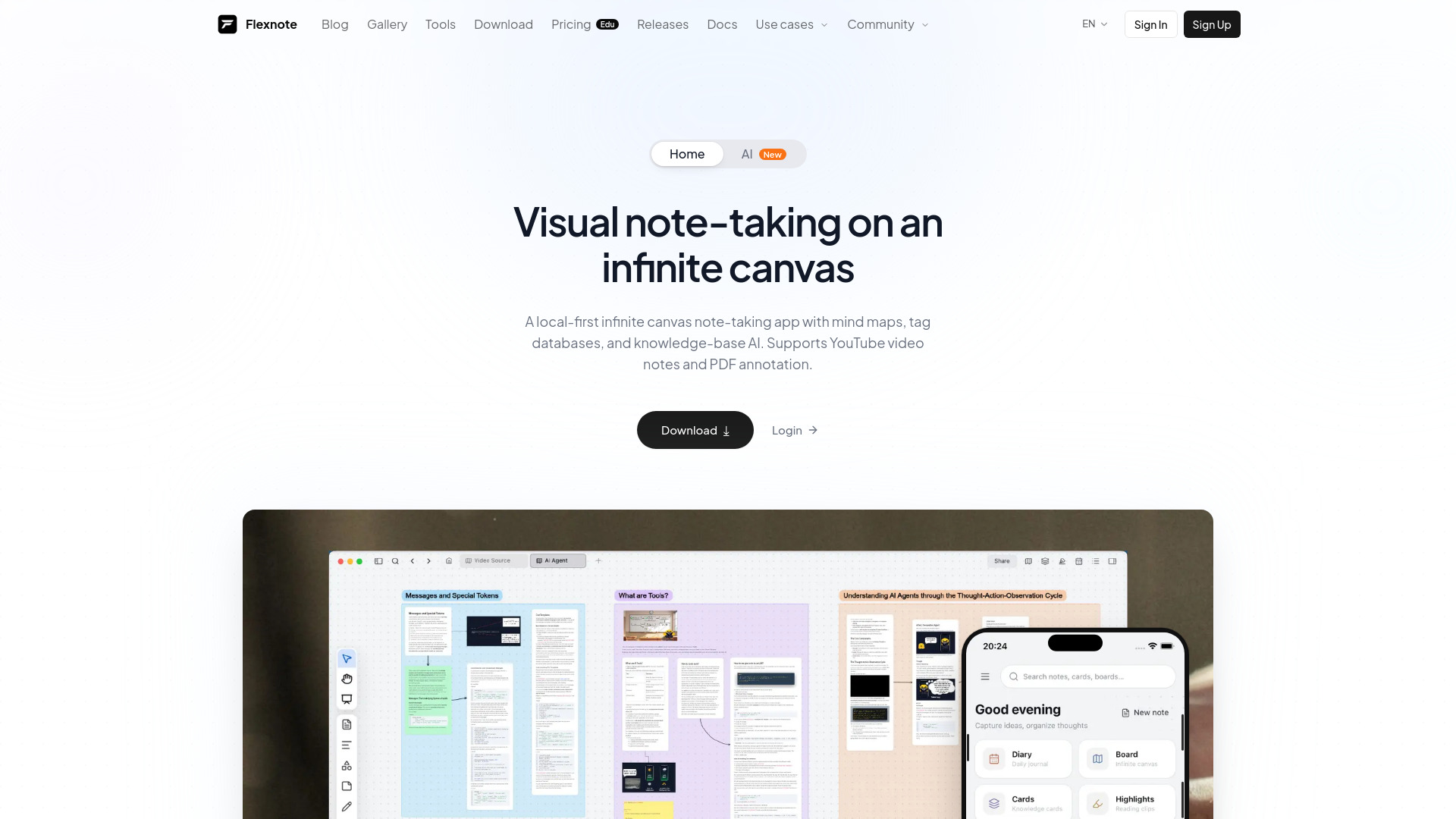
Flexnote is the most complete match for people who want notes to become a connected body of knowledge rather than a pile of pages. Its local-first storage and offline editing reduce dependence on an always-on connection, while Markdown notes, linked cards, and an infinite canvas support both structured writing and visual exploration. The canvas is designed to remain responsive past 10,000 nodes, and a whiteboard can be viewed as a mind map or populated from a PDF summary. That combination gives researchers a practical path from source material to linked ideas.
Best for
Researchers who need to connect claims, sources, and ideas.
Learners who think spatially and prefer canvases or mind maps.
Users who want local-first notes and offline editing.
Limitations
The free plan is limited to three whiteboards and 100 cards.
Cloud sync and multi-device support require a paid plan.
Its visual knowledge model may feel excessive for simple checklists.
Shortlist signal: Add Flexnote when your notes need links, source material, and a durable knowledge structure rather than quick capture alone.
2. Transcribe Audio to Text
- Students
- 20 credits daily
- Starts at Free: $0 /month
- Usage signal: 1.3M
Why it matters
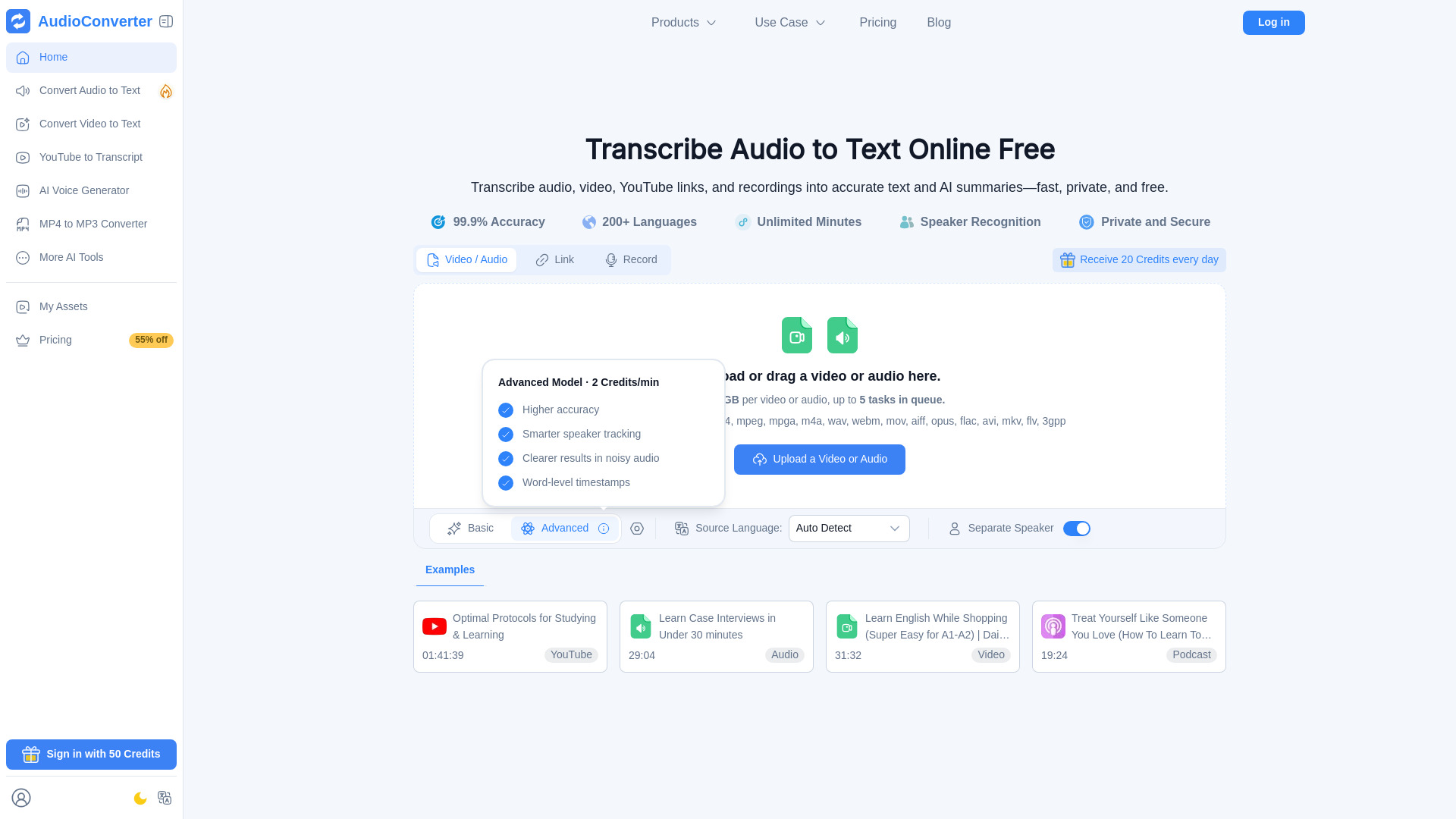
When the raw material is a lecture, interview, video, or YouTube link, the first note-taking problem is getting usable text. Transcribe Audio to Text handles that capture step directly, converting audio and video into editable, searchable transcripts. AI transcription, speaker recognition, timestamps, summaries, and voice generation broaden the workflow beyond a simple transcript. Its 1.3M monthly-visit signal also makes it the most visibly established option in this list for high-volume media conversion.
Best for
Students turning lectures and recorded classes into text.
Researchers working from interviews, videos, or spoken source material.
Anyone who needs timestamps and searchable transcripts before organizing notes elsewhere.
Limitations
Advanced transcription uses two credits per minute.
The free plan has limited storage and 24-hour file retention.
It is primarily a capture and conversion tool, not a linked knowledge workspace.
Shortlist signal: Choose it when your notes start as audio or video and searchable text is the first priority.
3. Airtap

- Frequent travelers
- Text-based app automation
- Starts at Check vendor pricing
- Usage signal: 50.7K
Why it matters
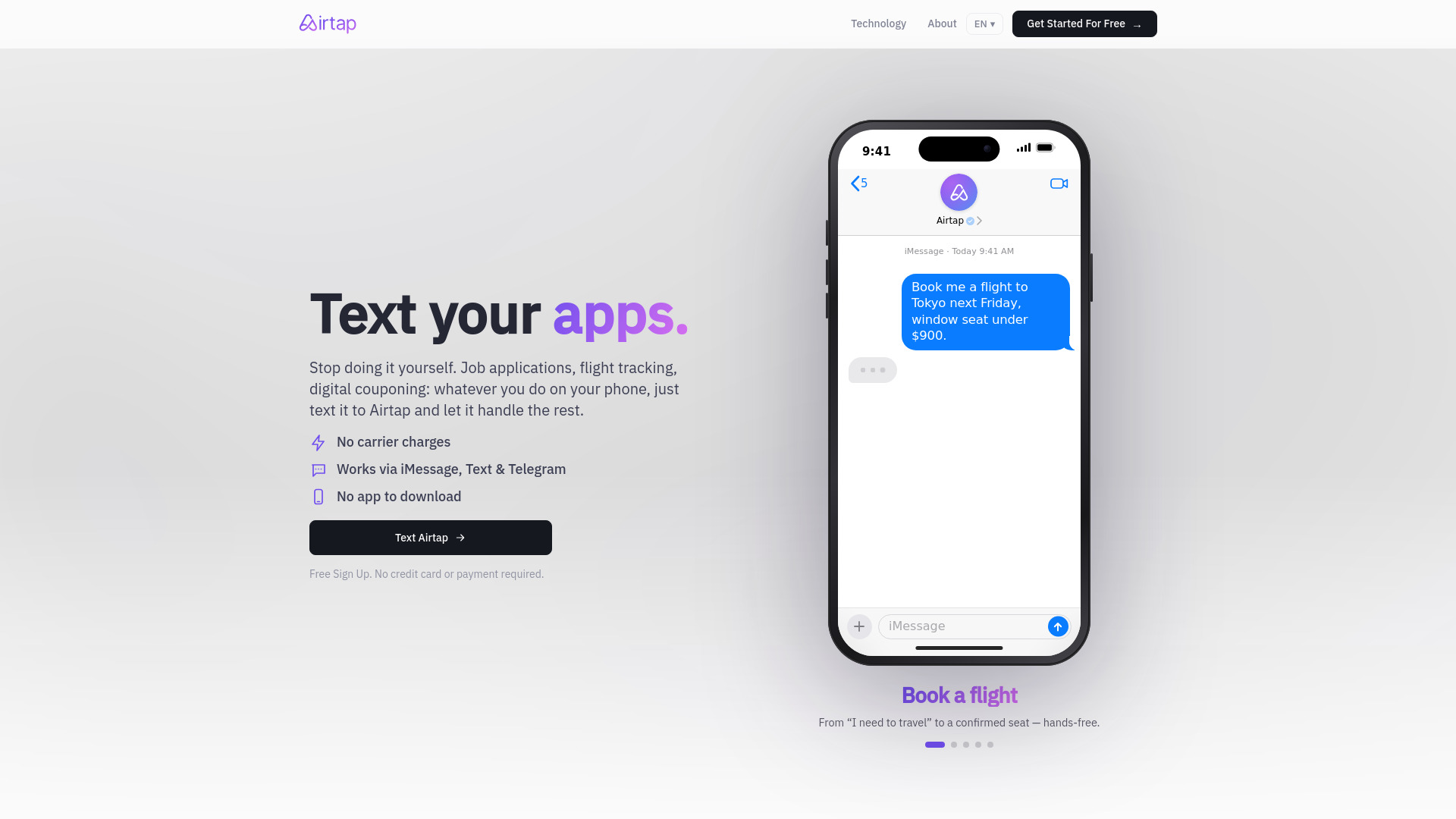
Airtap is an unexpected alternative in a note-taking comparison because it treats a natural-language request as an instruction to operate an app. You can send requests through iMessage, SMS, or Telegram, while its cloud phone provides an isolated Android environment for tasks. The Autopilot app can also connect to hardware you already own. This is useful when the real outcome of a note is an action, such as setting up a routine or handling a mobile workflow, rather than preserving prose in a notebook.
Best for
Frequent travelers who manage tasks from messaging platforms.
Users who want recurring routines or app actions without a separate interface.
People whose notes are really instructions, reminders, or operational requests.
Limitations
Advanced dashboard access requires signing in.
Some tasks require approval or answers before they can continue.
Pricing is hidden behind a sales or vendor-information check.
Shortlist signal: Consider Airtap when capture matters mainly because it should trigger an action inside a real mobile app.
4. Wondering

- Students
- Free AI Foundations Course
- Starts at Check vendor pricing
- Usage signal: 74.2K
Why it matters
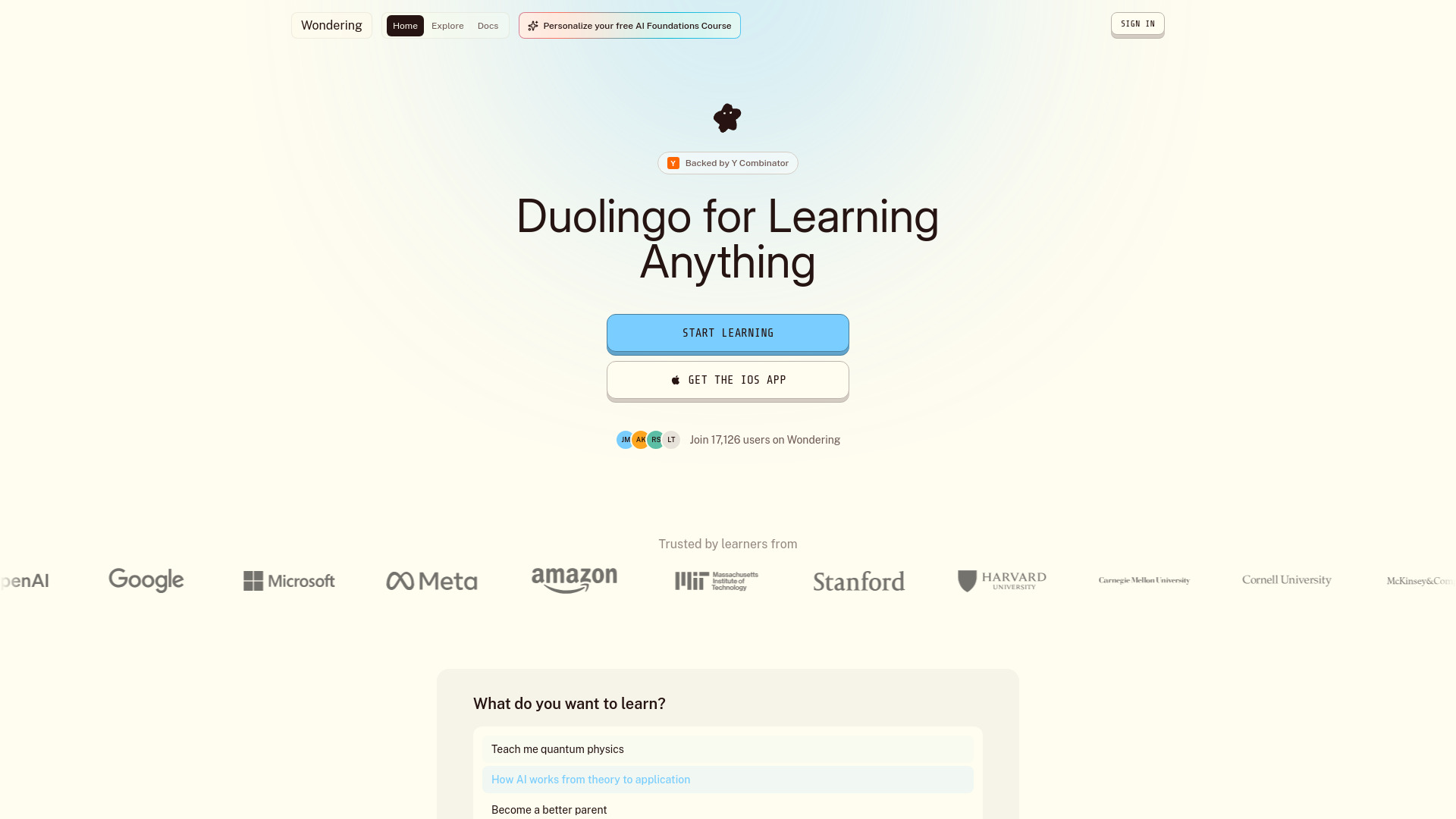
Wondering takes the learning side of note taking and turns it into a guided course experience. It generates structured courses across a broad range of topics, breaks them into lessons designed to take about three minutes, and adapts learning paths around goals, schedules, and focus areas. It will not replace a research notebook, but it can help a student turn a vague subject into a sequence of manageable study sessions.
Best for
Students who need a structured starting point for a new subject.
Busy learners who prefer short, interactive lessons.
Users who want a learning path shaped around goals and available time.
Limitations
Subscription prices and plan limits are not clearly available.
The breadth and quality of courses beyond the examples shown are not specified.
It is a learning platform rather than a general-purpose notes database.
Shortlist signal: Pick Wondering when the problem is organizing what to learn, not merely storing what you already know.
5. aiOS

- Founders
- 5 messages lifetime per device
- Starts at Try: Free
- Usage signal: 17.8K
Why it matters
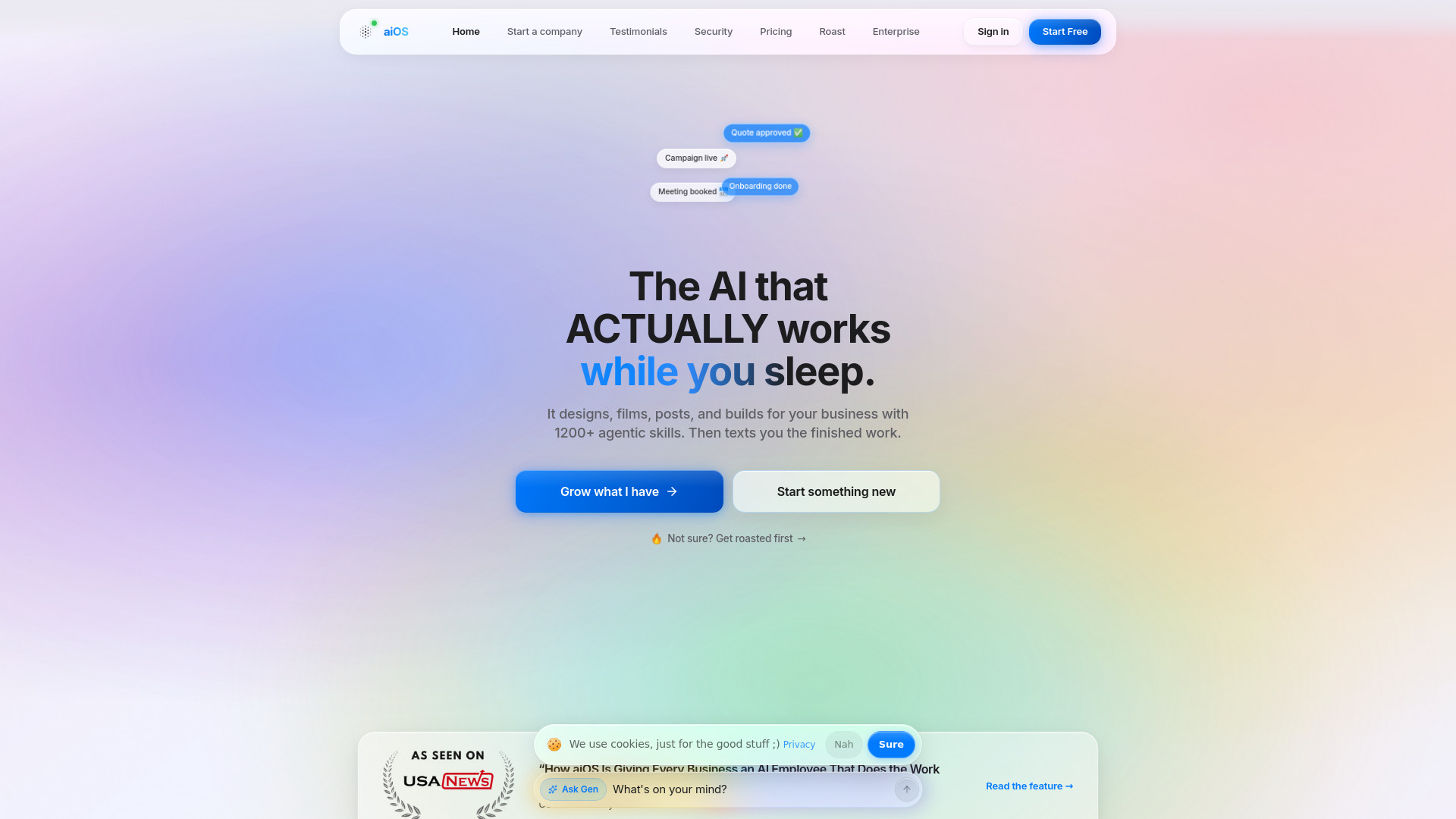
aiOS is a broad AI operating layer for people who want to control business work through text. It supports commands from iMessage, the web, WhatsApp, Telegram, and phone, then extends into content generation for carousels, posts, images, video, and websites. As a note-taking choice, its appeal is not note organization; it is the ability to move from an idea or instruction to an output without stitching together several specialist tools.
Best for
Founders who capture ideas and immediately turn them into work.
Small teams looking for one text-controlled automation layer.
Users who need content generation alongside operational assistance.
Limitations
Pricing tiers and usage limits can be difficult to compare.
Advanced capabilities require higher-priced plans.
It is too broad for buyers who only need transcription or note organization.
Shortlist signal: Add aiOS when your ideal note-taking workflow ends with content, automation, or a business action.
6. EchoSnap

- Students
- 10 notes per month / 3 minutes per note
- Starts at FREE: $0
- Usage signal: Not listed

Why it matters
EchoSnap keeps the voice-note workflow focused: record, transcribe, summarize, and organize. Its one-tap executive summaries, called SuperSummaries, are useful when you need the point of a spoken note without manually cleaning up every sentence. Folders and tags add just enough structure for students or busy users who want to capture ideas quickly. It is easier to understand than a full knowledge-management system, but the free limits make it more of a trial than a generous long-term plan.
Best for
Students recording quick ideas, reminders, or study thoughts.
Users who want summaries immediately after speaking.
People who prefer folders and tags over a complex linked workspace.
Limitations
The free plan allows 10 notes per month and three minutes per note.
Many features, including offline mode and text-note upload, are listed as coming soon.
Basic transcription on the free plan may not suit heavy users.
Shortlist signal: Choose EchoSnap when fast voice capture and instant summaries matter more than deep knowledge linking.
7. 2Speech AI

- Video creators
- Free voices and text-to-speech generation
- Starts at free: 0
- Usage signal: Not listed
Why it matters
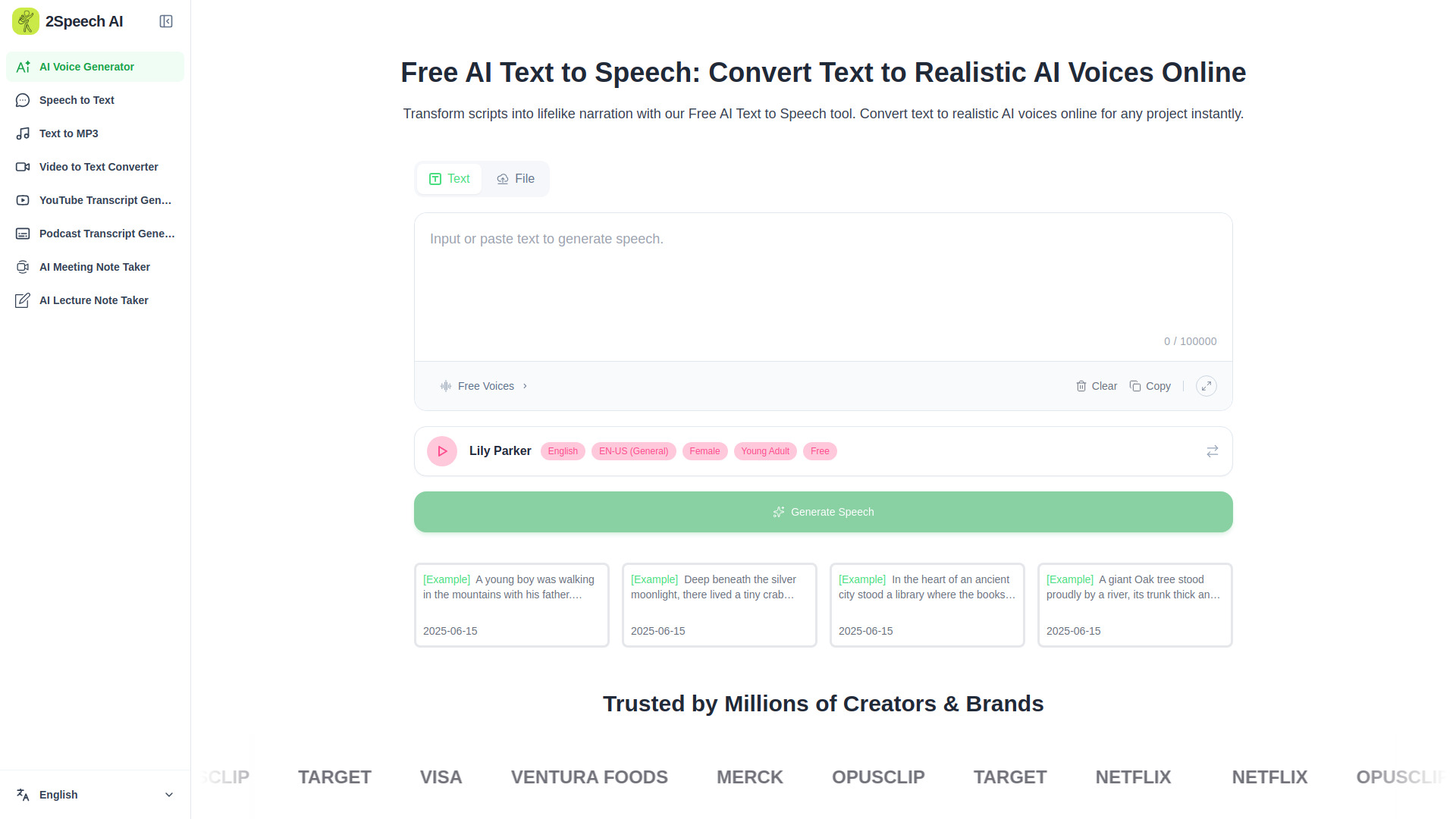
2Speech AI is a useful adjacent option when notes need to move between text and audio. It offers natural-sounding voices with multiple accents, converts text and files into downloadable MP3 audio, and supports speech-to-text transcription. That makes it relevant to video creators, course makers, and anyone who reviews written material by listening. It is not a conventional notes app, but it can make captured information easier to consume and publish.
Best for
Video creators producing narration from scripts or notes.
Users who prefer listening to written material.
People who need both text-to-speech and audio transcription in one place.
Limitations
The available voice selection and styles are not fully detailed.
Specific free usage limits and paid package prices are not clearly available.
Its organization features are not presented as a complete note workspace.
Shortlist signal: Consider 2Speech AI when the next step after a note is spoken audio, narration, or transcription.
8. Chattide
- Students
- 5 messages per day / Image attachments
- Starts at Free: $0
- Usage signal: Not listed
Why it matters
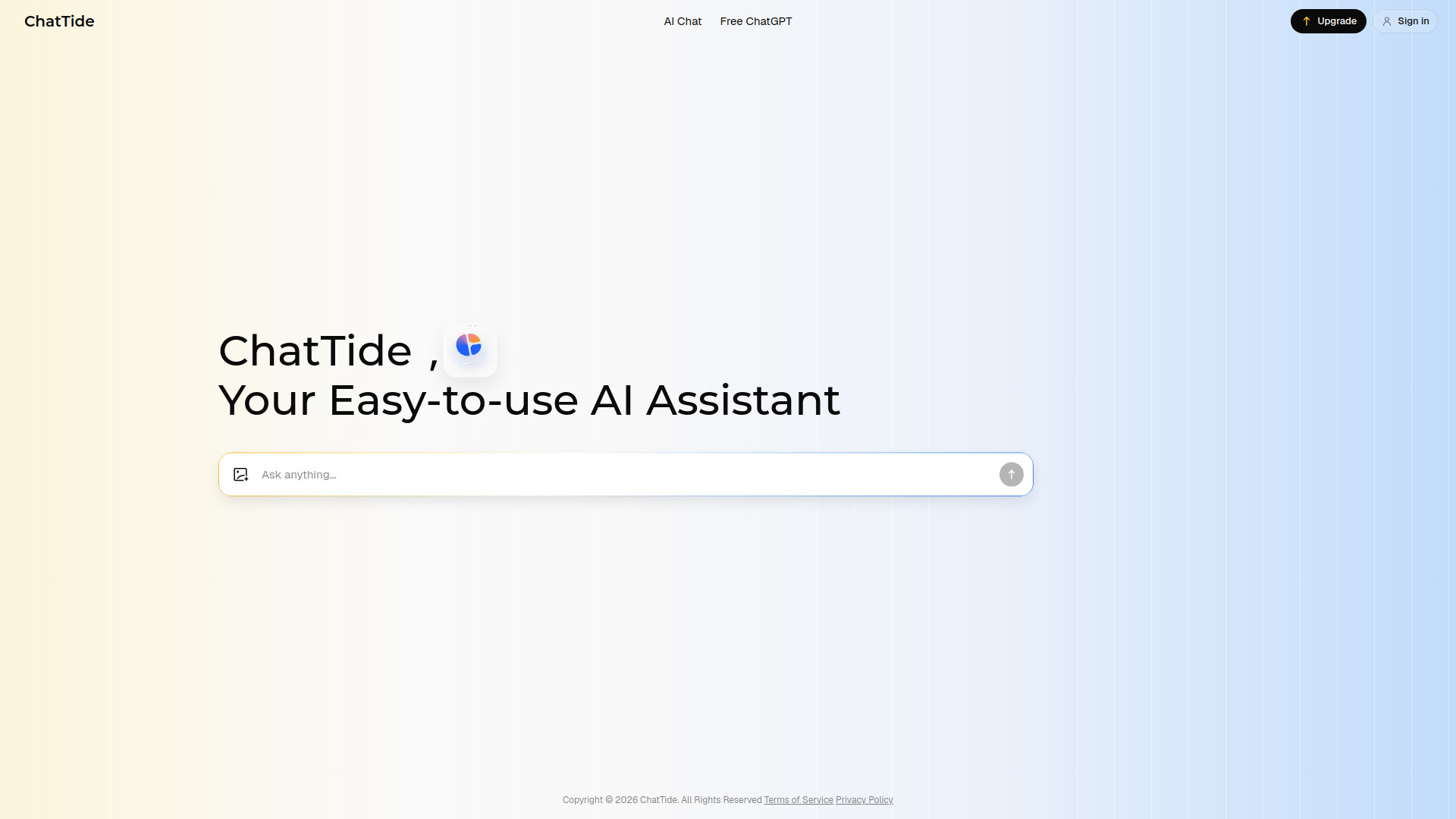
Chattide approaches notes as an ongoing conversation. It supports text assistance, image attachments, and short or long conversational memory, which can help with learning, creating, and discovering. This is a reasonable fit for users who ask questions about material instead of filing it into a formal knowledge base. The free allowance is clear, but modest, so frequent students should test whether five messages and two image attachments per day cover their normal workload.
Best for
Students who learn through back-and-forth explanations.
Users who need to ask questions about images as well as text.
People who prefer conversational memory over folders and cards.
Limitations
The free plan is limited to five messages per day.
Free users can attach no more than two images per day.
It does not offer the linked-card or canvas model of a research workspace.
Shortlist signal: Add Chattide when your preferred note review method is asking an assistant questions in context.
9. SpeedAI

- Academic researchers
- 500 points free trial
- Starts at Free: ¥0
- Usage signal: Not listed
Why it matters
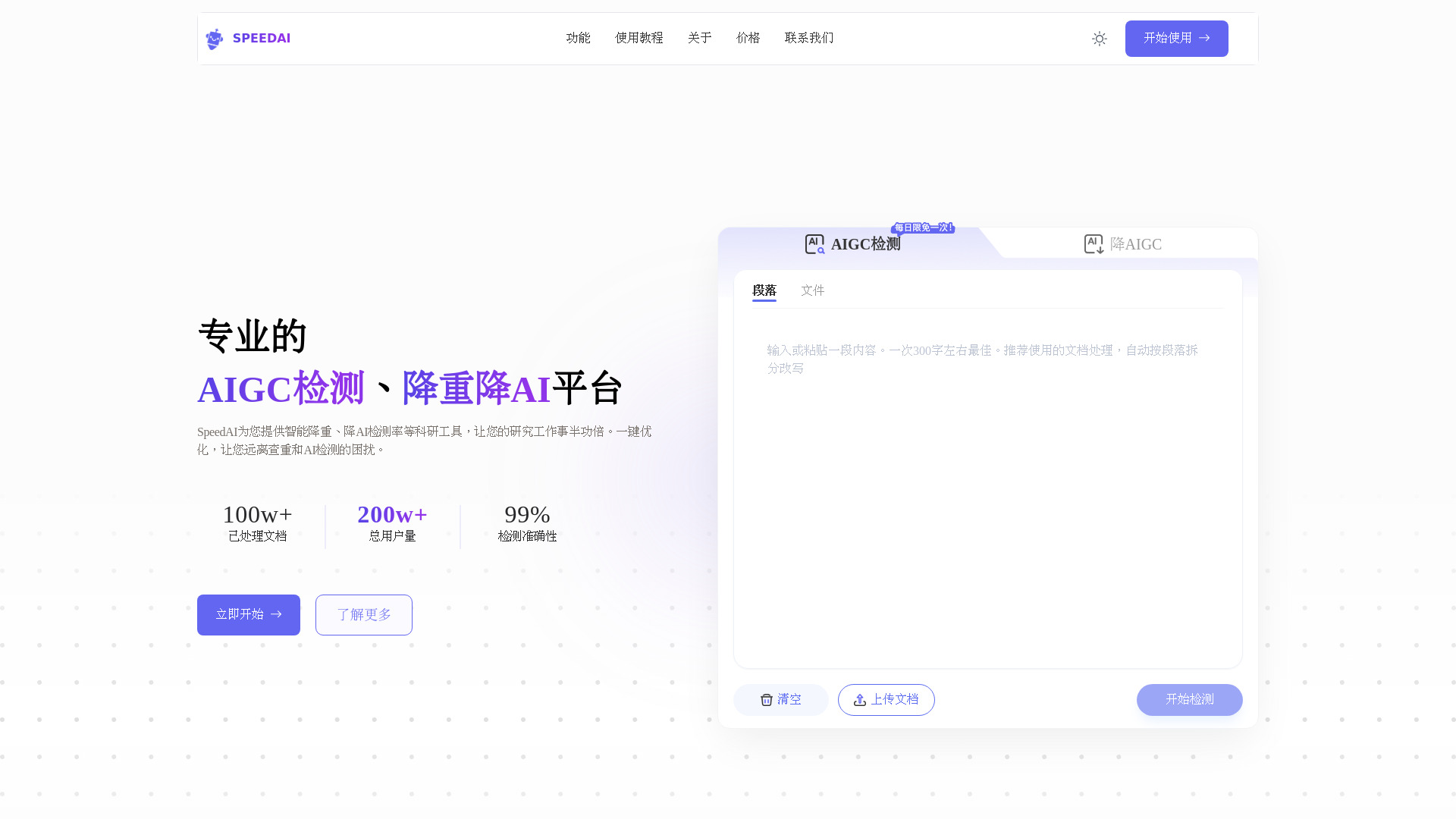
SpeedAI belongs on the edge of this list because it works on academic text after the note has been written. It can reduce repetition, lower an AIGC rate, and preserve formatting such as fonts, headers, and citations while rewriting. Its stated platform coverage includes Turnitin, CNKI, VIP, and Gezida. For academic researchers, that makes it a specialized editing utility, although it should be treated as a text-processing step rather than a replacement for source management or original scholarship.
Best for
Academic researchers revising drafts and reducing repetition.
Users who need formatting and citation structure retained during rewriting.
Writers testing text against several academic detection platforms.
Limitations
Full functionality requires purchasing points or credits.
The workflow may require paraphrasing before AI reduction for the best result.
It does not capture, organize, or link notes in the conventional sense.
Shortlist signal: Choose SpeedAI only when your note workflow ends in academic text revision rather than knowledge capture.
10. InteriorAID

- Interior designers
- 20 tokens one-time
- Starts at Free: $0/forever
- Usage signal: Not listed

Why it matters
InteriorAID is the most specialized adjacent tool here, but it makes sense for visual note-taking and design ideation. It turns sketches, SketchUp renders, and room photos into photorealistic interiors, then supports style restyles, moodboards, masked edits, inpainting, and object removal. Designers can use it to turn a rough visual concept into a more concrete direction. The output is a design artifact rather than a written note, which is precisely why it should be evaluated as a companion tool, not a general notes replacement.
Best for
Interior designers exploring multiple room directions.
Users who capture ideas as sketches, photos, or renders.
Teams that need visual concepts for review and iteration.
Limitations
The free plan is limited to 20 one-time tokens.
Free outputs are watermarked.
Higher usage requires paid plans or token top-ups.
Shortlist signal: Consider InteriorAID when your notes are visual room concepts and the useful output is a rendered direction.
What to test before choosing
Run the same small workflow through two or three finalists instead of judging screenshots. Use a real lecture recording, one research PDF, or a typical voice memo. Then check:
Capture quality: Does the tool accept your actual input format, including audio, video, YouTube links, PDFs, or images?
Editing control: Can you correct a transcript, rewrite a card, or remove irrelevant material without starting over?
Retrieval: Can you find the idea again through links, tags, folders, timestamps, or conversational memory?
Output quality: Does the result become a useful summary, mind map, lesson, audio file, task, or visual concept?
Limits: How quickly do credits, daily messages, storage, note counts, or tokens run out?
Privacy and access: Does local-first storage matter to you, and which features require a paid plan or sign-in?
The most revealing test is retrieval. Capture something today, leave it alone for a day, then try to locate the key idea without remembering the exact wording. A note-taking app that captures beautifully but hides information later is not solving the whole problem.
What to do next
Start with the narrowest workflow you perform repeatedly. If you read and connect sources, test Flexnote first. If you attend lectures or conduct interviews, test Transcribe Audio to Text. If you speak quick reminders, compare EchoSnap with a general conversational tool such as Chattide. Only move toward Airtap or aiOS if the next step is an action rather than a stored note.
Before paying, confirm the limits that will actually control your use: cards and whiteboards, minutes of transcription, daily messages, storage retention, credits, or tokens. The free access shown in this guide is enough for a trial, but it does not always represent a sustainable working plan.
Common mistakes when choosing from a complex top list
Treating transcription as note management: A transcript is raw material. You still need a reliable way to edit, organize, and retrieve it.
Picking the broadest AI assistant: More features can mean more setup, more pricing complexity, and less clarity about where your notes live.
Ignoring the input format: A beautiful text workspace is a poor fit if your workflow begins with video, PDFs, images, or voice recordings.
Overlooking usage ceilings: Daily messages, per-minute credits, storage retention, and one-time tokens can change the real cost quickly.
Confusing adjacent tools with replacements: Learning platforms, voice generators, academic editors, and design studios can support note taking without being note apps.
Skipping a retrieval test: Capturing information is only half the job. Make sure you can find and reuse it later.
FAQ
Flexnote is the strongest overall match because it combines local-first notes, Markdown cards, bidirectional links, an infinite canvas, mind maps, and PDF annotation. It is especially well suited to researchers and learners building a connected knowledge base.