
The phrase top platforms offering voice ai over phone calls covers several very different jobs: answering customer calls, translating a live conversation, capturing sales notes, or simply talking with an AI by phone. We compared 10 tools across those segments so you can build a practical shortlist without mistaking a voice changer for a business phone agent. The ranking favors a clear use case and useful call features; it does not mean every tool is a fit for every phone workflow.
Start here
Start with the job you need done, not the word "voice." For an AI that answers business calls, look first at VocaIQ, VocalOps, Simple AI, or Callab AI. For multilingual live conversations, AI Phone stands out. Sales teams that need cleaner call notes may prefer VoiceLine, while Voice.ai is the closest fit here for real-time voice changing rather than phone-answering automation.
| If your priority is... | Start with | Why it belongs on your shortlist |
|---|---|---|
| 24/7 answering and bookings | VocaIQ | Managed call answering, appointment booking, and lead qualification |
| Custom business phone agents | Simple AI | Customizable agents, knowledge search, and human handoff |
| Multilingual call handling | AI Phone | Live translation and transcription across 100+ languages |
| CRM-connected call automation | VocalOps | Voice automation with CRM and scheduling integrations |
| Sales-call documentation | VoiceLine | Voice capture, summaries, and CRM updates for field sales |
Segment comparison
These platforms do not all compete head-to-head. A personal call translation app and a managed AI receptionist solve different problems, even when both use speech AI. Use this table to narrow by workflow before comparing individual features.
| Segment | Strong starting point | What it does | Main trade-off |
|---|---|---|---|
| Business call answering | VocaIQ | Answers calls, books appointments, and qualifies leads | Higher price and possible overage fees |
| Configurable business agents | Simple AI | Custom agents search a knowledge base and can transfer to a human | Pricing is not readily available; onboarding uses Typeform |
| Multilingual personal calls | AI Phone | Translates and transcribes calls, then creates summaries | Translation accuracy can vary |
| Call-center automation | Callab AI | Voice agents use connected knowledge sources and support post-call analysis | Listed Basic plan starts at $240/month |
| Sales call capture | VoiceLine | Turns voice interactions into summaries and CRM information | Depends on CRM integration and accurate capture |
Shortlist paths
A useful evaluation path depends on who picks up the phone, what a successful call should accomplish, and where its information needs to go afterward. These routes keep the first round of demos focused.
| Buyer or workflow | Compare first | The question to answer |
|---|---|---|
| Small business replacing basic reception coverage | VocaIQ, VocalOps | Can it handle your booking and call volume within your budget? |
| Sales team automating conversations | Simple AI, Callab AI | Can the agent answer from your material and hand off appropriately? |
| Caller who needs language support | AI Phone | Does translation work well for your actual languages and call conditions? |
| Field sales team documenting calls | VoiceLine | Does it capture the right details into your CRM without extra admin? |
| Individual exploring voice experiences | Call an AI, CallStar | Do you want practical role-based assistance or character conversations? |
Ranking snapshot
Scores are useful as a first-pass signal, not a substitute for checking the workflow that matters to you. The list includes adjacent voice products as well as phone automation, so pay particular attention to each tool's "best for" column.
| Rank | Tool | Score | Best for | Starting price |
|---|---|---|---|---|
| #1 | Voice.ai | 94/100 | Streamers | Check vendor pricing |
| #2 | Simple AI | 93/100 | Sales teams | Check vendor pricing |
| #3 | AI Phone | 92/100 | Immigrants needing call translation | Check vendor pricing |
| #4 | VocalOps | 92/100 | Customer service managers | Core: $500 CAD/month |
| #5 | Voicy.AI | 92/100 | Restaurants | Check vendor pricing |
| Rank | Tool | Score | Best for | Starting price |
|---|---|---|---|---|
| #6 | Callab AI | 92/100 | Call centers | Basic: $240/month |
| #7 | CallStar | 92/100 | Fans of characters or celebrities | Check vendor pricing |
| #8 | Call an AI | 92/100 | Entrepreneurs | 15 cents/minute; calls under 4 minutes free |
| #9 | VoiceLine | 91/100 | Field sales teams | From €34/user/month |
| #10 | VocaIQ | 90/100 | Small and medium businesses | AI Receptionist: $297/month |
How we grouped and ranked the list
We grouped the 10 tools by the work they do with voice: live voice transformation, automated business calls, translation and transcription, call-center handling, sales documentation, and consumer-oriented AI conversations. That distinction matters. A high score for a voice changer does not make it a better receptionist, and a call assistant should not be judged by how entertaining its character voices are.
The ranking reflects the reported feature set, the clarity of the product's intended audience, and the value of its stated use case. We also considered practical friction visible in the product details, including pricing transparency, setup requirements, plan constraints, and reliance on integrations. Where a vendor's starting price or free access is unclear, treat that as a reason to confirm details directly-not as evidence that the product is inexpensive or offers a particular quota.
The order is a starting point, not a universal winner list. For a business, your top choice is the platform that can complete the call reliably, route exceptions to a person, and fit your existing systems. For an individual, access method and the quality of the specific voice experience may matter more than CRM features.
Ranked field notes
1. Voice.ai

- Streamers using real-time voice effects
- Free basic version; voice changer, cloning, and Voice Universe
- Starts at Check vendor pricing
- Usage signal: 1.4M
Why it matters
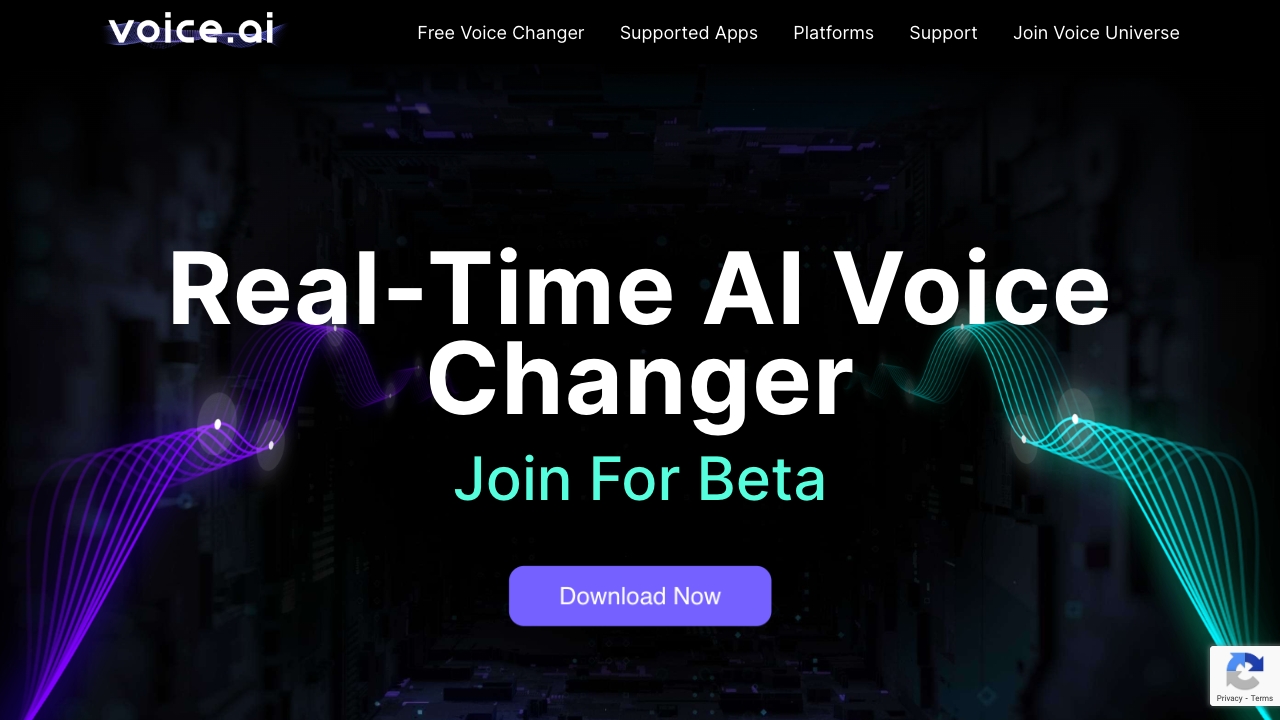
Voice.ai tops this ranking on its strong real-time voice-changing fit, with voice cloning and a large library of user-generated voices in Voice Universe. For streamers and people experimenting with voice, that combination gives it a more immediate creative use than a business phone agent. The caveat is important: this is an adjacent voice tool, not the clearest choice for automating incoming customer calls. Advanced features and higher-quality audio require premium plans, and its soundboard is still marked as coming soon.
Best for
Streamers who want real-time voice changing.
Creators exploring voice cloning and community-made voices.
Developers interested in custom voice integration through an SDK.
Limitations
Advanced features and higher-quality audio require premium plans.
The soundboard feature is listed as coming soon.
Its standout use case is voice transformation, not end-to-end phone-call management.
Shortlist signal: Add Voice.ai when transforming a live voice is the job; choose a phone agent instead when the goal is answering and resolving customer calls.
2. Simple AI

- Sales teams building custom phone agents
- AI-powered calls; agents support 29 languages
- Starts at Check vendor pricing
- Usage signal: 25.5K
Why it matters
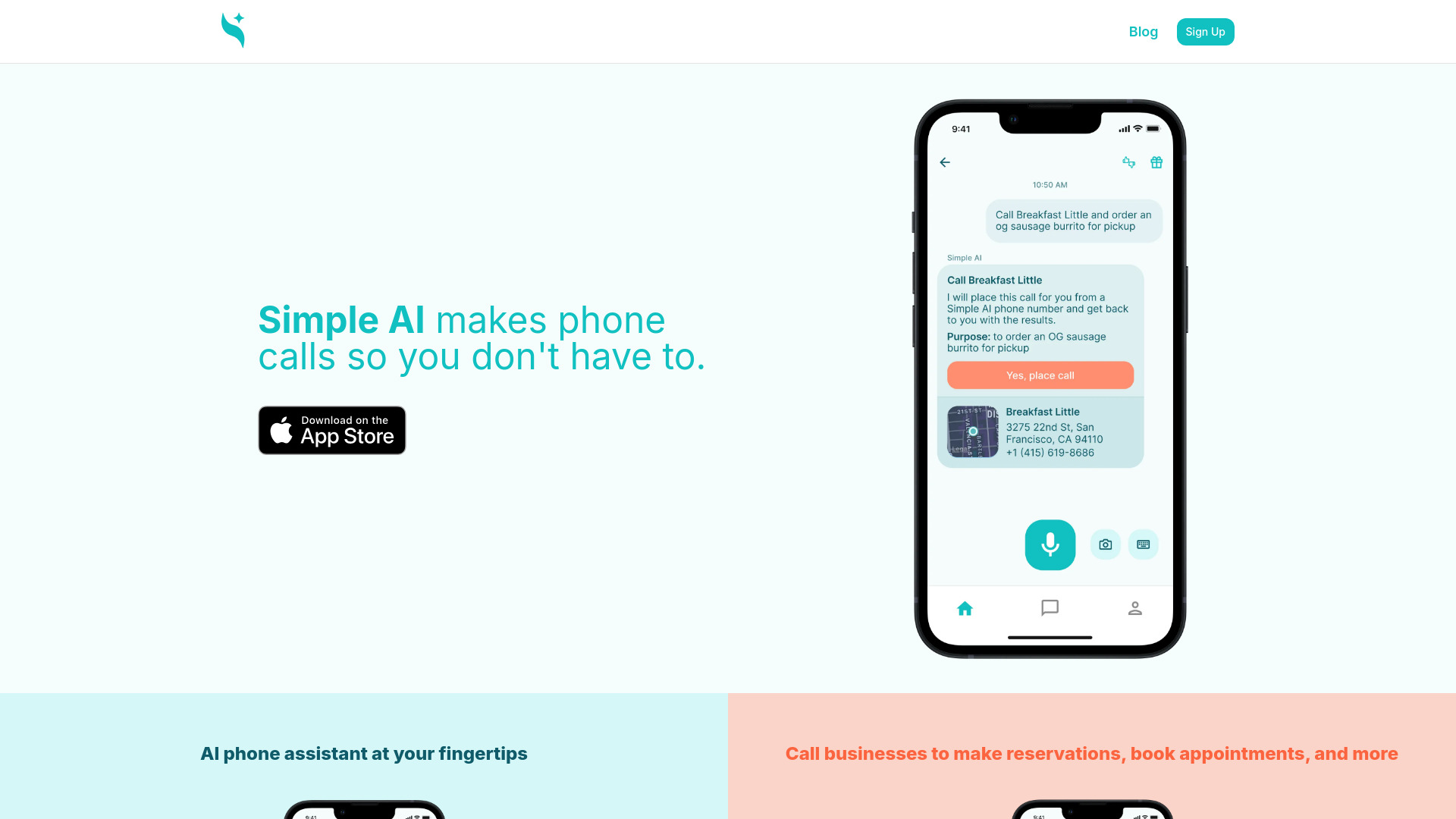
Simple AI is one of the more business-oriented options in the group: teams can customize voice agents, give them knowledge-base search, and set up a transfer to a human agent. Those pieces matter more in sales and service than a polished demo voice alone. The product can support use cases such as reservations, appointments, and information retrieval, but pricing is not readily available. Its onboarding flow also involves Typeform, which may feel like an extra step when a team wants to get straight into configuration.
Best for
Sales teams testing automated calls against a defined workflow.
Businesses that need an agent to search a knowledge base.
Teams that want a human handoff rather than forcing every caller through automation.
Limitations
Pricing information is not readily available, so request current costs before comparing budgets.
Onboarding involves Typeform and may not feel seamless to every team.
Customization makes it important to test edge cases, not just the ideal call path.
Shortlist signal: Shortlist Simple AI when you need a configurable business agent with knowledge search and a way to transfer callers to a person.
3. AI Phone

- People who need language support on calls
- Live call translation, transcription, and smart phone number
- Starts at Check vendor pricing
- Usage signal: 17.4K

Why it matters
AI Phone targets a concrete problem: following a live phone conversation across language barriers. Live translation in 100+ languages is paired with transcription and an AI-generated call summary, making it potentially useful both during the conversation and afterward. It is a different category from an AI receptionist that answers on behalf of a business. Translation quality may vary, though, and no AI interpretation should be treated as automatically reliable in a high-stakes conversation. Test it with the languages, accents, and call conditions you actually encounter.
Best for
Individuals who need translation support during phone calls.
People who want a transcript or summary to refer to after a call.
Multilingual callers who need broad language coverage to explore.
Limitations
Translation accuracy can vary from one conversation to another.
AI may not be suitable for every situation, especially where exact interpretation is essential.
Confirm pricing and how the product works with your phone setup before relying on it.
Shortlist signal: Put AI Phone on your shortlist when understanding and reviewing multilingual calls matters more than automating a business phone line.
4. VocalOps

- Customer service managers automating calls
- Check vendor pricing
- Starts at Core: $500 CAD/month
- Usage signal: 2.7K
Why it matters
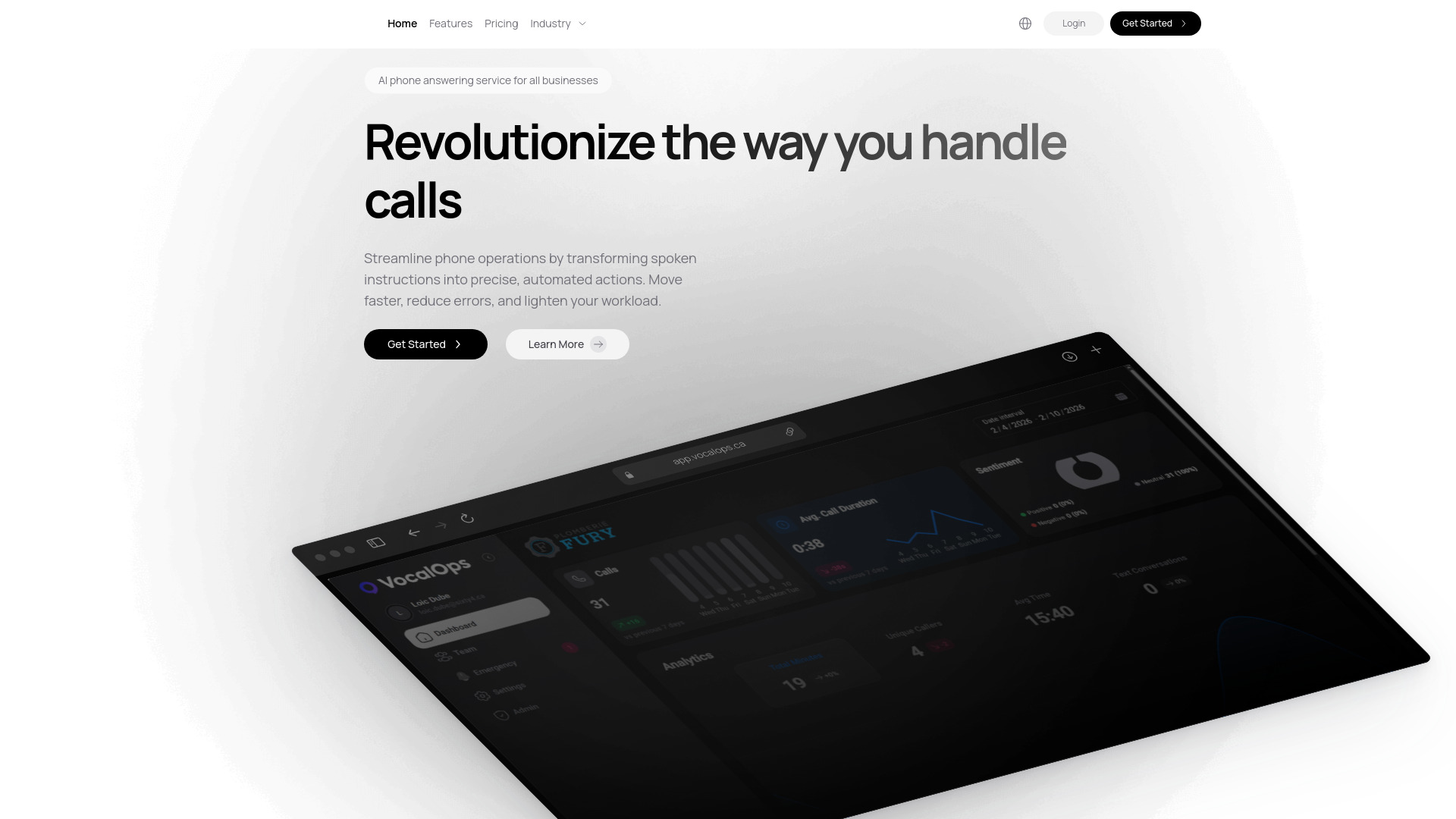
VocalOps is aimed squarely at businesses that need AI to handle customer calls, with multilingual support, customizable default languages, and connections to CRM and scheduling platforms. Its ability to handle unlimited calls simultaneously could help a service team facing overlapping demand, but that benefit needs to be weighed against the entry price: the Core plan starts at $500 CAD per month. The core plan is also limited to a single integration, so map out which system connection matters most before buying.
Best for
Customer service managers looking to automate repetitive phone interactions.
Teams that need multilingual call handling.
Businesses that want call automation linked to a CRM or scheduling system.
Limitations
Core starts at $500 CAD per month, a substantial commitment for a small call volume.
The Core plan is limited to one integration.
Confirm that your required CRM or scheduling connection fits the plan you are considering.
Shortlist signal: Shortlist VocalOps when multilingual, high-volume answering is worth the monthly cost and one core integration covers your workflow.
5. Voicy.AI

- Restaurants managing orders and appointments
- AI virtual assistants for customer engagement and commerce
- Starts at Check vendor pricing
- Usage signal: 2.7K
Why it matters
Voicy.AI connects conversational assistance to customer engagement and commerce, with stated capabilities for handling customer queries and managing orders or appointments. That makes it a more relevant starting point for restaurants than a general-purpose voice novelty. The trade-off is implementation: it needs to connect with existing business systems and may take setup and training before it fits day-to-day operations. Treat integration planning as part of the evaluation, not a technical chore to postpone until after purchase.
Best for
Restaurants exploring automated handling of customer questions.
Businesses managing orders or appointments through conversations.
Teams looking for a conversational assistant tied to customer engagement.
Limitations
Requires integration with existing business systems.
Initial setup and training may be needed.
Pricing is not clear from the published starting information; confirm the cost and integration scope directly.
Shortlist signal: Add Voicy.AI when restaurant conversations need to connect to order or appointment workflows, and you have time to plan implementation.
6. Callab AI

- Call centers automating routine call handling
- Check vendor pricing
- Starts at Basic: $240/month
- Usage signal: 1.2K
Why it matters
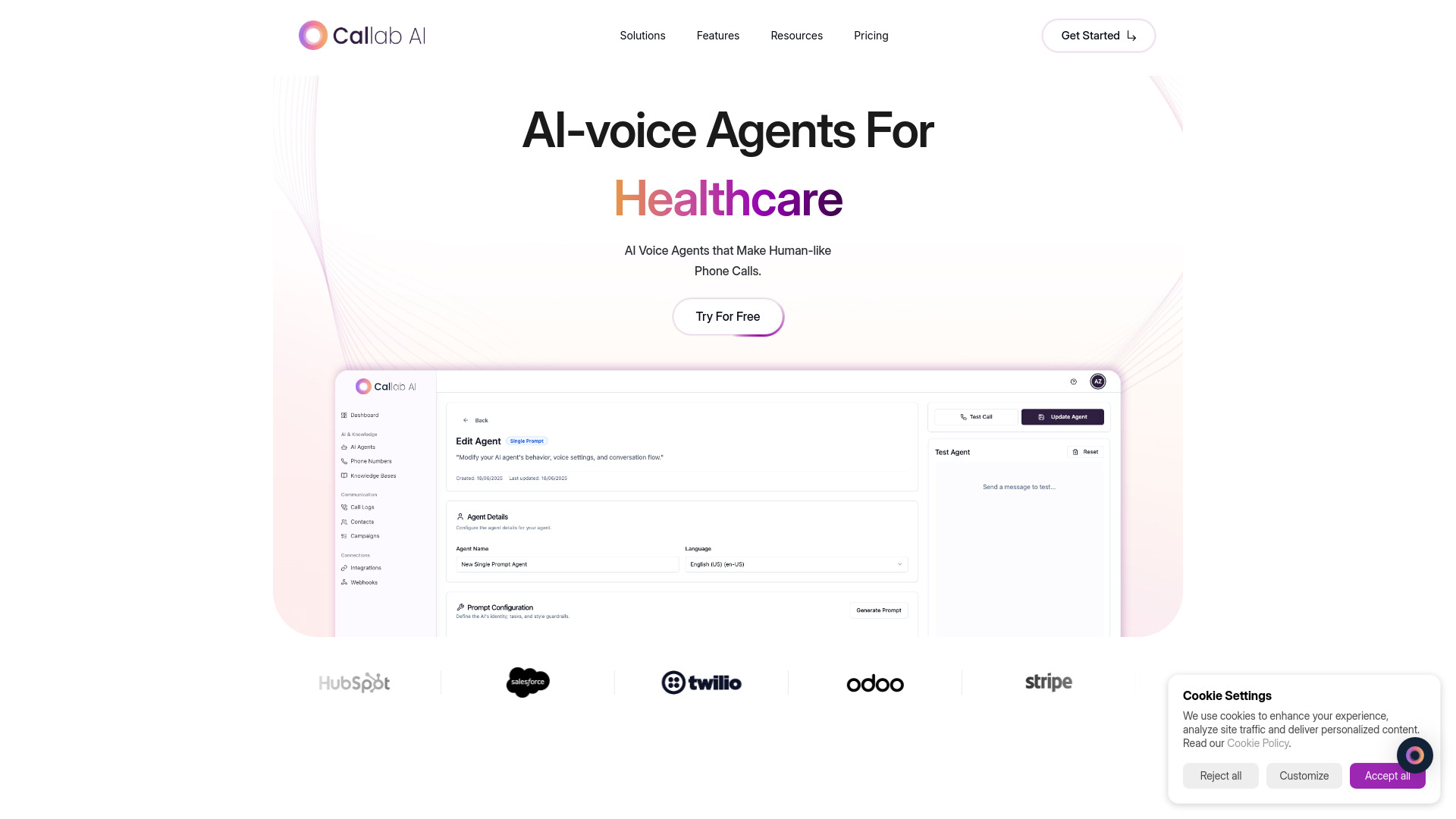
Callab AI combines voice agents with knowledge sources that can include PDFs, websites, and Google Docs. It also lists post-call analysis such as recordings, transcription, and sentiment tagging, giving teams more to review than whether an agent completed the conversation. That makes it worth a look for call centers that need both automated handling and call review. The stated Basic plan starts at $240 per month; check exactly what is included and whether that plan covers your call volume and analysis needs.
Best for
Call centers automating appointment, service, or outbound call tasks.
Teams whose agents need answers grounded in documents or web content.
Managers who want recordings, transcripts, and sentiment tags for post-call review.
Limitations
The Basic plan starts at $240 per month, so validate the cost against your expected usage.
The product details do not specify plan limits or the full scope of included analysis; confirm them with the vendor.
Knowledge-source quality and freshness will affect how useful answers are in practice.
Shortlist signal: Shortlist Callab AI when you want a voice agent grounded in business content and need post-call material for quality review.
7. CallStar

- Fans interested in character or celebrity calls
- AI voice calls with characters and celebrities
- Starts at Check vendor pricing
- Usage signal: 738
Why it matters
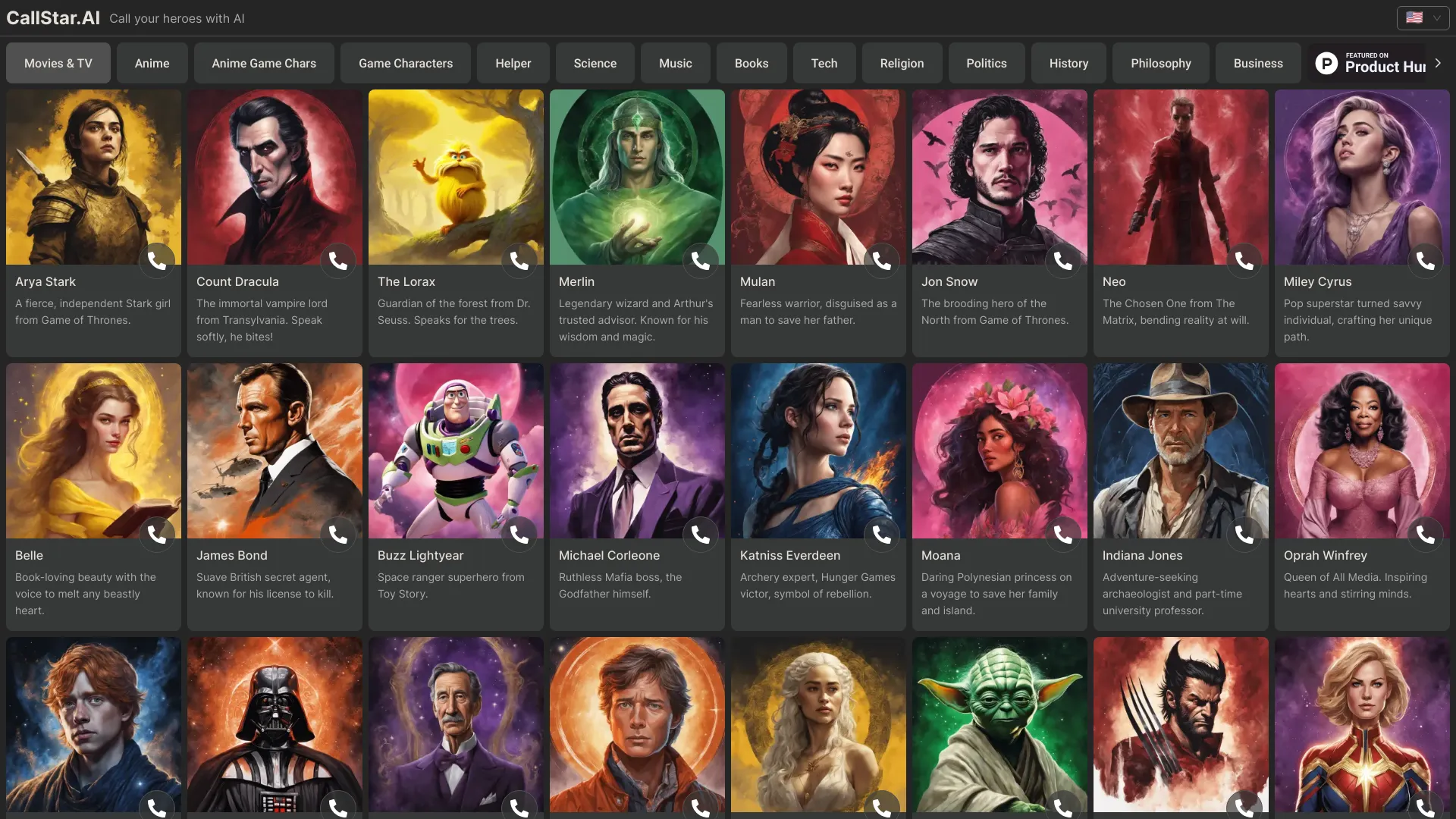
CallStar sits well outside business call automation: its distinctive idea is AI-powered voice calls with characters and celebrities. That makes it an entertainment-oriented alternative in a category otherwise full of phone agents, translators, and sales tools. The appeal depends on how convincing and engaging the simulated conversation feels to you. Voice quality may vary, and the AI's understanding and responses have limits, so keep expectations closer to interactive entertainment than dependable advice or customer support.
Best for
Fans who want to try voice conversations with AI characters.
Curious users looking for an interactive alternative to text chat.
People evaluating an entertainment use case rather than business call handling.
Limitations
The quality of voice simulation may vary.
Responses are limited by the AI's understanding.
Pricing is not clearly stated here; check current access and costs before committing.
Shortlist signal: Consider CallStar when the point is an entertaining character conversation, not a tool to run business calls.
8. Call an AI

- Entrepreneurs wanting phone-based AI access
- Calls under 4 minutes are free
- Starts at 15 cents/minute; short calls are free
- Usage signal: 218
Why it matters
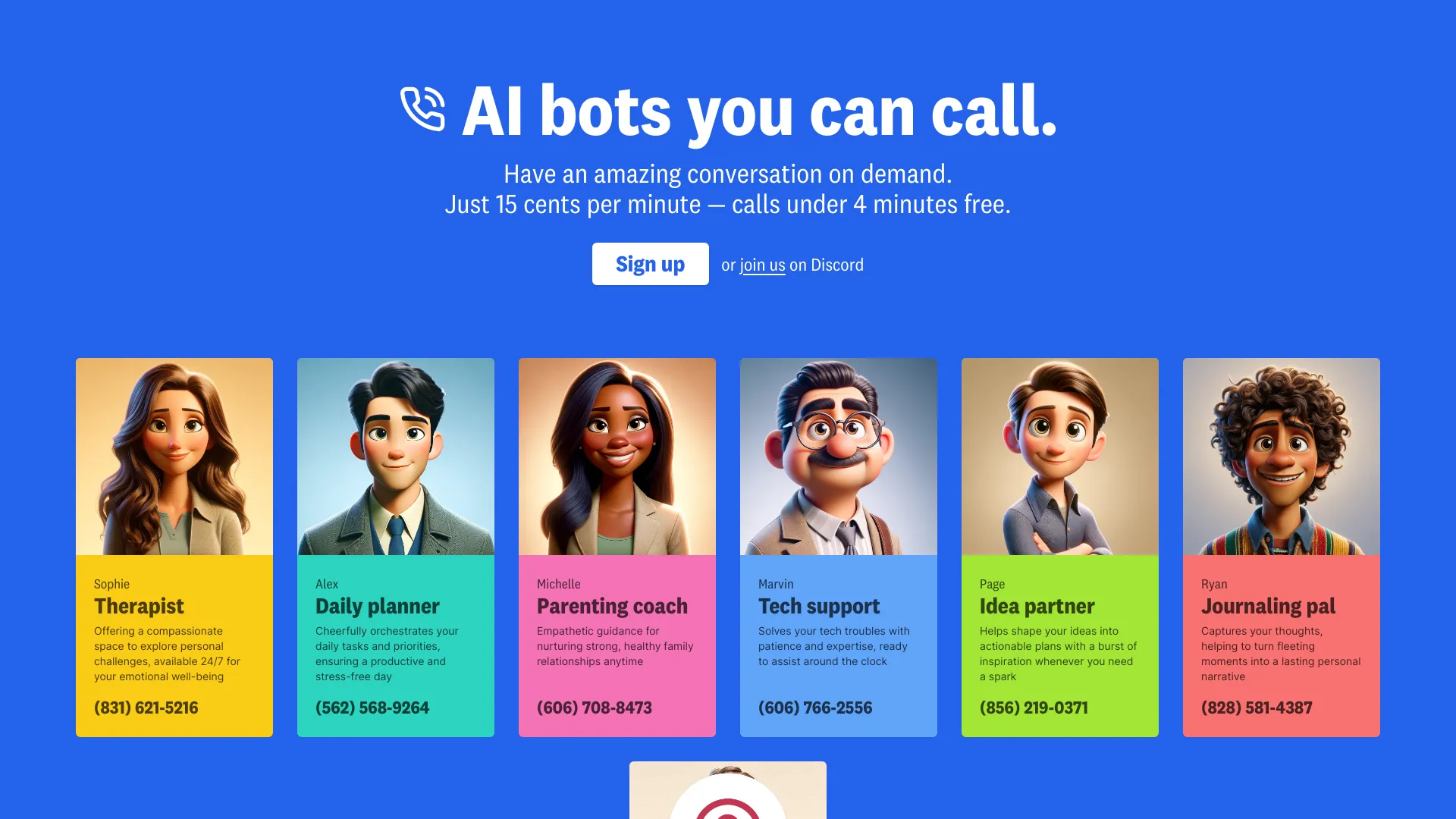
Call an AI makes voice interaction available through a phone call, with role-focused bots and the option to create a custom AI bot. That approach can suit someone who wants spoken access without treating the product as a full business phone system. There is a clear cost detail to watch: calls under four minutes are free, while the listed rate is 15 cents per minute. A quick test is easy to imagine; repeated or long conversations can add up. It also depends on phone service for access.
Best for
Entrepreneurs who want to talk with role-focused AI bots by phone.
Users who prefer real-time voice interaction to typing.
People who want to explore creating a custom AI bot.
Limitations
Calls cost 15 cents per minute after the free calls under four minutes.
Reliance on phone service may not suit every user or calling situation.
Confirm how billing works for the call lengths and frequency you expect.
Shortlist signal: Shortlist Call an AI when phone-based access to a role-focused assistant is useful and per-minute costs fit your expected use.
9. VoiceLine

- Field sales teams documenting customer conversations
- Check vendor pricing
- Starts at From €34/user/month
- Usage signal: 309
Why it matters
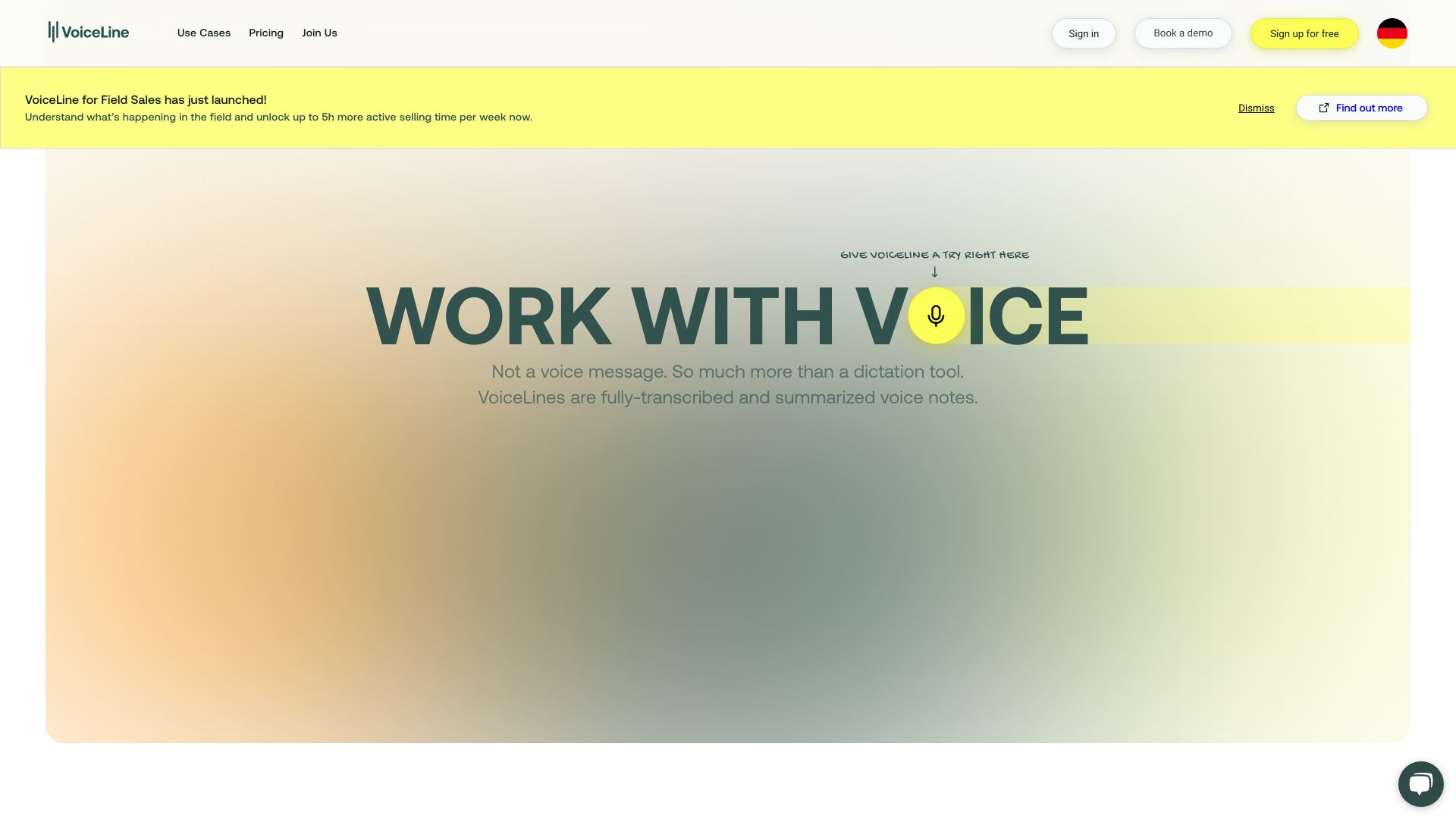
VoiceLine is a sales workflow tool built around capturing voice, summarizing customer interactions, and connecting the result to a CRM. The value is less about replacing a phone agent and more about reducing the admin that follows a sales conversation. It also offers market analysis and insights. That promise depends on the accuracy of captured details and the CRM connection, so test actual sales calls against your team's fields and reporting habits. The listed starting price is from €34 per user per month.
Best for
Field sales teams that need to document customer interactions quickly.
Sales managers trying to improve the consistency of CRM records.
Teams looking to turn voice interactions into summaries and insights.
Limitations
Requires integration with existing CRM systems.
AI accuracy affects captured information and analysis; review before relying on it.
A per-user subscription can add up across a large team, so model the full seat cost.
Shortlist signal: Add VoiceLine when reducing post-call sales admin and improving CRM data quality are bigger priorities than automating call answering.
10. VocaIQ

- Small and medium businesses needing call coverage
- Check vendor pricing
- Starts at AI Receptionist: $297/month
- Usage signal: Usage signal not listed
Why it matters
VocaIQ is the most direct fit here for a business that wants a managed phone-answering service rather than a DIY voice platform. Its stated functions include 24/7 autonomous answering, appointment booking, and lead qualification. The product also highlights response times under 300 milliseconds and support for more than 100 languages with a single agent. The AI Receptionist plan starts at $297 per month. That managed approach can reduce setup friction, but it costs more than an unmanaged DIY option and overage fees apply when included monthly minutes are exceeded.
Best for
Small and medium businesses that need round-the-clock call coverage.
Teams booking appointments or qualifying inbound leads by phone.
Businesses that prefer a managed service over technical agent setup.
Limitations
The $297/month starting price is higher than some DIY approaches.
Overage fees apply if the monthly included minutes are exceeded.
Confirm the included minutes, language needs, and booking workflow before choosing a plan.
Shortlist signal: Shortlist VocaIQ when you want managed, always-on answering and bookings, and its included minutes and overage terms suit your call volume.
What to test before choosing
A polished sample call tells you very little about how an AI agent behaves when a caller is confused, changes their request, or asks something outside the script. Put each finalist through the same realistic test calls and compare results.
Call purpose: Can it complete your actual task-booking, answering a common question, translation, or sales documentation-without a workaround?
Human handoff: For business agents, test how the call transfers to a person and what context reaches them. Simple AI explicitly lists transfer to a human agent; confirm the handoff behavior with any other finalist.
Knowledge accuracy: Ask questions that are answered by your own PDFs, website, or internal material. For Callab AI, test each source type you plan to connect.
Language and speech: Test the languages and accents your callers use. For translation tools, have a fluent speaker check the transcript and meaning rather than judging only by conversational flow.
After-call output: Review a transcript, summary, sentiment tag, or CRM update against the actual conversation. Look for names, dates, commitments, and other consequential details.
Integrations and setup: Confirm the CRM, scheduling, or business system connection you need is supported by the plan and works with your current setup.
Cost at real usage: Compare monthly fees, per-minute rates, included minutes, overages, user seats, and plan restrictions. Ask vendors to show a realistic bill for your expected call volume.
Failure handling: Try interruptions, silence, a correction, an unrecognized request, and a request for a person. A system that handles only the ideal path is not ready to take calls unattended.
What to do next
Pick two or three tools from the segment comparison, then write down the outcomes you expect from a successful call. Run each finalist through the same small set of real scenarios and score the result on completion, accuracy, handoff, and total cost. For personal translation or entertainment tools, evaluate the quality and usefulness of the conversation instead of business integrations. Before signing up, confirm live pricing, trial or free access, usage caps, data handling, and any plan-specific integration limits with the vendor.
Common mistakes when choosing from a complex top list
Treating every voice product as a phone agent. Voice.ai changes voices; CallStar focuses on character calls; neither is presented as a general customer-service receptionist.
Choosing by score alone. The best fit for one workflow may be irrelevant to another. A multilingual caller and a restaurant manager have different requirements.
Assuming "free access" means a free business plan. A feature or short-call allowance is not the same as unrestricted use. Check minutes, conditions, and current availability.
Skipping the integration check. A CRM or scheduling connection can decide whether a tool saves time or creates another manual step.
Ignoring usage-based costs. Per-minute calls, included quotas, overages, and per-user pricing can change the total considerably.
Trusting AI output without review. Translations, summaries, and captured CRM details can be wrong. Verify anything that could affect a customer commitment or business record.
Testing only scripted happy paths. Real callers interrupt, ask follow-up questions, and change their minds. Test those moments before letting an AI handle calls on its own.
FAQ
VocaIQ is the most direct managed answering option in this list, with 24/7 call answering, appointment booking, and lead qualification. VocalOps and Simple AI are also worth comparing for business call automation. Compare their price, call limits, integrations, and handoff workflow against your needs before deciding.