
Distributed deep learning workloads rarely fail because a team cannot find a GPU. They fail because provisioning, scheduling, storage, model deployment, and usage costs become difficult to control at scale. This guide compares the top serverless platforms for distributed deep learning training workloads, including managed GPU clouds, inference-first services, and infrastructure layers that can make training easier to operate. The list includes some adjacent platforms: not every option is a pure serverless training runtime, but each can be relevant when your workload moves between training, fine-tuning, inference, or production operations.
Start here
The right shortlist depends on what "serverless" means in your workflow. If you want an API and do not want to manage hardware, start with Deep Infra or kluster.ai. If you need large GPU clusters and orchestration, Fluidstack, Cirrascale Cloud Services, QSC Cloud, and Denvr Dataworks deserve attention. If your main problem is managing cloud resources rather than sourcing them, Deploifai is the more focused option.
| Best starting point | Tool | Why it belongs on the first pass |
|---|---|---|
| Broadest overall fit | Deep Infra | Simple API, scalable infrastructure, and pay-per-use access |
| Large distributed clusters | Fluidstack | Thousands of NVIDIA GPUs with Slurm and Kubernetes |
| Accelerator choice | Cirrascale Cloud Services | Multiple accelerator options and high-throughput storage |
| Serverless inference and fine-tuning | kluster.ai | Adaptive scaling with batch and real-time workloads |
| Cloud ML operations | Deploifai | Dataset, training, deployment, and infrastructure management |
The first important distinction is between a platform that hides infrastructure behind an API and one that provides managed infrastructure while leaving you responsible for cluster configuration. Both can be valuable, but they solve different operational problems.
Segment comparison
| Segment | Strongest options | Best fit | Main trade-off |
|---|---|---|---|
| API-first serverless AI | Deep Infra, kluster.ai | Teams that want usage-based inference or fine-tuning without managing GPUs | Less control over the underlying environment |
| Managed GPU clusters | Fluidstack, QSC Cloud | Researchers and startups running substantial training jobs | Capacity and pricing may require a sales conversation |
| Multi-accelerator cloud | Cirrascale Cloud Services | Teams comparing NVIDIA and AMD options | Configuration and cloud-resource expertise are still required |
| ML infrastructure control | Deploifai | Engineers who want a SaaS-like layer over their own cloud account | You still need a cloud account and accept platform dependency |
| Adjacent AI platforms | Atlas Cloud, The Full Stack | Teams combining model access, product development, and learning | Not designed primarily as distributed training infrastructure |
This segmentation also explains why a pure feature-by-feature comparison would be misleading. A unified inference API should not be judged by the same criteria as a reserved GPU cluster, and an educational platform should not be expected to provision accelerators.
Shortlist paths
| Your situation | Shortlist | What to validate next |
|---|---|---|
| You want the least infrastructure overhead | Deep Infra, kluster.ai | Model availability, rate limits, fine-tuning workflow, and total token or GPU cost |
| You need multi-node training capacity | Fluidstack, Cirrascale Cloud Services | Cluster lead time, scheduler support, storage throughput, and reservation terms |
| You are building an AI startup | QSC Cloud, Denvr Dataworks | Access to H100, H200, or MI300 capacity and onboarding requirements |
| You need a unified model endpoint | Atlas Cloud | Supported models, modality coverage, API limits, and usage billing |
| You need better ML operations on existing cloud | Deploifai | Supported cloud account, dataset handling, training automation, and deployment flow |
A practical buying process should produce a two- or three-tool bake-off, not a ten-tool procurement project. Pick one platform from the infrastructure segment and one from the serverless API segment, then compare the complete path from data upload to a reproducible training or inference result.
Ranking snapshot
| Rank | Tool | Score | Best for | Monthly visits |
|---|---|---|---|---|
| #1 | Deep Infra | 93/100 | AI developers | 546.5K |
| #2 | Atlas Cloud | 93/100 | Developers | 1.3M |
| #3 | Fluidstack | 92/100 | AI researchers | 140.4K |
| #4 | The Full Stack | 92/100 | AI engineers | 50.5K |
| #5 | Cirrascale Cloud Services | 92/100 | AI researchers | 22.6K |
| #6 | kluster.ai | 91/100 | ML engineers | 3.0K |
| #7 | Mexty | 89/100 | Teachers | 3.7K |
| #8 | Deploifai | 89/100 | ML engineers | Not listed |
| #9 | QSC Cloud | 89/100 | AI startups | Not listed |
| #10 | Denvr Dataworks | 89/100 | AI developers | Not listed |
The scores are close because this is a complex category with several distinct jobs to be done. Deep Infra leads as the most balanced entry point, while Fluidstack and Cirrascale are stronger candidates when the real requirement is access to serious accelerator capacity. The final four are more specialized or adjacent, so their ranking should not be read as a claim that they offer the same training experience.
How we grouped and ranked the list
We grouped the tools by the operational layer they address: serverless APIs, managed GPU infrastructure, accelerator clouds, ML platform management, and adjacent AI development services. That prevents an API-only service from receiving an unfair comparison with a cluster provider.
The ranking emphasizes five questions:
Can the platform reduce infrastructure work? We looked for simple APIs, managed infrastructure, automated cloud management, or deployment support.
Does it support serious AI workloads? GPU access, training and inference support, model deployment, and infrastructure scale mattered more than general AI copywriting features.
How clearly does it fit a buyer? A researcher, startup, ML engineer, and educator have very different requirements.
Can costs be understood before production? Pay-per-use pricing can be attractive, but usage tiers, GPU-hour billing, credits, and reservation terms need scrutiny.
What is the operational catch? We called out required cloud accounts, minimum commitments, sales-led pricing, consumption monitoring, and platform dependence.
This method favors tools that can be placed into a real workflow. It does not reward a large model catalog on its own, and it does not assume that serverless means every infrastructure concern disappears.
Ranked field notes
1. Deep Infra

- AI developers building API-driven ML workloads
- $10 free per month; inference from $0.005 per 1M input tokens
- Starts at Check vendor pricing
- Usage signal: 546.5K
Why it matters
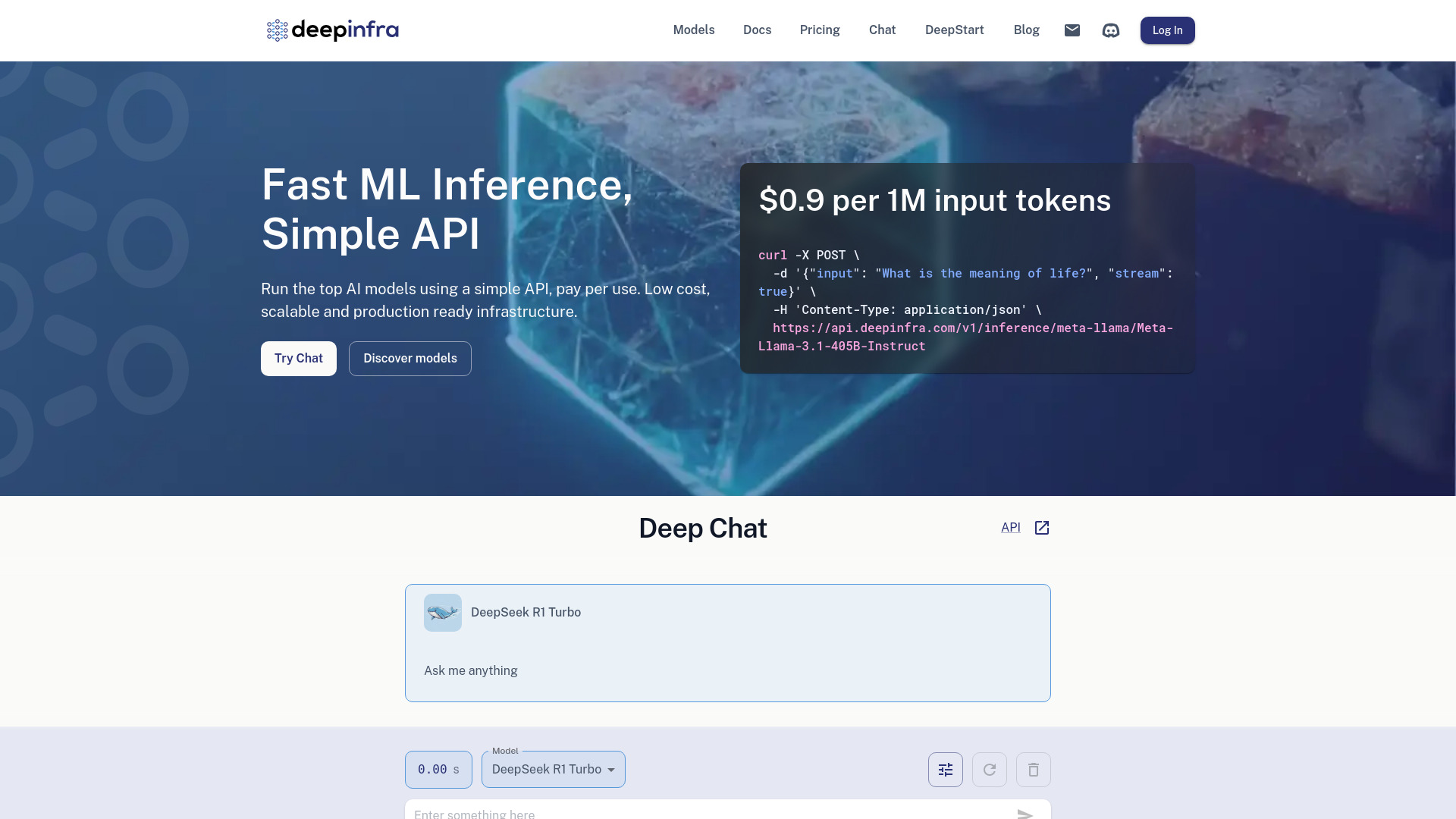
Deep Infra is the cleanest first stop when the goal is to run machine learning models without building a large serving layer around them. Its simple API, scalable production infrastructure, and pay-per-use approach make it easier to test a workload before committing to a larger cluster design. That is especially useful for teams moving from experimentation into production, where the first requirement is often dependable model access rather than hands-on GPU orchestration. The $10 monthly free allowance lowers the cost of an initial technical evaluation, although adding a card or pre-paying is part of the service experience.
Best for
AI developers exposing models through a straightforward API
Teams validating inference economics before reserving infrastructure
Production workloads that benefit from scalable, usage-based access
Limitations
A card or prepayment is required to use services
Usage tiers and invoicing thresholds need close monitoring
It is a better fit for managed model operation than hands-on cluster administration
Shortlist signal: Add Deep Infra when you want the fastest path from a model endpoint to a production API without managing GPU infrastructure yourself.
2. Atlas Cloud

- Developers building multi-modal AI applications
- Unified API, 300+ models, and access from $0.01 per PIC
- Starts at Z-Image-Turbo LoRA: $0.01/PIC
- Usage signal: 1.3M
Why it matters
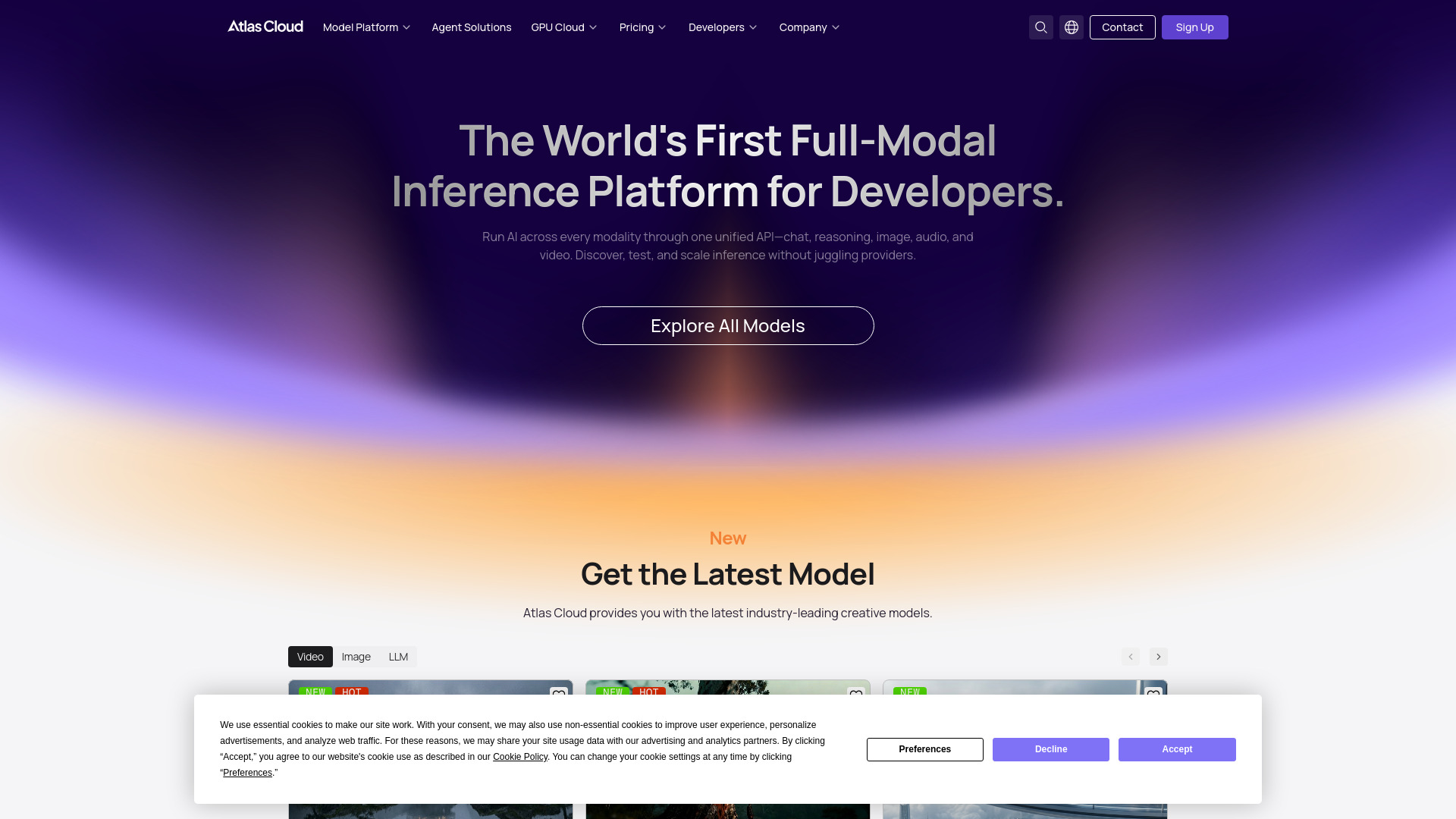
Atlas Cloud takes a broader route than a conventional deep learning training platform. Its unified API covers chat, reasoning, image, audio, and video, while its library provides access to more than 300 models. That breadth can simplify an application stack when a team needs several modalities behind one integration. It earns a high position here as an unexpected alternative for teams that treat training and deployment as part of a larger model-infrastructure problem, not because it replaces a managed multi-node training cluster.
Best for
Developers who want one API across multiple AI modalities
Product teams comparing a large catalog of ready-to-access models
Applications that may combine text, image, audio, and video workloads
Limitations
The platform is primarily focused on infrastructure and developer scaling
Consumption pricing requires monitoring by token or GPU hour
Buyers seeking direct distributed training controls may need a more specialized cloud
Shortlist signal: Choose Atlas Cloud when unified multi-modal model access matters more than owning the training environment.
3. Fluidstack

- AI researchers running large GPU jobs
- Managed NVIDIA GPU access for large-scale training and inference
- Starts at Check vendor pricing
- Usage signal: 140.4K
Why it matters
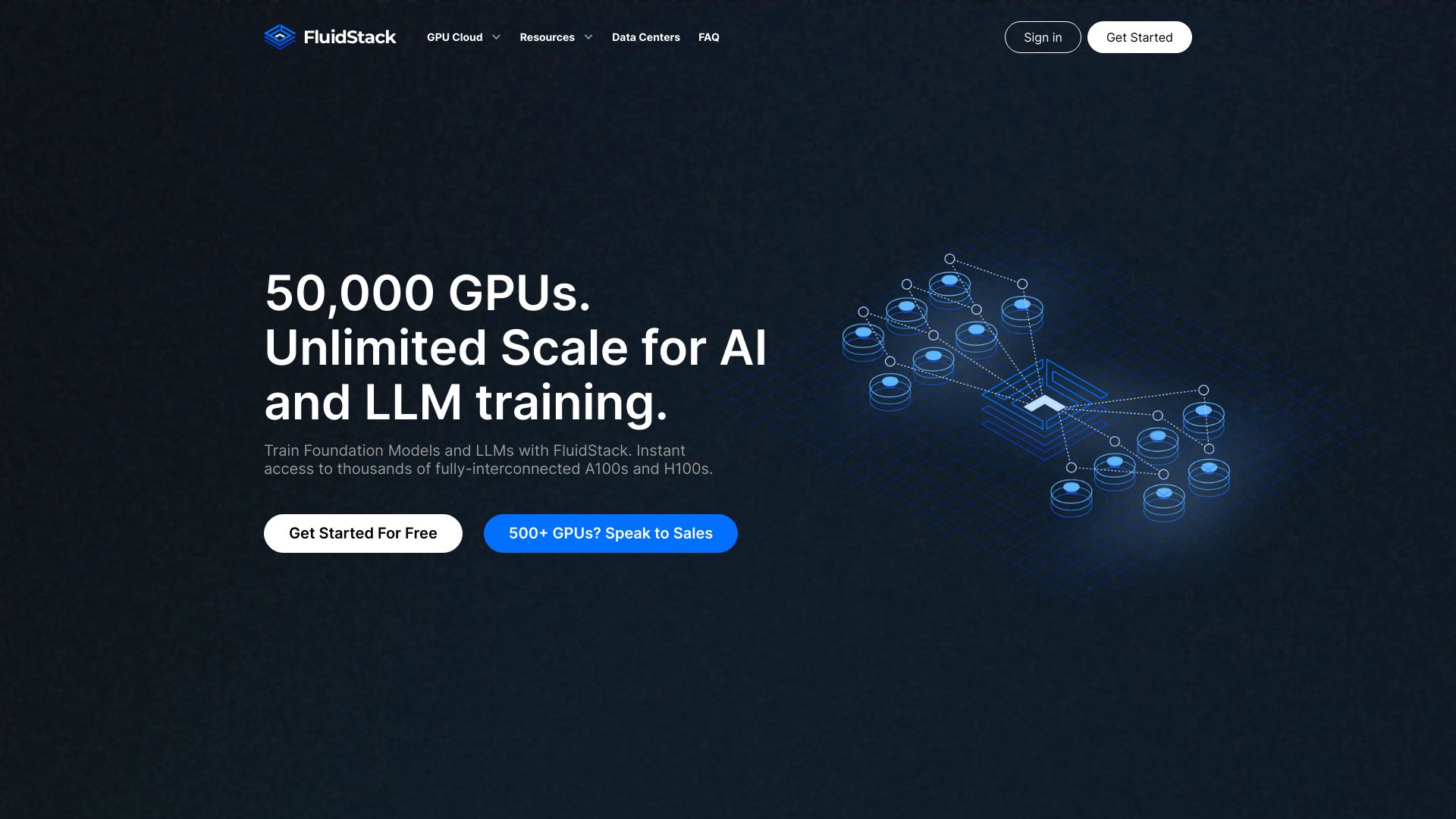
When distributed training is genuinely distributed, the cluster matters more than a polished API. Fluidstack provides access to thousands of NVIDIA GPUs, including H100, A100, H200, and GB200 options, and pairs that capacity with fully managed infrastructure. Slurm and Kubernetes support are important details for research teams that already have scheduling and container workflows. The platform is therefore a strong candidate for large training and inference jobs where operational support is worth more than a purely serverless abstraction.
Best for
AI researchers needing substantial NVIDIA GPU capacity
Teams already using Slurm or Kubernetes
Training and inference programs that need managed infrastructure at scale
Limitations
H200 on-demand pricing requires a request
Reserved clusters require a minimum 30-day term
Large-cluster procurement may take more planning than an API signup
Shortlist signal: Put Fluidstack on the shortlist when your bottleneck is reliable multi-GPU capacity and managed cluster operations.
4. The Full Stack

- AI engineers learning the full product lifecycle
- Free courses and LLM Bootcamp resources
- Starts at Check vendor pricing
- Usage signal: 50.5K
Why it matters
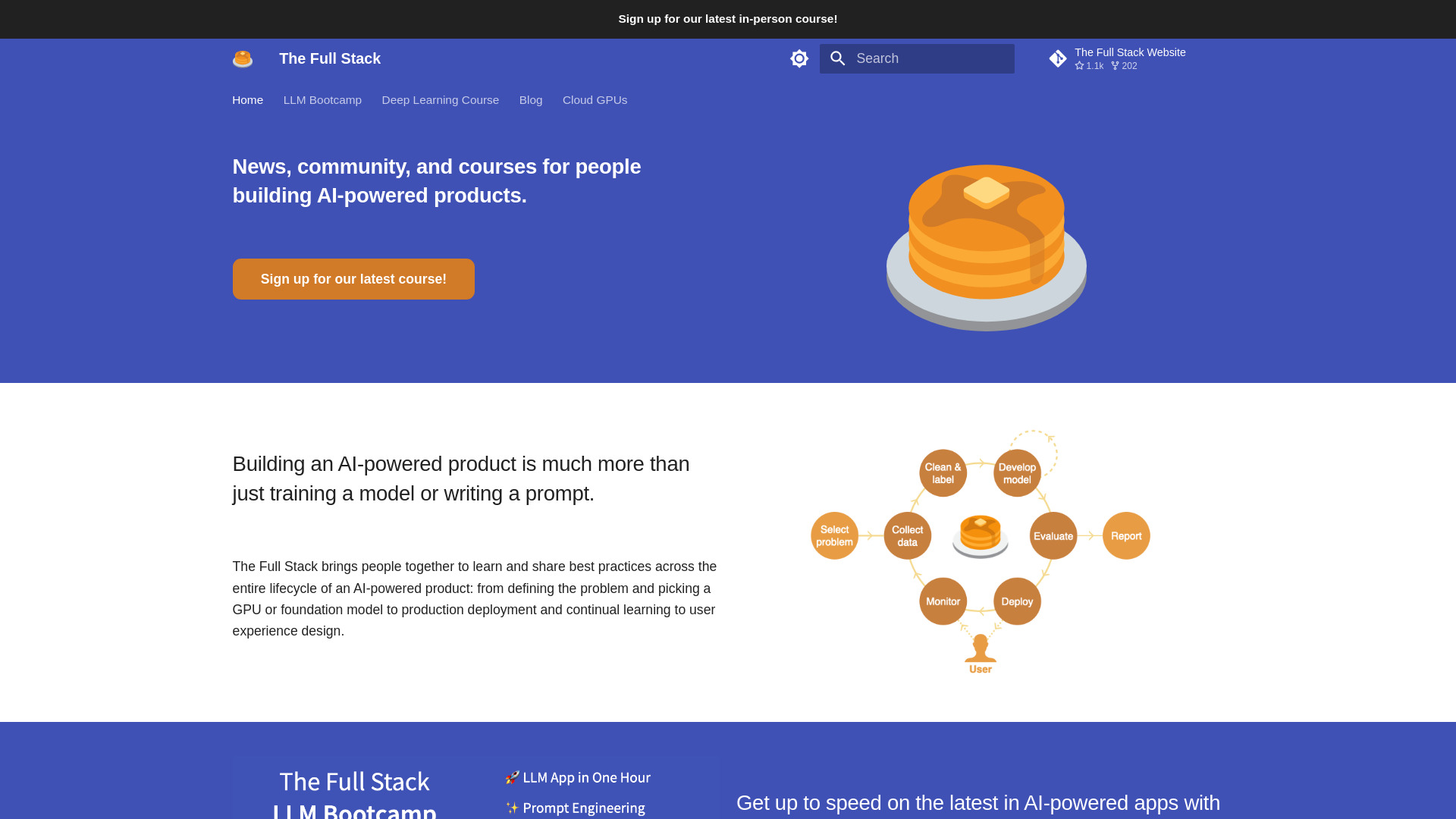
The Full Stack is an adjacent resource rather than a serverless GPU provider, but it addresses a common reason distributed AI projects stumble: the team understands model training but not the rest of the product lifecycle. Its news and articles, community forum, courses, and LLM Bootcamp cover the practical work around building AI-powered products. For an engineering team evaluating platforms, that makes it useful as a learning companion and process reference, not as the place to provision a distributed training workload.
Best for
AI engineers filling gaps across product development and deployment
Teams learning how model work connects to an AI product
Practitioners who want courses, articles, and community discussion
Limitations
Some courses may require payment or a subscription
Content may be aimed at a particular skill level
It does not replace GPU infrastructure, scheduling, or model-serving capacity
Shortlist signal: Add The Full Stack when your platform decision is being slowed by engineering-process gaps rather than GPU availability alone.
5. Cirrascale Cloud Services

- AI researchers comparing accelerator options
- Multi-accelerator AI cloud with no data transfer fees
- Starts at 8X AMD MI300X: $17,999
- Usage signal: 22.6K
Why it matters
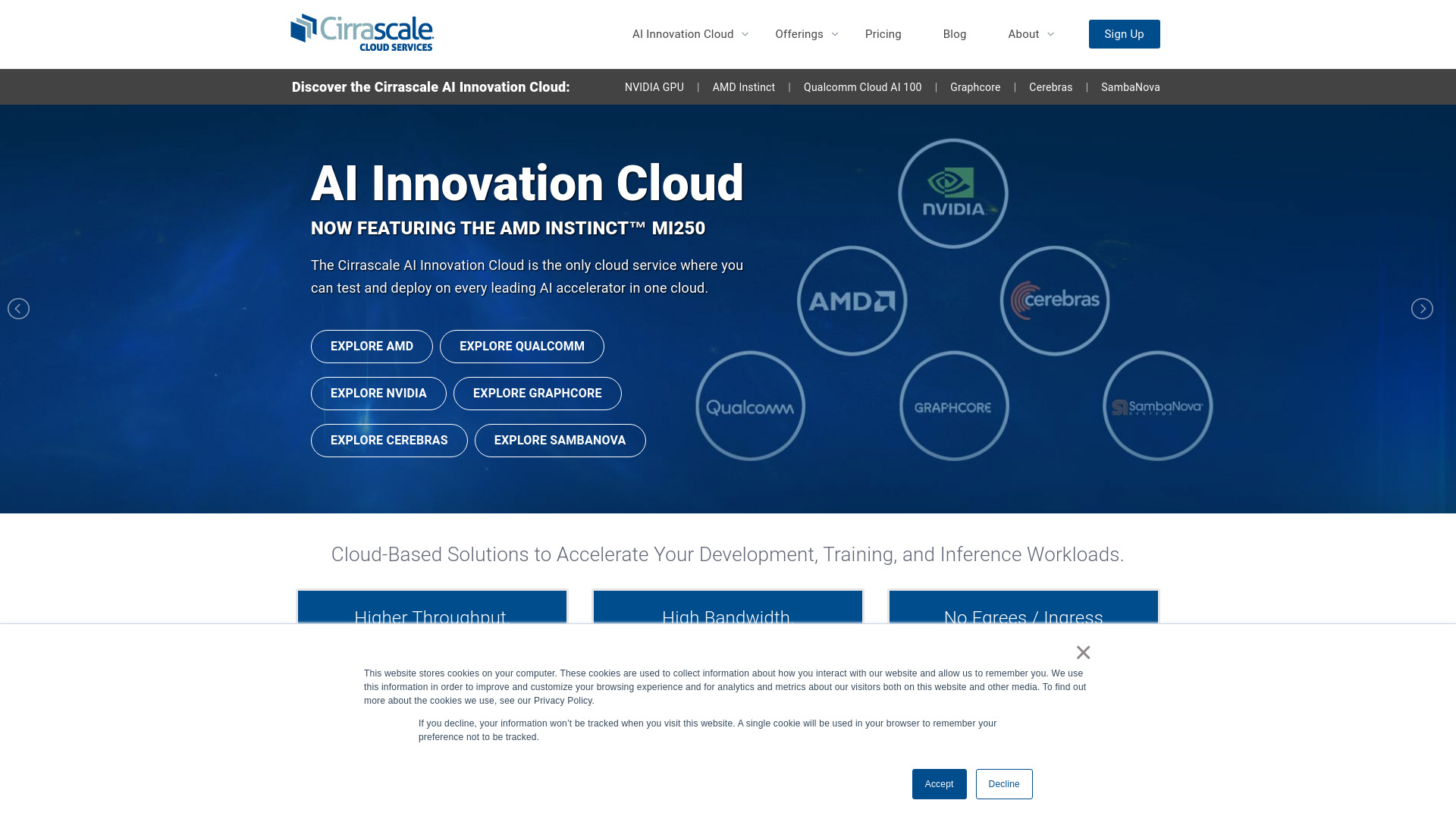
Cirrascale stands out for teams that do not want to make every workload an NVIDIA-only decision. Its AI Innovation Cloud supports multiple accelerator options, high-throughput and multi-tiered storage, and professional or managed services. The ability to test and deploy on leading AI accelerators in one cloud is particularly relevant when teams are comparing performance, availability, or economics across hardware types. No egress or ingress data transfer fees also deserves a place in the cost model, although the configuration can be complex.
Best for
AI researchers benchmarking multiple accelerator families
Teams with high-throughput storage requirements
Organizations that value managed services and flexible hardware choices
Limitations
Pricing varies substantially by configuration
Effective use requires some cloud-resource expertise
The listed 8X AMD MI300X price is a significant infrastructure commitment
Shortlist signal: Choose Cirrascale when accelerator choice and data movement economics are central to the training plan.
6. kluster.ai
- ML engineers optimizing inference and fine-tuning
- Serverless inference, fine-tuning, and adaptive scaling
- Starts at Qwen3-235B-A22B: $0.15 input / $2 output
- Usage signal: 3.0K
Why it matters
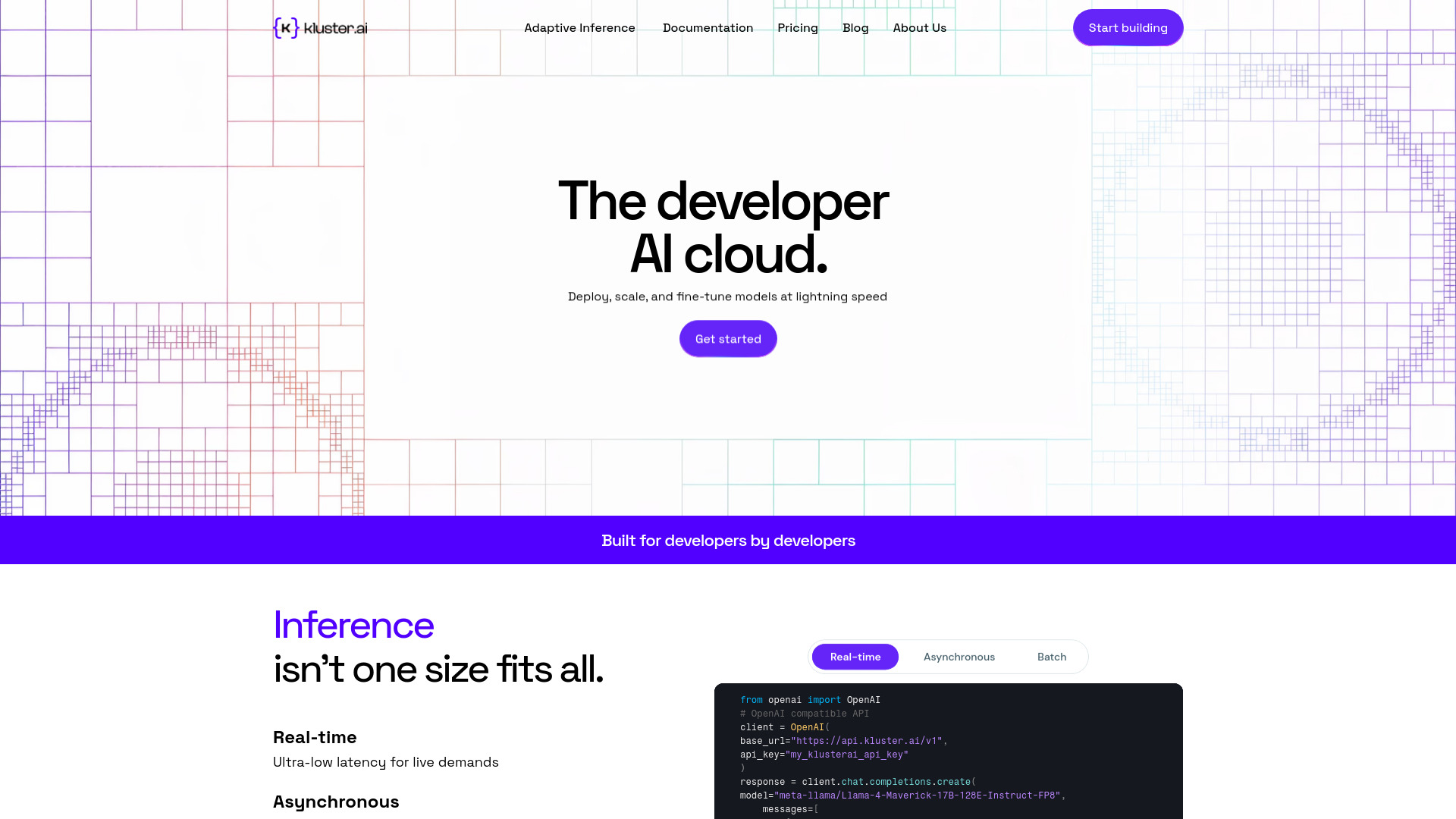
kluster.ai is a focused option for teams that want serverless inference and fine-tuning without treating every job as a permanent infrastructure project. Adaptive Inference, plus support for batch and real-time inference, gives ML engineers a way to think about latency and cost together. Its stated cost savings of up to 50% are attractive as a reason to test the platform, but the real decision should come from a workload-specific benchmark. Pricing varies with the completion window, so a cheap-looking endpoint can still behave differently under production traffic.
Best for
ML engineers running batch and real-time inference
Teams experimenting with serverless fine-tuning
Workloads where predictable performance and rate limits matter
Limitations
Limits and restrictions may apply to particular workloads
Pricing changes with the selected completion window
It is more naturally an inference and fine-tuning choice than a full cluster platform
Shortlist signal: Add kluster.ai when you need serverless inference or fine-tuning and want to compare performance against a GPU-managed alternative.
7. Mexty

- Teachers creating interactive AI learning content
- 10 one-time credits
- Starts at Free: €0
- Usage signal: 3.7K

Why it matters
Mexty is the furthest category neighbor in this ranking, but it can matter when the end product of an AI project is training or education rather than model infrastructure. Its AI-native interactive course authoring, personalized learning content, and onboarding features help teams turn technical material into interactive learning experiences. It has no reason to be selected for distributed GPU training, yet it is a useful adjacent tool for organizations building the human-training layer around an AI program.
Best for
Teachers creating interactive courses and quizzes
Teams producing onboarding or employee training content
Organizations that need personalized learning material around AI initiatives
Limitations
The free plan provides only limited one-time credits
Credit usage requires monitoring
It does not provide distributed training infrastructure or GPU clusters
Shortlist signal: Consider Mexty only when the project includes interactive learning content; do not treat it as a compute platform.
8. Deploifai
- ML engineers managing cloud-based training pipelines
- Starts at $0/month for ML cloud management
- Starts at Check vendor pricing
- Usage signal: Not listed
Why it matters
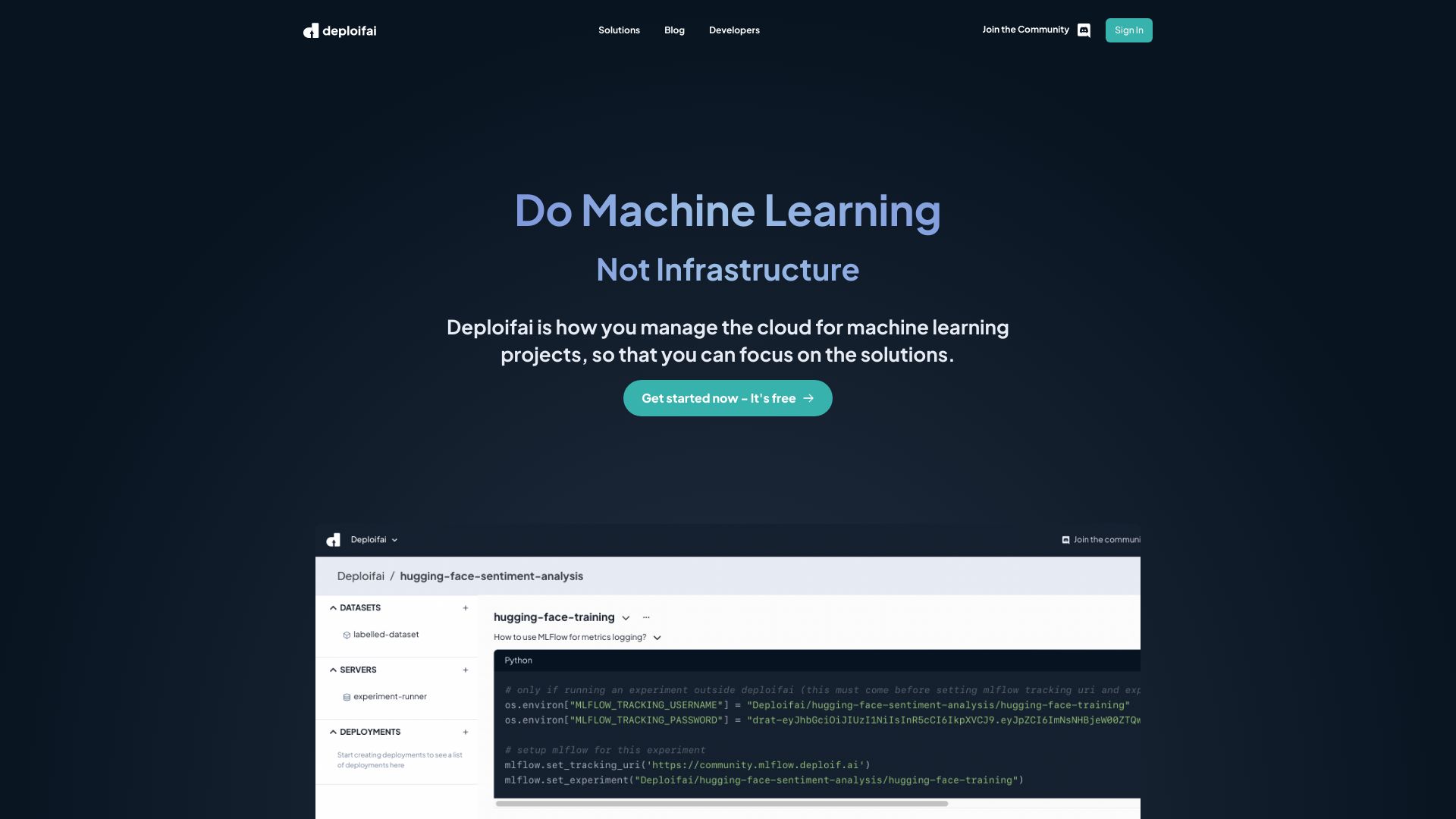
Deploifai addresses the layer between an ML project and the cloud account it runs on. Automated infrastructure management, dataset management, model training, and fine-tuning can give ML engineers a more SaaS-like experience without removing the underlying cloud relationship. That makes it relevant when the team already has cloud resources but does not want every engineer hand-building infrastructure. It is a practical operations choice, though not a fully independent serverless cloud.
Best for
ML engineers automating infrastructure for training projects
Teams managing datasets, training, fine-tuning, and deployment together
Organizations that want a simpler interface over their own cloud account
Limitations
A cloud account is required
Infrastructure management remains dependent on Deploifai's platform
Pricing is presented as a starting point rather than a complete workload estimate
Shortlist signal: Choose Deploifai when cloud infrastructure automation is the main pain point and your team is comfortable retaining its own cloud account.
9. QSC Cloud

- AI startups sourcing on-demand GPU clusters
- On-demand GPU clusters for AI, deep learning, and HPC
- Starts at Check vendor pricing
- Usage signal: Not listed
Why it matters
QSC Cloud is built around the infrastructure question many AI startups eventually face: where can we get enough accelerator capacity for the next training or inference milestone? It offers on-demand NVIDIA GPU cloud clusters and access to NVIDIA H100, H200, and AMD MI300 GPUs, with global GPU connectivity. That hardware range makes it worth a conversation for teams that have outgrown small experiments. The purchasing process is less transparent than an API-first service, so capacity and commercial terms should be confirmed early.
Best for
AI startups planning larger training or inference workloads
Teams comparing H100, H200, and AMD MI300 access
Organizations that need scalable GPU infrastructure as demand grows
Limitations
Pricing requires contacting the vendor
The platform relies on partnerships with other cloud providers
Hardware availability and commercial terms need direct validation
Shortlist signal: Put QSC Cloud on the list when your startup needs serious GPU capacity but is not ready to build its own infrastructure footprint.
10. Denvr Dataworks

- AI developers needing on-demand or dedicated GPUs
- Initial $1,000 startup credit
- Starts at Check vendor pricing
- Usage signal: Not listed
Why it matters
Denvr Dataworks combines high-performance computing services with on-demand and dedicated GPU access, positioning the platform around AI training and inferencing. The initial $1,000 startup credit can make a technical evaluation more approachable, while the focus on simplified AI development and operations speaks to teams that want compute without building every supporting service themselves. It is a sensible final comparison point for a startup or developer team weighing infrastructure access against total cost of ownership.
Best for
AI developers running training and inference experiments
Teams that need on-demand or dedicated GPU access
Startups evaluating high-performance computing without a large initial commitment
Limitations
Special pricing is subject to terms and conditions
Console access requires sign-in
Complete pricing is not immediately clear before vendor contact
Shortlist signal: Choose Denvr Dataworks when an initial startup credit and flexible GPU access can materially lower the cost of your first evaluation.
What to test before choosing
Do not select a platform based on GPU names alone. Run a small, representative workload and record the full path from setup to result.
- 1
Reproduce the environment. Confirm how code, containers, dependencies, datasets, and credentials move into the platform. A fast first run is not enough if the second run cannot be reproduced.
- 2
Measure distributed behavior. For multi-GPU or multi-node jobs, compare scaling efficiency rather than looking only at total GPU count. Record startup time, synchronization overhead, failure recovery, and storage throughput.
- 3
Test the serverless boundary. Ask what the platform actually manages. Does it handle provisioning, scheduling, autoscaling, model serving, or only the API endpoint?
- 4
Calculate the whole bill. Include GPU time, tokens, storage, data movement, reservation terms, completion windows, and minimum commitments. Free credits are useful for testing but should not define the production budget.
- 5
Check operational escape routes. Confirm whether you can export models, move datasets, use standard containers, or run familiar tools such as Slurm and Kubernetes where relevant.
- 6
Stress the failure path. A training job that stops halfway can cost more than a slightly slower successful job. Test retries, logs, checkpoint handling, and support response before a major commitment.
For an API-first comparison, benchmark the same model and prompt mix on Deep Infra and kluster.ai. For cluster-oriented work, compare a managed option such as Fluidstack with an accelerator-flexible provider such as Cirrascale Cloud Services. That split will reveal more than comparing every tool against the same artificial test.
What to do next
Start with the workload, not the vendor shortlist. Write down whether the immediate need is distributed training, fine-tuning, batch inference, real-time serving, or infrastructure automation. Then identify the GPU family, memory requirement, dataset size, expected run frequency, and acceptable completion time.
Next, select two platforms from the relevant segment. Ask each vendor for the same information: available accelerators, provisioning time, scheduler or orchestration support, storage performance, billing unit, minimum term, data-transfer charges, and support model. If the platform is serverless, ask what happens during a traffic spike and how usage limits are enforced.
Finally, run a paid pilot if the workload is business-critical. A short, controlled bill is more informative than a generous credit balance. Keep the winning platform only if it performs well, produces a legible invoice, and gives the team a recovery path when a training job or endpoint fails.
Common mistakes when choosing from a complex top list
Treating every cloud AI product as a training platform. Atlas Cloud and Mexty can be useful in adjacent workflows, but they should not be evaluated as substitutes for a managed GPU cluster.
Confusing serverless with unlimited. Serverless services still have rate limits, usage tiers, supported models, capacity constraints, or completion-window pricing.
Comparing hardware labels instead of delivered throughput. An H100 or MI300 listing says little about queue time, storage, networking, or multi-node scaling in your actual workload.
Ignoring the management layer. A provider may supply GPUs while leaving your team responsible for containers, datasets, schedulers, checkpoints, and deployment.
Using free credits as the main buying criterion. Credits help with evaluation, but they do not predict the recurring cost of production training.
Skipping the procurement path. Contact-based pricing, reserved-cluster minimums, prepayment, and required cloud accounts can change the practical fit more than a feature list does.
Overlooking portability. Before committing, confirm how easily you can move models, data, images, and workflow definitions to another provider.
FAQ
It is a service that removes some or all of the infrastructure work involved in running AI workloads. Depending on the product, that may mean a simple model API, automatic provisioning, managed GPU clusters, autoscaling, or infrastructure automation. The term is not standardized, so buyers should ask exactly which operational tasks the vendor handles.