
The top tools for securing ai software supply chain are not all traditional security scanners. The strongest shortlist spans agent builders with run monitoring, internal-app platforms with permissions, self-hosted AI gateways, developer tools, and a few less direct options that are useful only in narrow workflows. I compared 10 tools so you can separate genuine governance capabilities from platforms that merely happen to use AI.
Start here
The right choice depends on where risk enters your AI stack. If teams are building agents and connecting them to business systems, start with Sim. For centrally governed internal applications, Superblocks is the more natural fit. Grengin deserves attention when keeping the AI layer in your own cloud matters more than managed convenience.
For operations teams that need administrator-approved data connections, Prized is a compelling focused option. Developers doing security research should look at AvantaGPT, while VPS AI addresses a different problem: keeping an agent's working environment online and persistent.
A note on scope: SpeedAI, SalesTable AI, Sup AI, and AlphaAI are adjacent rather than complete software supply chain security products. They remain in the comparison because their capabilities touch AI output controls, coaching, model orchestration, or structured data workflows. Treat them as specialist alternatives, not replacements for a formal security program.
Segment comparison
| Segment | Strongest fit | What it helps control | Main trade-off |
|---|---|---|---|
| Agent development and orchestration | Sim | Agent workflows, integrations, and run monitoring | Advanced limits require paid plans |
| Governed internal applications | Superblocks | Authentication, permissions, audit logs, and data access | Enterprise pricing requires sales contact |
| Scoped business tooling | Prized | Administrator-approved connectors and role-scoped access | Free plan supports one tool and one member |
| Self-hosted AI access | Grengin | Model access, usage analytics, and governance in your cloud | You supply the cloud and API keys |
| Developer and security workflows | AvantaGPT | Code analysis, scripting, and vulnerability research | Free plan allows five requests per day |
Shortlist paths
| Your situation | Start with | Why |
|---|---|---|
| You need to build agents across many business systems | Sim | Visual, conversational, and code-based development with 1,000+ integrations |
| IT must govern AI apps and enterprise data | Superblocks | RBAC, SSO, audit logs, and granular data access controls |
| Non-developers need controlled internal tools | Prized | Natural-language tool creation with approved, scoped connections |
| Your organization requires data-path control | Grengin | Open-source software running in your own cloud |
| Agents need a persistent browser and Linux workspace | VPS AI | Always-on cloud desktop with files, terminal, Chrome, and live streaming |
Ranking snapshot
| Rank | Tool | Score | Best for | Starting price |
|---|---|---|---|---|
| #1 | Sim | 91/100 | AI engineers | Free: $0 |
| #2 | Superblocks | 91/100 | IT administrators | Teams: $125/month, billed monthly |
| #3 | Prized | 91/100 | Operations teams | Free: $0 |
| #4 | SpeedAI | 90/100 | Academic researchers | Free: ¥0 |
| #5 | SalesTable AI | 89/100 | Sales leaders | Check vendor pricing |
| #6 | Sup AI | 87/100 | Students | Free: $0/month |
| #7 | Grengin | 87/100 | IT administrators | Free: $0/month |
| #8 | AvantaGPT | 87/100 | Software developers | Free: $0/month |
| #9 | AlphaAI | 87/100 | Algorithmic traders | Free: $0 |
| #10 | VPS AI | 87/100 | AI agent developers | Spark: $19/month |
How we grouped and ranked the list
I grouped the tools by the control point they address rather than pretending every product is a conventional supply chain scanner. The first group covers agent and app construction, where permissions, connectors, and execution visibility matter. The second covers infrastructure and deployment choices, including self-hosting and persistent environments. The final group contains specialist products whose AI controls or structured workflows may support a narrow part of the process but do not replace access governance.
The score weighs practical feature depth, fit for the stated audience, ease of starting, pricing clarity, and the strength of the tool's stated governance or control features. Market signals such as monthly visits and usage signals inform the ranking, but they do not override a clear mismatch. That is why Sim, Superblocks, Prized, and Grengin lead the list, while several highly capable but narrower products rank lower.
Ranked field notes
1. Sim

- AI engineers
- 1,000 monthly credits
- Starts at Free: $0
- Usage signal: 135.8K
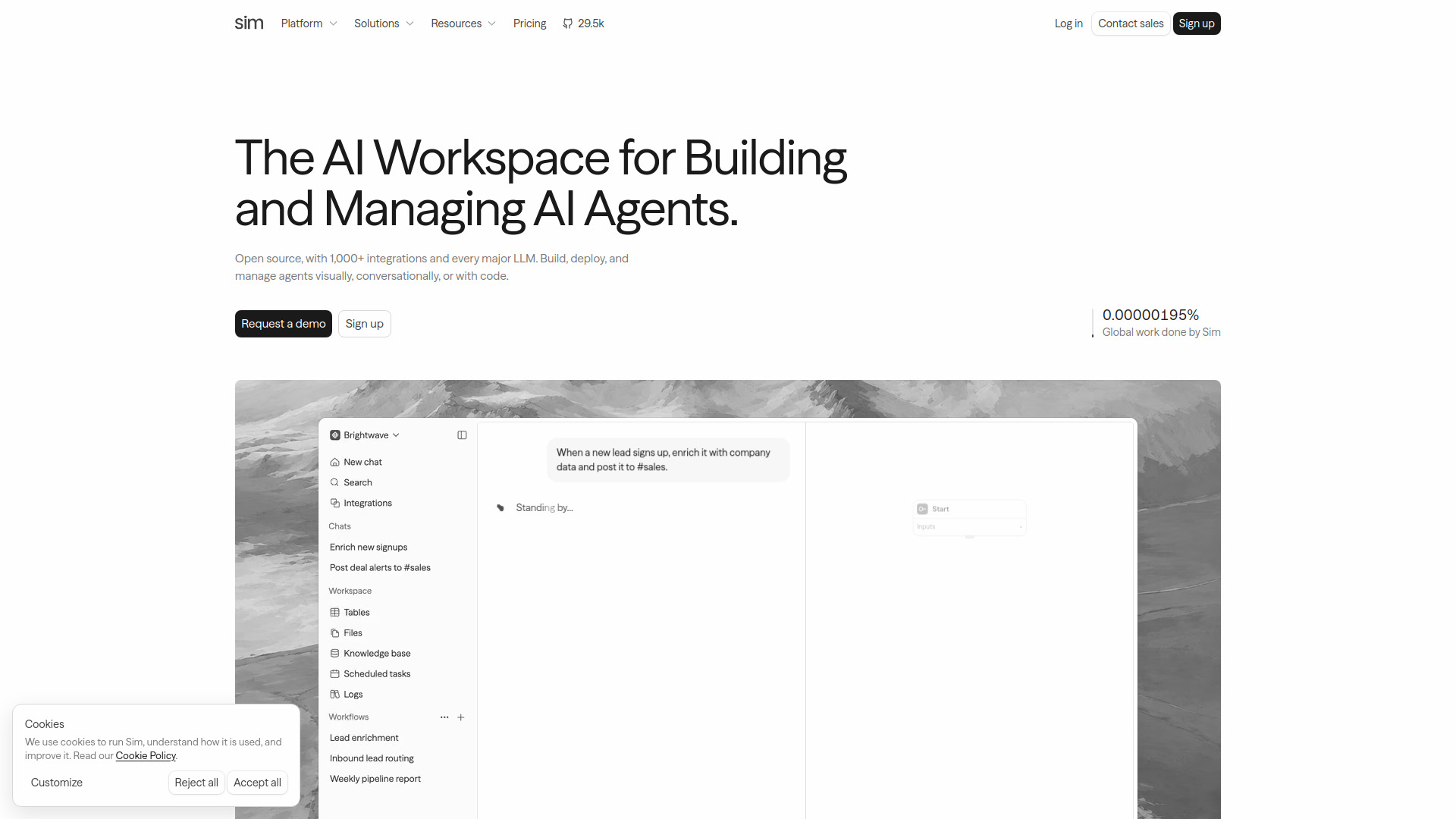
Why it matters Sim is the closest all-around match for teams building and operating AI agents rather than simply chatting with a model. Its visual, conversational, and code-based workflow builder gives engineers several ways to create the same kind of system, while connections to more than 1,000 services bring the software supply chain into the workflow itself. Support for major model providers is also useful when you want to avoid tying an agent to one vendor. The important caveat is that this is an agent workspace, not a complete security program: you still need to validate how its controls map to your own review, access, and retention requirements.
Best for
AI engineers building multi-step agents
Teams connecting agents to business systems such as GitHub, Jira, Slack, or Linear
Organizations that need visual and code-based development in one workspace
Limitations
Advanced capabilities and higher execution limits require paid plans
The free plan is limited to one workspace, five tables, 5 GB of storage, and 30-day log retention
Shortlist signal: Add Sim first when your biggest risk is uncontrolled agent construction across many integrations and model providers.
2. Superblocks

- IT administrators
- 14-day free trial
- Starts at Teams: $125/month, billed monthly
- Usage signal: 152.0K
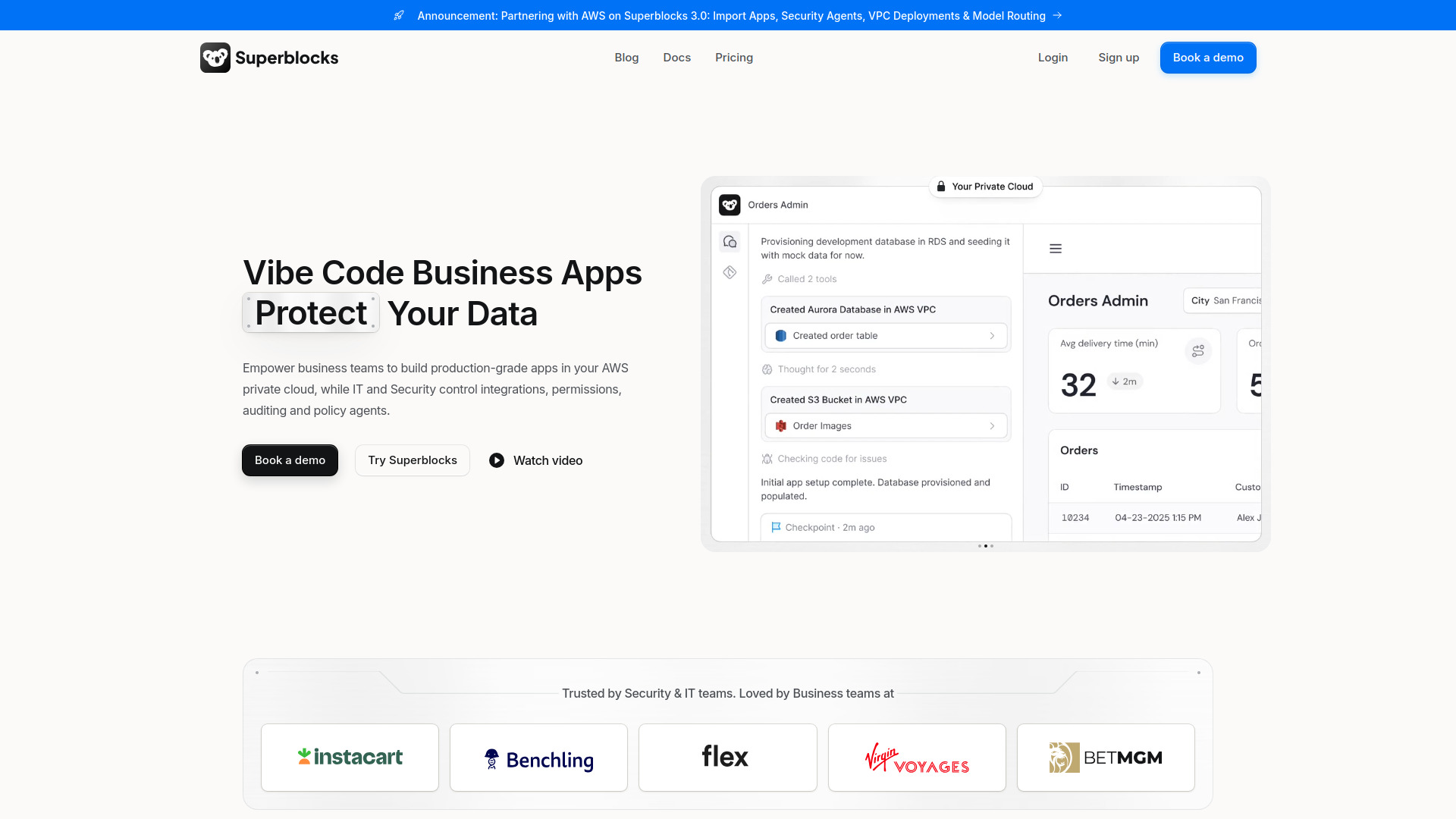
Why it matters Superblocks earns its place near the top because it combines AI-assisted application building with the administrative controls an IT team expects. Clark helps create applications, but the more relevant part for this category is the surrounding governance: authentication, RBAC, SSO, audit logs, and granular data access controls. That makes it a stronger choice than a lightweight AI builder when internal apps will connect to enterprise information. I would put it on the shortlist for teams that need application speed without handing every connector and permission decision to individual builders.
Best for
IT administrators governing AI-powered internal applications
Enterprises that require SSO, RBAC, audit logs, and controlled data access
Teams that want AI-assisted building inside a governed application platform
Limitations
Enterprise pricing is not publicly specified and requires contacting sales
The Teams plan includes one hosted app; additional apps are charged separately
Shortlist signal: Choose Superblocks when centralized identity, permissions, and auditability matter more than the lowest entry price.
3. Prized

- Operations teams
- 1 tool free with 200 credits
- Starts at Free: $0
- Usage signal: 29.6K
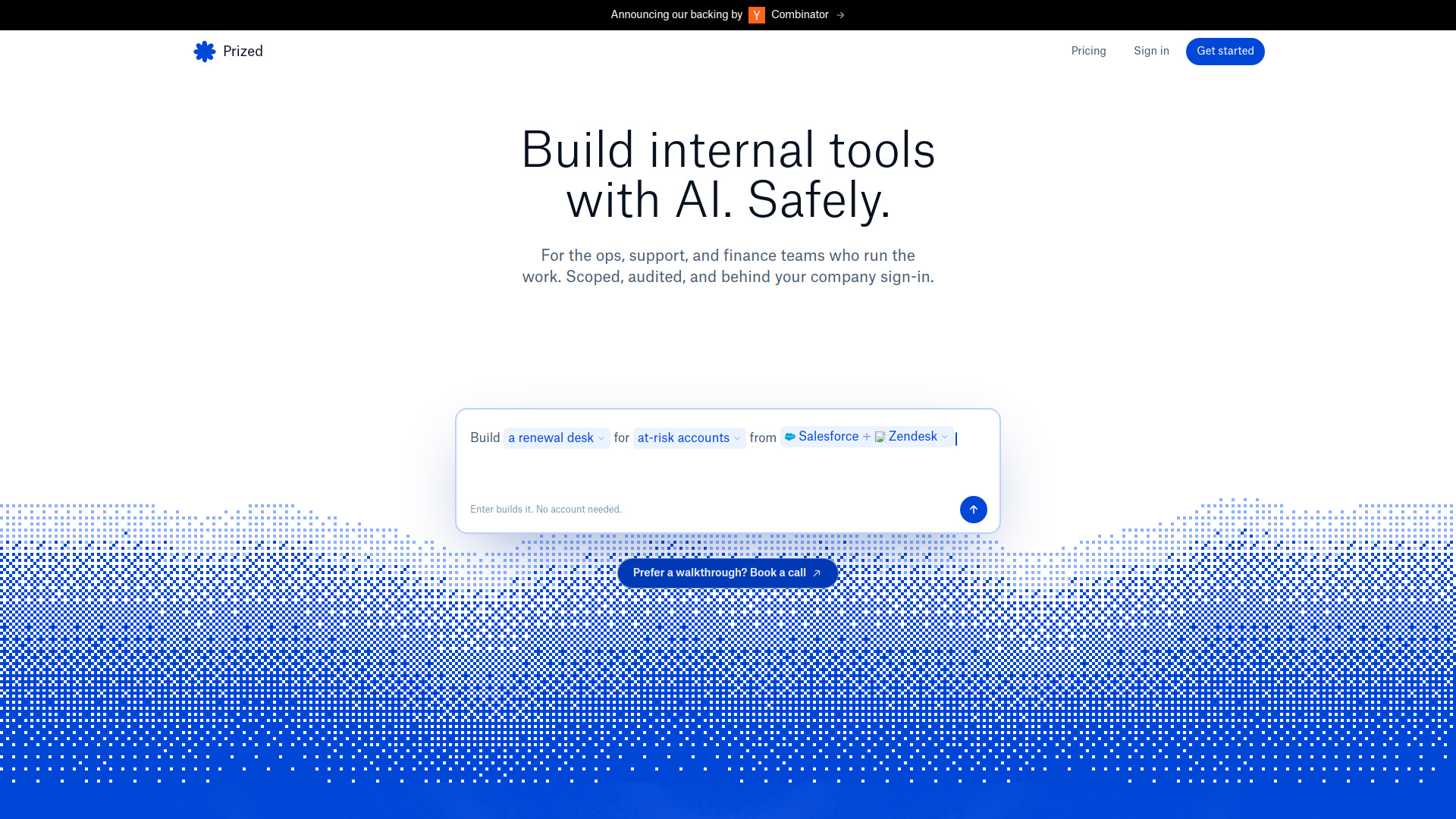
Why it matters Prized focuses on a common weak point in AI adoption: business users creating useful tools without a clear boundary around company data. Its natural-language generation makes internal tools accessible to non-developers, while administrator-approved connectors, scoped access, and role-based permissions provide a more deliberate path for data exposure. That combination is valuable for operations teams that need speed but cannot allow every generated tool to browse the entire company stack. The platform is narrower than Superblocks, yet its emphasis on scoped connections is exactly why it ranks highly here.
Best for
Operations teams creating internal tools from plain-language instructions
Administrators approving and limiting company data connections
Organizations using role-scoped connectors for different teams
Limitations
The Free plan supports one tool and a single-member workspace
Teams includes only 11 commonly used connectors; broader access requires Enterprise
Shortlist signal: Shortlist Prized when the priority is letting non-developers build tools without giving them unrestricted company-data access.
4. SpeedAI

- Academic researchers
- 500-point free trial
- Starts at Free: ¥0
- Usage signal: 1.5K
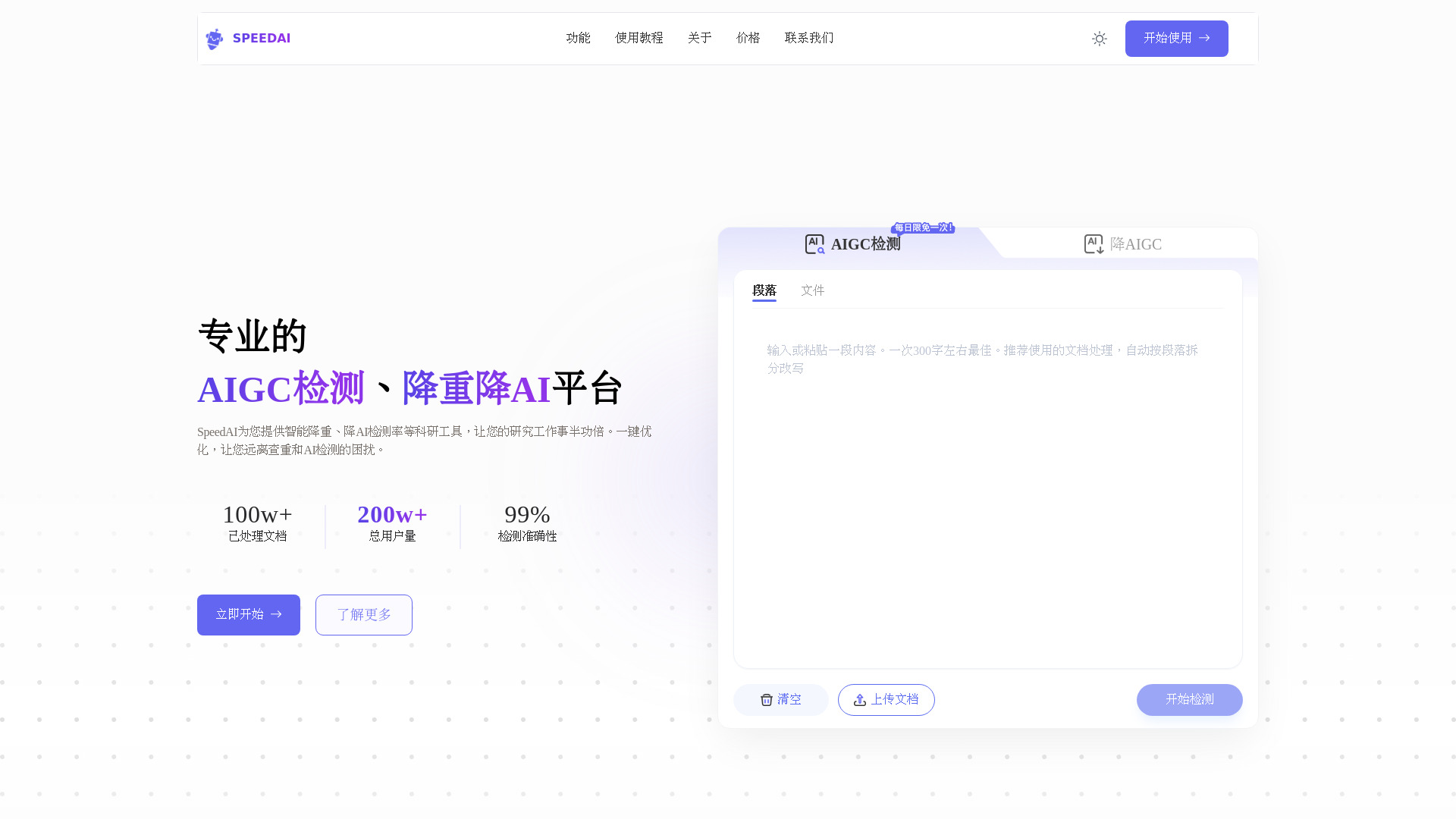
Why it matters SpeedAI is an outlier in this field guide, but it has a defined role in an AI-heavy academic workflow. It combines AI detection with paraphrasing and claims compatibility with Turnitin, CNKI, VIP, and Gezida. Its non-destructive formatting focus is the useful detail here: fonts, headers, and citations are intended to remain intact while text is rewritten. That is not software supply chain security in the infrastructure sense, and buyers should be careful about institutional policies before using any humanizing or bypass-oriented feature. Still, it can be relevant when the control problem is reviewing AI-generated academic content.
Best for
Academic researchers checking AI-generated or heavily edited documents
Users who need formatting and citations preserved during rewriting
Workflows involving the listed academic detection platforms
Limitations
Full functionality requires purchasing points or credits
The workflow may require paraphrasing before AI reduction for best results
It is not a substitute for access control, dependency review, or deployment governance
Shortlist signal: Consider SpeedAI only for a document-review use case, not as your primary AI software supply chain control.
5. SalesTable AI

- Sales leaders
- Starts at Check vendor pricing
- Usage signal: 122

Why it matters SalesTable AI belongs in the adjacent-tools section because its security relevance comes from the way it standardizes AI-assisted coaching and onboarding, not from a stated software supply chain feature set. The AI Sales Coach and AI Sales Manager provide guidance around the clock, and the product is designed to reduce sales-rep ramp time. That can help a sales organization control how AI-generated guidance enters day-to-day work, but it does not address model provenance, dependency risk, or developer access. Its place on this list is therefore highly conditional.
Best for
Sales leaders standardizing AI-supported coaching
Teams managing onboarding and sales guidance workflows
Organizations evaluating a dedicated sales enablement platform
Limitations
Pricing is not transparent and requires contacting sales
No explicit free trial or free tier is listed
Its focus is sales enablement rather than technical supply chain security
Shortlist signal: Add SalesTable AI only when sales coaching is the control point you need to improve, not when you need infrastructure governance.
6. Sup AI

- Students
- 50 fast messages/day; 10 thinking/day; 2 deep/day
- Starts at Free: $0/month
- Usage signal: Not listed
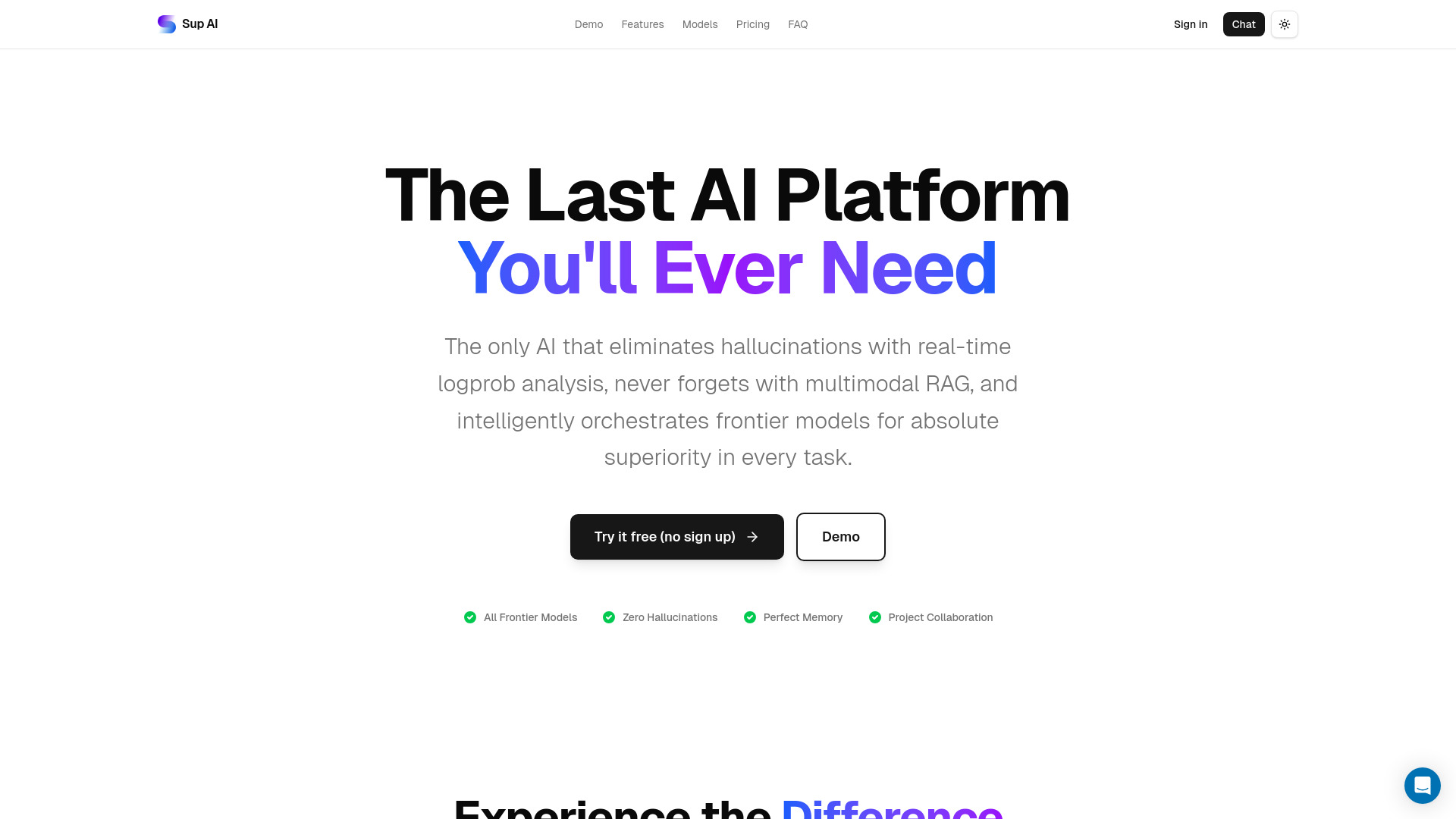
Why it matters Sup AI takes a model-orchestration approach: its Pro Mode has nine frontier models collaborate, while logprob confidence scoring and the K-Min Token Hedge are designed to detect or stop low-confidence output. Those are interesting safeguards when the concern is whether an AI response should be trusted. Multimodal retrieval across images, PDFs, and text adds useful context handling. But confidence scoring is not the same as securing the components that produce an answer. Model availability also needs checking, since some listed models are deprecated.
Best for
Students and researchers comparing multi-model answers
Users who want confidence signals alongside generated responses
Workflows involving images, PDFs, and text through multimodal retrieval
Limitations
Some listed frontier models are deprecated
GPT-5 Pro may take minutes on complex requests
It does not replace identity, connector, or deployment controls
Shortlist signal: Shortlist Sup AI when output confidence is your immediate concern and you understand that it is not a full governance layer.
7. Grengin

- IT administrators
- Self-hosted in your cloud
- Starts at Free: $0/month
- Usage signal: Not listed
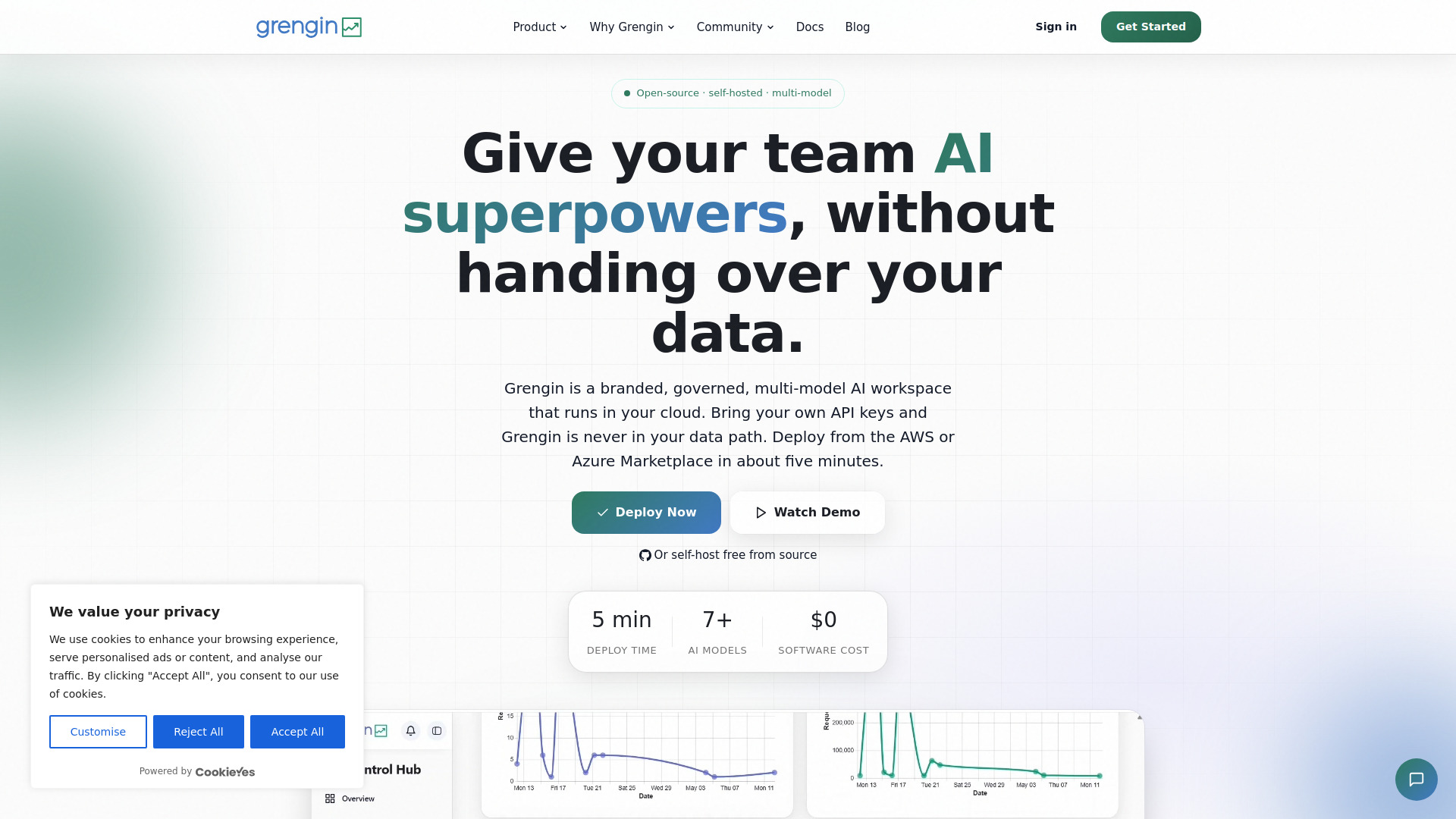
Why it matters Grengin addresses a fundamental architectural choice: whether a third party should sit in the data path. It runs in your own cloud, provides access to OpenAI, Claude, Gemini, and other models, and includes an admin dashboard with usage analytics and governance controls. The public GitHub codebase also gives technically capable teams a way to inspect what they are deploying. This is a strong fit for organizations that value control and transparency, but self-hosting shifts responsibility to your team. You need your own cloud account and provider keys, and it is not a managed SaaS product.
Best for
IT administrators managing multi-model access
Teams that need the AI layer to run in their own cloud
Security-conscious organizations that want an inspectable open-source codebase
Limitations
Requires your own cloud account and AI provider API keys
Not a fully managed SaaS product
Your team owns more of the deployment and operational burden
Shortlist signal: Choose Grengin when data-path control and code transparency outweigh the convenience of a managed AI gateway.
8. AvantaGPT

- Software developers
- 5 requests/day
- Starts at Free: $0/month
- Usage signal: Not listed
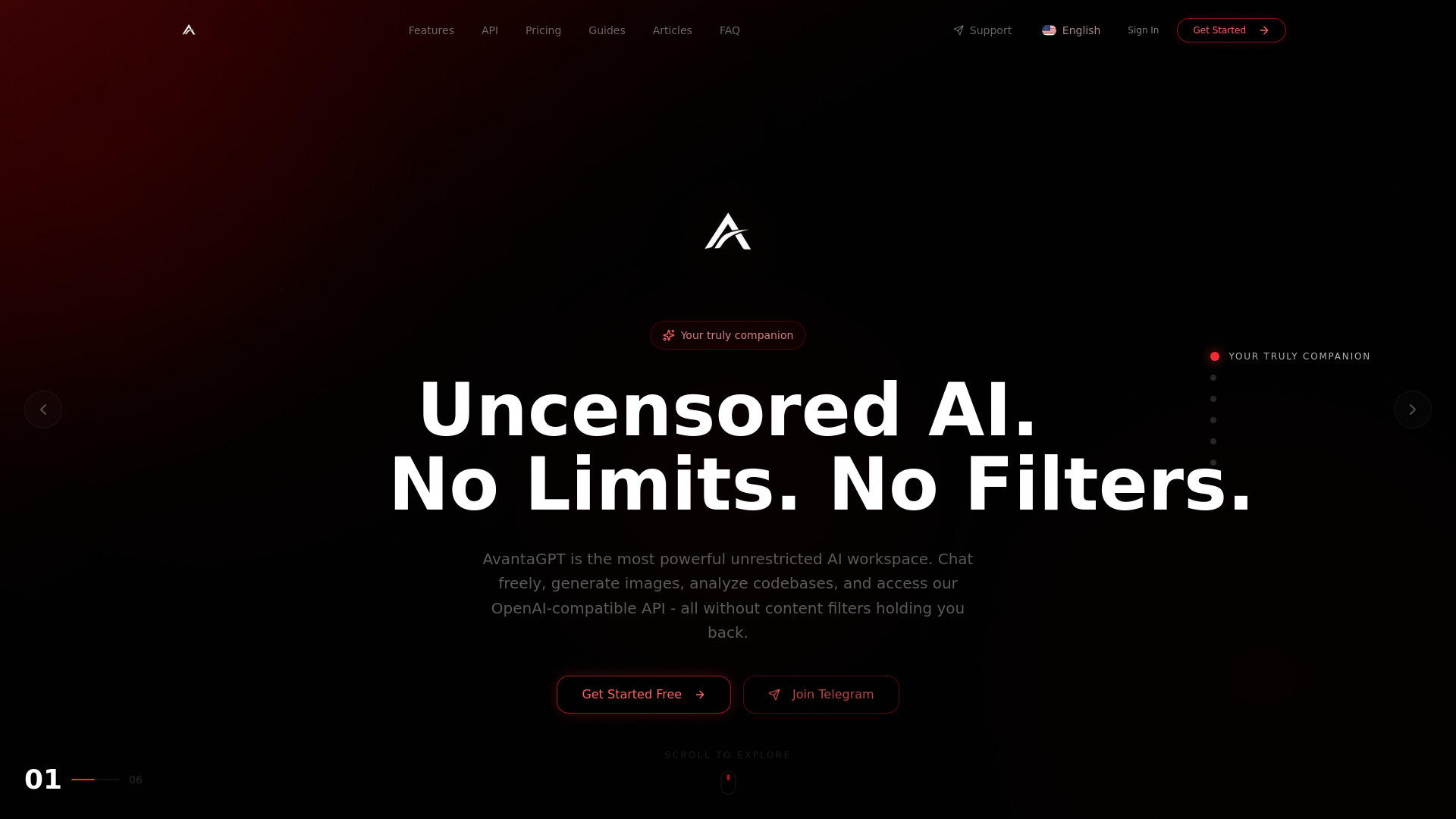
Why it matters AvantaGPT is one of the more relevant specialist options for developer-facing security work. It is positioned around vulnerability analysis, scripting, Linux workflows, and code generation, with support for codebase analysis and an OpenAI-compatible API. That makes it useful for investigation and technical prototyping, especially when an engineer wants AI assistance inside a security-oriented workflow. The product should still be treated as an assistant rather than an automated authority: its usage limits and monthly credit allowances affect how much work it can handle.
Best for
Software developers analyzing and refactoring code
Cybersecurity researchers working on vulnerability analysis and scripts
Technical users who want chat and developer workflows together
Limitations
The free plan is limited to five requests per day
Paid plans use monthly credit allowances
The product's assistance does not replace human review of security findings
Shortlist signal: Put AvantaGPT on the list when developer security research is central and a small daily free allowance is acceptable.
9. AlphaAI

- Algorithmic traders
- 20 API requests/minute and 100/day
- Starts at Free: $0
- Usage signal: Not listed
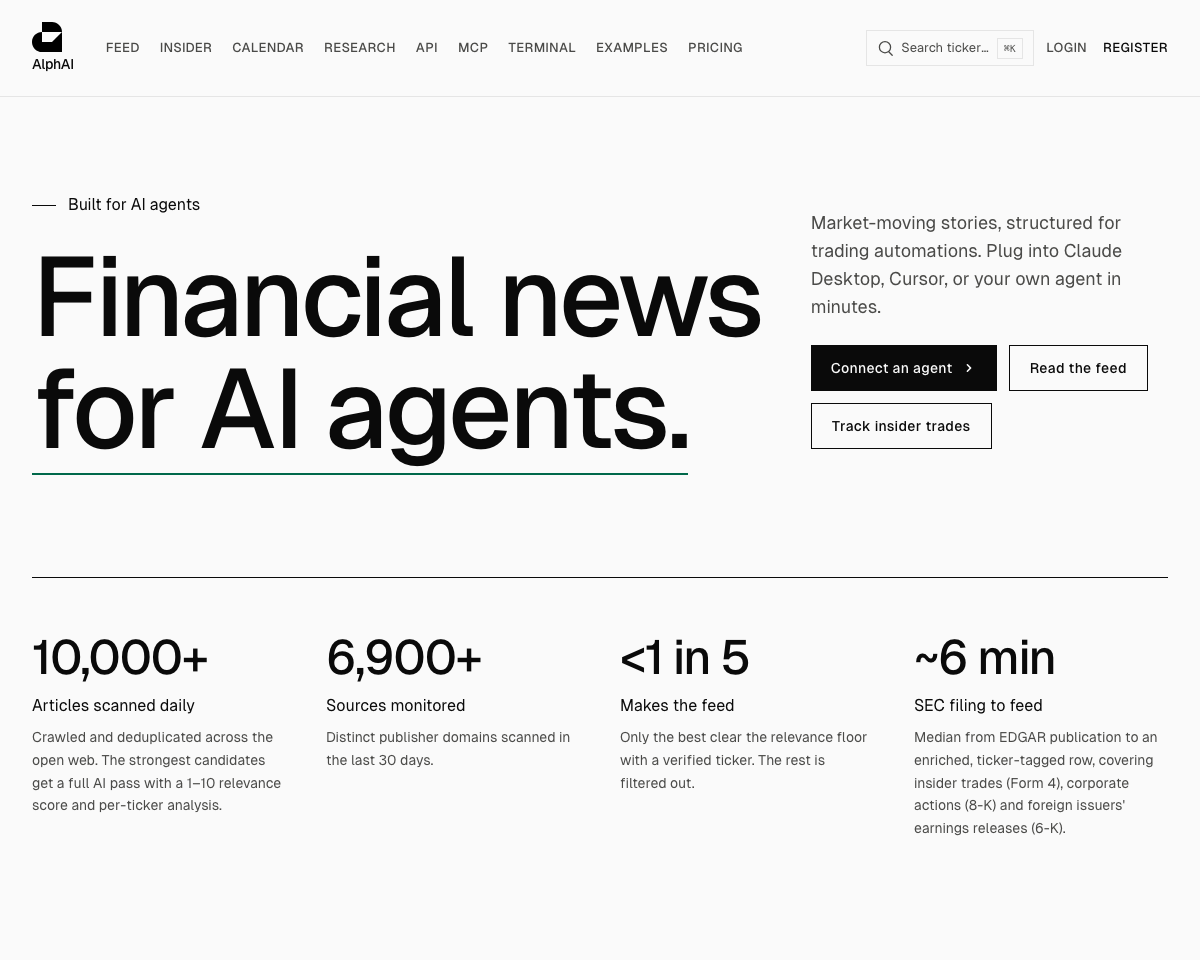
Why it matters AlphaAI is another narrow adjacent option. It turns financial news and SEC filings into structured events, adding relevance scores, per-ticker impact analysis, and written sentiment reasoning. Its REST API and MCP access make it relevant to teams building data-driven agents, because the input layer is more structured than an unfiltered news feed. That can reduce ambiguity in a specific financial workflow, but it says nothing about the security of your broader AI software supply chain. The 30-day archive limit on free API and MCP access is worth testing early.
Best for
Algorithmic traders consuming structured financial news
Developers building agents around SEC filings and ticker events
Teams that need relevance and impact scores before downstream processing
Limitations
Free access is limited to 20 requests per minute and 100 per day
Free API and MCP access is limited to a 30-day archive
Its financial-data focus makes it unsuitable as a general security platform
Shortlist signal: Consider AlphaAI when structured financial inputs are the risk boundary you need to control, not as a general AI governance product.
10. VPS AI

- AI agent developers
- Always-on cloud desktop
- Starts at Spark: $19/month
- Usage signal: Not listed
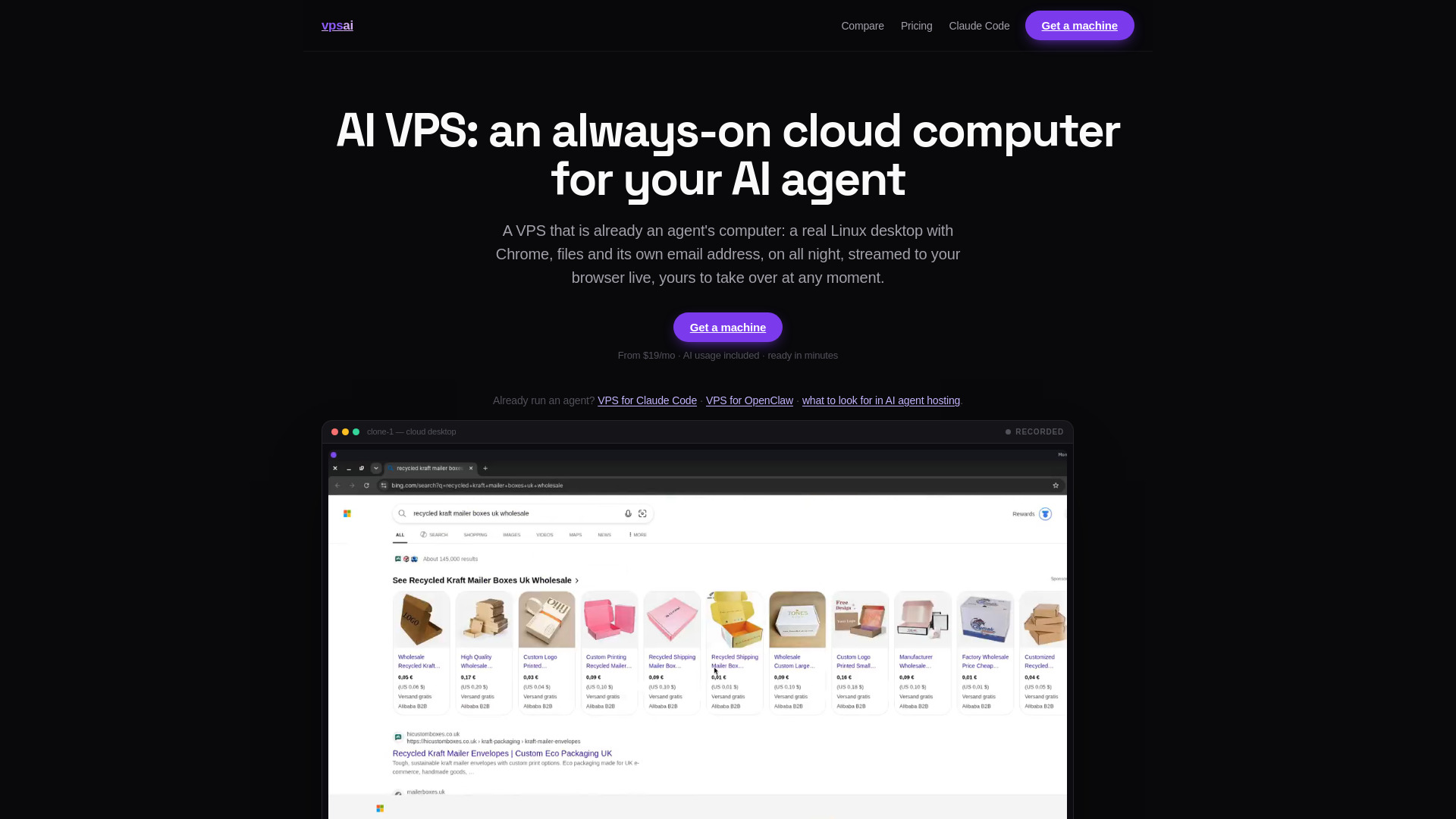
Why it matters VPS AI tackles the runtime environment rather than the model or application layer. It provides an always-on dedicated cloud computer with a persistent Linux desktop, Chrome, files, terminal, browser logins, and live screen streaming. For an agent that must continue working while your laptop is asleep or offline, that persistence is the main attraction. It also creates a clear environment to test: browser state, credentials, files, and remote control all deserve careful review before production use. The paid plan requirement and extra top-ups make cost testing essential.
Best for
AI agent developers needing an always-on workspace
Teams testing browser-based agents with persistent logins
Users who need remote takeover and live browser streaming
Limitations
A paid plan is required for chat and tasks
Plans start at $19 per month, excluding additional top-ups
A persistent desktop introduces operational questions around credentials and access
Shortlist signal: Shortlist VPS AI when agent continuity and a persistent graphical environment are more important than a managed application platform.
What to test before choosing
Start with the data path. Draw a simple route from prompt or source code to model, connector, application, logs, and user. Then ask which product in your shortlist controls each handoff. Grengin is strongest when the key question is where processing occurs. Superblocks and Prized are stronger when identity, roles, and connector scope matter. Sim is the better starting point when the main issue is the number of agents and integrations being created.
Next, test least-privilege behavior with a deliberately limited account. Create one user who should see a dataset and another who should not. Confirm whether permissions are role-based, connector-scoped, or merely documented. Do not accept a general claim about governance as proof that your intended boundary works.
Finally, test operational visibility. Run a normal workflow, a failed workflow, and a workflow that calls the wrong model or connector. Check what is recorded, how long logs remain available, and whether an administrator can understand what happened. Sim's free plan, for example, lists 30-day log retention; other products require a direct pricing or sales conversation to clarify the details.
What to do next
- 1
Pick the control point that worries you most: agent construction, app permissions, model access, runtime persistence, or AI output confidence.
- 2
Select two primary candidates and one adjacent alternative rather than trialing all 10 at once.
- 3
Build the same small proof of concept in each product using non-sensitive data.
- 4
Test identity, connector scope, logging, model selection, and removal of access.
- 5
Verify current pricing, retention, API limits, and enterprise terms with the vendor before committing.
For most teams, that process will narrow the field quickly. Sim is the broadest starting point, Superblocks is the stronger governance-led app choice, Prized is the focused operations option, and Grengin is the clearest self-hosted path. The other products become sensible only when their narrower workflow is the actual requirement.
Common mistakes when choosing from a complex top list
Treating every AI product as a security product. A model router, writing assistant, or sales coach may help one workflow without securing the underlying supply chain.
Confusing confidence with control. Sup AI's confidence-oriented features can help assess responses, but they do not provide identity management or deployment governance.
Ignoring connector permissions. The number of integrations matters less than whether access is approved, scoped, logged, and removable.
Assuming self-hosted means secure by default. Grengin keeps the platform in your cloud, but your team still owns configuration, provider keys, and operations.
Skipping the free-plan boundaries. Request caps, credit allowances, retention periods, and connector limits can change whether a product works at your intended scale.
Choosing a persistent environment without credential review. VPS AI's browser and login persistence are useful, but they should be tested with the same care as any remote workspace.
Using a ranking as a procurement decision. Scores help organize a shortlist; they do not replace a security review, legal review, or live vendor verification.
FAQ
Sim is the strongest general starting point in this comparison because it combines visual, conversational, and code-based agent development with more than 1,000 integrations and support for major model providers. It is most useful when the risk comes from many agents, tools, and model connections being created in one environment.