
The top solutions for ai visibility and generative engine optimization are not all built the same way. Some measure whether AI engines mention your brand and cite your pages; others help you produce the visual assets and content that may feed those answers. I compared 10 tools so you can separate genuine GEO monitoring from broader AI creation platforms and choose a starting point that matches your workflow.
Start here
For most SEO teams, start with Answerbit if daily visibility scores, average rank, citations, and competitor comparisons are the priority. Searchify is the more approachable first pass when you want an AI Search Score and actionable recommendations without signing up. Both are the clearest matches for the category.
The rest of the list is more useful as an adjacent toolkit. Photogenerator AI, MixVio AI, and Flux 3 AI - Image and Video Generator can support the content-production side of an AI search strategy. AI 3D Model and ModelGenerator are specialist asset builders, while LTX-2 AI and Free AI Image & Video Generator are practical options for video-led teams.
Segment comparison
| Segment | Strongest fit | What it actually helps with | Watch first |
|---|---|---|---|
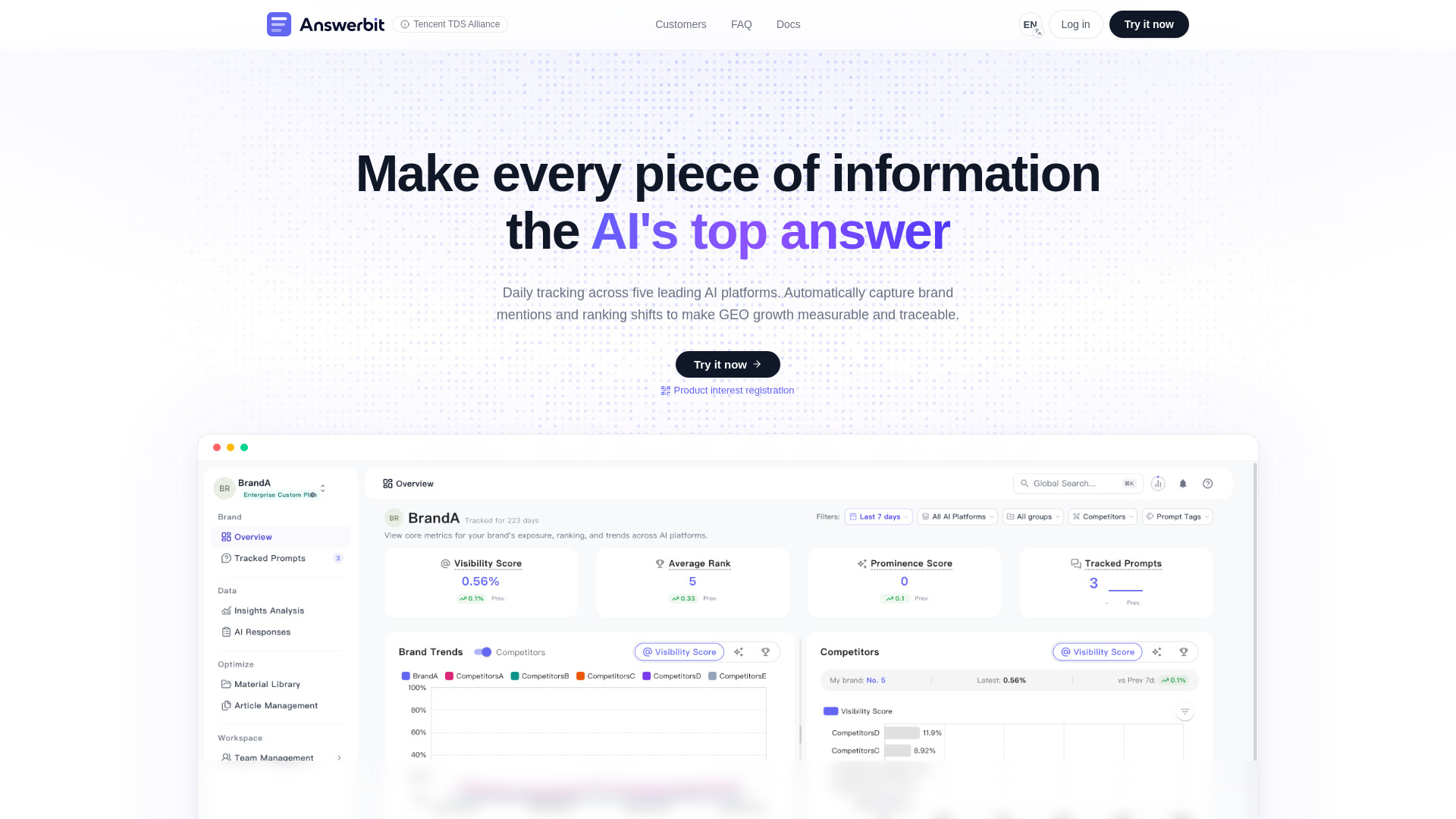
| AI visibility monitoring | Answerbit | Daily platform monitoring, visibility scores, rankings, and citations | Confirm the AI engines your market depends on |
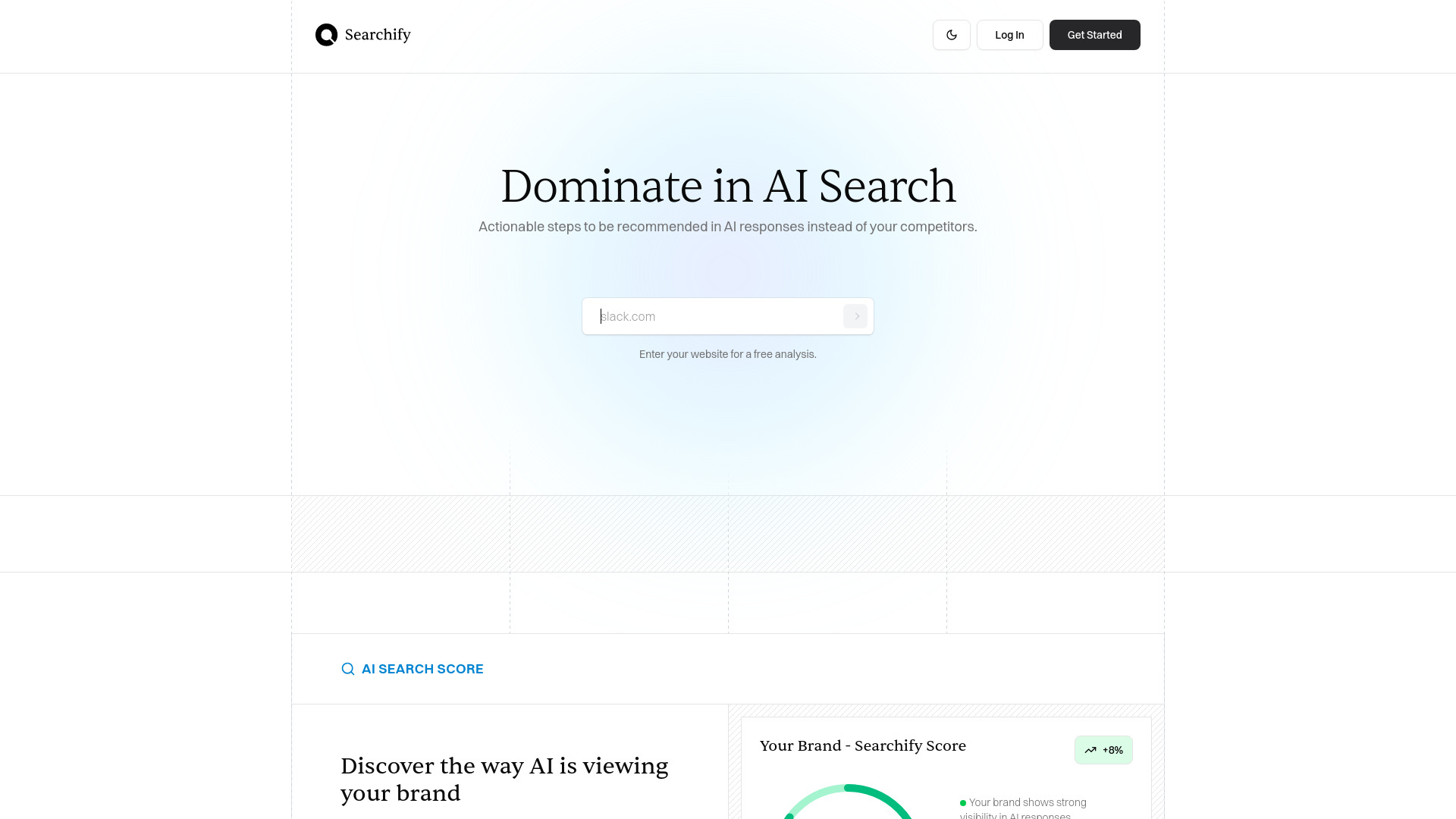
| Lightweight GEO analysis | Searchify | AI Search Score and specific recommendations | Check current workflow and pricing before scaling |
| Multimodal content workspace | MixVio AI | Video, image, voiceover, and music generation | Free credits expire after seven days |
| 3D asset production | AI 3D Model | Text, image, and multi-view 3D models with production exports | Free queue priority and download limits |
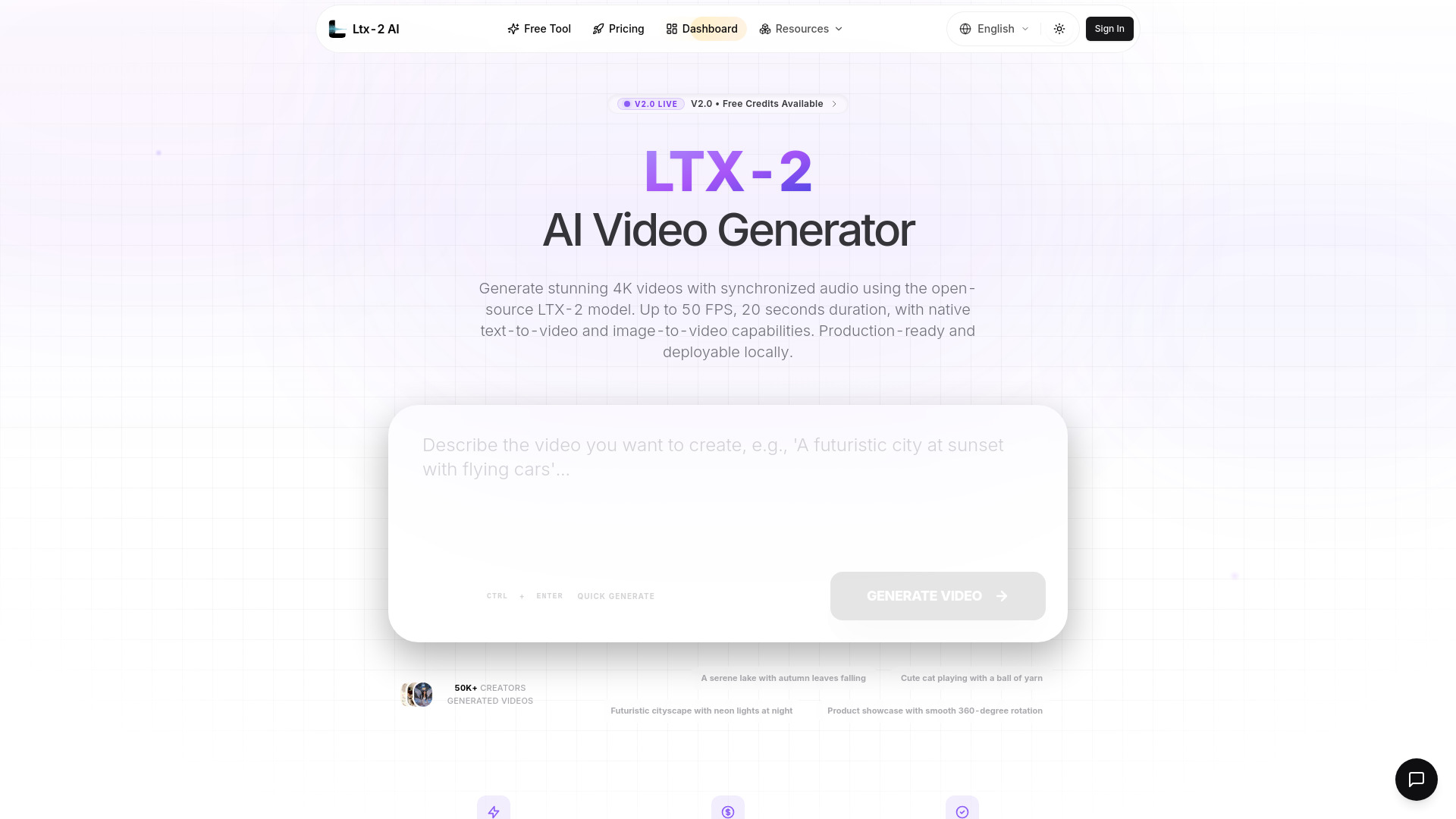
| Open-source video generation | LTX-2 AI | Local deployment, 4K video, and synchronized audio | Each generation tops out at 20 seconds |
This split matters because a visibility dashboard and a creative generator answer different questions. The first tells you what AI systems say about your company. The second helps you create material for campaigns, landing pages, product explainers, or social distribution. Treating both as interchangeable is the fastest way to buy the wrong tool.
Shortlist paths
| Your situation | Start with | Why |
|---|---|---|
| You need recurring AI answer monitoring | Answerbit | Tracks multiple named AI platforms and reports visibility, rank, and citations |
| You want a quick diagnostic before signing up | Searchify | Offers free analysis and does not require sign-up for the stated workflow |
| You publish video and audio-heavy campaigns | LTX-2 AI | Open-source 4K generation with native audio synchronization |
| You need a broad creator workspace | MixVio AI | Keeps video, image, voice, and music tools together |
| You build interactive or game-ready worlds | AI 3D Model | Handles several 3D inputs and industry-standard export formats |
A sensible buying process starts with the first row that matches your actual measurement problem, not with the highest score. A marketer who cannot see brand mentions in AI answers needs monitoring. A creator producing a product launch needs reliable assets. The rankings below reflect both usefulness and fit, but your segment should decide the final order.
Ranking snapshot
| Rank | Tool | Score | Best for | Starting price |
|---|---|---|---|---|
| #1 | AI 3D Model | 92/100 | Game developers | Free: $0 |
| #2 | LTX-2 AI | 91/100 | Content creators | Basic: $10/month |
| #3 | Answerbit | 91/100 | SEO professionals | Check vendor pricing |
| #4 | AI World Generator | 91/100 | Game studios | Free: $0/month |
| #5 | Searchify | 90/100 | SEO professionals | Check vendor pricing |
| #6 | Photogenerator AI | 89/100 | Photographers | Free: $0/month |
| #7 | Free AI Image & Video Generator | 88/100 | Content creators | Basic Monthly: $19/month |
| #8 | ModelGenerator | 88/100 | Game developers | Check vendor pricing |
| #9 | MixVio AI | 88/100 | Content creators | Free: $0 |
| #10 | Flux 3 AI - Image and Video Generator | 88/100 | Content creators | Basic: $13.9/month |
The unusual ordering is deliberate. The ranking captures the quality and specificity of each product's capabilities, while the shortlist paths identify the tools that are most directly relevant to AI visibility work. A 92/100 creative tool is not automatically a better purchase than a 90/100 monitoring tool if your KPI is citation share.
How we grouped and ranked the list
I grouped the products into three practical layers. The first is direct visibility work: Answerbit and Searchify focus on AI-platform monitoring, scores, recommendations, or competitive visibility. The second is content production: LTX-2 AI, Photogenerator AI, Free AI Image & Video Generator, MixVio AI, and Flux 3 AI - Image and Video Generator help teams create visual, video, or audio outputs. The third is specialist 3D production: AI 3D Model, AI World Generator, and ModelGenerator support game, world-building, or interactive asset workflows.
Scores reflect the combination of feature depth, clarity of the use case, audience fit, free access, and market signal. I also weighed limitations such as short generation windows, expiring credits, constrained action spaces, watermarks, and unclear pricing. Monthly visits are a directional usage signal, not proof of product quality.
One important caveat: this is a broad field rather than a list of ten identical GEO dashboards. The direct-monitoring subset is small, so adjacent visual studios are included as useful alternatives for teams that need to improve the content layer behind their discoverability strategy. That distinction should remain visible during evaluation.
Ranked field notes
1. AI 3D Model

- Game developers
- 65 credits monthly; up to 6 assets
- Starts at Free: $0
- Usage signal: 47.1K

Why it matters
AI 3D Model is the strongest all-around production tool in this field because it accepts several kinds of input instead of forcing every project through a text prompt. You can describe a model, upload a single image, or provide two to four views for better geometry accuracy. That flexibility is valuable for game developers building libraries of objects, prototypes, or campaign visuals. Its support for industry-standard export formats also makes it more useful beyond a quick browser demo, although the free tier is intentionally constrained.
Best for
Game developers turning concepts, sketches, or reference views into 3D assets
Teams that need textured meshes without starting in Blender
Prototyping environments, props, and product visuals quickly
Limitations
The free plan has low queue priority and limited downloads
Free generation is limited to one concurrent task
The production workflow may still require review after generation
Shortlist signal: Add it when your content or product workflow depends on reusable 3D assets rather than answer monitoring alone.
2. LTX-2 AI

- Content creators
- Free credits daily
- Starts at Basic: $10/month
- Usage signal: 27.5K
Why it matters
LTX-2 AI stands out for teams that care about control as much as convenience. The Apache 2.0 open-source model can be deployed locally and used with ComfyUI, while native audio synchronization adds dialogue, environmental sounds, and music that match the visuals. Its stated 4K output and frame rates up to 50 FPS make it unusually appealing for technically demanding video workflows. The trade-off is a hard 20-second generation limit, so longer pieces need editorial assembly.
Best for
Content creators who want open-source or local deployment
Video teams producing short, high-resolution clips with synchronized sound
ComfyUI users who prefer a more configurable workflow
Limitations
Each generation is limited to 20 seconds
Longer content requires combining multiple clips
Local deployment can demand more technical setup than a hosted creator tool
Shortlist signal: Choose it when local control, 4K output, and synchronized audio matter more than one-click long-form generation.
3. Answerbit

- SEO professionals
- Starts at Check vendor pricing
- Usage signal: 6.7K
Why it matters
Answerbit is the clearest direct fit for generative engine optimization in this group. It monitors named AI platforms including DeepSeek, Doubao, Yuanbao, Kimi, and Qwen, then collects answers into visibility scores, average ranks, citation updates, and brand-versus-competitor comparisons. That gives an SEO team something concrete to review over time instead of relying on occasional manual prompts. Pricing is hidden behind a sales wall, and you should confirm that its current platform coverage matches your audience before adopting it.
Best for
SEO professionals tracking brand mentions across several AI engines
Teams measuring citations and average answer rank over time
Agencies comparing client visibility with named competitors
Limitations
Pricing is not presented as a clean public package
Platform coverage is focused on a limited set of leading AI engines
You need to validate whether the monitored engines reflect your target market
Shortlist signal: Put it first on your list when the core KPI is daily AI-answer visibility, ranking, or citation movement.
4. AI World Generator

- Game studios
- 6 world builder credits free
- Starts at Free: $0/month
- Usage signal: 3.2K
Why it matters
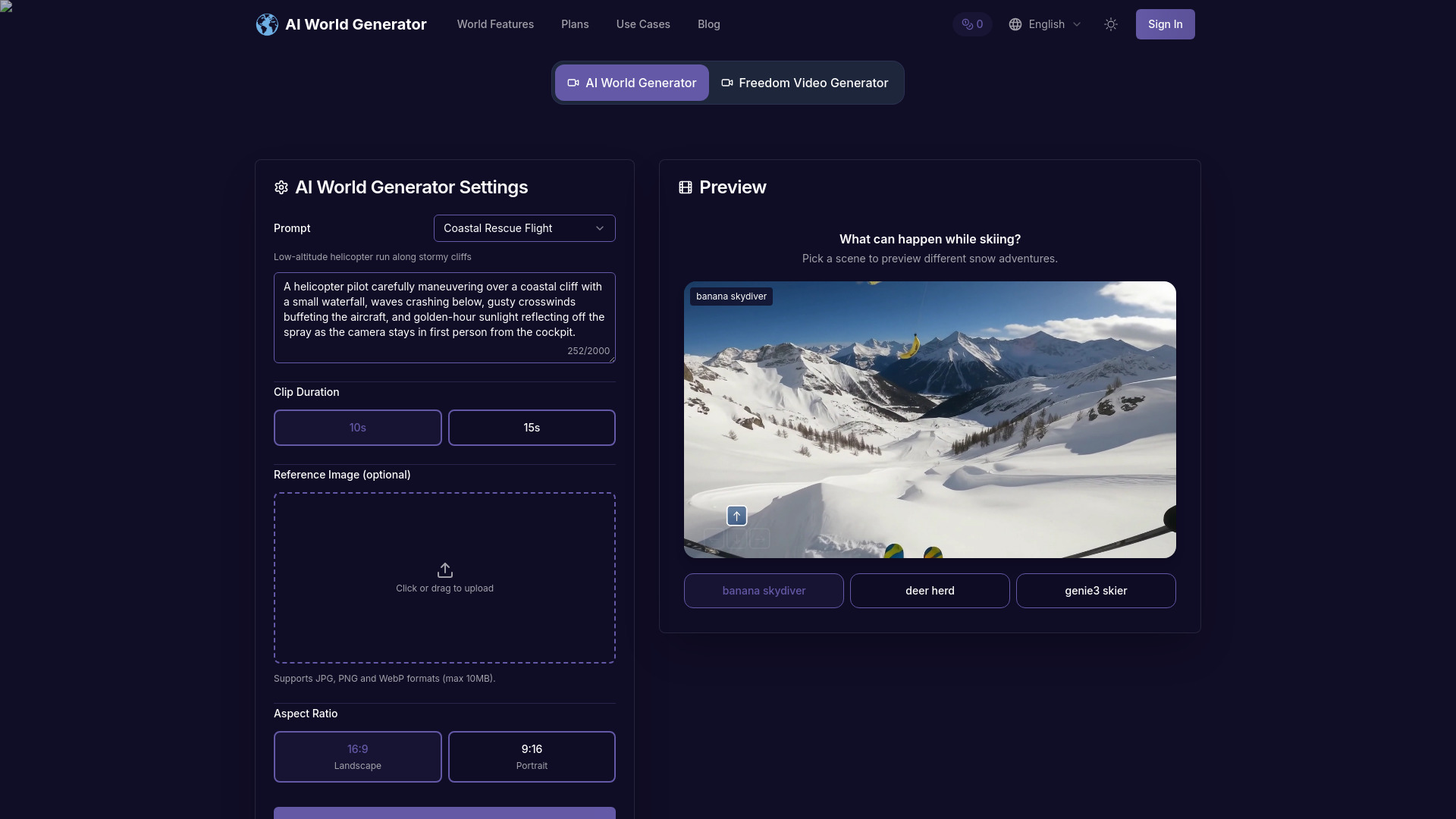
AI World Generator takes the most expansive interpretation of a content-generation workspace here. Its interactive text-to-world engine creates explorable spaces in seconds, while persistent world memory maintains spatial continuity and narrative state for several minutes. Promptable world events let a user change weather, lighting, or characters during a session. That makes it a compelling adjacent tool for game studios and interactive campaigns, though it is not a substitute for an AI visibility dashboard.
Best for
Game studios prototyping explorable environments
Teams testing interactive narrative or world concepts
Creators who need promptable weather, lighting, or character changes
Limitations
World memory can drift during extremely long runs
The action space remains constrained
Multi-agent choreography is still experimental
Shortlist signal: Choose it for interactive world prototypes where continuity and live promptable events are central to the brief.
5. Searchify

- SEO professionals
- Free analysis; no sign-up
- Starts at Check vendor pricing
- Usage signal: 1.6K
Why it matters
Searchify is a sensible entry point for teams that want an immediate read on AI search performance without committing to a heavyweight monitoring workflow. Its AI Search Score and actionable recommendations turn a vague question - "Will AI recommend us?" - into a more structured diagnostic. The no-sign-up free analysis lowers the barrier to testing, but the public information does not establish the full depth of ongoing tracking or package limits. Treat it as a first assessment, then validate the reporting cadence you need.
Best for
SEO professionals performing an initial AI search audit
Small teams that want recommendations before creating an account
Marketers looking for a quick comparison point across major AI search platforms
Limitations
Check current product fit, pricing, and workflow limits before committing
Public details do not establish the depth of long-term monitoring
It may be better for diagnosis than a mature reporting operation
Shortlist signal: Start here when you need a low-friction AI Search Score before investing in a recurring visibility platform.
6. Photogenerator AI

- Photographers
- 10 credits per month
- Starts at Free: $0/month
- Usage signal: 22
Why it matters
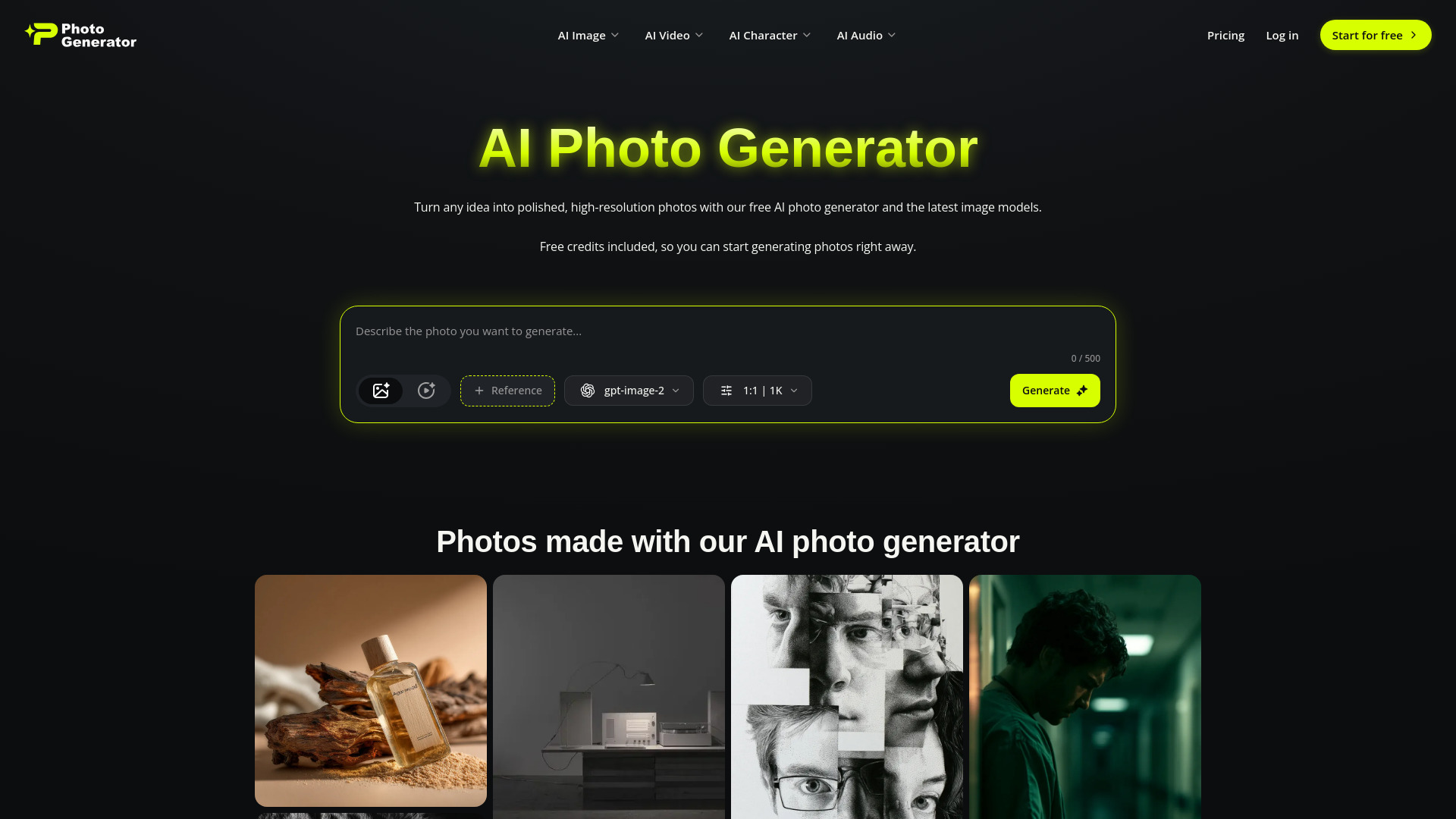
Photogenerator AI covers more of the production chain than its name suggests. The workspace includes high-resolution image creation, prompt-based editing, face swap, 4K upscaling, cinematic video features, and custom audio generation such as music, voiceovers, and voice cloning. That breadth can help a photographer or small creative team make the supporting assets needed for a campaign. The free plan is deliberately small at 10 credits per month and requires login, so test credit consumption before planning a regular production schedule.
Best for
Photographers creating campaign images and supporting media
Small creative teams that need image, video, and audio tools together
Users who want to test several leading AI models from one workspace
Limitations
Free access is limited to 10 credits per month
Free access requires login
Broad feature coverage may not equal specialist depth in every mode
Shortlist signal: Add it when a visual campaign needs image, video, and audio creation in one place rather than a dedicated visibility report.
7. Free AI Image & Video Generator

- Content creators
- 3 images/day and 1 video/day; no account
- Starts at Basic Monthly: $19/month
- Usage signal: Usage signal not listed

Why it matters
Free AI Image & Video Generator makes evaluation unusually simple: guests can generate three images per day and one video per day without creating an account. It supports text-to-image, image-to-image, and video generation across multiple models, resolutions, and durations, with watermark-free image downloads. That combination is useful for a creator testing prompt quality or building early campaign concepts. The daily quotas and credit requirements for advanced models keep it from being a limitless free production studio.
Best for
Content creators who want to test a tool without registration
Teams comparing image and video generation in one interface
Early-stage campaign ideation and small batches of visual assets
Limitations
Free usage is limited to daily quotas
Advanced models and continued generation require credits
The free tier should not be assumed to cover sustained production
Shortlist signal: Use it first when guest access and watermark-free image downloads are more important than deep reporting.
8. ModelGenerator

- Game developers
- Free plan available
- Starts at Check vendor pricing
- Usage signal: Usage signal not listed
Why it matters
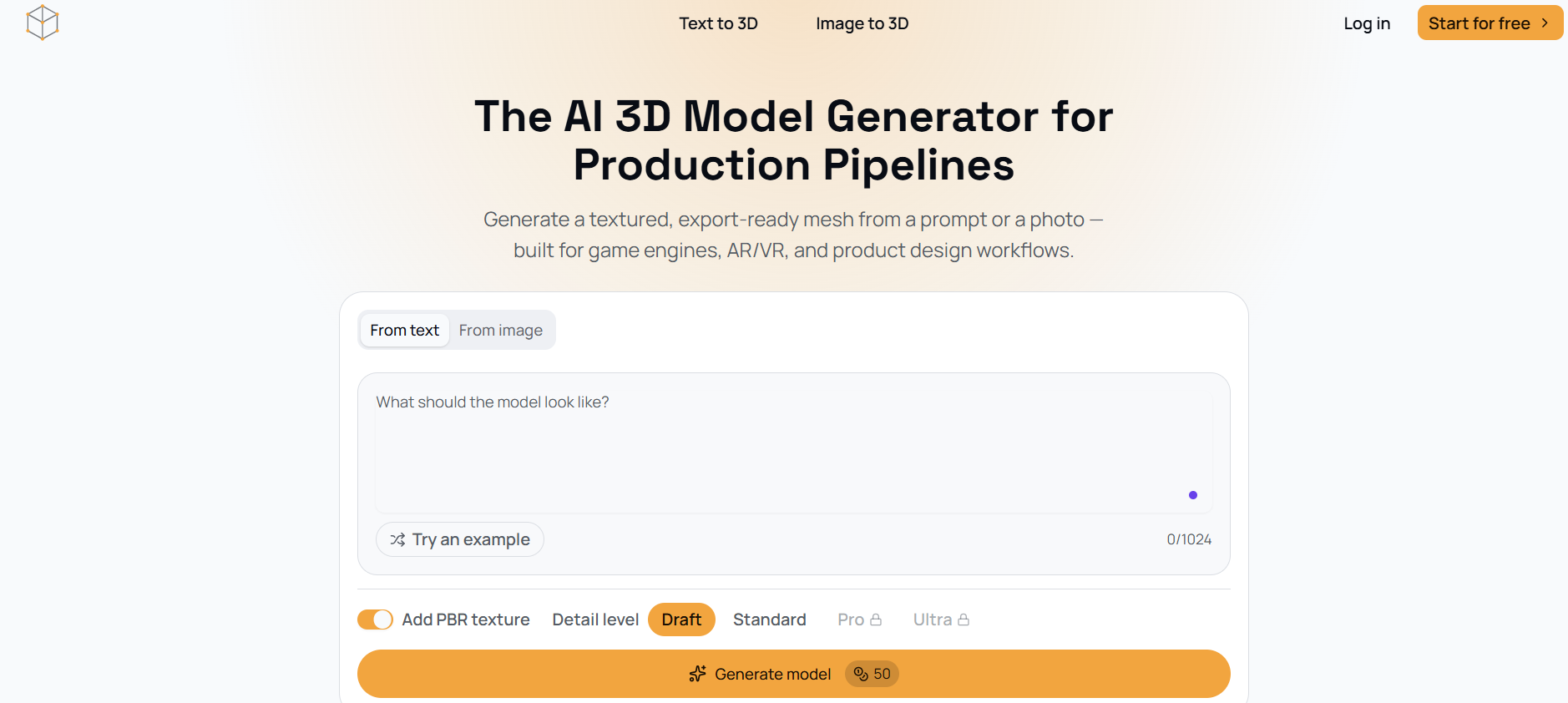
ModelGenerator keeps the 3D workflow focused: generate from text or photos, adjust mesh density, and export textured GLB files with PBR materials. That clear path is attractive for developers who want a usable starting mesh without a large creative suite around it. It is a narrower alternative to AI 3D Model, but its straightforward text-to-3D and image-to-3D approach may be exactly what a small game team needs. Pricing is not detailed publicly, so request current package information before building a pipeline around it.
Best for
Game developers needing textured GLB assets
Teams reconstructing a model from a photo
Prototyping workflows where adjustable mesh density is useful
Limitations
The website does not provide detailed pricing or package information
Generated meshes may need refinement for demanding production pipelines
Export support is centered on GLB rather than a broad stated format list
Shortlist signal: Pick it when you want a focused text-or-photo-to-GLB workflow and can accommodate mesh cleanup.
9. MixVio AI

- Content creators
- 20 credits; valid for 7 days
- Starts at Free: $0
- Usage signal: Usage signal not listed
Why it matters
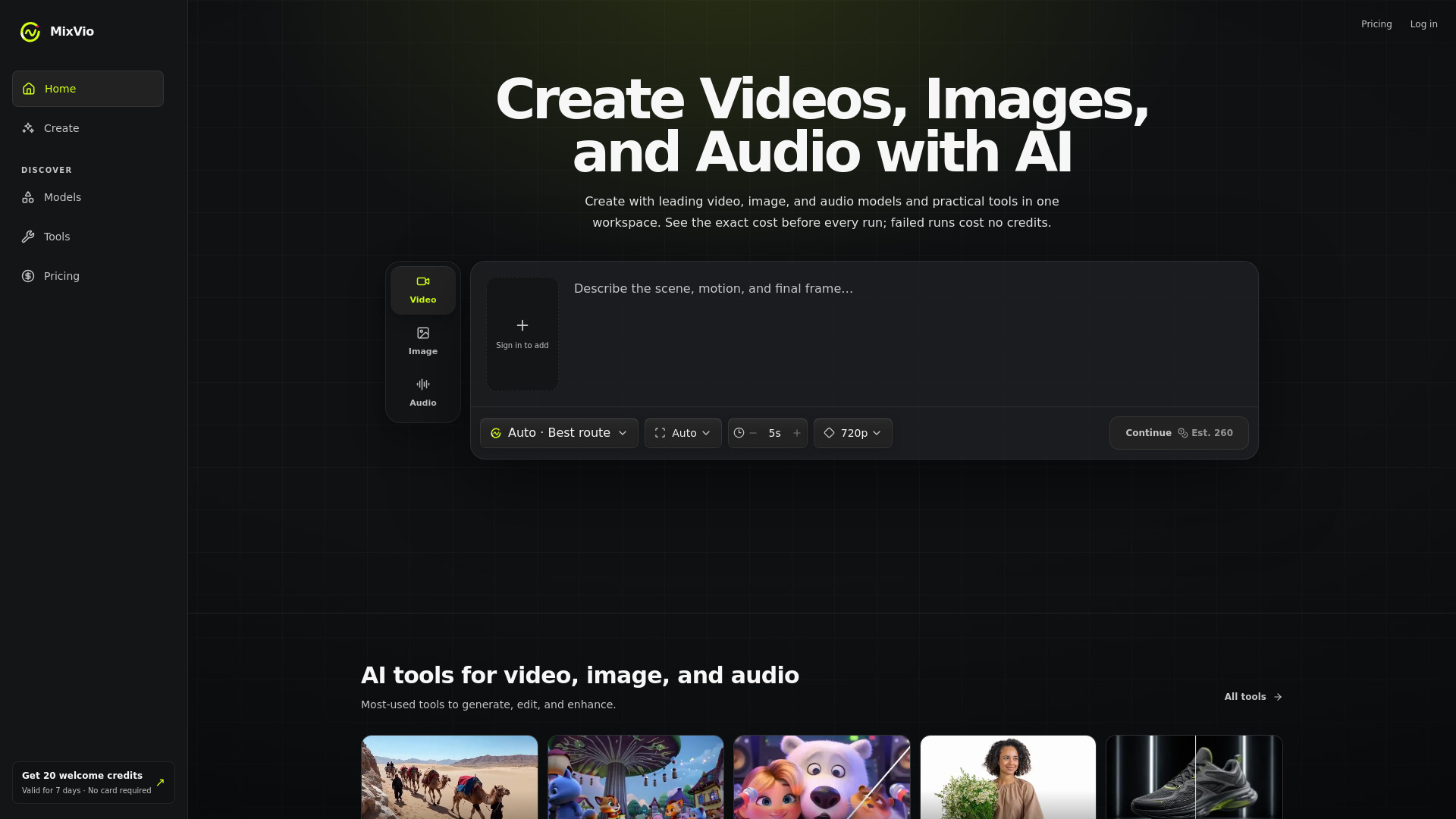
MixVio AI is built for creators who would rather keep a campaign in one workspace than move between separate image, video, voice, and music products. It handles video from text or reference images, image generation and editing, upscaling, background removal, voiceover, and music generation. Multiple current AI models add flexibility, while failed runs do not cost credits. The catch is meaningful for evaluation: the 20 welcome credits expire after seven days, and free outputs include image watermarks and audible voiceover disclosures.
Best for
Content creators producing mixed media for one campaign
Teams that need reference-image video and image editing together
Users who want voiceover and music generation alongside visuals
Limitations
Free credits are limited to 20 and expire after seven days
Free images include watermarks
Free voiceovers include audible disclosures
Shortlist signal: Choose it for short, mixed-media experiments when one workspace matters more than a permanent free tier.
10. Flux 3 AI - Image and Video Generator

- Content creators
- Free credits
- Starts at Basic: $13.9/month
- Usage signal: Usage signal not listed
Why it matters
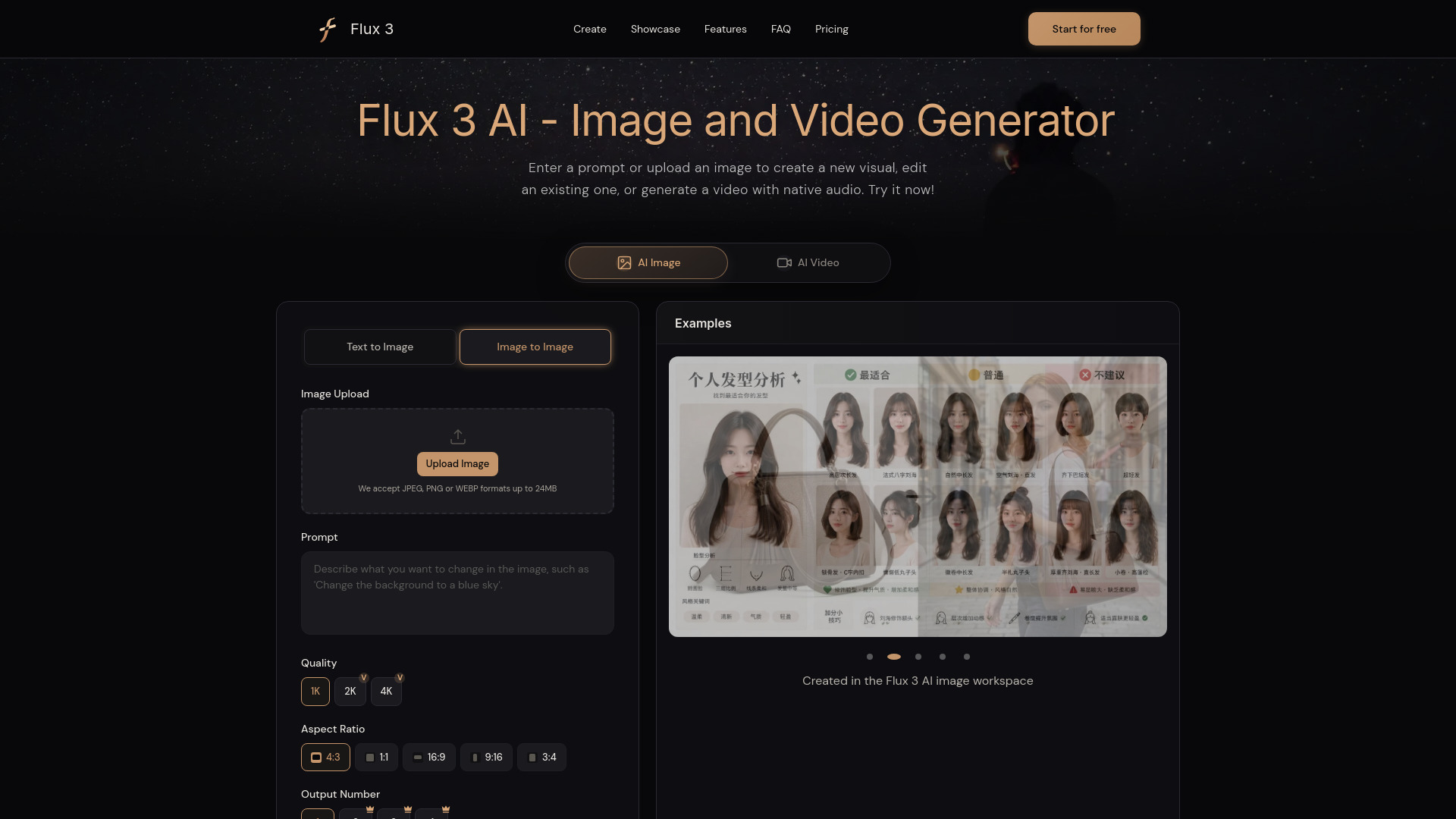
Flux 3 AI brings image generation, image editing, video, and audio into one workflow. It accepts detailed text prompts, uploaded references, source images, video, and keyframes, and its video mode includes native synchronized audio. That makes it a practical adjacent tool for teams creating assets that support a broader search and content strategy. Free use is credit-limited and the exact free allocation is not specified, so the first test should measure how quickly a typical campaign consumes credits.
Best for
Content creators working across image, video, and audio formats
Teams using references, source images, or keyframes in production
Campaigns that need synchronized audio in generated video
Limitations
Free use is credit-limited
The exact free credit amount is not specified
Model and credit economics should be tested on real prompts before purchase
Shortlist signal: Add it when native audio and multiple input types make a unified media workflow more useful than a dedicated image generator.
What to test before choosing
Start with a fixed test set rather than a tour of impressive demos. For visibility tools, write 10 to 20 prompts that a real customer might ask, including branded, non-branded, comparison, local, and product-specific questions. Run the same prompts across the platforms you care about and check whether the tool records the exact answer, the cited sources, the date, the average rank, and competitor mentions.
Then test repeatability. Run the prompts again after a few days and look for trend reporting rather than a single score. Ask whether you can export results, segment projects, compare competitors, or identify the pages that earned citations. Answerbit's stated visibility and citation tracking makes these checks especially relevant; Searchify's diagnostic orientation makes it a good baseline comparison.
For adjacent creative tools, use one shared brief. Measure generation time, usable outputs, editing effort, download restrictions, watermark behavior, credit consumption, and whether the result can move into your existing workflow. With LTX-2 AI, test how well multiple 20-second clips join together. With the 3D tools, inspect geometry, materials, export format, and cleanup time rather than judging only the preview.
Finally, price the workflow, not the headline plan. A free quota can be excellent for evaluation but irrelevant if a team needs daily monitoring or dozens of production runs. Confirm current pricing, credit rollover or expiry, concurrent-generation limits, and the AI platforms covered before procurement.
What to do next
- 1
Define the measurement problem. Decide whether you need AI answer visibility, citation improvement, content production, or a combination.
- 2
Pick one direct tool and one adjacent tool. For example, test Answerbit or Searchify alongside MixVio AI or LTX-2 AI if your team also needs campaign assets.
- 3
Create a repeatable prompt set. Keep the questions, references, and success criteria constant across tests.
- 4
Run a short paid-plan simulation. Use enough prompts or generations to expose quotas, latency, credits, and export friction.
- 5
Document the handoff. Record where outputs go next: an SEO report, content calendar, design workflow, game engine, or client presentation.
- 6
Verify live commercial terms. Pricing and platform coverage can change, especially for tools whose plans are not publicly detailed.
Common mistakes when choosing from a complex top list
Treating every tool as a GEO platform. A visibility monitor measures how AI systems represent your brand. A video or 3D generator creates assets. They can support the same strategy, but they do not perform the same job.
Optimizing for one impressive answer. AI responses vary. A useful platform should help you track repeated prompts, citations, competitors, and changes over time, not just show a flattering snapshot.
Ignoring platform coverage. A dashboard that monitors the wrong engines is not useful, however polished its score. Match coverage to where your customers actually search.
Overvaluing free access. Daily images, welcome credits, or a small monthly quota are excellent for testing. They may not represent the cost of a real publishing or monitoring program.
Skipping output quality checks. A generated image, video, or mesh can look good in a preview and still require extensive correction. Test exports and downstream editing before calling a tool production-ready.
Confusing feature count with workflow fit. More models and modes do not necessarily mean less work. The right choice is the tool that shortens the path from prompt to a useful report or approved asset.
FAQ
For direct AI visibility work, Answerbit and Searchify are the strongest starting points in this comparison. Answerbit is better suited to recurring monitoring across named AI platforms, with visibility scores, average rank, citation updates, and competitor comparison. Searchify is a lower-friction diagnostic with an AI Search Score and actionable recommendations.