
The top-rated generative ai video tools now cover much more than prompt-to-clip experiments. Some create short cinematic scenes, some animate still images, and others turn scripts into organized production workflows. A few belong in a creator's daily toolkit; others are specialist utilities that happen to matter when video is the job. I compared 10 tools across output quality, workflow depth, access, pricing signals, and practical fit so you can build a shortlist without treating every generator as interchangeable.
Start here
The fastest way to narrow this list is to decide what kind of video work you actually do. A filmmaker who needs synchronized dialogue has a very different requirement from a photographer animating product stills or a newsroom checking whether a clip is synthetic.
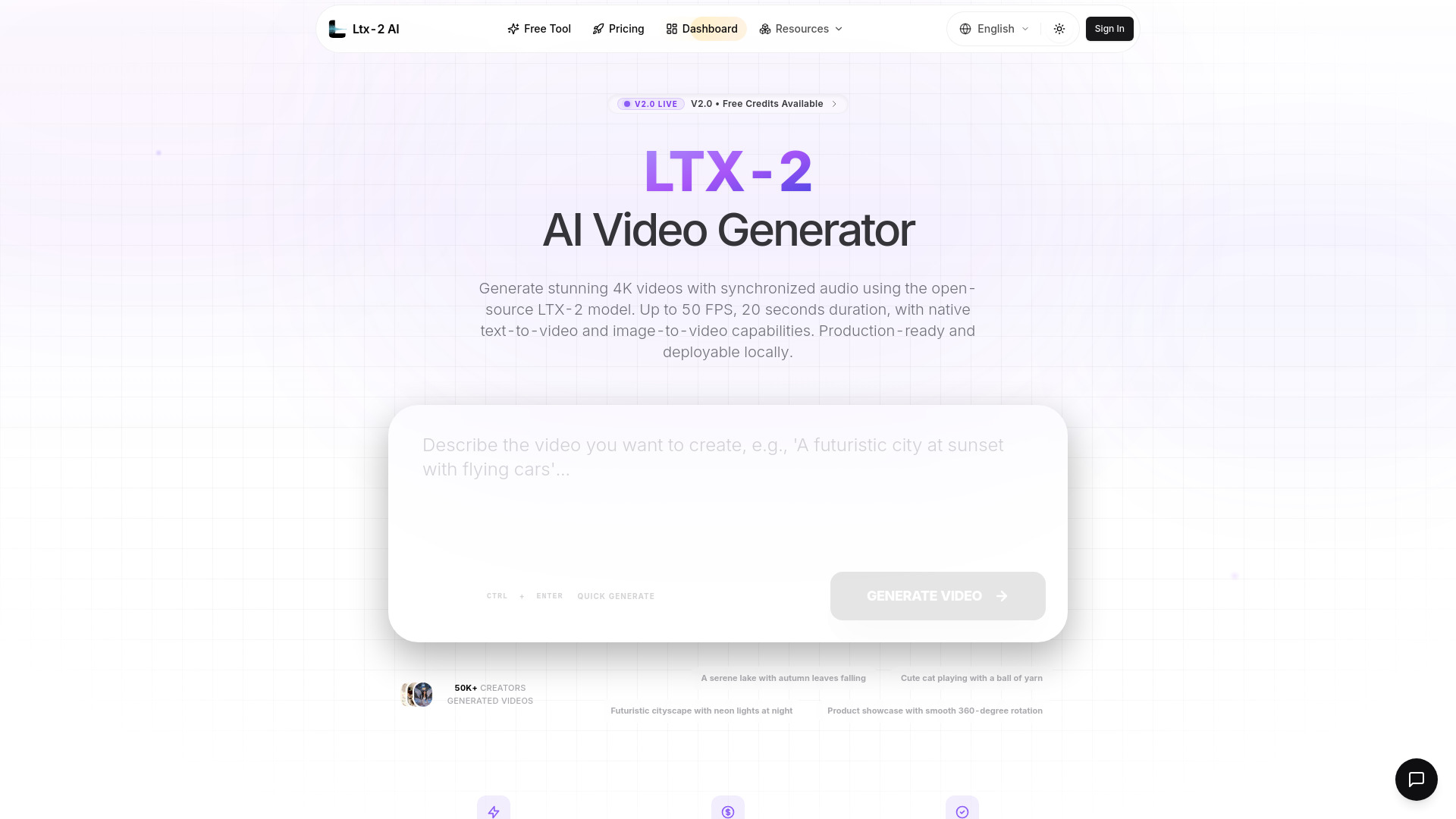
Best overall creator platform: LTX-2 AI combines open-source access, local deployment, 4K output, and native audio synchronization.
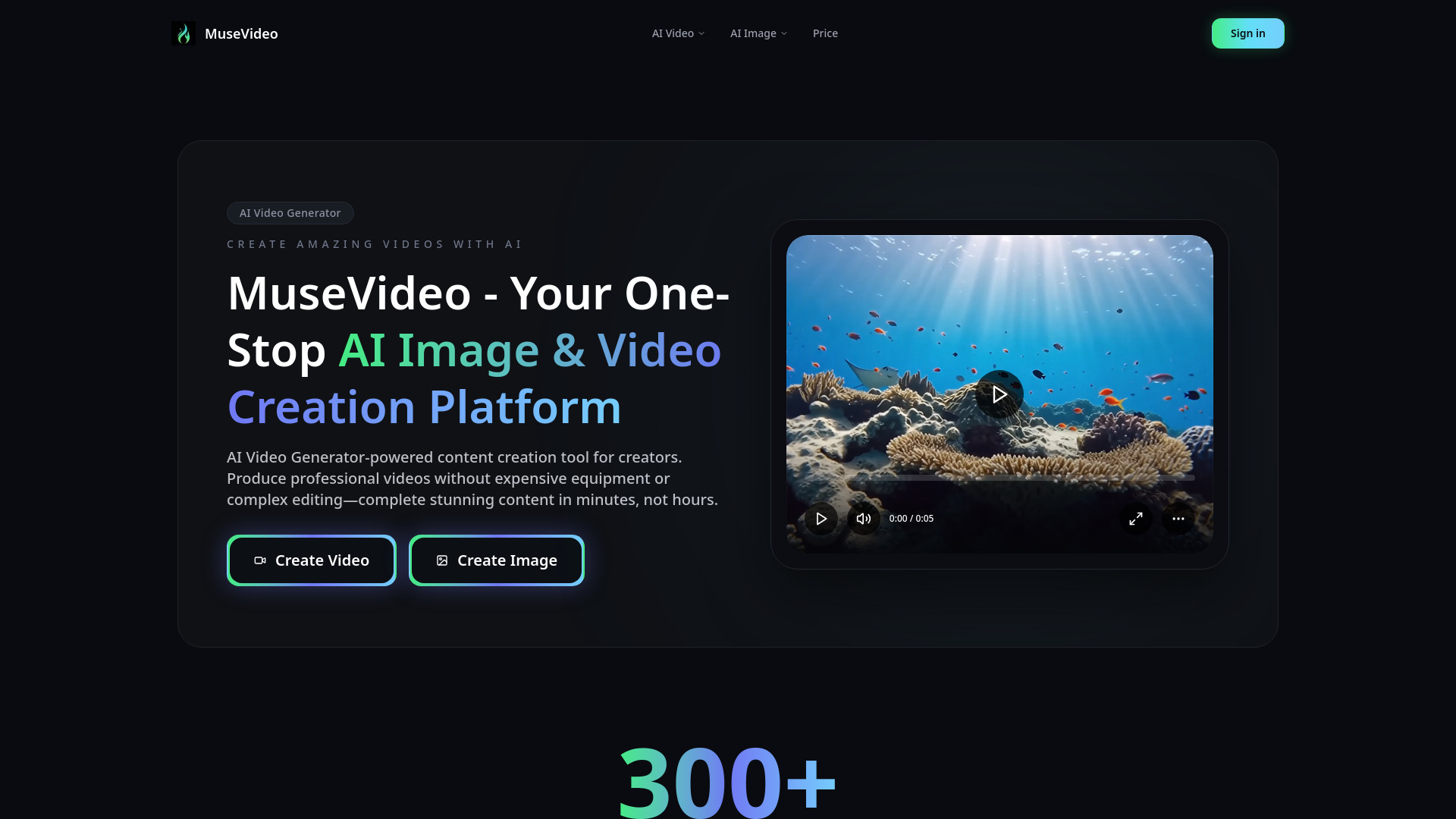
Best for cinematic solo work: MuseVideo focuses on text-to-video and image-to-video generation with synchronized sound effects.
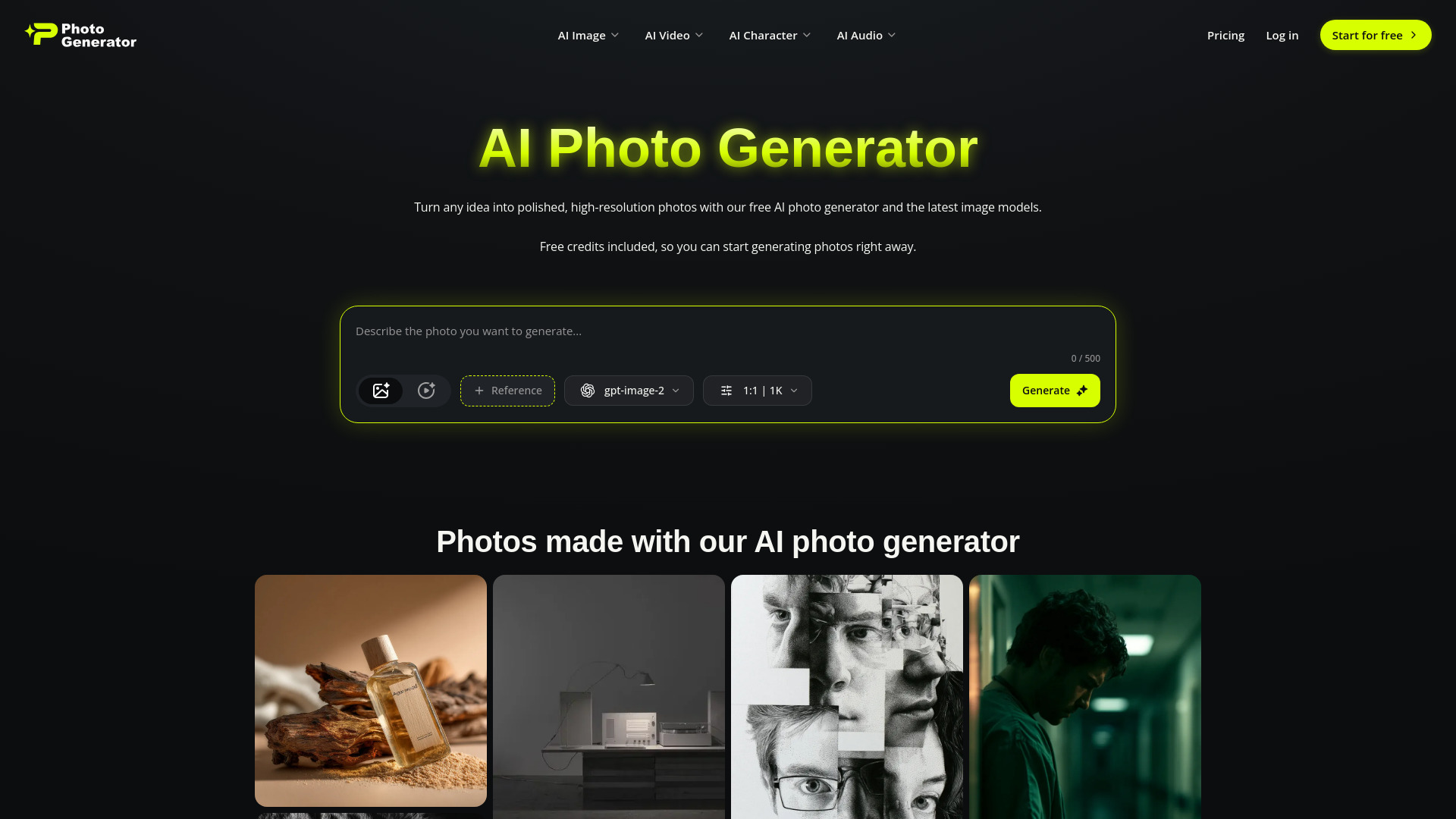
Best all-in-one creative suite: Photogenerator AI adds video, image, audio, voice, and editing tools in one workspace.
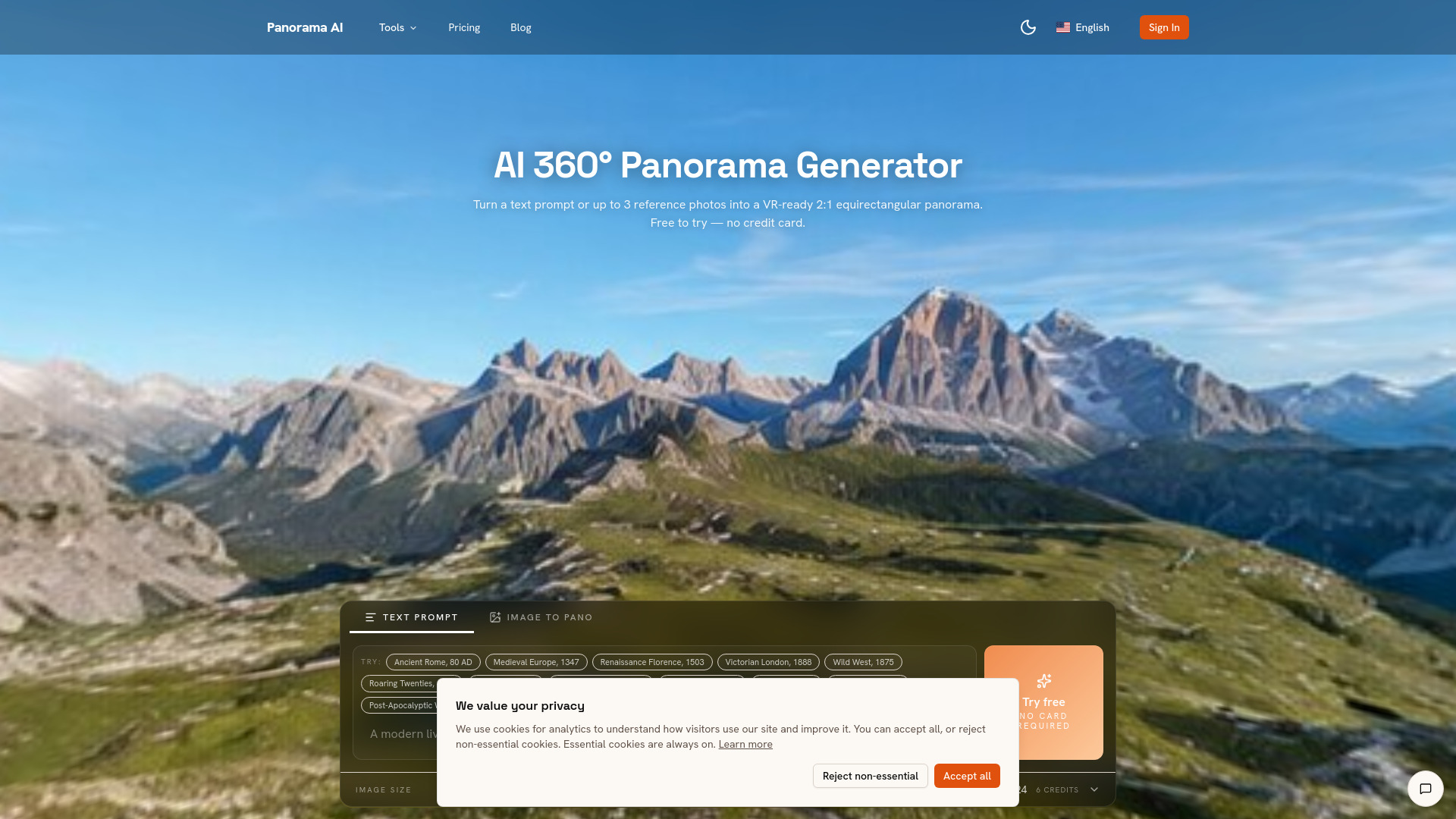
Best for 360-degree scenes: Panorama AI creates equirectangular panoramas from text or photos, with output up to 4K.
Best for a production team: HeyVigo AI connects scripts, storyboards, assets, generation, reviews, revisions, and delivery.
Best for testing without an account: Free AI Image & Video Generator offers guest access with three free image generations and one free video per day.
Best for verifying suspicious footage: Sealed Rose AI Deepfake Detector checks for synthetic video and face manipulation without requiring a login.
That shortlist already reveals the key trade-off: the highest score does not automatically mean the best choice for your workflow. The comparison below separates the segments before the ranking starts.
Segment comparison
| Segment | Strongest fit | What it does well | Main trade-off |
|---|---|---|---|
| Open creator models | LTX-2 AI | Local deployment, 4K video, native audio | Generations are limited to 20 seconds |
| Cinematic generation | MuseVideo | Text-to-video and image-to-video output | Full access requires paid credits |
| Multi-format creative suites | Photogenerator AI, Flux 3 AI - Image and Video Generator | Image, video, and audio in one workspace | Credit limits make usage harder to predict |
| Specialist visual workflows | Panorama AI | 360-degree, HDRI, skybox, and cubemap work | Paid plans are the normal route |
| Production and verification | HeyVigo AI, Sealed Rose AI Deepfake Detector | Team review or authenticity checks | Neither is a conventional general-purpose generator |
Shortlist paths
Use these paths when the category feels too broad. They are more useful than choosing by score alone because they map the tool to a real project.
| Your priority | Start with | Why |
|---|---|---|
| Control, local deployment, and technical output | LTX-2 AI | Apache 2.0 licensing, ComfyUI support, 4K, and up to 50 FPS |
| Fast cinematic clips from prompts or images | MuseVideo | Built around text-to-video and image-to-video creation |
| One place for video, images, voices, and music | MixVio AI | Combines multiple media-generation workflows and models |
| Animating existing stills | Image to Video AI | Adds motion, camera movement, and scene animation to images |
| Scripted, collaborative production | HeyVigo AI | Organizes scenes, characters, storyboards, assets, and review |
Ranking snapshot
| Rank | Tool | Score | Best for | Starting price |
|---|---|---|---|---|
| #1 | LTX-2 AI | 96/100 | Content creators | Basic: $10/month |
| #2 | MuseVideo | 95/100 | Solo creators | Pay as You Go: $3.50 per 100 credits |
| #3 | Photogenerator AI | 93/100 | Photographers | Free: $0/month |
| #4 | Panorama AI | 92/100 | 3D artists | Pro: $9.90/month, billed annually |
| #5 | Flux 3 AI - Image and Video Generator | 92/100 | Content creators | Basic: $13.90/month |
| #6 | MixVio AI | 92/100 | Content creators | Free: $0 |
| #7 | Free AI Image & Video Generator | 92/100 | Content creators | Basic Monthly: $19/month |
| #8 | Image to Video AI | 91/100 | Content creators | Free: $0 |
| #9 | HeyVigo AI | 91/100 | Video production teams | Lite: $19/month |
| #10 | Sealed Rose AI Deepfake Detector | 91/100 | Journalists | Free: $0 |
How we grouped and ranked the list
This is a complex category, so a single feature checklist would produce a misleading result. We grouped the tools by the job they help complete: generating original clips, animating existing imagery, assembling a broader creative package, producing 360-degree environments, managing team video work, or checking whether footage is synthetic.
The score reflects the combination of feature depth, audience fit, access, and market signals. Output specifications mattered, but so did workflow friction. For example, LTX-2 AI benefits from local deployment and native audio, while HeyVigo AI earns its place through planning and review rather than raw generation alone. Free access also receives context rather than automatic bonus points: three daily generations can be more useful than an ambiguous credit balance, but only for lightweight experimentation.
One important caution: these tools do not all compete head-to-head. Panorama AI and Sealed Rose AI are specialist choices, not substitutes for a general text-to-video system. They remain on the field guide because buyers often discover them while solving a broader visual production or verification problem.
Ranked field notes
1. LTX-2 AI

- Content creators
- Free credits daily
- Starts at Basic: $10/month
- Usage signal: 27.5K
Why it matters
LTX-2 AI is the most complete match for creators who want control rather than another closed web interface. Its Apache 2.0 open-source model supports local deployment and ComfyUI, while native audio synchronization can generate dialogue, environmental sounds, and music that match the visuals. The technical ceiling is unusually clear: 4K video and frame rates up to 50 FPS. That combination makes it a strong foundation for serious experimentation, especially when keeping generation closer to your own workflow matters.
Best for
Content creators who want an open-source video model
ComfyUI users and technically confident local-workflow builders
Projects that need synchronized dialogue, sound, and music
Limitations
Each generation is limited to 20 seconds
Longer pieces require multiple clips to be generated and combined
Local deployment can demand more setup than a simple browser tool
Shortlist signal: Choose it first when open deployment, high-resolution output, and native audio matter more than one-click simplicity.
2. MuseVideo

- Solo creators
- ""
- Starts at Pay as You Go: $3.50 per 100 credits
- Usage signal: 21.8K
Why it matters
MuseVideo keeps its proposition easy to understand: describe a scene or provide an image, then turn that idea into a cinematic clip. Its text-to-video and image-to-video workflows are the reasons to shortlist it, with synchronized audio and realistic sound effects adding polish beyond silent motion. Full HD output in seconds makes it appealing for solo creators who need a fast visual starting point rather than a large production environment.
Best for
Solo creators building cinematic social or marketing clips
Image-led concepts that need movement and atmosphere
Users who prefer a focused generator over a broad editing suite
Limitations
No explicit free trial or free tier is stated for new users
Full access and larger credit quotas require a paid subscription
Credit-based pricing should be checked against expected generation volume
Shortlist signal: Add MuseVideo when cinematic text-to-video or image-to-video output is your main job and you are comfortable paying for credits.
3. Photogenerator AI

- Photographers
- Free 10 credits per month
- Starts at Free: $0/month
- Usage signal: 22
Why it matters
Photogenerator AI makes sense when video is only one part of the visual pipeline. Its cinematic video suite includes text-to-video, frame-to-video, Smart Shot planning, Motion Sync, and video upscaling. It also reaches into high-resolution image creation, image editing, face swap, 4K upscaling, music, voice-over, and voice cloning. Photographers and visual creators can move from a source image to a more complete campaign asset without changing platforms, although the free allowance is deliberately small.
Best for
Photographers extending still imagery into motion
Visual teams that also need image editing and audio creation
Creators who want access to several AI models in one workspace
Limitations
The free plan provides only 10 credits per month
Free access requires login
The breadth of tools may feel less focused than a dedicated video generator
Shortlist signal: Pick it when your project crosses video, image, audio, and virtual-character work rather than staying inside one medium.
4. Panorama AI

- 3D artists
- ""
- Starts at Pro: $9.90/month, billed annually
- Usage signal: 23.6K
Why it matters
Panorama AI is the specialist entry that prevents this guide from collapsing every visual workflow into "generate a short clip." It creates 360-degree equirectangular panoramas from text or photos, with 1K, 2K, and 4K output and watermark-free downloads. The in-browser 360 viewer plus HDRI, skybox, cubemap, and conversion tools make it particularly relevant to 3D artists and immersive-scene workflows. It is not the tool for ordinary social video, but it is a much better fit when the asset must wrap around a scene.
Best for
3D artists creating VR-ready environments
Game, visualization, and immersive-content workflows
Users working with HDRI, skybox, cubemap, or panorama conversion tasks
Limitations
Available plans are paid subscriptions
Annual pricing is billed upfront
Its 360-degree focus makes it a poor fit for conventional short-form video
Shortlist signal: Choose it when you need an equirectangular environment, not merely a rectangular generated video.
5. Flux 3 AI - Image and Video Generator

- Content creators
- Free credits
- Starts at Basic: $13.90/month
- Usage signal: Not listed
Why it matters
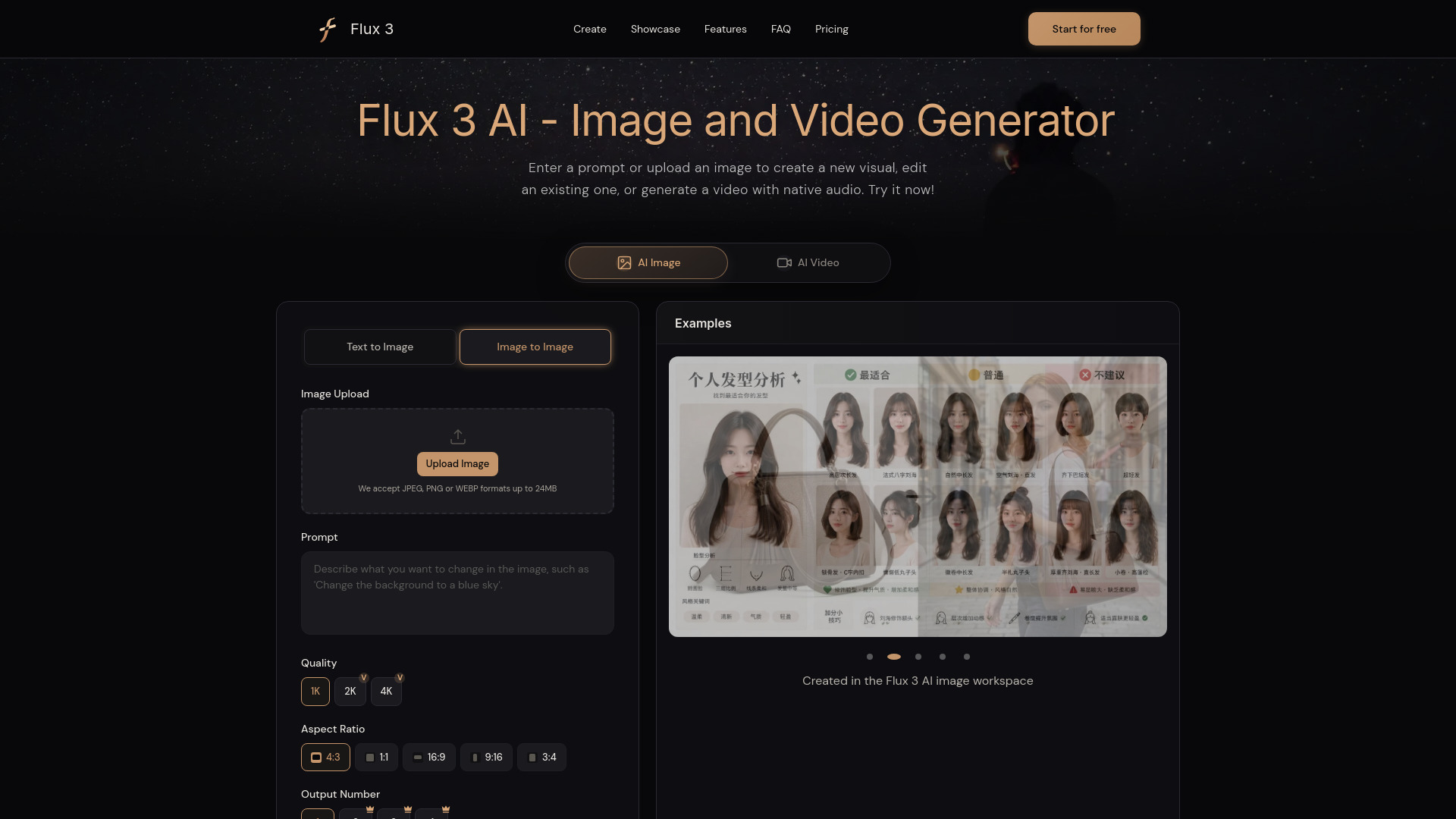
Flux 3 AI is built for creators who move constantly between stills, motion, and sound. It can generate images from detailed prompts, edit them with uploaded references, and create videos with native synchronized audio. That multi-input approach is useful for developing a visual idea in stages: establish an image, refine it with a reference, then carry the concept into video. The free credits make it possible to test the workspace, but the exact allowance is not specified, so frequent users should evaluate the $13.90 monthly plan against actual credit consumption.
Best for
Content creators developing a concept across image and video
Product and social teams working from reference images
Users who want native audio alongside video generation
Limitations
Free use is credit-limited
The exact free-credit amount is not specified
A paid plan is needed for the stated 1,000-credit monthly quota
Shortlist signal: Add Flux 3 AI when reference-driven image work and synchronized video belong in the same creative pass.
6. MixVio AI

- Content creators
- 20 welcome credits valid for 7 days
- Starts at Free: $0
- Usage signal: Not listed
Why it matters
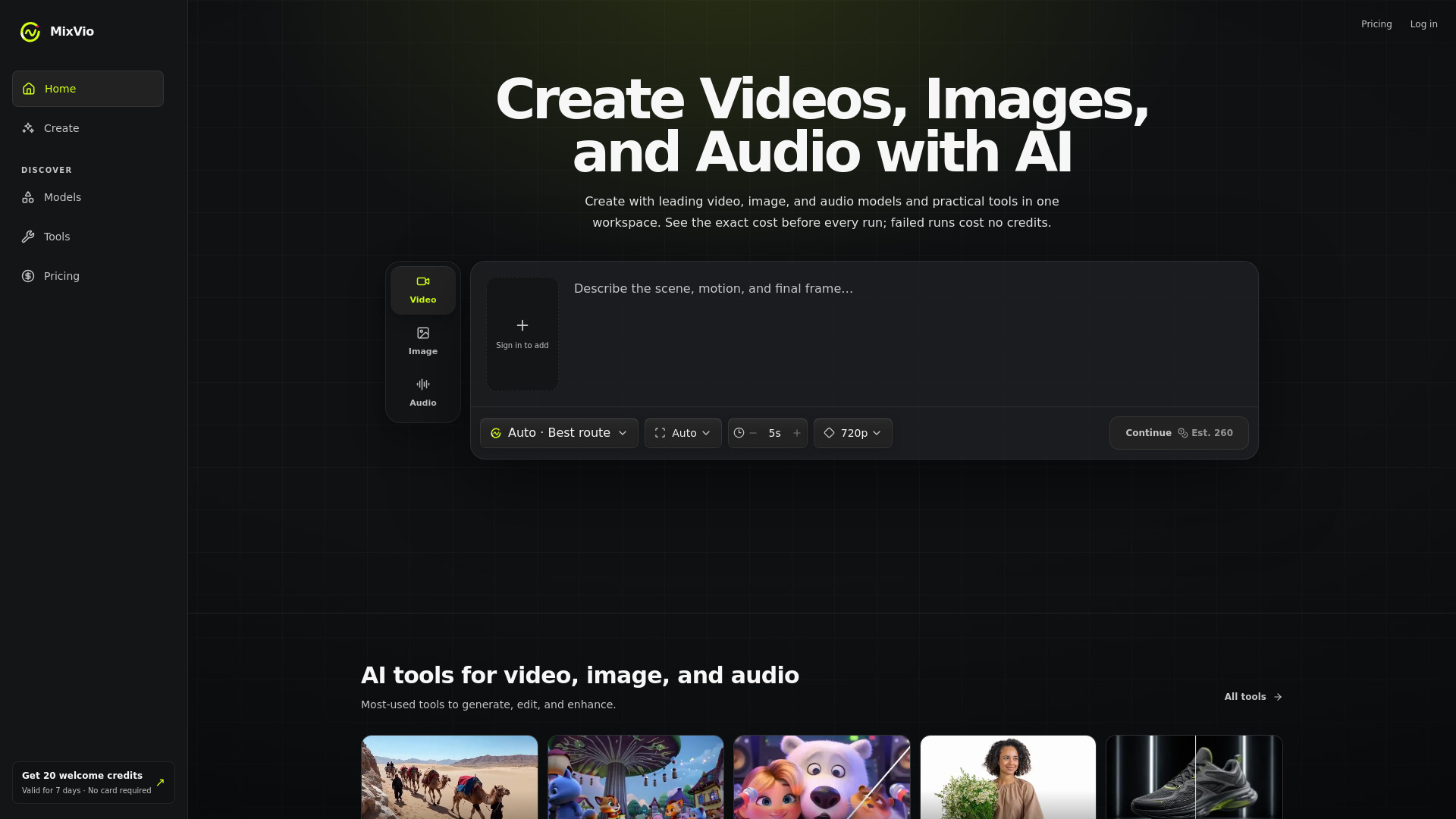
MixVio AI takes the "one workspace" idea seriously, combining video generation from text and reference images with image generation, editing, upscaling, background removal, voice-over, and music creation. Multiple current AI models give creators room to compare approaches without constantly moving assets between services. The free entry is useful for a short evaluation sprint, but it is not a permanent testing cushion: 20 welcome credits expire after seven days, and free outputs carry watermarks or audible voiceover disclosures.
Best for
Creators producing video, stills, voiceovers, and music together
Short evaluation projects that can fit inside a seven-day window
Users who want several media models in one interface
Limitations
The 20 free credits expire after seven days
Free image outputs include watermarks
Free voiceovers include audible disclosures
Shortlist signal: Use MixVio AI for a concentrated multi-format experiment, then confirm whether its credit model suits ongoing production.
7. Free AI Image & Video Generator

- Content creators
- 3 free images/day and 1 free video/day
- Starts at Basic Monthly: $19/month
- Usage signal: Not listed

Why it matters
The unusually practical advantage here is access: guests can generate three images per day and one video per day without creating an account. That makes this a useful first stop for quick concept testing, especially when you want to compare prompts before committing to a subscription. It supports text-to-image, image-to-image, and video generation with multiple models, resolutions, and durations, while image downloads are watermark-free. The daily limits become the central constraint once experimentation turns into production.
Best for
Creators who want to test a workflow before signing up
Quick image and video concepts for social or internal work
Users who value watermark-free image downloads
Limitations
Free use is restricted by daily quotas
Advanced models and continued generation require credits
The $19 monthly plan is a significant jump from casual guest use
Shortlist signal: Start here when no-account testing matters and your early workload fits one free video per day.
8. Image to Video AI

- Content creators
- 3 free Video Fast 1.0 generations daily
- Starts at Free: $0
- Usage signal: Not listed
Why it matters
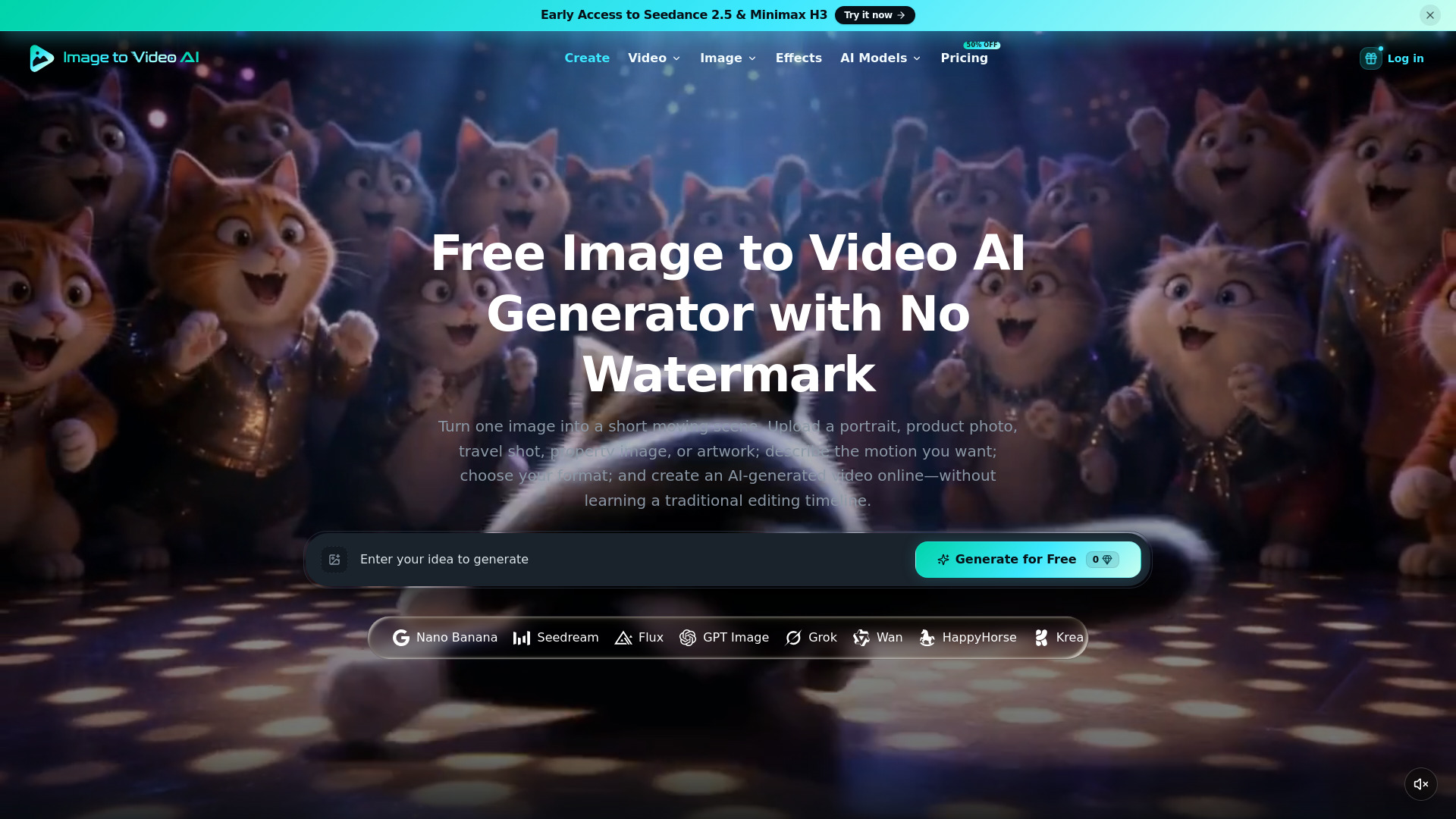
Image to Video AI avoids the complexity of a traditional editing timeline. Upload a portrait, product image, artwork, travel photo, or property image, describe the motion, and let the service create a short animated clip. It also supports text-to-video and text-to-image, but its clearest use case is giving a still visual natural motion, camera movement, or scene animation. Three free Video Fast 1.0 generations per day make the workflow easy to sample before paying.
Best for
Social creators animating existing still assets
Product, property, travel, and portrait visuals
Users who prefer prompt-based motion over timeline editing
Limitations
Free access requires sign-up, with daily free generations requiring Google sign-in
Free users receive one concurrent generation
The shared queue can slow down iterative testing
Shortlist signal: Choose it when the source asset already exists and the main challenge is adding believable movement quickly.
9. HeyVigo AI

- Video production teams
- ""
- Starts at HeyVigo Lite Plan: $19/month
- Usage signal: Not listed
Why it matters
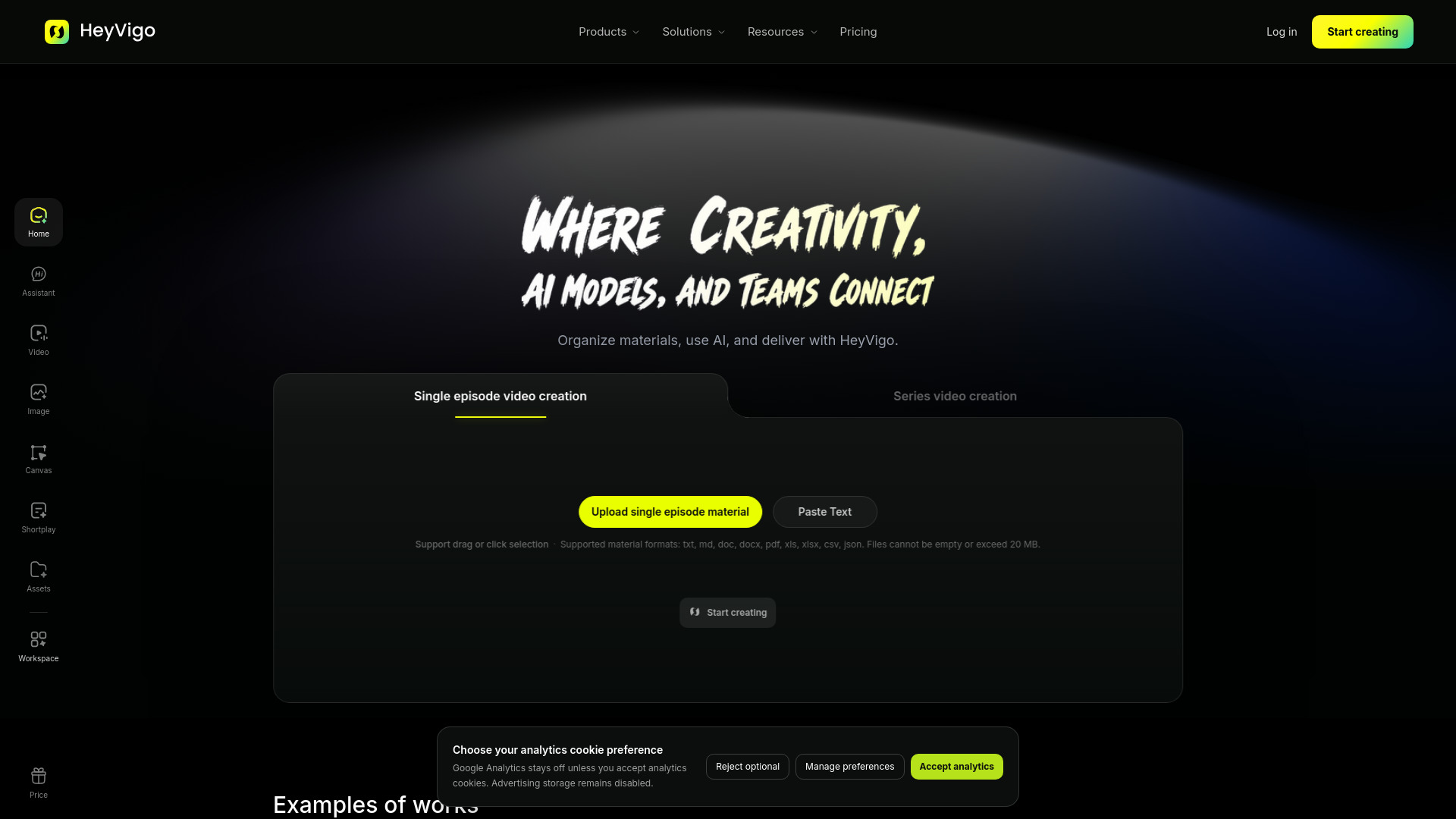
HeyVigo AI earns its ranking through production structure rather than a single headline generation feature. It can generate from text, images, keyframes, references, or source footage, then extend that work into scripts, planned scenes, characters, storyboards, and audio. Ads, social clips, product showcases, and marketplace variations all benefit from that organization. Asset management, collaboration, shot-level review, revisions, and delivery are especially valuable when several people need to comment on and approve a video.
Best for
Video production teams sharing review and delivery responsibilities
Script-to-scene projects with recurring characters or storyboards
Brands creating multiple ad and marketplace variations
Limitations
No free plan or free generation quota is stated
Paid plans may be expensive for casual or infrequent users
Teams looking only for a quick single clip may find the workflow broader than necessary
Shortlist signal: Shortlist HeyVigo when coordination, approvals, and repeatable production matter as much as generation.
10. Sealed Rose AI Deepfake Detector

- Journalists
- Free 3 video checks per day
- Starts at Free: $0
- Usage signal: Not listed
Why it matters
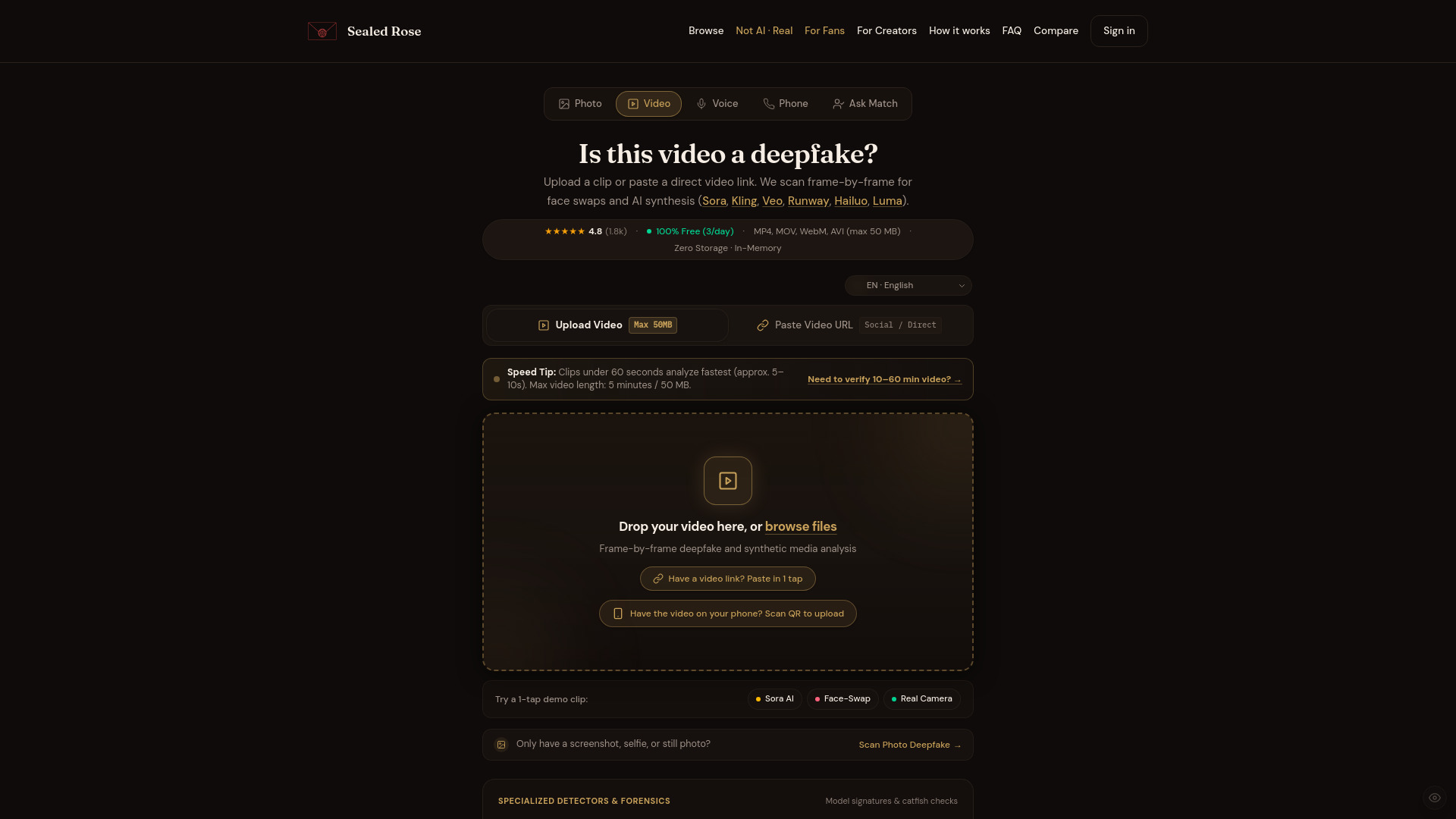
Sealed Rose AI Deepfake Detector is the clearest example of an adjacent tool that belongs in a practical video field guide. Instead of generating footage, it helps determine whether footage is synthetic. It checks for video made by Sora, Kling, Runway Gen-3, Veo, and Luma, analyzes face swaps frame by frame for edge warping, lighting anomalies, and facial seams, and returns an instant synthetic-likelihood percentage. Journalists and researchers can run three checks per day without logging in, which keeps initial verification friction low.
Best for
Journalists checking user-submitted or circulating footage
Researchers investigating synthetic media and face swaps
Teams needing a quick authenticity signal before deeper review
Limitations
Free access is limited to three video checks per day
Uploads are limited to 50 MB and five minutes per clip
A likelihood score should support editorial judgment, not replace source verification
Shortlist signal: Use it when the question is whether a video is synthetic, not how to generate the next one.
What to test before choosing
A polished sample clip can hide the workflow problems that appear after ten or twenty generations. Run the same small test across two or three shortlisted tools rather than judging each one from its strongest demo.
- 1
Test motion continuity. Use a prompt with a subject, camera movement, and clear action. Check whether the subject stays coherent from the first frame to the last.
- 2
Test reference fidelity. Upload the same image to image-to-video tools and compare identity, composition, and unwanted changes.
- 3
Test sound separately. For tools with native audio, listen for whether dialogue, environmental sound, and music actually match the scene.
- 4
Measure the useful output rate. Count how many generations are usable, not how many technically complete. Credit pricing means little if most attempts need to be discarded.
- 5
Try the free allowance honestly. Check login requirements, daily quotas, expiring credits, watermarks, queue behavior, and concurrent-generation limits.
- 6
Check the workflow boundary. If you need scripts, storyboards, asset review, or delivery, a production workspace may save more time than a higher-resolution generator.
- 7
Verify live terms. Pricing, quotas, model availability, output rights, and commercial-use rules can change, so confirm them before committing budget.
What to do next
Pick one tool from the segment that matches your immediate project, then one adjacent alternative. For example, test LTX-2 AI against MuseVideo for original clips, or Image to Video AI against Photogenerator AI for still-image animation. Give both the same source material, prompt, duration target, and review standard.
If you are buying for a team, add HeyVigo AI to the comparison even if its raw generations are not your favorite. Review and delivery friction often costs more than a small quality difference. If you are working in immersive media, skip the general-purpose tools and begin with Panorama AI. And if your work involves verification, Sealed Rose AI deserves a separate test because it solves a different problem entirely.
Common mistakes when choosing from a complex top list
Treating every tool as a direct substitute. A panorama generator, production workspace, and deepfake detector should not be judged by the same workflow.
Choosing by score alone. A 92/100 specialist can be a better purchase than a 96/100 generalist when it matches the actual deliverable.
Confusing free access with usable scale. Daily quotas, expiring credits, watermarks, login requirements, and queues all affect the real cost of experimentation.
Ignoring clip length. LTX-2 AI's 20-second generation limit may be irrelevant for social snippets but central to a longer narrative project.
Testing only the best-looking demo. Use your own product, face, location, or visual style; vendor-selected examples rarely expose weak points.
Overlooking audio. Native synchronized audio can reduce post-production work, but only if the result matches the visual action.
Skipping the production handoff. A generator may create a strong clip but still leave you without a practical way to organize scenes, revisions, approvals, or delivery.
Assuming today's pricing is permanent. Confirm current plans and quotas directly with the vendor before building a recurring workflow.
FAQ
LTX-2 AI ranks first because it combines open-source deployment, ComfyUI support, native audio synchronization, 4K output, and up to 50 FPS. Its 20-second generation limit is the main reason it will not fit every project.