
Choosing an image-to-video generator is less about finding a flashy demo and more about matching the tool to your production workflow. This top image to video ai tools review compares 10 tools across simple photo animation, cinematic motion, multi-model workspaces, product ads, and social content. The ranking weighs feature depth, audience fit, practical limits, pricing signals, and usage signals so you can build a shortlist without testing every option from scratch.
Start here
The fastest way to narrow this category is to decide how much control you actually need. A one-click photo animator is a better choice for quick social posts than a workspace with keyframe controls, multiple models, and detailed camera direction. Conversely, a simple tool can become frustrating when you need consistent motion across a product campaign or several storyboard frames.
Best overall match: AI Animate Image combines browser-based simplicity with cinematic animation and smooth movement. Its 30 free credits make it an easy first test.
Best for a simple free workflow: ImageToVideo AI supports image-to-video, text-to-video, and AI effects through a friendly interface.
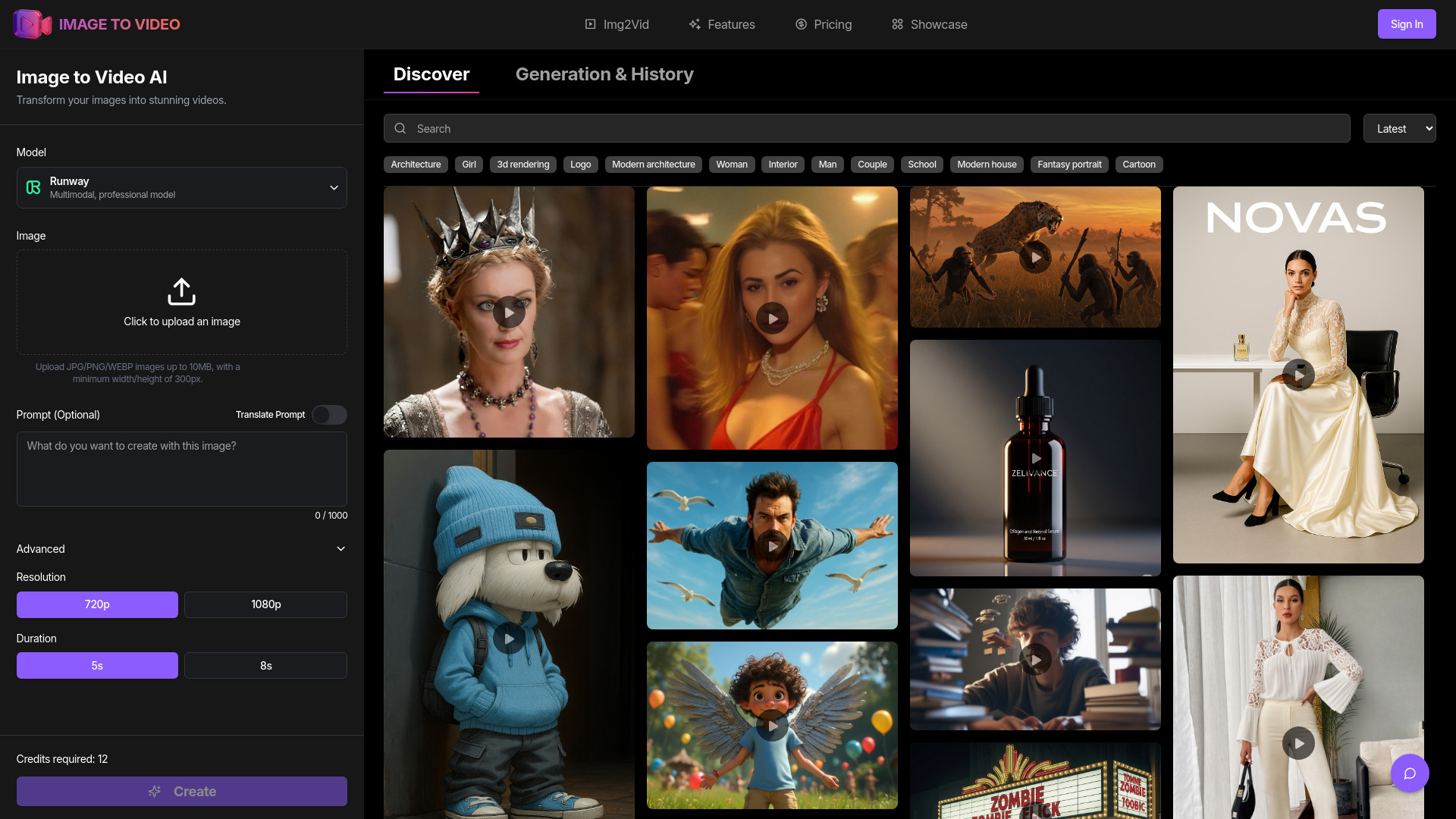
Best for camera and storyboard control: Image to Video AI offers first- and last-frame control, multi-image references, and cinematic camera direction.
Best multi-model subscription: ImageToVideoAI puts 14 models in one workspace and adds workflows for product ads and trend-led social clips.
Best for high-resolution output: ImageToVideoAI supports outputs up to 4K and gives creators access to more than 10 models.
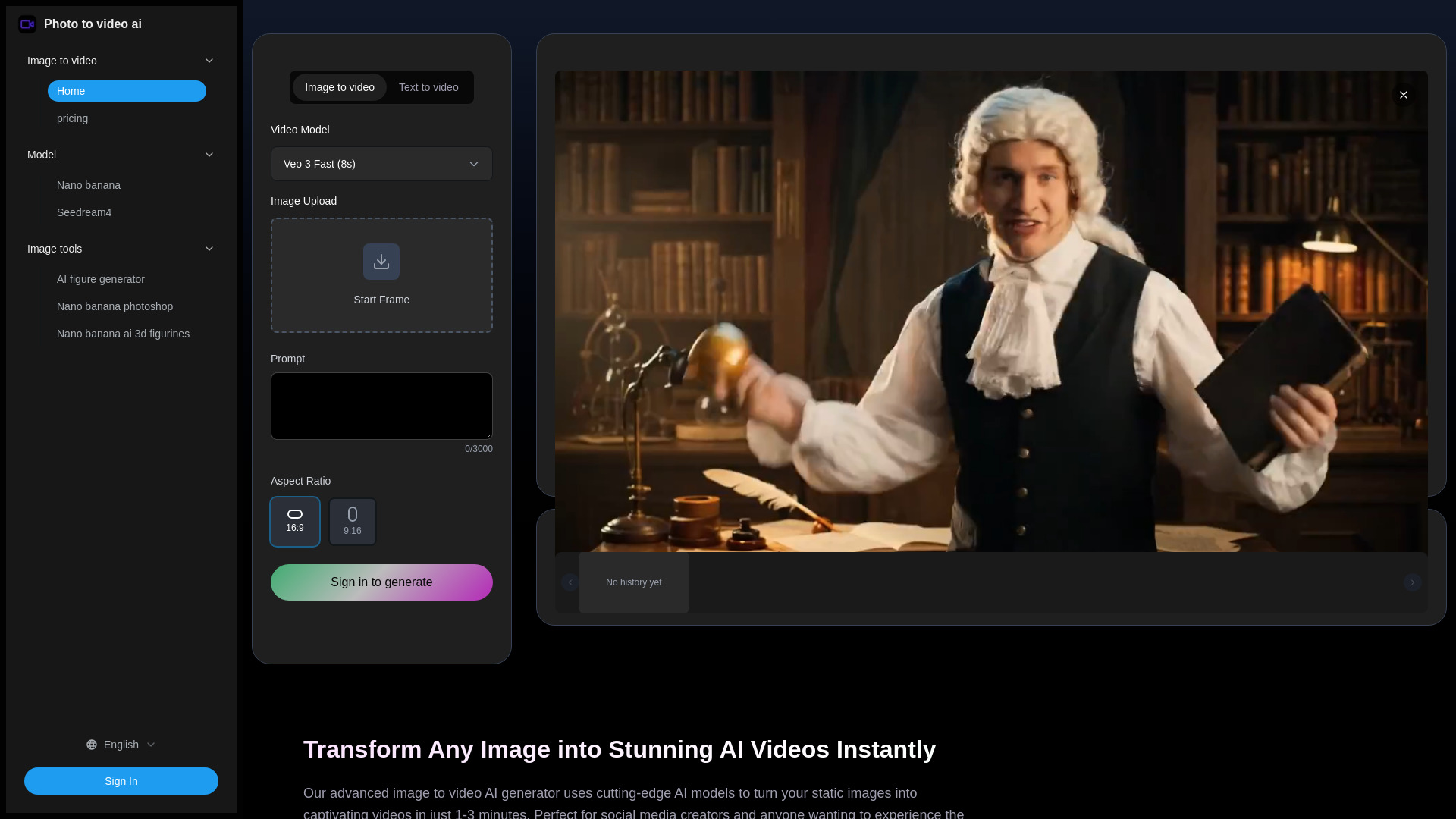
Best for a low-friction social post: Photo to video ai focuses on one-click generation and typically produces a clip in 1-3 minutes.
The important distinction is not simply quality. It is repeatability, cost per usable clip, generation speed, and how much control remains when the first result is almost right but not quite.
Segment comparison
| Segment | Strongest fit | What to look for | Main trade-off |
|---|---|---|---|
| One-click photo animation | AI Animate Image | Browser workflow, natural movement, quick setup | Credit use and short sample duration |
| Simple image and text conversion | ImageToVideo AI | Friendly UI, format support, multiple input types | Less information about advanced controls |
| Cinematic storyboarding | Image to Video AI | Camera movement, frame locking, reference images | Five-second generations and high credit use |
| Multi-model experimentation | ImageToVideoAI | Several models, trend templates, product ad workflows | Watermarks and expiring free credits |
| High-resolution creator work | ImageToVideoAI | 4K output, prompt controls, model choice | Generation can take up to three minutes |
This segmentation matters because the same feature can be either useful or unnecessary. Model choice is valuable for an experienced creator comparing motion styles, but it adds decision overhead for someone who simply needs a product photo to move naturally.
Shortlist paths
| Your priority | Start with | Why |
|---|---|---|
| Try the category with a generous initial allowance | AI Animate Image | 30 free credits and a browser-first workflow |
| Make social clips quickly | Photo to video ai | One-click generation with a stated 1-3 minute workflow |
| Compare models in one place | ImageToVideoAI | 14-model integration and specialized social workflows |
| Direct a transition between two visual states | Image to Video AI | Start and end frame locking plus multi-image references |
| Keep costs predictable for occasional use | ImageToVideo AI | A free online service with a stated one-time 60-credit option |
Use these paths as starting points, not permanent recommendations. A tool that wins on the first sample may lose once you account for watermarks, expired credits, generation queues, or the number of retries needed to get a usable result.
Ranking snapshot
| Rank | Tool | Score | Best for | Starting price |
|---|---|---|---|---|
| #1 | AI Animate Image | 94/100 | Content creators | Starter: $4.9/USD |
| #2 | ImageToVideo AI | 94/100 | Content creators | 60 credits: $9.9 |
| #3 | image to video ai | 94/100 | Social media managers | Premium: $49.9 USD |
| #4 | Image to Video AI | 93/100 | Marketers | Starter: $15 / month |
| #5 | ImageToVideoAI | 93/100 | Social media creators | Free: $0 |
| #6 | ImageToVideoAI | 92/100 | Content creators | Lite: $14.90/month, annually |
| #7 | ImagetoVideoAI | 91/100 | Marketers | Free plan: Free |
| #8 | Photo to video ai | 90/100 | Social media creators | Basic: $9.9 USD |
| #9 | ImgToVid AI | 90/100 | Content creators | Lite: $11.1/month, annually |
| #10 | VideoAI | 90/100 | Marketers | Check vendor pricing |
Several tools share the same score, but they do not serve the same buyer. The ranking order reflects the balance of capabilities, accessibility, stated limits, and fit for the category-not a claim that one tool will produce the best-looking result for every image.
How we grouped and ranked the list
We grouped the tools by the job they appear best equipped to handle: fast animation, creative control, model aggregation, social publishing, and marketing-oriented production. That keeps the comparison practical. A tool with 14 models should not be judged by the same standard as a one-click animator, just as a simple interface should not be penalized for avoiding controls that many casual users never touch.
Scores reflect five editorial questions:
- 1
Does the core workflow match image-to-video work? Tools that explicitly transform still images, photos, or keyframes into video received the clearest category fit.
- 2
How much creative direction is available? Camera control, prompt-based motion, frame locking, model choice, and style options all matter when a first generation needs refinement.
- 3
How easy is it to begin? Browser access, free credits, a free plan, and straightforward input modes reduce the cost of an initial test.
- 4
What could interrupt production? We considered short output limits, credit consumption, watermarks, queue times, expiring credits, and unsupported formats.
- 5
Does the tool fit a real audience? The best choice for a social media manager is not automatically the best choice for a marketer building storyboard transitions.
Pricing is especially important in this category because many tools use credits rather than a simple unlimited plan. Treat the displayed starting price as a starting point, not a forecast of your monthly bill. The number of retries and the credit cost of each model can matter more than the headline subscription.
Ranked field notes
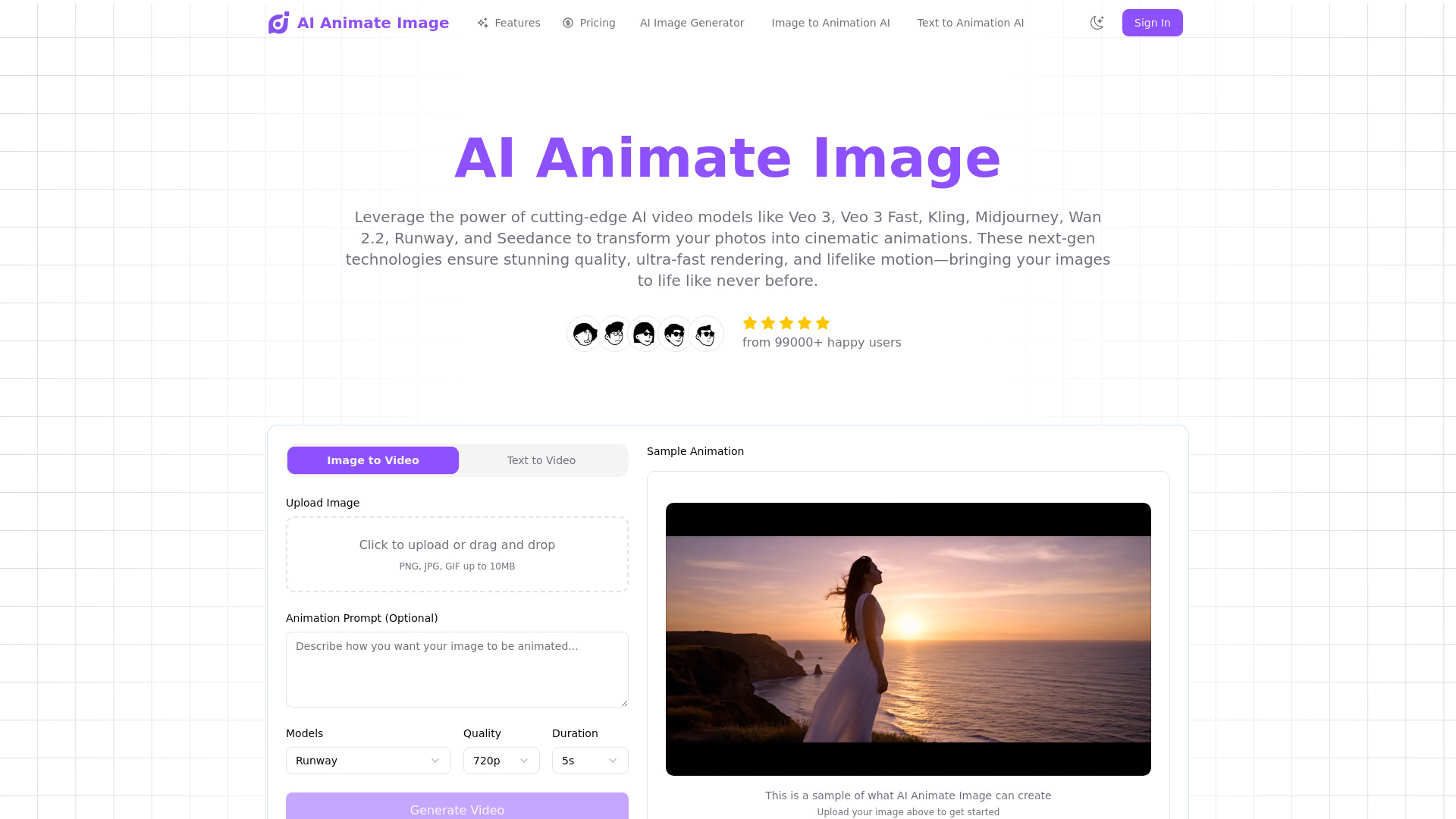
1. AI Animate Image

- Content creators
- 30 free credits
- Starts at Starter: $4.9/USD
- Usage signal: 16.7K
Why it matters
AI Animate Image earns the lead position by keeping the path from still image to animated clip unusually direct. It runs in the browser, requires no download, and focuses on cinematic animation, smooth transitions, and natural movement. That combination is persuasive for creators who want a polished first result without learning a full video editor. The 30 free credits also make it one of the more approachable tools to test before committing. The catch is that its sample output is limited to five seconds, so it is best viewed as a short-form clip generator rather than a complete long-form production environment.
Best for
Content creators making short cinematic social clips
Users who want browser-based photo animation without technical setup
First-time buyers comparing motion quality before paying
Limitations
Generation requires credits, which can become restrictive for heavy users
Sample video duration is limited to five seconds
A short clip workflow may not suit longer narrative projects
Shortlist signal: Add it first when you want the simplest credible test of cinematic photo animation.
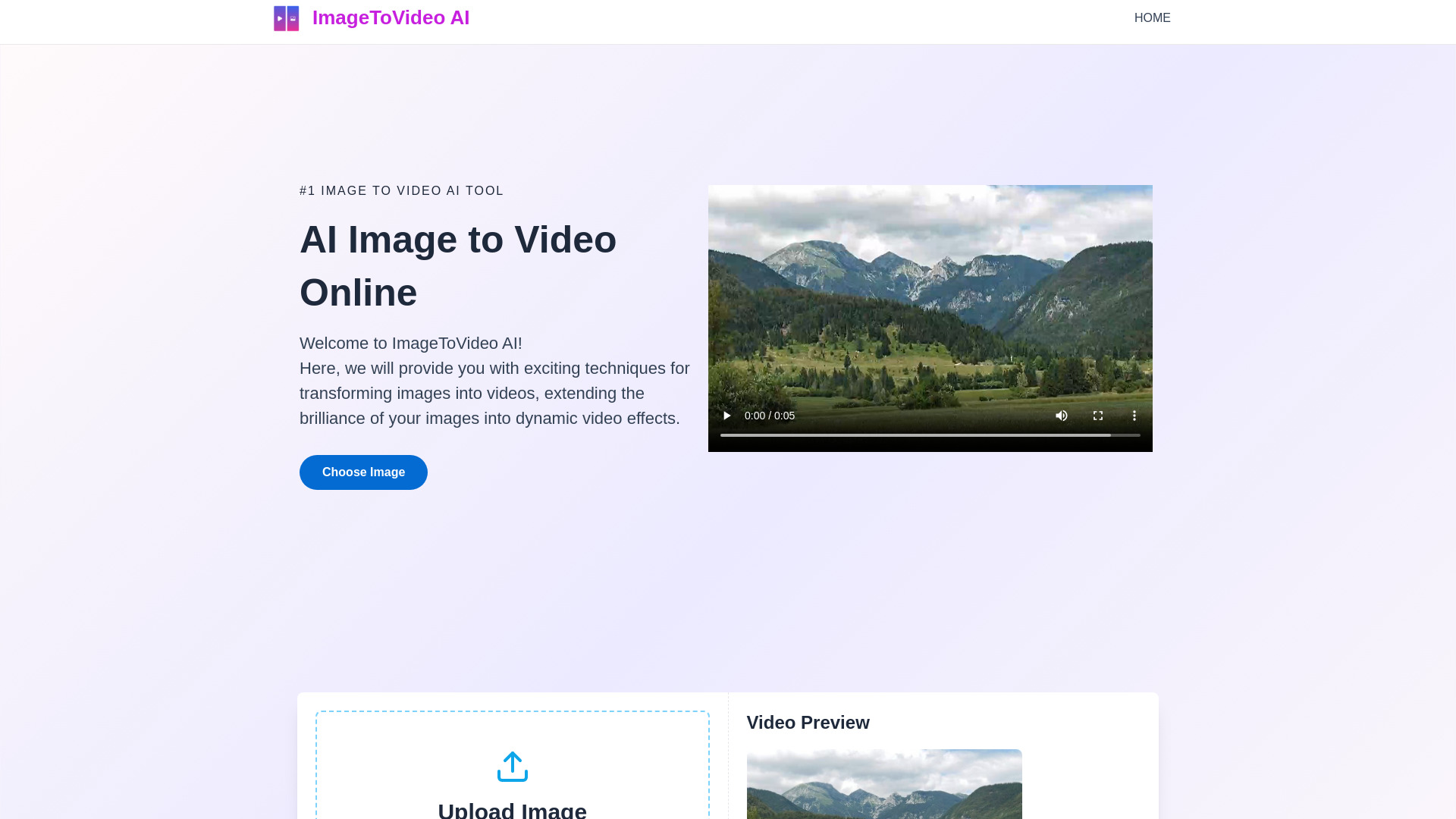
2. ImageToVideo AI

- Content creators
- Free online service
- Starts at 60 credits: $9.9
- Usage signal: 48.8K
Why it matters
A friendly interface is not a trivial advantage when you are converting batches of images for social posts. ImageToVideo AI supports image-to-video conversion, text-to-video conversion, and AI video effects, while also supporting various image formats. Its free online service lowers the barrier to a first experiment, and the stated one-time 60-credit option gives occasional users a more concrete alternative to an ongoing subscription. It ranks highly because the workflow is broad without appearing intimidating, although the available information says less about detailed controls for experienced editors.
Best for
Content creators who value a straightforward interface
Users combining image prompts and text prompts in one workflow
Occasional projects that benefit from a credit package
Limitations
Advanced customization options are not clearly defined
AI-led generation may limit the control expected by experienced editors
Credit economics should be checked against your expected retry volume
Shortlist signal: Choose it when ease of use and flexible input types matter more than granular directing tools.
3. image to video ai

- Social media managers
- ""
- Starts at Premium: $49.9 USD
- Usage signal: 485
Why it matters
Social teams often need several visual treatments from the same source image, and this tool is positioned around that need. It combines advanced AI models, multiple style options, high-resolution support, and quick processing into a focused image-to-video workflow. That makes it a plausible fit for managers producing variations rather than a single carefully directed sequence. The trade-off is commercial clarity: the tool relies on credits, and there is no clearly defined free tier or trial in the available offer. Its premium starting price is also materially higher than several alternatives, so style variety needs to justify the spend.
Best for
Social media managers producing multiple visual variations
Teams that need high-resolution image animation
Buyers who are comfortable evaluating a credit-based service
Limitations
Ongoing credit purchases may be necessary
No clearly defined free tier or free trial is listed
The premium starting price makes casual experimentation less attractive
Shortlist signal: Keep it in contention when style options and output quality outweigh the need for a low-cost trial.
4. Image to Video AI
- Marketers
- Start free
- Starts at Starter: $15 / month
- Usage signal: 12.4K
Why it matters
This is the strongest choice for buyers who think in shots rather than isolated animations. Its standout controls include first- and last-frame locking, multi-image references, and cinematic camera direction. Those features give marketers more influence over how a transition begins and ends, which is useful for product sequences, campaign storyboards, and visual continuity. It also combines multi-model benchmarking in one interface. The five-second generation limit keeps the tool oriented toward clips, while advanced generations use 15 credits per video-two details that can change the economics of a high-volume workflow.
Best for
Marketers planning short storyboard transitions
Product teams needing visual continuity across reference images
Users who want camera direction and frame locking
Limitations
Each generation is limited to five seconds
Advanced generations require 15 credits per video
High-volume campaigns may consume credits quickly
Shortlist signal: Shortlist it when controlling the opening and closing frames is more important than generating long clips.
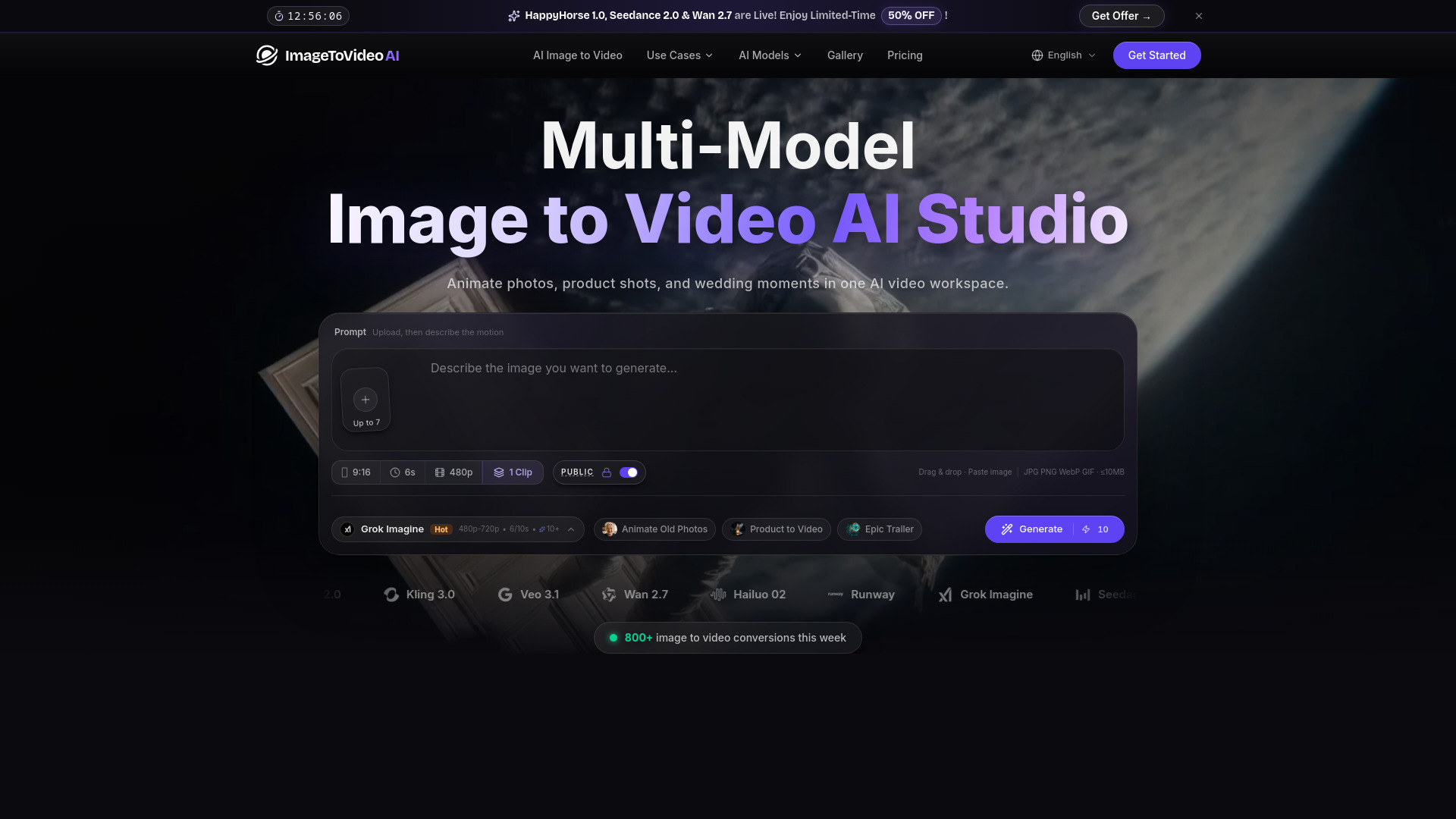
5. ImageToVideoAI

- Social media creators
- 5 daily login credits
- Starts at Free: $0
- Usage signal: 4.2K
Why it matters
The appeal here is breadth: 14 leading AI video models are available under one subscription, alongside workflows for AI hugs, French kiss videos, and product photo ads. That makes this a particularly flexible playground for social creators who want to compare model behavior or produce trend-led formats without opening multiple accounts. Product ad conversion gives it a practical commercial use beyond novelty clips. The free tier is useful for initial testing, but watermarks and daily credits that expire after two days create real limits for anyone trying to run a sustained free workflow.
Best for
Social creators experimenting with multiple model styles
Users making trend-driven clips and product photo ads
Teams that prefer one subscription over several model-specific tools
Limitations
Free-tier videos include watermarks
Daily login credits expire after two days
Model variety can add comparison overhead to simple projects
Shortlist signal: Pick it when model choice and trend-specific templates are central to your content calendar.
6. ImageToVideoAI
- Content creators
- Free credits upon sign up
- Starts at Lite: $14.90/month, billed annually
- Usage signal: 675
Why it matters
For creators who care about delivery resolution, ImageToVideoAI stands out with output options up to 4K and 1080p. It also provides access to more than 10 models, including Veo 3, Sora 2, and Kling 3, while text prompts can direct motion and style. This is a strong combination for creators who want to compare generation approaches without sacrificing resolution. It is not the quickest option in every session: generation can take up to three minutes depending on server load, and free credits are limited. The annual billing note on the Lite plan is worth checking before purchase.
Best for
Content creators preparing high-resolution outputs
Users comparing several contemporary video models
Projects where prompt-led motion and style direction are important
Limitations
Generation can take up to three minutes depending on server load
Free credits are limited
The listed Lite price is billed annually, so verify the billing commitment
Shortlist signal: Choose it when 4K output and model access are more valuable than the fastest possible generation.
7. ImagetoVideoAI
- Marketers
- 1 free daily check-in credit
- Starts at Free plan: Free
- Usage signal: Not listed
Why it matters
ImagetoVideoAI takes a workspace approach rather than limiting the user to one conversion path. It supports text-to-video, image-to-video, and keyframe-to-video modes, with several models-including Seedance 2.0 and Veo 3.1-available in the same environment. That input flexibility is useful for marketers who move between concept prompts, existing campaign imagery, and controlled keyframe ideas. The free daily check-in credit makes it accessible for light testing. The compromise is that results depend on clear prompts, and controls can vary according to the selected model, so the experience may not feel consistent from one generation mode to another.
Best for
Marketers switching between text, image, and keyframe inputs
Users who want a multi-model workspace with a free plan
Campaign teams exploring several creative directions
Limitations
Strong results depend on clear, specific prompts
Available controls vary by selected model
A daily check-in credit may be insufficient for regular production
Shortlist signal: Add it when input flexibility matters and you are comfortable adapting your process to different models.
8. Photo to video ai

- Social media creators
- Free credits available
- Starts at Basic: $9.9 USD
- Usage signal: Not listed
Why it matters
Photo to video ai is designed for the moment when you want movement without building a complex production pipeline. Its one-click generation workflow can produce a clip in 1-3 minutes, and it offers access to multiple models including Veo 3, Seedance, Hailuo, and Video STD. That makes it a sensible option for social creators who value speed and a low learning curve. It works best with static JPG, PNG, and WEBP images, however, and does not support animated GIFs. There are also no refunds for completed generations, so testing should be deliberate rather than a sequence of expensive guesses.
Best for
Social media creators producing quick image-led posts
Beginners who want one-click generation
Users comparing several models without complex editing tools
Limitations
Animated GIFs are not supported
Completed video generations are not refundable
One-click simplicity leaves less room for detailed creative control
Shortlist signal: Use it when speed and simplicity beat fine-grained direction for everyday social content.
9. ImgToVid AI

- Content creators
- 50 free credits
- Starts at Lite: $11.1/month, billed annually
- Usage signal: Not listed
Why it matters
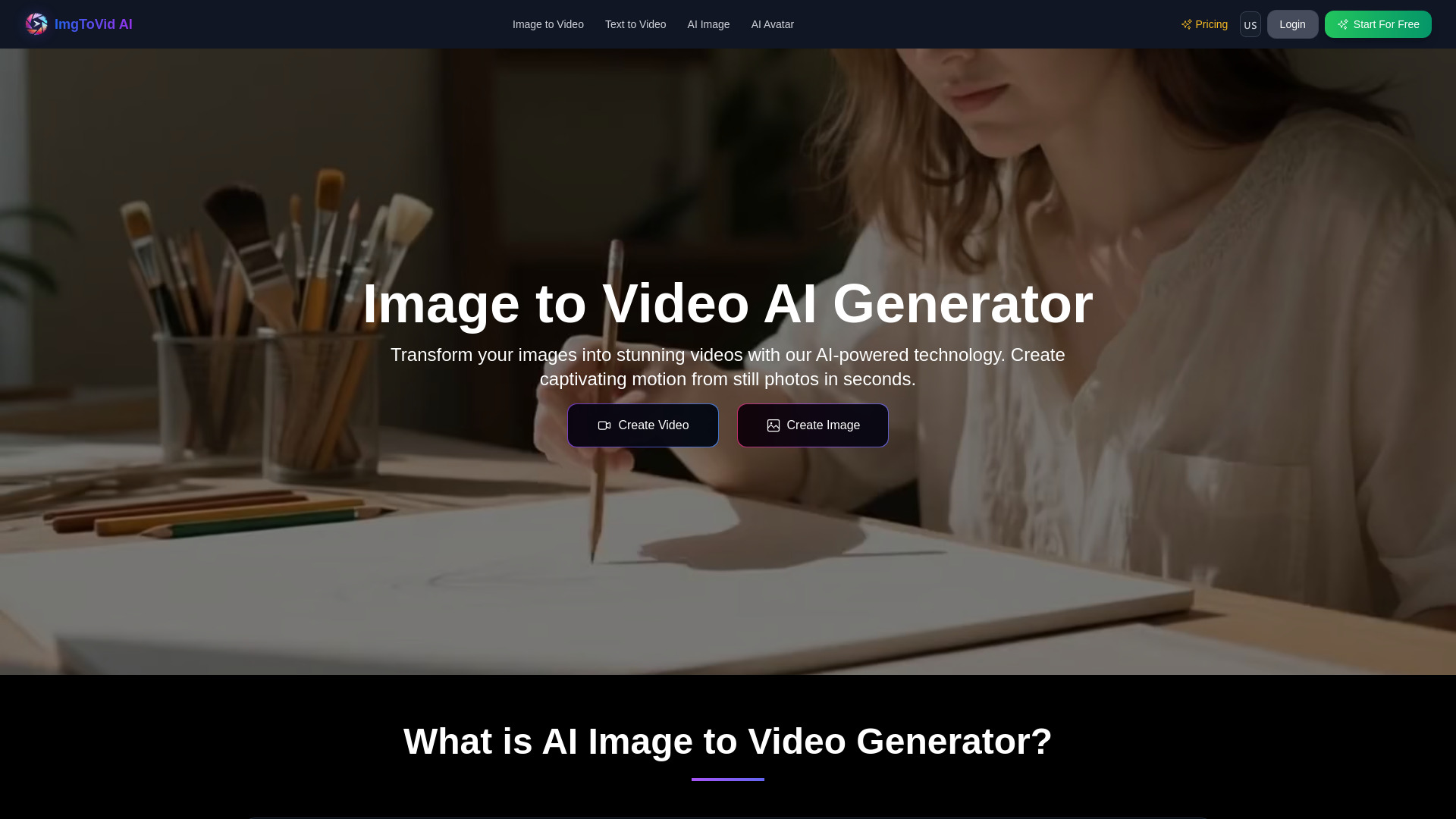
ImgToVid AI is a good middle ground for creators who want more direction than a one-click tool provides. It supports motion intensity, camera movements, and artistic styles through text prompts, while providing access to models such as Kling, Runway, Luma, Wan AI, and Veo3. The 50 free credits offer a meaningful first test, and the stated price is competitive for users willing to accept annual billing. Waiting time is the key drawback: video generation typically takes 5-10 minutes, and free credits require sign-in. This is better suited to planned batches than rapid social publishing.
Best for
Content creators directing camera motion through prompts
Users who want access to several established models
Planned projects where a 5-10 minute wait is acceptable
Limitations
Generation typically takes 5-10 minutes
Sign-in is required to access free credits
The Lite price is billed annually, so confirm the commitment
Shortlist signal: Shortlist it when prompt-level camera and style control matter more than turnaround speed.
10. VideoAI

- Marketers
- 1 free credit
- Starts at Check vendor pricing
- Usage signal: Not listed
Why it matters
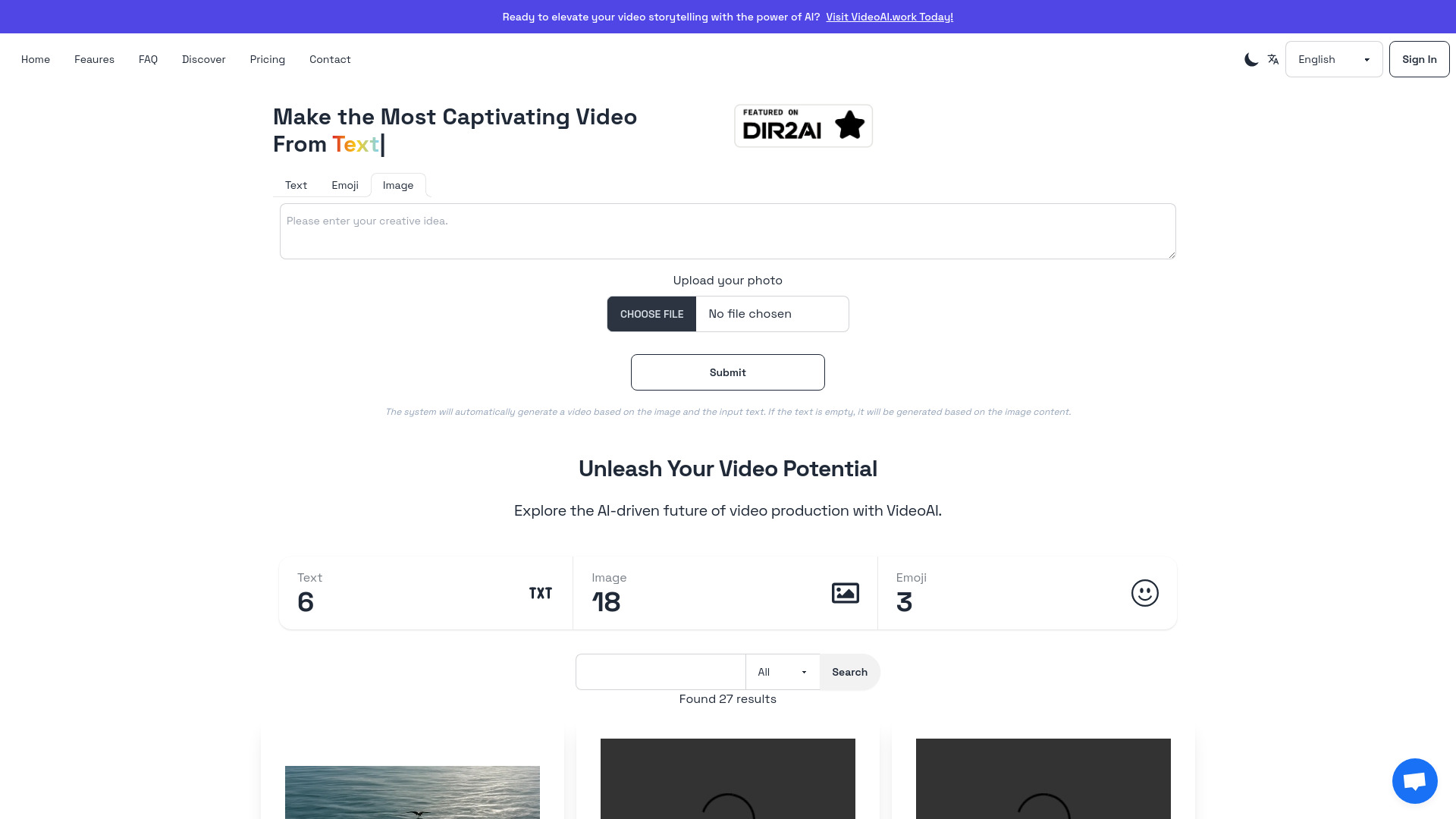
VideoAI closes the list with a straightforward set of capabilities: AI video generation, video style transfer, and a user-friendly interface. That combination gives marketers a low-complexity way to test image-led video creation and style changes without starting with a highly technical workspace. It is also accessible across skill levels, which can help when several people need to use the same tool. Pricing requires a vendor check, and the usage model deserves attention: unused monthly credits expire and completed generations are not refundable. Those terms make careful test planning more important than casual experimentation.
Best for
Marketers who prefer a simple interface
Teams testing AI video generation and style transfer
Users who need an accessible starting point rather than extensive controls
Limitations
Pricing details require confirmation with the vendor
Unused monthly credits expire
Completed generations are not refundable due to computational costs
Shortlist signal: Consider it for a simple first marketing test, but verify pricing and credit expiration before scaling.
What to test before choosing
A polished sample is not enough. Use the same small test set across two or three finalists and record both the output and the effort required to get there.
- 1
Use a difficult source image. Test a person, a product, and an image with a clear background. Look for unwanted warping, unnatural movement, and changes to important details.
- 2
Repeat the prompt. Run the same motion direction more than once. Consistency matters if you need a series of clips rather than a single post.
- 3
Measure usable output, not generated output. Note how many credits and attempts produce one clip you would actually publish.
- 4
Check duration and frame controls. A five-second clip may be fine for a social loop but unsuitable for a storyboard transition. If continuity matters, test start and end frame behavior.
- 5
Time the queue. Tools range from quick one-click workflows to generation that can take 5-10 minutes. That difference becomes significant during a campaign.
- 6
Inspect the free result. Look for watermarks, credit expiration, sign-in requirements, and output restrictions before treating a free tier as a viable production plan.
- 7
Confirm the commercial terms. Check whether credits expire, whether completed generations are refundable, and whether the displayed monthly price requires annual billing.
The best image-to-video AI tool is usually the one that produces acceptable results with the fewest retries-not necessarily the one with the longest feature list.
What to do next
Start with one source image that represents your real work, not an unusually easy demo image. Test AI Animate Image for a quick cinematic baseline, then compare it with Image to Video AI if you need frame control or with ImageToVideoAI if model variety is your priority. For simple social content, Photo to video ai and ImageToVideo AI are sensible low-friction comparisons.
Keep a small scorecard with four columns: usable result, credits consumed, time to completion, and editing required afterward. After three to five tests, the right shortlist usually becomes obvious. Only then should you compare paid plans, because a low entry price is not a bargain if every acceptable clip requires several retries.
Common mistakes when choosing from a complex top list
Treating equal scores as identical products. Three tools can score 94/100 while serving creators, social managers, and different control preferences.
Comparing prices without comparing credits. A lower monthly price may still cost more if each useful generation consumes several credits.
Ignoring output length. A five-second generation can be excellent for a loop and poor for a campaign sequence.
Assuming model aggregation guarantees better results. More models create options, but they also create more settings and more decisions.
Testing only a perfect image. Real projects include text, complex edges, faces, products, and images with uneven lighting.
Overvaluing a free tier. Watermarks, expiring credits, sign-in requirements, and limited quotas can make a free plan useful only for evaluation.
Skipping billing details. Annual billing, non-refundable generations, and expiring unused credits can materially change the cost of a workflow.
Forgetting the handoff. A strong generated clip may still need captions, resizing, sound, or editing in another tool. Plan for the complete workflow.
FAQ
AI Animate Image ranks first because it combines cinematic animation, a browser-based workflow, smooth movement, and 30 free credits. It is the strongest starting point for creators who want a simple test without downloading software. Buyers who need frame locking or more detailed direction should also test Image to Video AI.