
The top ai presentation maker is not necessarily the tool that produces the flashiest first draft. The better choice depends on whether you need a PowerPoint-ready deck, a collaborative design workspace, a fast conversion from a PDF or document, or a low-cost way to create a handful of slides. We compared 10 AI presentation tools across those workflows, then ranked them by feature depth, audience fit, ease of editing, export flexibility, and the practical limits of their free plans.
Start here
A quick recommendation is more useful than a generic list. Start with the job your deck must do:
For the best all-around business workflow: PPT AI combines fast generation with file conversion and a multi-model intelligence engine.
For polished marketing decks: Beautiful.ai is the strongest fit when design consistency matters more than unlimited creative freedom.
For existing Google Slides or PowerPoint workflows: Plus AI works directly with those presentation environments.
For quick, inexpensive PowerPoint generation: AI PPT Maker can turn text, PDFs, YouTube content, or voice into a deck.
For slide-by-slide experimentation: Alai gives four design options per idea and uses a responsive canvas.
The main trade-off is straightforward: the fastest generators often need more editorial cleanup, while the most controlled design systems can constrain unconventional layouts. Export rules also matter more than many buyers expect. A free plan that lets you generate unlimited slides but only download PDFs may not work for a client presentation that must remain editable in PowerPoint.
Segment comparison
| Segment | Strongest fit | What stands out | Main watchout |
|---|---|---|---|
| Business presentation generation | PPT AI | Fast creation, file conversion, multiple AI models | Free presentations and slides are limited; free exports carry a watermark |
| Design-led team presentations | Beautiful.ai | Smart templates and automated formatting | Template-led design may restrict creative freedom |
| Google Slides and PowerPoint editing | Plus AI | Native workflow integration and AI editing | Unlimited use and advanced features require a paid plan |
| Source-to-slide conversion | AI PPT Maker | Converts text, PDF, YouTube, and voice | Free credits are limited |
| Flexible visual iteration | Alai | Four slide options and responsive canvas | Free plan has watermarks and no PowerPoint export |
This comparison separates the tools by workflow rather than treating every AI presentation maker as interchangeable. A consultant who already works in PowerPoint has a different priority from a marketing team that wants consistently formatted slides without manually adjusting every text box.
Shortlist paths
| Your priority | Start with | Why |
|---|---|---|
| Create a usable deck with minimal learning | PPT AI | The product emphasizes fast creation and has no stated learning curve |
| Keep a familiar slide editor | Plus AI | Works with Google Slides and PowerPoint |
| Produce a strong visual system for a team | Beautiful.ai | Smart slide templates handle design and formatting |
| Try a free route before paying | AI PPT Maker | Includes 100 credits per month and no-sign-up access is promoted |
| Pay per presentation | Powerpresent AI | Lists a $2.00-per-presentation starting option |
Use these paths as a first filter, not a final verdict. Before committing, generate the same five-slide brief in two or three tools. Compare the outline, the visual hierarchy, the quality of the speaker-facing copy, and what survives export.
Ranking snapshot
| Rank | Tool | Score | Best for | Starting price |
|---|---|---|---|---|
| #1 | PPT AI | 96/100 | Business professionals | Free version: $0 |
| #2 | Beautiful.ai | 96/100 | Marketing teams | Pro pricing listed on site |
| #3 | Plus AI | 96/100 | Consultants | $10 per user/month |
| #4 | AI PPT Maker | 95/100 | Business professionals | Free: $0 |
| #5 | Plus AI | 95/100 | Consultants | $10 annually or $15 monthly per user |
| #6 | PoweredTemplate | 94/100 | Business professionals | Check vendor pricing |
| #7 | AI Slide Studio | 94/100 | Business professionals | Free plan: $0.00 |
| #8 | Alai | 93/100 | Entrepreneurs | Check vendor pricing |
| #9 | Powerpresent AI | 93/100 | Business professionals | $2.00 per presentation |
| #10 | PPTAI | 91/100 | Business professionals | Check vendor pricing |
One naming note: the list includes two Plus AI entries with different product URLs and usage signals. Treat the third-ranked Plus AI as the direct product match at plusai.com, while the fifth-ranked entry points to the Plus AI experience at plusdocs.com. Check the exact plan page before comparing them commercially.
How we grouped and ranked the list
We grouped these products around the decision a buyer actually makes: how the deck starts, where it gets edited, how much design control the user has, and whether the finished file can move into a familiar presentation workflow.
The ranking weighs five practical signals:
- 1
Creation speed: Can the tool move from an idea or source document to a coherent presentation quickly?
- 2
Input flexibility: Does it accept text only, or can it convert documents, PDFs, websites, YouTube content, voice, or existing presentations?
- 3
Design control: Are layouts responsive and customizable, or does the tool lean heavily on fixed templates?
- 4
Delivery workflow: PowerPoint and Google Slides support can be decisive for client work and internal review.
- 5
Access and limits: Trials, credits, watermarks, download restrictions, and subscription requirements affect real-world value.
Scores are close because these tools serve overlapping jobs. The difference between a 96 and a 95 is not a guarantee that one product will win every project; it reflects how broadly the tool covers the core presentation workflow.
Ranked field notes
1. PPT AI

- Business professionals
- 3 presentations/month; watermark on free plan
- Starts at Free version: $0
- Usage signal: 564.5K
Why it matters
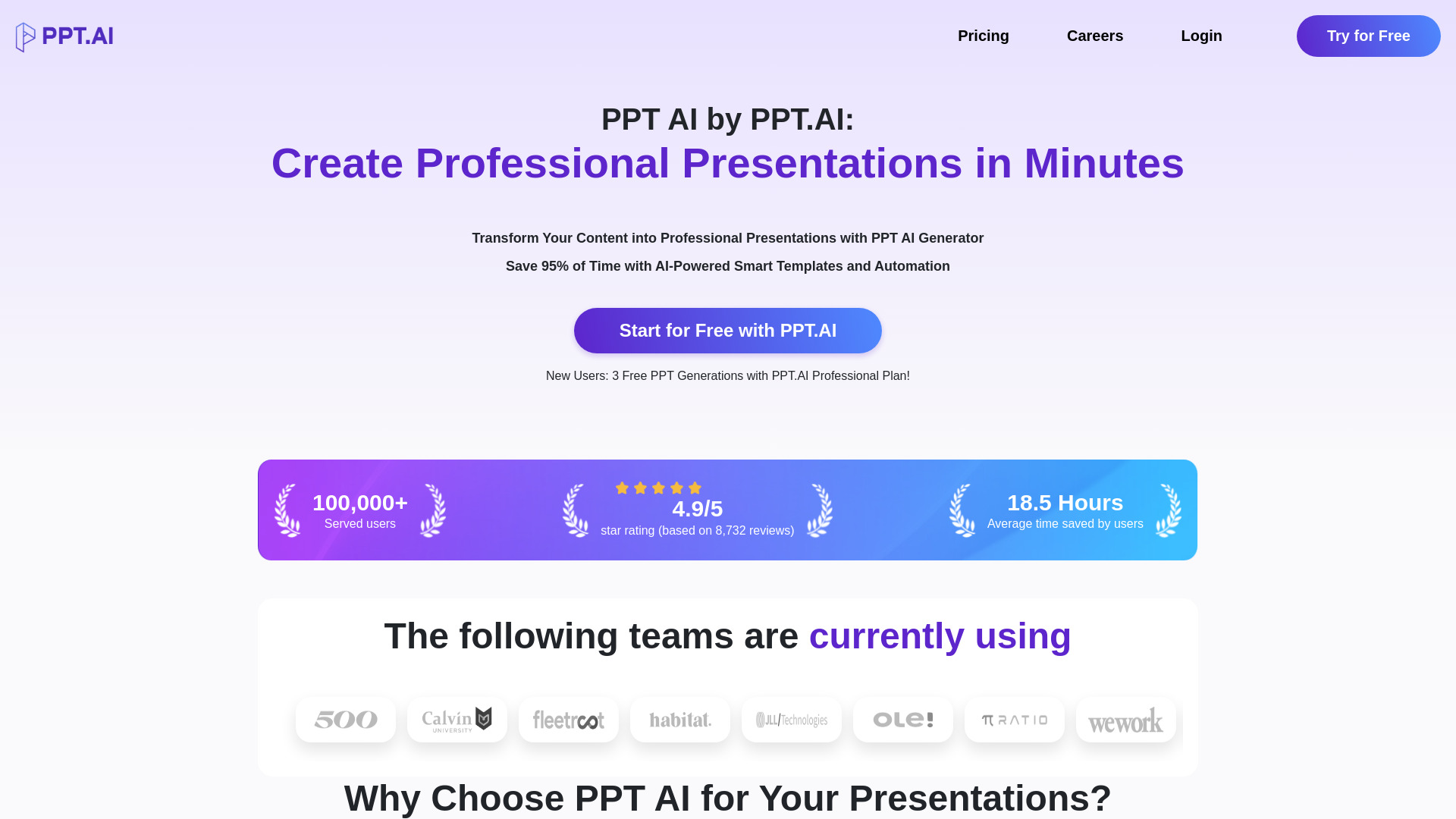
PPT AI earns the first position because it covers the most common business use case without forcing users into a complicated design process. It creates presentations with AI, converts different file types, and uses a multi-model engine that includes DeepSeek, GPT-4o, Claude 3.5, and Gemini 2.0. That combination makes it a sensible first stop when the goal is to turn an outline or source file into a presentable deck quickly. The product's stated time savings and lack of a learning curve are especially relevant for professionals who make presentations occasionally rather than designing slides every day.
Best for
Business professionals who need a fast first draft
Users converting existing files into presentations
Teams that want to try several AI model approaches
Limitations
The free plan limits the number of presentations and slides
Free-plan presentations include a watermark
A free quota may be restrictive for frequent client-facing work
Shortlist signal: Add PPT AI first when speed, broad input conversion, and a low-friction workflow matter more than deep manual design control.
2. Beautiful.ai

- Marketing teams
- 14-day free trial
- Starts at From $12/month
- Usage signal: 797.0K
Why it matters
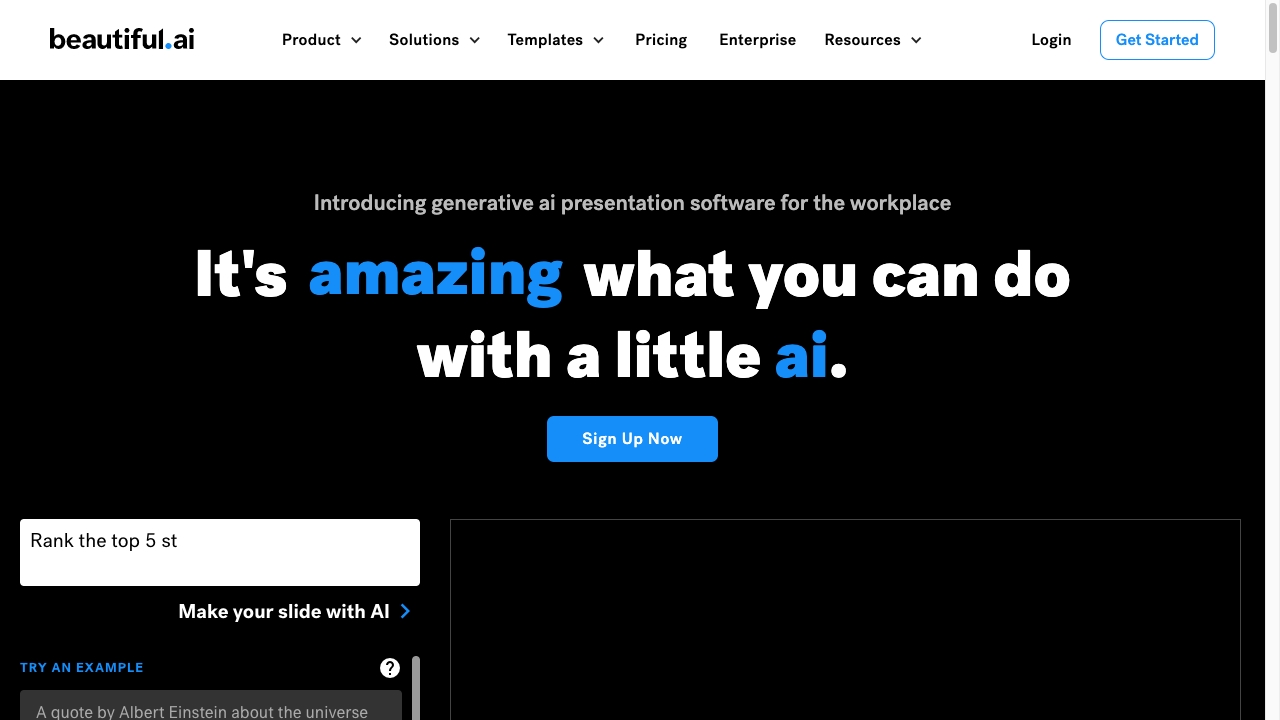
Beautiful.ai is the most natural choice here for teams that care about presentation polish from the first draft. Its AI-powered design automation and smart slide templates reduce the repetitive work of formatting, aligning, and maintaining visual consistency. That is a strong fit for marketing teams producing recurring sales, campaign, or executive decks. The trade-off is intentional: a template-led system can make professional output easier, but it may feel restrictive when a slide needs an unusual composition or highly customized art direction.
Best for
Marketing teams producing repeatable branded decks
Users who want design and formatting handled automatically
Presentations where consistency matters across collaborators
Limitations
Full access may require a subscription after the 14-day trial
Reliance on templates can limit creative freedom
Unusual layouts may require working around the system's design structure
Shortlist signal: Choose Beautiful.ai when a team values consistently polished slides more than complete control over every layout.
3. Plus AI

- Consultants
- 7-day free trial
- Starts at Basic: $10 per user/month
- Usage signal: 302.4K
Why it matters
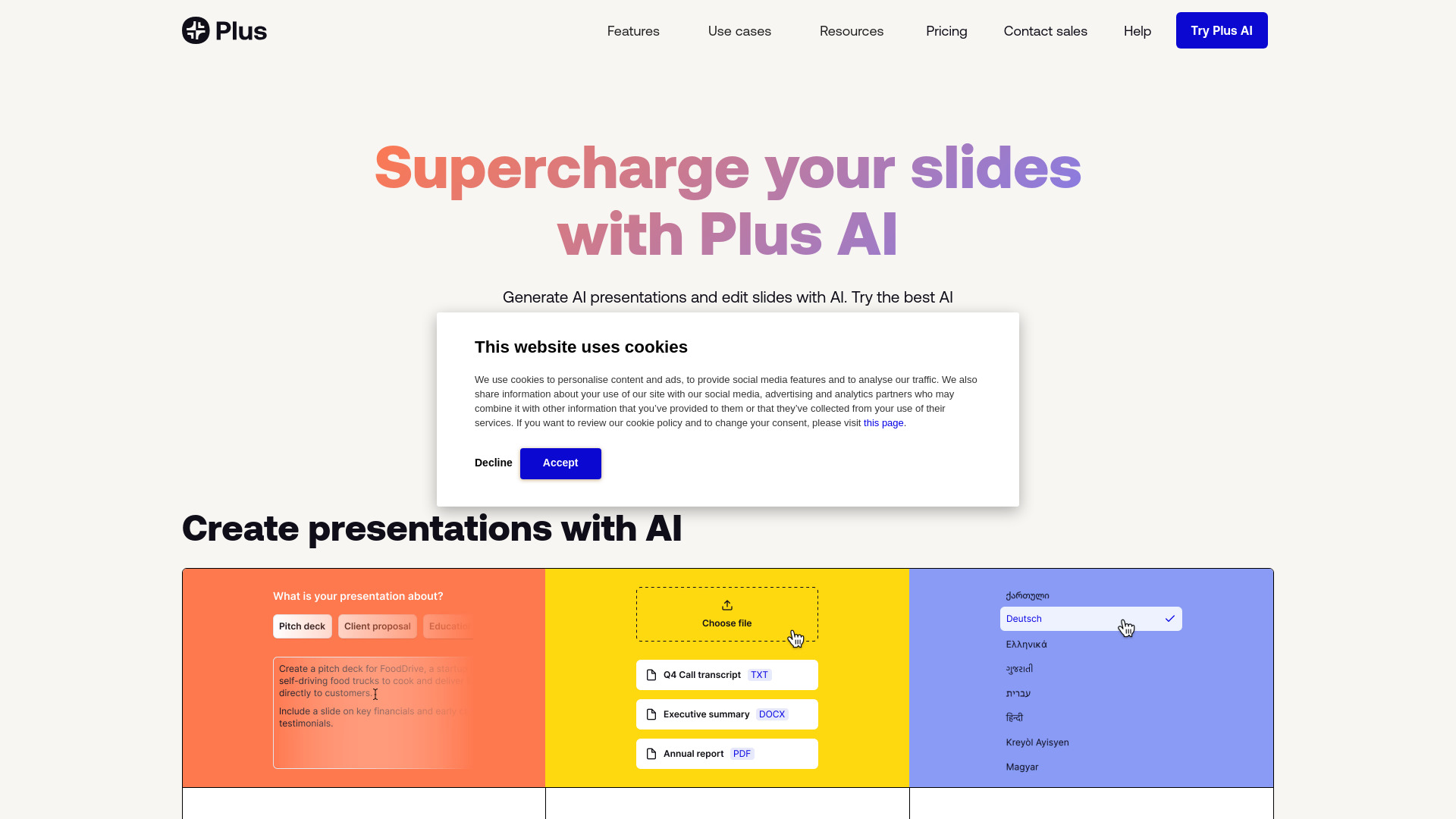
For consultants, the editor location can matter as much as the generation engine. Plus AI is designed around Google Slides and PowerPoint, so users can generate or edit presentations without abandoning the environments their clients and colleagues already use. Text-to-presentation and document-to-presentation features shorten the jump from research or a written brief to a working deck. Expect to review the generated material carefully, though: AI can create the structure quickly, but a consulting presentation still needs precise claims, tailored examples, and client-specific nuance.
Best for
Consultants building decks in Google Slides or PowerPoint
Users starting from text or source documents
Teams that need AI assistance inside a familiar presentation workflow
Limitations
Unlimited use and advanced features require paid plans
Generated content may need manual editing for accuracy and tone
The seven-day trial is short for evaluating a complex team workflow
Shortlist signal: Put Plus AI near the front of your list if your finished deck must remain editable in Google Slides or PowerPoint.
4. AI PPT Maker

- Business professionals
- 100 credits/month
- Starts at Free: $0
- Usage signal: 47.5K
Why it matters
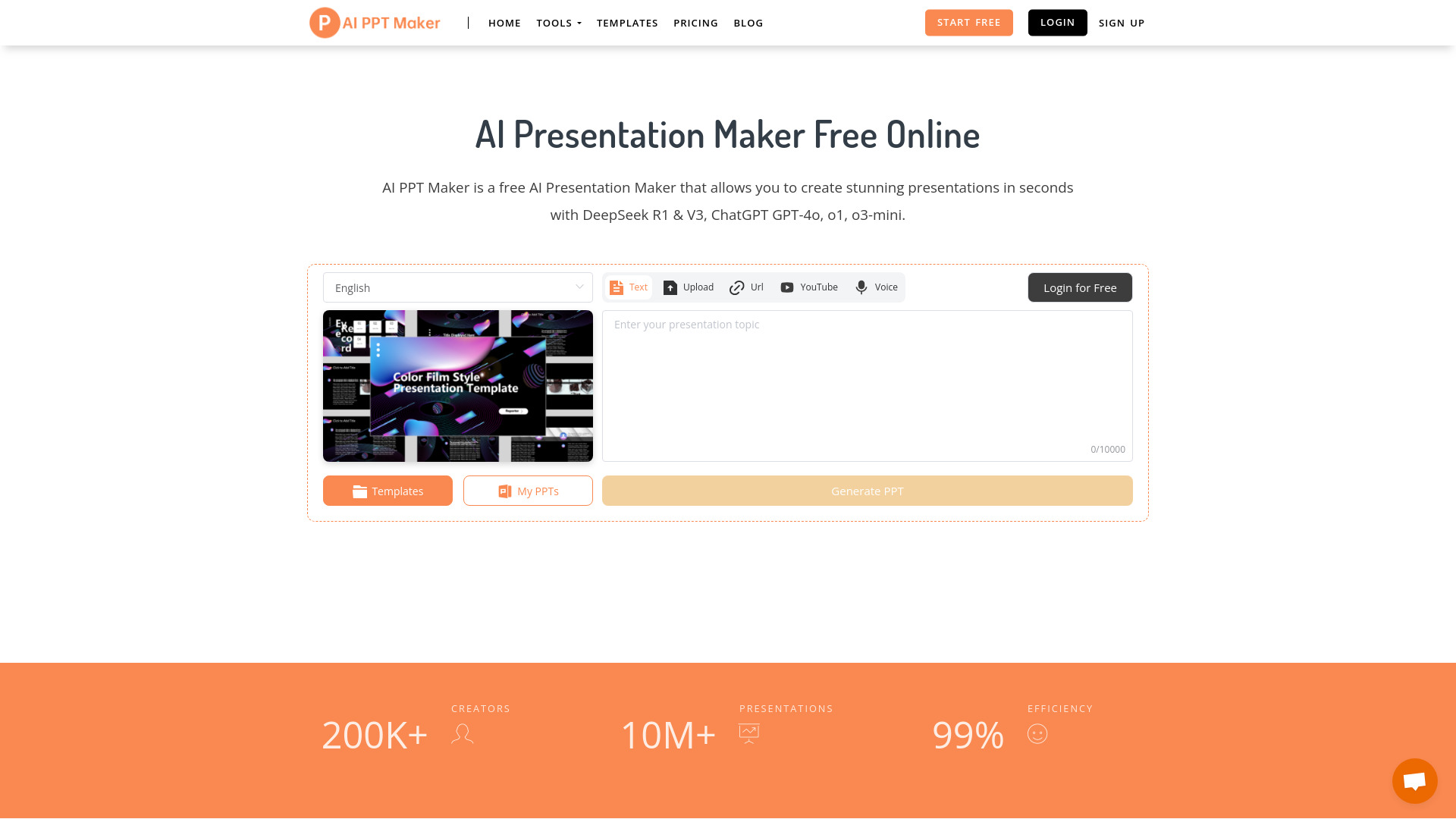
AI PPT Maker has a useful breadth of inputs: text, PDF, YouTube, and voice can all serve as starting material. Its stated ability to generate more than 20 slides in about 20 seconds makes it appealing when the first priority is getting a complete outline on the page. The free access is also unusually concrete, with 100 credits per month and presentation-generation features available without an immediate purchase. That makes it a practical testing candidate, although frequent users will need to watch credit consumption and decide whether advanced features justify upgrading.
Best for
Business users who want to turn mixed source material into slides
People testing an AI presentation workflow without signing up immediately
Fast internal drafts and first-pass presentation structures
Limitations
Free credits limit how much can be generated each month
Advanced features may require a paid subscription
Very fast generation still leaves content and design review to the user
Shortlist signal: Try AI PPT Maker when you have source material in several formats and want a low-cost way to test automated deck creation.
5. Plus AI
- Consultants
- 7-day free trial
- Starts at $10 annually or $15 monthly per user
- Usage signal: 66.8K
Why it matters
This Plus AI listing is a useful alternative for buyers comparing the Plus AI experience through plusdocs.com. Direct Google Slides and PowerPoint integration remains the central appeal, while text-to-presentation and document-to-presentation features help consultants move from a written brief to an editable deck. It belongs on a serious shortlist when the workflow includes repeated revisions rather than one-off image exports. The paid-only nature of unlimited use means the value depends on how often the team creates presentations and how much time native editing saves.
Best for
Consultants who revise decks directly in established slide tools
Users who want document-to-presentation generation
Buyers comparing annual and monthly per-user billing
Limitations
Unlimited use requires a paid subscription
Detailed prompts may be necessary for the best results
Verify the product URL and plan terms before purchasing because this listing differs from the higher-ranked Plus AI entry
Shortlist signal: Consider this option when native Google Slides and PowerPoint editing is the deciding requirement and you want to compare its billing route separately.
6. PoweredTemplate

- Business professionals
- 400 credits for free registered users
- Starts at Check vendor pricing
- Usage signal: 3.5K
Why it matters
PoweredTemplate approaches the category from a template and theme perspective. Its AI slide generation is paired with customizable themes and designs, and presentations can be downloaded in Microsoft PowerPoint and Google Slides formats. That export flexibility is valuable for business users who need to keep working outside the browser. The free registered-user allowance of 400 credits gives shoppers room to explore, but the free version's PDF-only download limitation can become a hard stop if editable files are part of the handoff.
Best for
Business users who want a strong template foundation
Presentations that need PowerPoint or Google Slides delivery
People willing to trade some flexibility for faster visual consistency
Limitations
Premium features require a subscription
The free version limits downloads to PDF
Pricing is hidden behind a less straightforward purchase decision
Shortlist signal: Add PoweredTemplate when templates and editable export formats matter, but confirm the paid download terms before building a production workflow.
7. AI Slide Studio

- Business professionals
- Unlimited presentation creation
- Starts at Free plan: $0.00
- Usage signal: 1.1K
Why it matters
AI Slide Studio keeps the workflow approachable: generate slides, then adjust fonts, colors, and designs while adding AI-generated images. That combination is useful for users who want more than a raw text outline but do not want to manually design every page. Unlimited presentation creation on the free plan is appealing for experimentation. The catch is delivery: downloading presentations requires a subscription, so the free plan works best as a sandbox rather than a complete client-ready pipeline.
Best for
Business professionals creating quick internal drafts
Users who want to customize visual basics after generation
People experimenting with AI-generated imagery in decks
Limitations
Downloading presentations requires a subscription
Free-plan download options are limited
A free creation quota does not necessarily equal free usable output
Shortlist signal: Use AI Slide Studio for experimentation when creation volume matters, then budget for a subscription if you need downloadable presentation files.
8. Alai

- Entrepreneurs
- 200 AI credits; up to 10 AI slides per prompt
- Starts at Check vendor pricing
- Usage signal: 160.3K
Why it matters
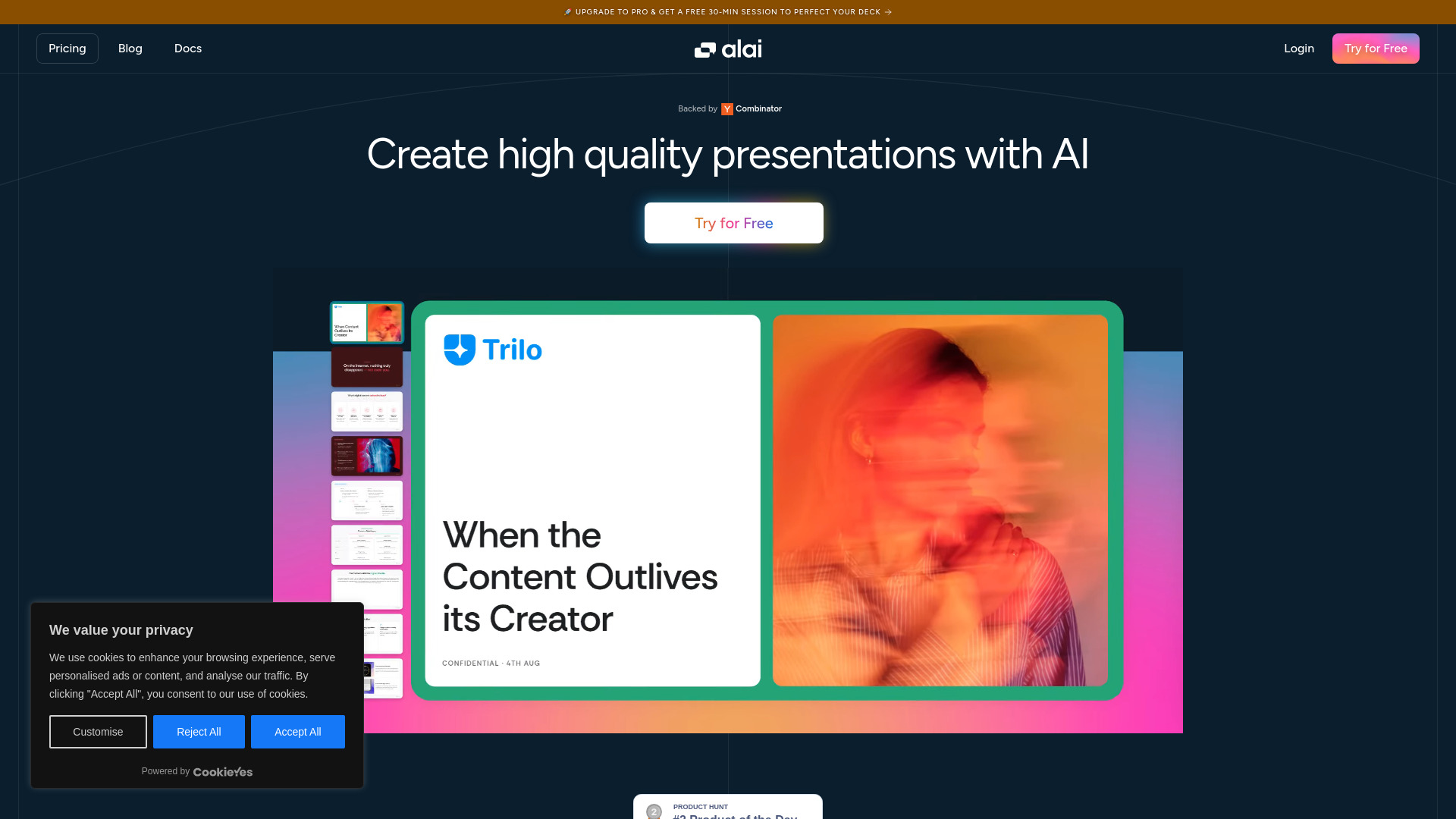
Alai stands out for how it handles choice. Instead of returning one design direction for an idea, it provides four slide options, giving entrepreneurs a faster way to compare visual treatments before committing. Its responsive canvas automatically adjusts as the presentation changes, which reduces the pixel-level resizing that makes slide work tedious. Alai can also import existing PowerPoint presentations, PDFs, and websites. That makes it more useful for refining or reworking material than a generator that only accepts a blank prompt.
Best for
Entrepreneurs exploring several visual directions quickly
Users refining existing PowerPoint, PDF, or website material
Presenters who dislike manual resizing and layout maintenance
Limitations
The free plan includes watermarks
Free users cannot export to PowerPoint
AI credits renew monthly and can limit heavier use across plans
Shortlist signal: Choose Alai when visual alternatives and responsive editing are more important than unrestricted PowerPoint export on the free tier.
9. Powerpresent AI

- Business professionals
- Free access listed; export to PowerPoint
- Starts at Pay as you go: $2.00
- Usage signal: 3.4K
Why it matters
Powerpresent AI is attractive for occasional users because its pricing is framed around presentations rather than a mandatory recurring subscription. AI content generation, professional templates, and one-click export address the basic production loop without adding much operational overhead. It is a particularly sensible option for someone who creates decks infrequently and wants a known per-presentation cost. Credit-based pricing can become less attractive for heavy users, and the more limited customization may matter if the deck needs a highly specific visual identity.
Best for
Occasional presenters who prefer pay-as-you-go access
Users who need professional templates and PowerPoint export
Business professionals prioritizing quick completion
Limitations
Credit pricing may not suit heavy presentation users
Customization may be narrower than in a manual design tool
Review the credit rules before estimating recurring costs
Shortlist signal: Pick Powerpresent AI when you make presentations occasionally and a $2.00-per-presentation starting point is more appealing than a subscription.
10. PPTAI

- Business professionals
- Free plan available
- Starts at Check vendor pricing
- Usage signal: Usage signal not listed
Why it matters
PPTAI focuses on a familiar outcome: a PowerPoint presentation generated from an idea in under two minutes. Its smart content generation creates narratives, bullet points, and visual selections, while the resulting presentation can be downloaded and modified in PowerPoint. That last step is important for users who want AI to handle the blank-page problem but still expect to make the final editorial decisions themselves. It is less compelling as a fully automated publishing system because the generated content may need refinement and the PowerPoint file may require adjustments after export.
Best for
Business professionals starting from a concept rather than a full brief
Users who want to edit the final deck in PowerPoint
Fast first drafts for internal meetings or proposals
Limitations
Exported presentations may need adjustments in PowerPoint
AI-generated content needs human refinement for specific nuances
Pricing and usage details should be confirmed with the vendor
Shortlist signal: Keep PPTAI in reserve when you want a fast PowerPoint draft and are comfortable doing the final polish yourself.
What to test before choosing
A polished demo deck can hide the issues that show up in everyday work. Run the same test brief through your finalists and check the following:
Outline quality: Does the tool create a logical narrative, or does it simply divide paragraphs into slides?
Source handling: Test a real PDF, document, or existing deck if conversion is part of your workflow. AI PPT Maker, Alai, PPT AI, and Plus AI are particularly relevant to this test because their listed workflows include source conversion.
Editing friction: Change the title length, add a paragraph, remove a slide, and swap an image. Watch whether the layout adapts cleanly.
Export fidelity: Open the exported file in the application your team actually uses. Check fonts, alignment, speaker notes, images, and editable elements.
Brand control: Try your colors, logo treatment, and preferred typography. Template-led tools can look strong while still making brand-specific changes awkward.
Credit economics: Generate a complete deck, not just one sample slide. Credits, trials, watermarks, and download limits can change the effective cost quickly.
Human review: Ask whether the tool helps you edit claims and structure, not only decorate them. No generator here removes the need to verify facts or tailor the message to its audience.
The most revealing test is a messy source document. Clean prompts flatter every tool. A realistic brief with duplicated notes, uneven headings, and a required call to action shows whether the product can organize information or merely produce attractive layouts.
What to do next
Choose two tools from different segments rather than signing up for every product at once. For example, compare PPT AI with Beautiful.ai if you are weighing speed against design automation, or compare Plus AI with Alai if the decision is native editing versus broader visual iteration.
Then create one representative deck and score it on five criteria: time to first usable draft, number of manual corrections, export quality, collaboration fit, and cost per finished presentation. Keep the winner only if it survives the export and editing test. A tool that makes a beautiful browser preview but blocks the file format your team needs is not the right choice.
For buyers with a recurring presentation workload, calculate the cost of editing rather than just the subscription price. For occasional presenters, pay-as-you-go access or a generous free allowance may be more economical. For teams, confirm whether every collaborator needs a paid seat and whether the workflow preserves a shared source of truth.
Common mistakes when choosing from a complex top list
Treating equal scores as identical products: PPT AI, Beautiful.ai, and Plus AI all score 96/100, but they target different workflows.
Ignoring the export format: PDF-only access is not enough when the client expects an editable PowerPoint file.
Confusing free creation with free delivery: AI Slide Studio lets users create presentations on its free plan, but downloading requires a subscription.
Overvaluing generation speed: A deck produced in seconds can still require substantial work on claims, structure, and visual hierarchy.
Skipping the source-conversion test: If your work starts in PDFs, websites, or existing presentations, verify that the import process handles real files.
Assuming templates equal brand control: Smart templates can improve consistency while making unusual layouts harder to build.
Forgetting credit limits: Alai and Powerpresent AI illustrate why credit mechanics matter for frequent users.
Buying before checking live terms: Trial length, export restrictions, pricing, and quotas can change, so confirm them on the vendor's current pricing page.
FAQ
PPT AI is the strongest overall match in this ranking for business professionals because it combines AI presentation creation with file conversion and a multi-model intelligence engine. AI PPT Maker and PPTAI are also worth testing when speed and PowerPoint-oriented output are the priority.