
Start here
The phrase "top copilots streamlining daily operations for information workers" covers a much wider field than a typical office chatbot list. Some tools write and search; others handle requirements in Azure DevOps, automate tax research, submit job applications, or turn plain-English instructions into business workflows.
That variety is useful, but it also makes direct comparison tricky. A tax accountant should not choose a general writing assistant simply because it has a broader feature list. Likewise, a small business owner may get more value from a no-code automation builder than from an enterprise development copilot.
Here is the practical shortlist:
Best overall match: Copilot4DevOps for product teams already working in Azure DevOps.
Best broad business companion: Stratpilot for small business owners consolidating tasks, notes, and strategic work.
Best everyday office helper: Copilotly for search, writing, and workflow support.
Best specialist copilot: CPA Pilot for tax research and client communication.
Best no-code automation option: Fullpilot for small businesses that want natural-language task creation.
The key decision is not which tool has the most features. It is which copilot fits the work you repeat every week, the systems you already use, and the level of human review your team can maintain.
Segment comparison
| Segment | Strongest fit | What it handles well | Main trade-off |
|---|---|---|---|
| Specialist operations | Copilot4DevOps | Azure DevOps requirements, tests, and reviews | Narrow platform focus |
| General knowledge work | Copilotly | Search, writing, and workflow assistance | Privacy and independent-thinking concerns |
| Small-business productivity | Stratpilot | Tasks, notes, insights, and content | Setup and integration work |
| Professional services | CPA Pilot | Tax research, client messages, and marketing | AI output still needs verification |
| Workflow automation | Fullpilot | No-code business automation | Operations-based pricing |
Shortlist paths
| Your situation | Start with | Why |
|---|---|---|
| You manage product requirements in Azure DevOps | Copilot4DevOps | It is purpose-built for requirements and task automation. |
| You want one workspace for a small business | Stratpilot | It combines task and note consolidation with an AI companion. |
| You need a general assistant for office work | Copilotly | Search, writing, and workflow automation sit in one product. |
| You want to automate repetitive business actions | Fullpilot | Its natural-language interface is aimed at non-technical users. |
| You are rolling out Microsoft 365 Copilot training | Let's Copilot | It adds gamified learning and personalized paths in Teams. |
Ranking snapshot
| Rank | Tool | Score | Best for | Starting price |
|---|---|---|---|---|
| #1 | Copilot4DevOps | 93/100 | Product Owners | Lite: Free |
| #2 | Stratpilot | 93/100 | Small business owners | Check vendor pricing |
| #3 | Copilotly | 92/100 | Office professionals | Free: $0/month |
| #4 | CPA Pilot | 92/100 | Tax accountants | $19/month |
| #5 | JobsAICopilot | 92/100 | Software Engineers | Check vendor pricing |
| #6 | Dot Copilot | 92/100 | Professionals | Free: $0 / 1 day |
| #7 | Copilot Hub | 89/100 | Students | Check vendor pricing |
| #8 | COPILOT | 89/100 | iOS developers | Lifetime: $49 |
| #9 | Let's Copilot | 89/100 | Microsoft 365 Copilot users | Check vendor pricing |
| #10 | Fullpilot | 89/100 | Small businesses | $49/month |
How we grouped and ranked the list
This is a complex category, so a single feature count would produce a misleading ranking. We grouped the tools by the work they actually support: specialist operational work, general knowledge work, professional services, personal productivity, adoption, and no-code automation.
We then weighed three practical questions. First, does the product reduce a clearly defined recurring task? Second, does its audience fit match the people most likely to use it? Third, are the limits visible enough for a buyer to understand where human review, setup, or platform dependence enters the workflow?
The scores also reflect market signals such as monthly visits and usage signals where those were available. A high score does not mean every tool belongs on every shortlist. It means the product has a strong case within its intended operating context.
Ranked field notes
1. Copilot4DevOps

- Product Owners
- 15-day free trial
- Starts at Lite: Free
- Usage signal: 17.1K
Why it matters
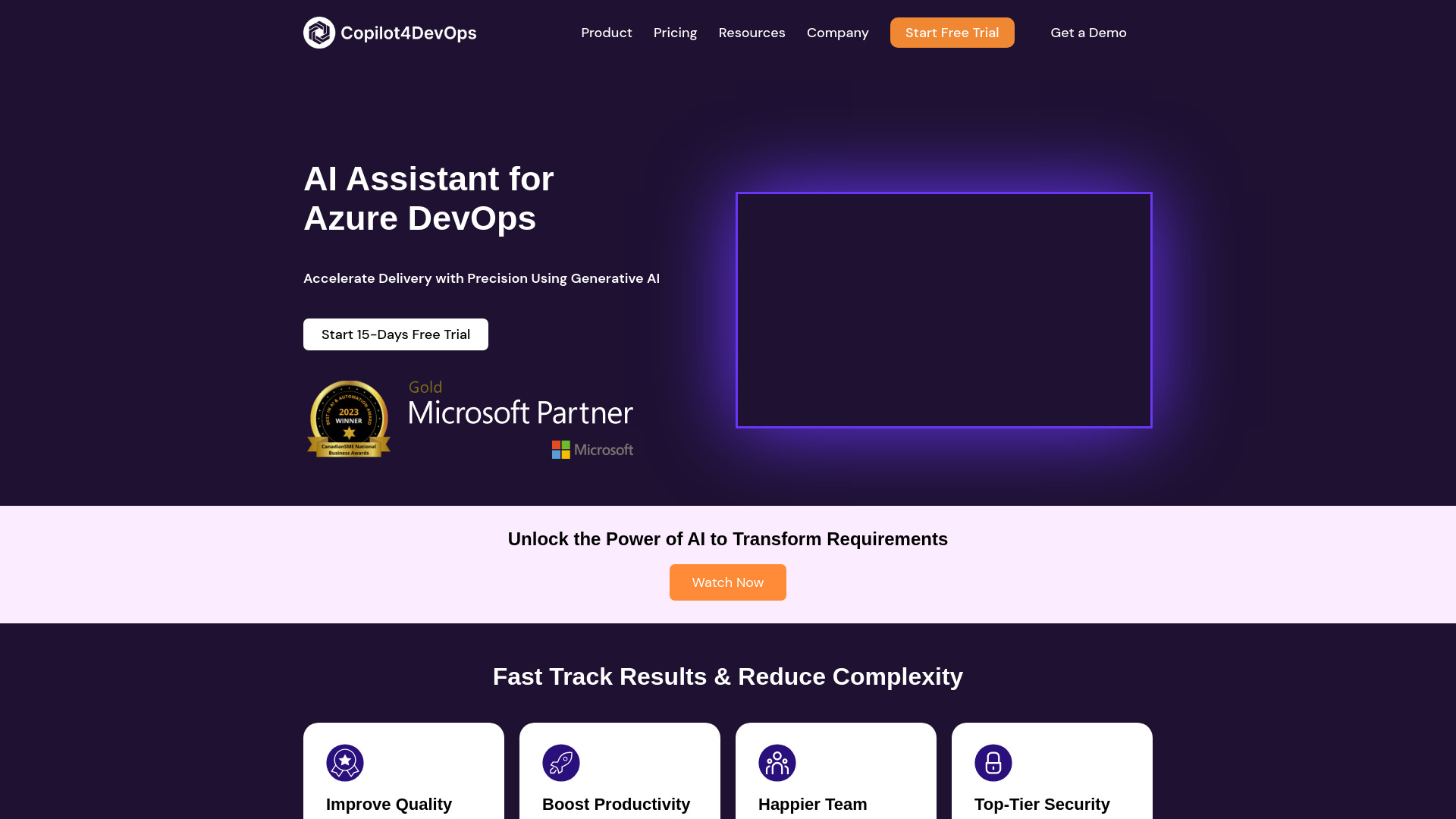
Requirements work is exactly where a specialist copilot can beat a broad assistant. Copilot4DevOps focuses on Azure DevOps task automation and requirements management, with dynamic prompts for more customized outputs. The reported workflow gains are unusually concrete: requirements authoring is 80% faster, test case creation 60% faster, and requirements review 90% faster. That makes it the clearest overall match for product owners whose daily work already lives in Azure DevOps rather than in a general chat window.
Best for
Product owners managing requirements in Azure DevOps
Teams creating test cases and reviewing requirements repeatedly
Organizations that want structured AI assistance inside an existing development workflow
Limitations
It is primarily integrated with Azure DevOps, not a standalone general AI tool
Diagramming and document generation are limited to higher-tier plans
It will be a poor fit if your team does not use Azure DevOps
Shortlist signal: Add Copilot4DevOps first when requirements, reviews, and test creation are the operational bottlenecks.
2. Stratpilot

- Small business owners
- Free plan available
- Starts at Check vendor pricing
- Usage signal: 6.3K
Why it matters
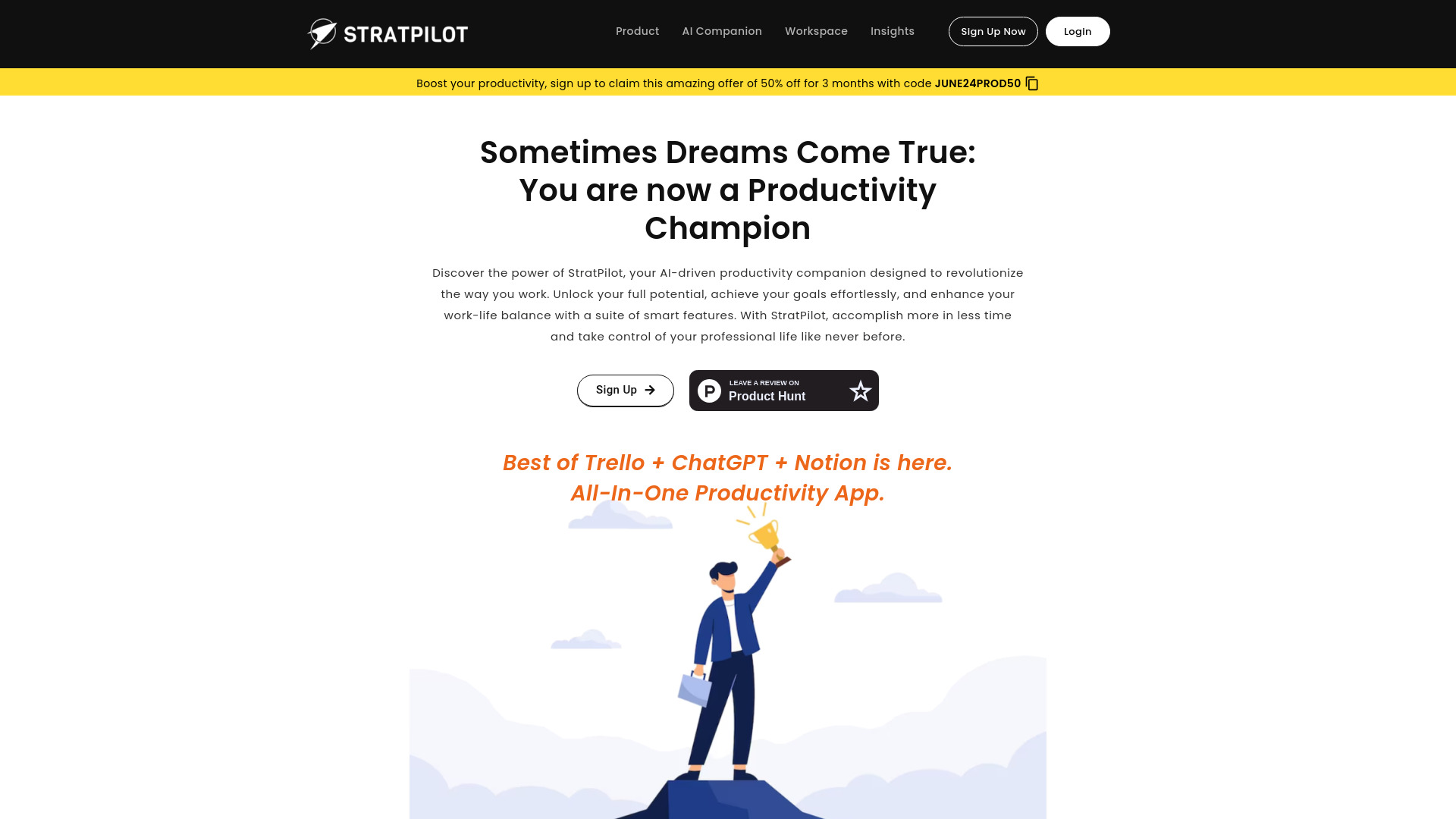
Small business owners often do not need another isolated writing window. They need a place to pull together tasks, notes, decisions, and strategic context. Stratpilot takes that broader approach with an AI-powered assistant for SMEs, a workspace for task and note consolidation, and an AI Companion for personalized insights. Its appeal is breadth: it can help organize the operating layer around the business instead of optimizing only one narrow task.
Best for
Small business owners juggling planning, notes, and daily priorities
Teams looking for an all-in-one business workspace
Users who want strategic insights alongside routine productivity support
Limitations
Initial setup and integration with existing systems may take work
Pricing is hidden behind a sales or vendor-information gap, so confirm the current plan before committing
Heavy reliance on AI can weaken human decision-making if outputs go unchallenged
Shortlist signal: Choose Stratpilot when consolidation and business context matter more than a specialist feature set.
3. Copilotly

- Office professionals
- 8,000 GPT-4 words/month
- Starts at Free: $0/month
- Usage signal: 9.3K
Why it matters
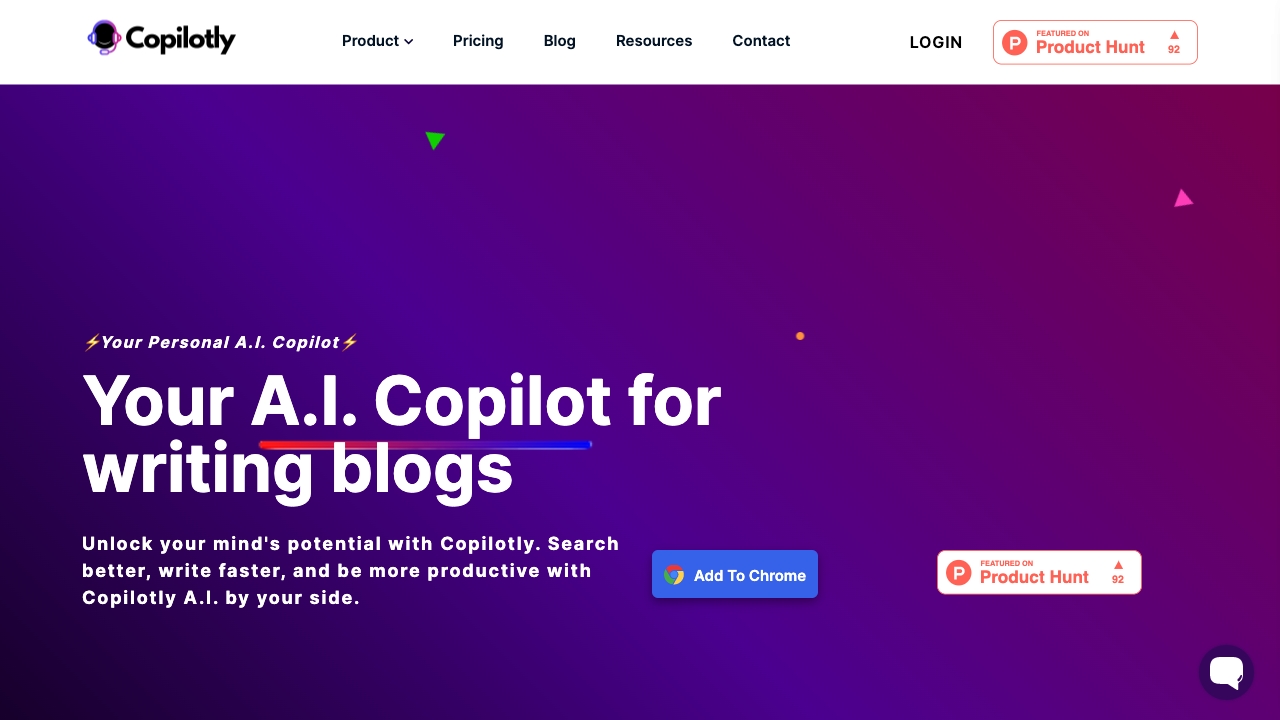
Copilotly is the most straightforward choice for office professionals who want support across several common knowledge-work tasks. AI-powered search, AI-assisted writing, and workflow automation give it a useful three-part shape: find information, turn it into usable text, and move the work forward. The free allowance includes 8,000 GPT-4 words per month or 15,000 GPT-3.5 words per month, which makes it easier to test the daily fit before paying.
Best for
Office professionals switching between research and writing
Individuals who want a general personal copilot
Users looking for workflow assistance without adopting a specialist system
Limitations
AI dependence can reduce independent thinking over time
Privacy concerns deserve attention when handling workplace information
A broad assistant may not match the depth of a domain-specific tool
Shortlist signal: Put Copilotly on the shortlist when your workday is mostly searching, drafting, and moving information between tasks.
4. CPA Pilot

- Tax accountants
- 7-day trial with 20 messages
- Starts at $19/month
- Usage signal: 8.5K

Why it matters
CPA Pilot earns its place by narrowing the problem to work tax professionals actually repeat. It supports AI-powered tax research, automated client communication, and marketing content creation. That combination reaches beyond research alone: it can reduce the time spent finding answers, responding to clients, and producing basic promotional material. The reported accuracy of up to 95% is useful context, but tax professionals should still treat generated answers as work to review, not final authority.
Best for
Tax accountants handling repetitive research questions
Practices that need help with client communications
Firms creating tax-related marketing content alongside client work
Limitations
AI can provide incorrect answers
Results depend on the accuracy of source information
Tax outputs require professional review before being sent or relied upon
Shortlist signal: Choose CPA Pilot when tax research and client communication consume more time than judgment-heavy accounting work.
5. JobsAICopilot

- Software Engineers
- Starts at Check vendor pricing
- Usage signal: 6.5K
Why it matters
Job searching is an information-heavy operating process: discover roles, tailor materials, submit applications, and track what happened next. JobsAICopilot automates that sequence with job search, AI applications, and an AI job tracker. It is particularly relevant to software engineers who would rather spend time preparing for the right interviews than repeatedly entering the same details into application forms.
Best for
Software engineers applying to many roles
Job seekers who need a central application tracker
Users who want automated resume and cover-letter creation
Limitations
It is not free and requires a paid subscription
It may skip applications with detailed forms or custom assessments
High application volume does not replace careful role selection or interview preparation
Shortlist signal: Add JobsAICopilot when application administration is the bottleneck, not when every application needs extensive custom work.
6. Dot Copilot

- Professionals
- 5 requests valid for one day
- Starts at Free: $0 / 1 day validity
- Usage signal: 2.0K
Why it matters
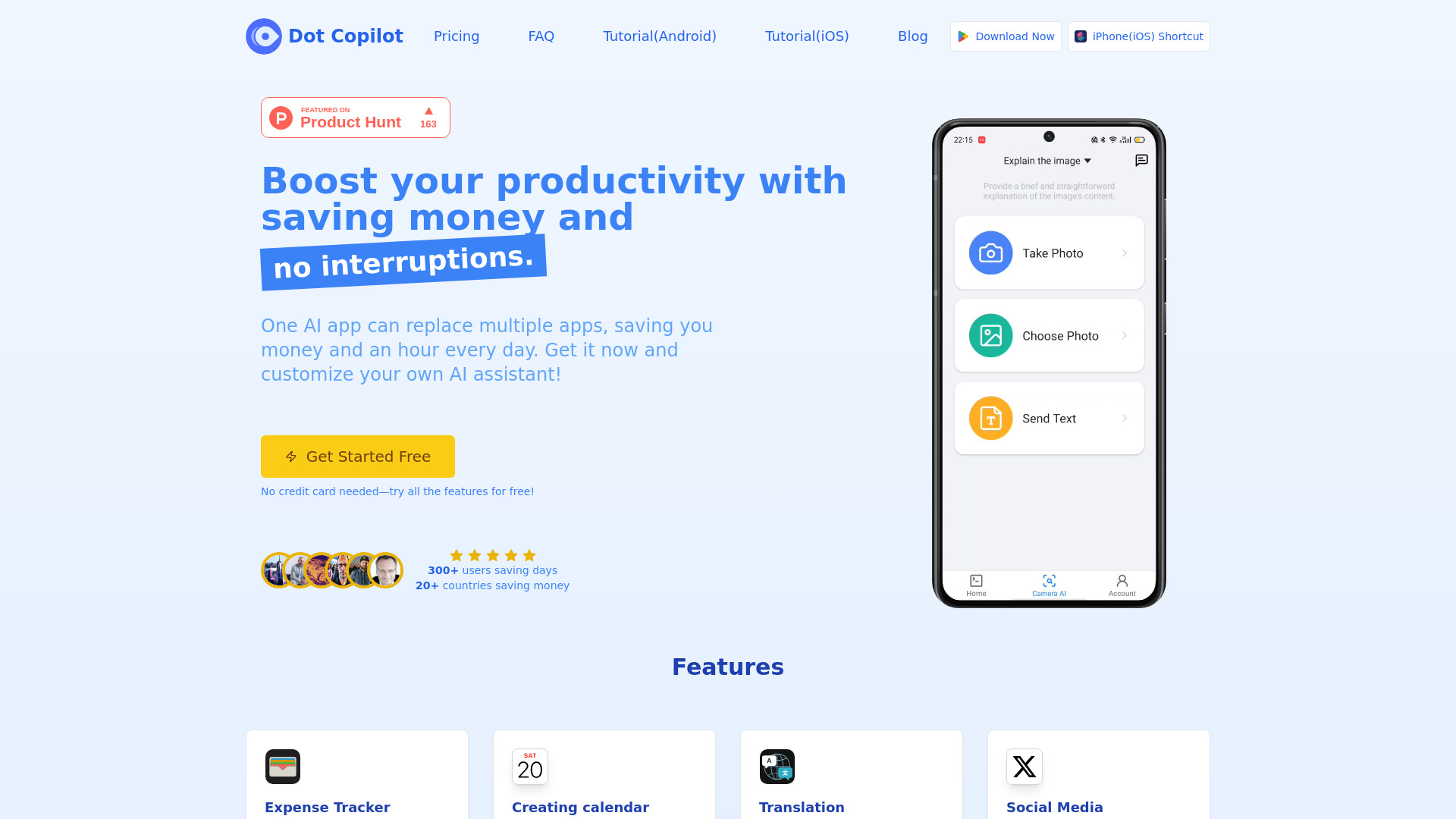
Dot Copilot takes a utility-first approach to daily tasks. Expense tracking, calendar-event creation, translation, and web summarization are the kinds of small actions that interrupt an otherwise productive day. Its Google Sheets integration is also a practical advantage for professionals who already manage lightweight records there. This is less a deep enterprise operating system and more a convenient mobile assistant for repeated personal workflows.
Best for
Professionals handling quick personal productivity tasks
Users who work with Google Sheets
People who need expense, calendar, translation, or summarization support on mobile
Limitations
Some features require a paid subscription
Visual comprehension is limited on some plans
The free access is limited to five requests valid for one day
Shortlist signal: Consider Dot Copilot when small mobile actions create disproportionate friction in your workday.
7. Copilot Hub

- Students
- Free plan available
- Starts at Check vendor pricing
Why it matters
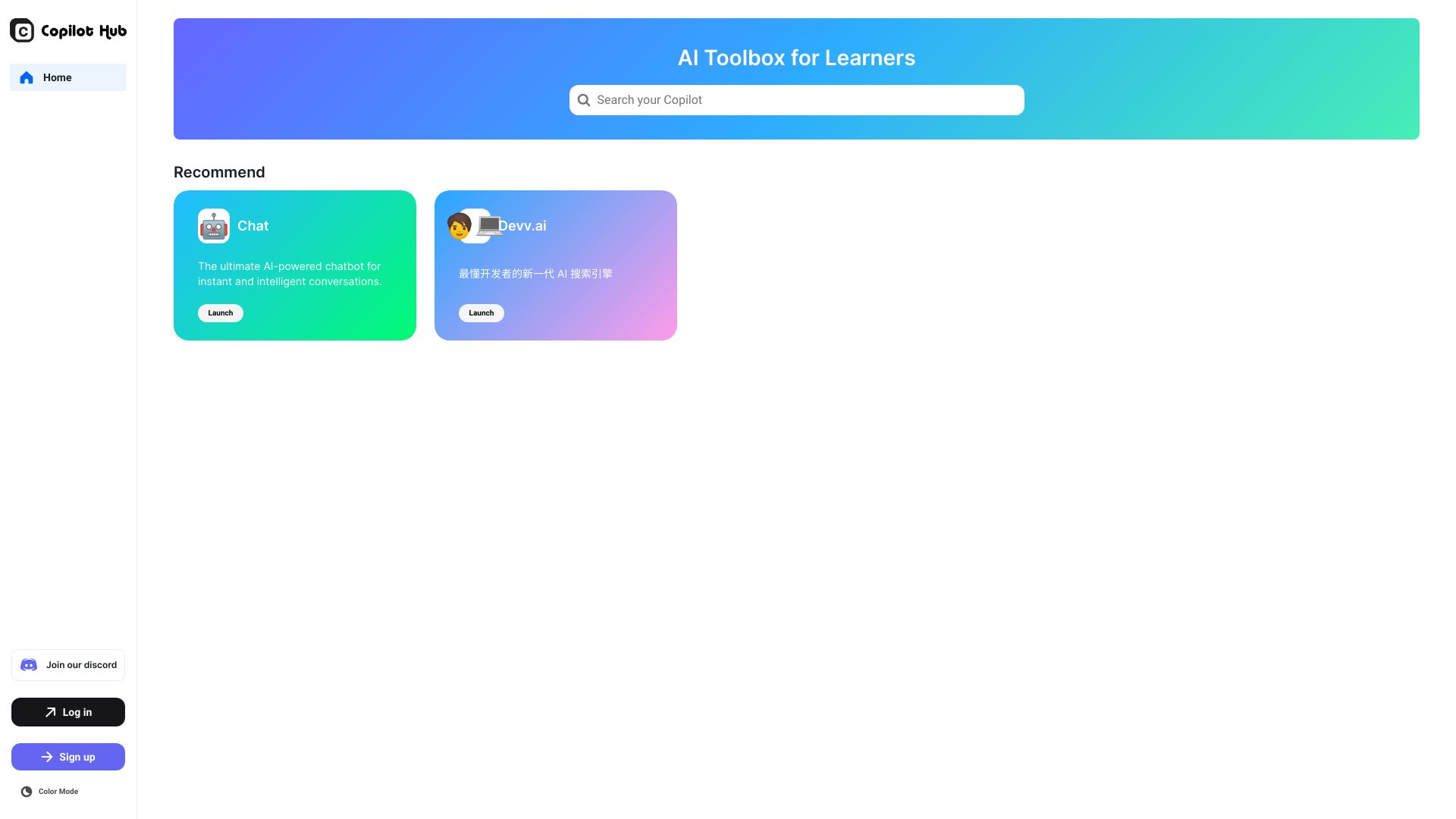
Copilot Hub is built around breadth rather than one tightly defined workflow. Its toolbox covers reading, writing, and coding, making it a plausible starting point for students and knowledge workers who move between different types of information work. That broad coverage can reduce tool switching, although buyers should spend time testing the individual copilots rather than assuming the umbrella description guarantees equal depth everywhere.
Best for
Students handling reading, writing, and coding assignments
Knowledge workers who want several AI utilities in one place
Users exploring a broad toolbox before adopting specialist software
Limitations
Account creation is required
The full scope of the toolbox is not clear without exploring the product
Pricing is not presented as a clean public starting point
Shortlist signal: Start with Copilot Hub when variety matters and you are willing to test which individual tools deserve regular use.
8. COPILOT

- iOS developers
- Free plan available
- Starts at Lifetime license: $49 USD
Why it matters
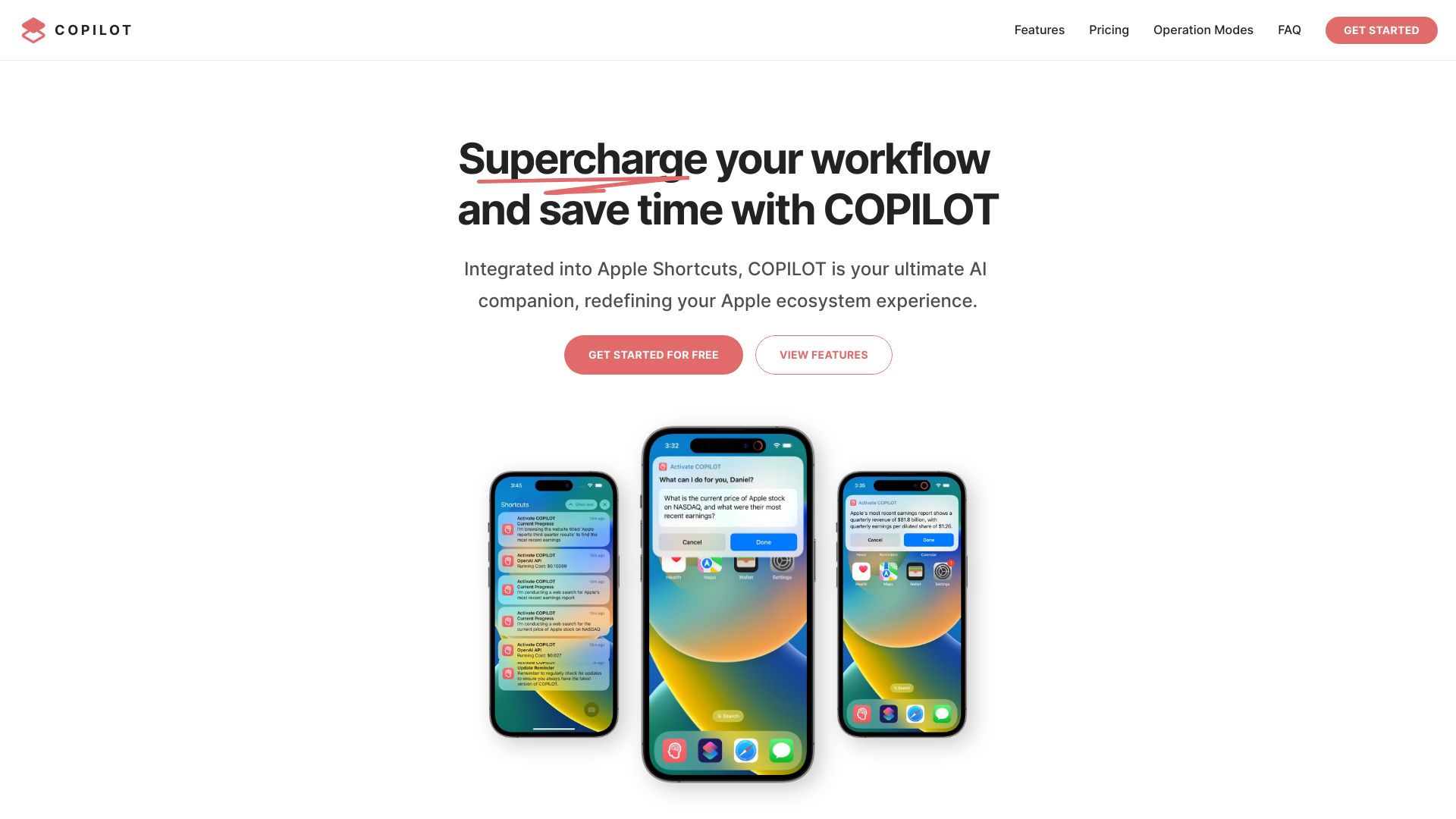
COPILOT stands out through deep Apple ecosystem integration rather than broad platform coverage. Context-aware processing, smart web search and browsing, and repetitive-task automation make it a natural candidate for users who live across iOS, iPadOS, and macOS. The one-time $49 license is also easier to evaluate than an open-ended subscription, provided your devices meet the requirements and you are comfortable with its credit or API-key model.
Best for
iOS developers and Apple-focused professionals
Users working across supported Apple devices
People who want context-aware assistance for repetitive tasks and web research
Limitations
It only supports Apple devices running iOS 16+, iPadOS 16+, or macOS 13+
Usage relies on COPILOT Credits or an OpenAI API key
It is a poor fit for teams needing broad cross-platform deployment
Shortlist signal: Choose COPILOT when Apple integration is a deciding factor and your device fleet meets the minimum requirements.
9. Let's Copilot

- Organizations using Microsoft 365 Copilot
- Free plan available
- Starts at Check vendor pricing
Why it matters
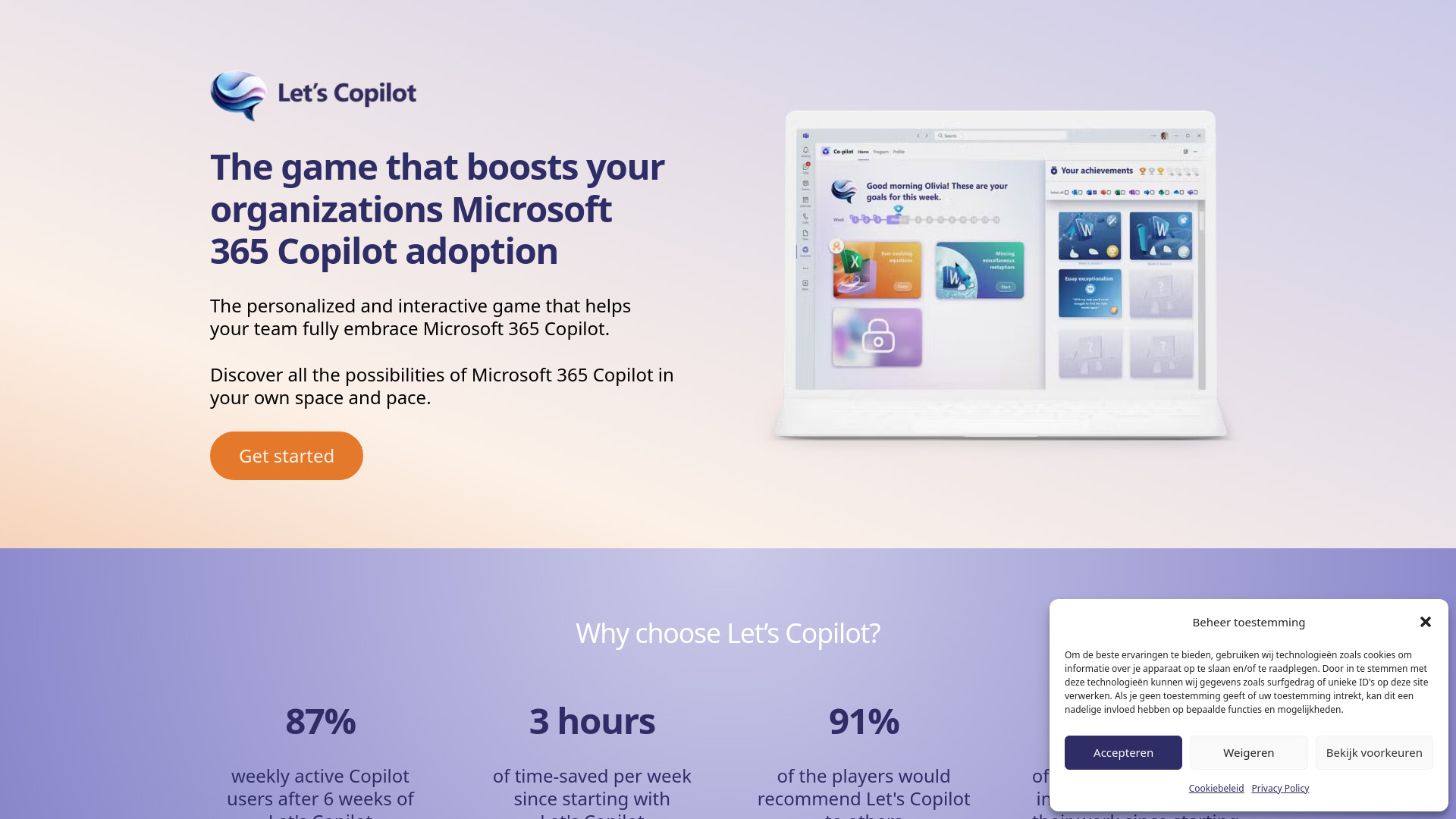
Buying Microsoft 365 Copilot is not the same as getting employees to use it well. Let's Copilot addresses that adoption gap with a gamified learning experience, Microsoft Teams integration, and personalized learning paths. It belongs on a shortlist when the operational challenge is behavior change and enablement rather than access to another standalone assistant.
Best for
Organizations already using Microsoft 365 Copilot
Teams rolling out structured AI learning
Managers who need personalized and interactive adoption paths
Limitations
Results depend heavily on employee engagement
Initial setup and configuration inside Microsoft Teams may be required
It makes less sense if your organization does not use Microsoft 365 Copilot
Shortlist signal: Add Let's Copilot when adoption, training, and consistent usage are holding back an existing Microsoft 365 Copilot investment.
10. Fullpilot

- Small businesses
- 14-day free trial
- Starts at Starter: $49/month or $499/year
Why it matters
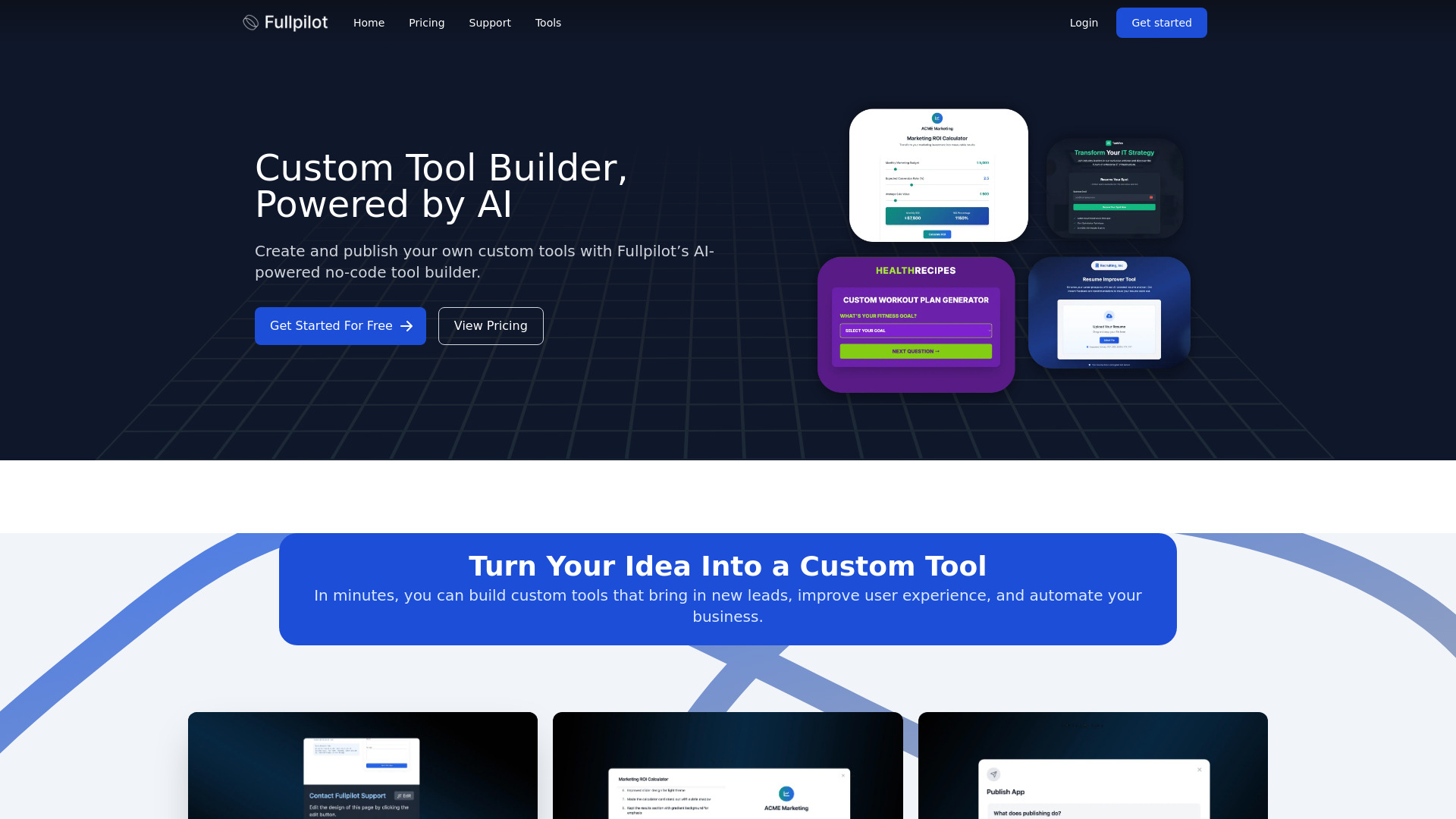
Fullpilot is the strongest option here for turning plain-English instructions into repeatable business automation. Its no-code automation builder, AI-powered task execution, and natural-language task creation make it accessible to small businesses without dedicated technical staff. The product is most compelling when you can describe a recurring process clearly and measure whether the automation saves enough time to justify its operations-based pricing.
Best for
Small businesses without an automation engineering team
Non-technical users building repeatable workflows
Teams combining business automation, content generation, and research tasks
Limitations
Operations-based pricing requires careful monitoring
AI workflows may need fine-tuning before they are reliable
Natural-language automation still needs human oversight for important processes
Shortlist signal: Choose Fullpilot when a non-technical team needs to automate repeatable workflows and can track usage closely.
What to test before choosing
Run a small, representative workflow rather than asking each tool a generic question. The best copilot for daily operations should survive the messy details of your real work.
- 1
Test a complete task. Start with the input, let the tool produce an output, and check whether it helps with the next action. A polished draft is less valuable if someone still has to rebuild it manually.
- 2
Measure review time. Ask how long a human spends correcting the result. Specialist tools can be fast but still require careful validation.
- 3
Check platform fit. Azure DevOps, Microsoft Teams, Apple devices, Google Sheets, and other dependencies are not minor details. They determine whether the tool fits your existing workflow.
- 4
Test edge cases. Use a long document, an unusual request, a detailed form, or a source with imperfect information. Limitations usually appear there.
- 5
Verify privacy and control. Identify what information the tool receives and where a person can intervene before an action is completed.
- 6
Price the real workload. Free trials and quotas are useful for evaluation, but calculate the cost of your normal monthly volume, not the smallest available plan.
What to do next
Pick one operational bottleneck and compare no more than three tools against it. For product requirements, test Copilot4DevOps against the way your team currently writes and reviews work. For broad office support, compare Copilotly and Stratpilot using the same search, writing, and planning tasks. For automation, give Fullpilot a repeatable process with a clear success measure.
Keep a short scorecard with four columns: time saved, correction time, system fit, and predictable cost. After a week of realistic use, the strongest candidate should be obvious. If it is not, the problem may be too broad for one copilot; a specialist tool plus a general assistant may serve the team better.
Common mistakes when choosing from a complex top list
Treating all copilots as interchangeable. A tax research assistant, a job application bot, and an Azure DevOps copilot solve different problems.
Ranking by feature count alone. A shorter feature list can be more valuable when it matches a high-frequency workflow.
Ignoring platform dependence. An excellent tool is still the wrong purchase if your team does not use its required ecosystem.
Confusing automation with accuracy. Faster output increases the need for review when the task involves tax, client, employment, or product decisions.
Using a free quota as a production estimate. Trial limits show whether a tool is worth testing, not necessarily what regular usage will cost.
Skipping adoption work. Let's Copilot demonstrates why training and engagement can matter as much as access to the underlying assistant.
Assuming broad tools are automatically better. Copilot Hub and Stratpilot offer breadth, while CPA Pilot and Copilot4DevOps offer sharper workflow alignment.
FAQ
The best choice depends on the work. Copilot4DevOps is the strongest specialist option for Azure DevOps product work, Copilotly suits general search and writing, Stratpilot targets small-business operations, and Fullpilot is the clearest no-code automation choice.