
The phrase top ai apps covers a surprisingly broad field: enterprise software, no-code creative tools, language services, study assistants, content platforms, and even app directories. To make the choice useful rather than generic, we compared 10 AI tools across different segments and ranked them by feature depth, audience fit, usability signals, and practical shortlist value. Some are polished products for a defined workflow; others are discovery platforms that help you find the right AI application in the first place.
Start here
There is no single winner for every kind of AI user. Intapp leads this list because it combines AI-powered solutions with industry-specific workflows and a data foundation aimed at professional and financial services. That makes it a stronger organizational choice than a general-purpose consumer app, but also a heavier commitment.
For a quick decision, use this shortlist:
For accounting firms: Intapp is the most focused business choice.
For no-code interactive creation: Aippy turns natural-language instructions into interactive content.
For multilingual calls: AI Phone handles live translation, transcription, and summaries.
For private local AI: Privacy AI App runs models offline and states that it collects no data.
For marketing content: AppAi offers templates, generation, editing, and a free monthly word allowance.
For students: PAI focuses on step-by-step answers and personalized practice.
For building mobile apps without code: MobiApp AI combines AI generation with drag-and-drop editing.
For discovering accounting software: AIAccountingApps.com is a curated directory rather than an automation product.
The key distinction is workflow ownership. Some tools do the work; some help you browse for tools; and some provide a specialized interface around a narrow task. Treating them all as interchangeable would make this list much less useful.
Segment comparison
| Segment | Strongest match | What it does best | Main trade-off |
|---|---|---|---|
| Professional services | Intapp | Industry-specific AI solutions and data foundations | Implementation complexity and price |
| Creative and interactive | Aippy | No-code interactive content from natural language | Complex game logic may outgrow it |
| Communication | AI Phone | Live translation and transcription across 100+ languages | Translation accuracy can vary |
| Discovery and research | AIAccountingApps.com | Browsing curated accounting tools | Listings require independent verification |
| Personal productivity and creation | Privacy AI App | Offline AI with customizable settings | Model downloads and paid access limitations |
This comparison also explains why the ranking is not simply a contest between chatbots. A private offline assistant solves a different problem from a directory of accounting products, while an AI app builder serves a different buyer from a live call translator.
Shortlist paths
| Your priority | Start with | Why |
|---|---|---|
| Reduce risk in a professional-services firm | Intapp | Industry-specific tools and a security-oriented data foundation |
| Make something interactive without coding | Aippy | Natural-language generation and a touch-based creative playground |
| Keep AI processing private | Privacy AI App | Offline model execution and no data collection claim |
| Produce recurring marketing assets | AppAi | Templates, content generation, images, and speech-to-text |
| Learn from worked examples | PAI | Photo-based questions, step-by-step solutions, and practice |
If you are comparing the top 5 AI apps for a specific job, begin with the path that matches your workflow, not with the highest score. The difference between a good fit and a bad fit here is usually audience alignment rather than a few points in the ranking.
Ranking snapshot
| Rank | Tool | Score | Best for | Starting price |
|---|---|---|---|---|
| #1 | Intapp | 93/100 | Accounting firms | Check vendor pricing |
| #2 | Aippy | 93/100 | Digital artists | Check vendor pricing |
| #3 | AI Phone | 93/100 | Immigrants | Check vendor pricing |
| #4 | AIAccountingApps.com | 92/100 | Accountants | Check vendor pricing |
| #5 | Privacy AI App | 92/100 | Privacy-conscious users | $0.99/month |
| #6 | App ahead | 89/100 | Software developers | Check vendor pricing |
| #7 | Adviser AI Apps | 89/100 | Marketers | Check vendor pricing |
| #8 | AppAi | 89/100 | Marketers | Free starter plan |
| #9 | PAI | 89/100 | High school students | Check vendor pricing |
| #10 | MobiApp AI | 89/100 | Freelancers | Check vendor pricing |
How we grouped and ranked the list
This is a complex category, so we used a field-guide approach instead of pretending every product competes in the same lane. First, we grouped tools by the job they help with: professional operations, interactive creation, communication, discovery, local privacy, utility software, marketing, education, and app development.
Then we considered four practical questions:
- 1
Does the product have a clear job? A narrow tool can outrank a broad platform when its workflow is easier to understand and apply.
- 2
How much of the workflow is covered? Intapp, for example, combines AI-powered solutions, industry-specific functionality, and a data foundation rather than offering a single isolated feature.
- 3
Who will struggle with it? We weighted implementation complexity, prompt dependence, model access, and the need for human editing.
- 4
What does the market signal suggest? Monthly visits and usage signals provide context, but they do not replace fit, accuracy, or hands-on validation.
The result is a practical ranking, not a claim that rank one is universally better than rank ten. A student should not buy enterprise software because it sits first, and a freelancer may prefer a simple app builder over a large professional-services suite.
Ranked field notes
1. Intapp

- Accounting firms
- Free plan available
- Starts at Check vendor pricing
- Usage signal: 223.5K
Why it matters
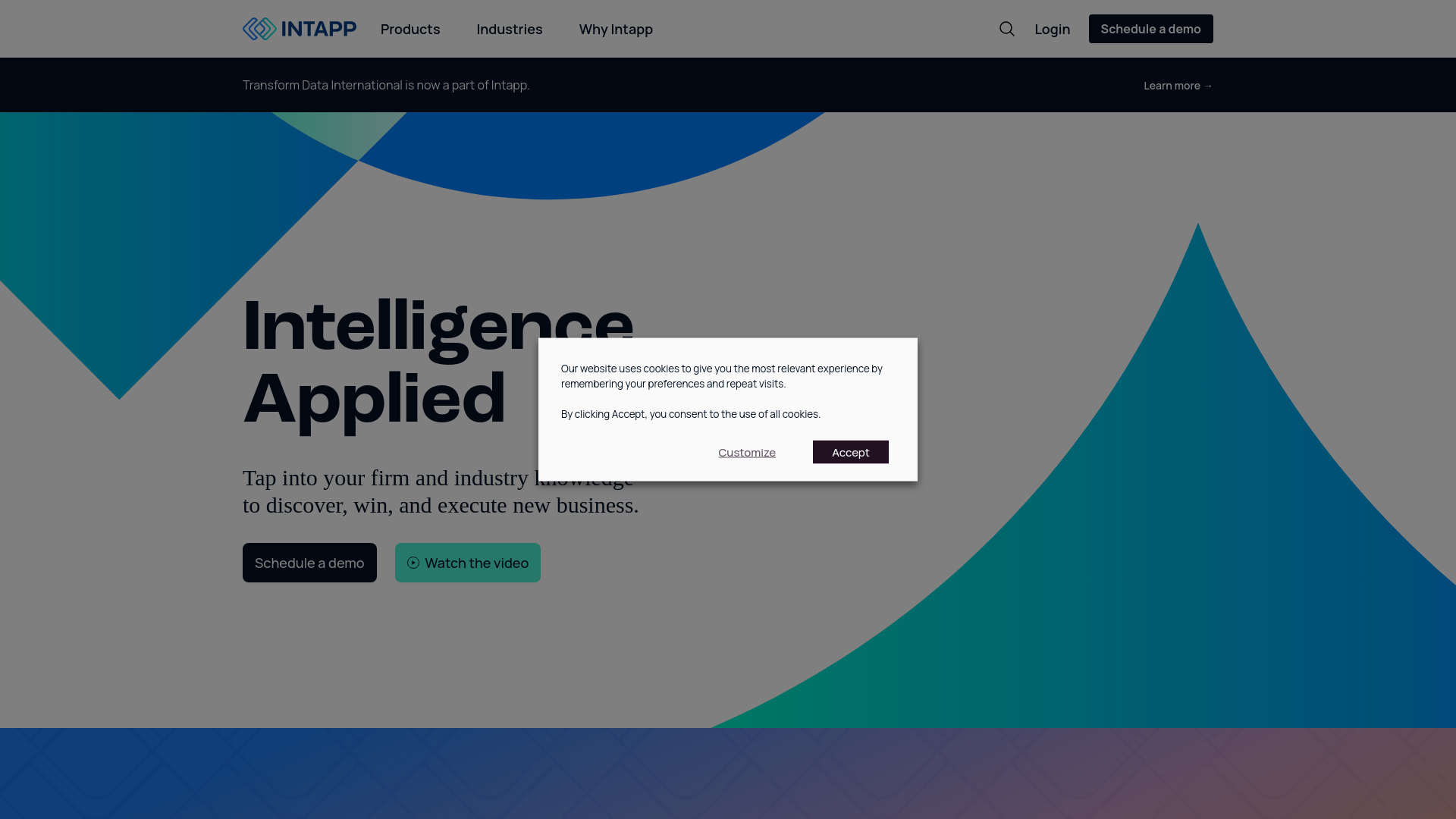
Intapp earns the first position by being unusually specific about the organizations it serves. Its AI-powered solutions are built around professional and financial services, with industry-specific functionality and a data foundation for integration and security. That combination matters for accounting firms that need more than a standalone writing assistant: the value is in fitting AI into a business environment where growth, risk management, data handling, and repeatable processes matter. The catch is equally clear. This is likely a substantial implementation project, and smaller firms may find the pricing or management overhead difficult to justify.
Best for
Accounting firms evaluating AI across business operations.
Professional-services teams that need industry-specific workflows.
Organizations prepared to manage a broader software implementation.
Limitations
It may be complex to implement and manage.
Pricing may be a barrier for smaller firms.
The vendor should be contacted for current plan and deployment details.
Shortlist signal: Add Intapp when your firm needs an industry-focused AI suite rather than a single-purpose app.
2. Aippy

- Digital artists
- No sign-up required
- Starts at Check vendor pricing
- Usage signal: 100.1K

Why it matters
Aippy takes a playful but useful route into AI creation: describe an idea in natural language, then turn it into interactive content through a no-code creative playground. The touch-based interface makes it appealing for digital artists, educators, and curious creators who want to explore interactive experiences without learning a traditional engine first. It is a strong candidate when speed and accessibility matter more than deep control. Descriptions still do a lot of the work, though, and complex game logic may exceed what the platform is designed to handle.
Best for
Digital artists experimenting with interactive work.
Beginners who do not know how to program.
Rapid prototypes and playful creative concepts.
Limitations
Output quality depends on how clearly the idea is described.
Complex game logic may be better handled in a traditional engine.
Check current access and pricing before planning a larger project.
Shortlist signal: Choose Aippy when you want to turn an idea into an interactive prototype without writing code.
3. AI Phone

- Immigrants
- Free plan available
- Starts at Check vendor pricing
- Usage signal: 23.6K

Why it matters
AI Phone focuses on a stressful, high-value moment: communicating during a live phone call when people do not share a language. It offers live call translation in more than 100 languages, live transcription, and AI call summaries. That makes it more practical than a translation tool that only handles typed text, especially for immigrants and multilingual households navigating services, appointments, or everyday conversations. Accuracy can vary, and users should be cautious when a misunderstanding could affect health, legal, or financial decisions. The summaries are useful records, not a substitute for checking what was actually said.
Best for
Immigrants handling calls in another language.
People who need a transcript after a conversation.
Users who want translation and summaries in one phone workflow.
Limitations
Translation accuracy may vary by language and context.
AI assistance is not suitable for every sensitive situation.
Verify important details rather than relying on a generated summary alone.
Shortlist signal: Put AI Phone on your list when real-time multilingual calls are the problem you need to solve.
4. AIAccountingApps.com

- Accountants
- Free plan available
- Starts at Check vendor pricing
- Usage signal: 2.6K
Why it matters
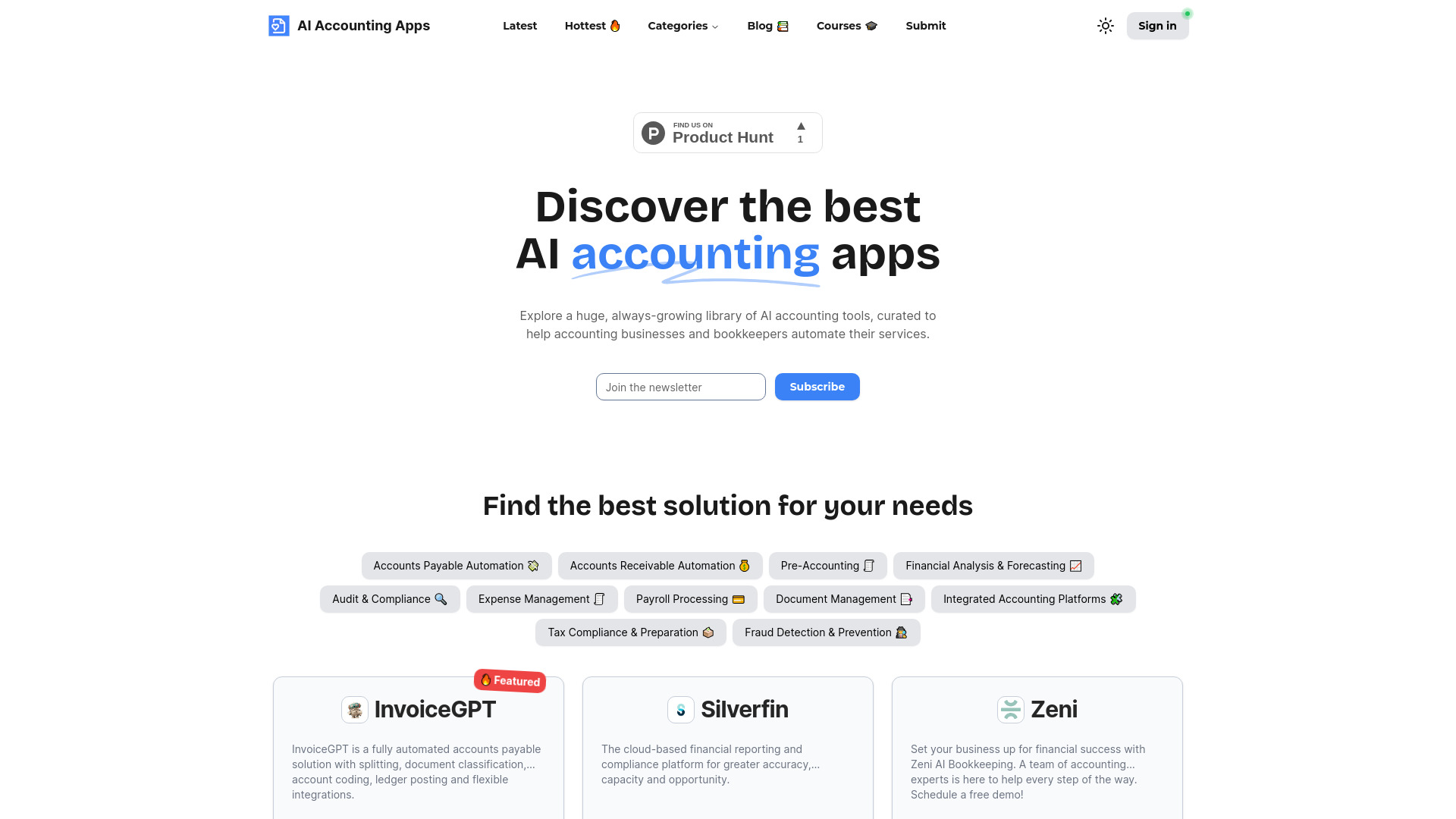
Not every useful AI product performs automation itself. AIAccountingApps.com acts as a curated library for AI accounting tools, with categorized browsing and app submission. For accountants, that can be a faster starting point than searching the wider web for narrowly relevant software. Its usefulness depends on the quality and freshness of the listings, so treat it as a research layer rather than an endorsement engine. Vendor-provided descriptions still need to be checked against current pricing, security information, and actual product demonstrations.
Best for
Accountants researching specialized AI software.
Firms comparing tools by accounting-related categories.
Buyers who want a centralized discovery workflow.
Limitations
Listings rely on vendor-provided information.
The idea of the "best" accounting software depends on the firm's needs.
Independent verification is essential before purchasing.
Shortlist signal: Use AIAccountingApps.com when you need to map the accounting-tool landscape before booking demos.
5. Privacy AI App

- Privacy-conscious users
- Free preloaded model and 2-week trial
- Starts at Privacy AI PRO: $0.99/month
- Usage signal: 1.7K

Why it matters
Privacy AI App stands apart by moving AI processing offline. It supports offline model execution, customizable AI settings, and a no-data-collection approach, which is a meaningful alternative for people who do not want every prompt sent to a cloud service. It is particularly interesting on iPhone, iPad, and Mac, where a private assistant can be useful for personal notes or sensitive brainstorming. The trade-off is convenience: you need to download models first, and full access to models requires a subscription or purchase. Device storage and model choice should be part of your test.
Best for
Privacy-conscious users who want local AI processing.
Apple-device users seeking an offline assistant.
People willing to configure models and settings themselves.
Limitations
Initial model downloads are required.
Full model access requires a subscription or purchase.
Offline performance and available models should be tested on your device.
Shortlist signal: Choose Privacy AI App when keeping prompts offline matters more than having the broadest cloud features.
6. App ahead

- Software developers
- Free plan available
- Starts at Check vendor pricing
- Usage signal: Usage signal not listed

Why it matters
App ahead is a software studio rather than one narrowly defined AI assistant. Its stated focus is a range of functional utility apps for macOS, iOS, and visionOS, including offline text-to-image creation and photo or artwork generation. That breadth may appeal to developers and Apple-focused users who prefer dedicated utilities over one enormous platform. The buying experience is less straightforward if you need a single, fully documented workflow: individual apps may need to be purchased, and the available feature detail is limited. Do a task-level test before committing to a collection.
Best for
Software developers exploring Apple-platform utilities.
Users who prefer dedicated apps for individual jobs.
Offline image and artwork workflows.
Limitations
Individual apps may require separate purchases.
Specific feature information is limited.
It is harder to compare the studio with a single all-in-one subscription.
Shortlist signal: Consider App ahead when you want functional Apple utilities and are comfortable evaluating apps individually.
7. Adviser AI Apps

- Marketers
- Free plan available
- Starts at Check vendor pricing
- Usage signal: Usage signal not listed

Why it matters
Adviser AI Apps is built for browsing: it organizes AI tools into more than 50 categories through a user-friendly directory. That makes it useful for marketers who know the outcome they want but not the product name-perhaps a writing assistant, image tool, research utility, or automation service. The platform is better viewed as a discovery shortcut than as a ranked procurement guide. User submissions can expand coverage, but they also mean you should investigate whether a listing is current, independent, and relevant to your workflow. Affiliate links may also appear.
Best for
Marketers surveying many AI categories quickly.
Teams looking for alternatives to familiar products.
Users who want an accessible starting point for research.
Limitations
The platform may contain affiliate links.
App additions rely on user submissions.
Directory inclusion does not establish product quality or fit.
Shortlist signal: Start with Adviser AI Apps when discovery is your bottleneck and you want breadth before narrowing down.
8. AppAi

- Marketers
- 2,000 free words per month
- Starts at Starter plan: Free; paid from £4.99/month
- Usage signal: Usage signal not listed

Why it matters
AppAi is the most directly useful option here for recurring marketing production. It combines AI content generation with a template library, an editor for polishing and publishing, AI images, and speech-to-text. The free starter plan includes 2,000 words per month, giving small teams a concrete way to test the workflow before paying. Expect to edit the output: content quality depends on prompt quality, and generated copy may require polishing. I would judge it by how much editing remains after using your real brand brief, not by a quick generic sample.
Best for
Marketers producing repeatable website and campaign content.
Small teams that want templates plus an editing stage.
Users who need text, images, and speech-to-text in one platform.
Limitations
Generated content may need substantial editing.
Results depend heavily on prompt clarity.
Verify current word quotas and paid-plan limits before scaling.
Shortlist signal: Add AppAi when your content workflow benefits from templates and a built-in editing pass, not generation alone.
9. PAI

- High school students
- 200,000+ real exam questions
- Starts at Check vendor pricing
- Usage signal: Usage signal not listed

Why it matters
PAI is designed around the rhythm of homework and exam preparation. Students can snap a photo for step-by-step solutions, access more than 200,000 real exam questions, and receive personalized daily practice. The strongest part is the combination of explanation and repetition: an answer is more valuable when it helps a student understand the method and then practice a similar problem. The risk is educational dependence. If students use instant answers to bypass the struggle of solving, the tool can weaken rather than build independent problem-solving skills. Supervision and active recall still matter.
Best for
High school students preparing for A-level, AP, and similar exams.
Learners who benefit from worked explanations.
Students who want personalized practice outside class hours.
Limitations
Over-reliance can hinder independent problem-solving.
Effectiveness depends on the accuracy of the AI algorithms.
Students should check important solutions against class materials or teachers.
Shortlist signal: Choose PAI when you want guided explanations and practice, and can set boundaries around answer-first use.
10. MobiApp AI

- Freelancers
- No coding required; plans from $14
- Starts at Check vendor pricing
- Usage signal: Usage signal not listed

Why it matters
MobiApp AI targets a very specific freelance opportunity: turning websites into mobile apps without coding. Its AI-powered app creation, drag-and-drop interface, and built-in templates can help a freelancer produce a first version quickly, especially when the client already has a website and needs a mobile wrapper or companion experience. Speed is the attraction, but the sales page uses heavy marketing language, so buyers should verify what "fast" includes in practice. Test publishing, customization, maintenance, and the final app experience before selling the service to clients.
Best for
Freelancers building simple mobile app projects.
Website owners exploring a mobile version without coding.
Users who value templates and drag-and-drop editing.
Limitations
The sales messaging is more aggressive than the product detail.
Actual capabilities may not match every claim.
Test the finished app carefully before making client promises.
Shortlist signal: Use MobiApp AI for rapid prototypes or straightforward website-to-app projects, not unverified complex products.
What to test before choosing
A polished listing is not enough. Run the same small, realistic test through your two or three finalists.
Use your real input. Give a content tool your actual brief, a tutor your actual problem type, or a translation app a representative call scenario.
Measure the human cleanup. Count the edits, corrections, formatting fixes, or follow-up prompts required before the output is usable.
Check the failure mode. Ask what happens when a prompt is ambiguous, a language is uncommon, or the requested workflow is more complex than the advertised example.
Confirm privacy behavior. For offline tools, verify what downloads to the device and what requires a subscription. For call and education tools, consider the sensitivity of the material you will process.
Map the buying unit. A free trial, free words, a preloaded model, and a directory that is free to browse are very different kinds of free access.
Verify current pricing. Several tools on this list do not present a clean public starting price. Get the quote or plan details in writing before budgeting.
What to do next
Start by writing one sentence that describes the job, the user, and the acceptable output. "Help my accounting firm manage growth and risk" points toward Intapp. "Create an interactive visual without programming" points toward Aippy. "Keep my prompts on my device" points toward Privacy AI App. This simple framing prevents a broad directory from distracting you from the actual purchase.
Then choose two tools from the same shortlist path and run a side-by-side test. Keep the winner only if it improves the workflow after setup, not merely during the demo. For directories such as AIAccountingApps.com and Adviser AI Apps, use them to create a second-stage shortlist, then validate each underlying vendor independently.
Common mistakes when choosing from a complex top list
Treating every AI app as a general assistant. These products serve very different jobs and audiences.
Ranking by score alone. A 93/100 enterprise platform may be a poor choice for a student or freelancer.
Confusing discovery with delivery. A directory helps you find software; it does not necessarily perform the accounting, marketing, or automation work.
Assuming free means unlimited. AppAi has a stated monthly word allowance, while Privacy AI App separates a free preloaded model from broader paid access.
Ignoring implementation cost. Intapp may offer deeper organizational value, but complexity and price matter just as much as feature count.
Believing generated output without review. Translation, education, and content generation all need human checking in proportion to the stakes.
Buying on speed claims alone. MobiApp AI may create an app quickly, but the finished product still needs testing and client-level scrutiny.
Skipping the privacy question. Offline execution is a meaningful differentiator, not a minor checkbox, when prompts contain sensitive information.
FAQ
The best match depends on the job. Intapp fits accounting firms, Aippy fits digital artists, AI Phone fits multilingual callers, PAI fits high school students, and AppAi fits marketers. Privacy AI App is the clearest choice for users who prioritize offline processing.