
Start here
The phrase top generative ai features for digital media creation covers a broad mix of jobs: generating images, turning text or images into video, enhancing existing visuals, and producing audio or synthetic-media effects. We compared 10 tools across those workflows, and the first useful decision is not which platform has the longest feature list. It is whether you need a focused creative workspace, a multi-format toolkit, or a specialized production tool.
For a flexible starting point, Krea AI combines realtime generation with image and video enhancement. Media AI Generator and neural.love are worth a look when you want image, video, and audio tools together. For model variety, Dreamega AI and Artificial Studio put multiple creative models within reach. More specialized needs point elsewhere: Maker AI targets e-commerce imagery and video, ArtRoom AI centers on art creation, and Metaphysic.ai is built around photorealistic synthetic media. Creatii AI brings several video and image models together, while Dreamik AI focuses on marketing-ready media and text-to-video with virtual narration.
A quick caution: "all-in-one" can mean very different things here. Some tools combine formats, some give access to many models, and others are designed around a specific production problem. Match the feature to the asset you actually need to ship, then check output quality, usage limits, and pricing before you commit.
Segment comparison
| Segment | Tools to compare | Strongest reason to shortlist | Main trade-off |
|---|---|---|---|
| Broad creative workspaces | Krea AI, Media AI Generator, neural.love | Mix of image, video, and enhancement or audio workflows | Free access and usage conditions vary by product |
| Multi-model creation hubs | Dreamega AI, Artificial Studio, Creatii AI | A choice of models or formats in one creative destination | You may need to experiment to find the right model or result |
| Image and product visuals | Maker AI, ArtRoom AI | Product-scene generation or hands-on AI art creation | Results depend on inputs; paid use may matter for sustained work |
| Specialized video production | Metaphysic.ai, Dreamik AI | Photorealistic effects or marketing-oriented video workflows | Narrower use cases and, for Dreamik AI, beta status |
Shortlist paths
| Your priority | Start with | Why this path makes sense |
|---|---|---|
| Explore realtime visual generation and enhancement | Krea AI | Its listed features combine realtime generation with image and video enhancement. |
| Make several media types in one place | Media AI Generator, neural.love | Both cover more than one format; compare the exact generation and editing tasks you need. |
| Find a model-rich creative hub | Dreamega AI, Artificial Studio | Each offers broad model access and multiple media outputs. |
| Create product-focused or specialist visuals | Maker AI, Metaphysic.ai | These take different specialist routes: e-commerce scenes versus photorealistic synthetic effects. |
| Prioritize art, effects, or marketing video | ArtRoom AI, Creatii AI, Dreamik AI | Compare the specific output workflow, usage terms, and degree of creative control. |
Ranking snapshot
| Rank | Tool | Score | Best-fit signal |
|---|---|---|---|
| 1-2 | Krea AI; Media AI Generator | 94; 94 | Realtime visual creation and enhancement; multiple media generators |
| 3-4 | neural.love; Dreamega AI | 93; 93 | Image generation and enhancement; broad access to 50+ models |
| 5-6 | Artificial Studio; Maker AI | 93; 92 | Multi-format model library; e-commerce photo and video creation |
| 7-8 | ArtRoom AI; Metaphysic.ai | 92; 91 | AI art and layered painting; photorealistic synthetic effects |
| 9-10 | Creatii AI; Dreamik AI | 91; 90 | Multi-model visual effects; marketing video and product imagery |
How we grouped and ranked the list
This is a field guide, not a claim that every tool solves the same creative problem. The category spans image and video generation, enhancement, art workflows, audio, product visuals, and synthetic-media effects. We grouped the tools by their apparent center of gravity, then ranked them using their listed feature breadth, fit for a recognizable audience or task, stated access and limitations, and market signals such as monthly visits where available. Scores help organize the comparison; they do not predict which output will suit your brand.
Breadth matters, but it is not an automatic win. Krea AI ranks first because its combination of realtime generation and image/video enhancement offers a practical starting point for visual creators. Media AI Generator is close behind for a different reason: its listed video, image, and audio generators make it a broad option for content creators. Specialist tools remain on the list because a focused workflow can be more useful than an expansive menu when the job is clear.
Treat free access and pricing as starting points for evaluation, not like-for-like guarantees. Some entries describe free daily generations or a credit allowance, while others describe available tools without a precise quota. Pricing is unclear for several products, so confirm current plan terms, credit rules, watermarks, and output restrictions directly with the vendor. For sensitive or realistic synthetic media, include consent, rights, and review practices in your evaluation rather than treating generation quality as the only decision factor.
Ranked field notes
1. Krea AI

- Graphic designers creating and enhancing images and video
- Free daily generations; image and video generation and enhancement
- Starts at Free: $0
- Usage signal: 4.6M
Why it matters
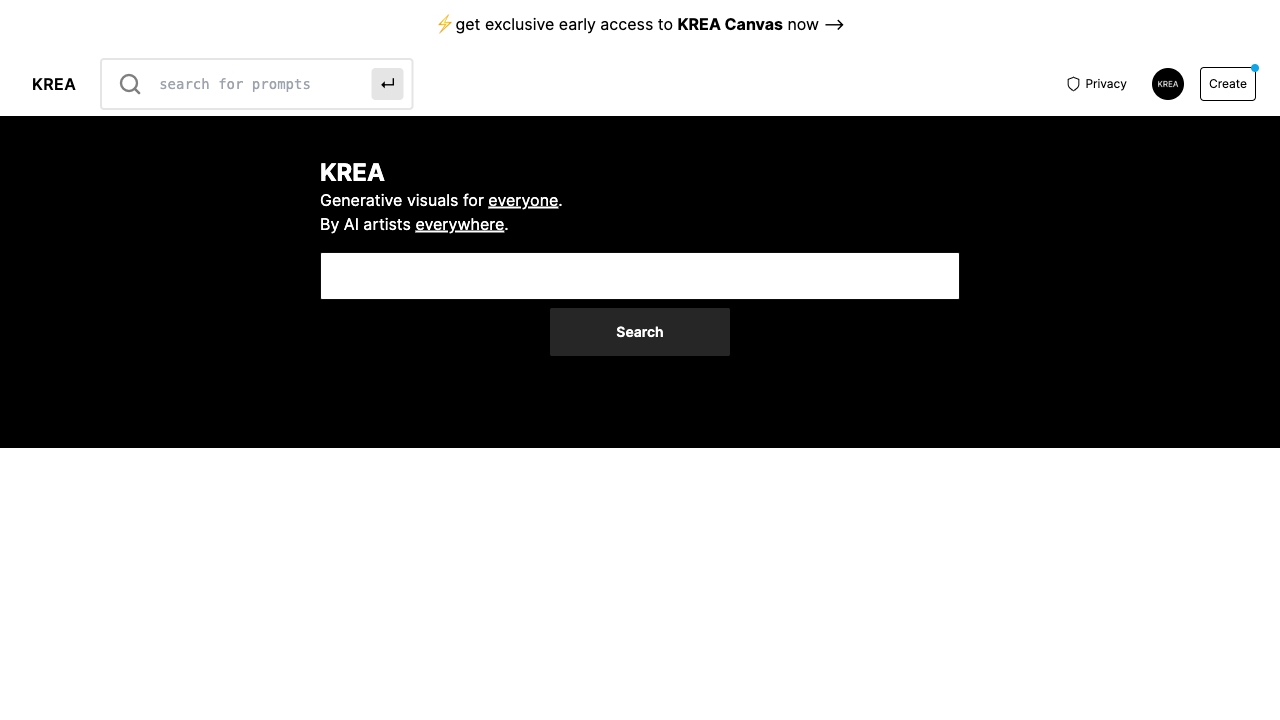
Realtime generation gives Krea AI a distinct place in a crowded field: it is not just a way to request an image and wait for a result. Its listed feature set also includes image and video enhancement, giving graphic designers a reason to consider it for both creating visuals and improving existing assets. That combination makes it the strongest broad visual starting point in this ranking. The free access to daily generations lowers the barrier to trying the workflow, although the listed upgrade details also point to usage limits and paid Pro features. It is a sensible first tool to test when you want a visual workspace rather than a single-purpose generator.
Best for
Graphic designers exploring realtime visual generation.
Creators who need both image creation and image or video enhancement.
Buyers who want to try daily free generations before considering paid use.
Limitations
Pro features require a paid subscription.
Compute units are consumed as you use the product, so check how your intended workflow affects consumption.
Its strongest listed fit is visual creation; compare other tools if audio generation is central to your work.
Shortlist signal: Put Krea AI on your shortlist when realtime visual generation and enhancement matter more than having every media format under one roof.
2. Media AI Generator

- Content creators exploring video, image, and audio generation
- Video, image, and audio generation; diverse AI effects and styles
- Starts at Check vendor pricing
- Usage signal: 3.3M
Why it matters
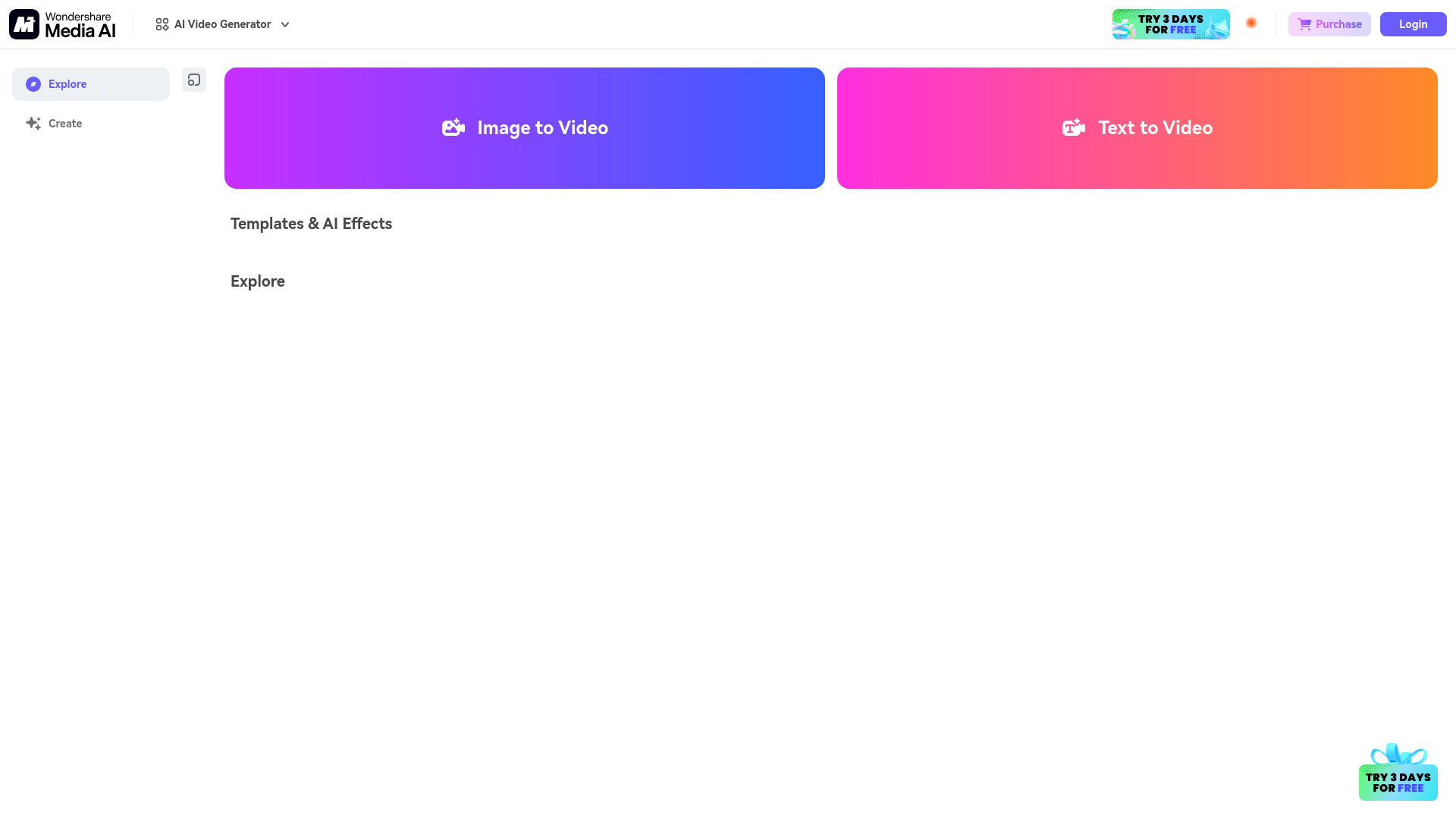
A creator who needs to make several kinds of assets may prefer one place to explore before assembling a collection of specialized tools. Media AI Generator lists AI video, image, and audio generation, plus effects and styles, which gives it unusually broad format coverage in this group. That breadth earns its high rank, particularly for content creators who are still testing what a campaign or channel needs. The caveat is that the free experience may limit usage or quality, and VIP features require payment. There is no clean starting price to rely on here, so check the vendor's live pricing and compare the actual limits against your expected volume before making it a production dependency.
Best for
Content creators testing multiple formats in one toolkit.
Teams that want to explore video, image, and audio generation together.
Early-stage projects where a range of effects and styles is useful for comparing directions.
Limitations
VIP features require payment.
The free version may limit usage or output quality.
Confirm current pricing and quotas with the vendor before planning recurring production around it.
Shortlist signal: Shortlist Media AI Generator when format variety is your first requirement and you are willing to verify the free-tier limits before scaling.
3. neural.love

- Content creators generating and improving images
- Image generation and image enhancement and editing
- Starts at Free plan available
- Usage signal: 480.2K
Why it matters
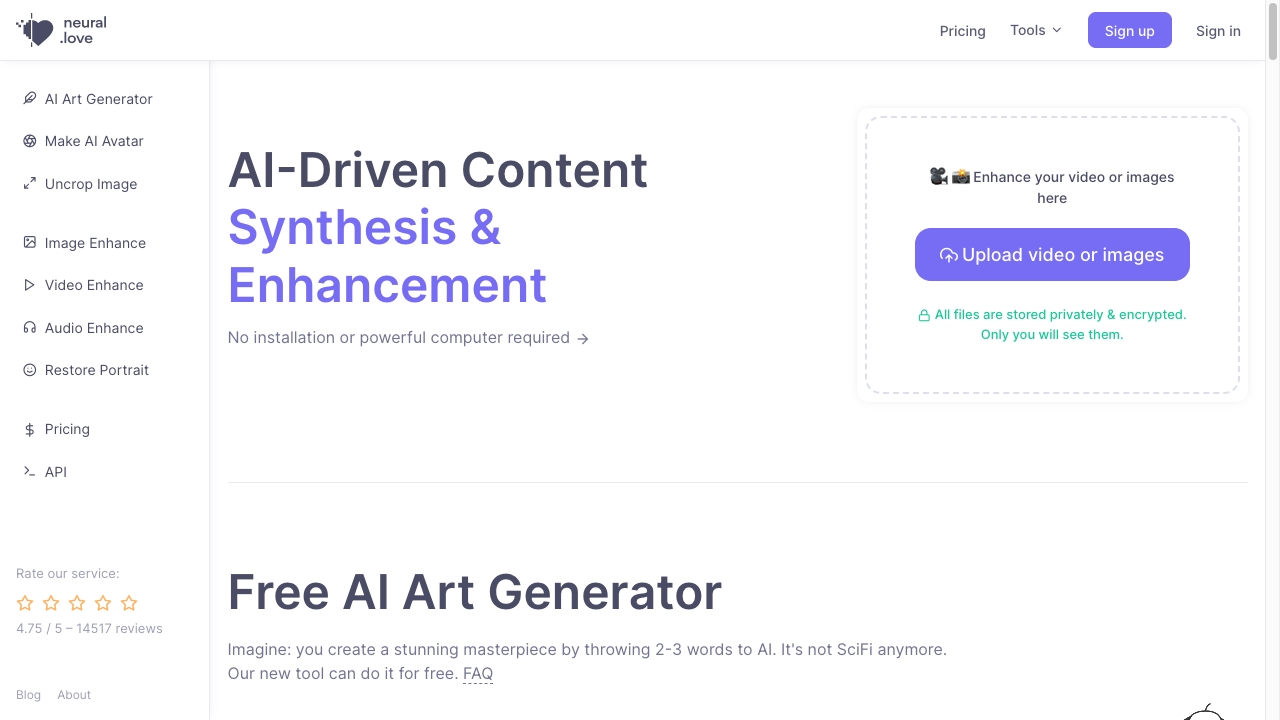
neural.love is a good fit for creators whose work moves between making an image and improving one. Image generation and image enhancement are its clearest listed strengths, with video editing adding another format to explore. That mix makes it more versatile than a narrowly focused art generator, while still giving image work a clear center. A free tier offers a way into basic generation and enhancement, but the limits matter: the free plan can restrict access and add watermarks, and the credit-based system calls for some usage planning. If your output needs to be watermark-free or your workload is hard to predict, inspect the plan details before you build a repeatable process around it.
Best for
Content creators who generate and enhance images in the same workflow.
Users who want to explore image tools alongside video editing.
Individuals who want a free entry point for basic image generation and enhancement.
Limitations
Free access is limited and may produce watermarked content.
Credits require attention when estimating ongoing usage.
Check the paid plan and credit economics against your expected output volume.
Shortlist signal: Choose neural.love for your first comparison when image generation and enhancement are the core jobs, not just optional extras.
4. Dreamega AI

- Content creators exploring multiple media models
- Free access; 50+ models for image, video, and music creation
- Starts at Check vendor pricing
- Usage signal: 219.6K
Why it matters
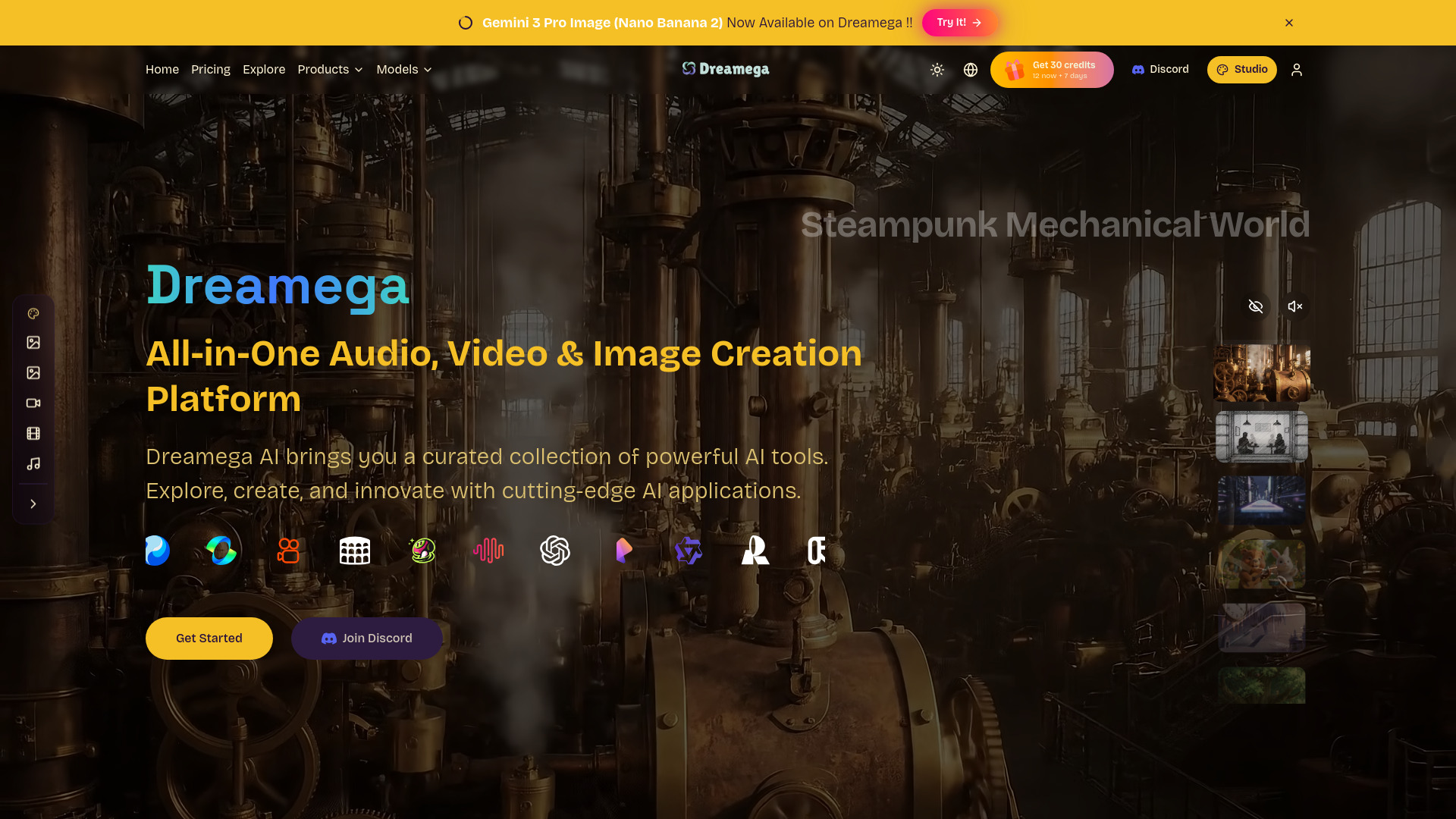
Dreamega AI's headline advantage is choice: it offers access to 50+ AI models and lists text-based creation for images, videos, and music. That is appealing when you want to compare different model approaches without narrowing your creative work to a single format. It is also described as free, which makes exploration attractive, though pricing and practical usage conditions should be confirmed directly rather than assumed. One important wrinkle is that the site experienced a client-side application error during loading in the reported evaluation. That is a real reliability question to test for yourself: a generous model menu is less useful if the experience you need is not accessible when you sit down to work.
Best for
Content creators who want to explore a large selection of AI models.
People comparing image, video, and music generation from text.
Experimental projects where trying different creative routes is part of the work.
Limitations
A client-side application error was encountered during loading; verify that the product works reliably for you.
Pricing details are not clear enough to assume a particular paid starting plan.
Model breadth may mean more experimentation before you settle on a consistent output.
Shortlist signal: Add Dreamega AI when broad model access is the attraction, but make a working-session reliability check part of your trial.
5. Artificial Studio

- Content creators making mixed-media assets
- Multimedia creation with access to 40+ AI models
- Starts at Check vendor pricing
- Usage signal: 157.2K
Why it matters
Artificial Studio takes the all-in-one approach seriously: its listed capabilities span images, music, text, and video, with more than 40 AI models available. The specifically named image-to-video and text-to-video features give media makers a concrete place to start, while the wider catalog may suit creators who work across formats. The trade-off is the same one that often comes with a large model library: results can depend on the model and the input, and finding the right combination may take experimentation. There is no clear starting price in the available product details, so treat the breadth as a reason to investigate-not a guarantee that every model or workflow is included in a free or affordable plan.
Best for
Content creators who make more than one type of media.
Users interested in image-to-video or text-to-video workflows.
Experimenters who value access to a broad selection of AI models.
Limitations
Output quality depends on the model selected and the input provided.
Expect to experiment to find a result that fits your brief.
Confirm pricing and which models are accessible under the plan you would use.
Shortlist signal: Shortlist Artificial Studio if you want to compare multiple media models in one place and can budget time for iteration.
6. Maker AI

- Marketing teams creating e-commerce photo and video assets
- 100 free credits on signup
- Starts at Check vendor pricing
- Usage signal: 7.6K
Why it matters
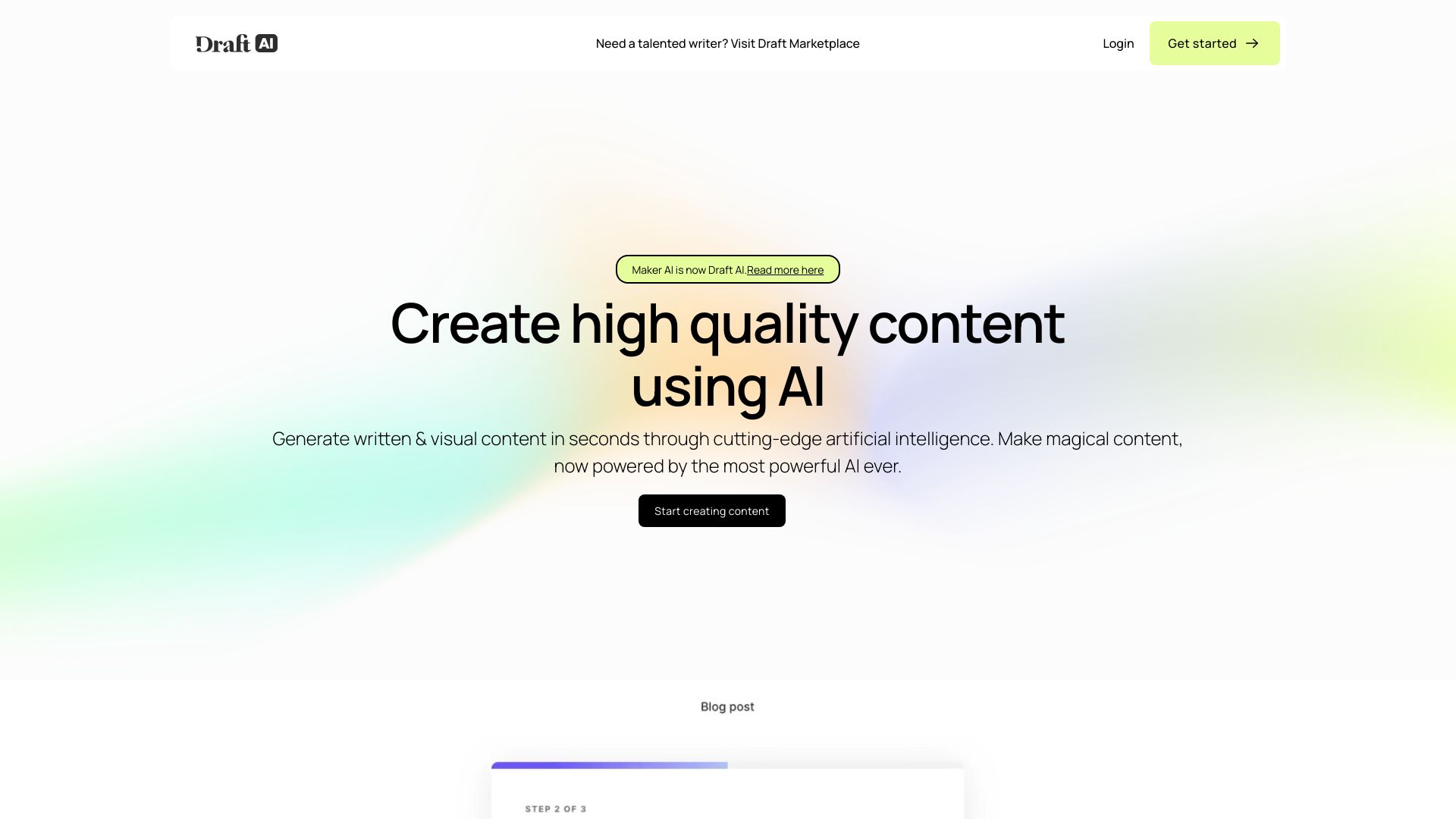
Maker AI is the most clearly commerce-oriented option in the ranking. Its AI photo and video generation, scene customization, and e-commerce focus point to a practical alternative to arranging traditional product shoots for every visual variation. A signup allowance of 100 free credits offers a way to test that premise using your own product imagery and descriptions. That test matters: the tool's limitations explicitly flag reliance on prompting and the quality of the initial image and description. A polished concept is not automatically a usable product asset, so evaluate whether the generated scene preserves the details shoppers need to see. Pricing is not clearly stated here; ask about ongoing costs before estimating campaign production budgets.
Best for
Marketing teams producing e-commerce photo and video content.
Small creative teams looking to test generated scenes against conventional shoots.
Product marketers who can provide clear source images and descriptions.
Limitations
Results depend on the initial image and description.
Getting the desired output may require specific prompting skills.
The listed 100 free credits are a trial allowance, not a confirmed ongoing plan; verify paid pricing.
Shortlist signal: Try Maker AI when product-scene variations could reduce shoot work, and judge it on the accuracy of your own products in the results.
7. ArtRoom AI

- Artists creating and editing AI-generated artwork
- 120 shards per day; AI art generation and unlimited LoRAs
- Starts at Free: $0/month
- Usage signal: 2.5K
Why it matters
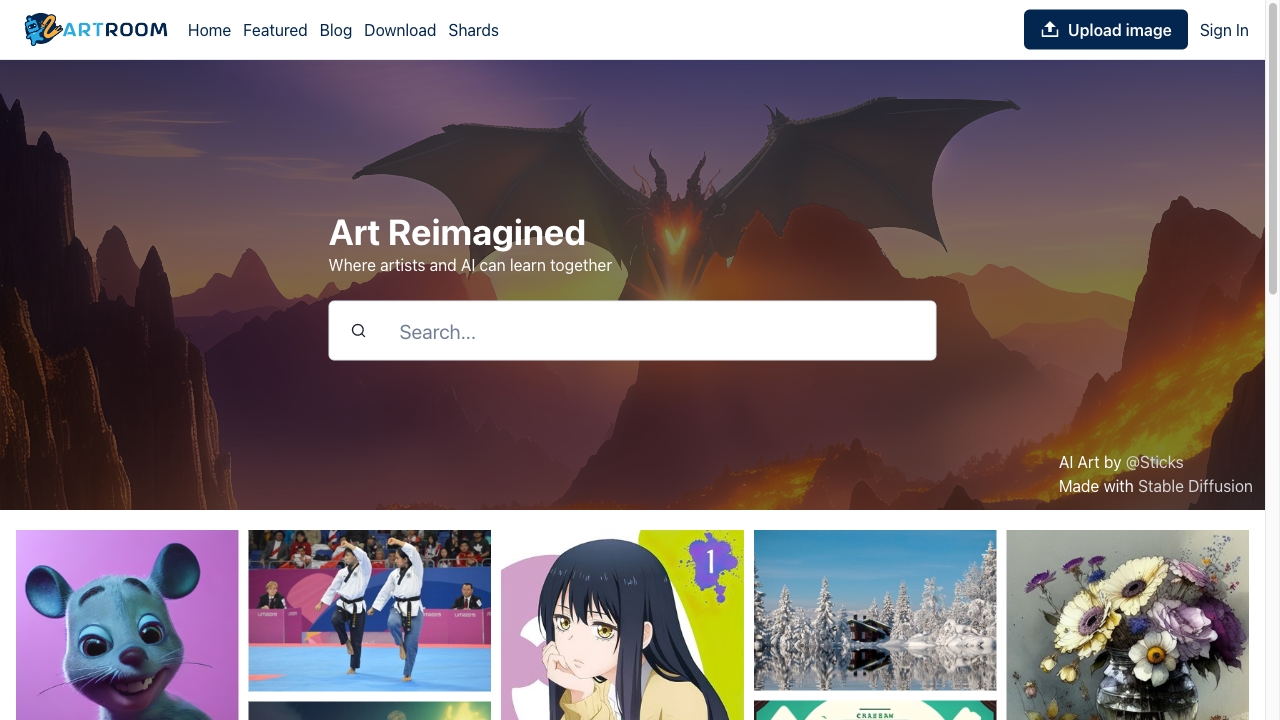
For artists, ArtRoom AI offers a more specific proposition than a general media toolbox: AI art generation, a full-service painting workflow with layers, and unlimited LoRAs. That feature mix makes it worth comparing when the creative process involves editing and building on an image, not simply generating a one-off visual. Its stated free allowance of 120 shards per day gives prospective users a concrete way to explore the workflow; the listed paid option starts from $9 per month, while extensive use may require a plan. There is also a content restriction to account for: NSFW images cannot be published on the platform. Check that policy against your intended work before investing time in a project.
Best for
Artists who want AI art generation with a layered painting workflow.
Creators who want to explore LoRAs as part of image making.
Users who prefer a stated daily free allowance for initial testing.
Limitations
Extensive use may require a paid plan.
NSFW images cannot be published on the platform.
Confirm that the product's content rules and editing workflow fit your intended projects.
Shortlist signal: Add ArtRoom AI when layered art-making is more important than broad video, audio, or campaign tooling.
8. Metaphysic.ai

- Film studios exploring photorealistic synthetic media
- Check vendor access options
- Starts at Check vendor pricing
- Usage signal: 95

Why it matters
Metaphysic.ai is a specialist rather than a general-purpose creator platform. Its listed capabilities-AI-powered face swaps, actor de-aging, realistic dubbing, and lip syncing-target complex, photorealistic visual effects work. For film studios, that focus can be more relevant than a broad image-and-video generator, particularly when synthetic media needs to fit into a production context. The same capabilities carry serious responsibilities: deepfake-related ethical concerns are explicitly a limitation, and the technology may require expertise. Treat consent, rights, disclosure, and human review as part of the evaluation. Pricing and access details are not clearly available here, so a studio should contact the vendor to assess suitability and commercial terms before planning a production around it.
Best for
Film studios evaluating photorealistic visual effects workflows.
Production teams exploring actor de-aging, face swaps, or realistic dubbing.
Experienced users able to review synthetic footage carefully and responsibly.
Limitations
Synthetic face and voice effects raise ethical and consent considerations.
The technology may require specialist expertise.
Confirm access, pricing, and production requirements directly with the vendor.
Shortlist signal: Consider Metaphysic.ai only when photorealistic synthetic effects are a defined production need and your team has a responsible review process.
9. Creatii AI

- Content creators combining AI video, images, and effects
- Free access may include queues and watermarks
- Starts at Starter credit pack: $5
- Usage signal: 50
Why it matters
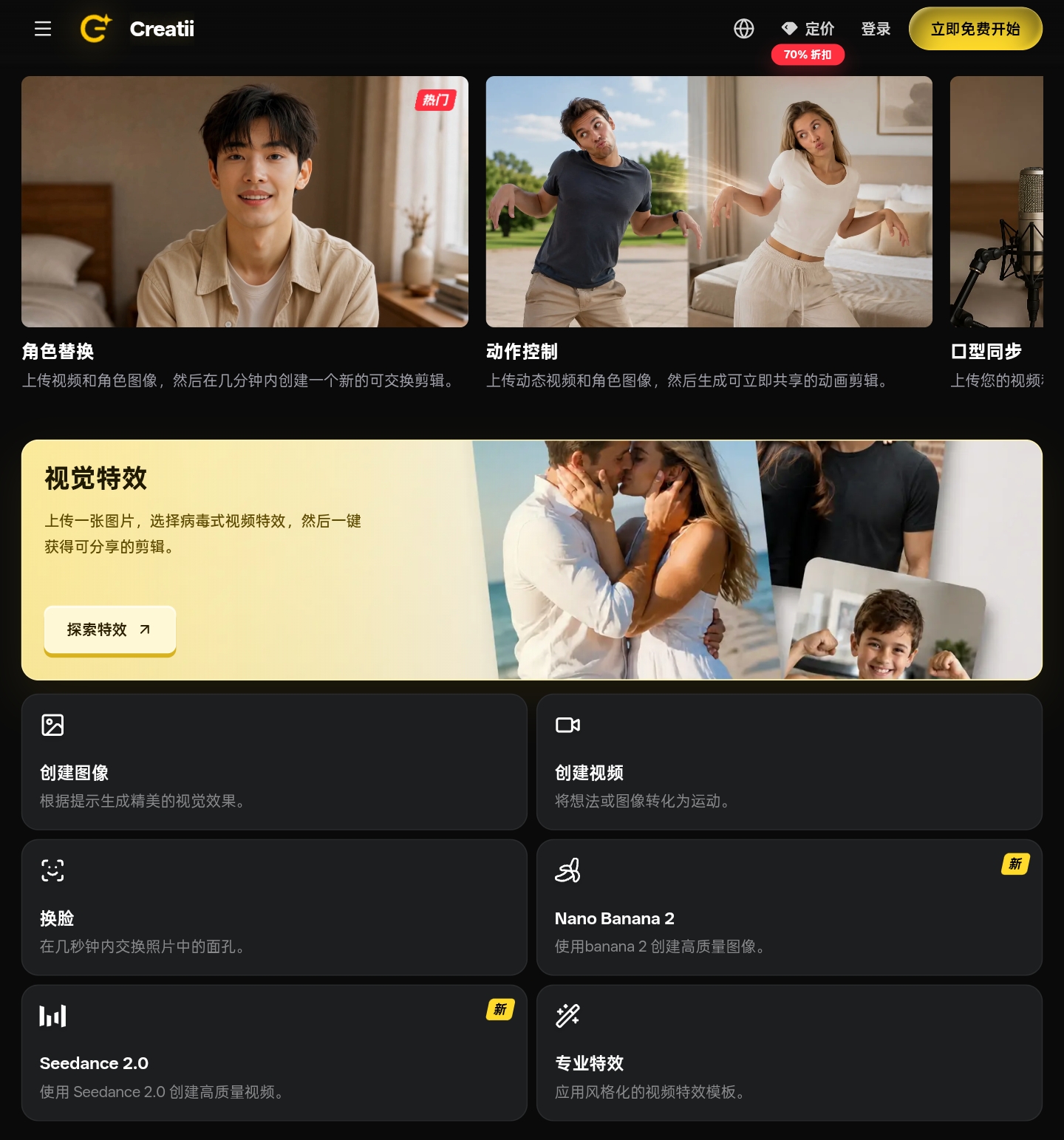
Creatii AI combines multi-model text-to-video and image-to-video generation with text-to-image creation and viral visual-effects templates. That makes it an interesting option for creators who want both generative workflows and ready-made effect treatments, rather than just a prompt box. Paid subscription tiers are described as removing watermarks, while free users may encounter watermarks and queue waits. Its credit system also deserves attention: unused subscription credits do not roll over, so a plan can be a poor fit if your output schedule is uneven. A starter credit pack is listed at $5, but compare that with the subscription terms and your usage pattern before deciding which purchase route makes sense.
Best for
Content creators combining text-to-video, image-to-video, and image generation.
Social-first teams exploring visual-effects templates.
Users who want to compare multiple video and image models in one studio.
Limitations
Free users may face queue waits and watermarks.
Unused subscription credits do not roll over to the next billing cycle.
Estimate your usage cadence before choosing between a credit pack and a subscription.
Shortlist signal: Shortlist Creatii AI when its mix of multiple models and effects fits your content style, and your team can use subscription credits before they expire.
10. Dreamik AI

- Small business owners creating marketing visuals
- Check vendor access options
- Starts at Check vendor pricing
- Usage signal: Not listed
Why it matters
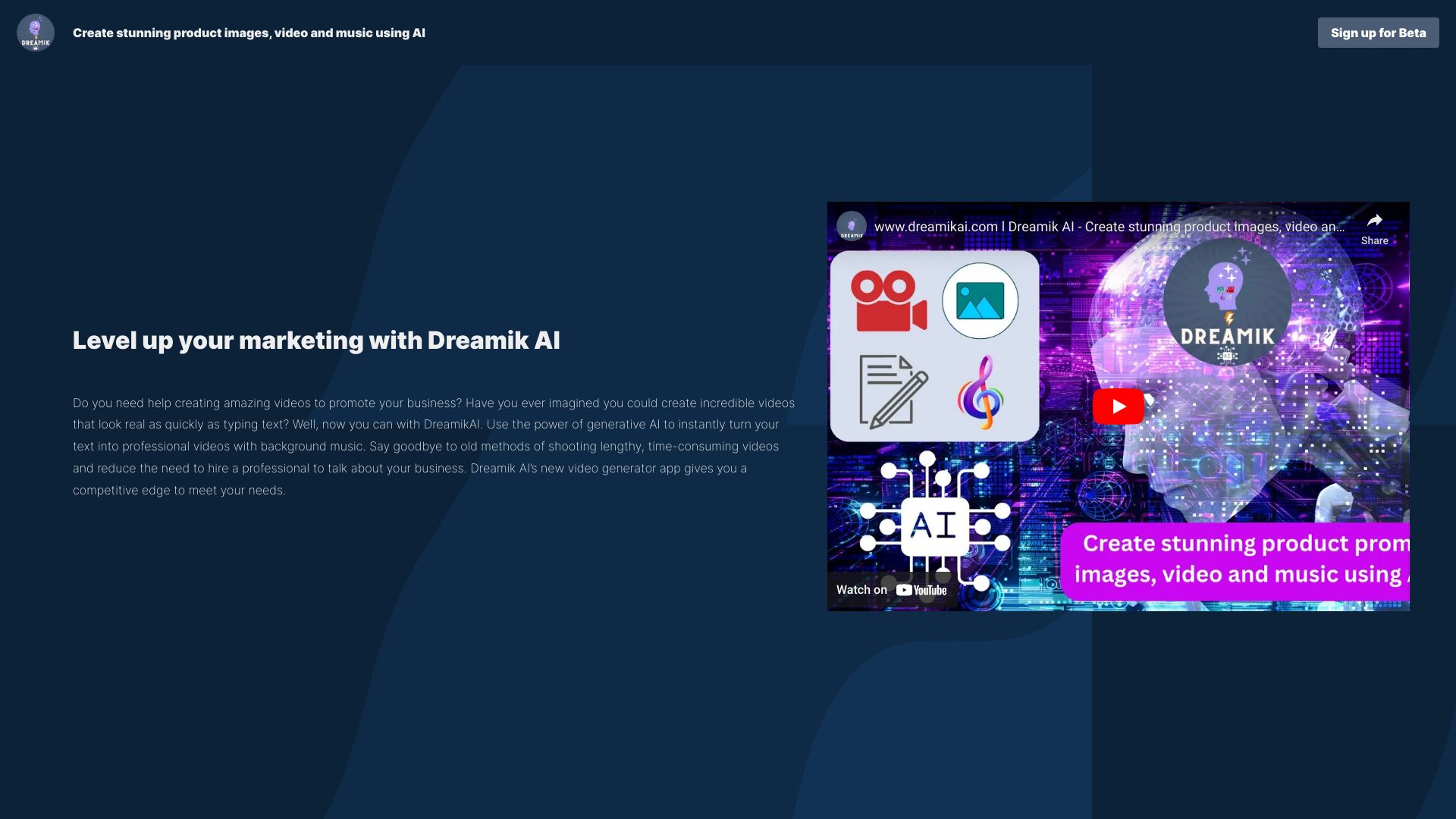
Dreamik AI is aimed at turning marketing ideas and product imagery into video and image content, with text-to-video that includes virtual human narration and product-image enhancement. That makes its pitch easy to understand for a small business owner who needs a promotional asset but does not have a dedicated video team. The important qualifier is beta status: expect possible limitations, and do not assume the workflow offers the creative control of a mature editing tool. The product details do not provide a clear price or specific free allowance, so test a representative project and confirm the commercial terms first. Compare the result with your existing production process, especially if precise brand or product details must remain consistent.
Best for
Small business owners making marketing videos and images.
Teams curious about text-to-video with virtual human narration.
Sellers who want to test product-image enhancement as part of promotion.
Limitations
The product is currently in beta and may have limitations.
Reliance on AI may reduce creative control.
Confirm pricing, access, and output suitability with the vendor before relying on it for regular campaigns.
Shortlist signal: Try Dreamik AI when you need a quick marketing-video workflow and can accept beta-stage uncertainty while testing it.
What to test before choosing
A short, repeatable evaluation will tell you more than a tour of feature pages. Use the same brief and source assets across the finalists, then assess the results against the work your team actually publishes.
Test your real input. Use a product photo, draft, or creative reference similar to the material you expect to process. This is particularly important for Maker AI, where results depend on the initial image and description.
Test the format you need to deliver. A platform that lists image and video tools may still fit one task better than another. Run an image-to-video or text-to-video test if that is the output you need, rather than judging only an image sample.
Check iteration and control. Try at least one revision after your first result. For tools whose limitations mention prompting or experimentation, see how much work it takes to reach a usable result.
Measure the usable output, not just the first output. Check whether watermarks, quality, layers, or other stated constraints make a result publishable for your use. Review neural.love's free-tier restrictions and Creatii AI's free-use conditions closely.
Map credits and quotas to your cadence. Krea AI consumes compute units; neural.love and Creatii AI use credit-based conditions. A daily allowance, signup credit, and monthly subscription are not interchangeable.
Confirm commercial and content conditions. Ask vendors about rights, permitted use, consent expectations, and restrictions that apply to your material. For synthetic face or voice effects, add a deliberate human approval step.
Verify live pricing and access. Several tools do not have a clear starting price here. Check the current plan, included models, credit expiry, queues, and watermarks before turning a test into a budget.
What to do next
Pick two or three finalists from the shortlist paths, not all 10. Give each the same brief, set a time limit for iteration, and record the quality of the final asset alongside the time, credits, and editing effort it took to get there. That makes a fairer comparison than ranking tools by a single sample image or a long list of features.
Then ask what happens after generation. Can the output be revised to meet brand requirements? Does the plan fit your usage pattern? Are the content rules, consent practices, and rights clear for your project? If the answer is uncertain, keep the tool in the trial column. The best choice is the one that consistently produces usable media within your team's quality, cost, and review constraints-not necessarily the platform with the most features.
Common mistakes when choosing from a complex top list
Treating broad format coverage as proof of depth. A tool can list image, video, and audio generation without being equally strong for each job. Test your actual deliverable.
Comparing free access as if it were one standard plan. Free daily generations, a one-time credit allowance, and watermarked output create very different trials. Read each limit closely.
Ignoring the cost of iteration. If a tool requires repeated prompting or consumes credits on use, the first-generation price is not the whole workflow cost.
Assuming a high score means a perfect fit. Scores summarize a comparative ranking. Your format, team skills, and publishing standards should decide the shortlist.
Overlooking specialist value. A focused product such as Metaphysic.ai or Maker AI may be a better fit for a defined production task than a general-purpose tool.
Skipping reliability and policy checks. Test that the product works for your workflow, and review limits on content, watermarks, synthetic media, and credit rollover.
FAQ
The useful feature depends on the asset you need. This comparison covers realtime image generation, image and video enhancement, text-to-video and image-to-video, audio generation, AI art workflows, product-scene creation, and photorealistic synthetic effects. Start with the output format and production task, then compare the tools that explicitly support it.