
The phrase top-rated serverless platforms for cloud ai development suggests a focused choice between managed model endpoints, event-driven compute, and serverless machine-learning deployment. This shortlist of 10 tools is broader: it includes cloud-hosted agents, AI app builders, private AI infrastructure, and on-demand GPU rental, but most are not conventional serverless ML deployment platforms. That distinction matters. We compare what each tool actually helps you do, where it can support a cloud AI workflow, and when you should keep looking for managed inference or function-as-a-service instead.
Start here
Choose by the job you need done, not by the word "serverless" in a headline. For actual model experimentation on rented compute, start with QuickPod. For agents that should keep running without your own server administration, look at LightVela or VPS AI. If private infrastructure and governance matter more than hands-off cloud deployment, Go.AI is the more relevant conversation. And if your real goal is building an AI-powered internal app, Superblocks is the strongest fit in this group.
A quick reality check: these picks do not collectively provide a like-for-like set of serverless model-serving products. The list includes useful adjacent options, but it does not establish details such as autoscaling model endpoints, cold-start behavior, supported inference runtimes, or per-request deployment pricing. Confirm those requirements directly before treating any candidate as your production inference layer.
Segment comparison
| Segment | Tools to compare | Strongest reason to consider it | Main trade-off |
|---|---|---|---|
| On-demand model development compute | QuickPod | Hourly GPU and CPU rental with Jupyter, TensorFlow, and PyTorch support | Availability and rates vary with supply, location, and time |
| Always-on hosted agents | LightVela, VPS AI | Keep agent workflows running without relying on a personal laptop | Credits, paid plans, and agent-specific environments differ; neither is presented as a serverless inference endpoint |
| AI app creation | Superblocks, Caffeine, Sitedrop | Build an internal app, general app, or business website with AI assistance | App generation is not the same as deploying a machine-learning model |
| Private or governed AI | Go.AI, Grengin | Control data location, access, or model-provider usage | More infrastructure ownership or sales-led evaluation may be involved |
| Creative and coding workflows | Seele AI, ML.ai | Generate games and media, or carry software tasks through reviewable code changes | These are workflow tools, not general-purpose cloud ML hosting services |
Shortlist paths
| Your priority | Start with | Why this path makes sense |
|---|---|---|
| Rent compute to experiment with ML frameworks | QuickPod | It explicitly offers on-demand GPU and CPU rentals, with Jupyter environments for PyTorch and TensorFlow. |
| Keep an AI agent running in the cloud | LightVela or VPS AI | LightVela emphasizes scheduled, connected Hermes agents; VPS AI provides a persistent cloud desktop for agents. |
| Govern AI-powered internal applications | Superblocks | Its listed strengths include enterprise authentication, permissions, audit logs, and governed connections to data. |
| Keep AI workloads under tighter infrastructure control | Go.AI or Grengin | Go.AI offers on-premises and air-gapped deployment options; Grengin runs in your own cloud. |
| Build a product or workflow without starting from infrastructure | Caffeine or Seele AI | Caffeine builds apps through chat; Seele AI combines game, media, 3D, and code creation in one workspace. |
Ranking snapshot
The order below reflects the provided category scores and how clearly each product maps to a practical cloud-AI workflow. It is not a claim that every product offers serverless machine-learning deployment. Treat the ranking as a shortlist for adjacent needs, then validate your target architecture.
| Rank | Tool | Best fit in this comparison | Score |
|---|---|---|---|
| #1 | Seele AI | Multimodal creation in a cloud workspace | 93/100 |
| #2 | Superblocks | Governed internal AI applications | 92/100 |
| #3 | Caffeine | Conversational app building and iteration | 92/100 |
| #4 | LightVela | Cloud-hosted, always-on agents | 91/100 |
| #5 | Go.AI | Private AI infrastructure for regulated teams | 91/100 |
How we grouped and ranked the list
We grouped these tools by the work they support: compute for model development, cloud-hosted agent execution, AI-assisted application creation, private or governed AI access, and creative or coding workflows. This is a more useful lens than pretending they are interchangeable deployment platforms. For example, renting a GPU can help with model experimentation, but it does not automatically provide a managed, autoscaling inference endpoint. Likewise, an app builder can make a useful AI-powered product without being a machine-learning serving stack.
The ranking favors tools with a clear, concrete use case and features that can contribute to a cloud AI workflow. Score, stated audience fit, product scope, and the available market-usage signal informed the order. We also weighed operational friction: whether the product expects you to manage cloud accounts, whether pricing is clear, and whether a free trial or allowance gives you a reasonable way to evaluate it. Those considerations do not replace a technical deployment test.
For buyers specifically seeking the top platforms for deploying machine learning in a serverless setup, ask each vendor about model packaging, supported runtimes, autoscaling, request limits, observability, region availability, and how idle or burst usage is billed. The tools below do not all answer those questions in their listed capabilities. That is not a minor footnote; it is the boundary between a helpful adjacent product and a production serving platform.
Ranked field notes
1. Seele AI

- Indie game developers creating games and media
- 7-day free trial
- Starts at Standard: $20/month
- Usage signal: 349.5K
Why it matters
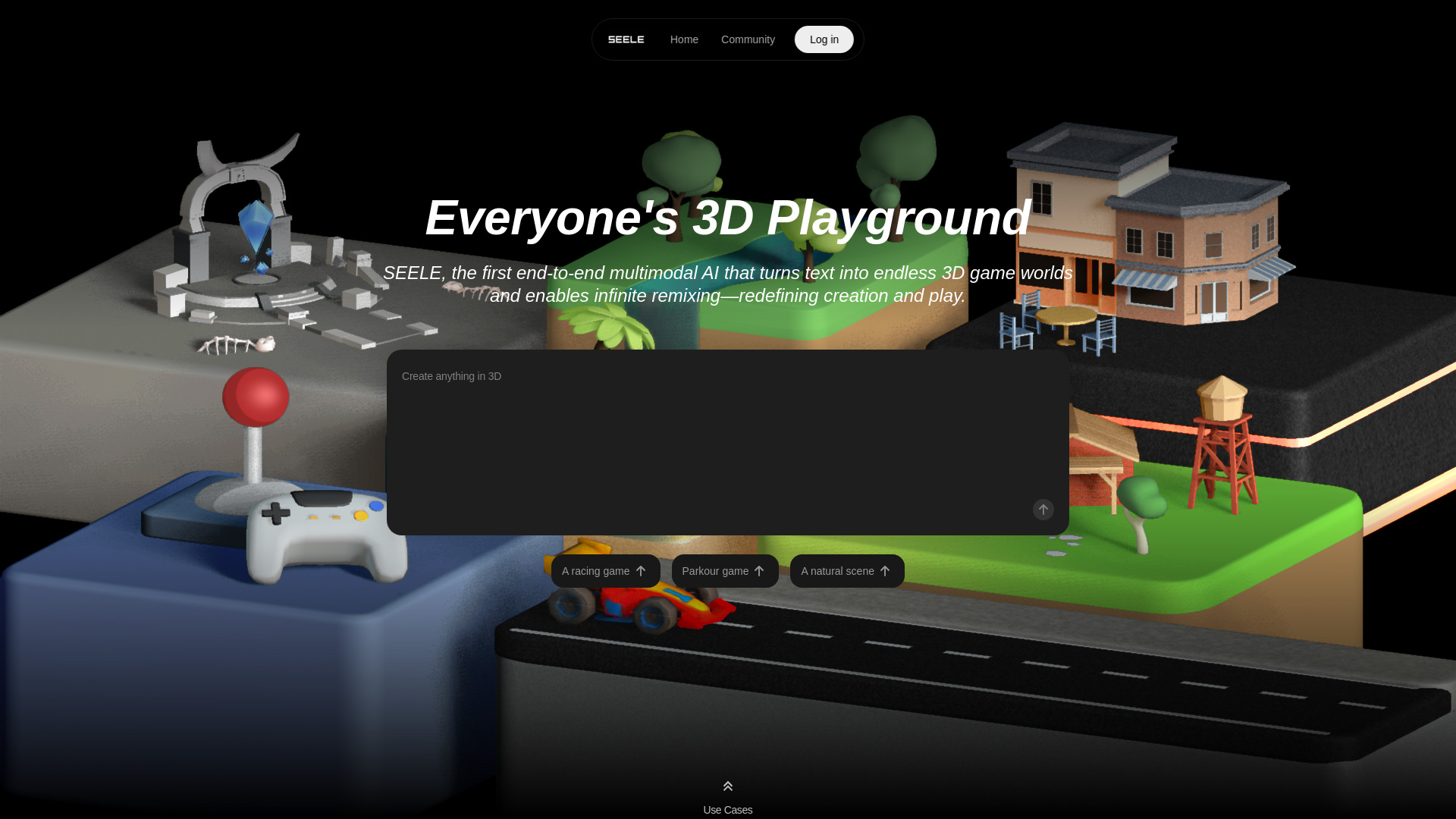
Seele AI stands out for breadth inside a single cloud workspace: its natural-language workflows can generate playable 2D and 3D games, while the same environment supports images, video, 3D models, textures, audio, and code. That makes it a compelling option for a small creative team trying to move from an idea to a previewable project without stitching together a separate tool for every asset type. Its relevance to serverless AI development is indirect, though. The listed capabilities focus on creation and project building, not deploying your own trained model as a managed endpoint. Shortlist it for a creative workflow, not as a substitute for model-serving infrastructure.
Best for
Indie developers prototyping playable 2D or 3D games from prompts.
Small teams that want game assets and code in one cloud workspace.
Creators who prefer natural-language interaction to a coding-first workflow.
Limitations
Koin use varies by task, so forecasting the cost of a particular generation may take experimentation.
Paid plans have monthly Koin allowances, which can constrain heavier use.
Its listed strengths do not establish serverless hosting for custom machine-learning models.
Shortlist signal: Add Seele AI when your cloud AI project is a game or multimodal creative prototype-not when your main requirement is managed model inference.
2. Superblocks

- IT administrators governing internal AI apps
- 14-day free trial
- Starts at Teams: $125/month, billed monthly
- Usage signal: 132.1K
Why it matters
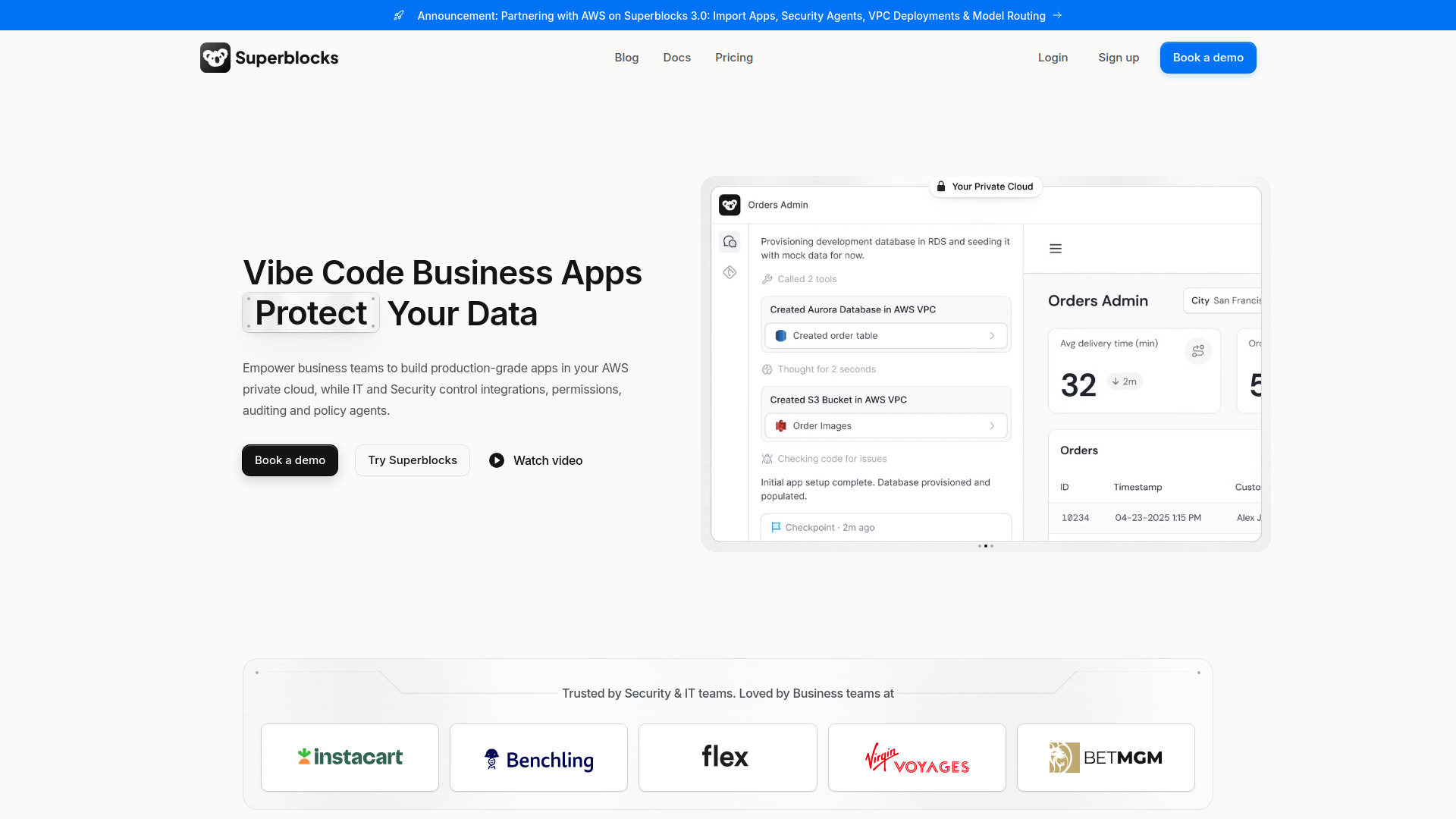
Many teams do not need to deploy a foundation model from scratch; they need a useful internal application that connects AI to company data without bypassing IT controls. Superblocks is the clearest fit here. Its AI-assisted builder, Clark, is paired with governed AI apps, enterprise authentication, role-based permissions, SSO, audit logs, and granular data access controls. That governance angle makes it more relevant to production-minded organizations than a lightweight prompt-to-app tool. Still, "build an AI app" should not be mistaken for "deploy a serverless ML model." Its listed value is the application and control layer, so confirm the model-serving architecture separately.
Best for
IT teams building internal applications connected to enterprise data.
Organizations that need authentication, role permissions, and auditability around AI workflows.
Teams that want AI assistance during app development without giving up centralized governance.
Limitations
Enterprise pricing is not publicly specified, so larger deployments require a sales conversation.
The Teams plan includes one hosted app; additional hosted apps are charged separately.
The listed product information does not specify serverless inference features or model autoscaling.
Shortlist signal: Put Superblocks on your list when governance for internal AI apps is the hard requirement and model hosting can be evaluated separately.
3. Caffeine

- Operations managers building lightweight apps
- 15 welcome credits on signup
- Starts at Free: $0/month
- Usage signal: 147.5K
Why it matters
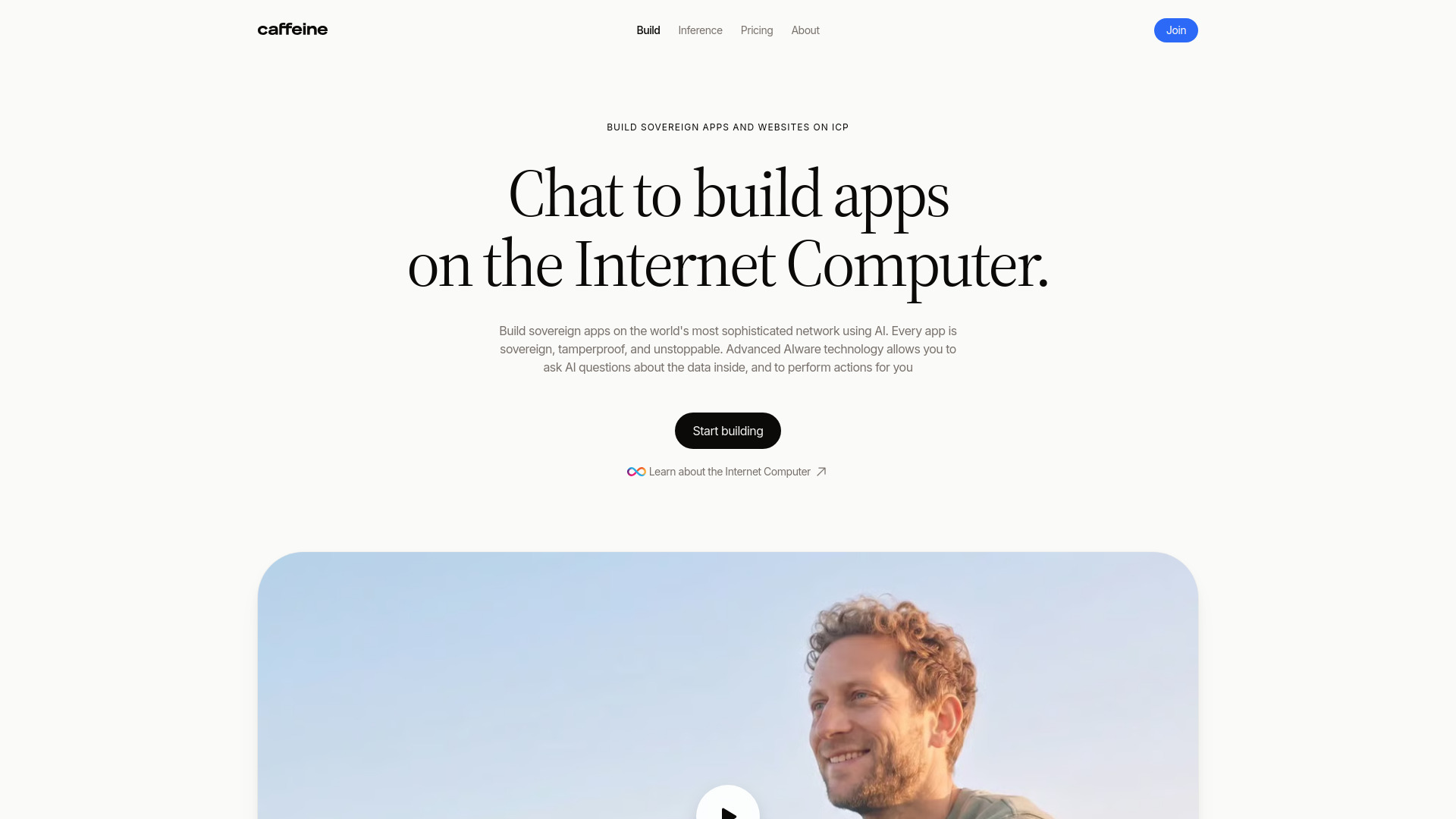
Caffeine makes the app-building loop conversational: describe an app or website, review what it produces, then ask for changes through chat. It can also answer questions across data in multiple apps, which gives operations teams a way to explore lightweight software and cross-app information without beginning with a conventional development project. The free entry point is useful for testing the interaction, but read its limits carefully: the Free plan is restricted to remixing App Market apps and does not include creating an app from scratch. As with other builders in this list, the useful question is whether it helps you ship an AI-powered application-not whether it replaces a serverless ML deployment platform.
Best for
Operations managers turning recurring processes into simple apps or websites.
Non-developers who want to refine functionality by describing changes in chat.
Teams that want to ask questions across data held in multiple apps.
Limitations
Monthly credits vary by plan and can limit how much you build.
The Free plan allows remixing App Market apps, not creating new apps from scratch.
App creation does not establish support for packaging and serving custom ML models.
Shortlist signal: Choose Caffeine when conversational app creation is the shortcut you need; test the credit limits before planning a larger rollout.
4. LightVela

- Project managers running always-on agents
- 1 month free with 4,500 model credits
- Starts at Launch: first month free
- Usage signal: 240.0K
Why it matters
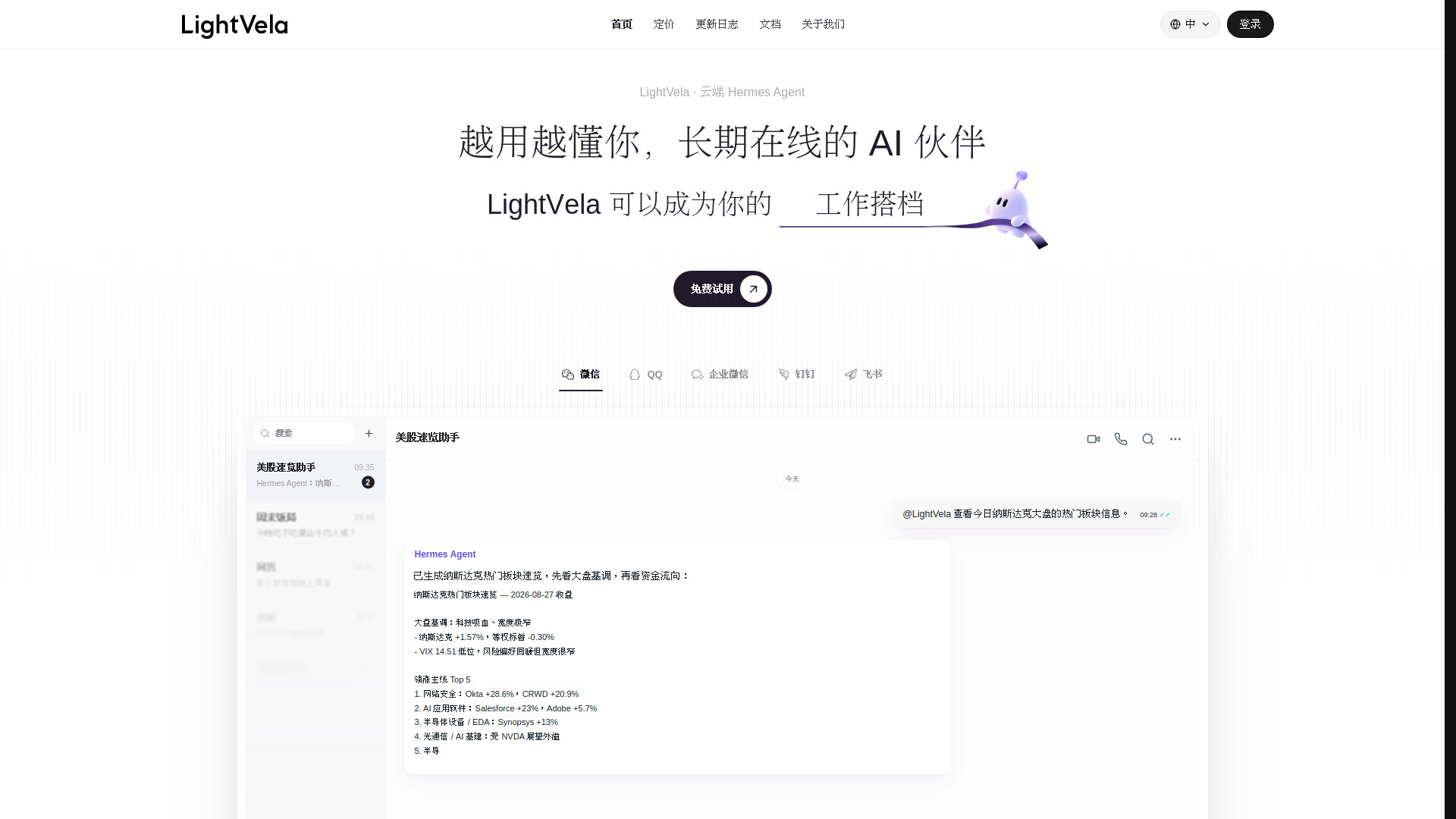
LightVela tackles a familiar operational nuisance: keeping an AI agent available without maintaining a server yourself. It provides cloud hosting for Hermes agents, with 24/7 availability, scheduled and condition-based tasks, reminders, and monitoring. Its messaging connections-including WeChat, QQ, WeCom, Feishu, and DingTalk-also let teams work through channels they already use. That makes it a useful agent-hosting candidate, particularly for teams whose workflows revolve around messaging and scheduled actions. But always-on agent hosting is not the same service as serverless model inference; the listed details do not establish a general endpoint for deploying your own ML model.
Best for
Project managers who want scheduled or condition-based agent tasks.
Teams using supported messaging platforms as part of day-to-day operations.
Users who want cloud-hosted Hermes agents without managing their own server.
Limitations
Monthly model credits depend on the plan, and extra credits cost more.
Additional model-credit packs expire one month after they are credited.
Check that the supported agent and messaging workflow fits your use case before comparing it with general cloud compute.
Shortlist signal: Shortlist LightVela when your target is an always-on, messaging-connected agent and the monthly model-credit allowance fits your workload.
5. Go.AI

- Banking teams needing private AI deployment
- Starts at Check vendor pricing
- Usage signal: 91.9K
Why it matters
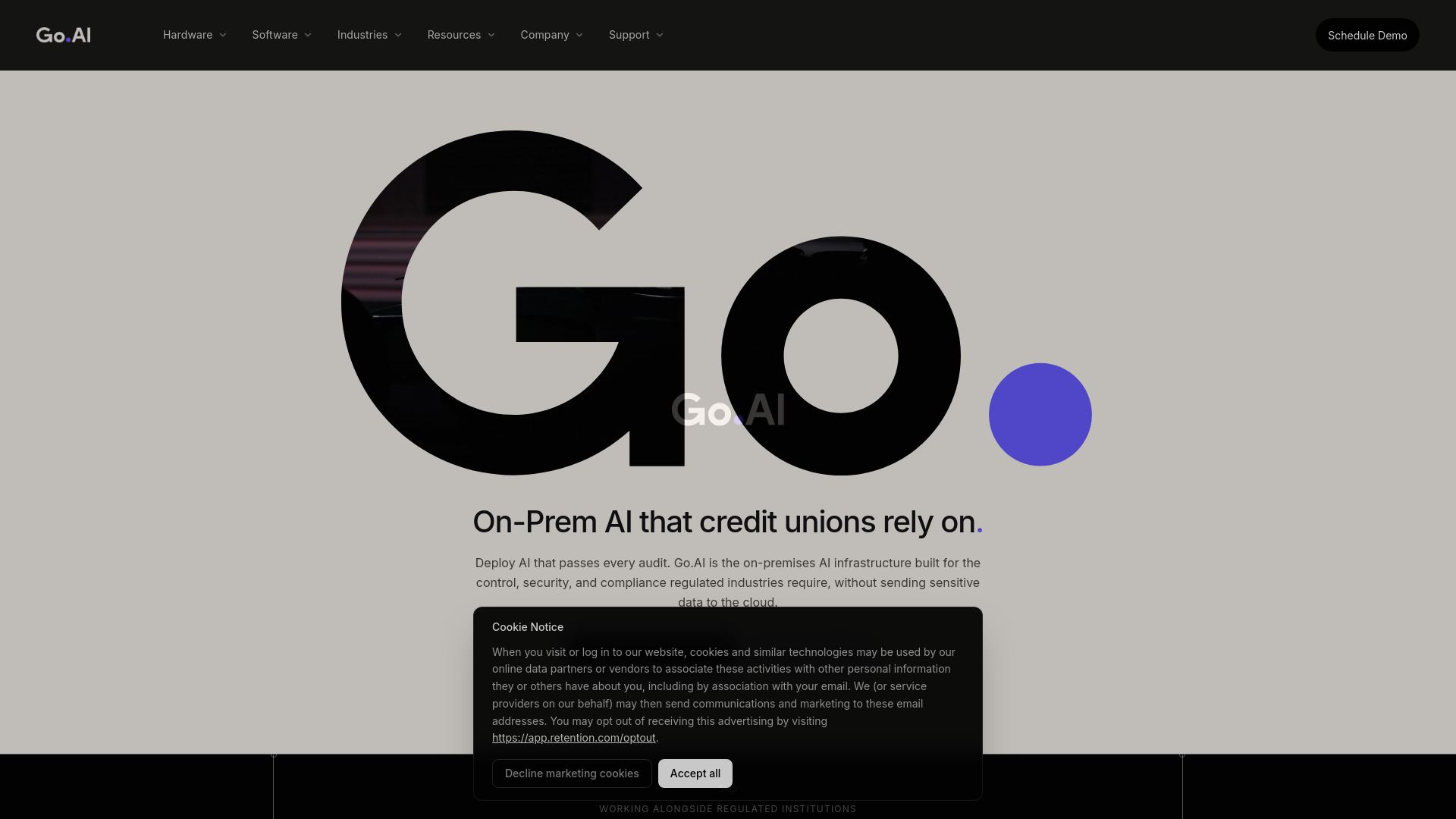
Go.AI takes the opposite tack from a hands-off public-cloud service: it offers on-premises AI hardware and software, including air-gapped deployment options, for organizations prioritizing private infrastructure. Its listed capabilities also include indexing and retrieval across core systems, document stores, and data warehouses, plus an assistant with logged interactions and policy governance tools. That makes it worth a closer look for regulated organizations that need stronger control over data movement and auditability. It is not serverless in the usual managed-cloud sense, and you should expect a more deliberate infrastructure and procurement evaluation rather than a quick self-serve setup.
Best for
Banking and other regulated organizations evaluating private AI infrastructure.
Teams that need on-premises or air-gapped deployment options.
Organizations seeking retrieval across internal systems with logged, governed assistant interactions.
Limitations
Pricing is not published and requires a custom quote.
No free trial or pilot allowance is specified, so ask about evaluation access early.
On-premises control is a different operational trade-off from serverless convenience.
Shortlist signal: Talk to Go.AI when data control and auditability outweigh the simplicity of a managed public-cloud deployment.
6. Sitedrop

- Small businesses building and hosting websites
- Starts at Starter: $25/month
- Usage signal: 78.0K
Why it matters
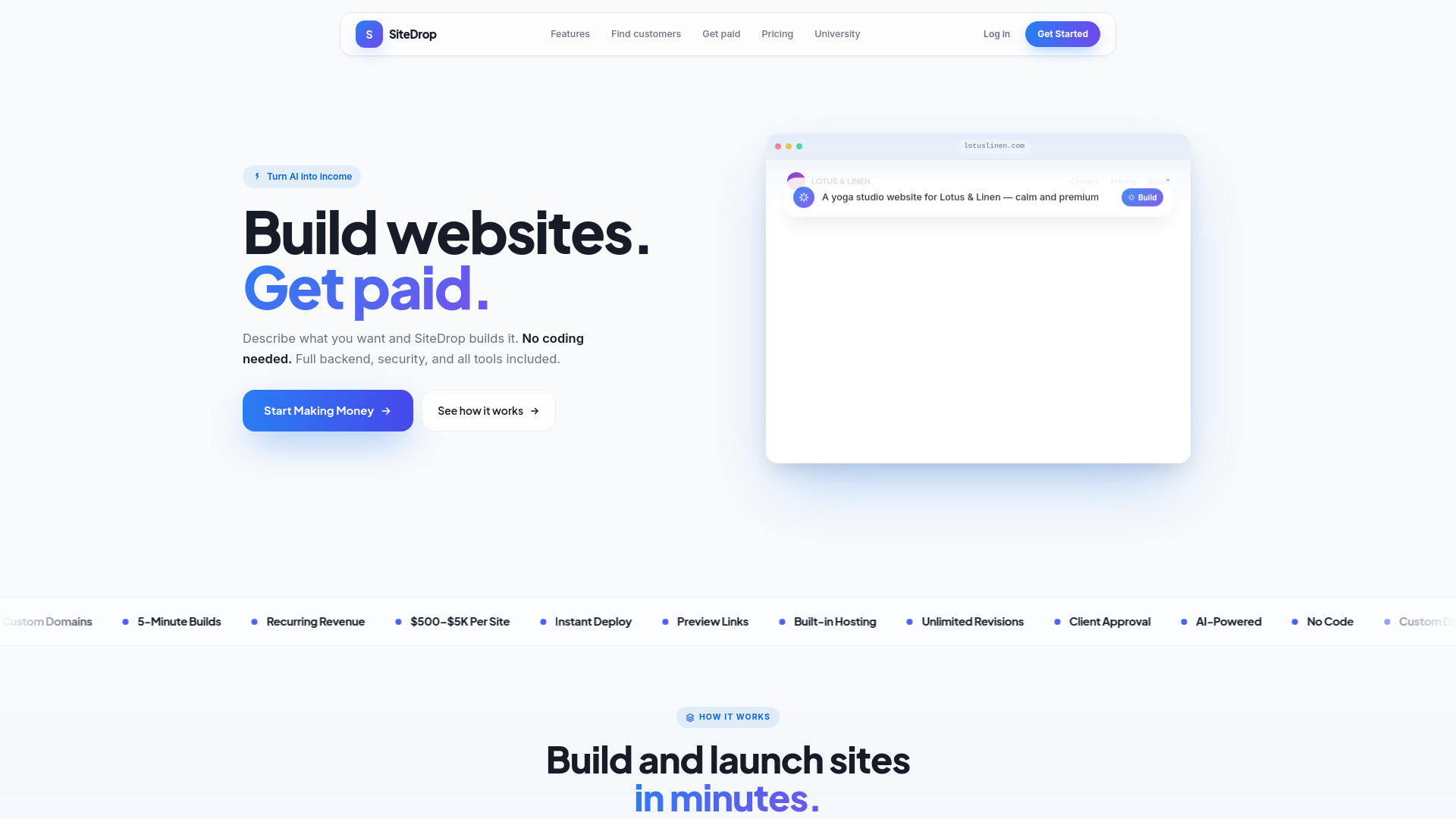
Sitedrop bundles AI-powered, no-code website generation with the practical pieces a small business usually has to assemble elsewhere: hosting, SSL, backups, security, domains, SEO, and backend functionality. It also includes lead-generation features such as business listings, contact details, and CSV export. That breadth can be useful if the goal is to get a business site online and support its revenue workflow, not to build an ML service. Its placement here is therefore an adjacent website-building option rather than a serverless AI platform. The real decision is whether the bundled site operations save enough time to justify the subscription and plan limits.
Best for
Small business owners who want to create a website without coding.
Teams that value built-in hosting, security, domains, and SEO tools.
Businesses that want website creation and lead generation in the same product.
Limitations
AI credits and lead searches are limited by plan.
A free plan is not listed; the starting price is $25 per month.
Website hosting is not the same as deploying a machine-learning model or inference endpoint.
Shortlist signal: Consider Sitedrop when you need an AI-generated business website with bundled hosting, not a cloud ML runtime.
7. QuickPod

- Machine-learning engineers renting compute
- Starts at From $0.02/hour for some models
- Usage signal: 7.2K
Why it matters
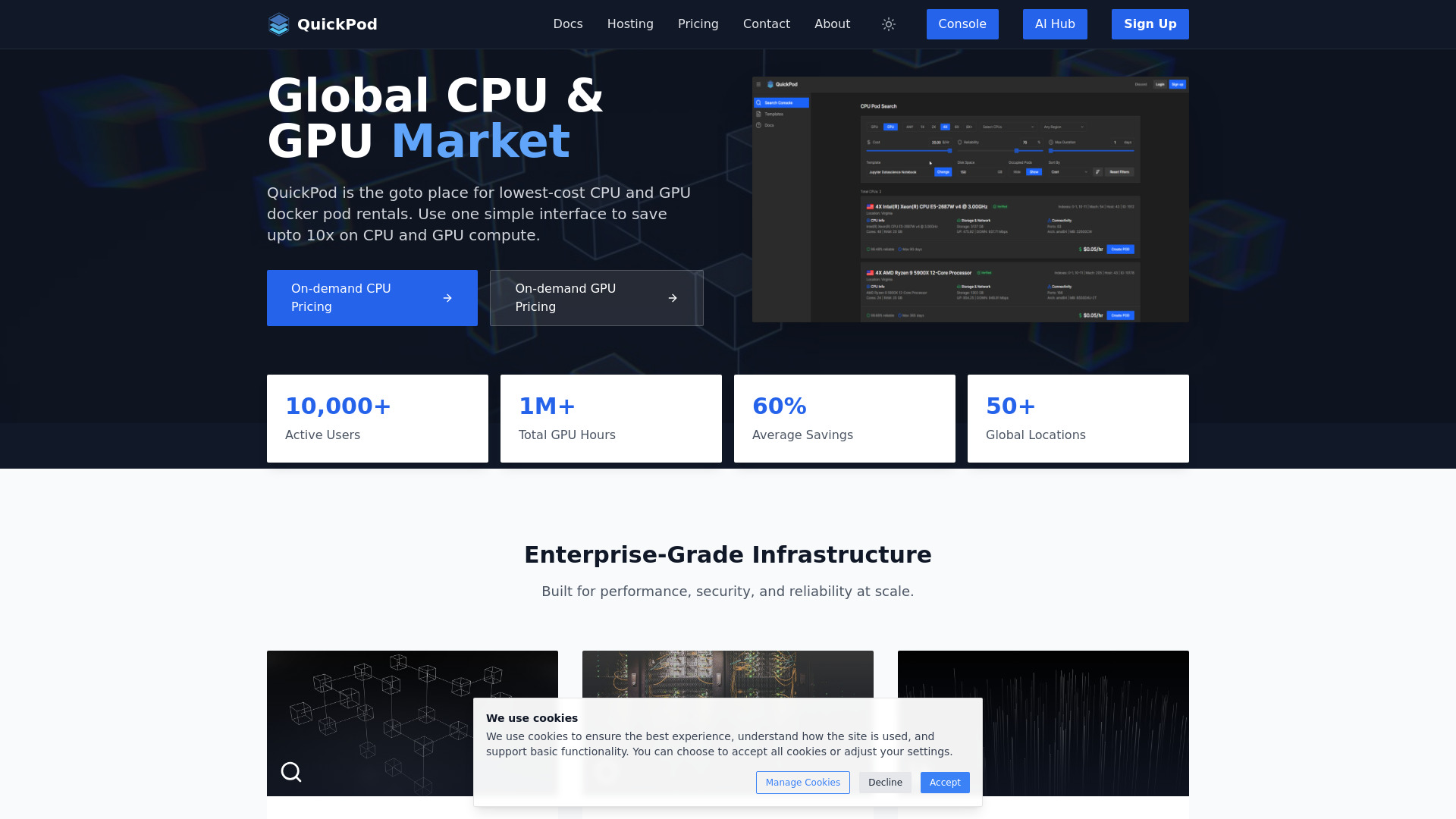
QuickPod is the most directly relevant option here for hands-on machine-learning development. It offers on-demand GPU and CPU rental, hourly billing, and Jupyter environments preconfigured with PyTorch and TensorFlow. The listed pricing can start at $0.02 per hour for some models, and the product describes potential savings versus major cloud providers. That makes it an appealing place to test workloads or run development jobs without committing to a long-lived machine. The catch is important: this is rented compute, not proof of a fully managed serverless deployment service. You still need to validate the runtime, availability, scaling behavior, and deployment workflow that your application requires.
Best for
ML engineers who want hourly GPU or CPU access for experiments.
Developers working with TensorFlow, PyTorch, or another supported framework in Jupyter.
Teams comparing flexible compute rental with larger cloud commitments.
Limitations
Pricing changes with supply and demand.
GPU availability and rates may vary by location and time.
Confirm whether your target production workflow is supported; rented compute alone does not guarantee managed autoscaling or inference endpoints.
Shortlist signal: Start with QuickPod when you need flexible GPU time for development, then separately validate the serving layer for production.
8. VPS AI

- AI agent developers needing a persistent cloud computer
- Starts at Spark: $19/month
- Usage signal: 0
Why it matters
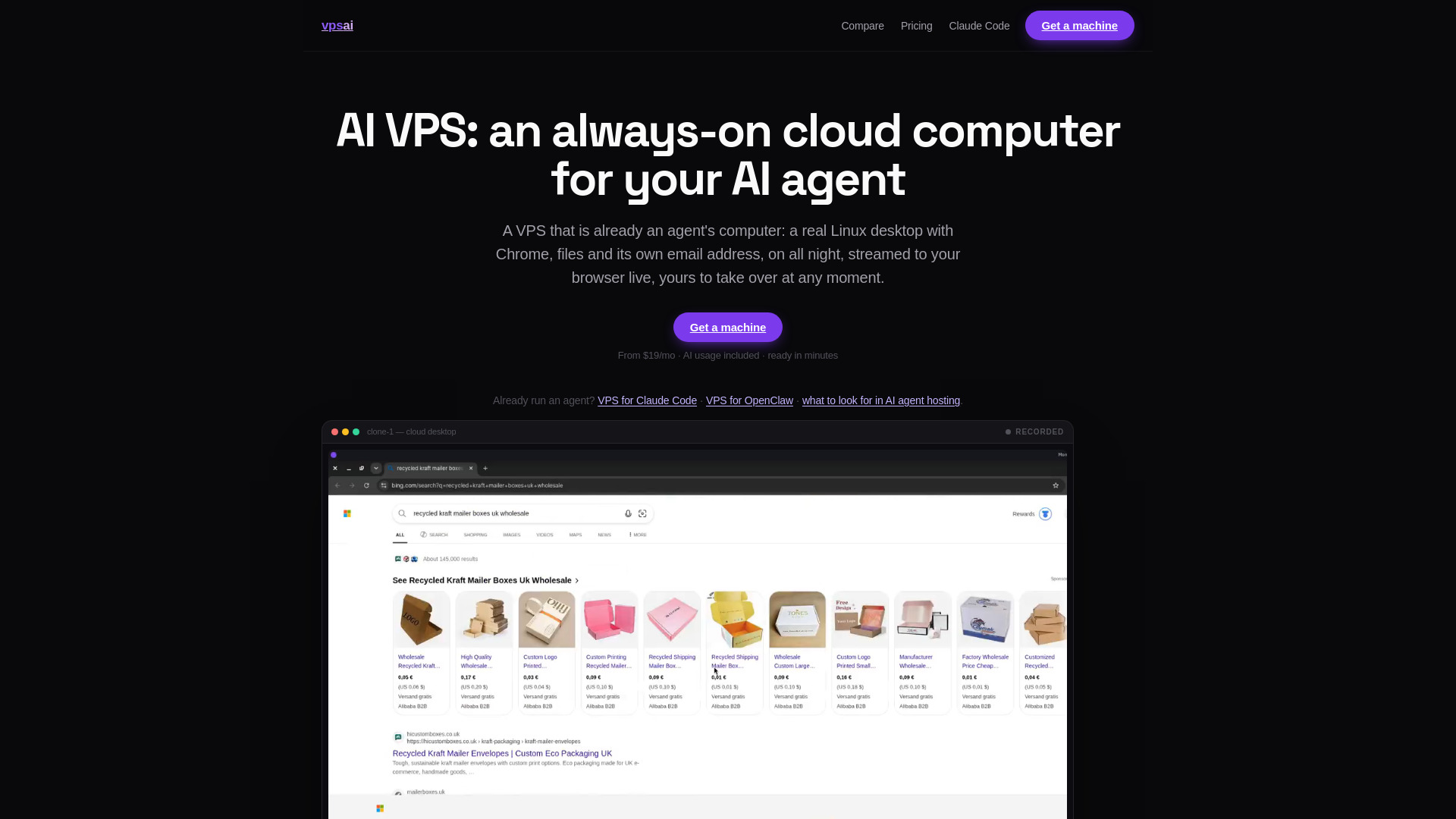
VPS AI provides an always-on dedicated cloud computer for AI agents, with a persistent Linux desktop, Chrome, files, terminal, browser logins, and live screen streaming. The practical difference from a simple server is the graphical environment: you can see the browser session and take control remotely, while the machine keeps running when your laptop is asleep or offline. That can suit agents that need a continuing browser-based workspace. It is a VPS-style agent environment, though, not a described serverless ML endpoint. Treat the $19 monthly starting price as the entry cost for the environment, and check whether additional usage or top-ups change the total.
Best for
AI agent developers who need a persistent browser and desktop environment.
Users running tasks that should continue while their own computer is offline.
Teams that value live browser-based viewing and remote takeover.
Limitations
A paid plan is required for chat and tasks.
Plans start at $19 per month, excluding any additional top-ups.
Its persistent-computer model is not equivalent to elastic, request-based model serving.
Shortlist signal: Add VPS AI when an agent needs a continuously available desktop and browser, not merely a model endpoint that scales on demand.
9. ML.ai

- Software developers automating code tasks
- Starts at Check vendor pricing
- Usage signal: 0
Why it matters
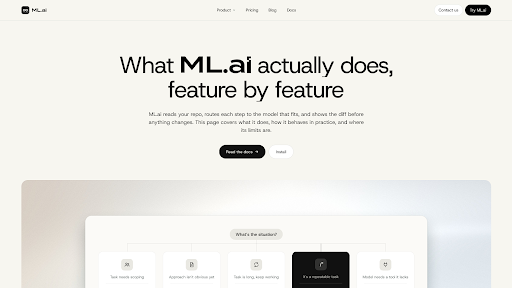
ML.ai is an AI coding agent rather than a cloud deployment platform, but its workflow is unusually concrete: it can carry software tasks through code changes, testing, and pull-request creation, with reviewable diffs and approval controls before changes are written. Its IDE extension, desktop app, PR Reviewer, and CLI share an engine, settings, and repository memory. The product also describes cost-aware model routing and separate agents for exploring, architecting, planning, and general tasks, with only the General agent able to change code. That makes it relevant to teams building cloud AI software, but not a substitute for hosting or serving the resulting model.
Best for
Developers who want an agent to take coding tasks through tests and pull requests.
Teams that want to inspect diffs and approve changes before they are applied.
Engineers working across supported IDE, desktop, review, or CLI surfaces.
Limitations
The product is described as being in private beta, India first.
Individual plan prices are private-beta launch pricing and may change at general availability.
Its coding workflow does not provide the model deployment capabilities this category's search phrase may imply.
Shortlist signal: Choose ML.ai to accelerate code work on an AI project, but keep your model hosting and inference decision separate.
10. Grengin

- IT administrators self-hosting governed AI access
- Free, open-source platform
- Starts at Free: $0/month
- Usage signal: 0
Why it matters
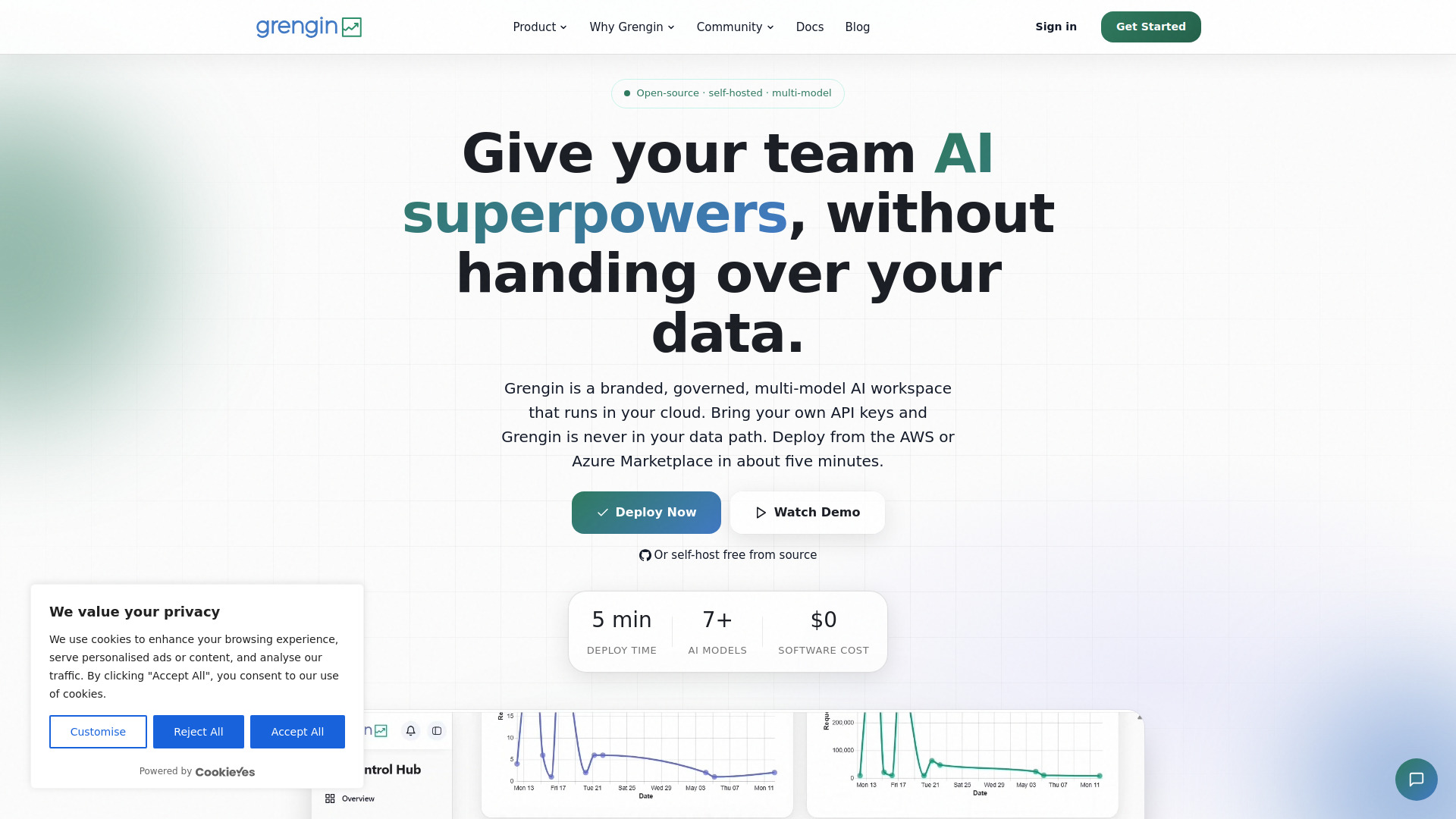
Grengin puts the deployment boundary in your hands: it runs in your own cloud, and its stated design keeps Grengin itself out of the data path. The open-source platform brings access to multiple model providers, including OpenAI, Claude, and Gemini, into one workspace, with an admin dashboard for usage analytics and governance controls. That combination makes it a useful candidate for teams that want a self-hosted AI access layer rather than another vendor-managed workspace. The trade-off is equally clear: you supply the cloud account and AI provider API keys, so "free" does not mean there is no infrastructure or model usage cost.
Best for
IT administrators who want governed multi-model access for a team.
Organizations that prefer running the access layer in their own cloud.
Teams that value an open-source codebase they can inspect on GitHub.
Limitations
You need your own cloud account and AI provider API keys.
Grengin is not a fully managed SaaS product, so your team owns more setup and operations.
A self-hosted AI workspace is not automatically a serverless ML model-serving platform.
Shortlist signal: Shortlist Grengin when self-hosting and governance are priorities and your team is prepared to operate the cloud environment.
What to test before choosing
Before you sign up, write down the exact workload. "Run AI in the cloud" could mean training, batch jobs, a model endpoint, an agent that stays online, or an app that calls an external model. Those jobs need different products, and the tools in this guide do not cover them all in the same way.
Prove the deployment model. Ask whether the service deploys your model, hosts an agent, rents compute, or simply builds an application. Get a clear answer about what runs where.
Test a representative workload. Use your model, input size, expected traffic, and framework where possible. For GPU rental, check the actual machine and framework setup you will use.
Check scaling and availability. Ask about concurrency, scale-to-zero, cold starts, regional availability, quotas, and what happens during a traffic spike. Do not assume these from the word "cloud."
Model the full cost. Include model credits, compute time, storage, additional hosted apps, top-ups, and any external provider API usage. Credit-based products can be harder to forecast than a simple monthly fee.
Review data handling and access. For regulated or sensitive work, verify deployment location, data egress, logging, permissions, retention, and audit controls with the vendor.
Try the exit path. Check whether you can export your app, code, data, or agent configuration and whether the workflow depends on a proprietary environment.
If your shortlisting brief is specifically the top serverless AI platforms for fast deployments, prioritize a working proof of concept over a polished demo. The proof should show how you deploy, update, monitor, and roll back the actual workload you plan to run.
What to do next
Pick two or three candidates that match your job, not just your search phrase. For model experimentation, test QuickPod against your framework and compute needs. For an always-on agent, compare LightVela and VPS AI using the same task and operating schedule. For governance, ask Superblocks, Go.AI, or Grengin to walk through your data boundaries and access controls. Then verify pricing and deployment behavior directly with the vendor.
If none can demonstrate your required endpoint, autoscaling, runtime, and observability, broaden the search to managed ML serving or serverless inference platforms. The top platforms for deploying machine learning in serverless setup should be able to answer those deployment questions explicitly; an AI builder or hosted agent may solve a neighboring problem, but it is not the same category.
Common mistakes when choosing from a complex top list
Treating every cloud AI product as serverless. Cloud-hosted agents, rented GPUs, private infrastructure, and managed inference are different deployment models.
Using "no server administration" as a proxy for model serving. That can describe an agent host without saying anything about custom model endpoints, autoscaling, or request-based billing.
Comparing starting prices without matching the workload. A monthly app plan, hourly GPU rate, model-credit allowance, and custom enterprise quote are not equivalent costs.
Ignoring the operational boundary. Self-hosted products can offer more control but require your cloud account, provider credentials, and operational ownership.
Skipping the production test. A successful demo does not prove that a product handles your traffic, security requirements, or deployment lifecycle.
FAQ
No. This is a broader shortlist of tools related to cloud AI development. QuickPod offers on-demand compute, while LightVela and VPS AI focus on always-on agent environments. Several others are app builders, private AI infrastructure, or creative and coding tools. The listed facts do not establish that all ten offer serverless model endpoints.