
Building a voice agent is rarely just a matter of converting text to speech. You also need an execution layer, model routing, approval controls, integrations, testing workflows, and a sensible way to manage costs. This field guide to the top apis for building programmable voice agents compares 10 tools across those adjacent needs, with a practical warning: this particular shortlist includes broader agent platforms, voice utilities, and API infrastructure rather than a narrow set of telephone-only voice APIs. That makes it useful for teams assembling a voice stack, but you should validate telephony, SIP, real-time audio, and call-control requirements before committing.
Start here
The fastest way to use this list is to identify which layer of a voice system you actually need. Sim is the strongest general-purpose agent-building environment here, while you.bot is the clearest API-oriented option for teams that want one endpoint across many models. EzVoice AI and VoiceLearn are voice-first products, but they address speech generation and conversational practice rather than programmable phone calls. Airtap is an unusual alternative for mobile-app actions, and ChatFuse is worth a look when human approval matters more than low-level call control.
| If you need... | Start with | Why it belongs on the shortlist |
|---|---|---|
| Visual and code-based agent workflows | Sim | Visual, conversational, and code-based building with 1,000+ integrations |
| A multi-model API gateway | you.bot | One endpoint for 70+ models with pay-per-successful-call billing |
| Voice generation without a sign-up wall | EzVoice AI | 200+ voices, 50+ languages, previews, and text or document input |
| Approval-driven automation | ChatFuse | Shows proposed steps, costs, required apps, and outbound-action approvals |
| Real mobile-app execution | Airtap | Uses messaging to direct tasks inside a cloud Android phone or your own Android device |
The important distinction is that none of these choices should be treated as a drop-in replacement for a telephony provider without testing. A production voice agent may require real-time streaming, inbound and outbound calling, interruption handling, call recording, number provisioning, regional compliance, and webhooks. The tools below help with pieces of that system, but the best choice depends on where your architecture has the most friction.
Segment comparison
Here is the short version of how the 10 products divide up. The categories overlap, but the distinction helps prevent an attractive demo from being mistaken for a complete voice stack.
| Segment | Best match | What it contributes | Main caveat |
|---|---|---|---|
| Agent workflow platforms | Sim, ChatFuse | Orchestration, integrations, approvals, and reusable task logic | Not presented as dedicated telephony infrastructure |
| API and model access | you.bot, varg.ai | Centralized access to multiple models through an API or workspace | Voice-call behavior and audio interfaces need separate validation |
| Voice and conversation tools | EzVoice AI, VoiceLearn | Speech generation or spoken practice | Focused use cases rather than programmable call routing |
| Device and desktop agents | Airtap, Lily | Actions across apps, files, or a real Android environment | Setup, approvals, or downloads can add friction |
| Research and coding agents | AI Agents Listing, ML.ai | Research, code changes, testing, and pull requests | Useful supporting agents, not voice APIs by themselves |
For teams evaluating the top providers of voice API technology, this table is a starting map rather than a final procurement list. It tells you which products may support the surrounding agent logic; it does not establish that every tool can originate a phone call or stream audio bidirectionally.
Shortlist paths
Different teams should take different routes through the list. A developer building a phone-based assistant will care about API access and controllable execution. A content team may only need multilingual speech output. A product team may value approvals and observability more than raw model count.
| Your situation | Recommended path | What to verify next |
|---|---|---|
| You are assembling a custom backend | you.bot -> Sim | Streaming, webhooks, latency, model behavior, and authentication |
| You need agent logic before adding telephony | Sim -> ChatFuse | Tool calls, approvals, retries, logs, and external API support |
| You need generated voice assets | EzVoice AI -> VoiceLearn | Commercial rights, export formats, pronunciation, and usage limits |
| You automate work through a device | Airtap -> Lily | Human approvals, device persistence, access controls, and reliability |
| You need specialist support agents | ML.ai -> AI Agents Listing | Review gates, task handoff, auditability, and data handling |
The top voice ai apis for custom call logic should ultimately make it easy to control every transition: listen, interpret, decide, call a tool, speak, interrupt, retry, and escalate. The shortlist paths above are strongest when treated as components in that design rather than as finished call-center platforms.
Ranking snapshot
Scores are useful for sorting attention, not for pretending that a speech generator and an agent API solve the same job. The ranking therefore reflects the practical value of each tool within the broader programmable-agent workflow described by its features.
| Rank | Tool | Score | Best for | Usage signal |
|---|---|---|---|---|
| #1 | Airtap | 92/100 | Frequent travelers | 306.6K monthly visits |
| #2 | Sim | 92/100 | AI engineers | 141.0K monthly visits |
| #3 | varg.ai | 91/100 | Marketing teams | 8.4K monthly visits |
| #4 | Lily | 90/100 | Knowledge workers | 2.1K monthly visits |
| #5 | AI Agents Listing | 90/100 | Researchers | 1.2K monthly visits |
| #6 | EzVoice AI | 88/100 | Video creators | Not listed |
| #7 | VoiceLearn | 88/100 | Language learners | Not listed |
| #8 | ChatFuse | 88/100 | Writers | Not listed |
| #9 | ML.ai | 88/100 | Software developers | Not listed |
| #10 | you.bot | 88/100 | Backend developers | Not listed |
How we grouped and ranked the list
This is a complex category, so a simple feature-count ranking would be misleading. We grouped tools by the job they perform in an agent architecture: executing actions, orchestrating workflows, routing models, producing voice output, enabling spoken interaction, or handling specialist work such as research and coding.
The ranking weighs five practical signals:
Workflow depth: Can the product do more than generate a single response?
Programmability: Does it expose code, API, integrations, reusable steps, or controllable actions?
Human control: Can a user review, approve, or inspect an operation before it affects another system?
Audience fit: Is the product genuinely useful for the audience named in its listing?
Market signal: Where available, monthly visits and usage signals help separate a promising niche tool from a widely explored product.
That method explains some of the surprising placements. Airtap ranks first because it offers a concrete execution environment: a cloud Android phone and text-driven tasks through iMessage, SMS, or Telegram. Sim ranks second because it is much closer to a conventional agent-development platform. Meanwhile, EzVoice AI ranks sixth despite being the most obviously voice-related product in the group because its feature set centers on text-to-speech rather than programmable call logic.
Ranked field notes
1. Airtap

- Frequent travelers
- Text-based app automation and scheduled routines
- Starts at Check vendor pricing
- Usage signal: 306.6K
Why it matters
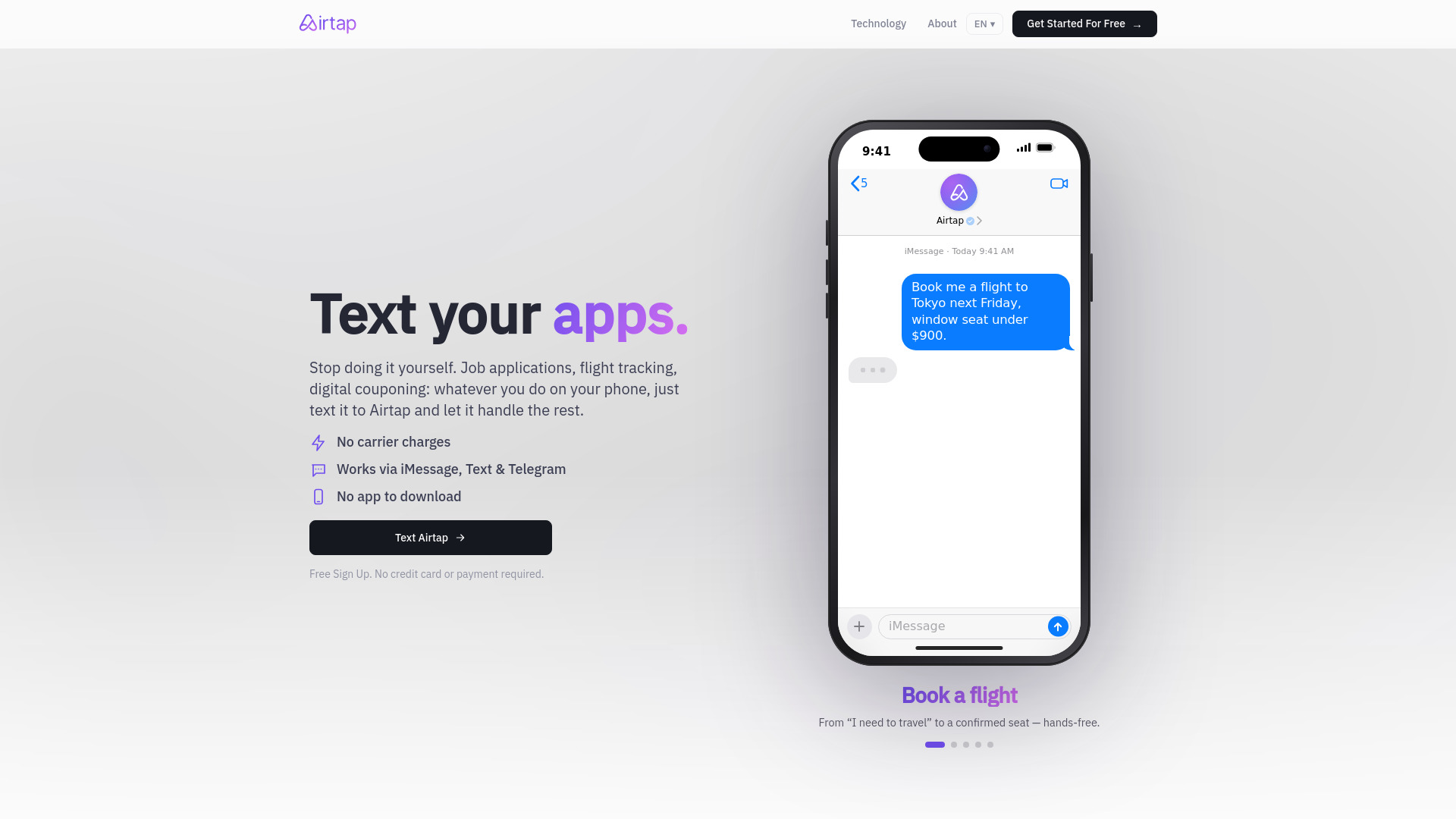
Airtap takes a very different route to automation: instead of exposing a traditional workflow canvas, it lets users send a plain-English request from iMessage, SMS, or Telegram and have the system carry it out inside real mobile apps. Its cloud phone provisions an Android device in an isolated container, and an Autopilot app can connect to hardware the user already owns. That makes Airtap an interesting adjacent option for voice-agent teams that need an execution target after interpreting a request. It is not a conventional voice API, but it demonstrates a valuable pattern: an agent can turn conversational intent into actions in an environment people already understand.
Best for
Frequent travelers managing tasks through familiar messaging channels
Teams that need actions performed inside mobile apps
Prototypes where device-level execution matters more than low-level telephony controls
Limitations
Advanced dashboard access requires signing in
Some tasks require users to approve actions or answer questions
The product description does not establish phone-call APIs, streaming audio, or SIP support
Shortlist signal: Add Airtap when your agent must operate a real Android environment, not when you need a dedicated programmable calling layer.
2. Sim

- AI engineers
- 1,000 monthly credits and 1,000+ integrations
- Starts at Free: $0
- Usage signal: 141.0K
Why it matters
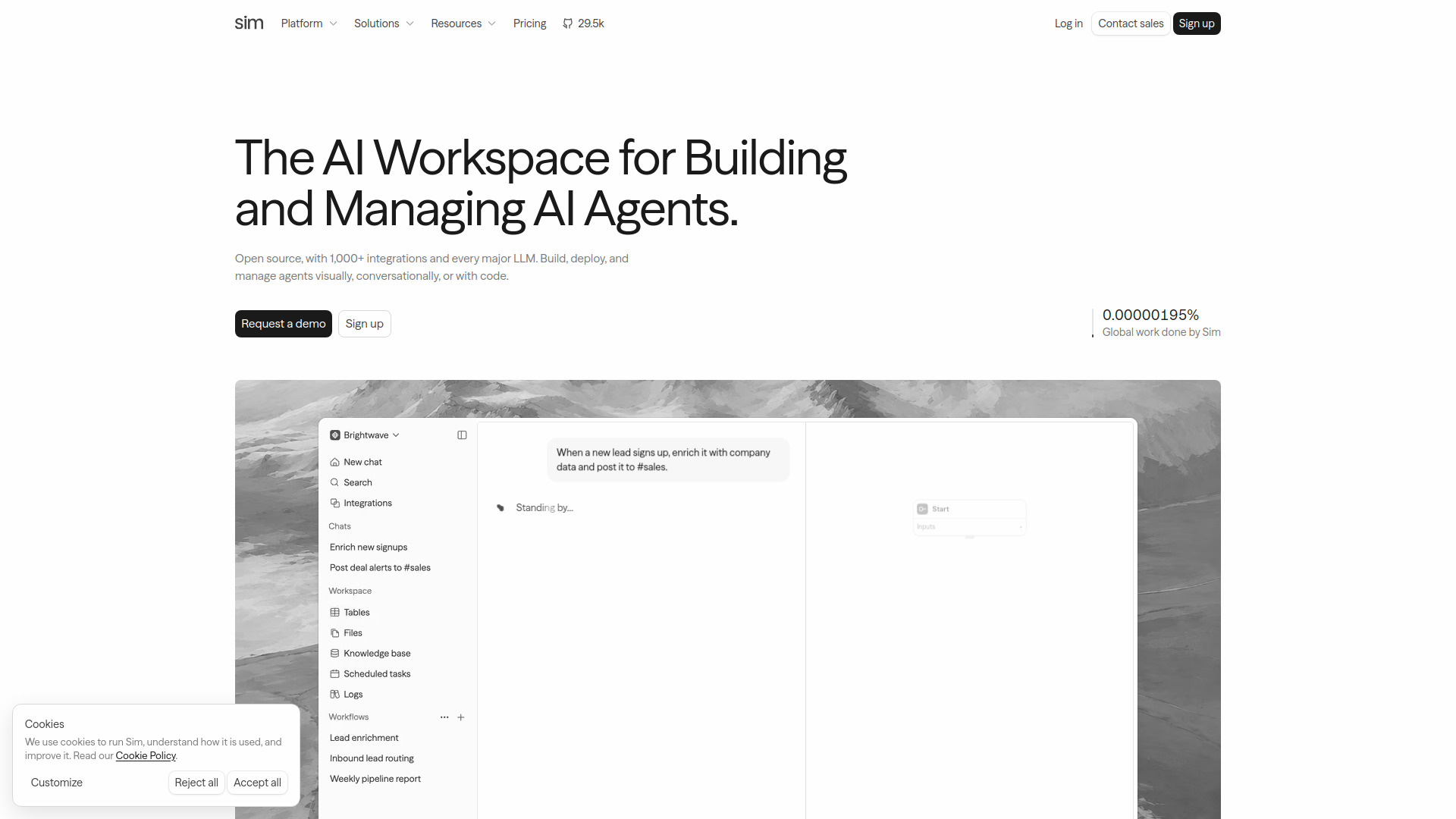
Sim is the clearest fit for teams that need to design agent behavior before wiring in a voice channel. It supports visual, conversational, and code-based agent development, connects to more than 1,000 integrations, and supports major model providers including OpenAI, Anthropic, Google, DeepSeek, xAI, Cerebras, and Groq. For a programmable voice project, that breadth can cover the orchestration layer: deciding when to call a CRM, retrieve context, escalate, or hand control to a human. The catch is important: the feature set described here does not confirm real-time voice transport, telephony, or call-session controls.
Best for
AI engineers building reusable agent workflows
Teams that need broad integrations with tools such as Salesforce, HubSpot, Slack, or GitHub
Prototypes that may switch between several major LLM providers
Limitations
Advanced capabilities and higher execution limits require paid plans
The free plan is limited to one workspace, five tables, 5 GB of storage, and 30-day log retention
You must separately validate audio streaming and telephone connectivity
Shortlist signal: Choose Sim first when orchestration and integrations are the hard part of your voice-agent build.
3. varg.ai

- Marketing teams
- Brief-to-video production and 100+ AI models
- Starts at Free: $0/month
- Usage signal: 8.4K
Why it matters
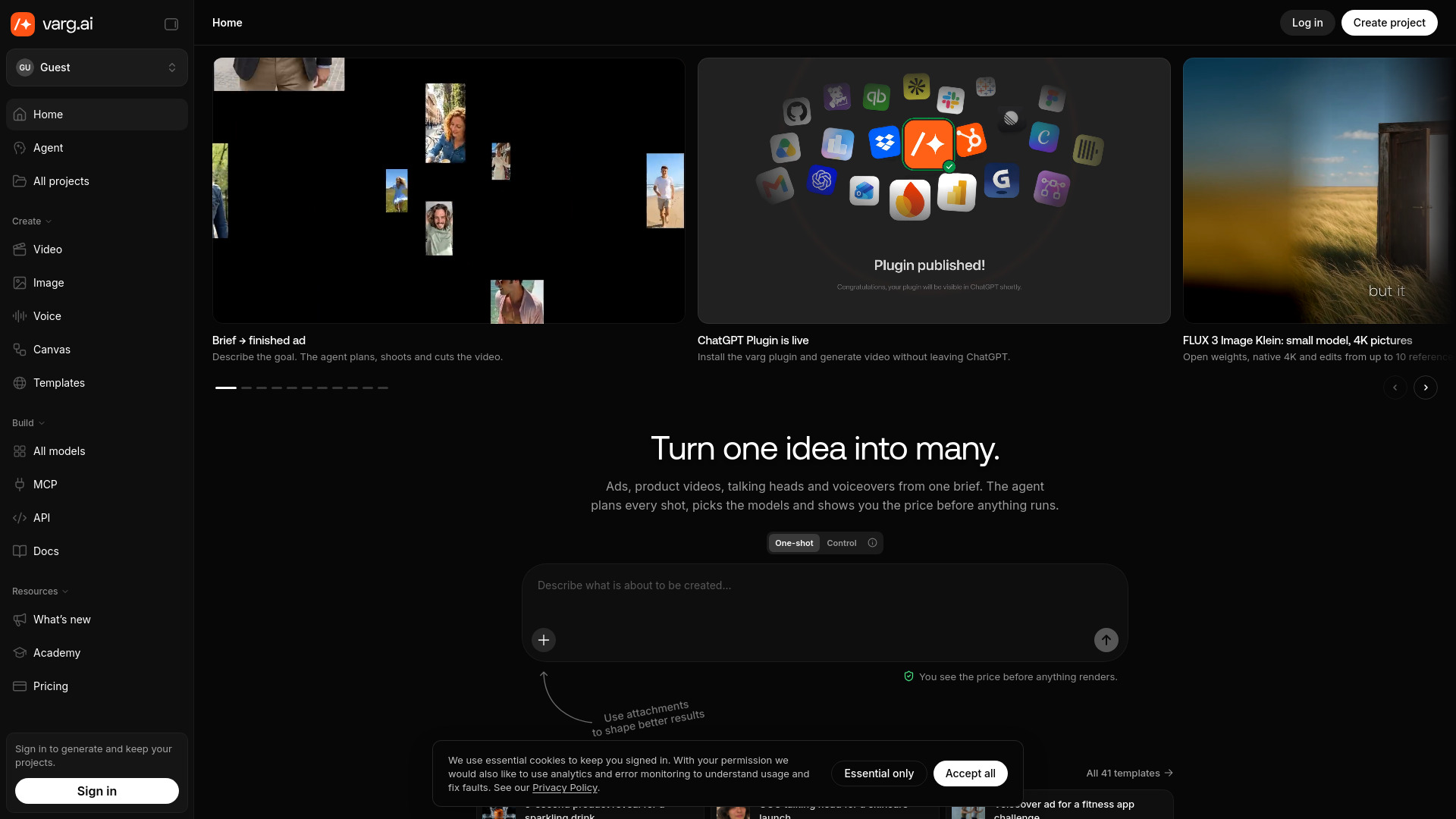
varg.ai is primarily a visual production environment, but its multi-model design is relevant to teams exploring agentic media workflows. It offers 200+ AI models through one API key, a large skills and prompts collection for video agents, and image generation through models such as Nano Banana 2.1, GPT Image 2.5, and Flux 3. The strongest practical detail is its upfront render-cost estimate, which gives teams a way to reason about spending before a job runs. For a voice-agent project, that could be useful around content generation or media-heavy follow-up tasks, but it should not be confused with a telephony API.
Best for
Marketing teams coordinating model-heavy media workflows
Builders who want one key across many creative models
Projects where cost estimates before rendering are useful
Limitations
Generating and saving projects requires signing in
No free generation quota or free plan is specified
Its documented focus is AI video and image generation, not voice calls or call-state management
Shortlist signal: Consider varg.ai when your agent needs multi-model media production alongside voice, not as the voice transport itself.
4. Lily: Crawdbot level agent with built-in skills, for non-coders

- Knowledge workers
- Try it free; no setup or configuration required
- Starts at Plus: $20.00/month
- Usage signal: 2.1K
Why it matters
Lily focuses on removing the setup burden around agent skills. It offers Claude Code-level agent capabilities without terminals, configuration, or scripting, and it can work across broader context and multiple files like a coworker. That makes it a useful adjacent tool for non-coders who need to prepare knowledge, documents, or operational instructions for a voice assistant. It is not aimed at developers building call routing, but its zero-configuration approach can help business teams participate in agent design rather than handing every change to engineering.
Best for
Knowledge workers who need agent assistance without a terminal
Teams preparing documents or context for a conversational system
Users who value built-in skills over low-level configuration
Limitations
Requires a software download
Specific details about the duration or limits of the free trial are not provided
There is no stated telephony, voice streaming, or programmable call-control layer
Shortlist signal: Add Lily when non-technical users need to shape agent knowledge and tasks, not when engineers need an API endpoint.
5. AI Agents Listing

- Researchers
- Autonomous web research and multi-step task automation
- Starts at Check vendor pricing
- Usage signal: 1.2K
Why it matters
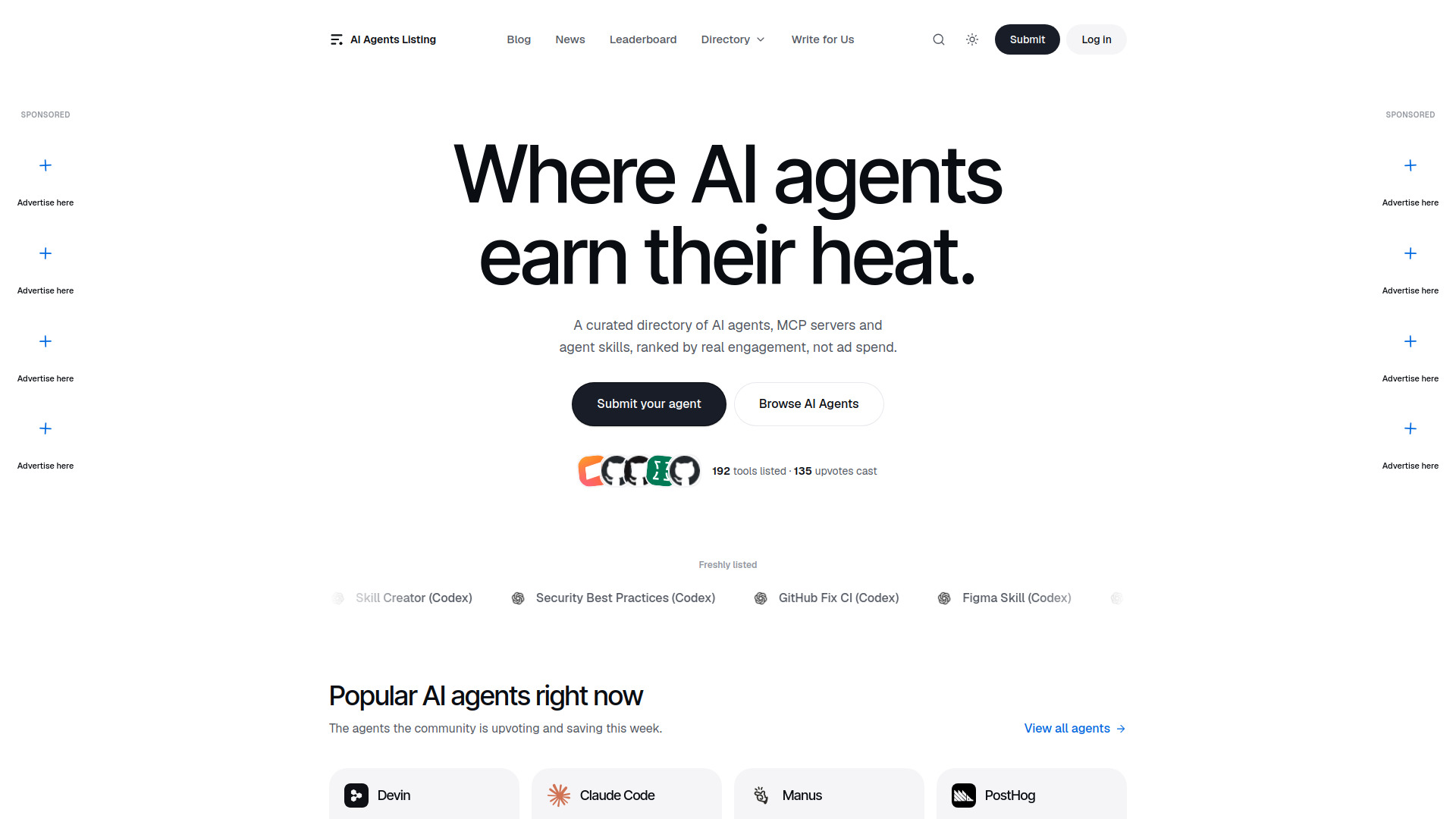
Research is one of the most useful supporting jobs around a voice agent. AI Agents Listing centers on general-purpose autonomous task execution, web browsing, research, and multi-step planning. That can help a team build a knowledge workflow behind a spoken assistant: gather information, prepare a report, or investigate a question before a human reviews the answer. The tool is best understood as a research-oriented agent option, not a voice API. Its value here comes from showing how voice interfaces often depend on slower, multi-step work that should not happen synchronously during a live call.
Best for
Researchers handling multi-step web investigations
Teams preparing background material for an assistant
Workflows where autonomous browsing is more important than low latency
Limitations
It is identified as a paid service, but package prices are not provided
Autonomous outputs may still require user review
Web research is not a substitute for call routing, audio streaming, or telephony events
Shortlist signal: Use this as a back-office research agent when live voice conversations need reliable preparation or follow-up.
6. EzVoice AI

- Video creators
- 200+ voices, 50+ languages, and no sign-up
- Starts at free: 0
- Usage signal: Not listed
Why it matters
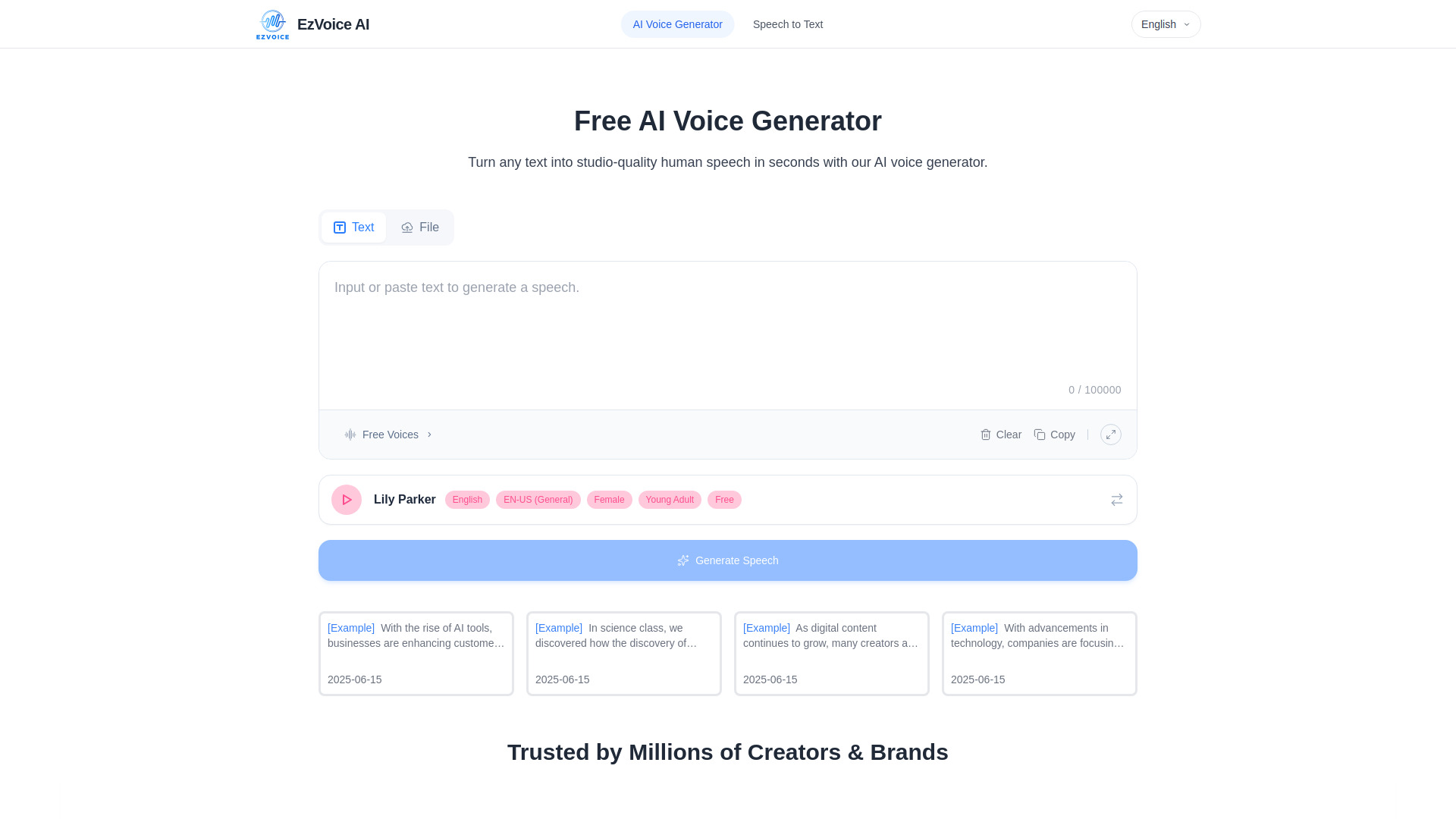
EzVoice AI is the most direct speech-focused option in this group. It generates natural-sounding speech from text or documents, provides voice previews, and supports more than 200 voices across 50+ languages without requiring sign-up for the advertised free experience. That makes it useful for testing prompts, producing voice assets, or checking whether a script sounds natural before investing in a larger stack. The limitation is equally clear: speech generation is only one layer of an agent. You still need conversation state, model decisions, tool calls, and a channel for live calls.
Best for
Video creators producing multilingual narration
Teams testing voice style and pronunciation before integration
Lightweight speech-generation experiments without an account
Limitations
The exact free-use quota is not specified
Pricing and paid plan details are not provided
The listed capabilities do not establish programmable inbound or outbound calling
Shortlist signal: Pick EzVoice AI for voice output experiments; pair it with a separate orchestration and calling layer for an agent.
7. VoiceLearn

- Language learners
- 14-day free trial with 30 voice minutes
- Starts at Free Trial: 0$
- Usage signal: Not listed
Why it matters
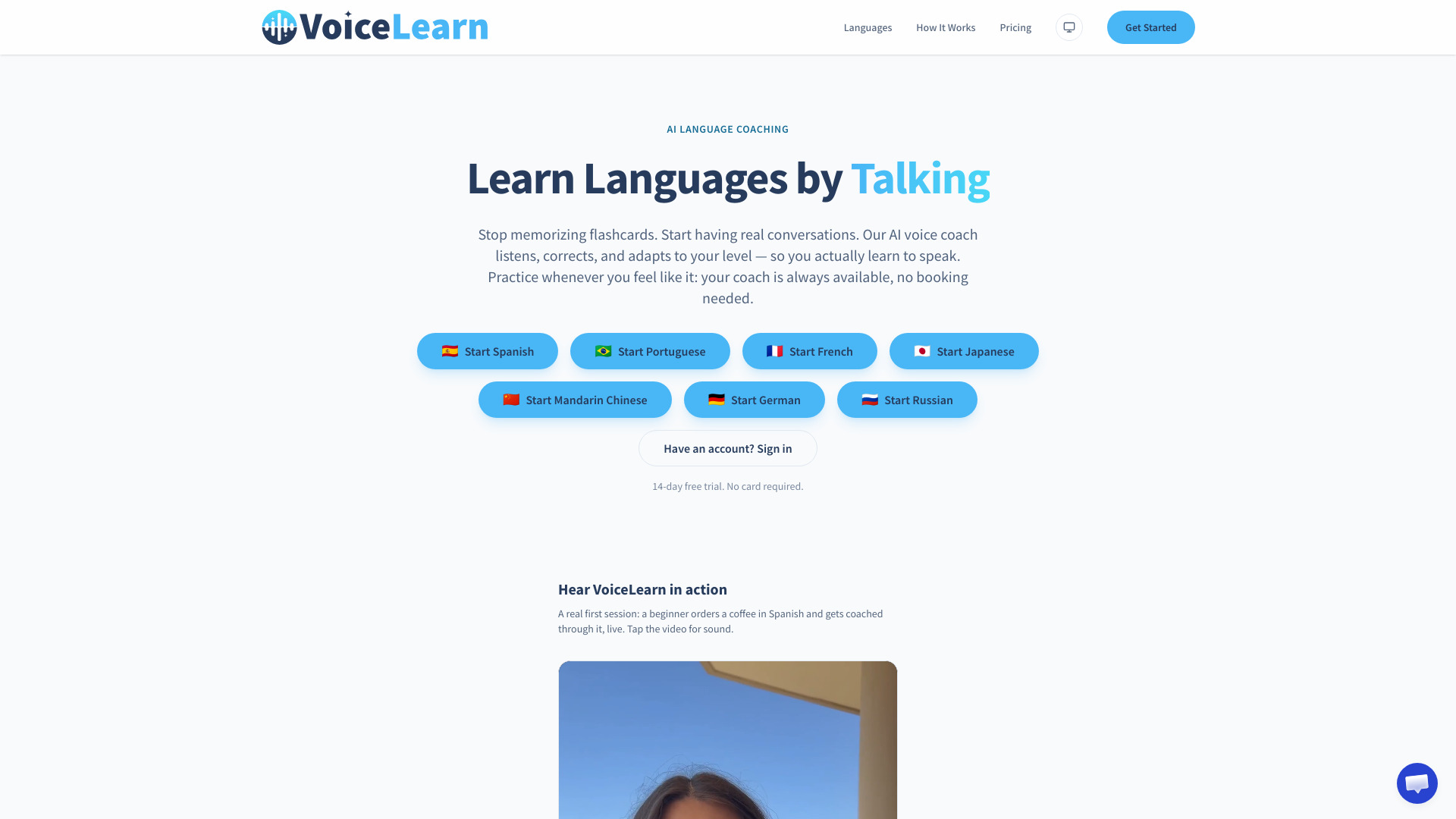
VoiceLearn offers a useful view of what makes voice interaction feel productive rather than cosmetic. It provides on-demand conversation practice with an AI coach, launches with Spanish and Portuguese, and automatically falls back to English when a learner freezes, teaching the missing phrase in context. Every phrase also gets a written pronunciation guide. For builders, this is a good reference point for graceful recovery: a voice agent should know how to handle hesitation instead of simply repeating an error message. VoiceLearn is a finished learning experience, not a programmable API platform, but its interaction design is relevant.
Best for
Language learners who need spoken practice without tutor scheduling
Teams studying conversational recovery patterns
Product designers evaluating natural correction and fallback behavior
Limitations
The standard subscription includes 75 voice minutes per month
The trial includes 30 voice minutes
Its documented use case does not include custom call logic or developer API access
Shortlist signal: Study VoiceLearn for conversational UX patterns, or choose it directly only if language practice is the product requirement.
8. ChatFuse

- Writers
- 7-day free trial with 5M credits and 100+ AI models
- Starts at Monthly: $20/month
- Usage signal: Not listed
Why it matters
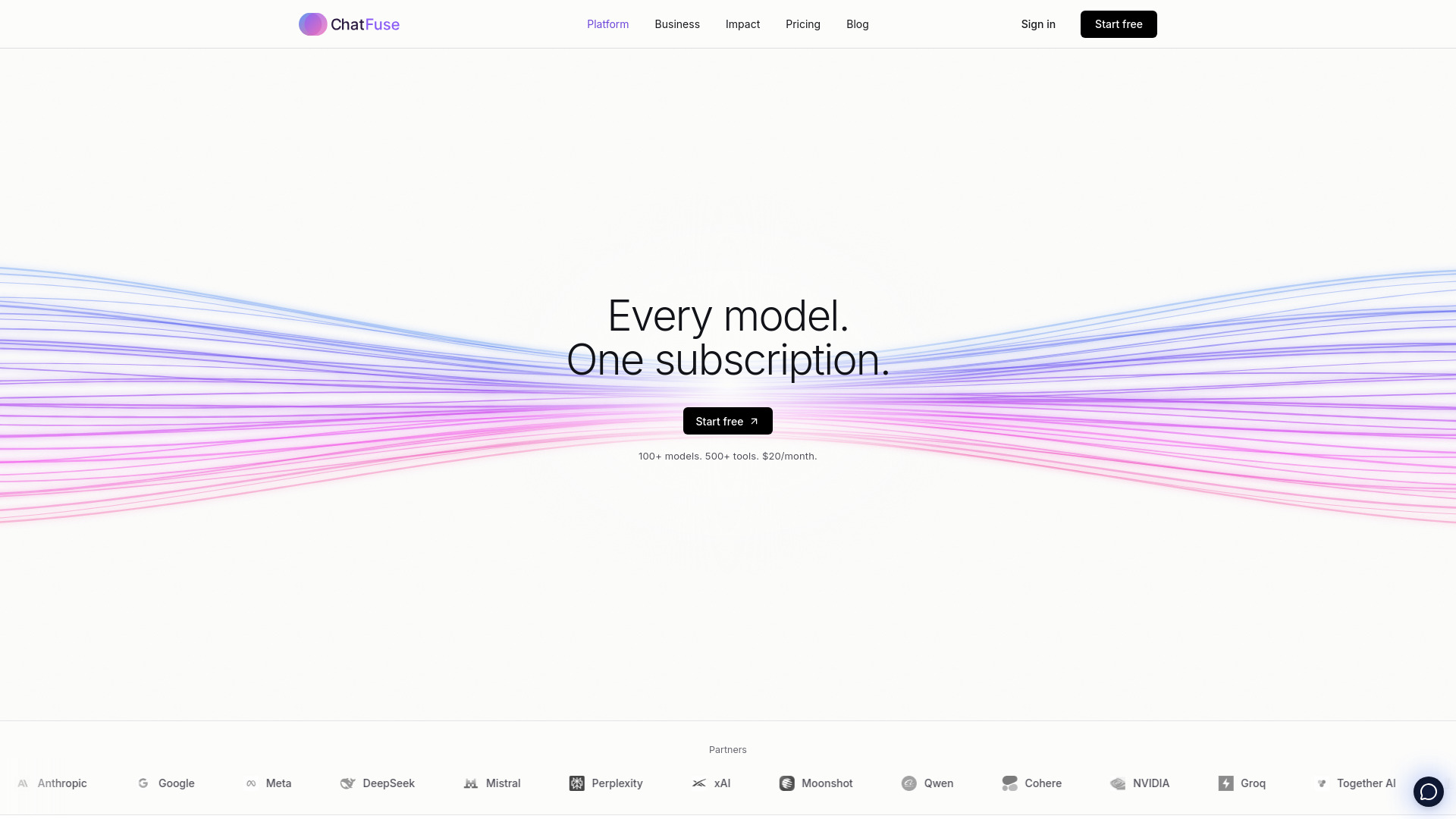
ChatFuse gets the approval problem right. A user describes a task in plain language, the platform turns it into an agent with saved steps, and each proposal shows the steps, required apps and skills, cost estimate, and any approval needs before running. Outbound actions such as emails or messages require approval of that exact action. That model is highly relevant to voice agents handling sensitive requests: the assistant can gather intent, prepare an action, and ask for confirmation before anything consequential happens. ChatFuse is broader than voice, but its review gates are more practical than a fully autonomous demo.
Best for
Writers and teams automating repeatable multi-step work
Voice workflows that need confirmation before outbound actions
Buyers who want cost and action visibility before execution
Limitations
A credit card is required for the 7-day trial
Billing begins after the trial unless the subscription is canceled
The product description does not confirm phone numbers, SIP, or audio streaming
Shortlist signal: Choose ChatFuse when approval and auditability matter more than direct control over the call transport.
9. ML.ai

- Software developers
- End-to-end coding tasks with reviewable diffs and tested pull requests
- Starts at Check vendor pricing
- Usage signal: Not listed
Why it matters
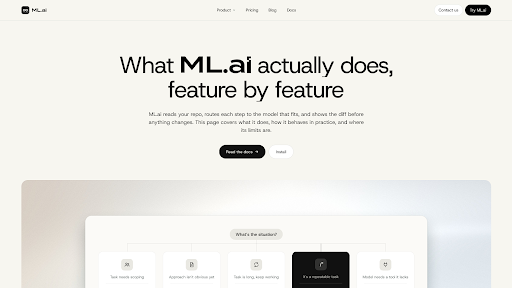
ML.ai is a specialist coding agent that can carry software tasks through code changes, testing, and pull-request creation. It offers four surfaces - IDE extension, desktop app, PR Reviewer, and CLI - that share one engine, settings, and repository memory. Its cost-aware model routing sends each step to a suitable model, and only the General agent can change code. For a voice-agent team, that specialization can support the engineering work around integrations, webhook handlers, and test suites. The reviewable diff and approval controls are especially valuable when generated code touches production call logic.
Best for
Software developers building and maintaining agent backends
Teams that want tested changes and reviewable pull requests
Projects where cost-aware model routing can reduce development overhead
Limitations
The product is described as being in private beta, India first
Individual plan prices are private-beta launch pricing and may change at general availability
It is a coding agent, not a voice API or call-management platform
Shortlist signal: Add ML.ai when your bottleneck is shipping and reviewing the code around a voice system.
10. you.bot

- Backend developers
- Free signup credits and one API for 70+ AI models
- Starts at Pay-as-you-go: From $0.005 per call
- Usage signal: Not listed
Why it matters
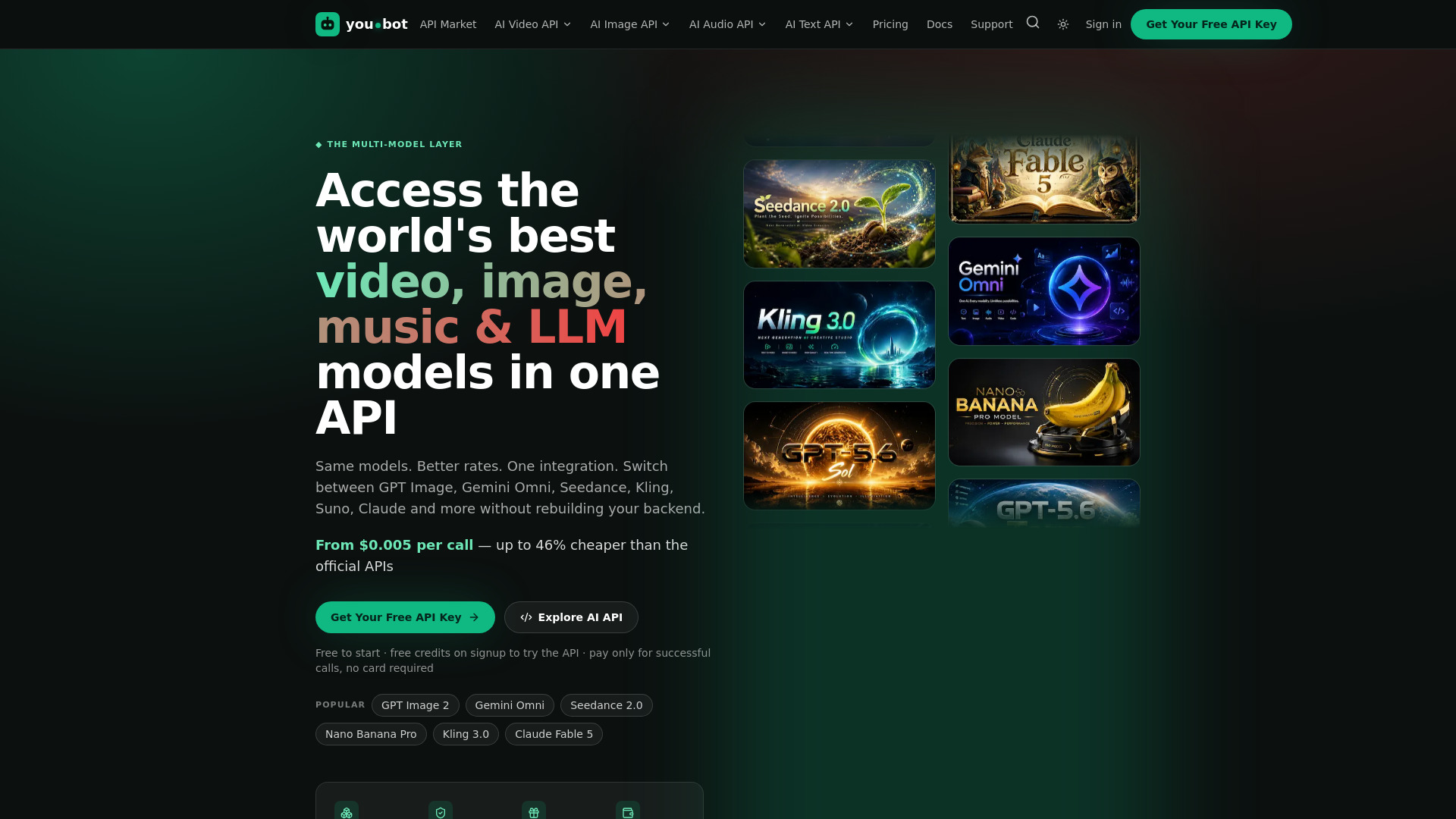
you.bot is the most explicitly backend-oriented product in the ranking. It places 70+ models across language, image, video, and music behind one endpoint, advertises pricing from $0.005 per call, and refunds failed, errored, or empty runs automatically. That is a useful foundation for teams that want to swap models without rewriting every integration. Its async task flow may be less convenient for instant voice responses, however, and the available description does not confirm streaming audio or telephony. Treat it as a model access layer that may sit behind a voice agent, not as the whole calling stack.
Best for
Backend developers integrating several model types through one endpoint
Teams optimizing model costs across agent workflows
Builders who value refunds for unsuccessful calls
Limitations
Requires API integration and backend setup
Async task flow may be less convenient than instant responses
Audio streaming, call events, and phone connectivity require separate verification
Shortlist signal: Choose you.bot when model access and cost control are central, then add a dedicated real-time voice layer around it.
What to test before choosing
Before comparing plans, build one deliberately boring prototype. A polished demo can hide the exact problems that make voice systems expensive and unreliable in production.
1. Test the conversation loop
Measure the complete cycle: user input, interpretation, tool call, response generation, and spoken output. Check whether the product supports the response timing your use case requires. A tool that works well for asynchronous tasks may feel unusable in a live conversation.
2. Test interruption and recovery
Have the user interrupt, change their mind, pause, or provide incomplete information. VoiceLearn's fallback behavior is a useful benchmark: the system should recover conversationally instead of forcing the user to restart. For every shortlisted platform, document what happens when a tool call fails or the user answers unexpectedly.
3. Test approval boundaries
Ask the agent to perform a consequential action. ChatFuse's proposal and approval pattern is the standard to look for: the user should see what will happen, which systems are involved, and what it may cost before an outbound action runs.
4. Test model substitution
If you are considering the top programmable voice APIs for a production system, swap the model behind the same workflow. you.bot and Sim are relevant here because they emphasize broad model access. Compare latency, answer quality, tool-call reliability, and error behavior rather than evaluating only a single successful prompt.
5. Test quotas and billing
Run enough requests to expose limits. Airtap, Sim, VoiceLearn, and ChatFuse all present different kinds of access or usage constraints. Confirm whether a quota applies to minutes, credits, executions, characters, or model calls. Also verify what happens when a workflow fails halfway through.
6. Test the missing voice-specific pieces
Ask every vendor to demonstrate or document:
Inbound and outbound calling
Number provisioning and supported regions
SIP or carrier connectivity
Real-time audio streaming
Webhooks for call events
Barge-in and interruption handling
Recording, transcription, and retention controls
Human handoff and transfer behavior
Authentication, rate limits, and observability
If a vendor cannot answer these questions, treat the product as an adjacent agent or speech component rather than a complete voice API provider.
What to do next
Start with the architecture, not the ranking. Write down the job your agent must perform and separate it into four layers: audio transport, conversation model, tool orchestration, and business-system execution. Then choose one product to test in each layer.
For most engineering teams, Sim is the sensible first workflow experiment because it combines visual, conversational, and code-based development with broad integrations. Add you.bot when model choice and API consolidation matter. Use EzVoice AI to test speech output quickly, and study ChatFuse if approvals are central to the user experience. Airtap, ML.ai, and the research-oriented tools make sense when your system needs a device, coding support, or asynchronous investigation around the live conversation.
Do not sign a long contract until you have tested a complete path from spoken request to verified action. A voice demo can sound impressive while failing on latency, tool permissions, retries, or billing. The winning stack is the one that remains understandable when the user interrupts it and the first tool call fails.
Common mistakes when choosing from a complex top list
Treating speech generation as a voice agent
Text-to-speech gives an agent a voice, but it does not provide memory, tool use, routing, authentication, or a phone connection. EzVoice AI can be valuable for speech output while still being the wrong product for a programmable call center.
Confusing an agent platform with a telephony API
An orchestration tool may handle prompts, integrations, and approvals without originating calls. Confirm the transport layer separately. The top voice api providers for your project must support the actual channel and event model you need, not just agent workflows.
Optimizing for model count alone
Access to 70 or 1,000 models sounds useful, but a voice system also needs predictable latency, stable tool calls, and clear fallbacks. Measure the entire workflow instead of counting model logos.
Ignoring human approval
Autonomy is not automatically better. ChatFuse's approval flow illustrates a safer pattern for messages, purchases, account changes, and other actions that should not happen because a model sounded confident.
Overlooking asynchronous work
Research, reporting, and code generation may take longer than a caller will tolerate. Separate live conversational tasks from background tasks, then connect them with clear status updates and a handoff path.
Accepting unclear pricing at face value
A free trial, free credits, or no-sign-up generation is not the same as a predictable production budget. Verify quotas, overages, retention, billing after trials, and the cost of failed executions before launch.
FAQ
At minimum, look for a way to receive or stream audio, maintain conversation state, invoke tools, return spoken responses, and handle errors or human handoff. Production projects may also require telephony connectivity, webhooks, recording controls, authentication, regional support, and usage reporting. The tools in this ranking cover different parts of that stack, so confirm which layer each one actually handles.