
Finding a reliable top ai detector is less about chasing a perfect percentage and more about matching the checker to the material you need to review. We compared 10 tools, from fast no-login text scanners and multilingual services to presentation analysis and forensic image checking. The list below separates practical free access from broader writing suites, highlights where each tool can mislead you, and gives you a sensible starting point for building a shortlist.
Start here
Use this quick guide before opening every product page:
For most students: AI Detector offers fast scanning, highlighted passages, and up to 3,000 words per scan for registered users.
For educators reviewing assignments: AI Detector adds sentence-level results, plagiarism checking, vocabulary analysis, and source verification.
For multilingual work: AI Detector Writer and X Detector are the clearest fits.
For PowerPoint files: AI Detector for PPT is the specialist choice because it analyzes text, images, and presentation structure.
For no-login checks: ContentDetector.AI and AI Detector keep the first scan simple.
For images rather than prose: AI Image Detector uses C2PA, metadata, and multiple detection engines instead of a text-only score.
The most important distinction is evidence. A highlighted sentence, a sentence-level probability, a plagiarism result, and a metadata finding are not interchangeable. Treat the output as a review signal, not automatic proof of authorship.
Segment comparison
| Segment | Strongest fit | What it checks | Main trade-off |
|---|---|---|---|
| Student text review | AI Detector | AI-written passages and deep text signals | English only; registration required |
| Educator review suite | AI Detector | Sentence-level AI signals, plagiarism, vocabulary, sources | Free scans have a word limit |
| Multilingual checking | X Detector | AI-generated text in 20+ languages | No plagiarism detection |
| Presentation analysis | AI Detector for PPT | Text, images, and structure in PowerPoint files | Specialist workflow and credit pricing |
| Image authenticity | AI Image Detector | C2PA, metadata, generator signatures, and model consensus | Credits apply after the free allowance |
Text detectors dominate this category, but the practical use cases differ sharply. A student checking a draft needs speed and readable highlights. An educator needs more context around an individual sentence. A trust-and-safety team may need provenance and file metadata, where a prose probability score would be the wrong instrument entirely.
Shortlist paths
| Your priority | Start with | Why |
|---|---|---|
| Free, quick text scan | ContentDetector.AI | Free access, no login, word counter, and ChatGPT checking |
| Large student scan | AI Detector | Up to 3,000 words per registered scan with marked passages |
| Sentence-level feedback | AI Detector | Goes beyond a single overall percentage |
| Batch and multilingual review | AI Detector Writer | Batch file upload, highlighted sentences, and multiple languages |
| Evidence-led image checks | AI Image Detector | Checks credentials and metadata before cross-checking model signals |
This is a starting map, not a substitute for a controlled test. Short passages, heavily edited prose, non-native English, and text produced by newer models can all change the result. Run the same representative samples through your finalists before setting a policy around them.
Ranking snapshot
| Rank | Tool | Score | Best for | Free access or entry point |
|---|---|---|---|---|
| #1 | AI Detector | 96/100 | Students | 3,000 words per scan; registration required |
| #2 | AI Detector | 96/100 | Educators | Free scans; introductory access from $2 for 7 days |
| #3 | AI Detector Writer | 96/100 | Students | Free; multiple languages and batch upload |
| #4 | AI Detector for PPT | 96/100 | Students | From $20/month for 20 credits |
| #5 | ContentDetector.AI | 95/100 | Bloggers | Free; no login required |
| #6 | AI Detect | 95/100 | Educators | 50 scans and 1 humanization per day; from $9.99/month |
| #7 | X Detector | 94/100 | Teachers | Free; 20+ languages and no registration |
| #8 | AI-Detector | 92/100 | Students | 1,200 words free; from $5.91 weekly |
| #9 | AI Detector | 92/100 | Academics | Free and no login or sign-up |
| #10 | AI Image Detector | 92/100 | Trust and safety managers | 4 credits on sign-up; from $19/month is listed |
How we grouped and ranked the list
We treated this as a field guide rather than a single leaderboard because "accuracy" alone does not tell you whether a tool belongs in your workflow. The ranking combines the documented feature set, the clarity of the output, free-use accessibility, audience fit, stated limitations, and the available market-usage signal.
Text tools were grouped by the job they actually support: general scanning, educator review, multilingual checking, writing refinement, and file-specific analysis. The PowerPoint product earns a place because it addresses a format that ordinary prose detectors do not. The image detector is ranked last not because the workflow is unimportant, but because it belongs to a different evidence model and is less useful for readers checking essays or articles.
A high score also does not mean the tool can prove who wrote a passage. Several products explicitly frame results as estimates, and the list includes limitations such as language restrictions, short-text accuracy issues, and the absence of traditional plagiarism checking. Those caveats matter as much as the headline score.
Ranked field notes
1. AI Detector

- Students
- 3,000 words per scan; highlighted passages; humanizer
- Starts at Check vendor pricing
- Usage signal: 60.1K
Why it matters
The strongest general-purpose option leads with a straightforward workflow: paste or submit text, scan it, and inspect highlighted high-risk passages. That is more useful than receiving only a large overall percentage because it gives a student specific sections to revisit. The free allowance reaches 3,000 words per scan for registered users, and the product also lists an AI Humanizer and Paraphraser. Its deep scanning and clear highlighting explain why it sits first. The catch is important: it currently supports English only, and scanning requires an account.
Best for
Students checking essays, applications, or drafts before submission
Users who want highlighted passages rather than an unexplained score
English-language review with a generous per-scan allowance
Limitations
English is currently the only supported language
Account registration is required before scanning
Pricing is not presented as a clean public starting point
Shortlist signal: Add it first when you want a fast English text scan with a large free per-scan allowance and visible risk passages.
2. AI Detector
- Educators
- Free scans; sentence-level detection; plagiarism checking
- Starts at Check vendor pricing
- Usage signal: 69.1K
Why it matters
Educators generally need more than a binary answer. This tool reports at sentence level and combines AI detection with plagiarism checking, vocabulary analysis, and source verification. That combination makes it a more useful review workspace when a teacher wants to discuss a particular passage or investigate originality. It also offers an AI Humanizer, though buyers should be clear about whether they need detection, revision, or both. Free scans have a per-scan word limit, and the service becomes subscription-based after its introductory access period.
Best for
Educators reviewing individual sentences in submitted work
Teams that want AI detection alongside plagiarism and source checks
Users who prefer a broader writing-assistance workspace
Limitations
Free scans are constrained by a per-scan word limit
Continued use is subscription-based after the introductory period
A detection result still needs human review before any academic decision
Shortlist signal: Choose it when sentence-level context and originality checks matter more than a single headline percentage.
3. AI Detector Writer

- Students
- Free; high-precision model; all-language support
- Starts at Check vendor pricing
- Usage signal: 111.1K
Why it matters
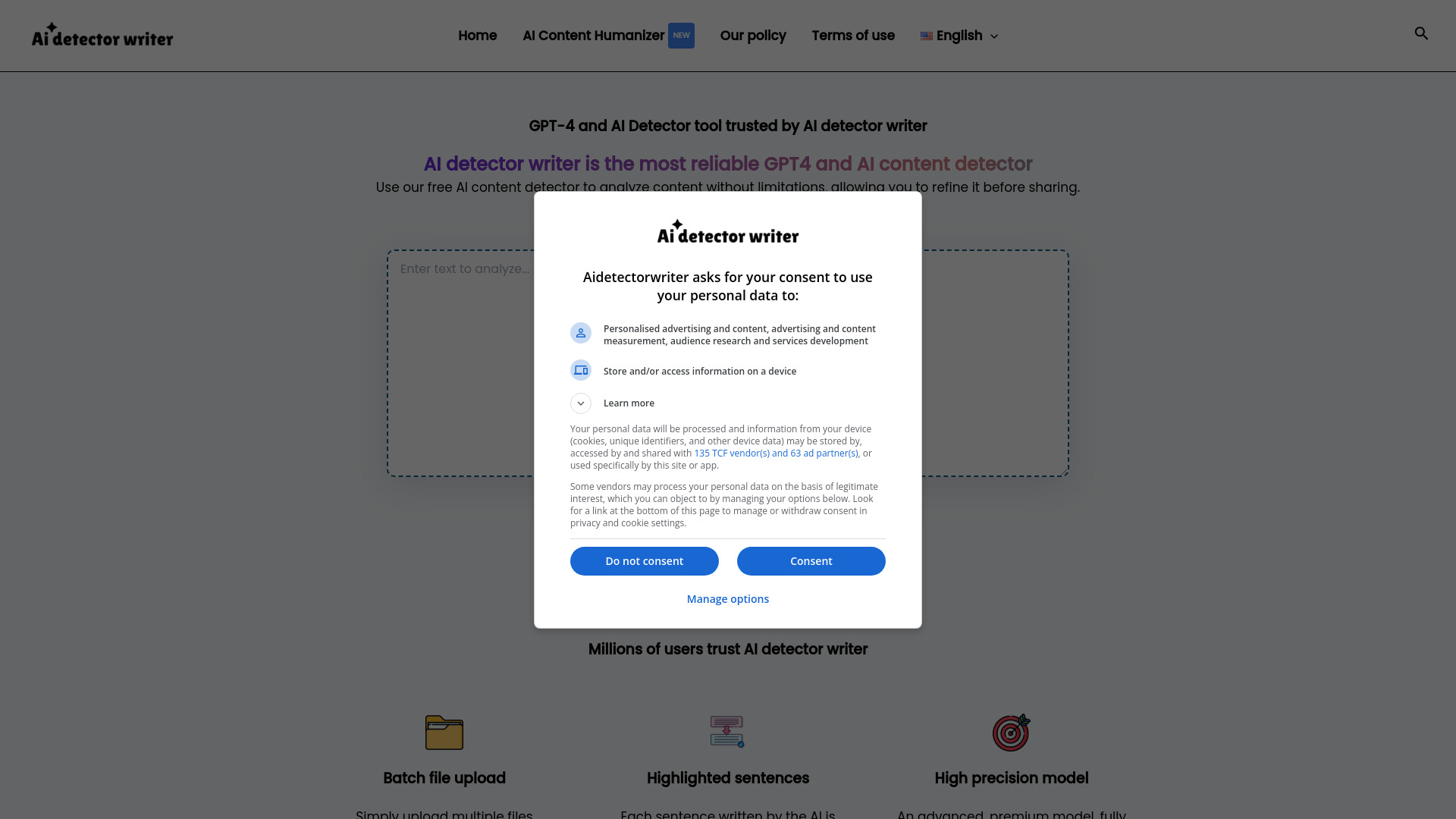
AI Detector Writer is a practical alternative for users who do not want an English-only workflow. It supports multiple languages, highlights AI-generated sentences, and accepts batch file uploads, which makes it more suitable for checking several drafts than a basic paste box. The service is free to use, and its usage signal is the highest among the text-focused tools listed here. Still, a high-precision claim should not be confused with certainty: the product notes that accuracy can vary with text complexity and that detection rates are estimates.
Best for
Students working across multiple languages
Users checking several files through batch upload
Anyone who wants sentence highlights without committing to a paid plan
Limitations
Accuracy can vary depending on the complexity of the text
Detection rates are estimates, not definitive authorship findings
Verify supported file types and current workflow limits before relying on batch review
Shortlist signal: Make it a finalist when multilingual support and batch uploads are more important than a narrowly English-focused detector.
4. AI Detector for PPT

- Students
- PowerPoint analysis; text, image, and structure checks
- Starts at Starter: $20 USD
- Usage signal: 26.8K
Why it matters
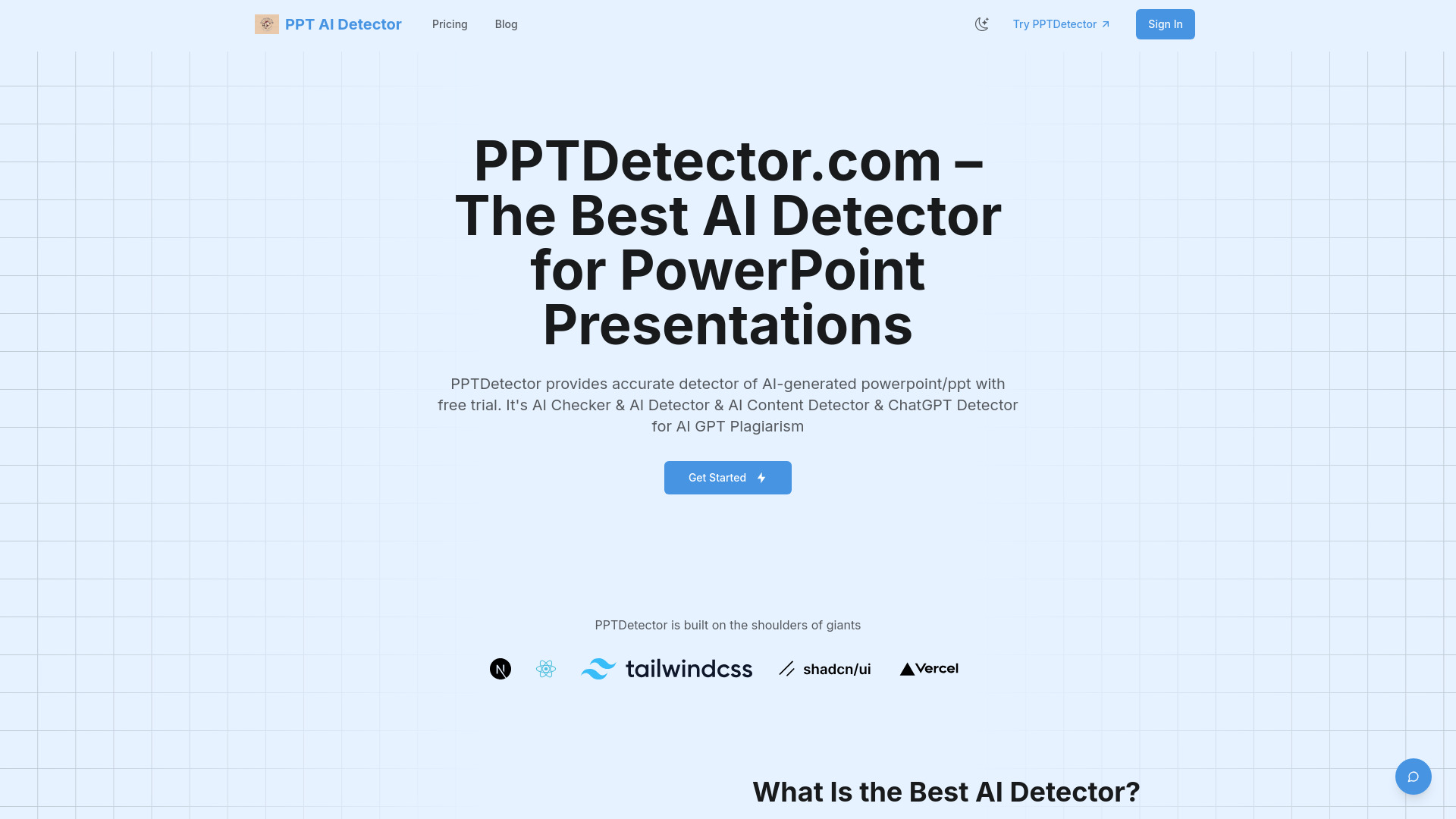
Most prose detectors are a poor fit for presentations because a slide deck combines text, visuals, layout, and structure. This specialist tool is designed to inspect PowerPoint files across those layers and supports detection associated with ChatGPT, GPT, Gemini, Grok, Claude, and DeepSeek. Reports are described as fast, with results delivered in seconds. The entry point is more concrete than many tools on this list: $20 per month for 20 credits is listed, so occasional users should calculate the cost per deck before committing.
Best for
Students and instructors reviewing PowerPoint submissions
Teams concerned with AI-generated slide text, images, and structure
Workflows where a file upload is more useful than pasted prose
Limitations
It is specialized around PowerPoint rather than general text review
Credit-based pricing may be less convenient for occasional checks
Confirm current product fit, pricing, and workflow limits before committing
Shortlist signal: Use it when the object being reviewed is a PowerPoint file and slide structure matters alongside written content.
5. ContentDetector.AI

- Bloggers
- Free; AI detector; ChatGPT checker; no login
- Starts at Check vendor pricing
- Usage signal: 8.1K
Why it matters
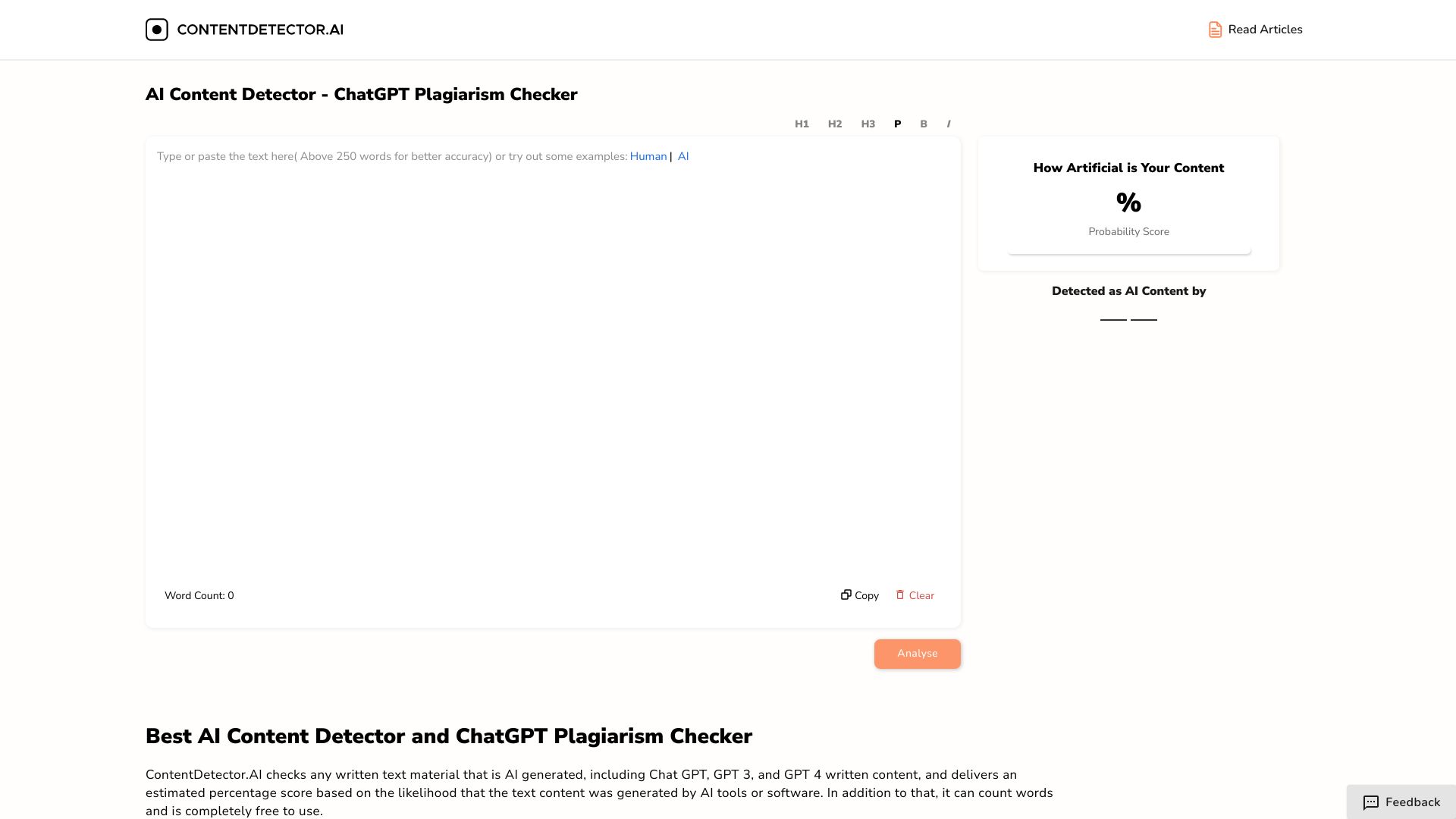
ContentDetector.AI keeps the first interaction refreshingly simple: it is free, requires no login, includes a word counter, and combines AI content detection with a ChatGPT plagiarism checker. That makes it a sensible pre-publication check for bloggers who want a quick signal without creating another account. Its limits are equally clear. It does not currently detect traditional plagiarism, and its accuracy is not guaranteed to be 100%, so it should support editorial judgment rather than replace source review.
Best for
Bloggers doing quick checks before publishing
Users who do not want to register for a first scan
Simple AI-content and ChatGPT-focused review
Limitations
It does not currently detect traditional plagiarism
Results may not be 100% accurate
Public pricing is not presented as a clean starting point
Shortlist signal: Pick it for a frictionless first pass when no-login access matters more than a full academic integrity suite.
6. AI Detect

- Educators
- 50 scans and 1 humanization per day
- Starts at Free: $0
- Usage signal: 4.0K
Why it matters
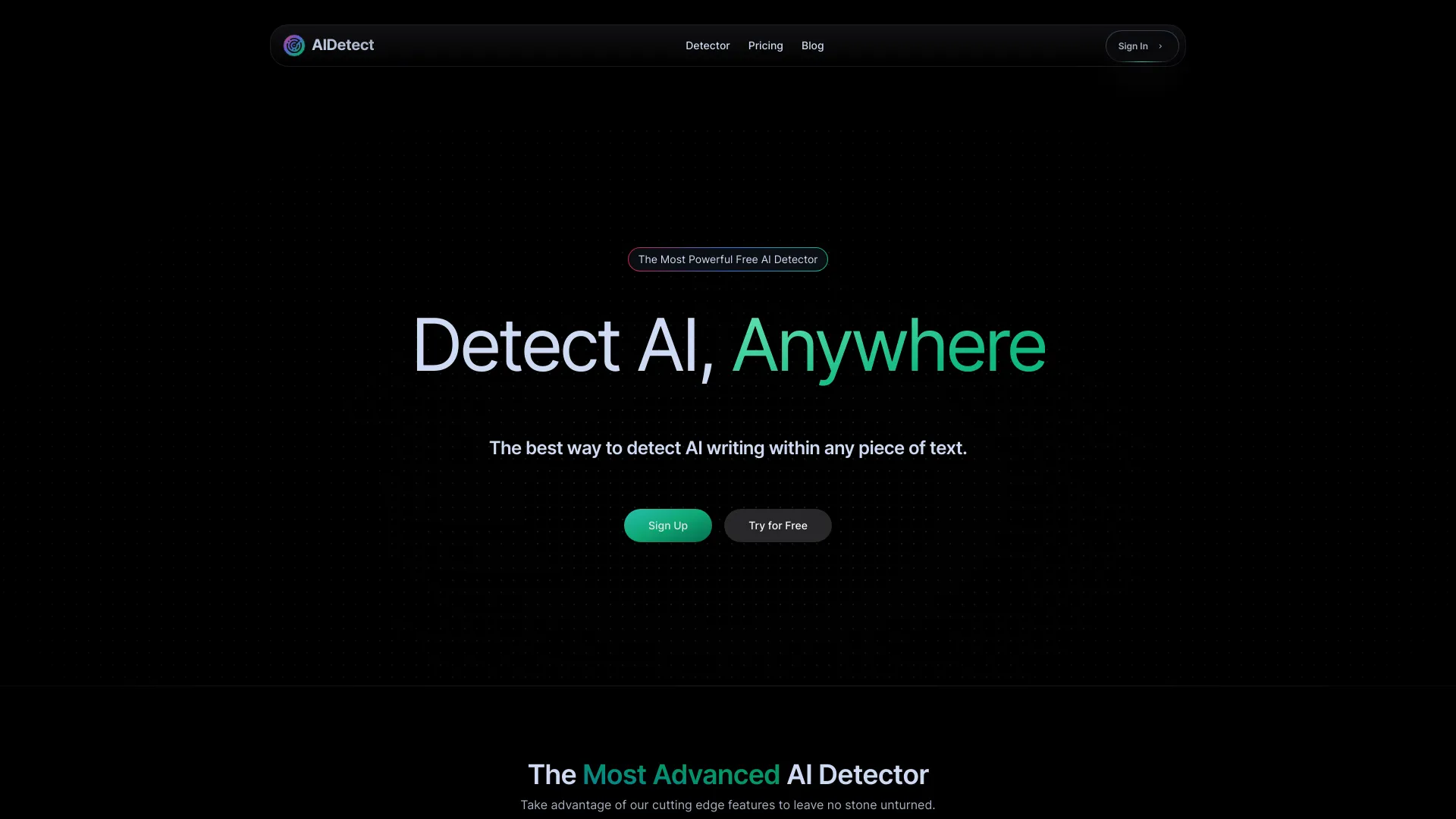
AI Detect pairs detection with an AI Humanizer and readability assessment, so it is aimed at a different workflow from a pure checker. Someone can identify likely AI-written text, review readability, and revise the passage in the same general environment. The free allowance includes 50 scans and one humanization per day, while the listed paid entry point is $9.99 per month. File upload requires a subscription, however, and the remaining free usage is limited, so frequent document-based review may reach the paywall quickly.
Best for
Educators or writers who need detection and readability review together
Users revising AI-assisted drafts into more natural prose
People who can work within a daily scan allowance
Limitations
Free usage is limited to 50 scans and one humanization per day
File upload requires a subscription
Humanization changes text; it does not establish original authorship
Shortlist signal: Consider it when the same workflow needs both an AI-writing probability check and a revision aid.
7. X Detector

- Teachers
- Free; 20+ languages; no registration required
- Starts at Check vendor pricing
- Usage signal: 303
Why it matters
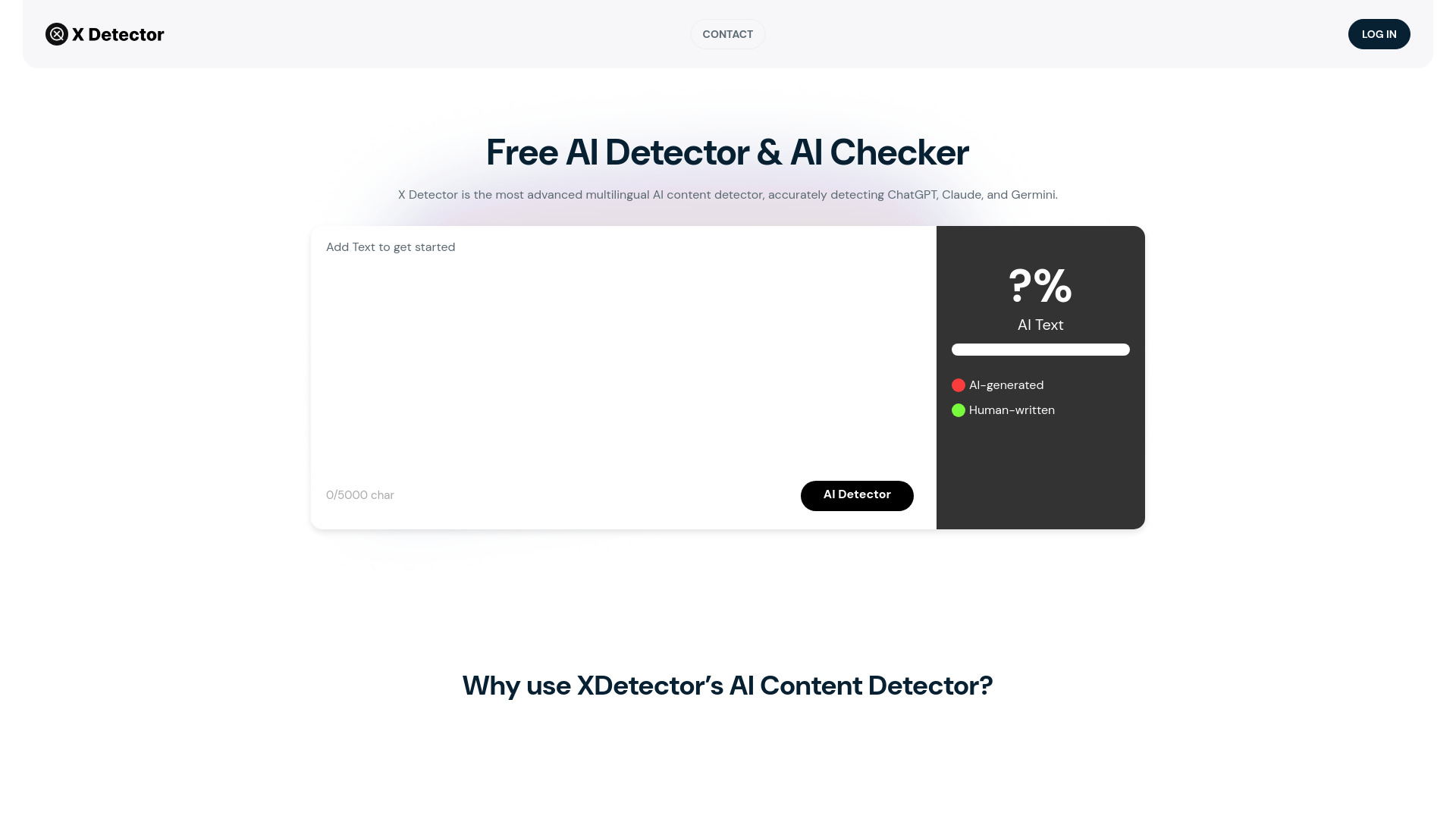
X Detector focuses on access and language coverage. It supports more than 20 languages, requires no registration, and is free to use, making it a useful option for teachers working with international or multilingual submissions. The product also lists Web3 encryption as a data-security feature. Its narrower scope is the trade-off: it identifies AI-generated versus human-written content but does not provide plagiarism detection. That makes it a detector, not a complete originality platform.
Best for
Teachers handling submissions in 20 or more languages
Quick checks without account creation
Users who need AI detection rather than plagiarism comparison
Limitations
There is no plagiarism detection
The workflow is limited to identifying AI-generated versus human-written content
Its small usage signal is worth considering when evaluating broader adoption
Shortlist signal: Add it when multilingual, no-registration access is essential and plagiarism checking belongs in another tool.
8. AI-Detector

- Students
- 1,200 words; AI percentage; AI plagiarism detection
- Starts at Weekly: $5.91
- Usage signal: Usage signal not listed
Why it matters
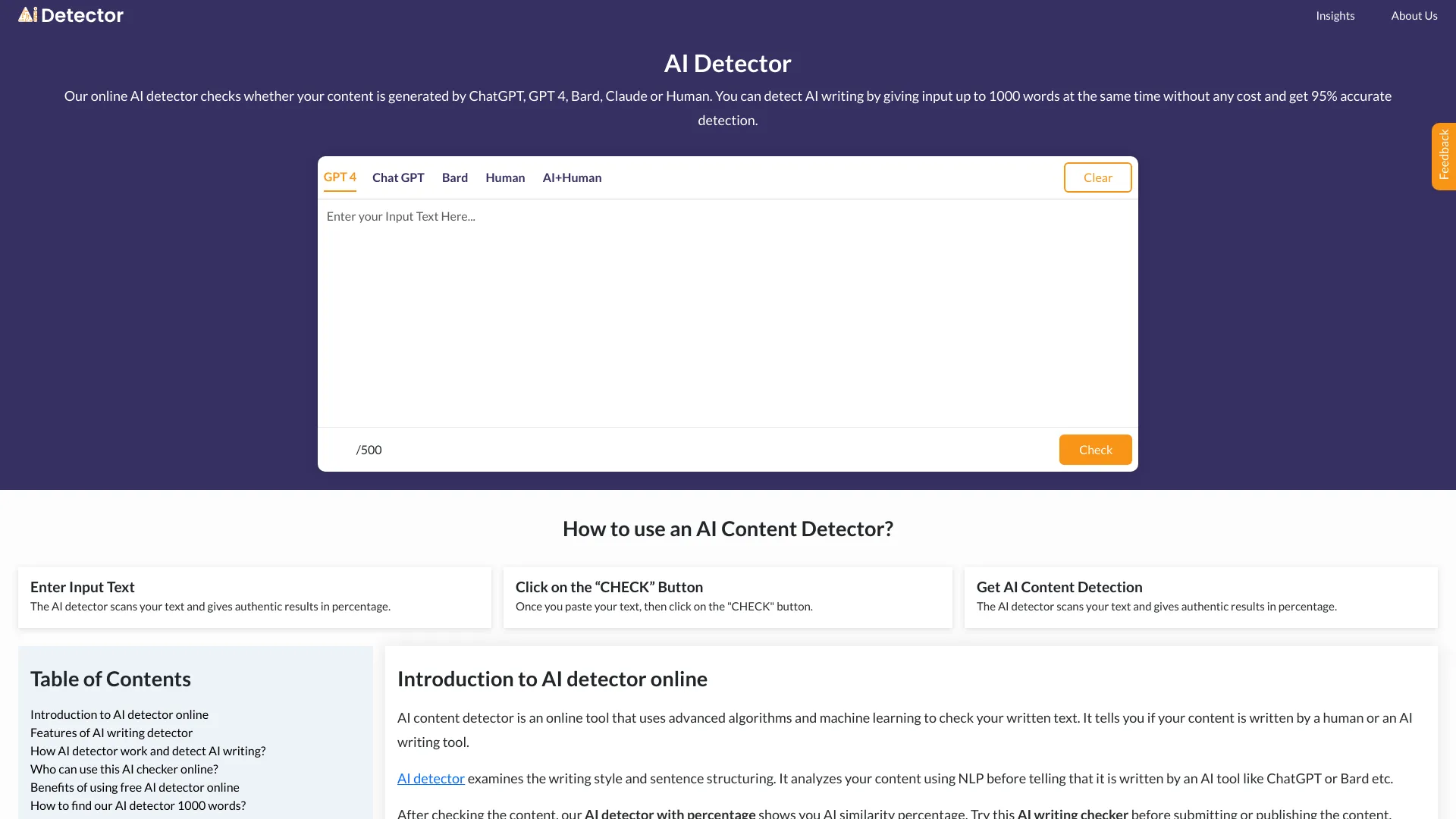
AI-Detector is built around an easy-to-understand output: an AI content percentage, paired with AI plagiarism detection and an AI Humanizer. The free allowance covers 1,200 words, and a weekly plan is listed at $5.91, which may suit someone who needs occasional rather than institutional access. The important caveat is text length. Accuracy may vary below 50 words, and its plagiarism feature checks AI similarity rather than published content, so it should not be treated as a conventional plagiarism database.
Best for
Students who want a fast percentage-based result
Occasional users who prefer a weekly entry plan
Draft checks where AI similarity is the main concern
Limitations
Short texts under 50 words may produce less reliable results
Plagiarism detection is limited to AI similarity
It does not check against published content in the traditional sense
Shortlist signal: Choose it for a lightweight percentage check, but use a separate originality service when published-source matching matters.
9. AI Detector
- Academics
- Free; fast results; no login or sign-up
- Starts at Check vendor pricing
- Usage signal: Usage signal not listed
Why it matters
This AI Detector keeps the experience focused: high-accuracy AI content detection, fast results, and a user-friendly interface without login or sign-up. That low-friction setup is useful for an academic who wants to run a quick preliminary check rather than establish a team account. The product itself cautions that results may not be 100% accurate, and an internet connection is required. It is therefore best viewed as a convenient first signal, not a standalone basis for a high-stakes conclusion.
Best for
Academics who want a rapid preliminary scan
Users who do not want to create an account
Simple text checks with minimal interface friction
Limitations
Results may not be 100% accurate in every case
An internet connection is required
Pricing details are not presented as a clean public starting point
Shortlist signal: Keep it in the running when speed and no-sign-up access outweigh advanced reporting or originality features.
10. AI Image Detector

- Trust and Safety Managers
- 4 credits on sign-up; C2PA and metadata forensics
- Starts at Free: $0
- Usage signal: Usage signal not listed
Why it matters
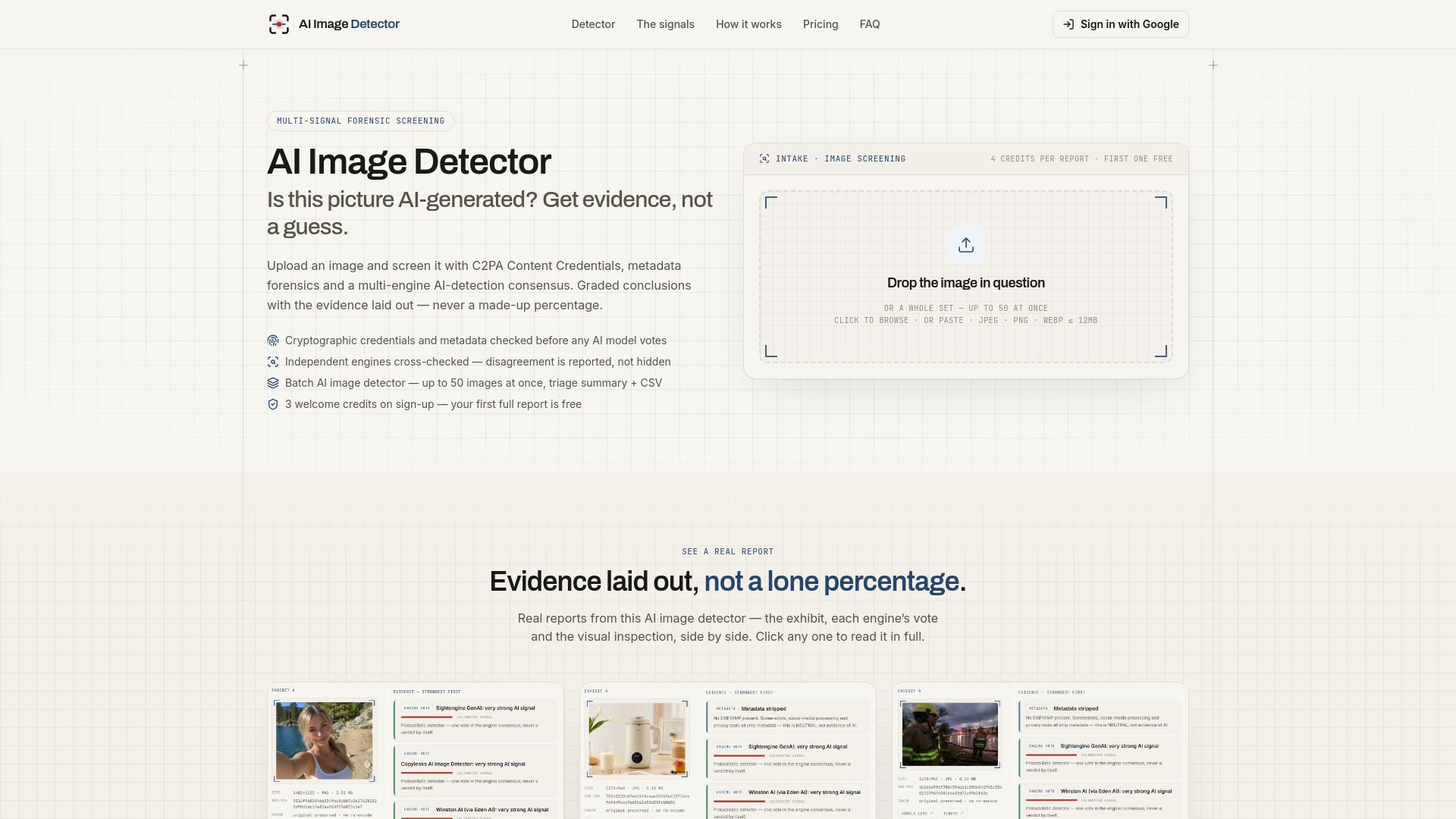
AI Image Detector is the list's most important adjacent option because it answers a different question from text scanners. It checks C2PA Content Credentials before model votes, examines EXIF and XMP metadata plus generator signatures, and cross-checks multiple independent AI detection engines for consensus. That layered approach is more useful for trust-and-safety work than relying on one opaque score. The service cannot guarantee 100% accuracy, and reports use credits after the free allowance; the listed plan starts at $19 per month for 300 credits.
Best for
Trust and safety managers reviewing suspicious images
Teams that need metadata and provenance signals
Workflows where multiple detection engines are preferable to one score
Limitations
It checks images, not ordinary essay or article prose
No detector can guarantee 100% accuracy
Reports use credits after the free allowance
Shortlist signal: Choose it only when image authenticity, provenance, and forensic evidence are central to the workflow.
What to test before choosing
Run a small, representative evaluation instead of comparing landing-page accuracy claims. Use at least five samples:
- 1
A fully human-written passage in the main language your team uses.
- 2
AI-generated text copied directly from the model you encounter most often.
- 3
A human-edited AI draft with factual additions and sentence rewrites.
- 4
A short passage under 50 words, if your workflow includes short answers or captions.
- 5
A mixed-format file, such as a PowerPoint deck, if file analysis is important.
Record the result format, not just the score. Can you see the relevant sentence? Does the tool explain why it flagged the passage? Does it distinguish AI detection from plagiarism? Can you export or share a report? Also test account requirements, file upload restrictions, supported languages, and the point at which free access becomes paid.
For sensitive academic or workplace material, check how the vendor describes data handling before uploading real submissions. When a result could affect a grade, employment decision, or publishing opportunity, require a human review and supporting evidence. A detector's probability is not authorship proof.
What to do next
Start with the shortlist path that matches your material, then test two or three tools against the same samples. For ordinary English prose, begin with AI Detector, AI Detector Writer, or ContentDetector.AI. For educator workflows, compare the sentence-level context in AI Detector with the simpler output from a no-login scanner. For multilingual work, prioritize AI Detector Writer and X Detector. For PowerPoint or image evidence, use the specialist tool rather than forcing a text checker to interpret the wrong file type.
Before paying, confirm the current price, free quota, renewal terms, language support, and file limits on the vendor site. If your team will act on results, write a review policy that says what a flag means, what corroboration is required, and who makes the final decision.
Common mistakes when choosing from a complex top list
Treating a percentage as proof. A probability score is a signal for review, not a definitive record of who wrote the text.
Comparing unlike tools. A sentence-level educator suite, a no-login scanner, a PowerPoint analyzer, and an image forensics tool solve different problems.
Ignoring language coverage. English-only support can make a highly rated tool unsuitable for multilingual submissions.
Confusing AI detection with plagiarism detection. Several products identify AI similarity but do not compare text against published sources.
Testing only long, clean samples. Short, edited, translated, or highly technical text can behave differently.
Overlooking the free-plan boundary. Word limits, daily allowances, credits, registration, and file-upload paywalls can matter more than the headline price.
Using humanizers as evidence. Rewriting a passage may change a detector result, but it does not prove that the underlying work is original.
Skipping a human appeal path. If a result affects a student, writer, or employee, the process needs context and a way to challenge an automated flag.
FAQ
No. The tools in this guide provide signals, highlighted passages, percentages, or supporting checks. Several list accuracy limitations or describe detection rates as estimates. Use results to decide what deserves closer review, not as conclusive authorship evidence.