
Finding the top tts software for video makers is less about picking the tool with the most natural demo voice and more about matching the audio workflow to the rest of your production process. We compared 10 tools, from focused text-to-speech and transcription services to screen recorders, subtitle editors, AI video studios, and cinematic generators. The result is a useful field guide for creators who need narration, localization, captions, or a faster way to turn a script into a finished video.
Start here
The fastest way to narrow this list is to decide what your video actually needs. A YouTube educator who records software tutorials has a different brief from an agency producing multilingual ads, while a short-form marketer may care more about speed than fine-grained voice controls.
Best overall video workflow: Camtasia combines screen recording, drag-and-drop editing, and AI voice generation.
Best focused online audio toolkit: Free TTS covers text-to-speech, transcription, vocal removal, and voice enhancement without requiring an account for core editing tools.
Best for automated branded content: Videotok turns text, links, audio, and images into videos with voice, captions, and transitions.
Best for multilingual post-production: Taption brings transcription, subtitles, translation, and AI analysis together across more than 40 transcription and 50 translation languages.
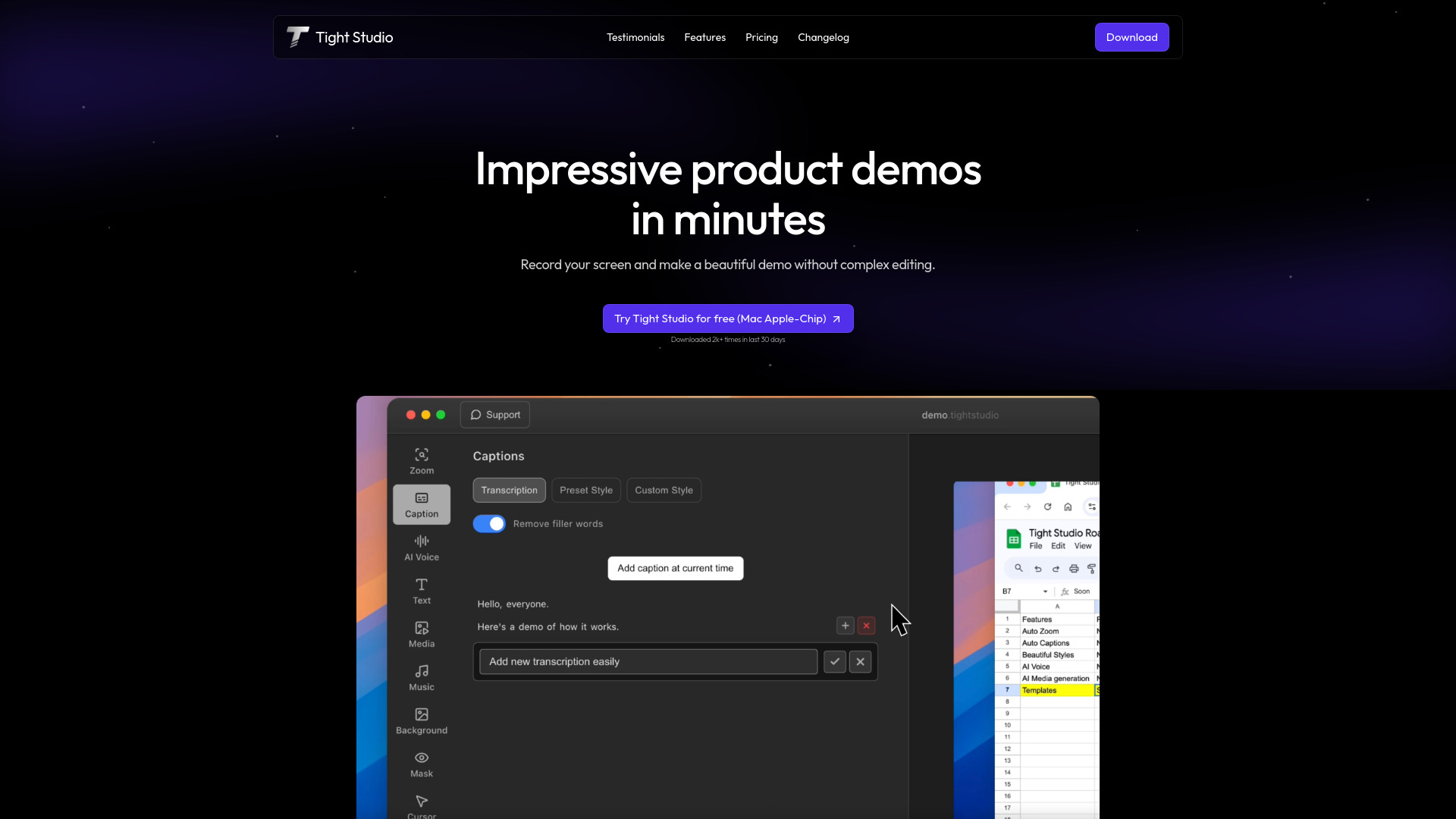
Best for screen-recorded demos: Tight Studio adds smart zoom, styled captions, and AI narration to product demonstrations.
Best for quick social shorts: VideoGPTAI focuses on faceless and short video generation from conversations.
One important caveat: this is a broad category. Several entries are not standalone voice studios; they are broader visual production tools where text-to-speech, narration, captions, or synchronized audio is part of the workflow. That makes them more useful for many video makers than a voice-only utility, but it also means the ranking should be read by segment rather than as a universal winner-takes-all list.
Segment comparison
| Segment | Strongest fit | What it handles | Watch before buying |
|---|---|---|---|
| Screen recording and demos | Camtasia | Recording, editing, AI voice, captions, translation | Trial exports carry a watermark |
| Online speech and audio tools | Free TTS | TTS, speech-to-text, vocal removal, voice enhancement | Free TTS is capped at 5,000 characters monthly and includes ads |
| Automated video production | Videotok | Text, link, audio, and image to video | Highly specific customization may need testing |
| Localization and subtitles | Taption | Transcription, timed subtitles, translation, analysis | Standard has no monthly transcription minutes |
| Cinematic and generative video | LTX-2 Video | 4K video, text/image-to-video, synchronized audio | 4K and commercial rights depend on higher tiers |
The practical distinction is workflow depth. A voice generator can produce a file, but a creator still has to place it on a timeline, synchronize it, add captions, and export. Tools such as Camtasia, Taption, Tight Studio, and VideoPlus Studio reduce that handoff. Conversely, Free TTS and speechturbo make more sense when you already have an editor and want a fast audio or transcription step.
Shortlist paths
| Your priority | Start with | Why |
|---|---|---|
| Narrated tutorials and courses | Camtasia | Recording, editing, AI voice, and translation in one desktop workflow |
| Voiceover without registration | Free TTS | Core editing tools work without an account, with automatic file deletion after 12 hours |
| High-volume social content | Videotok | Automates videos from several input types and includes captions and transitions |
| Multilingual publishing | Taption | More than 40 transcription languages and more than 50 translation languages |
| Product demos on Apple silicon | Tight Studio | Smart zoom and AI narration are designed for quick demonstrations |
| Very fast transcription | speechturbo | GPU processing can reach up to 50x real-time speed and supports 98+ languages |
Ranking snapshot
| Rank | Tool | Score | Best for | Starting price |
|---|---|---|---|---|
| #1 | Camtasia | 93/100 | Content creators | Camtasia Starter: Free |
| #2 | Free TTS | 93/100 | Content creators | Free: $0 |
| #3 | Videotok | 92/100 | Agencies | Check vendor pricing |
| #4 | Taption | 92/100 | Video creators | Free |
| #5 | Tight Studio | 92/100 | Growth leads | Free: $0 / month |
| #6 | Tool Video | 91/100 | Content creators | Starter: $4 / month |
| #7 | VideoPlus Studio | 91/100 | Video editors | Check vendor pricing |
| #8 | speechturbo | 91/100 | Content creators | Starter: $9.99 one-time |
| #9 | LTX-2 Video | 89/100 | Professional creators | Limited trial: $6.90 |
| #10 | VideoGPTAI | 89/100 | Social media marketers | Check vendor pricing |
How we grouped and ranked the list
This category needs more than a simple voice-quality test. We grouped the tools by the job they help complete: creating narration, converting speech to text, building a video around a script, localizing an existing production, or generating visuals and synchronized sound. That prevents a subtitle platform from being judged by the same standard as a cinematic generator.
The score reflects the product's practical fit for video makers, feature depth, audience match, and market signal. We also looked closely at access limits and workflow friction. Watermarks, character caps, credit systems, device restrictions, expiring credits, and missing transcription allowances can matter more than a long feature list when you publish regularly.
The ranking is therefore a shortlist, not a claim that every tool produces the same kind of output. Camtasia leads because it covers the complete tutorial and screen-video path. Free TTS follows closely for accessible online audio work. Videotok, Taption, and Tight Studio occupy different but valuable production niches. The lower-ranked tools can still be the right choice when their specific job matches yours.
Ranked field notes
1. Camtasia

- Content creators
- Free trial with watermark
- Starts at Camtasia Starter: Free
- Usage signal: 801.4K
Why it matters
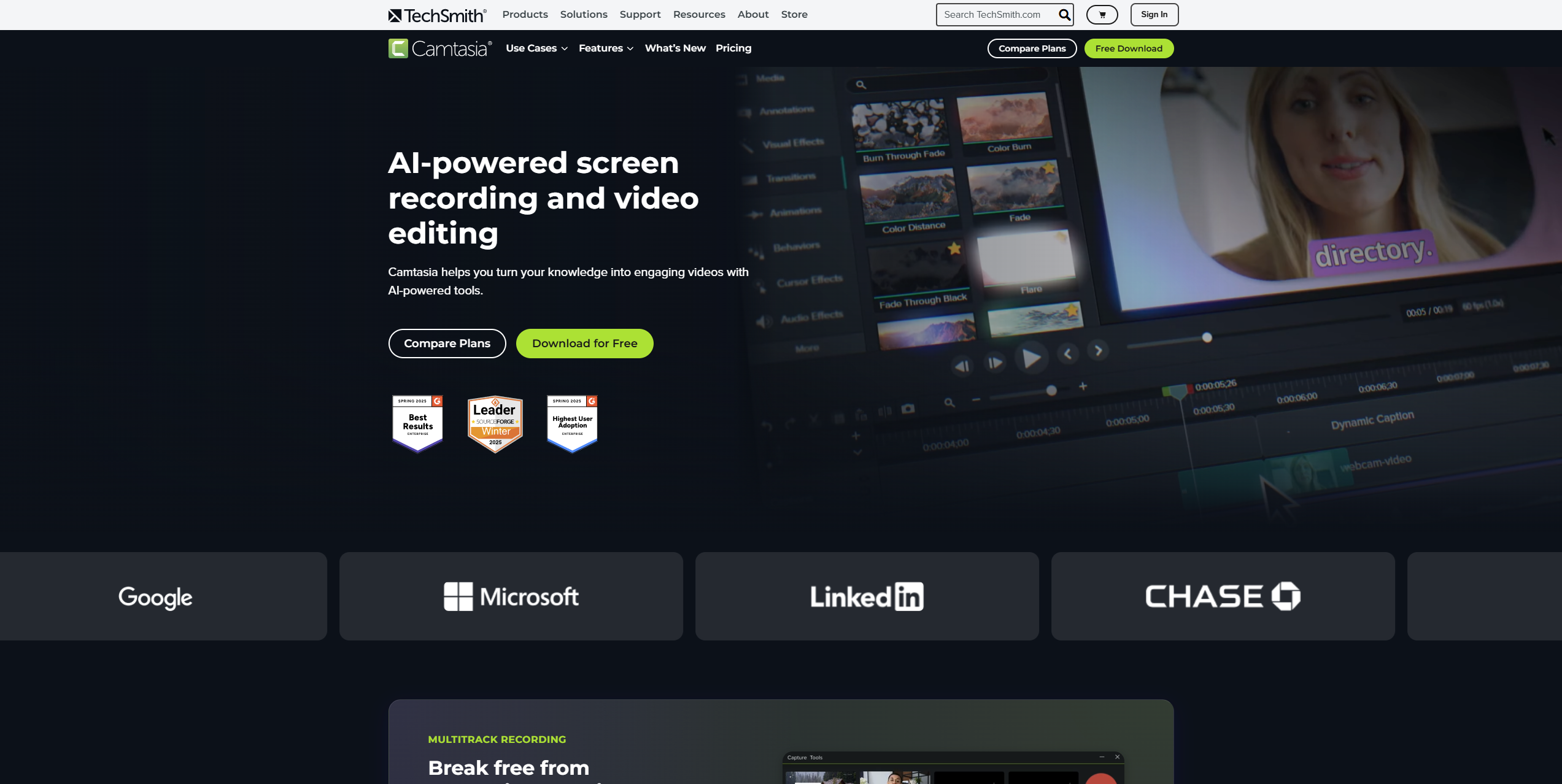
Camtasia is the most complete choice when text-to-speech sits inside a larger tutorial or demonstration workflow. Its AI-powered screen recording and non-linear drag-and-drop editor mean you can capture the source material, assemble the timeline, and add AI voice generation without stitching together several unrelated apps. It also lists AI tools for scripts, background removal, and translation, which gives recurring video teams more room to standardize production. The tradeoff is familiar: the free trial exports with a watermark, and individual subscription licenses are non-transferable.
Best for
YouTube educators and course creators making narrated screen recordings
Teams that want recording and editing alongside AI voice generation
Product marketers who need demos, translations, or background removal in one workflow
Limitations
Free-trial exports include a watermark
Individual subscription licenses are non-transferable
It is broader and more editor-led than a dedicated voice-only platform
Shortlist signal: Add Camtasia when you need narration attached to screen recording and editing, not just a standalone audio file.
2. Free TTS

- Content creators
- 5,000 characters/month; no sign-up
- Starts at Free: $0
- Usage signal: 115.7K
Why it matters
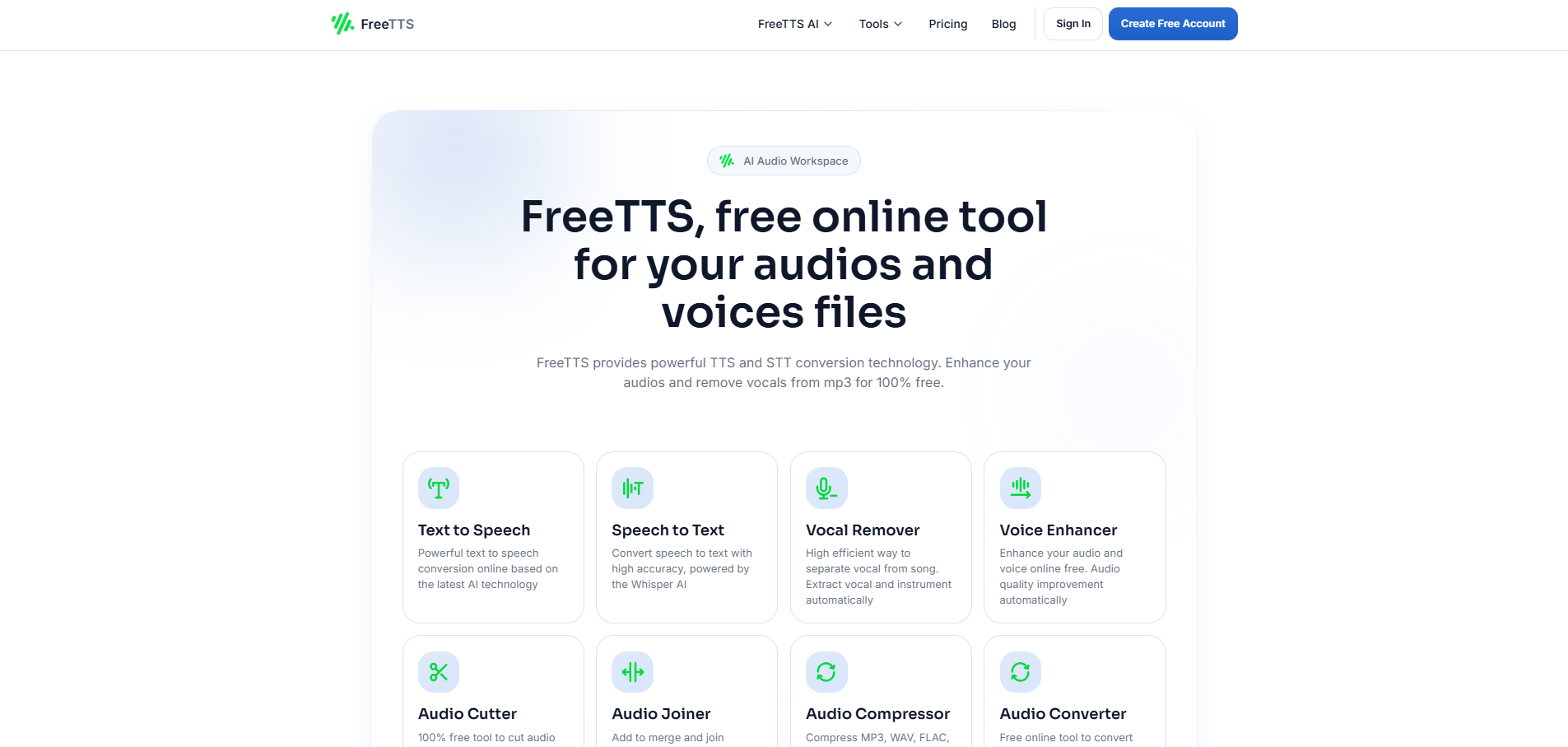
Free TTS earns its place by keeping the first step simple: core editing tools do not require an account or registration. Its AI text-to-speech voices are paired with speech-to-text transcription using Whisper AI and an AI vocal remover, so it can support both the creation and cleanup sides of a video audio workflow. Automatic file deletion after 12 hours is a useful privacy detail for creators handling temporary source material. The free tier is not unlimited, however, and ads appear on the free version.
Best for
Independent creators who need quick narration without setting up an account
Video makers who also need transcription or vocal separation
Lightweight browser-based audio preparation before editing elsewhere
Limitations
Free TTS is limited to 5,000 characters per month
Ads are displayed on the free version
It is less suited to teams seeking a full timeline-based video editor
Shortlist signal: Choose Free TTS when accessible browser-based speech and audio utilities matter more than a complete video studio.
3. Videotok

- Agencies
- AI video creation and YouTube content automation
- Starts at Check vendor pricing
- Usage signal: 104.6K
Why it matters
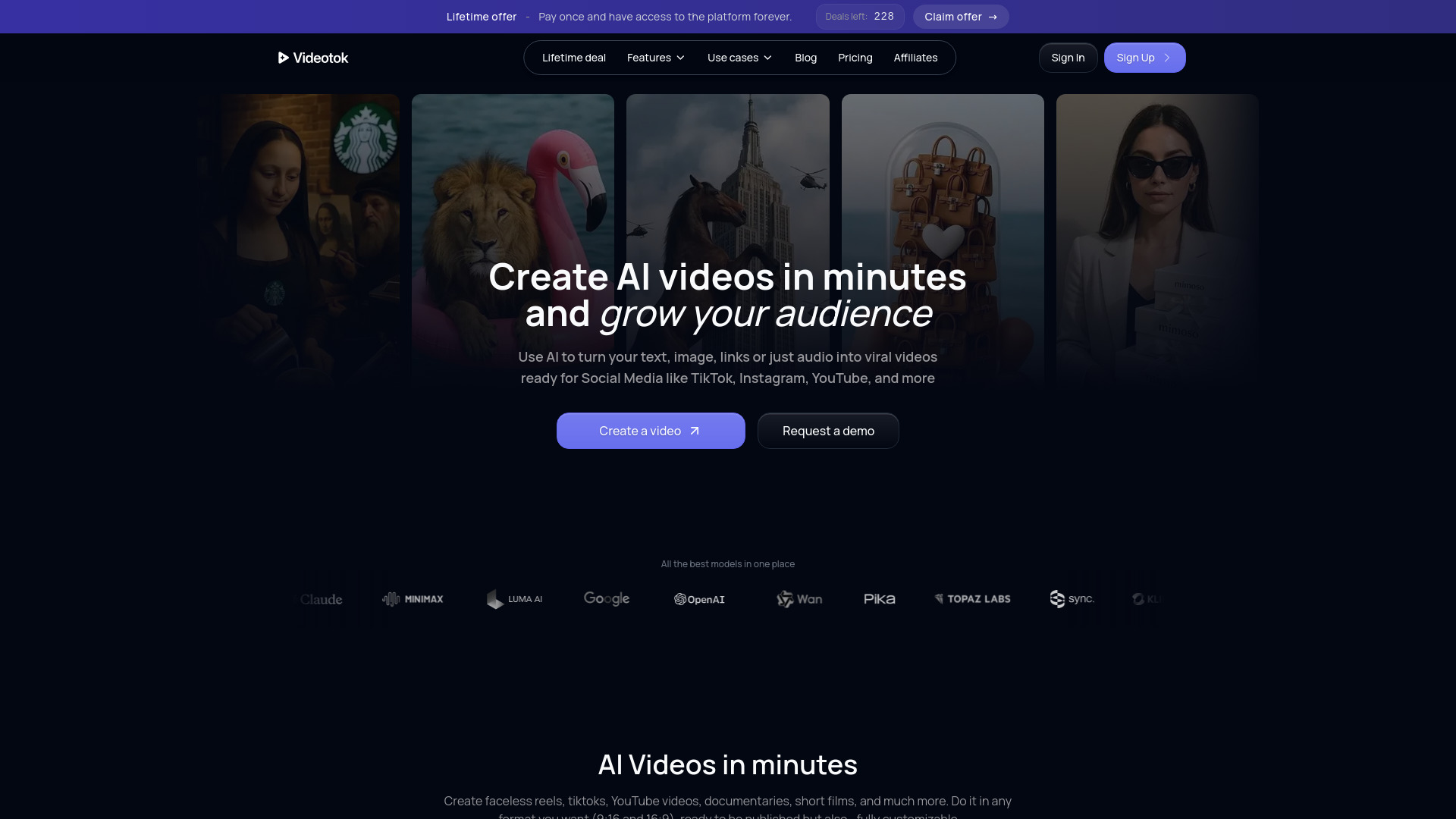
Videotok is aimed at the moment when a voiceover is only one ingredient in a repeatable content pipeline. It can create videos from text, links, audio, and images, then add AI voices, images, captions, and transitions through an intuitive editor. That makes it a natural fit for agencies and brands producing batches of social content or high-converting video ads. Its pricing is not presented as a clean starting figure, and one user review points to room for improvement in highly specific customization, so test a representative project rather than relying on a template preview.
Best for
Agencies turning briefs, links, and source assets into recurring video output
Brands producing ads or YouTube content at volume
Teams that want voice, captions, images, and transitions in one generator
Limitations
Pricing requires checking with the vendor
Highly specific customization may need more work than standard templates
Automated generation can require manual review before publishing
Shortlist signal: Add Videotok when the goal is a repeatable text-to-video pipeline rather than isolated voiceover generation.
4. Taption

- Video creators
- AI transcription, subtitles, and video analysis
- Starts at Free
- Usage signal: 23.4K
Why it matters
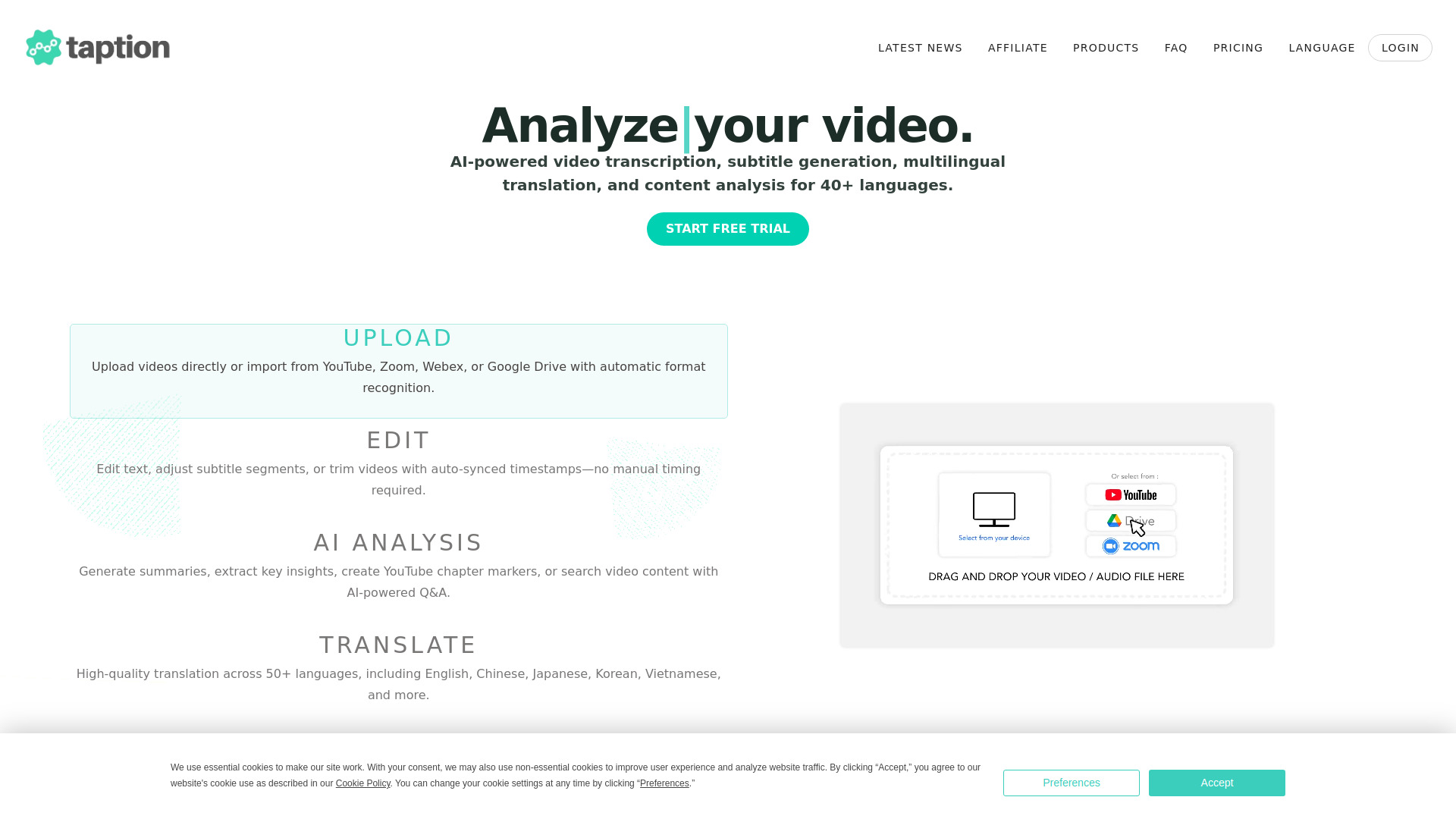
Taption is the strongest localization-oriented entry in the list. It converts audio and video into accurate, timestamped transcripts, generates editable subtitles with timing and segmentation, and supports transcription in more than 40 languages plus translation in more than 50. Chinese, Japanese, and Korean support is a notable reason to inspect it for multilingual publishing. It also combines editing and AI analysis, with direct Adobe Premiere Pro integration described in its shortlist profile. The catch is plan design: the Standard plan includes no monthly transcription minutes, while AI credits depend on the subscription and are not included in pay-as-you-go.
Best for
Creators publishing the same video in multiple languages
Teams that need editable captions rather than a separate transcript file
Editors working across transcription, translation, and video analysis
Limitations
Standard has no monthly transcription minutes
AI credits are limited by subscription plan
Pay-as-you-go does not include AI credits
Shortlist signal: Choose Taption when captions, translation, and localization are central to the publishing workflow.
5. Tight Studio

- Growth leads
- Free plan; AI voiceover
- Starts at Free: $0 / month
- Usage signal: 9.5K
Why it matters
Tight Studio focuses on the polish that makes a screen recording feel ready for a product page or growth campaign. Smart zoom follows on-screen actions, professional captions use pre-designed styles, and AI narration adds a clear voiceover without requiring a full production setup. That narrow focus is a virtue for growth leads who want impressive product demos in minutes. It is also a meaningful constraint: the app currently supports Mac Apple-Chip devices only, and free exports include a Tight Studio watermark.
Best for
Growth teams creating product tours and feature demos
Mac users who want automatic zoom and styled captions
Creators who prefer a guided demo workflow over a general editor
Limitations
Currently supports Mac Apple-Chip devices only
Free-plan exports include a Tight Studio watermark
It is specialized for demos rather than broad video production
Shortlist signal: Add Tight Studio when your primary output is a polished, narrated product demo recorded on a compatible Mac.
6. Tool Video

- Content creators
- No free access listed
- Starts at Starter: $4 / month
- Usage signal: 2.5K
Why it matters
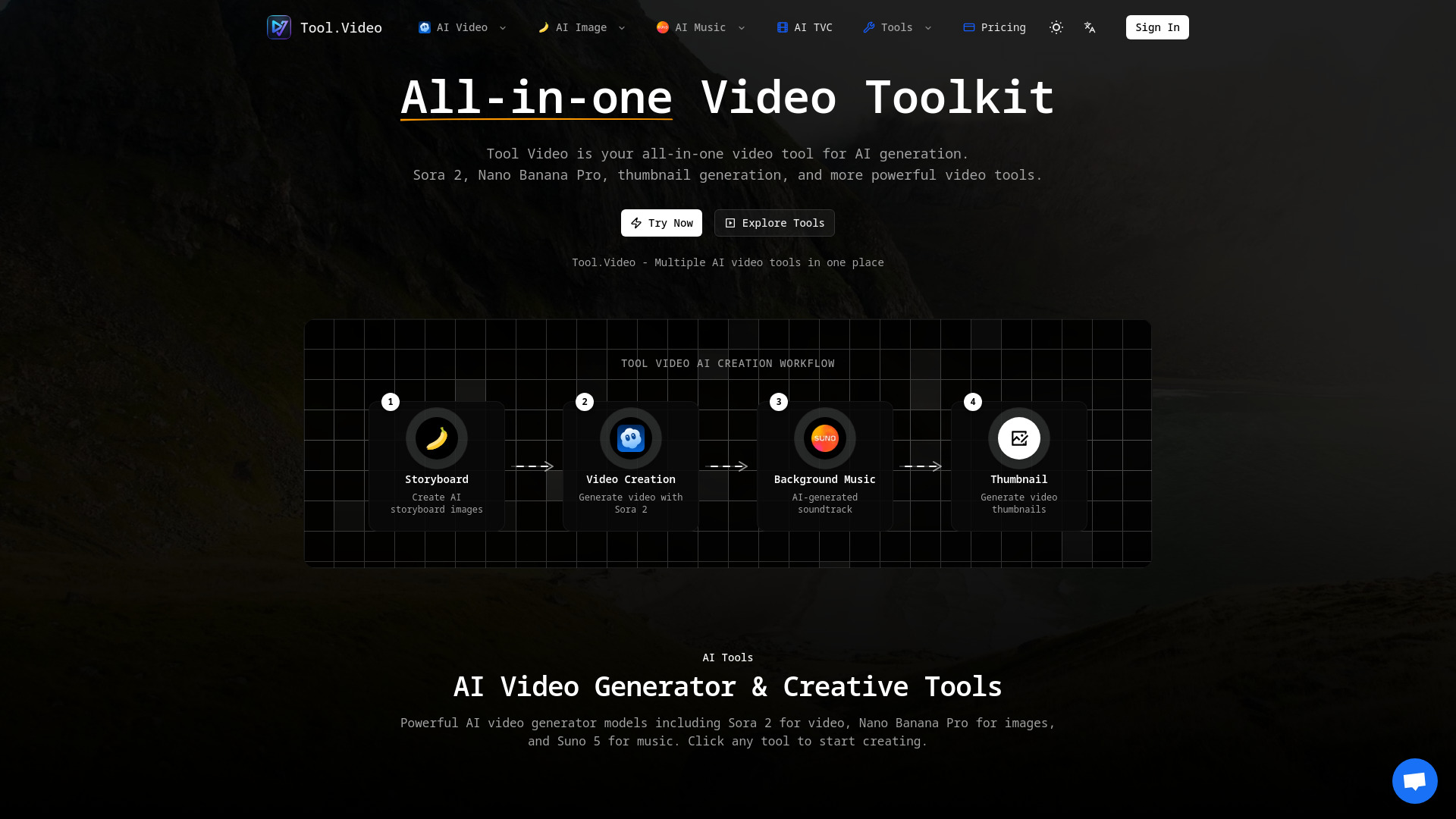
Tool Video takes the broadest toolbox approach. It combines AI video generation, AI image generation, and AI music generation, alongside utilities for thumbnails, trimming, and watermark work. For a creator assembling a short video from several generated assets, that concentration can be more convenient than moving between separate services. The starting plan is $4 per month for 100 credits, but usage is strictly credit-based, and the product requires a paid subscription with no explicit free trial or free tier listed. Budgeting matters more here than the headline price.
Best for
Creators who need video, image, and music generation in one place
Short-form teams building complete asset packages
Experimenters who value access to several AI models and utilities
Limitations
Usage is strictly credit-based
No explicit free trial or free tier is listed
Credit consumption can vary by generation and utility
Shortlist signal: Choose Tool Video when a low entry price and a broad set of generative utilities beat a dedicated TTS workflow.
7. VideoPlus Studio

- Video editors
- Free subtitle editor, avatars, TTS, and lip-sync
- Starts at Check vendor pricing
- Usage signal: 1.5K
Why it matters
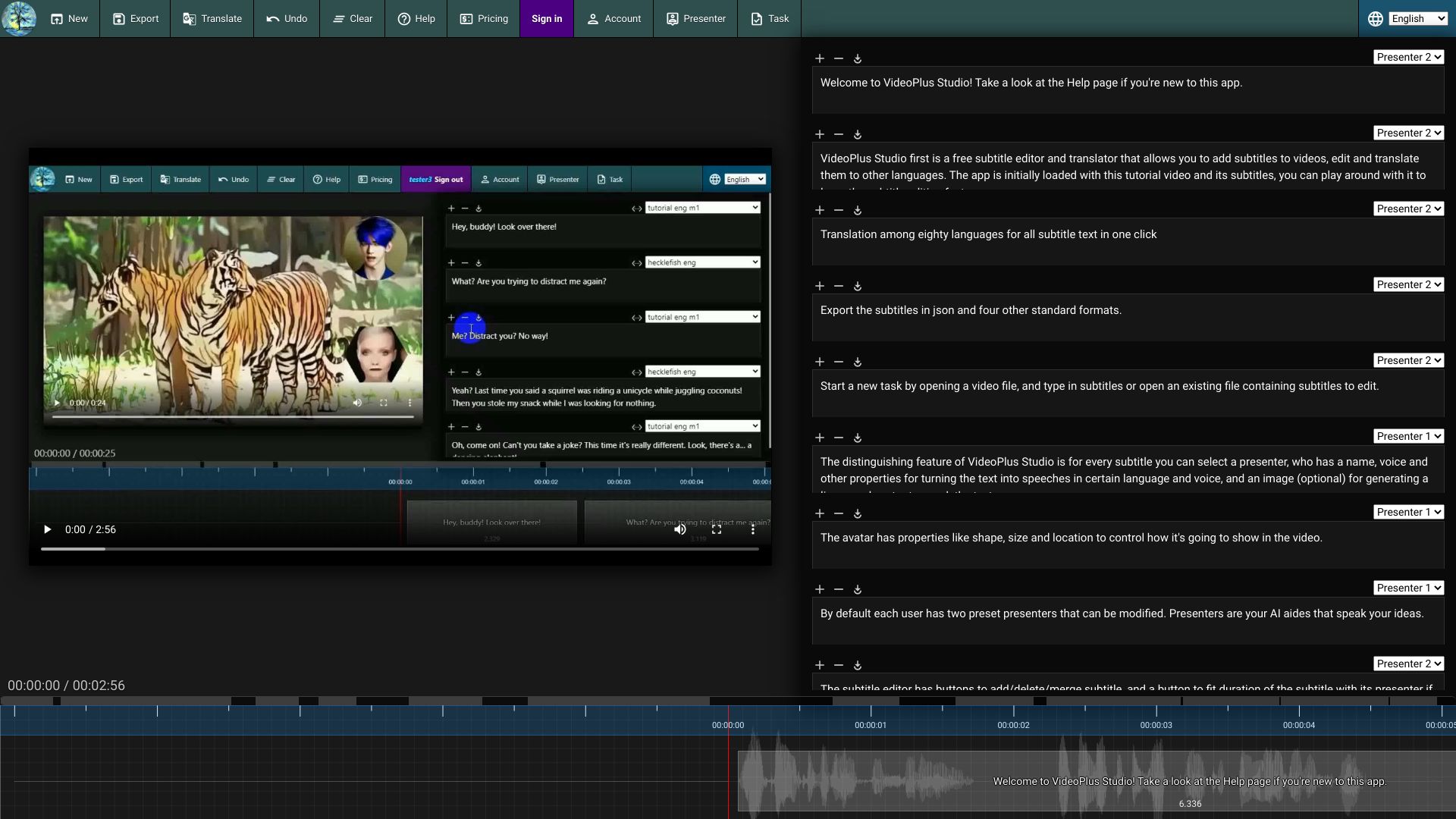
VideoPlus Studio is compelling when the voice needs to arrive with captions and a presenter. Its free subtitle editor and translator handle the practical post-production layer, while dynamic avatar presenters add text-to-speech and lip-syncing for videos that need a visible host without a camera shoot. That combination makes it a useful adjacent alternative for explainer content and localized social videos. Certain features, such as automatic duration adjustment, may require sign-in, and processing time depends on task complexity.
Best for
Editors who want free subtitle editing and translation
Teams testing avatar presenters with text-to-speech
Explainer and localization workflows that need lip-syncing
Limitations
Some features may require sign-in
Processing time varies with task complexity
Pricing should be confirmed with the vendor
Shortlist signal: Add VideoPlus Studio when captions and an avatar presenter are as important as the generated voice.
8. speechturbo

- Content creators
- 3 transcriptions/day; 98+ languages
- Starts at Starter: $9.99 one-time
- Usage signal: 524
Why it matters
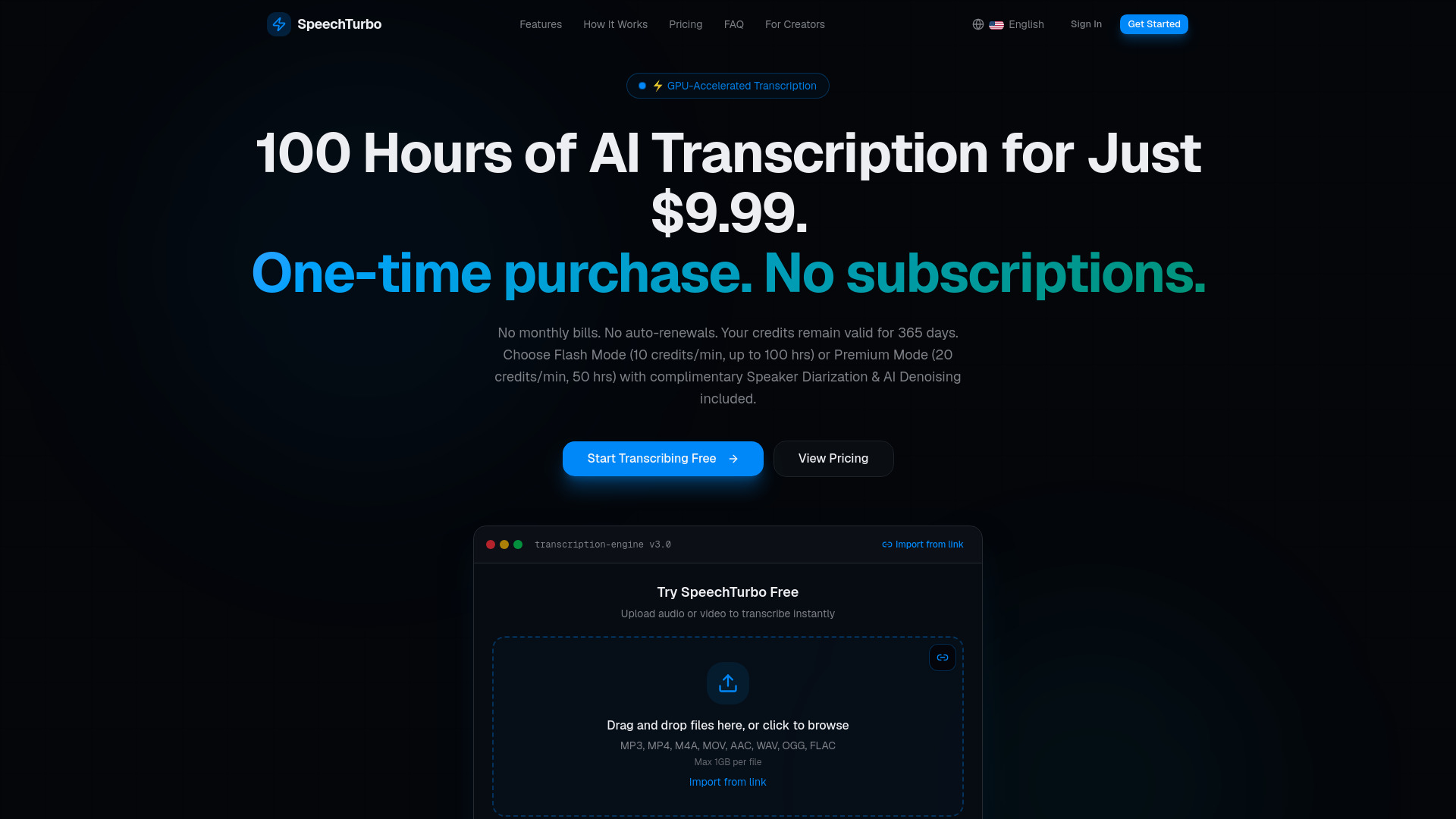
speechturbo is a practical companion for creators who need to turn recorded speech into usable text quickly. Its GPU-accelerated transcription can run at up to 50x real-time speed and supports more than 98 languages. Flash Mode and Premium Mode give buyers a choice between speed and enhanced processing with speaker diarization and AI denoising. The pricing model is unusual enough to check carefully: paid credits expire after 365 days, and Premium Mode uses credits at twice the Flash Mode rate.
Best for
Creators transcribing interviews, podcasts, and long recordings
Multilingual teams working across more than 98 languages
Editors who need speaker separation or AI denoising in transcription
Limitations
Paid credits expire after 365 days
Premium Mode consumes credits at twice the Flash Mode rate
It is a transcription tool rather than a complete video editor
Shortlist signal: Choose speechturbo when transcription speed and language coverage matter more than built-in narration or timeline editing.
9. LTX-2 Video
- Professional creators
- Free credits; no credit card required
- Starts at Limited trial: $6.90
- Usage signal: Not listed
Why it matters
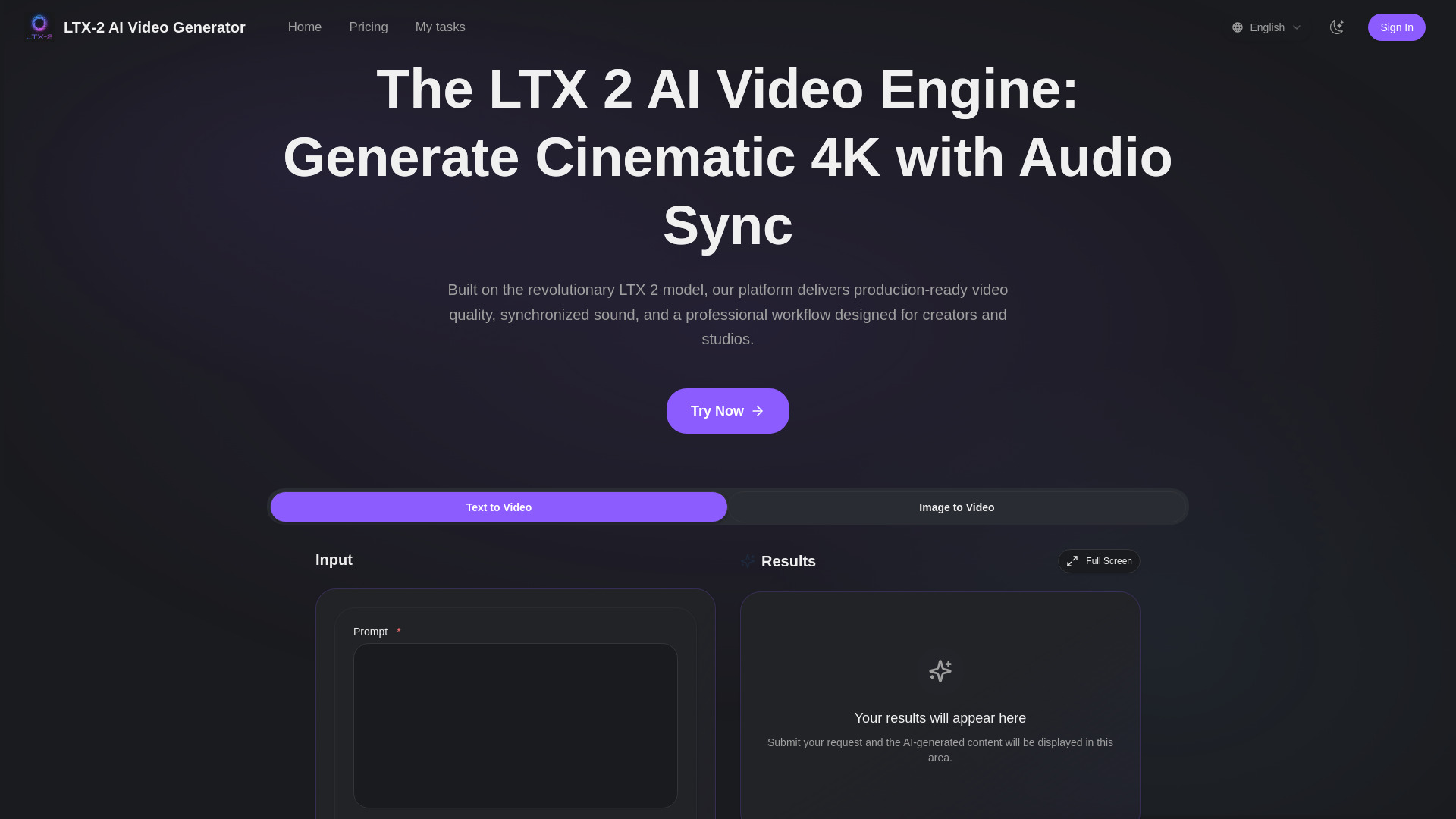
LTX-2 Video belongs on this list for creators who want audio generated as part of a cinematic video rather than added later as a conventional narration track. It supports 4K UHD video generation, text-to-video and image-to-video workflows, and a synchronized audio engine designed to reduce post-sync work. Free credits are included and no credit card is required, which makes an initial test relatively easy. Still, video generation requires credits, while 4K generation and commercial rights are tied to higher-tier subscriptions.
Best for
Professional creators exploring cinematic 4K concepts
Teams that want synchronized audio directly from prompts
Image-to-video workflows where sound should follow the generated scene
Limitations
Video generation requires credits
4K generation and commercial rights depend on higher tiers
It is not a conventional script-to-voiceover editor
Shortlist signal: Add LTX-2 Video when synchronized sound and cinematic generation are more valuable than traditional TTS controls.
10. VideoGPTAI

- Social media marketers
- AI Shorts in 10 seconds
- Starts at Check vendor pricing
- Usage signal: Not listed
Why it matters
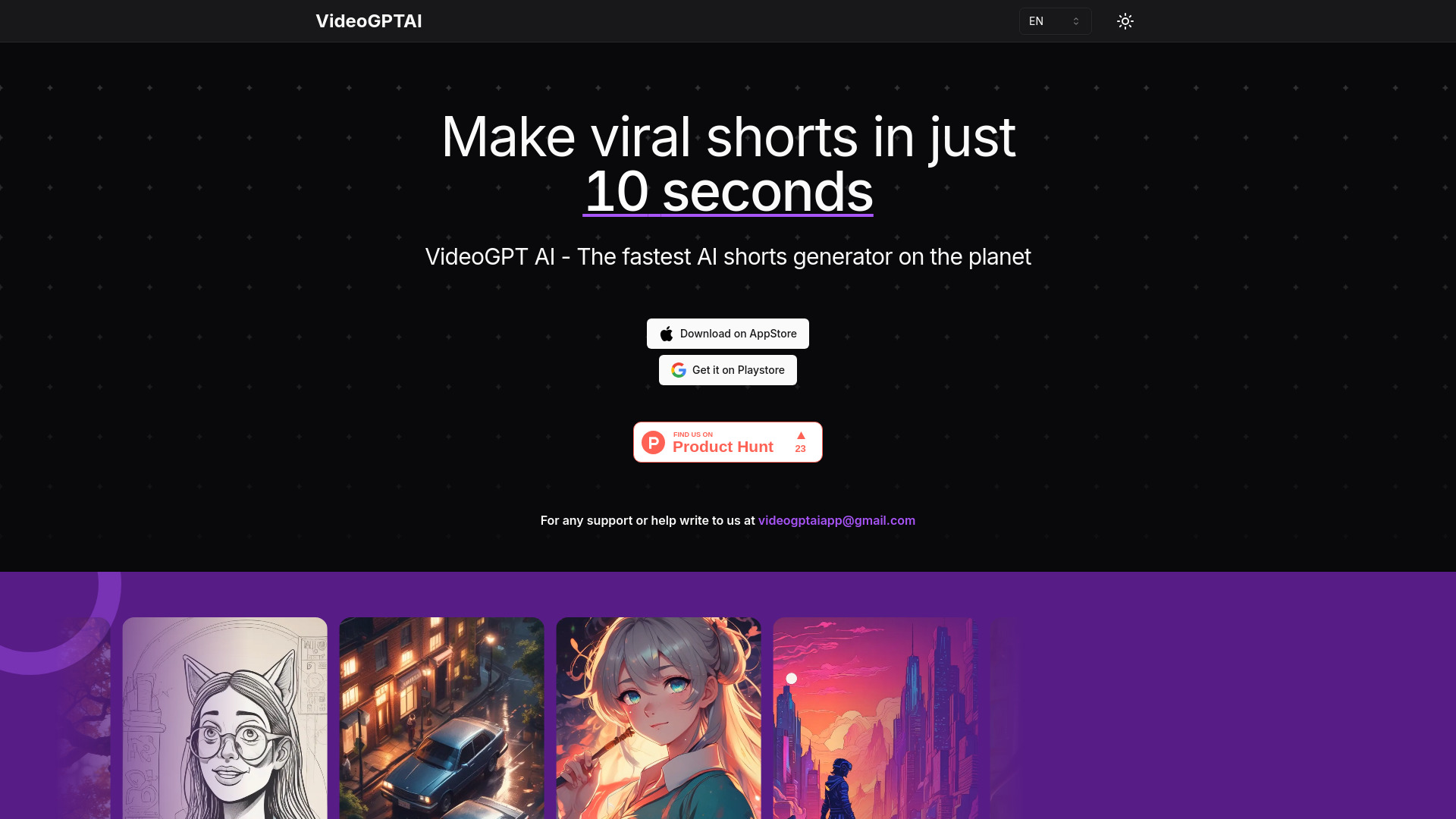
VideoGPTAI is built around speed and simplicity: it can create AI shorts in 10 seconds, generate videos from conversations, and support faceless video creation without coding. That makes it worth testing for social media marketers who need a rapid first draft or a steady stream of short videos. Its position at number 10 reflects the narrower information available around advanced features and customization, not a lack of usefulness for the specific short-form job. Buyers should inspect how much control they have over the final video before committing to a repeatable campaign.
Best for
Social marketers producing short-form and faceless videos
Beginners who want a conversation-led creation flow
Teams optimizing for a fast first draft rather than detailed editing
Limitations
Advanced feature information is limited
Customization may be constrained for specific production needs
Pricing should be confirmed with the vendor
Shortlist signal: Choose VideoGPTAI when rapid social shorts matter more than deep control over voice, layout, and editing.
What to test before choosing
A polished sample voice can hide the parts of production that consume the most time. Run the same short script or source clip through your finalists and check the entire handoff from generation to export.
Voice fit: Test names, acronyms, numbers, punctuation, and the pacing used in your real scripts. Do not judge only a promotional sentence.
Editing handoff: Confirm whether the tool gives you a usable audio file, a timeline project, captions, or a finished video. Those are very different outputs.
Language workflow: For multilingual projects, test transcription, translation, subtitle timing, and pronunciation separately. Taption's language coverage is a reason to test it, not a guarantee that every language behaves identically.
Usage economics: Calculate characters, minutes, credits, and exports for one typical video. Tool Video, speechturbo, and LTX-2 Video all make consumption rules important.
Export restrictions: Check watermarks, resolution, commercial rights, and whether a free trial is suitable for client-facing work.
Device and account requirements: Tight Studio's Apple-Chip restriction and possible sign-in requirements in VideoPlus Studio can eliminate otherwise attractive options.
Privacy and retention: If you upload client footage or unreleased scripts, review retention behavior. Free TTS states that files are automatically deleted after 12 hours.
What to do next
Start with two tools from the segment that matches your workflow, not with all 10. For narrated tutorials, compare Camtasia with Free TTS. For localization, put Taption beside VideoPlus Studio. For automated social production, test Videotok against VideoGPTAI. If you are generating scenes rather than narrating existing footage, compare Tool Video with LTX-2 Video.
Use one representative project: the same script, the same target length, and the same export destination. Record how many manual steps remain after generation. Then check the paid plan against your actual monthly volume. A free feature is useful only if its character, minute, credit, watermark, and commercial-use rules survive contact with your publishing schedule.
Common mistakes when choosing from a complex top list
Treating every tool as a voice generator: Some entries are editors, subtitle platforms, or video generators with audio features. Pick by the completed workflow.
Comparing prices without comparing units: A monthly fee, one-time credit pack, character quota, and transcription minute allowance are not interchangeable.
Ignoring the final export: A free plan with a watermark may be fine for internal review and unusable for a client campaign.
Assuming AI narration replaces editing: Even a strong voice usually needs timing, captions, music balance, scene changes, and pronunciation checks.
Overlooking platform restrictions: A tool that runs only on Mac Apple-Chip devices is not a practical team standard for mixed hardware.
Choosing the highest score automatically: The right choice depends on whether you need narration, localization, screen recording, rapid shorts, or synchronized cinematic audio.
Skipping a real script test: Demo copy rarely contains the product names, abbreviations, multilingual phrases, and pacing challenges that reveal a tool's weaknesses.
FAQ
Camtasia is the best overall match when you need AI voice generation alongside screen recording and drag-and-drop video editing. Free TTS is a better fit for a focused browser-based audio workflow, while Taption is stronger when subtitles and multilingual localization drive the project.