
Marketing teams rarely need another generic video generator. They need a reliable way to turn webinars, product footage, photos, scripts, and campaign ideas into platform-ready clips without creating a new editing bottleneck. This guide compares the top ai-driven social media video editing solutions for marketing teams across 10 tools, from fast short-form repurposing platforms to API-friendly production systems and full AI video studios.
Start here
The fastest route to a decision is to match the tool to the work already piling up in your content calendar.
| If your priority is... | Start with | Why it stands out |
|---|---|---|
| Turning long videos into social clips | AI Video Cut | Smart cutting, speech recognition, face detection, and prompt-based workflows |
| A broad production workspace | AIVideo.com | Composer, native editor, voiceovers, effects, music, and visuals in one platform |
| Fast captions and trendy short-form edits | Slick | AI clip selection, automatic subtitles, and customizable captions |
| Text- or photo-led campaign videos | ClipVideo AI | Converts text and photos into social content, ads, and stories |
| Marketing automation at scale | Video AIditor | Template-based generation and an editing API for repeatable output |
The shortlist gets more nuanced after that. SmartEdit is attractive for caption-and-template workflows, VideoFusion focuses on identifying hooks and calls to action, and CloudStudio keeps the editing experience entirely in the browser. MillionDollar Edit 2.0 is more of a speed-focused editing system, while Viral Ai Video Maker is the simplest fit for quick generated videos.
Segment comparison
| Segment | Best fit | Strongest workflow | Main trade-off |
|---|---|---|---|
| Repurposing engines | AI Video Cut, VideoFusion | Long-form video into shorts, hooks, and CTAs | Automated choices still need review |
| AI editing workspaces | AIVideo.com, CloudStudio | Edit, generate, caption, and refine in one browser workflow | Broader interfaces take longer to learn |
| Social-first short-form tools | Slick, SmartEdit | Captions, templates, B-roll, and viral-style formatting | Less appealing for advanced editors |
| Generative campaign tools | ClipVideo AI, Viral Ai Video Maker | Text, images, and prompts into finished video | Creative control and plan economics vary |
| Developer-led production | Video AIditor | Template-driven output through an API | Technical setup and enterprise limits matter |
This is not a comparison of identical products. It is a field guide for choosing the right production layer. A social media manager repurposing interviews should not evaluate an API in the same way as a performance marketing team producing dozens of ad variations.
Shortlist paths
| Your team looks like... | Best path | First test to run |
|---|---|---|
| One marketer handling a large content backlog | AI Video Cut or Slick | Upload one long video and judge the first three suggested clips |
| A creative team balancing speed and control | AIVideo.com or CloudStudio | Build one video from a brief, then manually refine the result |
| A paid social team producing ad variants | ClipVideo AI or VideoFusion | Compare hook quality, CTA placement, and output formats |
| A lean brand team using templates | SmartEdit or Viral Ai Video Maker | Produce the same campaign concept in three visual treatments |
| A product or platform team | Video AIditor | Test template generation, caption output, and API documentation |
Ranking snapshot
| Rank | Tool | Score | Best for | Starting price |
|---|---|---|---|---|
| #1 | AI Video Cut | 94/100 | Content creators | Free: $0 |
| #2 | AIVideo.com | 93/100 | YouTubers | Check vendor pricing |
| #3 | Slick | 92/100 | Content creators | Check vendor pricing |
| #4 | ClipVideo AI | 92/100 | Marketers | Basic: €49 /month |
| #5 | SmartEdit | 91/100 | Content creators | Free edition: $0/Mo |
| Rank | Tool | Score | Best for | Starting price |
|---|---|---|---|---|
| #6 | MillionDollar Edit 2.0 | 90/100 | Content creators | Million Dollar Edit 2.0: $125 |
| #7 | VideoFusion | 89/100 | Social media managers | Check vendor pricing |
| #8 | CloudStudio | 89/100 | Marketing professionals | Check vendor pricing |
| #9 | Video AIditor | 89/100 | AI platforms | Check vendor pricing |
| #10 | Viral Ai Video Maker | 89/100 | Content creators | Check vendor pricing |
How we grouped and ranked the list
We grouped these products by the job they perform rather than treating every AI video product as interchangeable. Repurposing tools were judged on how directly they help a team turn existing footage into short-form content. Generative tools were considered for how quickly they move from a text or image idea to a usable campaign asset. Broader editors earned attention for balancing automation with manual control, while API-oriented products were evaluated as infrastructure for repeatable production.
The ranking also weighs practical friction: free access, visible starting cost, learning curve, editing control, format flexibility, and the scale signals available for each product. A high score does not mean every team should choose that tool. It means the product offers a particularly strong combination of workflow value and category fit. Before subscribing, test your own footage, brand style, export requirements, and review process.
Ranked field notes
1. AI Video Cut

- Content creators repurposing long-form video
- 50 minutes one-time; long-video-to-shorts workflow
- Starts at Free: $0
- Usage signal: 142.0K
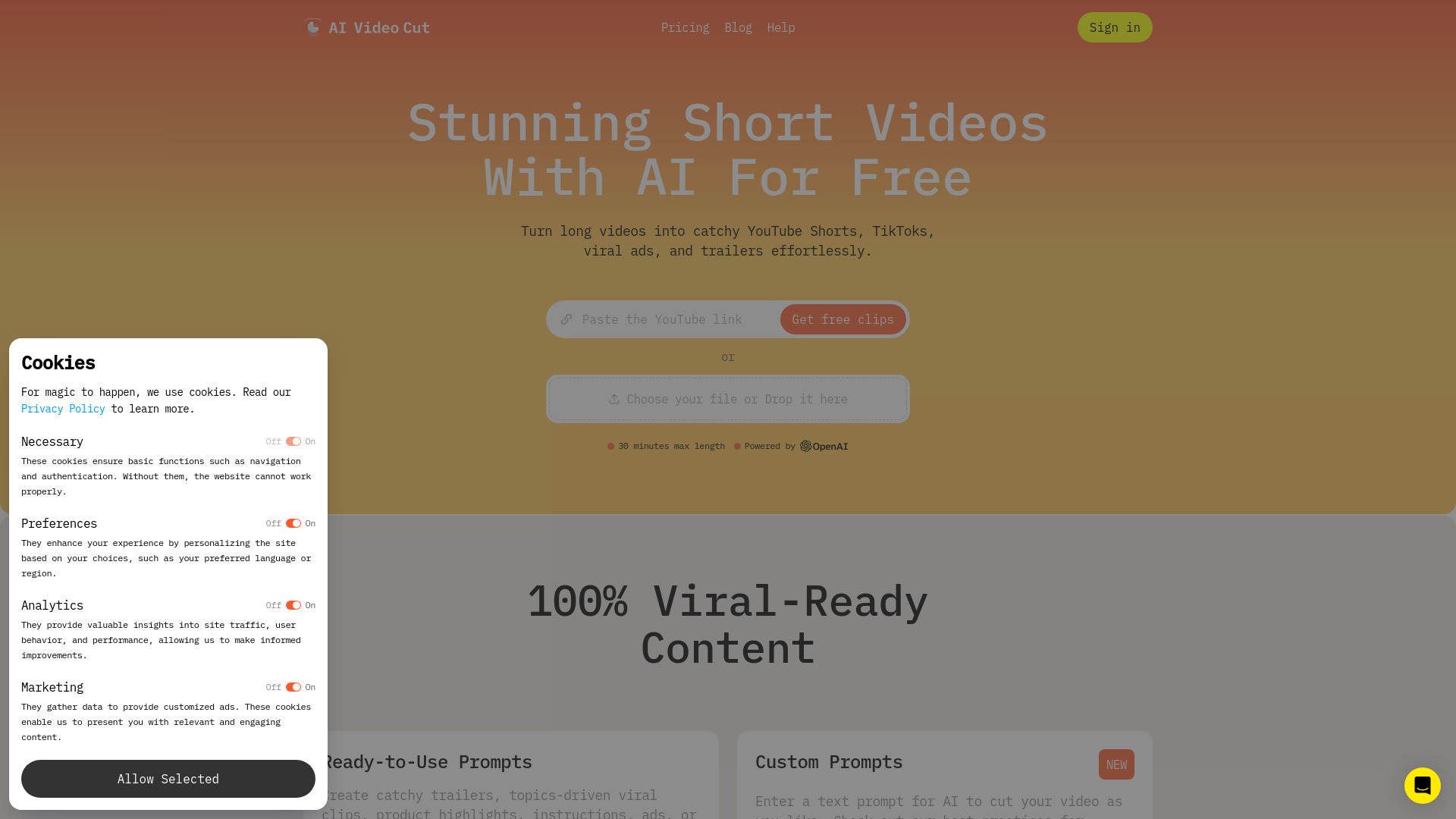
Why it matters AI Video Cut has the clearest fit for teams that already own useful footage but lack the time to edit it repeatedly. Its AI Video Cut workflow, ready-to-use prompts, smart crop, face detection, and speech recognition point toward a practical repurposing loop: upload a long video, identify worthwhile moments, and turn them into short social assets. That makes it the strongest overall match for a marketing team focused on volume rather than elaborate cinematic production.
Best for
Creators and marketers repurposing interviews, webinars, or podcasts
Teams that need short clips with automatic framing and cutting
Ad teams looking for a faster path from source footage to social variations
Limitations
Branded videos and Telegram bot features are still coming soon
The free plan uses a one-time minute allocation and has limited features
Automated selections still deserve a human review before publishing
Shortlist signal: Add AI Video Cut first when your main bottleneck is converting long recordings into consistent short-form clips.
2. AIVideo.com

- YouTubers and broad video production teams
- 10K signup credits for scripts, voiceovers, visuals, and clips
- Starts at Check vendor pricing
- Usage signal: 53.0K
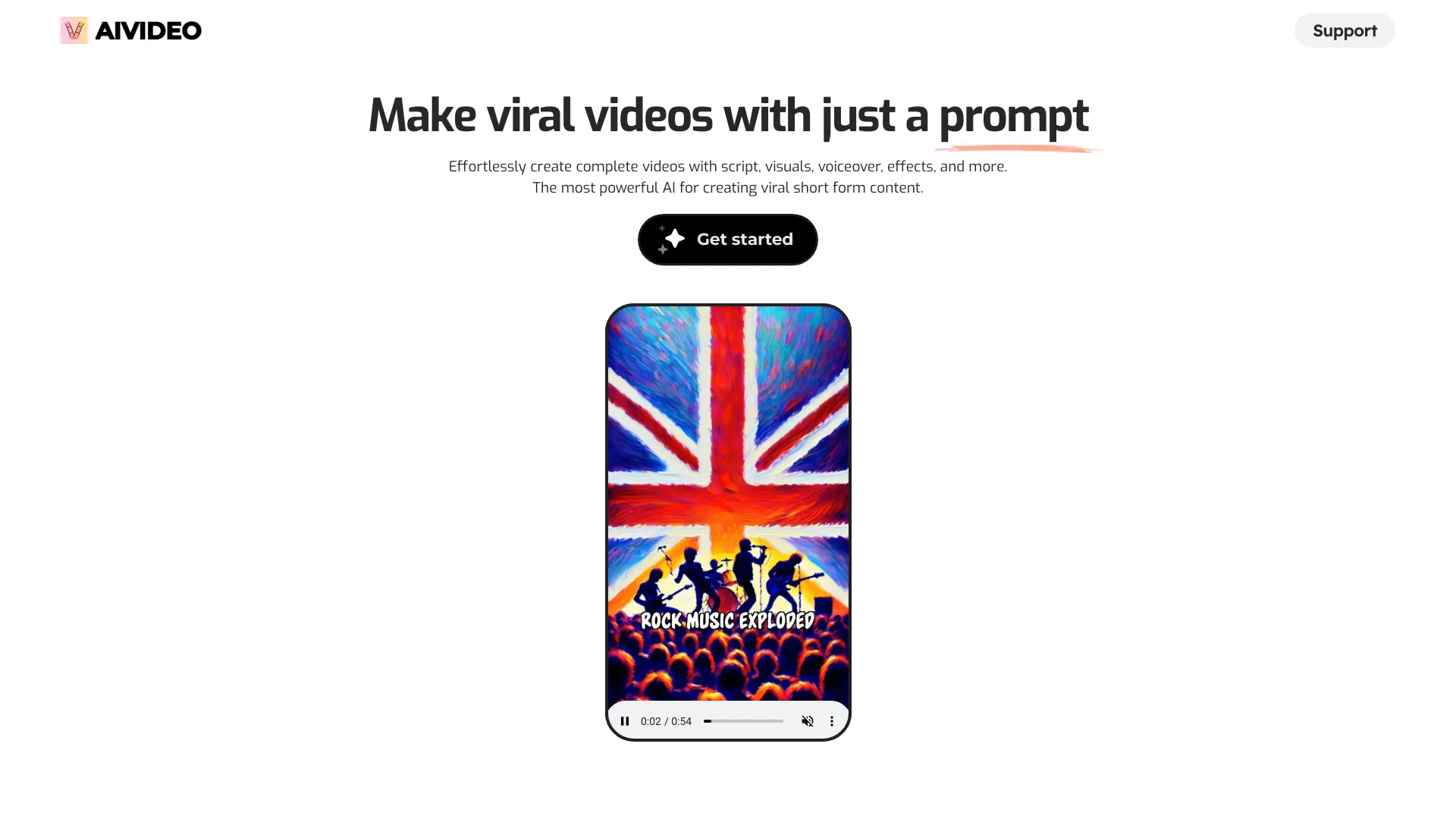
Why it matters AIVideo.com takes a wider view of production than a single-purpose clip cutter. The AI Video Composer can create full videos from simple instructions, while the AI Native Video Editor provides more direct creative control. AI Sound adds voiceovers, effects, and music, giving a marketing team a place to move from concept to assembled video without stitching together several specialist tools. The catch is that the breadth creates a learning curve, and pricing is hidden behind a less direct buying experience.
Best for
YouTubers and marketing teams creating complete videos from briefs
Users who want automation without giving up an editing workspace
Campaigns that need scripts, visuals, audio, and video in one process
Limitations
Pricing information is not readily available on the main page
The broad feature set requires time to learn
Teams should confirm usage economics before building a high-volume workflow
Shortlist signal: Choose AIVideo.com when you need a general production environment rather than only a social clip generator.
3. Slick

- Content creators producing viral-style shorts
- Free trial with AI shorts, trendy captions, and no CC required
- Starts at Check vendor pricing
- Usage signal: 2.4K
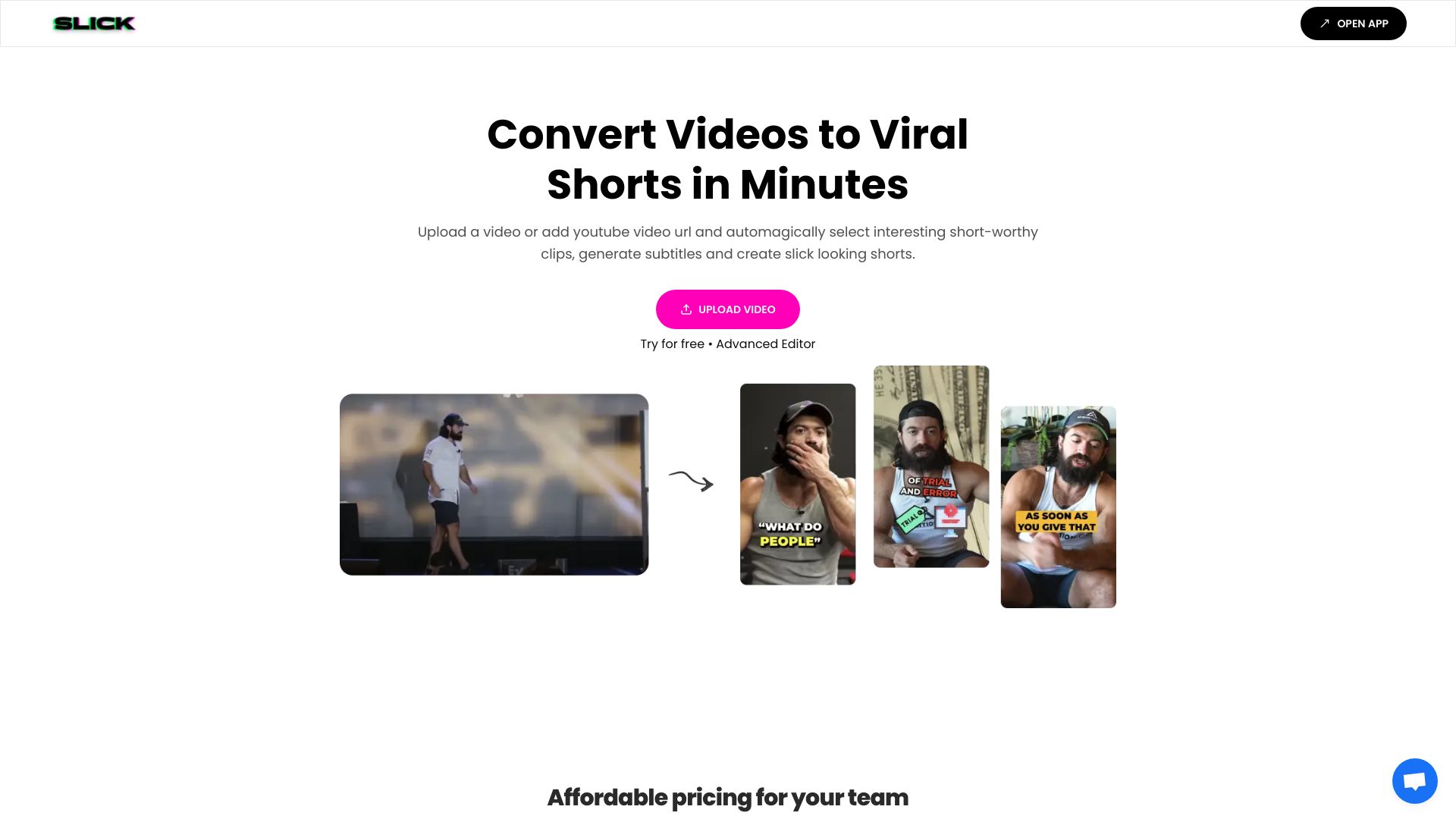
Why it matters Slick focuses on the details that make short-form content feel native to social feeds. AI-powered clip selection gets the edit moving, automatic subtitle generation handles a tedious production step, and trendy captions give the result a more platform-aware finish. Its easy-to-use editor is useful when the first AI pass is close but not quite ready. I would favor it for lean teams that want speed and a little customization, not for editors demanding frame-by-frame control.
Best for
Social creators making caption-heavy short videos
Small marketing teams with frequent publishing schedules
Users who want a fast automated first cut and simple refinements
Limitations
Reliance on AI can reduce creative control over clip selection
Subscription cost may matter for teams producing at scale
The smaller usage signal makes a hands-on trial especially important
Shortlist signal: Put Slick on the list when captions and fast social polish matter more than a deep professional timeline.
4. ClipVideo AI

- Marketers turning text and photos into campaign videos
- Transform photos and text into social content, ads, and stories
- Starts at Basic: €49 /month
- Usage signal: 1.0K
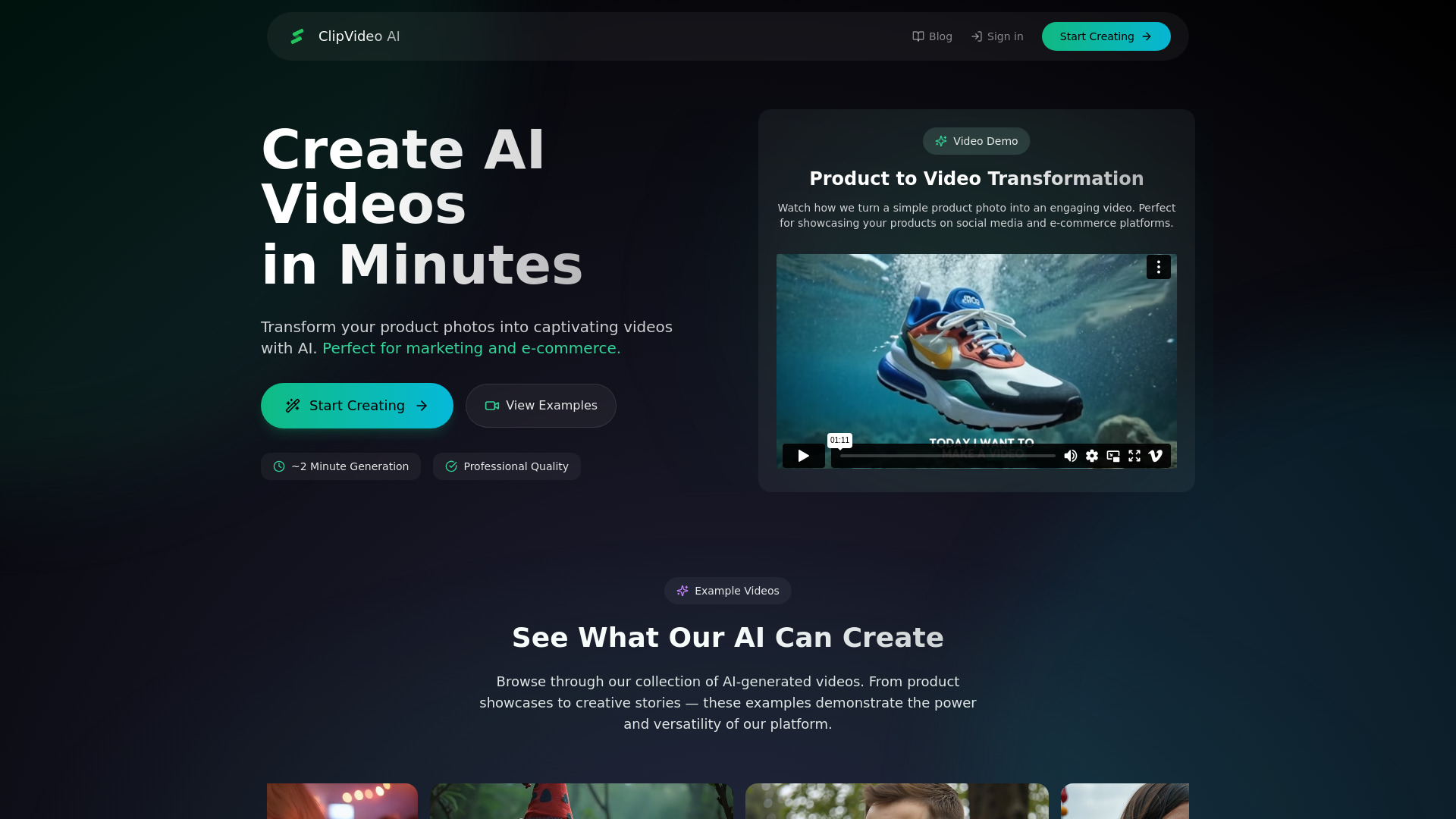
Why it matters ClipVideo AI is built around a straightforward marketing promise: start with text or still images and end with a usable video. Text-to-video generation, photo-to-video transformation, and automated creation make it a natural candidate for social ads, product stories, and campaign concepts where original footage is thin. The interface is positioned for speed, but the Basic plan at €49 per month means teams should validate output quality before committing to a recurring cost.
Best for
Marketers producing social ads from product photos and copy
Teams that need quick story or campaign concepts
Small brands without a large video library
Limitations
Pricing may be a barrier for smaller teams
AI-led generation can limit precise creative control
Review visual consistency carefully when producing multiple variants
Shortlist signal: Choose ClipVideo AI when the starting material is copy and imagery rather than long-form footage.
5. SmartEdit

- Content creators using templates and automatic editing
- 3 uploads with transcription, captions, and Auto B-roll
- Starts at Free edition: $0/Mo
- Usage signal: 111
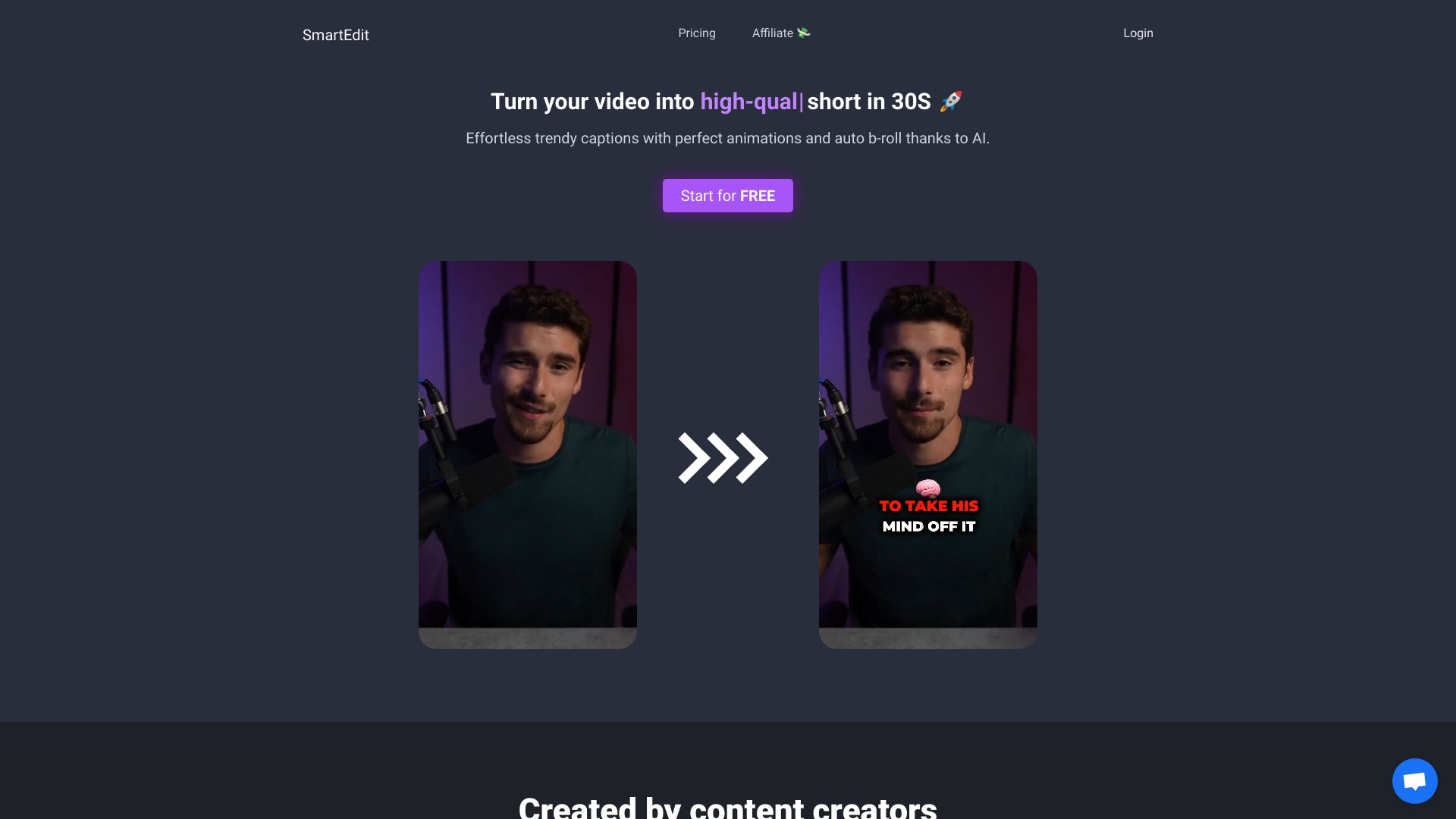
Why it matters SmartEdit combines the repetitive pieces of social editing into a compact workflow: transcription, automatic captions, trendy templates, and Auto B-roll. That mix is useful for teams that want a recognizable short-form style without manually assembling every supporting shot. The free edition lowers the barrier to testing, although upload and video-size limits in lower tiers could become noticeable for a busy marketing department.
Best for
Creators building repeatable caption-and-template formats
Teams that want automatic B-roll alongside subtitles
Early-stage content programs testing a low-cost editor
Limitations
Lower tiers limit uploads and video size
Premiere Pro and DaVinci Resolve export options are restricted to higher tiers
The listed usage signal is very small, so test reliability with real assets
Shortlist signal: Add SmartEdit when your team values repeatable templates and automatic B-roll more than advanced finishing tools.
6. MillionDollar Edit 2.0

- Content creators seeking a speed-focused editing system
- AI editing, 10X faster workflow, and social clip creation
- Starts at Million Dollar Edit 2.0: $125
- Usage signal: Not listed
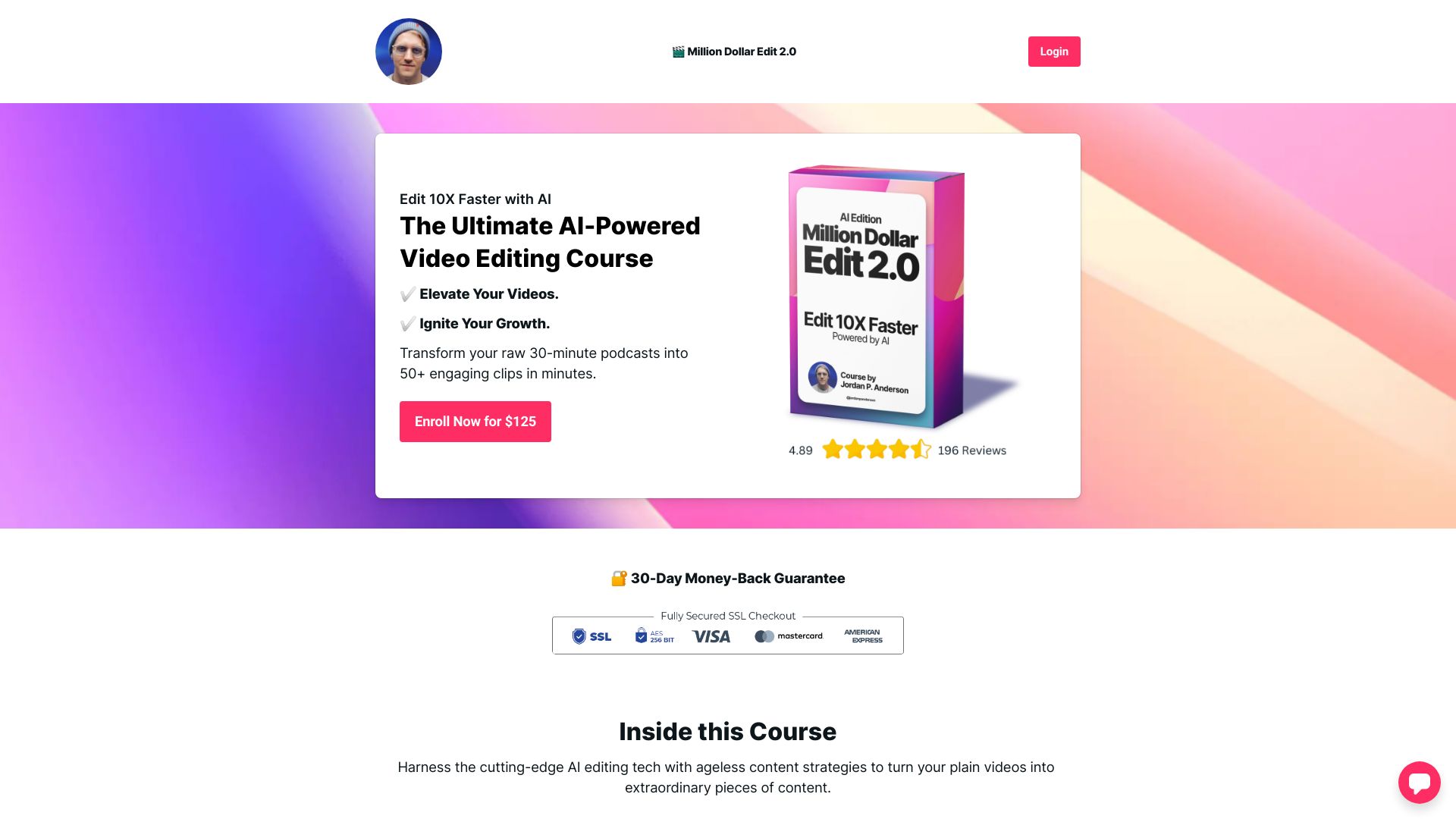
Why it matters MillionDollar Edit 2.0 is aimed at the practical problem of turning raw footage into social content faster. Its AI-powered editing, Sizzler Scripting System, and AI clip generation suggest a guided system for finding and shaping engaging moments rather than a traditional editor designed for maximum technical flexibility. The $125 investment makes it a more deliberate purchase, especially for experienced editors who may prefer their existing tools.
Best for
Content creators who need a structured faster-editing process
Teams focused on social clips rather than long-form finishing
Users comfortable adopting a guided scripting and editing system
Limitations
May not suit experienced video editors who want granular control
Requires a $125 investment
Confirm whether its process fits your existing editing stack before buying
Shortlist signal: Consider it when editing speed and a defined social-content process are worth a fixed $125 commitment.
7. VideoFusion

- Social media managers repurposing content for multiple feeds
- Limited 50 spots; finds hooks and CTAs for short-form video
- Starts at Check vendor pricing
- Usage signal: Not listed
Why it matters VideoFusion is designed around the editorial judgment that matters most in social distribution: finding the hook, the strongest moment, and the call to action. Its AI video analysis and automated repurposing target TikTok, Reels, and YouTube Shorts directly. That makes it appealing for social managers with a large archive to mine, though the stated limited release of 50 spots introduces purchasing urgency and makes availability worth checking before planning around it.
Best for
Social media managers distributing one source across several channels
Teams that need help locating hooks and CTAs
Short-form programs centered on repurposing rather than filming
Limitations
The release is limited to 50 spots as stated on the website
AI recommendations require manual oversight for the best result
Pricing is not presented as a clear starting figure
Shortlist signal: Test VideoFusion when your biggest editorial problem is deciding which moments deserve to become clips.
8. CloudStudio
- Marketing professionals editing video in the browser
- AI editor with background removal and automatic subtitles
- Starts at Check vendor pricing
- Usage signal: Not listed
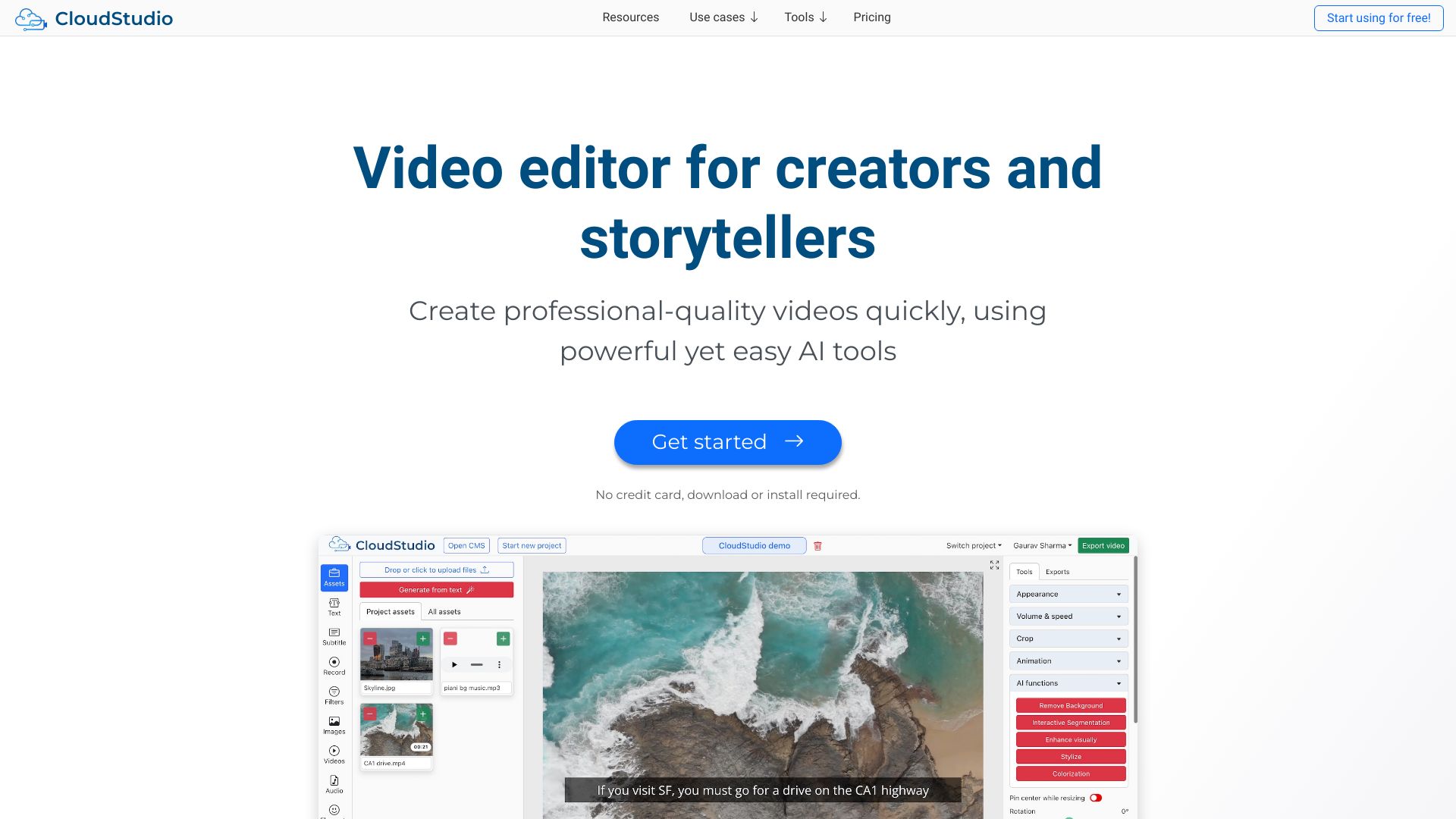
Why it matters CloudStudio keeps the workflow accessible: no download or installation is required, and its AI tools cover editing, background removal, automatic subtitles, and long-to-short clip generation. That combination suits marketing teams working across devices or collaborating without a desktop editing setup. The trade-off is predictable for a browser-first product: internet access is essential, and processing capacity may vary by plan.
Best for
Marketing professionals who want a web-based editor
Distributed teams that avoid local installs
Campaigns moving from long-form footage to captioned clips
Limitations
Requires a reliable internet connection
Processing power may be limited depending on the plan
Pricing should be confirmed before moving a large library into the platform
Shortlist signal: Pick CloudStudio when browser access and low setup friction are more important than an offline desktop workflow.
9. Video AIditor

- AI platforms automating template-based video production
- Unlimited renders with API-driven and template-based generation
- Starts at Check vendor pricing
- Usage signal: Not listed
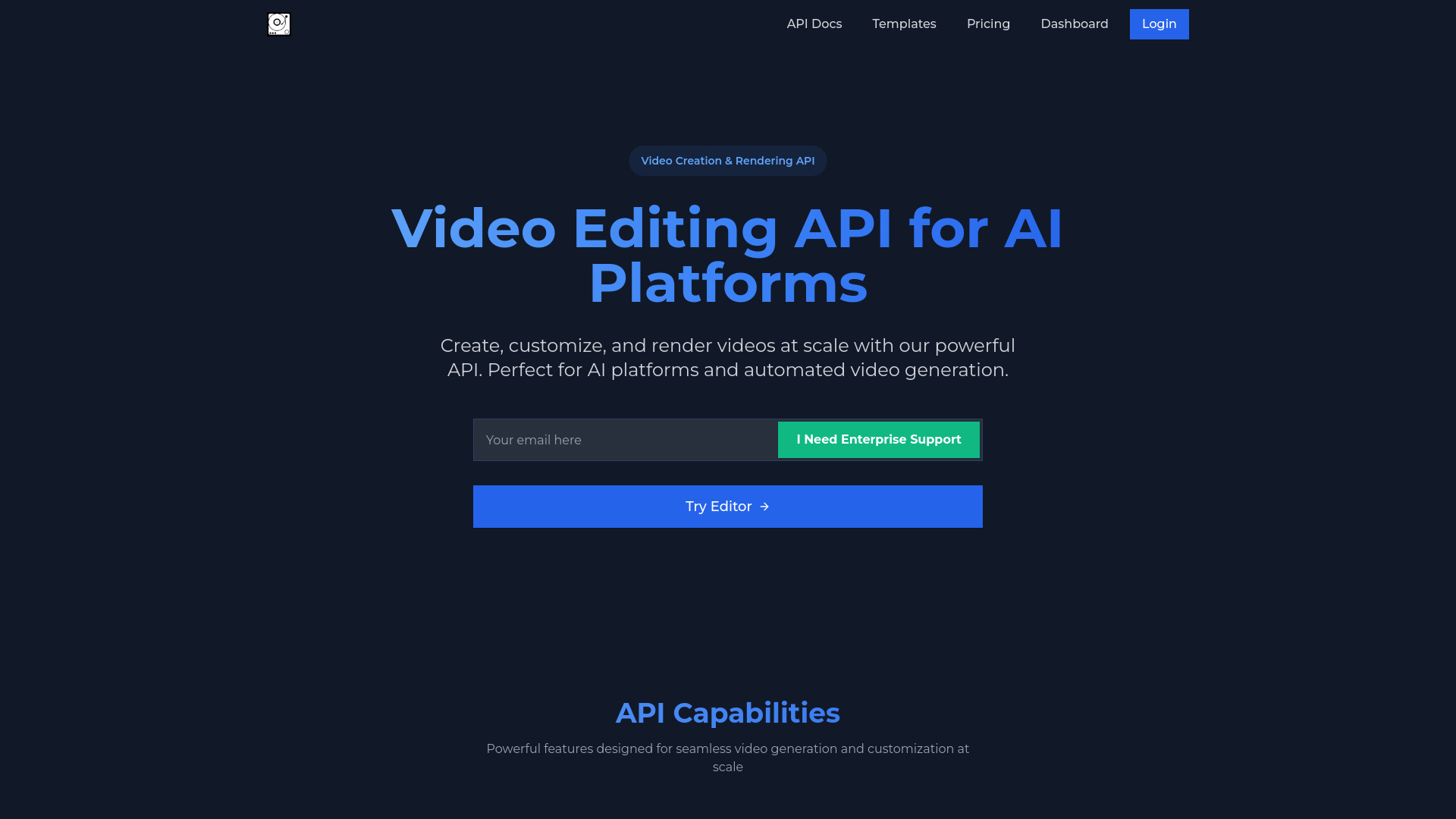
Why it matters Video AIditor stands apart because it treats editing as something a product can automate, not just something an individual creator does in a browser. Its video editing API, template-based generation, browser editor, and auto-caption generation create a useful bridge between programmatic production and manual review. It is the most relevant choice here for AI platforms or teams building repeatable video flows, but the API may require technical knowledge and advanced features are reserved for enterprise plans.
Best for
AI platforms embedding video creation into a product
Developers building repeatable template-driven outputs
Teams that need API automation plus a browser-based editing option
Limitations
Effective API use may require technical expertise
Some advanced features are limited to enterprise plans
Confirm documentation, quotas, and support expectations before integration
Shortlist signal: Choose Video AIditor when video generation needs to become part of a product or repeatable system, not just a one-off edit.
10. Viral Ai Video Maker

- Content creators making fast generated social videos
- AI video generation and 3-minute creation
- Starts at Check vendor pricing
- Usage signal: Not listed
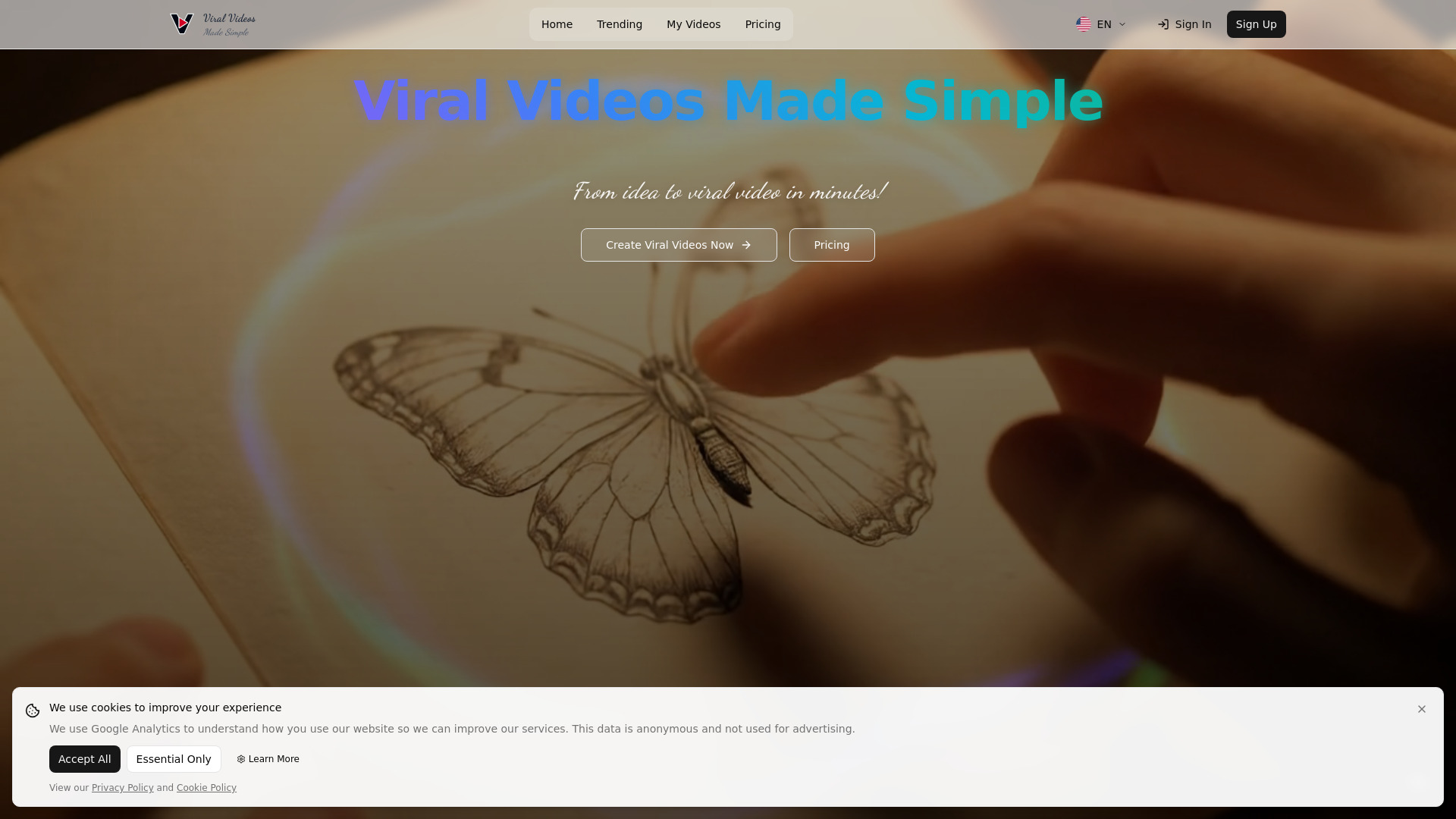
Why it matters Viral Ai Video Maker keeps the proposition simple: generate a video quickly, with support for three-minute creations and one-click ASMR and Magic templates. It may work well for creators who need a fast starting point for social concepts and do not want to assemble a broader production stack. The product claims to be 70% cheaper than the Google API, but pricing details should be verified directly and the generated output still needs a brand-safety and quality check.
Best for
Creators producing quick social experiments
Teams testing generated formats such as ASMR or magic templates
Users who value speed over a deep editing environment
Limitations
Current product fit, pricing, and workflow limits should be checked before committing
Generated videos may need manual brand and quality review
It offers less evidence of a full marketing production workflow than broader editors
Shortlist signal: Use Viral Ai Video Maker as a lightweight experiment when fast generated concepts matter more than extensive editing control.
What to test before choosing
Run the same small test across two or three finalists instead of judging tools from showcase videos. Use one real source asset, one campaign brief, and one target channel.
Input quality: Upload a typical webinar, interview, product demo, or photo set. See whether the tool finds useful moments without excessive cleanup.
Hook selection: Check whether suggested clips have a clear opening in the first few seconds, not merely an interesting middle section.
Captions: Inspect punctuation, speaker changes, timing, and readability on a mobile screen.
Brand control: Test colors, fonts, framing, logo placement, and the ability to correct an awkward AI choice.
Format coverage: Export the aspect ratios and durations your team actually publishes for TikTok, Reels, Shorts, and ads.
Review workflow: Ask how a second person comments, edits, approves, and retrieves the final file.
Economics: Confirm free quotas, render limits, upload limits, plan restrictions, and whether API or premium exports change the cost.
A tool that produces one impressive demo but creates a painful approval process is not a good marketing tool. Measure the time from upload to approved publishable asset.
What to do next
Start with the segment that matches your backlog. For long-form repurposing, trial AI Video Cut alongside VideoFusion. For broader creation, compare AIVideo.com with CloudStudio. For caption-heavy short-form output, use Slick and SmartEdit on the same footage. If your team creates assets from copy and product imagery, test ClipVideo AI before paying for a larger production platform. And if video must be generated inside a product, move Video AIditor to the front of the evaluation.
Keep the first pilot narrow: one source type, one audience, two destinations, and a fixed number of clips. Record editing time, approval changes, caption corrections, and final publish rate. Those measures will tell you more than a feature checklist.
Common mistakes when choosing from a complex top list
Comparing every tool as if it were an editor: Some products repurpose footage, some generate from text, and some provide production infrastructure.
Ignoring the source material: A long-form podcast needs a different workflow from a campaign built from still product images.
Treating an AI first draft as finished content: Automated cuts, captions, and visual choices still need human review.
Skipping the export test: A tool may look good in its editor but fail your aspect ratio, duration, or delivery requirements.
Reading free access as unlimited value: One-time minutes, upload caps, render restrictions, and premium exports can change the economics quickly.
Overlooking the approval process: Marketing teams need comments, revisions, ownership, and predictable handoffs, not just generation.
Choosing by score alone: The highest-ranked tool is not automatically the right choice for an API team, a paid social team, or a creator working alone.
FAQ
AI Video Cut is the strongest overall fit for that workflow because it combines AI cutting, ready-to-use prompts, speech recognition, smart crop, and face detection. VideoFusion is another useful option when identifying hooks and calls to action is the main challenge.