
Finding the right top learning platforms using ai for training takes more than looking for a chatbot with a lesson generator. A student needs a very different experience from a sales team, software group, or operations manager. I compared 10 tools across those jobs, including focused learning products and several useful adjacent alternatives where AI supports assessment, content production, model research, or workplace coaching.
Start here
The shortlist below is the fastest way to narrow the field. Wondering is the clearest fit for individual learning, while Aisa.to is the most practical starting point when you need to measure AI ability before assigning training. SalesTable AI is aimed at sales enablement, and Slidely AI helps trainers turn existing presentation systems into usable learning material. The remaining picks are broader alternatives rather than conventional learning management systems, so read the fit notes carefully.
| If you need... | Start with | Why it stands out |
|---|---|---|
| Personalized self-paced lessons | Wondering | Three-minute AI-generated lessons and goal-based learning paths |
| A skills baseline before training | Aisa.to | Adaptive 20-minute interview, report, and certificate |
| Sales onboarding and coaching | SalesTable AI | AI sales coach, manager, and onboarding workflows |
| On-brand training presentations | Slidely AI | Creates and edits PowerPoint decks from templates |
| Research-led AI tool selection | LLMBoard.ai | Compares model capability, price, speed, and benchmarks |
The practical decision is whether you want a platform that teaches, one that evaluates, or one that helps you produce and operate training content. That distinction matters more than a small difference in score.
Segment comparison
| Segment | Best match | Core workflow | Main trade-off |
|---|---|---|---|
| Personal learning | Wondering | Build short courses around goals and schedule | Course breadth and subscription details need checking |
| Skills assessment | Aisa.to | Conduct a conversational AI interview and issue a report | Requires a continuous 20-minute session |
| Workplace enablement | SalesTable AI | Coach reps and support onboarding | Pricing sits behind a sales process |
| Training content production | Slidely AI | Turn templates and prompts into PowerPoint decks | Free plan has limited creation and editing |
| AI literacy and research | Sup AI | Compare answers through multi-model synthesis | Some model listings and availability may change |
This is a deliberately broad field guide. Loova and Xelta AI are visual production studios, Scrile AI is white-label companion infrastructure, and ML.ai is a coding agent. They are unexpected alternatives for training teams that need to create demonstrations, launch practice environments, or build technical workflows-not direct replacements for a full LMS.
Shortlist paths
| Your situation | Recommended path | What to verify first |
|---|---|---|
| You are learning independently | Wondering, then Sup AI | Lesson quality, response accuracy, and usage limits |
| You are assessing staff capability | Aisa.to | Whether the report maps cleanly to your training plan |
| You are onboarding sales reps | SalesTable AI | Team dashboards, coaching scope, and sales quote |
| You create recurring training decks | Slidely AI, with Loova or Xelta AI for media | Template fidelity, export limits, and data use |
| You teach technical or AI topics | Wondering, Sup AI, and LLMBoard.ai | Citation quality, model freshness, and practical exercises |
A useful buying sequence is to test one tool from the learning layer and one from the measurement or content layer. That reveals whether you have a genuine training workflow or simply a collection of AI utilities.
Ranking snapshot
| Rank | Tool | Best for | Score | Usage signal |
|---|---|---|---|---|
| #1 | Wondering | Students | 92/100 | 74.2K monthly visits |
| #2 | Loova | Content creators | 92/100 | 279.7K monthly visits |
| #3 | Scrile AI | AI startup founders | 92/100 | 98.0K monthly visits |
| #4 | Xelta AI | Content creators | 92/100 | 42.1K monthly visits |
| #5 | Aisa.to | Operations managers | 92/100 | 21.5K monthly visits |
| #6 | Slidely AI | Consultants | 91/100 | 16.8K monthly visits |
| #7 | Sup AI | Students | 90/100 | 780 monthly visits |
| #8 | LLMBoard.ai | AI researchers | 90/100 | 378 monthly visits |
| #9 | SalesTable AI | Sales leaders | 90/100 | 213 monthly visits |
| #10 | ML.ai | Software developers | 88/100 | Usage signal not listed |
The scores are close, but the use cases are not. Treat the rank as a starting point, not permission to buy the highest-scoring product for every department.
How we grouped and ranked the list
I grouped these 10 tools by the job they perform in a training journey: learning, assessment, enablement, content creation, research, and technical practice. Wondering received the strongest category fit because its product is explicitly built around structured, bite-sized, personalized learning. Aisa.to followed closely because its adaptive interview can expose skills gaps before a team spends time designing a curriculum.
The adjacent tools earned their places when they solve a real training problem that traditional course software often leaves to separate products. Slidely AI can create consistent teaching decks from a company template. Loova and Xelta AI can help produce visual demonstrations. Sup AI and LLMBoard.ai support AI literacy and model comparison. Scrile AI and ML.ai are more specialized, but they may matter to teams building custom practice experiences or technical training workflows.
The ranking combines product capability, audience fit, access signals, and purchasing friction. It does not assume that a large traffic number means better instruction, and it does not treat an impressive model count as evidence of curriculum quality.
Ranked field notes
1. Wondering

- Students
- Free AI Foundations Course; personalized paths; 3-minute lessons
- Starts at Check vendor pricing
- Usage signal: 74.2K
Why it matters
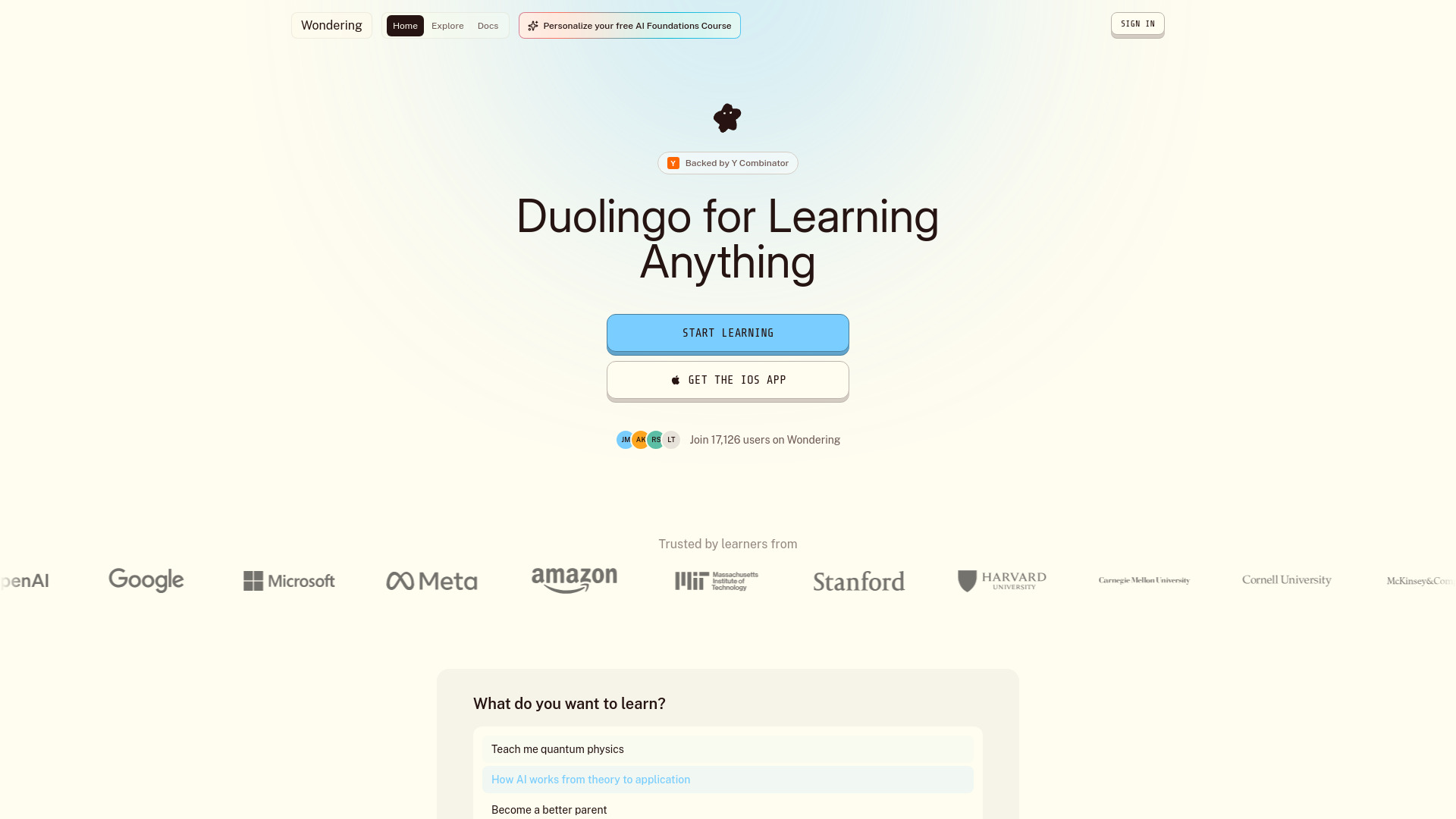
Wondering is the strongest direct fit for people who want an AI learning platform rather than a general-purpose AI workspace. Its courses are generated in a structured format, then broken into lessons designed to take about three minutes. That small time commitment is important: it makes the product easier to use between classes, during commutes, or in short study blocks. Personalized paths based on goals, schedule, and focus areas give it a clearer learning loop than a blank chat window. The catch is that you will want to inspect actual course quality and live subscription terms before relying on it for a serious curriculum.
Best for
Students building a flexible self-study routine
Learners who prefer short lessons over long lectures
People who want a learning path shaped around a specific goal or schedule
Limitations
Subscription prices and plan details require verification with the vendor
The breadth and quality of courses beyond the highlighted examples are not clear
It may not provide the administration and reporting a large training department expects
Shortlist signal: Add Wondering first when personalized, bite-sized learning matters more than enterprise administration.
2. Loova

- Content creators
- 10 credits; AI image and video generator; viral effects
- Starts at Lite: $15
- Usage signal: 279.7K

Why it matters
Loova is not a course platform, but it is a practical adjacent choice for trainers who need visual material quickly. Image-to-video, text-to-video, and video-to-video workflows can support scenario demonstrations, explainers, or short social-learning assets. It also brings multiple AI models into one interface, which may reduce tool switching for a small content team. The economics are credit-based, however, and the free plan includes limited credits and watermarked exports. That makes it better suited to prototyping and asset production than to managing learner progress.
Best for
Content creators producing visual training examples
Small teams testing video-based lessons or demonstrations
Trainers who need image and video generation in one workspace
Limitations
Free access is limited and exports are watermarked
Advanced AI models are restricted to higher paid tiers
Credits can make high-volume training content more expensive to forecast
Shortlist signal: Choose Loova when your training bottleneck is producing visual assets, not tracking course completion.
3. Scrile AI

- AI startup founders
- White-label platform; chat memory; multimodal features
- Starts at Monthly: $299 per month
- Usage signal: 98.0K
Why it matters
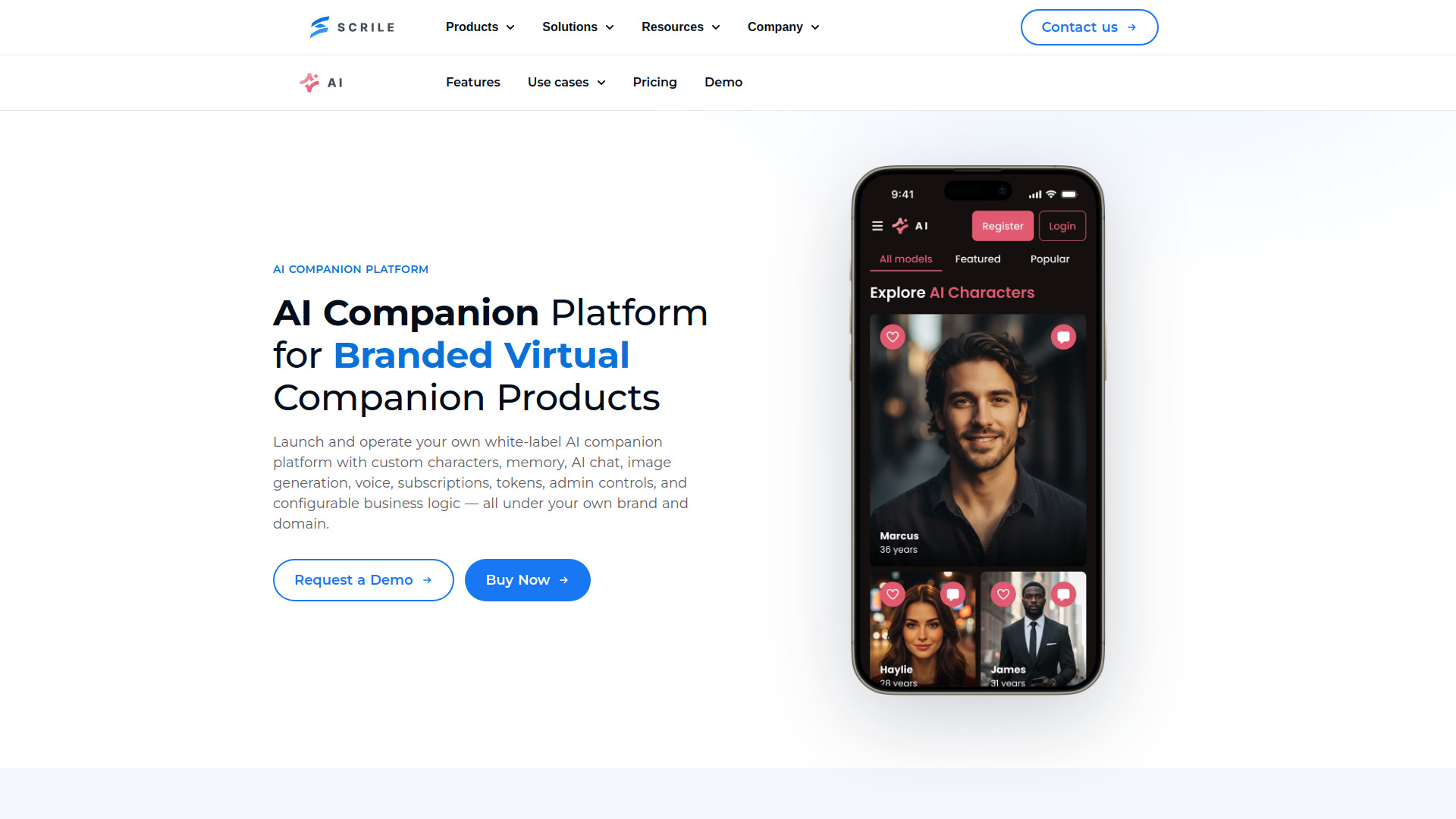
Scrile AI belongs on this list for a narrower reason: it can provide the infrastructure for a branded conversational practice product. Custom AI companion profiles, personalities, roles, stories, message history, and ongoing context could support coaching simulations or role-play experiences. The white-label branding and custom domain are useful if you are launching a paid training service rather than buying internal software. At $299 per month before any usage considerations, it is a build-and-monetize option, not a casual classroom tool.
Best for
Founders creating branded AI coaching or practice products
Teams designing role-play around custom personas and scenarios
Businesses that need administration and monetization in one platform
Limitations
The listed price is substantial for an experiment or small internal pilot
Fixed text and image quotas may lead to overage charges
It requires more product design work than a ready-made course platform
Shortlist signal: Add Scrile AI only when you need to launch a branded conversational training experience of your own.
4. Xelta AI

- Content creators
- All-in-one AI content creation; images, video, audio, and ads
- Starts at Check vendor pricing
- Usage signal: 42.1K
Why it matters
Xelta AI is a broader visual studio for training teams that need more than slides. It combines image, video, audio, editing, advertising, storytelling, and access to more than 100 AI models. That range could be useful for producing a course trailer, a visual scenario, a narrated explainer, or a set of campaign assets around a learning program. It is less compelling if you need assessments, learner records, or a coherent instructional sequence. Credit limits and monthly image and video caps also make production planning essential.
Best for
Creative teams producing mixed-format learning content
Trainers experimenting with stories, trailers, comics, or microdramas
Agencies supporting several training clients with different visual styles
Limitations
Credit-based usage may become costly at high volume
Monthly plans impose image and video generation limits
The breadth of tools can create workflow sprawl without a clear content plan
Shortlist signal: Pick Xelta AI when a training program needs a flexible media studio rather than a learner management system.
5. Aisa.to

- Operations managers
- Free AI skills test and certificate; 20-minute interview
- Starts at Check vendor pricing
- Usage signal: 21.5K
Why it matters
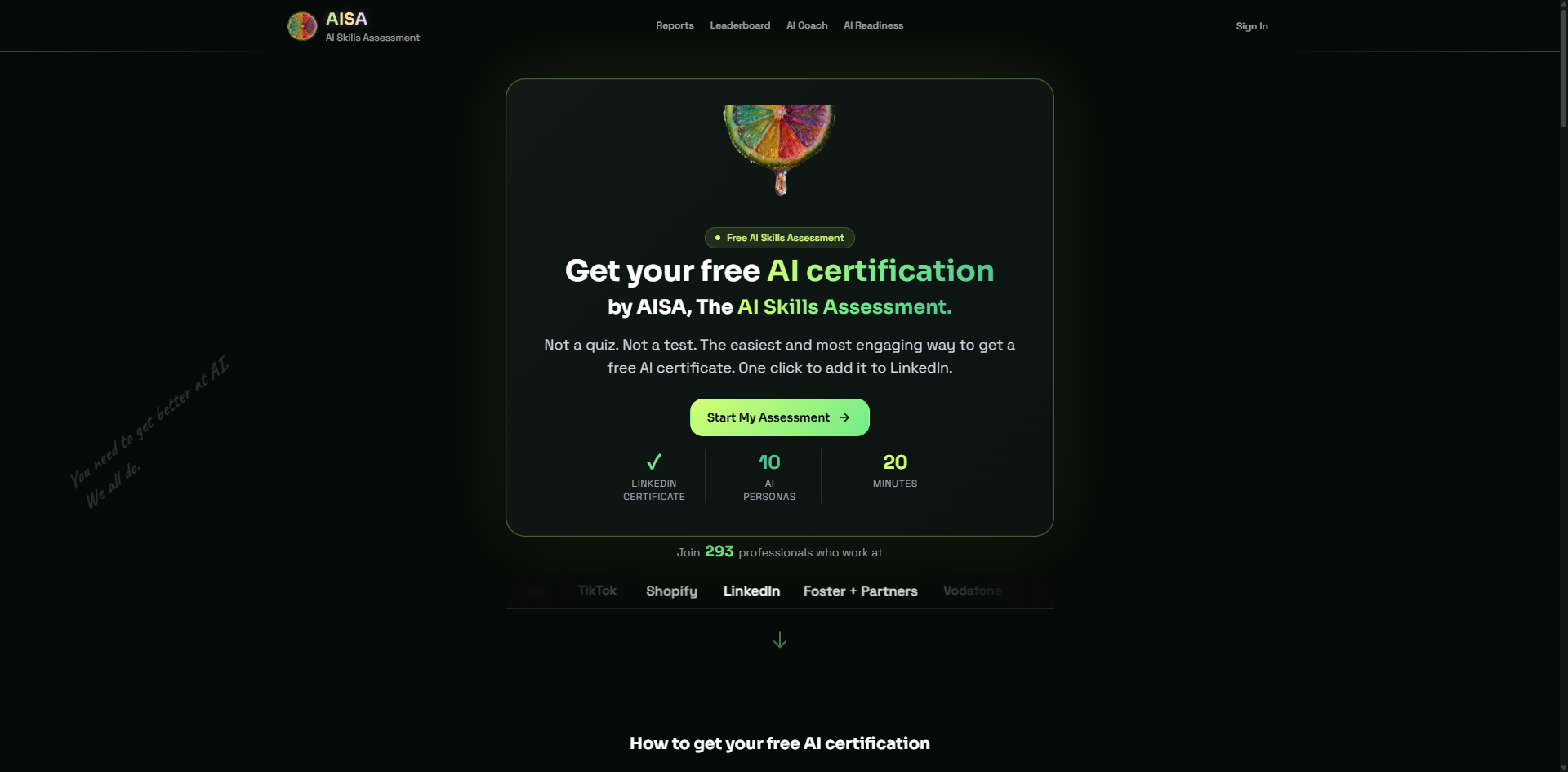
Aisa.to tackles the part of training that teams often skip: establishing a credible baseline. Instead of a static multiple-choice quiz, it uses a 20-minute conversational AI interview and evaluates performance across five dimensions and 11 criteria. The resulting skills report includes a prioritized learning plan and one of 10 AI personas, while the certificate is designed to be verifiable on LinkedIn. That makes it especially useful before an AI upskilling initiative. It is an assessment layer, though, so you may still need a separate tool to deliver lessons and manage a cohort.
Best for
Operations managers measuring AI readiness across a team
Individuals who want a report before choosing what to study
Organizations that need a shareable skills credential
Limitations
The assessment requires a continuous 20-minute commitment
Advanced team dashboards or workplace readiness features may require a vendor conversation
It evaluates skills but does not replace a complete learning delivery system
Shortlist signal: Start with Aisa.to when you need to identify the training gap before buying or assigning courses.
6. Slidely AI

- Consultants
- Signup credits with no expiry; on-brand PowerPoint creation
- Starts at Free: $0
- Usage signal: 16.8K

Why it matters
Training material often lives in PowerPoint, and Slidely AI understands that reality. It can generate or redesign slides, extract fonts, colors, layouts, logos, and other design elements from company templates, then accept natural-language edits for formatting, content, and visuals. That makes it a useful bridge between subject-matter expertise and a consistent training deck. The free plan is enough to test the workflow, but its creation and editing limits matter for recurring programs. Also review the data-use language before uploading sensitive internal material.
Best for
Consultants and instructional designers creating repeatable decks
Teams with an established brand template or design system
Trainers who want to edit existing PowerPoint files through prompts
Limitations
The free plan limits deck creation and editing
The free plan states that user data may be used for AI training
It improves presentation production, not learner assessment or course administration
Shortlist signal: Choose Slidely AI when your immediate training problem is turning expertise into consistent, editable PowerPoint content.
7. Sup AI

- Students
- 50 fast, 10 thinking, 2 deep-thinking messages daily
- Starts at Free: $0/month
- Usage signal: 780
Why it matters
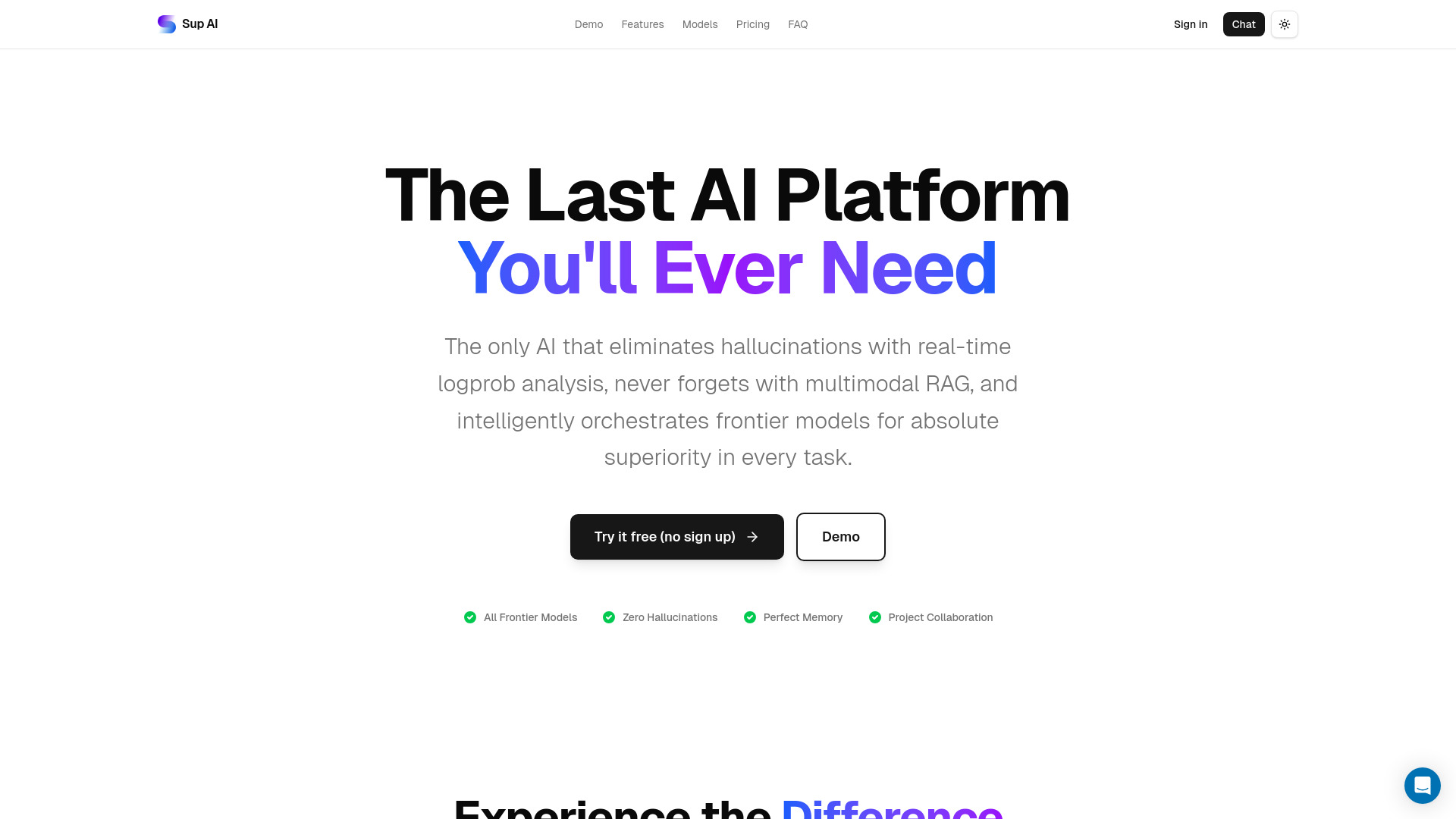
Sup AI is a study companion for learners who want more deliberate answers than a single-model chat can provide. Its Pro Mode has nine frontier models collaborate through orchestration, while logprob confidence scoring and K-Min Token Hedge are designed to surface uncertainty and filter low-confidence responses. That can be valuable for research-heavy study, explanations, and comparing approaches to a difficult question. The trade-off is complexity and changing model availability: some listed models may be deprecated, and GPT-5 Pro requests can take minutes on difficult tasks.
Best for
Students researching complex topics
Learners who want model comparison and confidence signals
Study workflows where response verification matters
Limitations
It is an AI study workspace, not a structured curriculum platform
Listed model availability can change over time
Deep reasoning modes may be slower for time-sensitive work
Shortlist signal: Add Sup AI when your learners need a research companion and verification layer alongside structured lessons.
8. LLMBoard.ai

- AI researchers
- Compare model capabilities, pricing, and benchmark rankings
- Starts at Check vendor pricing
- Usage signal: 378
Why it matters
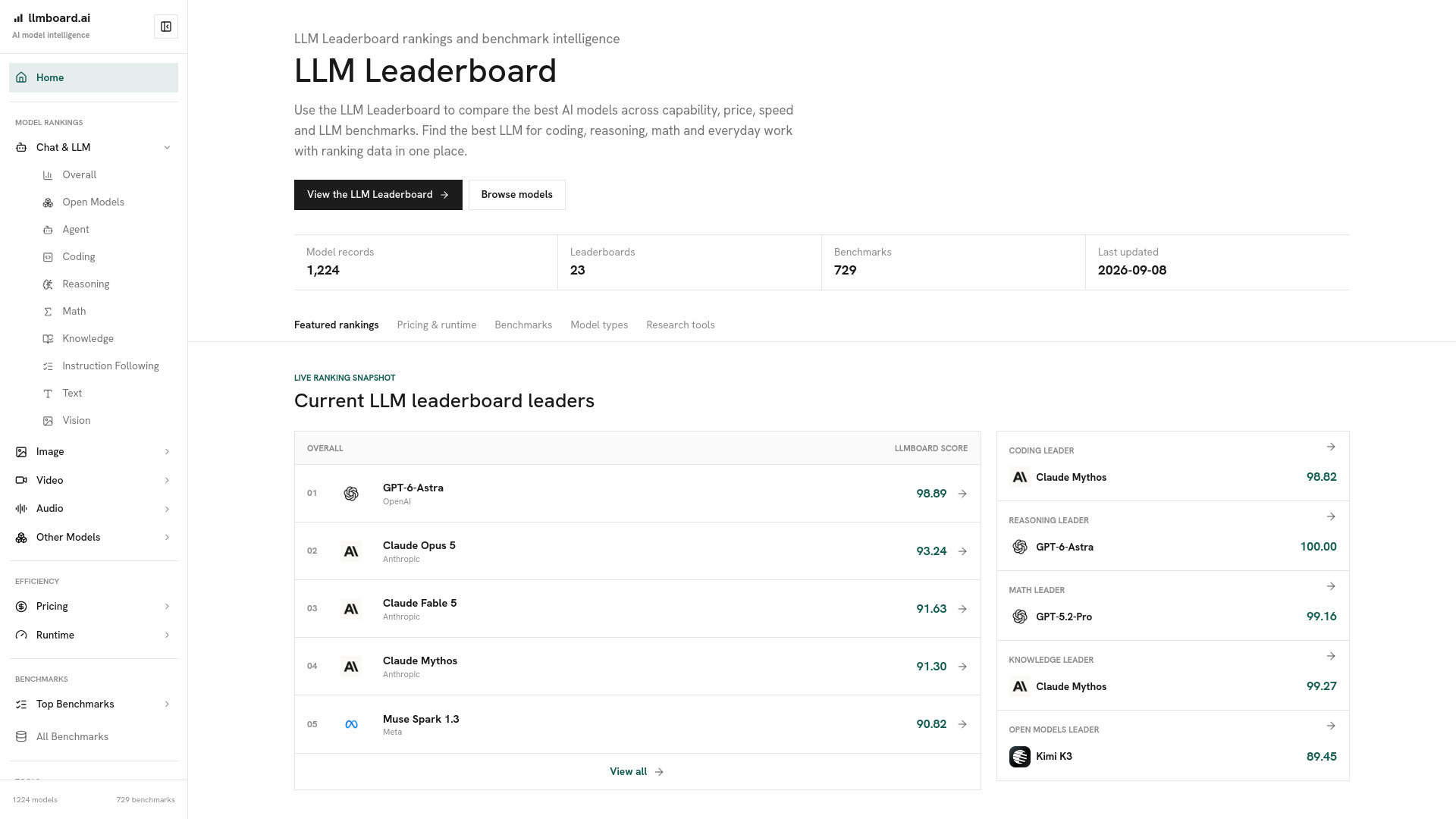
LLMBoard.ai is an unusually useful adjunct for AI training because it gives learners something concrete to compare. Its rankings cover coding, reasoning, mathematics, knowledge, instruction following, and other capabilities, alongside official pricing, runtime speed, latency, provider reliability, and benchmark coverage. That makes it suitable for lessons about model selection, evaluation, and AI economics. It should not be treated as an absolute answer: leaderboard scores may not predict performance for a specific workflow, and model pricing and rankings change as providers update their systems.
Best for
AI researchers and technical educators
Teams teaching model evaluation or procurement
Learners comparing capability, cost, speed, and reliability
Limitations
Benchmarks do not represent every individual use case
Rankings and provider pricing can change quickly
It supports research and comparison rather than lesson delivery
Shortlist signal: Use LLMBoard.ai when AI training includes choosing, testing, or explaining language models.
9. SalesTable AI

- Sales leaders
- Free access not listed
- Starts at Check vendor pricing
- Usage signal: 213

Why it matters
SalesTable AI is the most focused workplace training option in the group. Its AI Sales Coach and AI Sales Manager provide continuous guidance, while sales onboarding and coaching workflows target the ramp-up problem directly. The product is positioned to help sales representatives get answers and support without waiting for a manager, and its stated outcome is up to 50% faster ramp-up. That claim should be tested against your own team and process. Pricing is hidden behind sales, and there is no explicitly listed free tier or trial, so a buying conversation is part of the evaluation.
Best for
Sales leaders building structured onboarding
Teams that need always-available coaching support
Organizations measuring ramp-up and rep readiness
Limitations
Pricing requires contacting sales
No explicit free trial or free tier is listed
It is specialized for sales rather than general employee learning
Shortlist signal: Shortlist SalesTable AI when sales onboarding and ongoing rep coaching are the central training use case.
10. ML.ai

- Software developers
- End-to-end coding tasks; reviewable diffs; tested pull requests
- Starts at Check vendor pricing
- Usage signal: Usage signal not listed
Why it matters
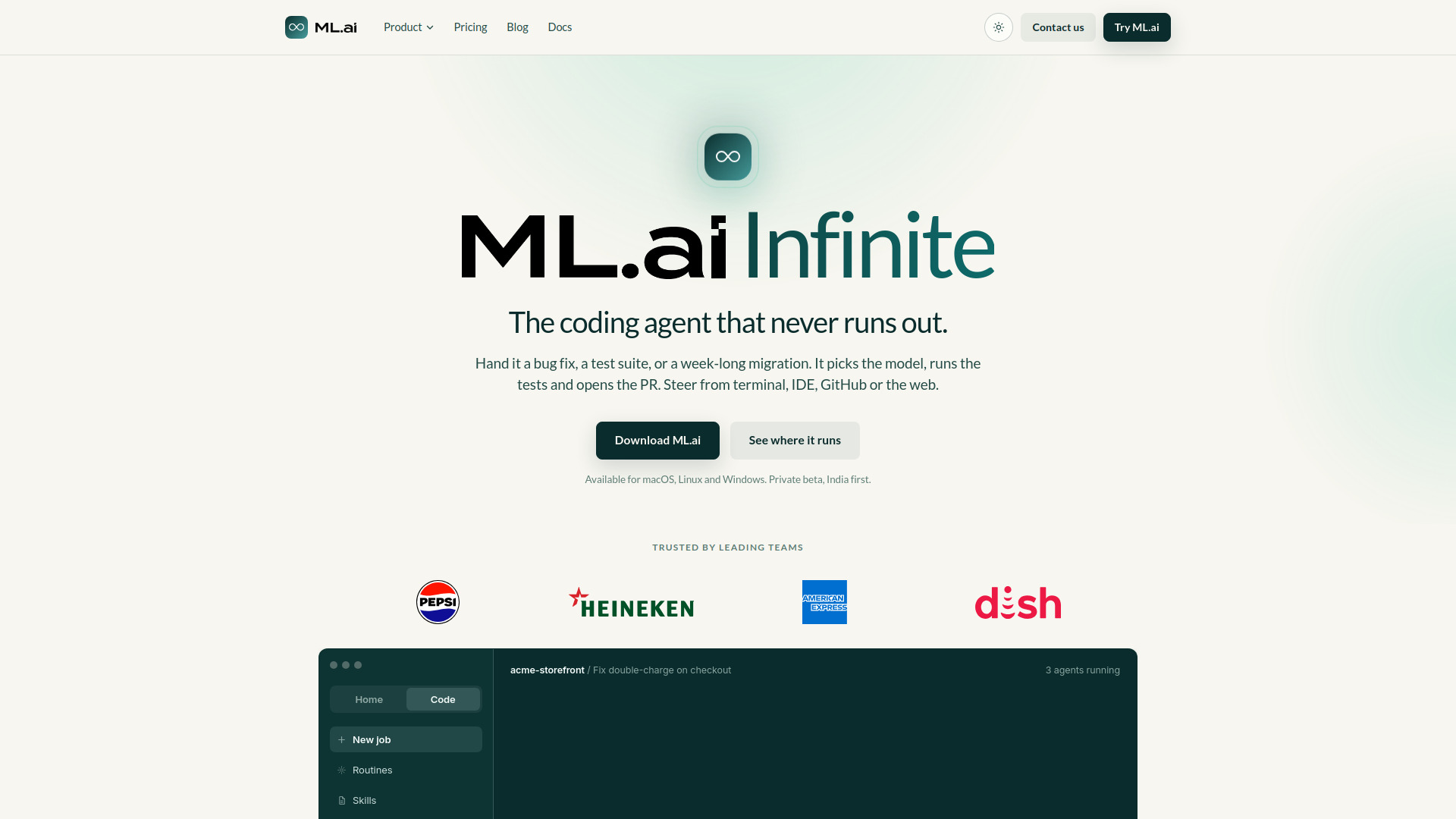
ML.ai is the furthest from a conventional learning platform, but it has a legitimate place in technical training. Its IDE extension, desktop app, PR Reviewer, and CLI share one engine, settings, and repository memory. Four focused agents handle exploration, architecture, planning, and general work, while only the General agent can change code. Cost-aware model routing and reviewable diffs create an environment where developers can inspect, test, and approve AI-generated work-useful for hands-on practice and code review training. The product is described as private beta and India first, so access and pricing need careful confirmation.
Best for
Developers learning AI-assisted software workflows
Engineering teams practicing reviewable agent collaboration
Technical trainers using real repositories for applied exercises
Limitations
It is described as a private beta, India first
Private-beta pricing may change at general availability
It is not designed for course sequencing, learner records, or general training audiences
Shortlist signal: Choose ML.ai only when technical practice with code, tests, diffs, and pull requests is the training objective.
What to test before choosing
Run a small, realistic pilot rather than judging these tools from a feature list. Give each candidate the same training objective and measure the work around it.
Instruction quality: Ask Wondering, Sup AI, or another learning aid to explain a topic at beginner, intermediate, and advanced levels. Check whether the explanations remain accurate and useful.
Assessment usefulness: Complete the Aisa.to interview and ask whether its report leads to a training action you would actually take.
Content production time: Use Slidely AI to turn a real outline into a deck. Check template fidelity, editing effort, and export quality.
Media economics: Produce one short visual asset in Loova or Xelta AI, then calculate the credits and review time required for ten assets.
Privacy and governance: Review data-use language before uploading employee records, confidential decks, customer examples, or source code.
Operational fit: Confirm whether the product provides the reporting, cohort controls, exports, domains, or administrative permissions your team needs.
Live pricing: Verify quotas, overages, model availability, and renewal terms directly with the vendor. Several products here use credits or sales-led pricing.
The most revealing test is usually not whether the AI can produce a good first draft. It is how much human cleanup, fact-checking, and administration remains after the draft arrives.
What to do next
Start by naming the training job in one sentence: teach a new concept, measure current ability, coach a role, produce learning content, or provide technical practice. Then select one primary tool and one supporting tool. For example, Wondering plus Aisa.to covers learning and measurement, while SalesTable AI plus Slidely AI covers sales enablement and presentation production.
For an individual learner, begin with the free access available from Wondering, Sup AI, or Aisa.to and record whether the output changes what you study next. For a department, run a small cohort with a defined baseline and a measurable follow-up. For a product team, treat Scrile AI, Loova, Xelta AI, or ML.ai as infrastructure or production alternatives-not as replacements for curriculum design.
Common mistakes when choosing from a complex top list
Confusing an AI utility with a learning platform: A video generator can support a course without teaching, assessing, or managing learners.
Buying for the loudest feature: More models, effects, or generation modes do not automatically produce better instruction.
Ignoring the assessment layer: Without a baseline, teams often assign generic training and cannot tell whether it worked.
Skipping the data review: Uploaded decks, learner responses, prompts, and source code may have different privacy implications.
Treating free access as a complete plan: Credits, watermarks, daily message caps, and limited editing can change the real cost quickly.
Overlooking workflow friction: A polished demo is less important than whether staff can create, review, publish, and update material repeatedly.
Assuming rank equals fit: Wondering ranks first for direct learning fit; it is not automatically the best choice for sales coaching or developer practice.
FAQ
Wondering is the clearest overall match for individual students because it combines AI-generated structured courses, three-minute lessons, and personalized paths based on goals, schedule, and focus areas. Sup AI is a stronger adjacent choice when the student needs deeper research, model comparison, or confidence signals rather than a pre-structured course.