
Generative AI is no longer one product category with one obvious winner. The top competitors in generative ai now range from open-source video engines and all-in-one media workspaces to text-to-3D tools and persistent virtual worlds. We compared 10 tools to make that spread easier to navigate, focusing on what each one actually helps you produce, how much free access you get, and where its workflow still needs supervision.
Start here
The quickest way to narrow the list is to choose the output you need first. LTX-2 AI is the strongest broad recommendation for creators who want open deployment, 4K video, and synchronized audio. Photogenerator AI and MixVio AI make more sense when you want several media types in one browser workspace. For a studio building interactive environments, AI World Generator is the more specialized choice; ModelGenerator is the focused option for exportable 3D assets.
Best overall match: LTX-2 AI for open-source 4K video with native audio synchronization.
Best all-in-one creator suite: Photogenerator AI for image, video, audio, and virtual-character work.
Best for interactive 3D worlds: AI World Generator for real-time spaces with short-term persistent memory.
Best for consistent multi-shot video: SeedanceGen AI for reference-heavy cinematic sequences.
Best for virtual influencer content: ai influencer generator for reusable characters across photos and short videos.
Best for 3D asset creation: ModelGenerator for text- or image-driven GLB exports.
The important distinction is that these are not interchangeable chatbots. Several are broader visual studios, while others are purpose-built engines. That makes capability fit more important than a one-number score.
Segment comparison
| Segment | Strongest fit | What it does well | Main trade-off |
|---|---|---|---|
| Open video generation | LTX-2 AI | Local deployment, 4K output, synchronized audio | Clips are limited to 20 seconds per generation |
| Multi-media creation | Photogenerator AI | Images, video, audio, face work, and upscaling | Free plan has only 10 credits per month |
| Interactive world building | AI World Generator | Explorable worlds, world memory, promptable events | Long sessions can drift and action space is constrained |
| 3D asset generation | ModelGenerator | Text/image-to-3D with textured GLB exports | Production meshes may need refinement |
| Social character content | ai influencer generator | Reusable identities for photos and short clips | Image and video creation consumes credits |
This split also explains why a lower-ranked tool can be the better purchase. A game developer should not pick a general creator suite simply because it has more generators, and a social creator may not benefit from a local video deployment workflow.
Shortlist paths
| Your priority | Start with | Why |
|---|---|---|
| Maximum control and local deployment | LTX-2 AI | Apache 2.0 licensing, local use, ComfyUI support, and high-resolution output |
| Fast experimentation across media | Photogenerator AI | One workspace covers image, video, audio, and virtual characters |
| Reusable social persona | ai influencer generator | Keeps a character identity consistent across supported formats |
| Reference-led video storytelling | SeedanceGen AI | Accepts multiple images, videos, and audio files as creative references |
| Low-friction free testing | Free AI Image & Video Generator | Guest access includes three free images and one free video daily |
For teams, I would test two paths in parallel: the tool that matches your target output and the tool that minimizes production friction. A technically impressive model can lose quickly if every usable result requires extensive cleanup, stitching, or credit management.
Ranking snapshot
| Rank | Tool | Score | Best for | Starting price |
|---|---|---|---|---|
| #1 | LTX-2 AI | 92/100 | Content creators | Basic: $10/month |
| #2 | Photogenerator AI | 92/100 | Photographers | Free: $0/month |
| #3 | AI World Generator | 92/100 | Game studios | Free: $0/month |
| #4 | SeedanceGen AI | 91/100 | Creators | Basic: $9.9/month |
| #5 | ai influencer generator | 91/100 | Solo creators | Starter: $15.83/month annually |
| Rank | Tool | Score | Best for | Starting price |
|---|---|---|---|---|
| #6 | Flux 3 AI - Image and Video Generator | 91/100 | Content creators | Basic: $13.9/month |
| #7 | Generor | 91/100 | Content creators | Basic: $15 |
| #8 | Free AI Image & Video Generator | 91/100 | Content creators | Basic Monthly: $19/month |
| #9 | MixVio AI | 91/100 | Content creators | Free: $0 |
| #10 | ModelGenerator | 88/100 | Game developers | Check vendor pricing |
The close scores from ranks four through nine are a signal, not a mistake: these products serve adjacent jobs. Their practical order changes depending on whether you value character continuity, model variety, guest access, or a single workspace for sound and visuals.
How we grouped and ranked the list
We grouped the 10 generative AI competitors by their primary production job rather than treating every generator as a generic prompt box. The groups include video engines, multi-modal studios, interactive 3D environments, social-character tools, general generator hubs, and 3D asset platforms.
The ranking weighs four things. First is feature depth: whether the core workflow goes beyond basic text-to-output generation. Second is audience fit: a focused tool can outrank a broader platform when it solves one demanding job well. Third is access and economics, including free credits, daily quotas, and clearly stated entry pricing. Fourth is workflow risk, such as short clip limits, expiring credits, drifting world memory, watermarks, or the need for mesh cleanup.
Market signals provide useful context, but they do not decide the ranking by themselves. A tool with 45,147 monthly visits can still be a poor fit for a 3D pipeline, while a smaller specialist may be exactly what a production team needs. Scores therefore indicate shortlist strength, not guaranteed output quality for every prompt.
Ranked field notes
1. LTX-2 AI

- Content creators seeking open-source video production
- Free credits daily; open-source 4K video and audio sync
- Starts at Basic: $10/month
- Usage signal: 45.1K
Why it matters
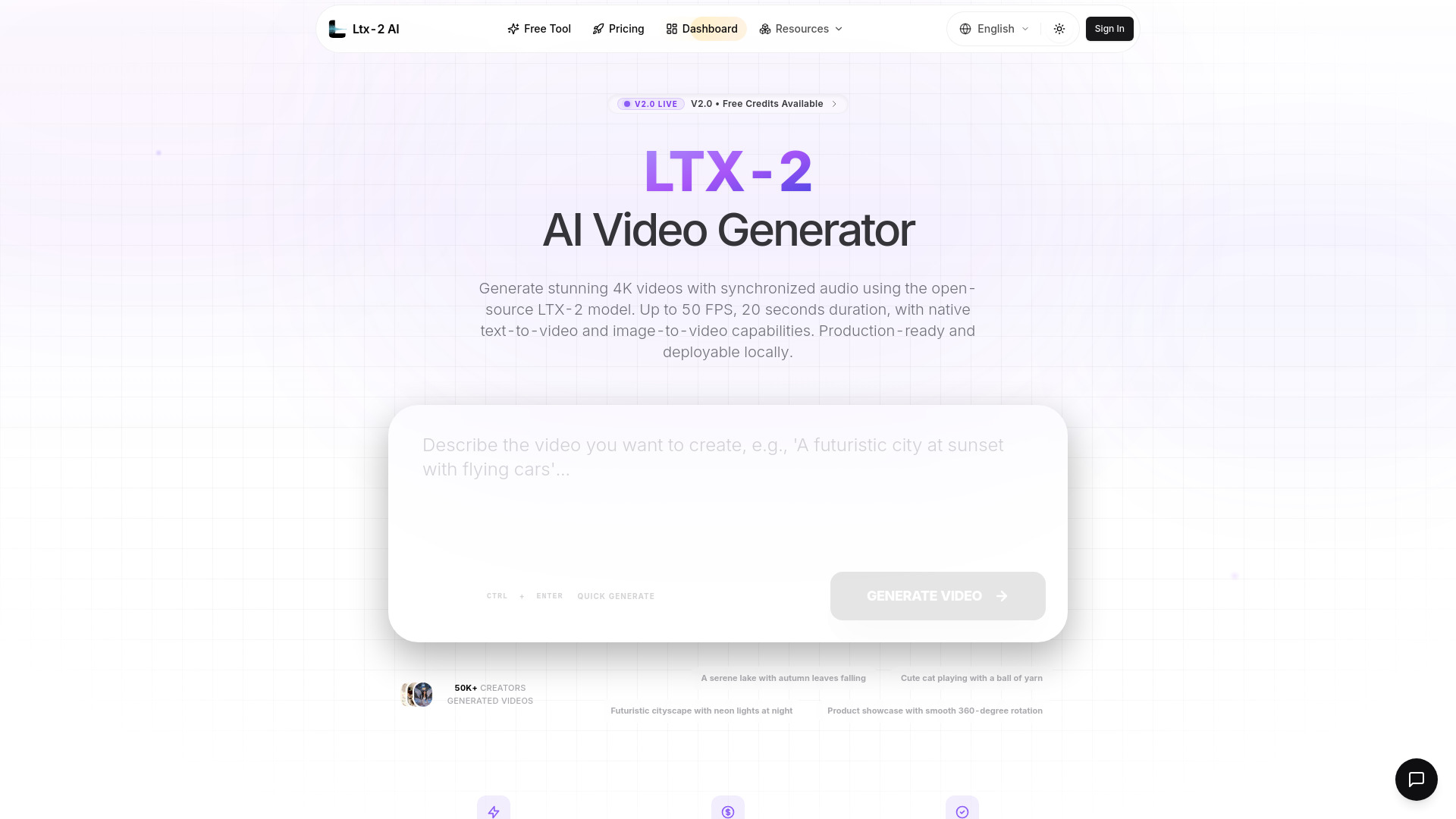
The standout here is control. LTX-2 AI is an Apache 2.0 open-source model that supports local deployment and ComfyUI, so it is not limited to a hosted black box. It also brings unusually ambitious output specifications to a creator workflow: Ultra HD 4K video, up to 50 FPS, and native synchronization for dialogue, environmental sounds, and music. That combination makes it the most rounded choice in this field guide when you want creative quality without giving up deployment flexibility.
Best for
Content creators building high-resolution video workflows.
Teams that want local deployment or ComfyUI support.
Projects where dialogue, sound effects, or music need to match the visuals.
Limitations
Each generation is limited to a maximum of 20 seconds.
Longer pieces require generating and combining multiple clips.
The strongest fit is video production, not a general image, audio, and 3D workspace.
Shortlist signal: Add LTX-2 AI when open deployment, 4K output, and synchronized audio matter more than generating long continuous scenes.
2. Photogenerator AI

- Photographers exploring multi-model media creation
- 10 free credits/month; image generation, editing, and upscaling
- Starts at From $8.3/month
- Usage signal: 12.8K
Why it matters
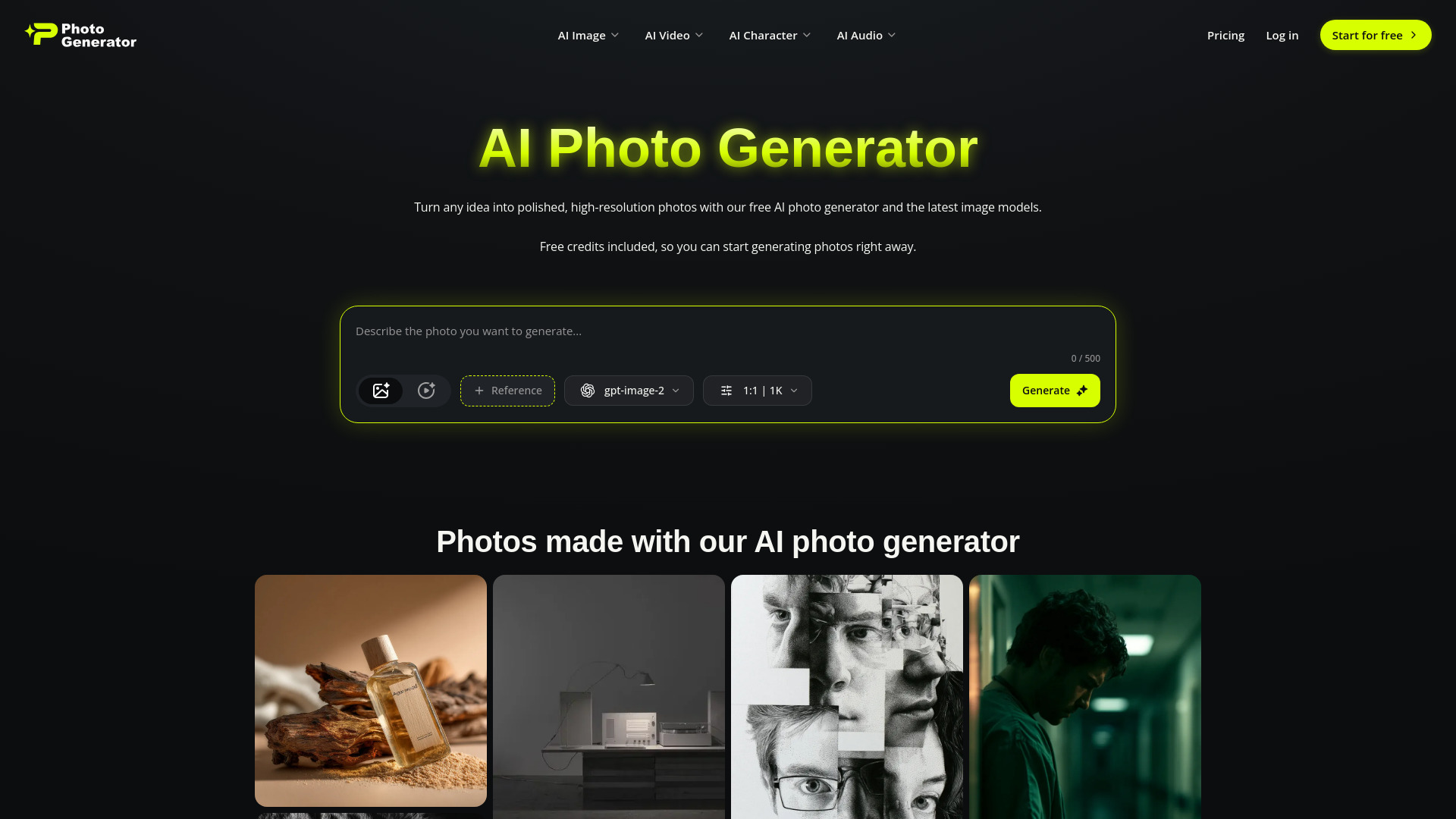
Photogenerator AI earns its position by covering a broad production loop rather than stopping at still images. Its workspace includes text- and frame-to-video tools, cinematic planning through Smart Shot, Motion Sync, high-resolution image creation, image-to-image editing, face swap, 4K upscaling, and custom audio generation. For photographers moving into motion or audio, that breadth reduces the need to stitch together several specialist subscriptions. It also supports several leading AI models, which gives experimentation more room than a single-model interface.
Best for
Photographers expanding into video and audio.
Creators who want multiple leading models in one workspace.
Users combining image editing, upscaling, face work, and generative media.
Limitations
The free plan is limited to 10 credits per month.
Free access requires a login.
A broad toolset can mean more credit tracking across different media types.
Shortlist signal: Choose Photogenerator AI when your workflow moves between photos, video, audio, and virtual characters instead of staying in one medium.
3. AI World Generator

- Game studios prototyping interactive 3D worlds
- 6 free world-builder credits; real-time 24 FPS worlds
- Starts at From $9.9/month
- Usage signal: 4.3K
Why it matters
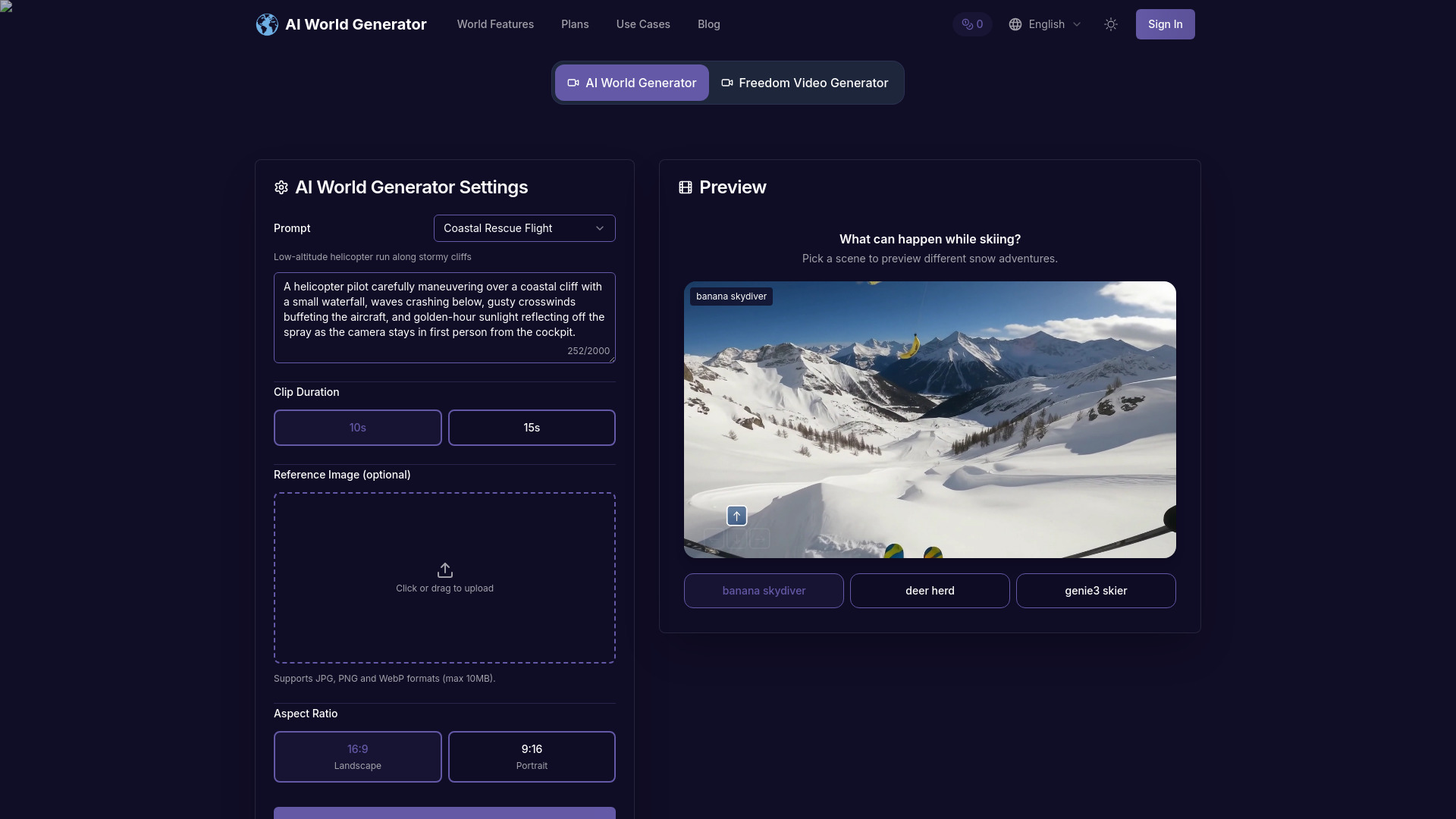
AI World Generator is the clearest specialist on the list. Instead of producing a flat clip, its interactive text-to-world engine creates explorable spaces in seconds, renders them in real time at 24 FPS, and maintains spatial continuity and narrative state for several minutes. Promptable events let users change weather, lighting, or characters during a session. That makes it particularly interesting for game studios and prototypes where the audience needs to move through a world, not merely watch one.
Best for
Game studios prototyping explorable environments.
Designers testing world concepts through natural-language prompts.
Interactive demonstrations that need changing weather, lighting, or characters.
Limitations
World memory eventually fades during extremely long runs.
The available action space remains constrained.
Multi-agent choreography is still experimental.
Shortlist signal: Shortlist AI World Generator when interactive continuity is the product requirement, not just attractive generated scenery.
4. SeedanceGen AI

- Creators producing consistent multi-shot video stories
- 50 free credits; multi-modal video and character consistency
- Starts at Basic: $9.9/month
- Usage signal: 4.8K
Why it matters
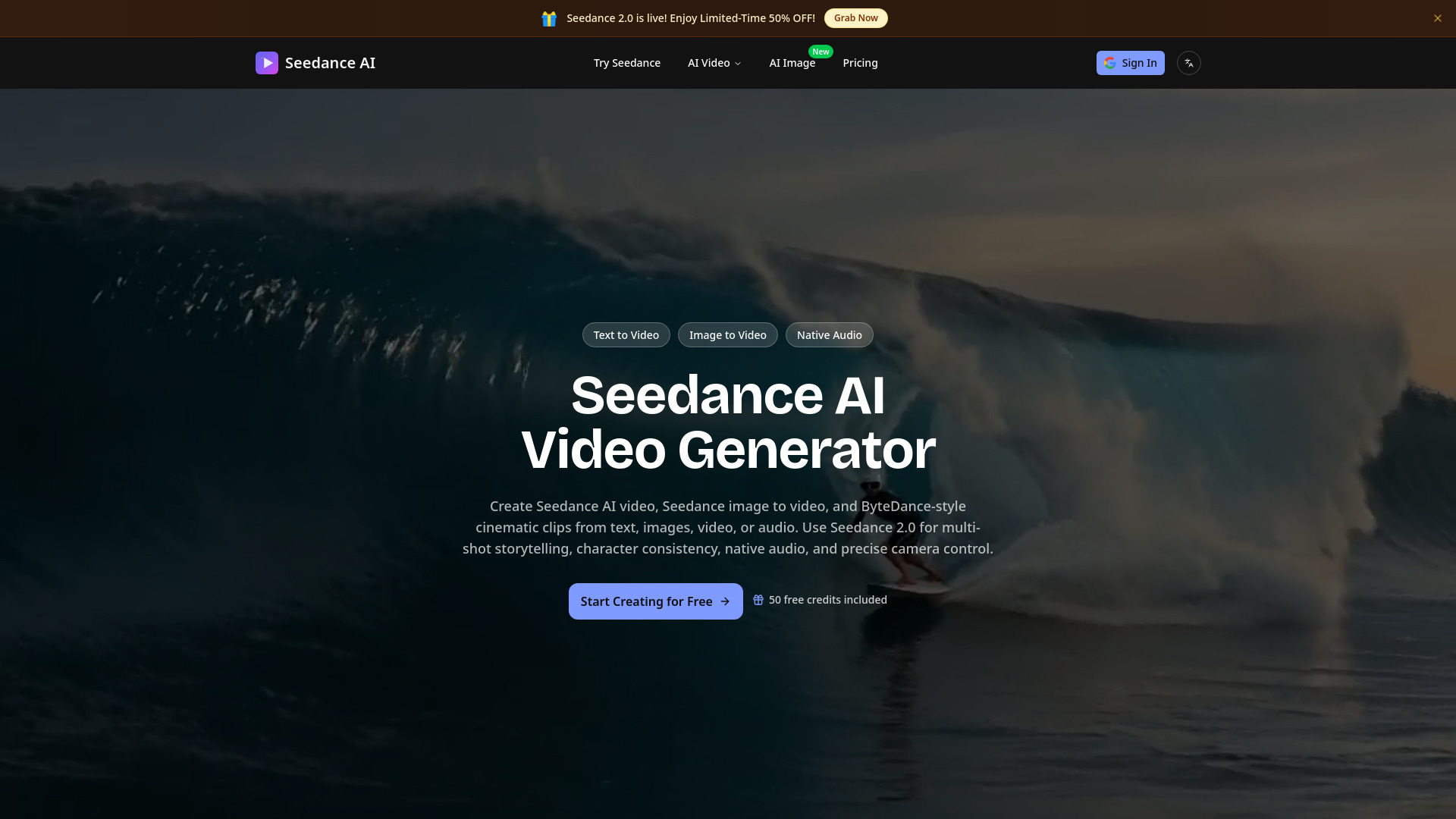
Consistency is the reason to look at SeedanceGen AI. The platform accepts up to nine images, three videos, and three audio files at once, then uses those references to preserve characters, faces, clothing, text, and scenes across sequences. It also supports precise motion and cinematic camera replication from reference videos. The ability to work across Seedance 2.0, Veo 3.1, Kling 3.0, and Wan 2.5/2.6 makes it a useful comparison layer for creators who do not want to commit to one model.
Best for
Creators making multi-shot social or cinematic sequences.
Teams with reference images, videos, and audio already prepared.
Projects where character and visual-style continuity matters.
Limitations
Subscription credits refresh monthly and do not accumulate.
The basic plan lacks private generation options.
Priority customer support is limited on the basic plan.
Shortlist signal: Pick SeedanceGen AI when maintaining the same cast, wardrobe, and visual language across several shots is your biggest concern.
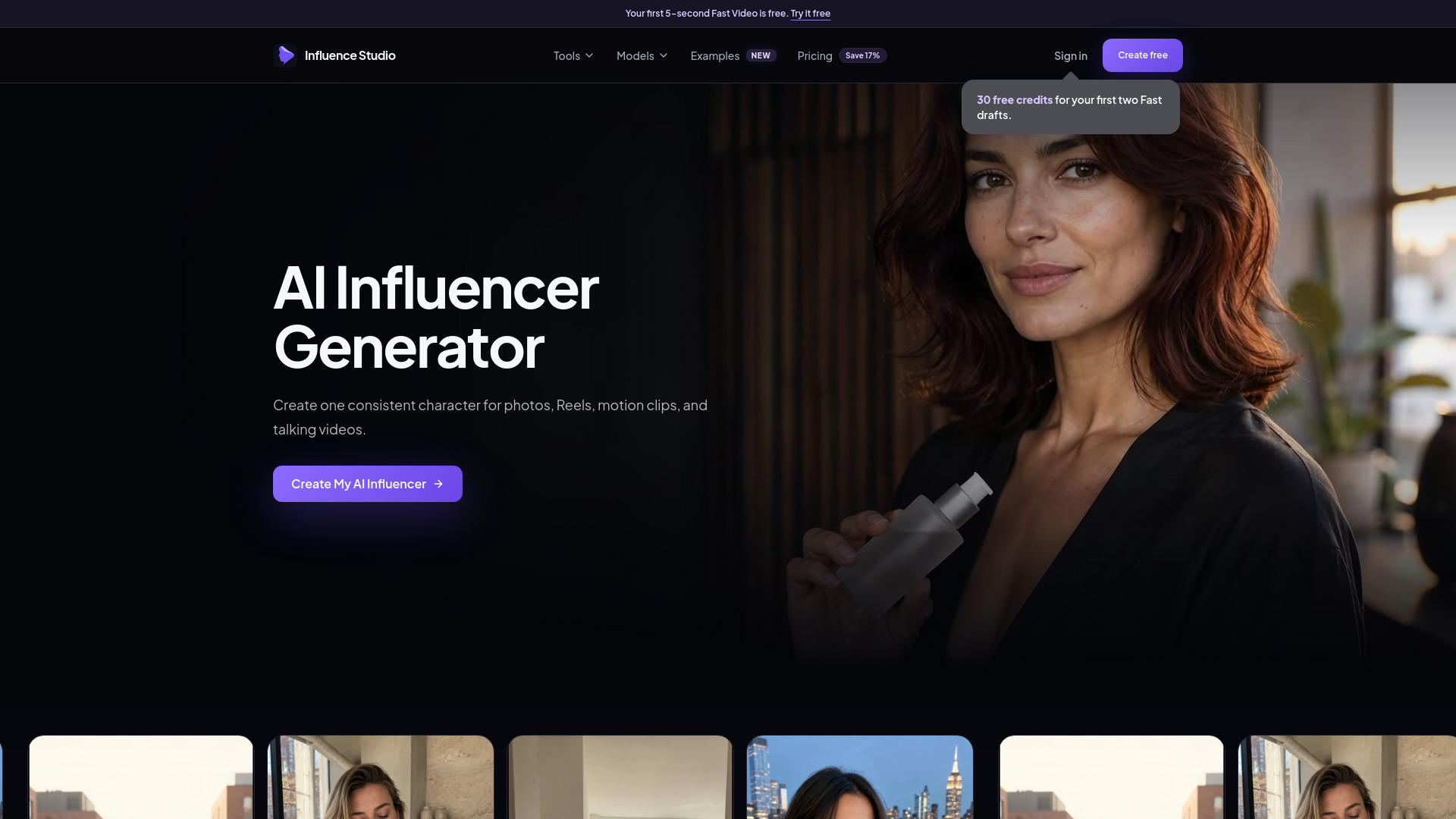
5. ai influencer generator

- Solo creators building reusable virtual influencer identities
- 1 free 5-second video plus 30 free credits
- Starts at Starter: $15.83/month billed annually
- Usage signal: 3.3K
Why it matters
A repeatable character is more valuable than a single impressive render for social publishing. ai influencer generator focuses on that repeatability, letting creators build a reusable AI influencer identity and carry it across supported photos and short videos. Its Fast, Consistent, Motion, and Talking modes give solo operators several ways to turn one character concept into a content stream. This is a narrower product than an all-in-one studio, but that focus is precisely why it belongs on a practical shortlist for virtual persona work.
Best for
Solo creators building a recurring virtual influencer.
Social teams producing consistent character photos.
Short image-to-video clips with motion or talking modes.
Limitations
Both image and video generation consume credits.
The free offer is limited to initial credits and Fast Video trials.
It is a specialized character workflow rather than a full 3D or world-building tool.
Shortlist signal: Add it when a recognizable, reusable character matters more than broad media-generation coverage.
6. Flux 3 AI - Image and Video Generator

- Content creators combining image, video, and audio generation
- Free credits; image generation and video generation
- Starts at Basic: $13.9/month for 1,000 credits
- Usage signal: 3.3K
Why it matters
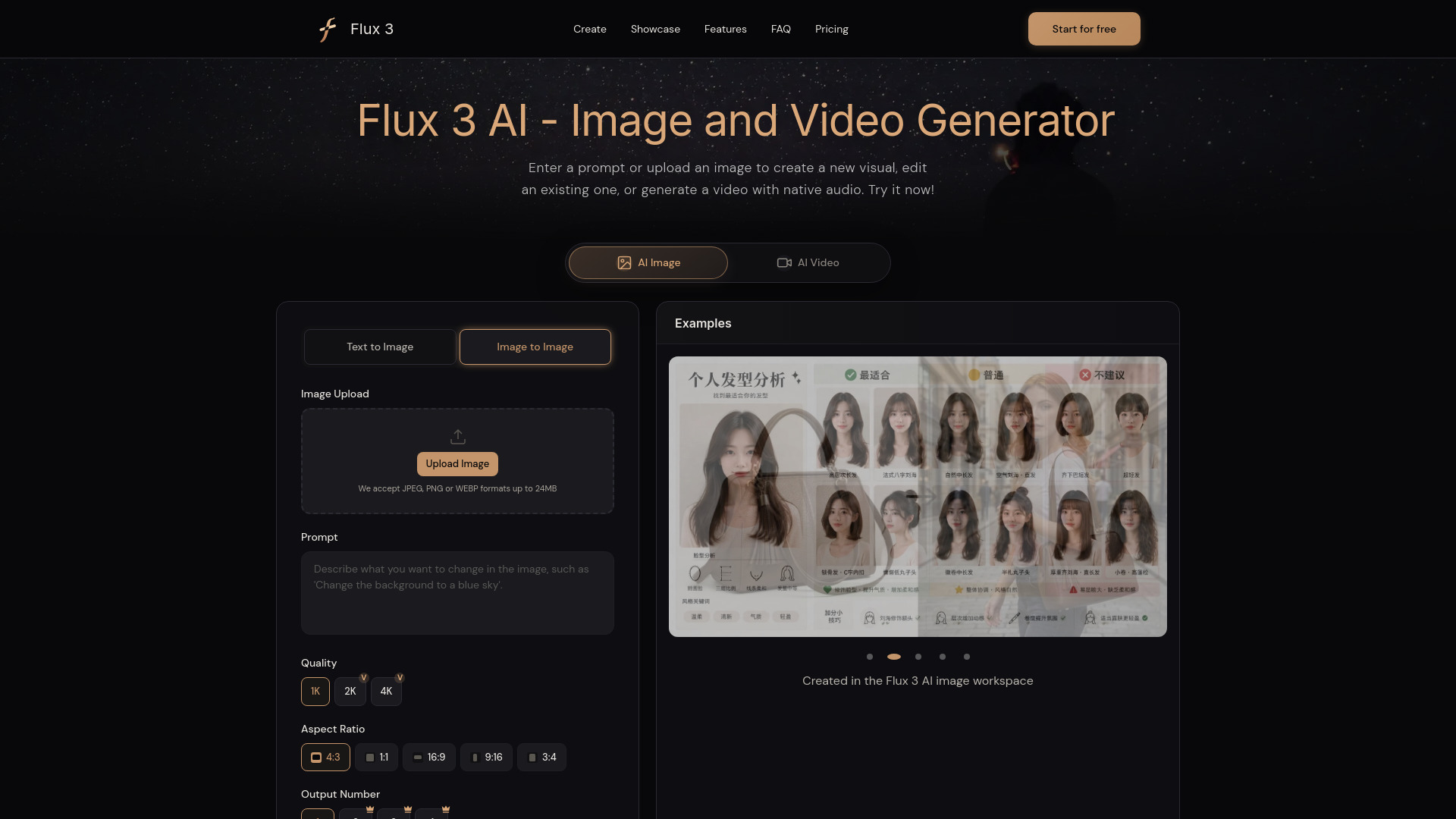
Flux 3 AI takes the unified-workspace approach seriously. It supports detailed text-to-image prompts, reference-based image editing, video creation, and native synchronized audio, with text, images, video, and keyframes available as inputs. That makes it a practical bridge for creators who want to move from a still concept into motion without changing products. The credit-based model is worth watching, but the combination of input types gives it a useful place between focused generators and broad creative suites.
Best for
Content creators moving from still images into video.
Workflows that depend on uploaded references or keyframes.
Projects needing synchronized audio inside generated video.
Limitations
Free use is credit-limited.
The exact amount of free access is not specified.
Ongoing production depends on managing credits across image and video jobs.
Shortlist signal: Choose Flux 3 AI when one workspace for image references, video, and synchronized audio is more useful than a specialist-only tool.
7. Generor

- Content creators wanting a broad generator hub
- Generate text, images, and order products
- Starts at Basic: $15
- Usage signal: 1.1K
Why it matters
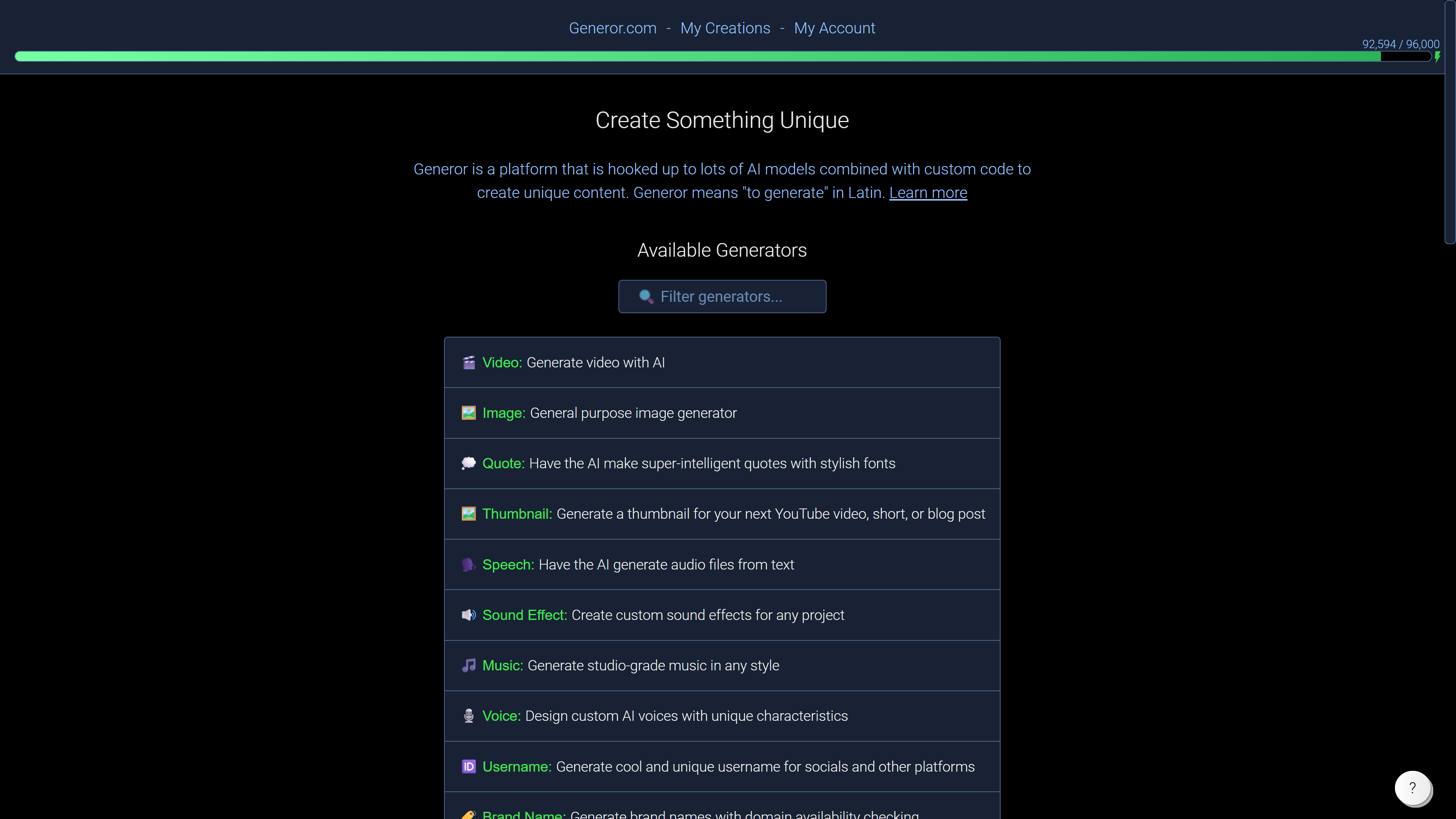
Generor is the breadth-first choice. It brings together AI-powered text, image, and audio generators in a single web app and also includes API integrations for product ordering. That is useful for users who want to explore several creation jobs without assembling a toolkit one generator at a time. Its ranking is tempered by the fact that some generators are still in development and the platform relies on external APIs, but the approachable interface and range make it a reasonable starting point for general experimentation.
Best for
Content creators testing several media formats.
Users who value a simple interface over deep specialization.
Workflows that connect generation with product ordering.
Limitations
Some generators are still in development.
Reliance on external APIs can affect the workflow.
It offers breadth, but the supplied feature set does not establish the same depth as the specialist video or 3D tools.
Shortlist signal: Use Generor as an exploratory hub when you need text, image, and audio options before committing to a narrower platform.
8. Free AI Image & Video Generator

- Content creators testing image and video without an account
- 3 images/day and 1 video/day; no sign-up required
- Starts at Basic Monthly: $19/month
- Usage signal: 1.1K

Why it matters
This tool removes a common barrier: account creation before you can judge whether the workflow is worth your time. Guests receive three free image generations per day and one free video generation per day, while the platform supports text-to-image, image-to-image, and video generation with multiple models, resolutions, and durations. Watermark-free image downloads add practical value for early testing. It is a strong first stop for low-commitment evaluation, though heavier use quickly runs into daily quotas and credit requirements.
Best for
Creators comparing image and video output before signing up.
Users who need image-to-image as well as text-to-image.
Quick daily experiments with watermark-free image downloads.
Limitations
Free use is limited to daily quotas.
Advanced models and continued generation require credits.
The $19 monthly entry point is higher than several specialist starting prices.
Shortlist signal: Start here when no-sign-up testing and a predictable daily free allowance are more important than deep production controls.
9. MixVio AI

- Content creators producing mixed-media campaigns
- 20 welcome credits valid for 7 days
- Starts at Free: $0
- Usage signal: 1.0K
Why it matters
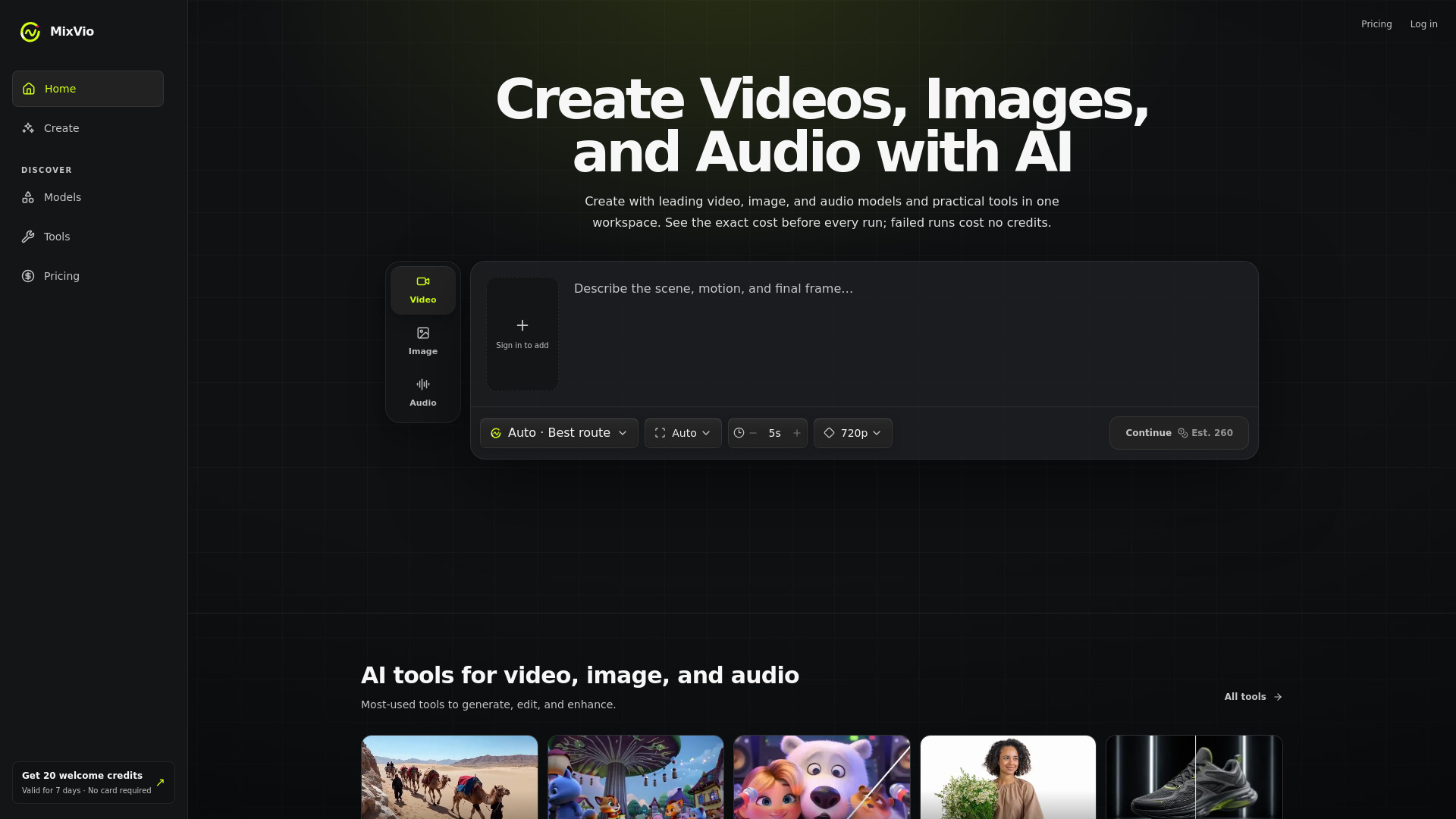
MixVio AI is built for the campaign that needs more than a video file. Alongside text- and reference-image-to-video, it offers image creation, editing, upscaling, background removal, voiceover, and music generation across multiple audio models. The free tier is useful for trying the complete workflow, and failed runs do not cost credits, which is a thoughtful detail during experimentation. The catch is a short seven-day window for the 20 welcome credits and visible disclosures on free outputs.
Best for
Content creators producing video, images, voiceovers, and music together.
Users who want editing, upscaling, and background removal in one place.
Early tests where failed generations need not consume credits.
Limitations
The 20 free credits expire after seven days.
Free images include watermarks.
Free voiceovers include audible disclosure notices.
Shortlist signal: Shortlist MixVio AI when an entire mixed-media campaign matters more than removing every free-tier limitation.
10. ModelGenerator

- Game developers creating textured 3D assets
- Text-to-3D and image-to-3D generation
- Starts at Check vendor pricing
- Usage signal: Not listed
Why it matters
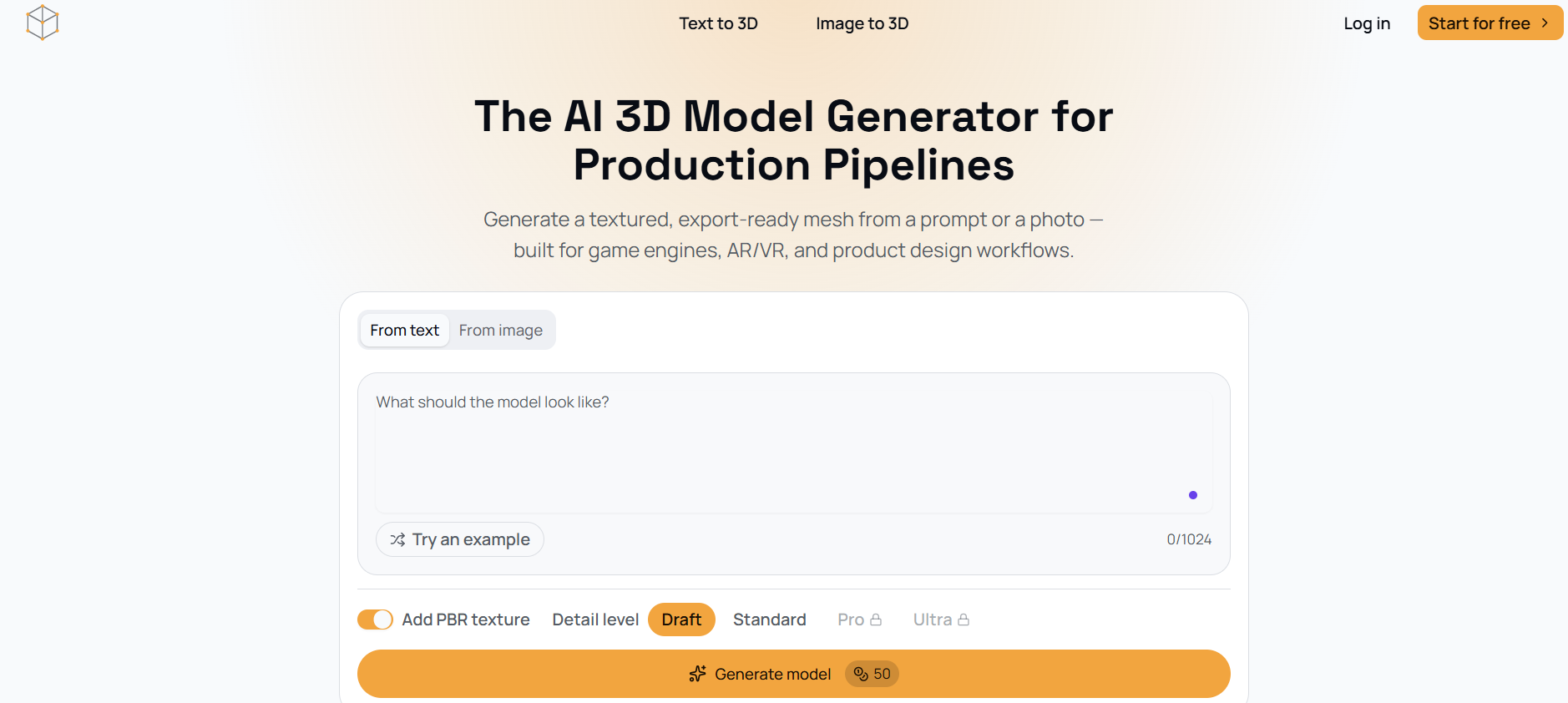
ModelGenerator is the specialist to keep in view if your output is a usable asset rather than a rendered scene. It creates 3D models from text prompts or photos and exports standard GLB files with PBR materials. Adjustable mesh density gives developers some control over the result, while textured, export-ready meshes make the workflow more relevant to game prototyping than a tool that only produces attractive previews. The ranking is lower because detailed pricing is not presented and demanding production pipelines may still require cleanup.
Best for
Game developers prototyping props and other 3D assets.
Teams starting from text prompts or reference photos.
Workflows that use GLB files and PBR materials.
Limitations
Detailed pricing and package information are not provided.
Generated meshes may need refinement for demanding production pipelines.
It is focused on 3D models rather than video, audio, or general content creation.
Shortlist signal: Choose ModelGenerator when exportable, textured 3D geometry is the deliverable and you can accommodate post-generation cleanup.
What to test before choosing
Run the same small benchmark through your two or three finalists. Do not rely on a polished demo prompt; use the kind of input your team will actually submit every week.
- 1
Repeatability: Generate the same subject three times and compare character identity, composition, text, and style.
- 2
Reference handling: Use the images, videos, audio files, or keyframes your workflow depends on. Check whether the product preserves the important details rather than merely accepting the upload.
- 3
Editability: Test image-to-image changes, motion adjustments, camera references, or world events where relevant. A strong first render is less useful if revisions are awkward.
- 4
Long-form assembly: For video, check whether short clips can be joined without obvious continuity breaks. For worlds, test whether memory holds across a longer session.
- 5
Asset usability: For 3D tools, inspect mesh density, textures, materials, and export behavior in the destination software.
- 6
Quota reality: Use the free allowance to estimate how many failed attempts your team can absorb. Credits that expire, refresh, or fail to roll over can materially change the monthly cost.
- 7
Disclosure and licensing: Check watermarks, audible notices, privacy settings, local deployment terms, and vendor licensing before using outputs commercially.
What to do next
Start with a shortlist of three, not all 10. Pick one broad workspace, one specialist, and one option with the lowest testing friction. For example, a video creator could compare LTX-2 AI, SeedanceGen AI, and Free AI Image & Video Generator. A game team might compare AI World Generator, ModelGenerator, and Photogenerator AI for concept-to-asset coverage.
Then run a fixed batch of prompts and record four numbers: successful outputs, usable outputs, credits consumed, and minutes spent editing. Those measurements will tell you more than a feature checklist. If the work is collaborative, add a fifth measure for handoff quality: can another person understand and continue the project without rebuilding the prompt from scratch?
Before subscribing, confirm current pricing, credit rollover rules, privacy options, export formats, and whether the free tier includes the model or resolution you actually need. Prices and quotas change more often than the core product positioning, so treat the vendor's live pricing page as the final purchasing reference.
Common mistakes when reading top lists
Treating all generative AI tools as direct substitutes. A world builder, a video engine, and a 3D mesh generator solve different jobs.
Choosing the highest score without checking fit. The 92/100 tools at the top serve very different audiences.
Confusing a free credit allowance with a free workflow. Ten credits, daily quotas, and seven-day welcome credits have very different practical value.
Ignoring output assembly. A 20-second video limit or drifting world memory can matter more than resolution on a real project.
Overlooking cleanup. Generated 3D meshes may need refinement, and multi-shot video may need stitching or continuity edits.
Assuming a broad tool is automatically better. More generators can also mean more interfaces, credit rules, and inconsistent depth.
Skipping the vendor check. Verify live pricing, licensing, privacy, watermarks, and export terms before production use.
FAQ
LTX-2 AI is the strongest overall match in this comparison because it combines Apache 2.0 open-source access, local deployment, ComfyUI support, 4K output, up to 50 FPS, and native audio synchronization. Its 20-second generation limit means it is not the best choice for every long-form video workflow.