
Choosing the top ai video generator is less about finding one magical prompt box and more about matching the workflow to the output you need. Some platforms are broad creative studios, some specialize in music or social video, and others put several generation models behind one interface. I compared 10 tools across text-to-video, image-to-video, audio, free access, model choice, duration, and practical audience fit so you can build a shortlist without wasting credits on the wrong experiment.
Start here
The ranking is useful, but your first decision should be the kind of video you want to make repeatedly. Here is the short version:
Best broad starting point: Media AI Generator combines video, image, and audio generation and offers free access.
Best for music-led visuals: neural frames focuses on AI music videos, lyric videos, and text-to-video work.
Best genuinely free experiment: Free AI Video Maker & Generator offers unlimited generations without sign-up, although free clips are only five seconds at 480p.
Best for synchronized sound: V03AI and VO3 AI both emphasize audio with generated video.
Best for developers: AI Video API extends beyond a consumer generator with text-to-video, image animation, and clips up to 36 seconds.
Best for comparing models: MakeAIVideo, VO4 AI Video Generator, and Vidthis: All In One AI Video Generator consolidate multiple models.
Best for a specific social format: AI Dance Generator turns a single photo into dance videos designed for TikTok, Reels, and Shorts.
The key distinction is control versus convenience. A multi-model studio gives you more ways to chase a particular look, while a focused tool can make one repeatable format much faster.
Segment comparison for AI video workflows
| Segment | Strongest match | What it does well | Main catch |
|---|---|---|---|
| Broad creative studio | Media AI Generator | Video, image, and audio generation in one place | VIP features require payment |
| Music and lyric visuals | neural frames | Music videos, lyric videos, and customization | Some audio-focused features depend on plan |
| Free short clips | Free AI Video Maker & Generator | Unlimited free generations with no sign-up | Five-second, 480p free output |
| Native audio experiments | V03AI | Video with dialogue, ambient effects, and sound | Maximum duration is eight seconds |
| Developer and API workflows | AI Video API | Text-to-video, image animation, and up to 36 seconds | Starter plans have limited engine options |
No single row wins every job. If you are producing a campaign, the cost of failed generations matters as much as the headline feature. If you are making a handful of social clips, a narrow tool with a clear free quota may be the smarter purchase.
Shortlist paths
| Your priority | Start with | Why |
|---|---|---|
| Explore several media types | Media AI Generator | Video, image, and audio tools share one destination |
| Make music-driven content | neural frames | Built around music videos and lyric visuals |
| Spend nothing while testing | Free AI Video Maker & Generator | Free plan is unlimited and does not require sign-up |
| Generate cinematic clips with sound | V03AI | Google Veo 3-powered generation with synchronized audio |
| Integrate generation into software | AI Video API | API-oriented product with longer clips |
| Route prompts across models | MakeAIVideo | Sora, Veo, Seedance, and Wan in one workflow |
| Publish trend-led dance clips | AI Dance Generator | Photo-to-dance workflow with trending templates |
Ranking snapshot
| Rank | Tool | Score | Best for | Free access or trial |
|---|---|---|---|---|
| #1 | Media AI Generator | 96/100 | Content creators | Free access available |
| #2 | neural frames | 96/100 | Musicians | Freemium access |
| #3 | Free AI Video Maker & Generator | 95/100 | Marketers | Unlimited 5-sec 480p videos |
| #4 | V03AI | 95/100 | Individual creators | 50 one-time credits |
| #5 | VO3 AI | 95/100 | Video producers | Trial pack from $2.99 |
| #6 | AI Video API | 94/100 | Developers | 5 free AI videos |
| #7 | MakeAIVideo | 94/100 | E-commerce managers | 50 credits per month |
| #8 | VO4 AI Video Generator | 94/100 | Content creators | 40 free credits |
| #9 | AI Dance Generator | 92/100 | TikTok creators | 1 watermarked free video |
| #10 | Vidthis: All In One AI Video Generator | 92/100 | Content creators | Free credits available |
How we grouped and ranked the list
This is a complex category because "AI video generator" can mean several very different products. We grouped the tools by their practical job: broad generation, music visualization, short-form production, synchronized audio, multi-model access, developer use, and photo-based social formats.
The score is not a promise that every output will look identical or that the rank-one tool will suit every buyer. It reflects the balance of feature depth, audience fit, free access, usage signal, and the friction created by each tool's stated limits. A platform earned extra consideration when it supported both text-to-video and image-to-video, offered a useful free path, or made a specialized workflow unusually direct.
We also treated credit rules and duration as first-class product facts. "Free" is not equivalent to unlimited high-resolution production: one service limits free clips to five seconds and 480p, another provides one watermarked video, and several use credits for advanced models. Those details should shape your test plan before you compare visual quality.
Ranked field notes
1. Media AI Generator

- Content creators
- Free plan available
- Starts at Check vendor pricing
- Usage signal: 4.2M
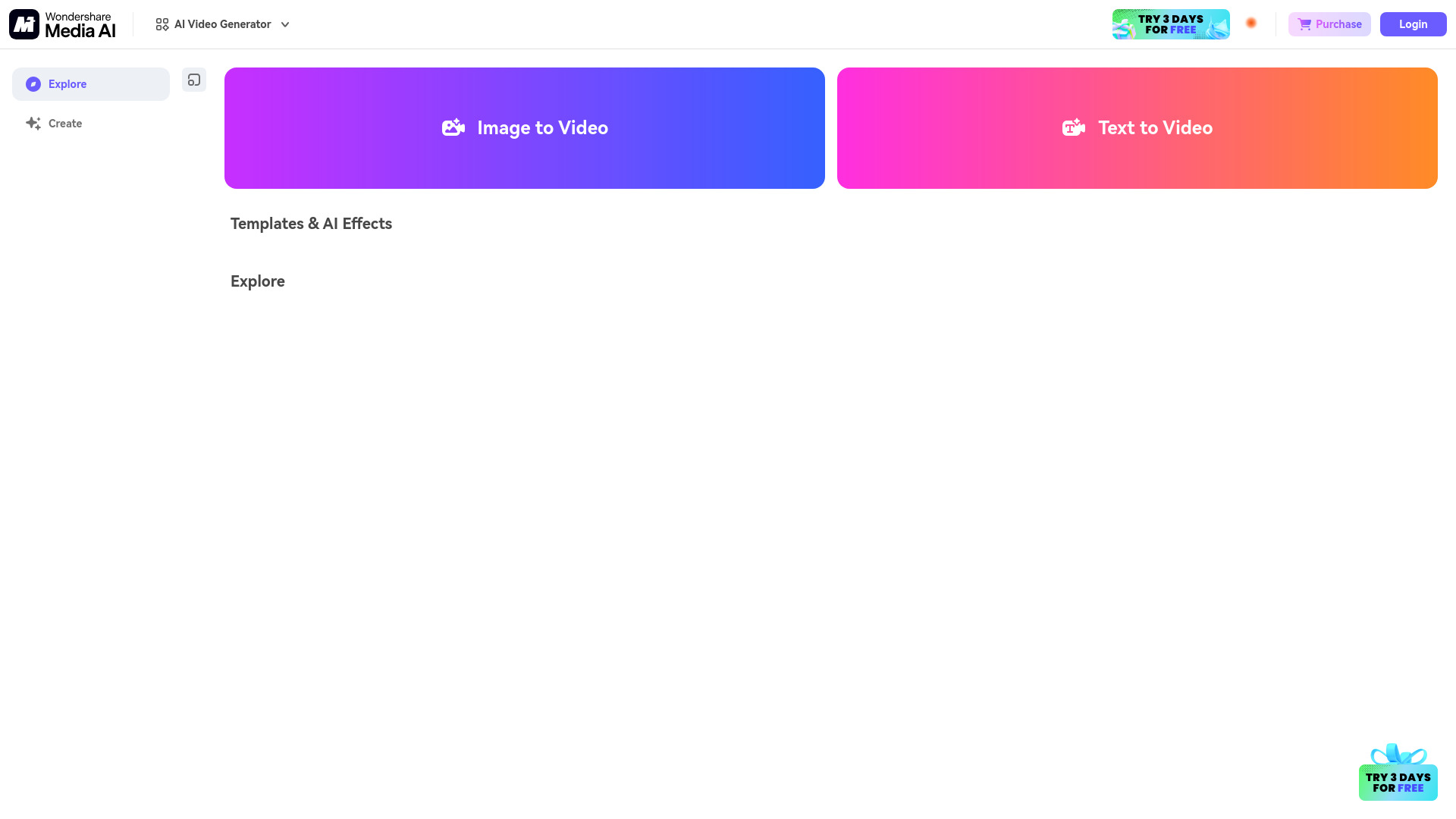
Why it matters The strongest all-purpose choice here is the one that does not force you to pick a single media format before you understand your project. Media AI Generator brings AI video, image, and audio generation together, which makes it a useful first stop for creators who are developing a concept rather than executing a rigid production brief. Its free access lowers the cost of trying different effects and styles. The trade-off is familiar: VIP features require payment, and the free version may limit usage or quality, so serious production should begin with a pricing and export check rather than an assumption that the free workflow will scale.
Best for
Content creators exploring video, image, and audio ideas in one workspace
Creators who want diverse AI effects and styles before committing to a niche tool
Early-stage projects that benefit from free online generation
Limitations
VIP features require payment
The free version may restrict usage or output quality
Pricing should be confirmed directly with the vendor
Shortlist signal: Add it first when you want one broad creative workspace and a low-friction way to test multiple media formats.
2. neural frames

- Musicians
- Free plan available
- Starts at Neural Navigator: $13/month
- Usage signal: 407.4K
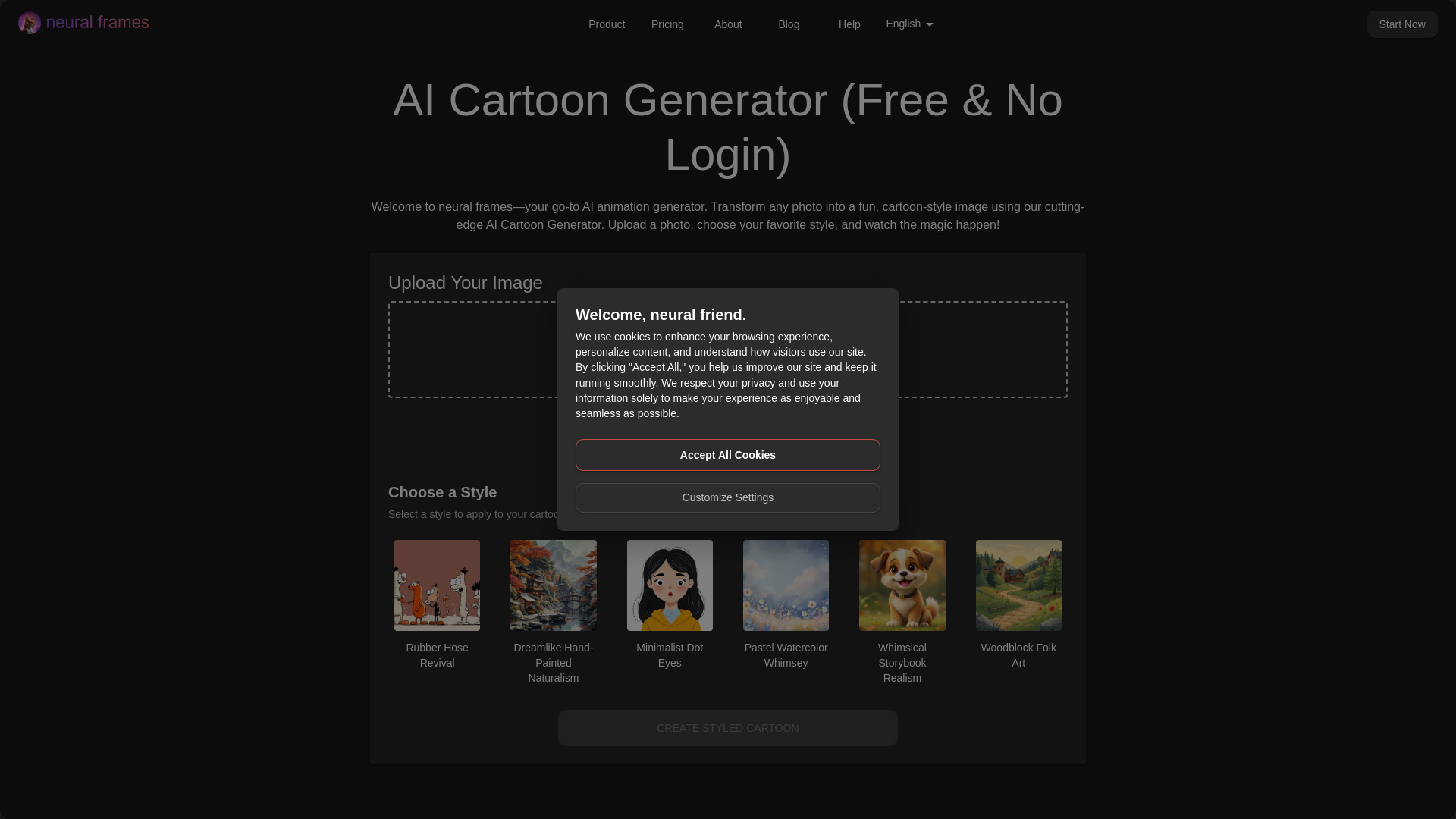
Why it matters Music video creation has a different rhythm from ordinary prompt-to-video work: the visual needs to follow a track, support lyrics, and hold attention through repeated motion. neural frames earns its place near the top because its feature set directly addresses that workflow with AI music video generation, a lyric video maker, and text-to-video conversion. Its freemium model gives musicians a practical entry point, while multiple AI models and customization options leave room to develop a recognizable visual style. However, plans matter: stem extraction and audioreactive effects are not available everywhere, and some capabilities are subscription-dependent.
Best for
Musicians releasing singles, albums, or visualizers
Creators making lyric videos and audio-led social content
Users who want model choice and customization rather than a single preset style
Limitations
Some features are limited by subscription plan
Stem extraction and audioreactive effects are not available on all plans
A music-first workflow may be more specialized than a general marketer needs
Shortlist signal: Choose it when the soundtrack is the organizing principle of the video, not an afterthought.
3. Free AI Video Maker & Generator

- Marketers
- Unlimited 5-sec 480p; text/image-to-video; no sign-up
- Starts at FREE PLAN: $0 / mo
- Usage signal: 127.3K
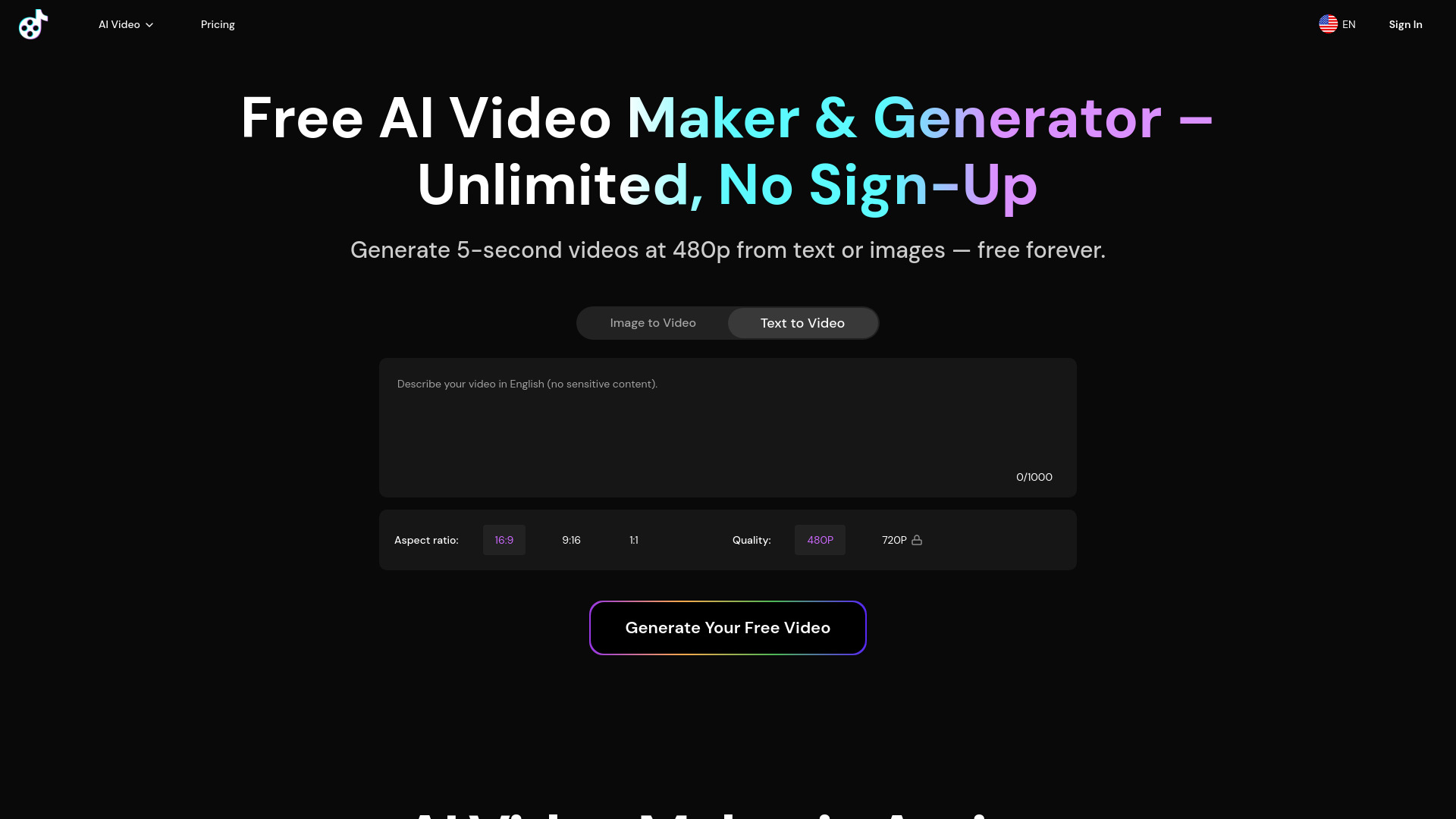
Why it matters For a quick concept test, this is the clearest free proposition in the group. You can create text-to-video and image-to-video clips without signing up, and the free plan supports unlimited generations. That is valuable for marketers who need to test several hooks, product angles, or visual directions before paying for a polished asset. The catch is not subtle: free outputs are limited to five seconds and 480p, with one concurrent job. Treat it as a rapid storyboard and social-snippet tool unless the paid workflow proves it can meet your delivery requirements.
Best for
Marketers testing short creative concepts at low cost
Users who want text-to-video and image-to-video without account setup
High-volume ideation where many small experiments matter
Limitations
Free videos are limited to five seconds and 480p
The free plan allows only one concurrent job
Short clips may not suit narrative or long-form production
Shortlist signal: Put it on your list when unlimited free ideation matters more than resolution or clip length.
4. V03AI

- Individual creators
- 50 one-time credits; text/image-to-video with audio
- Starts at Trial: $2.9 USD
- Usage signal: 84.8K

Why it matters V03AI is aimed at the moment when silent generated footage is not enough. Powered by Google Veo 3 AI, it supports text-to-video and image-to-video generation with native audio, dialogue, and sound effects designed to stay synchronized with the clip. That makes it particularly interesting for individual creators producing short scenes, character moments, or social concepts where sound carries part of the realism. The format is still deliberately short: videos max out at eight seconds, and audio remains experimental, especially in fast mode. You should inspect every result rather than assuming sound will appear consistently.
Best for
Individual creators making short scenes with dialogue or effects
Users who want to test synchronized audio alongside generated footage
Prompt-based experiments using text or a source image
Limitations
Audio generation is experimental and may not always be included
Fast mode may be especially inconsistent for sound
Maximum video duration is eight seconds
Shortlist signal: Choose it when synchronized audio is a deciding feature and eight-second clips fit your format.
5. VO3 AI

- Video producers
- Trial pack from $2.99 for 3 videos
- Starts at Trial Pack: $2.99
- Usage signal: 80.7K

Why it matters VO3 AI takes a similar audio-forward direction, but its inexpensive trial pack makes it easy to judge the workflow with a real project rather than a vague demo. Text-to-video, image-to-video, and synchronized audio generation cover the core path for cinematic short clips. Video producers should pay attention to what the trial excludes: the Trial Pack does not include Google Veo3 or advanced model support, and public videos are part of the limitation. Clips are typically five to ten seconds, so this is better for assembling scenes than generating a finished long-form sequence in one pass.
Best for
Video producers testing cinematic text and image prompts
Creators who want synchronized audio without a large initial commitment
Short scene production for social or concept work
Limitations
Trial Pack excludes Google Veo3 and advanced model support
Trial videos are public
Videos are typically five to ten seconds long
Shortlist signal: Add it when you want an affordable, audio-enabled trial and can work within short scene lengths.
6. AI Video API

- Developers
- 5 free AI videos; text-to-video and image animation
- Starts at Starter: $0
- Usage signal: 7.2K

Why it matters Most creative tools in this ranking assume a person is sitting in a browser, but AI Video API is aimed at developers who want generation as part of a product or automated workflow. It supports text-to-video generation, image-to-animated-video conversion, and extended video length up to 36 seconds. The free allocation gives you a small but useful way to test the path. The purchasing decision becomes more technical here: starter and ultra plans have limited engine options, and starter-plan customer support is limited. Before integrating, confirm which engines and support response you actually receive at the plan you intend to use.
Best for
Developers building video generation into an application or workflow
Teams that need image animation as well as text-to-video
Projects where clips up to 36 seconds are useful
Limitations
Starter and ultra plans have limited engine options
Customer support is limited on the starter plan
It is a weaker fit for users who only want a polished no-code editor
Shortlist signal: Shortlist it when an API or automation layer matters more than a creator-first interface.
7. MakeAIVideo

- E-commerce managers
- 50 credits/month; multi-model routing; synchronized sound
- Starts at Free: $0.00
- Usage signal: 1.8K

Why it matters MakeAIVideo is appealing when you do not want to bet every project on one model. Its routing approach brings Sora, Veo, Seedance, and Wan into one workflow, alongside text-to-video, image-to-video, and synchronized AI sound design. That combination makes sense for e-commerce managers comparing product treatments or trying to find the right visual behavior for an item. Free access includes 50 credits per month, but the free tier is capped at five videos and clips are limited to five to ten seconds. Model variety is useful only if you budget those credits carefully.
Best for
E-commerce managers testing multiple product-video directions
Teams that want model variety without maintaining several accounts
Short cinematic clips with generated sound design
Limitations
Free videos are limited to five to ten seconds
The free tier allows five videos per month
A credit budget can restrict broad experimentation
Shortlist signal: Pick it when model routing and synchronized sound are worth more to you than a simple unlimited-free plan.
8. VO4 AI Video Generator

- Content creators
- 40 free credits; multi-model generation; no-watermark downloads
- Starts at Free: $0
- Usage signal: 713

Why it matters VO4 AI Video Generator is another broad studio, but its appeal is the breadth of named model access: Veo 3.1, Kling, Luma, Runway, and Hailuo are available alongside text-to-video and image-to-video conversion. It also supports high-resolution AI image generation up to 2K and no-watermark downloads, two practical considerations when you are preparing assets for review or publication. The limitation is credit economics. Advanced models consume a high number of credits, and free users share a generation queue, so the headline model list does not guarantee fast or inexpensive production.
Best for
Content creators comparing several video models in one studio
Users who need text-to-video and image-to-video options
Projects where no-watermark downloads and 2K image generation matter
Limitations
Advanced models can consume many credits per use
Free users are placed in a shared generation queue
Low usage signal means you should validate reliability directly
Shortlist signal: Choose it when model breadth and clean downloads justify managing a credit-based queue.
9. AI Dance Generator

- TikTok creators
- 1 free watermarked video; dance templates; meme remix
- Starts at Free: $0.00 / month
- Usage signal: Usage signal not listed

Why it matters AI Dance Generator is a focused alternative rather than a general-purpose studio. Upload a single photo and the product turns the subject into an AI dance star, with trending dance templates and Meme Character Remix integration aimed at TikTok-style content. That narrow workflow is precisely why it can be faster than assembling a scene in a broader generator. The free path requires login and produces a watermarked video, while the credit system limits production according to the subscription level. It belongs on a shortlist for repeatable dance content, not for marketers seeking arbitrary product demonstrations.
Best for
TikTok, Reels, and Shorts creators working in dance formats
Users who want photo-to-video motion without traditional editing skills
Meme and trend-led content workflows
Limitations
Free creation requires login and includes a watermark
Free access is limited to one video
Credit-based pricing limits output by subscription level
Shortlist signal: Add it when your content brief already calls for dance, templates, or meme remixing from a photo.
10. Vidthis: All In One AI Video Generator

- Content creators
- Free credits; multiple video and image models
- Starts at Basic - Yearly: $14.07/month
- Usage signal: Usage signal not listed

Why it matters Vidthis takes the all-in-one idea seriously, bringing multiple AI video and image generation models into one platform, including Wan 2.5, Wan 2.2, Hailuo 02, and other listed models. Its no-filter creative-control positioning may appeal to creators whose concepts do not fit tightly managed content workflows, while the platform targets professional, cinema-quality video and image output. There are two practical frictions: you must sign in to generate content, and Sora 2 consumes 20 credits per video. That credit cost makes prompt discipline important if you plan to explore advanced models frequently.
Best for
Content creators who want several image and video models together
Users looking for broad creative control across different concepts
Creators comfortable managing a credit-based generation workflow
Limitations
Sign-in is required to generate content and access features
Sora 2 costs 20 credits per video
Credit consumption can make advanced-model experimentation expensive
Shortlist signal: Shortlist it when broad model access and unrestricted creative control are central to the project.
What to test before choosing
Do not compare these tools using one lucky sample. Run the same compact test across your two or three finalists:
- 1
Text-to-video consistency: Use a prompt with a subject, action, camera movement, setting, and duration. Check whether the output follows the action rather than merely matching the mood.
- 2
Image-to-video control: Upload the same still image and look for unwanted changes to faces, products, hands, logos, and background geometry.
- 3
Audio behavior: For V03AI, VO3 AI, or any audio-enabled studio, test dialogue, ambient sound, and effects separately. Confirm whether sound is actually included in the chosen mode.
- 4
Duration and resolution: A five-second 480p free clip may be excellent for ideation but unsuitable for delivery. Record the limits of the plan you would really buy.
- 5
Credit burn: Generate three variations, not one. Note how many credits each model or feature uses, especially with MakeAIVideo, VO4 AI, and Vidthis.
- 6
Queue and concurrency: Free access is less useful if one job blocks the next. Check the one-concurrent-job limit on Free AI Video Maker and the shared queue on VO4 AI.
- 7
Export cleanliness: Confirm watermarks, download availability, and whether the output is usable in your intended channel.
- 8
Repeatability: Re-run a successful prompt. A tool that produces one impressive clip but cannot repeat the look may not belong in a production workflow.
This test also separates the top ai video creation tools by operational fit. Visual quality gets attention, but predictable credits, acceptable duration, and a workable export path determine whether a tool survives beyond the first afternoon.
What to do next
Start with the narrowest decision that will save you time. For a general creative brief, test Media AI Generator against one multi-model platform such as MakeAIVideo or VO4 AI. For music, go straight to neural frames. For a no-sign-up experiment, start with Free AI Video Maker & Generator. For audio-led cinematic clips, compare V03AI and VO3 AI using the same eight- to ten-second scene. Developers should test AI Video API separately rather than judging it by the standards of a consumer-facing editor.
Create a small evaluation sheet with five columns: prompt adherence, image consistency, audio, credit cost, and export suitability. Give each finalist the same three prompts and keep the original outputs. That simple record will tell you more than a gallery of cherry-picked examples.
If your budget is near zero, the top free ai video generator is not automatically the tool with the most generous headline quota. It is the one whose free limits still match your purpose. Unlimited five-second clips can be more useful for hook testing than a single watermarked sample, while 50 credits may be better for comparing several models. Define the output before you define "free."
Common mistakes when choosing from a complex top list
Treating every generator as interchangeable. A music-video suite, an API hub, and a dance-template tool solve different problems.
Confusing a free quota with production readiness. Check resolution, duration, watermarking, login requirements, queue position, and concurrency.
Ignoring audio qualification. Native or synchronized audio is a useful differentiator, but V03AI notes that audio is experimental and may not always appear.
Comparing model names instead of workflows. Access to several models does not remove credit costs, queues, or plan restrictions.
Judging from one generation. Run variations with the same prompt and look for consistency across subjects, movement, and sound.
Overlooking the audience fit in the card. The best tool for a developer may be frustrating for a social creator, and a marketer may prefer a simpler free workflow.
Assuming the displayed price tells the whole story. Confirm live plans, credits, model access, and commercial-use terms with the vendor before purchase.
Using "top 10 ai video generators" as a final answer. A ranking is a starting map. Your own repeatable test should decide the winner.
FAQ
Media AI Generator ranks first because it combines AI video, image, and audio generation with free access and a broad fit for content creators. It is the strongest starting point for people who want to explore several formats in one place. Confirm the live pricing and VIP limits before relying on it for ongoing production.