
Choosing an ai writing assistant with top reviews for corporate emails is less straightforward than picking a generic chatbot. The best fit depends on whether you need polished messages, editable office documents, an assistant that works inside messaging apps, or a no-signup email generator for occasional use. This guide compares 10 tools across those practical segments, with extra attention to workflow friction, free access, pricing clarity, and how much human review each tool still needs.
Start here
Use this shortlist to narrow the field before you read every review:
Best overall office workflow: Qianwen Office combines conversation, task execution, and editable Word, Excel, PowerPoint, and HTML deliverables.
Best for workplace phrasing practice: workspeak focuses on professional expression, message polishing, and role-play across 25+ workplace scenarios.
Best free email utility: BukiTools offers professional email generation and paragraph rewriting without registration or a credit card.
Best for founders managing several AI workflows: aiOS puts business automation and text-based control across iMessage, web, WhatsApp, Telegram, and phone in one service.
Best for action-oriented requests: Airtap turns plain-English requests sent through iMessage, SMS, or Telegram into actions inside real mobile apps.
Best for research-heavy correspondence: AI Agents Listing is aimed at web research, multi-step planning, and report writing rather than simple sentence polishing.
The important distinction is that only a few of these tools are dedicated email writers. The rest are broader productivity or communication products that can support corporate email workflows in useful ways. That makes the list more valuable for teams comparing complete work systems rather than isolated text boxes.
Segment comparison
| Segment | Strongest fit | What it handles well | Main trade-off |
|---|---|---|---|
| Office productivity | Qianwen Office | Drafting, editing, and delivering Word, Excel, PowerPoint, and HTML work | Credit usage varies by model and task |
| Workplace communication | workspeak | Professional tone, message polishing, and practice conversations | Requires sign-up and paid credits after the free allowance |
| Lightweight free tools | BukiTools | Professional email generation and paragraph rewriting | Limited to five listed tools with no advanced plans |
| Business automation | aiOS | Text-controlled AI employee workflows and content generation | Pricing tiers and usage limits can be complex |
| Agentic execution | Airtap | Carrying out tasks inside mobile apps from plain-English instructions | Some tasks need approval or follow-up answers |
Shortlist paths
| Your priority | Start with | Why |
|---|---|---|
| You write emails alongside reports and presentations | Qianwen Office | It produces editable office deliverables instead of stopping at a chat response |
| You are new to corporate communication | workspeak | Practice scenarios and style assessment make it useful for learning, not just copying text |
| You need a quick, free draft | BukiTools | No sign-up is required, and professional email generation is included |
| You want an AI operator, not just a writer | aiOS | It combines business automation with text-based control across several channels |
| You regularly work from a phone | Airtap | Requests can begin in familiar messaging apps and continue through a cloud phone |
Ranking snapshot
| Rank | Tool | Score | Best for | Starting price |
|---|---|---|---|---|
| #1 | Qianwen Office | 91/100 | Office professionals | Free: 0 yuan per month |
| #2 | Airtap | 91/100 | Frequent travelers | Check vendor pricing |
| #3 | aiOS | 90/100 | Founders | Try: Free |
| #4 | Aisa.to | 90/100 | Operations managers | Check vendor pricing |
| #5 | RightResponse AI | 90/100 | Small business owners | PAYGO: $10/location/month |
| #6 | SpeedAI | 87/100 | Academic researchers | Free: ¥0 |
| #7 | workspeak | 87/100 | New workplace professionals | Credits package: $9 |
| #8 | AI Agents Listing | 87/100 | Researchers | Check vendor pricing |
| #9 | BukiTools | 87/100 | Content writers | Free: $0 |
| #10 | FreeResume | 87/100 | Job seekers | Free |
How we grouped and ranked the list
This is a complex category, so a single feature checklist would produce a misleading result. We grouped the tools by the job they help complete: office production, workplace communication, business automation, mobile task execution, research, reputation management, academic rewriting, and free utility writing.
The ranking weighs four things. First, we looked at whether the product can help with a real business communication workflow rather than merely generate generic prose. Second, we considered audience fit: a tool designed for new professionals should not be judged by the same standard as an office automation platform. Third, we checked the practical cost of getting started, including free quotas, trials, credits, and whether pricing is transparent. Finally, we considered friction and review requirements. A tool that executes actions or publishes content deserves more scrutiny than one that only suggests a draft.
That approach explains why several broader tools appear beside dedicated communication products. They are useful alternatives when corporate email is part of a larger job involving approvals, reports, mobile work, customer reviews, or document production.
Ranked field notes
1. Qianwen Office

- Office professionals
- 2,000 signup credits valid for 90 days
- Starts at Free: 0 yuan per month
- Usage signal: 921.5K
Why it matters
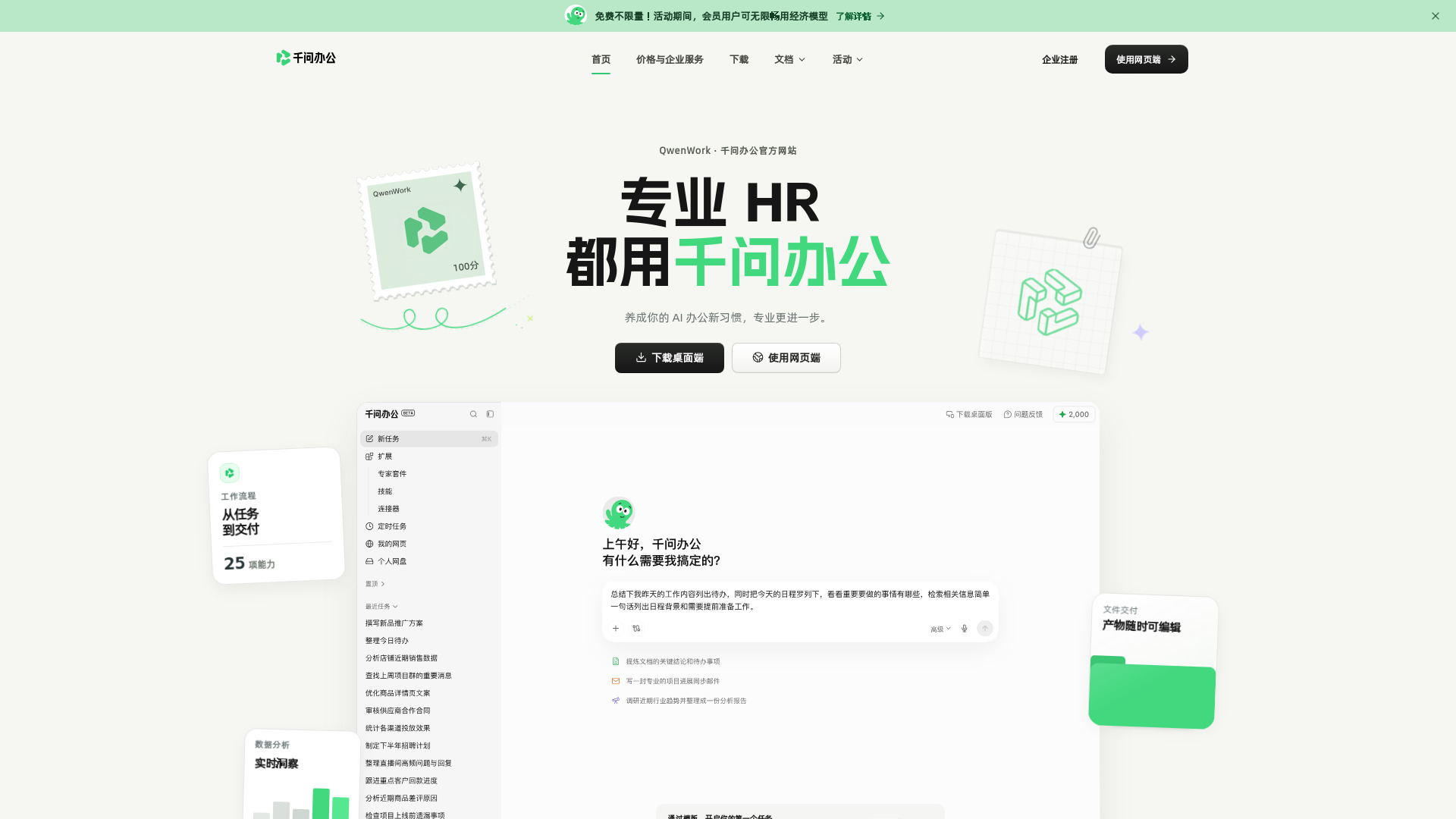
Qianwen Office is the strongest all-around match when corporate emails sit inside a larger office workload. Its useful distinction is that it combines AI conversation and task execution with editable Word, Excel, PowerPoint, and HTML outputs. That makes it easier to move from an email request to a polished briefing, spreadsheet, presentation, or published webpage without rebuilding the work in another tool. Enterprise IM collaboration adds messages, group chats, approvals, meetings, documents, and knowledge bases, giving teams a broader workspace around the writing task. The multimodal support for text, images, audio, and video also gives it more range than a narrow email assistant.
Best for
Office professionals who turn email requests into formal deliverables
Teams that need documents, approvals, and collaboration around communication
Users who want a free starting point with editable output formats
Limitations
The web version is described as forthcoming or limited to supported functions, while the client is the primary starting point
Credit usage and limits vary by model and task, so frequent users need to monitor consumption
Its breadth may be more than a user who only wants short email rewrites needs
Shortlist signal: Add Qianwen Office when your email work regularly expands into documents, presentations, approvals, or other office deliverables.
2. Airtap

- Frequent travelers
- Text-based app automation
- Starts at Check vendor pricing
- Usage signal: 50.7K
Why it matters
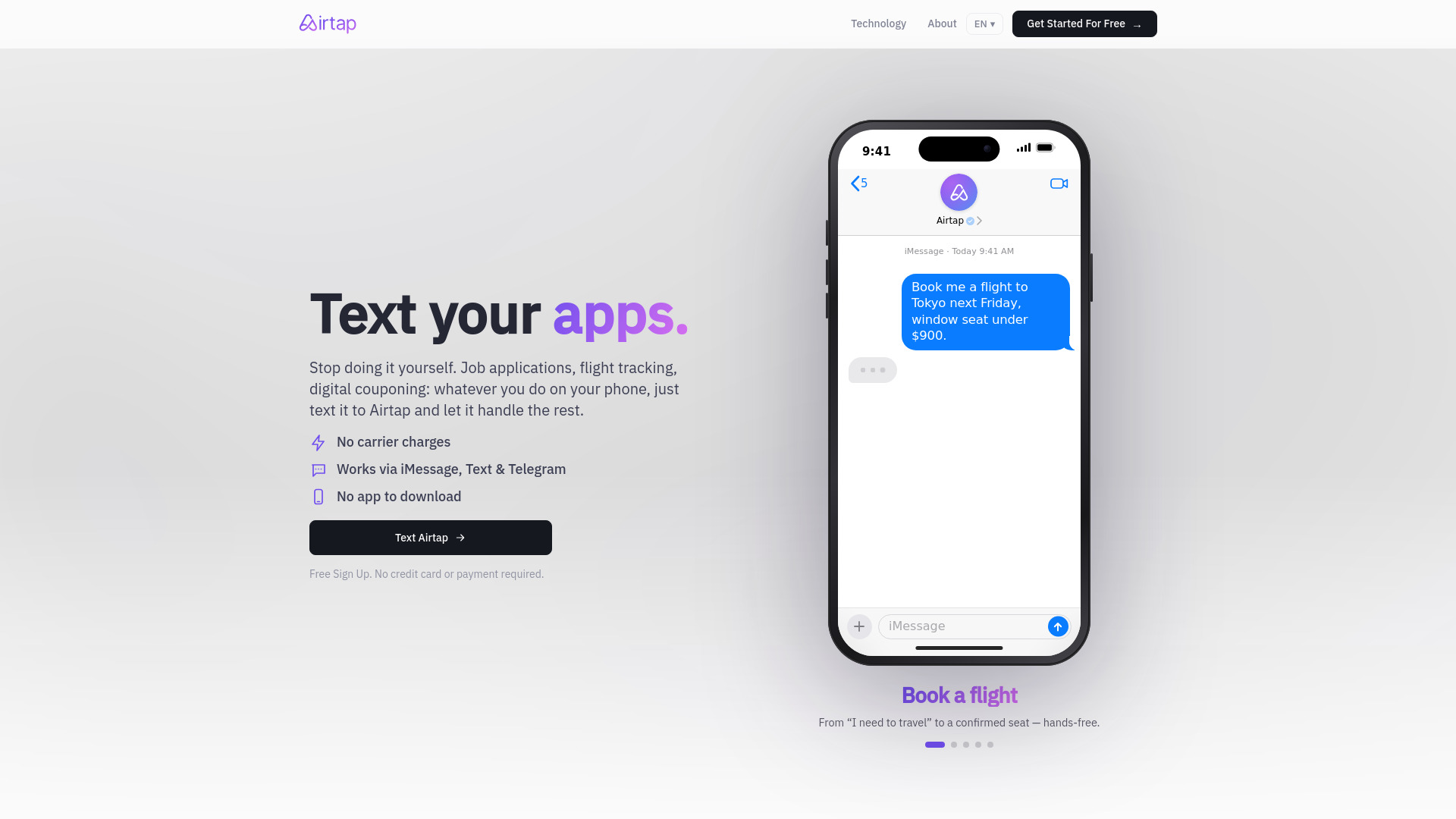
Airtap takes a different route to corporate email productivity. Instead of simply drafting text in a browser, its Text-to-Task Agent accepts plain-English requests through iMessage, SMS, or Telegram and carries them out inside real mobile apps. Its Cloud Phone provisions a private Android phone in the cloud, while the Autopilot app can connect to hardware you already own. For people who spend their workday moving between travel bookings, messages, mobile services, and follow-up tasks, that action layer can matter more than a slightly better paragraph. It is an unexpected but practical alternative for users who need an assistant to do things around communication, not just write it.
Best for
Frequent travelers handling work from a phone
Users who prefer familiar messaging channels over a separate AI interface
Repetitive mobile tasks connected to messages and schedules
Limitations
Advanced dashboard access requires signing in
Some tasks require users to approve actions or answer questions
Pricing is hidden behind a sales or vendor-information step, so estimate the cost before relying on it heavily
Shortlist signal: Choose Airtap when mobile execution and app control matter more than a dedicated email editor.
3. aiOS

- Founders
- Free 5 messages lifetime per device
- Starts at Try: Free
- Usage signal: 17.8K

Why it matters
Founders often need an email writer, content helper, and operations assistant in the same week. aiOS is built around that broader need, positioning an AI employee for business automation alongside text-based control from iMessage, web, WhatsApp, Telegram, and phone. It can generate carousels, posts, images, video, and websites, so a founder can use one service for communication and adjacent content tasks. The no-signup trial of five lifetime messages per device makes it relatively easy to test the interaction model before paying. It is less about perfecting one email template and more about consolidating scattered AI chores into a single operating layer.
Best for
Founders coordinating many small marketing and business tasks
Users who want to send requests through several messaging channels
Teams that need email support alongside social, visual, and website content
Limitations
Pricing tiers and usage limits can be complex
Advanced capabilities require higher-priced plans
The broad feature set can make it harder to predict which workflow consumes credits
Shortlist signal: Put aiOS on your list if you want corporate email help as part of a wider AI employee workflow.
4. Aisa.to

- Operations managers
- Free AI skills test and certificate
- Starts at Check vendor pricing
- Usage signal: 21.5K
Why it matters
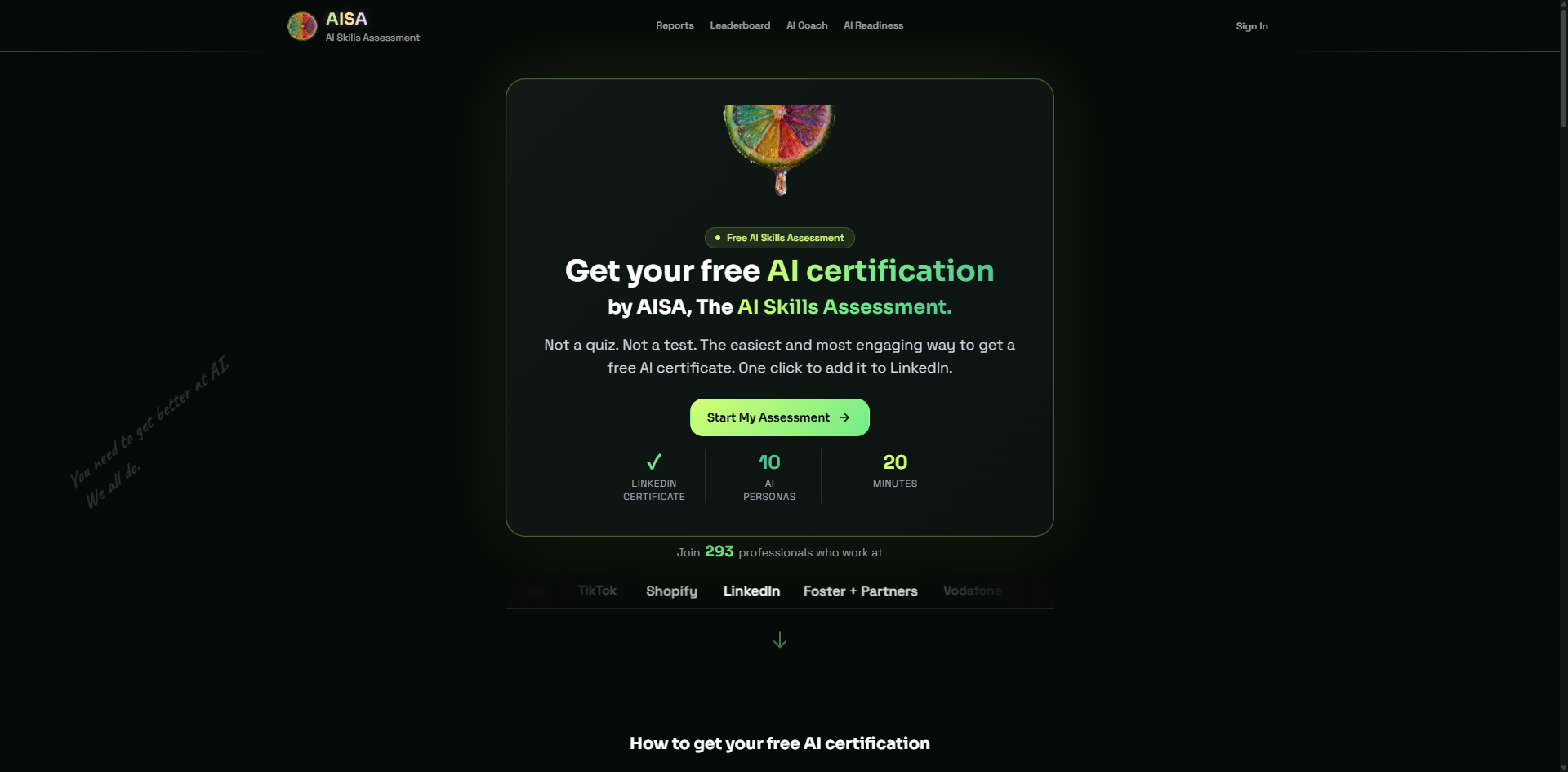
Aisa.to does not function as a conventional email drafting app, but it is relevant when the buying decision is about whether a team can use AI effectively. Its adaptive 20-minute conversational interview evaluates five dimensions and 11 criteria, including prompt engineering, critical thinking, and workflow-related skills. The resulting report identifies one of 10 AI personas and provides a prioritized learning plan. For operations managers, that can reveal whether employees know how to review, refine, and safely apply AI-generated corporate messages. The free certificate and LinkedIn-verifiable credential also make it easy to introduce the assessment before committing to a broader workplace program.
Best for
Operations managers assessing AI readiness across a team
Companies that need evidence of communication and workflow skills
Individuals who want a structured way to improve AI usage habits
Limitations
The assessment requires a continuous 20-minute conversational commitment
It evaluates AI skills rather than serving as a day-to-day email composer
Advanced team dashboards or workplace management support may require contacting the vendor
Shortlist signal: Choose Aisa.to when the real problem is employee readiness and review quality, not simply generating another draft.
5. RightResponse AI

- Small business owners
- 7-day trial with 1,000 free credits
- Starts at PAYGO: $10/location/month
- Usage signal: 12.0K
Why it matters
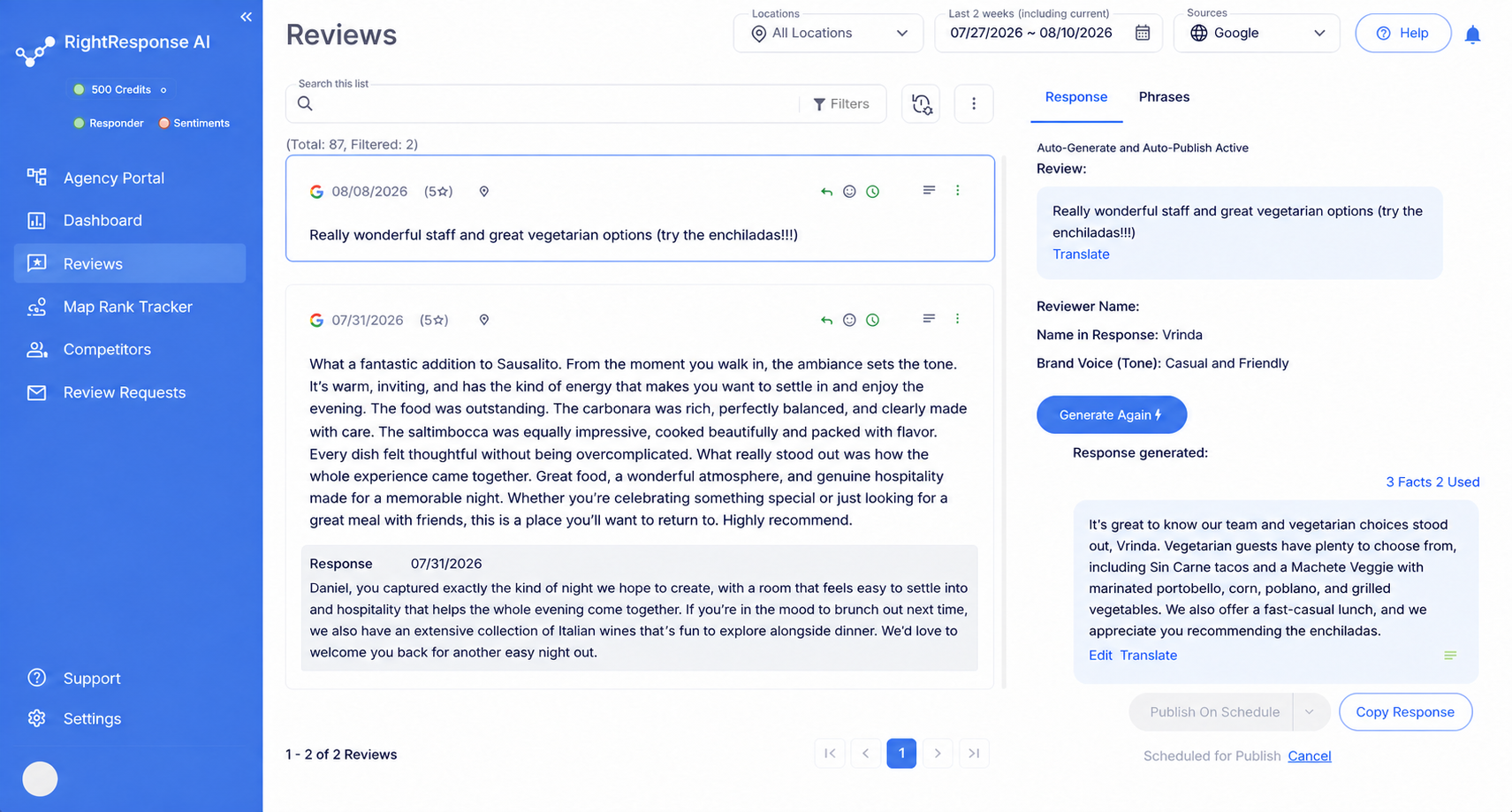
RightResponse AI is aimed at a specific corporate writing problem: responding to customer reviews consistently without losing human approval. Its multi-agent review response workflow supports automated generation and publishing, while the human approval workflow keeps a person in the loop. Advanced sentiment analysis goes beyond basic keyword matching, which can help distinguish a frustrated customer from a routine positive comment. This is not a general internal-email assistant, but it becomes a strong adjacent choice for small businesses where public replies, customer messages, and reputation management are part of the communication workload.
Best for
Small business owners managing customer-facing responses
Teams that want generated replies with a human approval checkpoint
Businesses tracking sentiment and Google Maps local ranking
Limitations
Usage-based pricing can make monthly costs variable
Enterprise features such as brands, regions, tags, permissions, and review controls may require a higher plan
Its workflow is centered on reviews and reputation rather than internal corporate email
Shortlist signal: Add RightResponse AI when customer-facing replies are a larger priority than internal inbox drafting.
6. SpeedAI

- Academic researchers
- 500 points free trial
- Starts at Free: ¥0
- Usage signal: Not listed
Why it matters
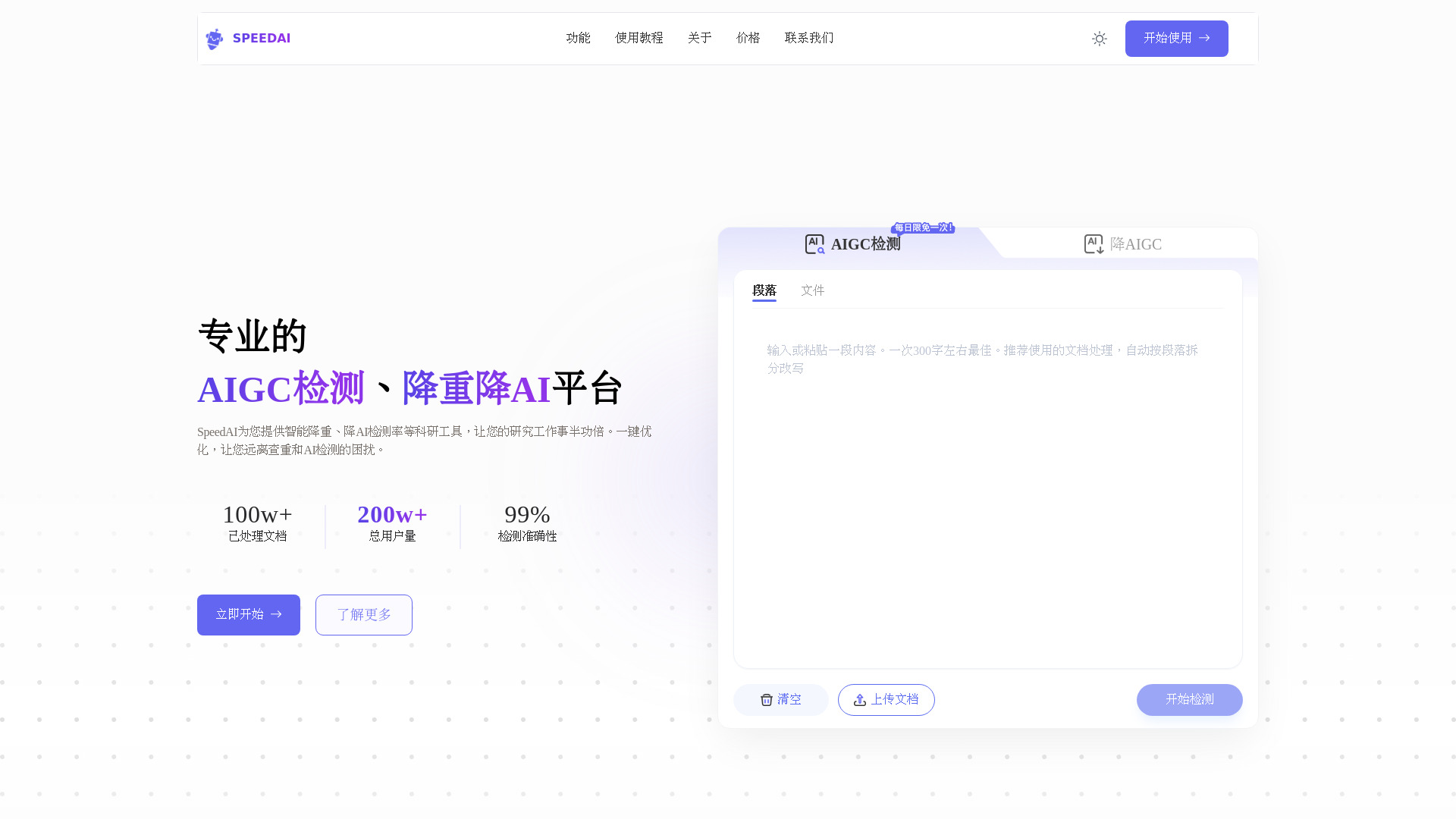
SpeedAI belongs in the broader writing-assistance segment because it focuses on rewriting while preserving document structure. It is optimized for Turnitin, CNKI, VIP, and Gezida, and its non-destructive formatting is designed to keep fonts, headers, and citations intact. The product also identifies AI-generated text from systems such as ChatGPT, Claude, and Gemini. For a corporate user, the relevant lesson is not the academic use case itself but the emphasis on preserving structure while changing wording. That can be useful when adapting formal material, though it should not replace an editor's judgment about accuracy, tone, or policy.
Best for
Academic researchers and teams handling structured long-form documents
Users who need rewriting without losing citations or formatting
Writers testing AI-detection and text-revision workflows
Limitations
Full functionality requires purchasing points or credits
The process may require paraphrasing before AI reduction for the best result
It is not designed around corporate email organization or team approvals
Shortlist signal: Consider SpeedAI when preserving document formatting during substantial rewriting matters more than inbox automation.
7. workspeak

- New workplace professionals
- 20 credits
- Starts at Credits package: $9
- Usage signal: Not listed
Why it matters
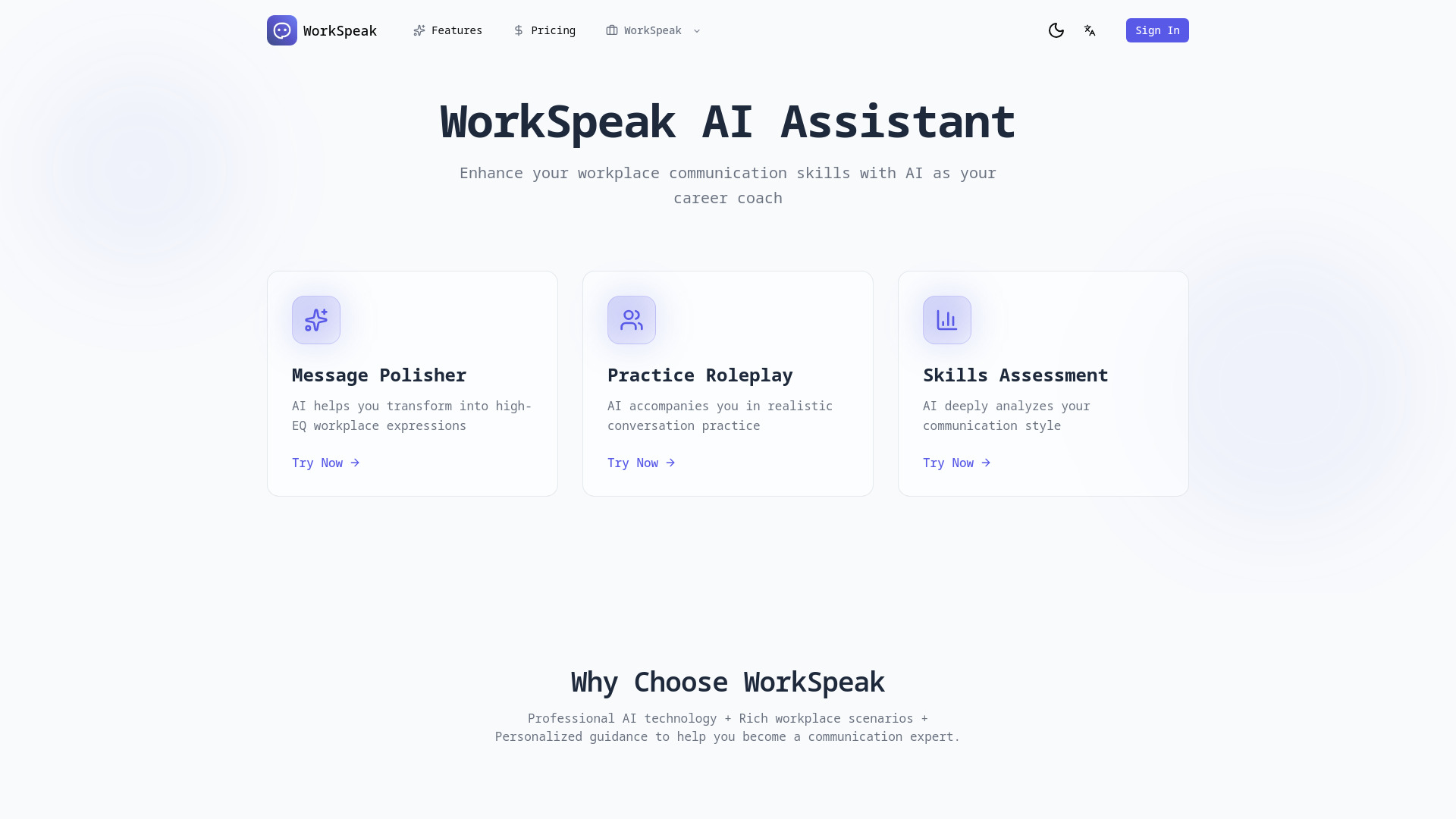
workspeak is one of the clearest fits for people who need help sounding professional without losing their own intent. Its message polisher transforms ordinary wording into professional workplace language, while 25+ real workplace scenarios let users practice conversations with an AI partner. The communication style assessment adds improvement suggestions instead of treating every message as a one-off rewrite. That makes it particularly useful for new workplace professionals, managers learning a new communication style, or anyone who wants to understand why a draft sounds too blunt, vague, or informal. The free 20 credits are enough for an initial test, but ongoing usage moves to paid credits.
Best for
New professionals writing sensitive workplace messages
Users practicing requests, updates, and difficult conversations
Individuals who want coaching and feedback rather than silent rewriting
Limitations
Sign-up is required before use
Continued usage requires a subscription or pay-as-you-go credits
It focuses on communication coaching rather than broader document or inbox automation
Shortlist signal: Pick workspeak when improving your professional voice is as important as producing the immediate email draft.
8. AI Agents Listing

- Researchers
- Autonomous web research
- Starts at Check vendor pricing
- Usage signal: Not listed
Why it matters
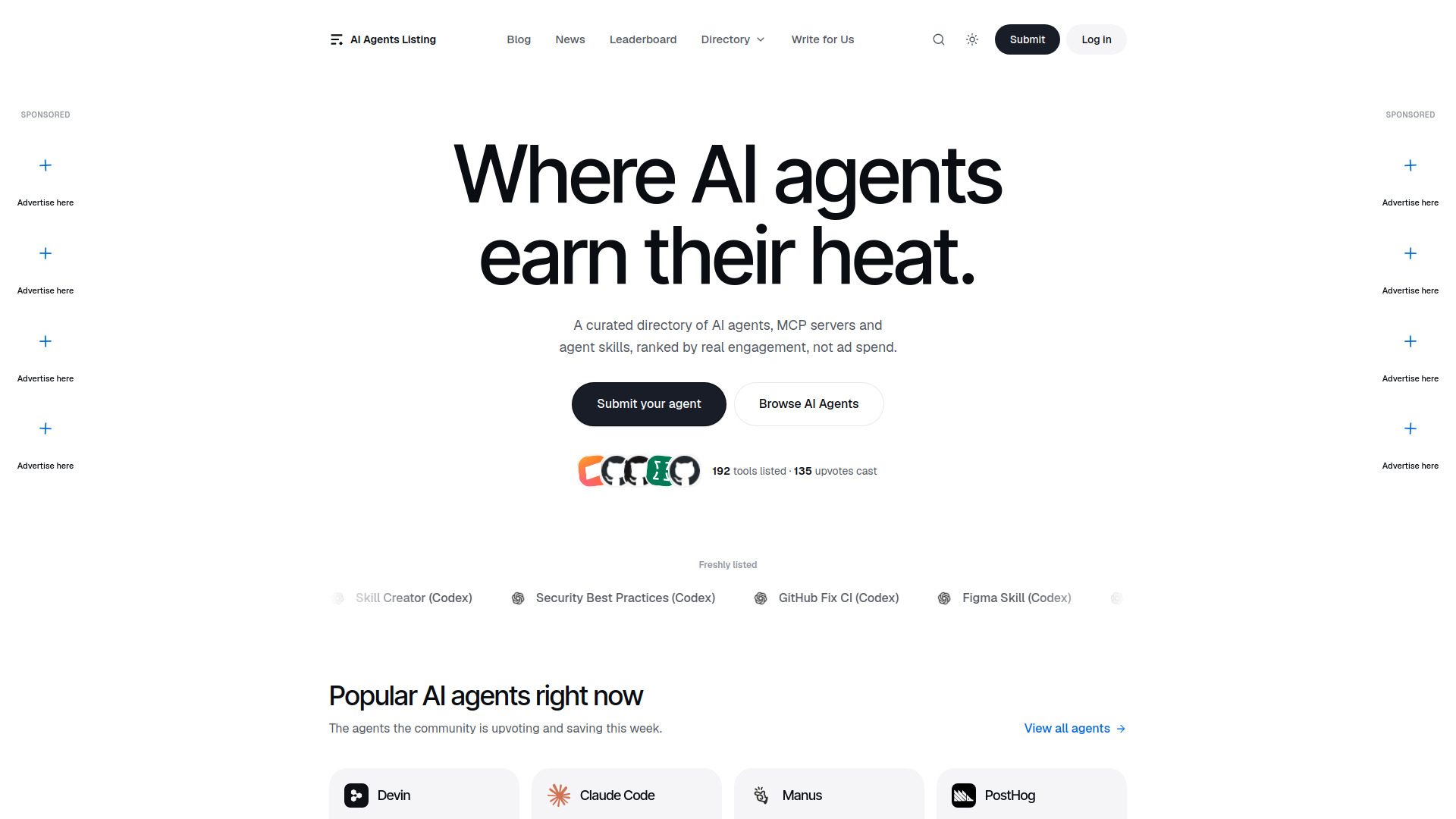
AI Agents Listing represents the autonomous-agent route to business writing. Its general-purpose system handles web browsing, research, multi-step task planning, and report writing. That is useful when a corporate email needs more than fluent sentences: perhaps a researched briefing, a comparison, or a structured update assembled from several sources. The product's value depends on how well it can gather and organize information before a person reviews the result. It is therefore better suited to research-backed correspondence than quick replies, and it should be treated as a starting point for accountable business communication rather than an unattended sender.
Best for
Researchers preparing detailed updates or briefing emails
Users who need web browsing before drafting a response
Teams experimenting with multi-step autonomous task execution
Limitations
The service is identified as paid, but package prices are not clearly provided
Autonomous outputs still require user review
It may be unnecessary for short, routine messages
Shortlist signal: Choose this route when gathering information and assembling a report are the hard parts of the email workflow.
9. BukiTools
- Content writers
- Free forever; professional email generation
- Starts at Free: $0
- Usage signal: Not listed
Why it matters
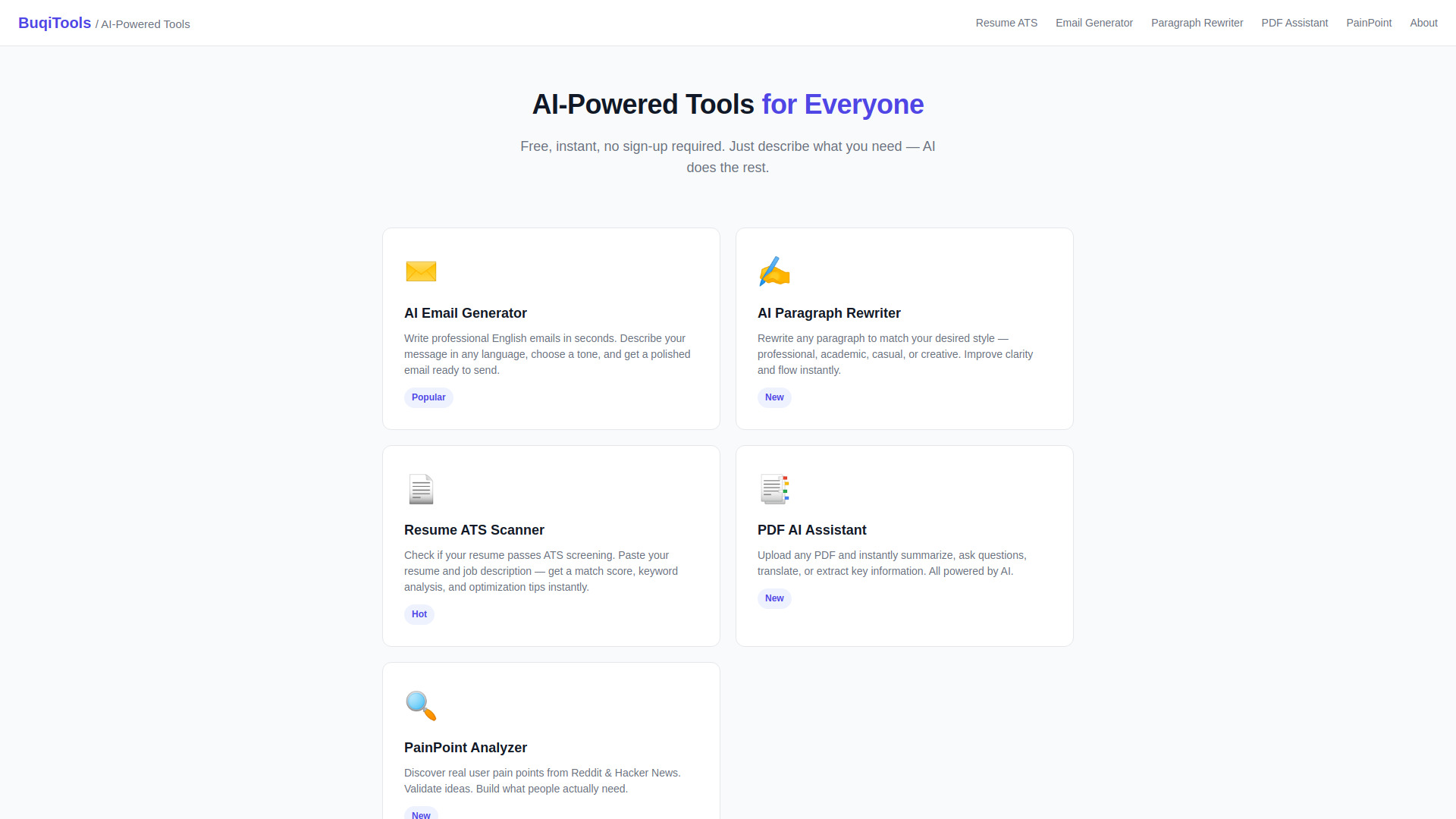
BukiTools is the simplest recommendation on this list, and that is precisely its appeal. It bundles five AI tools, including professional email generation, paragraph rewriting, a PDF AI assistant, a resume ATS optimizer, and a pain-point analyzer. No registration or credit card is required, and the service describes itself as privacy-first with no data stored. For occasional corporate emails, that low-friction setup can beat a larger platform that asks you to create a workspace, choose a plan, or learn a new dashboard. The trade-off is equally clear: this is a compact utility suite, not a full communication system.
Best for
Content writers and occasional business users
People who need a quick email or paragraph rewrite without signing up
Users who prefer a small collection of focused utilities
Limitations
The product is limited to the tools listed on the site
No pricing tiers or advanced plans are provided
It does not offer the deeper collaboration, workflow, or approval features found in larger platforms
Shortlist signal: Put BukiTools first for quick, low-stakes email drafts when no-signup access matters most.
10. FreeResume

- Job seekers
- Free resume building, editing, and scoring
- Starts at Free
- Usage signal: Not listed
Why it matters
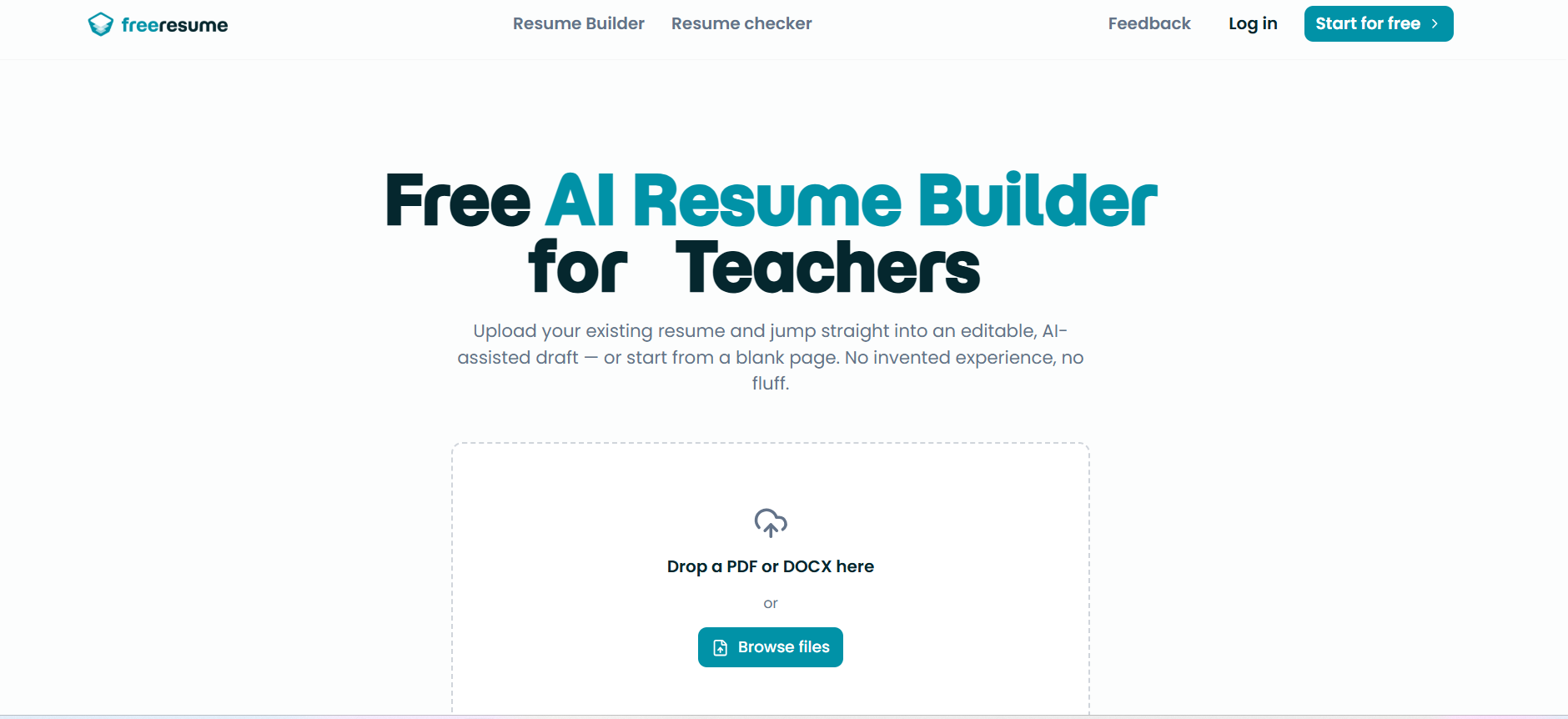
FreeResume is an adjacent writing tool rather than a corporate email specialist. It builds, edits, and scores resumes, imports existing PDF and DOCX resumes, and generates professional summaries, bullet points, and skill suggestions. That makes it relevant for job seekers and professionals who are polishing outreach emails alongside application materials. The free positioning lowers the barrier to testing its writing suggestions, but its strongest value remains career documents. Buyers should not expect the controls or workflow of an inbox assistant simply because it can generate professional-sounding text.
Best for
Job seekers writing application and networking messages
Users improving resume bullets and professional summaries together
People who want free ATS scoring and document editing
Limitations
The website does not provide detailed paid-plan information
AI-generated content still requires review for accuracy
It is built around resumes rather than ongoing corporate email workflows
Shortlist signal: Choose FreeResume when email writing is part of a job search and resume quality is the primary need.
What to test before choosing
A polished sample email tells you very little. Run the same small test across your shortlist instead:
- 1
Give each tool a realistic brief. Ask for a concise project-delay update to a client, including a new date, one apology, and a clear next step. Check whether the assistant preserves every factual constraint.
- 2
Test tone changes without changing meaning. Request versions for an executive, a peer, and an external customer. Strong tools adjust directness and context rather than merely adding formal words.
- 3
Paste a messy draft. Include repetition, an unclear request, and a buried deadline. See whether the tool identifies the actual action the recipient needs to take.
- 4
Check the workflow around the writing. Qianwen Office may be stronger when the email becomes a presentation or spreadsheet. workspeak may be better when you need coaching. BukiTools may win when speed and no sign-up are the priority.
- 5
Measure review burden. Count factual, tonal, and formatting edits. A fast first draft is not efficient if every sentence needs to be rewritten.
- 6
Inspect data and approval behavior. For tools that execute actions, publish responses, or work across mobile apps, confirm where a human approval step appears.
- 7
Run a pricing test. Use the free allowance, identify whether usage is measured in messages, credits, locations, or model tasks, and calculate the cost of a normal month rather than relying on the headline price.
What to do next
Start with two tools from different segments, not two nearly identical chatbots. For a general office team, compare Qianwen Office with workspeak: one tests document-centered productivity, while the other tests workplace communication coaching. For a solo operator, compare aiOS with BukiTools to see whether broader automation is worth the added pricing complexity. If your work is mostly mobile, put Airtap through a real travel-day scenario before evaluating its writing quality.
Keep a small evaluation log with the original prompt, the generated email, the edits required, the time spent, and the final cost. After five to ten realistic messages, the right choice usually becomes obvious. Also establish a simple internal rule: AI may propose the message, but a person remains responsible for facts, recipients, attachments, confidential information, and the final send.
Common mistakes when choosing from a complex top list
Treating a broad productivity platform as a dedicated email editor. A tool can rank highly because it completes office work even if its email controls are not specialized.
Judging only the first draft. The quality of revisions, tone changes, and factual preservation matters more in daily use.
Ignoring the cost unit. Credits, messages, locations, and model tasks create very different monthly bills.
Assuming free means frictionless. Some free tools are generous, while others limit messages, require a device-specific allowance, or provide only a trial.
Overlooking human approval. Automation that drafts, publishes, or acts inside another app needs a clear review boundary.
Confusing professional tone with useful writing. A message can sound polished while hiding the request, weakening the deadline, or adding claims nobody approved.
Choosing by audience mismatch. A resume writer may help with a networking email, but it is not automatically a good internal communications system.
Skipping privacy checks. Before pasting customer details, contracts, employee information, or confidential plans, review the vendor's current data-handling terms.
FAQ
Qianwen Office is the closest overall fit when email is connected to documents, presentations, approvals, meetings, and knowledge bases. It is broader than a standalone email assistant, but that breadth is useful for office professionals who need to turn a message into a finished work product.